Deine Werke werden nur 7 Tage lang gespeichert. Assets, die nach dem Upgrade auf einen Mitgliedschaftstarif erstellt werden, werden dauerhaft gespeichert.
Entfalten Sie Ihr kreatives Potenzial und erleben Sie jetzt die Magie der Media-KI!
Clay AI-Generator für niedliche Lehmkunst, Porträts und Figuren
Verwandeln Sie Ihre Ideen in handgefertigten Tonbildern in Minuten mit Media.io. Verwenden Sie diesKI-Generator aus TonEntzückende Figuren, von claymation inspirierte Szenen, Avatare im Spielzeug-Stil und strukturierte Kunstwerke aus Polymerton aus text erstellen – direkt in Ihrem browser.
Geben Sie Ihre Idee ein-> KI entwirft sie. Kostenlos zu versuchen.
Entdecken Sie unsere kuratierte Sammlung vonKI-Generator aus TonStile.
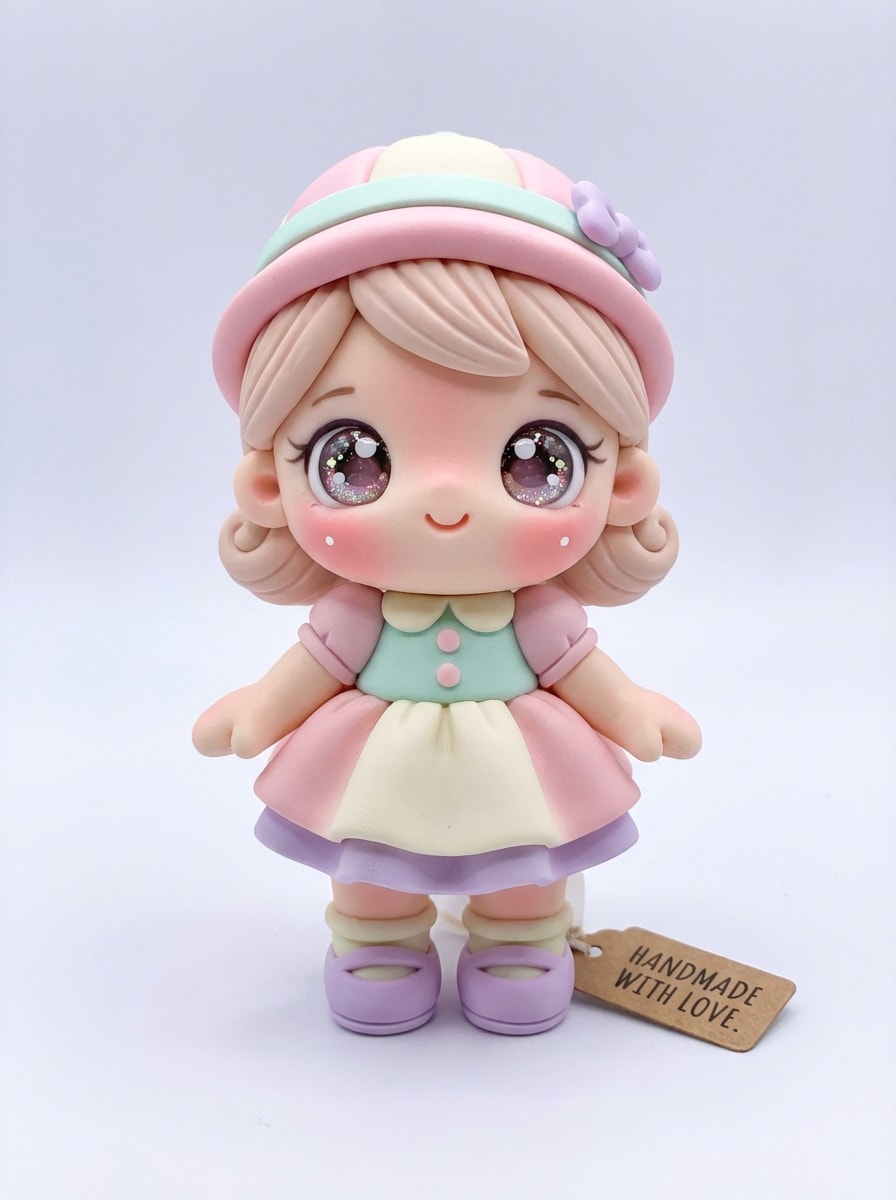
Kawaii Tonfigur
Erstellen Sie eine Kawaii-Tonfigur einer fröhlichen jungen Figur, die vorne steht, mit übergroßen funkelnden Augen, rosafarbenen Wangen, winzigen Händen und abgerundeten Proportionen. Verwenden Sie Pastellrosa, Minze, Creme und Lavendel polymer Ton, weiche studio Beleuchtung, subtile Fingerabdrücke, glatte geformte Kanten, sauberer heller Hintergrund, bezaubernde handgemachte Spielzeug Ästhetik, hoch detailliert.
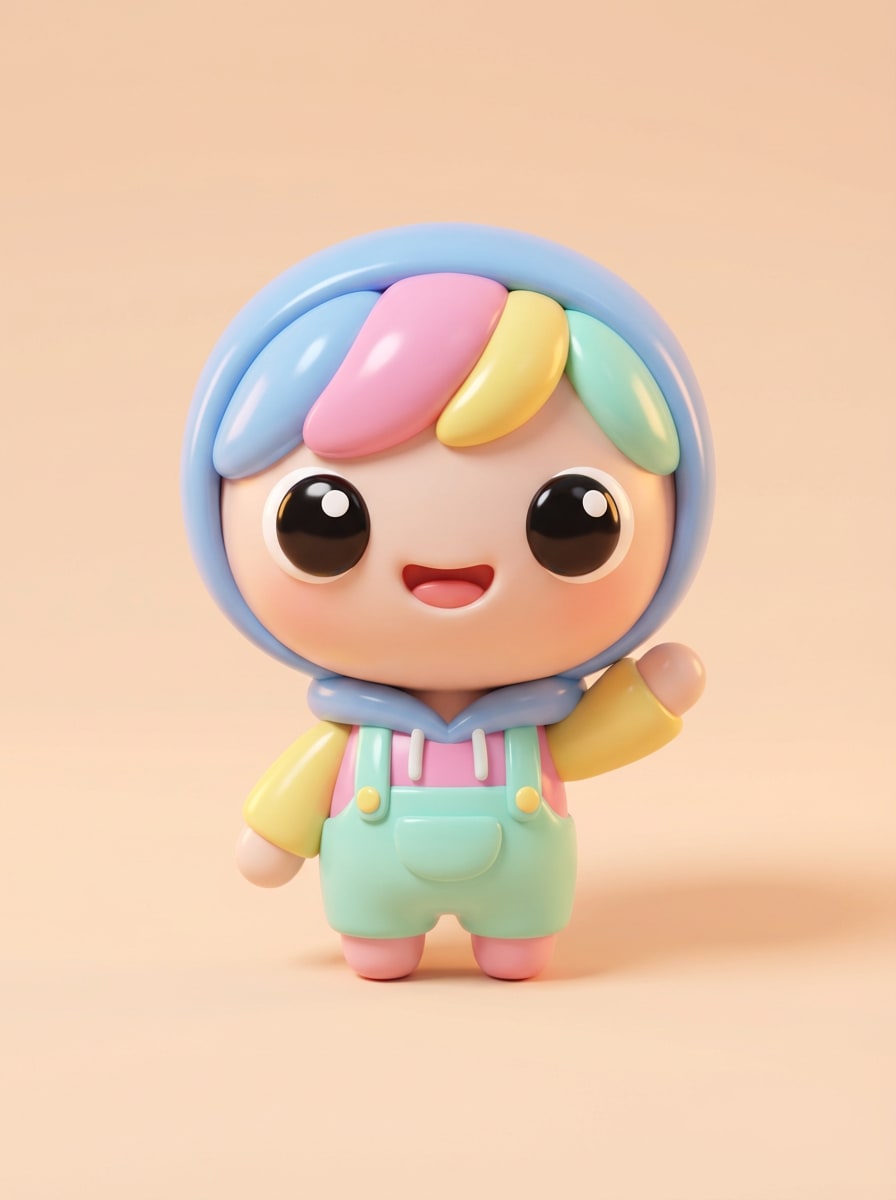
Chibi Clay Avatar
Generieren Sie ein Chibi-Stil Ton avatar Porträt einer lächelnden person mit einem großen Kopf, winzigen Körper, ausdrucksstarken Augen und verspielter pose. Verwenden Sie glatte, farbenfrohe Lehmtexturen, helle, aber weiche Beleuchtung, sanfte Schatten, poliertes handgefertigtes finish, minimalen Studio-Hintergrund, bonbonfarbene palette, spielzeug-ähnlichen Charme, klare details und eine soziale Profil-freundliche Komposition.
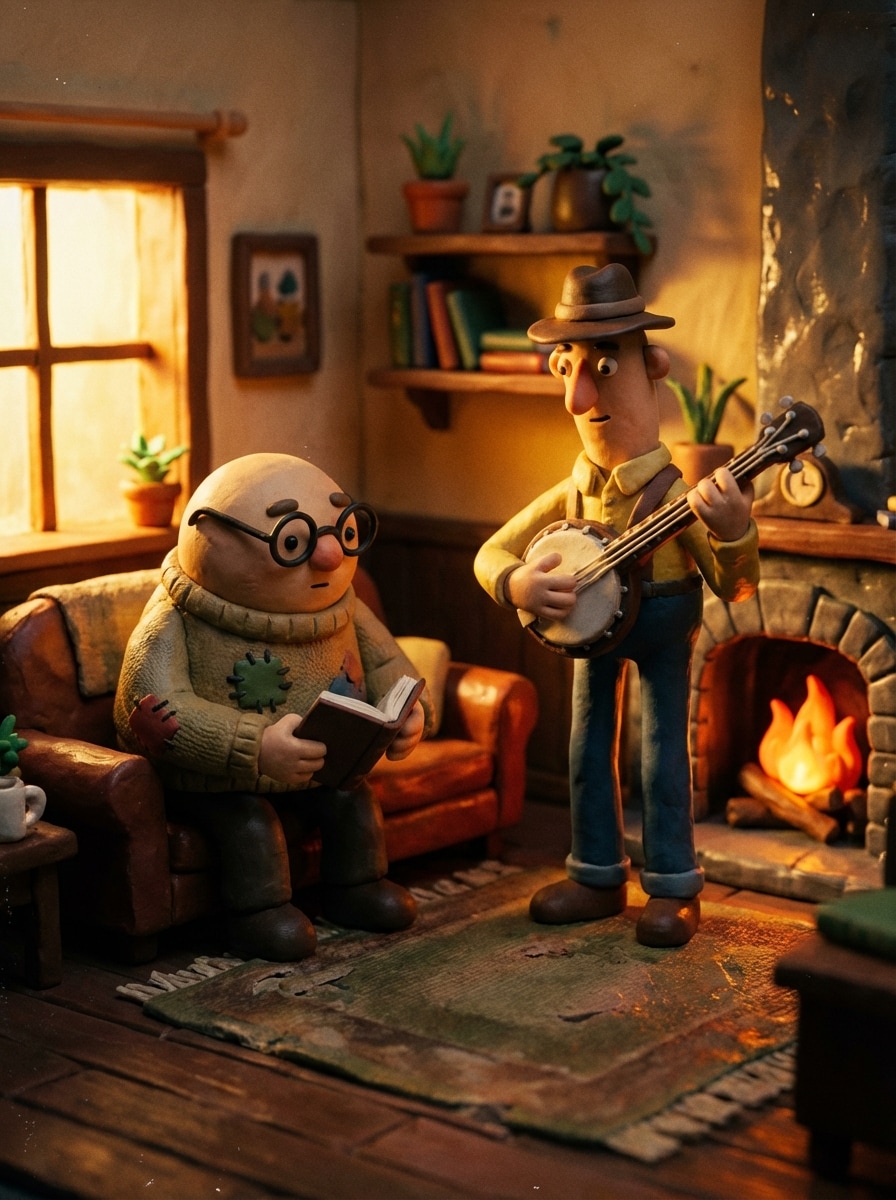
Klassische Claymation Szene
Schaffen Sie eine nostalgische Szene im Claymation-Stil mit zwei handgefertigten Tonfiguren in einem winzigen, handwerklichen Raum, umgeben von Miniatur-Requisiten und strukturierten Wänden. Zeigen Sie sichtbare Skulpturenspuren, matte und leicht glänzende Tonoberflächen, filmische warme Beleuchtung, reichhaltigen Farbkontrast, Stop-Motion-Filmstimmung, geringe Schärfentiefe und detailliertes handgefertigtes storytelling.
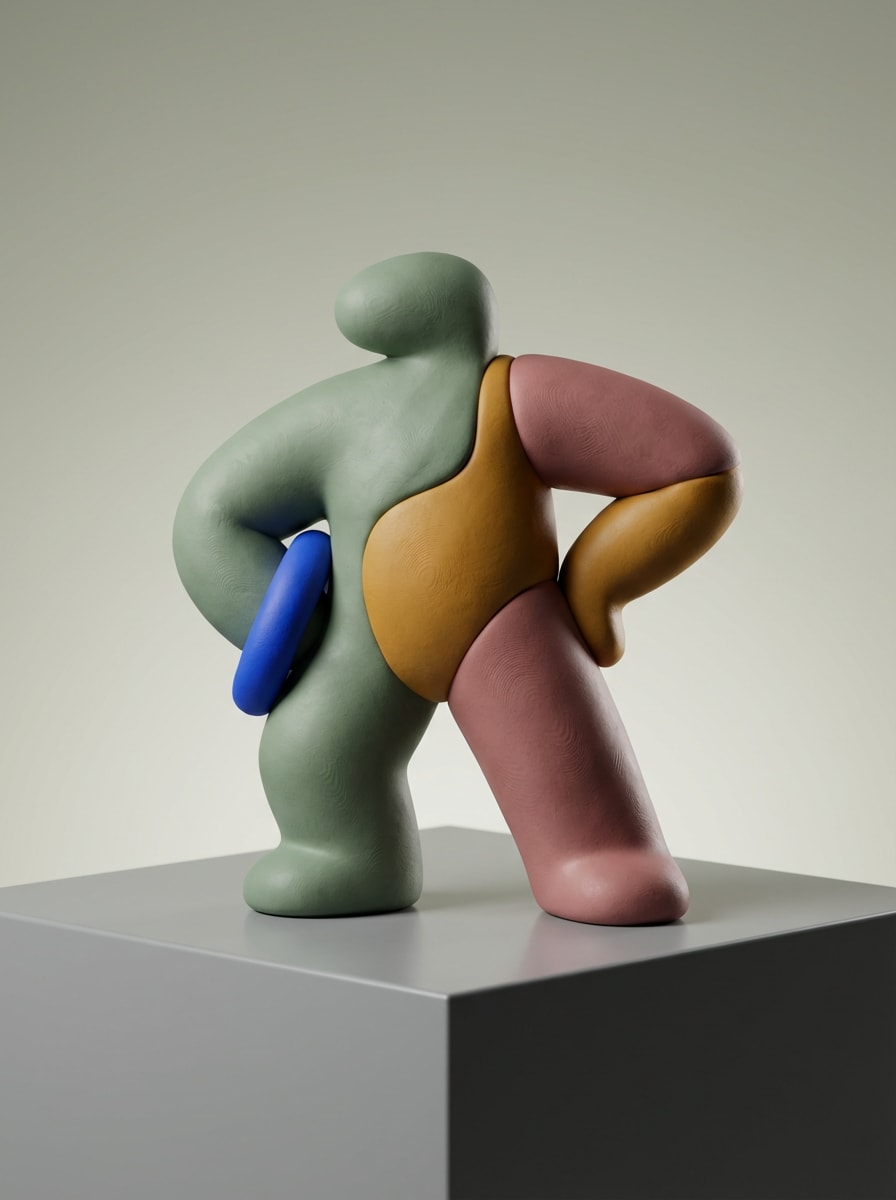
Designer Spielzeug Ton Figur
Entwerfen Sie eine moderne Sammlerfigur aus Ton, die auf einem sauberen Display-Sockel mit einer kühnen silhouette und erstklassigem Regalstil posiert ist. Verwenden Sie matte Polymertonstruktur, gedämpfte trendige Farben mit einem lebendigen Akzent, kontrollierte Studio-Beleuchtung, weiche Reflexionen, minimalen Hintergrund, glatte geformte Konturen und luxuriöse Kunstspielzeug-Präsentationsqualität.
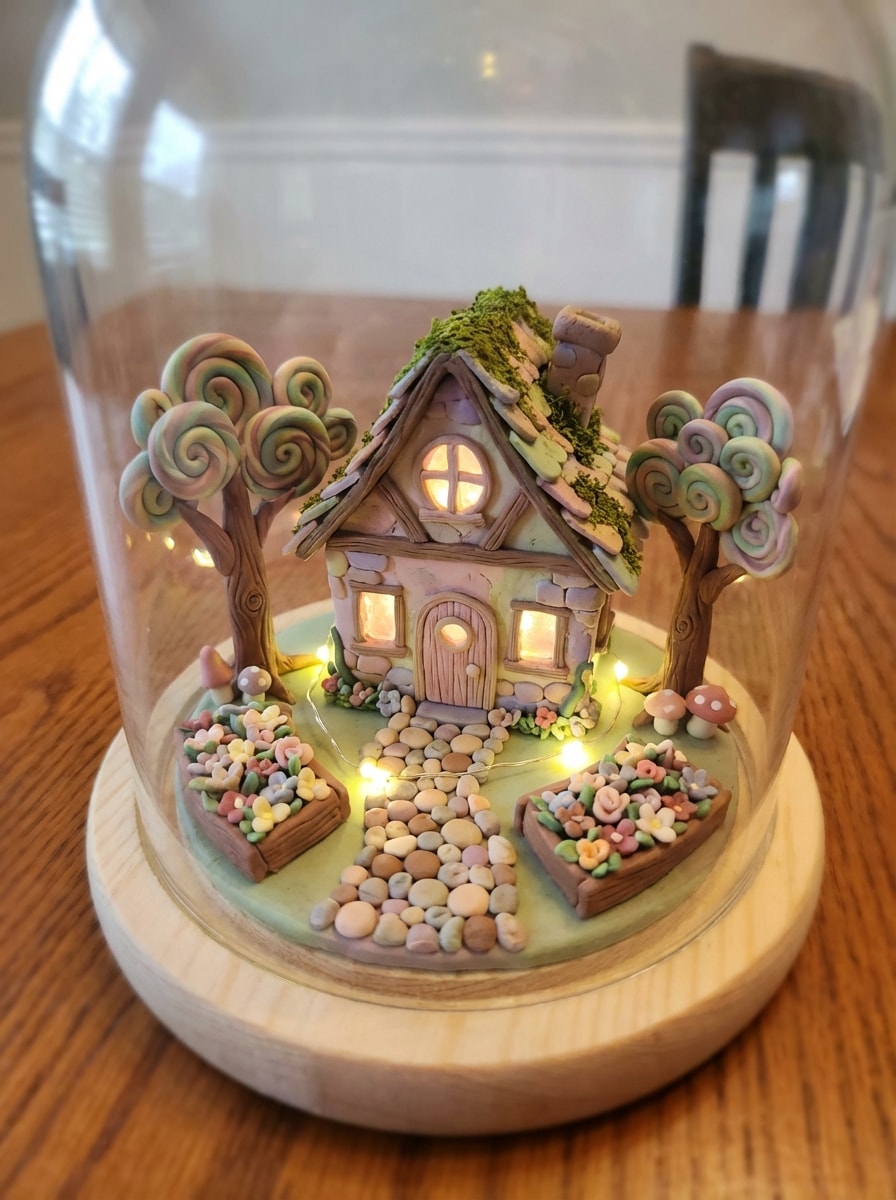
Whimsical Clay Cottage
Erstellen Sie ein skurriles Miniatur-Tondiorama mit einem winzigen Fantasy-Hütte, gewundenem Weg, geformten Bäumen, Blumenbeeten und leuchtenden Fenstern. Verwenden Sie lebendige Polymer-Ton-Texturen, handgefertigte Unvollkommenheiten, weiche magische Beleuchtung, Pastell-trifft-Erde-Palette, Tilt-Shift-Miniatur-Komposition, gemütliche Märchenbuch-Stimmung und komplizierte Details, die sich spielerisch und sammelbar anfühlen.
Warum Media.io für Clay AI Bilder verwenden?
Erstellen von Clay Art aus Text schnell
Verwandeln Sie eine einfache Idee in eine detaillierteKI-Generator aus TonBild in Minuten. Beschreiben Sie den gewünschten Charakter, die Szene, die Farben und die gewünschte Textur, und Media.io generiert Grafiken im polierten Lehmstil ohne Designerfahrung.
Mehrere Modelle für bessere Ergebnisse
Wählen Sie aus fortschrittlichen Text-zu-Bild-Modellen wie Nano Banana Pro, Nano Banana 2, Seedream 5.0 Lite, Soul Character, Seedream 4.0, Nano Banana und Imagen 4, um alles von niedlichen Figuren bis hin zu stilisierten Claymation-Szenen zu erstellen.
Hohe Auflösung mit flexiblen Verhältnissen
Erstellen Sie Bilder im Tonstil in 1K-, 2K-oder 4K-Qualität und wählen Sie dann das richtige layout für Ihren Anwendungsfall mit Seitenverhältnissen wie 1:1, 9:16, 16:9, 4:3 und 3:4 für Beiträge, Hintergrundbilder und druckfertige Konzepte.
Vielseitige Styles jenseits einfacher Lehmlooks
Verfeinern Sie IhreKI Ton Kunst generatorAusgabe mit unterschiedlichen visuellen Richtungen, von 3D-Rendering polish bis hin zu realistischer Beleuchtung und mehr. Media.io ist ideal für Avatare, Social-Posts, Concept-Art und Sammlercharakter-Ideen.
So verwenden Sie den Clay AI Generator
1
2
3
1
Schritt 1: Öffnen Sie Media.io Text to Image
gehe zuKI Text-zu-Bild-GeneratorUnd öffnen Sie das Text-to-Image-Tool unter AI-> AI Image Generator. Dieses Online-Tool läuft in Ihrem browser, sodass Sie mit der Erstellung von Bildern im Lehmstil auf dem desktop oder Mobilgerät beginnen können, ohne software zu installieren.
2
Schritt 2: Geben Sie eine Aufforderung ein
Geben Sie eine detaillierte Eingabeaufforderung ein, wie z. B. "Eine niedliche Tonfigur mit Pastellfarben, abgerundeten geformten Merkmalen, Polymertonstruktur, weiche Studiobeleuchtung, sauberer Hintergrund." Dann passen Sie das Modell, das Seitenverhältnis und die Auflösung für Ihren bevorzugten look an.
3
Schritt 3: Generieren, verfeinern & herunterladen
Klicken Sie auf Generieren. Überprüfen Sie das Ergebnis, passen Sie Ihre Eingabeaufforderung oder Einstellungen bei Bedarf an und erstellen Sie eine weitere Variante für eine stärkere claymation, Figur oder spielzeug-ähnliche finish. Wenn Sie zufrieden sind, laden Sie Ihr hochauflösendes Bild zum Teilen oder design herunter.
Freischalten Sie das Potenzial von Clay AI Generator
Entdecken Sie, wie Schöpfer und Profis unseren KI-gestützten Clay KI-Generator nutzen, um ihre kreativen Arbeitsabläufe zu transformieren und einzigartige Ideen zum Leben zu erwecken.
Erstellen von Scroll-Stop-Clay-Avataren für soziale Profile
Erstellen Sie charmante Profilbilder, die auf TikTok, Instagram und YouTube hervorstechen. Ein Bildgenerator im Lehmstil kann einfache Charakterideen in verspielte, handgefertigte Avatare mit weichen Texturen, abgerundeten Merkmalen und einer sehr teilbaren Persönlichkeit verwandeln.
Verwenden Sie das rendering im Lehmstil, um Markenmaskotten, Sammlerfiguren oder Cartoon-Charakterideen vor der Produktion zu präsentieren. Media.io hilft Schöpfern und Vermarktern, schnell polierte 3D-Lehmkonzepte für Präsentationen, Inhaltsplanung und kreative Leitung zu modellieren.
Gestalten Sie skurrile Claymation-Szenen für Inhalte
Erstellen Sie Storybook-Umgebungen, Miniatur-Dioramen und Stop-Motion-inspirierte Grafiken für Miniaturen, Beiträge oder Kampagnengrafiken. Dies ist ideal für Schöpfer, die das nostalgische Gefühl von handgefertigter Tonkunst wollen, ohne stundenlang mit der Skulptur von hand zu verbringen.
Was Nutzer über Media.io Clay Art Creation sagen
Mia R.
Inhaltsersteller
"Perfekt für nette soziale Grafiken"Ich wollte einen KI-Generator aus Ton für verspielte Profilkunst, und Media.io lieferte mir viel bessere Ergebnisse als erwartet. Die Texturen fühlten sich handgefertigt an und die Aufforderungen konnten leicht verfeinert werden, bis ich genau das spielzeugähnliche Aussehen bekam, das ich wollte.
Jordan T.
Markendesigner
"Hilfreich für Maskottenkonzepte"Wir haben es benutzt, um Maskottenideen im Lehmstil für eine Kampagne zu machieren. Die Ausgabe sah poliert genug für interne Präsentationen aus, und die Änderung des Seitenverhältnisses erleichterte die Vorbereitung von Konzepten für sowohl Social-als auch Pitch-Decks.
Elena P.
Illustration Hobbyist
"Einfache Möglichkeit, Kunst im Claymation-Stil zu machen"Ich liebe stop-motion und Miniatur-Dioramen, daher war dieses tool eine lustige Überraschung. Ich habe eine detaillierte Aufforderung für eine Tonhüttenszene eingetippt und ein warmes, strukturiertes Ergebnis bekommen, das die handgefertigte Claymation-Atmosphäre wirklich einfing.
Sam K.
E-commerce Verkäufer
"Schnelle Konzeptgeneration"Media.io hat mir geholfen, schnell Produktcharakterkonzepte im Lehmstil zu erstellen. Ich brauchte keine fortgeschrittenen Designfähigkeiten, und die Möglichkeit, hochauflösende Bilder im browser zu generieren, sparte mir viel Zeit während des brainstorming.
Entdecken Sie die beliebtesten KI-Video- und Bildeffekte
Ein Clay-KI-Generator ist ein Text-in-Bild-Tool, das visuelle Bilder mit einem handgefertigten Tonlook erstellt, wie Figuren, Tonporträts, Charaktere aus Polymerton oder Szenen im Claymation-Stil. Mit Media.io beschreiben Sie das Motiv, die Farben, die Textur und die Stimmung in Worten, und die KI generiert das artwork im Lehmstil für Sie.
2. Kann ich einen clay AI-Generator kostenlos verwenden?
Ja. Kostenlose Nutzer können Media.io mit kostenlosen Gutschriften ausprobieren. Wenn Sie mehr Generationen benötigen oder hochauflösende downloads ohne Wasserzeichen wünschen, können Sie diePreisseiteFür bezahlte Pläne. Kostenlose Nutzer können kostenlose credits nutzen. Für mehr Nutzung können Benutzer einen plan auf der Preisseite abonnieren.
3. Wie schreibe ich eine gute Eingabeaufforderung für Bilder im Tonstil?
Sei spezifisch über das Motiv, die Zusammensetzung, die Beleuchtung, die Farben und die Lehmstruktur. Erwähnen Sie zum Beispiel details wie Polymer-Ton-Finish, abgerundete Skulpturen, sichtbare Fingerabdrücke, Pastellpalette, Studio-Beleuchtung oder eine Claymation-Stimmung. Media.io ist für englische Eingabeaufforderungen optimiert, sodass klare beschreibende Formulierungen in der Regel bessere clay Art-Ergebnisse liefern. Dies hilft Ihnen, clay ai generator Ergebnisse konsistenter zu erstellen.
4. Kann ich text mit KI in clay art verwandeln oder nur Fotos?
Mit Media.io kannst du text direkt in clay art umwandeln. Diese Seite konzentriert sich auf die Text-to-Image-Erstellung, sodass Sie aus einer schriftlichen Idee artwork im Lehmstil generieren können, ohne zuerst ein Foto hochladen zu müssen. Dies hilft Ihnen, clay ai generator Ergebnisse konsistenter zu erstellen.
5. Wie lange dauert es, um ein Tonbild zu erzeugen?
Die Bilderzeugung im Clay-Stil dauert normalerweise nur kurze Zeit in Ihrem browser, obwohl die genaue Geschwindigkeit je nach Modell und Einstellungen variieren kann, die Sie wählen. Media.io wurde für die schnelle KI-Bilderzeugung entwickelt, was es praktisch für schnelle Konzeption und mehrere prompte Variationen macht. Verfügt über **Nano Banana Pro** (KI-Modell der nächsten generation) und **Nano Banana 2** (schnellere generation, verbesserte kreative Funktionen). Außerdem unterstützt Seedream 5.0 Lite, Soul Character (hyperrealistisch), Nano Banana, Seedream 4.0 und Imagen 4. Dies hilft Ihnen, clay ai generator Ergebnisse konsistenter zu erstellen.
6. Werden meine clay AI-Bilder hochauflösend sein?
Ja. Media.io unterstützt die 1K-, 2K-und 4K-Bilderzeugung, sodass Sie hochauflösende KI-Bilder für soziale Inhalte, kreative Projekte und Präsentationen erstellen können. Kostenlose Benutzer können Wasserzeichen haben. Dies hilft Ihnen, clay ai generator Ergebnisse konsistenter zu erstellen.
Über den KI-gestützten Online-Ton-KI-Generator hinaus