Deine Werke werden nur 7 Tage lang gespeichert. Assets, die nach dem Upgrade auf einen Mitgliedschaftstarif erstellt werden, werden dauerhaft gespeichert.
Entfalten Sie Ihr kreatives Potenzial und erleben Sie jetzt die Magie der Media-KI!
KI Abstract Creator für schnelle Text-zu-Bild-Kunst und Hintergründe
Verwandeln Sie Ideen in Sekunden in auffällige abstrakte Kunst mit der KI von Media.ioAbstrakter Schöpfer. Generieren Sie minimalistische Drucke, Neon-Hintergrundbilder, geometrische Poster, flüssige Texturen und moderne Hintergründe aus einfachen Textaufforderungen in mehreren Stilen, Verhältnissen und hochauflösenden Formaten.
Geben Sie Ihre Idee ein-> KI entwirft sie. Kostenlos zu versuchen.
Entdecken Sie unsere kuratierte Sammlung vonAbstrakter SchöpferStile.
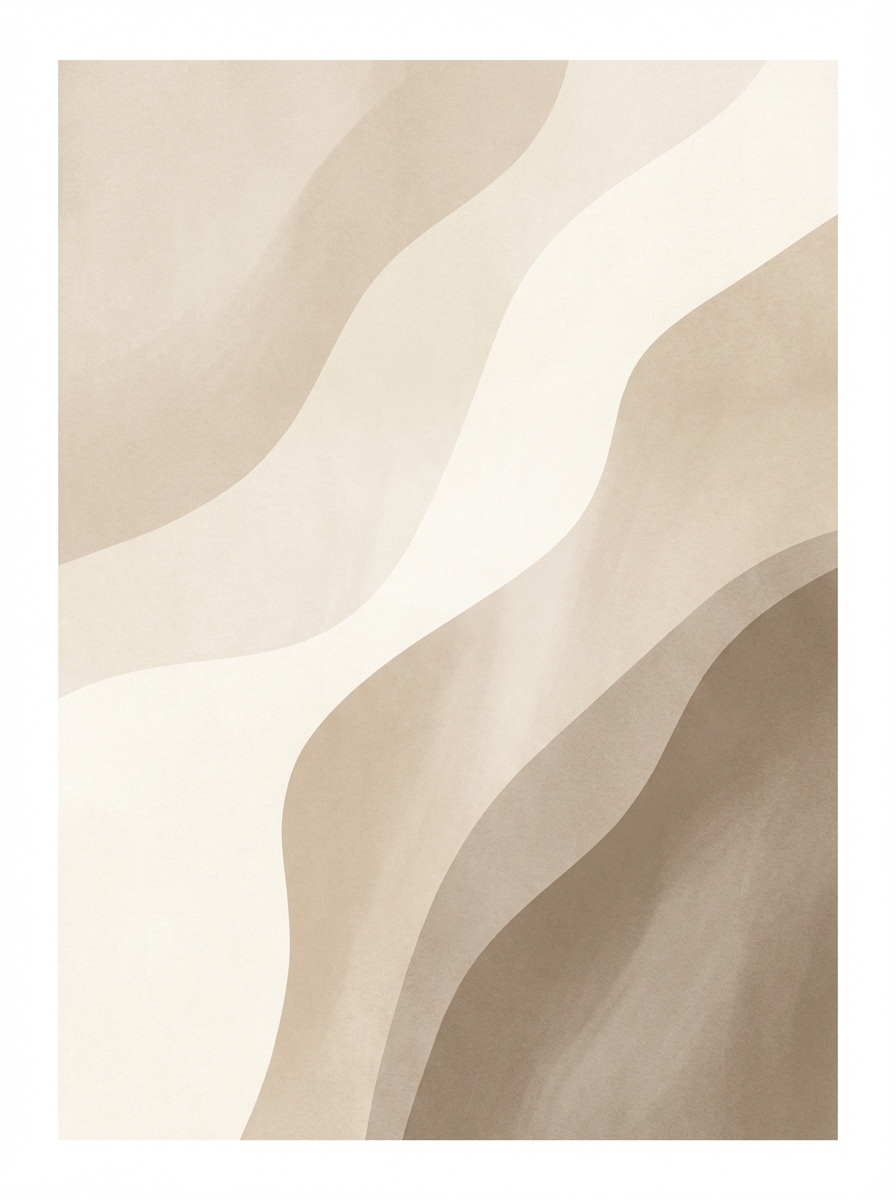
Neutrale organische Formen
Erstellen Sie ein minimalistisches abstraktes Kunstwerk mit weichen beige-, Creme-, Sand-und warmen Taupe-Tönen, mit geschichteten organischen Formen und fließenden Kurven. Verwenden Sie eine ausgewogene vertikale Komposition, eine subtile Papierstruktur, sanfte diffuse Beleuchtung, eine ruhige Luxus-Stimmung, eine skandinavische Innenästhetik und eine klare hochauflösende Galeriedruckqualität.
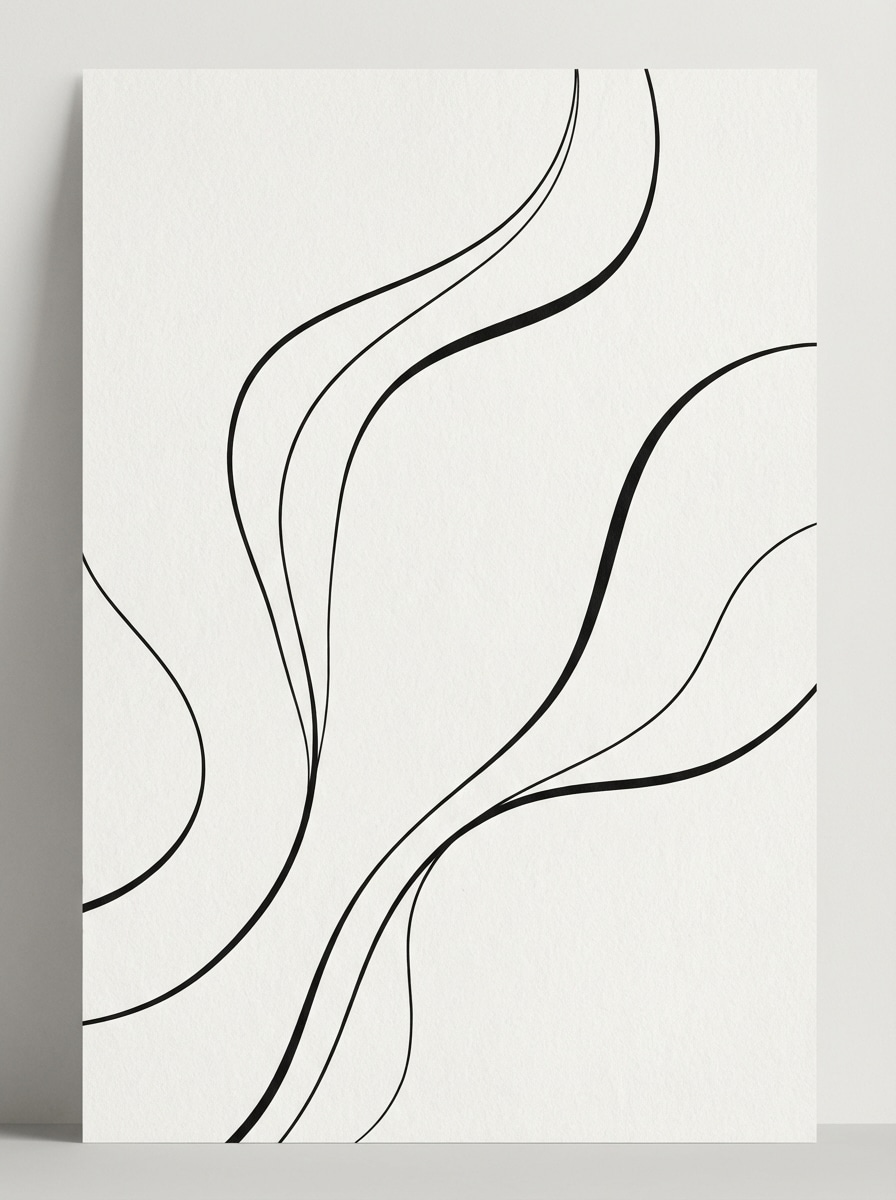
Linienkunst abstrakt
Generieren Sie ein modernes schwarz-weiß abstraktes Linienkunstwerk mit eleganten durchgehenden Kurven, sauberem negativen Raum und raffinierter Posterkomposition. Fügen Sie subtile weiße Papiermaserung, weiche Studio-Beleuchtung, minimale Galerie-Stimmung, scharfen Kontrast und erstklassige redaktionelle Druckqualität hinzu, die für Wandkunst oder Cover-Design geeignet ist.
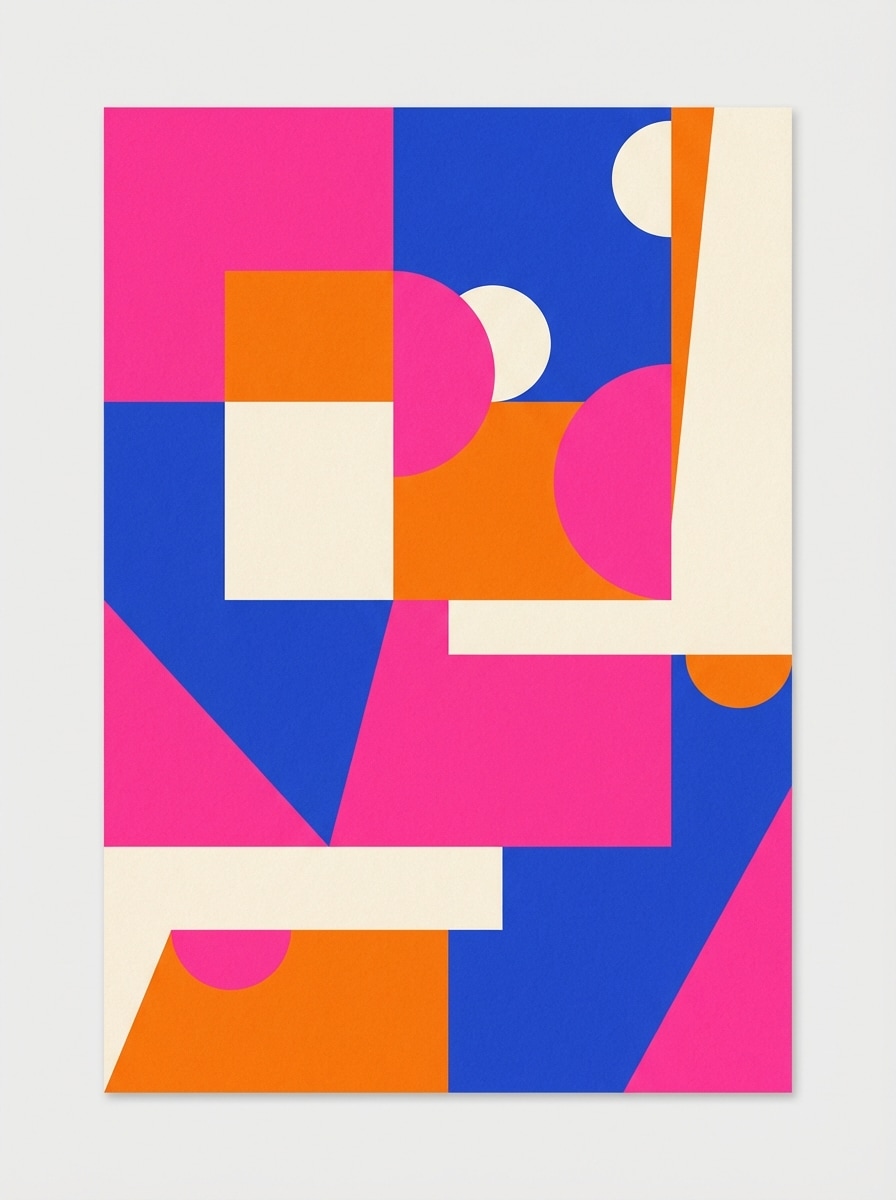
Farbblock Poster
Erstellen Sie ein lebendiges abstraktes poster mit kräftigen Farbblöcken in heißem Rosa, Kobaltblau, orange und Creme. Verwenden Sie klare geometrische Kanten, asymmetrische Komposition, matte Papiertextur, helle, gleichmäßige Beleuchtung, verspielte moderne Stimmung, starken Kontrast und polierte hochauflösende Grafikqualität für soziale Beiträge oder Drucke.
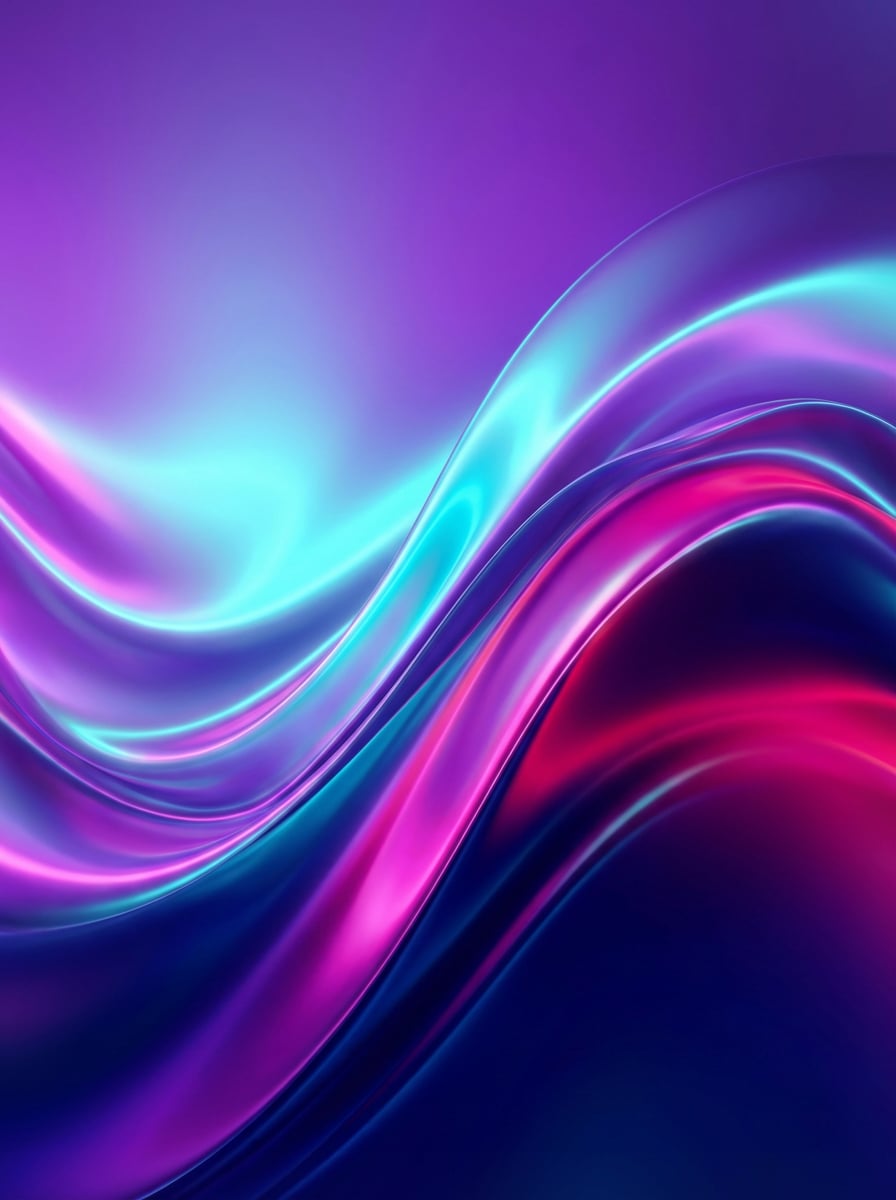
Neon-Gradientenwellen
Erzeugen Sie leuchtende abstrakte digitale Kunst mit glatten Wellenformen und leuchtenden Verläufen in Lila, cyan, magenta und Tiefblau. Verwenden Sie eine breite Komposition, ein glänzendes Oberflächengefühl, futuristische Umgebungsbeleuchtung, immersive Bewegung, energiereiche Stimmung, weiche Tiefe und ein rendering in ultrasauberer Tapetenqualität.
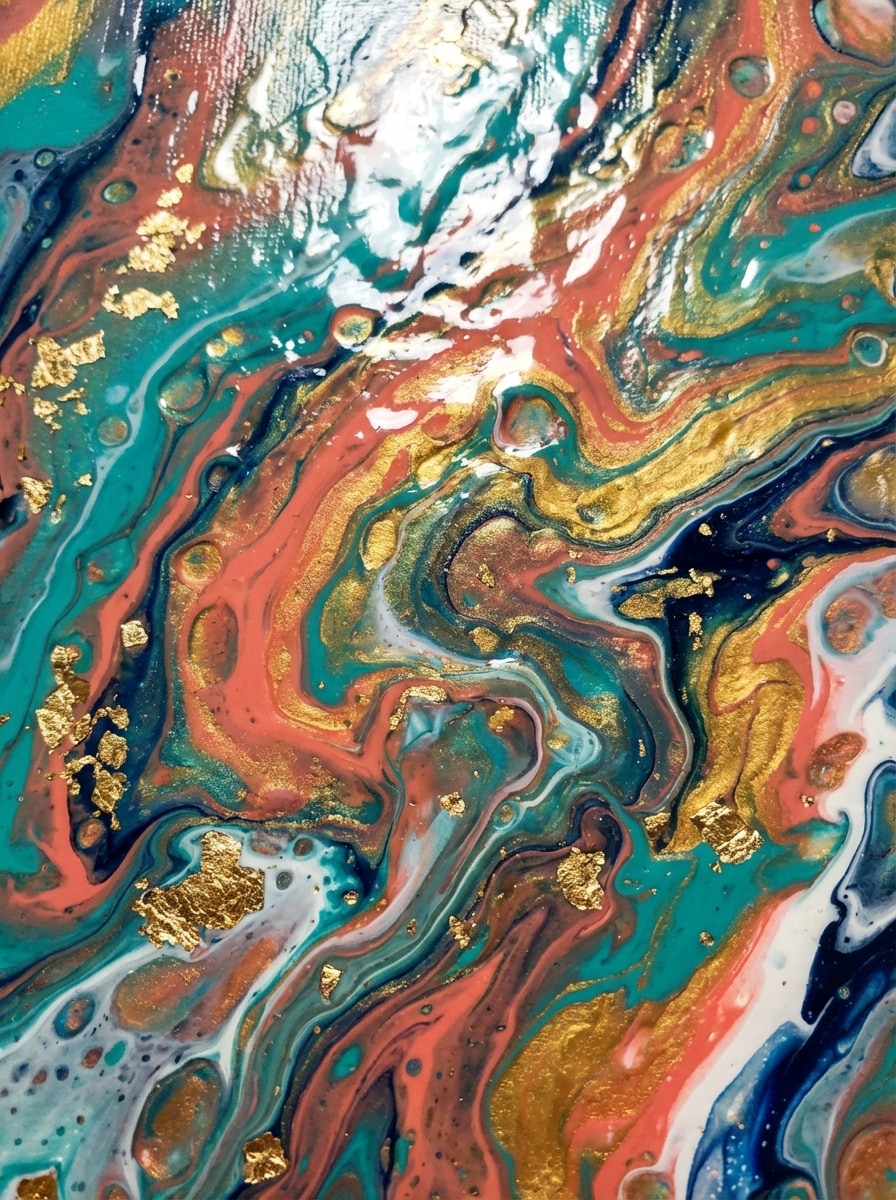
Flüssigkeitsgießfarbe
Erstellen Sie ein abstraktes, flüssiges Acryl-Gießgemälde mit wirbelnden marmorisierten Pigmenten in teal, Koralle, gold, Marineblau und Weiß. Betonen Sie glänzende Nassfarbe-Textur, dynamische Bewegung, Nahaufnahmekomposition, dramatische highlights, reiche Sättigung, zeitgenössische Studio-Art-Stimmung und hochdetaillierten Premium-Leinwand-Realismus.
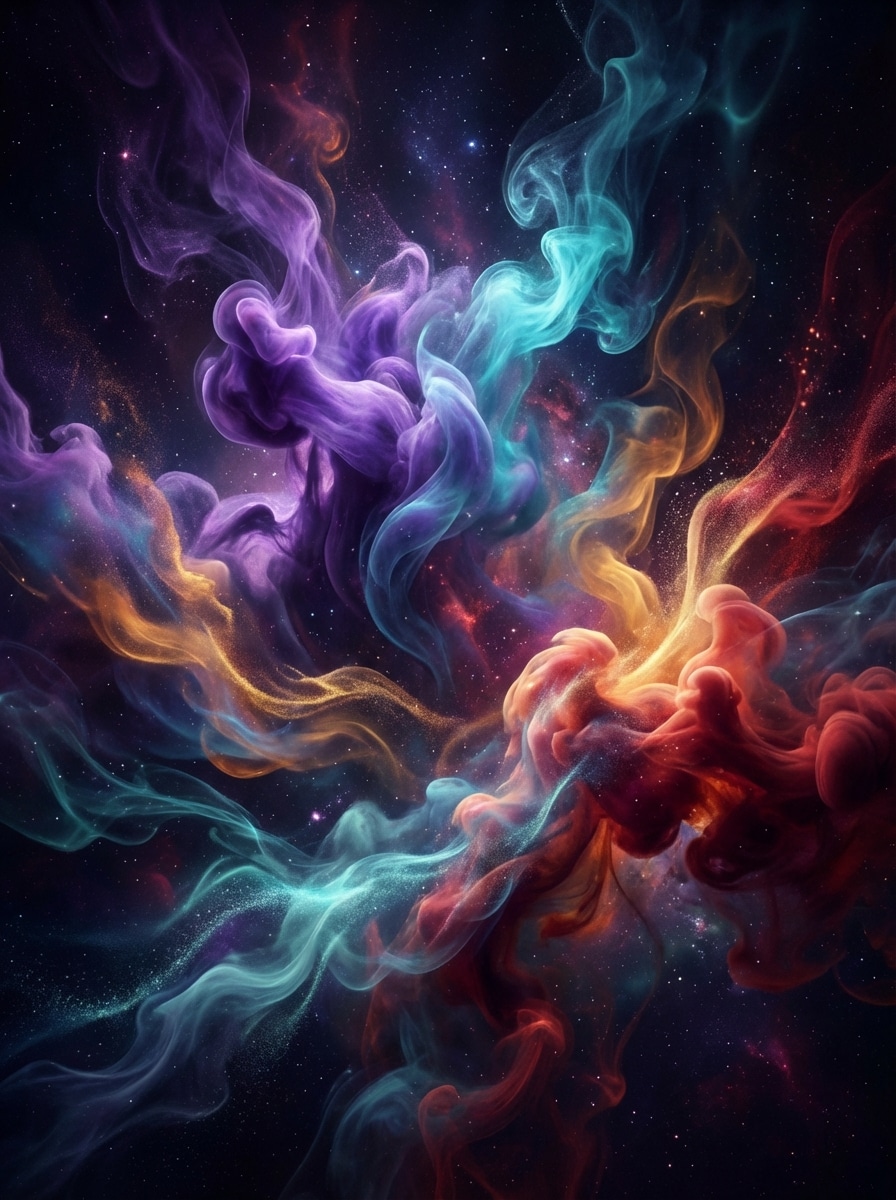
Rauch-und Tintenbewegung
Erstellen Sie ein abstraktes Bild von farbenfrohen Rauch-und Tintenfedern, die durch den dunklen Raum wirbeln, mit violetten, cyan-, bernstein-und karminroten Akzenten. Verwenden Sie filmische Beleuchtung, geschichtete Tiefe, sanften Dunst, elegante Bewegungsspuren, geheimnisvolle Stimmung, hohen Kontrast und extrem detaillierte atmosphärische digitale Kunstqualität.
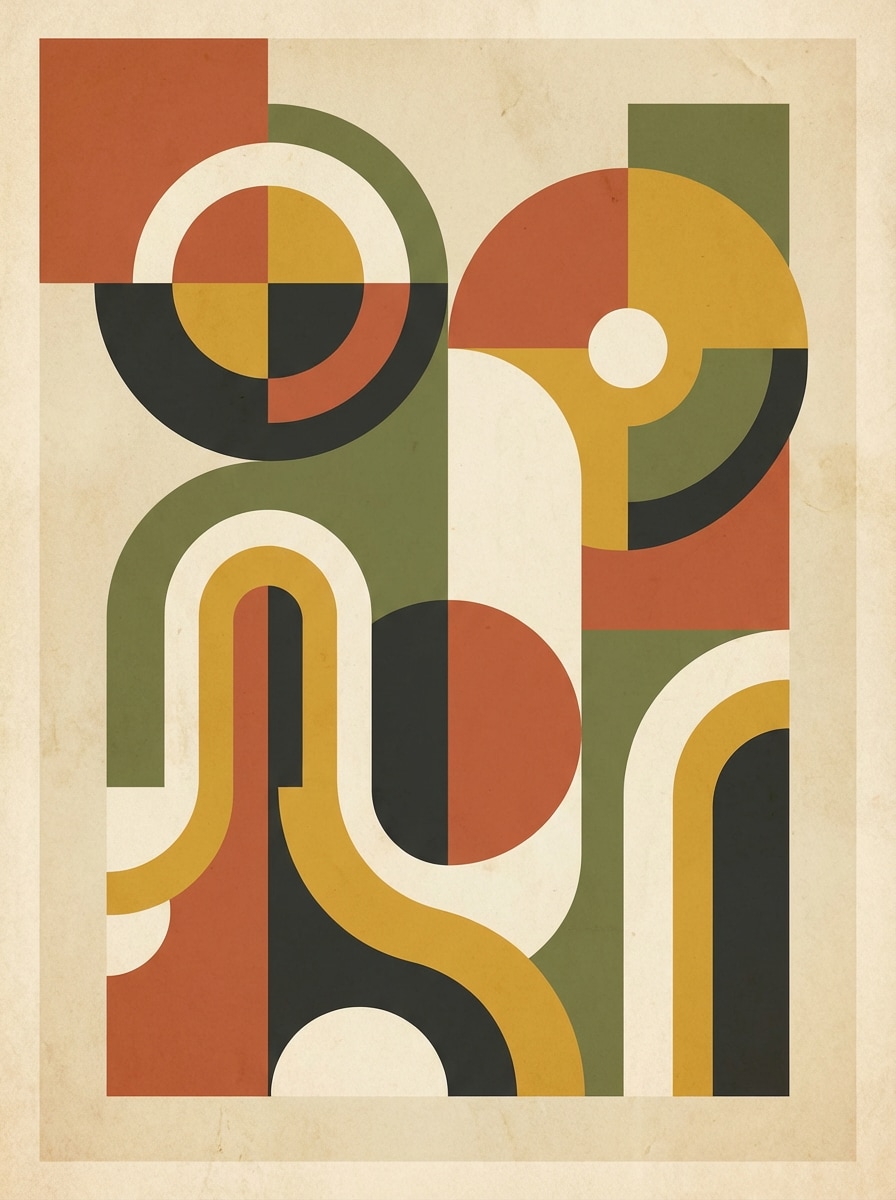
Mitte des Jahrhunderts geometrisch
Erstellen Sie ein modernes abstraktes Kunstwerk aus der Mitte des Jahrhunderts mit Kreisen, Bögen, Blöcken und gekrümmten Formen in Terrakotta, Oliven, Senf, Sahne und Holzkohle. Verwenden Sie ein ausgewogenes Retro-Poster-Layout, subtile Papiertextur, weiche natürliche Beleuchtung, warme nostalgische Stimmung und klare druckbare Dekorqualität.
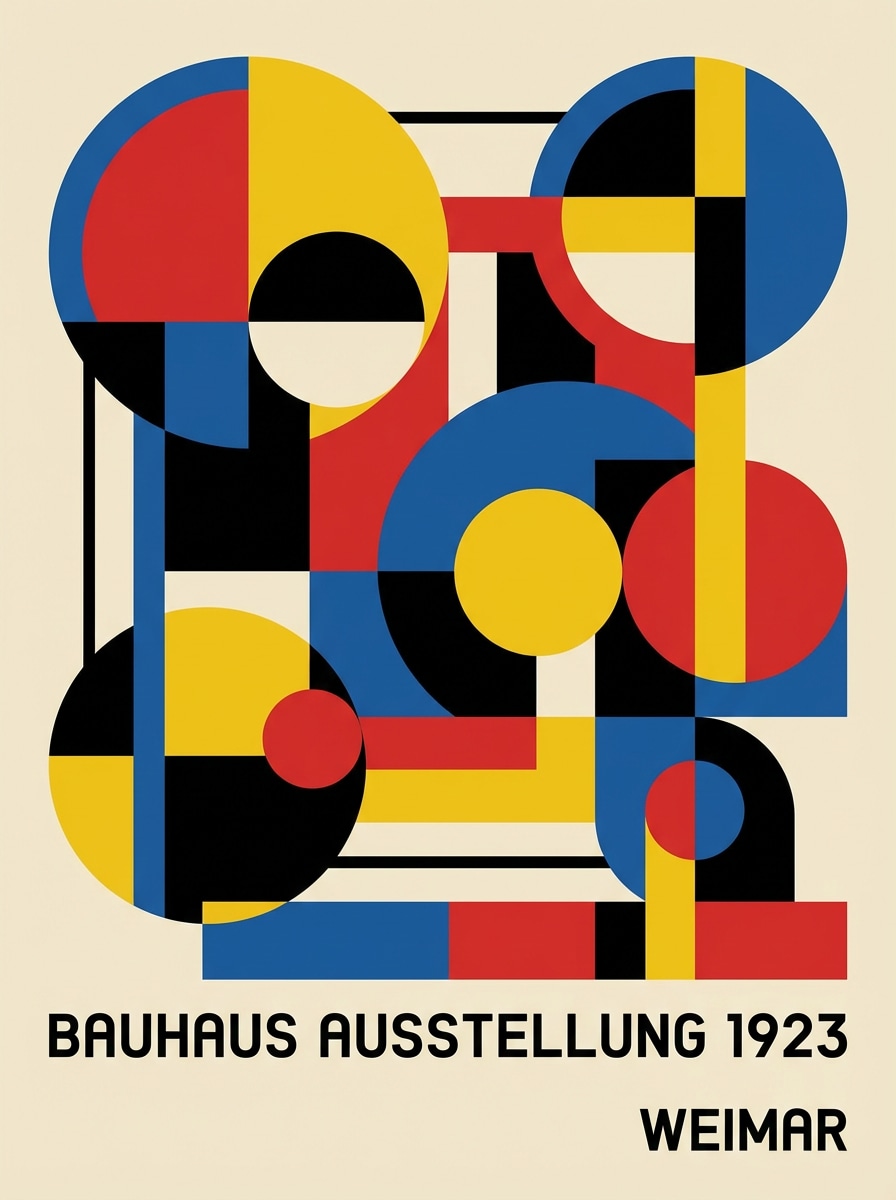
Bauhaus inspiriert abstrakt
Erstellen Sie eine Bauhaus-inspirierte abstrakte Komposition mit Kreisen, Rechtecken, Linien und Primärfarben, die von Schwarz und Creme betont werden. Halten Sie die Geometrie präzise, die Abstände sauber, die Posterkomposition modernistisch, die Beleuchtung flach und grafisch, die Stimmung intellektuell und kühn, mit hochauflösender Kunstdruckklarheit.
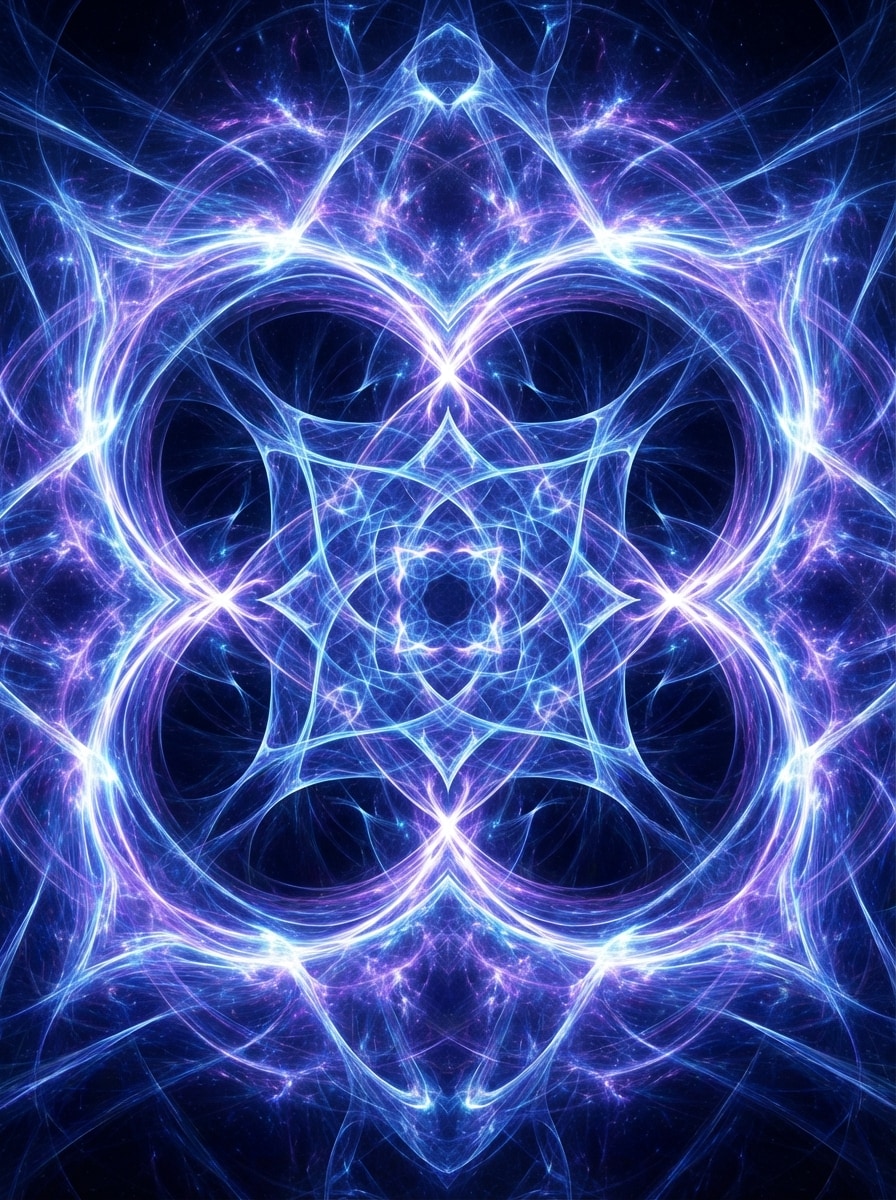
Fraktalenergie
Erstellen Sie ein hochdetailliertes abstraktes Fraktalenergiebild mit komplizierten Lichtmustern, die in elektrischem Blau, Violett und Weiß ausstrahlen. Verwenden Sie tiefe Schichtensymmetrie, leuchtende highlights, kosmische Tiefe, faszinierende Bewegung, polierte digitale Textur, dramatischen Kontrast und ultradetaillierte KI-Grafiken, die für Hintergrundbilder oder Albumgrafik geeignet sind.
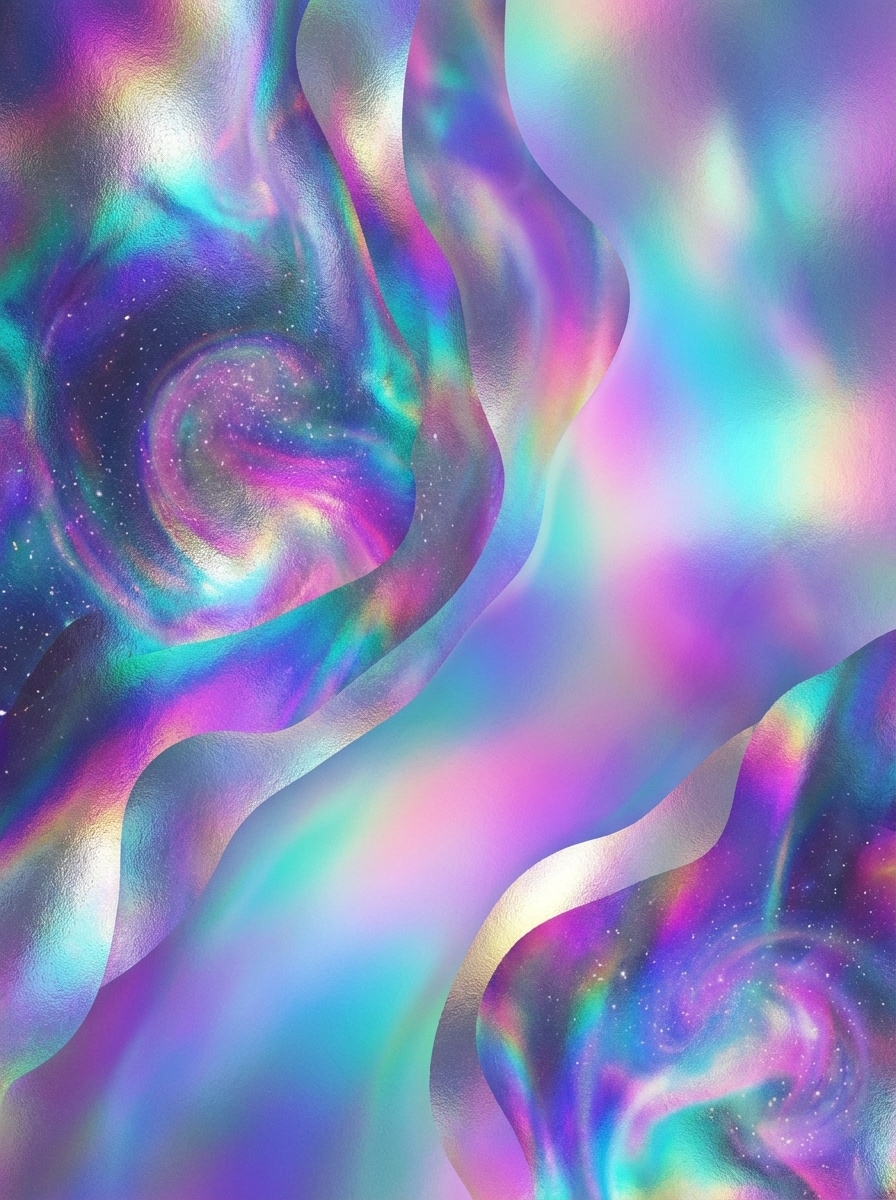
Kosmische irisierende Textur
Erstellen Sie ein abstraktes kosmisches Kunstwerk mit irisierenden holographischen Texturen in indigo, teal, magenta und violet. Verwenden Sie eine verträumte Schichtkomposition, schimmernde metallische Reflexionen, weiche nebelartige Verläufe, hochwertiges glänzendes finish, ätherische Stimmung und hochdetaillierte digitale rendering für Poster, Hintergründe oder Cover.
Warum Media.io für die Erstellung abstrakter KI-Kunst verwenden?
Text schnell in abstrakte Kunst verwandeln
Beschreiben Sie Farben, Formen, Stimmung oder Komposition, und Media.io kann Ihre Worte in Sekunden in abstrakte Poster, Hintergrundbilder und Hintergründe verwandeln. Es ist eine einfache Möglichkeit, visuelle Ideen ohne Designerfahrung zu erkunden.
Mehrere Modelle für kreative Stile
Wählen Sie aus leistungsstarken Text-zu-Bild-Modellen wie Nano Banana Pro, Nano Banana 2, Seedream 5.0 Lite, Soul Character, Nano Banana, Seedream 4.0 und Imagen 4, um unterschiedliche abstrakte Optik und Ästhetik zu erzeugen.
Hohe Auflösung und Flexible Verhältnisse
Erstellen Sie abstrakte Bilder in 1K, 2K oder 4K Auflösung und wählen Sie aus Verhältnissen wie 1:1, 9:16, 16:9, 4:3, 3:4, 3:2 und 2:3. Das macht es einfach, für Drucke, Poster, soziale Medien und wallpapers zu entwerfen.
Funktioniert auf jedem Gerät in Ihrem Browser
Media.io ist webbasiert, sodass Sie abstrakte Kunst auf Windows, Mac, iPhone, iPad oder Android erstellen können, ohne software zu installieren. Öffnen Sie einfach das tool in Ihrem browser und beginnen Sie mit dem Erstellen.
So verwenden Sie den Media.io Abstract Creator
1
2
3
1
Schritt 1: Öffnen Sie Media.io Abstract Creator
gehe zuKI Text-zu-Bild-GeneratorUnd öffnen Sie den Abstract Creator unter AI-> Text zu Bild. Dieses Online-Tool läuft in Ihrem browser, sodass Sie abstrakte Kunst auf Ihrem desktop oder Mobiltelefon erstellen können, ohne software herunterzuladen.
2
Schritt 2: Geben Sie eine Aufforderung ein
Geben Sie eine detaillierte Aufforderung wie "Minimalistische abstrakte Wandkunst mit beigen organischen Formen, weiche Papiertextur, ruhige Luxus-Stimmung" ein. Dann wählen Sie Ihr bevorzugtes Modell, Stil, Seitenverhältnis und Auflösung, um zu Ihrer Tapete, poster oder Hintergrund Idee zu passen.
3
Schritt 3: Generieren, verfeinern & herunterladen
Klicken Sie auf Generieren, um Ihr abstraktes Bild zu erstellen. Verfeinern Sie bei Bedarf die Eingabeaufforderung, die Farben oder die Komposition und versuchen Sie es erneut. Wenn Sie mit dem Ergebnis zufrieden sind, laden Sie das hochauflösende Bild für den digitalen Gebrauch oder den Druck herunter.
Was Benutzer über diesen AI Abstract Creator sagen
Maya R.
Inneneinrichtung Verkäufer
"Großartig für druckbare Wandkunst"Ich verwende diesen abstrakten Schöpfer, um neue Wandkunst-Ideen zu testen, bevor ich sie aufliste. Die minimalistischen und Mid-Century-Aufforderungen funktionieren besonders gut, und die unterschiedlichen Seitenverhältnisse erleichtern die Erstellung von Stücken für Rahmen, Poster und digitale mockups.
Jordan T.
Social Media Designer
"Schnelle abstrakte Hintergründe für Kampagnen"Ich brauchte kühne abstrakte Hintergründe für kurze Videocover und Promo-Beiträge. Media.io half mir, schnell farbenfrohe Optionen zu generieren, und die Neon-und geometrischen Stile gaben mir eine Menge kreativer Auswahl, ohne Stunden in Designsoftware zu verbringen.
Elena P.
Indie-Musik-Schöpfer
"Perfekt für die Erforschung der Albumkunst"Die fraktal-und kosmischen Aufforderungen gaben mir auffällige Konzepte für Coverart. Mir gefällt, dass ich mehrere Stimmungen und Farbpaletten aus einfachem text ausprobieren kann. Es macht visuelles brainstorming viel einfacher, wenn ich nur eine grobe kreative Richtung habe.
Chris L.
Inhaltsvermarkter
"Einfach auch ohne Design-Fähigkeiten"Ich bin kein ausgebildeter designer, aber ich habe es trotzdem geschafft, moderne abstrakte Bilder für Präsentationshintergründe und Landingpage-Grafiken zu erstellen. Das tool fühlt sich unkompliziert an und die hochauflösende Ausgabe ist nützlich, wenn ich schnell polierte Bilder benötige.
Entdecken Sie die beliebtesten KI-Video- und Bildeffekte
Auf dieser Seite bedeutet ein abstrakter Ersteller ein KI-Bildwerkzeug, das Textaufforderungen in abstrakte Kunst, Hintergründe, Poster oder Hintergrundbilder verwandelt. Media.io ist für die visuelle Erstellung entwickelt und hilft Ihnen, abstrakte Bilder zu generieren, anstatt akademische oder Essay-Abstrakte zu schreiben.
2. Kann KI abstrakte Kunst aus text generieren?
Ja. Media.io kann abstrakte Kunst aus Text-Eingaben mit seinen Text-zu-Bild-Modellen generieren, darunter Nano Banana Pro, Nano Banana 2, Seedream 5.0 Lite, Soul Character, Nano Banana, Seedream 4.0 und Imagen 4. Für beste Ergebnisse verwenden Sie klare englische Eingabeaufforderungen, die Farbe, Formen, Stimmung und Stil erwähnen.
3. Wie erstelle ich abstrakte Kunst mit KI auf Media.io?
Öffnen Sie das Text-zu-Bild-Tool von Media.io, geben Sie eine Eingabeaufforderung ein, die den gewünschten abstrakten Stil beschreibt, wählen Sie Einstellungen wie Seitenverhältnis und Auflösung aus und klicken Sie auf Generieren. Sie können Ausgaben in 1K, 2K oder 4K erstellen und Verhältnisse wie 1:1, 9:16, 16:9, 4:3, 3:4, 3:2 und 2:3 verwenden.
4. Welche Worte sollte ich verwenden, um bessere abstrakte Kunst zu erzeugen?
Verwenden Sie prompte Wörter, die visuelle Elemente wie Farbpalette, Formen, Textur, Beleuchtung, Komposition und Stimmung klar beschreiben. Zum Beispiel können Begriffe wie "minimalistische beige organische Formen", "kräftiges geometrisches poster" oder "leuchtender Neonwellenhintergrund" Media.io dabei helfen, gezieltere abstrakte Bildergebnisse zu erstellen. Media.io ist für englische Aufforderungen optimiert, um bessere Ergebnisse zu erzielen.
5. Ist der abstract creator von Media.io kostenlos zu verwenden?
Kostenlose Benutzer erhalten 3 credits pro Tag, um abstract creator auszuprobieren. Kostenlose downloads können Wasserzeichen enthalten, während bezahlte Abonnenten hochauflösende Bilder ohne Wasserzeichen herunterladen können. Wenn Sie mehr credits oder sauberere Exportmöglichkeiten benötigen, können Sie Pläne hier vergleichen: https: / /www.media.io/pricing.html
6. Kann ich diesen abstrakten Bildgenerator auf Telefon oder tablet verwenden?
Ja. Media.io ist ein webbasiertes tool, das auf jedem Gerät mit einem browser funktioniert, einschließlich Windows, Mac, iOS und Android. Sie können abstrakte Kunst auf dem desktop, tablet oder Telefon erstellen, ohne zusätzliche software zu installieren.
Über den KI-gestützten Online-Abstract-Creator hinaus