
AI Travel Story Video Generator for Story-Driven Videos with Scene Control
Shape a route, travel diary, destination script, or vlog narration into a watchable journey with Media.io. This AI Travel Story Video Generator helps creators build an editable outline, guide traveler or host characters, preview storyboard images, and generate voiceover-backed travel videos for YouTube, TikTok, lessons, and tourism campaigns.
Build Travel Videos That Feel Like a Real Journey
Move from scattered trip notes to a structured, destination-led story your audience can follow.
Turn Trip Notes into a Route Viewers Can Follow
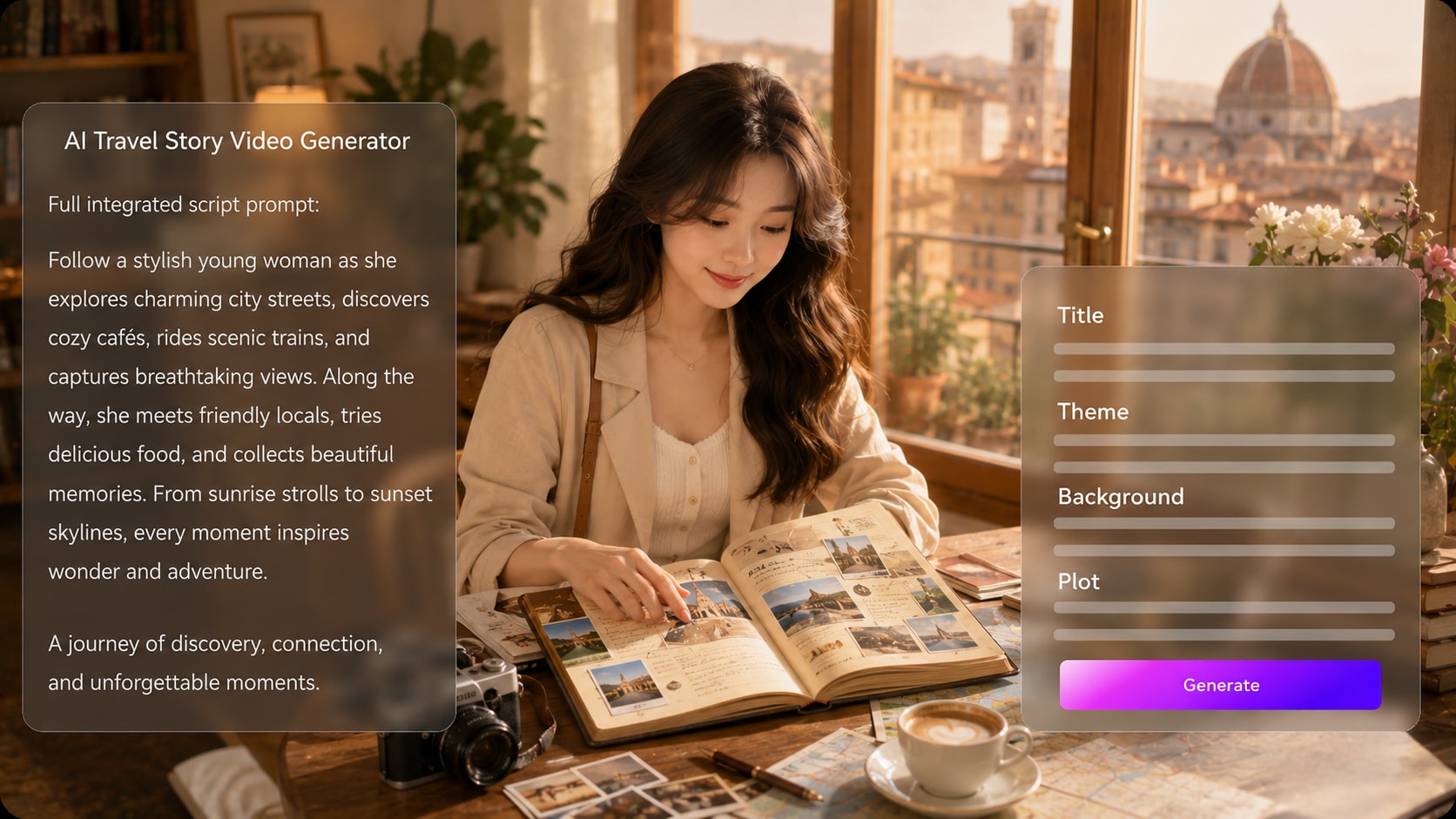
Start with a detailed itinerary, travel diary, or narration draft, then let Media.io extract a structured outline with title, theme, setting / background, plot, and characters. It also fits AI story video maker workflows when the audience expects topic-specific scenes.
- Outline First - Review the travel title, theme, route setting, plot, and characters before generation
- Trip Logic - Organize arrivals, local discoveries, conflicts, and final reflections into a watchable flow
- Better Inputs - Use destination notes, route details, cultural context, and narration beats for stronger scenes
- Creator Control - Edit the extracted outline before moving into visual setup
Create Destination Scenes with a Clear Travel Mood
Guide the video direction with format, style, and visual choices that match the place: misty mountain roads, neon night markets, coastal walks, museum corridors, or desert crossings. Use it for script to video generator ideas without adding another editing step.
- Place Mood - Describe weather, light, landscape, street life, and landmark context
- Format Choice - Prepare vertical shorts, square social cuts, or widescreen story layouts during setup
- Scene Variety - Mix arrival shots, close-up details, map-like movement, and reflective moments
- Visual Focus - Keep the destination, culture, and travel purpose visible in each scene direction
Keep Travelers, Hosts, and Guides Recognizable
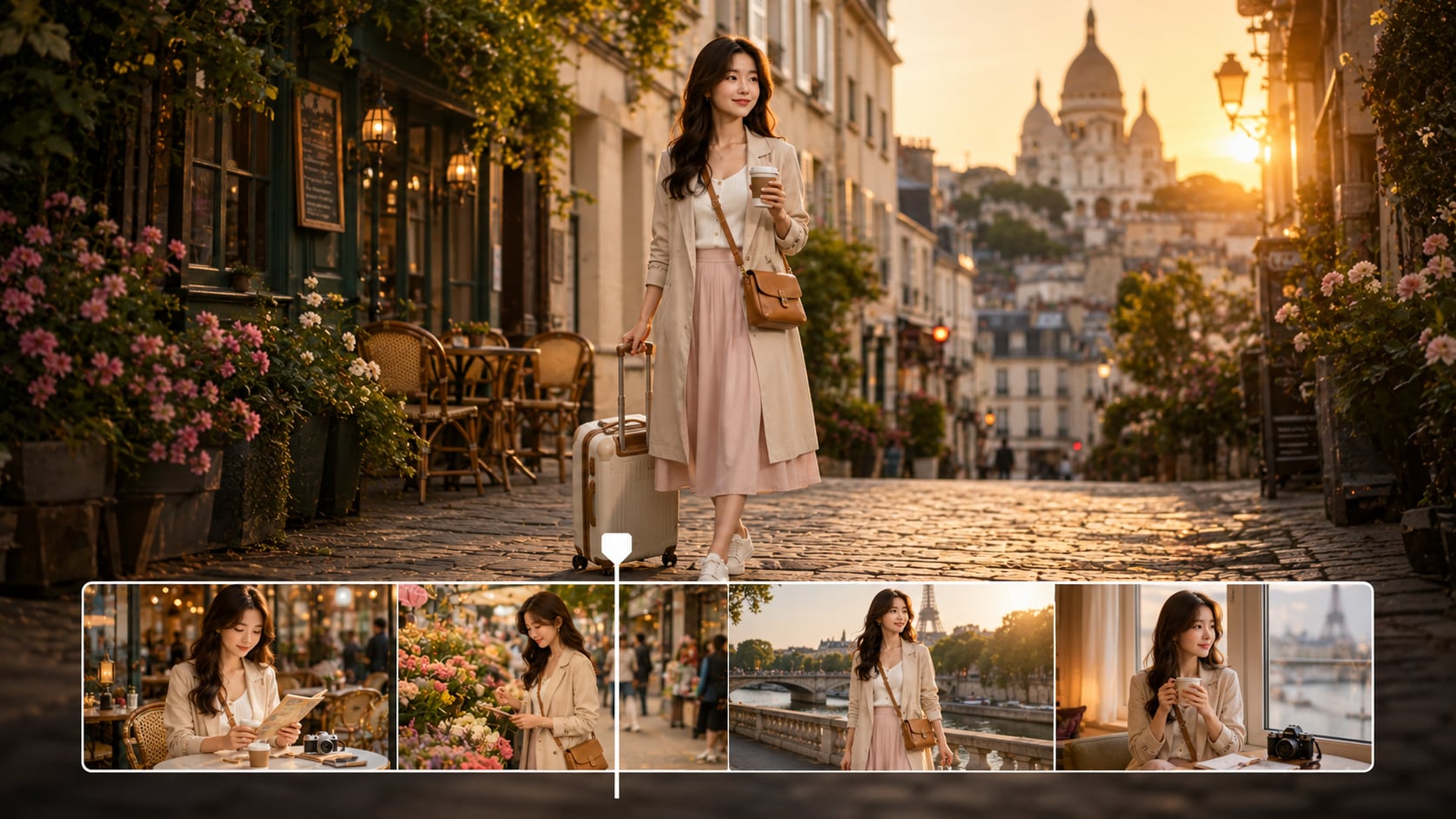
Use real photos, sketches, or text descriptions to guide traveler, narrator, guide, or local character generation.
- Photo Guidance - Start from a real traveler or presenter photo when it fits your story
- Sketch Support - Use simple character sketches to guide visual identity
- Text Characters - Describe clothing, age range, travel role, personality, and scene purpose
- Recurring Cast - Build clearer continuity for hosts, companions, guides, and audience stand-ins

Match Narration, Music, and Pacing to the Trip
Build for the way travel content is watched: a hook, a sense of movement, local details, and a satisfying final beat. The final video can include voiceover and music based on your script, while storyboard images let you review the journey before generation.
- Script-Based Audio - Voiceover and music can follow the tone and beats of your travel script
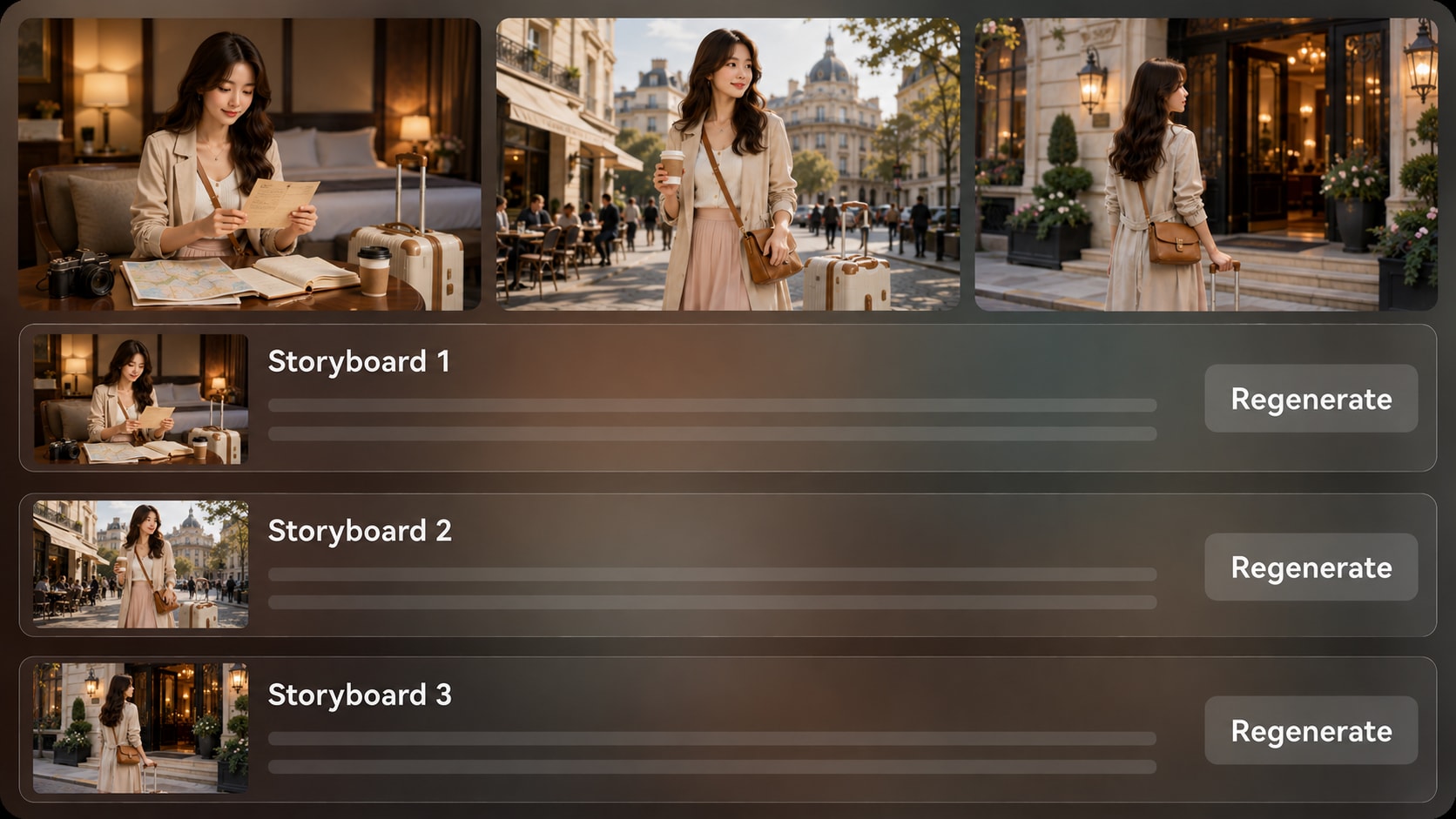
- Storyboard Review - Check generated scene images for pacing, route logic, and destination mood
- Shot Regeneration - Regenerate a specific storyboard image if a scene feels off
- Final Polish - Review the generated video and refine it with Media.io tools when needed
Create a Travel Story Video in Three Practical Steps
Use a script-based workflow so the story, destination, and publishing format stay aligned.

Prepare the Script
Provide a detailed script or structured story input with your route, destination details, narrator notes, and key scenes. Review and edit the extracted outline fields, including title, theme, setting / background, story plot, and characters, then choose an aspect ratio such as 9:16, 1:1, or 16:9 during setup.

Guide the Scenes
Set the video direction with format, style, and visual choices that fit the trip. Add character guidance from real photos, sketches, or text descriptions, then review the generated storyboard images to see whether the locations, travelers, and story beats match your intended journey.

Generate and Refine
Generate the final travel story video with voiceover and music based on the script. If one storyboard image does not fit the destination or mood, regenerate that specific image before final generation. Afterward, review the video and polish it with Media.io tools such as Enhance Video Quality when needed.
Choose an AI Travel Story Video Generator Built for Real Journeys
A travel story needs route logic, destination mood, narration rhythm, and review control that generic clip makers often skip.
Create Travel Stories for Every Creator Route

YouTube Travel Creators
Build destination episodes, trip recaps, and faceless travel stories from narration drafts and route notes.

TikTok and Reels Creators
Create short, vertical travel stories with a hook, quick movement, and a clear destination payoff.

Educators and Geography Teachers
Explain places, cultures, routes, and historical context through narrated visual stories students can follow.

Destination Marketers
Turn tourism briefs, brand notes, and local highlights into story-led videos for campaigns and landing pages.
See More AI Story Video Examples
Use adjacent story styles to shape stronger hooks, pacing, narration, and audience retention for travel videos.
Loved by Travel Creators
Creators use the workflow to turn routes, scripts, and destination notes into clearer stories without building every scene from scratch.


"My itinerary notes finally looked like a story instead of a folder of random clips. The outline step helped me fix the route before generating."

"I liked being able to shape a vertical recap around a hook, a few landmark moments, and a final reveal for short-form viewers."

"It gave our local highlights a clearer narrative arc, which made the video feel more useful than a simple scenic montage."

"The script-based approach worked well for classroom explainers. I could structure the place, route, and cultural context before reviewing scenes."

"I repurposed a written city guide into a narrated visual story and still had room to adjust the outline before generation."

"The storyboard preview helped me see which destination moments carried the story and which shots needed another generation pass."
FAQs on AI Travel Story Video Generator
What Is an AI Travel Story Video Generator?
An AI travel story video generator helps turn travel scripts, trip diaries, itineraries, and destination notes into narrated visual videos. Media.io works best when you provide detailed story input so it can extract a clear outline and generate scenes that follow the journey.
Can I Start with an Itinerary or Travel Diary Instead of a Finished Script?
Yes. You can use structured trip notes, itinerary sections, destination highlights, or a travel diary as source material, but the result is usually stronger when you add narration beats, scene order, setting details, and the emotional point of the journey.
Can the Travel Video Include Voiceover and Music Based on My Script?
Yes. The final generated video can include voiceover and music based on the script, so your narration tone, scene changes, and travel mood can guide the audio direction. Review the finished video afterward to make sure the pacing fits your audience.
How Should I Write a Better Script for a Travel Story Video?
Write your script like a route with purpose: opening hook, location setup, movement between places, local details, a surprise or insight, and a closing takeaway. Add visual cues such as time of day, weather, landmarks, street life, food, or cultural context.
What Mistakes Should I Avoid in AI Travel Story Videos?
Avoid vague prompts such as a beautiful trip to Italy without route, narrator, mood, or scene details. Also avoid packing too many destinations into one short story, because travel videos need breathing room for place, movement, and emotional payoff.
Can I Create a Recurring Travel Host or Guide Character?
You can guide character creation with real photos, sketches, or text descriptions for a traveler, host, guide, or narrator figure. Media.io can help create recognizable characters and clear character guidance, but you should review the generated visuals for continuity.
Can I Make Travel Videos for YouTube Shorts, TikTok, Reels, or Lessons?
Yes. During setup, you can choose a format direction such as vertical, square, or widescreen for different publishing contexts. Travel creators often use vertical formats for short recaps and wider formats for YouTube episodes, lessons, or documentary-style storytelling.
Can I Review or Change a Travel Scene Before the Final Video?
Media.io extracts an editable outline before storyboard generation, so you can adjust the title, theme, setting / background, plot, and characters first. The storyboard images themselves are not manually editable, but if a specific image feels wrong, you can regenerate that shot.
Why Use Media.io Instead of a Generic AI Video Generator for Travel Stories?
Media.io is useful for travel stories because it supports a script-to-outline workflow, destination-focused setup choices, character guidance, storyboard image review, shot regeneration, and script-based voiceover and music. That helps a trip feel like a journey rather than a disconnected clip.
Explore More Ways to Turn Scripts into Story Videos
Travel creators often borrow techniques from educational explainers, brand stories, kids narratives, and social story formats. Explore adjacent AI Script to Video generators to shape stronger pacing, narration, and visual storytelling.















Create a Travel Story
Your Audience Can Follow
Paste a detailed route, diary, or narration draft and start shaping a cinematic travel video with Media.io.
 4.8 (281 Votes)