
Create with an AI Religious Story Video Generator Built for Faith Stories
Shape parables, scripture-inspired lessons, testimonies, and moral stories into videos that feel respectful, clear, and cinematic. Media.io's AI Religious Story Video Generator works best from detailed scripts, then helps prepare an editable outline, guided characters, storyboard images, and script-based voiceover or music for faith-focused publishing.
Create Religious Story Videos with Respectful Structure and Tone
Guide the message, visuals, characters, and pacing before your faith-based story becomes a shareable video.
Turn Faith Lessons into Clear Story Scenes
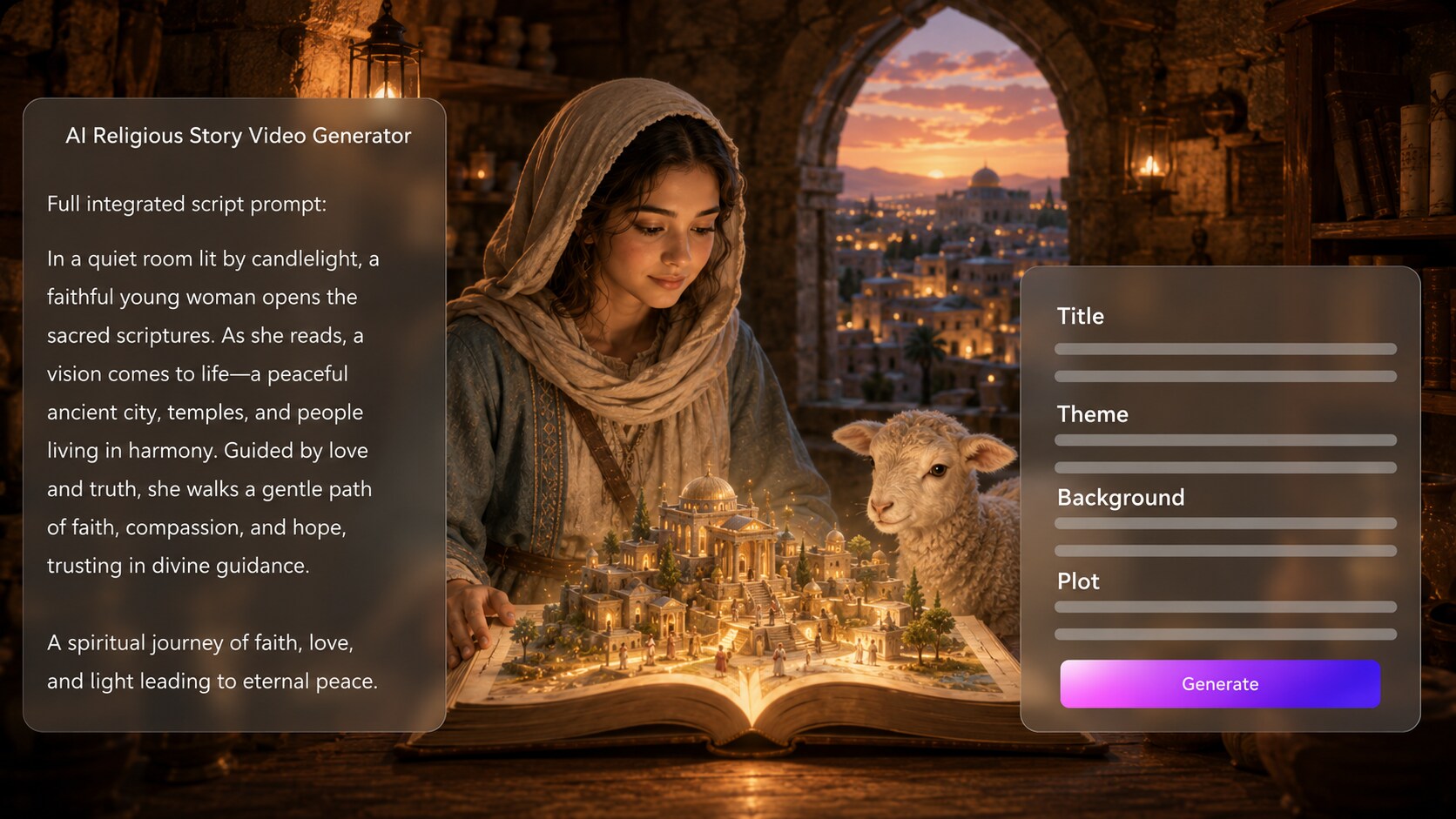
Start with the message, not a random prompt. It also fits AI story video maker workflows when the audience expects topic-specific scenes.
- Script First - Use a detailed narrative, devotional draft, or lesson plan
- Editable Outline - Review title, theme, setting, plot, and characters
- Moral Focus - Keep the faith lesson visible in the story arc
- Scene Logic - Help each moment support the message
Shape Sacred Settings with Cinematic Care
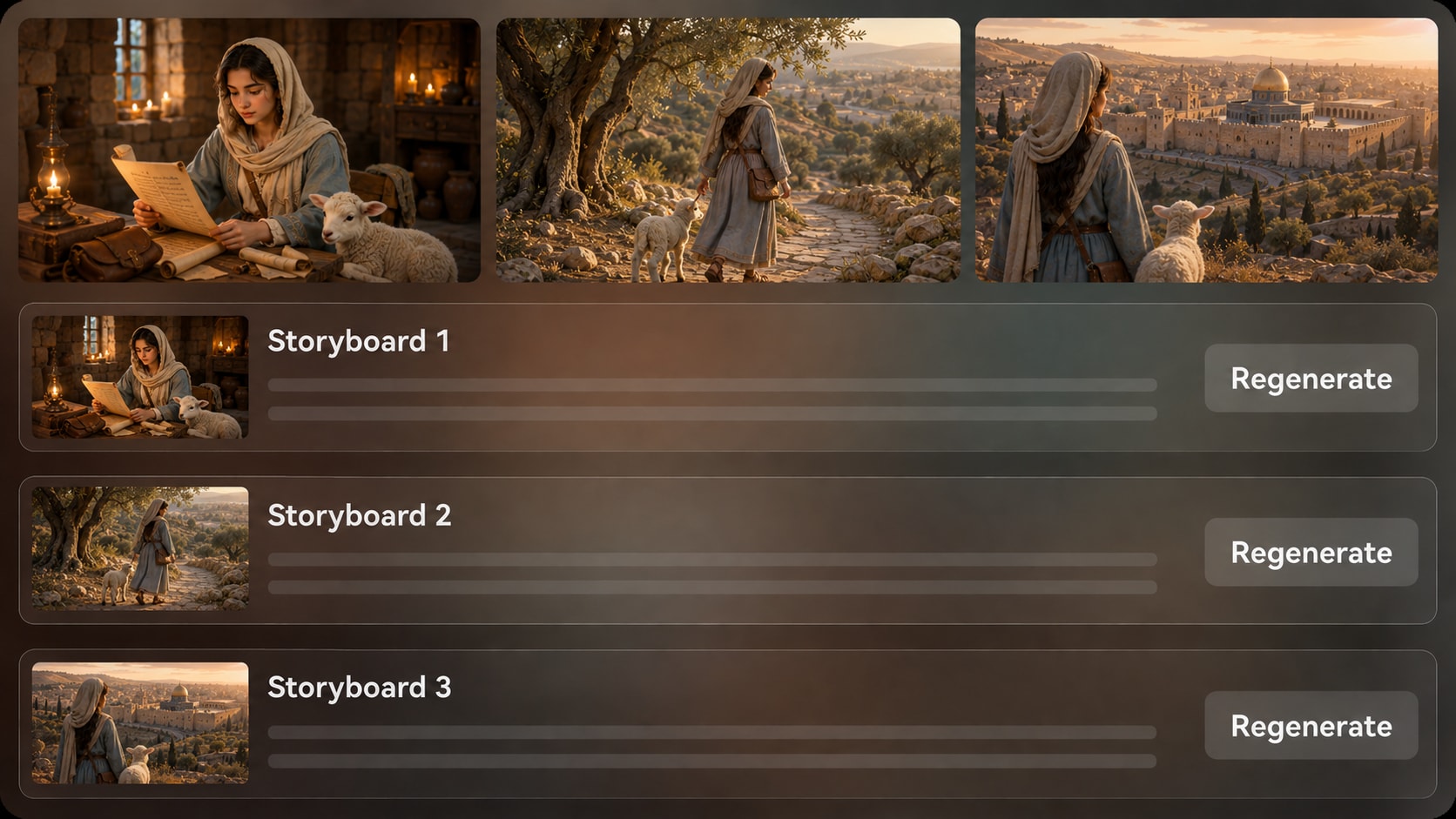
Direct the atmosphere so the video feels reverent instead of generic. Use it for script to video generator ideas without adding another editing step.
- Visual Direction - Prepare the look before generation
- Faithful Atmosphere - Aim for warmth, reflection, drama, or teaching clarity
- Storyboard Preview - See generated scene images before the final video
- Tone Check - Regenerate a specific image if it feels visually off
Guide Characters Without Losing the Human Thread
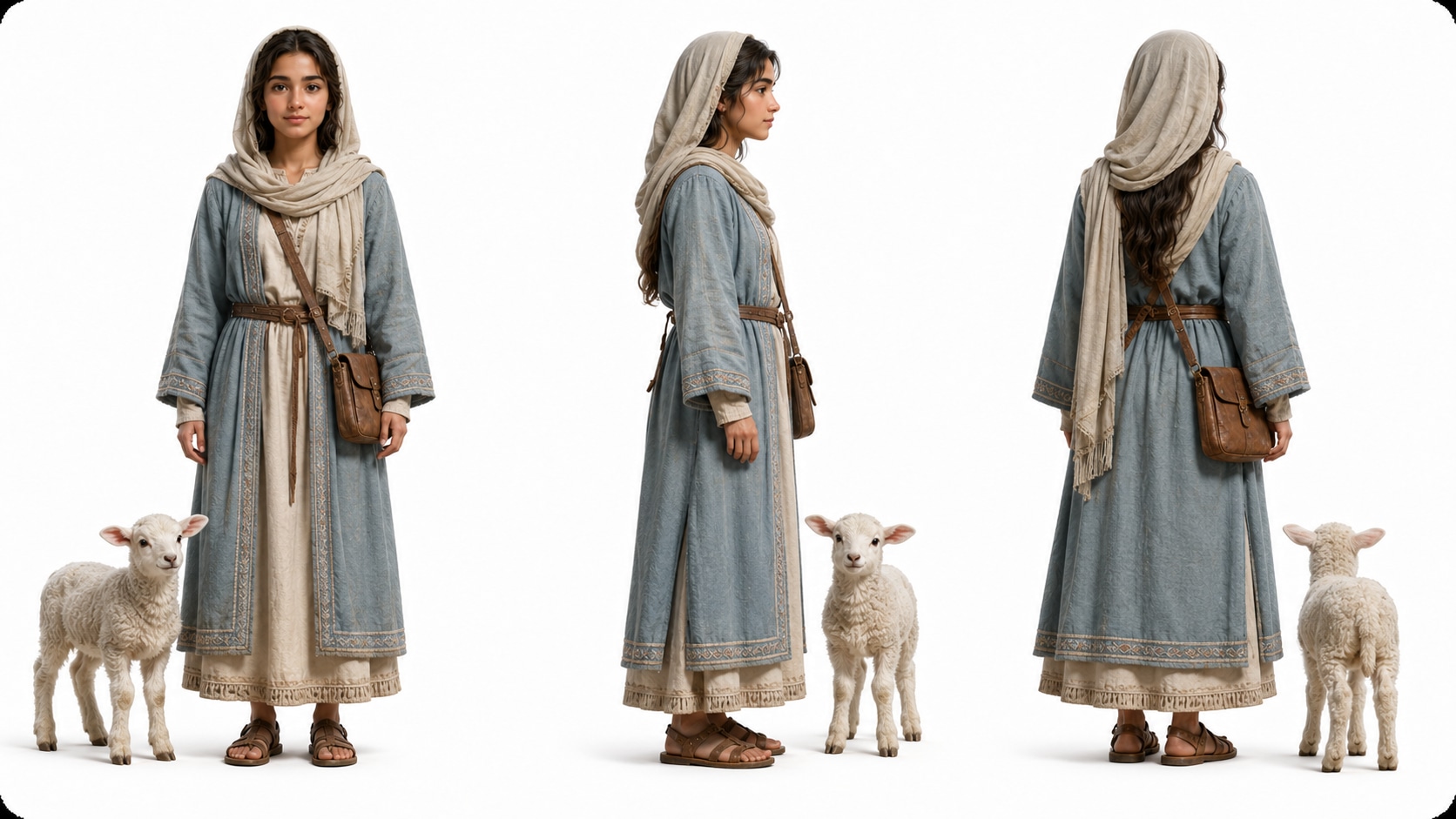
Make teachers, families, students, witnesses, or symbolic figures easier to follow.
- Text Characters - Describe clothing, age, role, and expression
- Photo Guidance - Use real images when a personal story needs familiarity
- Sketch Support - Start from simple visual references or concepts
- Narrative Continuity - Help viewers remember who matters in each scene
Publish Stories for Church, Class, and Social Feeds
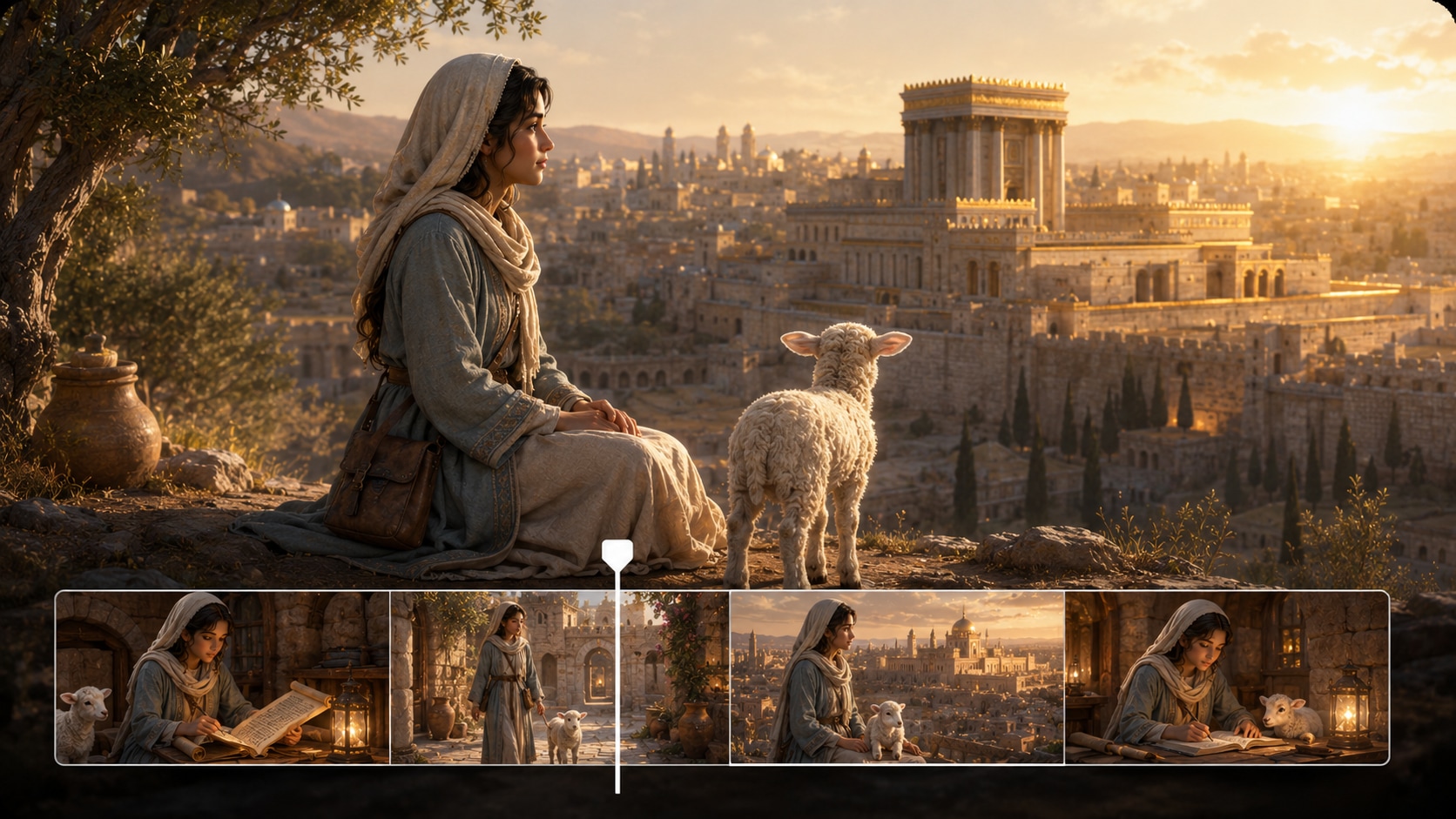
Prepare the video around the place it will be watched. Select a practical format during setup, generate the video with voiceover and music based on the script, then review the result and polish it with Media.io tools before sharing.
- Platform Fit - Plan for Shorts, Reels, TikTok, classrooms, or widescreen viewing
- Script-Based Audio - Let narration and music follow the written story
- Review Before Sharing - Check tone, pacing, and clarity after generation
- Polish Tools - Refine the finished video when extra cleanup is needed
Create a Religious Story Video from a Detailed Script
Use a structured workflow that keeps the message, visuals, characters, and pacing aligned.

Write the Script
Provide a detailed script or structured story input with the faith lesson, setting, scenes, and characters. Review and edit the extracted outline fields, including title, theme, setting or background, story plot, and characters, then choose an aspect ratio such as 9:16, 1:1, or 16:9 during setup.

Prepare the Storyboard
Add clear character descriptions or use real photos, sketches, or text prompts to guide important figures. Media.io generates scene-by-scene storyboard images from the outline so you can check whether the religious tone, setting, and visual flow match the script.

Generate and Polish
Generate the final video with voiceover and music based on the script. If a storyboard image does not fit the scene, regenerate that specific image before moving forward, then review the finished video and use Media.io tools such as Enhance Video Quality when extra polish is needed.
Why Use an AI Religious Story Video Generator Instead of a Generic Video Tool?
Religious stories need clearer message control, more sensitive visual direction, and stronger review points than ordinary prompt-to-video clips.
Create Faith Videos for the Audiences You Already Serve

YouTube Faith Creators
Create narrated parables, testimony-style stories, and scripture-inspired episodes for long-form videos or Shorts.

TikTok and Reels Storytellers
Condense moral lessons and dramatic faith moments into vertical videos built for quick attention and clear takeaway.

Educators and Sunday School Teachers
Explain virtues, parables, historical context, or classroom faith lessons with visual scenes and guided narration.

Church and Ministry Teams
Make story-based outreach videos, sermon illustrations, youth group openers, and community messages from prepared scripts.
View More AI Story Video Examples
Explore sample story formats and imagine how your religious script could be adapted for teaching, social clips, or cinematic faith storytelling.
Loved by Faith-Focused Creators
Creators use the workflow to keep religious stories structured, visual, and ready for real audiences.


"The outline step helped me keep the lesson clear before generating scenes for my devotional story."

"I liked being able to review storyboard images before using the video in a youth group opener."

"It gave my lesson script a visual structure that students could follow without making it feel flashy."

"My short faith stories feel more organized now because the script guides the narration and scenes."

"The character guidance made personal testimony scenes easier to understand and more emotionally grounded."

"It is useful for testing spiritual story concepts before I commit to filming or hiring a crew."
FAQs on AI Religious Story Video Generator
What Is an AI Religious Story Video Generator?
An AI religious story video generator helps turn faith-based scripts, parables, testimonies, devotional stories, or moral lessons into videos. Media.io works best when you provide a detailed script, review the extracted outline, and guide the visual direction before generation.
What Can I Use as Source Material for a Religious Story Video?
You can start with a detailed script, scripture-inspired lesson, sermon illustration, testimony notes, devotional outline, classroom plan, or structured moral story. Clear scene descriptions and character details usually produce a more coherent result than a one-line prompt.
Can the Script Guide the Voiceover and Music?
Yes. The final generated video can include voiceover and music based on the script, so the narration, emotional tone, and pacing follow the story you provide. Review the result afterward to make sure it matches your intended religious message.
How Should I Write a Better Script for Religious Story Videos?
Write the lesson first, then build scenes around it. Include the setting, character roles, key actions, emotional turns, and closing takeaway so the video has a clear spiritual or moral arc.
What Mistakes Should I Avoid When Making Religious Story Videos with AI?
Avoid vague prompts, unclear moral messages, overloaded symbolism, and scenes that jump too quickly. For sensitive or sacred topics, use careful language, review the outline, and check storyboard images before generating the final video.
Can I Control the Characters and Visual Style?
You can provide character descriptions or use real photos, sketches, or text to guide character generation. This helps create recognizable characters and clearer visual direction, but it should not be treated as a guarantee of perfectly locked character consistency.
Can I Make Religious Videos for YouTube, TikTok, Church, or Classrooms?
Yes. During setup, you can prepare the video direction and choose a format suited to vertical social posts, square feeds, or widescreen presentations. The best choice depends on where the story will be watched.
Can I review the storyboard or Regenerate a Scene Image?
The extracted outline is editable, including fields such as title, theme, setting, plot, and characters. The generated storyboard images are not manually edited as cards, but if a specific image is unsatisfying, you can regenerate that shot.
Why Is Media.io Useful for Faith-Based Storytelling?
Media.io is useful because it connects script structure, character guidance, storyboard image review, and script-based voiceover or music in one workflow. That gives religious creators more control over message clarity and visual tone than a simple prompt-to-video clip.
Explore More Script-to-Video Tools for Faith and Story Creators
Try adjacent AI Script to Video generators when your next idea needs a broader story format, a classroom angle, a dramatic trailer, or a more specialized creative style.















Create Religious Story Videos
With Message, Mood, and Structure
Start with a detailed faith-based script, guide the outline and visuals, then generate a story video ready for review and sharing.
 4.8 (286 Votes)