
AI Mystery Story Video Generator for Creepy Shorts and Cinematic Scares
Use AI Mystery Story Video Generator to build horror videos around dread, not generic dark clips. Paste a creepypasta, scary narration, or nightmare idea, then shape eerie settings, recurring victims or villains, reveal timing, captions, music, and regenerateable scare scenes for Shorts, Reels, or YouTube.
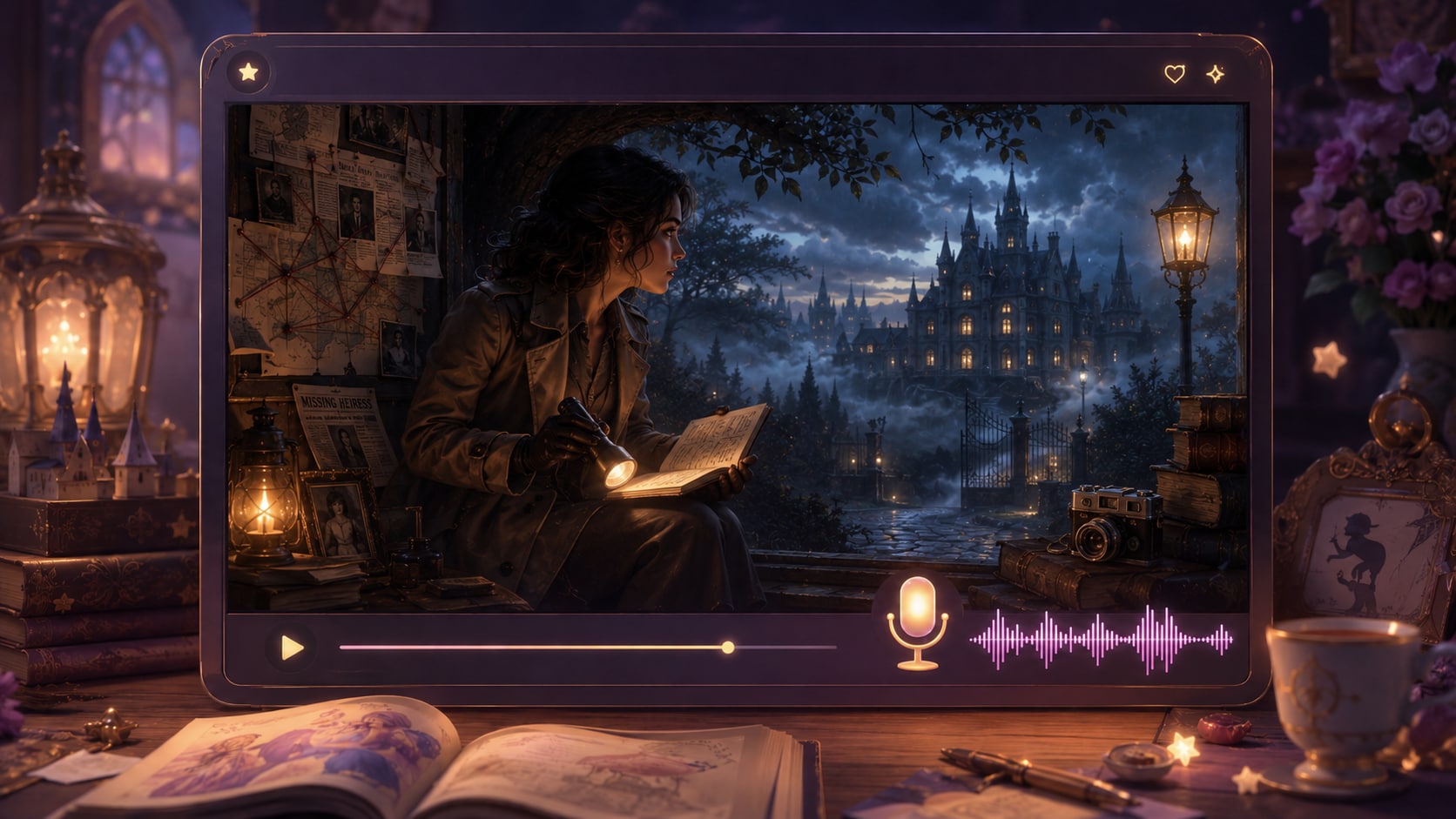
Build Mystery Videos That Feel Plotted, Not Random
Guide the case from script to scenes so viewers can follow the clues and stay for the reveal.
Create a Case Viewers Can Actually Follow
Shape the video around the logic of the case, not loose visual fragments. Use setting, theme, plot, and character guidance to build crime scenes, alibis, clue close-ups, and reveal moments that support a watchable mystery arc.
- Clue Placement - Frame important objects, notes, rooms, and reactions as scene ideas
- Suspense Mood - Guide noir, modern thriller, classroom case, or cinematic detective visuals
- Reveal Timing - Keep the ending tied to clues introduced earlier in the story
- Viewer Focus - Help audiences understand who matters, what changed, and why
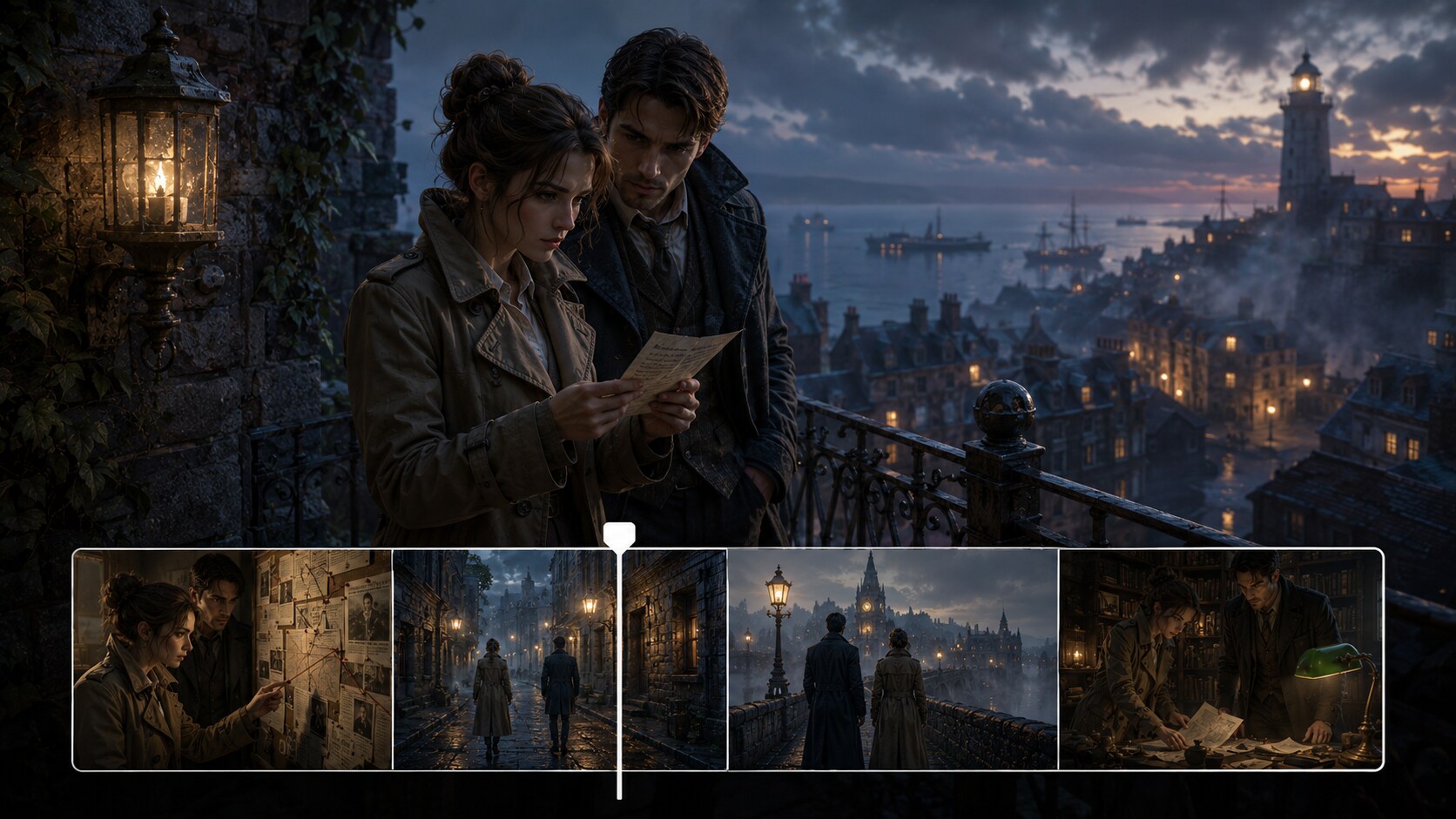
Turn Mystery Scripts into a Clear Story Outline
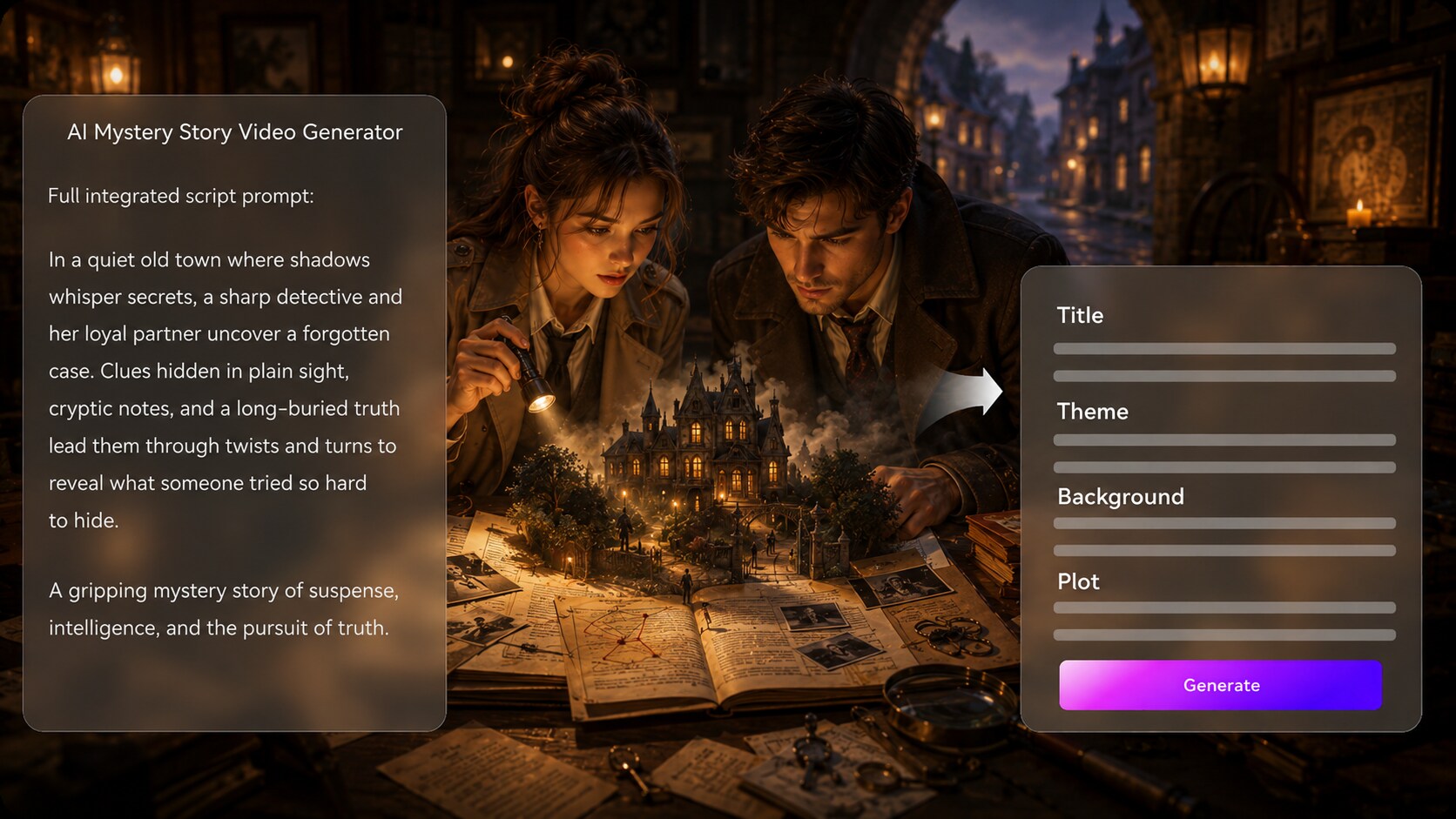
Start with a detailed script, narration draft, or case summary, then review the extracted outline before video generation. Use it for creepypasta video generator ideas without adding another editing step.
- Script First - Paste structured scenes, narration, or chapter-style mystery notes
- Editable Outline - Review title, theme, setting, story plot, and character details
- Scene Logic - Keep suspects, clues, and twists in a readable order
- Better Inputs - Strong scripts produce stronger story videos than one-line prompts
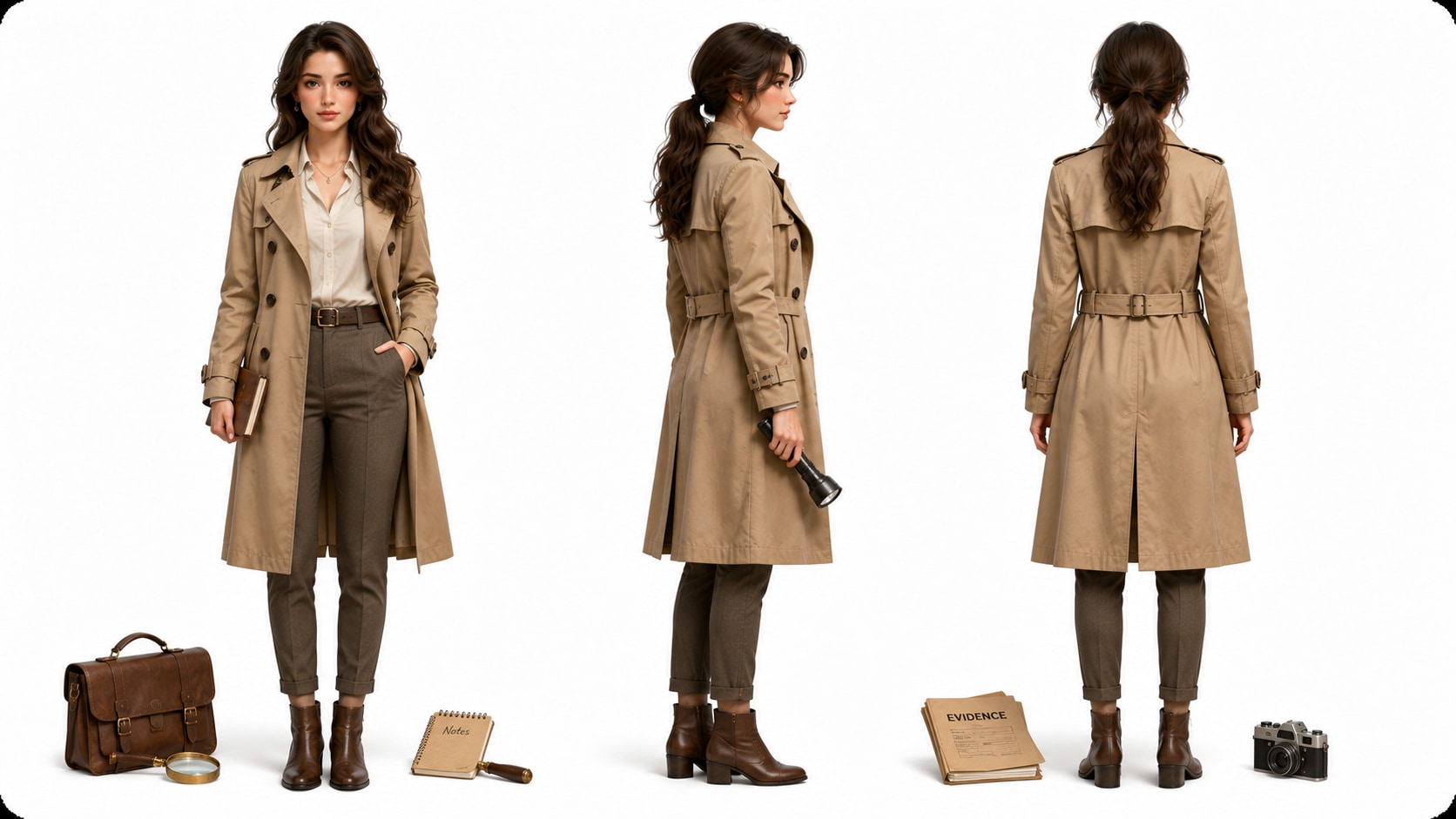
Guide Detectives, Suspects, and Witnesses Visually
Build a cast viewers can recognize across the mystery. Create character guidance from real photos, sketches, or pure text so your detective, suspect, victim, or witness has a clear look, role, and mood without claiming perfect clear character guidance.
- Character Sources - Use photos, sketches, or text descriptions as visual references
- Role Clarity - Distinguish detectives, suspects, witnesses, and narrators
- Recurring Cast - Support recognizable appearances across the story
- Genre Detail - Add trench coats, evidence folders, dim offices, or modern case boards
Build Suspense with Script-Based Sound and Pacing
Give your AI detective story video maker the rhythm of a mystery channel, TikTok hook, or indie teaser. The final video can include voiceover and music based on the script, while Media.io tools help polish the result after generation.
- Narration Flow - Support case-file delivery, witness accounts, or twist-ending voiceover
- Music Mood - Let the script guide tension, curiosity, and reveal atmosphere
- Platform Fit - Prepare vertical shorts, square posts, or widescreen mystery videos during setup
- Final Polish - Review the generated video and improve it with Media.io tools when needed
Create a Mystery Story Video from Script to Reveal
Use a script-based workflow so the case stays readable from setup to final video.

Prepare the Case
Provide a detailed script or structured story input with the setup, suspects, clues, twist, and ending. Review and edit the extracted outline fields, including title, theme, setting / background, story plot, and characters, then choose an aspect ratio such as 9:16, 1:1, or 16:9 during setup.

Guide the Storyboard
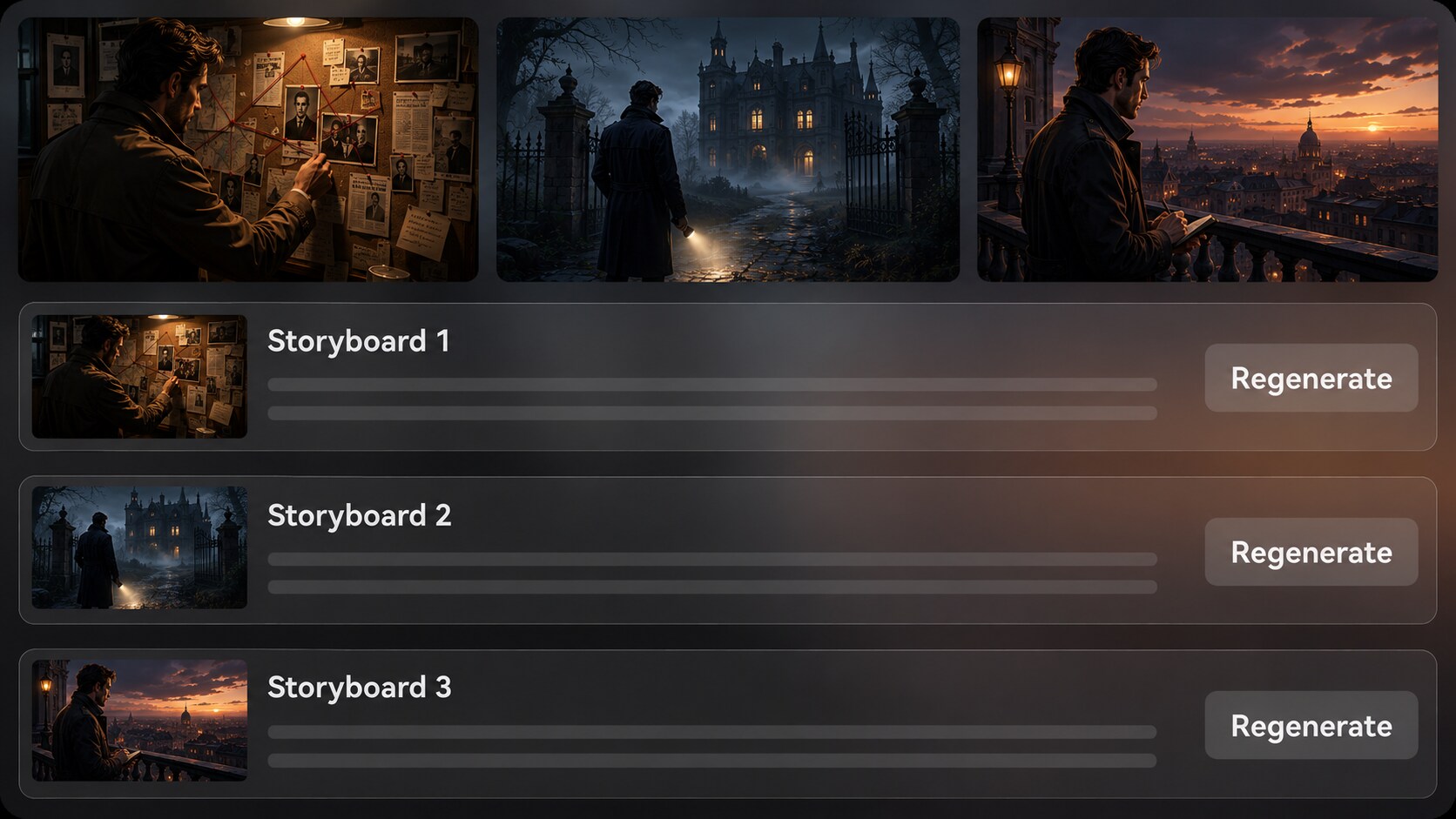
Set the video direction with available format, style, and visual choices, then prepare character guidance from photos, sketches, or text. After Media.io generates scene-by-scene storyboard images, review whether clue shots, suspect moments, and reveal scenes match the mystery.

Generate and Polish
Generate the final video with voiceover and music based on your script. If a specific storyboard image does not fit the clue or mood, use Regenerate to create that shot again, then review the finished result and polish it with tools such as Enhance Video Quality when needed.
Compare Media.io with a Generic AI Mystery Story Video Generator
Mystery videos need more than fast clips; they need outline control, readable suspects, clue pacing, and final polish.
Create Mystery Videos for Every Storytelling Channel

YouTube Mystery Channels
Build narrated case videos, fictional whodunits, and twist-ending episodes with clear scenes and a watchable reveal.

TikTok Suspense Creators
Create short mystery hooks, suspect reveals, and cliffhanger stories designed for quick attention and repeat viewing.

Educators
Explain inference, evidence, character motive, and narrative structure through classroom-friendly mystery scenarios.

Indie Filmmakers
Visualize detective concepts, short-film pitches, and trailer-style mystery scenes before production planning.
View Story Video Examples for Different Topics
Use the fixed showcase to explore how script-based story videos can fit suspense channels, social shorts, lessons, and narrative campaigns.
Loved by Mystery Creators
Creators like using a script-first workflow that keeps clues, characters, and reveals easier to manage.


"The outline step helped me catch a weak clue before generating the video. That made the final reveal feel much cleaner."

"I used it for a three-part suspect reveal series. The vertical setup and storyboard review fit my workflow well."

"My students could see how clues and red herrings work because the video followed the script instead of wandering off topic."

"It was useful for visualizing a detective short before I spent time on shot lists and locations."

"Character guidance made my detective and suspect easier to recognize, which matters a lot in a mystery video."

"I turned a case teaser into a short promo video with narration and a tense mood that matched the episode."
FAQs on AI Mystery Story Video Generator
What Is an AI Mystery Story Video Generator?
An AI mystery story video generator helps convert a detailed detective script, suspense narration, or clue-based story outline into a video. Media.io supports script-to-outline extraction, character guidance, storyboard image review, and final generation with script-based voiceover and music.
What Should I Paste into Media.io for a Better Mystery Video?
Use a detailed script or structured story input with the crime or puzzle, setting, suspects, clues, red herrings, and final reveal. A clear scene order gives the generator better direction than a one-line idea.
Can the Script Guide the Voiceover and Music?
Yes. The final generated video can include voiceover and music based on the script, so a case-file narration, tense reveal, or reflective ending can be supported by the written story direction.
How Do I Write a Strong Mystery Script for Video Generation?
Write in clear scenes: opening hook, central question, suspect introductions, evidence discovery, misdirection, confrontation, and reveal. Include visual details such as rooms, objects, facial reactions, and clue close-ups.
How Can I Avoid a Confusing Mystery Video?
Avoid adding too many suspects, unnamed locations, or clues that are never resolved. Keep the outline focused, make each clue serve the reveal, and review the storyboard images before generating the final video.
Can I Control How Detectives and Suspects Look?
Media.io can create character guidance from real photos, sketches, or text descriptions. This helps characters become recognizable across the story, but you should still review the output rather than expect perfect clear character guidance.
Can I Make Mystery Videos for YouTube Shorts or TikTok?
Yes. During setup, you can choose formats such as vertical, square, or widescreen depending on where you plan to publish. This makes the workflow useful for TikTok mysteries, YouTube Shorts, Reels, and longer channel content.
Can I review the storyboard If a Clue Shot Looks Wrong?
You can edit the extracted outline before the storyboard is generated. The storyboard images themselves are not manually editable, but if a specific storyboard image is unsatisfying, you can click Regenerate to create that shot again.
Why Use Media.io Instead of a Generic AI Video Generator for Mystery Stories?
Mystery videos depend on structure, clue order, character recognition, and reveal timing. Media.io is useful because it starts from detailed story input, extracts an editable outline, generates storyboard images, supports character guidance, and creates final video with script-based audio.
Explore More Script-to-Video Story Generators
Mystery creators often test nearby formats, from broader story videos to horror shorts, trailers, anime scenes, and classroom-friendly narratives. Explore related AI Script to Video workflows when your case needs a different tone or audience.















Build a Mystery Viewers
Want to Solve
Start with a detailed script, guide the suspects and clues, then generate a story video ready for review and polish.
 4.8 (281 Votes)