Deine Werke werden nur 7 Tage lang gespeichert. Assets, die nach dem Upgrade auf einen Mitgliedschaftstarif erstellt werden, werden dauerhaft gespeichert.
Entfalten Sie Ihr kreatives Potenzial und erleben Sie jetzt die Magie der Media-KI!
Erstellen Sie ein realistisches Briefpapier-Mockup aus einem einzigen Design-Upload
Verwandeln Sie ein Design-Bild in ein elegantes Briefpapier-Mockup mit realistischer Papiertextur, Schatten und markanten Schreibtischszenen. Media.io hilft Ihnen, Briefkopf-, Karten-, Umschlag- und Einladungslayouts schnell in Ihrem Browser zu erstellen, wodurch die Briefpapier-Mockup-Erstellung für Präsentationen, Portfolios und Kundenvorschauen einfacher wird. Diese Einrichtung eignet sich gut für Briefpapier-Mockups.
Geben Sie Ihre Idee ein -> KI gestaltet sie. Kostenlos ausprobieren.
Sehen Sie sich diese Beispielanweisungen an und passen Sie dann die Prompt-Details an, um bessere Ergebnisse mit diesem Briefpapier-Mockup in Media.io zu erzielen.
Minimales Schreibtisch-Flat-Lay
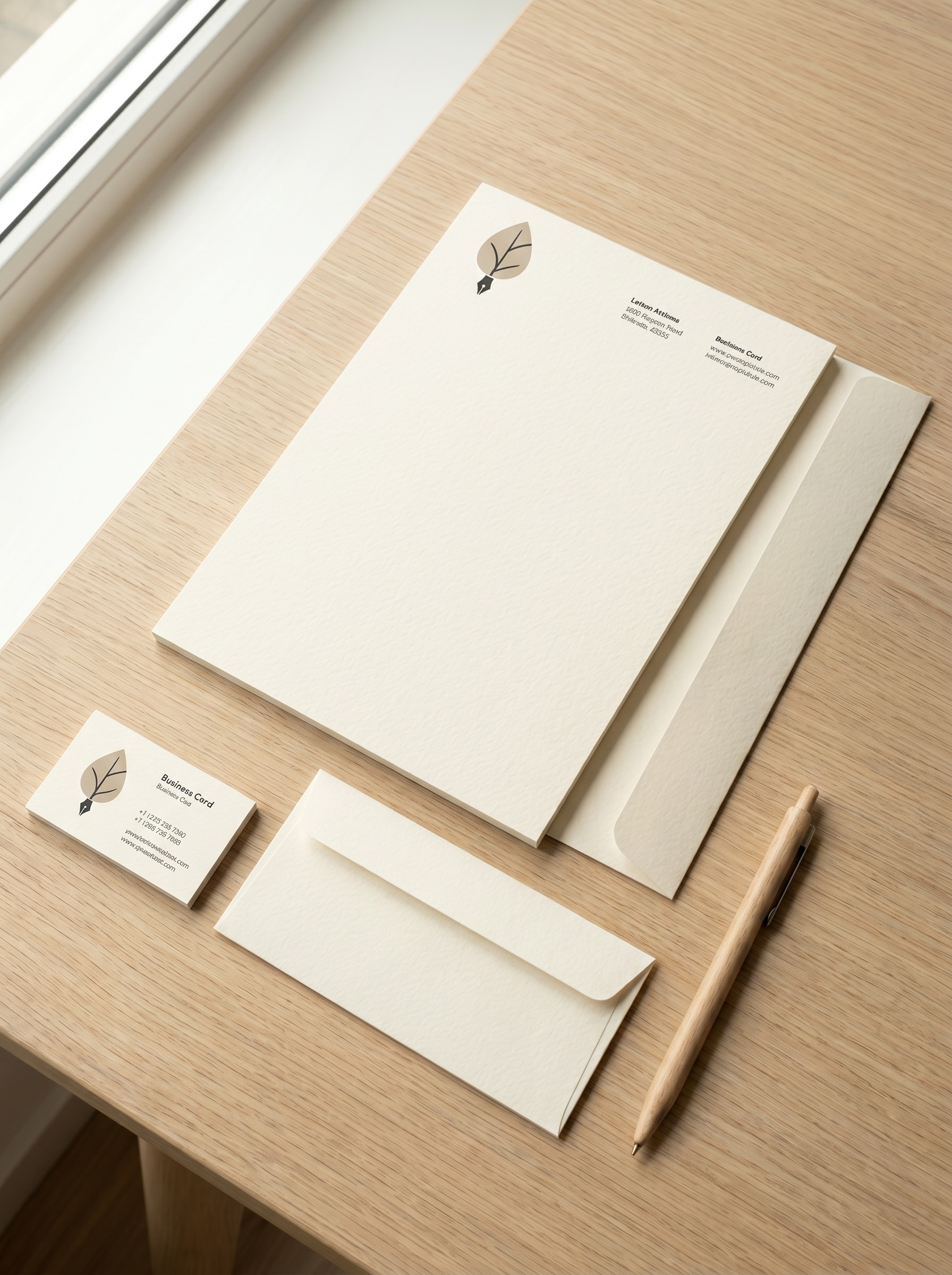
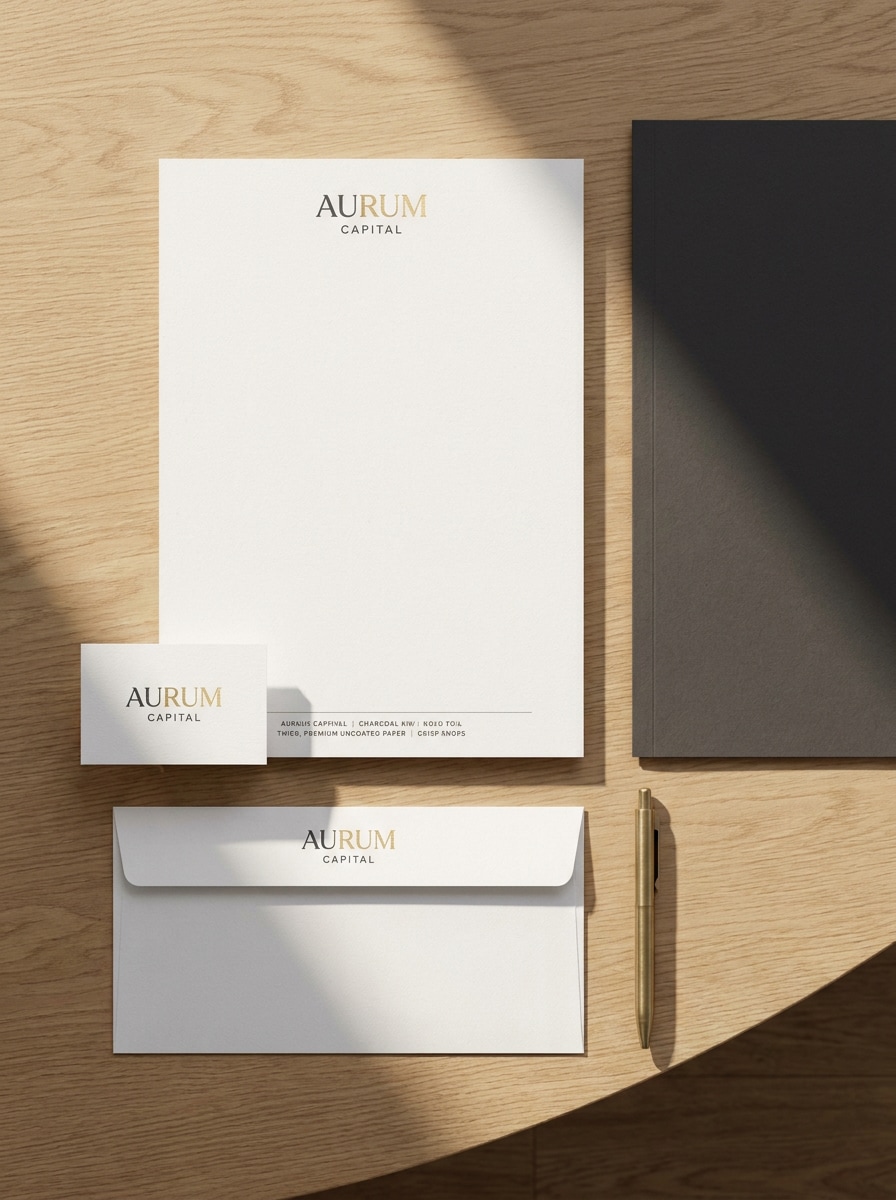
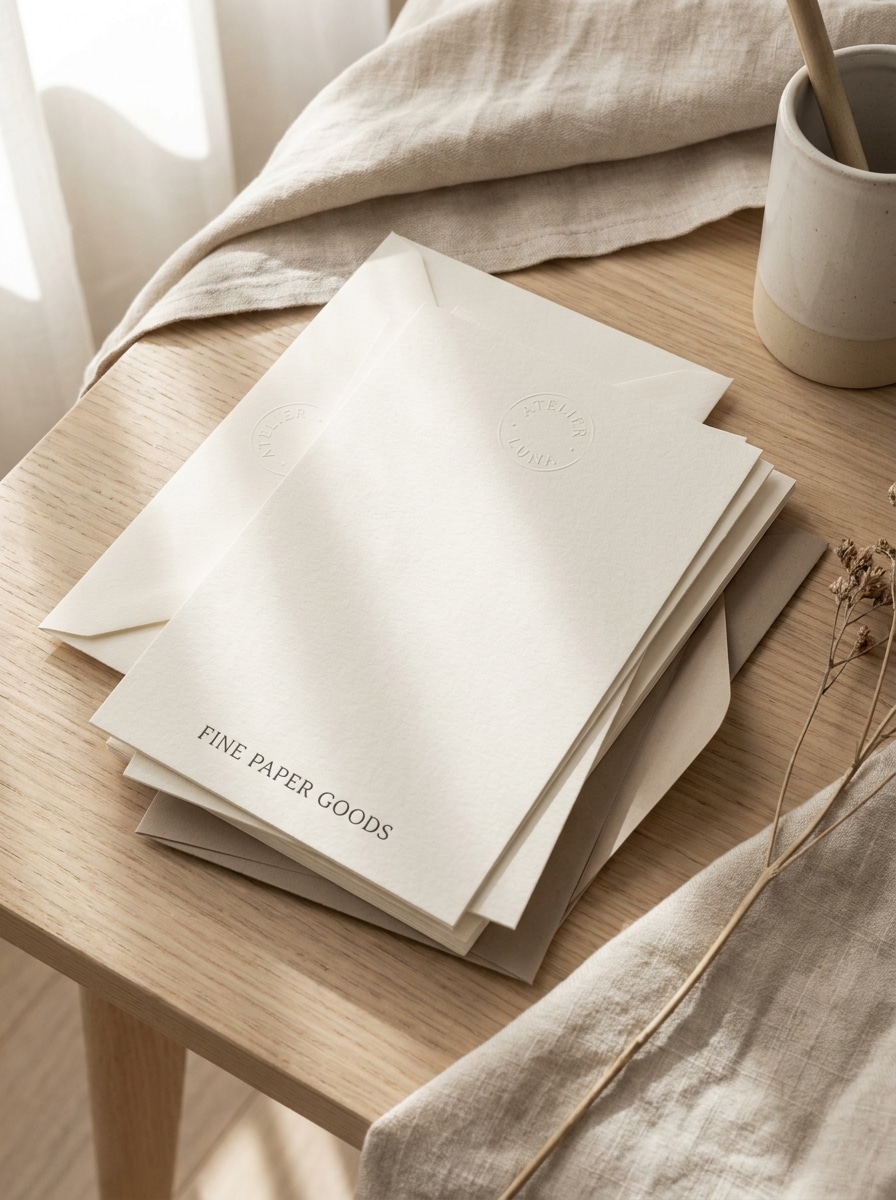
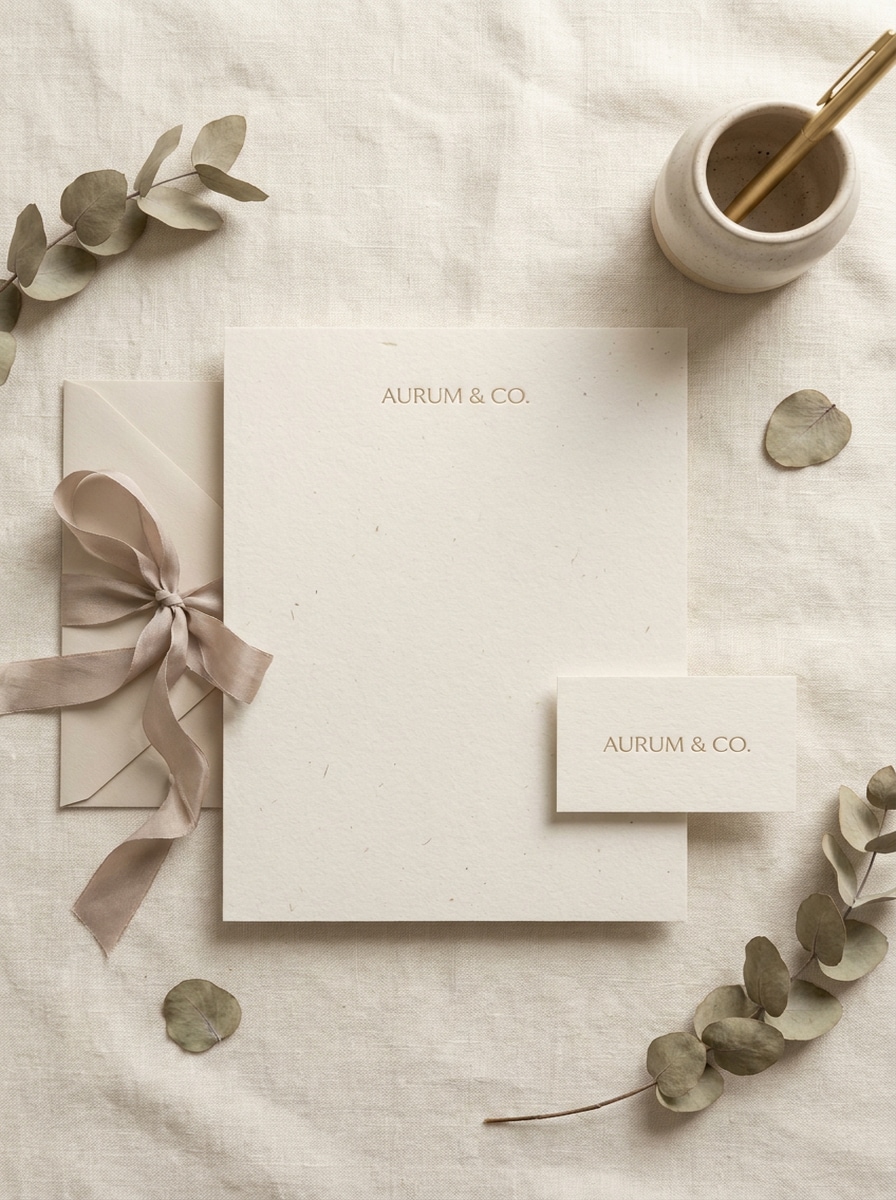
Verwenden Sie das hochgeladene Bild als Markengrafikvorlage und verwandeln Sie es in ein sauberes Briefpapier-Mockup aus der Vogelperspektive auf einem modernen Schreibtisch. Zeigen Sie koordinierten Briefkopf, Visitenkarte, Umschlag, Ordner und Stift mit weichen natürlichen Schatten, feiner Papierkörnung, ausgewogener Abstände, neutralen Beige- und Weißtönen sowie fotorealistischer Premium-Präsentation.
Executive-Büro-Mockup
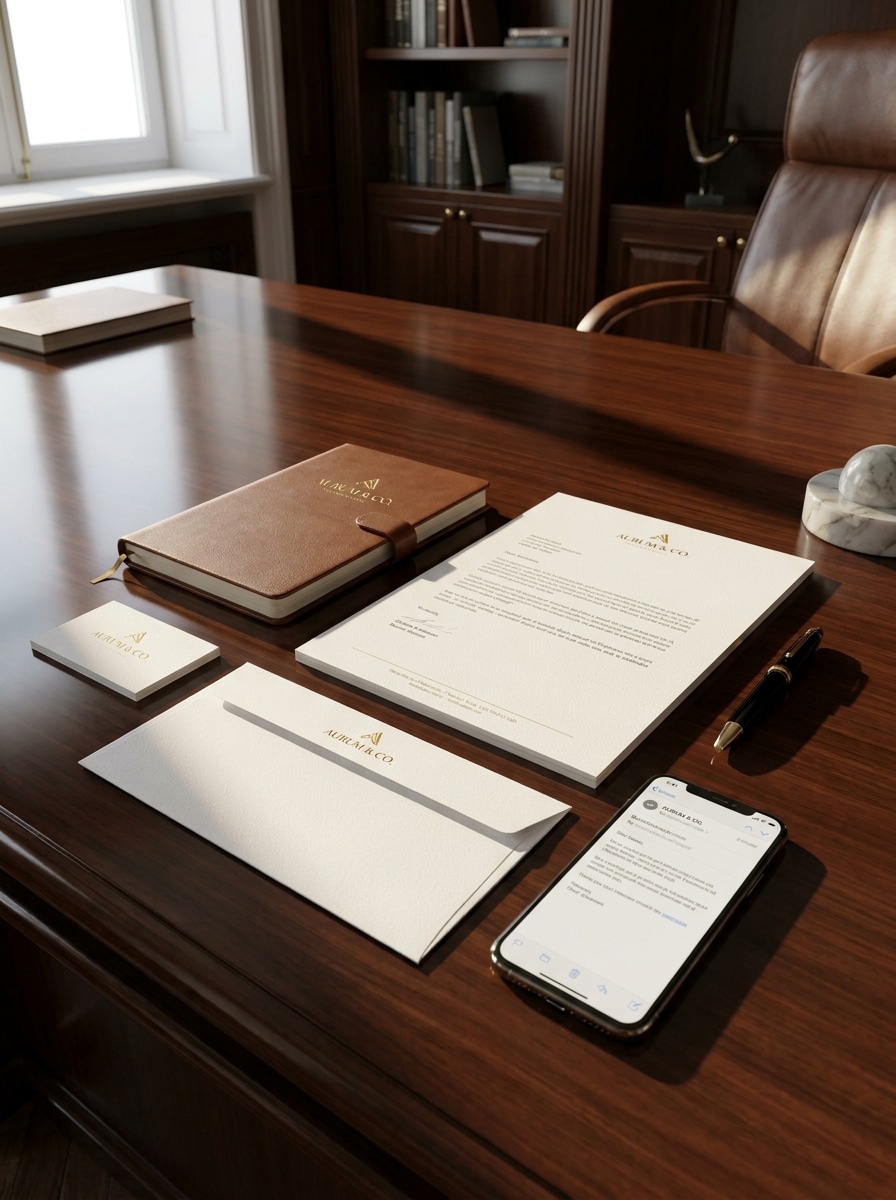
Verwenden Sie das hochgeladene Bild als Identitätsdesign und platzieren Sie es auf einem Premium-Bürobriefpapier-Set. Fügen Sie Briefkopf, Umschlag, Visitenkarte, Notizbuch und Telefon auf einem dunklen Executive-Schreibtisch mit klarer Beleuchtung, realistischer Schattenefekte, feiner Papiertextur und einem eleganten hochwertigen Unternehmens-Ambiente ein.
Texturiertes Papier-Editorial
Verwenden Sie das hochgeladene Bild als Druckdesign und verwandeln Sie es in eine redaktionelle Briefpapier-Präsentation. Betonen Sie texturiertes Baumwollpapier, dezentes Prägegefühl, weiches Richtungslicht, elegante Typografieplatzierung, sanfte Schatten, warme neutrale Farbpalette und eine luxuriöse Druckvorschau-Atmosphäre mit hochrealistischen Details.
Gedämpftes Luxus-Flat-Lay
Verwenden Sie das hochgeladene Bild als Markengrafikvorlage und erstellen Sie eine luxuriöse Flat-Lay-Briefpapierszene. Zeigen Sie eine Visitenkarte, einen Umschlag, einen Briefkopf und ein Bandakzent mit gedämpften Beige-, Elfenbein- und Steintönen, zarten Schatten, realistischen Materialien, hochwertigem Papierfinish und einer ruhigen, gehobenen Bildatmosphäre.
Einladungs-Suite im Fine-Art-Stil
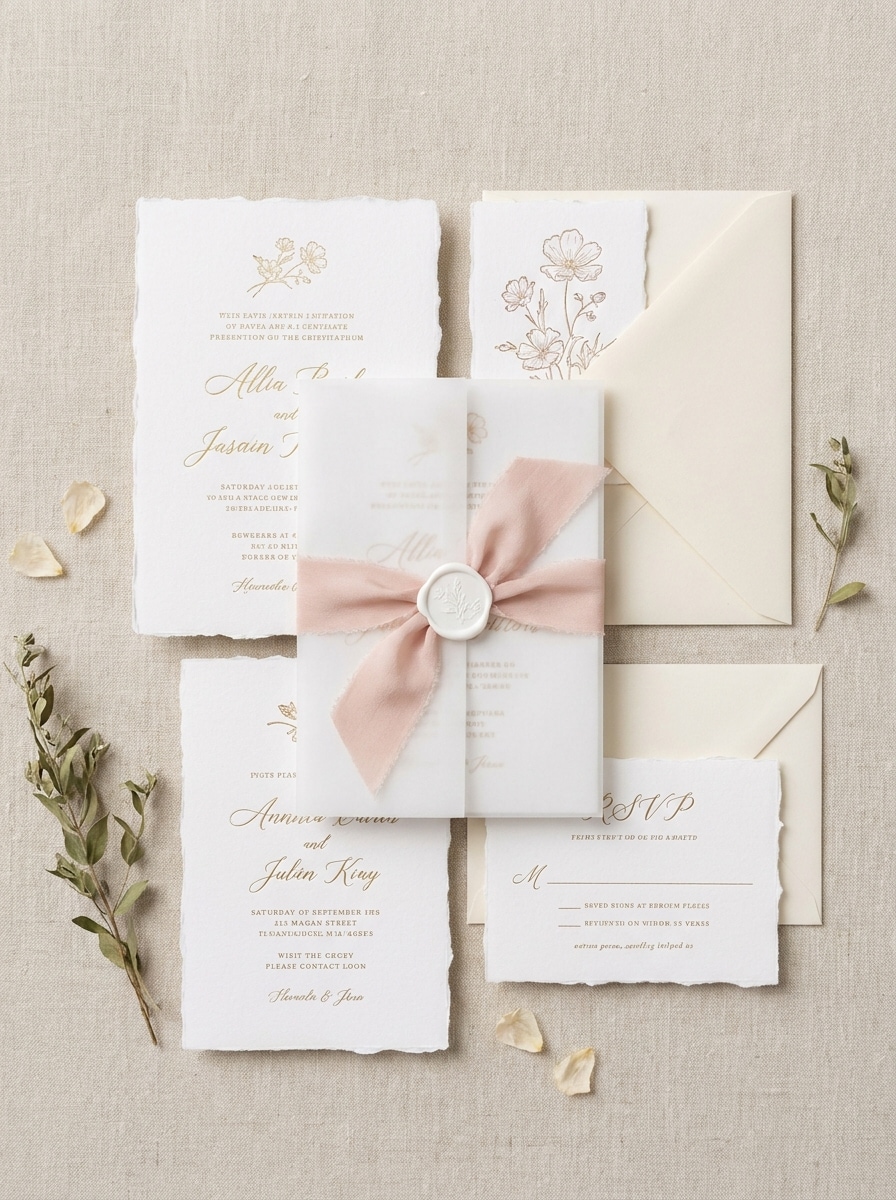
Verwenden Sie das hochgeladene Bild als Einladungsgrafikvorlage und verwandeln Sie es in ein romantisches Briefpapier-Mockup. Fügen Sie Einladungskarte, RSVP-Karte, Umschlag, Vellum-Overlay, Seidenband und Siegelwachs mit ausgefransten Papierrändern, weichem Fensterlicht, luftiger Komposition und elegantem Fine-Art-Hochzeitsstil ein.
Botanische Hochzeitsszene
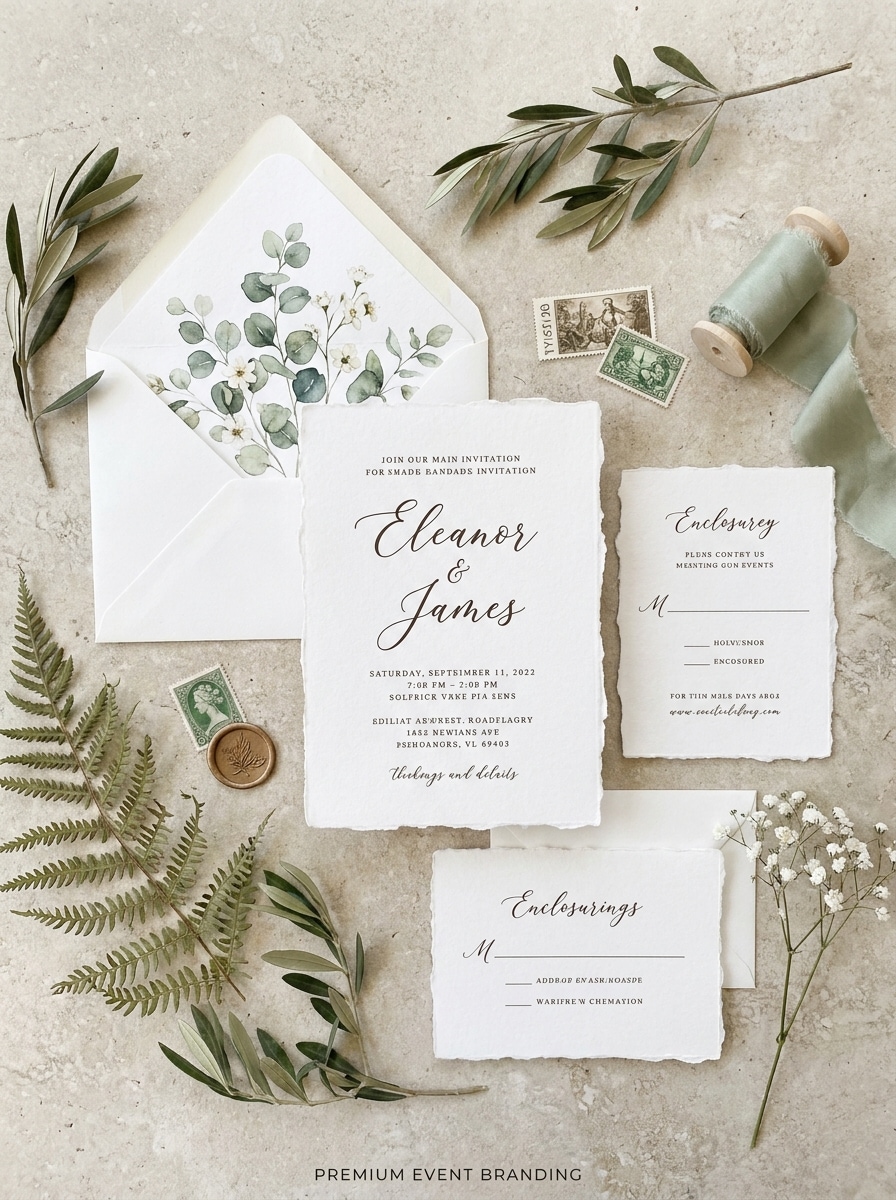
Verwenden Sie das hochgeladene Bild als Papierwarendesign und erstellen Sie eine botanische Briefpapierszene. Arrangieren Sie Einladungskarten und Umschläge mit zarten Blumenakzenten, Umschlagfutterdetails, organischer Papiertextur, natürlichem Tageslicht, weichen Schatten und einer anmutigen, handgefertigten Hochzeitspräsentation.
Farbenfrohes Marken-Kit
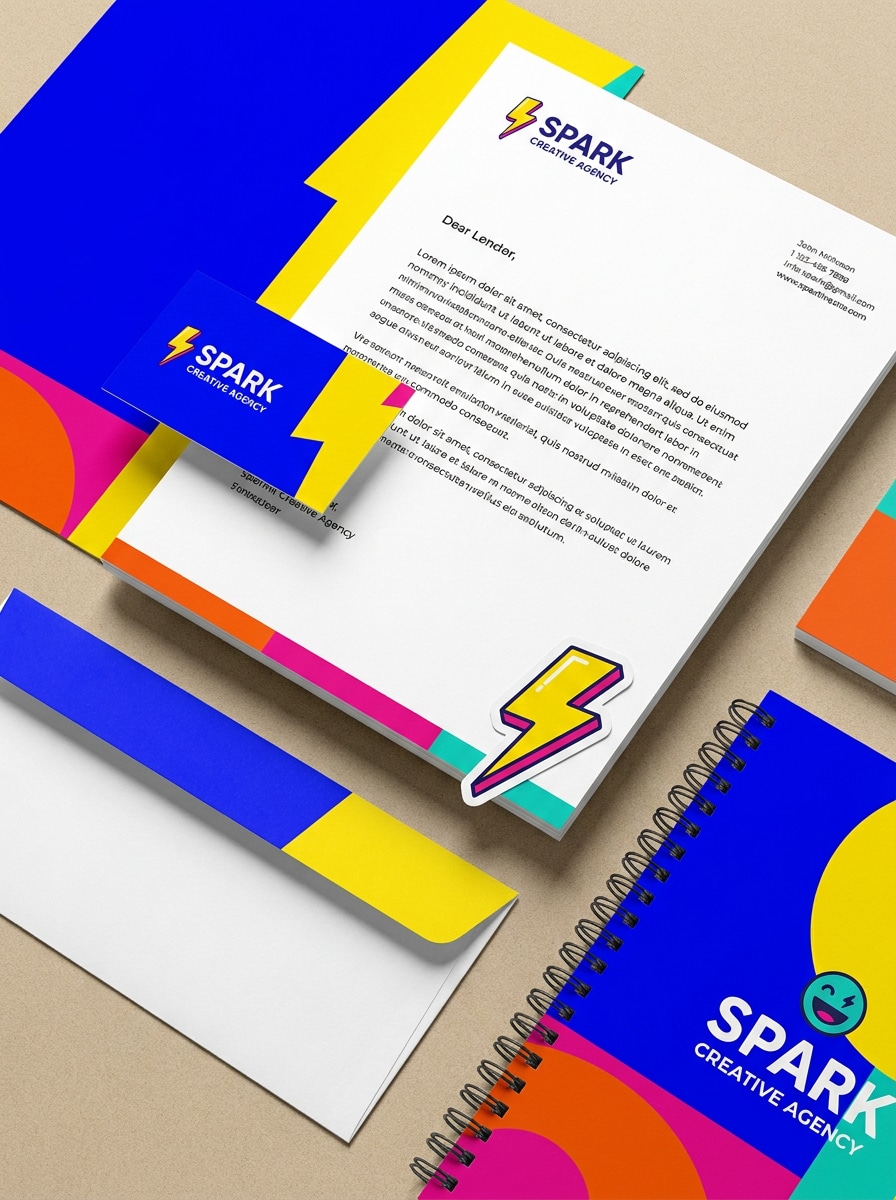
Verwenden Sie das hochgeladene Bild als Kernidentität und verwandeln Sie es in ein spielerisches Briefpapier-Mockup mit kräftigen Farbblöcken. Fügen Sie Briefkopf, Visitenkarte, Umschlag, Aufkleber und Notizbuch mit einer lebendigen modernen Farbpalette, klarer Komposition, realistischer Papiertextur, fröhlicher Energie und knackiger, kommerziell hochwertiger Beleuchtung ein.
Monochrom-Identitäts-Mockup
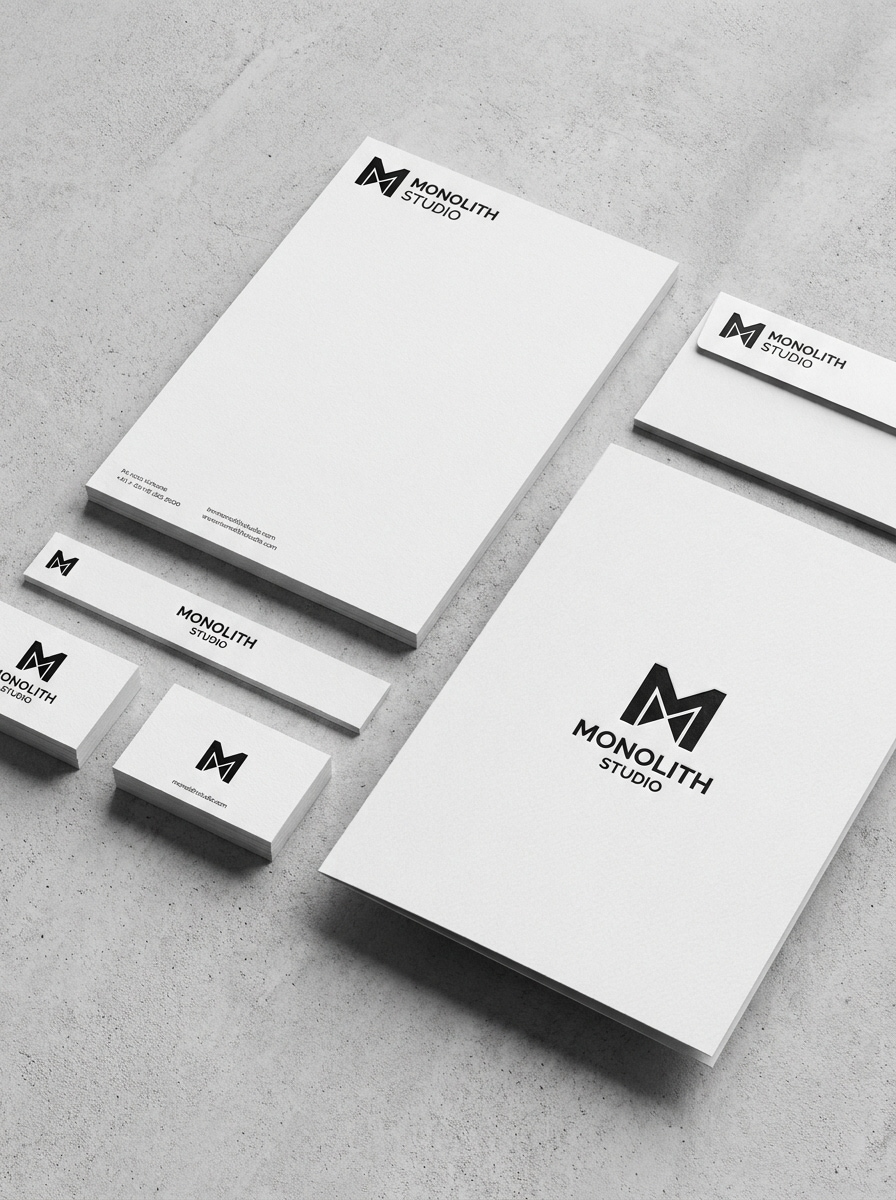
Verwenden Sie das hochgeladene Bild als Identitätsgrafikvorlage und konvertieren Sie es in ein schwarz-weißes Briefpapier-Mockup. Zeigen Sie Briefkopf, Umschlag, Visitenkarte und Ordner mit starkem Kontrast, weichen realistischen Schatten, hochwertigem Papierdetail, minimalistischem Stil und einer zeitlosen, klaren Präsentation für Markenpräsentationen.
Vorher-Nachher-Transformation
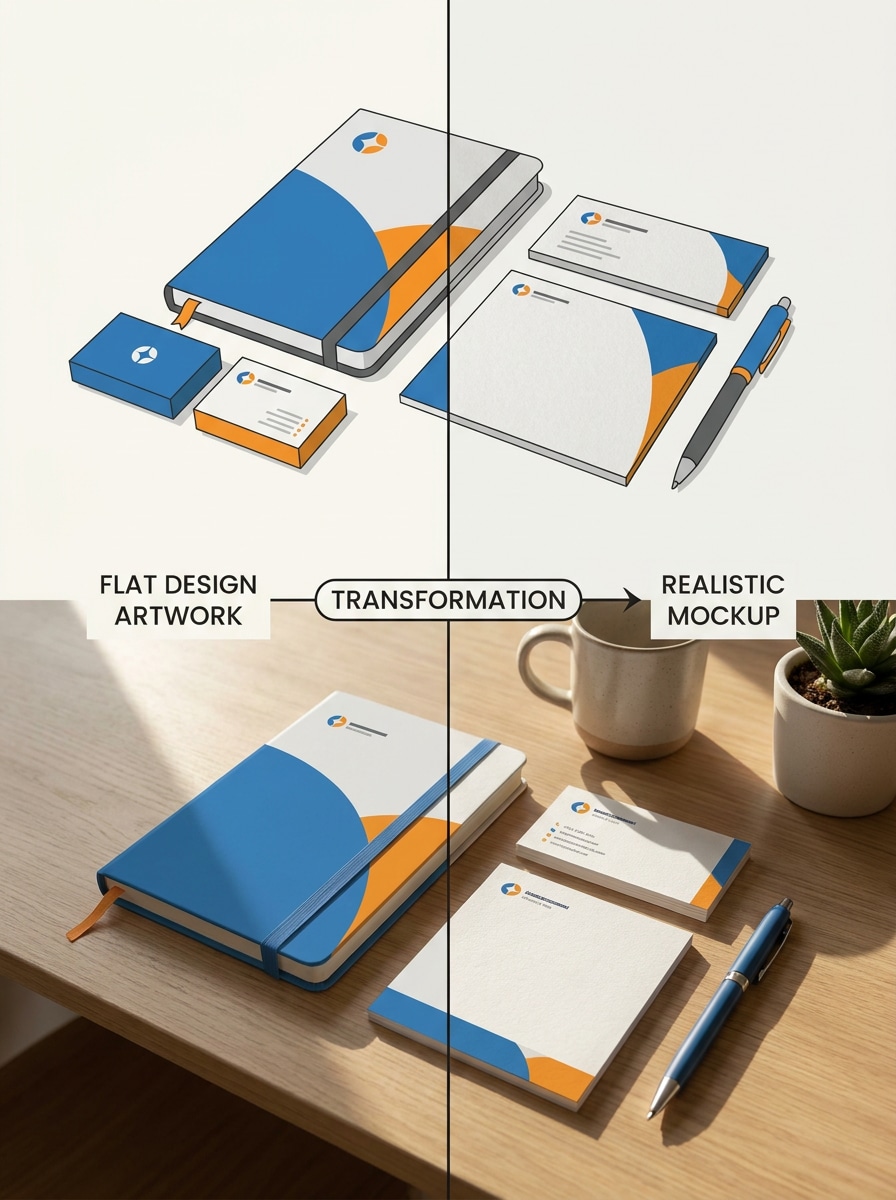
Verwenden Sie das hochgeladene Bild als ursprüngliches flaches Kunstwerk und präsentieren Sie es als Transformations-Mockup. Zeigen Sie eine geteilte Komposition mit dem schlichten Design auf einer Seite und einer realistischen Briefpapierszene auf der anderen, mit Papiertextur, Schreibtischkontext, natürlicher Schattierung und kreativem visuellem Storytelling.
Single-Upload Smart-Mockup
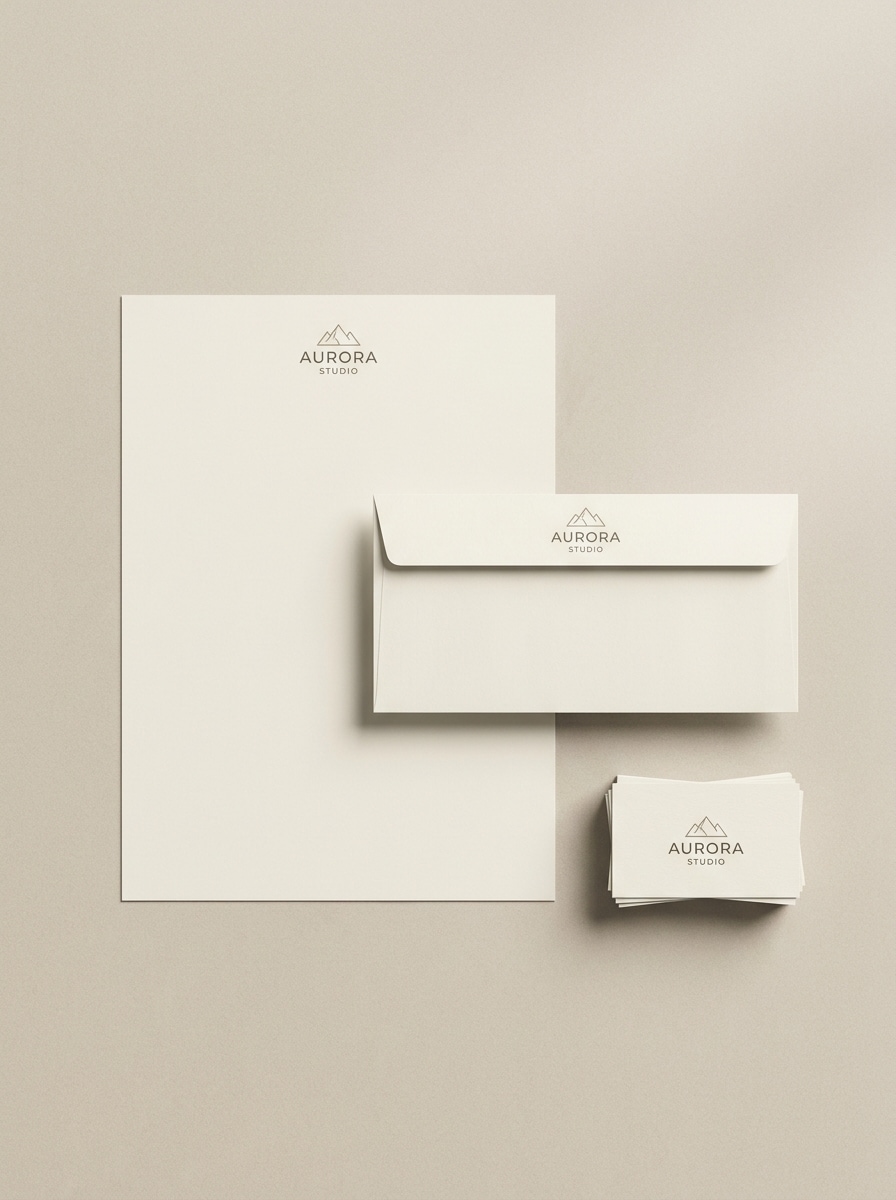
Verwenden Sie das hochgeladene Bild als einzige Quelldesign-Vorlage und ordnen Sie es automatisch einem vollständigen Briefpapier-Set zu. Erstellen Sie eine saubere Szene mit Briefkopf, Umschlag und Visitenkarte, weichem Licht, realistischen Papiermaterialien, dezenten Schatten und einer e-commerce-fertigen, markenbezogenen Vorschau mit professionellem Finish.
Warum Media.io für Briefpapier-Mockups verwenden
Identität bewahren und dabei das Erscheinungsbild ändern
Für Identitätspräsentationen ermöglicht Media.io das Hochladen eines Design-Bildes und die Umwandlung in koordinierte Briefkopf-, Karten- und Umschlagvisualisierungen, was Ihnen eine schnelle Möglichkeit bietet, Briefpapier-Design als ausgefeiltes Markensystem in der Vorschau zu sehen.
Realistischeres Papier, Licht und Schatten
Verschiedene Ausgaben erfordern unterschiedliche Ästhetiken. Media.io hilft Ihnen, verschiedene Behandlungen desselben Briefpapier-Mockup-Konzepts zu erkunden, sodass das endgültige Bild schneller den richtigen Ton trifft.
Flexible Layouts für Druck- und Präsentationsmaterialien
Eine visuelle Idee lebt selten in nur einem Layout. Media.io hilft dabei, dasselbe Briefpapier-Mockup-Konzept für Beiträge, Cover, Mockups oder Präsentationen anzupassen, sodass jede Version für ihr Format maßgeschneidert wirkt und die Markenidentität konsistent bleibt.
Hochauflösende Bilder für den realen Einsatz erstellen
Wenn ein Briefpapier-Mockup für den echten Veröffentlichungseinsatz bestimmt ist, liefert Media.io eine schärfere Ausgabe bis zu 4K, was dazu beiträgt, dass das Bild in Präsentationen, Hintergründen und wiederverwendeten Assets klar bleibt.
So erstellen Sie ein Briefpapier-Mockup online
Verwandeln Sie Ihre Worte in drei einfachen Schritten in beeindruckende Visuals und verfeinern Sie das Ergebnis anschließend nach Bedarf.
Schritt 1
Referenzbild hochladen
Laden Sie ein klares JPG-, PNG- oder JPEG-Bild Ihres Logo-Sheets, Einladungskunstwerks, Visitenkartendesigns oder anderen Drucklayouts hoch. Ein klares, hochauflösendes Quellbild gibt der KI eine stärkere Basis für einen realistischen kostenlosen Briefpapier-Mockup-Workflow.
Schritt 2
Änderung beschreiben und Optionen festlegen
Teilen Sie Media.io mit, wie das Design präsentiert werden soll, z. B. als Briefkopf-Mockup, Visitenkarten-Mockup, Umschlagszene oder Luxus-Flat-Lay. Wählen Sie dann das Modell und passen Sie Seitenverhältnis, Auflösung und die Anzahl der zu generierenden Bilder an.
Schritt 3
Generieren, herunterladen und weiter verbessern
Erstellen Sie mehrere Variationen, vergleichen Sie Layouts und laden Sie die Version herunter, die zu Ihrer Markenpräsentation passt. Verfeinern Sie bei Bedarf Ihren Prompt, probieren Sie einen anderen Stil aus oder generieren Sie neu, bis Ihre Szene bereit für Kunden, Portfolios oder Produktlisten ist.
Das Potenzial des kostenlosen Briefpapier-Mockups ausschöpfen
Sehen Sie, wie Ersteller dieses Briefpapier-Mockup für Inhalte, Marketing und persönliche Projekte nutzen, und passen Sie jede Idee an Ihre Anforderungen an.
Zeigen Sie Logos, Papierstock und Layoutentscheidungen in einer realistischen Szene statt in separaten flachen Dateien. Dies hilft Studios und Freiberuflern, Briefköpfe, Karten und Umschläge als kohärentes visuelles System zu präsentieren, das genehmigungsbereit wirkt.
Vorschauen für Hochzeits- und Veranstaltungs-Papierwaren erstellen
Verwandeln Sie Einladungskunstwerke in elegante Flat-Lays mit Bändern, Vellum, Blumen oder Siegelwachs-Styling. Dies ist ein praktischer Weg, Suiten für Kunden in der Vorschau zu zeigen, die Stimmung und Finish sehen möchten, bevor die Produktion beginnt.
Schnelle Portfolio- und Marktplatz-Visuals erstellen
Nutzen Sie ausgefeilte Szenen, um Designdienstleistungen, Template-Pakete oder druckbare Produkte online zu bewerben. Media.io macht es einfacher, kostenlosen Briefpapier-Mockup Tests durchzuführen, Kompositionen zu vergleichen und sogar einen kostenlosen Briefpapier-Mockup-Workflow ohne komplexen PSD-Prozess auszuprobieren.
Was Nutzer sagen
Maya Chen
Markendesignerin
„Schnelle, kundenfertige Mockups" Ich habe ein einfaches Identitätsblatt hochgeladen und in wenigen Minuten eine ausgefeilte Briefpapierszene erhalten. Die Papiertextur und die Schattendetails haben das Ergebnis viel näher an eine echte Präsentation gebracht als das flache Kunstwerk, mit dem ich begonnen hatte.
Jordan Ellis
Freiberuflicher Kreativer
„Hilfreich für schnelle Konzeptpräsentationen" Ich brauche oft Visitenkarten-, Umschlag- und Briefkopf-Visuals, ohne Photoshop zu öffnen. Media.io ist für frühe Konzeptpräsentationen viel schneller, und das Generieren einiger Variationen hilft mir, Kunden schnell verschiedene Richtungen zu zeigen.
Sofia Ramirez
Hochzeits-Briefpapier-Designerin
„Wunderschöne Einladungs-Suite-Szenen" Die Fine-Art- und botanischen Stile funktionieren wirklich gut für Hochzeits-Papierwaren. Ich kann mein gedrucktes Design in ein romantisches Flat-Lay verwandeln, das premium genug für Angebote, Social-Media-Beiträge und Online-Shop-Vorschauen wirkt.
Ethan Brooks
E-Commerce-Verkäufer
„Großartiger browserbasierter Workflow" Ich schätze, dass es im Browser läuft und mich nicht mit einem komplizierten Setup verlangsamt. Für das Testen von kostenlosen Briefpapier-Mockup-Ideen und das Erstellen saubererer Produktvisuals war es ein praktisches Werkzeug.
Entdecken Sie die beliebtesten KI-Video- und Bildeffekte
1. Wie kann ich ein Briefpapier-Mockup aus meinem Design-Bild erstellen?
Laden Sie Ihr Design als JPG, PNG oder JPEG hoch und beschreiben Sie dann die gewünschte Szene, z. B. ein Briefkopf-, Visitenkarten-, Umschlag- oder Einladungslayout. Media.io verwendet Ihr Referenzbild, um ein gestaltetes Mockup mit realistischer Beleuchtung, Papiertextur und Komposition zu generieren.
2. Kann ich ein kostenloses Briefpapier-Mockup online ohne Photoshop erstellen?
Media.io ist browserbasiert, sodass Sie ein kostenloses Briefpapier-Mockup online ohne Photoshop oder erweiterte Mockup-Software erstellen können. Kostenlose Nutzer können mit Credits beginnen, und wenn Sie mehr Generierungen oder wasserzeichenfreie Downloads benötigen, können Sie die Planoptionen auf der Preisseite vergleichen.
3. Welche Artikel können in einem Briefpapier-Mockup-Set enthalten sein?
Ein Set kann Artikel wie Briefköpfe, Visitenkarten, Umschläge, Ordner, Notizbücher, Einladungskarten, RSVP-Karten oder andere Papierwaren enthalten. Dies macht Media.io nützlich für Corporate Branding, Hochzeits-Suiten und umfassendere Markenidentitätspräsentationen.
4. Wird das Mockup realistisch genug für Kundenpräsentationen aussehen?
Media.io ist darauf ausgelegt, realistische Präsentationsszenen zu erstellen, indem Papiertextur, Schatten, Beleuchtung und gestaltete Layouts um Ihr hochgeladenes Design hinzugefügt werden. Das Ergebnis eignet sich gut für Pitch-Decks, Portfolio-Bilder und markenbezogene Vorschauen, insbesondere wenn Sie mit einem klaren, hochwertigen Quellbild beginnen.
5. Welche Bildgröße oder welches Dateiformat eignet sich am besten für die Briefpapier-Mockup-Generierung?
JPG-, PNG- und JPEG-Dateien werden unterstützt. Für das beste Ergebnis laden Sie ein klares, hochauflösendes Design-Bild mit lesbaren Details und sauberen Kanten hoch, da schärfere Quellgrafiken Media.io helfen, das Bild in der endgültigen Szene genauer zu platzieren und zu transformieren.
6. Kann ich Visitenkarten-, Briefkopf- und Umschlag-Mockups in einer Szene erstellen?
Media.io kann eine koordinierte Komposition generieren, die mehrere Druckartikel im gleichen markenbezogenen Layout enthält, was nützlich ist, wenn Sie ein vollständiges Set anstelle separater isolierter Vorschauen wünschen.
Über das KI-gestützte Online-Briefpapier-Mockup hinaus