Deine Werke werden nur 7 Tage lang gespeichert. Assets, die nach dem Upgrade auf einen Mitgliedschaftstarif erstellt werden, werden dauerhaft gespeichert.
Entfalten Sie Ihr kreatives Potenzial und erleben Sie jetzt die Magie der Media-KI!
Erstellen Sie in wenigen Minuten ein realistisches Visitenkarten-Mockup
Verwandeln Sie ein flaches Kartendesign in ein ausgefeiltes Visitenkarten-Mockup mit realistischer Beleuchtung, Papiertextur und hochwertigen Szenen. Media.io hilft Ihnen dabei, Schreibtisch-Layouts, gestapelte Vorder- und Rückansichten sowie luxuriöse Branding-Visuals schnell zu erstellen – egal ob Sie einen Visitenkarten-Mockup-Generator für Kundenbewertungen, Portfolios oder Produktlistings benötigen. Kreative nutzen es häufig für Visitenkarten-Mockups.
Geben Sie Ihre Idee ein -> KI gestaltet sie. Kostenlos ausprobieren.
Sehen Sie sich diese Beispielanweisungen an und passen Sie dann die Prompt-Details an, um bessere Ergebnisse mit diesem Visitenkarten-Mockup in Media.io zu erzielen. Es unterstützt auch Visitenkarten-Mockups.
Vogelperspektive auf neutralem Schreibtisch
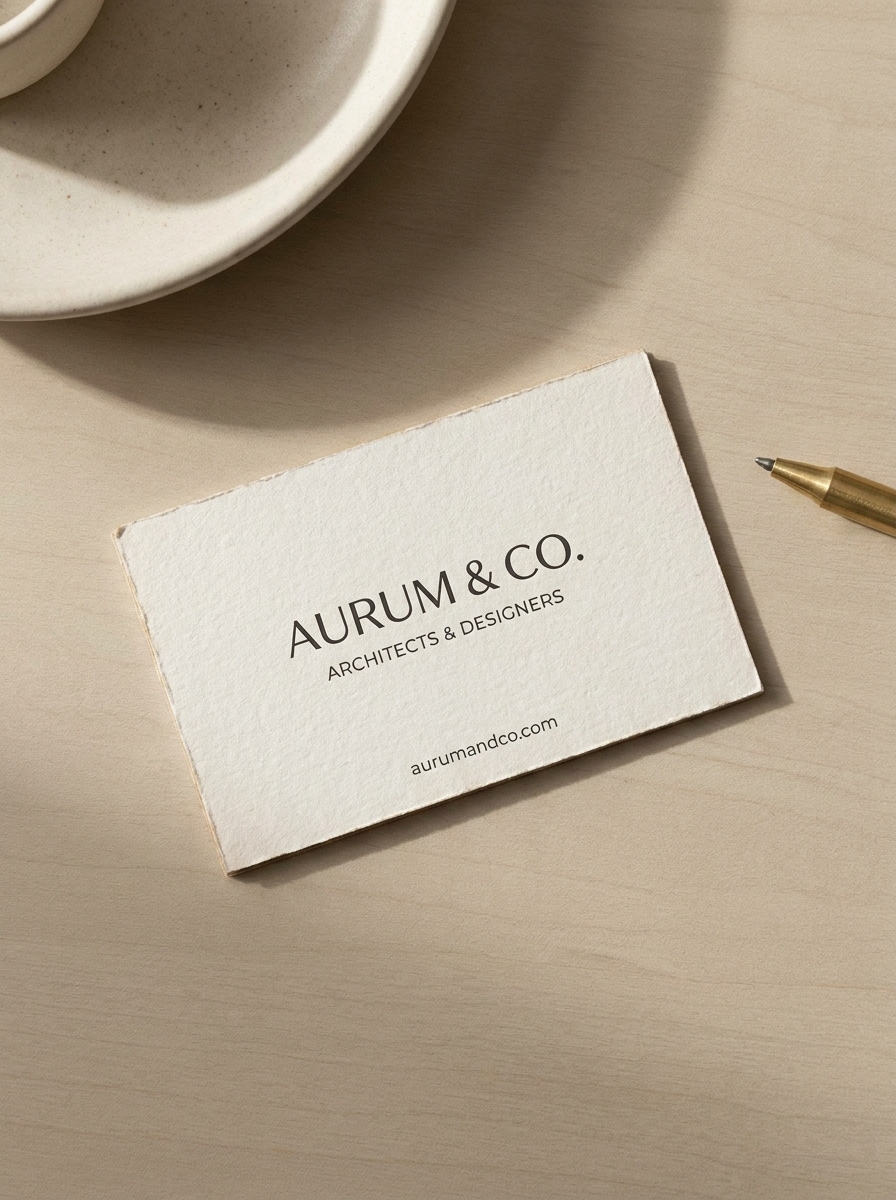
Verwenden Sie das hochgeladene Bild als Visitenkartendesign und verwandeln Sie es in ein fotorealistisches Top-Down-Mockup auf einem neutralen beigen Schreibtisch. Fügen Sie weiche natürliche Schatten, subtile Papiertextur, klare Abstände, minimale Premium-Requisiten und eine ruhige moderne Branding-Stimmung mit präzisen Druckdetails hinzu.
Schreibwaren-Branding-Set
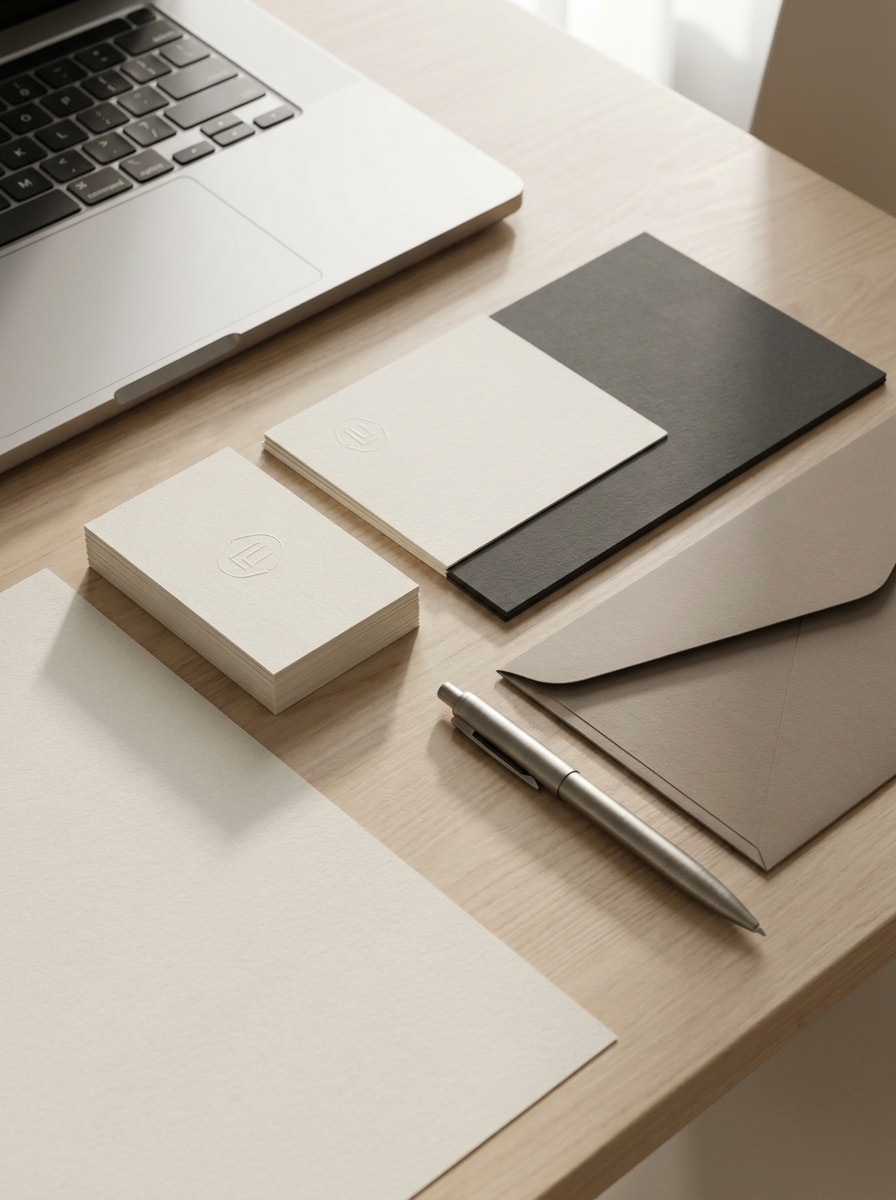
Verwenden Sie das hochgeladene Bild als Visitenkarten-Artwork und platzieren Sie es in einer vollständigen Schreibwaren-Branding-Szene. Zeigen Sie die Karte mit einem Briefkopf, Umschlag, Stift und Laptop-Ecke unter sanftem Tageslicht, wobei das Layout gepflegt, realistisch und für eine Premium-Markenpräsentation geeignet bleibt.
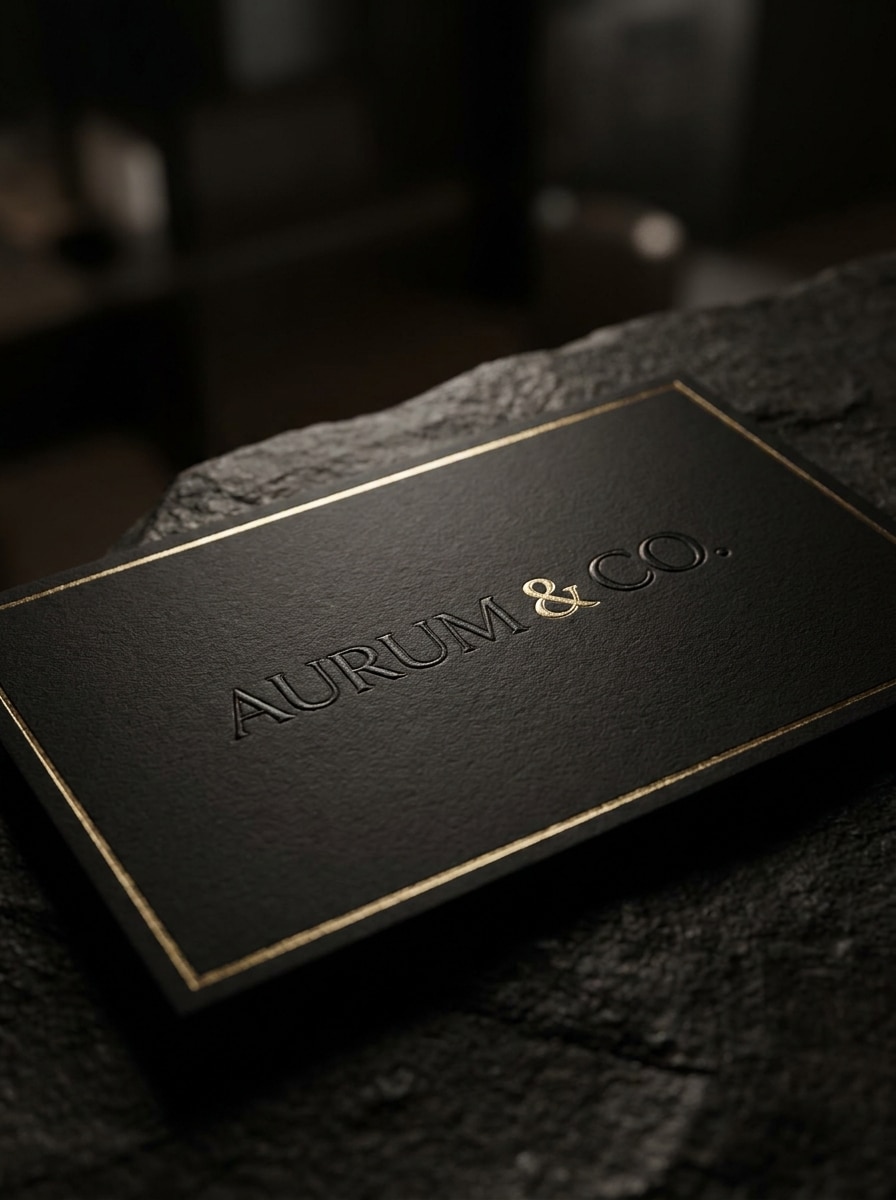
Schwarze Luxuskarte
Verwenden Sie das hochgeladene Bild als Basisdesign und wandeln Sie es in ein luxuriöses schwarzes Visitenkarten-Mockup um. Wenden Sie matten schwarzen Karton, subtile geprägte Logo-Details, raffinierte Goldfolien-Akzente, dramatische weiche Beleuchtung und geringe Schärfentiefe für ein exklusives Print-Markenidentitäts-Design an.
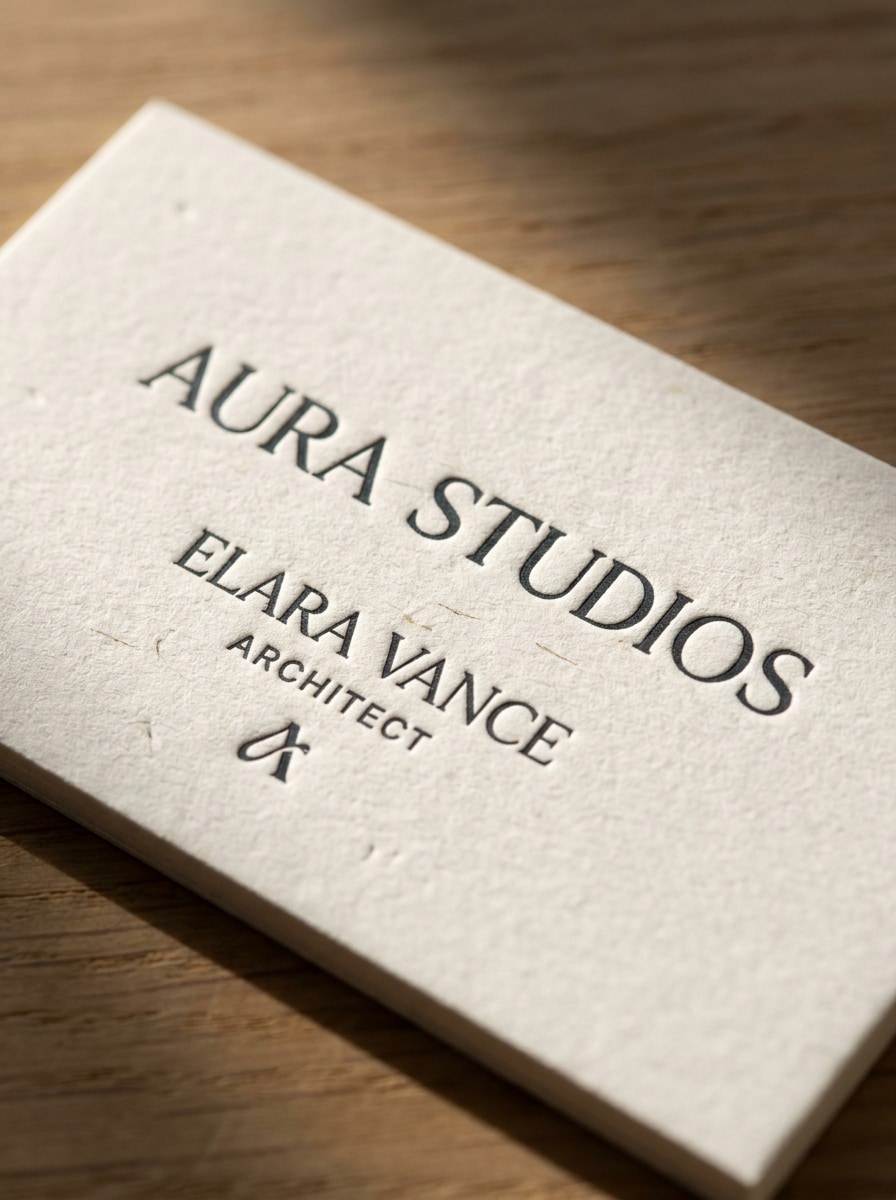
Texturiertes Papier-Mockup
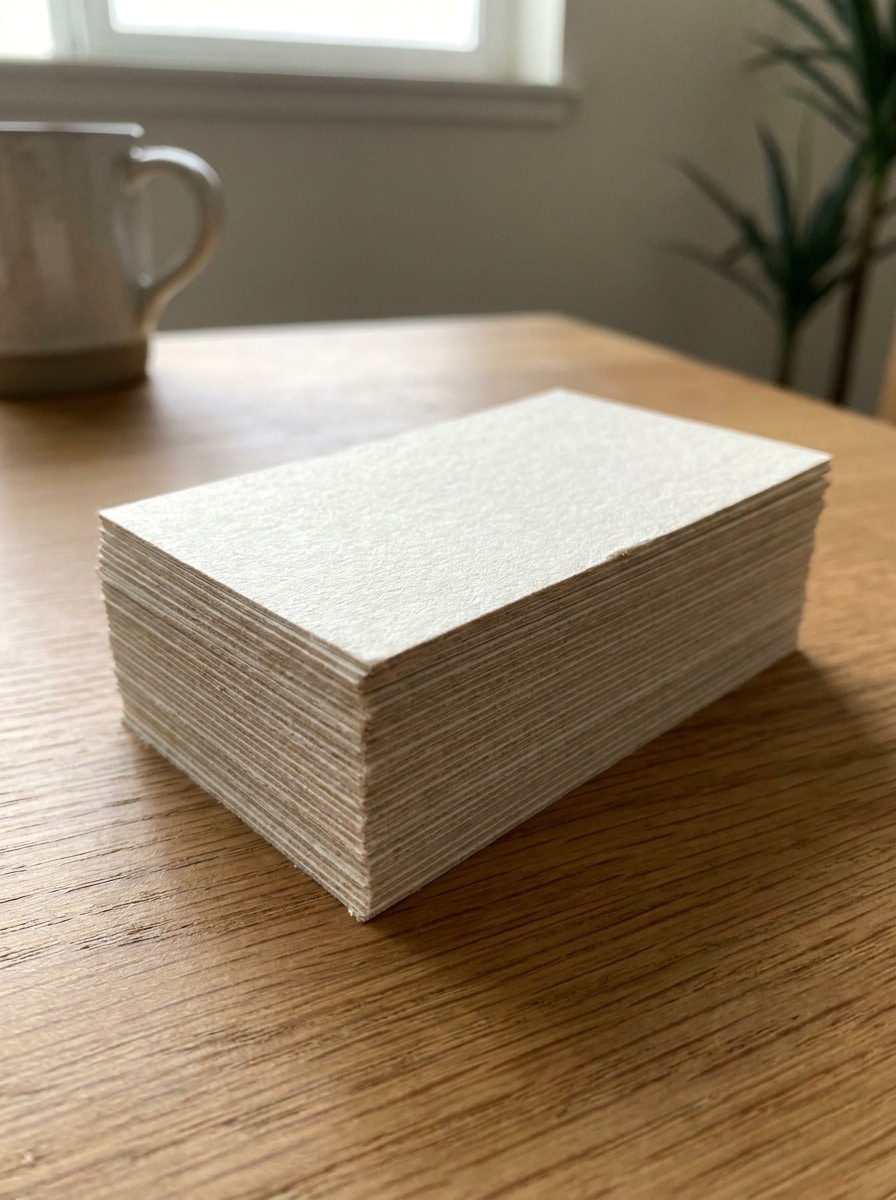
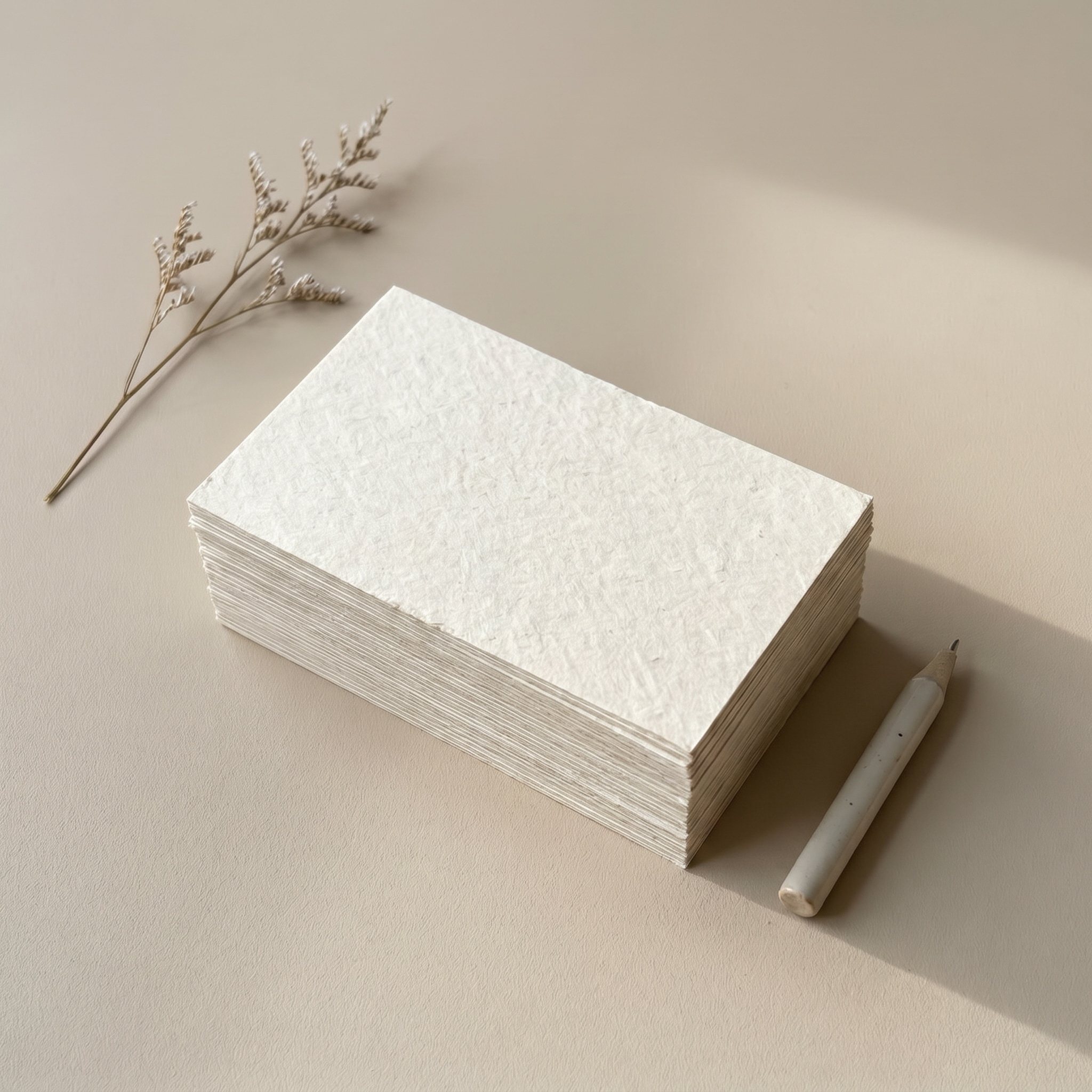
Verwenden Sie das hochgeladene Bild als Motiv und rendern Sie es als Nahaufnahme eines texturierten Baumwollpapier-Mockups. Betonen Sie sichtbare Körnung, weiches Richtungslicht, elegantes minimales Styling, realistische Papierkanten und Makrodetails, sodass das endgültige Bild haptisch, hochwertig und druckorientiert wirkt.
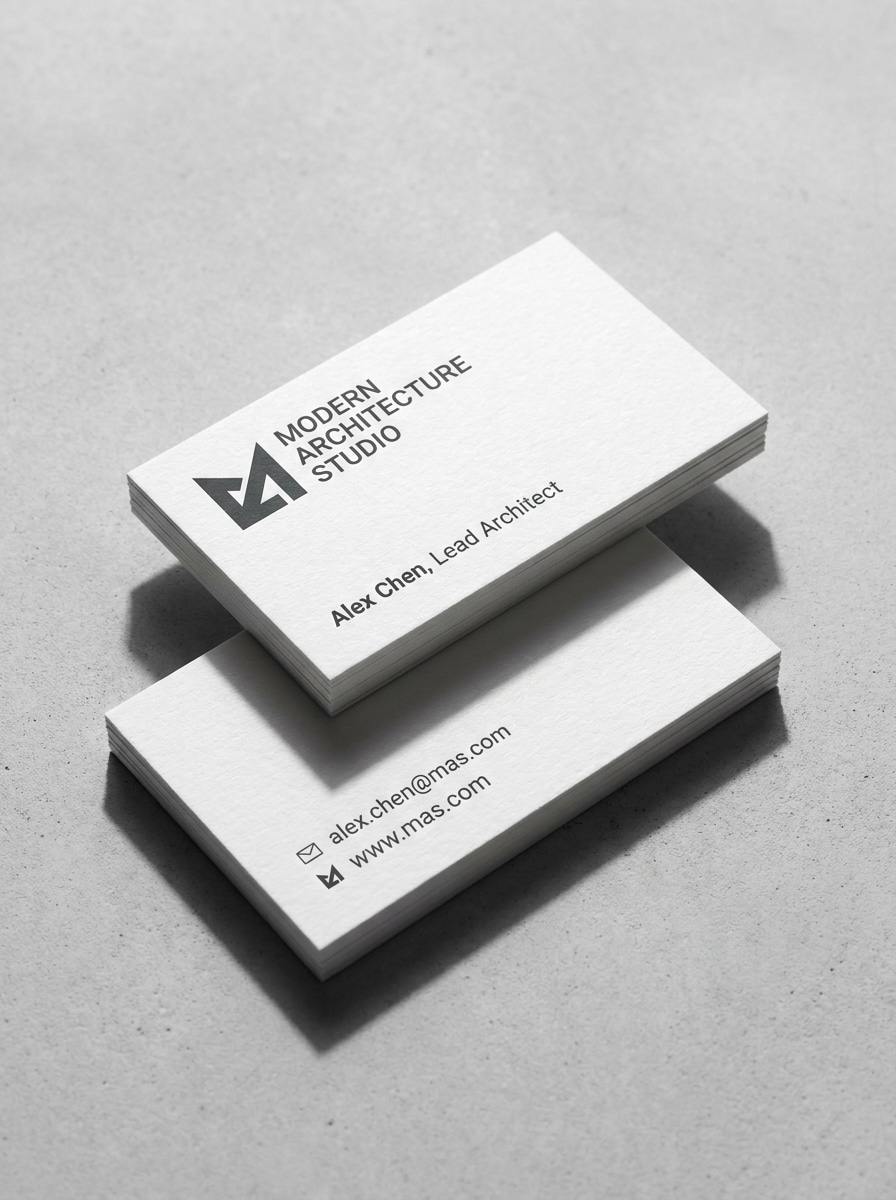
Vorder- und Rückseite gestapelt
Verwenden Sie das hochgeladene Bild als Kartendesign und erstellen Sie eine realistische gestapelte Vorder-und-Rückseiten-Präsentation. Zeigen Sie zwei Karten mit sauberer Ausrichtung, sichtbarer Papierdicke, weichen Studio-Schatten und scharfer Typografie, sodass beide Seiten in einer professionellen Mockup-Visitenkarten-Vorschau klar lesbar sind.
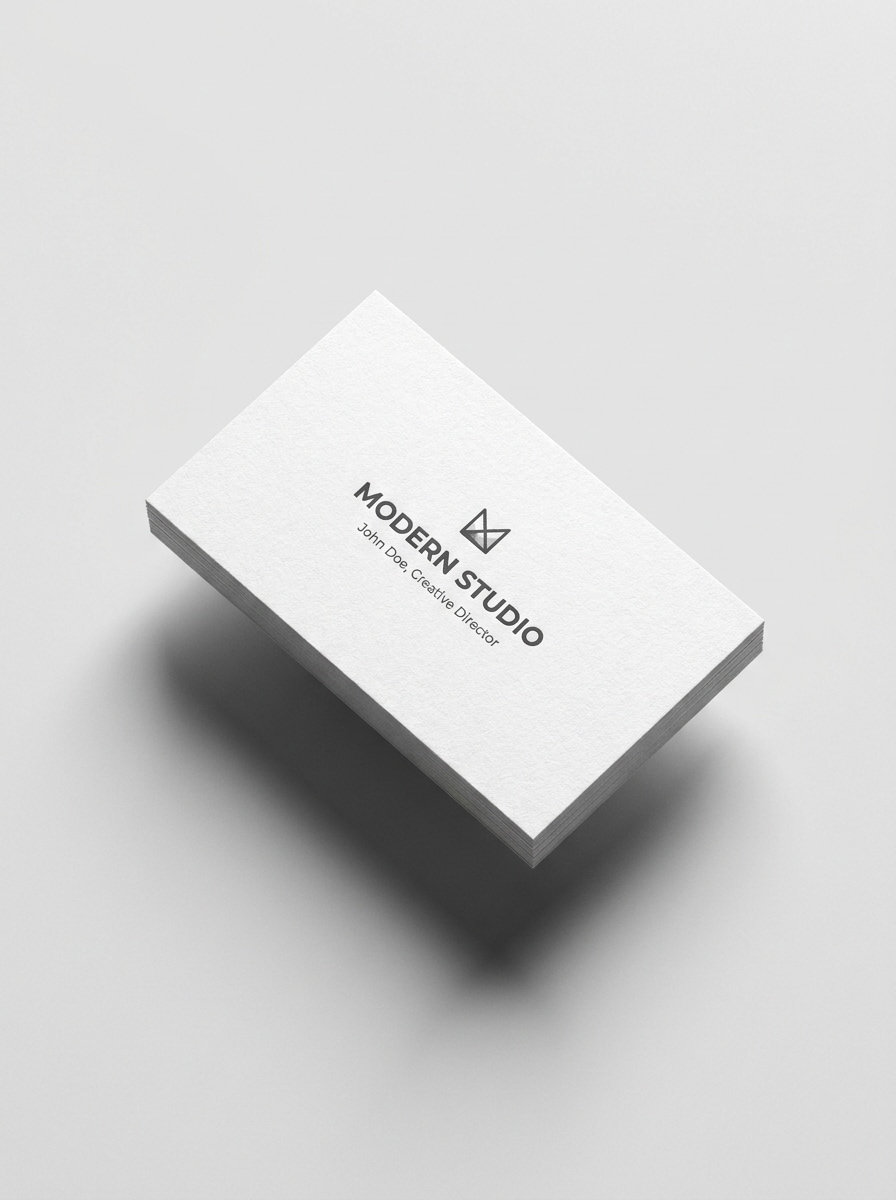
Angewinkelte schwebende Karte
Verwenden Sie das hochgeladene Bild als Visitenkartendesign und verwandeln Sie es in ein angewinkeltes schwebendes Mockup auf einem sauberen isolierten Hintergrund. Fügen Sie präzise Schatten, realistische Papierdicke, modernes produktartiges Licht und eine minimalistische Komposition hinzu, die ideal für ein Marktplatz-Visitenkarten-Mockup-Thumbnail ist.
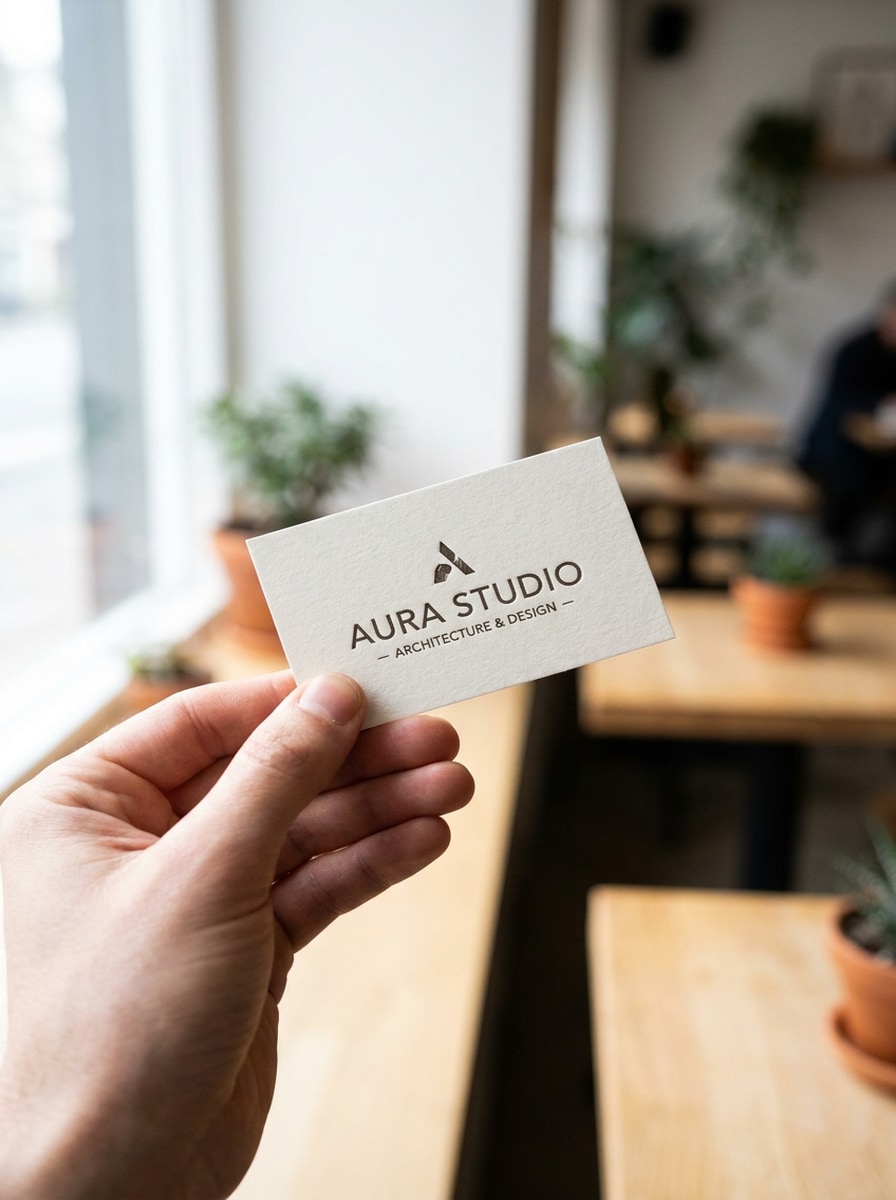
Hand hält Karte
Verwenden Sie das hochgeladene Bild als Karten-Artwork und platzieren Sie es in einer fotorealistischen handgehaltenen Szene. Zeigen Sie natürliche Hauttöne, weich fokussierten Hintergrund, ausgewogenes Tageslicht und authentische Proportionen, sodass das Mockup wie eine echte persönliche Markenvorstellung für eine Premium-Geschäftseinführung wirkt.
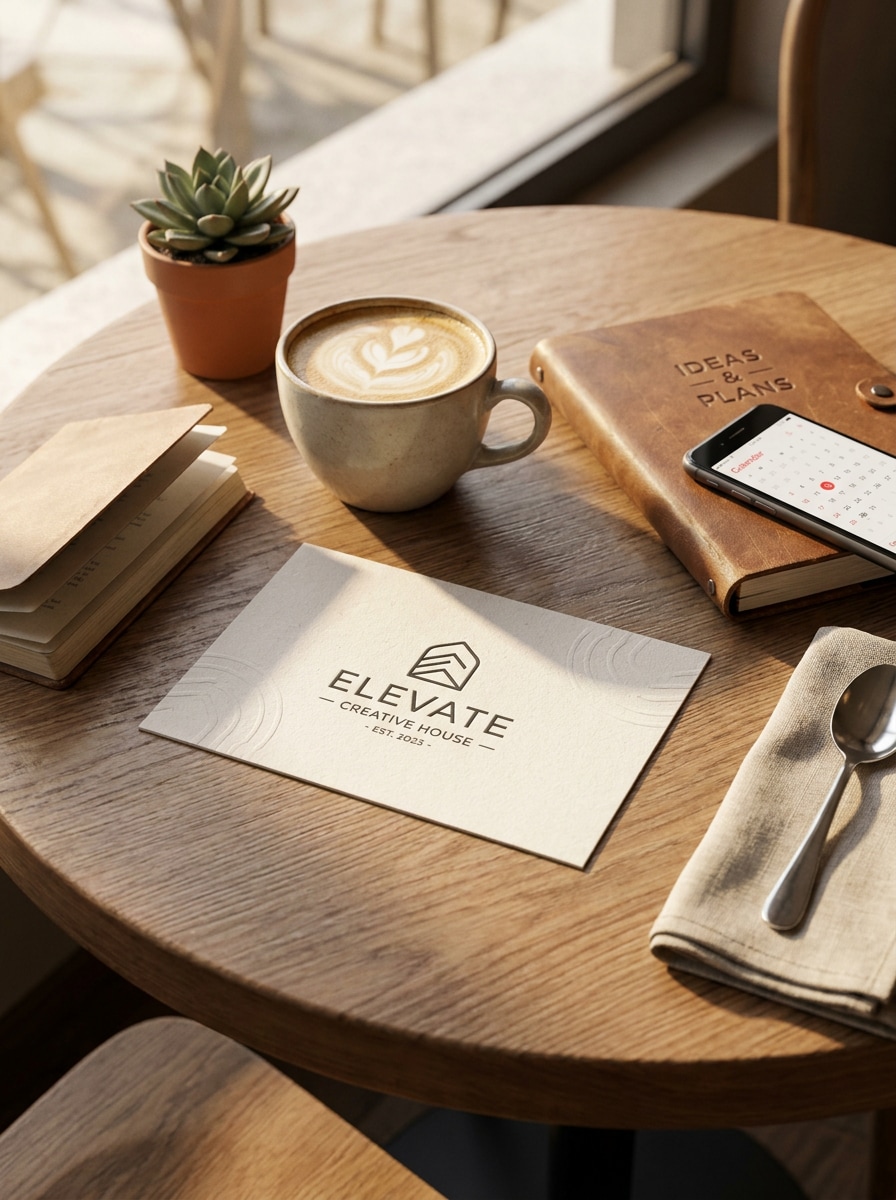
Café-Tisch-Szene
Verwenden Sie das hochgeladene Bild als Kartendesign und platzieren Sie es in einem stilvollen Café-Tisch-Geschäftssetting. Fügen Sie eine Kaffeetasse, ein Notizbuch und ein Telefon mit warmem natürlichem Licht, realistischen Schatten und einer modernen unternehmerischen Stimmung hinzu, die gepflegt wirkt, ohne übermäßig inszeniert auszusehen.
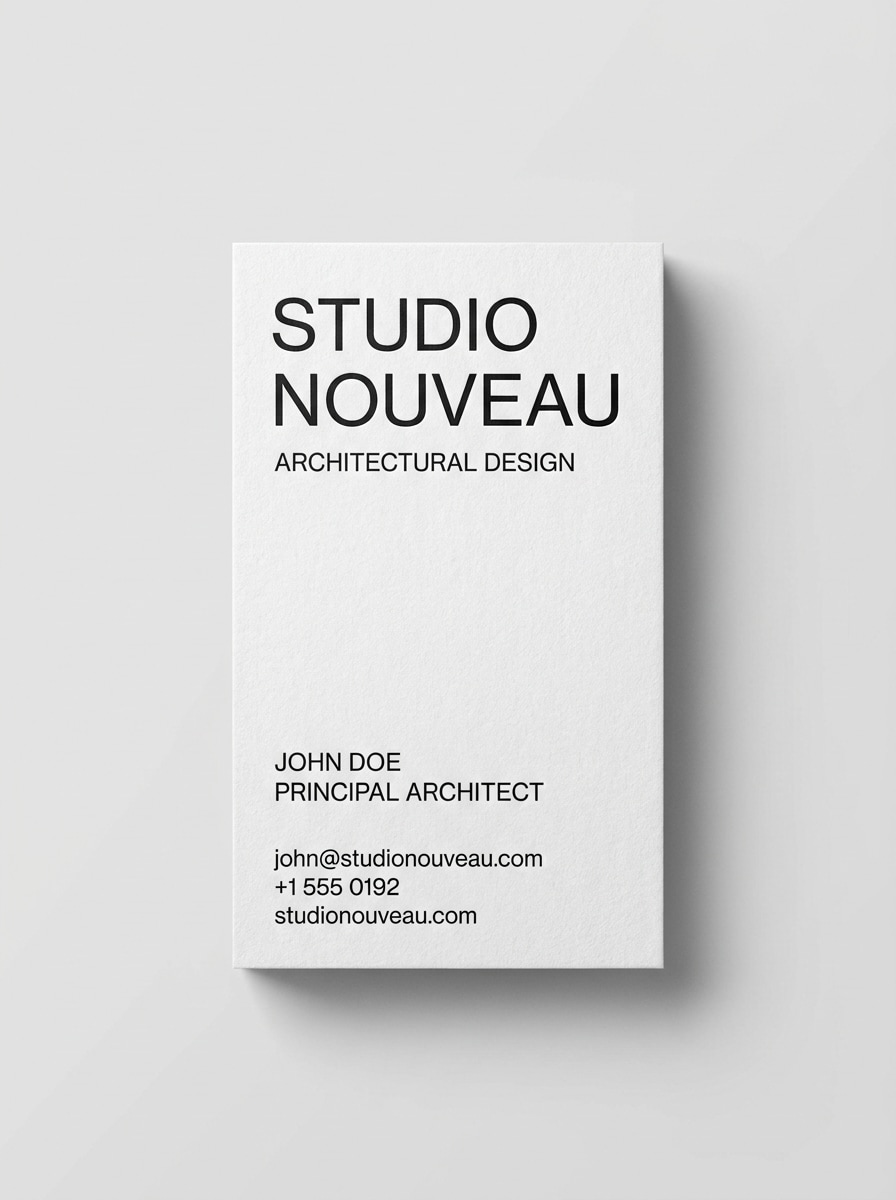
Vertikale Visitenkarte
Verwenden Sie das hochgeladene Bild als Referenz und wandeln Sie es in ein vertikales Visitenkarten-Mockup mit einem sauberen Studio-Setup um. Halten Sie die Karte aufrecht, zeigen Sie realistischen Papierbestand und weiche Schatten und erhalten Sie die klare Layout-Sichtbarkeit für eine moderne druckfertige Branding-Vorschau.
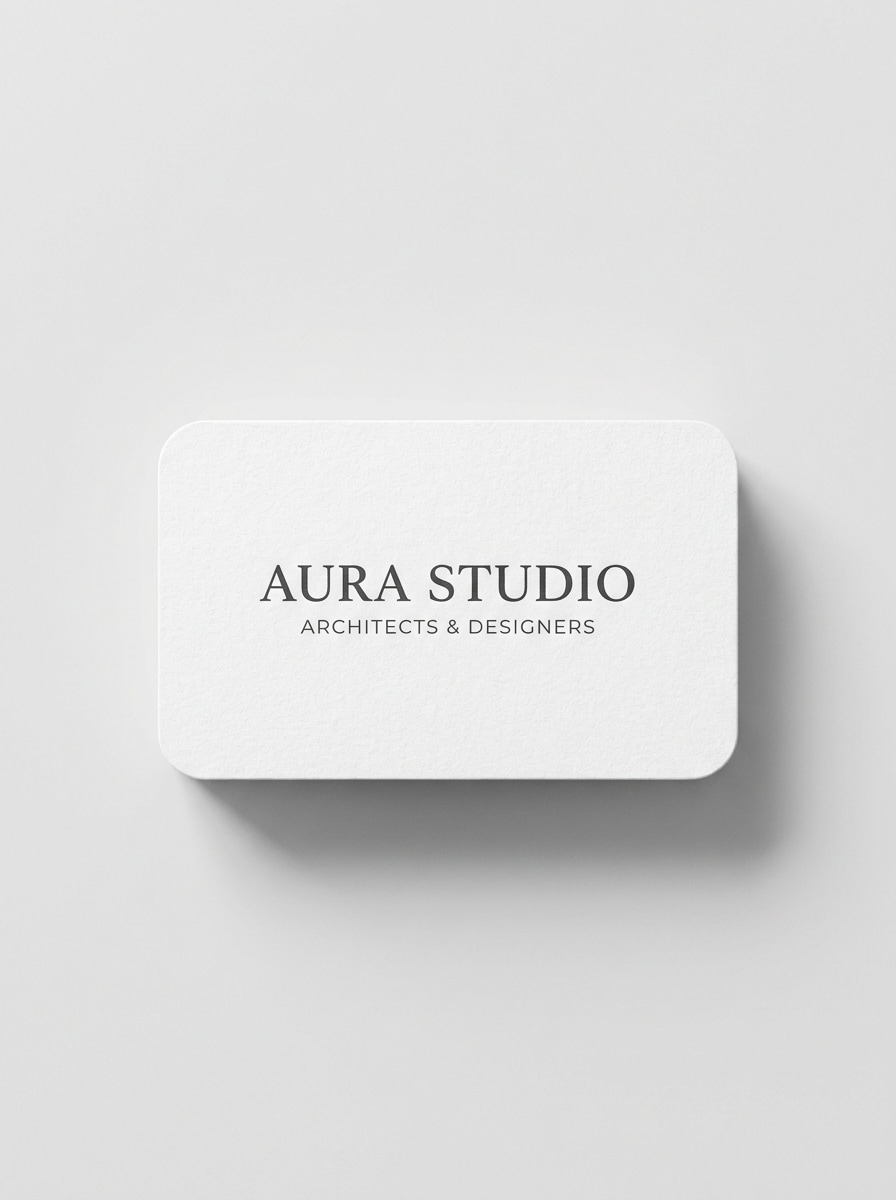
Karte mit abgerundeten Ecken
Verwenden Sie das hochgeladene Bild als Visitenkartendesign und zeigen Sie eine Vorschau auf einer Karte mit abgerundeten Ecken. Zeigen Sie hochwertigen weißen Karton, subtile Stanzkantenränder, einen sauberen Hintergrund und weiche realistische Schatten, sodass das endgültige Mockup Form, Oberfläche und professionelle Präsentationsqualität hervorhebt.
Warum Media.io für Visitenkarten-Mockups verwenden
Referenzbasierte Ergebnisse, die Ihr Design erkennbar halten
Laden Sie Ihr Karten-Artwork hoch und Media.io verwendet diese Referenz, um Logos, Layout-Richtung und die allgemeine Markenidentität beizubehalten, während das Design in eine lebensechtere Präsentation umgewandelt wird.
Flaches Artwork schnell in realistische Markenszenen verwandeln
Unterschiedliche Ausgaben erfordern unterschiedliche Ästhetik. Media.io hilft Ihnen, verschiedene Behandlungen desselben Visitenkarten-Mockup-Konzepts zu erkunden, sodass das endgültige Visual schneller den richtigen Ton trifft.
Flexible Layouts für Karten, Präsentationen und Marktplatz-Visuals
Von einer sauberen isolierten Mockup-Visitenkartenansicht bis zu einer gestapelten Vorder-und-Rückseiten-Komposition erleichtert Media.io die Anpassung eines Designs für Portfolios, Pitch-Decks, Storefront-Thumbnails und Social-Media-Beiträge.
Endgültige Visuals für echte Projekte scharf halten
Wenn ein Visitenkarten-Mockup für die echte Veröffentlichung vorgesehen ist, bietet Media.io schärfere Ausgaben bis zu 4K, was dazu beiträgt, dass das Bild in Präsentationen, Hintergründen und wiederverwendeten Assets klar bleibt.
Wie man online ein Visitenkarten-Mockup erstellt
Verwandeln Sie Ihre Worte in atemberaubende Visuals in drei einfachen Schritten und verfeinern Sie das Ergebnis anschließend weiter, wenn Sie es noch verbessern möchten.
Schritt 1
Referenzbild hochladen
Laden Sie ein klares JPG, PNG oder JPEG Ihres flachen Visitenkartendesigns hoch. Ein sauberes, hochauflösendes Quellbild hilft Media.io dabei, Logos, Typografie, Abstände und Druckdetails im endgültigen Mockup besser erkennbar zu halten.
Schritt 2
Änderung beschreiben und Optionen festlegen
Geben Sie die gewünschte Szene ein, z. B. ein Schreibtisch-Layout, eine gestapelte Vorder-und-Rückseiten-Vorschau, luxuriösen schwarzen Karton oder ein Visitenkarten-Mockup mit handgehaltenem Realismus. Wählen Sie dann Ihr Modell und passen Sie Seitenverhältnis, Qualität und die Anzahl der Bildvariationen an.
Schritt 3
Generieren, herunterladen und weiter verbessern
Erstellen Sie mehrere Versionen, vergleichen Sie die Ergebnisse und laden Sie das stärkste Mockup für Präsentationen, Portfolios oder Kundenbewertungen herunter. Sie können den Prompt verfeinern, Layouts wechseln oder neue Szenen neu generieren, bis das Branding genau richtig wirkt.
Das Potenzial von Visitenkarten-Mockups erschließen
Sehen Sie, wie Kreative dieses Visitenkarten-Mockup für Inhalte, Marketing und persönliche Projekte nutzen, und passen Sie dann jede Idee an den jeweiligen Auftrag an.
Designs überzeugender bei Kunden präsentieren
Eine flache Datei kann in einem Review-Meeting unfertig wirken, daher hilft Media.io dabei, sie in eine realistische Szene zu verwandeln, die zeigt, wie das Design auf Papier liegt, Licht einfängt und im Kontext funktioniert. Das erleichtert Genehmigungen für alles, von einem sauberen Corporate-Layout bis hin zu einem Premium-Mockup-Visitenkarten-Konzept.
Bessere Portfolio- und Marktplatz-Vorschauen erstellen
Designer, Freiberufler und Template-Verkäufer können mit Media.io ein Layout in mehrere polierte Visuals für Behance, Dribbble, Produktlistings oder Social-Media-Beiträge umwandeln. Dazu gehören isolierte Vorschauen, gestapelte Ansichten und ein Visitenkarten-Mockup-Layout, das Vorder- und Rückseite gleichzeitig zeigt.
Druckstile testen, bevor das endgültige Branding geteilt wird
Verwenden Sie Media.io, um zu erkunden, wie dieselbe Identität auf texturiertem Papier, mit abgerundeten Ecken, mattem schwarzem Karton oder einem vertikalen Layout aussieht, bevor Sie die endgültigen Assets versenden. Es ist nützlich beim Vergleich einer kostenlosen Visitenkarten-Mockup-Richtung mit einer hochwertigeren Präsentation oder bei der Suche nach einem kostenlosen Visitenkarten-Mockup- oder Besuchskarten-Mockup-Stil, der dennoch professionell wirkt.
Was Nutzer sagen
Ava Martinez
Freiberufliche Markendesignerin
„Großartig für schnelle Kunden-Vorschauen" Ich habe Media.io verwendet, um ein flaches Design in wenigen Minuten in eine realistische Schreibtisch-Szene und eine gestapelte Vorder-Rückseiten-Vorschau zu verwandeln. Die Mockups sahen gepflegt genug aus für die Kundenprüfung, ohne einen separaten PSD-Workflow zu benötigen.
Jordan Kim
Kleinunternehmer
„Einfach zu bedienen ohne Design-Software" Ich brauchte eine schnelle kostenlosen Visitenkarten-Mockup-ähnliche Vorschau für ein Launch-Deck, und das war viel einfacher als das Erlernen einer vollständigen Design-App. Hochladen, Szene beschreiben, und die Ergebnisse waren überraschend professionell.
Priya Shah
Kreative Agentur-Produzentin
„Hilfreiche Vielfalt an visuellen Stilen" Wir haben minimalistische Schreibtisch-Szenen, handgehaltene Enthüllungen und luxuriöse schwarze Karton-Looks für ein Identitätssystem getestet. Mehrere Visitenkarten-Präsentationsoptionen in einem Browser-Tool zu haben, hat viel Produktionszeit gespart.
Ethan Brooks
Marktplatz-Template-Verkäufer
„Solide Ausgabe für Listings und Portfolios" Der isolierte Winkel und die Vorder-und-Rückseiten-Layouts haben besonders gut für meine Produkt-Thumbnails funktioniert. Ich mochte auch die Möglichkeit, Versionen zu erstellen, die einem kostenlosen Visitenkarten-Mockup-Muster nahekamen, aber dennoch sauber und verkaufsfertig aussahen.
Entdecken Sie die beliebtesten KI-Video- und Bildeffekte
Ein Visitenkarten-Mockup-Generator ist ein Werkzeug, das ein flaches Kartendesign in ein realistisches Präsentationsbild verwandelt. Mit Media.io können Sie Ihr Design hochladen und Szenen wie Schreibtisch-Layouts, gestapelte Vorder-und-Rückseiten-Ansichten, luxuriöse Karton-Looks oder eine saubere Besuchskarten-Mockup-Vorschau im kostenfreien Stil für Portfolios und Kundenpräsentationen generieren.
2. Kann ich online kostenlos ein Visitenkarten-Mockup erstellen?
Media.io ermöglicht es kostenlosen Nutzern, das Tool mit kostenlosen Credits auszuprobieren, sodass Sie einen kostenlosen Visitenkarten-Mockup-Workflow online testen können, bevor Sie ein Upgrade durchführen. Kostenlose Downloads können Wasserzeichen enthalten, während kostenpflichtige Pläne wasserzeichenfreie hochauflösende Exporte und mehr Credits bieten. Sie können Planoptionen auf der Preisseite vergleichen.
3. Wie wandle ich ein flaches Visitenkartendesign in ein realistisches Mockup um?
Laden Sie Ihr JPG-, PNG- oder JPEG-Kartendesign auf Media.io hoch und beschreiben Sie dann die gewünschte Szene, z. B. einen neutralen Schreibtisch, luxuriösen schwarzen Karton, eine handgehaltene Ansicht oder ein Café-Tisch-Setup. Das Tool verwendet Ihr Referenzbild, um die Transformation zu leiten und hilft Ihnen dabei, schnell ein realistischeres Visitenkarten-Mockup oder eine gepflegte Markenpräsentation zu erstellen.
4. Kann ich sowohl die Vorder- als auch die Rückseite meiner Visitenkarte in einem Mockup zeigen?
Ja. Media.io kann gestapelte oder Mehrfachkarten-Layouts generieren, die beide Seiten in einer Komposition zeigen, was für Genehmigungen, Produktlistings und Portfolio-Fallstudien nützlich ist. Dieses Vorder-und-Rückseiten-Format ist eine der praktischsten Methoden, um eine Mockup-Visitenkarte zu präsentieren, da es in einem einzigen Bild mehr Designinformationen vermittelt.
5. Welche Dateitypen kann ich für ein Visitenkarten-Mockup hochladen?
Media.io unterstützt JPG-, PNG- und JPEG-Uploads für die Bild-zu-Bild-Generierung. Solange Ihre Quelldatei klar und ordnungsgemäß zugeschnitten ist, können Sie sie verwenden, um ein realistisches Karten-Mockup, ein kostenloses Visitenkarten-Mockup-Konzept oder ein gepflegtes Besuchskarten-Mockup in verschiedenen Szenen-Stilen zu erstellen.
6. Wird mein Visitenkarten-Mockup eine ausreichend hohe Auflösung für Präsentationen oder Kunden-Vorschauen haben?
Media.io bietet 1K-, 2K- und bis zu 4K-Ausgabeoptionen, was die Bilder für Folien-Decks, Review-Boards, Portfolios und Kundenpräsentationen geeignet macht. Sie können auch verschiedene Seitenverhältnisse wählen und mehrere Variationen generieren, um die klarste Präsentation für Ihr Design zu finden. Kostenlose Nutzer können Wasserzeichen haben.