Deine Werke werden nur 7 Tage lang gespeichert. Assets, die nach dem Upgrade auf einen Mitgliedschaftstarif erstellt werden, werden dauerhaft gespeichert.
Entfalten Sie Ihr kreatives Potenzial und erleben Sie jetzt die Magie der Media-KI!
Robotergesicht-Filter zum Verwandeln von Selfies in futuristische KI-Porträts
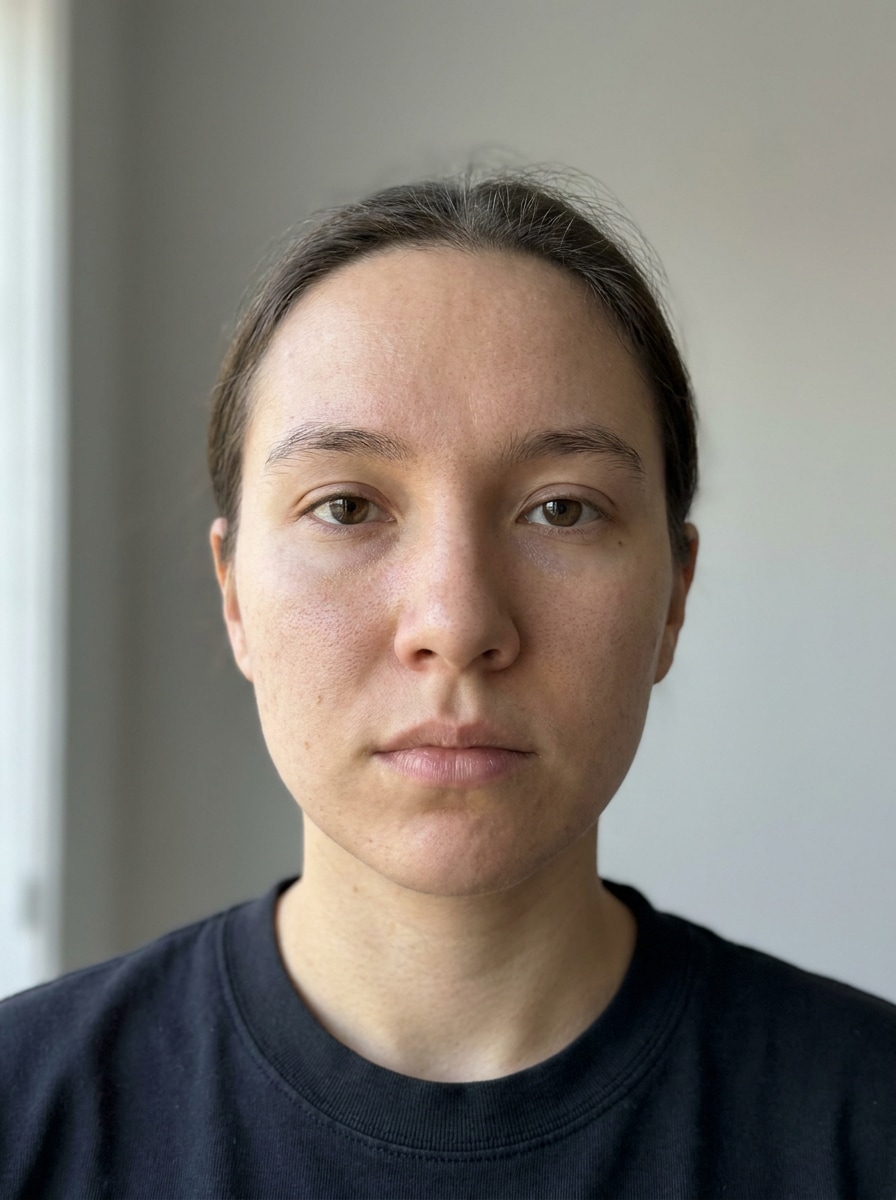
Erstellen Sie einen Robotergesicht-Filter-Look aus Ihrem Selfie in nur wenigen Klicks. Media.io hilft Ihnen, einen KI-Roboter-Filter anzuwenden, einen polierten Roboterporträt-Filter-Stil zu erstellen oder Fotos in Roboter-Kunst mit Chrom-, Android- und Cyborg-Effekten online umzuwandeln.
Geben Sie Ihre Idee ein -> KI gestaltet sie. Kostenlos ausprobieren.
Sehen Sie sich diese Beispielanweisungen an und passen Sie dann die Prompt-Details an, um bessere Ergebnisse mit diesem Robotergesicht-Filter zu erzielen.
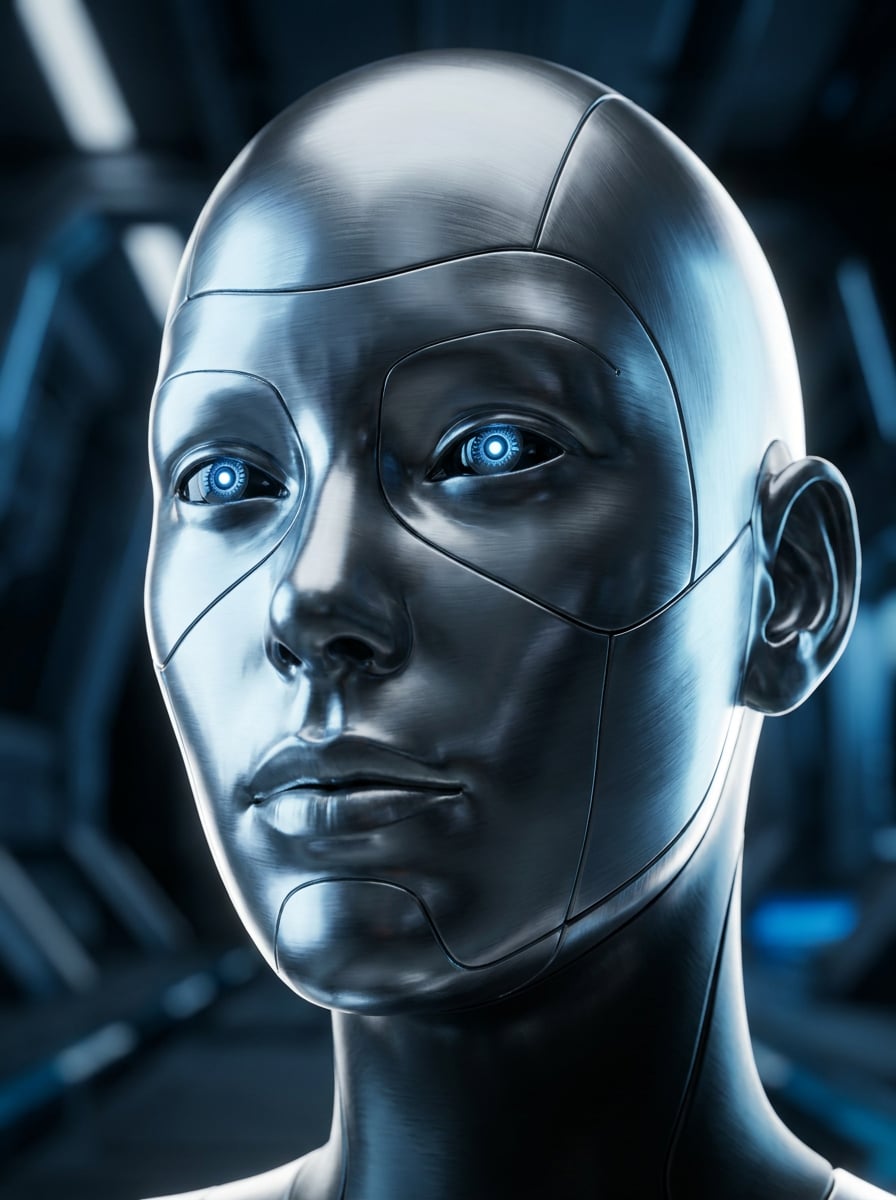
Chrom-Cyborg
Verwenden Sie das hochgeladene Bild als Motiv und verwandeln Sie das Gesicht in ein realistisches Chrom-Cyborg-Porträt. Bewahren Sie die Gesichtsidentität und den Ausdruck, während Sie reflektierende metallische Haut, feine Nahtlinien, leuchtend blaue Augen, präzise mechanische Textur, kühle Silbertöne und kinematische Randbeleuchtung für ein hochwertiges Sci-Fi-Porträt hinzufügen.
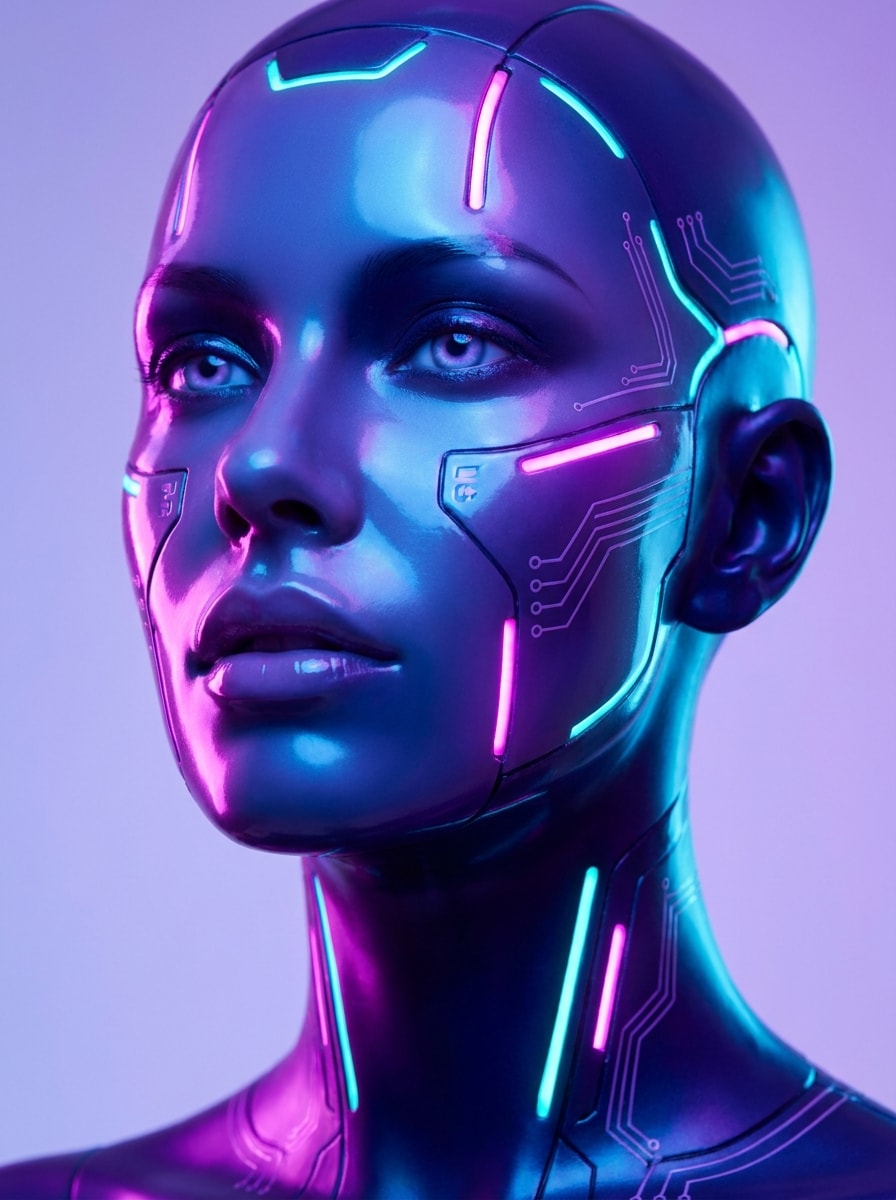
Neon-Android
Verwenden Sie das hochgeladene Bild als Motiv und lassen Sie das Gesicht wie einen eleganten Neon-Android aussehen. Halten Sie die Person erkennbar, während Sie glatte synthetische Haut, Magenta- und Cyan-Akzentlichter, leuchtende Schaltkreise, glänzende Oberflächen, futuristische Beauty-Gestaltung und weiches Studiolickt mit lebhaftem Cyberpunk-Farbkontrast hinzufügen.
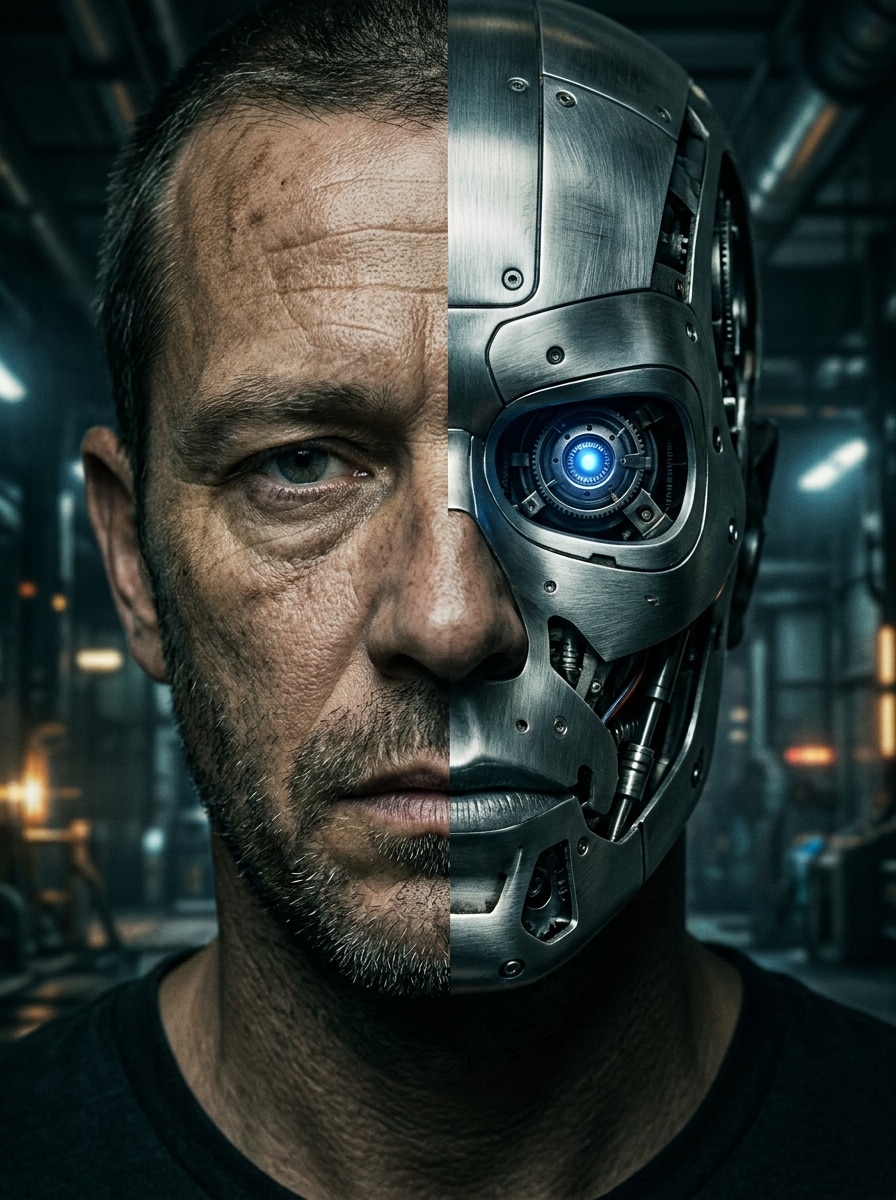
Halb Mensch Halb Roboter
Verwenden Sie das hochgeladene Bild als Motiv und erstellen Sie einen geteilten Gesichtseffekt mit einer natürlichen und einer robotischen Seite. Bewahren Sie die ursprüngliche Gesichtsform, während Sie freiliegende Maschinerie, Stahlplatten, ein leuchtendes Auge, starken Kontrast, realistische Texturen und dramatische kinematische Beleuchtung für eine beeindruckende Transformation hinzufügen.
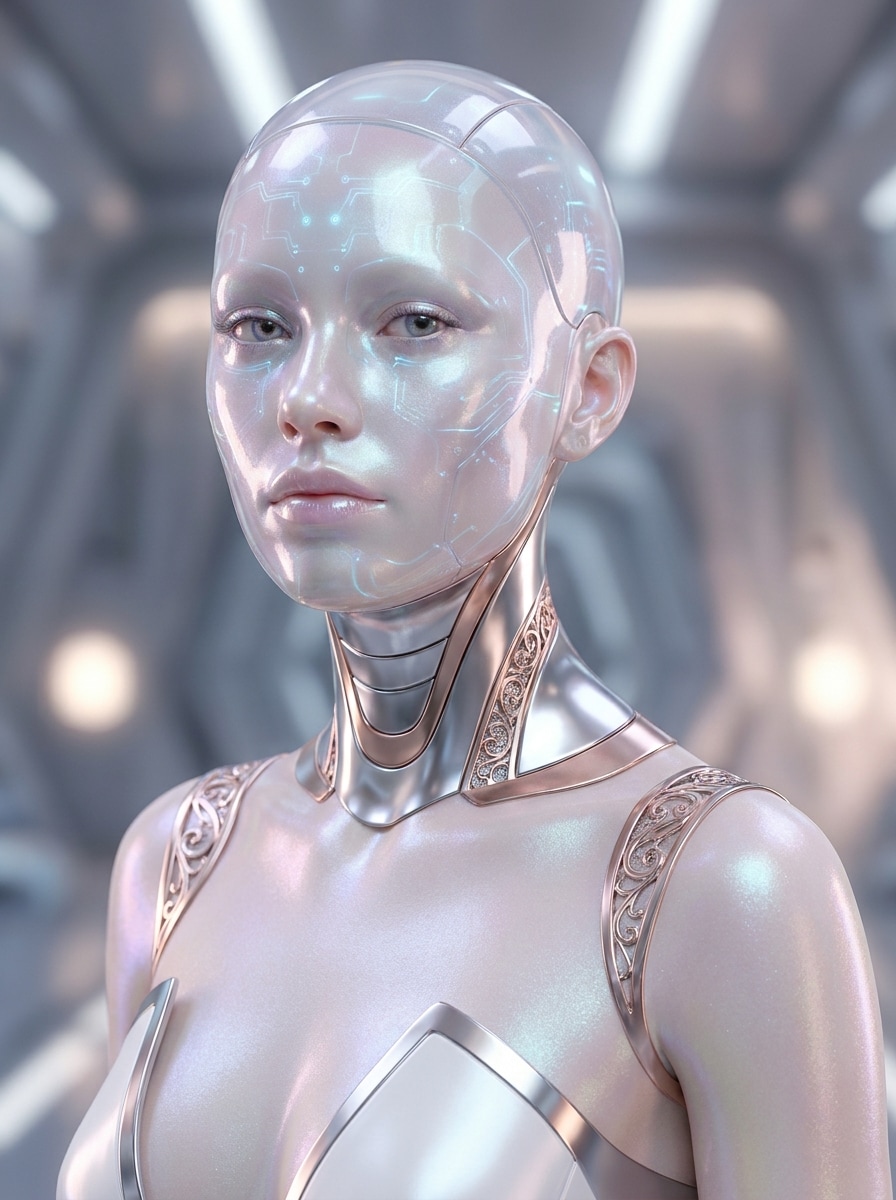
Weiblicher KI-Android
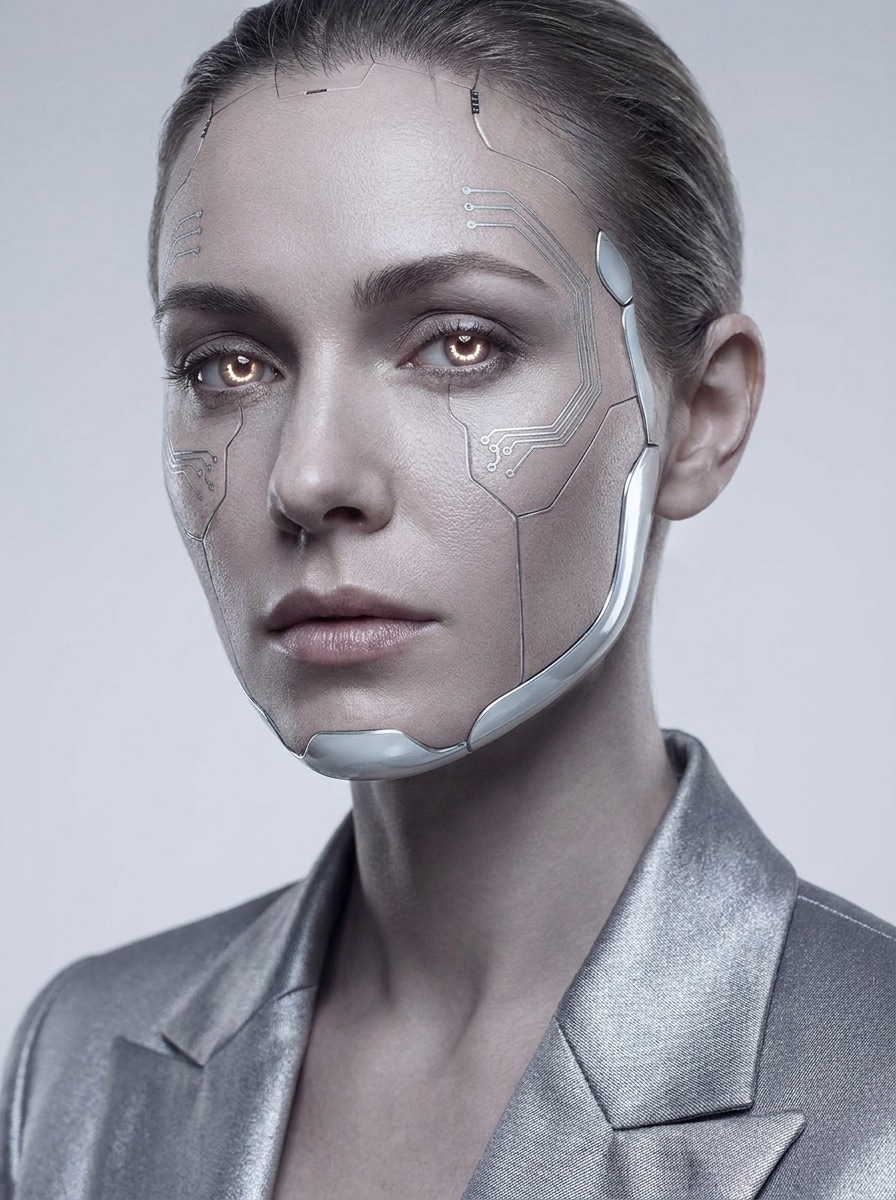
Verwenden Sie das hochgeladene Bild als Motiv und stilisieren Sie es als futuristisches KI-Android-Modell. Halten Sie das Gesicht elegant und erkennbar, während Sie verfeinerte metallische Details, glasige Haut-Finish, subtile Schaltkreise, sanftes Leuchten, redaktionelle Komposition und Luxus-Mode-Beleuchtung in einer sauberen High-Tech-Palette hinzufügen.
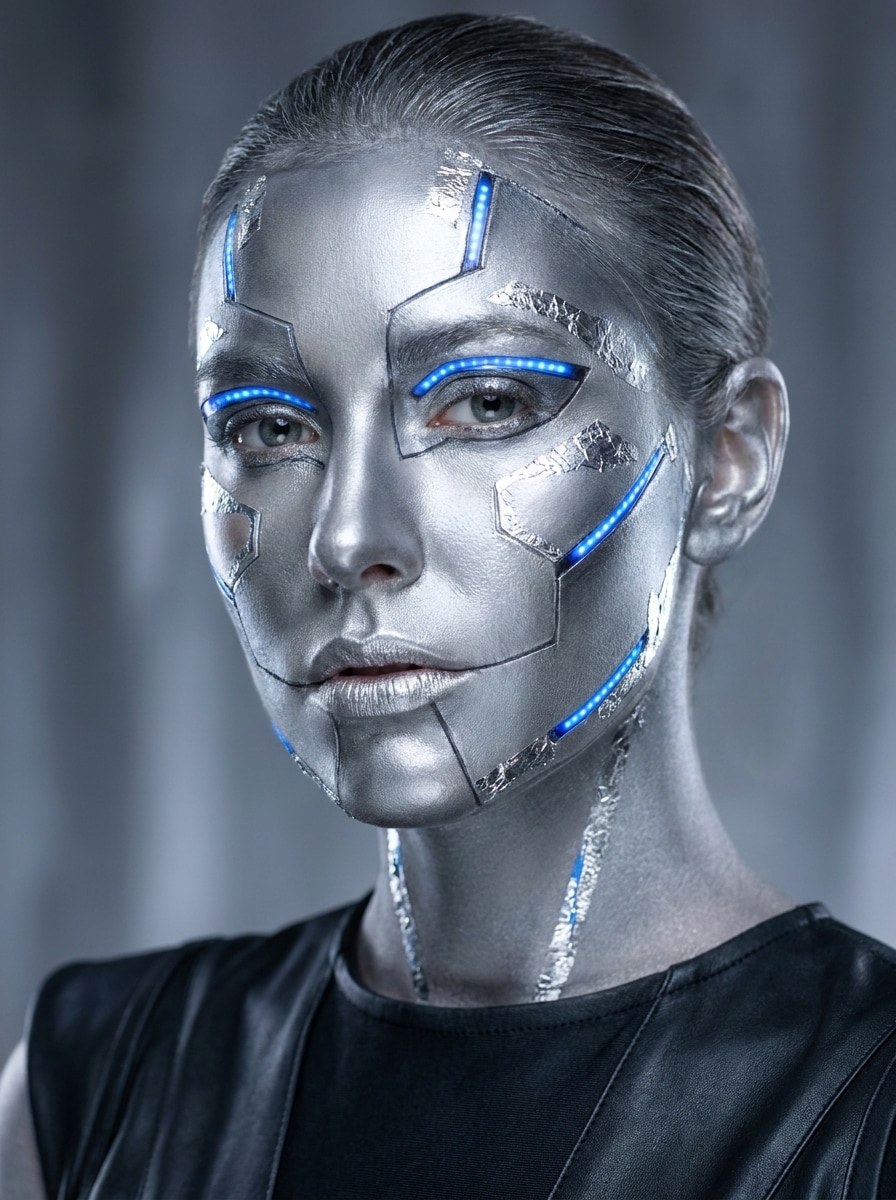
Silbernes Roboter-Make-up
Verwenden Sie das hochgeladene Bild als Motiv und wenden Sie einen silbernen Roboter-Make-up-Effekt an. Bewahren Sie den Ausdruck und die wichtigsten Gesichtszüge, während Sie metallische Texturen, geometrische Akzente, leuchtende Highlights, polierte Haut, saubere Konturlinien und glänzende redaktionelle Beleuchtung für eine stilvolle futuristische Selfie-Bearbeitung überlagern.
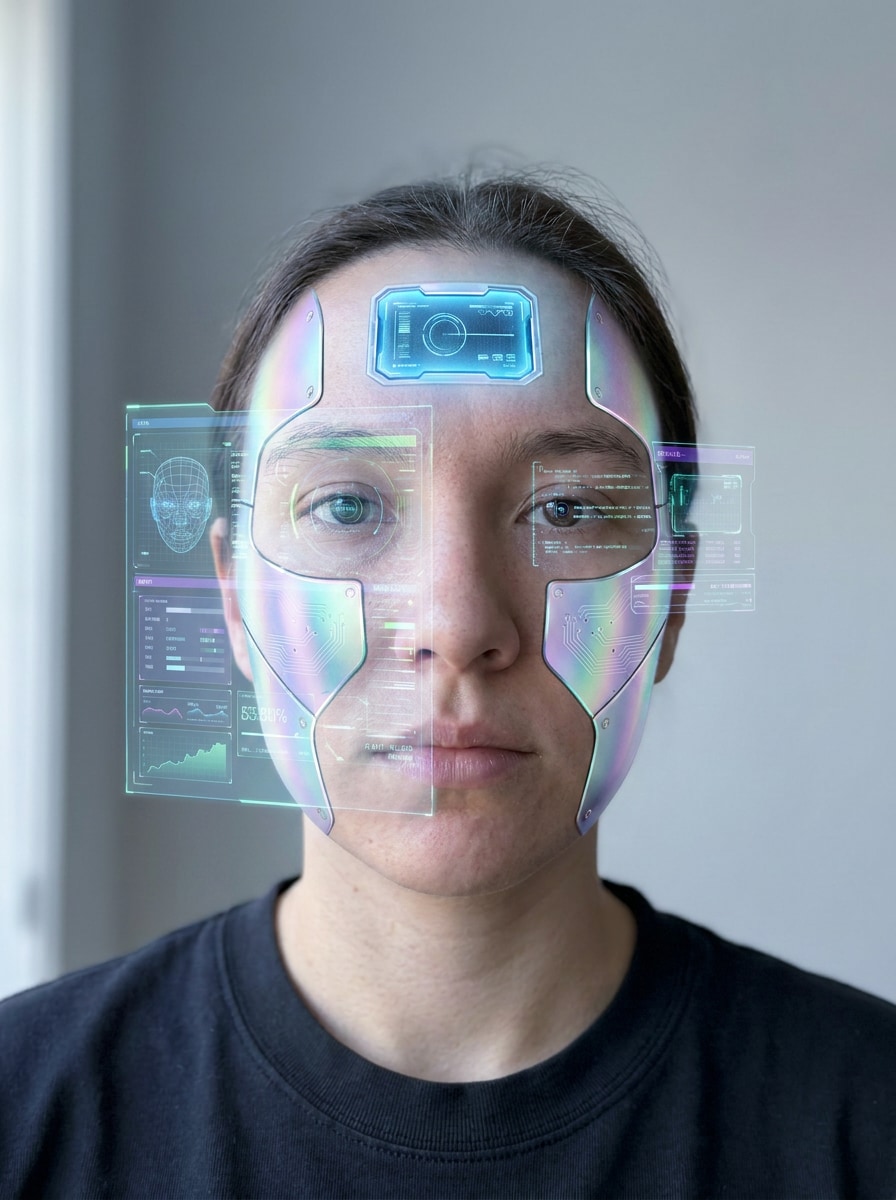
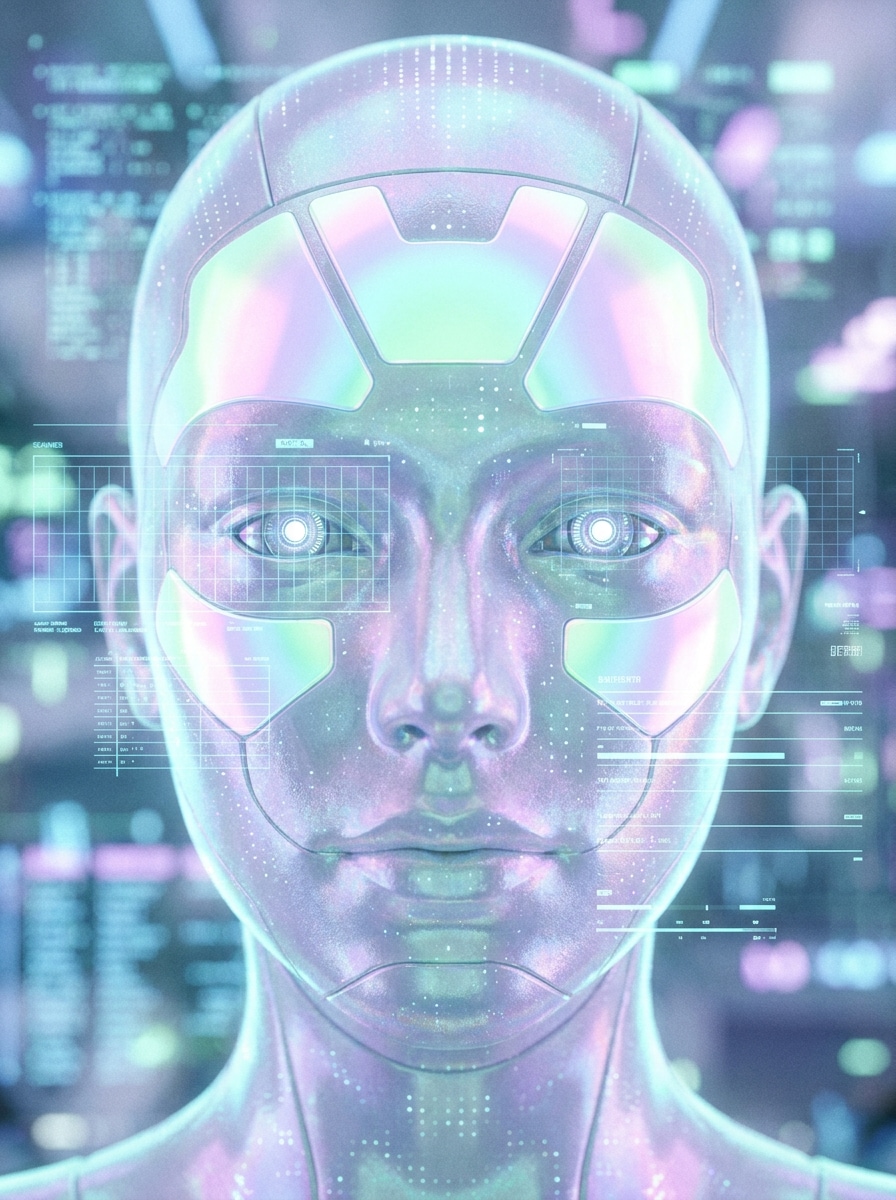
Holografisches Gesichts-Tech
Verwenden Sie das hochgeladene Bild als Motiv und fügen Sie holografische Roboterdetails zum Gesicht hinzu. Halten Sie die Identität erkennbar, während Sie transparente Interface-Overlays, schillernde Metalltexturen, leuchtende Stirnplatten, Scanner-Grafiken, kühles Pastelllicht und präzise futuristische Tiefe für ein hochwertiges Tech-Porträt einführen.
Mecha-Helm-Gesicht
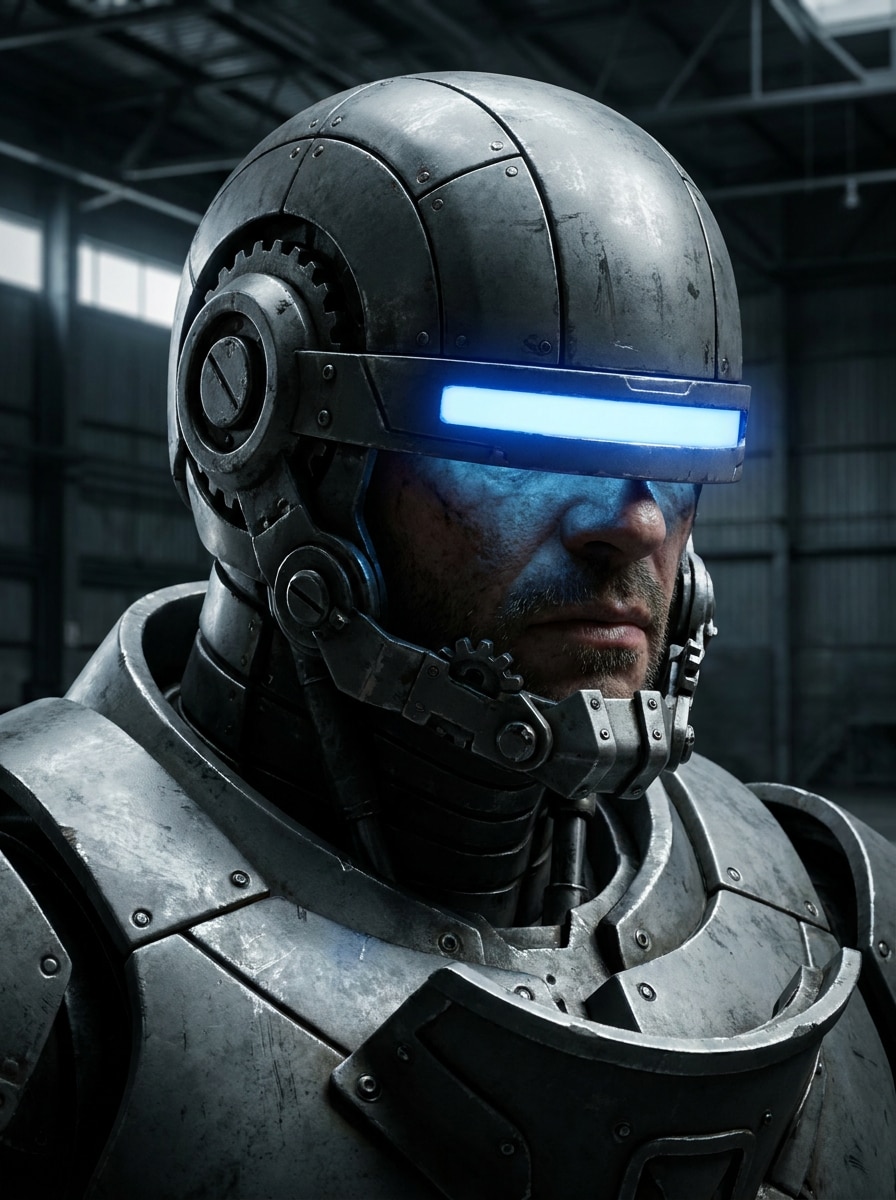
Verwenden Sie das hochgeladene Bild als Motiv und verwandeln Sie das Gesicht in ein mecha-inspiriertes Helm-Porträt. Behalten Sie die erkennbare Gesichtsstruktur bei, während Sie eckige gepanzerte Platten, mechanische Kieferstücke, leuchtende Visierelemente, industrielle Oberflächendetails, tiefe Schatten und intensive Sci-Fi-Beleuchtung für einen markanten robotischen Look hinzufügen.
Kampfdroiden-Porträt
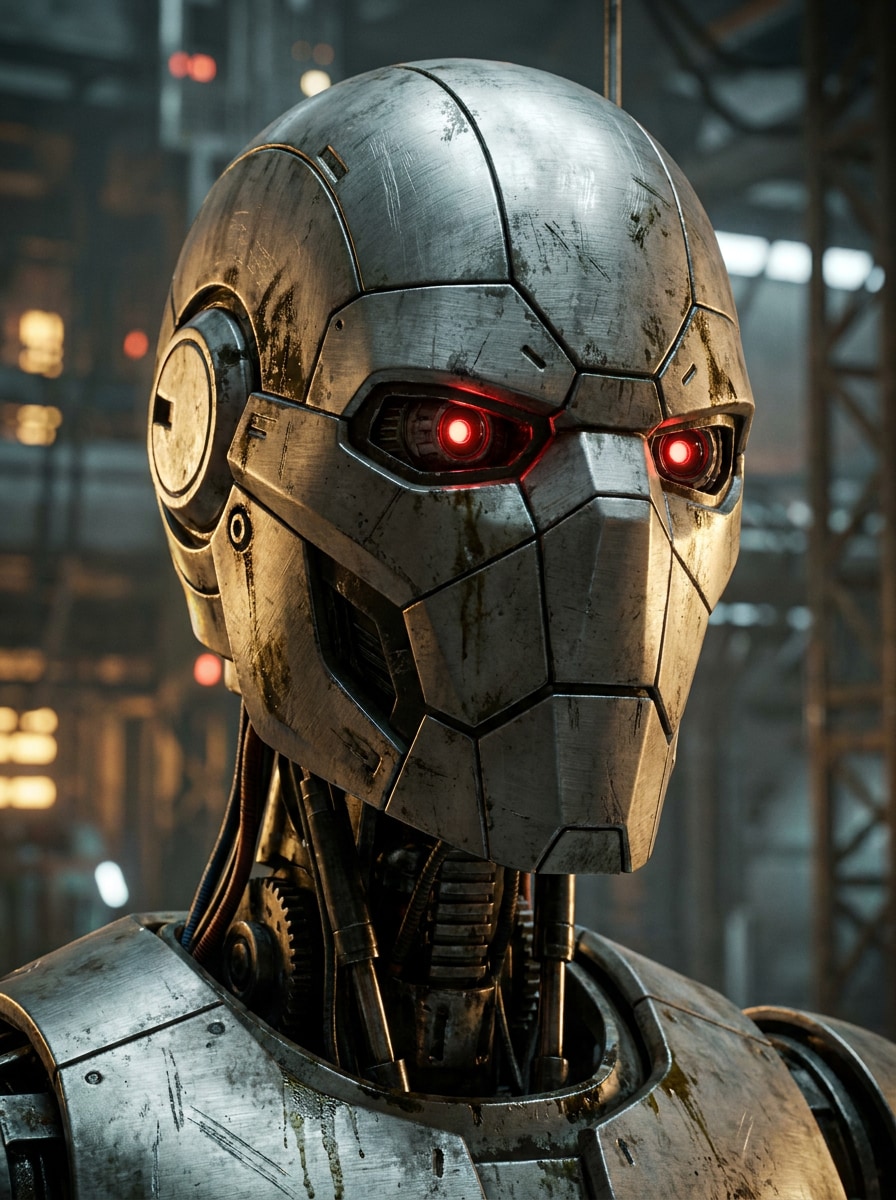
Verwenden Sie das hochgeladene Bild als Motiv und verwandeln Sie es in ein kampfdroiden-inspiriertes Porträt. Halten Sie die Person identifizierbar, während Sie gebürstete Stahloberflächen, taktische Gesichtsplatten, rote optische Sensoren, verwitterte Sci-Fi-Textur, rauchige Atmosphäre und dramatischen Kontrast für ein kinematisches Action-Ergebnis hinzufügen.
Süßes Roboter-Selfie
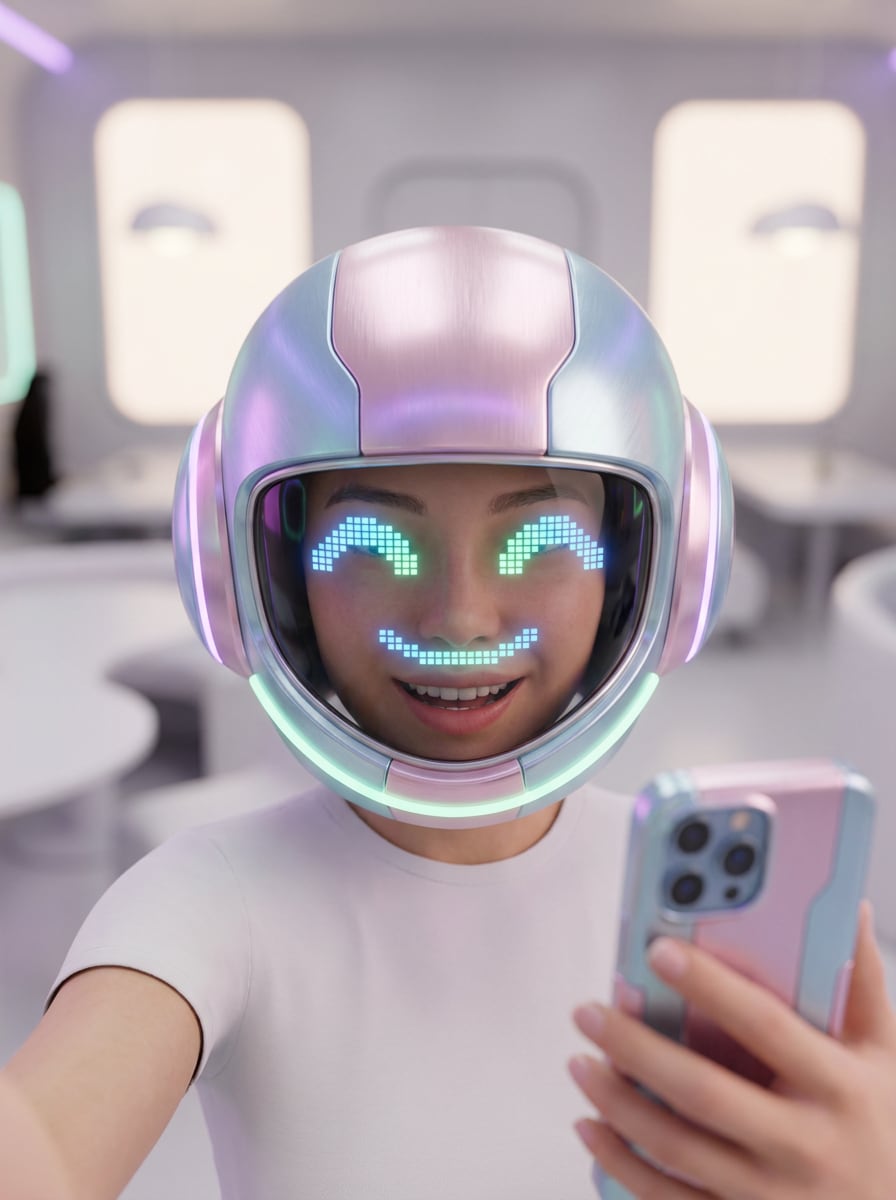
Verwenden Sie das hochgeladene Bild als Motiv und erstellen Sie einen süßen Roboter-Selfie-Effekt. Bewahren Sie das Lächeln und den Ausdruck, während Sie weiche metallische Texturen, freundliche LED-Augen, abgerundete Gesichtsplatten, pastellfarbenes Neonleuchten, einen sauberen Hintergrund und helle polierte Beleuchtung für ein verspieltes futuristisches Porträt hinzufügen.
Minimales Tech-Gesicht
Verwenden Sie das hochgeladene Bild als Motiv und fügen Sie subtile robotische Verbesserungen anstelle einer vollständigen Transformation hinzu. Halten Sie das Porträt natürlich, während Sie feine Schaltkreislinien, leichte Chromakzente, sanftes Augenleuchten, zarte mechanische Nähte, gemischte Hauttextur und hochwertiges redaktionelles Licht für einen verfeinerten humanoiden Look einführen.
Warum Media.io für Roboter-Selfie-Transformationen verwenden
Ergebnisse um ein Referenzmotiv personalisieren
Für Selfie-basierte Transformationen ermöglicht Media.io das Hochladen eines klaren Fotos und die Steuerung des Effekts mit Ihren eigenen Gesichtszügen, sodass das endgültige Cyborg- oder humanoider Roboter-Filter-Ergebnis immer noch wie Sie aussieht, anstatt wie ein generisches KI-Gesicht.
Zwischen Chrom-, Android-, Mecha- und Soft-Tech-Stilen wechseln
Eine einzelne Idee benötigt oft mehr als einen Look. Media.io hilft dabei, dasselbe Robotergesicht-Filter-Porträt in verschiedenen Stilen neu zu interpretieren, damit jede Version besser zum Projektbriefing passt.
Endgültige Visualisierungen für echte Projekte scharf halten
Wenn das endgültige Robotergesicht-Filter-Porträt über eine kleine Vorschau hinaus wiederverwendet wird, hilft Media.io dabei, schärfere Ergebnisse bis zu 4K zu liefern, damit das Bild in praktischen Design- und Präsentationsarbeiten zuverlässiger bleibt.
Aus jedem Browser ohne kompliziertes Setup bearbeiten
Einige Konzepte für Robotergesicht-Filter-Porträts werden unterwegs entworfen und später am Schreibtisch fertiggestellt. Media.io hält diesen Prozess online, sodass Sie zum selben Arbeitsablauf zurückkehren können, ohne zusätzliche Installationen oder Einrichtungen.
So wenden Sie einen Robotergesicht-Filter online an
Verwandeln Sie Ihre Worte in atemberaubende Visualisierungen in drei einfachen Schritten und verfeinern Sie das Ergebnis anschließend weiter, wenn Sie es weiterentwickeln möchten.
Schritt 1
Referenzbild hochladen
Beginnen Sie mit einem klaren Selfie, Porträt oder Kopfschuss im JPG-, PNG- oder JPEG-Format. Von vorne aufgenommene Fotos mit sichtbaren Gesichtszügen funktionieren am besten, wenn Sie eine Cyborg-, Android- oder Roboter-Transformation erstellen möchten.
Schritt 2
Änderung beschreiben und Optionen festlegen
Geben Sie den gewünschten Look ein, z. B. Chromhaut, leuchtende Augen, geteilte Mensch-und-Roboter-Details oder ein sanftes futuristisches Finish. Wählen Sie dann Ihr Modell und passen Sie Seitenverhältnis, Auflösung und die Anzahl der Bildvariationen an.
Schritt 3
Generieren, herunterladen und weiter verbessern
Generieren Sie Ihr Roboterporträt, vergleichen Sie Versionen und laden Sie das Ergebnis herunter, das Ihnen am besten gefällt. Sie können den Prompt verfeinern, eine neue Stilrichtung ausprobieren oder zusätzliche Variationen erstellen, bis die Transformation Ihrer Vision entspricht.
Sehen Sie, wie Ersteller diesen Robotergesicht-Filter für Inhalte, Marketing und persönliche Projekte verwenden, und passen Sie dann jede Idee an das Briefing an.
Verwandeln Sie ein alltägliches Selfie in einen polierten futuristischen Avatar für TikTok, Instagram oder Discord. Chromhaut, LED-Augen und saubere Gesichtsplatten-Details helfen Ihrem Profil, aufzufallen und gleichzeitig Ihre Identität erkennbar zu halten.
Dramatische Vorher-Nachher-Inhalte erstellen
Ersteller können ein einzelnes Porträt verwenden, um eine Mensch-zu-Maschine-Transformation in Reels-Covern, Thumbnails oder Karussell-Posts zu zeigen. Dies funktioniert besonders gut für alle, die einen kühnen Roboter-Makeover wünschen, ohne manuelle Fotobearbeitung zu erlernen.
Charakterkonzepte aus echten Gesichtern gestalten
Wenn Sie eine Cosplay-Idee, ein Sci-Fi-Poster oder ein Konzeptboard planen, laden Sie ein echtes Porträt hoch und testen Sie schnell mehrere maschineninspiierte Richtungen. Es ist eine praktische Möglichkeit, einen Cyborg-Look in der Vorschau zu sehen, bevor Sie in aufwändigere Designarbeiten übergehen.
Was Nutzer über diesen Roboter-Filter sagen
Ava Simmons
Kurzform-Ersteller
„Perfekt für virale Sci-Fi-Selfie-Bearbeitungen" Ich wollte einen Chrom-Cyborg-Look für ein Reel-Cover, und das hat es schnell gemacht. Mein Gesicht sah immer noch wie ich aus, aber die metallische Haut und die leuchtenden Augen gaben ihm diesen dramatischen KI-Transformationsstil.
Jordan Lee
Digitaler Künstler
„Einfache Möglichkeit, mehrere Roboter-Ästhetiken zu testen" Ich habe Android-, Split-Face- und Mecha-Stile aus einem einzigen Upload ausprobiert. Die Variationen waren nützlich für die Konzeptexploration, und der Browser-Workflow war viel einfacher als das Erstellen jeder Version von Grund auf.
Mia Patel
Social-Media-Managerin
„Gute Qualität für Profilbilder und Cover" Wir haben es verwendet, um futuristische Team-Porträts für ein Kampagnen-Mockup zu erstellen. Die Ausgabe sah scharf aus, und die Seitenverhältnis-Steuerungen halfen uns, Versionen für Stories, Posts und Thumbnails vorzubereiten.
Ethan Brooks
Gelegenheitsnutzer
„Anfängerfreundlich und macht Spaß" Ich habe einfach ein Selfie hochgeladen und den gewünschten Look beschrieben. In wenigen Klicks hatte ich ein überzeugendes Cyborg-Porträt, ohne Bearbeitungsfähigkeiten oder zusätzliche Apps zu benötigen.
Entdecken Sie die beliebtesten KI-Video- und Bildeffekte
1. Wie verwandle ich ein Selfie online in einen Robotergesicht-Filter?
Laden Sie ein klares Selfie auf Media.io hoch und beschreiben Sie dann den gewünschten Roboter-Look, z. B. Chromhaut, leuchtende Augen, Nahtlinien oder einen halb-menschlichen Cyborg-Effekt. Sie können ein Modell auswählen, Seitenverhältnis oder Auflösung festlegen und mehrere Versionen aus demselben Foto generieren.
2. Ist dieser KI-Robotergesicht-Filter kostenlos nutzbar?
Ja, kostenlose Nutzer können Media.io mit kostenlosen Credits ausprobieren. Wenn Sie mehr Generierungen benötigen oder zusätzliche Download-Vorteile wünschen, können Sie die Preisseite besuchen. Kostenlose Exporte können Wasserzeichen enthalten, während kostenpflichtige Pläne wasserzeichenfreie Downloads unterstützen. Kostenlose Nutzer können kostenlose Credits verwenden. Für mehr Nutzung können Nutzer auf der Preisseite ein Abonnement abschließen. Upgraden Sie auf einen kostenpflichtigen Plan auf der Preisseite für mehr Credits und wasserzeichenfreie hochauflösende Downloads.
3. Kann ich ein realistisches Cyborg-Gesicht aus meinem Foto erstellen?
Media.io unterstützt Bild-zu-Bild-Transformation, sodass Sie Ihr eigenes Porträt hochladen und ein realistisches Cyborg-Ergebnis generieren können, während die wichtigsten Gesichtsidentitätsmerkmale erhalten bleiben. Stile wie Chrom-Android, freiliegende Maschinerie und subtile robotische Verbesserungen funktionieren besonders gut mit einem klaren Frontfoto.
4. Welche Art von Fotos eignet sich am besten für einen Robotergesicht-Effekt?
Die besten Ergebnisse erzielen Sie in der Regel mit scharfen Selfies oder Porträts mit guter Beleuchtung, einem sichtbaren Gesicht und minimalem Unschärfeeffekt. JPG-, PNG- und JPEG-Dateien werden unterstützt, und zentrierte Kopfschüsse erleichtern die saubere Anwendung von Details wie metallischer Textur, LED-Augen und Gesichtsnähten.
5. Wie lange dauert es, ein Robotergesicht-Bild zu generieren?
Die Generierung ist darauf ausgelegt, schnell zu sein, sodass Sie in der Regel Roboterporträt-Variationen in nur einem kurzen Workflow nach dem Hochladen Ihres Bildes und der Eingabe des Prompts erstellen und vergleichen können. Die genaue Geschwindigkeit kann je nach Modell und den gewählten Optionen variieren.
6. Kann ich den Robotergesicht-Filter auf iPhone und Android verwenden?
Media.io ist webbasiert, sodass Sie das Tool auf iPhone, Android, Tablets, Mac oder Windows-Geräten verwenden können, solange Sie eine Browserverbindung haben. Das macht es einfach, eine Roboter-Selfie-Bearbeitung zu erstellen, ohne separate Software zu installieren. Media.io ist ein webbasiertes Tool, das auf jedem Gerät mit einem Browser funktioniert (Windows, Mac, iOS, Android).
Über den KI-gestützten Online-Robotergesicht-Filter hinaus