Deine Werke werden nur 7 Tage lang gespeichert. Assets, die nach dem Upgrade auf einen Mitgliedschaftstarif erstellt werden, werden dauerhaft gespeichert.
Entfalten Sie Ihr kreatives Potenzial und erleben Sie jetzt die Magie der Media-KI!
Pixie Cut Filter for Realistic Short Hair Try-On Online
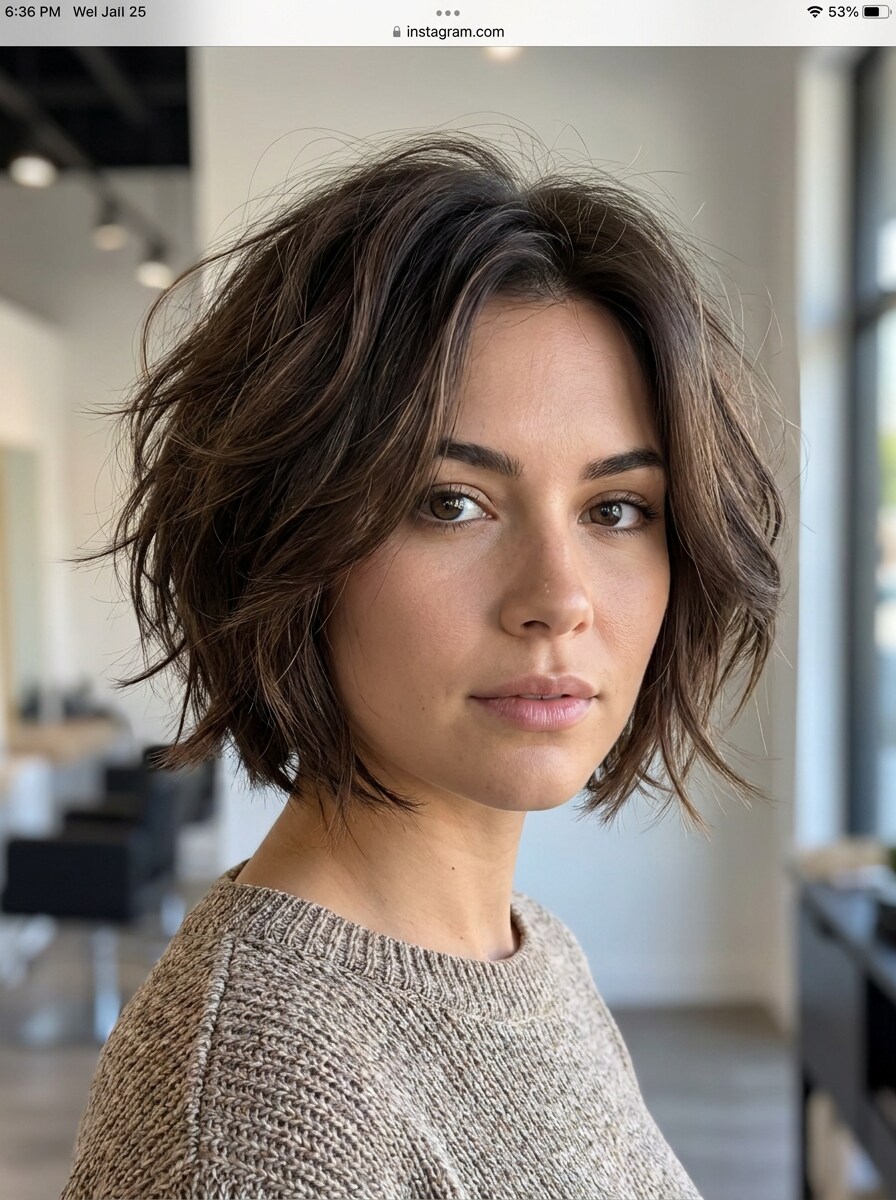
Upload one selfie and preview a pixie cut filter in seconds. Media.io helps you test flattering short-hair looks, compare style variations, and use an AI pixie haircut filter that keeps your face recognizable for a realistic virtual makeover before making the cut.
Review these example directions, then tailor the prompt details to get stronger results with this Pixie Cut Filter.
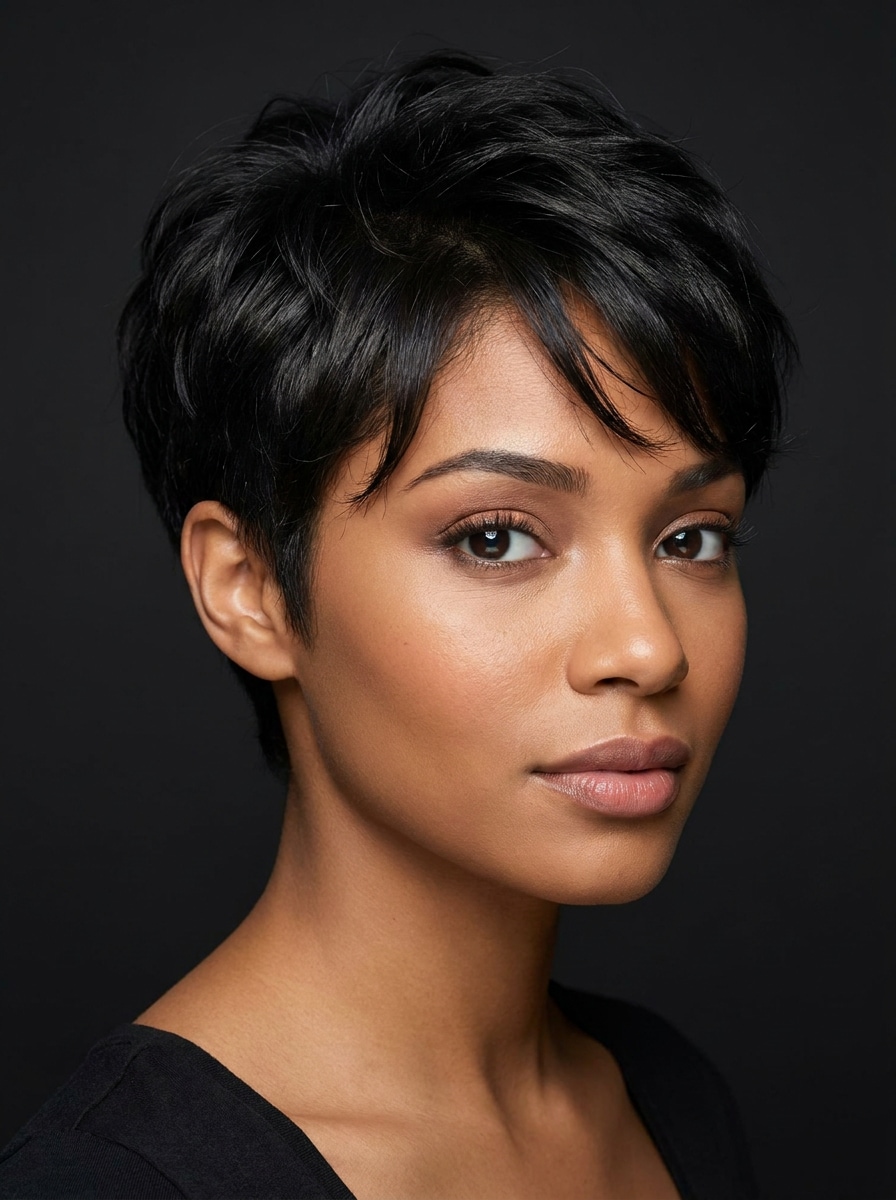
Classic Natural Pixie
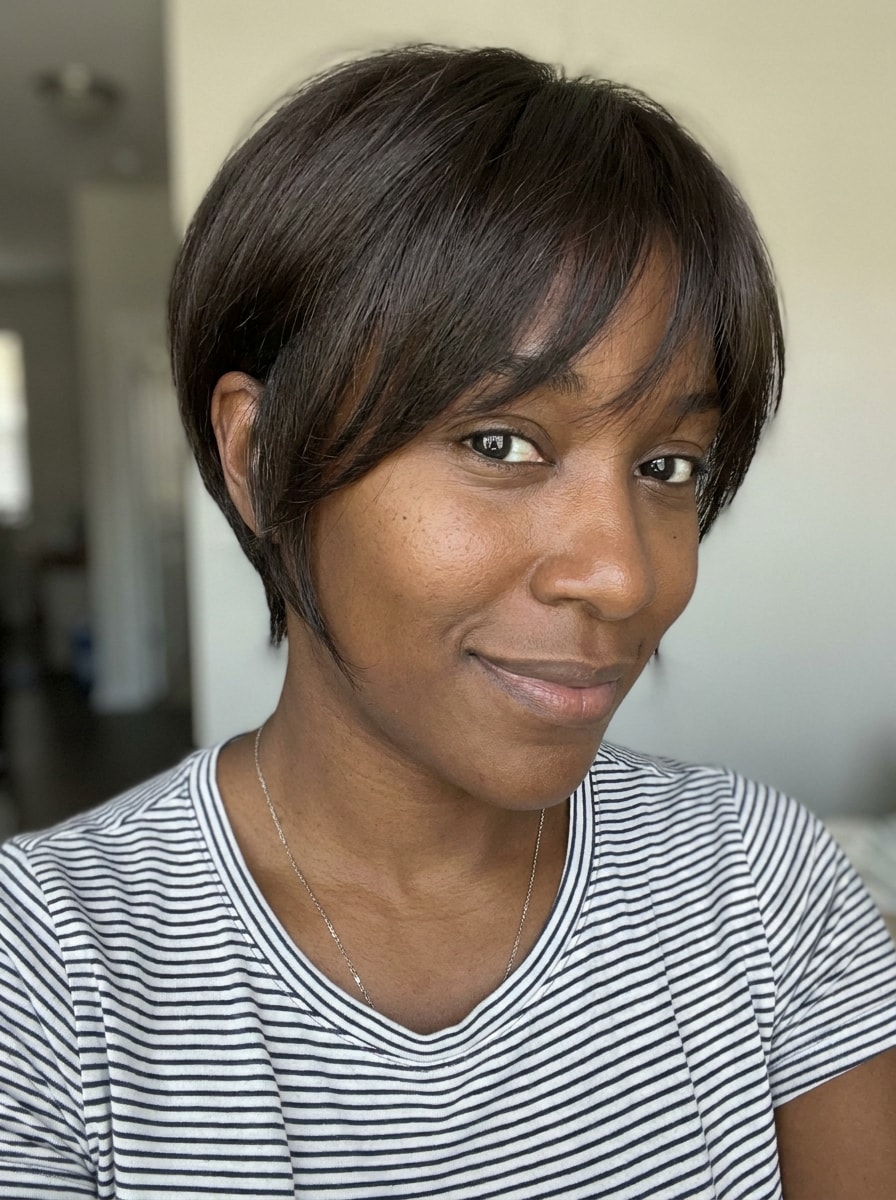
Use the uploaded image as the subject and transform the hairstyle into a realistic classic natural pixie cut. Keep the person’s identity, facial features, skin tone, and original angle intact, with salon-quality short layers, soft crown volume, clean tapered sides, natural shine, flattering proportions, and crisp photoreal detail.
Soft Feminine Pixie
Use the uploaded image as the subject and apply a soft feminine pixie haircut with feathered layers and gentle face-framing fringe. Preserve identity, expression, and lighting while adding natural shine, airy texture, delicate volume around the crown, a flattering silhouette, and a polished photoreal salon finish.
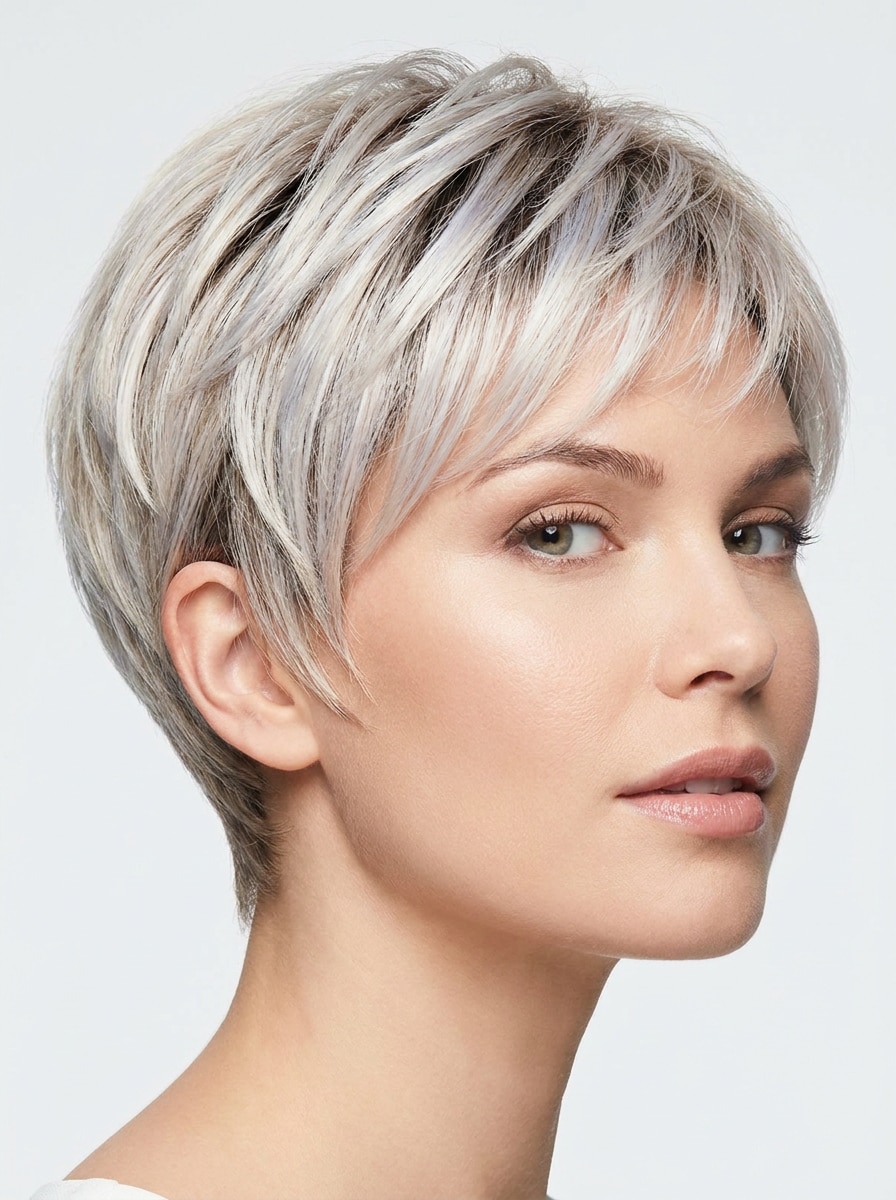
Platinum Pixie
Use the uploaded image as the subject and turn the hairstyle into a bold platinum pixie cut. Keep the face, skin texture, and pose recognizable while adding realistic short layers, cool blonde tones with subtle root depth, modern salon styling, smooth texture, confident mood, and sharp high-end image detail.
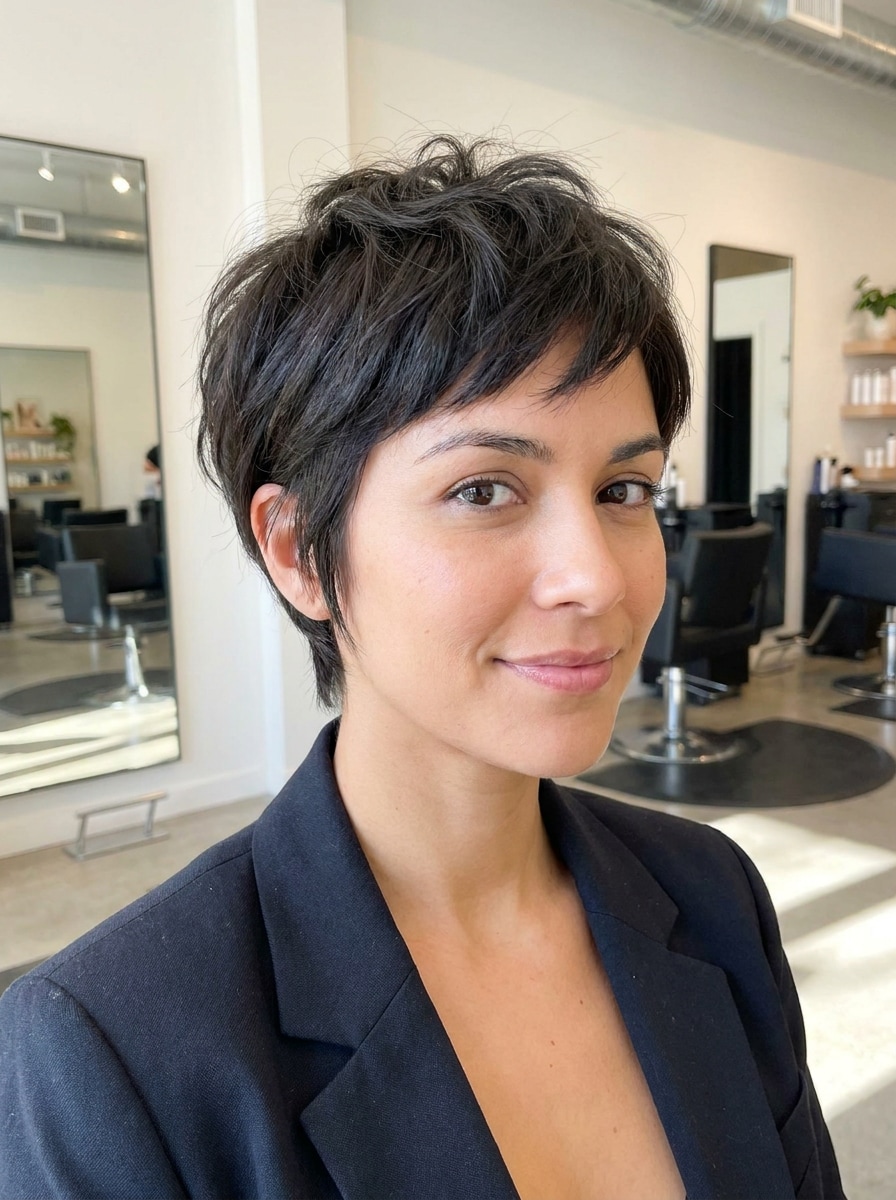
Textured Choppy Pixie
Use the uploaded image as the subject and create a realistic choppy textured pixie cut with piecey layers and soft movement. Preserve identity and facial proportions while shaping tapered sides, adding slight top volume, matte texture, modern edge, natural hair separation, and flattering short-hair detail.
Pixie with Side Bangs
Use the uploaded image as the subject and transform the hairstyle into a realistic pixie cut with side-swept bangs. Keep the original expression, face shape, and lighting while adding soft layering, natural density, smooth texture, wearable elegance, gentle forehead framing, and polished everyday salon realism.
French-Inspired Pixie Crop
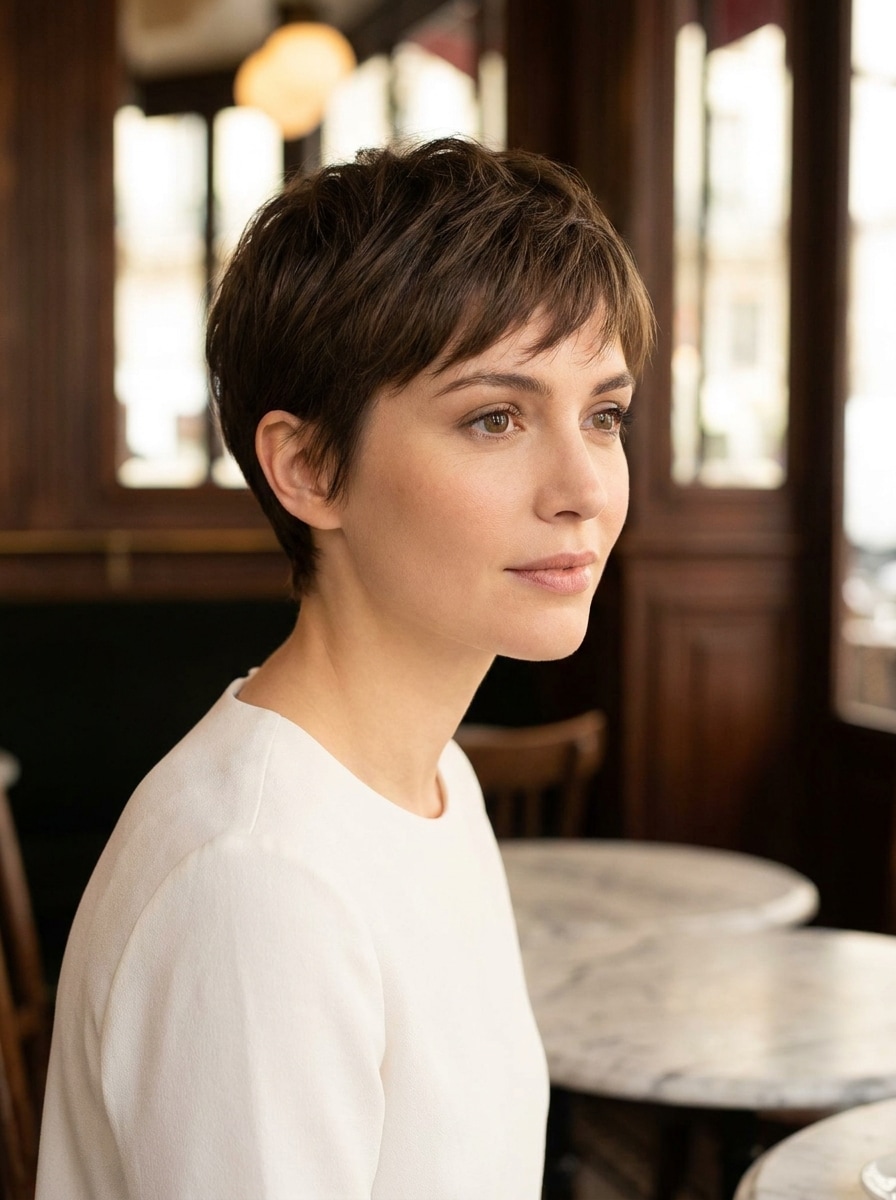
Use the uploaded image as the subject and edit the hair into a chic French-inspired pixie crop. Preserve the person’s identity and facial proportions while adding neat short layers, subtle fringe, refined silhouette, elegant texture, understated volume, editorial mood, and clean photoreal lighting.
Curly Pixie Cut
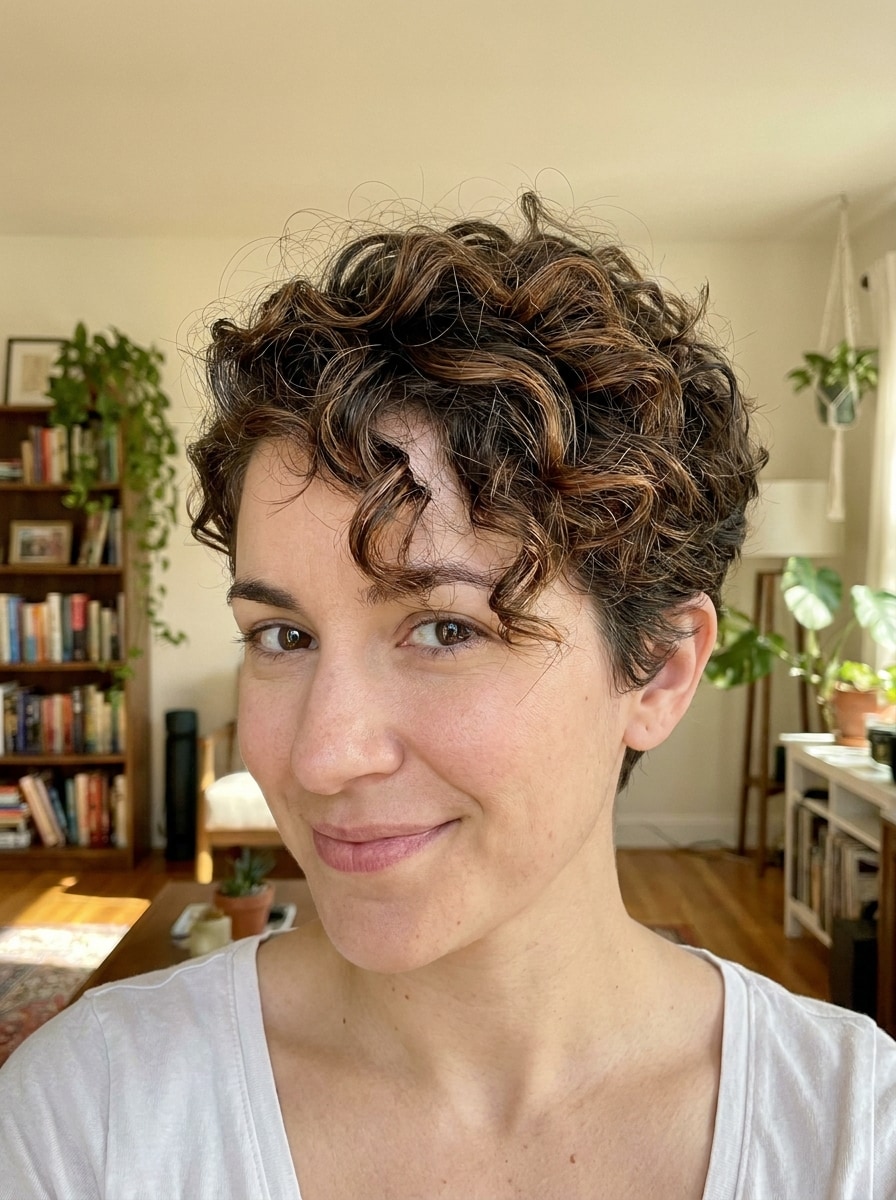
Use the uploaded image as the subject and create a realistic curly pixie cut with defined curl texture and balanced short-hair volume. Preserve identity, expression, and skin realism while shaping the sides, keeping authentic curl definition, adding softness around the crown, and maintaining a natural salon-finished look.
Coily Tapered Pixie
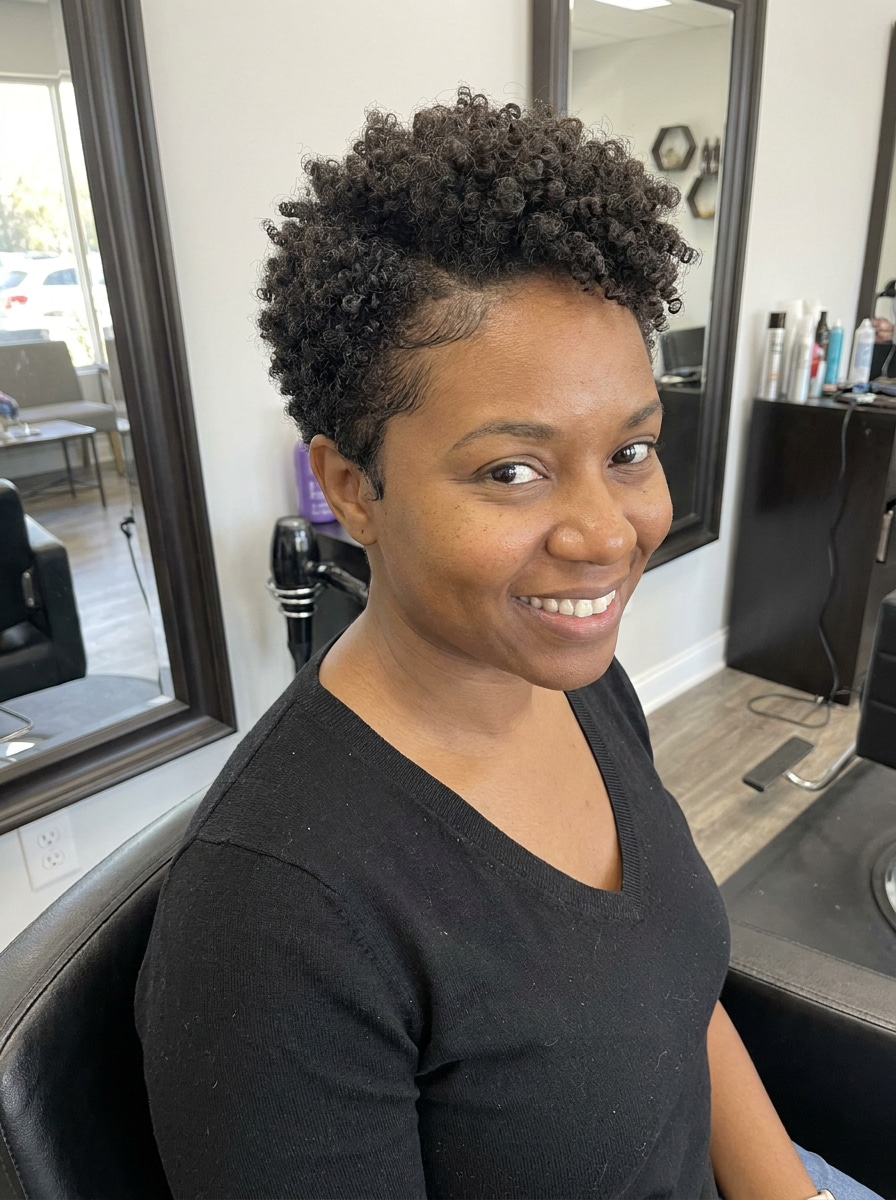
Use the uploaded image as the subject and transform the hairstyle into a tapered pixie designed for coily hair. Keep the face fully recognizable while preserving authentic coil pattern, realistic edge shaping, soft crown height, neat tapered sides, natural texture detail, and a polished flattering finish.
Bixie Cut
Use the uploaded image as the subject and apply a realistic bixie haircut that blends pixie and bob elements. Preserve identity, lighting, and facial shape while adding airy layers, soft texture, a flattering short silhouette, movement around the crown, wearable polish, and modern photoreal salon styling.
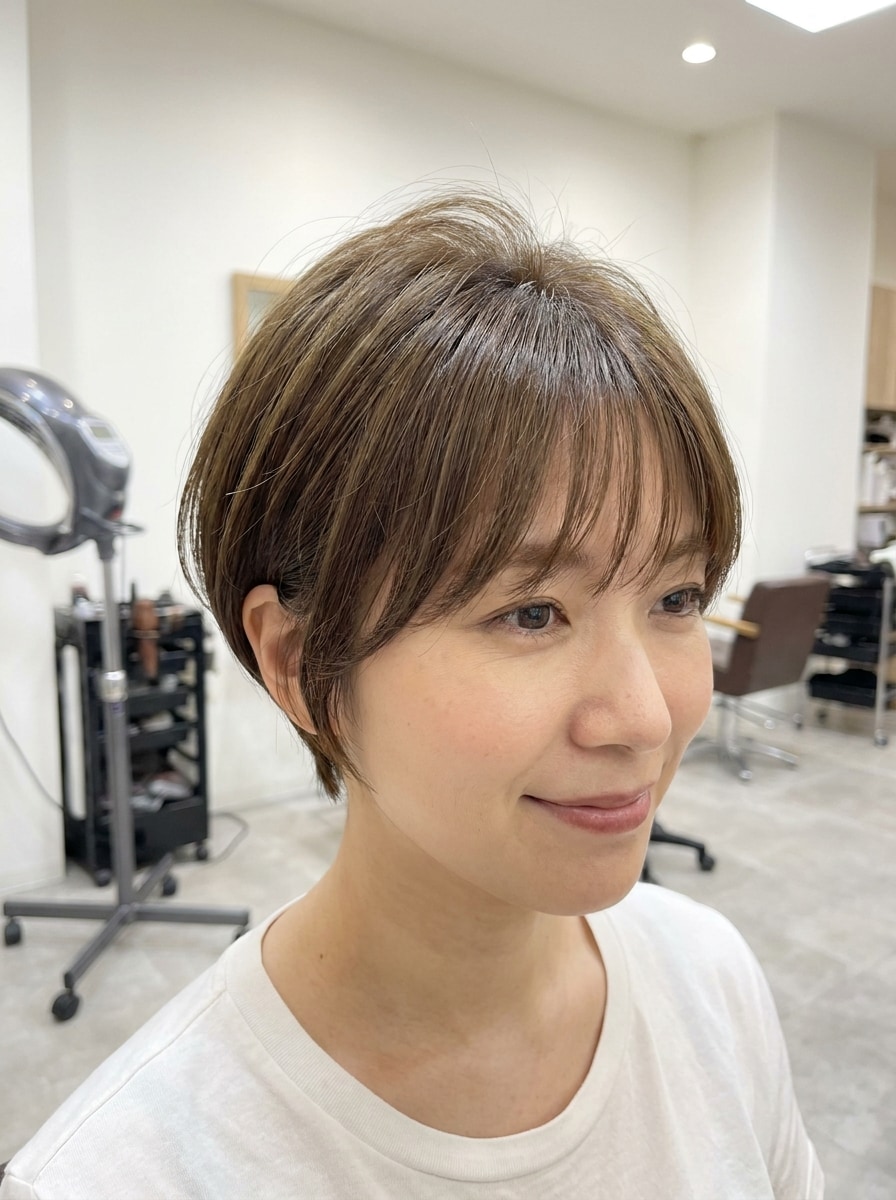
Korean Soft Pixie
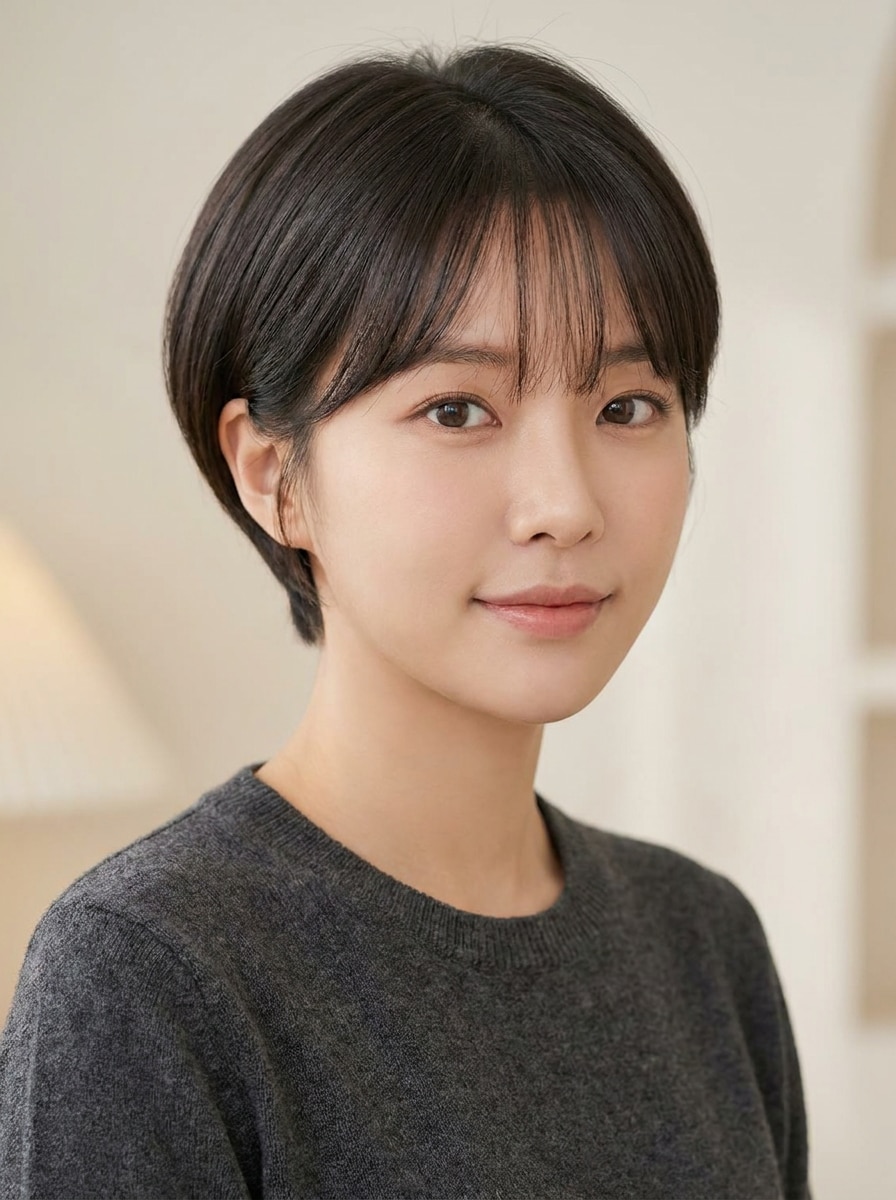
Use the uploaded image as the subject and edit the hairstyle into a Korean-style soft pixie cut. Keep the person’s identity and skin tone unchanged while adding smooth texture, light see-through fringe, gentle layering, polished natural styling, soft lighting, and a clean elegant short-hair silhouette.
Why Use Media.io for a Pixie Hair Try-On
Compare Multiple Pixie Variations From One Upload
Reference-based work needs more than a loose style shift. Media.io helps keep key identity details recognizable while reworking the pixie cut filter visual look, so the result feels personal instead of generic.
Explore Different Looks Without Losing Direction
Whether you want to try pixie cut online from a phone selfie or refine results on a laptop, Media.io runs in the browser, so you can test hairstyle ideas quickly without building your workflow around a separate app.
Keep Final Visuals Sharp for Real Projects
If the final pixie cut filter visual will be reused beyond a small preview, Media.io helps deliver sharper results up to 4K so the image stays more reliable in practical design and presentation work.
Keep the Workflow Moving Across Devices
Some pixie cut filter visual concepts get drafted on the go and finished later at a desk. Media.io keeps that process online, so you can return to the same workflow without extra installs or setup.
How to Use the pixie haircut filter
Turn your words into stunning visuals in three simple steps, then continue refining the result if you want to take it further.
Step 1
Upload Your Reference Image
Add a clear selfie, portrait, or front-facing photo in JPG, PNG, or JPEG format. Choose an image with visible hairline, face shape, and lighting so the hairstyle transformation looks more natural and accurate.
Step 2
Describe the Change and Set Options
Enter the pixie style you want, such as soft feminine, choppy, curly, or side-swept bangs. Then choose your model and adjust aspect ratio, image quality, or the number of variations you want to compare.
Step 3
Generate, Download, and Keep Improving
Create your hairstyle preview, review different versions, and download the result you like best. If needed, refine the prompt, test another cut, or generate more variations until the short-hair look feels right.
See how creators use this Pixie Cut Filter for content, marketing, and personal projects, then adapt each idea to fit the brief.
Preview a Salon Decision Before You Commit
If you're thinking about cutting long or medium hair short, use Media.io to see how a cropped style frames your features first. A realistic pixie hairstyle filter helps reduce guesswork and gives you a clearer reference to discuss with your stylist.
Compare Soft, Edgy, and Trend-Driven Short Looks
Test everything from classic salon cuts to platinum, bixie, or Korean-inspired variations without changing your original photo. This makes it easy to see whether a polished everyday style or a bolder makeover suits your personal aesthetic better.
Generate hairstyle mockups for social posts, beauty mood boards, or group chats when you want quick feedback. A strong pixie haircut filter preview can help you compare options visually and decide which short-hair direction feels most flattering.
What Users Say About This Pixie Try-On Tool
Maya R.
Beauty Content Creator
"Surprisingly realistic short-hair preview" I uploaded one selfie and tested three pixie variations in minutes. The results kept my face recognizable, which made the haircut comparison much more useful than a generic hairstyle app.
Danielle S.
Salon Client
"Helpful before booking my haircut" I wanted to see whether a soft pixie or a choppier version suited me better. Media.io gave me realistic previews I could actually show my stylist, and that made the consultation easier.
Kiara T.
Social Media Manager
"Easy on mobile and fast to test" I used it on my phone without downloading anything. The upload was simple, the style prompts were easy to tweak, and I could compare different short-hair ideas from the same photo.
Erin L.
Fashion Student
"Great for trying trend styles first" I tested a French pixie crop and a Korean soft pixie from one portrait. It felt like a practical virtual try-on instead of a random effect, and the side-by-side results helped a lot.
1. What is a pixie cut filter and how does it work?
A pixie cut filter is an AI hairstyle preview tool that lets you upload a photo and transform your current hair into a short pixie-style look. With Media.io, you start from a reference image, enter the haircut style you want, and the image-to-image model generates a new version that changes the hairstyle while keeping your face and overall identity recognizable.
2. Can I try a pixie cut on my own photo online for free?
Yes, you can upload your own selfie and test a pixie haircut online using Media.io free credits. Free usage is available to get started, and if you need more generations or want watermark-free high-resolution downloads, you can check the pricing page. Free users can use free credits. For more usage, users can subscribe to a plan on the pricing page. Upgrade to a paid plan on the pricing page for more credits and watermark-free high-resolution downloads.
3. Will the AI pixie cut filter look realistic on my face shape?
It can look realistic when you upload a clear, front-facing photo and use a detailed prompt for the haircut you want. Media.io supports reference-based editing, so the AI pixie haircut filter works from your actual selfie instead of creating a random face, which helps the result stay more believable for your features and proportions.
4. Can I test different pixie haircut styles from one selfie?
Media.io lets you reuse the same uploaded photo and generate multiple hairstyle variations, so you can compare classic pixie, side bangs, choppy texture, curly pixie, or bixie-inspired looks from one image. That makes it practical as a pixie haircut filter and a broader virtual haircut simulator.
5. Does a pixie cut simulator work on curly, wavy, or coily hair?
Yes, it can. Media.io works from your uploaded reference image, so you can prompt for curly, wavy, or coily short-hair variations instead of forcing one generic texture on every portrait. That makes the tool more useful when you want a pixie hairstyle filter that reflects your natural hair pattern more closely.
6. How long does it take to generate a pixie cut hairstyle preview?
It usually takes only a short time to generate a hairstyle preview after you upload your image and enter the prompt. Media.io is designed for fast image-to-image creation, so you can quickly review results, adjust the haircut description, and generate another version if needed.