Deine Werke werden nur 7 Tage lang gespeichert. Assets, die nach dem Upgrade auf einen Mitgliedschaftstarif erstellt werden, werden dauerhaft gespeichert.
Entfalten Sie Ihr kreatives Potenzial und erleben Sie jetzt die Magie der Media-KI!
Try a Realistic Bob Cut Filter from Your Selfie Online
Upload a selfie and preview a flattering bob hairstyle in minutes. This bob cut filter helps you test length, texture, bangs, and face-framing shapes with realistic AI editing, so you can compare looks before a salon visit or social post.
Review these example directions, then tailor the prompt details to get stronger results with this Bob Cut Filter.
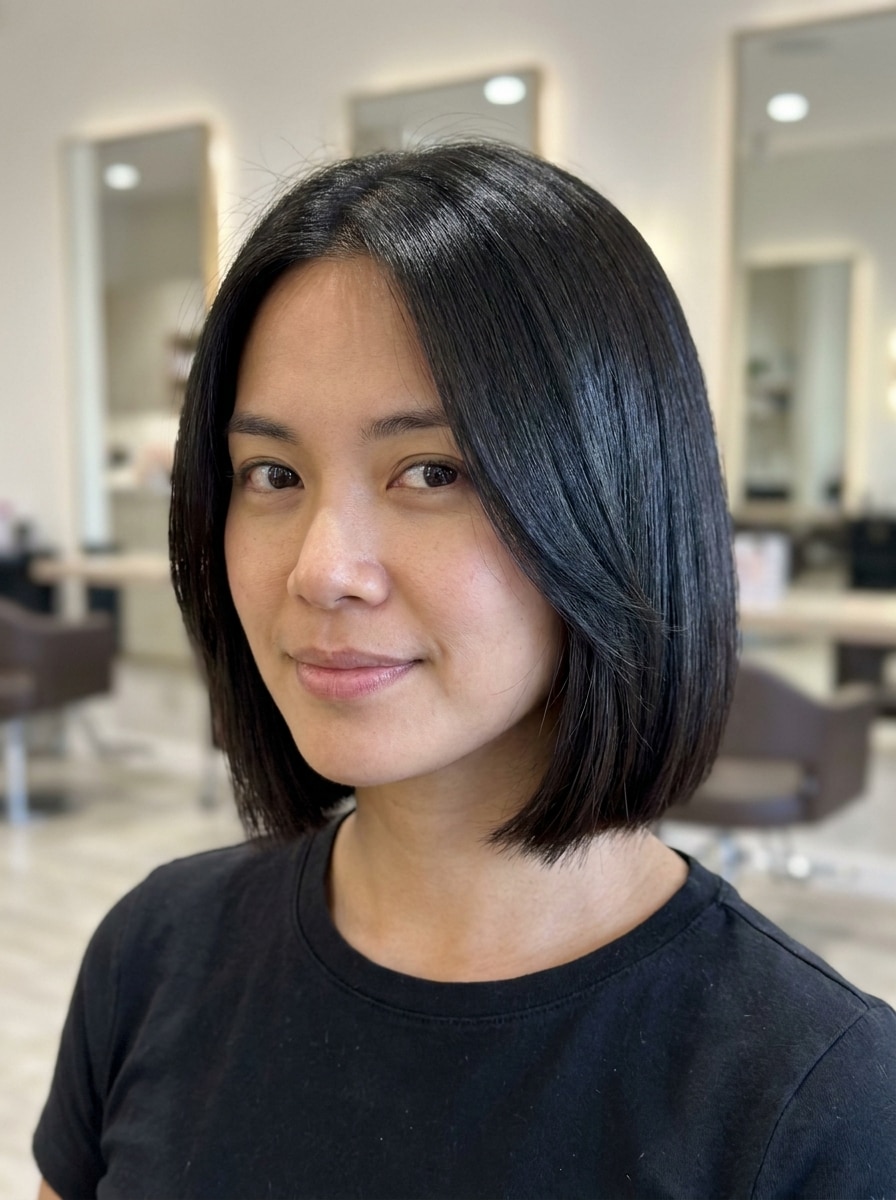
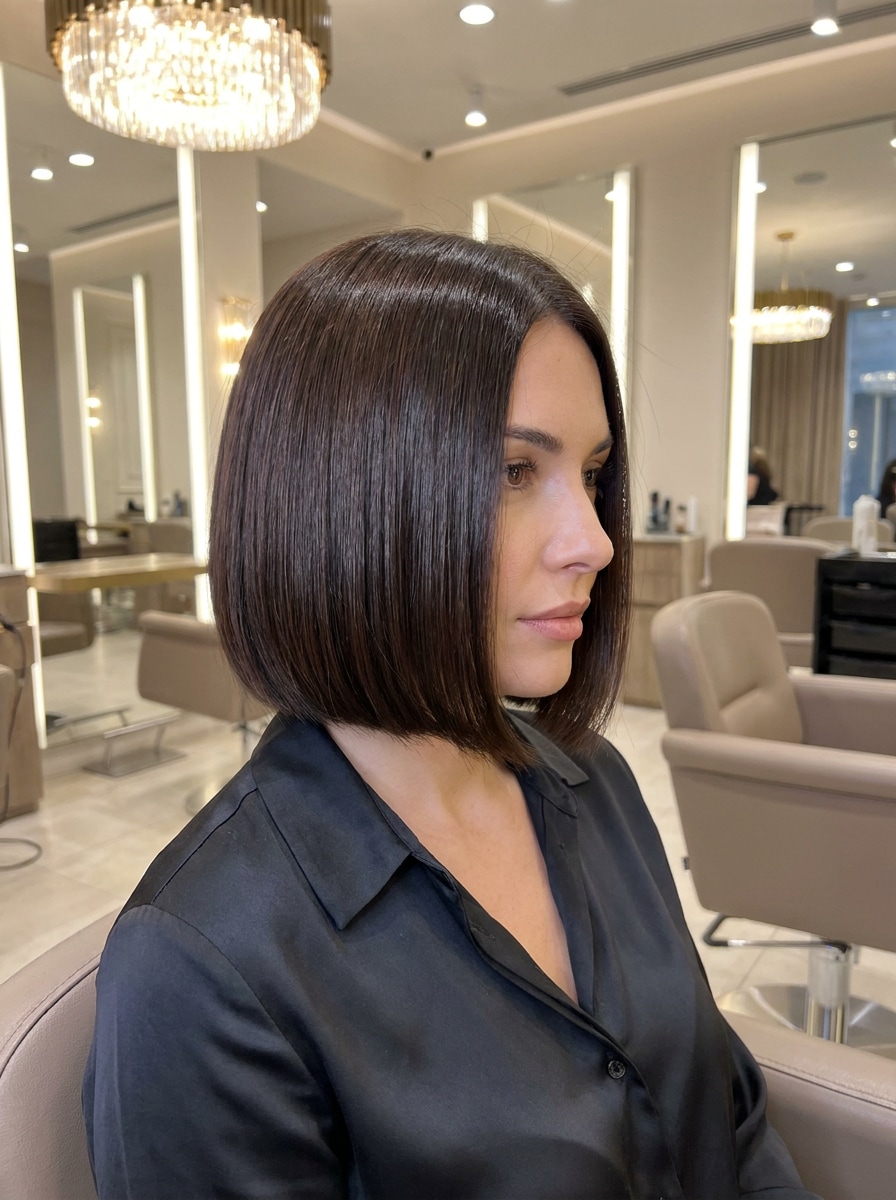
Blunt Chin-Length Bob
Use the uploaded image as the subject and transform the hairstyle into a sleek blunt chin-length bob. Keep facial identity, skin tone, and background intact, with smooth straight texture, crisp cut lines, subtle natural shine, balanced salon lighting, realistic hairline blending, and a polished modern beauty-editorial finish.
French Bob with Soft Bangs
Use the uploaded selfie as the subject and apply a realistic French bob with soft wispy bangs. Create a short jaw-length shape with subtle volume, airy texture, gentle movement around the cheeks, natural brown tones, flattering facial proportions, and soft daylight styling for a chic Parisian salon preview.
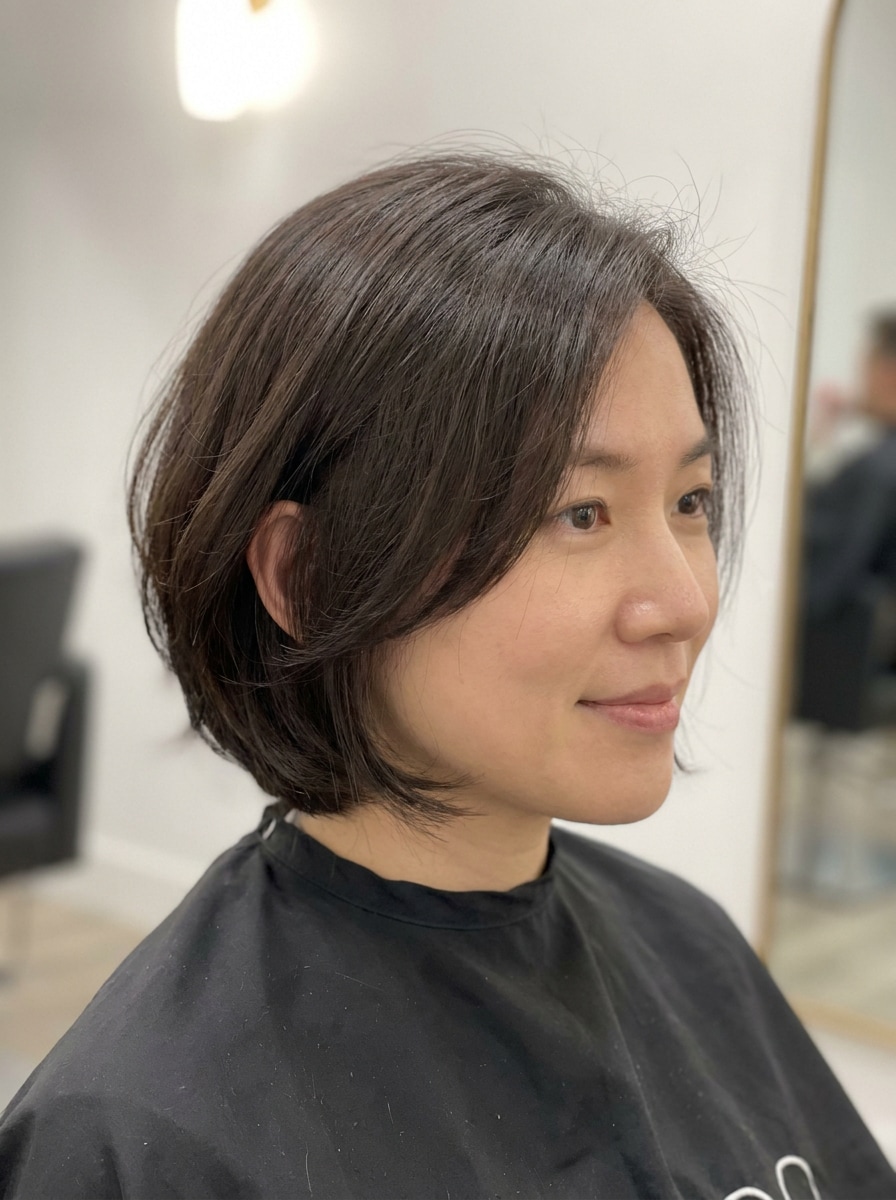
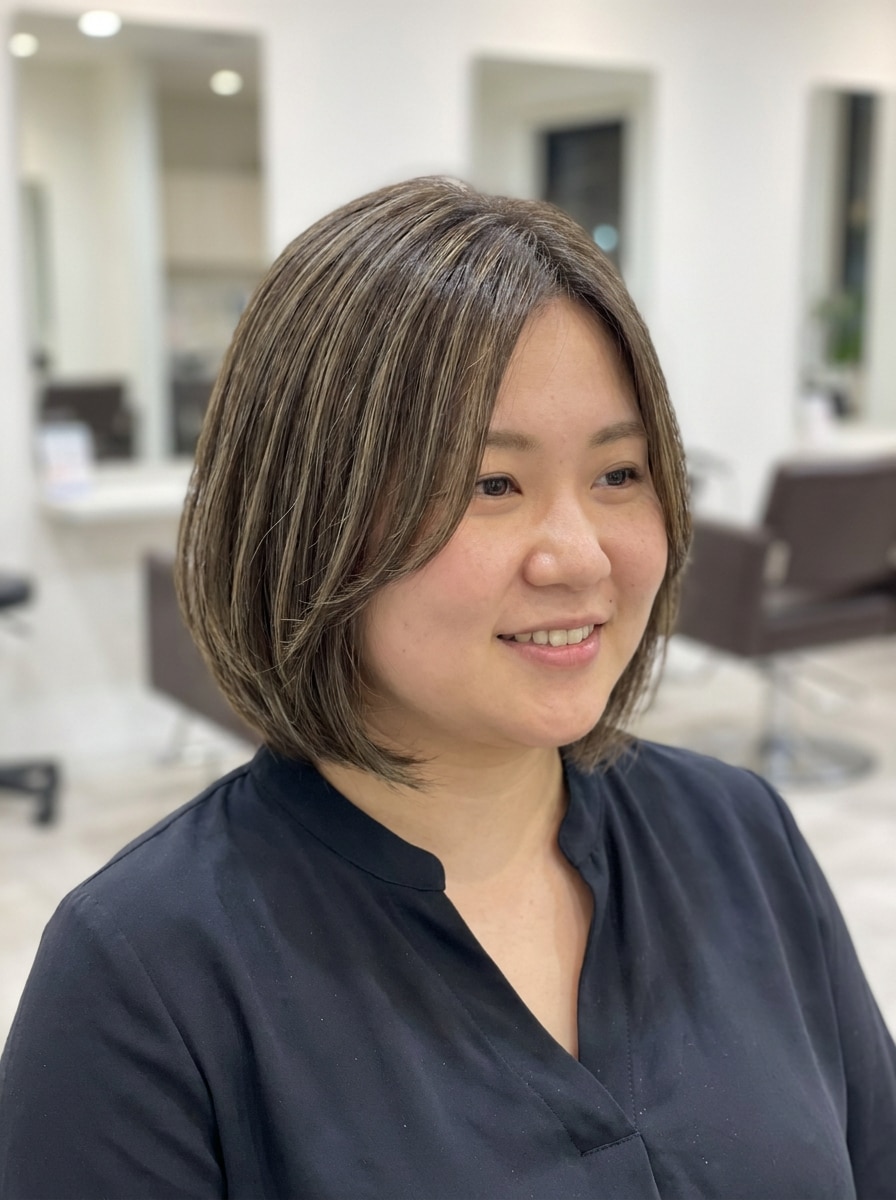
Layered Textured Bob
Use the uploaded portrait as the subject and create a layered textured bob that looks natural and salon-cut. Add airy movement, soft layers around the jaw and ears, believable hair density, matte healthy texture, neutral tones, and realistic indoor lighting while preserving identity and original photo clarity.
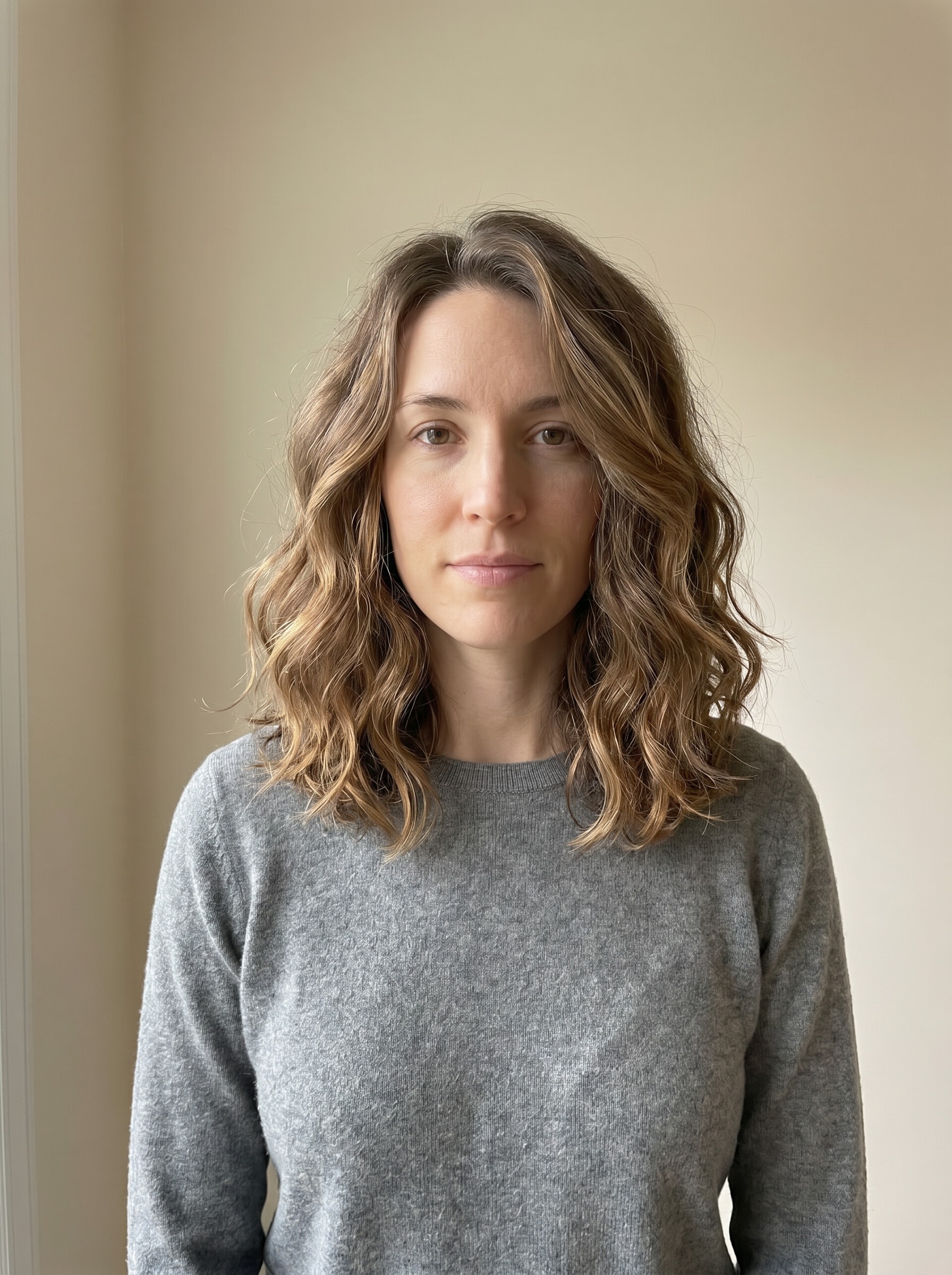
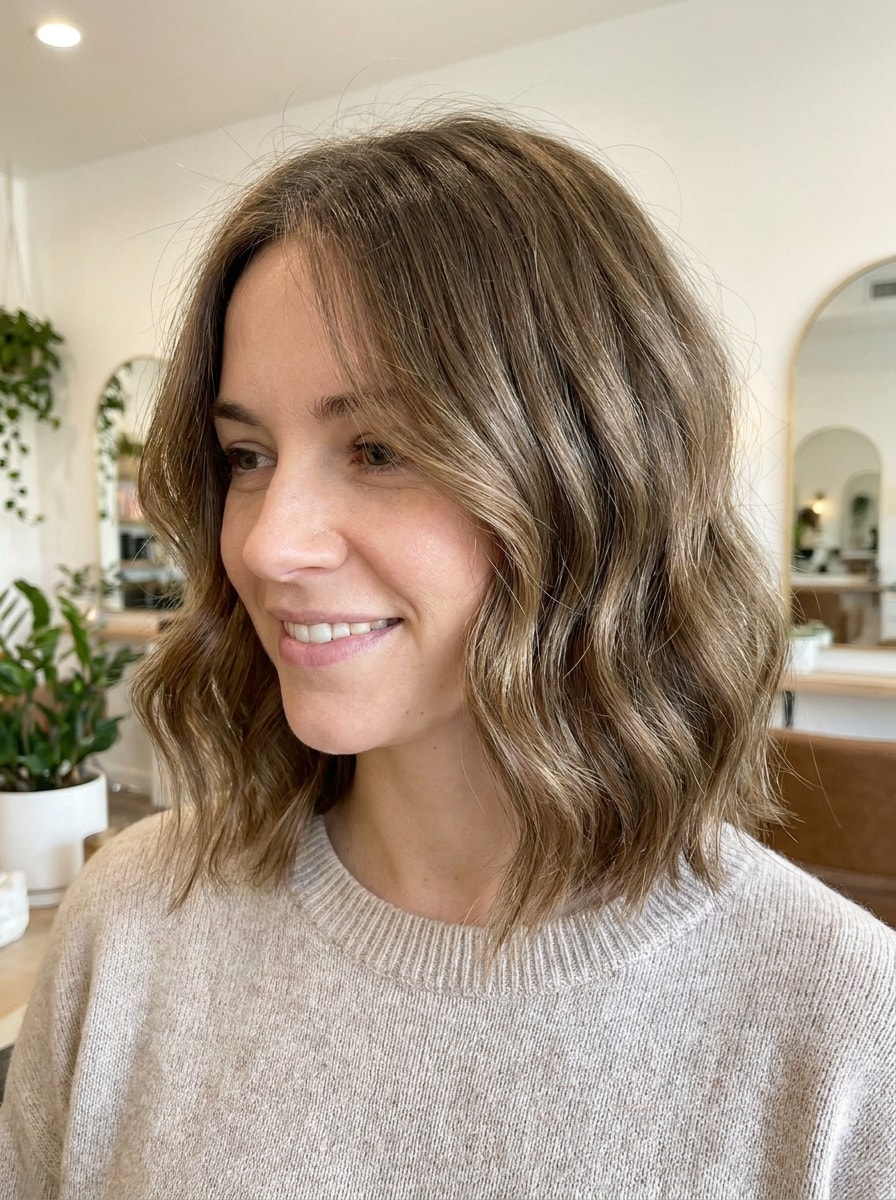
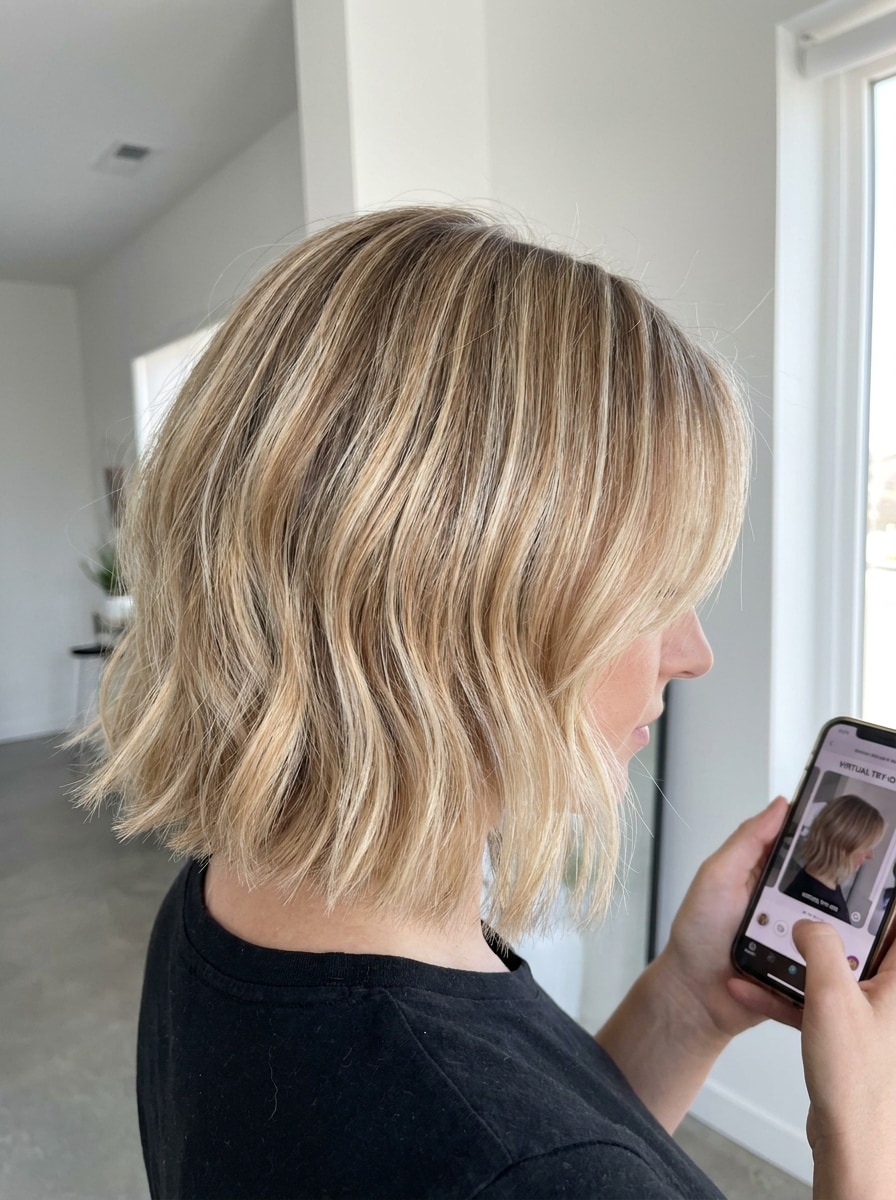
Shoulder-Grazing Wavy Bob
Use the uploaded image as the subject and transform the hair into a shoulder-grazing wavy bob. Add soft loose waves, natural volume, realistic highlights and shadows, gentle face-framing pieces, healthy shine, and a bright beauty-editorial mood while keeping the person recognizable and the result lifelike.
Face-Framing Bob for Round Face
Use the uploaded selfie as the subject and design a flattering bob for a round face shape. Add slightly elongated front pieces, slimming face-framing structure, soft natural texture, gentle crown lift, balanced proportions, and realistic salon lighting for a useful consultation-style preview.
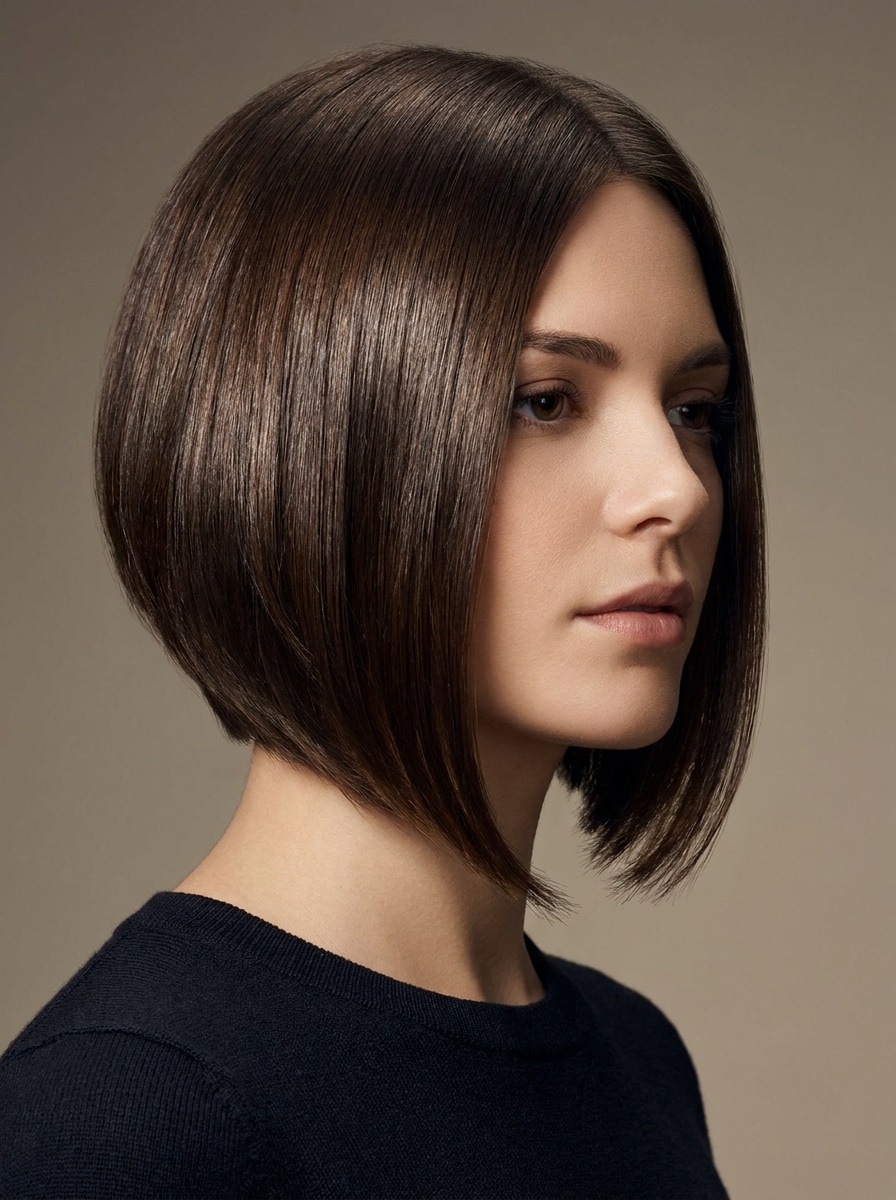
Polished A-Line Bob
Use the uploaded photo as the subject and apply a polished A-line bob, shorter in back and longer in front. Keep the look smooth and structured with glossy texture, clean geometric shape, natural dark tones, realistic shadow transitions, and accurate alignment with the subject's face and posture.
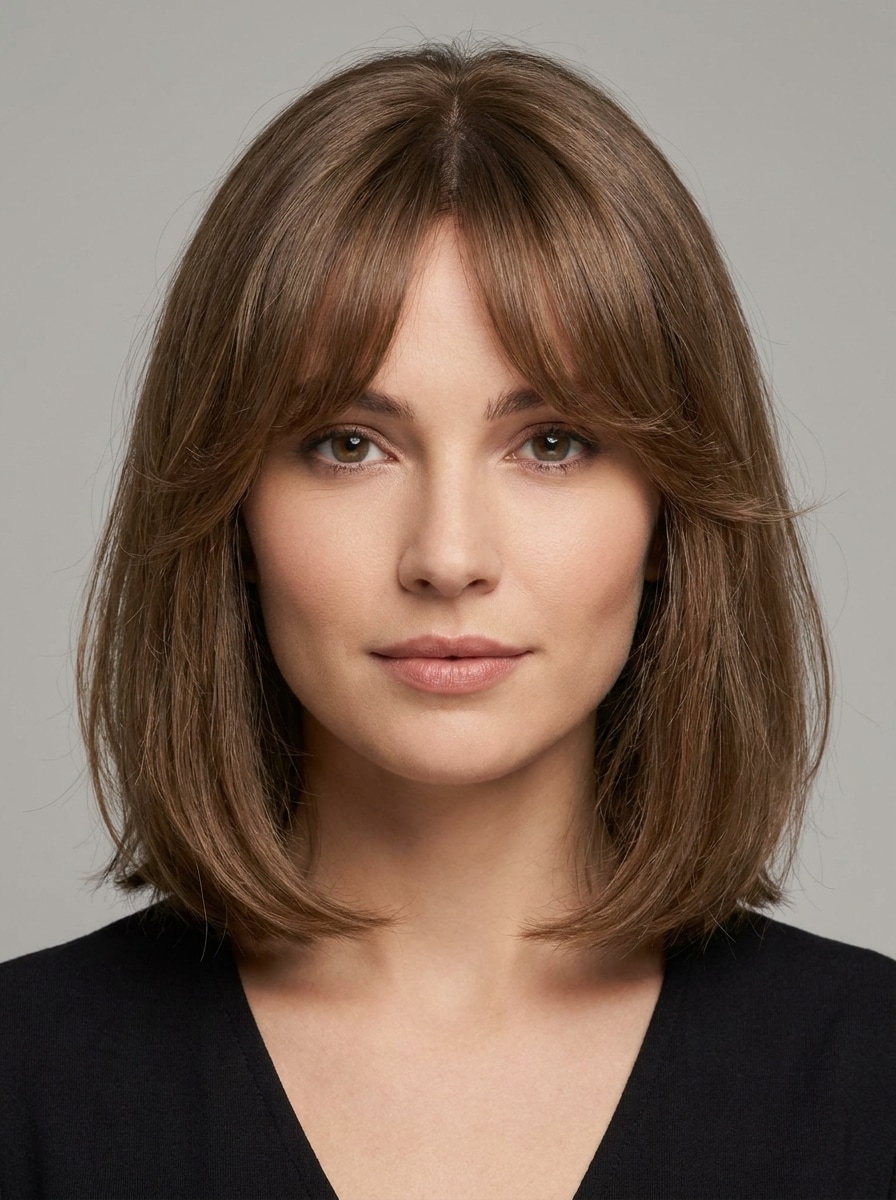
Medium Bob with Curtain Bangs
Use the uploaded image as the subject and transform the hairstyle into a medium bob with curtain bangs. Add a soft center part, face-framing layers, airy movement, natural brown-black tones, subtle shine, and realistic lighting so the result feels like a wearable salon consultation image.
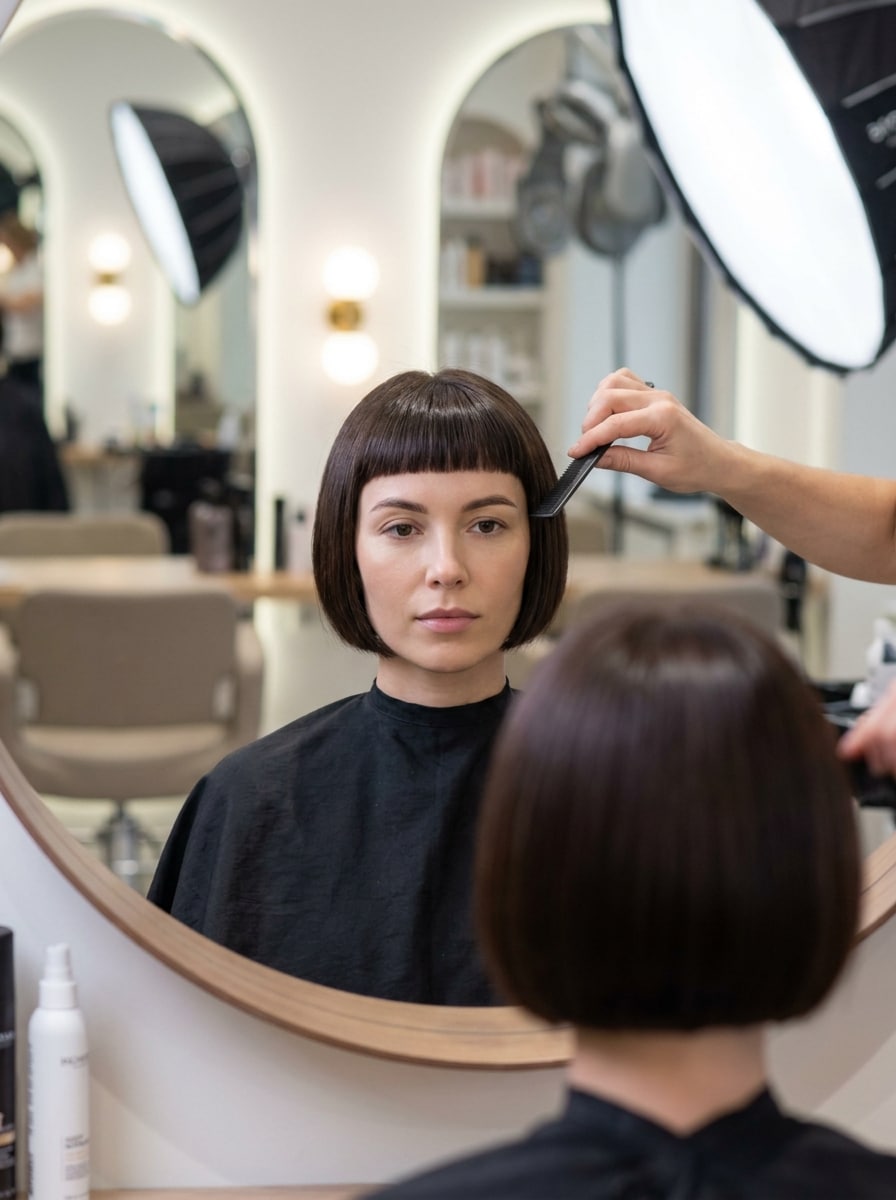
Short Bob with Micro Bangs
Use the uploaded portrait as the subject and create a short bob with micro bangs. Keep the style fashion-forward but wearable, with a neat silhouette, precise fringe, smooth texture, natural scalp and hairline detail, controlled contrast, and realistic editorial lighting that still feels believable.
Sleek Dark Espresso Bob
Use the uploaded selfie as the subject and give it a sleek dark espresso bob makeover. Add a deep glossy brown tone, sharp cut shape, smooth straight texture, luminous shine, clean facial contour integration, and elegant salon-style lighting for a refined, realistic transformation.
Soft Blonde Bob
Use the uploaded image as the subject and transform the hair into a soft blonde bob. Add dimensional highlights, a subtle root shadow, clean cut lines, smooth yet natural texture, bright flattering lighting, and realistic face-framing balance while keeping the person clearly recognizable.
Why Use Media.io to try bob hairstyle looks?
Keep the Subject Recognizable in New Styles
If the subject still needs to look like itself after the transformation, Media.io helps hold onto core identity cues while updating the final bob cut filter visual style for a cleaner finished result.
Face-Shape-Friendly Bob Variations
A single idea often needs more than one look. Media.io helps reinterpret the same bob cut filter visual across different styles so each version can better match the project brief.
Generate Cleaner Output Up to 4K
When a bob cut filter visual is headed for real publishing use, Media.io gives you sharper output up to 4K, which helps the image stay clear across presentations, backgrounds, and reused assets.
Works Smoothly Across Phone and Desktop
Some bob cut filter visual concepts get drafted on the go and finished later at a desk. Media.io keeps that process online, so you can return to the same workflow without extra installs or setup.
How to Use the AI bob haircut filter
Turn your words into stunning visuals in three simple steps, then continue refining the result if you want to take it further.
Step 1
Upload Your Reference Image
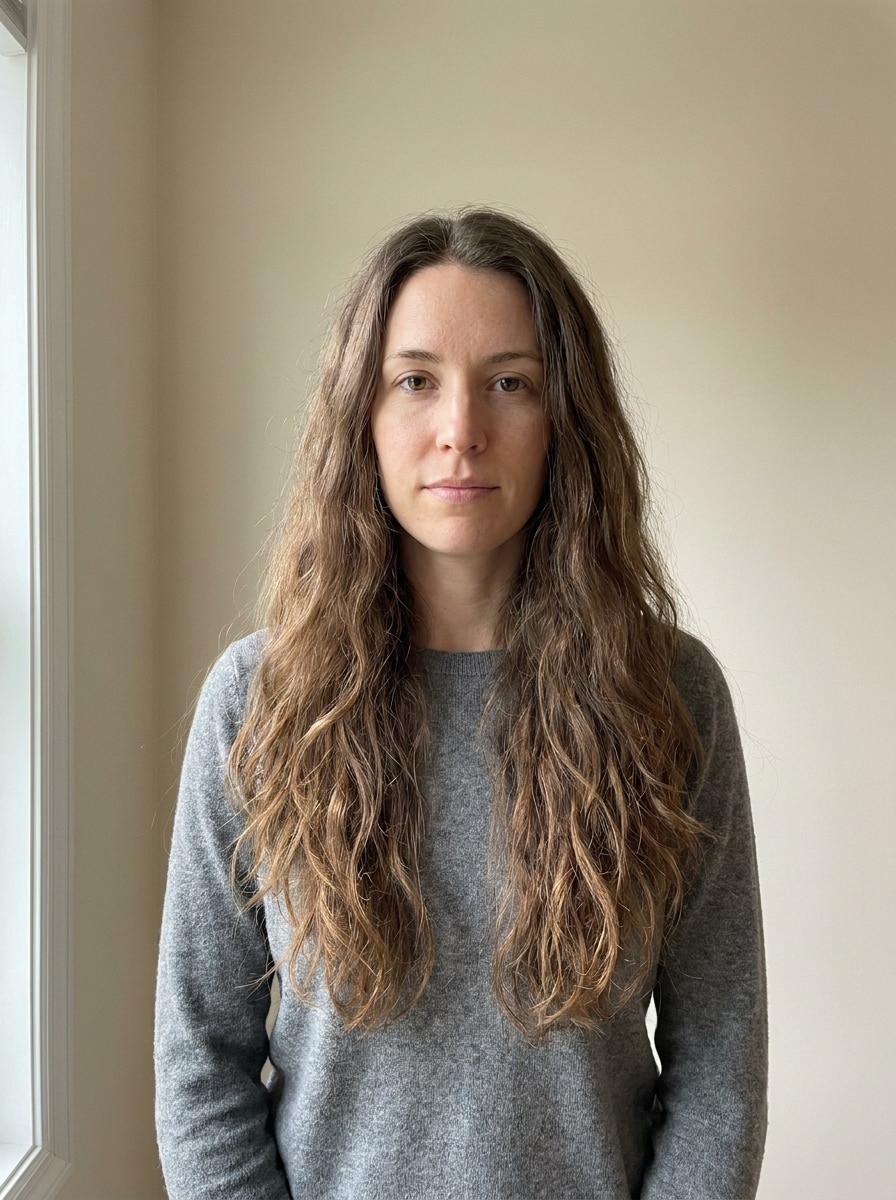
Start with a clear selfie or portrait that shows your face and current hairline well. A front-facing photo with even lighting helps the tool place the bob shape more accurately and produce a more believable virtual try-on.
Step 2
Describe the Change and Set Options
Enter the bob style you want to see, such as blunt, French, layered, wavy, or curtain bangs. Then choose your model and adjust image options like aspect ratio, resolution, or the number of variations you want to compare.
Step 3
Generate, Download, and Keep Improving
Generate your hairstyle previews, compare the results, and download your favorite version. If you want a better match, refine the prompt, test another bob length, or create more variations until the look feels right.
See how creators use this Bob Cut Filter for content, marketing, and personal projects, then adapt each idea to fit the brief.
Decide Before Your Salon Appointment
See whether a sharp chin-length cut, softer layered look, or bangs will suit you before you commit. A realistic virtual preview helps you bring clearer inspiration to your stylist and avoid vague haircut conversations.
Compare Trendy Short Looks Side by Side
If you want a French bob, A-line shape, or a short bob hair filter result that feels wearable, generate several versions from the same selfie and compare how length, volume, and framing change your overall look.
Create Polished Before-and-After Content
Beauty creators, salon marketers, and makeover fans can use the tool to build striking transformation visuals for social posts, consultation mockups, or inspiration boards with more realism than a casual social app effect.
What Users Say
Alyssa M.
Salon Client
"Much more useful than a social filter" I wanted to know if a bob would actually suit my face, not just get a funny effect. Media.io gave me previews that looked polished and realistic enough to show my stylist.
Jenna R.
Beauty Content Creator
"Easy to compare several bob styles" I tested blunt, wavy, and curtain-bang versions from one selfie. The ability to generate multiple looks made this feel more like a real makeover tool than a random app filter.
Priya S.
Frequent Mobile User
"Worked well on my phone" I used it in my mobile browser without downloading anything. The results were quick, and the hairstyle blending looked surprisingly natural around my jawline and forehead.
Monica T.
Hair Stylist Assistant
"Helpful for consultation prep" Clients often ask to try a bob hairstyle before cutting. This made it easier to show different lengths and bangs visually, which helped narrow down the best direction faster.
Media.io uses image-to-image AI editing, so you upload a selfie and guide the makeover with a hairstyle prompt. The tool applies a bob style to your reference image while preserving key facial features, then lets you generate variations with different aspect ratios, resolutions, and style directions.
2. Can I try a realistic bob haircut online for free?
Free users can test the tool with free credits, which is a practical way to see whether a bob suits you before upgrading. If you need more generations or want watermark-free high-resolution downloads, you can check the pricing page. Free users can use free credits. For more usage, users can subscribe to a plan on the pricing page. Upgrade to a paid plan on the pricing page for more credits and watermark-free high-resolution downloads.
3. Which bob hair filter looks best for my face shape?
The best option depends on your proportions and the look you want to achieve. For example, slightly longer front pieces can be flattering on rounder faces, while blunt or French-inspired shapes may suit other features better. Media.io helps by letting you compare several styles from the same selfie instead of guessing from one fixed effect.
4. What kind of photo should I upload for the best bob cut result?
Use a clear JPG, PNG, or JPEG image with your face visible and lighting that is even across the hairline and cheeks. A front-facing or slightly angled portrait with minimal obstruction usually gives the most believable try bob hairstyle preview and better hair blending.
5. How realistic are AI bob haircut previews compared with social filters?
A strong AI bob haircut filter can look far more realistic than a playful social effect because it is designed for image transformation, not just overlay entertainment. Media.io focuses on reference-based editing, prompt control, and higher-quality output, so the results are better suited for actual haircut planning.
6. Can I use a bob cut filter on my phone without installing an app?
Media.io is web-based, so you can use the bob cut filter on a phone, tablet, or desktop as long as you have a browser. That makes it easy to test a new look on iOS, Android, Mac, or Windows without installing extra software. Media.io is a web-based tool that works on any device with a browser (Windows, Mac, iOS, Android).