Deine Werke werden nur 7 Tage lang gespeichert. Assets, die nach dem Upgrade auf einen Mitgliedschaftstarif erstellt werden, werden dauerhaft gespeichert.
Entfalten Sie Ihr kreatives Potenzial und erleben Sie jetzt die Magie der Media-KI!
Erstellen Sie einen Foto-Mosaik-Effekt mit schnellen, detailreichen KI-Ergebnissen
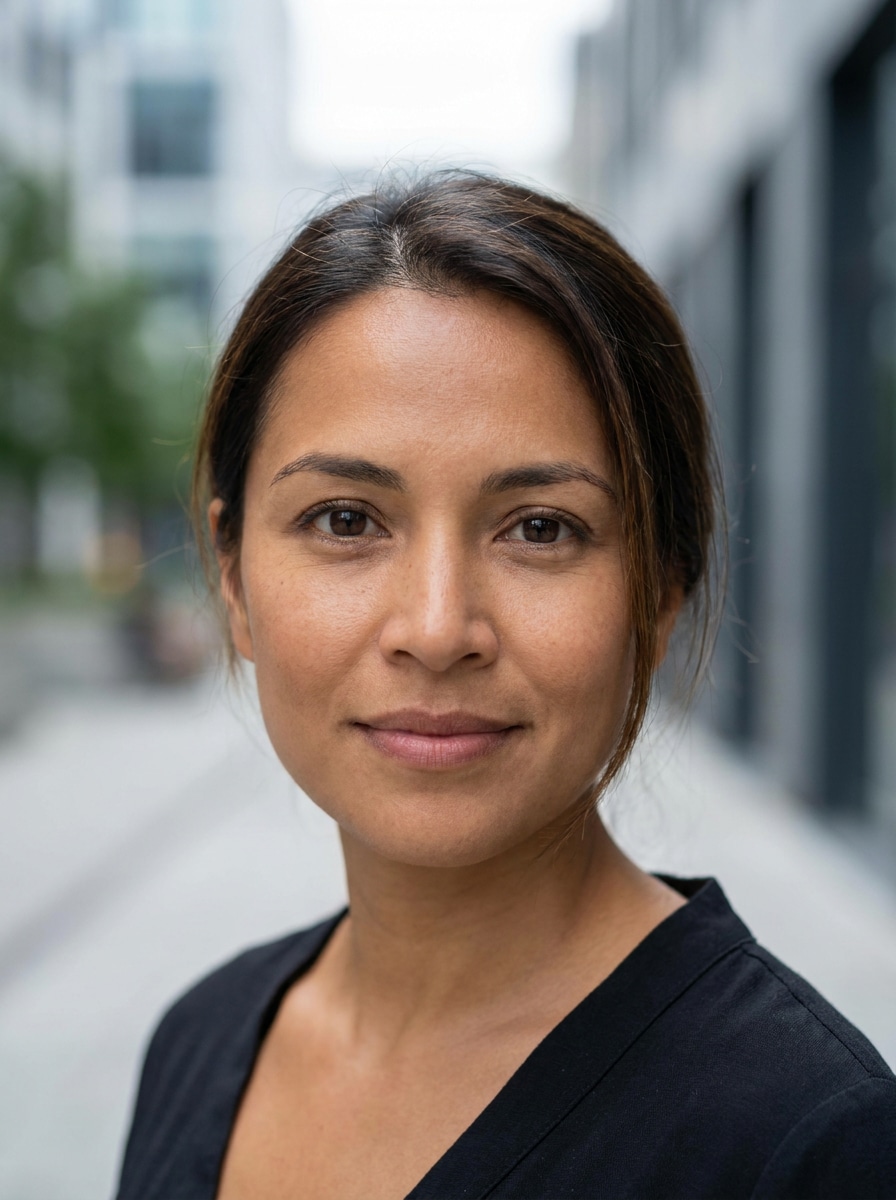
Verwandeln Sie ein Einzelporträt oder eine Bildersammlung in einen individuellen Foto-Mosaik-Effekt online. Laden Sie Ihr Hauptbild hoch, beschreiben Sie den gewünschten Look und nutzen Sie Media.io, um ein professionelles Mosaik-Foto-Filter Ergebnis mit klaren Kachel-Details, schnellen Vorschauen und flexiblen Exportoptionen zu erzeugen. Dieses Setup eignet sich besonders für Foto-zu-Mosaik-Filter.
Geben Sie Ihre Idee ein -> KI gestaltet sie. Kostenlos testen.
Lesen Sie diese Beispieldirektiven und passen Sie dann die Prompt-Details an, um stärkere Ergebnisse mit diesem Foto-Mosaik-Effekt in Media.io zu erzielen – egal, ob Sie einen weicheren Erinnerungsstil, ein auffälliges Kachel-Layout oder einen KI-Mosaik-Filter Look wünschen.
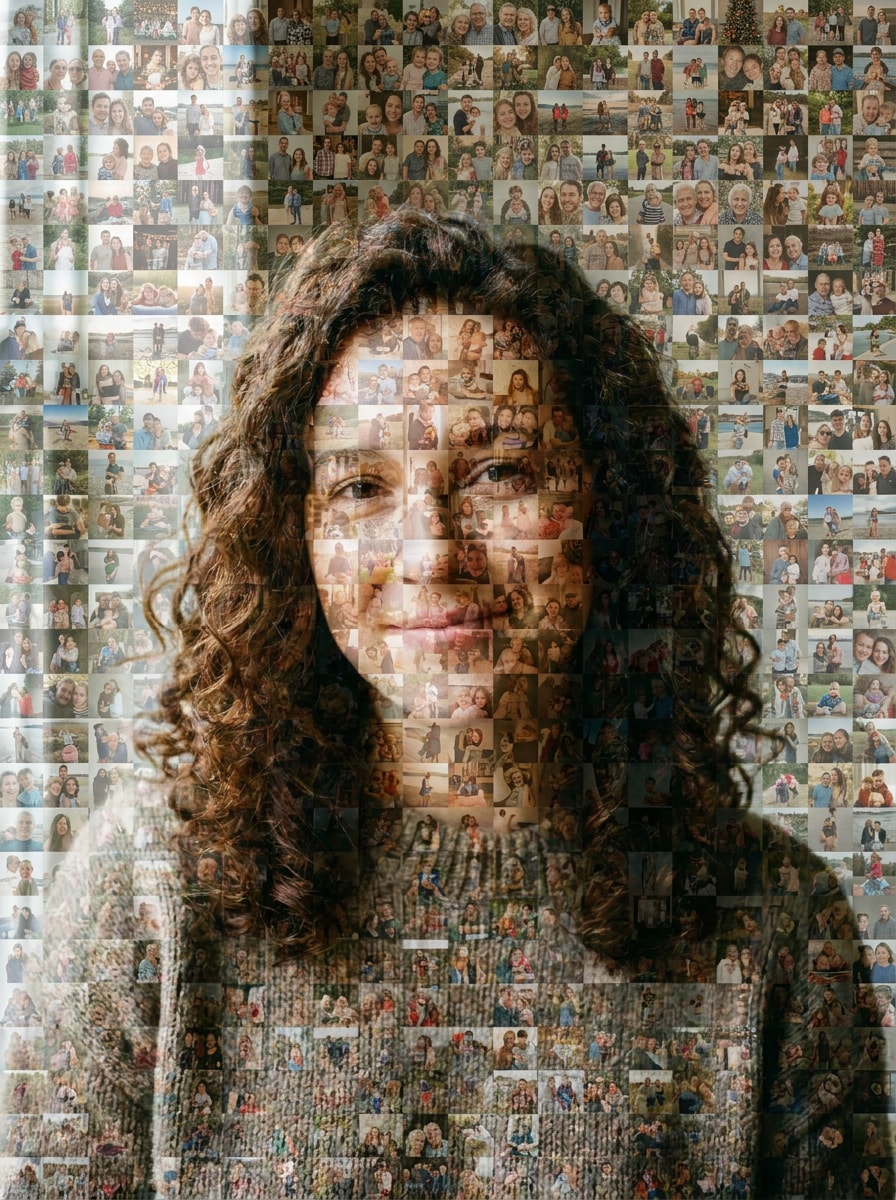
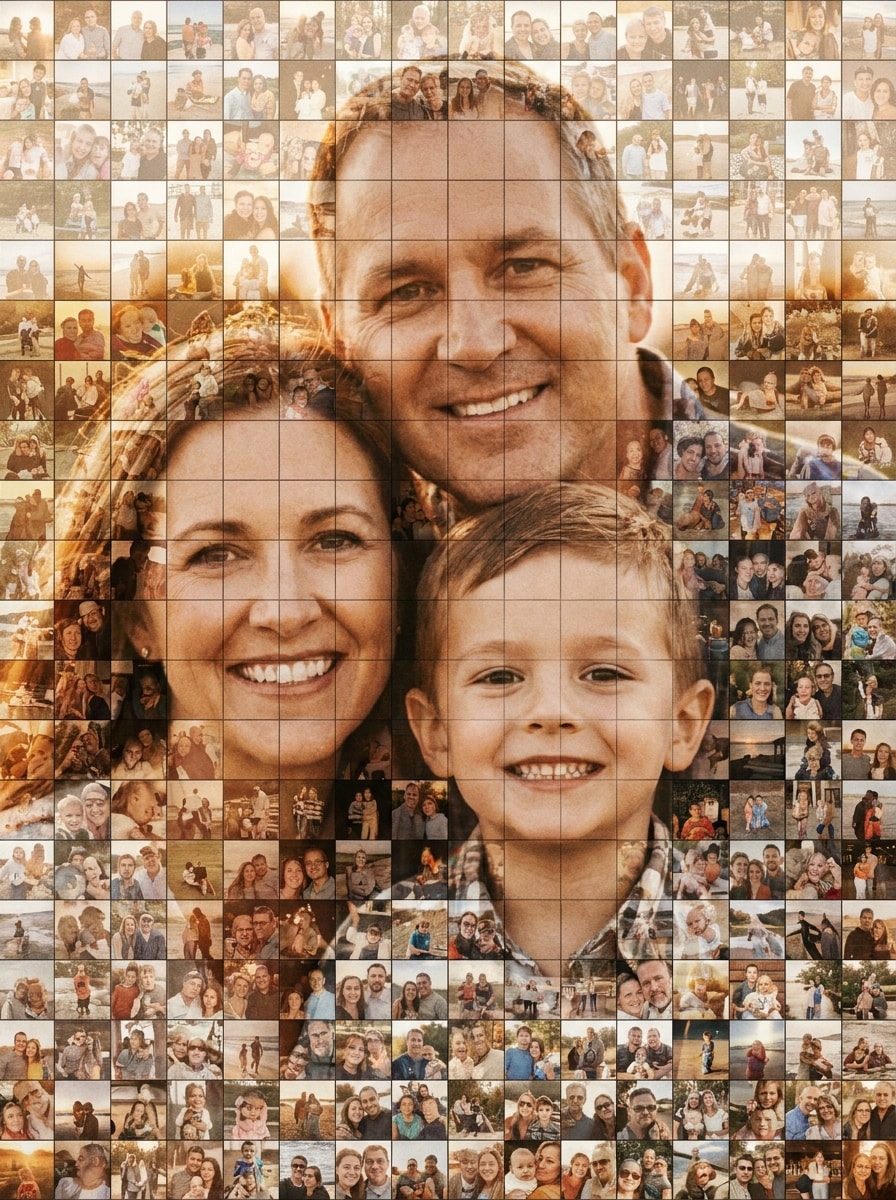
Familien-Erinnerungs-Mosaik
Nutzen Sie das hochgeladene Bild als Hauptporträt und verwandeln Sie es in ein warmes Familien-Foto-Mosaik, das aus vielen kleinen Erinnerungfotos zusammengesetzt ist. Das Gesicht bleibt erkennbar, natürliche Hauttöne werden beibehalten, mit ausgewogenem Tageslicht-Farbabgleich, klaren Kachelrändern, sanftem Kontrast und einem sentimentalen, hochauflösenden Erinnerungsstil.
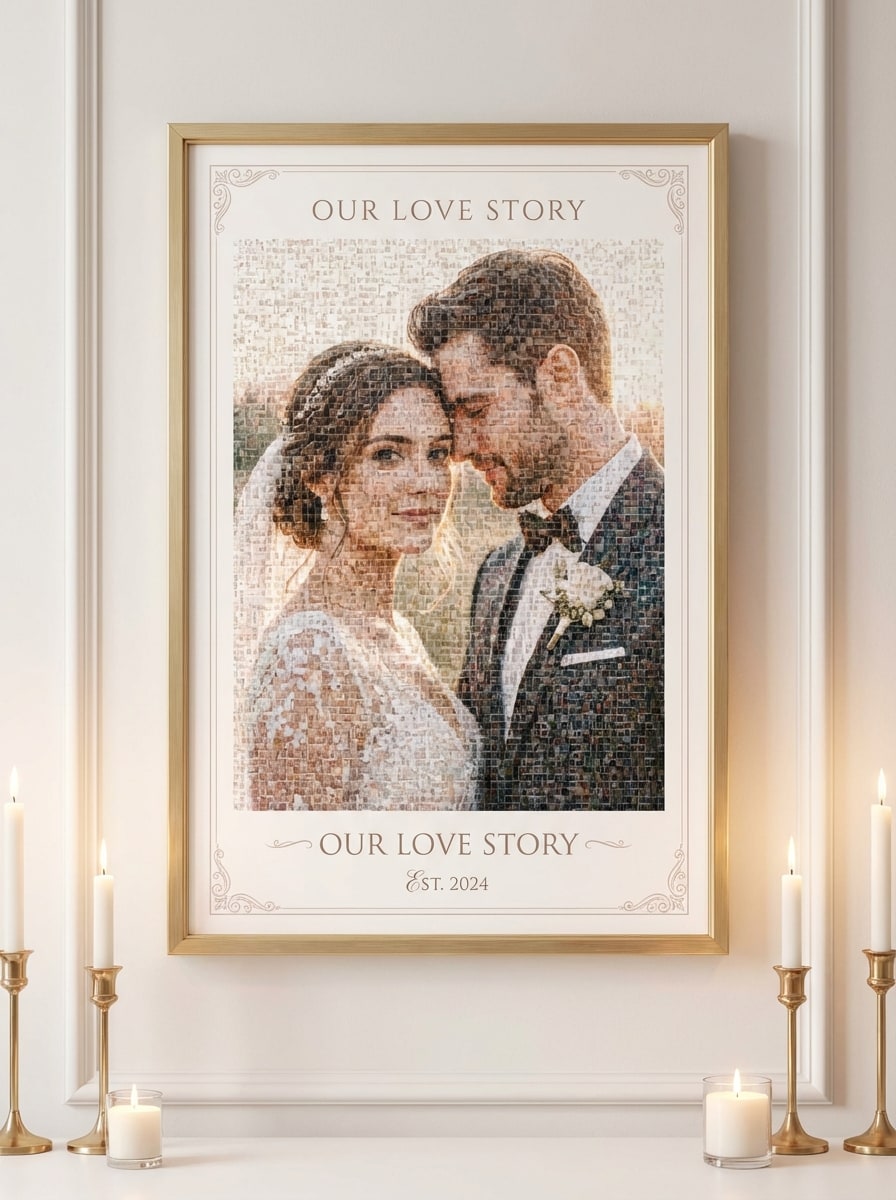
Hochzeits-Mosaik-Poster
Nutzen Sie das hochgeladene Paar-Foto als Motiv und verwandeln Sie es in ein elegantes Hochzeits-Mosaik-Poster, das aus Verlobungs-, Zeremonie- und Schnappschussmomenten besteht. Die Gesichter bleiben erkennbar, sanfte Elfenbein- und Rosatöne, raffinierter Kontrast, ordentliche Kachelanordnung, romantische Stimmung und druckfreundliche Klarheit.
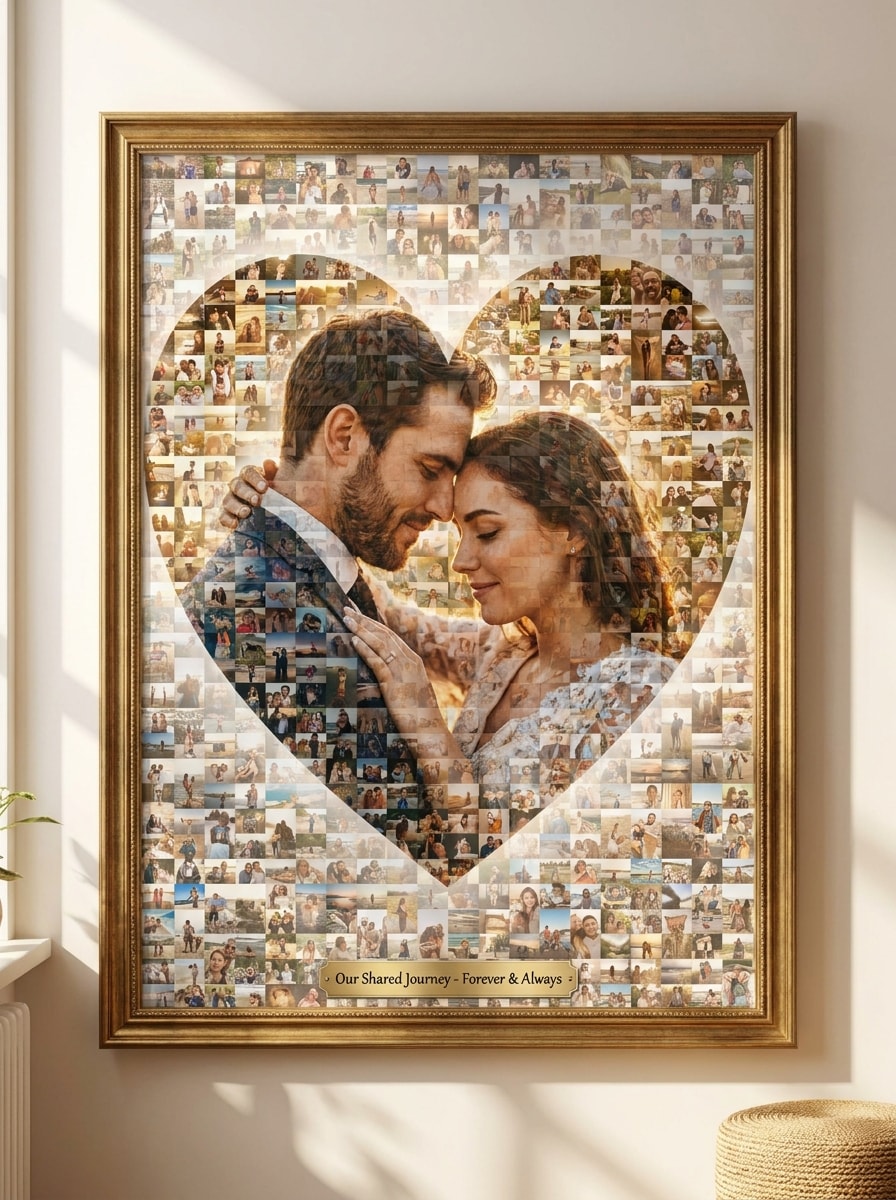
Jubiläums-Herz-Mosaik
Nutzen Sie das hochgeladene Paar-Porträt und verwandeln Sie es in ein romantisches Jubiläums-Mosaik mit einer dezenten herzförmigen Kachel-Anordnung. Warme Gold-, Rosen- und Cremetöne werden gemischt, die Gesichter bleiben deutlich erkennbar, saubere Kachelabstände, sanfte Highlights und ein emotionaler Erinnerungsstil, ideal als Geschenk.
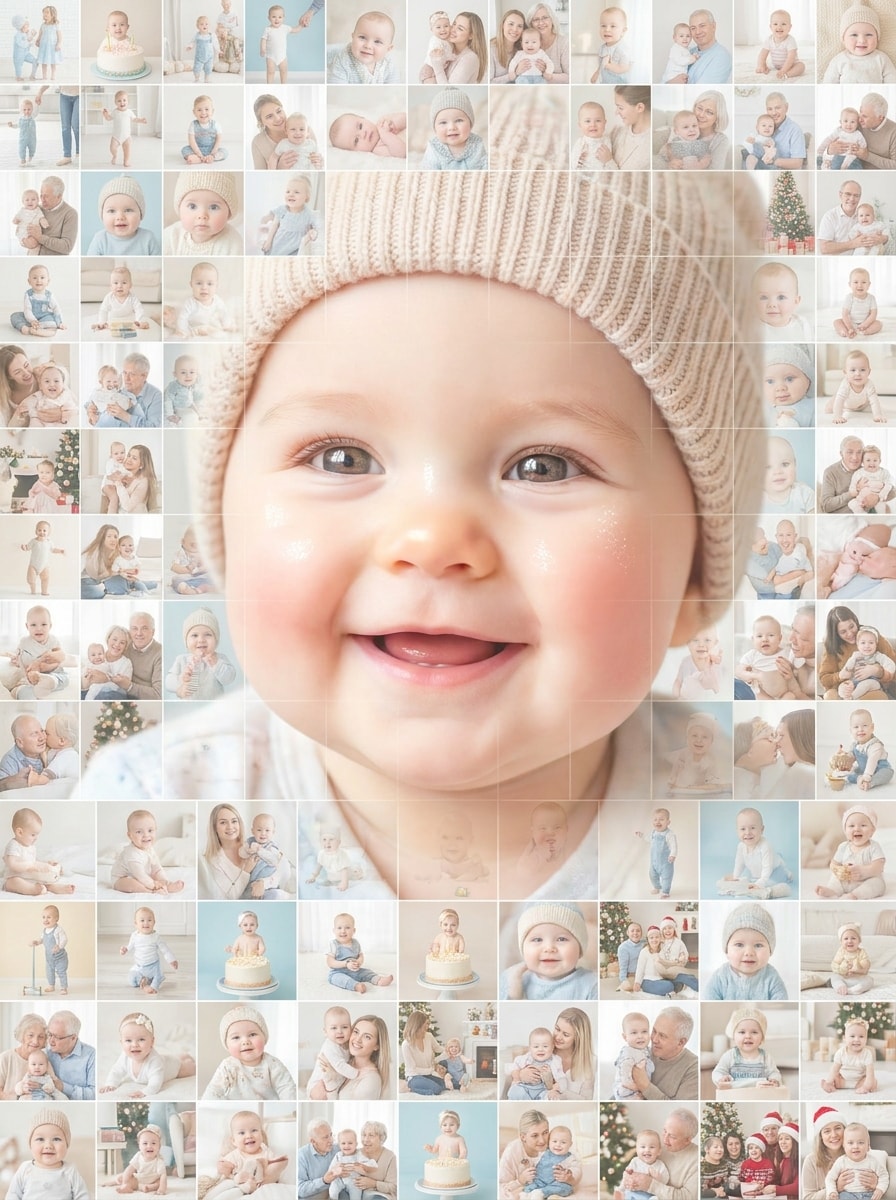
Baby-Meilenstein-Mosaik
Nutzen Sie das hochgeladene Baby-Porträt als Hauptbild und verwandeln Sie es in ein helles Meilenstein-Mosaik aus kleinen Familien- und Wachstumsfotos. Das Babygesicht bleibt weich und erkennbar, Pastellfarben, luftige Beleuchtung, sanfte Tonübergänge und ein fröhliches, scrapbook-artiges Finish.
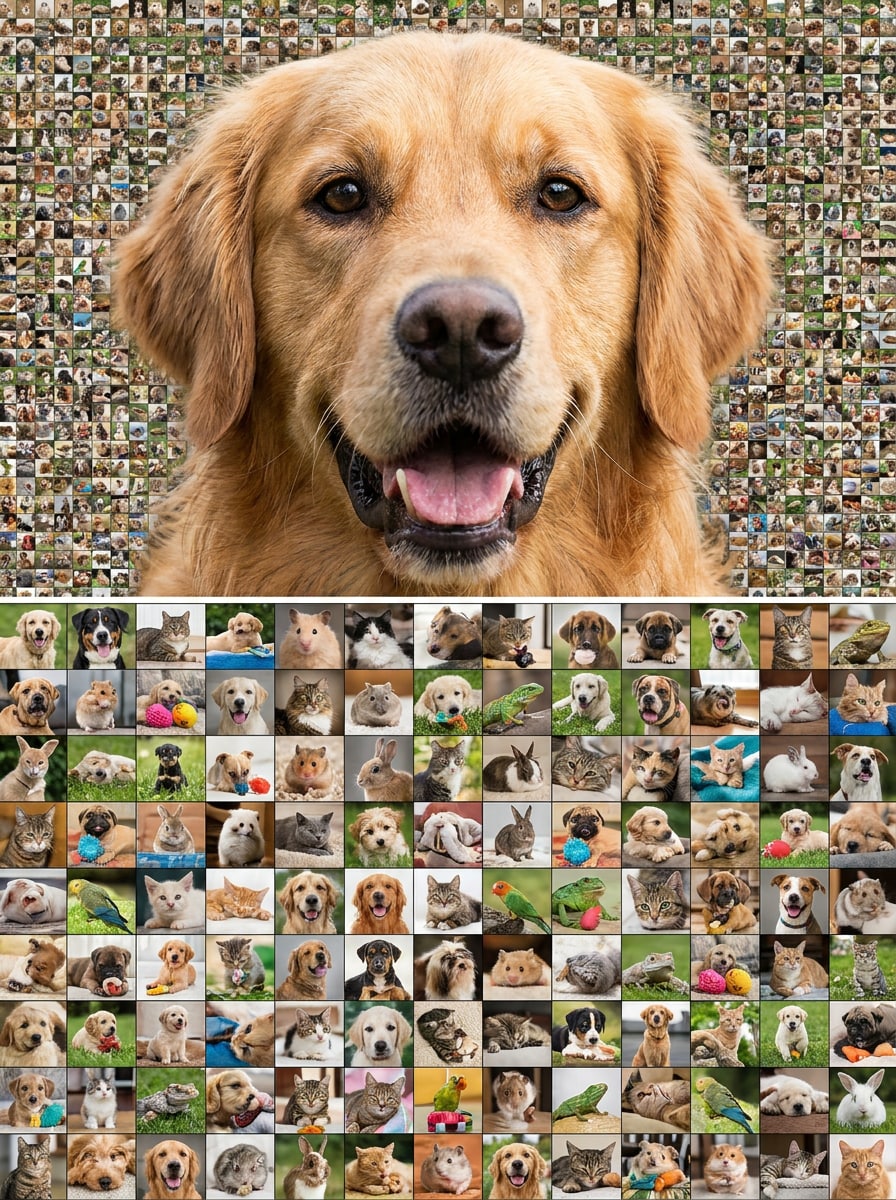
Hunde-Porträt-Mosaik
Nutzen Sie das hochgeladene Hundefoto als Hauptmotiv und verwandeln Sie es in ein verspieltes Haustier-Mosaik, das aus vielen kleinen Haustierschnappschüssen aufgebaut ist. Das Fell bleibt erkennbar, starker aber natürlicher Kontrast, klare Kachelstruktur, helle freundliche Beleuchtung und ein spaßiges Ergebnis sowohl aus der Nähe als auch aus der Ferne.
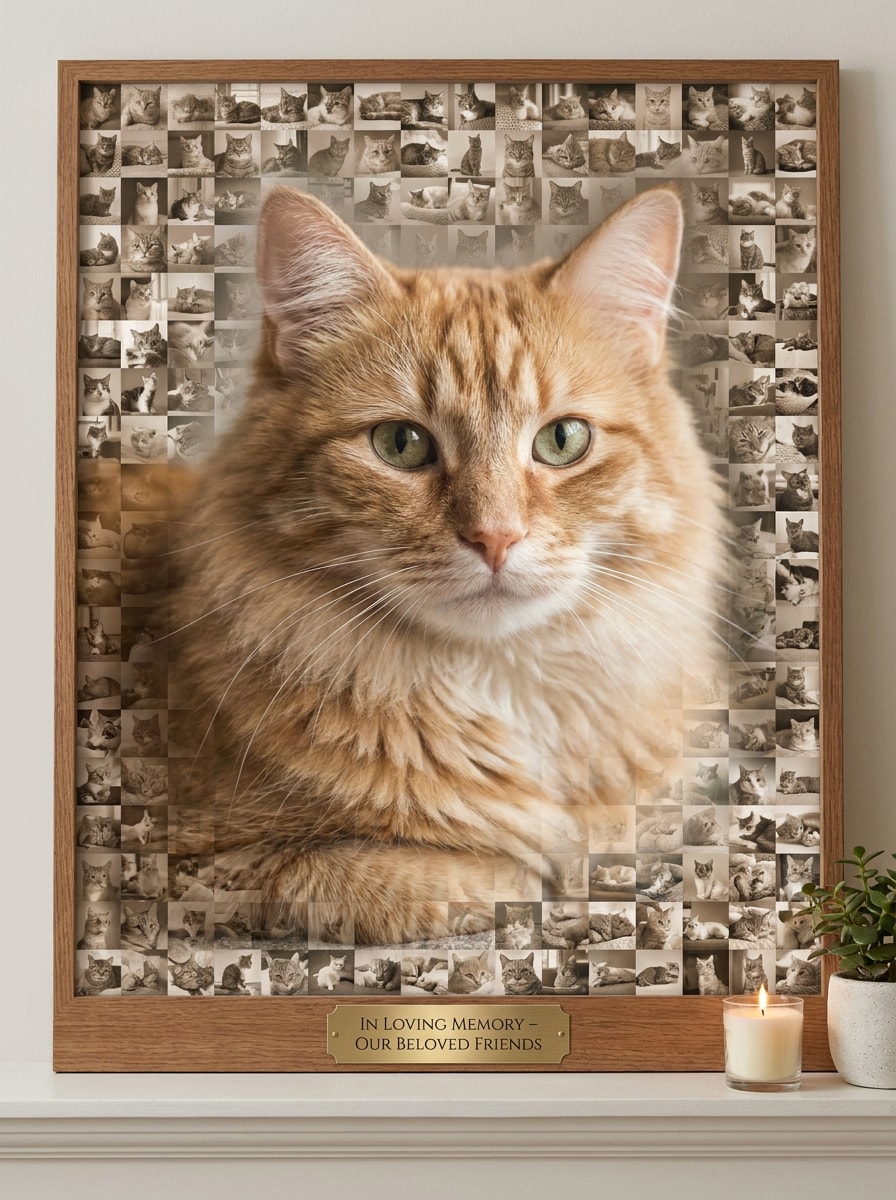
Katzen-Tribute-Mosaik
Nutzen Sie das hochgeladene Katzenporträt und verwandeln Sie es in ein geschmackvolles Tribute-Mosaik aus Lieblings-Katzen-Erinnerungen. Die Katze bleibt deutlich erkennbar, ausgewogene neutrale Töne mit sanfter Wärme, sichtbare Mikro-Fotokacheln, weiche Beleuchtung und eine elegante Erinnerungsstimmung ohne Detailverlust.
Zoom-Out-Viral-Reveal
Nutzen Sie das hochgeladene Porträt als Motiv und verwandeln Sie es in ein dramatisches Mosaik, optimiert für ein Zoom-out-Reveal-Video. Starker Kontrast, deutliche Silhouetten-Lesbarkeit, klare Kacheltrennung, lebendige aber ausgewogene Farben und eine auffällige Komposition überraschen den Betrachter beim Zurückziehen des Rahmens.
Vorher-Nachher-Karussell-Mosaik
Nutzen Sie das hochgeladene Porträt, um ein poliertes Transformations-Mosaik für einen Social-Karussell-Post zu erstellen. Das Motiv bleibt erkennbar, klare Kachelgrenzen, gleichmäßige Farbkonstanz, saubere moderne Beleuchtung und ein zufriedenstellendes Vorher-Nachher-Visual für Social-Media-Inhalte.
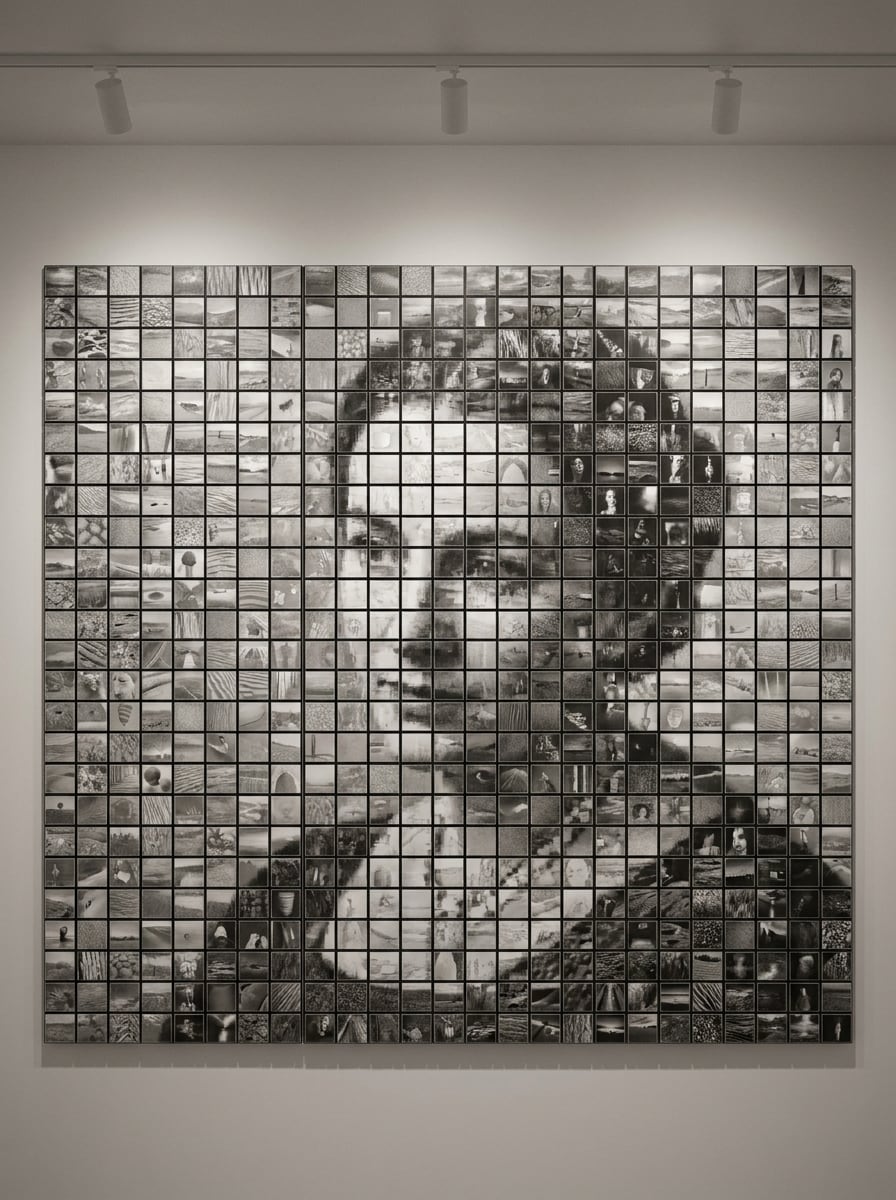
Monochromer Mosaik-Effekt
Nutzen Sie das hochgeladene Bild als Hauptmotiv und verwandeln Sie es in ein Schwarzweiß-Mosaik mit Galerie-Stil und Raffinesse. Tonumfang und erkennbare Eigenschaften bleiben erhalten, Kachel-Fotografien in Graustufen, verfeinerter Kontrast, subtile Textur und eine saubere künstlerische Komposition mit sichtbaren Kacheldetails.
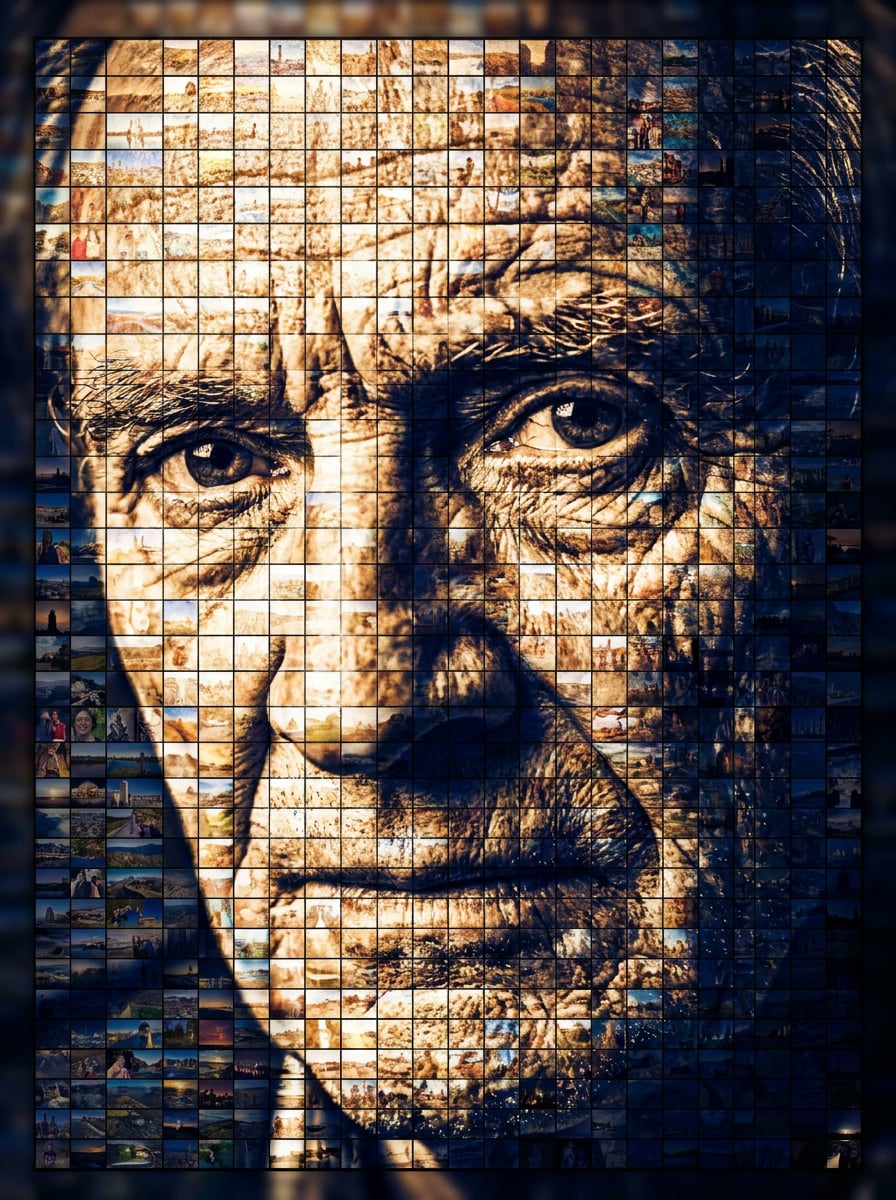
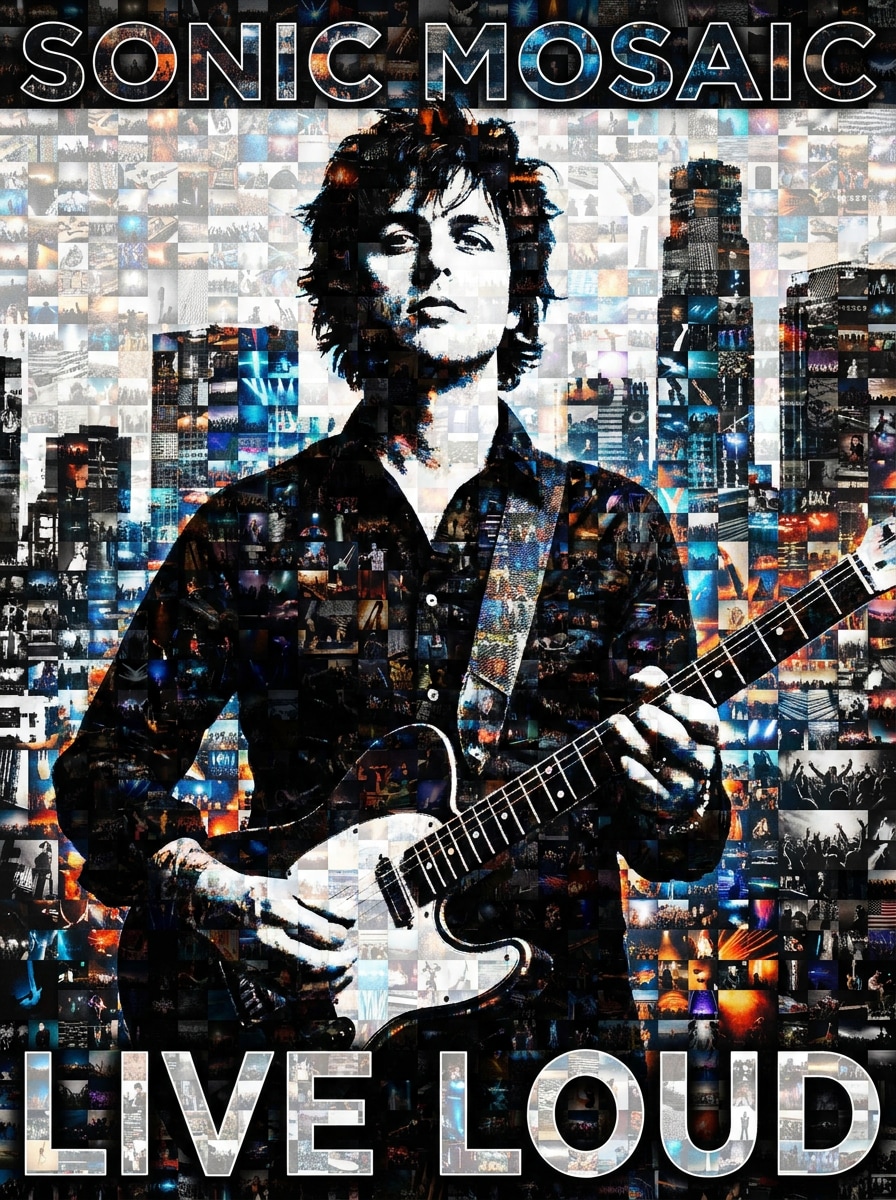
Poster-Mosaik mit hohem Kontrast
Nutzen Sie das hochgeladene Bild und verwandeln Sie es in ein auffälliges Poster-Mosaik mit starkem Kontrast und grafischem Erscheinungsbild. Das Hauptmotiv bleibt aus der Ferne erkennbar, enger Farbabgleich der Kacheln, dramatische Beleuchtung, deutliche Hell-Dunkel-Trennung und auffälliges Layout für Präsentationen.
Warum Media.io für die Foto-Mosaik-Transformation verwenden?
Referenzbasierte Ergebnisse, die das Hauptmotiv erkennen lassen
Für Porträts, Haustiere und Erinnerungsgeschenke fungiert Ihr hochgeladenes Bild bei Media.io als visuelle Basis, sodass der finale Mosaik-Porträt-Filter erkennbar bleibt und gleichzeitig einen kreativen Kachel-Stil erhält, der persönlich, poliert und teilbar wirkt.
Verschiedene Looks erkunden, ohne die Richtung zu verlieren
Wenn Stil Teil der Entscheidung ist, hilft Ihnen Media.io, mehrere Varianten aus demselben Foto-Mosaik-Effekt zu vergleichen, wodurch die kreative Auswahl effizienter wird.
Finale Visuals für echte Projekte scharf halten
Wenn ein Foto-Mosaik-Effekt für den echten Einsatz gedacht ist, liefert Media.io Ihnen bis zu 4K scharfe Ausgaben, damit das Bild für Präsentationen, Hintergründe und wiederverwendete Assets klar bleibt.
Schnelle Mosaik-Vorschau ohne komplexe Desktop-Software
Der Wechsel zwischen Laptop und Smartphone muss den Prozess nicht unterbrechen. In Media.io können Sie den Kachel-Mosaik-Effekt direkt im Browser erstellen, verfeinern und herunterladen – und so die Produktion auf verschiedenen Geräten fortsetzen.
So erstellen Sie einen Mosaik-Foto-Effekt online
Verwandeln Sie Ihre Worte in beeindruckende Visuals in drei einfachen Schritten und verfeinern Sie das Ergebnis weiterhin, wenn Sie es noch weiterentwickeln möchten.
Schritt 1
Laden Sie Ihr Referenzbild hoch
Starten Sie mit einem klaren Porträt, Haustierfoto, Hochzeitsbild oder anderem Hauptbild, das Sie transformieren möchten. Media.io unterstützt JPG, PNG und JPEG-Uploads, sodass das Quellbild für Ihren individuellen Mosaik-Look einfach eingebracht werden kann.
Schritt 2
Beschreiben Sie die Veränderung und legen Sie Optionen fest
Geben Sie einen detaillierten Prompt ein, der den gewünschten Mosaikstil beschreibt – etwa einen weichen Erinnerungs-Look, ein auffälliges Poster-Finish oder ein römischer Mosaik-Filter Ästhetik. Wählen Sie dann Ihr Modell und passen Sie Seitenverhältnis, Auflösung und Bildanzahl der finalen Nutzung an.
Schritt 3
Generieren, Downloaden und weiter verbessern
Erzeugen Sie Ihre Mosaik-Varianten, vergleichen Sie die Ergebnisse und laden Sie die bevorzugte Version herunter. Bei Bedarf können Sie den Prompt verfeinern, eine andere Anordnung ausprobieren oder weitere Versionen erstellen, bis Kacheldetail, Stimmung und Komposition stimmen.
Entdecken Sie das Potenzial des Mosaik-Foto-Filters
Erfahren Sie, wie Kreative diesen Foto-Mosaik-Effekt für Content, Marketing und persönliche Projekte nutzen und passen Sie jede Idee an Ihren Bedarf an.
Verwandeln Sie persönliche Erinnerungen in verschenkbarkeit Kunst
Erstellen Sie Jubiläums-, Hochzeits-, Abschluss- oder Gedenkvisuals, die bedeutungsvoller sind als eine normale Collage. Ein individuelles Mosaik lässt ein Hauptbild aus vielen kleinen Erinnerungen entstehen – ideal für Erinnerungsstücke, gerahmte Drucke und digitale Geschenk-Enthüllungen.
Scrollstoppende Social-Reveal-Inhalte erstellen
Gestalten Sie Transformationsvisuals für Instagram-Karussells, Pinterest-Posts oder TikTok-Zoom-Out-Edits. Ein gut gestalteter Mosaik-Foto-Filter-Look liefert eine starke Vorher-Nachher-Geschichte mit genügend Kacheldetail, um Betrachter zu belohnen, die genauer hinschauen.
Für etwas Einzigartigeres als Standard-Effekte – testen Sie mit Media.io ein sauberes Kachelporträt, einen dramatischen Poster-Look oder sogar eine stilisierte Interpretation als römischer Mosaik-Filter. Eine praktische Methode, verschiedene Stilrichtungen zu entdecken – ohne das Bild von Hand neu aufzubauen.
Was Nutzer über diesen Mosaik-Workflow sagen
Emily R.
Designer für Familiengeschenke
"Eine einfache Möglichkeit, emotionale Erinnerungsstücke zu gestalten" Ich habe Media.io genutzt, um ein Familienporträt in ein Mosaik-Jubiläumsbild zu verwandeln – das Ergebnis sah sofort professionell aus. Es war praktisch, das Hauptbild hochzuladen, verschiedene Looks zu testen und ein detailliertes Resultat zu bekommen, ganz ohne komplizierte Desktopsoftware.
Marcus T.
Social Content Creator
"Ideal für Reveal-Posts" Die Zoomed-Out-Mosaik-Optik hat für meine Vorher-Nachher-Inhalte super funktioniert. Die Kacheldetails blieben sichtbar, das Motiv erkennbar und der Workflow war schnell genug, um verschiedene Varianten zu testen, bevor ich das finale Bild auswählte.
Sofia L.
Haustier-Gedenk-Künstlerin
"Hilfreich für Tribute-Bilder" Ich wollte ein geschmackvolles Erinnerungs-Porträt für meine Katze und dieses Tool hat es einfach gemacht, etwas künstlerisch Wertvolleres als einen Standard-Edit zu kreieren. Das Ergebnis war sauber und respektvoll, und ich konnte den Stil bis zur gewünschten Stimmung weiter verfeinern.
Daniel K.
Eventdruck-Einkäufer
"Nützlich für digitale und Print-Layouts" Besonders beeindruckt hat mich die Flexibilität. Ich konnte das Seitenverhältnis für die Poster-Version anpassen und dennoch eine Social-Media-taugliche Variante aus demselben Bild erstellen. Das hat die Erstellung für verschiedene Event-Anwendungen erheblich erleichtert.
Entdecken Sie die beliebtesten KI-Video- und Bildeffekte
1. Wie kann ich online ein Foto in einen Mosaik-Effekt verwandeln?
Laden Sie ein klares Referenzbild zu Media.io hoch und fügen Sie einen Prompt hinzu, der den gewünschten Mosaikstil beschreibt – beispielsweise einen weichen Erinnerungs-Look, ein auffälliges Poster-Layout oder ein stilisiertes Mosaik-Porträt. Danach Seitenverhältnis, Auflösung und Modell wählen, Bild generieren und Ihre bevorzugte Version herunterladen.
2. Wie viele Fotos benötige ich für ein Foto-Mosaik?
Die genaue Anzahl hängt vom gewünschten Stil und der gewünschten Dichte ab. Für einen klaren, deutlichen Foto-Mosaik-Effekt beginnen die meisten Nutzer mit einem starken Hauptbild und verfeinern die Prompteingabe, bis das Endergebnis ausreichend kleine Bilddetails zeigt, ohne das Motiv zu verlieren.
3. Kann ich einen Foto-Mosaik-Effekt kostenlos erstellen?
Kostenlose Nutzer können Media.io mit Gratis-Credits testen – ideal, um Ideen zu prüfen und Stile vor Auswahl der Endversion anzusehen. Für mehr Nutzung und hochauflösende, wasserzeichenfreie Downloads finden Sie die Preise auf der entsprechenden Seite.
4. Ist mein finales Mosaik hochauflösend für den Druck?
Media.io bietet 1K-, 2K- und 4K-Auflösungsoptionen, ideal wenn Sie ein Mosaikbild benötigen, das für Poster, Geschenke oder Präsentationsdruck klarer ausfällt. Kostenlosnutzer erhalten ggf. Wasserzeichen.
5. Kann ich ein Foto-Mosaik auf iPhone oder Android erstellen?
Media.io ist webbasiert, daher können Sie es auf iPhone, Android, Mac oder Windows verwenden, sofern eine Browserverbindung besteht. Das macht es praktisch, ein Mosaikbild zu erstellen oder zu bearbeiten, ohne separate Software zu installieren.
6. Wie lange dauert es, ein Foto-Mosaik zu generieren?
Media.io ist für einen schnellen Bild-zu-Bild-Workflow konzipiert, sodass Sie normalerweise viel schneller vom Upload zur Vorschau kommen als mit manuellen Methoden. Die genaue Dauer hängt vom Modell, der Auflösung und der Anzahl der in einem Durchgang generierten Bilder ab.