Deine Werke werden nur 7 Tage lang gespeichert. Assets, die nach dem Upgrade auf einen Mitgliedschaftstarif erstellt werden, werden dauerhaft gespeichert.
Entfalten Sie Ihr kreatives Potenzial und erleben Sie jetzt die Magie der Media-KI!
Foto-zu-Kohlezeichnung-Konverter für ausdrucksstarke, galerietaugliche Porträtkunst
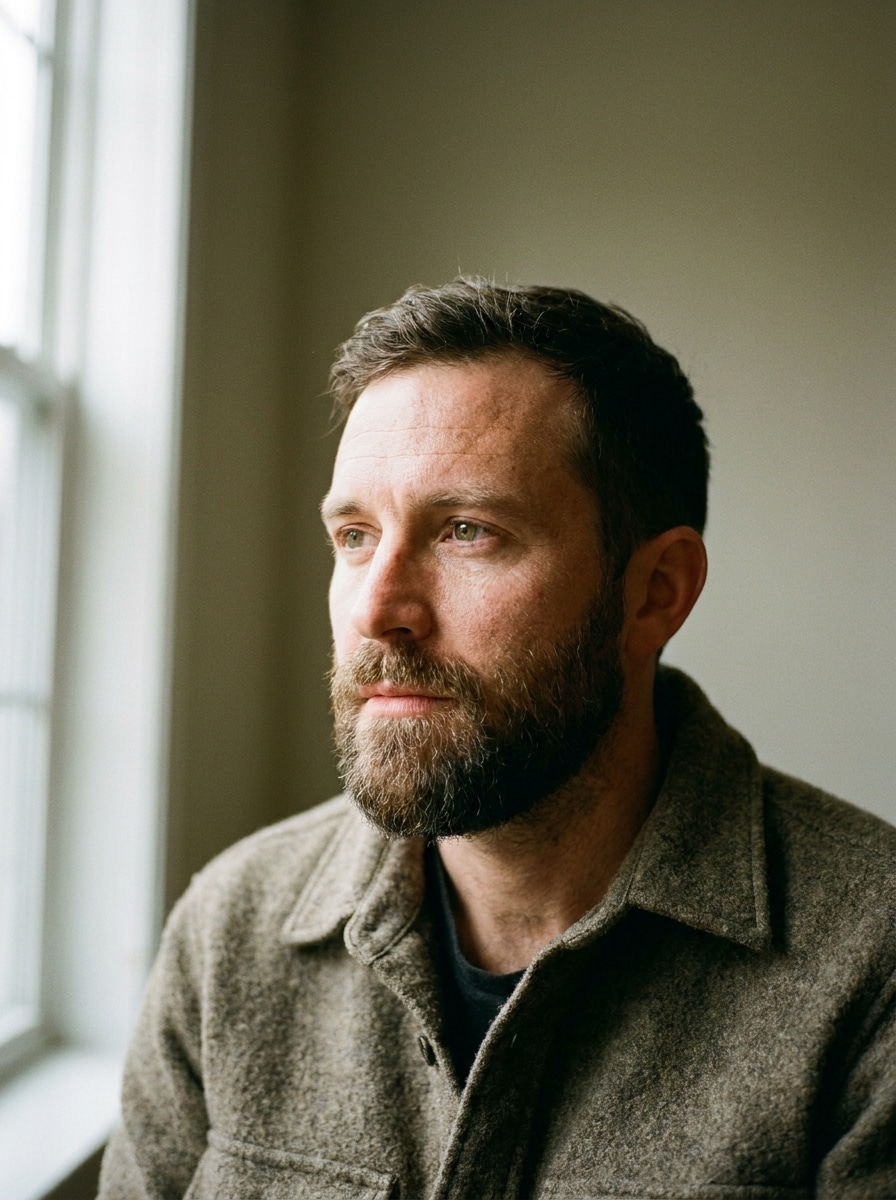
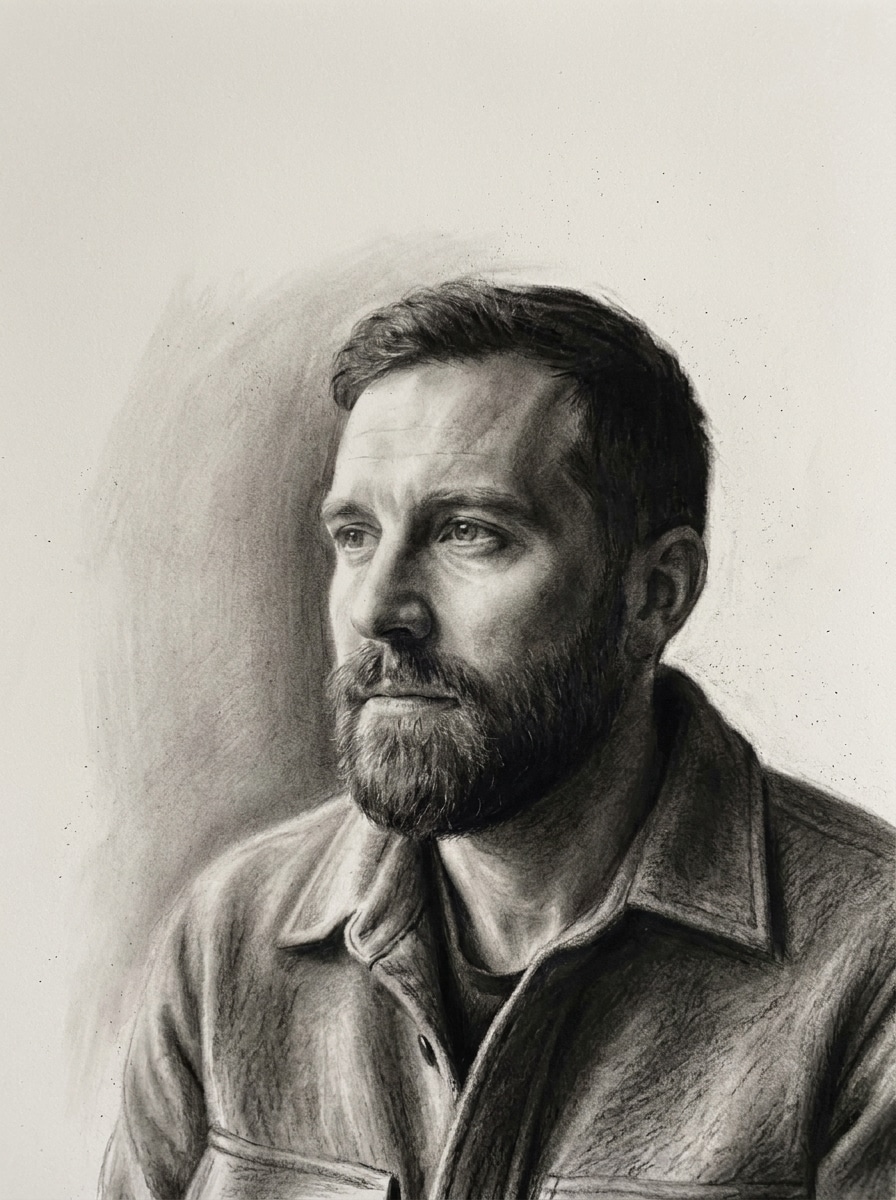
Verwandle Porträts, Haustierfotos und Lieblingsmomente in strukturierte monochrome Kunstwerke mit einem Foto-zu-Kohlezeichnung-Konverter. Media.io hilft Ihnen, einen natürlichen Kohlezeichnungsfilter oder einen dezenten KI-Kohlefilter anzuwenden, Kontrast und Komposition zu verfeinern und das fertige Ergebnis blitzschnell aus jedem Browser zu exportieren. Dieses Setup eignet sich hervorragend für einen Fotoeffekt mit schwarzer Kohle.
Geben Sie Ihre Idee ein -> KI gestaltet sie. Kostenlos testen.
Überprüfen Sie diese Beispielanweisungen und passen Sie dann die Details der Eingabeaufforderung an, um mit diesem Foto-zu-Kohlezeichnung-Konverter in Media.io noch bessere Ergebnisse zu erzielen.
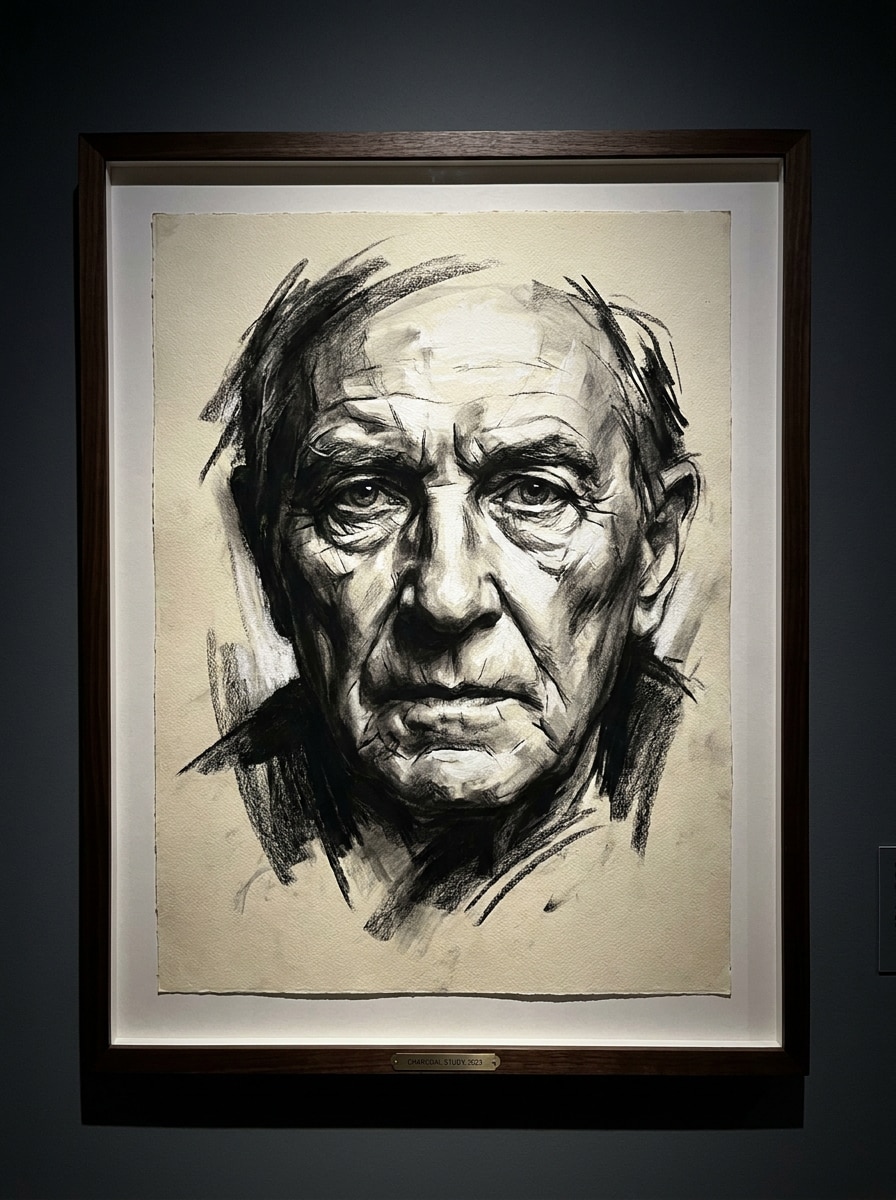
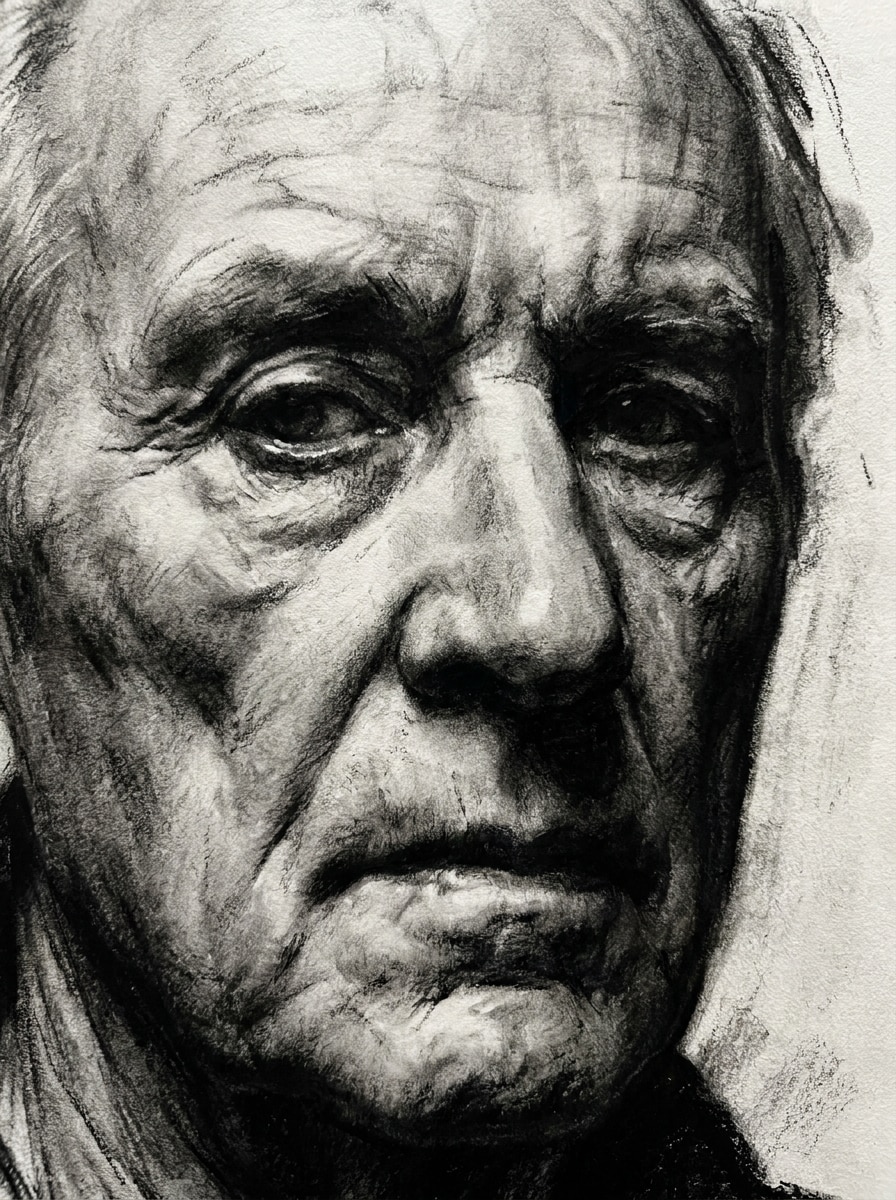
Realistisches Kohleporträt
Verwenden Sie das hochgeladene Bild als Motiv und verwandeln Sie es in ein realistisches Kohleporträt mit korrekten Gesichtsproportionen, tiefen Schattenmodellen, sanft verwischten Schattierungen, feinem Papierstruktur, sichtbaren Kohlenstaub-Texturen, einer monochromen Schwarz-Graupalette, klarer Komposition und einer raffinierten Galerie-Stimmung.
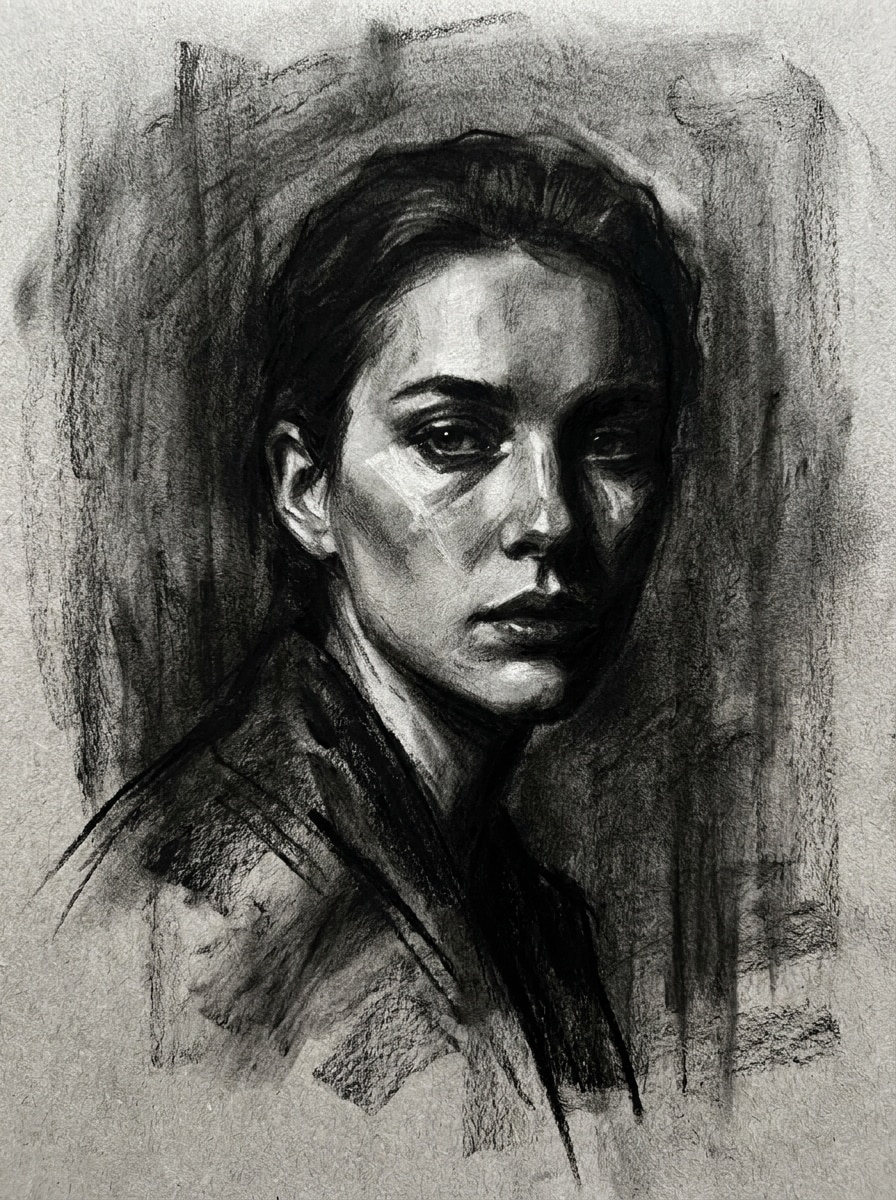
Weich verblendete Kohlezeichnung
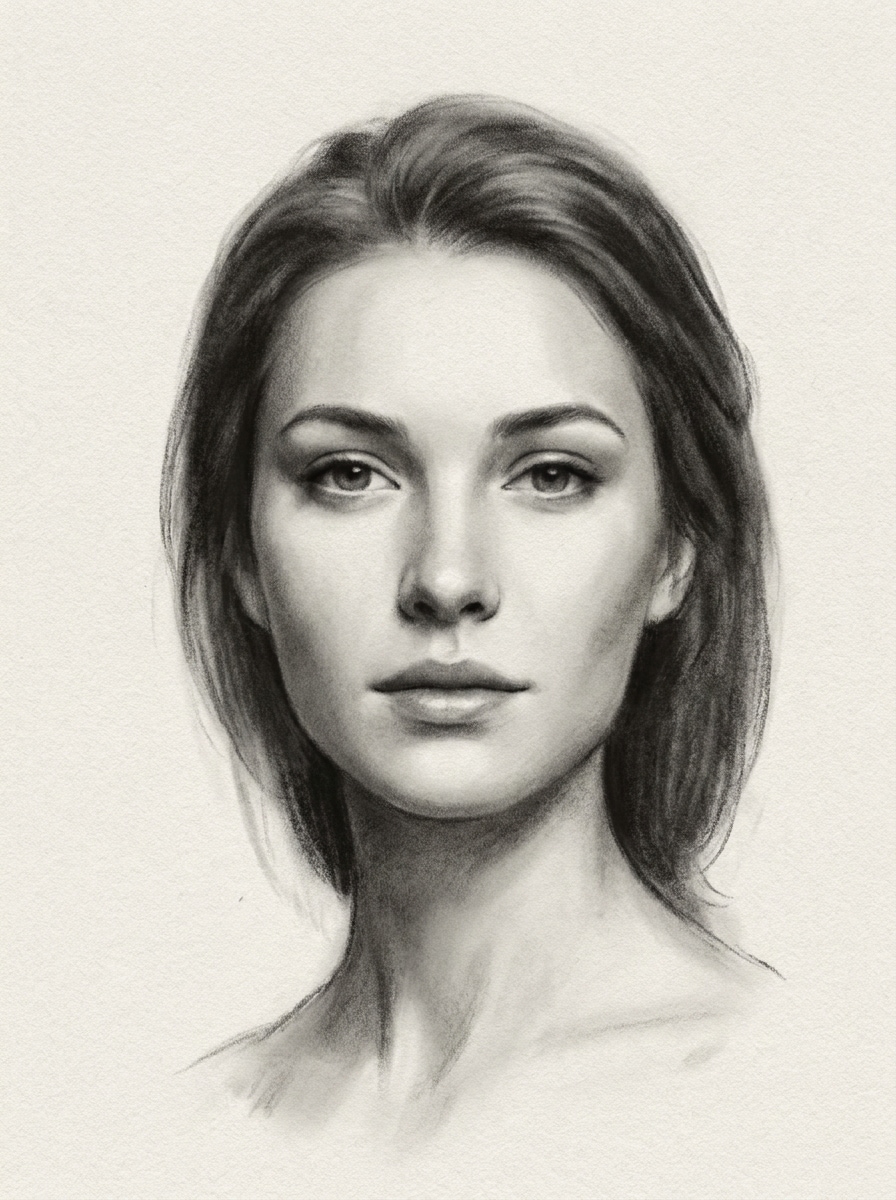
Verwenden Sie das hochgeladene Porträt als Grundlage und verwandeln Sie es in ein weiches Kohlekunstwerk mit sanften Tonübergängen, zarten Verwischungen, geschmeidigen Mitteltönen, matten Schwarz- und Grauschattierungen, leicht texturiertem Papier, ruhiger emotionaler Stimmung, zentrierter Ausrichtung und eleganter, von Hand gerenderter Tiefe ohne harte Konturen.
Galeriekohle mit hohem Kontrast
Verwenden Sie das hochgeladene Foto als Motiv und erstellen Sie eine dramatische Kohlezeichnung im Fine-Art-Stil mit starkem Kontrast, betontem dunklem Hintergrund, starker Lichttrennung, strukturierten Strichen, geschichteter schwarzer Schattierung, hochwertiger Papierstruktur, museumstauglicher Komposition und einer intensiven monochromatischen Wandkunst-Präsenz.
Stimmungsvolle Editorial-Kohlezeichnung
Verwenden Sie das hochgeladene Bild als Referenz und verwandeln Sie es in eine stimmungsvolle Editorial-Kohlezeichnung mit filmischen Schatten, scharfen Lichtern, strukturierten Verschmierungen, ausdrucksstarker Monochromschattierung, feiner Papierkörnung, modeinspiriertem Aufbau, dunklen, atmosphärischen Tönen und einem polierten Magazin-Art-Feeling.
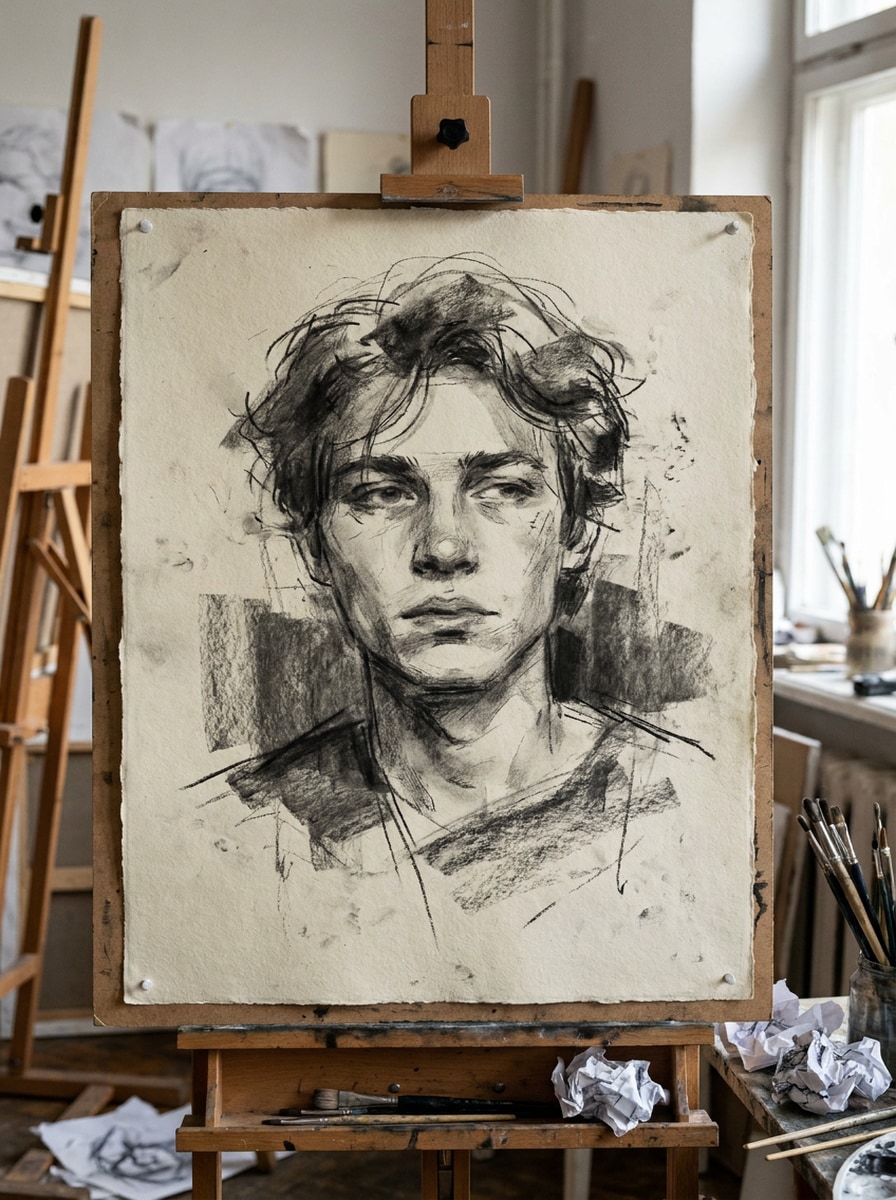
Lockere Künstler-Kohlezeichnung
Verwenden Sie das hochgeladene Foto als Motiv und interpretieren Sie es als lockere Künstler-Kohlezeichnung mit sichtbaren handgezeichneten Linien, unperfekten expressiven Strichen, grober Papierstruktur, natürlichen Schattenmassen, Skizzenbuch-Spontaneität, monochromen Kohletönen und einer authentischen Studiozeichnungs-Stimmung neu.
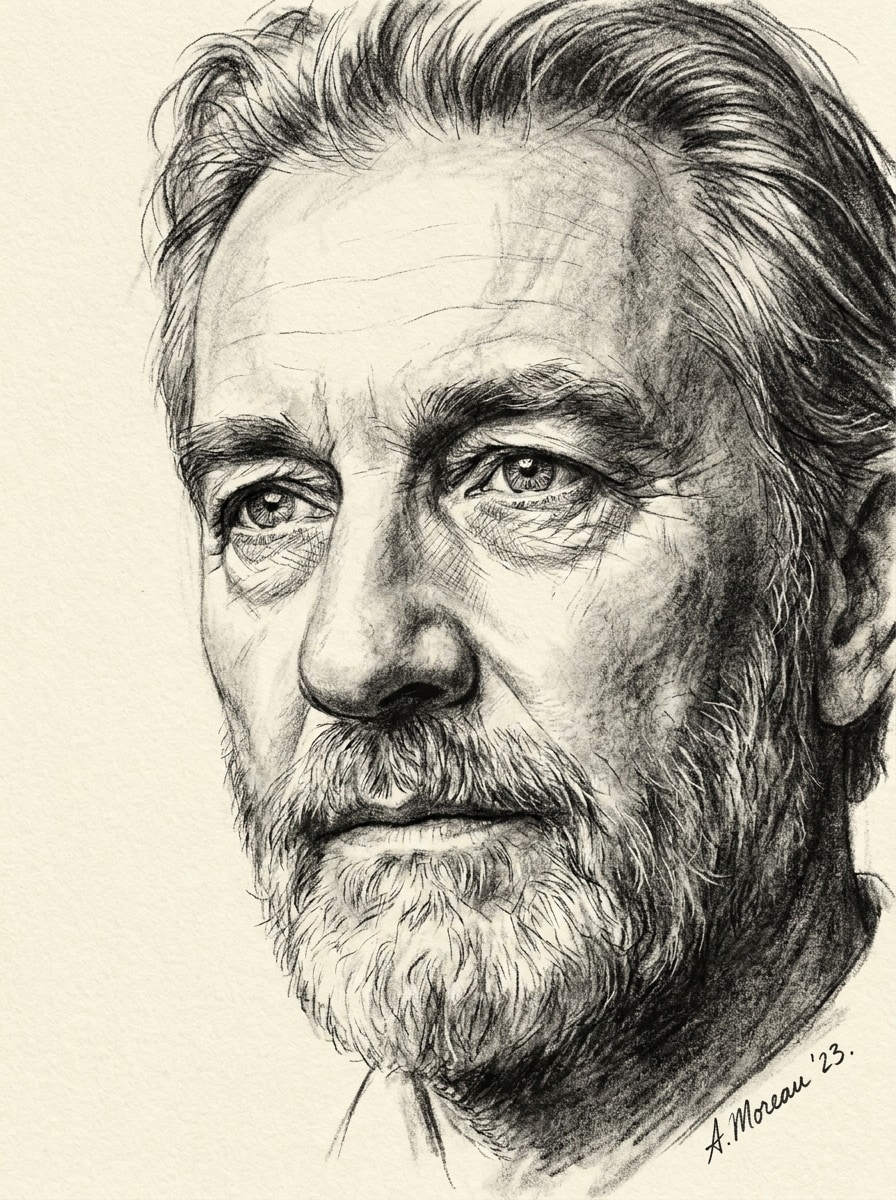
Detailreiche Kohlezeichnung
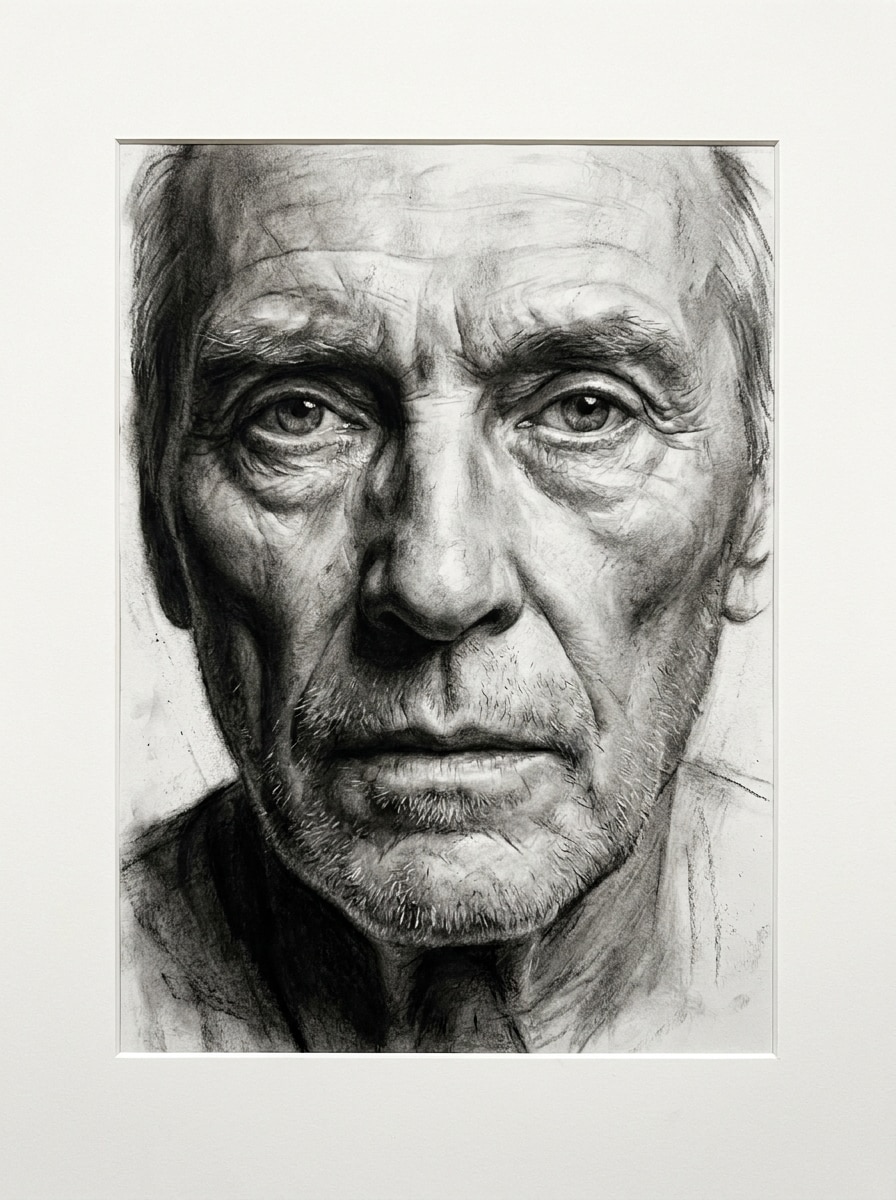
Verwenden Sie das hochgeladene Porträt und verwandeln Sie es in eine äußerst detaillierte Kohlezeichnung, die Gesichtskonturen, Haarsträhnen, Augenzeichnung und zarte Strukturen mit geschichteter Grau-Schwarz-Schattierung, feiner Papierstruktur, klarem Tonalitäts-Tiefgang, ausgewogenem Bildausschnitt und realistischem handgezeichnetem Finish erhält.
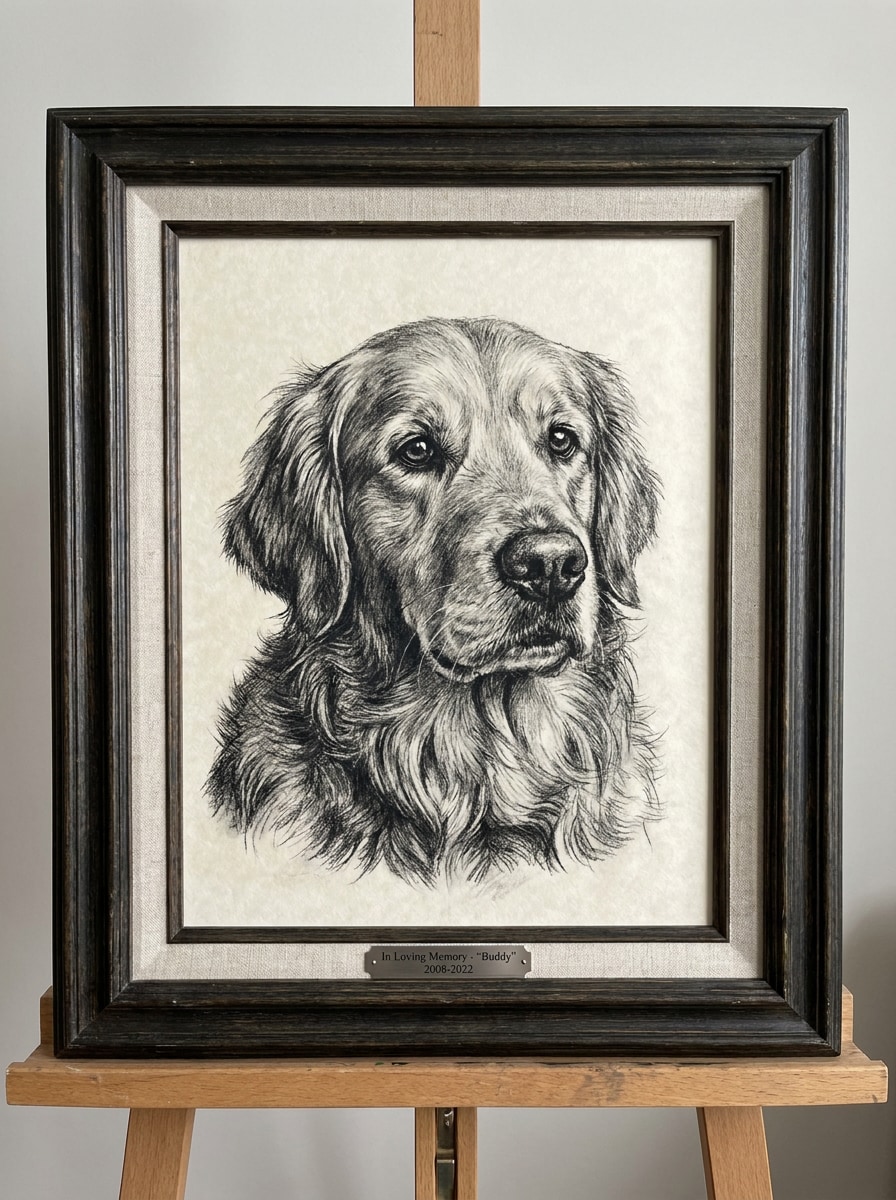
Kohleporträt für Haustiere
Verwenden Sie das hochgeladene Haustierfoto als Motiv und verwandeln Sie es in ein realistisches Kohleporträt mit ausdrucksstarken Augen, detailreicher Fellstruktur, weicher Schattenverläufe, strukturierter Papierkörnung, reicher Monochromschattierung, zentrierter Komposition, warmer emotionaler Stimmung und einem hochwertigen Andenken-Art-Finish.
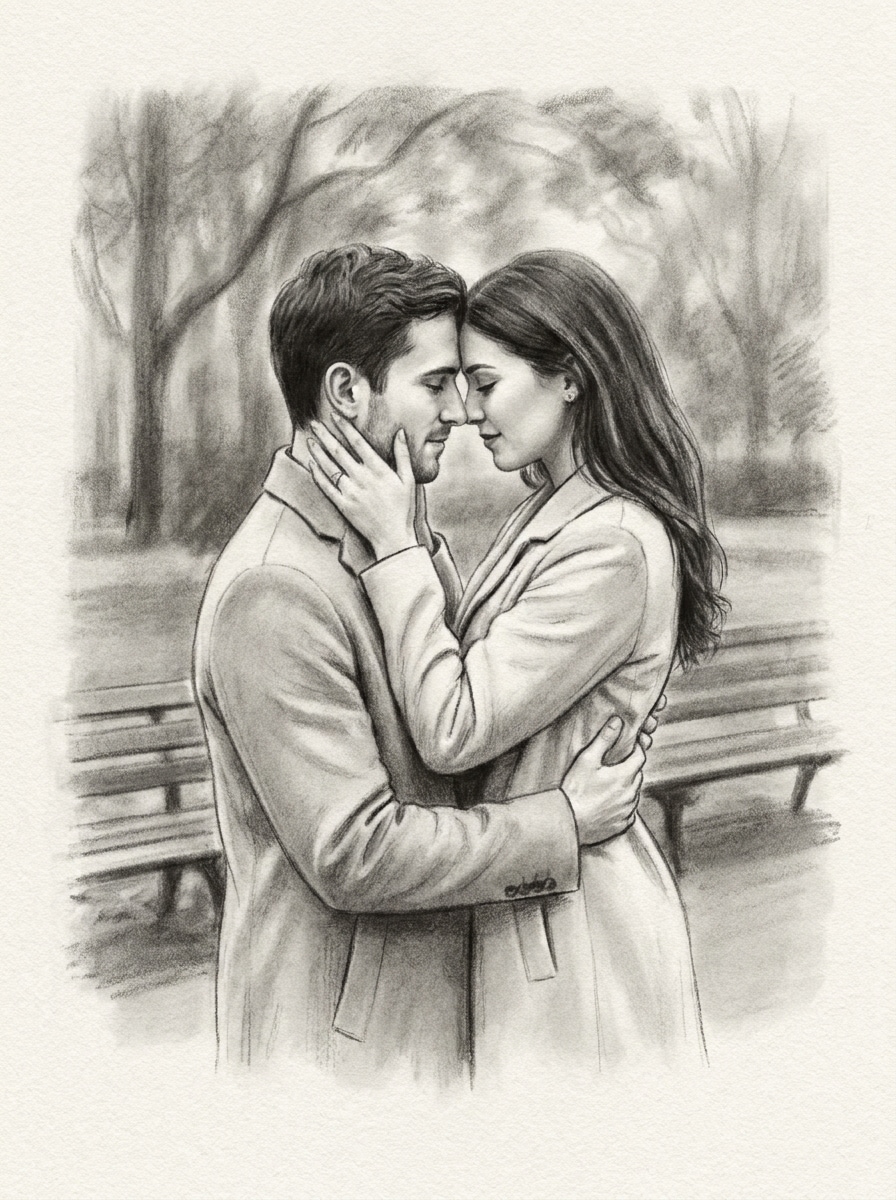
Paar-Kohlezeichnung
Verwenden Sie das hochgeladene Paarfoto als Referenz und erstellen Sie eine romantische Kohlezeichnung mit ausgewogener Komposition, sanfter Tonalität, eleganter Textur, weichen Schattenverläufen, feiner Papierstruktur, natürlichem Gesichtsausdruck, monochromer Wärme und einem raffinierten handgezeichneten Andenken-Feeling.
Vergleich: Kohle vs. Bleistift
Verwenden Sie das hochgeladene Bild als Motiv und verwandeln Sie es in eine dunklere Kohlezeichnung statt einer leichten Bleistiftskizze, mit Fokus auf breite Tonwertschattierungen, verwischte Tiefen, strukturierte schwarze Linien, matte Papierstruktur, stärkeren Kontrast und ein reichhaltigeres Fine-Art-Monochrom-Finish.
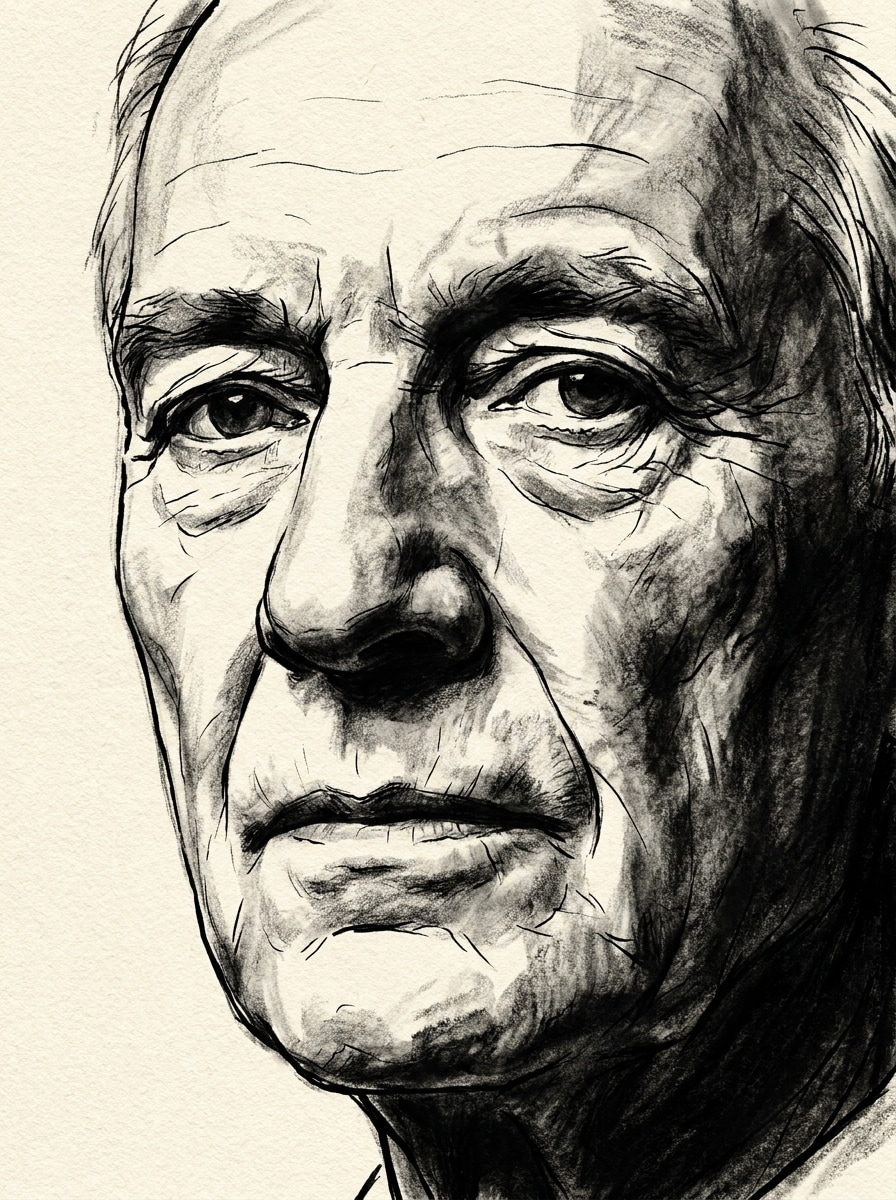
Tinte-Kohle Hybrid
Verwenden Sie das hochgeladene Bild als Grundlage und erstellen Sie ein markantes Kunstwerk im Tinten-Kohle-Hybrid-Stil mit klaren Konturakzenten, Kohleschattierung, dramatischem Monochrom-Kontrast, sichtbarer Papierstruktur, dunkler ausdrucksstarker Stimmung, kontrollierter Komposition und einem eindrucksvollen illustrierten Finish für kreative Drucke.
Warum Media.io für Kohlefoto-Transformationen verwenden?
Jedes Motiv bleibt auf jedem Sketch wiedererkennbar
Für soziale Beiträge, Brand-Visuals oder Entwürfe, bei denen die Person noch erkennbar bleiben sollte, bewahrt Media.io markante Merkmale und verwandelt das Bild im Stil eines Kohleporträts, sodass das Endkunstwerk ausdrucksstark bleibt, ohne die Identität des Motivs zu verlieren.
Ein Motiv in verschiedene Stile umarbeiten
Für uploadspezifische Bearbeitungen hält Media.io das Referenzmotiv optisch konsistent und passt das Endbild durch unterschiedliche Foto-zu-Kohle-Zeichenrichtungen an, was eine sichere und personalisierte Nutzung ermöglicht.
Detail und Ausgabequalität feinabstimmen
Für Projekte, für die Entwurfsqualität nicht ausreicht, produziert Media.io Foto-zu-Kohlezeichnungen mit bis zu 4K-Ausgabe, sodass Details beim Präsentieren, Zuschneiden oder Wiederverwenden erhalten bleiben.
Von jedem Browser aus erstellen – ohne Designkenntnisse
Egal ob Sie den Foto-zu-Kohle-Konverter am Laptop erkunden oder Entwürfe am Handy prüfen, Media.io läuft komplett browserbasiert, sodass Ihr Workflow auf allen Geräten bequem fortgesetzt werden kann.
So verwandeln Sie ein Foto online in Kohlekunst
Verwandeln Sie Ihre Beschreibung in drei einfachen Schritten in beeindruckende Bilder und verfeinern Sie das Ergebnis nach Wunsch weiter.
Schritt 1
Laden Sie Ihr Referenzbild hoch
Beginnen Sie mit einem klaren Porträt, Haustierbild, Paarfoto oder einem anderen Motiv im JPG-, PNG- oder JPEG-Format. Ein gut ausgeleuchtetes Ursprungsbild mit sichtbaren Gesichtszügen oder Strukturen ermöglicht Media.io eine stärkere Kohlezeichnung des Fotos als Ergebnis.
Schritt 2
Beschreiben Sie die gewünschte Veränderung und wählen Sie Optionen
Teilen Sie dem Tool mit, wie der Kohle-Look aussehen soll: etwa weiche Verwischungen, dunkle Kontraste, Papierkorn oder einen einzelnen Foto-zu-Kohle-Zeichenstil. Anschließend Modell wählen und Seitenverhältnis, Qualität oder Bildvarianten nach Bedarf einstellen.
Schritt 3
Generieren, herunterladen und weiter verbessern
Erstellen Sie Ihr Ergebnis, vergleichen Sie verschiedene Varianten und laden Sie das bevorzugte Kohlekunstwerk herunter. Verfeinern Sie bei Bedarf die Eingabe, regenerieren Sie mit stärkerer Textur oder testen Sie einen Bleistift-gegen-Kohle-Stil für andere Skizzen-Stimmungen.
Das Potenzial der Foto-zu-Kohlezeichnung entdecken
Sehen Sie, wie Kreative diesen Konverter für Foto-zu-Kohlezeichnungen in Content, Marketing und privaten Projekten verwenden, und passen Sie jede Idee nach Bedarf an.
Porträts in geschenkwürdige Wandkunst verwandeln
Verwandeln Sie ein Lieblingsporträt oder Familienfoto in ein strukturiertes monochromes Kunstwerk, das persönlicher wirkt als ein Standardfilter. Media.io macht es einfach, eine Kohlezeichnung im Foto-Stil zu erstellen – ideal für gerahmte Geschenke, Erinnerungsportäts oder klassische Wohnungsdekoration.
Emotionale Andenken für Haustiere und Paare gestalten
Eine Kohleumsetzung verleiht gefühlvollen Fotos – besonders von Haustieren, Jahrestagen oder Verlobungen – Wärme und Tiefe. Mit Media.io wird aus bedeutsamen Momenten handgezeichnet wirkende Kunst, während Ausdruck und Erkennbarkeit erhalten bleiben.
Nutzen Sie eine Foto-zu-Skizze-Umwandlung für dramatische Reveal-Posts, Reels oder Stories. Mit Media.io wirkt ein reicher monochromer Edit mit sichtbarer Textur auffälliger als ein generischer Effekt – und lässt Content hochwertig und redaktionell erscheinen.
Was Nutzer sagen
Ava Mitchell
Porträt-Hobbyistin
"Schnelle, wunderschöne Kohletexturen"Ich wollte eine realistische Kohleversion meines Porträtfotos, ohne komplizierte Bildbearbeitung zu lernen. Media.io lieferte mir weiche Schattierungen, dunkle Kontraste und eine sehr natürliche Papierstruktur in nur wenigen Klicks.
Daniel Brooks
Haustierbesitzer
"Ideal für Haustier-Erinnerungsbilder"Ich habe ein Bild meines Hundes hochgeladen und die Details um die Augen und das Fell waren überraschend detailliert. Die Skizze wirkte emotional und hochwertig, nicht wie ein billiger Voreffekt.
Sophia Reed
Content Creator
"Perfekt für Vorher-Nachher-Posts"Der Kohlestil verlieh meinem Social Content ein künstlerischeres Flair als eine normale Skizzen-App. Mir gefiel auch, verschiedene Looks probieren und ein scharfes Bild zum Posten herunterladen zu können.
Marcus Lee
Geschenke-Designer
"Individuelle Kunstwerke leicht aus Fotos"Ich habe damit ein Paarporträt in ein druckbares Geschenk verwandelt. Der Ablauf war einfach, die Ähnlichkeit blieb erhalten und das Endbild war hochwertig genug zum Einrahmen.
Entdecken Sie die beliebtesten KI-Video- und Bildeffekte
Ein Foto-zu-Kohlezeichnung-Konverter ist ein KI-basiertes Bild-zu-Bild-Tool, das ein hochgeladenes Foto in ein Werk im Kohlezeichenstil verwandelt. Bei Media.io laden Sie ein JPG-, PNG- oder JPEG-Bild hoch, beschreiben den gewünschten Look und generieren ein strukturiertes monochromes Ergebnis mit dunklerer Schattierung, papierähnlichem Korn und handgezeichnetem Charakter.
2. Wie funktioniert ein KI-Kohlezeichnung-Konverter?
Ein KI-Kohlezeichnung-Konverter verwendet Ihr hochgeladenes Bild als visuelle Vorlage und wendet darauf – basierend auf Ihrer Beschreibung und dem gewählten Modell – einen neuen Stil an. Media.io ermöglicht es, gezielt auf weiche Verwischungen, dramatische Kontraste oder einen realistischen Foto-zu-Kohle-Zeicheneffekt hinzuarbeiten, während das Motiv erkennbar bleibt.
3. Ist dieser Foto-zu-Kohlezeichnung-Konverter kostenlos?
Ja, Media.io bietet kostenlose Credits zum Testen an. Bei der Gratisnutzung können Wasserzeichen enthalten sein, kostenpflichtige Tarife bieten mehr Credits und Downloads in hoher Auflösung ohne Wasserzeichen. Die Optionen können Sie auf der Preisseite vergleichen.
4. Kann ich jedes Foto online in eine Kohlezeichnung umwandeln?
In den meisten Fällen ja. Media.io unterstützt gängige Upload-Formate wie JPG, PNG und JPEG, sodass Porträts, Haustierfotos, Paare und andere klare Bilder direkt im Browser umgewandelt werden können. Für das beste Ergebnis sollten Bilddetails und Komposition klar erkennbar und gut belichtet sein.
5. Bleiben die Bilddetails beim Kohlesketch erhalten?
Viele wichtige Details bleiben erhalten, besonders bei einer scharfen Vorlage. Media.io nutzt das hochgeladene Foto als Grundlage – so bleiben Gesichtsstruktur, Ausdruck, Haarform und Haupttexturen auch nach Anwendung des Kohlezeichenstils, eines Kohleporträtfilters oder weicherer Zeichenwirkungen sichtbar.
6. Kann ich den Kohlesketch in hoher Auflösung herunterladen?
Media.io unterstützt Ausgaben bis zu 4K, was für scharfe Drucke, Rahmung oder digitale Nutzung ideal ist. Je nach Tarif können kostenlose Nutzungen Wasserzeichen enthalten.
Mehr als nur ein KI-basierter Online-Foto-zu-Kohlezeichnung-Konverter