Deine Werke werden nur 7 Tage lang gespeichert. Assets, die nach dem Upgrade auf einen Mitgliedschaftstarif erstellt werden, werden dauerhaft gespeichert.
Entfalten Sie Ihr kreatives Potenzial und erleben Sie jetzt die Magie der Media-KI!
Pet to Human Filter for Realistic, Funny, and Shareable Portraits
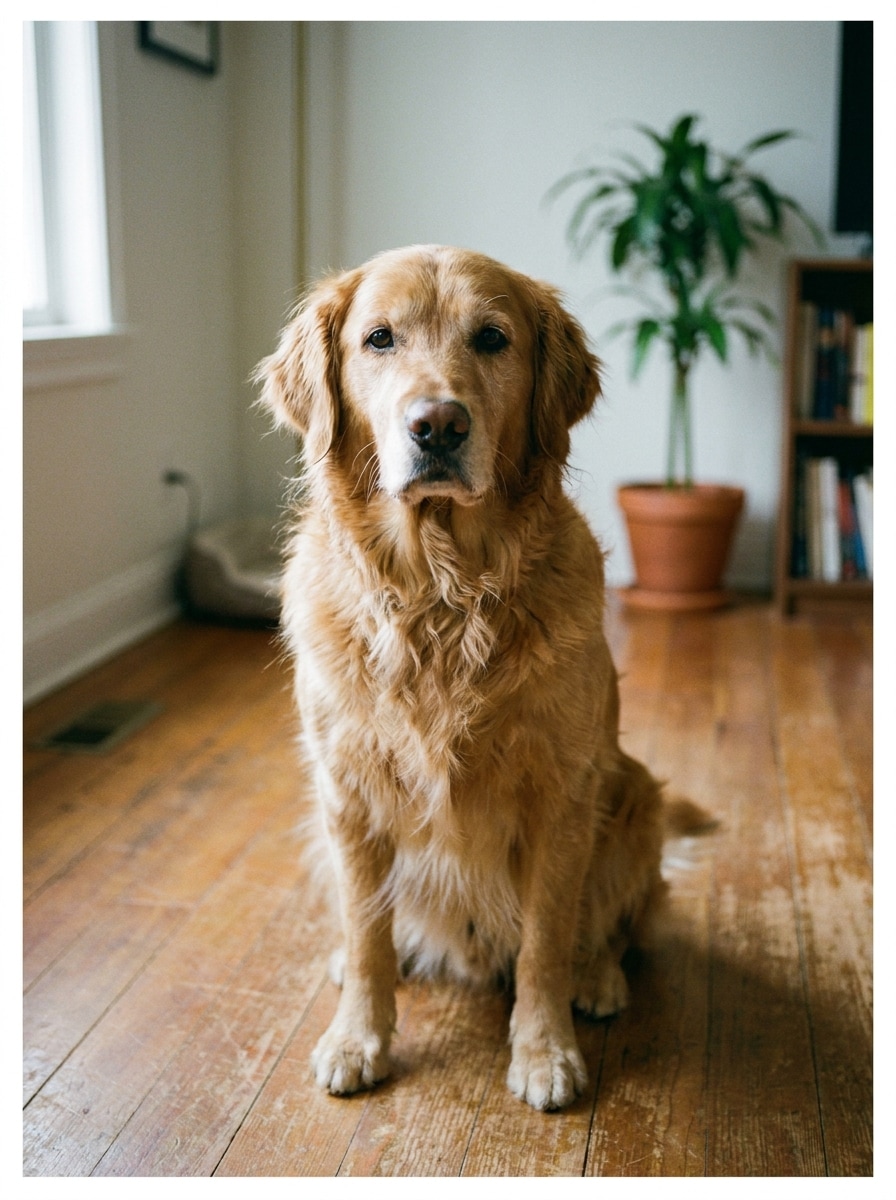
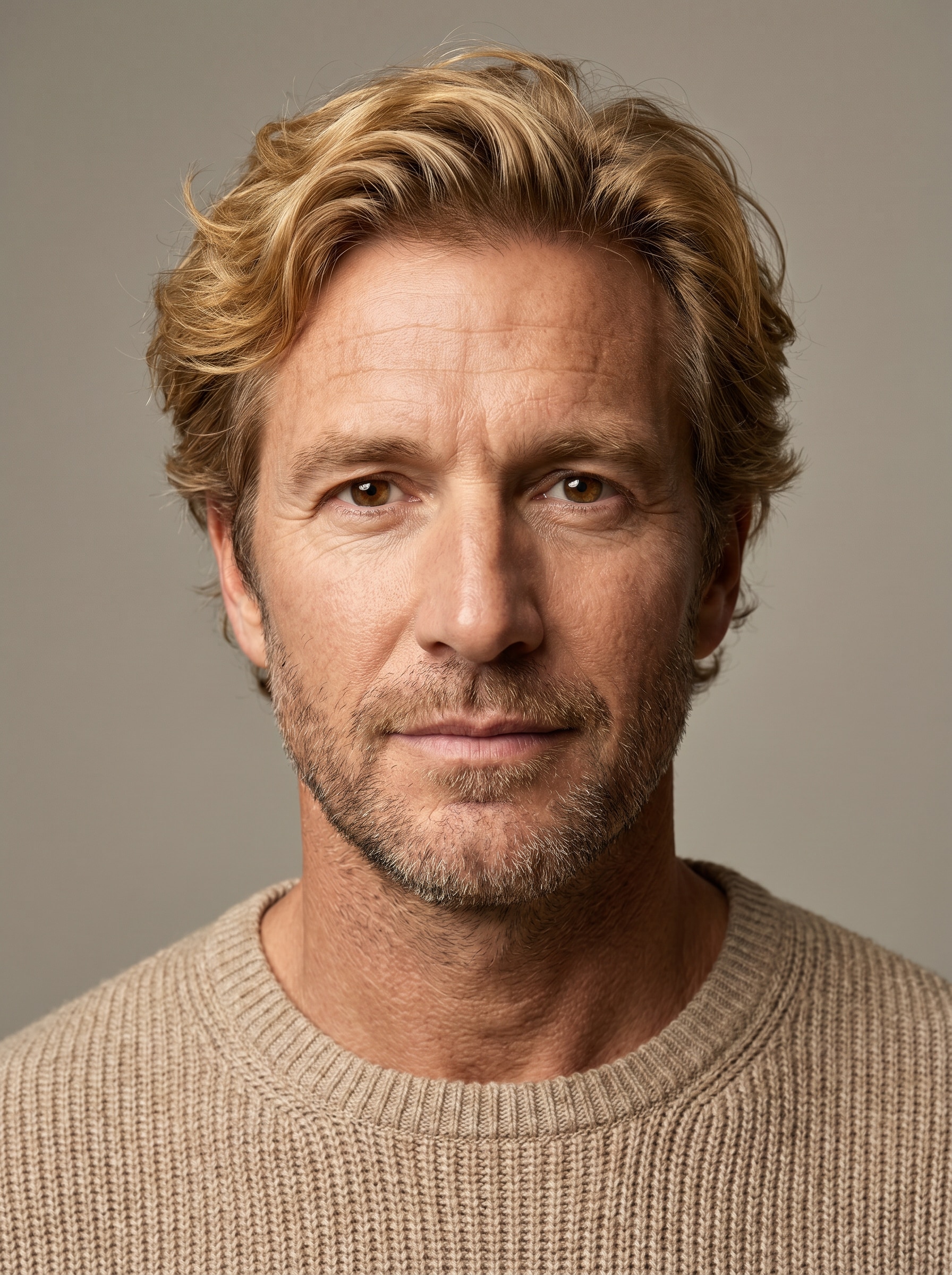
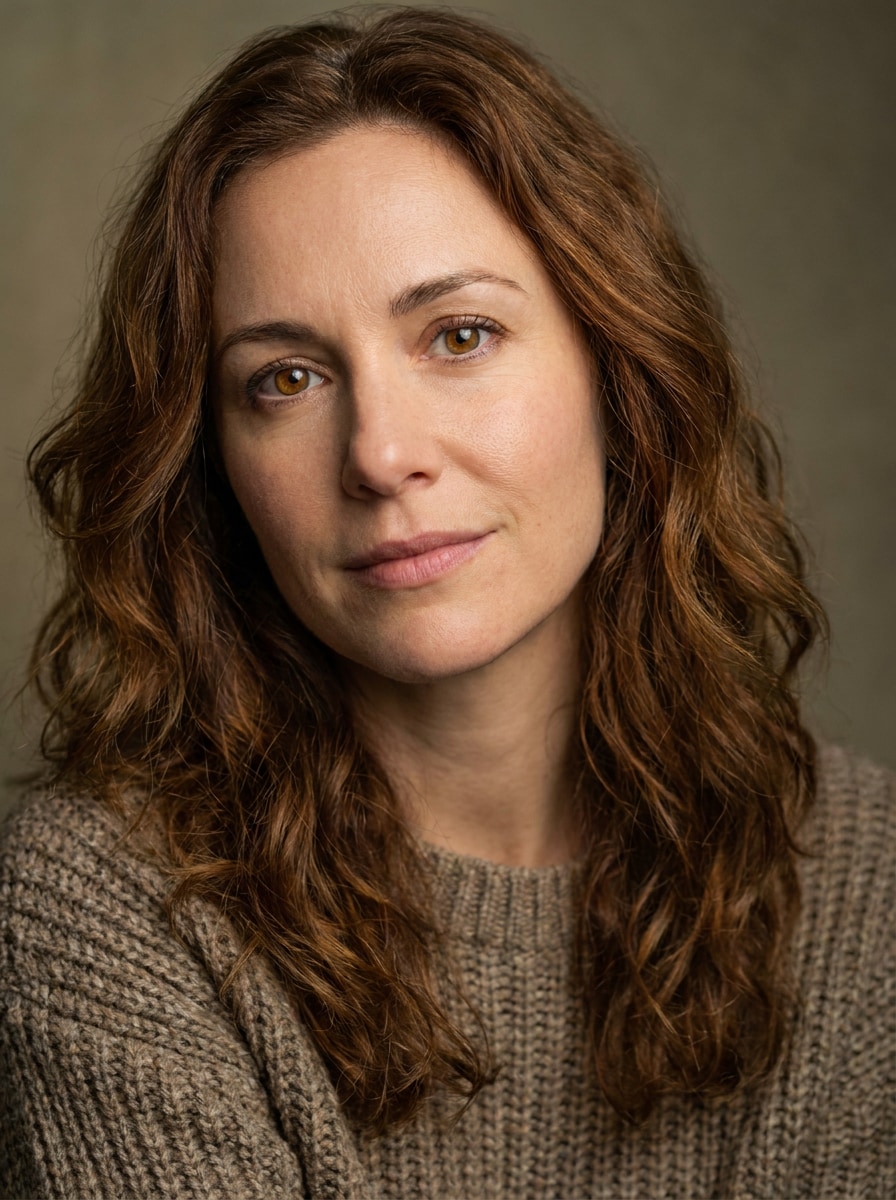
Upload your pet photo and create a human version with matching personality, colors, and style. Media.io makes it easy to turn pet into human AI art in seconds, whether you want a realistic reveal, a cinematic portrait, or a playful humanized pet filter result.
Review these example directions, then tailor the prompt details to get stronger results with this Pet To Human Filter.
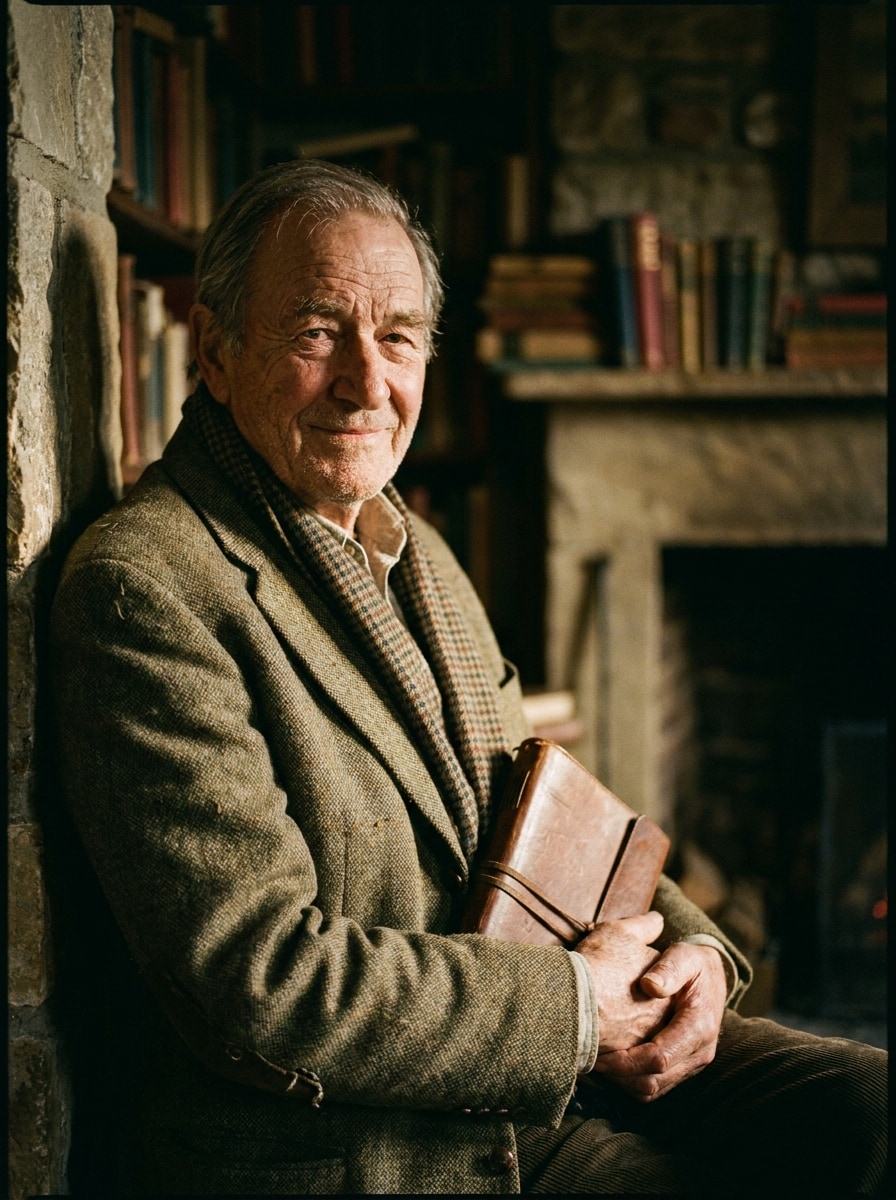
Photorealistic Human Twin
Use the uploaded image as the subject and transform the pet into a photorealistic human portrait. Preserve recognizable personality, eye color, fur-inspired hair color, and emotional vibe. Clean studio composition, natural skin texture, soft directional lighting, neutral background, realistic wardrobe, sharp facial detail, polished premium finish.
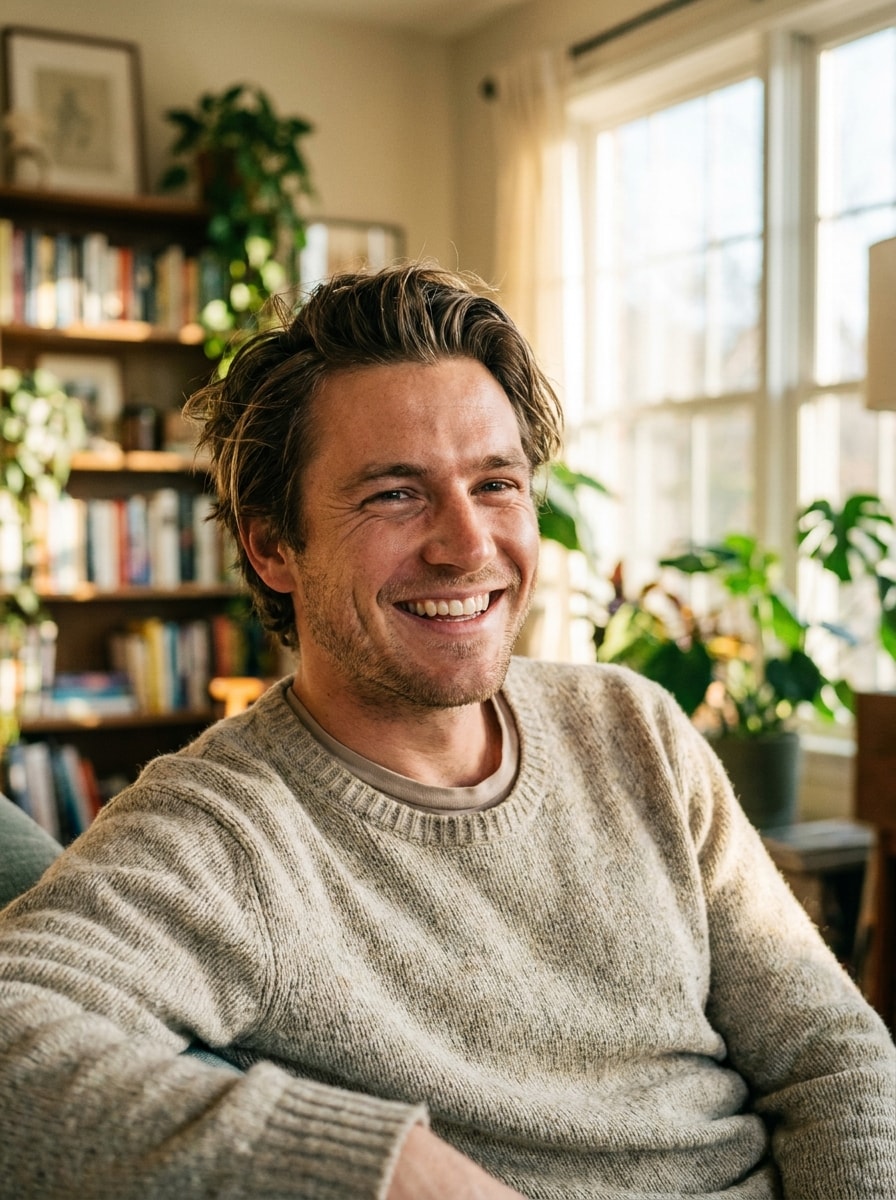
Lifestyle Human Version
Use the uploaded image as the subject and show the pet as a realistic human in a casual lifestyle portrait. Translate breed or personality traits into hairstyle, outfit, posture, and expression. Warm natural window light, candid framing, soft background blur, earthy palette, modern everyday fashion, social-ready high detail.
Cinematic Character Portrait
Use the uploaded image as the subject and transform it into a cinematic human movie character portrait. Keep the pet's attitude and signature features through expression, wardrobe, and pose. Dramatic rim lighting, shallow depth of field, moody teal-and-amber palette, textured clothing, intense gaze, premium film still quality.
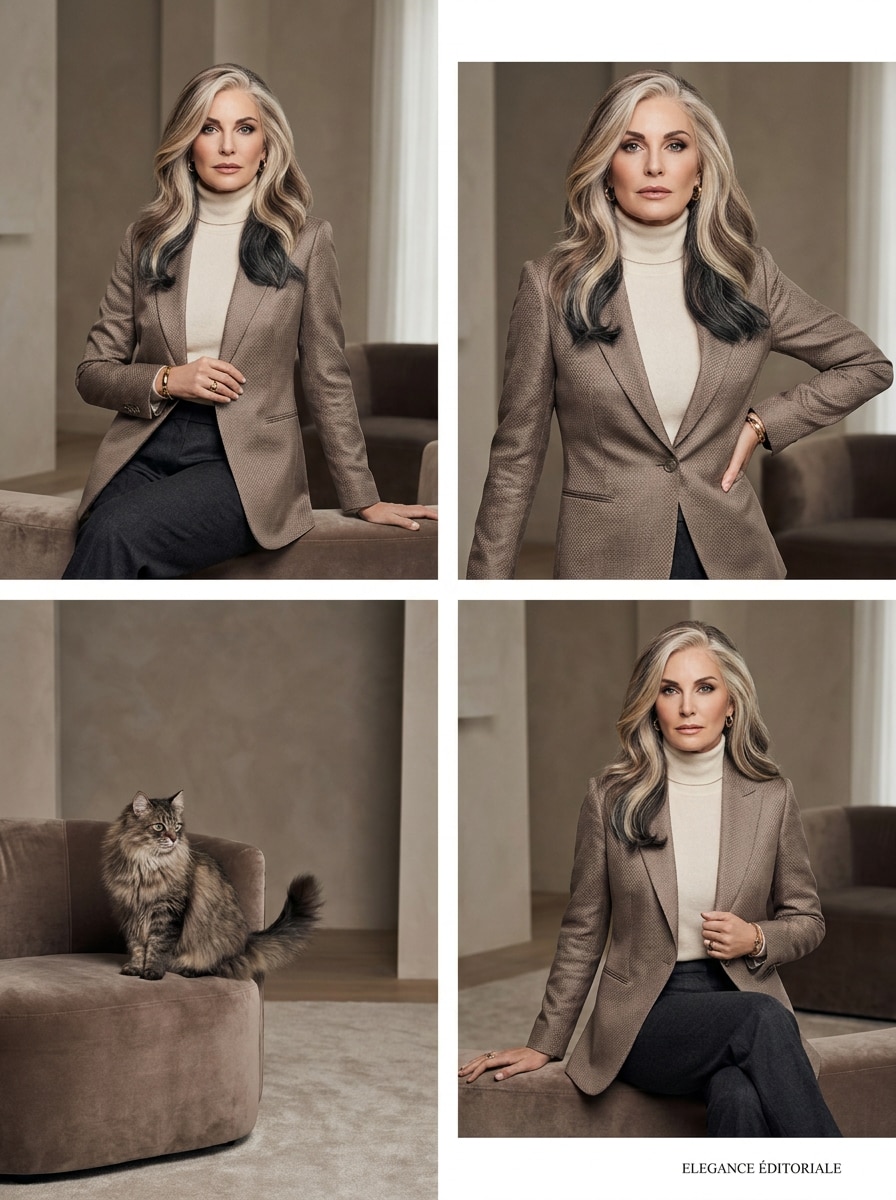
Fashion Editorial Human
Use the uploaded image as the subject and turn the pet into a stylish human editorial portrait. Match fur colors to hair and wardrobe tones while preserving elegance and attitude. Magazine-style composition, premium soft lighting, refined makeup, luxurious fabric textures, muted chic palette, crisp facial detail, polished cover-worthy finish.
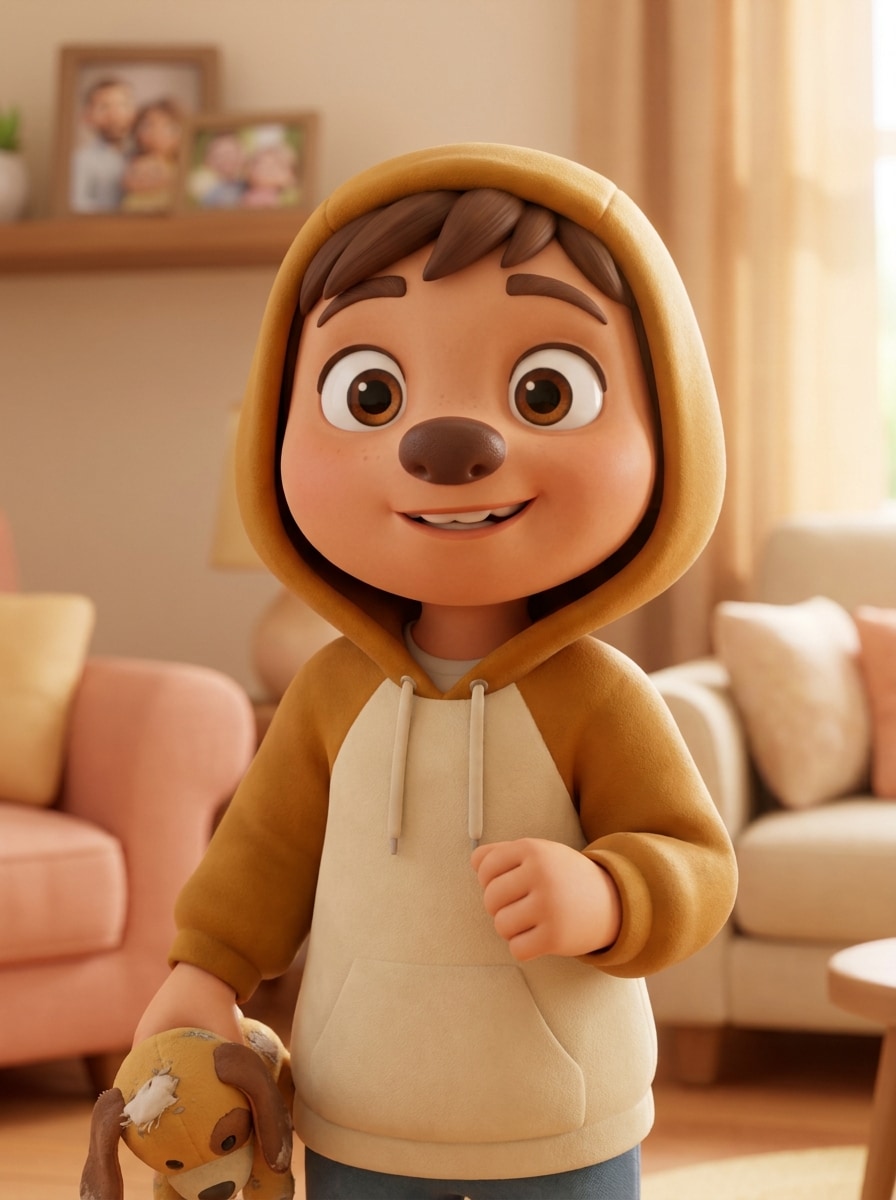
Pixar-Like 3D Human
Use the uploaded image as the subject and convert the pet into a cute 3D animated human character. Preserve personality, color palette, and lovable features through expressive eyes, rounded forms, and playful styling. Bright cinematic lighting, glossy materials, cheerful mood, family-friendly design, vibrant colors, polished animation quality.
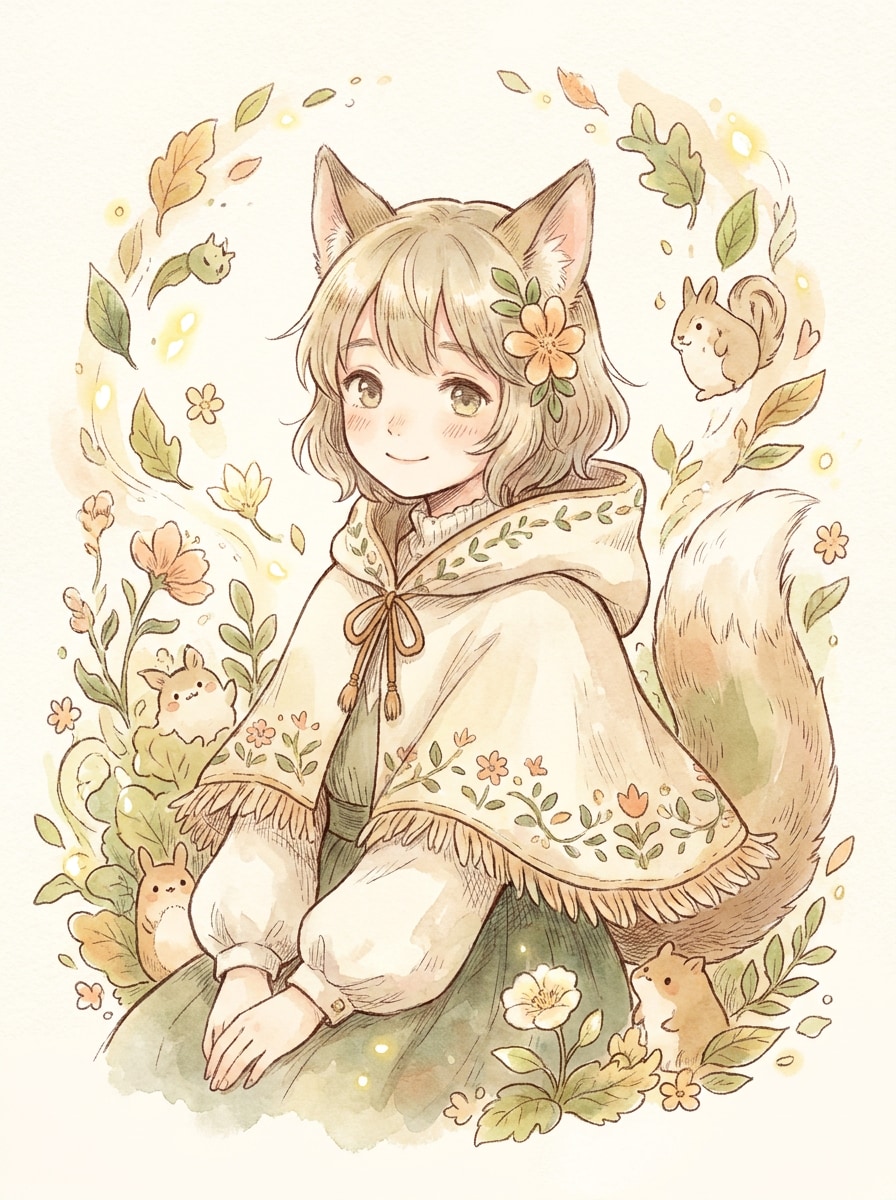
Ghibli-Inspired Human
Use the uploaded image as the subject and make the pet into a soft anime-style human character. Keep key personality and visual cues through hair color, gentle expression, and clothing accents. Hand-painted feel, airy natural light, delicate textures, pastel palette, whimsical background details, calm emotional storytelling, elegant illustration finish.
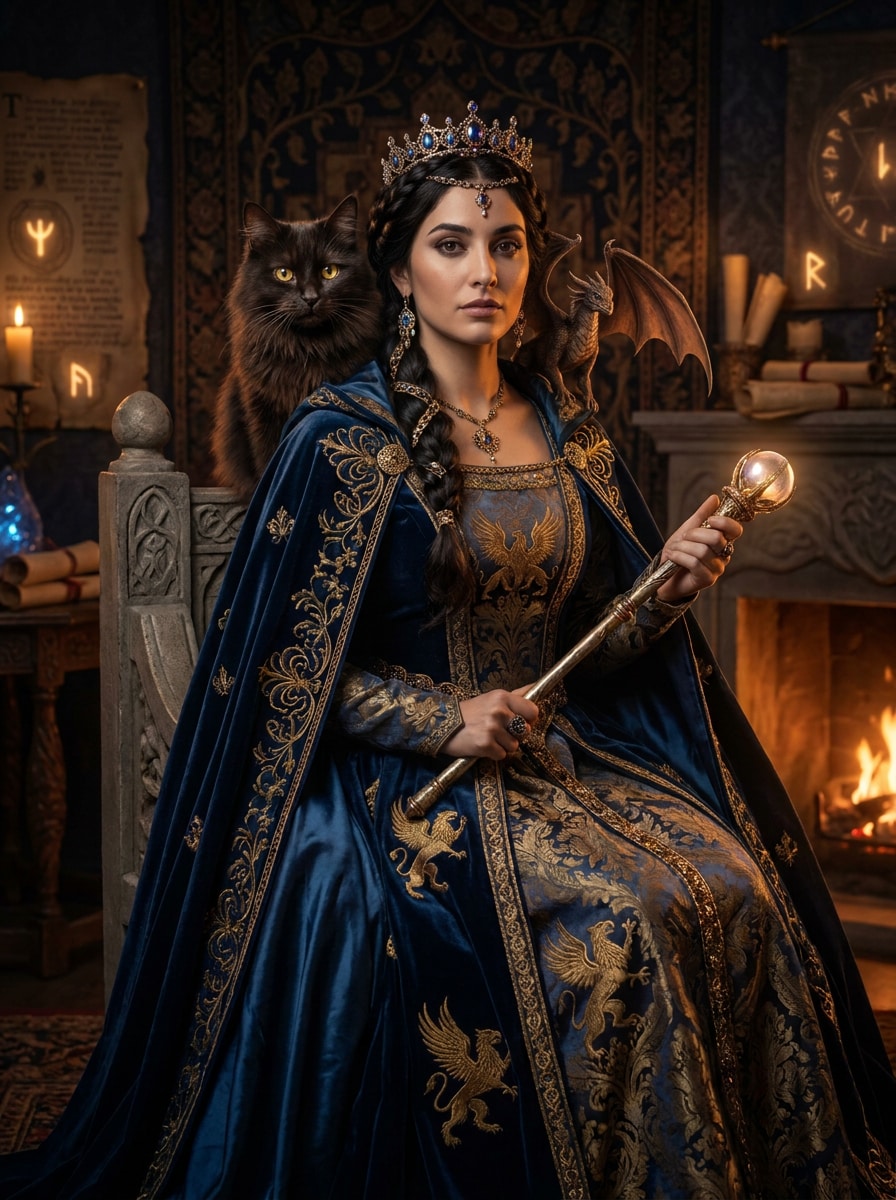
Royal Fantasy Human
Use the uploaded image as the subject and show the pet as a fantasy prince or princess in human form. Reflect temperament and visual identity through regal clothing, jewelry, and posture. Glowing magical light, ornate textures, deep jewel-tone palette, elegant portrait composition, majestic atmosphere, high-detail fantasy artwork.
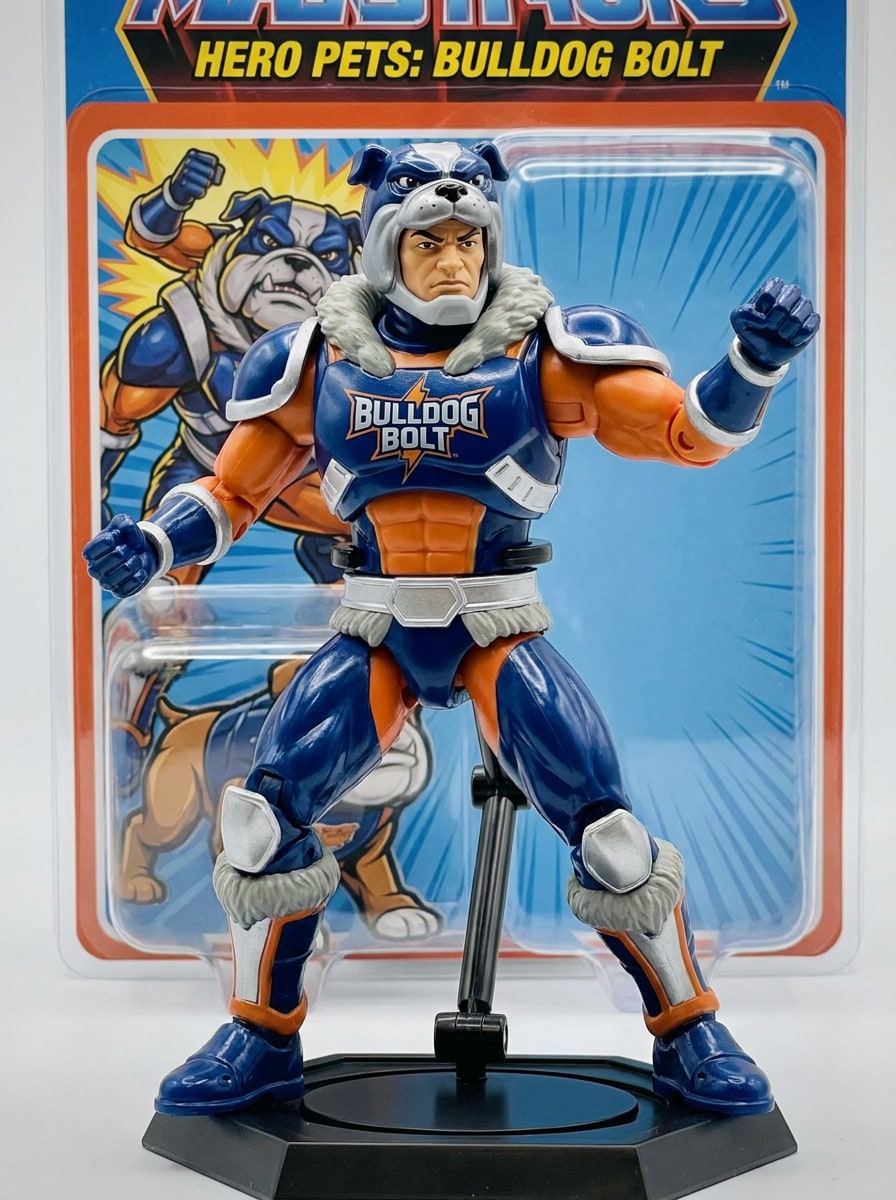
Action Figure Human
Use the uploaded image as the subject and turn the pet into a human action-figure character. Preserve signature colors and personality in costume design, stance, and expression. Bold graphic silhouette, dynamic pose, collectible-toy styling, glossy materials, dramatic lighting, saturated palette, clean background, sharp high-impact detail.
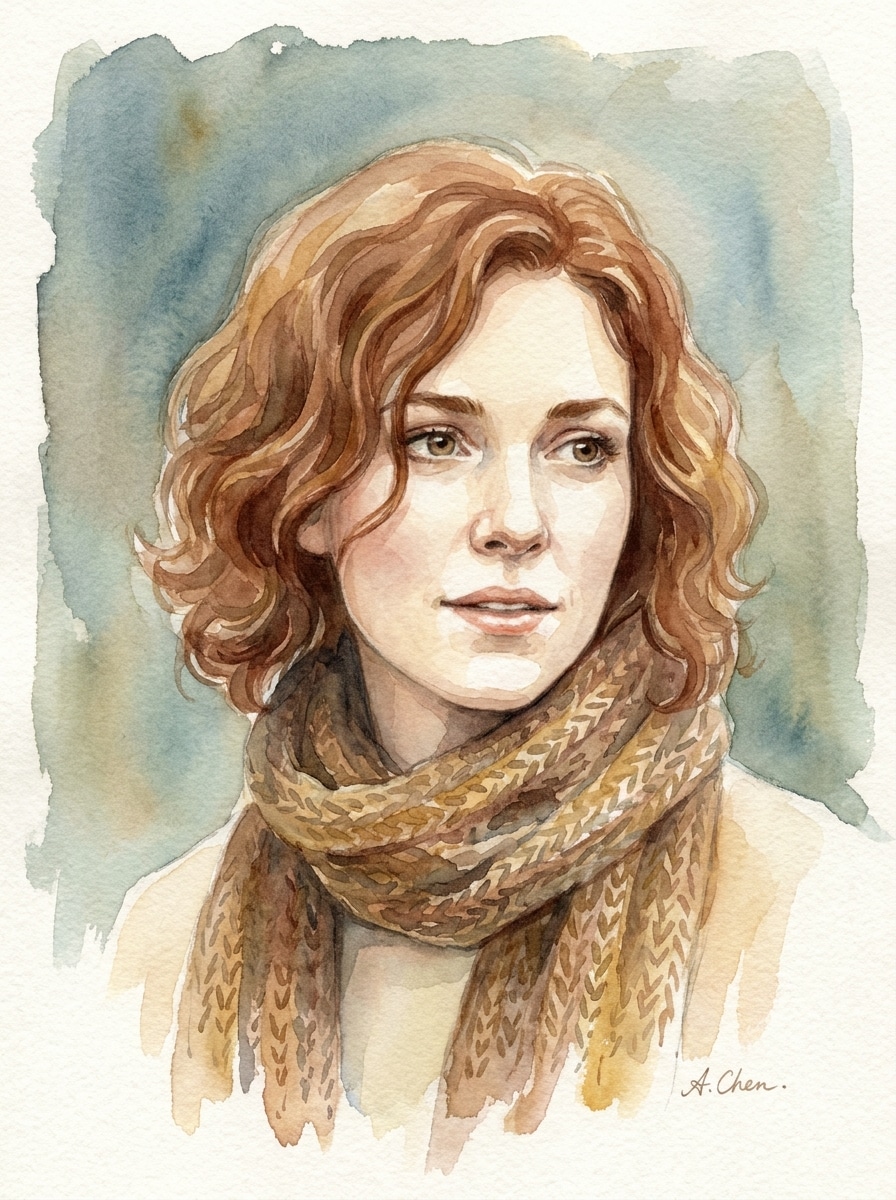
Watercolor Human Portrait
Use the uploaded image as the subject and transform the pet into an elegant watercolor human portrait. Preserve signature traits through expression, hair, and color palette inspired by the fur. Soft brushwork, visible paper texture, airy composition, muted romantic tones, gentle lighting, refined artistic finish suitable for gifts.
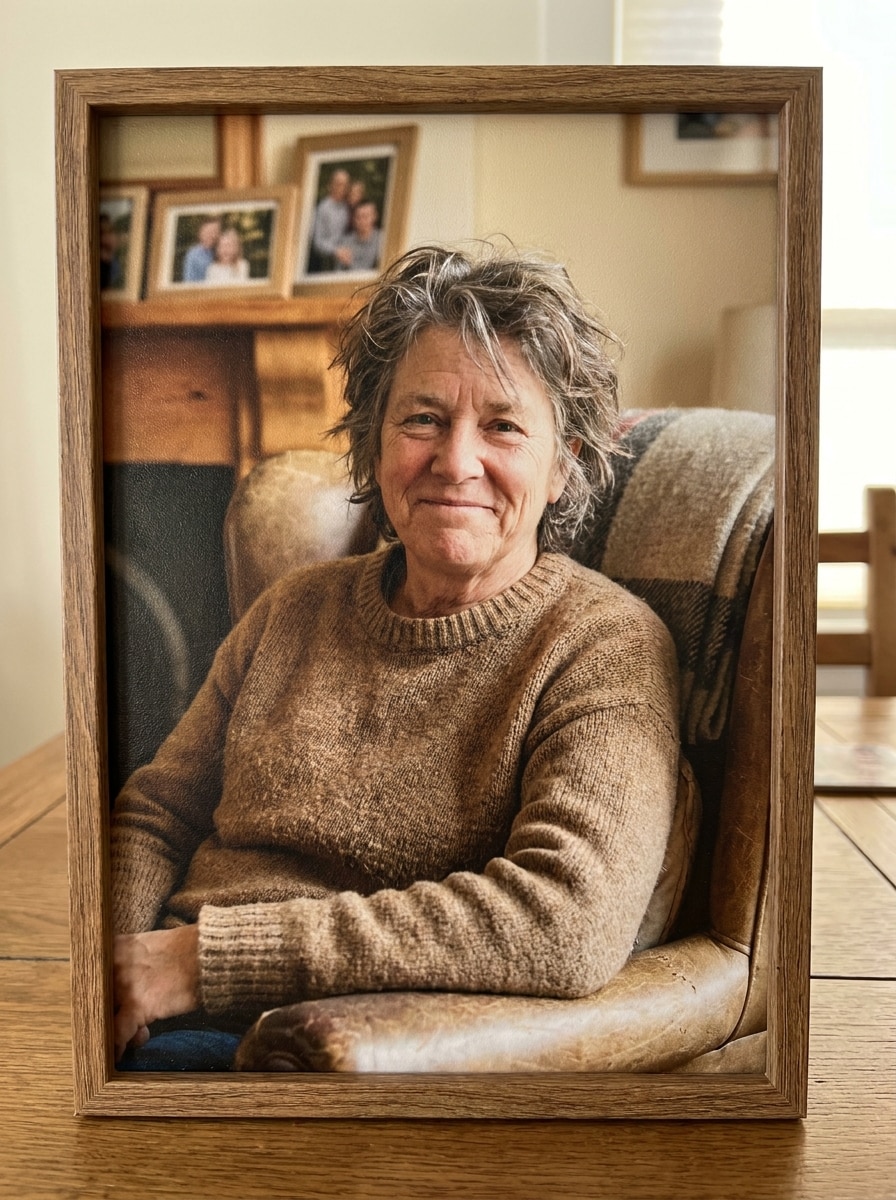
Family Portrait Humanization
Use the uploaded image as the subject and turn the pet into a warm realistic human portrait styled like a family photo. Preserve personality and recognizable features through expression, pose, and wardrobe. Balanced lighting, soft neutral background, timeless colors, polished composition, natural smile, giftable high-resolution result.
Why Use Media.io for a pet to human filter?
Keep Your Pet's Identity in the Human Portrait
With Media.io, you can upload a clear dog or cat photo and guide the transformation with a reference-based workflow, so the final human version keeps familiar eyes, coloring, and personality instead of looking random or generic.
Switch Between Realistic, Cute, and Cinematic Styles
When the art direction is still open, Media.io lets you test multiple looks around the same pet to human filter visual idea, making it easier to find the right style without rebuilding from zero.
Generate Cleaner Output Up to 4K
When a pet to human filter visual is headed for real publishing use, Media.io gives you sharper output up to 4K, which helps the image stay clear across presentations, backgrounds, and reused assets.
Create on Any Device Without Extra Software
For creators who bounce between mobile and desktop, Media.io keeps pet to human filter visual creation in the browser so the workflow stays practical wherever you happen to be working.
How to Use the Pet to Human Filter Online
Turn your words into stunning visuals in three simple steps, then continue refining the result if you want to take it further.
Step 1
Upload Your Reference Image
Start with a clear photo of your dog, cat, or other pet in JPG, PNG, or JPEG format. Front-facing shots with visible eyes, fur color, and expression usually give the strongest human transformation.
Step 2
Describe the Change and Set Options
Add a prompt that explains the human style you want, such as realistic, editorial, fantasy, or cute 3D. Then choose your model and adjust aspect ratio, resolution, or image count to fit your final use.
Step 3
Generate, Download, and Keep Improving
Create multiple versions, compare which one captures your pet best, and download your favorite result. You can refine the prompt, test a new style, or generate more variations until the portrait feels right.
See how creators use this Pet To Human Filter for content, marketing, and personal projects, then adapt each idea to fit the brief.
Viral Before-and-After Social Posts
Make scroll-stopping reveal content for TikTok, Reels, or Shorts by turning a pet photo into a believable human portrait. It's a fun way to answer the trend-driven question, "what would my pet look like as a human?" with a result people actually want to share.
Personalized Gifts for Pet Lovers
Create a memorable portrait for birthdays, holidays, or memorial keepsakes by reimagining a beloved companion as a person. A polished human version works especially well for prints, greeting cards, and framed art with emotional appeal.
Character Concepts for Creative Projects
Use a pet-inspired human portrait as a starting point for comics, storyboards, avatars, or brand mascots. If you want to turn pet into human AI art into a richer concept, you can test different ages, outfits, moods, and realism levels quickly.
What Users Say About Media.io
Sophie L.
Pet Content Creator
"Shockingly close to my dog's personality" I uploaded a simple portrait of my dog and the human version somehow kept the same sweet eyes and relaxed vibe. It looked funny, believable, and polished enough to post right away.
Marcus T.
Illustrator
"Great for realistic and stylized versions" I tested cinematic, watercolor, and realistic prompts from the same cat photo. The flexibility was the biggest win for me, especially when I wanted different moods without starting from scratch.
Jenna R.
Gift Shop Owner
"Perfect for custom pet-lover gifts" I use it to mock up novelty portraits for customers who want something more personal than a regular pet photo. The family-portrait style and high-resolution downloads make the results look premium.
Ethan K.
Mobile Creator
"Easy to use on my phone" I wanted a quick cat-to-human image for a Reel and was surprised how smooth the browser workflow felt on mobile. Upload, prompt, generate, done. I got a result I actually wanted to keep.
A pet to human filter is an AI image transformation tool that takes a pet photo and reimagines the animal as a human character. In Media.io, you upload a reference image, add a prompt, and generate a portrait that can keep cues like eye color, fur-inspired hair tones, expression, and overall personality.
2. How do I turn my pet into a human online?
Upload a clear pet photo to Media.io, describe the kind of human portrait you want, and choose your preferred settings before generating. This browser-based workflow is a simple way to create a dog-to-human or cat-to-human portrait online without installing extra software.
3. Is this pet to human AI filter free to use?
Yes, free users can try Media.io with free credits. If you need more generations, higher usage, or watermark-free high-resolution downloads, you can check the pricing page for subscription options. Free users can use free credits. For more usage, users can subscribe to a plan on the pricing page. Upgrade to a paid plan on the pricing page for more credits and watermark-free high-resolution downloads.
4. Can I choose the gender or age of my pet's human version?
Media.io lets you guide the result through your prompt, so you can ask for a younger or older human version, different gender presentation, and specific styling choices like clothing, mood, or realism level. The final image depends on both your prompt and the uploaded reference photo.
5. What kind of pet photo works best for a pet to human generator?
The best reference image is usually a clear, well-lit photo where your pet's face, eyes, fur pattern, and expression are easy to see. Front-facing or slightly angled portraits with a simple background tend to help Media.io create a stronger and more recognizable human transformation.
6. How long does the pet to human image take to generate?
Generation is typically fast because the workflow is designed for quick online creation after you upload the image and set your prompt. The exact time can vary based on the model, settings, and image complexity, but the process is built for rapid testing and comparing multiple versions.