Deine Werke werden nur 7 Tage lang gespeichert. Assets, die nach dem Upgrade auf einen Mitgliedschaftstarif erstellt werden, werden dauerhaft gespeichert.
Entfalten Sie Ihr kreatives Potenzial und erleben Sie jetzt die Magie der Media-KI!
Erstellen Sie ein realistisches iPad-Mockup online für Apps, Websites und Portfolios
Verwandeln Sie Ihren Screenshot oder Ihr Design in ein hochwertiges iPad-Mockup in Sekunden. Media.io hilft Ihnen, Studio-, Lifestyle- und Arbeitsbereichsszenen für App-Demos, Kundenpräsentationen und Portfolio-Visuals zu erstellen, einschließlich iPad-Tablet-Mockup Stile und hochwertige präsentationsfertige Layouts ohne Photoshop.
Geben Sie Ihre Idee ein -> KI gestaltet sie. Kostenlos ausprobieren.
Sehen Sie sich diese Beispielanweisungen an und passen Sie dann die Prompt-Details an, um bessere Ergebnisse mit diesem Media.io iPad-Mockup-Generator zu erzielen.
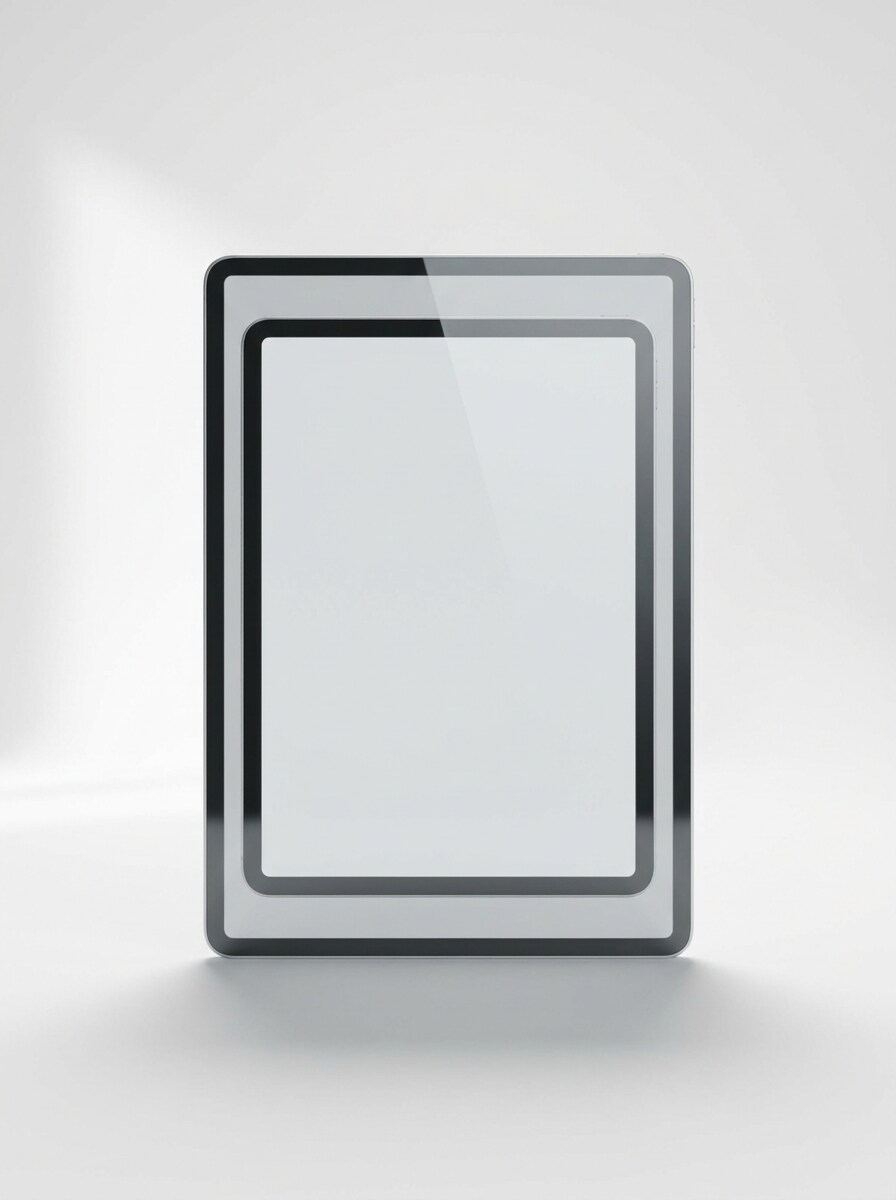
Frontalansicht mit sauberem weißen Hintergrund
Verwenden Sie das hochgeladene Bild als Bildschirminhalt und verwandeln Sie es in ein realistisches frontales iPad-Mockup, zentriert auf einem sauberen weißen Studio-Hintergrund, mit weichem Schatten, scharfen Metallkanten, natürlicher Glasreflexion, ausgewogenem Tageslicht, minimaler Premium-Komposition und hochauflösender Produktpräsentation.
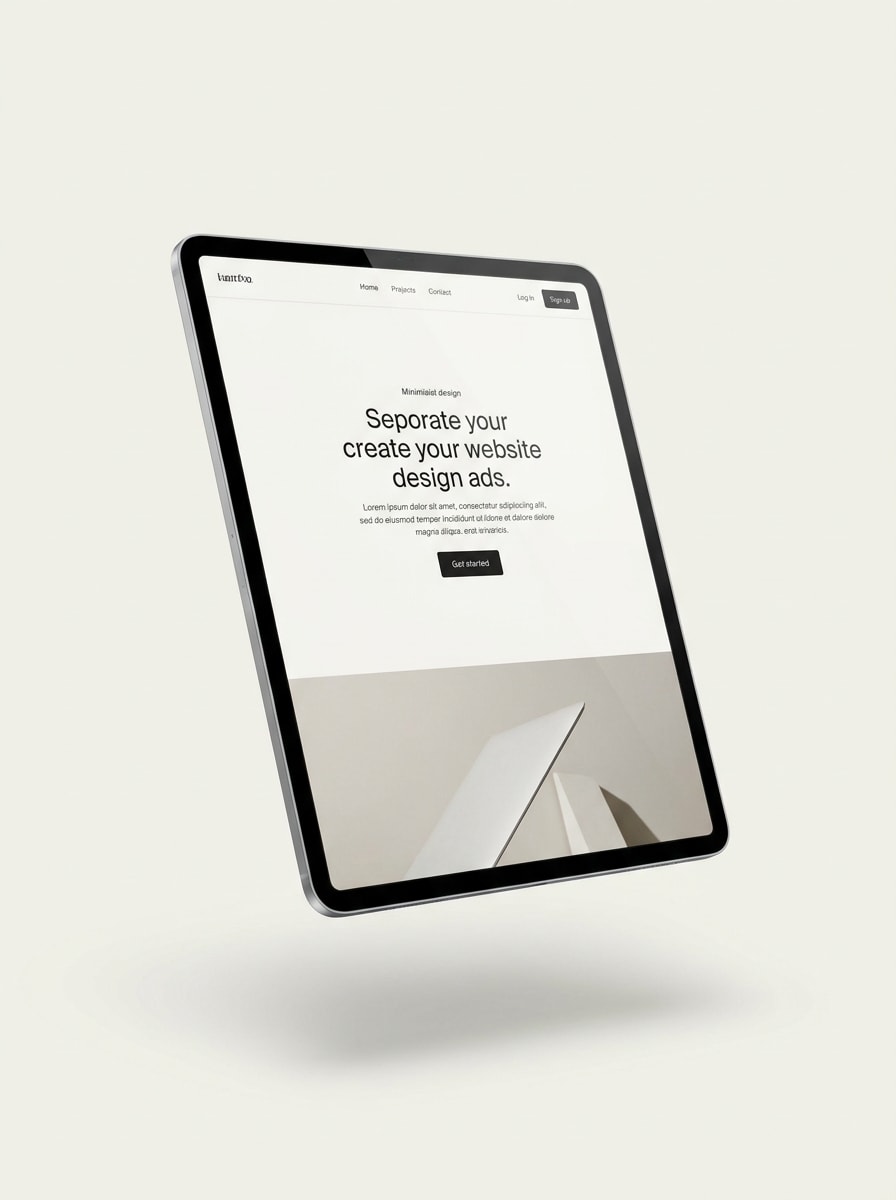
Schwebendes Gerät mit weichem Schatten
Verwenden Sie das hochgeladene Bild als Bildschirminhalt und verwandeln Sie es in ein schwebendes iPad-Mockup in leichter Perspektive, schwebend über einem minimalen hellen Hintergrund mit weichem natürlichem Schatten, eleganten Reflexionen, hochwertigem modernem Licht, glatter metallischer Textur und einer sauberen SaaS-Hero-Komposition.
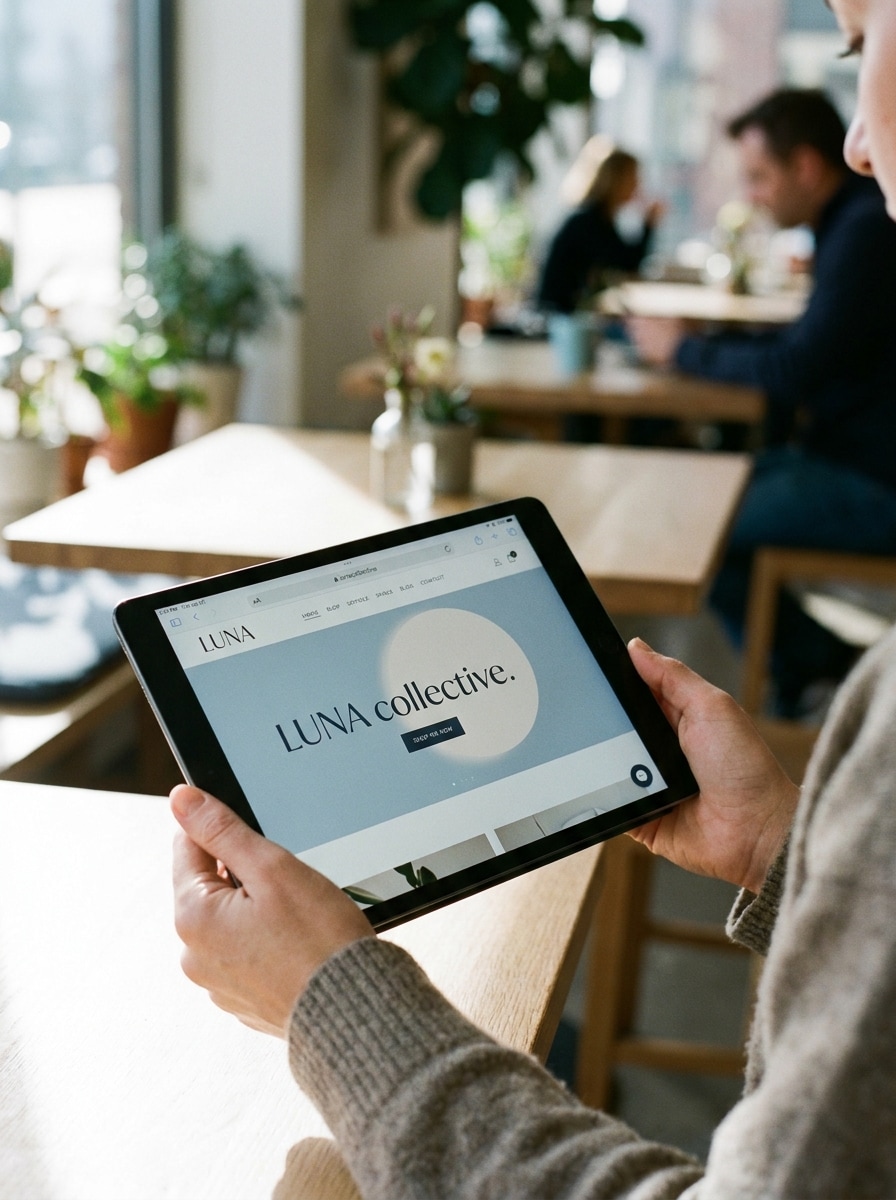
Lifestyle-Szene mit handgehaltenem Gerät
Verwenden Sie das hochgeladene Bild als Bildschirminhalt und verwandeln Sie es in ein realistisches iPad-Mockup, das natürlich in einer Hand gehalten wird, mit deutlich sichtbarem Bildschirm, weichem Tageslicht, geringer Tiefenschärfe, gedämpften redaktionellen Tönen, Hauttexturdetail und einer modernen Lifestyle-Komposition für Social Media oder Portfolio-Nutzung.
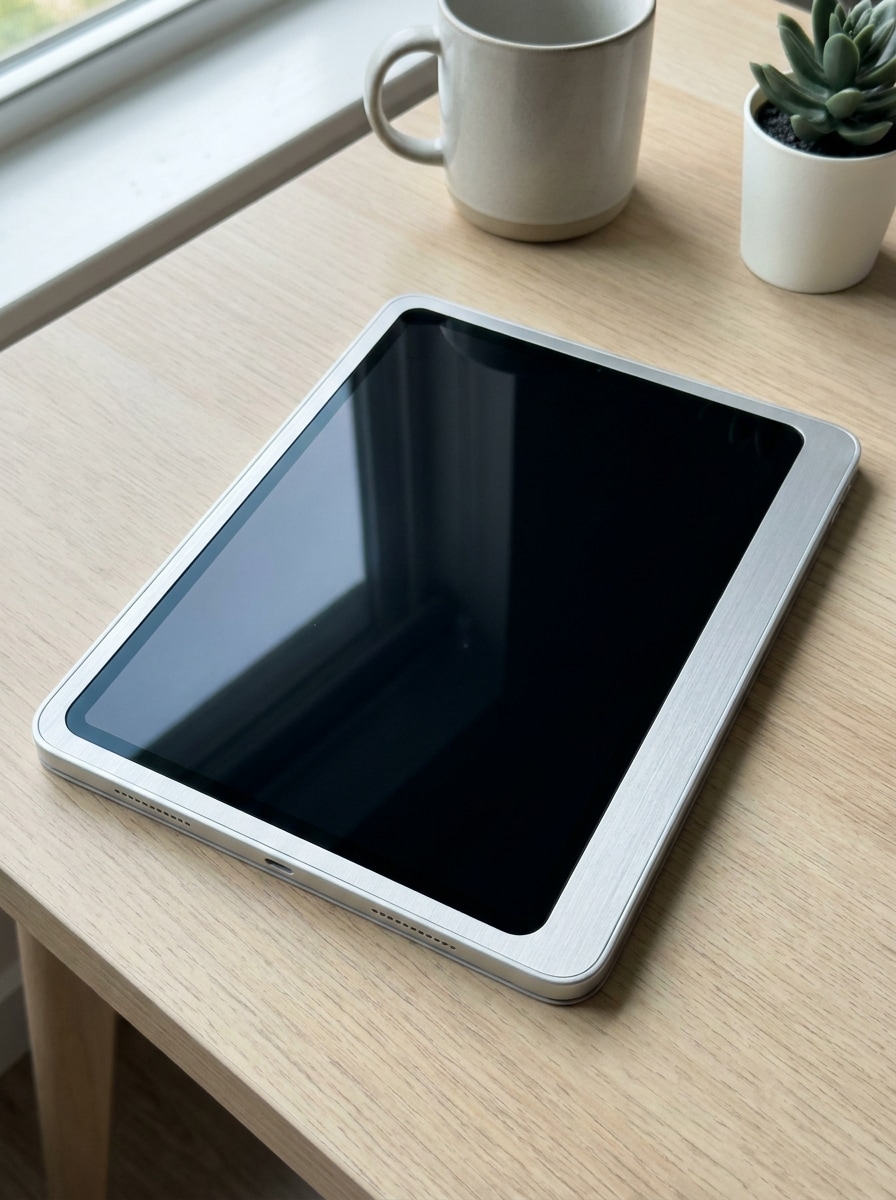
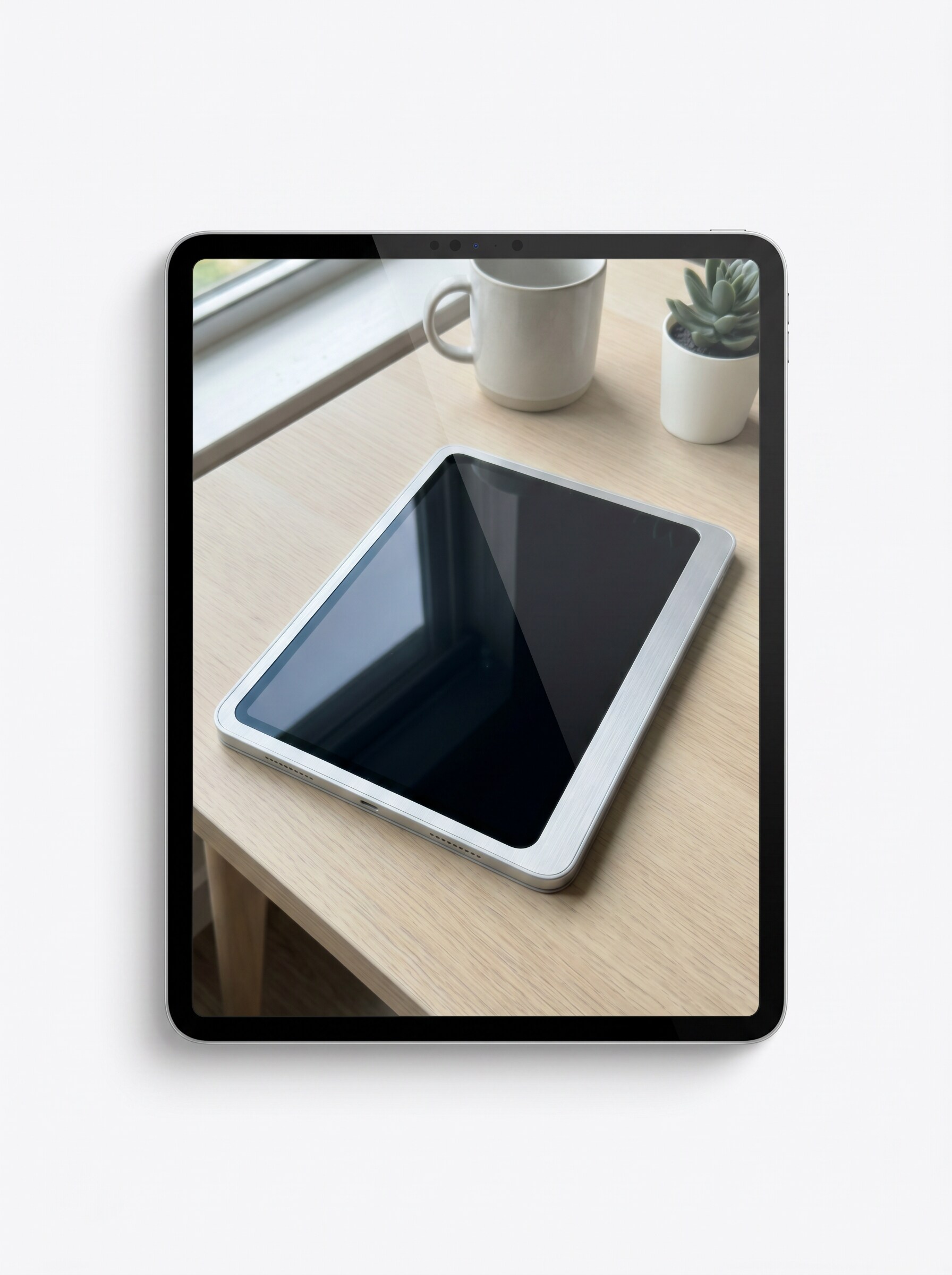
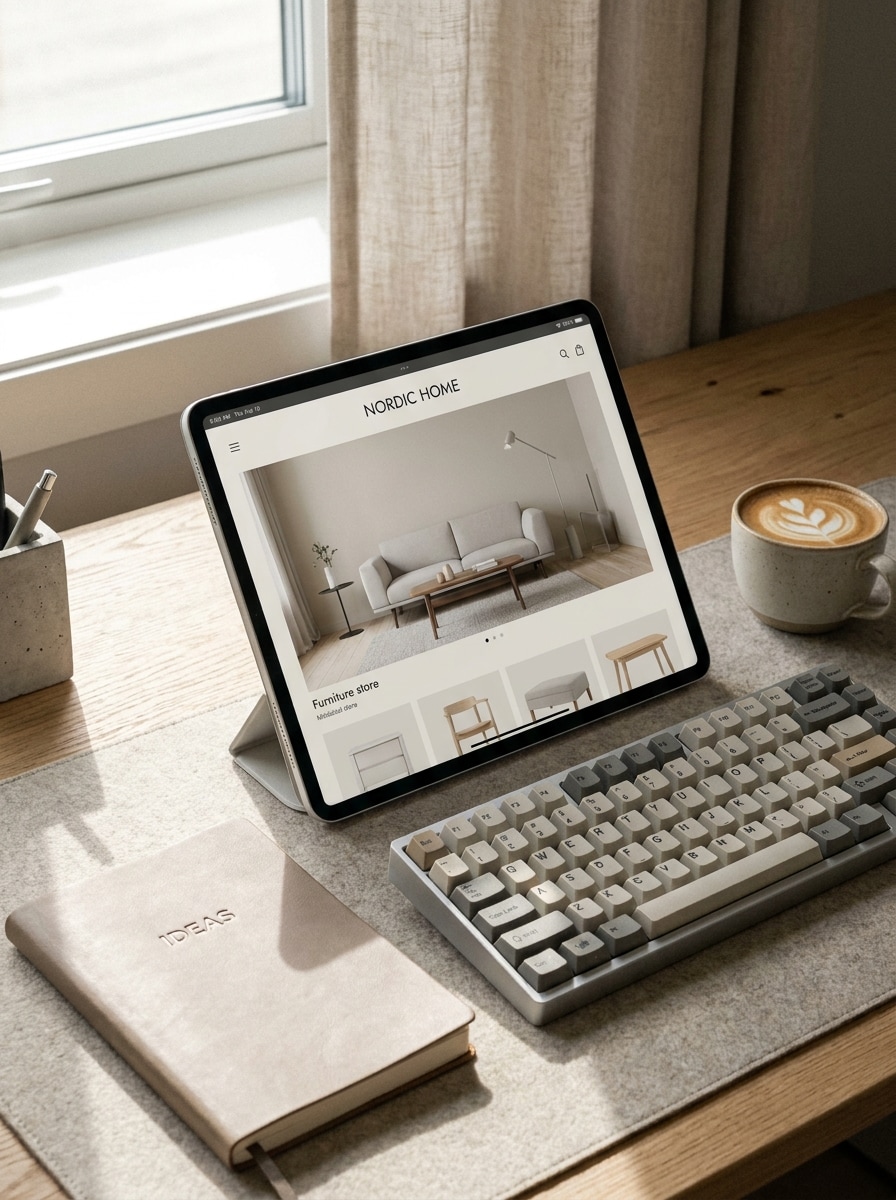
Designer-Schreibtisch-Arbeitsbereich
Verwenden Sie das hochgeladene Bild als Bildschirminhalt und verwandeln Sie es in ein iPad-Mockup, das auf einem stilvollen Designer-Schreibtisch mit Tastatur, Notizbuch und Kaffeetasse platziert ist, mit weichem Fensterlicht, neutraler Beige-und-Grau-Palette, realistischen Schatten, hochwertiger Arbeitsbereichstextur und einer ruhigen kreativen Stimmung.
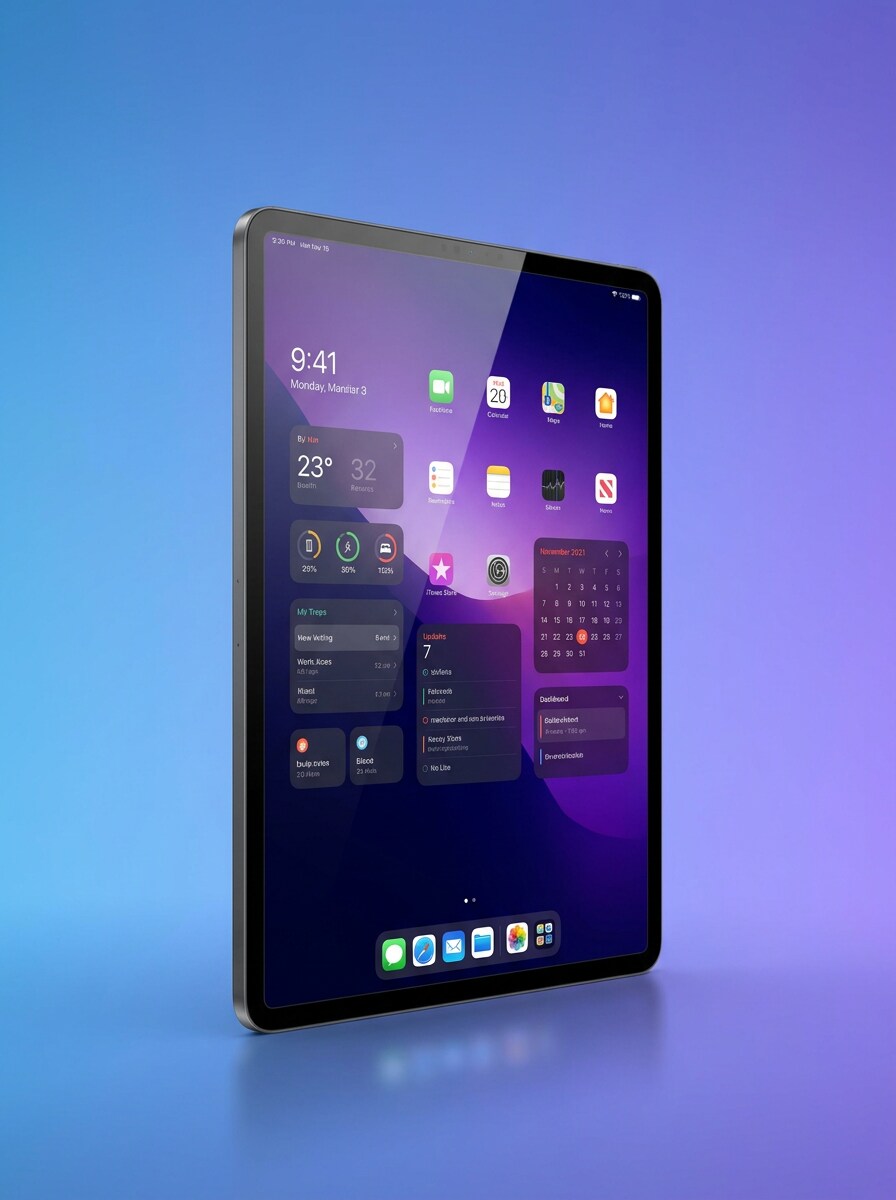
iPad Pro Farbverlauf-Showcase
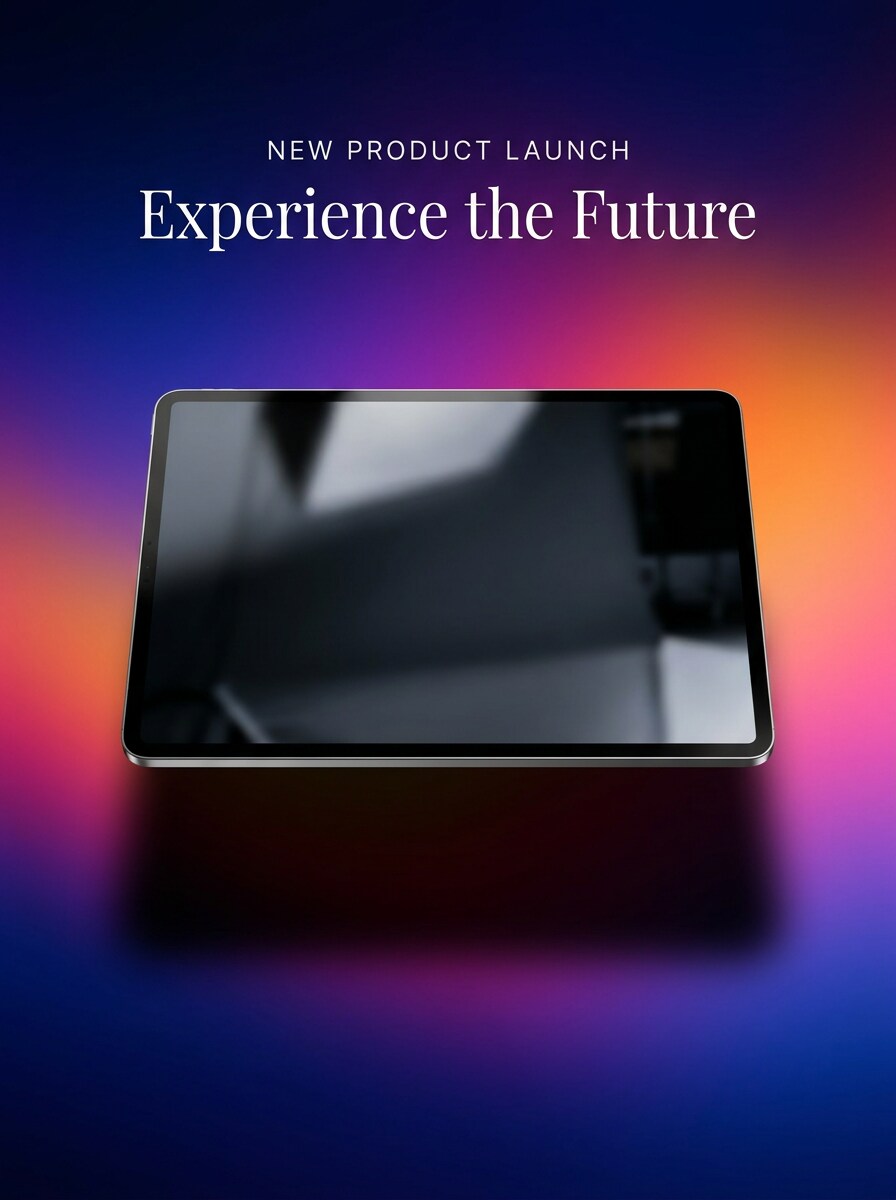
Verwenden Sie das hochgeladene Bild als Bildschirminhalt und verwandeln Sie es in ein hochwertiges iPad Pro Mockup mit scharfen Rahmendetails, subtiler Glasreflexion, leicht angewinkelter Perspektive, elegantem Blau-zu-Violett-Farbverlauf-Hintergrund, polierter Beleuchtung und einem verfeinerten Präsentationsstil für hochwertige App-Launches.
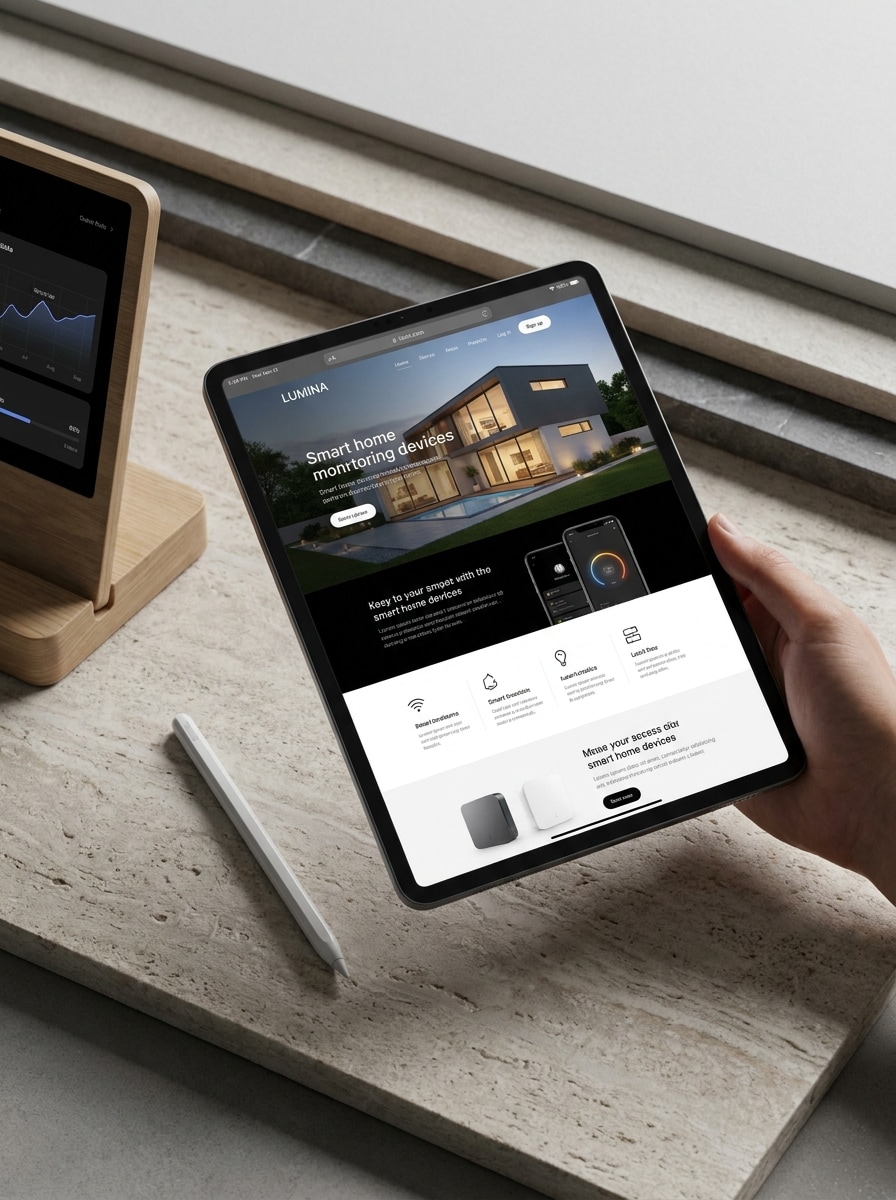
Multi-Gerät-Produktpräsentation
Verwenden Sie das hochgeladene Bild als Hauptbildschirminhalt und verwandeln Sie es in eine hochwertige Produktpräsentation mit einem iPad als primärem Gerät, unterstützt durch subtile komplementäre digitale Elemente, elegante Komposition, modernes Licht, ausgewogene Reflexionen und starke visuelle Hierarchie für Launch- oder Kundenmaterialien.
Farbverlauf-Launch-Visual
Verwenden Sie das hochgeladene Bild als Bildschirminhalt und verwandeln Sie es in ein auffälliges iPad-Launch-Mockup, zentriert auf einem lebendigen Farbverlauf-Hintergrund, mit polierten Reflexionen, dramatischem weichem Schatten, gesättigten aber geschmackvollen Farben, marketingfertiger Komposition und hochwertiger Beleuchtung, die das Design sofort hervorhebt.
Dunkelmodus Premium-Mockup
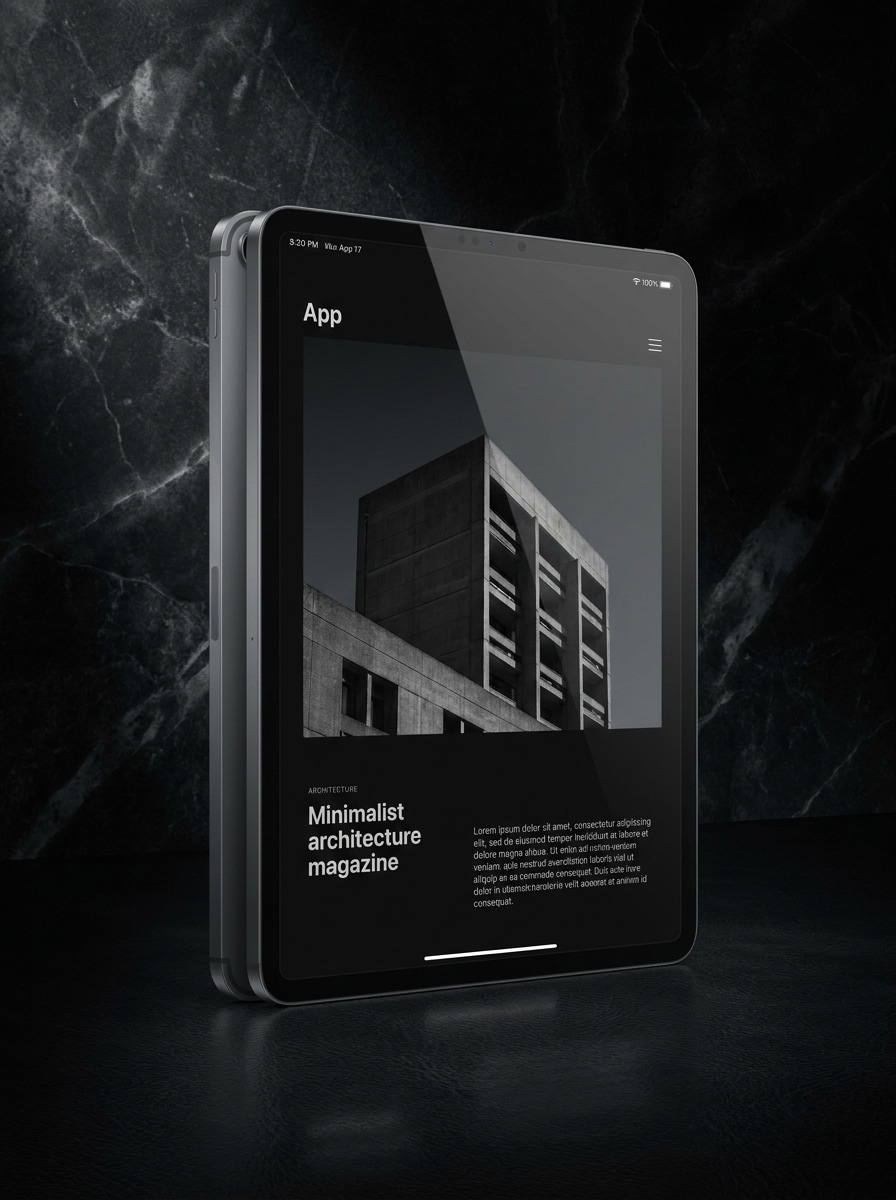
Verwenden Sie das hochgeladene Bild als Bildschirminhalt und verwandeln Sie es in ein dunkles Premium-iPad-Mockup auf einem Anthrazit-Luxus-Hintergrund, mit kontrollierten Highlights, kinematischer Beleuchtung, subtilen Reflexionen, tiefem Kontrast, verfeinerten Metallkanten und einer eleganten redaktionellen Stimmung, ideal für die Präsentation dunkler Benutzeroberflächen.
Transparenter Hintergrund-Ausschnitt
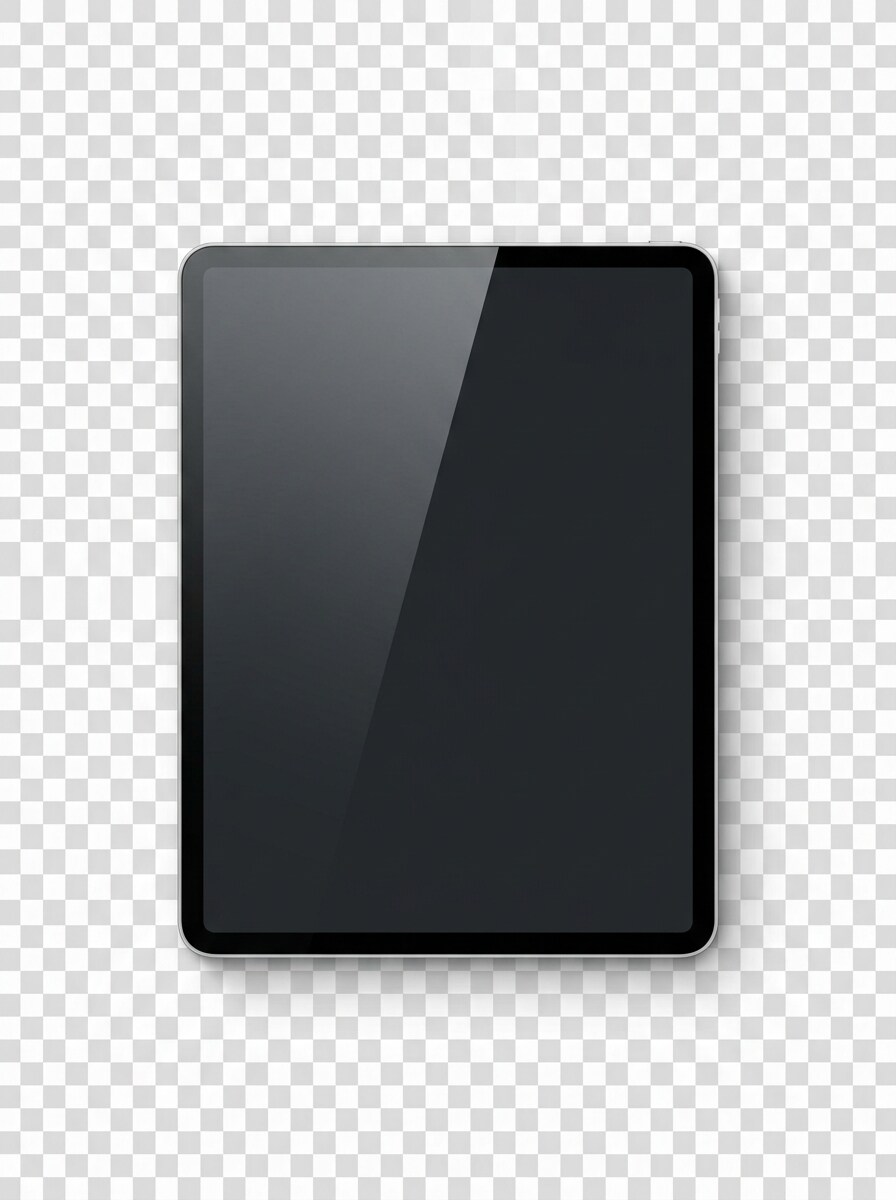
Verwenden Sie das hochgeladene Bild als Bildschirminhalt und verwandeln Sie es in ein isoliertes iPad-Mockup mit transparentem Hintergrund, sauberen Ausschnittkanten, natürlichen Gerätereflexionen, realistischer Schattenabgrenzung, frontaler Produktgestaltung und marktplatztauglicher Klarheit für flexible Verwendung in Anzeigen, Listings und Composites.
Angewinkelte Perspektive dynamisches Mockup
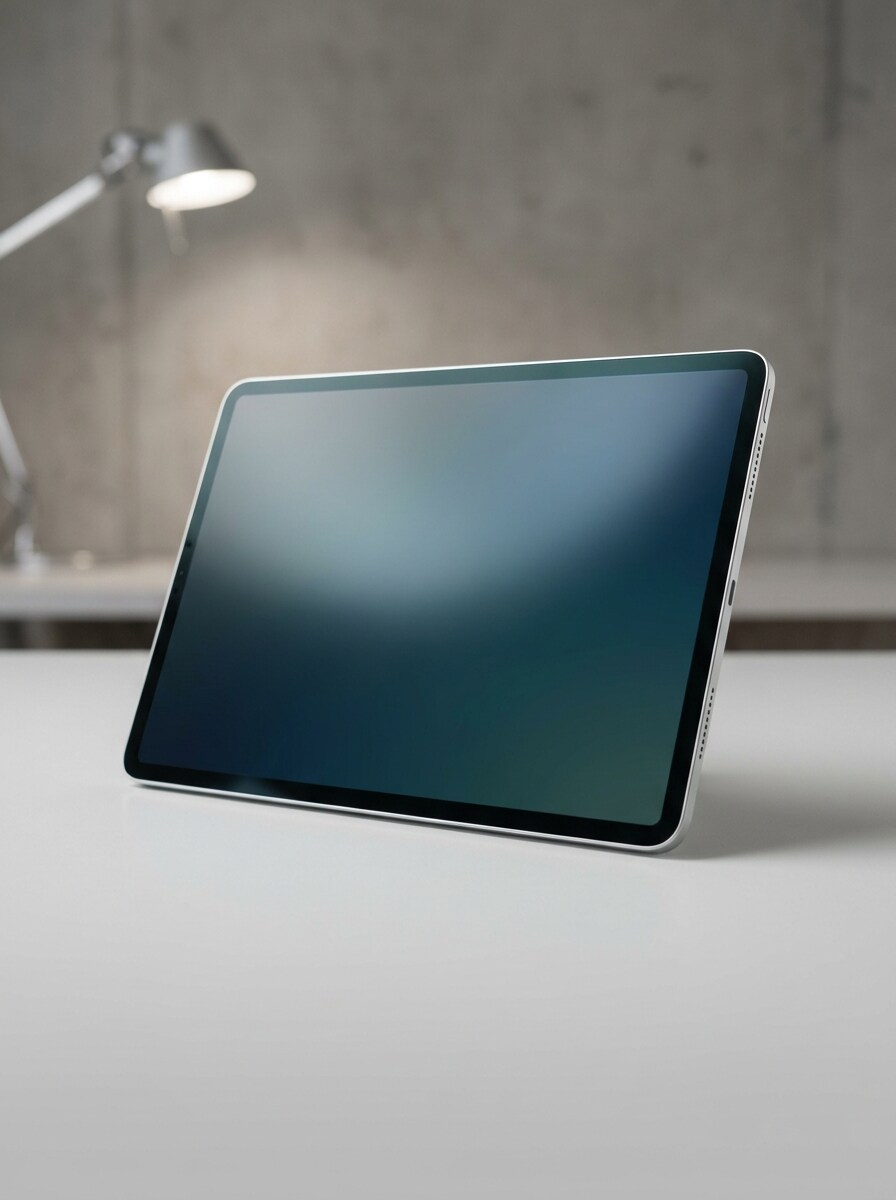
Verwenden Sie das hochgeladene Bild als Bildschirminhalt und verwandeln Sie es in ein angewinkeltes Dreiviertel-iPad-Mockup mit verfeinerter Beleuchtung, ausgewogenen Reflexionen, minimalem neutralem Hintergrund, starker Tiefe, sauberem Bildschirmrahmen und einer dynamischen portfoliofertigen Komposition, die der Benutzeroberfläche ein dimensionaleres Erscheinungsbild verleiht.
Warum Media.io für iPad-Mockups verwenden
Identität bewahren und gleichzeitig das Erscheinungsbild ändern
Für App-Launches, Portfolio-Updates oder Kundenvorschauen ermöglicht Media.io das Hochladen eines Bildschirmdesigns und die Umwandlung in eine realistische Mockup-iPad-Szene in wenigen Minuten, sodass Sie präsentationsfertige Visuals erhalten, ohne manuell geschichtete PSD-Dateien erstellen zu müssen.
Den richtigen Stil für jede Version finden
Über Überprüfungszyklen auf Desktop, Tablet oder Telefon hinweg funktioniert Media.io im Browser, sodass Sie einen iPad-Generator Workflow überall aufbauen, Varianten vergleichen, Ergebnisse herunterladen und weiter verfeinern können, ohne Design-Software zu installieren.
Auflösung und Bildausschnitt für schärfere Präsentationen steuern
Ein Konzept muss oft für mehr als einen Kanal geeignet sein, und Media.io erleichtert dies, indem es Ihnen hilft, dieselben iPad-Mockups für Social-Media-Posts, Präsentationen und Werbemittel anzupassen, ohne jedes Mal von vorne beginnen zu müssen.
Sauberere Ausgabe bis zu 4K generieren
Für Arbeiten, die über eine kleine Vorschau hinausgehen, hilft Media.io Ihnen, ein schärferes iPad-Mockup mit einer Ausgabe bis zu 4K zu erstellen, sodass das endgültige Bild für echte Kundenpräsentationen, Marketing-Visuals und Design-Portfolios zuverlässiger bleibt.
Wie man Mockups für iPad in Media.io erstellt
Verwandeln Sie Ihre Worte in beeindruckende Visuals in drei einfachen Schritten und verfeinern Sie das Ergebnis anschließend nach Bedarf.
Schritt 1
Referenzbild hochladen
Laden Sie einen klaren Screenshot, eine App-Oberfläche, ein Website-Design oder eine Produktseite im JPG-, PNG- oder JPEG-Format hoch. Ein scharfes Quellbild gibt Media.io besseres Material, um eine realistische iPad-Präsentation mit sauberer Bildschirmplatzierung und überzeugenden Details zu erstellen.
Schritt 2
Änderung beschreiben und Optionen festlegen
Geben Sie einen detaillierten Prompt ein, der die gewünschte Szene beschreibt, wie z. B. eine Studio-Geräteaufnahme, eine handgehaltene Lifestyle-Ansicht oder ein Arbeitsbereich-Setup. Wählen Sie dann Ihr Modell und passen Sie Seitenverhältnis, Qualität und Bildanzahl an Ihre bevorzugte iPad-Mockup-Ausgabe an.
Schritt 3
Generieren, herunterladen und weiter verbessern
Generieren Sie mehrere Versionen, vergleichen Sie Bildausschnitt und Realismus und laden Sie das Ergebnis herunter, das Ihnen am besten gefällt. Sie können den Prompt für einen anderen Gerätewinkel, Hintergrund oder eine andere Stimmung verfeinern und dann neue Varianten für Anzeigen, Präsentationen oder Portfolio-Seiten erstellen.
Sehen Sie, wie Kreative dieses Media.io iPad-Mockup-Tool für Inhalte, Marketing und persönliche Projekte nutzen, und passen Sie jede Idee an Ihre Anforderungen an.
App-Bildschirme mit hochwertigem Produktgefühl präsentieren
Zeigen Sie Onboarding-Flows, Dashboards oder Feature-Seiten in eleganten Geräteszenen, die startbereit wirken. Dies funktioniert gut für SaaS-Teams, unabhängige Entwickler und Designer, die eine schärfere iPad-Bildschirmpräsentation oder einen iPad Pro Mockup-Look wünschen, der über einen flachen Screenshot hinausgeht.
Sauberere Kundendecks und Portfolio-Fallstudien erstellen
Verwandeln Sie rohe UI-Aufnahmen in polierte Visuals für Angebote, Behance-Projekte oder interne Reviews. Mit Media.io hilft ein realistischer Tablet-Rahmen, Ihre Arbeit fertiger wirken zu lassen, besonders wenn Sie Mockups für iPad in Studio-, Arbeitsbereich- oder redaktionellen Stilen benötigen.
Marketingmaterialien für Listings, Anzeigen und Websites erstellen
Verwenden Sie Geräteszenen, um Templates, digitale Produkte und Web-Erlebnisse auf Landing Pages und Storefronts zu bewerben. Von einem minimalen Tablet-Showcase bis hin zu einem dynamischen iPad-Tablet-Mockup hilft Media.io, den visuellen Stil an Ihr Publikum und Ihre Kampagne anzupassen.
Was Nutzer über dieses iPad-Mockup-Tool sagen
Maya Chen
UI-Designerin
"Schnelle Möglichkeit, Benutzeroberflächen zu präsentieren" Ich habe es verwendet, um einfache Produktbildschirme in polierte Mockups für iPad-Portfolio-Seiten umzuwandeln. Die Arbeitsbereich- und schwebenden Stile wirkten überraschend verfeinert, und ich brauchte kein Photoshop, um ein kundenfertiges Ergebnis zu erzielen.
Jordan Ellis
Startup-Gründer
"Hilfreich für Launch-Grafiken" Wir benötigten ein online iPad-Präsentations-Visual für unsere Landing Page und unser Investoren-Deck. Media.io machte es einfach, Screenshots hochzuladen, einige Szenen zu testen und ein realistisches Ergebnis zu erzielen, das viel stärker wirkte als eine flache Bildschirmaufnahme.
Sofia Ramirez
Marktplatz-Verkäuferin
"Großartig für Produktlistings" Ich verkaufe digitale Templates, daher sind saubere Gerätevorschauen wichtig. Ich mochte, dass ich aus demselben Design einen transparenten Ausschnitt und eine Lifestyle-Szene erstellen konnte. Es sparte Zeit und ließ meine Listings professioneller aussehen.
Liam Brooks
Freiberuflicher Webdesigner
"Nützlich auf Desktop und Tablet" Ich habe dies als schnellen iPad-Mockup-Workflow auf Laptop und Tablet getestet. Die Prompts gaben mir solide Variationen, und die endgültigen Bilder waren realistisch genug für Website-Fallstudien und Kundenpräsentationen.
Entdecken Sie die beliebtesten KI-Video- und Bildeffekte
1. Wie kann ich online ein iPad-Mockup aus einem Screenshot erstellen?
Laden Sie Ihren Screenshot auf Media.io hoch und geben Sie dann einen Prompt ein, der die gewünschte Szene beschreibt, wie z. B. eine saubere Studio-Aufnahme, eine handgehaltene Geräteansicht oder ein Schreibtisch-Setup. Das Tool unterstützt JPG-, PNG- und JPEG-Dateien, sodass Sie eine flache Bildschirmaufnahme direkt in Ihrem Browser in ein Online-iPad-Mockup umwandeln können.
2. Gibt es einen kostenlosen iPad-Mockup-Generator, den ich verwenden kann?
Media.io bietet kostenlose Credits an, sodass Sie einen kostenlosen iPad-Mockup Workflow testen können, bevor Sie sich für einen kostenpflichtigen Plan entscheiden. Die kostenlose Nutzung kann Wasserzeichen beinhalten, während kostenpflichtige Pläne mehr Credits und wasserzeichenfreie hochauflösende Downloads bieten. Sie können die Optionen auf der Preisseite vergleichen.
3. Kann ich ein iPad Pro Mockup ohne Photoshop erstellen?
Media.io ist webbasiert, sodass Sie eine iPad Pro Mockup-Szene ohne Photoshop oder installierte Design-Software erstellen können. Laden Sie Ihren Screenshot hoch, beschreiben Sie den gewünschten Stil, wählen Sie Einstellungen wie Seitenverhältnis oder Auflösung und generieren Sie ein hochwertiges Geräte-Visual online.
4. Welche Bildgröße eignet sich am besten für ein iPad-Bildschirm-Mockup?
Ein klares, hochauflösendes Quellbild funktioniert am besten, da schärfere Details in der Regel einen saubereren endgültigen Bildschirmbereich ergeben. Media.io ermöglicht es Ihnen auch, Ausgabequalitätseinstellungen einschließlich 1K, 2K und 4K zu wählen, was hilfreich ist, wenn Sie ein Geräte-Mockup für Portfolios, Anzeigen oder Präsentationsdecks benötigen.
5. Kann ich mein eigenes App- oder Website-Design in das Mockup hochladen?
Media.io unterstützt das Hochladen Ihrer eigenen App-Benutzeroberfläche, Ihres Website-Layouts oder anderer Design-Referenzen in JPG-, PNG- und JPEG-Formaten. Das macht es nützlich für App-Showcase-Arbeiten, Website-auf-Tablet-Visuals und benutzerdefinierte Mockups für iPad-Produktseiten oder Kundenreviews, alles über einen Browser auf Ihrem bevorzugten Gerät.
6. Wird das Mockup realistisch genug für Kunden- oder Portfolio-Zwecke aussehen?
Das kann es, besonders wenn Sie mit einem scharfen Screenshot beginnen und einen detaillierten Prompt verwenden, der Szene, Winkel, Beleuchtung und Stimmung definiert.