Deine Werke werden nur 7 Tage lang gespeichert. Assets, die nach dem Upgrade auf einen Mitgliedschaftstarif erstellt werden, werden dauerhaft gespeichert.
Entfalten Sie Ihr kreatives Potenzial und erleben Sie jetzt die Magie der Media-KI!
Discord PFP Maker für benutzerdefinierte Anime-, Gamer- und süße Avatare
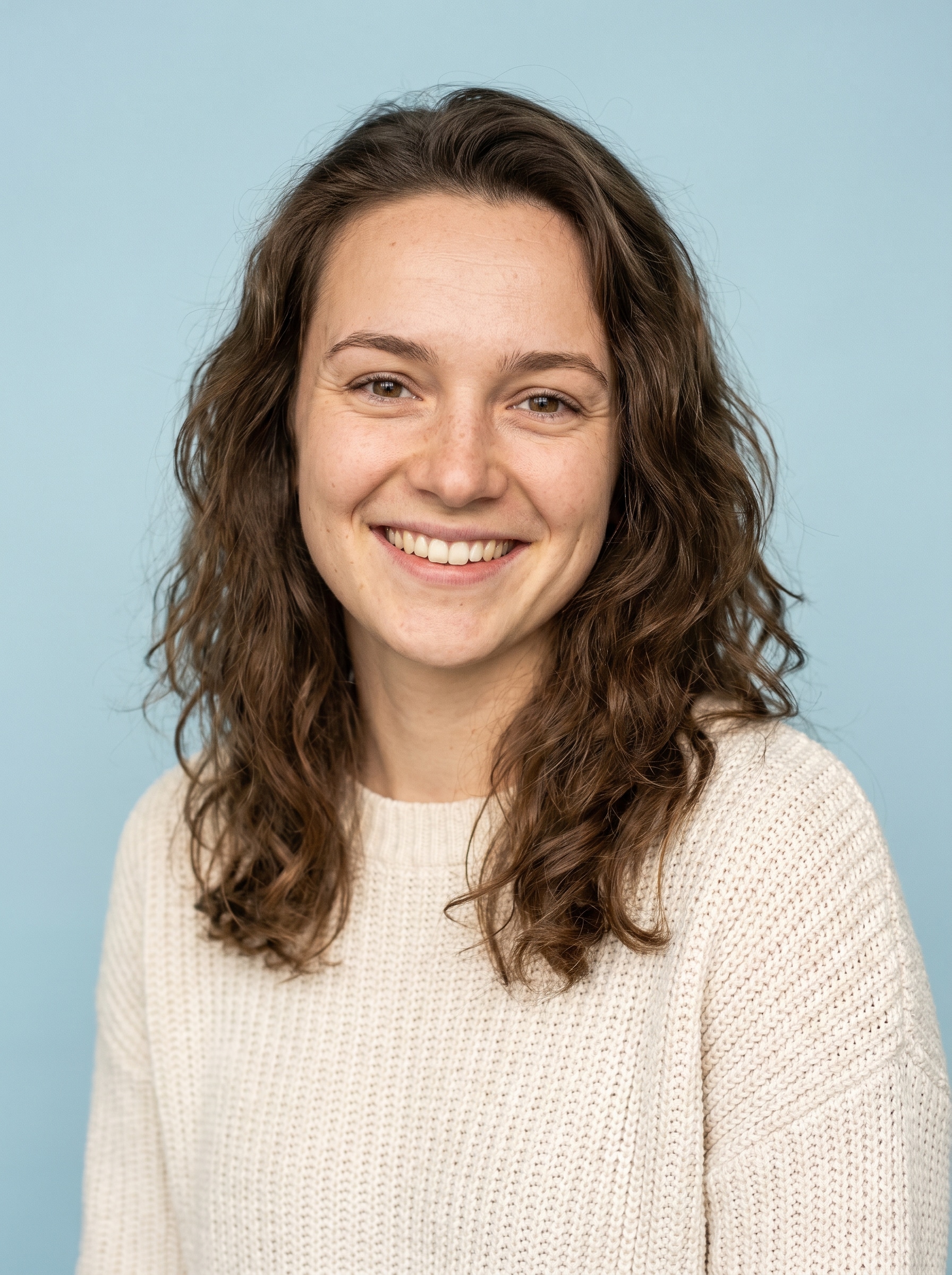
Erstelle ein auffälliges Discord PFP Maker Ergebnis aus deinem eigenen Foto in wenigen Minuten. Media.io hilft dir, Selfies in Anime-, Gamer-, Ästhetik- oder Cartoon-Profilsymbole umzuwandeln – mit kreisfreundlicher Komposition, scharfen Exporten und einem einfachen Browser-Workflow für Profil- oder Servernutzung. Dieses Setup eignet sich gut für PFP Maker Discord.
Gib deine Idee ein -> KI gestaltet sie. Kostenlos ausprobieren.
Sieh dir diese Beispielanweisungen an und passe die Prompt-Details an, um bessere Ergebnisse mit diesem Discord PFP Maker zu erzielen. Media.io funktioniert auch gut als Discord PFP Generator wenn du den Stil mit klareren Prompt-Details steuern möchtest. Dieser Workflow ist besonders nützlich für Avatar Maker Discord.
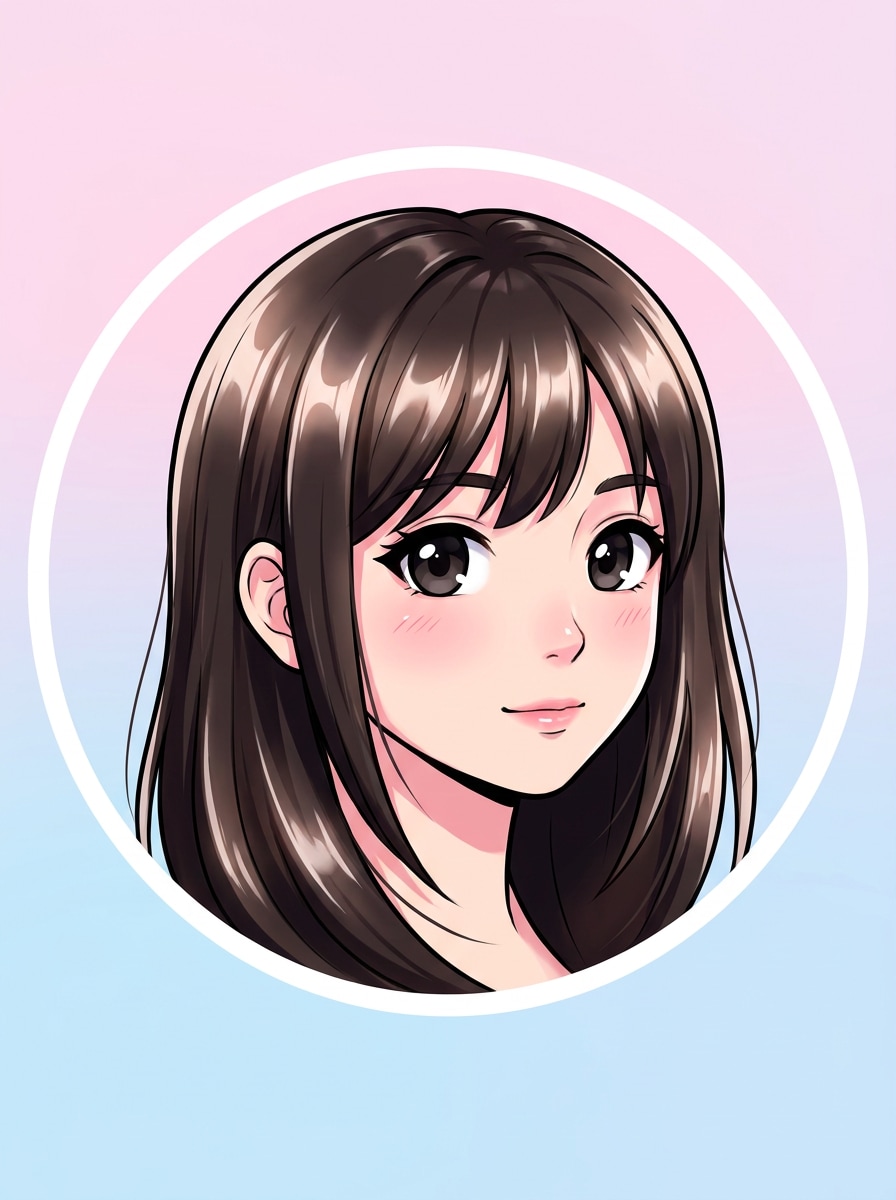
Anime-Porträt
Verwende das hochgeladene Bild als Motiv und transformiere es in einen sauberen Anime-Discord-Avatar. Halte das Gesicht für einen kreisförmigen Zuschnitt zentriert, füge große ausdrucksstarke Augen, weiche Cel-Schattierung, klare Linienkunst, dezente Haar-Highlights, einen einfachen Pastell-Hintergrund und eine polierte, kontrastreiche Optik hinzu, die auch in kleiner Größe gut lesbar bleibt.
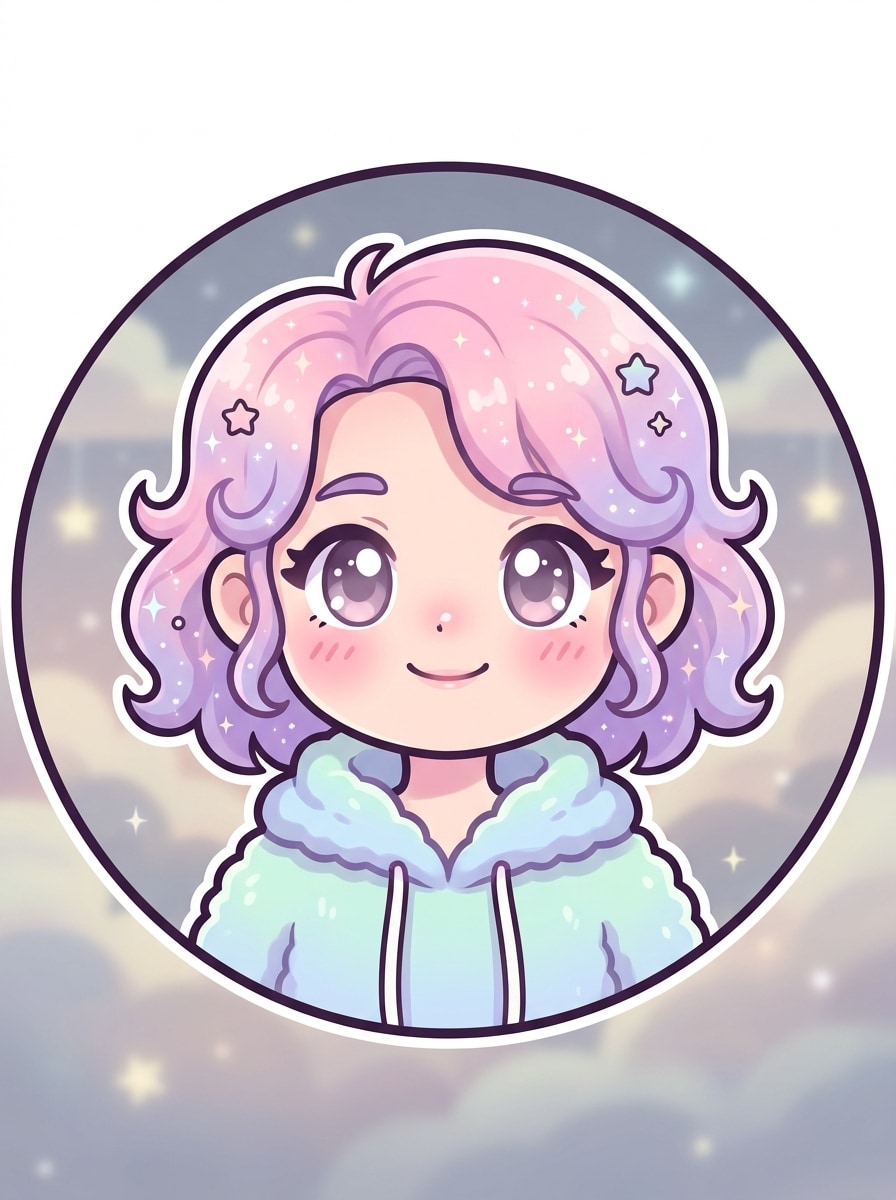
Kawaii Pastell-Avatar
Verwende das hochgeladene Bild als Motiv und wandle es in ein süßes Pastell-Profilsymbol für Discord um. Halte das Gesicht zentriert, weiche Gesichtszüge auf, füge rosige Wangen, runde Formen, Lavendel- und Rosatöne, einen minimalen, verträumten Hintergrund, klare Umrisse und helle Klarheit hinzu, damit der Avatar süß und in einem kleinen Kreis gut lesbar aussieht.
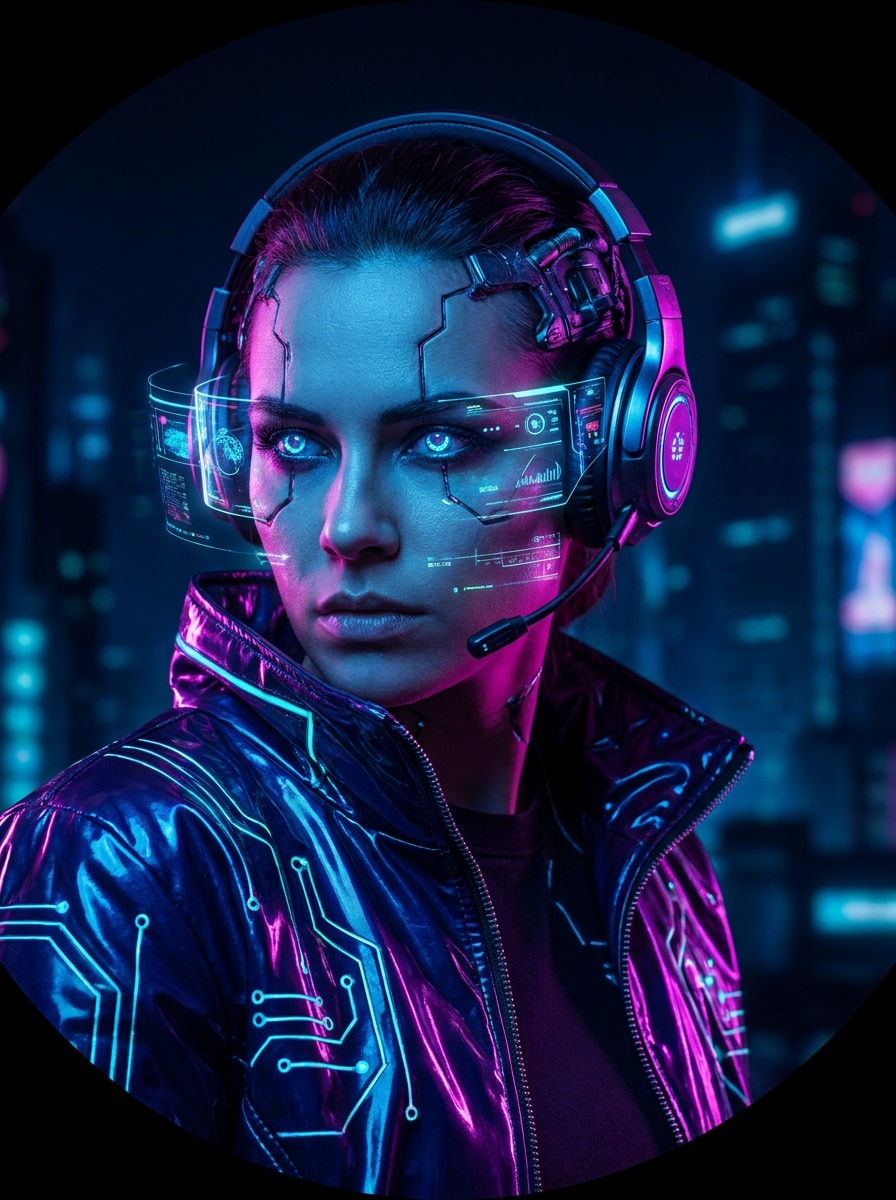
Cyberpunk Gamer
Verwende das hochgeladene Bild als Motiv und gestalte es in einen Neon-Cyberpunk-Gamer-Avatar um. Halte ein zentriertes Gesicht, dramatischen Ausdruck, blaues und lila Randlicht, dunklen futuristischen Hintergrund, glänzende Jackentexturen, starken Kontrast, subtiles Tech-Leuchten und eine kräftige Komposition, die in einem kreisförmigen Discord-Profilbild heraussticht.
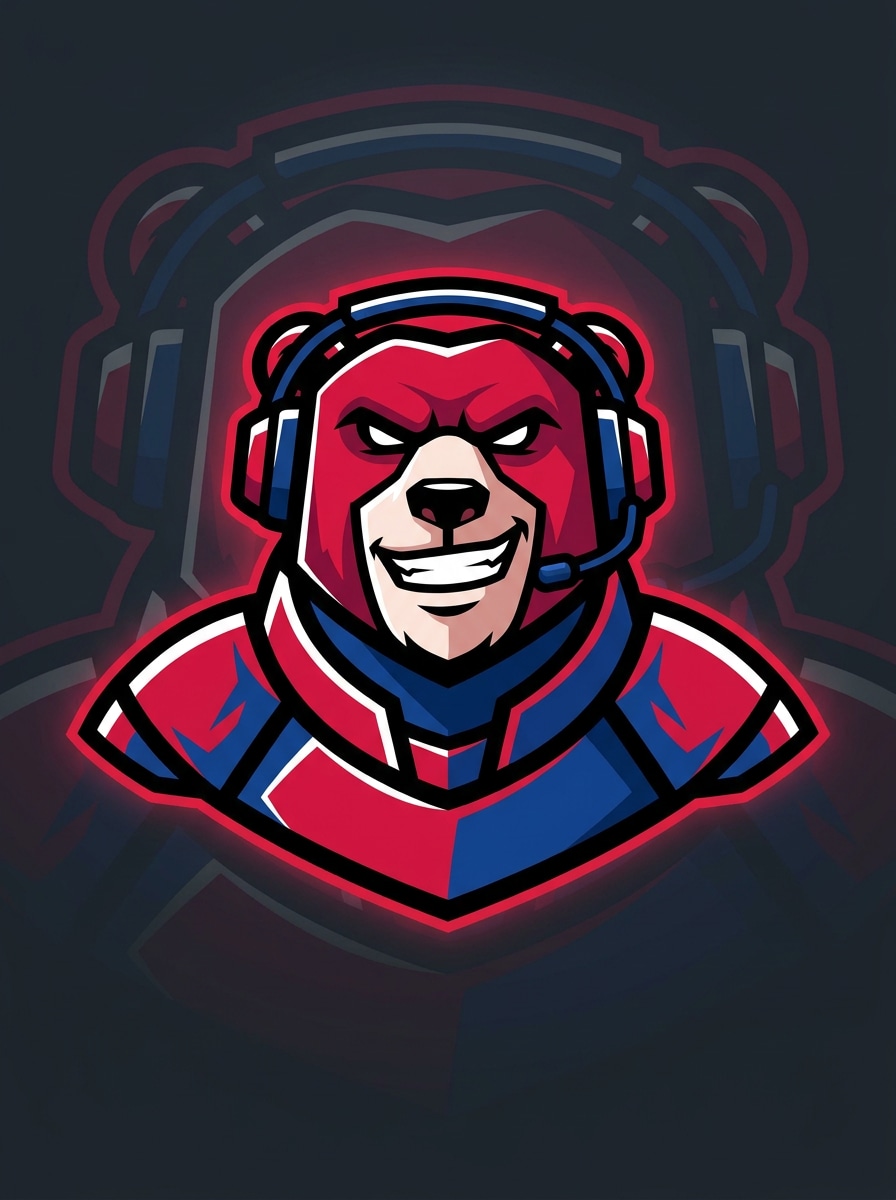
Streamer-Maskottchen
Verwende das hochgeladene Bild als Motiv und transformiere es in einen Streamer-Maskottchen-Avatar mit Esports-Energie. Halte das Gesicht zentriert, vereinfache die Formen, füge kräftige Umrisse, gesättigte Rot- und Blautöne, einen sauberen dunklen Hintergrund, logoartigen Kontrast und einen selbstbewussten Ausdruck hinzu, damit das Symbol für persönliche Profile oder ein Discord-Server-Abzeichen geeignet ist.
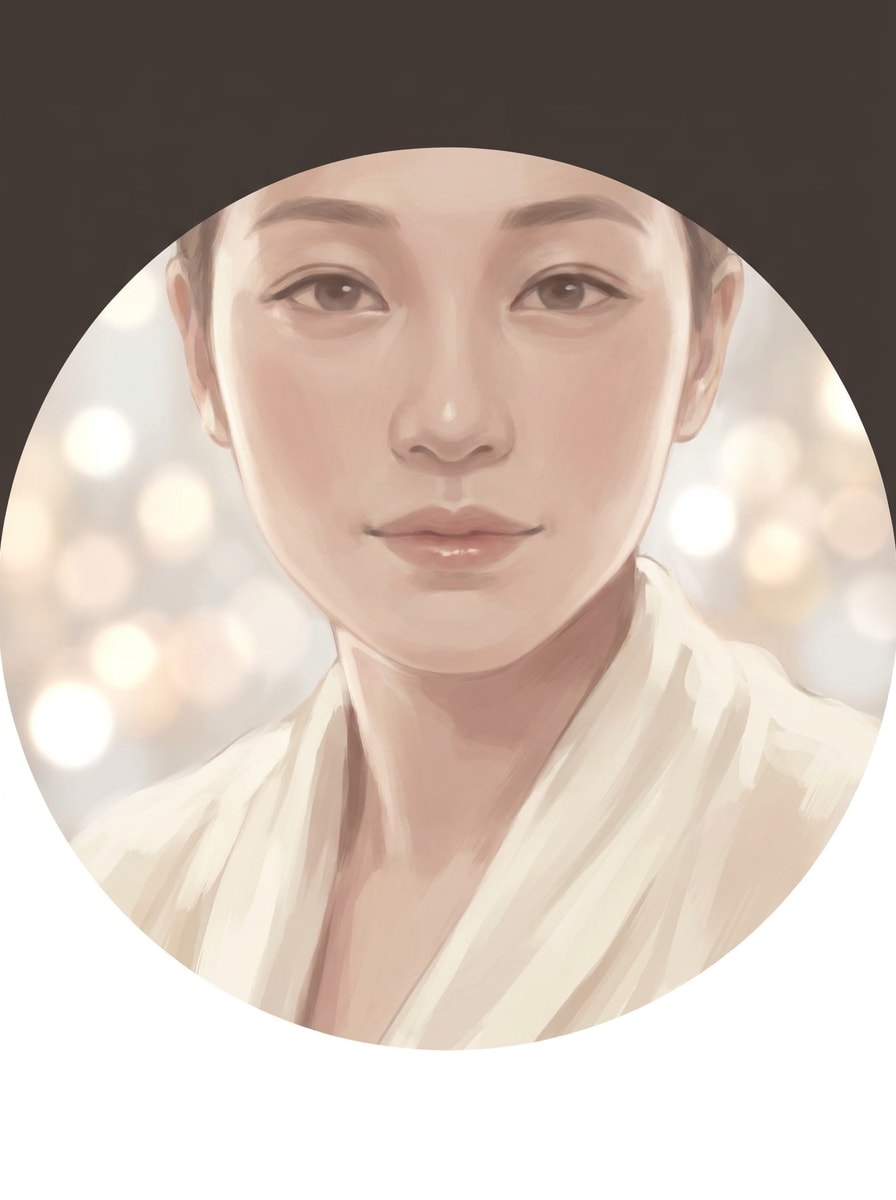
Weiches Ästhetik-Porträt
Verwende das hochgeladene Bild als Motiv und erstelle einen weichen Ästhetik-Avatar für Discord. Halte das Gesicht zentriert, wende diffuses Licht, gedämpfte Beige- und Rottöne, weiche malerische Darstellung, zarte Bokeh-Effekte, eine ruhige Stimmung und eine saubere, kreissichere Komposition an, die modern, poliert und sanft wirkt, ohne Gesichtsdetails zu verlieren.
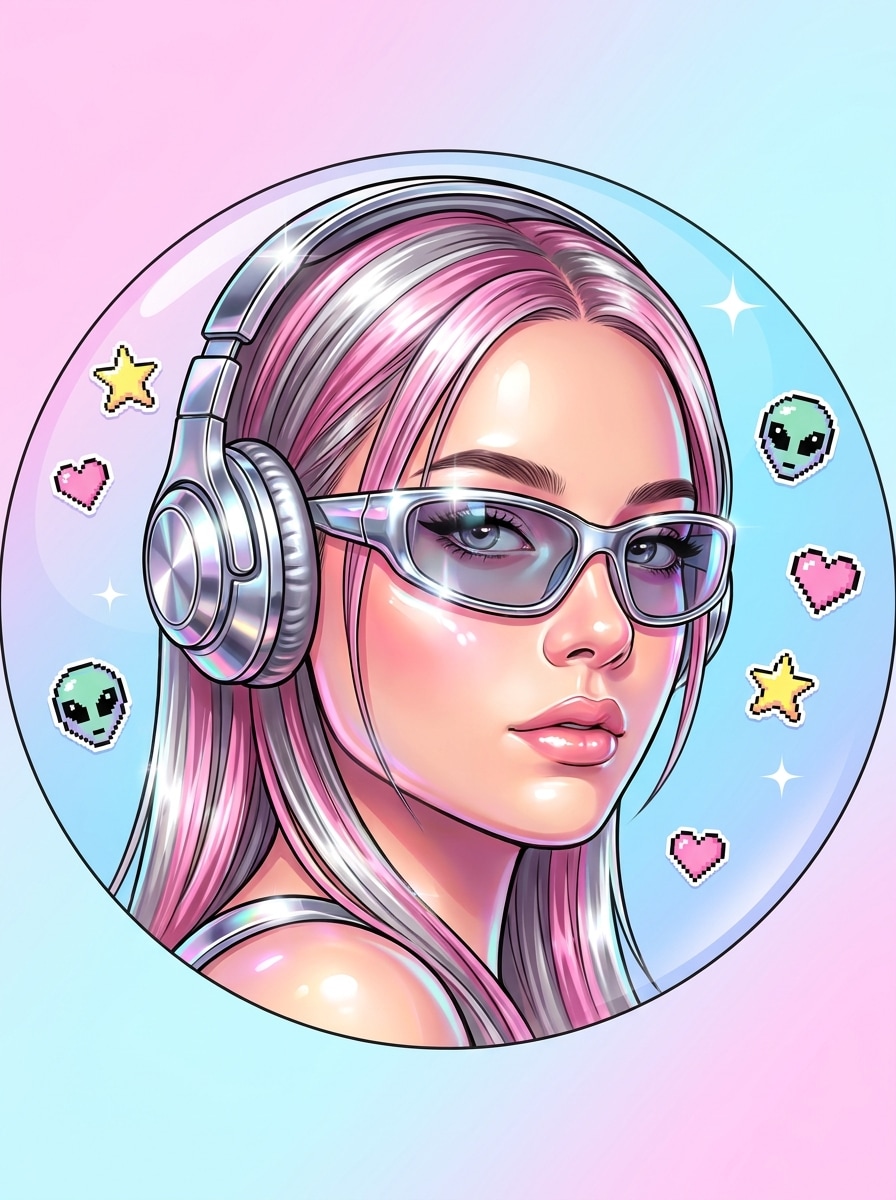
Y2K-Symbol
Verwende das hochgeladene Bild als Motiv und gestalte es in ein Y2K-inspiriertes Profilsymbol um. Halte das Gesicht zentriert, füge glänzende Chromakzente, verspielte Sticker-Details, knallige Pink- und Silber-Highlights, nostalgisches Pop-Styling, weiches Haut-Leuchten und einen kräftigen Hintergrund hinzu, der im kreisförmigen Discord-Avatar-Zuschnitt übersichtlich und lesbar bleibt.
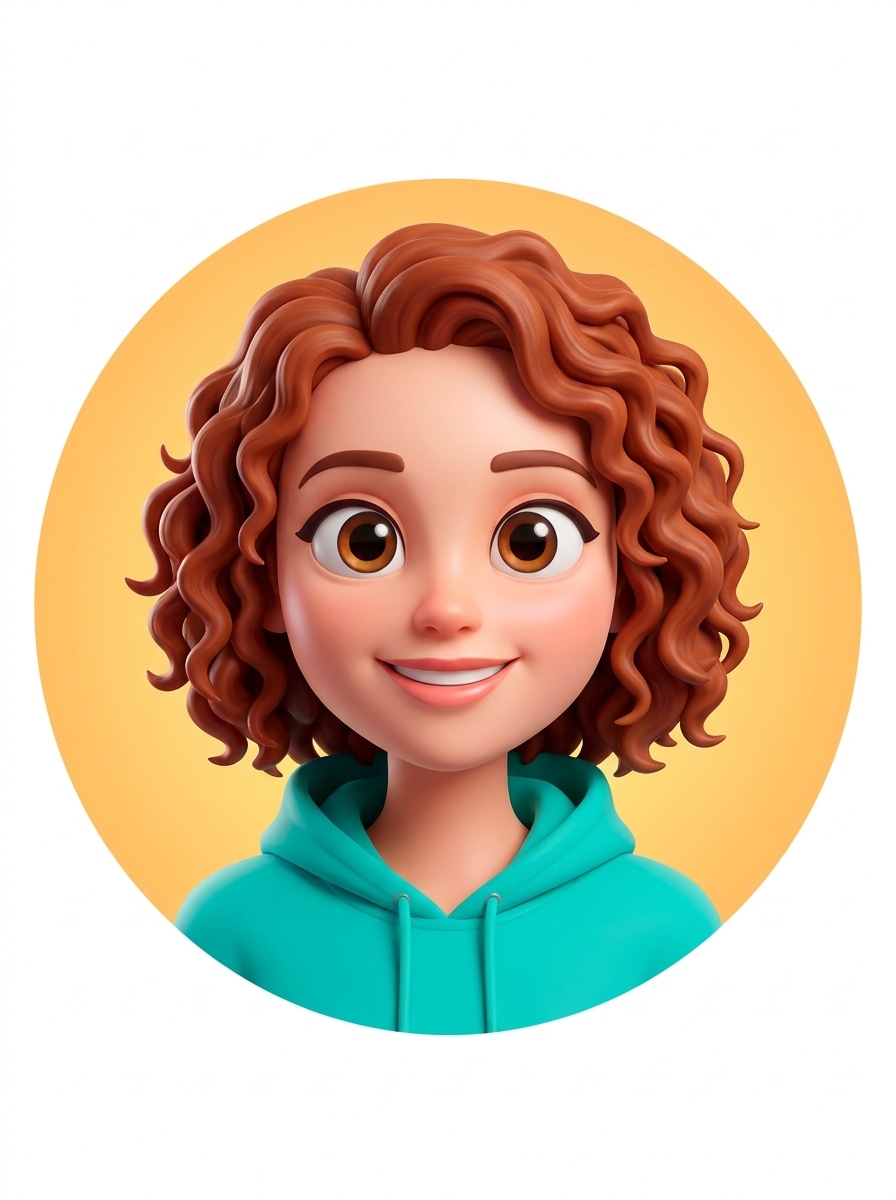
3D-Cartoon-Avatar
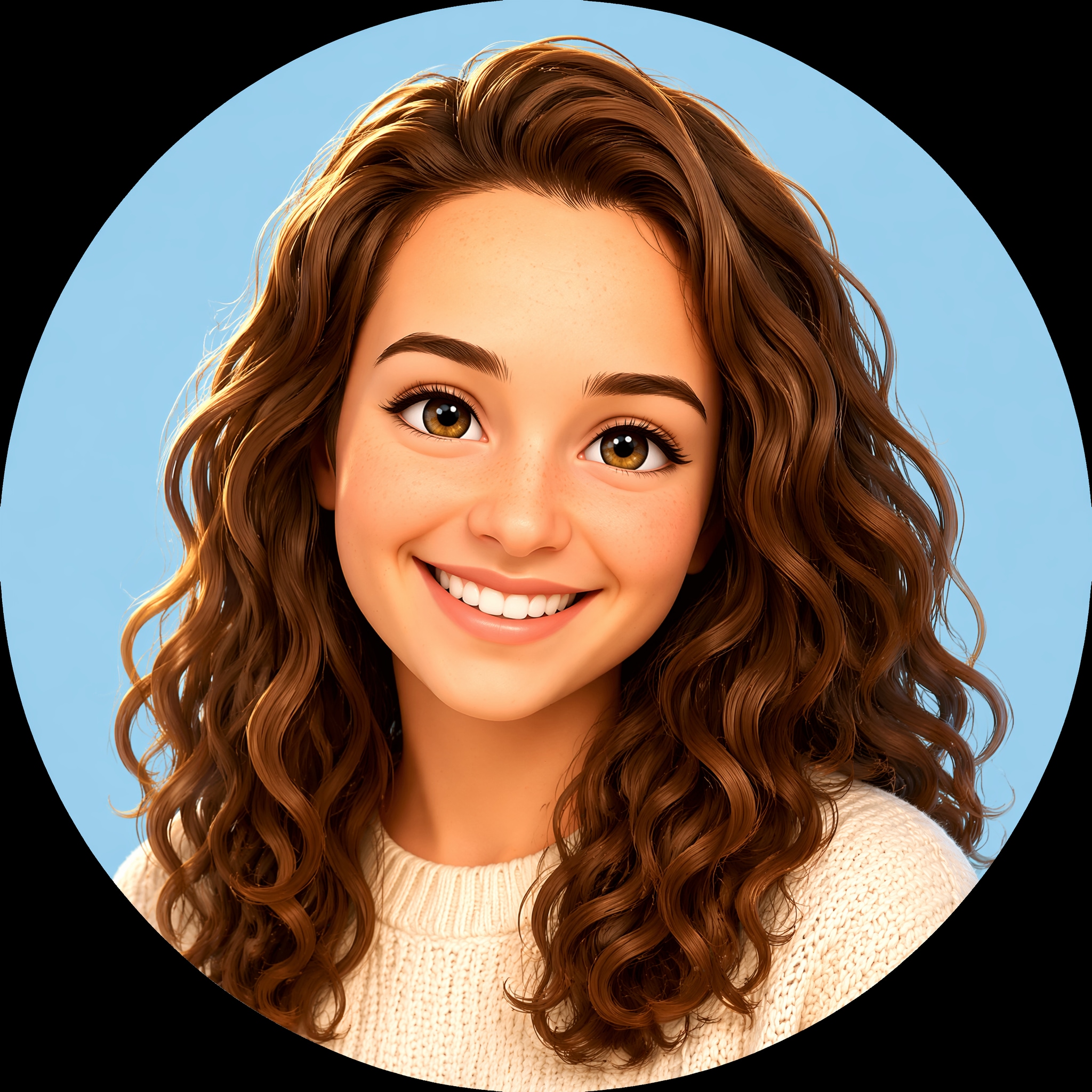
Verwende das hochgeladene Bild als Motiv und wandle es in einen polierten 3D-Cartoon-Avatar um. Halte das Gesicht zentriert, vergrößere die Augen leicht, füge weiche Schattierung, helle Farben, sanfte Studio-Reflexionen, ein freundliches Lächeln und einen einfachen Hintergrund hinzu, damit das Ergebnis ausdrucksstark, sauber und als Discord-Profilsymbol gut lesbar ist.
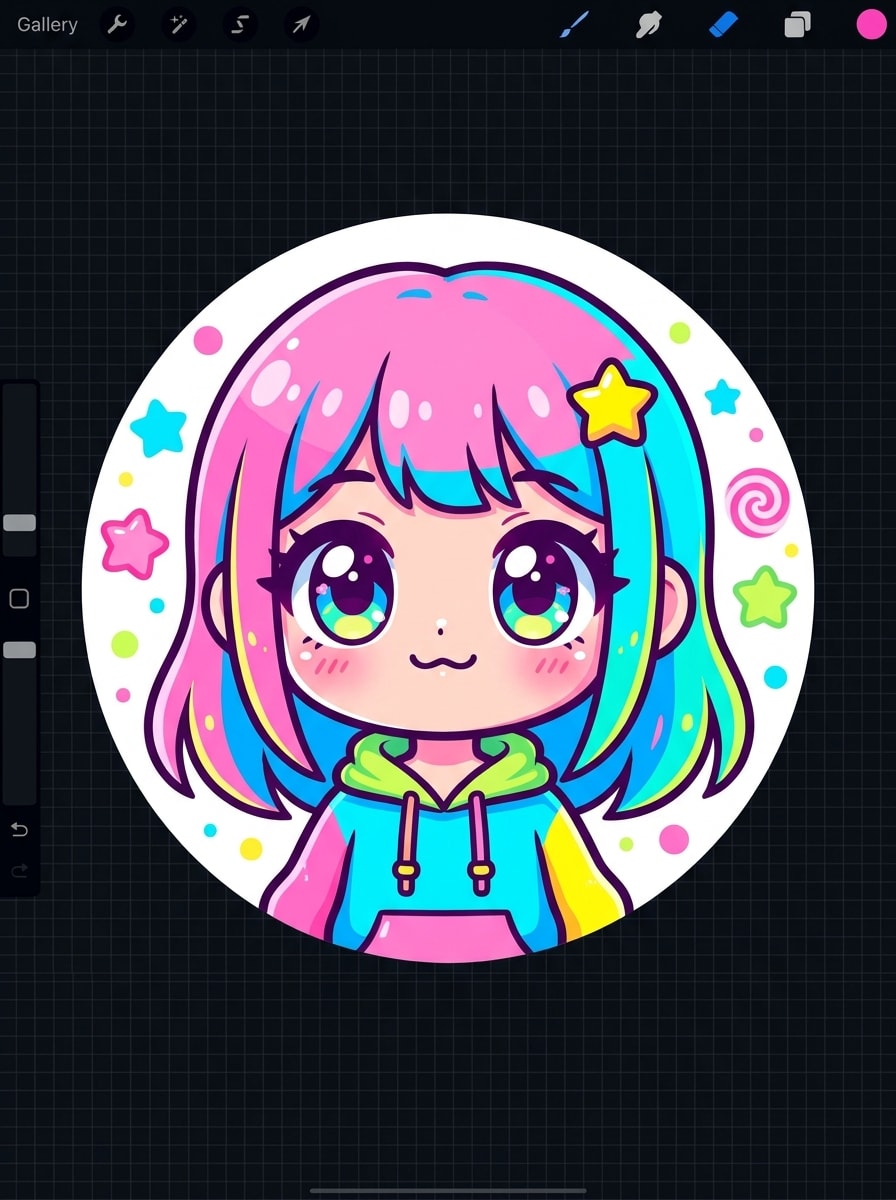
Chibi-Avatar
Verwende das hochgeladene Bild als Motiv und erstelle ein Chibi-Discord-Profilbild. Halte einen zentrierten Büstenausschnitt, übergroße Kopfproportionen, winzige Schultern, niedliche vereinfachte Gesichtszüge, helle Bonbonfarben, klare Umrisse und einen verspielten Hintergrund mit minimalen Formen, damit der Avatar in kleiner Anzeigegröße charmant und erkennbar aussieht.
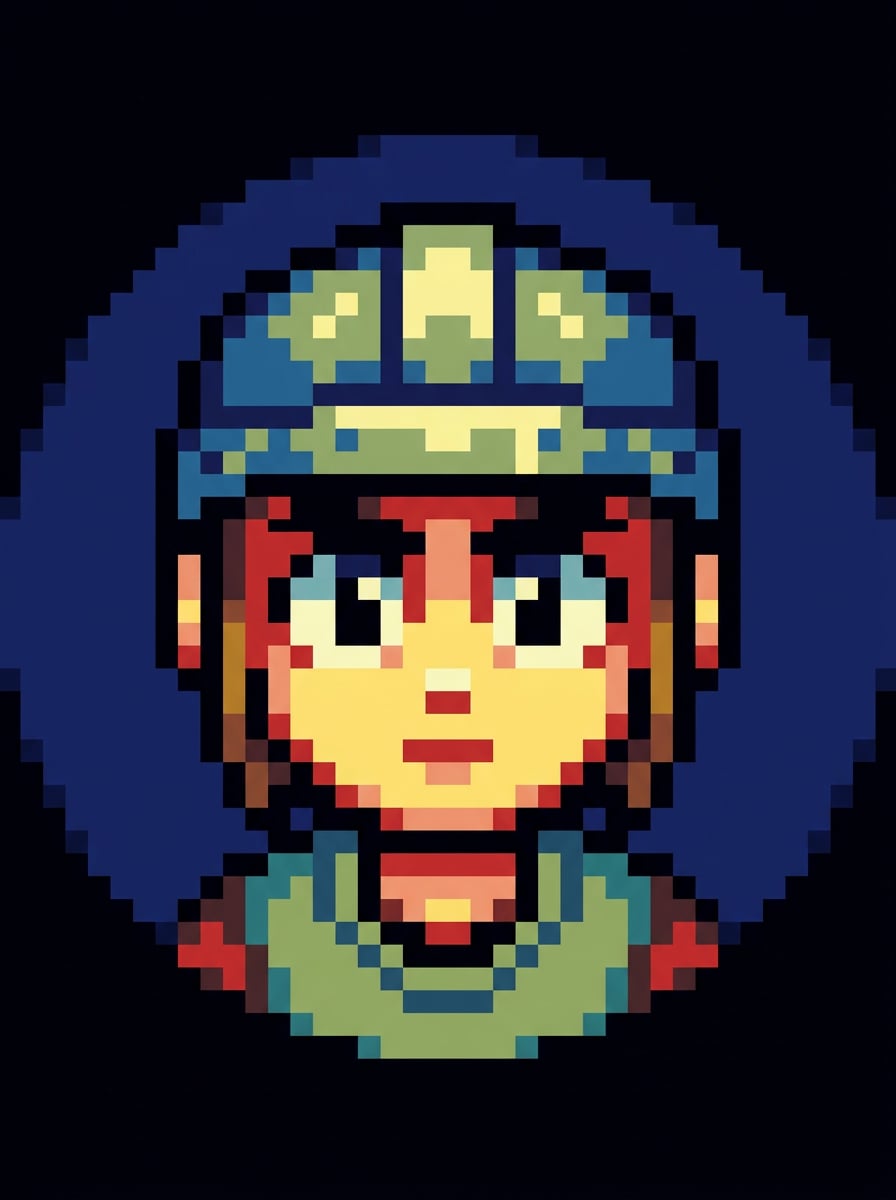
Pixel-Art-Avatar
Verwende das hochgeladene Bild als Motiv und transformiere es in einen Pixel-Art-Avatar für Discord. Halte das Gesicht frontal und zentriert, verwende eine begrenzte Farbpalette, eine starke Silhouette, ausdrucksstarke Pixel-Augen, einen dunklen kontrastierenden Hintergrund und eine saubere blockige Schattierung, damit das Profilbild auch in winziger Symbolgröße unverwechselbar und lesbar bleibt.
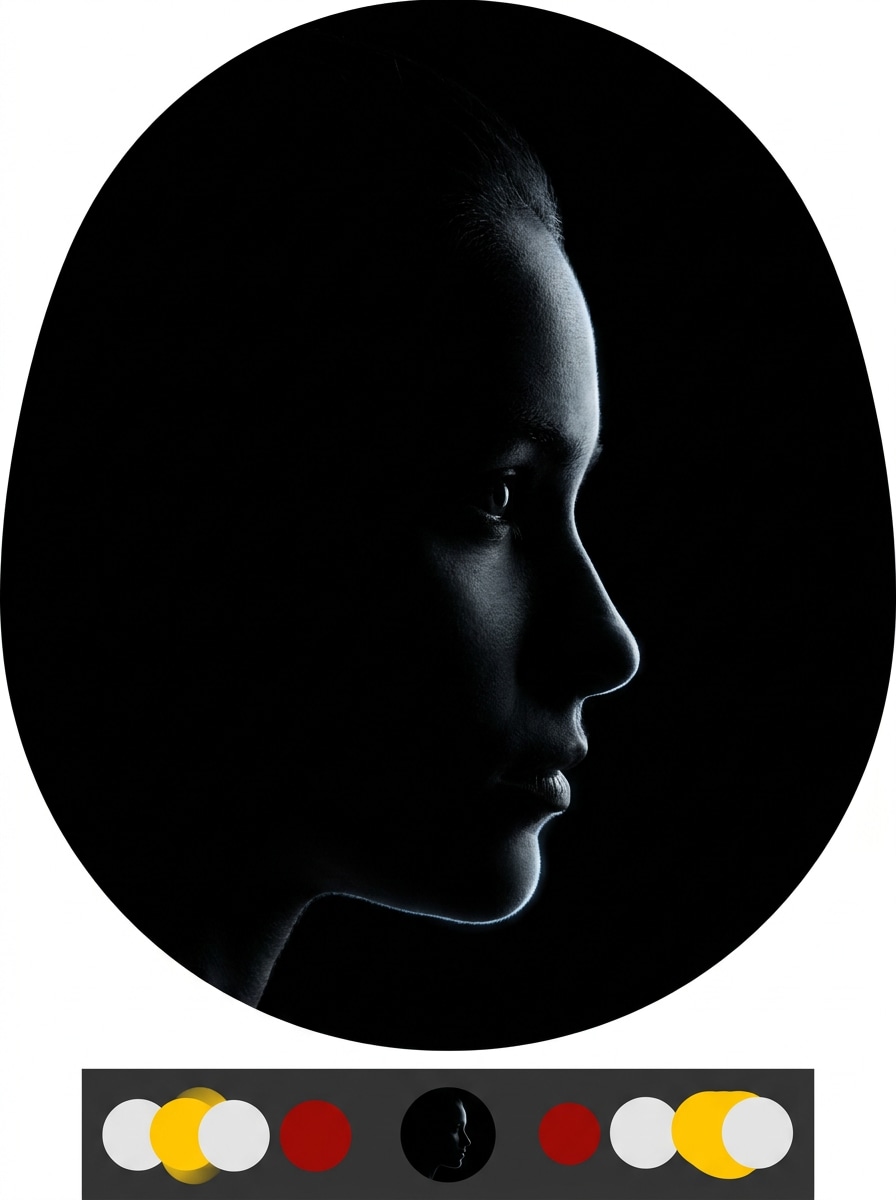
Dunkles Minimal-Symbol
Verwende das hochgeladene Bild als Motiv und erstelle ein dunkles minimales Profilsymbol für Discord. Halte das Gesicht zentriert, vereinfache das Porträt zu einer starken Silhouette, verwende monochrome Kohletöne, subtiles Randleuchten, sauberen Negativraum und hohen Kontrast, damit der Avatar elegant, modern und im Dunkelmodus leicht erkennbar wirkt.
Warum Media.io für Discord-Profilbilder verwenden
Deine Identität in jedem Stil erkennbar halten
Referenzbasierte Arbeit braucht mehr als eine grobe Stiländerung. Media.io hilft dabei, wichtige Identitätsdetails erkennbar zu halten, während das Discord PFP Maker-Porträt neu gestaltet wird, sodass das Ergebnis persönlich statt generisch wirkt.
Ein Motiv in mehrere Stile umgestalten
Referenzbasierte Arbeit braucht mehr als eine grobe Stiländerung. Media.io hilft dabei, wichtige Identitätsdetails erkennbar zu halten, während das Discord PFP Maker-Porträt neu gestaltet wird, sodass das Ergebnis persönlich statt generisch wirkt.
Endgültige Visualisierungen scharf für echte Projekte halten
Für Projekte, die mehr als Entwurfsqualität benötigen, hilft Media.io dabei, Discord PFP Maker-Porträts mit bis zu 4K-Ausgabe zu erstellen, damit Details sauberer bleiben, wenn du die endgültige Datei präsentierst, zuschneidest oder wiederverwendest.
Einfach auf jedem Gerät zu erstellen, das du bereits verwendest
Der Wechsel zwischen Desktop und Mobilgerät ist mit Media.io einfacher, da der Workflow von Anfang bis Ende browserbasierten bleibt. Das macht den Prozess praktischer, wenn du nicht an ein Gerät gebunden bist.
Wie man mit Media.io einen Discord-Avatar erstellt
1
2
3
1
Schritt 1: Media.io AI Image Generator öffnen
Gehe zu AI Image to Image Generator und öffne den AI Image Generator unter AI -> AI Image Generator. Dieses Online-Tool läuft in deinem Browser, sodass du deinen PFP Maker Discord Workflow auf Desktop oder Mobilgerät starten kannst, ohne etwas installieren zu müssen.
2
Schritt 2: Foto hochladen und Stil auswählen
Lade ein JPG-, PNG- oder JPEG-Selfie hoch und gib dann einen detaillierten Prompt ein, z. B. „Verwende mein hochgeladenes Foto als Motiv und wandle es in einen Neon-Cyberpunk-Gamer-Avatar mit blau-lila Beleuchtung, zentriertem Gesicht, dunklem Hintergrund und kreissicherem Zuschnitt um." Passe Stil, Seitenverhältnis und Auflösung nach Bedarf an.
3
Schritt 3: Generieren, verfeinern und herunterladen
Klicke auf Generieren. Passe den Prompt an oder probiere einen anderen voreingestellten Stil aus, wenn du eine andere Stimmung möchtest, lade dann dein hochauflösendes Bild herunter und lade es als neues Discord-Profilbild oder Server-Symbol hoch.
Das Potenzial des Discord-Server-PFP-Makers entfalten
Sieh, wie Ersteller diesen Discord PFP Maker für Inhalte, Marketing und persönliche Projekte nutzen, und passe jede Idee an den Auftrag an.
Selfies in einprägsame Gamer-Symbole verwandeln
Wenn du in Chats, Game-Servern oder Streaming-Communities eine stärkere persönliche Marke aufbauen möchtest, lade ein Foto zu Media.io hoch und gestalte es in ein Neon-, Maskottchen- oder kantiges Porträt um. Das ist ein schneller Weg, ein auffälliges Profilbild zu erstellen, ohne einen Illustrator engagieren zu müssen, und es eignet sich gut für alle, die ein poliertes benutzerdefiniertes Discord PFP suchen.
Süße oder ästhetische Avatare für persönliche Profile gestalten
Weiche Pastell-, Anime-, Chibi- und Y2K-Looks funktionieren gut, wenn du online eine freundlichere oder ausdrucksstärkere Identität möchtest. Media.io bietet dir einen praktischen Discord PFP Creator-Workflow zur Erstellung polierter Symbole, die in einem kleinen kreisförmigen Zuschnitt klar bleiben – egal ob du es als kostenlosen Discord PFP Maker oder einfaches Avatar-Auffrischungstool betrachtest.
Passende Symbole für Communities und Server erstellen
Benötigst du einen Discord-Server-PFP-Maker Ansatz für Gruppen-Branding? Media.io hilft dir dabei, koordinierte Maskottchen, thematische Porträts oder Dunkelmodus-freundliche Symbole zu generieren, die zur Stimmung deines Servers passen, und denselben visuellen Stil auf Bannern, Social-Media-Beiträgen und Community-Grafiken wiederzuverwenden.
Was Nutzer sagen
Mia R.
Studentin und Gamerin
„Perfekt für Anime-Profilbilder" Ich wollte einen weicheren Anime-Look für mein Discord-Symbol, und das hat es wirklich einfach gemacht. Das Gesicht blieb erkennbar, und das Ergebnis sah viel besser aus als bei zufälligen mobilen Avatar-Apps.
Jordan T.
Streamer
„Großartig für kräftige Maskottchen- und Gamer-Looks" Ich habe ein Selfie verwendet und es in ein Streamer-Maskottchen-Porträt verwandelt. Die zentrierte Komposition funktionierte gut für den kreisförmigen Zuschnitt, und das endgültige Bild sah nach dem Hochladen noch immer scharf aus.
Ava L.
Community-Moderatorin
„Schnelle Möglichkeit, passende Server-Visualisierungen zu erstellen" Wir haben ein paar Stile für unser Community-Branding getestet und schnell nutzbare Profil- und Server-Symbol-Ideen erhalten. Es hat Zeit gespart im Vergleich dazu, alles von Grund auf in einer Design-App zu erstellen.
Noah P.
Gelegenheits-Creator
„Einfach auf Handy und Laptop" Ich habe auf meinem Handy mit einem Selfie angefangen und später auf meinem Laptop fertiggestellt. Der Browser-Workflow war einfach, und ich mochte es, niedliche, Pixel- und Cyberpunk-Versionen ohne zusätzliche Software ausprobieren zu können.
Entdecken Sie die beliebtesten KI-Video- und Bildeffekte
1. Was ist der beste Discord PFP Maker, um ein Foto in einen Avatar umzuwandeln?
Ein gutes Tool sollte es dir ermöglichen, ein echtes Foto hochzuladen, verschiedene Avatar-Stile anzuwenden und ein scharfes Bild zu exportieren, das auch in einem kleinen kreisförmigen Zuschnitt gut lesbar ist. Media.io eignet sich hierfür gut, da es die Bild-zu-Bild-Generierung aus JPG-, PNG- und JPEG-Dateien unterstützt und dir hilft, Selfies in Anime-, Gamer-, süße oder ästhetische Profilbilder in einem browserbasierten Workflow umzuwandeln.
2. Kann ich ein Discord-Profilbild kostenlos erstellen?
Media.io bietet kostenlose Credits an, sodass du einen kostenlosen Discord PFP Maker Workflow ausprobieren kannst, bevor du entscheidest, ob du mehr Generierungen benötigst. Die kostenlose Nutzung kann Wasserzeichen enthalten, während kostenpflichtige Pläne mehr Credits und wasserzeichenfreie hochauflösende Downloads freischalten. Wenn du Details zu den Plänen möchtest, schau dir die Preisseite an.
3. Wie wandle ich mein Selfie in ein Anime- oder Gamer-Discord-PFP um?
Lade dein Selfie zu Media.io hoch und beschreibe dann den gewünschten Stil, z. B. Anime-Porträt, Neon-Gamer-Avatar, Chibi-Symbol oder Streamer-Maskottchen. Media.io verwendet dein Referenzbild, um die Transformation zu steuern, sodass es ein guter Ausgangspunkt für ein kostenloses Discord-PFP sein kann, das erkennbar bleibt, anstatt in ein völlig unverwandtes Gesicht verwandelt zu werden.
4. Welche Größe sollte ein Discord-Profilbild haben?
Dein Profilbild sollte quadratisch sein, damit es in Discords kreisförmiger Anzeige sauber passt. Mit einem hochauflösenden 1:1-Bild zu beginnen gibt dir mehr Spielraum, Gesichtsdetails, Umrisse und Kontrast zu bewahren. Media.io hilft dabei, indem es mehrere Seitenverhältnisse und hochauflösende Ausgaben für eine schärfere Avatar-Quelle unterstützt.
5. Bleibt mein Discord-Avatar nach dem Hochladen scharf?
Er bleibt in der Regel schärfer, wenn du mit einem sauberen, hochauflösenden Bild und einer zentrierten Komposition beginnst, die für kleine Anzeigegrößen ausgelegt ist. Media.io unterstützt hochauflösende Ausgabeoptionen, was hilft, kräftige Umrisse, Gesichtsklarheit und Kontrast nach der Discord-Komprimierung effektiver zu bewahren.
6. Kann ich einen Discord PFP Maker auf Mobilgerät und Desktop verwenden?
Media.io ist webbasiert, sodass du es in einem Browser auf Windows, Mac, iOS oder Android verwenden kannst. Das macht es praktisch, egal ob du nach einem Discord Animated PFP Maker suchst, einen animierten Discord PFP Maker vergleichst oder einfach einen statischen Avatar auf verschiedenen Geräten erstellst.
Über den KI-gestützten Online-Discord-PFP-Maker hinaus