Bild zu Bild
Nano Banana Pro
Bild hochladen
0 / 9
Klicken oder ziehen, um hochzuladen, oder wählen Sie aus Meine Historie
Keine Ideen? Erstellen Sie zuerst ein Bild. >
Unterstützte Upload-Formate: jpg, png, jpeg.
Tipps
0/2000
1K
Auto
1
Banana Pro Unbegrenzter Modus
Öffentliche Sichtbarkeit
Alle
Bild
Video
Audio
Liste generieren
Die generierten Ergebnisse werden 7 Tage lang aufbewahrt. Bitte speichern Sie sie rechtzeitig.
ai_video_generatorEntfalten Sie Ihr kreatives Potenzial und erleben Sie jetzt die Magie der Media-KI!

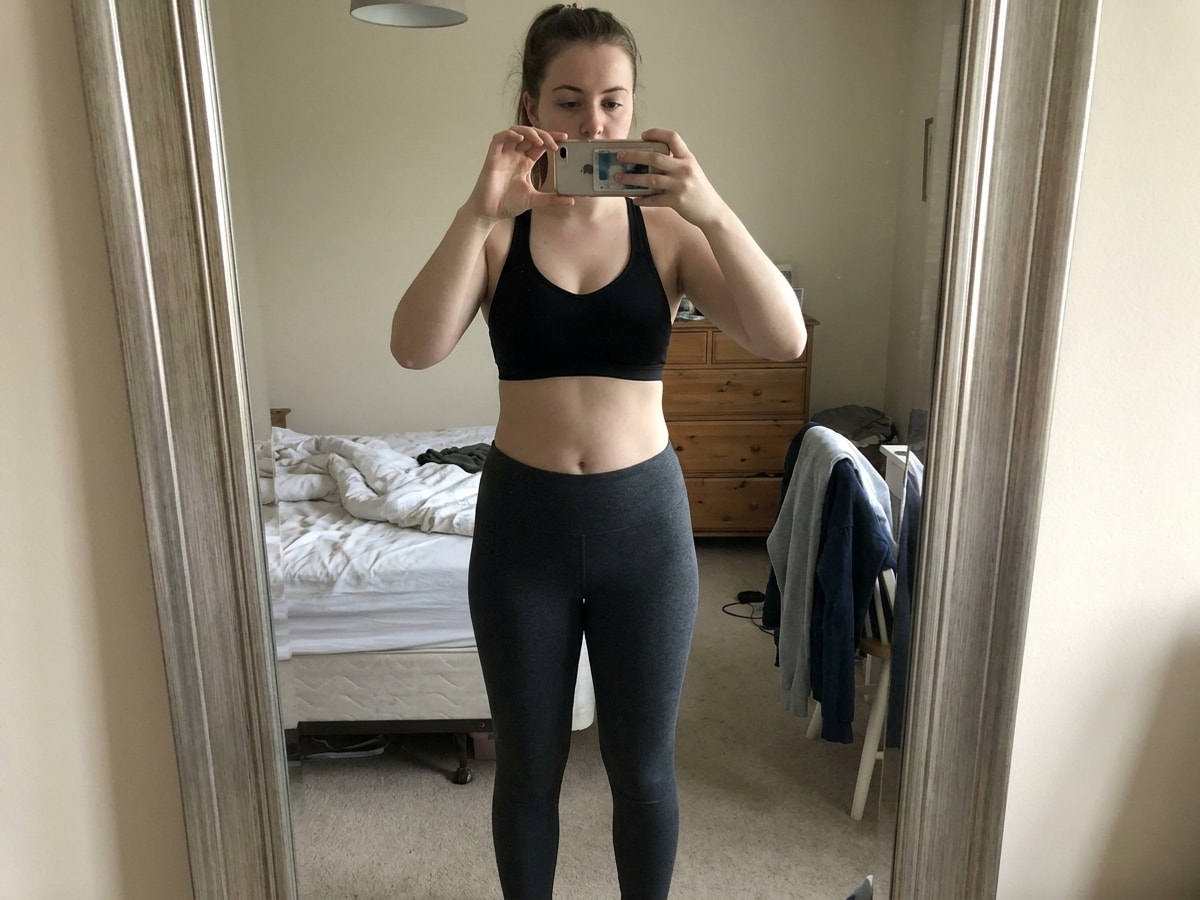
Body Analysis AI from Photo

Upload a photo, describe the insight you want, and Media.io turns it into a clear body analysis ai result image. Use it to visualize body shape, posture alignment, symmetry, measurement cues, or progress tracking in a polished, easy-to-read format.

Start Body Analysis
Upload JPG or PNG Works on any device Visual posture and shape insights High-res output options

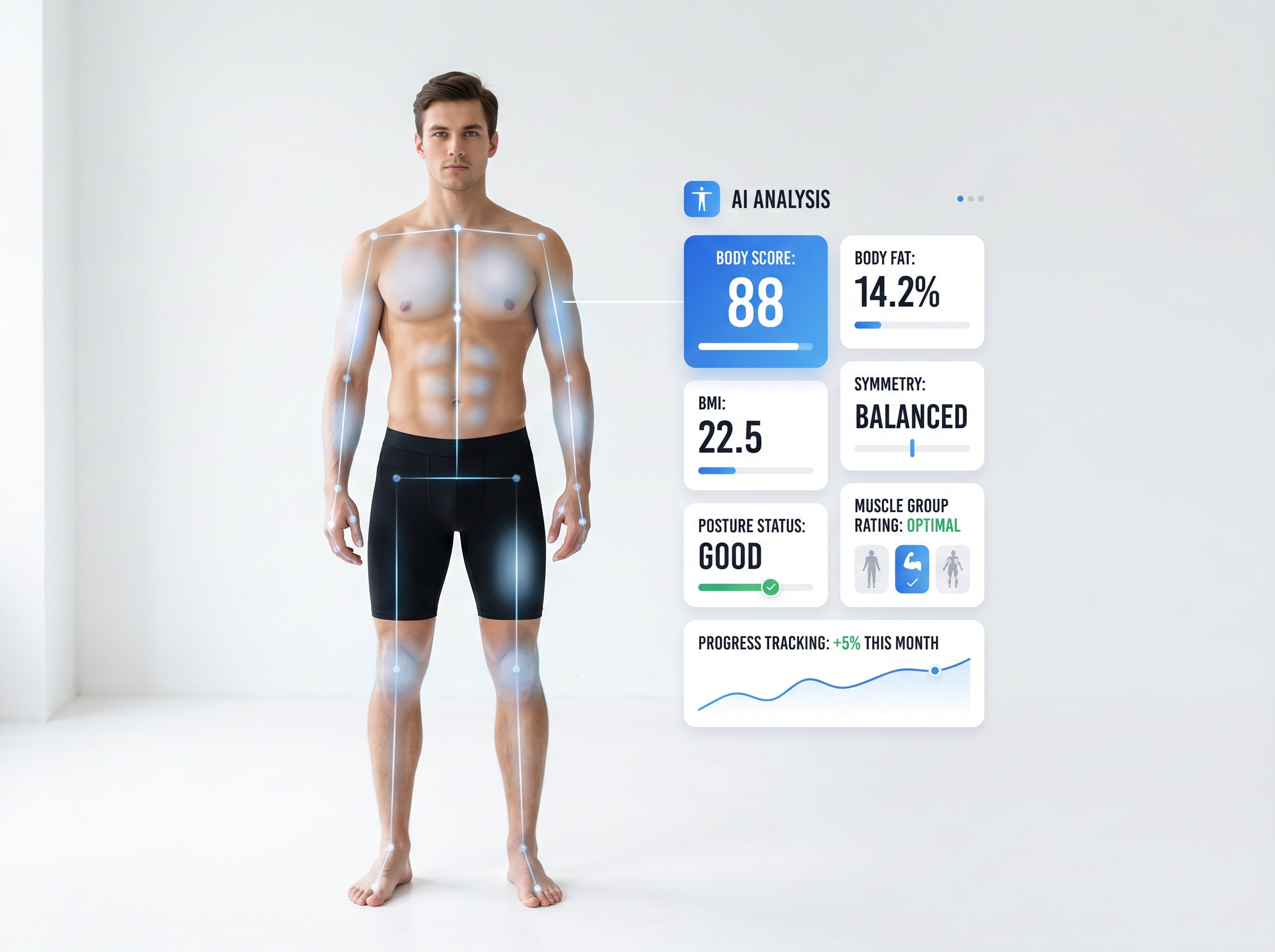
AI Body Fat Estimate Scan

A common body analysis AI use case is estimating physique and body composition from a front photo. The result image should feel data-rich and fitness-focused without looking clinical or overly technical.

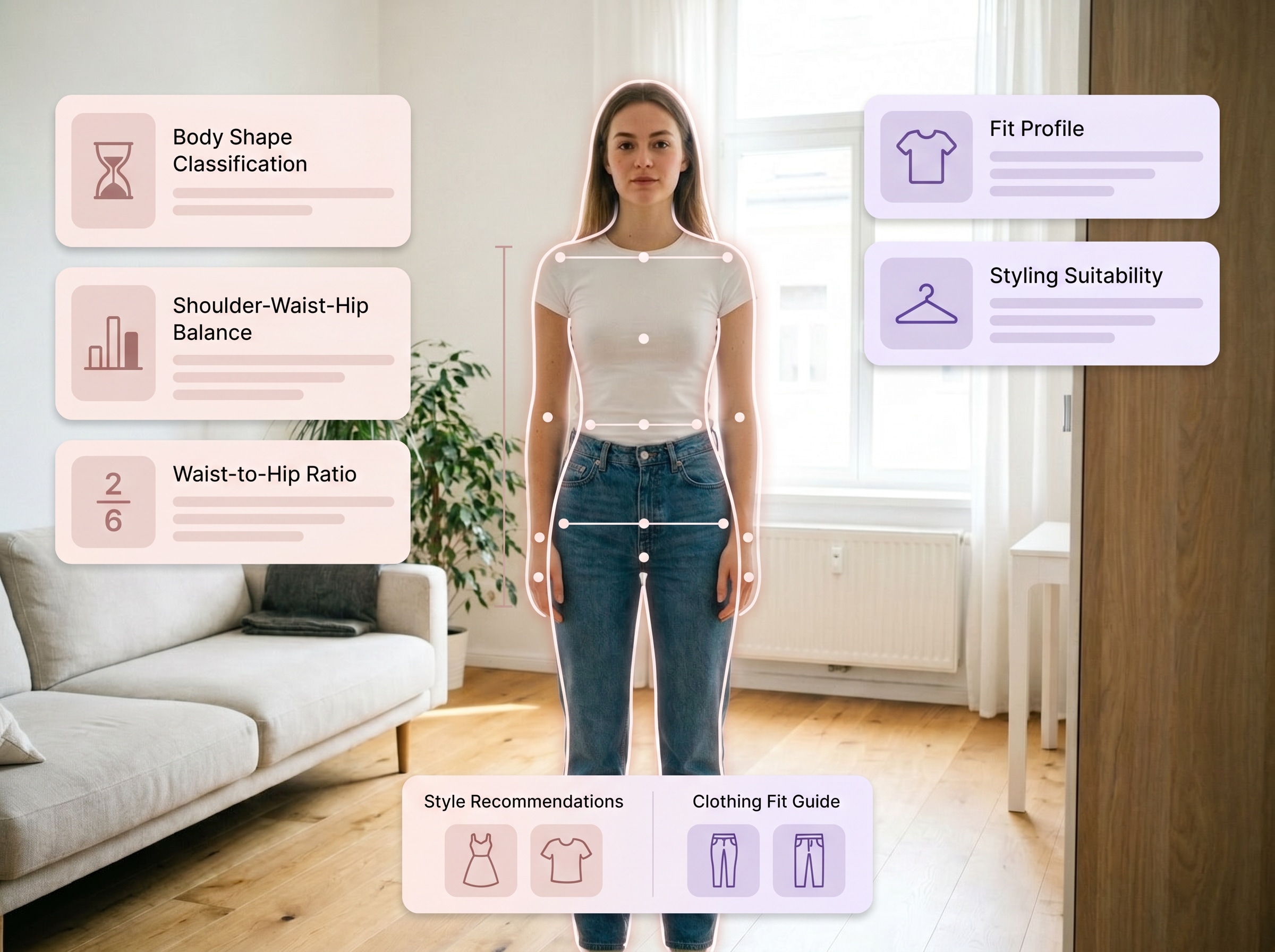
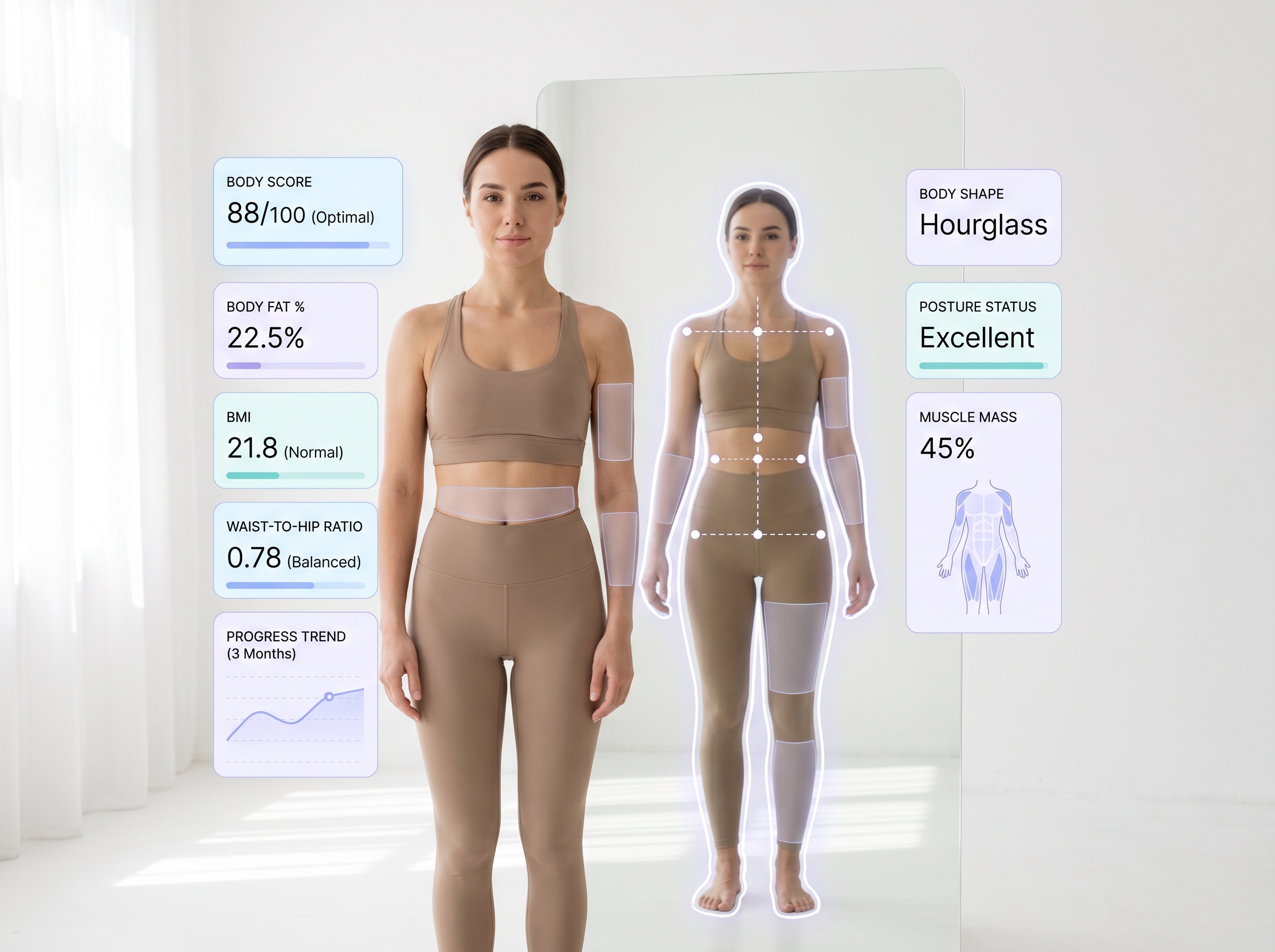
Body Shape Analysis for Styling

Body shape classification is popular for outfit planning and personal styling. The after image should visually explain silhouette balance and shape type in a polished fashion-tech style.

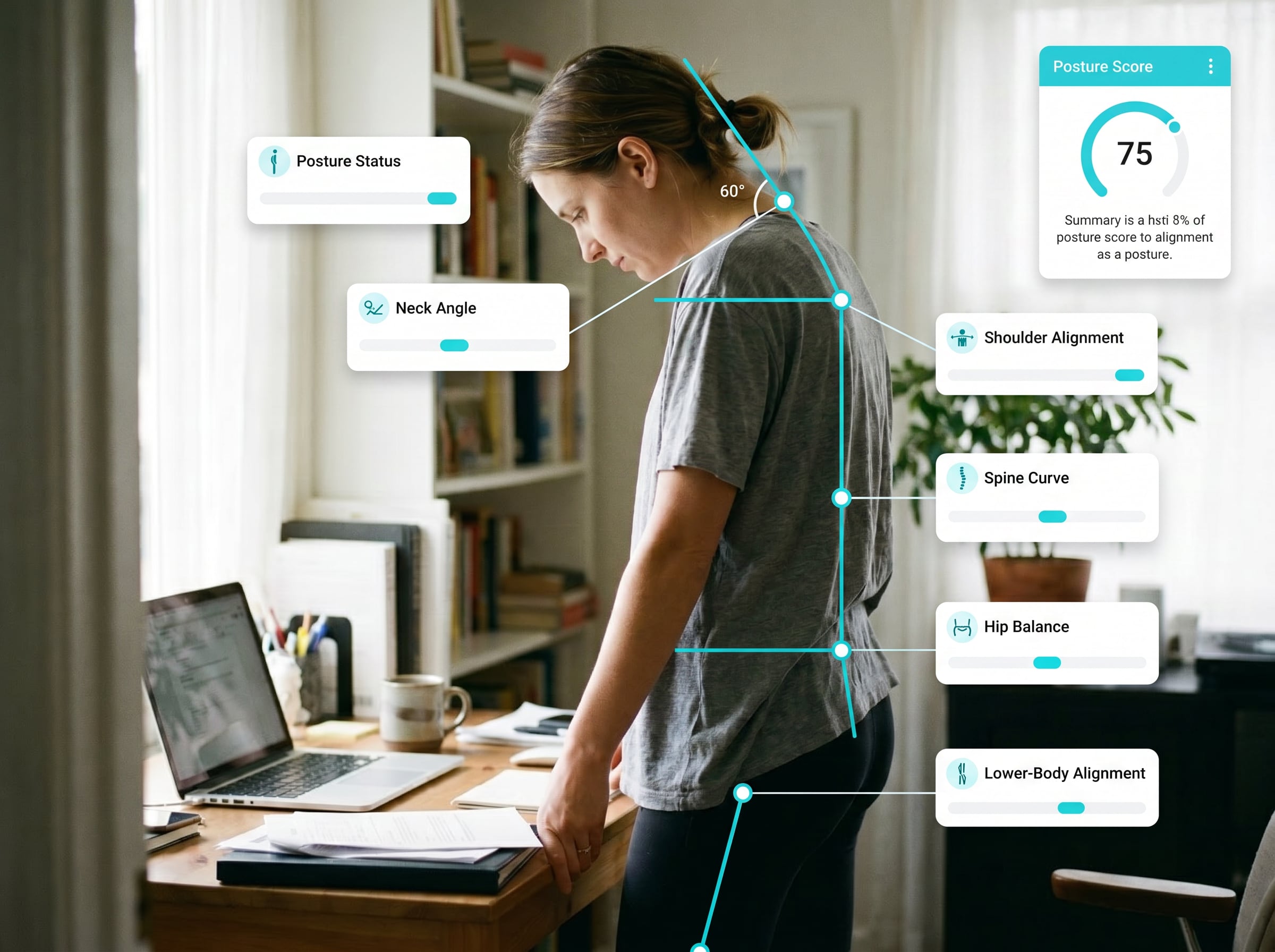
Posture Alignment Review

Posture checks are a strong visual case because users can instantly see shoulder, neck, and spine alignment. The result should highlight body landmarks and balance in a clear, accessible way.

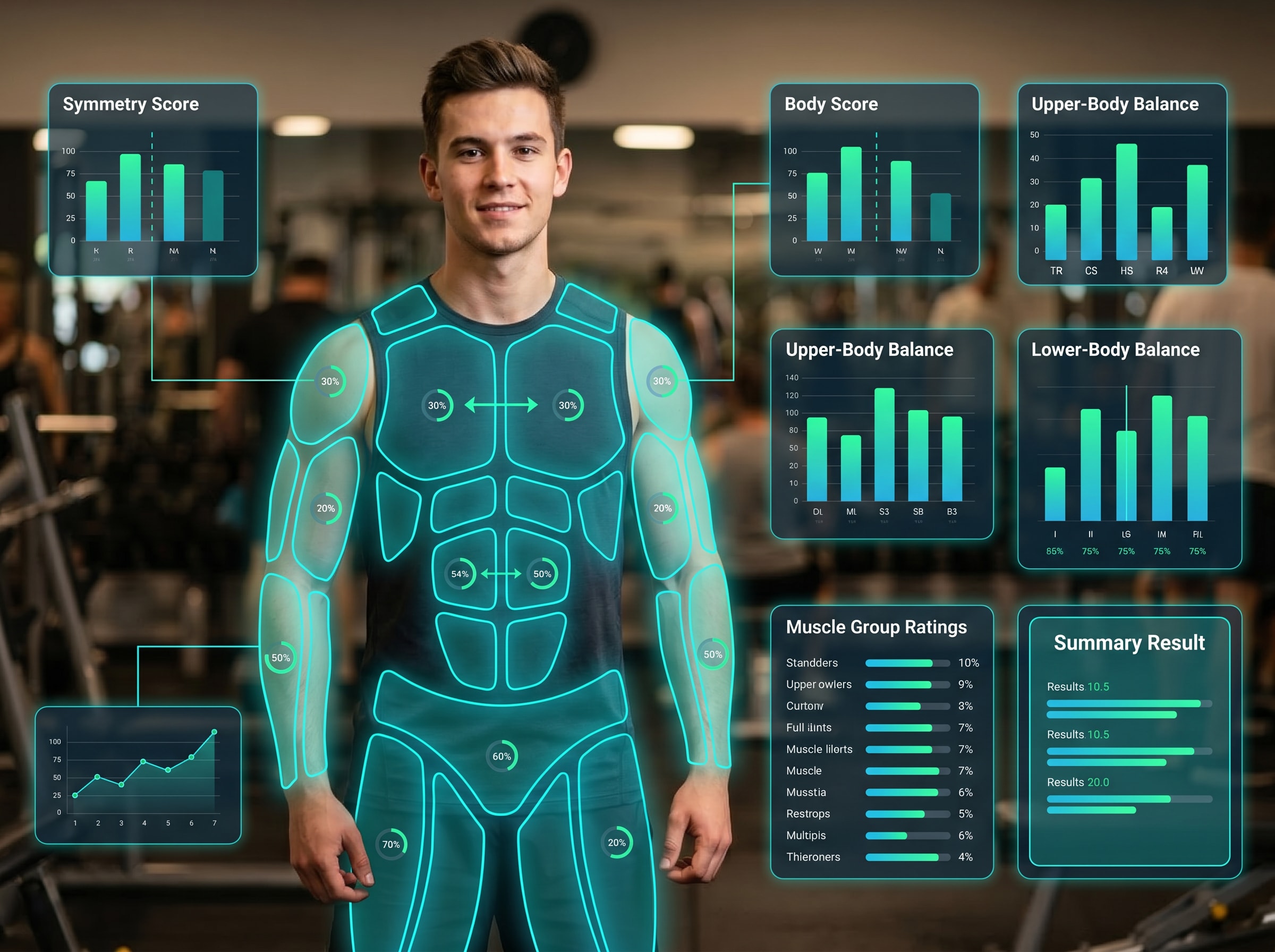
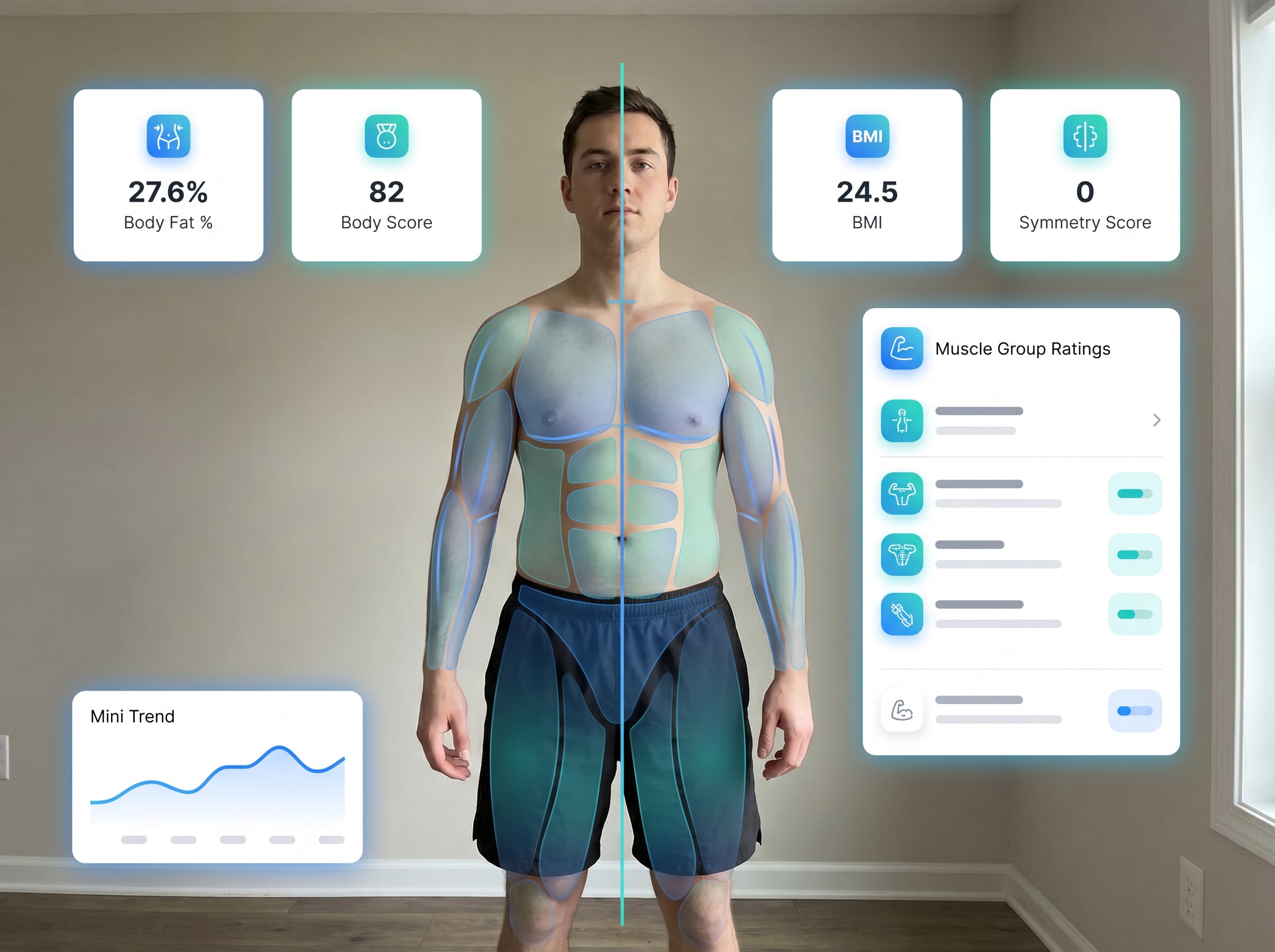
Muscle Symmetry Score

Fitness users often want a visual read of left-right balance and muscle emphasis. The after image should present symmetry and muscle-group scoring in a strong, gym-ready layout.

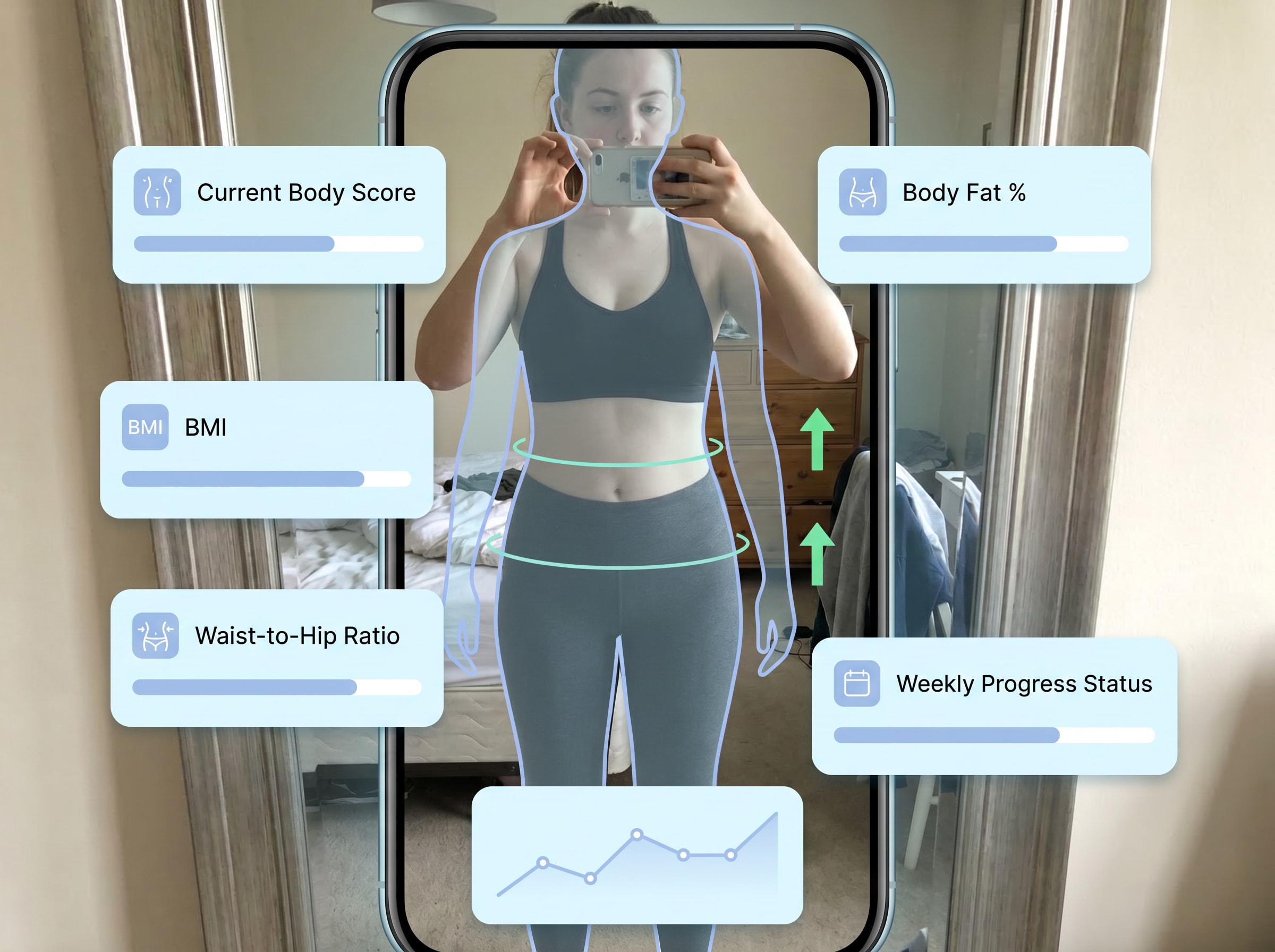
Progress Tracking Check-In

Progress tracking is one of the most practical body analysis AI scenarios. The result should feel like a smart check-in image with shape, posture, and improvement signals layered over the latest photo.

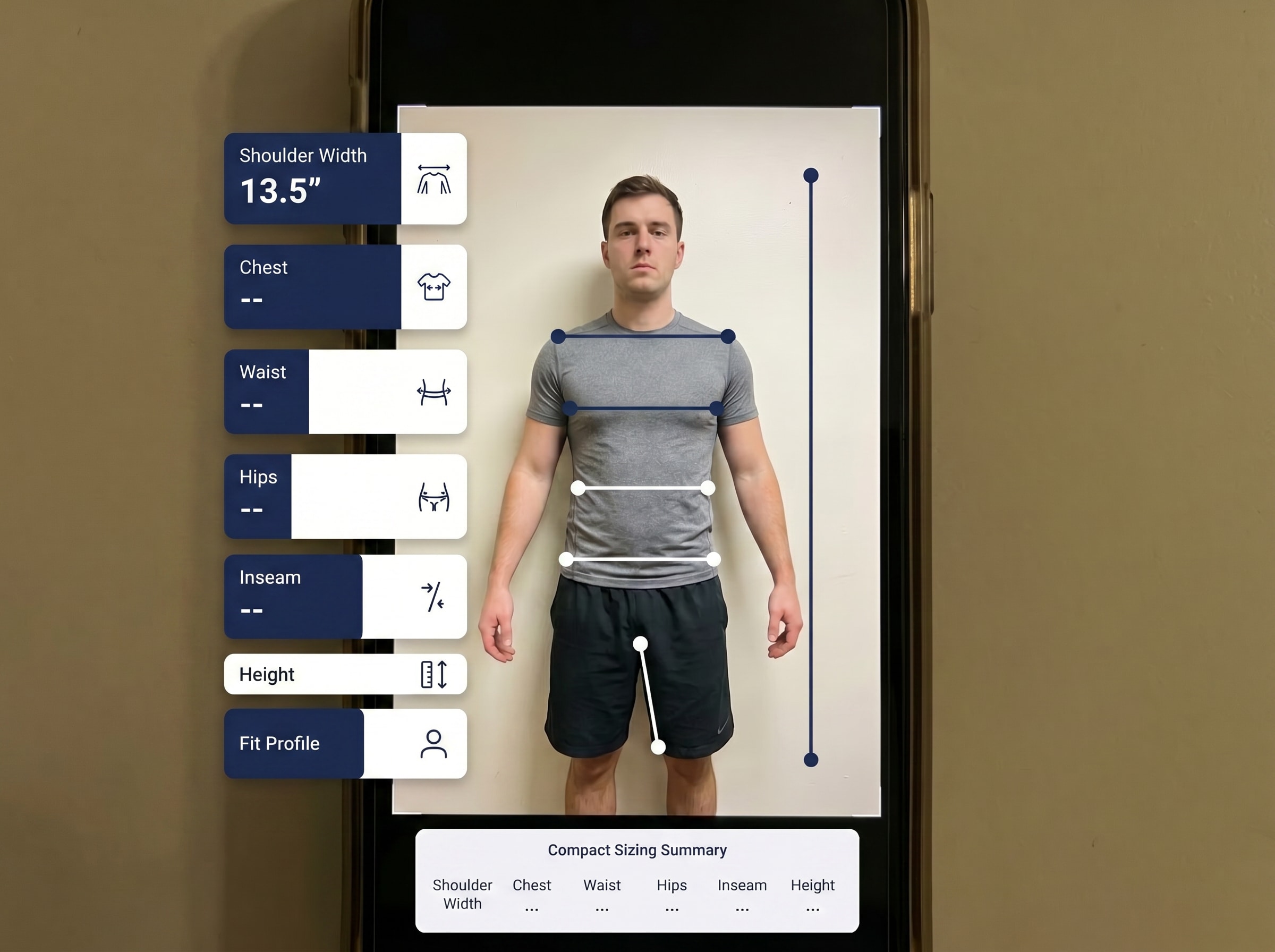
Body Measurement Profile

Measurement-style analysis is useful for sizing, fit checks, and body proportion reviews. The after image should show precise guides and measurement cues while staying visually clean and consumer-friendly.

Why Use Media.io

Research-Aligned Scenario Depth

Media.io structures body analysis ai outputs around high-intent scenarios from real keyword research, including AI Body Fat Estimate Scan, Body Shape Analysis for Styling, Posture Alignment Review, so users can review targeted results instead of one generic score and quickly identify actionable differences.

Visual Before/After Evidence

Each result is presented with side-by-side before/after proof and report-style overlays, making changes observable and easier to explain. This workflow turns body analysis ai from a vague concept into concrete visual evidence users can compare confidently.

Model + Quality Control

Powered by Nano Banana Pro (Flagship) and Nano Banana 2. Includes specialized models like Media 2.0 (Pro-grade character consistency & clothing control), Seedream 5.0 Lite, and Media 1.0. Combined with prompt-based control, Media.io helps teams generate consistent body analysis ai visuals that are usable for landing pages, content testing, and repeatable case-based demos.

Private, Browser-Based Workflow

Media.io is a web-based tool that works on any device with a browser (Windows, Mac, iOS, Android). Uploaded images are automatically deleted from our servers after 7 days to ensure user privacy. Free users can use free credits. This keeps the body analysis ai workflow accessible for first-time users while still supporting deeper usage when higher output volume or cleaner exports are needed.

Golden Ratio Face Calculator

Want a more ratio-focused face analysis? Try our Golden Ratio Face Calculator to compare your facial measurements against classic beauty proportion references and get a more number-driven visual breakdown.

How to Use It

01

Upload your photo

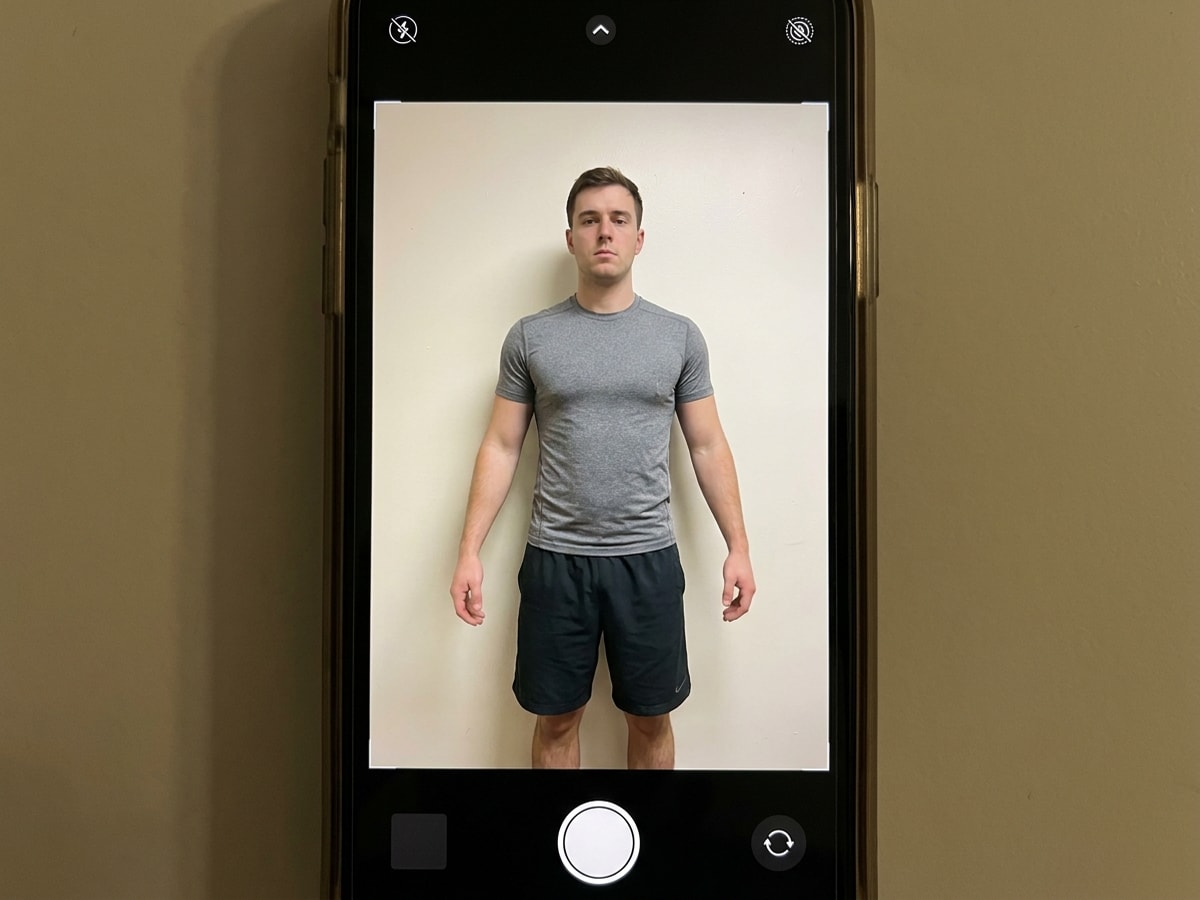
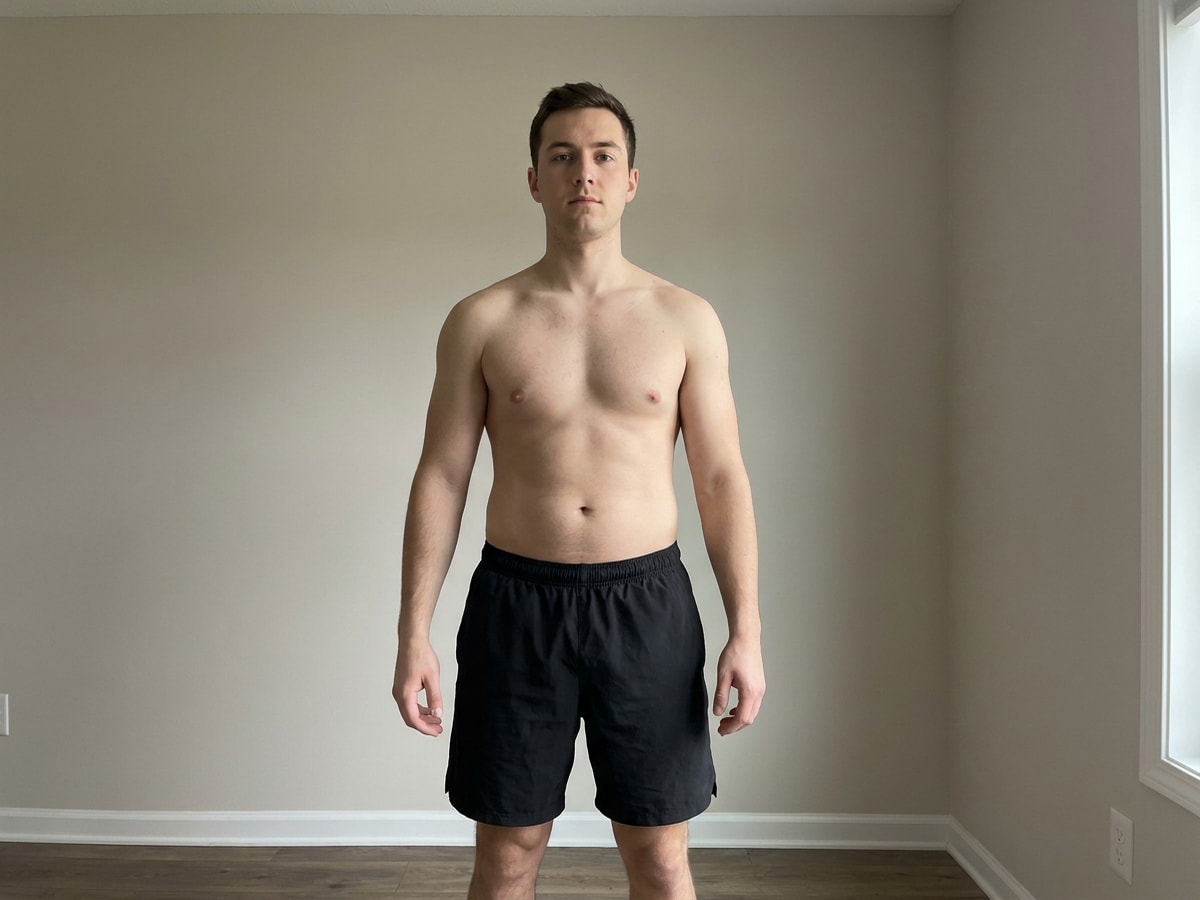
Open Media.io's AI Image to Image and Add a clear front, side, or back image in JPG, JPEG, or PNG format to give Media.io a strong visual reference.

02

Describe the analysis

Enter the result you want, such as body fat estimate styling, posture alignment review, body shape classification, or a measurement-style overlay.

03

Generate and download

Media.io analyzes the photo and creates a polished result image you can review, regenerate, or download in your preferred resolution.

What Users Say

user
@sarah_stories

Lifestyle Creator

star star star star star

""I uploaded a front photo and got a posture-and-shape visual I could actually compare week to week."" One user used Media.io for progress check-ins and generated two versions from the same gym photo: one focused on posture lines and one on symmetry scoring. They said the overlays made shoulder tilt and waist balance easier to notice than in the original image alone.

Body Analysis AI FAQ

1. How does the body scanner work?
faq

A body analysis AI tool works by analyzing visible body proportions, contours, and posture from uploaded photos to estimate measurements and body-shape traits. In Media.io’s web-based workflow, you upload a clear JPG, PNG, or JPEG image in your browser and the tool processes it online on desktop or mobile.

Body analysis AI can provide a useful visual estimate, but it is not as accurate as medical-grade methods such as DEXA, calipers, or professional assessment. Accuracy depends heavily on photo quality, lighting, clothing, pose, and whether you provide clear reference angles.

Yes, body analysis AI can estimate body fat percentage from a photo, but it should be treated as an approximation rather than a clinical result. For the most reliable estimate, use clear full-body images with consistent lighting and minimal loose clothing.

Yes, body analysis AI can often identify general body shape categories from a photo by comparing visible proportions such as shoulders, waist, and hips. Results are usually best with a straight posture and a clear front view, and they should be used as guidance rather than a medical judgment.

Yes, Media.io offers free credits, so you can try a body analysis AI tool at no cost before upgrading. If you need more usage or watermark-free high-resolution downloads, you can check the available plans on the Media.io pricing page. See Media.io pricing .

Yes, Media.io is designed with privacy in mind, and uploaded images are automatically deleted from our servers after 7 days. For sensitive body analysis AI images, it is still smart to upload only the photos you need and avoid sharing unnecessary personal details.

Yes, Media.io body analysis AI works in a web browser, so you can use it on iPhone, Android, Windows, and Mac without needing a separate app. A stable internet connection and a clear uploaded photo are usually all you need.

A clear front photo is usually the minimum needed for body analysis AI, but side and back photos can improve estimate quality by giving more complete body-proportion data. For the best results, use well-lit full-body images with a natural stance and consistent distance from the camera.

Media.io Online AI Tools Quality Rating:
vote 4.7 (162,357 Votes)