
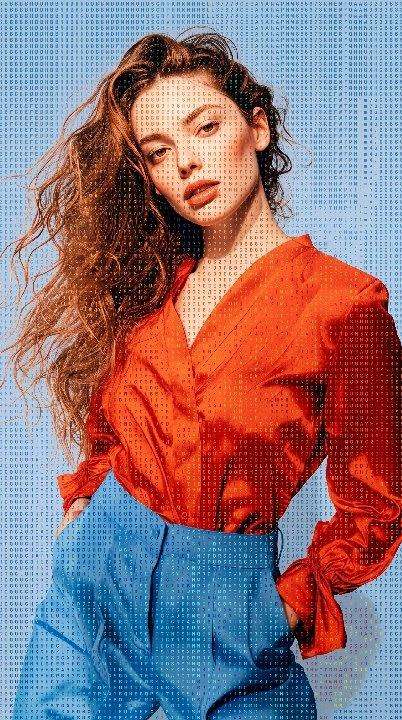
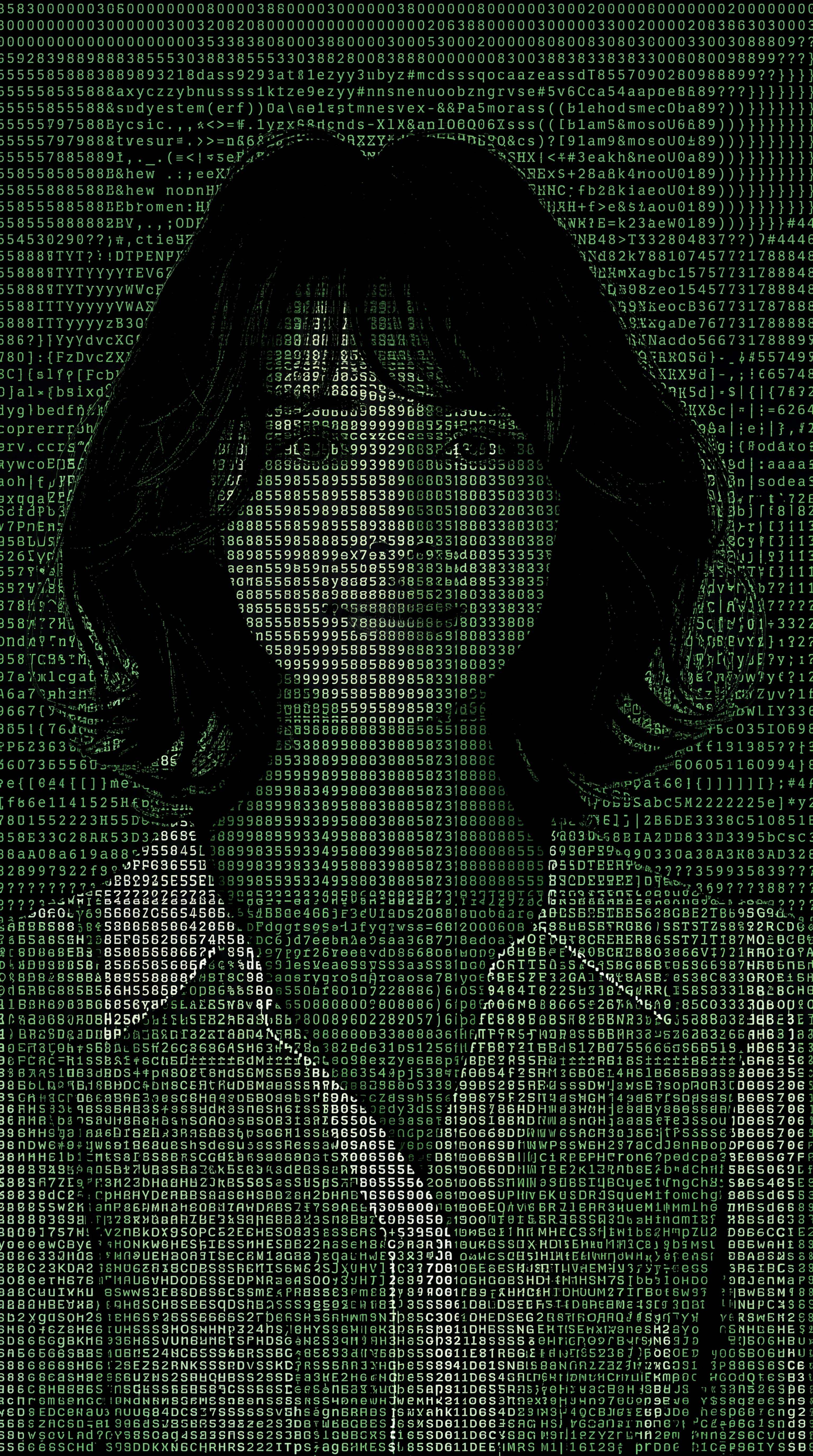
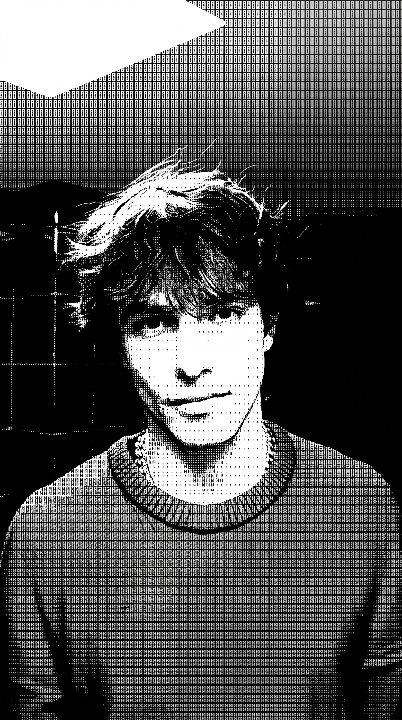
Contrast-Aware AI Image-to-ASCII Mapping
Our intelligent AI ASCII filter automatically analyzes highlights, midtones, and shadows to map appropriate character densities—preserving original facial details, depth, and shapes perfectly.
Entfalten Sie Ihr kreatives Potenzial und erleben Sie jetzt die Magie der Media-KI!Instantly transform your images into retro terminal-style masterpieces. Media.io’s advanced AI ASCII generator maps letters, symbols, and typographic characters to your photo, preserving recognizable shapes, high contrast, and retro computer aesthetic in seconds.
Photo to ASCII • Text character art • Retro computer style • No coding needed
Our intelligent AI ASCII filter automatically analyzes highlights, midtones, and shadows to map appropriate character densities—preserving original facial details, depth, and shapes perfectly.
Select from classical terminal matrices, raw code-styled letters, dense block patterns, or customized symbols to tailor the density, design style, and texture of your photo to ASCII art creation.
Download your custom character art as a high-resolution PNG image ready for social sharing, or export it as raw, editable, copy-pasteable text character art for code-terminals or forums.
Convert any image to ASCII art instantly inside your browser. No Python scripts, packages, or terminal knowledge required. Quick, simple, and fully watermark-free high-quality exports.
Add the image you want to transform. Use a clear portrait, object photo, pet image, or graphic with a recognizable subject so the AI can keep the main composition while recreating it in an ASCII-inspired style.
Describe the look you want, such as monochrome ASCII portrait, dense text characters, retro terminal art, pixel-style symbols, or cyberpunk ASCII effects. You can also specify the background, contrast, character density, and overall mood.
Generate your ASCII-style image, then refine the prompt if you want stronger character patterns, cleaner facial details, higher contrast, or a different retro look. Preview the result and download your finished AI ASCII artwork.
An AI ASCII art filter is an online utility that utilizes intelligent brightness and contrast mapping to reconstruct a standard raster photograph into a complex pattern of keyboard characters, symbols, and typographic units. This delivers an authentic retro terminal or retro computer-style art layout instantly.
Unlike generic filters, Media.io's AI-driven system maps high-contrast boundaries, shapes, and facial features. It assigns denser characters (like @, #, W) to deeper shadows and lighter elements (like dots, commas, spaces) to brighter portions, keeping the overall portrait details sharp and recognizable.
Yes! Media.io offers two export choices. You can copy the generated output to your clipboard as pure raw unicode text to paste inside terminal outputs, markdown files, and forums, or download it directly as a high-quality raster PNG image.
The online tool seamlessly supports major raster formats, including PNG, JPG, JPEG, and WebP. For optimal character generation, we recommend uploading high-contrast photos or portraits with clean background lines.
Yes, Media.io offers free signup credits so you can transform, customize, preview, and download your water-mark-free ASCII creations instantly online.






