Deine Werke werden nur 7 Tage lang gespeichert. Assets, die nach dem Upgrade auf einen Mitgliedschaftstarif erstellt werden, werden dauerhaft gespeichert.
Entfalten Sie Ihr kreatives Potenzial und erleben Sie jetzt die Magie der Media-KI!
KI-Mondlichtfilter für verträumte Nachtporträts und landschaftliche Bearbeitungen
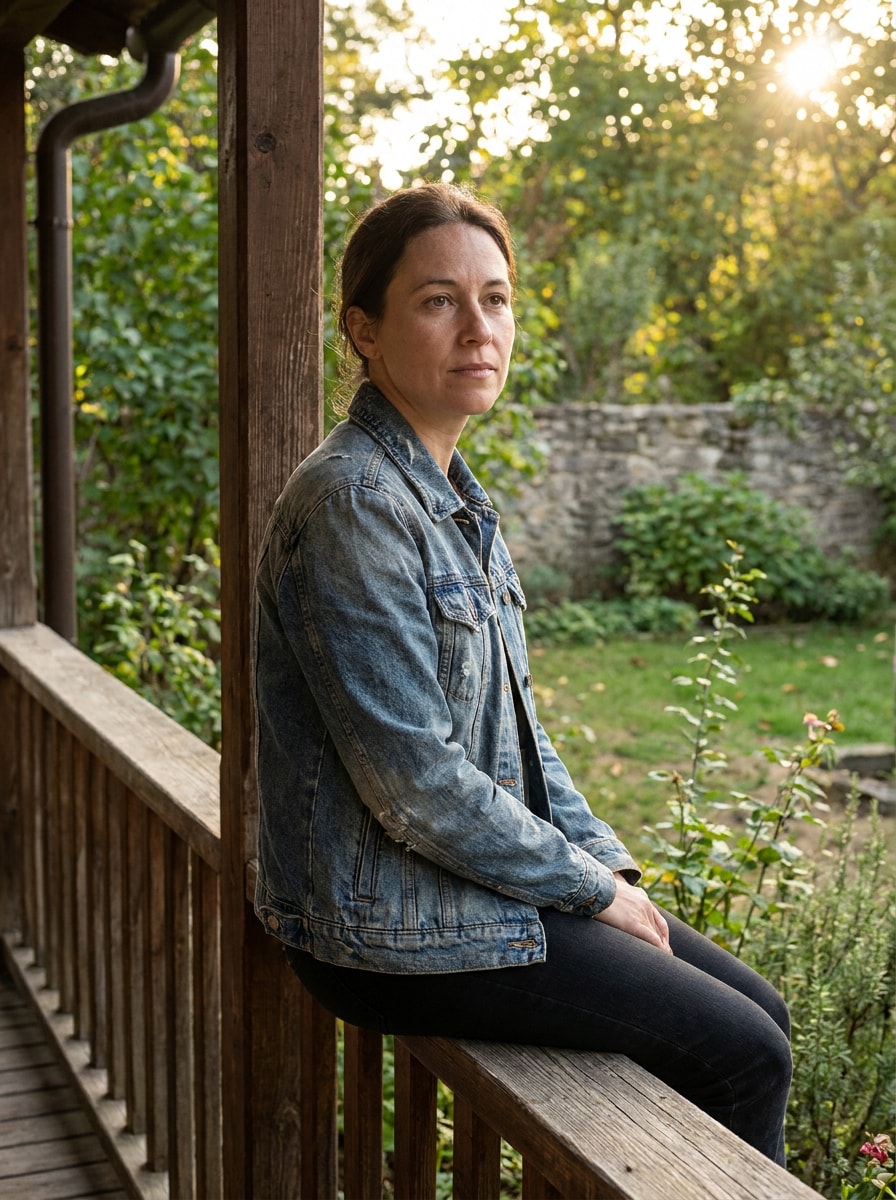
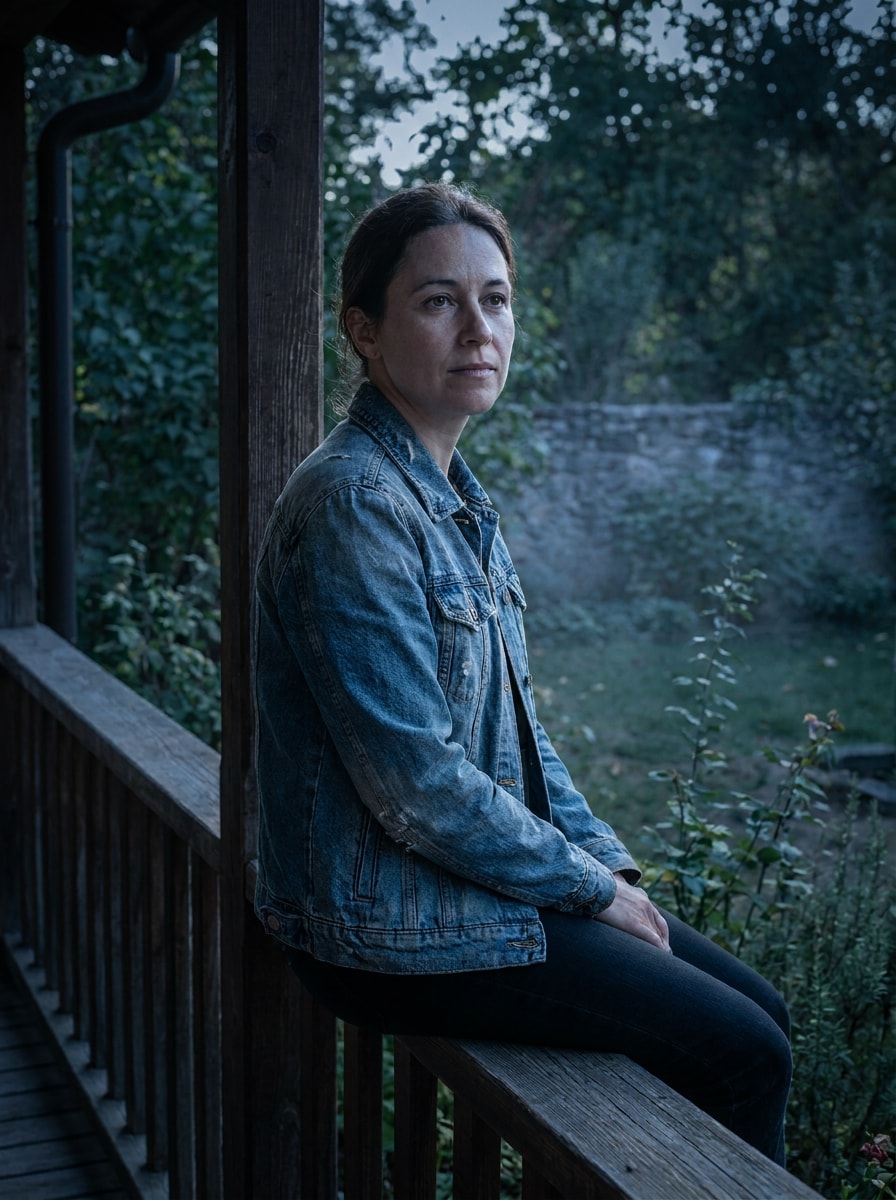
Verwandeln Sie Ihre Fotos in filmische Mondszenen mitKI-Mondlichtfilter. Fügen Sie eine natürlicheMondlicht-Foto-EffektZu Porträts, Paaren und Landschaften mit kühlen Blautönen, silbernen highlights, weichen Schatten und verträumter Nachtatmosphäre in einem schnellen browserbasierten workflow.
Geben Sie Ihre Idee ein-> KI entwirft sie. Kostenlos zu versuchen.
Überprüfen Sie diese Beispielanweisungen und passen Sie dann die Eingabedetails an, um mit diesem Mondlichtfilter bessere Ergebnisse zu erzielen.
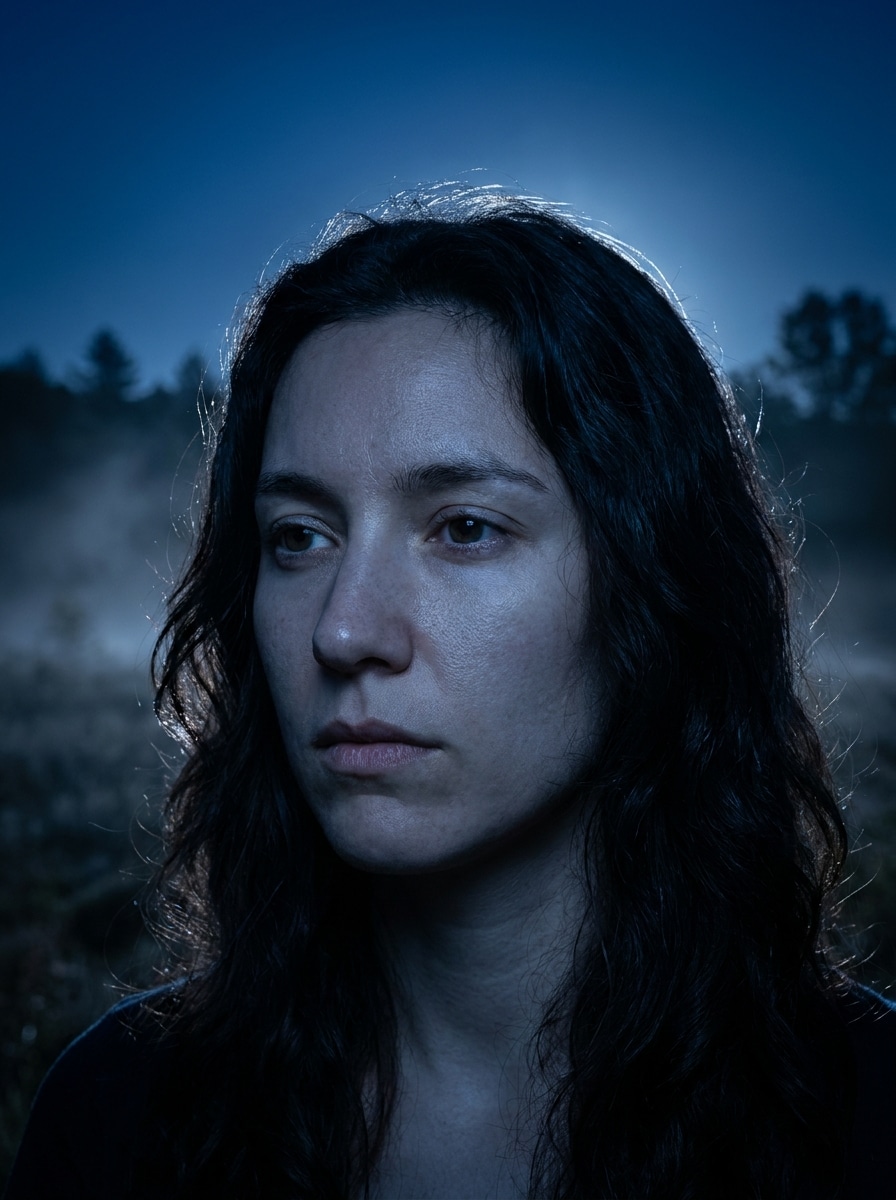
Blaue Stunde Mond Porträt
Verwenden Sie das hochgeladene Bild als Hauptmotiv und verwandeln Sie es in ein filmisches Mondporträt in der blauen Stunde. Fügen Sie kühle blaue Farbklassifizierung, weiche silberne highlights auf Gesicht und Haar, sanftes Mondglanz von einer Seite, realistische Hautstruktur, saubere Hintergrundtrennung, subtilen Nebel und polierte Details für Nachtfotografie hinzu.
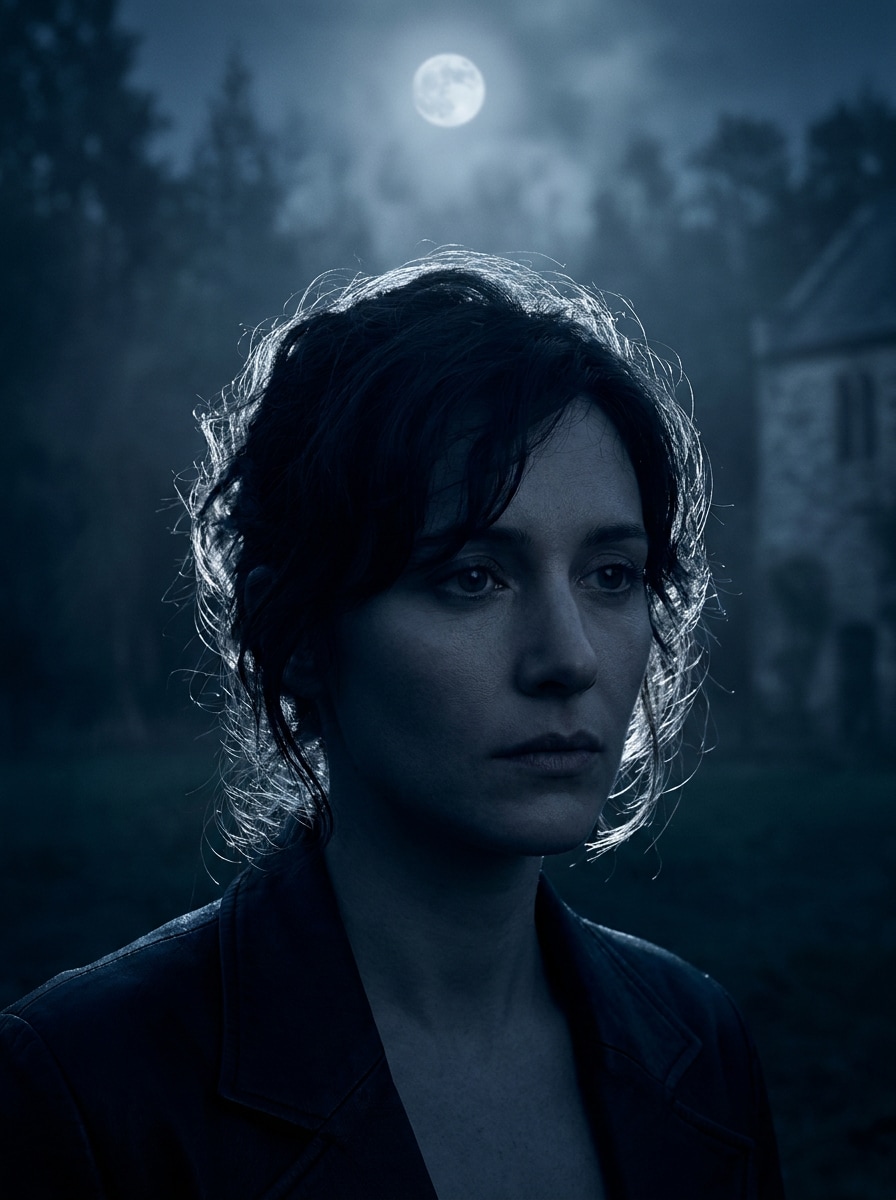
Lichtporträt mit silberner Felge
Verwenden Sie das hochgeladene Porträt als Motiv und wenden Sie eine realistische Mondlicht-Transformation mit hellem silbernen Randlicht um Haare und Schultern an. Schaffen Sie tiefe marineblaue Schatten, weiche Kontraste, leuchtende Kanten, kühle desaturierte Blautöne, raffinierte Hautdetails und eine elegante nächtliche Stimmung mit filmischer Klarheit.
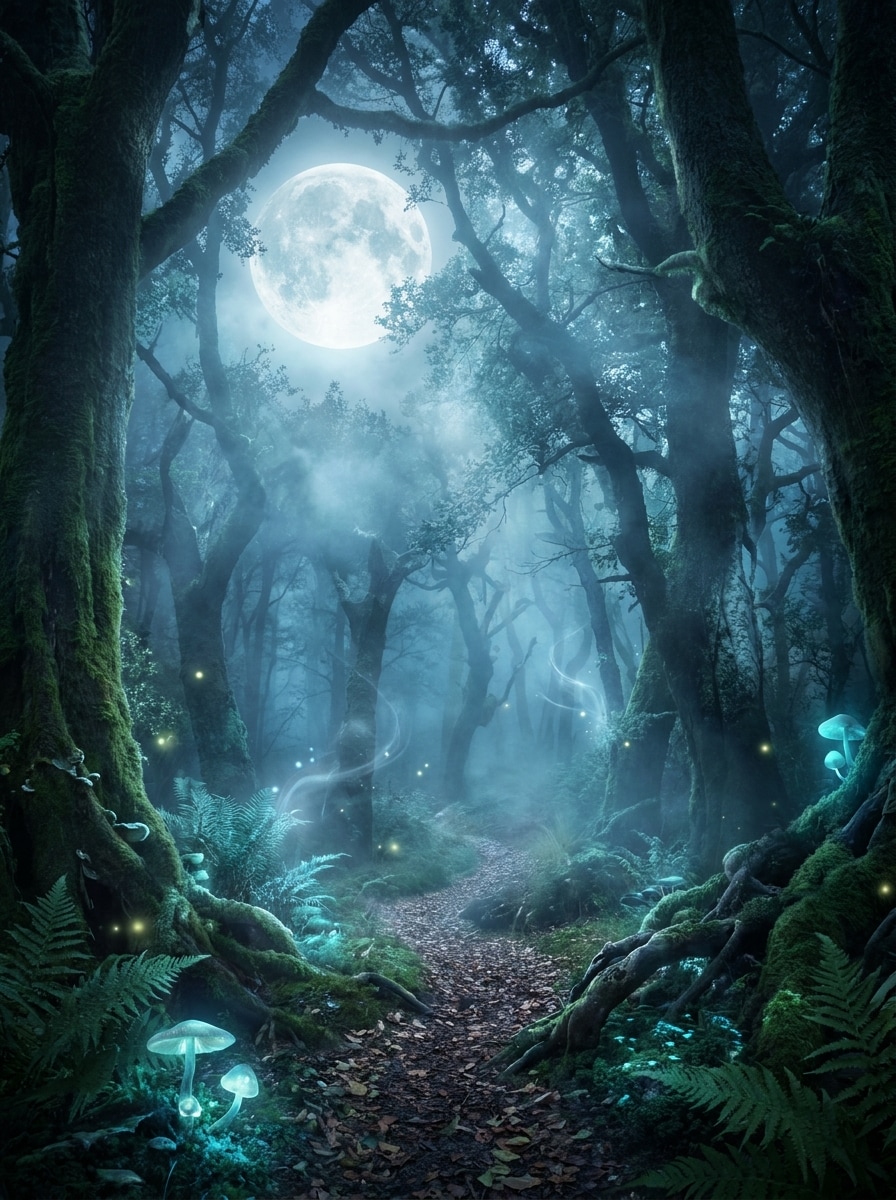
Verzauberter Wald Mondlicht
Verwenden Sie das hochgeladene Bild als Motiv und platzieren Sie es in einem verzauberten Wald unter Mondlicht. Fügen Sie einen leuchtenden Vollmond, neblige Bäume, ätherisches blaues Licht, weiche Nebelschichten, leuchtende highlights auf Kleidung und Haar, detailliertes Laub, magischen Realismus und eine ruhige Fantasy-Nacht-Atmosphäre hinzu.
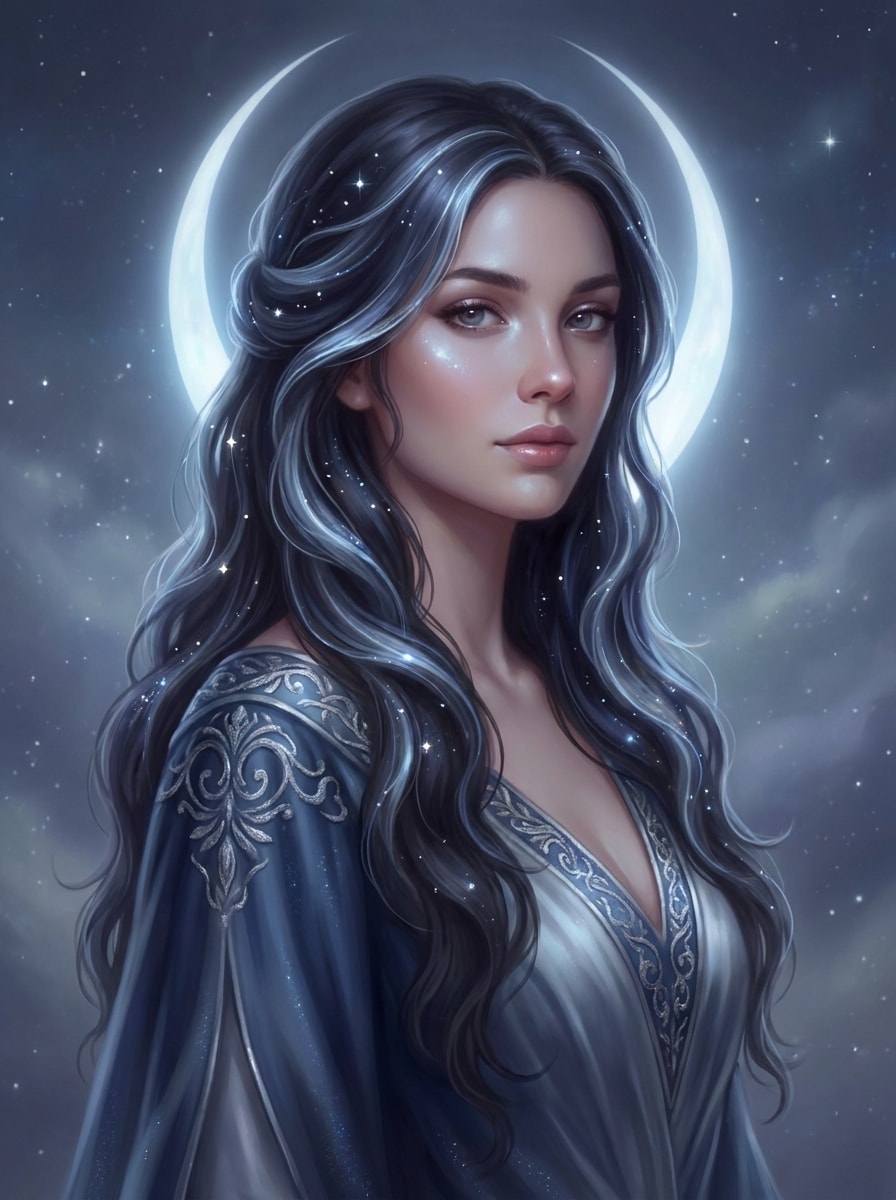
Mondgöttin ästhetisch
Verwenden Sie das hochgeladene Porträt als Basis und verwandeln Sie es in eine Mondgöttin-Szene. Fügen Sie einen leuchtenden halo, fließende silberblaue highlights, himmlische Funkeln, weiche leuchtende Haut, elegantes Fantasy-Styling, glatte Stoffstruktur, verträumten Kontrast und eine raffinierte mystische Atmosphäre mit realistischer Gesichtserhaltung hinzu.
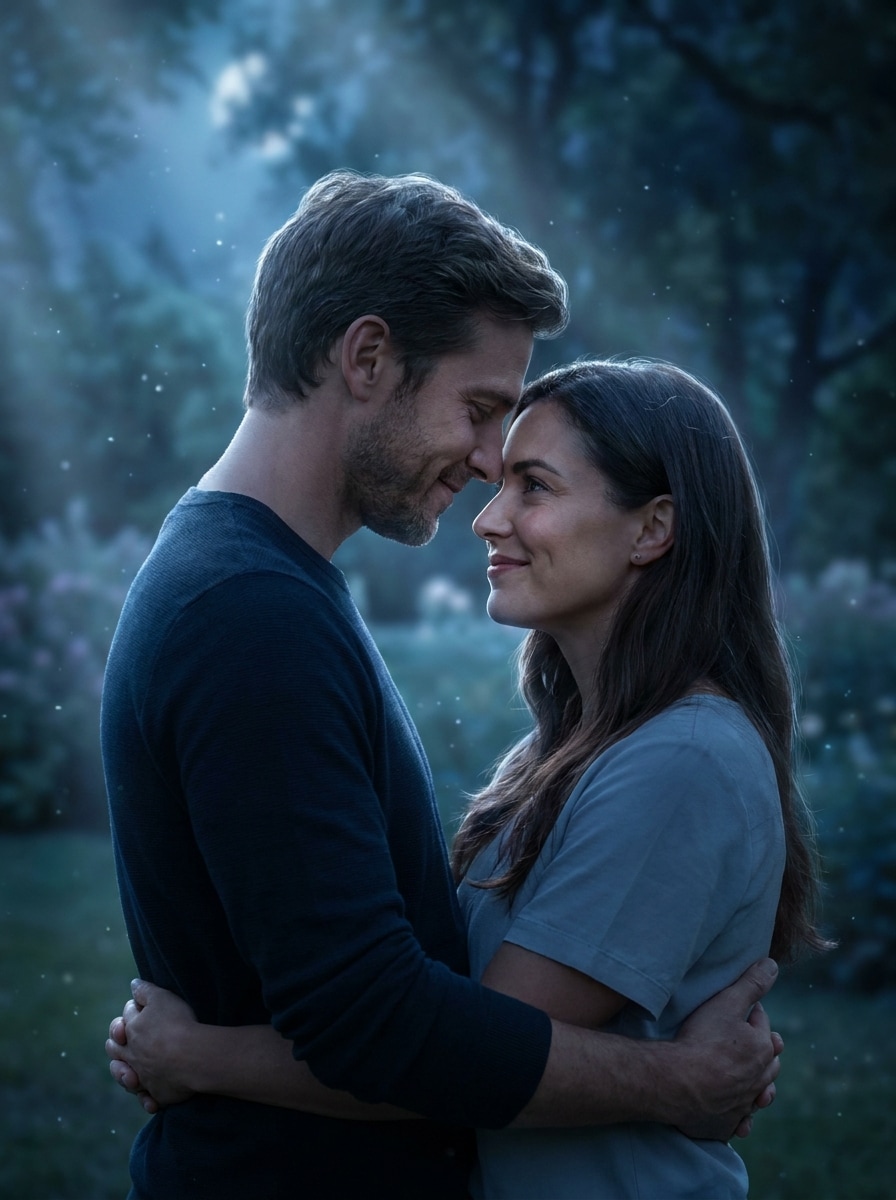
Romantisches Mondlicht Paar
Verwenden Sie das hochgeladene Paarfoto als Referenz und verwandeln Sie es in eine romantische Mondszene. Fügen Sie sanfte Mondstrahlbeleuchtung, kühle blaue Töne, sanftes Glitzer in der Luft, realistische Gesichtsdetails, verträumte Hintergrundverschwommung, silberne Kantenhighlights und eine emotionale filmische Stimmung hinzu, ohne natürliche Ausdrücke zu verlieren.
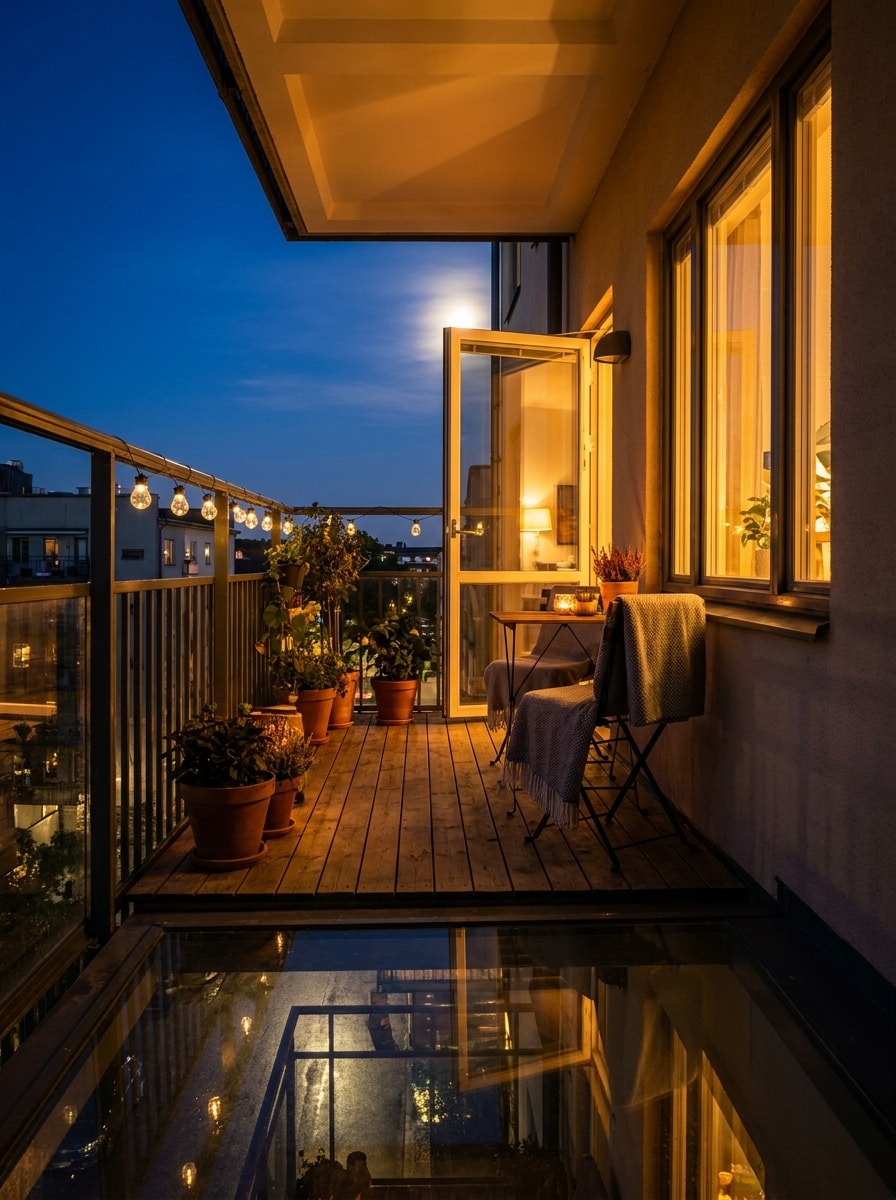
Balkon Nachtszene
Verwenden Sie das hochgeladene Bild als Motiv und verwandeln Sie es in eine gemütliche Balkonnachtszene. Erzeugen Sie tiefblaue Himmelstöne, sichtbares Mondlicht, sanfte Umgebungsschatten, warmes Innenlicht gemischt mit kühlem Außenlicht, realistische urbane Atmosphäre, subtile Reflexionen und ein poliertes filmisches finish.
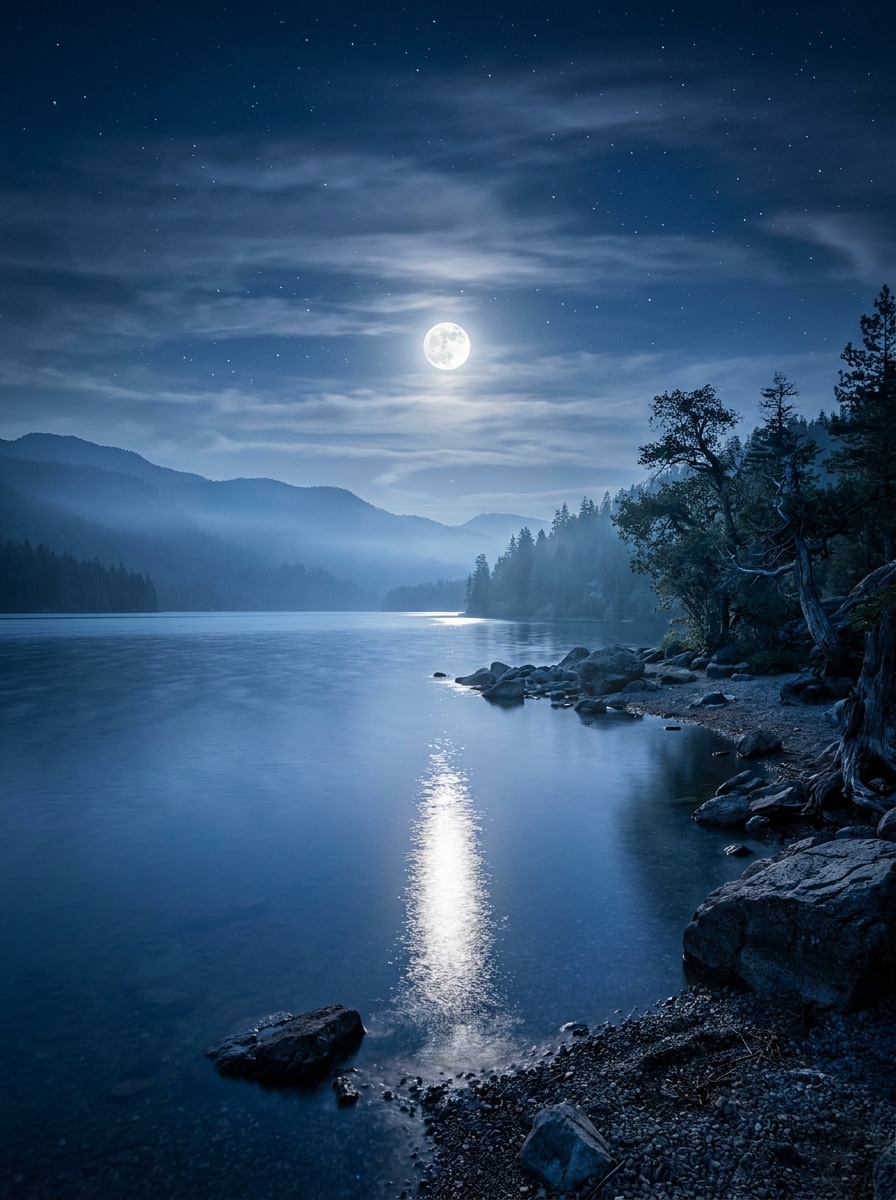
Mondlichter See Reflexion
Verwenden Sie das hochgeladene Landschaftsbild und verwandeln Sie es in eine ruhige mondbeleuchtete Seeszene. Fügen Sie einen hellen Vollmond, der sich auf ruhigem Wasser reflektiert, kühle blaue Töne, weichen Dunst, klare Details an der Küste, geschichteten Nachthimmel, sanften tonalen Kontrast und friedliche filmische Atmosphäre mit photorealistischer Klarheit hinzu.
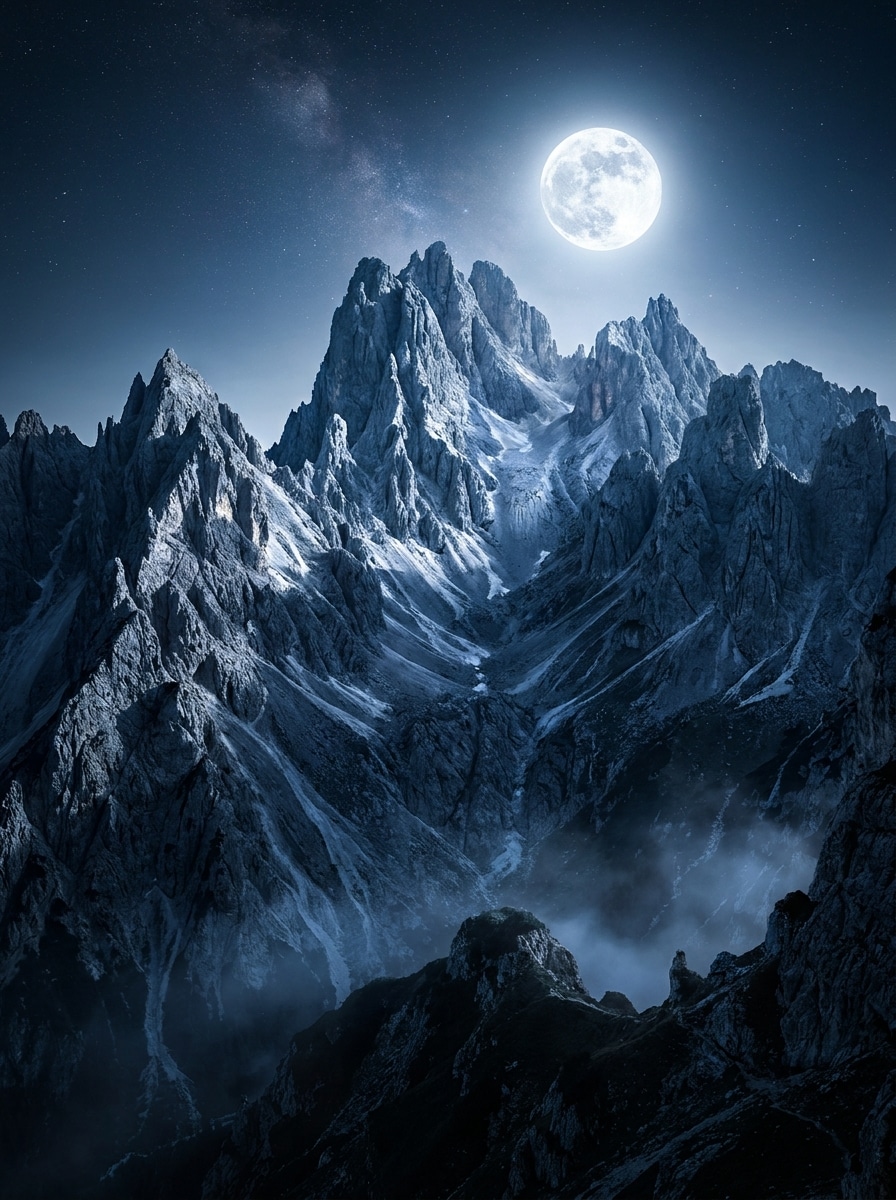
Berg Nacht Glow
Verwenden Sie das hochgeladene Berg-oder Reisefoto und fügen Sie dramatisches Mondlicht über die Szene hinzu. Erzeugen Sie einen hellen Mondglow, kühle Schatten, erhöhte Tiefe im Gelände, klare Felsentexturen, klaren Nachthimmel, schwachen Nebel und ein kühnes fotorealistisches finish mit filmischem Kontrast.
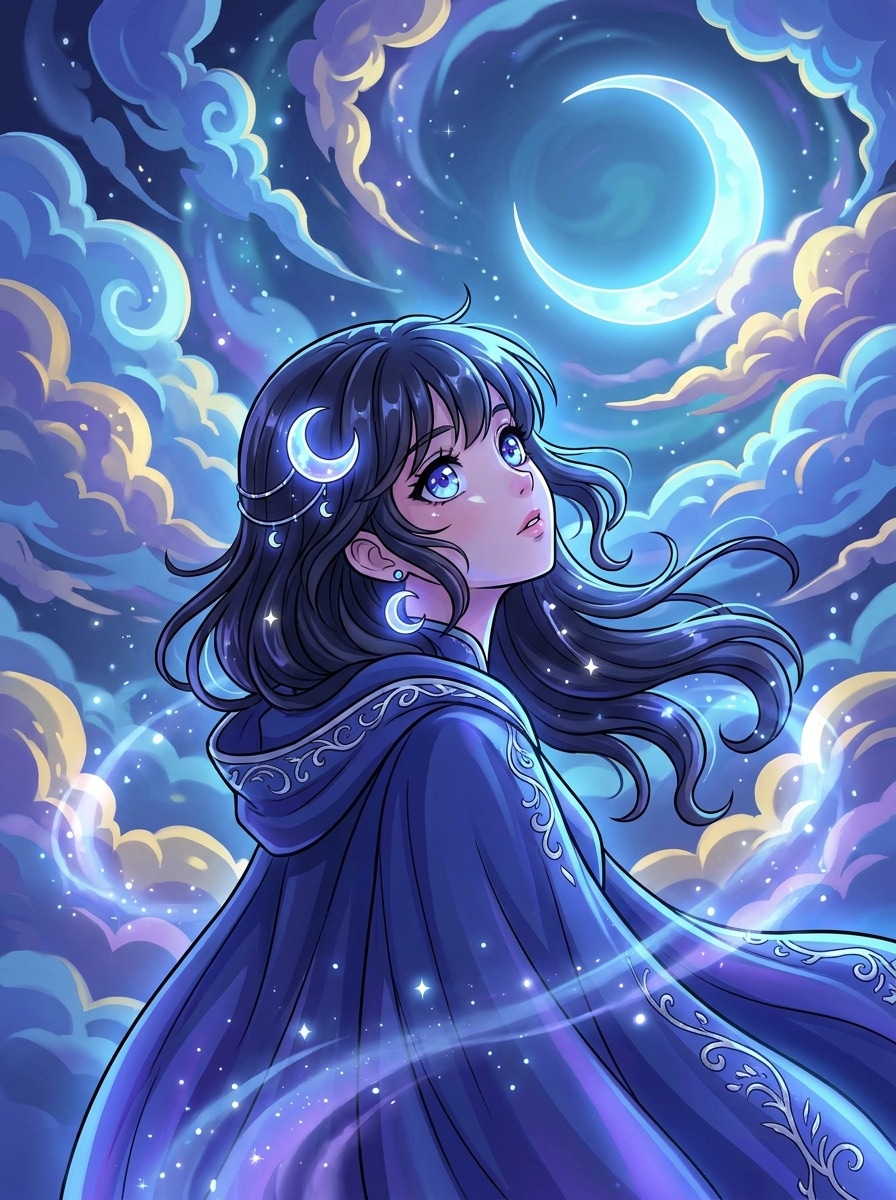
Anime Mondlicht Filter
Verwenden Sie das hochgeladene Bild als Motiv und wandeln Sie es in Anime-inspirierte Mondlichtkunst um. Fügen Sie einen leuchtenden Nachthimmel, weiche CEL-Schattierungen, blau-lila glow, ausdrucksstarke highlights, klare Umrisse, reflektierende Augen, magische Atmosphäre und polierte Komposition hinzu, während die ursprüngliche pose erkennbar bleibt.
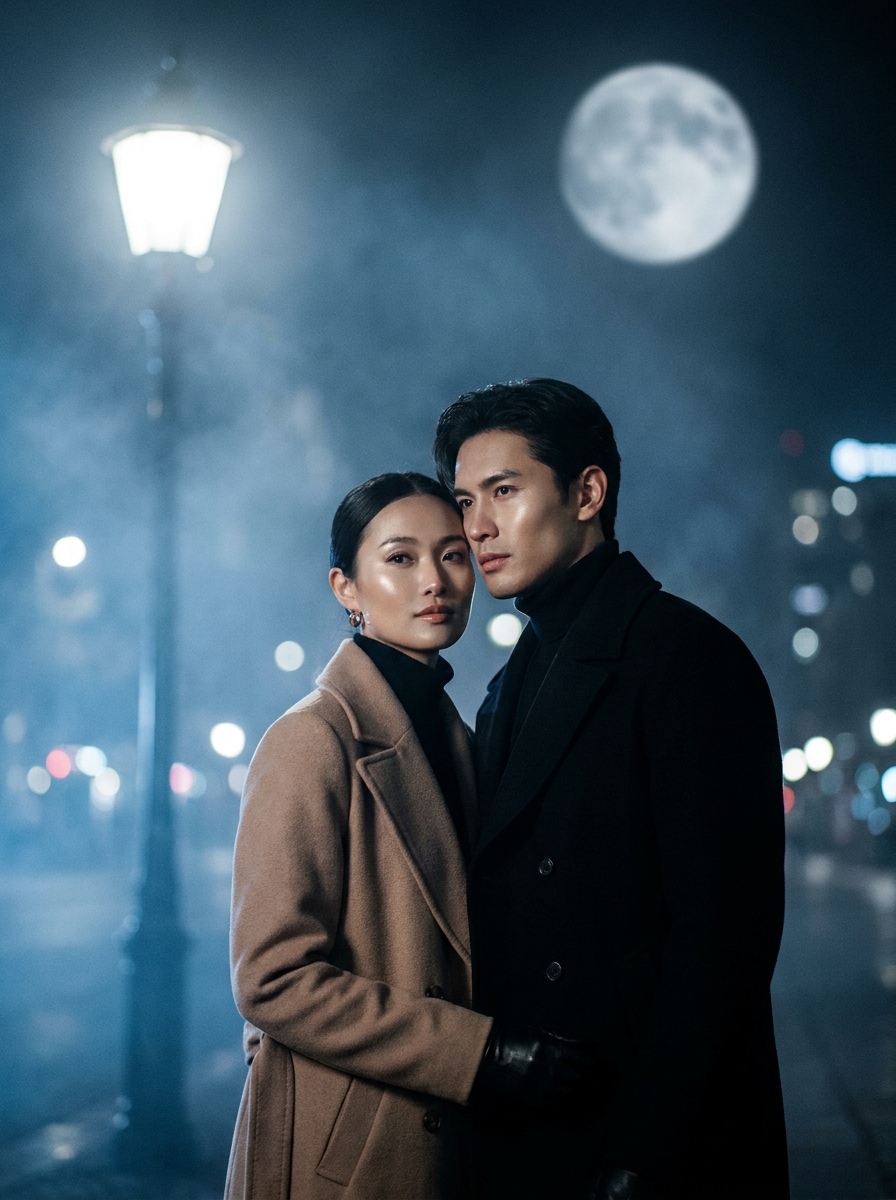
K-Drama Nachtszene
Verwenden Sie das hochgeladene Bild als Motiv und geben Sie ihm eine K-Drama-inspirierte Moonlit-Bearbeitung. Fügen Sie weiche filmische Blüte, kühle blaue Graduation, polierte Hauttöne, emotionale Nachtstimmung, sanfte Hintergrundbeleuchtung, subtiles street bokeh, eleganten Kontrast und ein erstklassiges redaktionelles finish hinzu.
Warum Media.io für Moonlight-Fototransformationen verwenden?
Natürliche Bearbeitungen im Mondlicht, geleitet von Ihrem eigenen Foto
Mit Media.io können Sie ein echtes Porträt, eine Paaraufnahme oder eine Landschaft hochladen und es in eine glaubwürdige Nachtszene umgestalten, während das Motiv erkennbar bleibt.Mondlicht Porträt filterDas Ergebnis fühlt sich persönlich statt generisch an.
Ein Thema in mehrere Stile umarbeiten
Wenn das Motiv nach der transformation immer noch wie sich selbst aussehen muss, hilft Media.io dabei, zentrale Identitätssignalen zu halten und gleichzeitig den visuellen Stil des endgültigen Mondlichtfilters zu aktualisieren, um ein saubereres Ergebnis zu erzielen.
Erzeugen Sie sauberere Ausgaben bis zu 4K
Wenn das endgültige Mondlichtfilter-Bild über eine kleine Vorschau hinaus wiederverwendet wird, hilft Media.io, schärfere Ergebnisse bis zu 4K zu liefern, sodass das Bild bei praktischer Design-und Präsentationsarbeit zuverlässiger bleibt.
Browserbasierte Bearbeitung für schnelle kreative Workflows
Einige visuelle Konzepte des Mondlichtfilters werden unterwegs entworfen und später an einem Schreibtisch fertiggestellt. Media.io hält diesen Prozess online, sodass Sie ohne zusätzliche Installationen oder Einrichtungen zum selben workflow zurückkehren können.
So verwenden Sie einen AI-Mondlichtfilter
Verwandeln Sie Ihre Worte in drei einfachen Schritten in atemberaubende Bilder und verfeinern Sie dann das Ergebnis, wenn Sie es weiter gehen möchten.
Schritt 1
Laden Sie Ihr Referenzbild hoch
Beginnen Sie mit einem klaren JPG-, PNG-oder JPEG-Porträt, Paarfoto, Reiseaufnahme oder Landschaft. Sauberere Beleuchtung und sichtbare Motivdetails helfen der KI, eine überzeugendere transformation im Mondlicht zu erzeugen.
Schritt 2
Beschreiben Sie die Änderungs-und Setzoptionen
Geben Sie den gewünschten Mondlicht-Stil ein, wie kühle blaue Töne, silbernes Licht, Nebel oder eine fantasievolle Nachtstimmung. Wählen Sie dann Ihr Modell, Seitenverhältnis, Bildanzahl und Qualitätseinstellungen für den endgültigen look aus.
Schritt 3
Generieren, herunterladen und weiter verbessern
Erstellen Sie mehrere Versionen, vergleichen Sie Stimmung und Realismus und laden Sie Ihr Lieblingsergebnis herunter. Sie können die Eingabeaufforderung verfeinern, einen stärkeren Nachtglanz ausprobieren oder neue Variationen generieren, bis sich die Szene richtig anfühlt.
Freischalten Sie das Potenzial des Mondlichteffekts
Erfahren Sie, wie Schöpfer diesen Moonlight-Filter für Inhalte, marketing und persönliche Projekte verwenden, und passen Sie dann jede Idee an die Zusammenfassung an.
Verwandeln Sie alltägliche Porträts in filmische Nachtaufnahmen
Verleihen Sie lässigen selfies oder professionellen Porträts eine reichere Nachtstimmung mit kühlen Schatten, silbernen highlights und weichem glow. Es ist eine schnelle Möglichkeit, stilisierte soziale Inhalte zu erstellen, ohne ein echtes Abendshooting einzurichten.
Traumhaftes Paar aufbauen und Geschichten erzählen
Erstellen Sie romantische Abendszenen für Jubiläumsbeiträge, Rollencover oder Moodboards, indem Sie Mondstrahlen, atmosphärische Unschärfe und emotionale Farbbewertung hinzufügen. Der Effekt trägt dazu bei, dass sich gewöhnliche Fotos polierter und denkwürdiger anfühlen.
Reise-und Naturfotos mit Nachtambiente neu gestalten
Verwandeln Sie Seen, Berge und Stadtansichten im Tageslicht in stimmungsvolle, landschaftliche Bilder für Hintergrundbilder, Poster oder kreative Projekte. Ein realistischer Mondlichteffekt kann sonst flachen Bildern im Freien Tiefe, Ruhe und dramatischen Kontrast verleihen.
Was Benutzer über diesen Mondlicht-Effekt sagen
Alyssa R.
Lifestyle-Schöpfer
"Großartig für traumhafte Porträtbearbeitungen"Ich wollte einen weichen Nachtlook für Instagram-Porträts, und dieses tool gab mir kühles blaues Licht und sanftes Glanz, ohne mein Gesicht falsch aussehen zu lassen. Der Vorher-und-Nachher-Unterschied war genau die Stimmung, die ich brauchte.
Markus T.
Reisefotograf
"Nützlich, um Tagesszenen in stimmungsvolle Landschaften zu verwandeln"Ich habe es auf einem Bergfoto im Tageslicht getestet und war überrascht, wie natürlich die Schatten und das Mondleuchten aussahen. Es ist eine schnelle Möglichkeit, nächtliche Konzepte vor schwereren Bearbeitungen auszuspielen.
Nina C.
Kurzform-Videoeditor
"Schneller Browser-Workflow"Das Beste für mich ist die Geschwindigkeit. Ich habe ein Referenzbild hochgeladen, die Stimmung beschrieben und in Minuten mehrere Mondlichtvariationen bekommen. Es ist sehr praktisch, wenn ich auffällige Cover für Rollen und Story-Beiträge brauche.
Devon S.
Digitaler Künstler
"Hilfreich für Fantasy-Stil-Konzepte"Ich habe es verwendet, um ein Mondgöttin-Konzept aus einem einfachen Porträt zu erstellen. Die silbernen highlights, der Nebel und die himmlische Atmosphäre kamen schön durch und ich konnte das Ergebnis mit schnellen Änderungen weiter verfeinern.
Entdecken Sie die beliebtesten KI-Video- und Bildeffekte
Ein KI-Mondlichtfilter ist ein Bild-zu-Bild-Bearbeitungseffekt, der ein bestehendes Foto in eine Szene im Nachtstil mit kühlen Tönen, weichen Schatten, Glanz und mondlichter Atmosphäre verwandelt. In Media.io laden Sie ein Referenzbild hoch und verwenden Sie KI-Aufforderungen und Stileinstellungen, um kinematische Nachtvariationen für Porträts, Paare und Landschaften zu erstellen.
2. Wie füge ich einem Foto mit KI einen Mondlichteffekt hinzu?
Laden Sie ein JPG-, PNG-oder JPEG-Bild auf Media.io hoch und beschreiben Sie dann den gewünschten look, wie z. B. blaue Stundenbeleuchtung, silbernes Licht, Nebel oder eine verträumte Nachtstimmung. Wählen Sie anschließend Ihre Modell-und Bildoptionen aus, generieren Sie Ergebnisse und verfeinern Sie die Eingabeaufforderung, bis die Mondlichtszene Ihrer Idee entspricht.
3. Ist dieser AI-Mondlichtfilter kostenlos zu verwenden?
Media.io bietet kostenlose credits an, damit Sie den Effekt vor dem Upgrade ausprobieren können. Wenn Sie mehr Generationen benötigen oder hochauflösende downloads ohne Wasserzeichen wünschen, können Sie die verfügbaren Pläne auf der Preisseite einsehen. Kostenlose Nutzer können kostenlose credits nutzen. Für mehr Nutzung können Benutzer einen plan auf der Preisseite abonnieren. Upgrade auf einen kostenpflichtigen plan auf der Preisseite für mehr credits und wasserzeichenfreie hochauflösende downloads.
4. Kann ich ein Tagesfoto in eine realistische Mondlichtszene verwandeln?
Sie können normalerweise schnell einen ersten Entwurf bekommen und ihn dann mit kurzen Eingabeänderungen verbessern, anstatt das gesamte design von Grund auf neu aufzubauen.
5. Wird der Mondlichtfilter auf Porträts und Landschaftsfotos funktionieren?
Media.io unterstützt motiv-gesteuerte Bearbeitungen wie Porträts und Paare sowie landschaftlich reizvolle Bilder wie Seen, Berge und Stadtansichten. Das macht es nützlich, egal ob Sie einen weichen Mondlicht-Porträtfilter für soziale Medien oder eine dramatischere nächtliche transformation für Reise-und Naturfotos wünschen.
6. Welche Bildqualität und Exportauflösung kann ich bekommen?
Media.io bietet mehrere Ausgabeoptionen, einschließlich 1K-, 2K-und 4K-Auflösungseinstellungen. Sie können auch Seitenverhältnisse wie 1:1, 9:16, 16:9, 4:3 und 3:4 wählen, was bei der Vorbereitung von Moonlit-Bearbeitungen für Social-Beiträge, Hintergrundbilder, covers oder andere kreative layouts hilft. Kostenlose Benutzer können Wasserzeichen haben.
Über den KI-gestützten Online-Mondlichtfilter hinaus