Combine People into One Photo Naturally
Media.io helps you ai combine people into one photo with more natural face placement, body proportion, and spacing. It is built for realistic joint-photo creation instead of manual layer-by-layer editing.
 Nano Banana Pro
 Entfalten Sie Ihr kreatives Potenzial und erleben Sie jetzt die Magie der Media-KI!
Use ai joint photo maker to combine people who were never in the same picture into one realistic image. Upload portraits, let AI align faces, lighting, and scene composition, then generate a natural-looking joint photo faster than manual cutout editing.
Upload photos and create a realistic joint image.
| Style | AI Joint Photo Maker Prompt | Before → After | Copy |
|---|---|---|---|
|
Sweet Couple Birthday Photoshoot
#couple
#birthday
#aesthetic
|
Playful sweet couple in blue-themed birthday photoshoot, soft film grain vignette dreamy ins style, pastel blue silver decorations candle glow, girl in strapless blue dress lace gloves or similar holding lollipop to boy's mouth or winking playfully, boy leaning in smiling close, intimate fun eye contact, blue balloons white pearl cake around, ethereal soft lighting Korean viral aesthetic, detailed realistic faces 100% accurate from reference no changes, joyful romantic mood, no text |
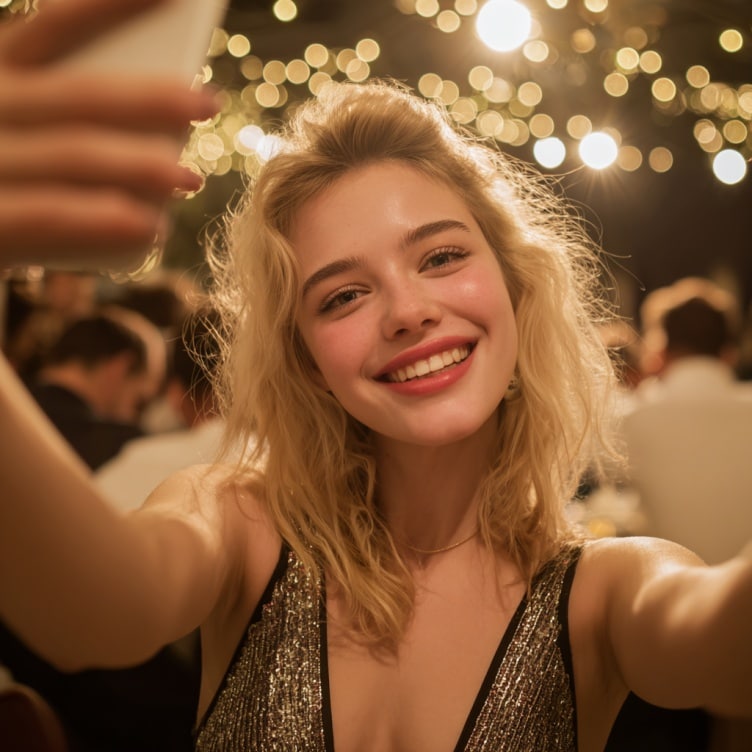
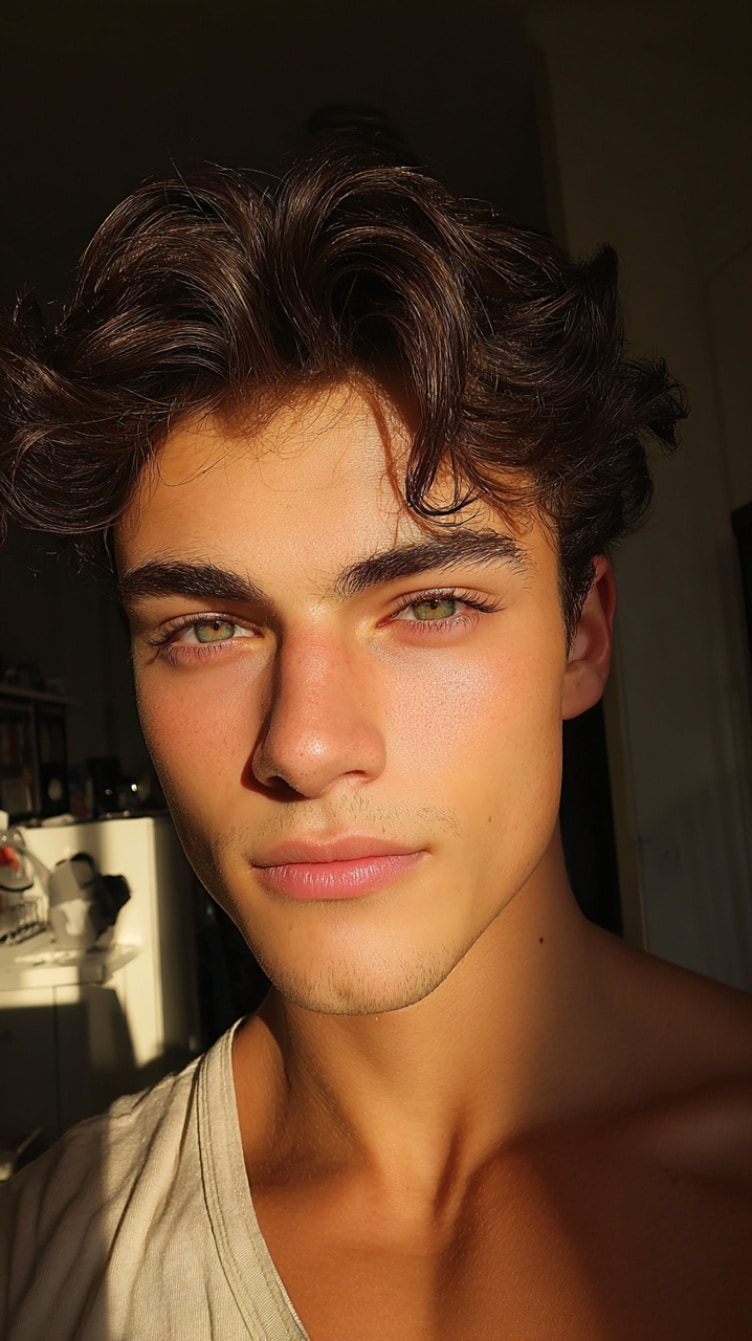
→
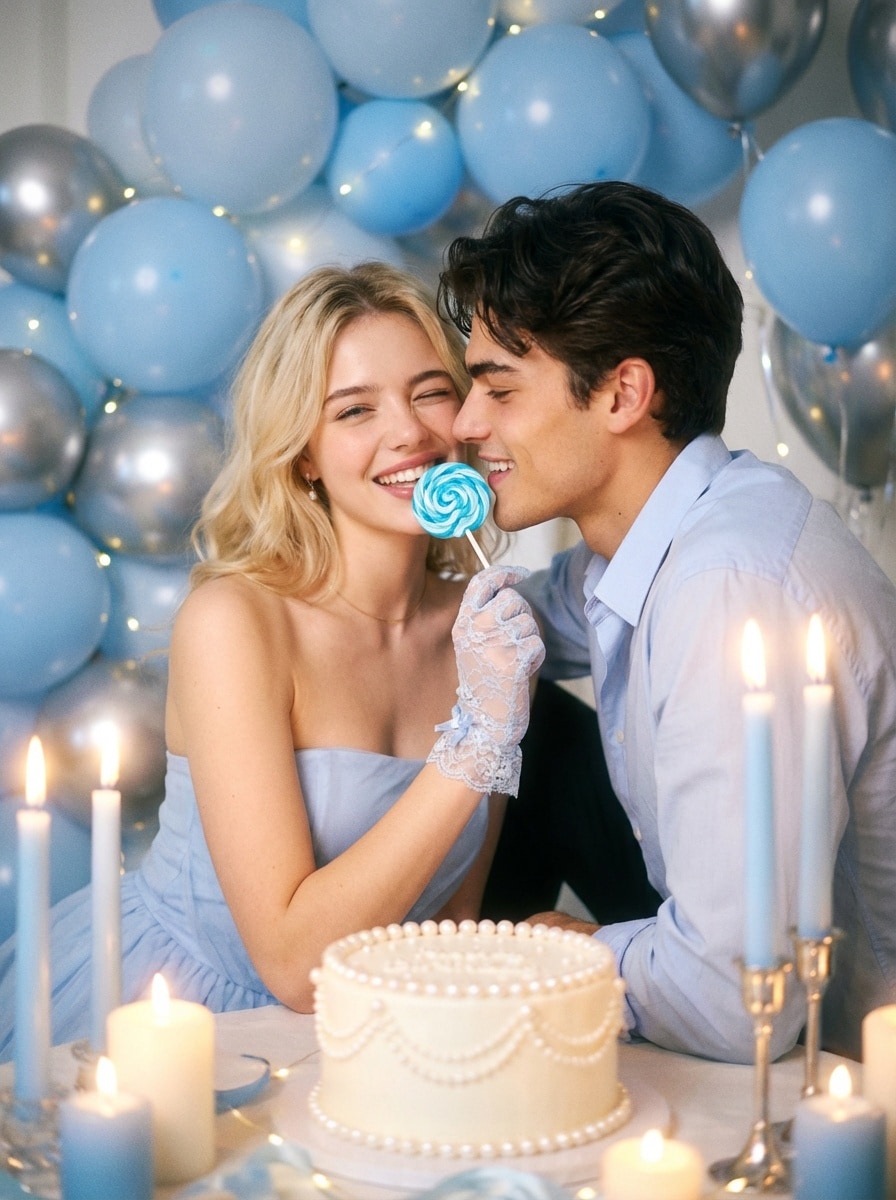
|
|
|
Luxury Business Portrait
#business
#editorial
|
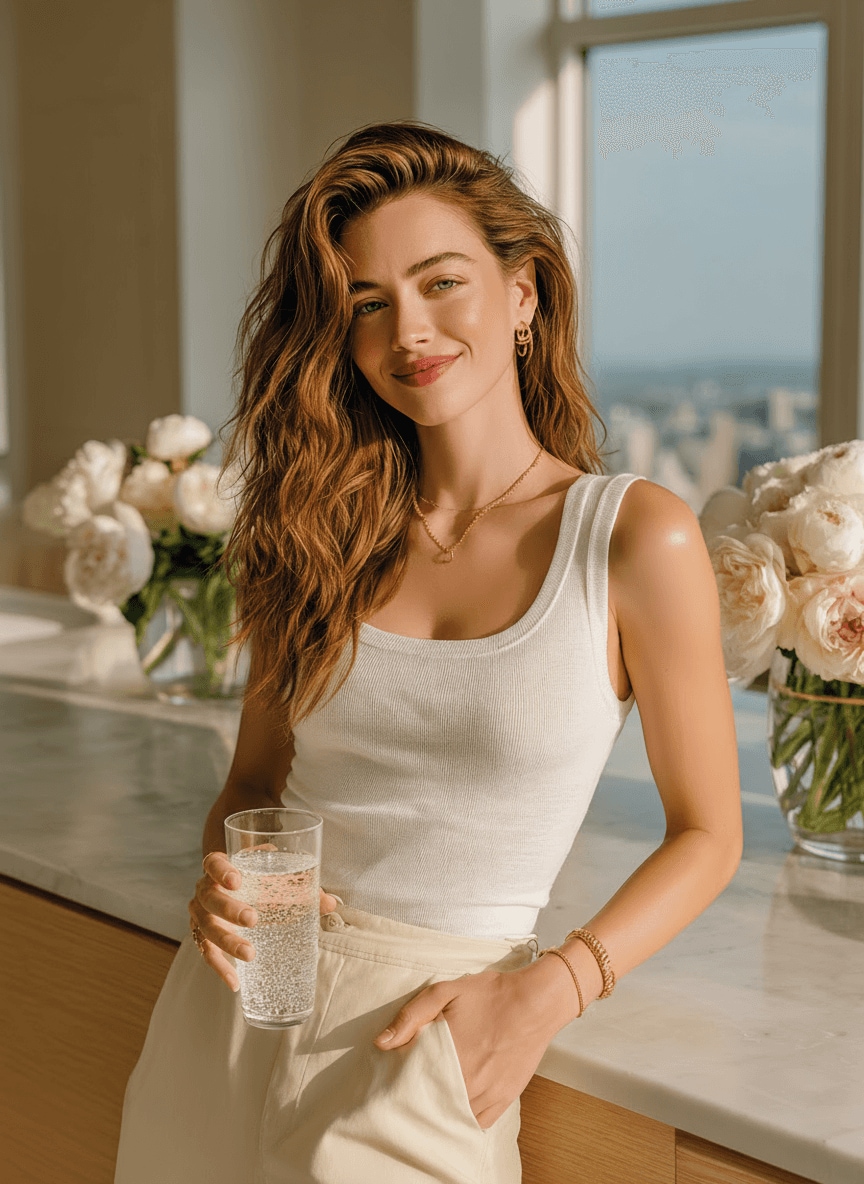
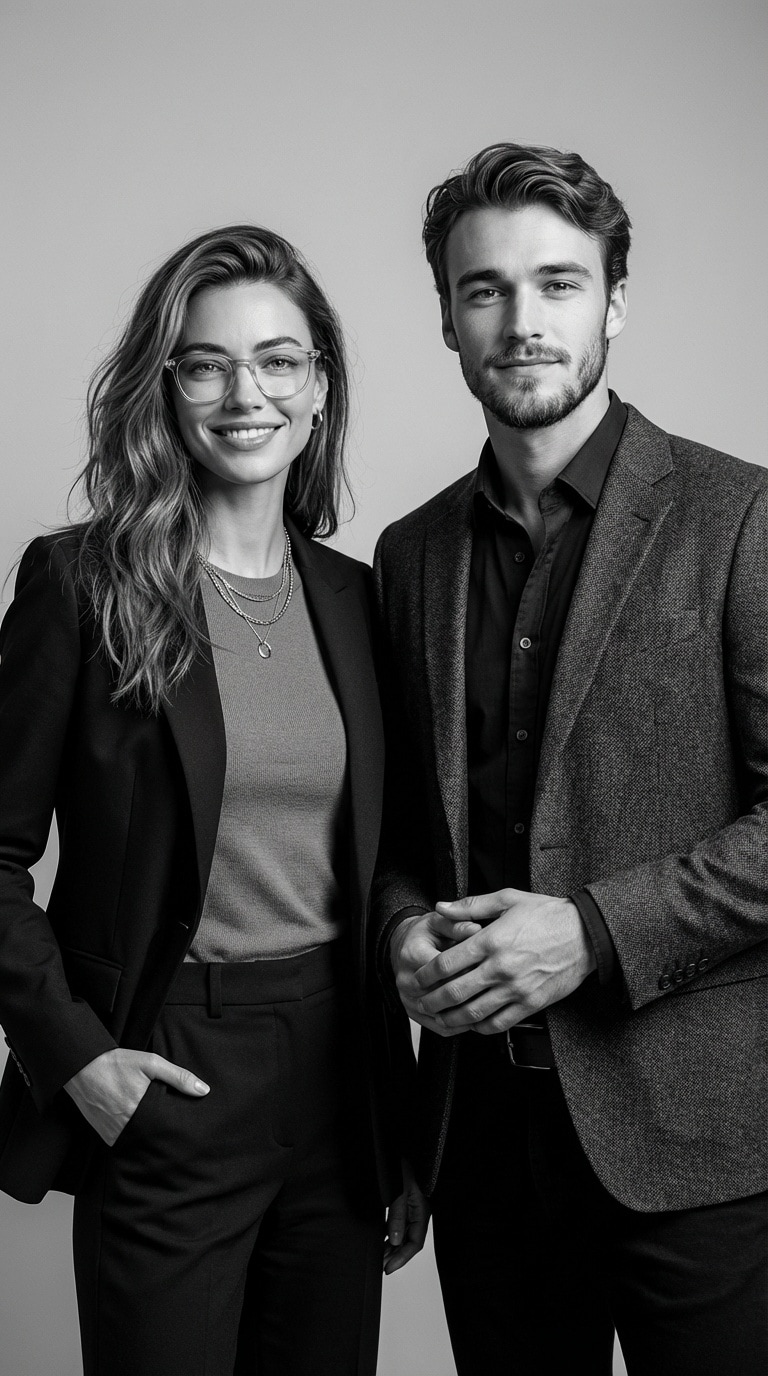
Create a black and white professional portrait of these two individuals standing side by side as co-owners of a luxury construction and design firm. Clean neutral background. Do not alter their facial structure, eye shape, or defining features. Preserve exact likeness from the original photos, especially of the males eyes. Maintain original eye spacing, brow shape, and facial proportions. The woman must retain her glasses exactly as shown in the original image. Do not remove or modify the glasses. Keep natural reflections and realistic detail. The male is 6’ tall and the female is 5’10” tall for reference. Wardrobe: refined business casual in darker neutral tones. Lighting: soft directional light with gentle contrast and depth. Mood: confident, grounded, established, understated, sophisticated, stylish. Style: timeless editorial portrait suitable for a luxury architectural firm. Ultra-realistic, no AI artifacts, print-ready quality. |
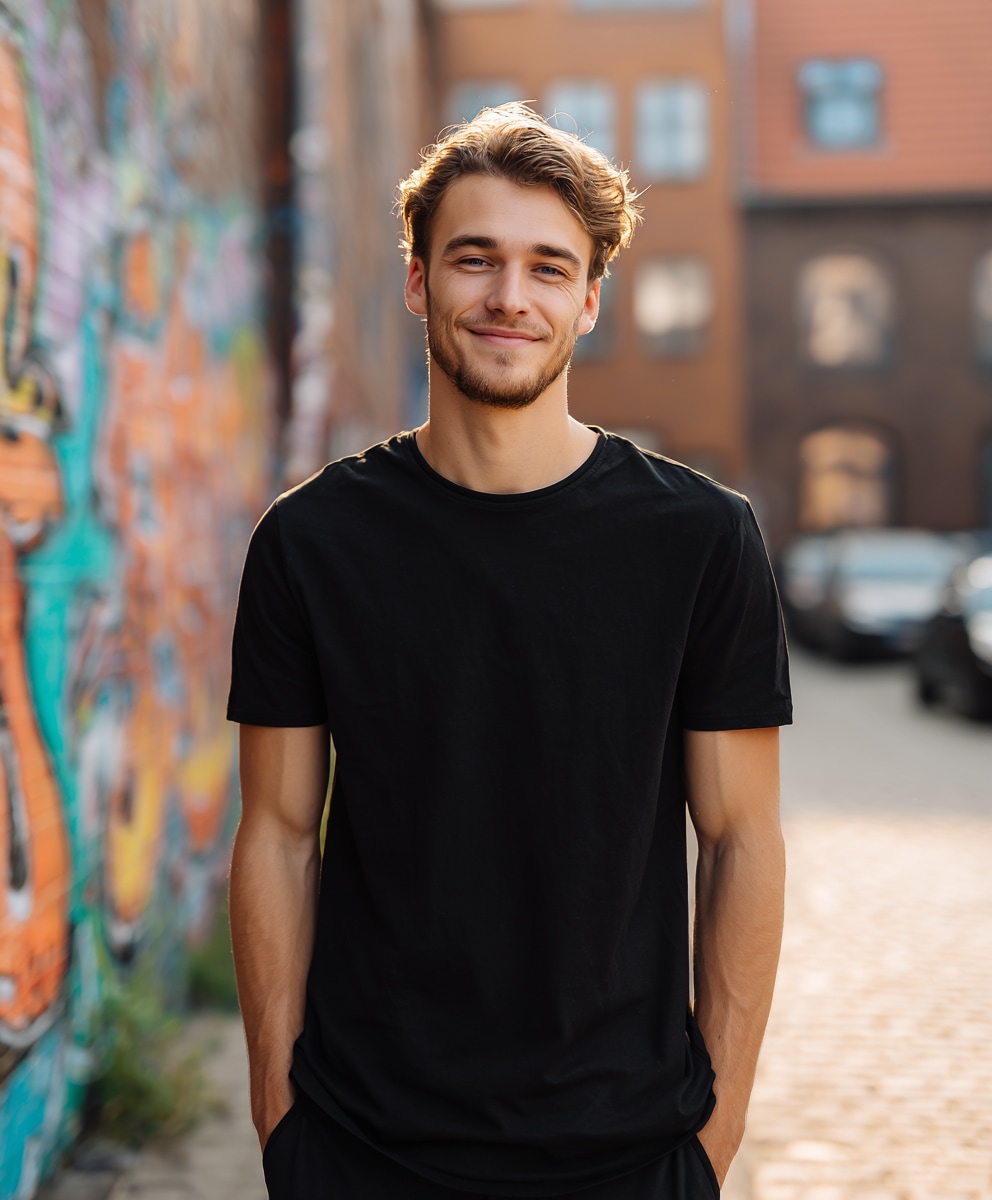
→
|
|
|
Family Group Portrait
#family
#group
|
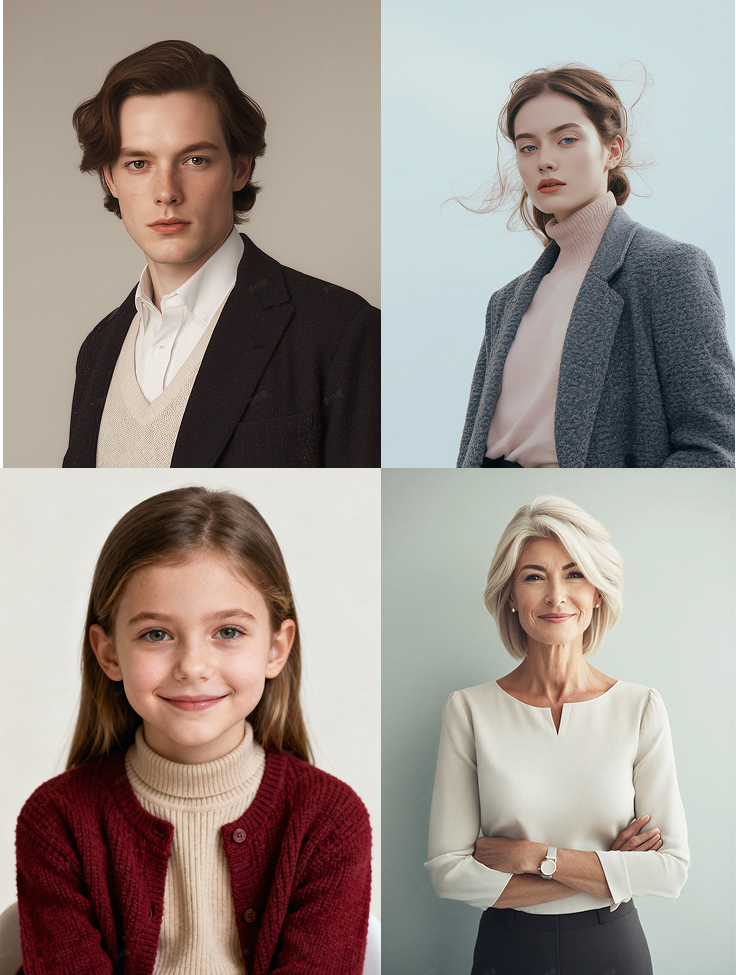
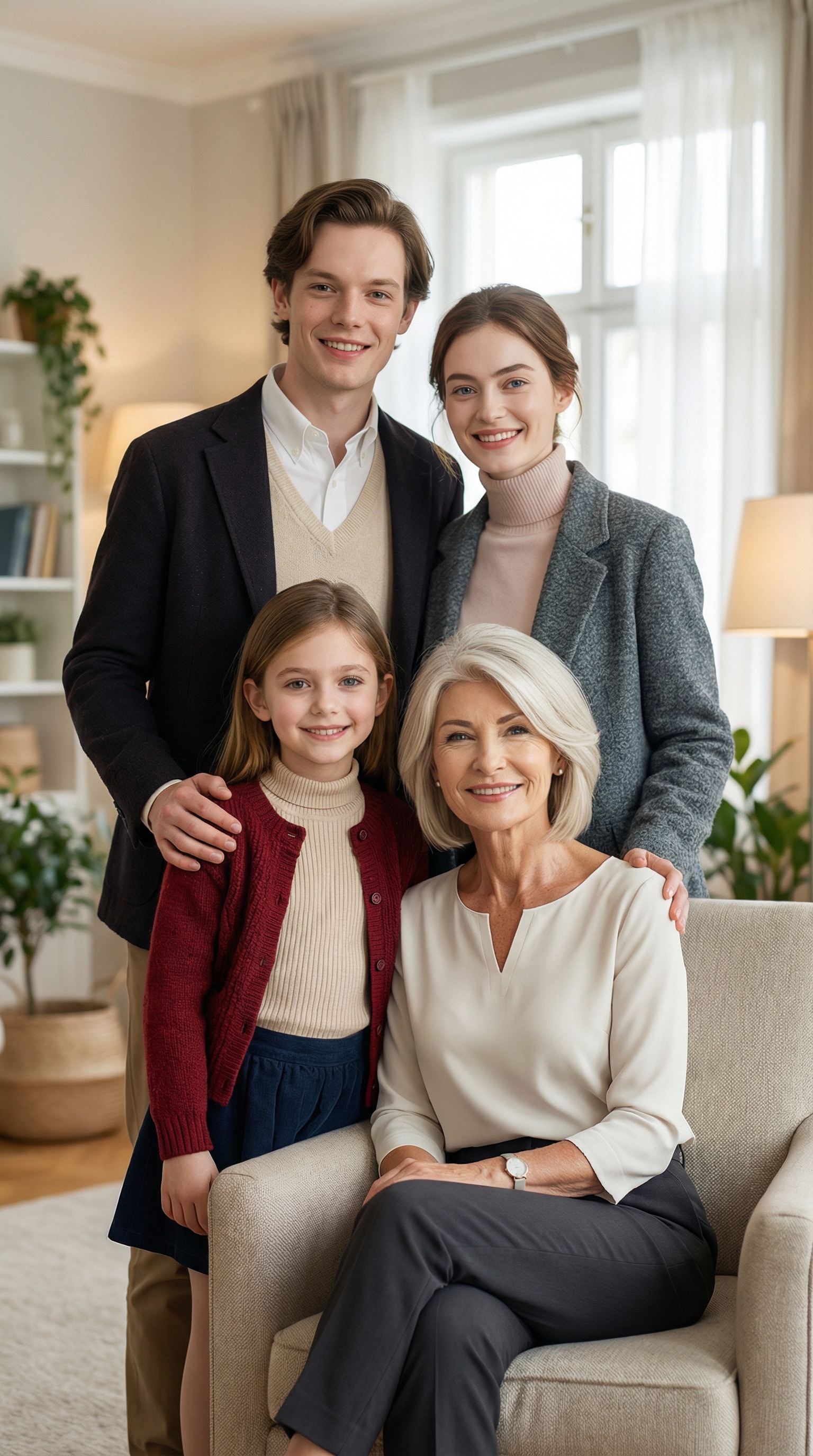
Generate a family portrait photo combining all uploaded faces, seated or standing together in one frame. Lighting: soft indoor studio lighting, evenly lit faces, no harsh shadows. Composition: classic group photo style, everyone visible, relaxed smiles. Background: bright home interior or soft gradient backdrop. Add a sense of togetherness and harmony, keeping all facial details realistic. |
→
|
Media.io helps you ai combine people into one photo with more natural face placement, body proportion, and spacing. It is built for realistic joint-photo creation instead of manual layer-by-layer editing.
A strong ai joint image editor should make separate portraits feel like they belong in the same shot. Media.io helps unify tone, background feel, and overall visual balance for cleaner results.
Instead of spending time on masking, retouching, and perspective fixes, you can use Media.io to make joint photo with ai in a much simpler upload-and-generate workflow.
Whether you want to merge relatives, create a missed family portrait, or place two people into one believable frame, Media.io supports merge people photo ai use cases with a creator-friendly process.
Start with the portraits or photos of the people you want in one image. Use clear source pictures so the AI has enough detail to build a realistic joint photo composition.
Describe the result you want, such as a family portrait, couple photo, travel scene, or reunion image. This helps the ai joint photo maker online place people into one shared setting more naturally.
Let AI create the merged result, review the final image, and save the version that looks most realistic. You can quickly generate a believable group shot without advanced photo-editing skills.

Family User

“Much easier than trying to merge family photos by hand.” I wanted to create a joint family picture from separate images, and Media.io gave me a much faster path than masking and editing everything manually. The final result looked surprisingly natural.

Creator
“A smart way to merge two people into one photo with AI.” I tested it for a reunion-style picture, and the workflow was simple. Uploading the people photos and describing the target scene felt much easier than working in a traditional editor.

Memory Keeper
“Helpful for creating a family photo we never got to take.” I used separate portraits of relatives and turned them into one believable image. It saved a lot of time and gave us a beautiful keepsake without complicated editing software.

AI Hobbyist
“The results felt much more coordinated than basic collage apps.” I wanted something more realistic than simply placing people side by side. Media.io did a better job making the final photo feel like one scene instead of separate pictures glued together.
An ai joint photo maker is a tool that helps combine separate people photos into one natural-looking image. Instead of doing manual compositing, it uses AI to help coordinate faces, scene feel, and overall composition.
Yes. You can upload separate portraits and use AI to create one shared image. This is useful for family photos, reunion pictures, couple shots, or group images that were never captured together.
A realistic result depends on natural spacing, matched lighting feel, consistent perspective, and a believable shared background. Clear source photos and a specific prompt usually improve the final image.
Yes. Media.io can be used as an ai joint photo editor for combining separate people images into one coordinated photo with a simpler and faster workflow than traditional manual editing.
Yes. This is one of the main use cases. Upload separate family member photos, describe the style or scene you want, and let AI generate a more unified family portrait from them.
 4.7 (162,357 Votes)



