Deine Werke werden nur 7 Tage lang gespeichert. Assets, die nach dem Upgrade auf einen Mitgliedschaftstarif erstellt werden, werden dauerhaft gespeichert.
Entfalten Sie Ihr kreatives Potenzial und erleben Sie jetzt die Magie der Media-KI!
KI-Ohrringe Virtuelle Anprobe für realistisches Selfie-Styling
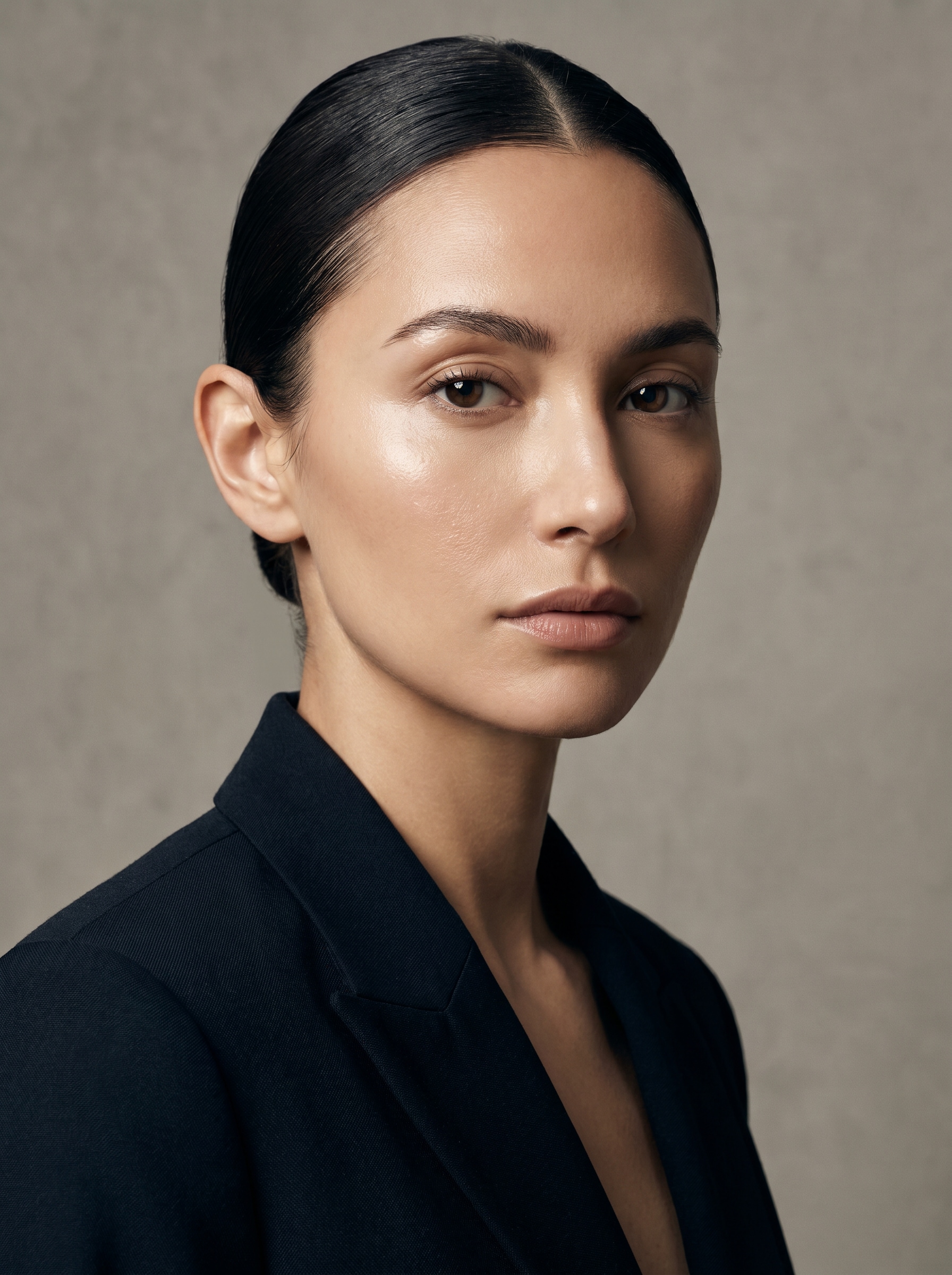
Erstellen Sie realistischai Ohrringelooks, indem Sie ein selfie hochladen und styles auf Ihrem eigenen Gesicht anzeigen. Media.io machtVirtuelle Ohrringe ausprobierenEinfach, schnell und natürlich aussehend, können Sie hoops, Perlen, Brautstücke und Statement-Designs testen, bevor Sie sie teilen, einkaufen oder entwerfen.
Geben Sie Ihre Idee ein-> KI entwirft sie. Kostenlos zu versuchen.
Überprüfen Sie diese Beispielanweisungen und passen Sie dann die prompten details an, um mit diesem Ohrring stärkere Ergebnisse zu erzielen.
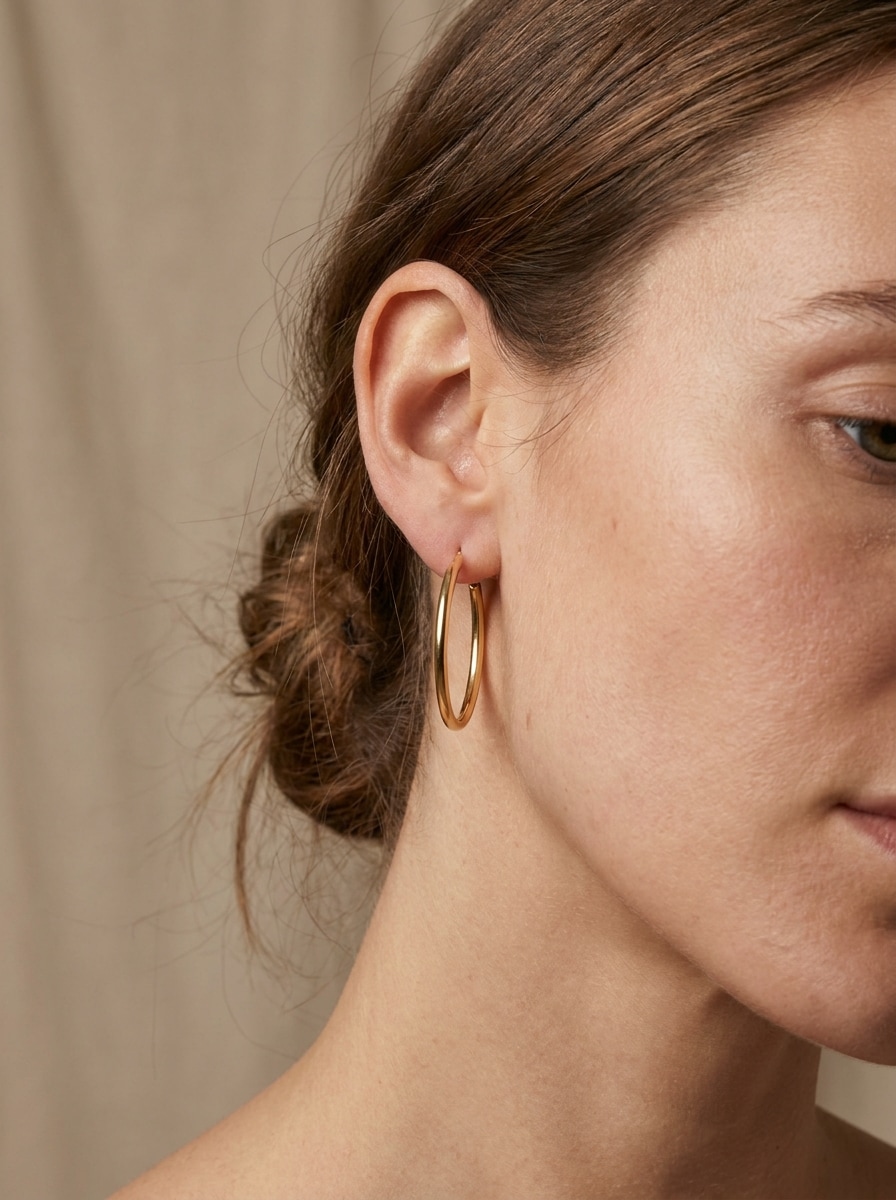
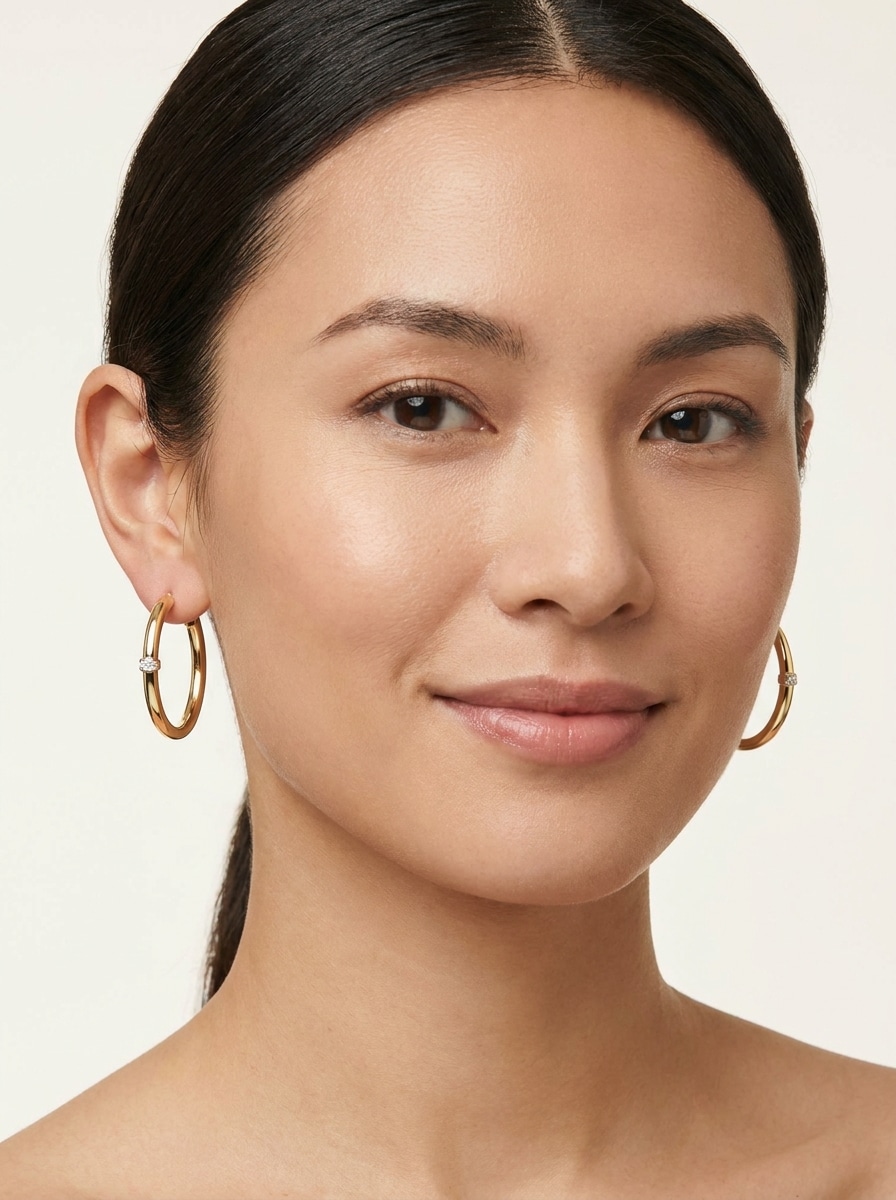
Minimalistische goldene Reifen
Verwenden Sie das hochgeladene Bild als Motiv und verwandeln Sie es in ein realistisches alltägliches Schönheitsporträt mit minimalistischen Ohrringe aus poliertem gold. Beibehalten Sie natürliche Ohrpositionen, ausgewogene Proportionen, weiche Studiobeleuchtung, subtile Hautstruktur, sanfte Schatten, neutraler Hintergrund und klare reflektierende Metalldetails für ein authentisches Ergebnis.
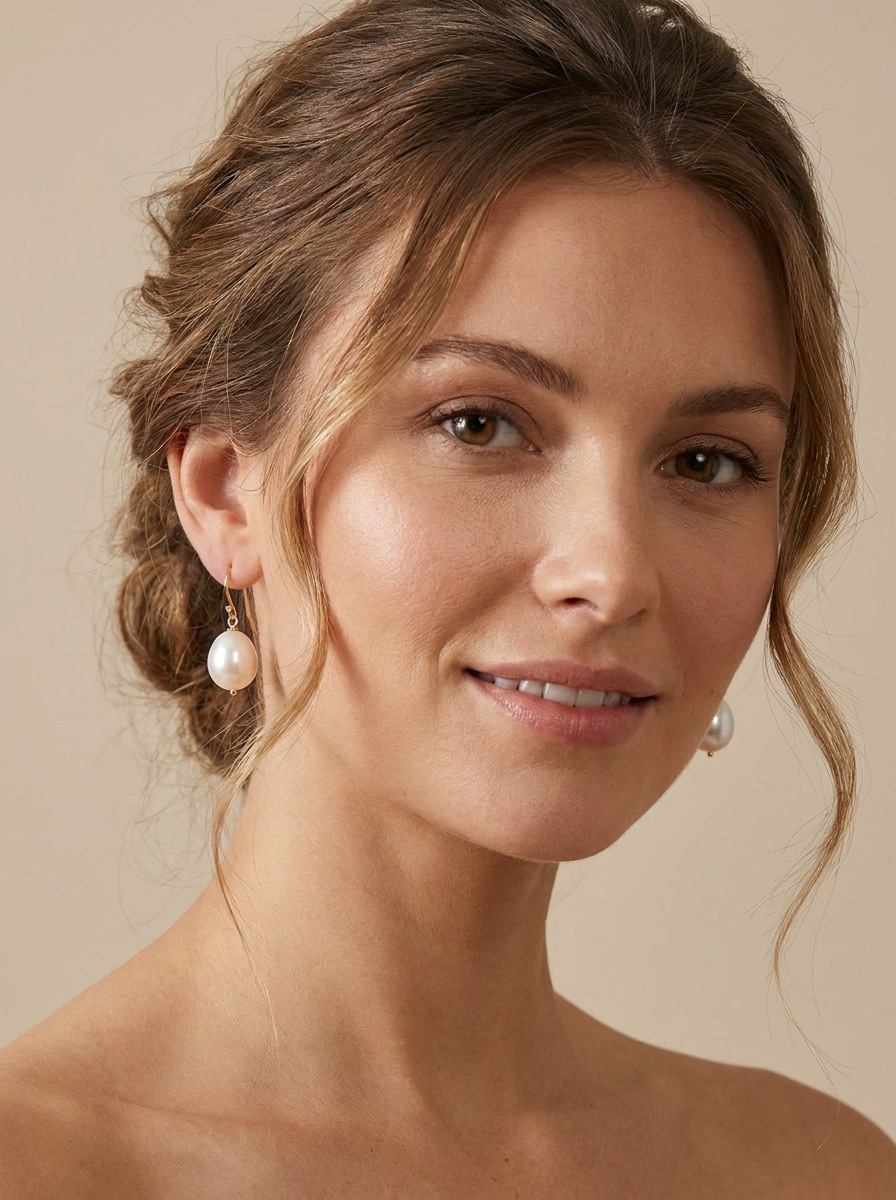
perlen tropfen ohrringe
Verwenden Sie das hochgeladene Bild als Motiv und fügen Sie elegante Perlenohrringe für einen raffinierten, edlen look hinzu. Erhalten Sie realistische Maßstäbe, anmutige Metallhaken, sanfte warme Beleuchtung, glatte, aber natürliche Hautdetails, klaren Hintergrund und zarte highlights auf den Perlen für eine polierte, brautinspirierte Vorschau.
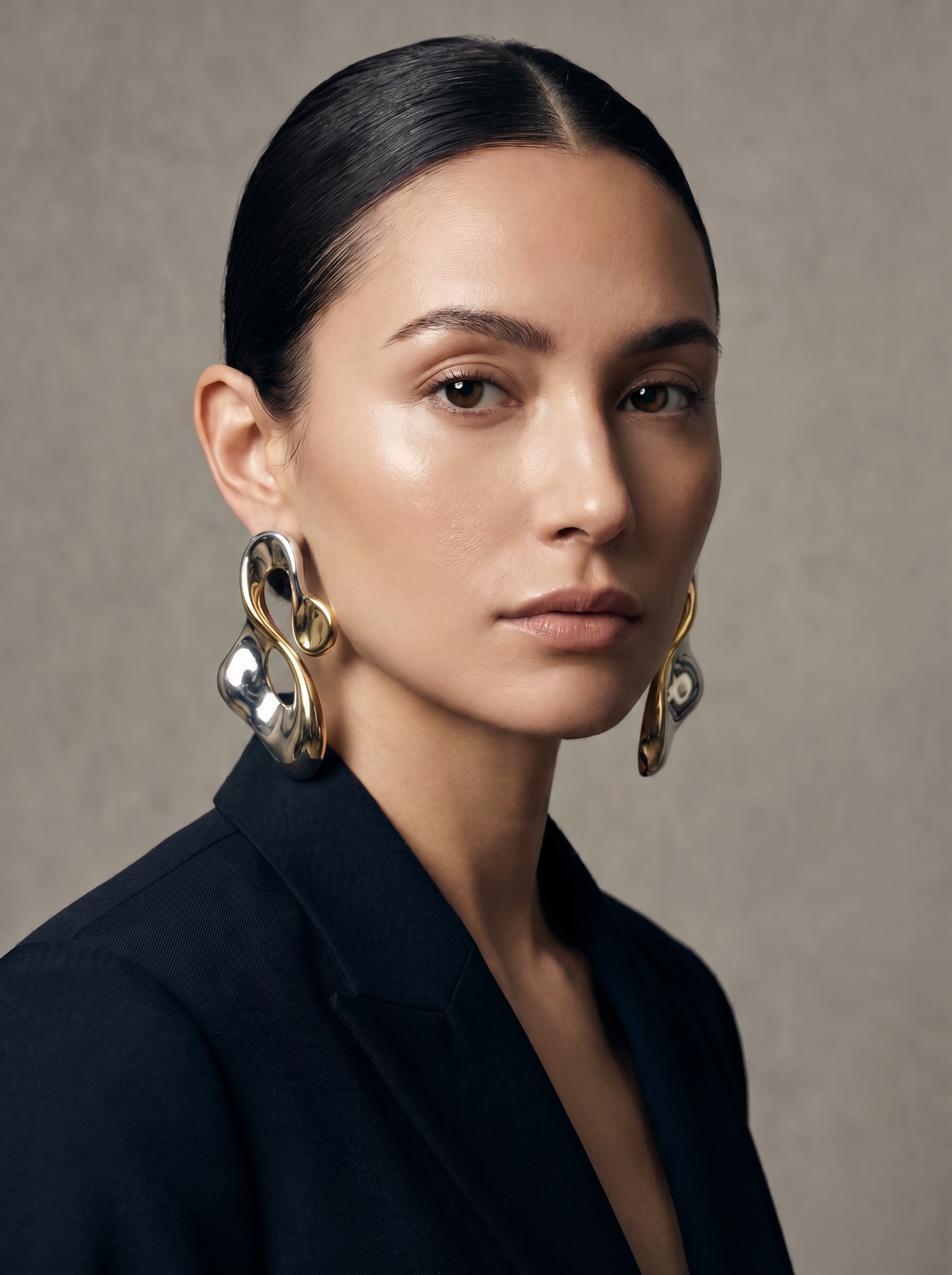
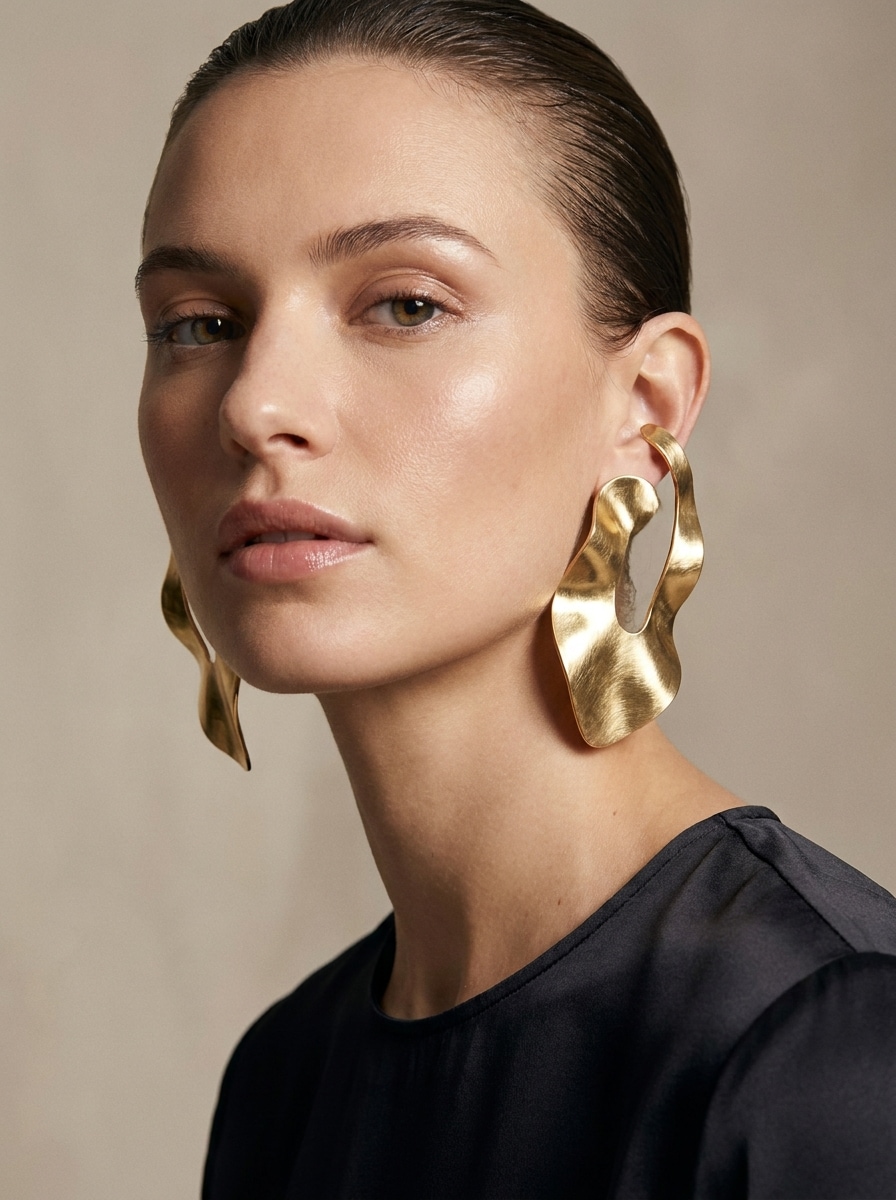
Oversize Skulpturale Ohrringe
Verwenden Sie das hochgeladene Bild als Motiv und verwandeln Sie es in ein modisches redaktionelles Porträt mit übergroßen skulpturalen Ohrringe aus Metall. Halten Sie den Schmuck kühn, aber tragbar, mit klaren Konturen, luxuriöser Kampagnenbeleuchtung, realistischen Reflexionen, definierten Wangenknochen-Highlights, glattem Hintergrund und präziser Ohrbefestigung.
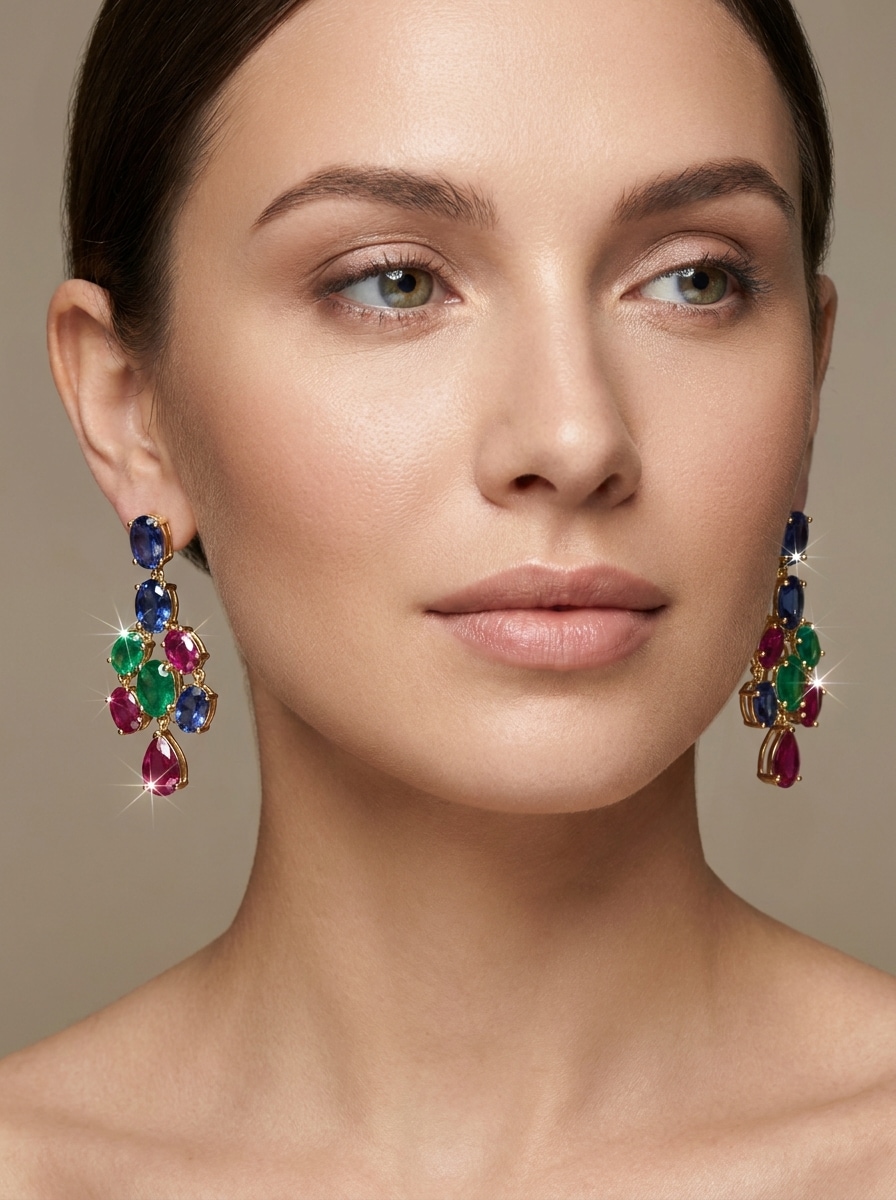
Farbe Edelstein hängt
Verwenden Sie das hochgeladene Bild als Motiv und fügen Sie bunte Edelstein-Ohrringe mit Saphir, Smaragd und Rubin-inspirierten Tönen hinzu. Beibehalten Sie natürliche Bewegung, erstklassigen Glitzer, schmeichelhaftes Beauty-Licht, realistische Metalleinstellungen, glatte Ohrplatzierung und ein poliertes Porträt-Finish, das für Einkaufsvorschauen oder soziale Beiträge geeignet ist.
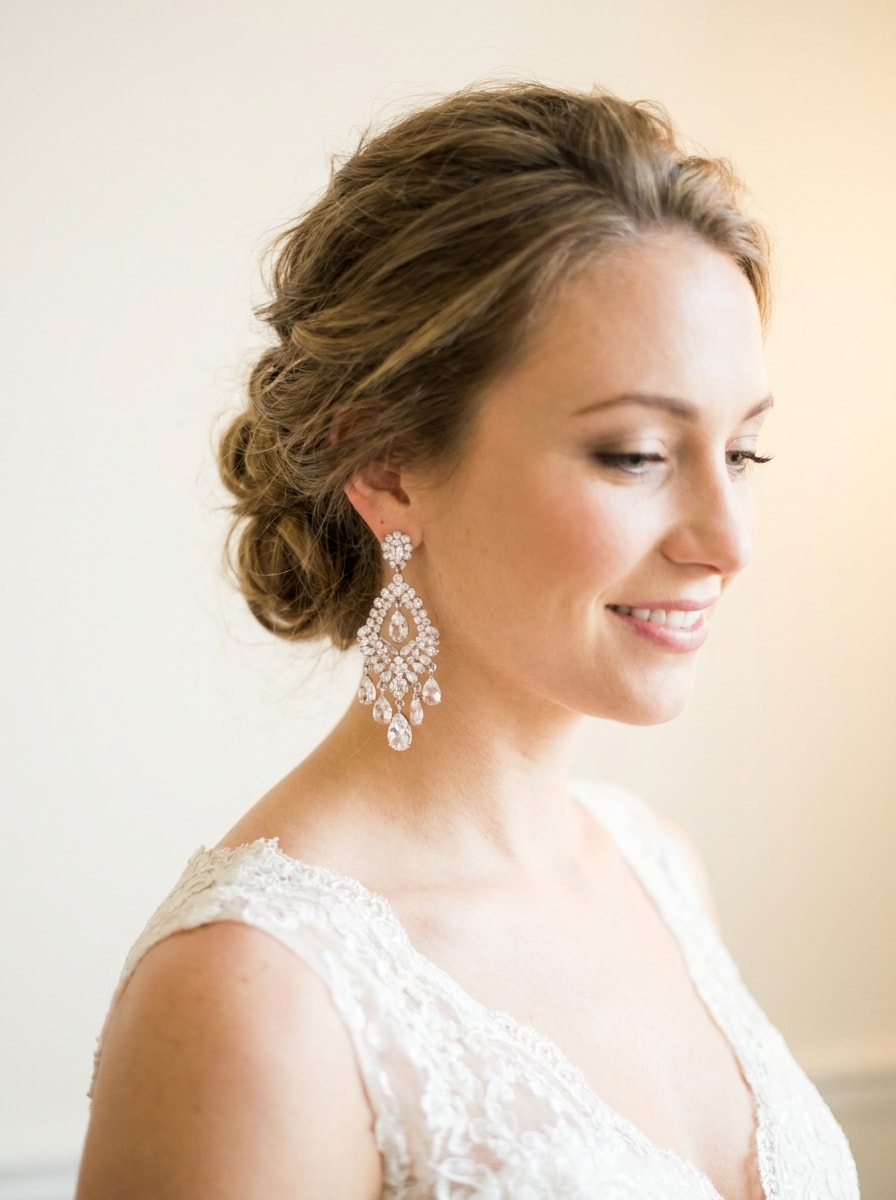
Braut Kristall Ohrringe
Verwenden Sie das hochgeladene Bild als Motiv und erstellen Sie ein elegantes Brautporträt mit Kristall-Kronleuchter-Ohrringe. Bewahren Sie romantische Beleuchtung, weichen leuchtenden Glitzer, realistische Kristallreflektionen, natürliche Hautdetails, klaren Hintergrund und genaue Länge und Tropfenplatzierung für Hochzeitsstyling-Inspiration.
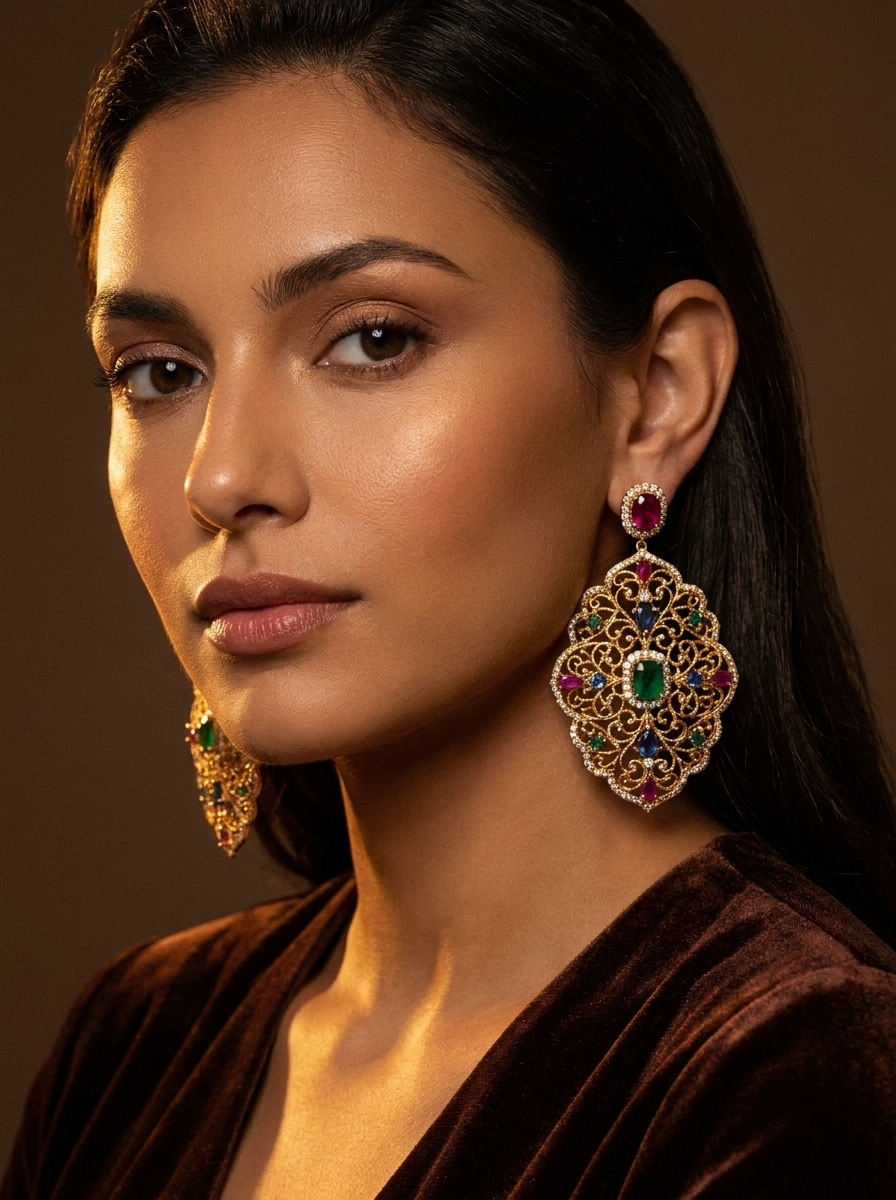
traditionelle festliche Ohrringe
Verwenden Sie das hochgeladene Bild als Motiv und fügen Sie verzierte festliche Ohrringe mit komplizierten Metallarbeiten und Edelsteindetails hinzu. Halten Sie das Ergebnis fotorealistisch mit warmer Festlichkeit, reichen Texturen, realistischen Proportionen, sauberer Platzierung an den Ohren und einer eleganten Porträtstimmung, die für besondere Ereignisse geeignet ist.
Studio-Produktpaarung
Verwenden Sie das hochgeladene Bild als Motiv und generieren Sie ein sauberes Katalog-Stil Schmuck Anprobieren Bild mit polierten Ohrringe auf einem Modell. Beibehalten Sie zentrierte Komposition, genaue Schmuckmaßstäbe, realistische Reflexionen, glatte Hautstruktur, weiche kommerzielle Beleuchtung und einen weißen oder beigen Hintergrund für eine eCommerce-fertige Präsentation.
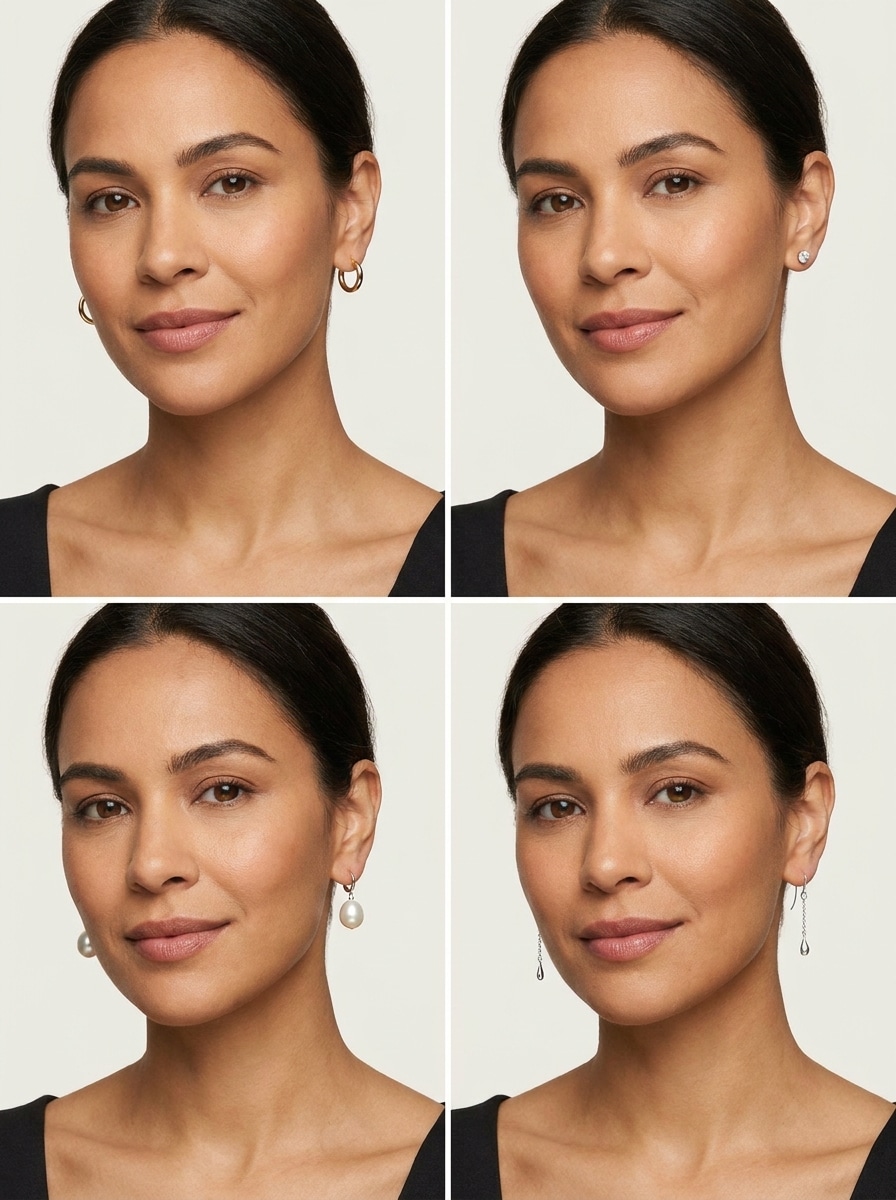
Multi-Style-Vergleichsgitter
Verwenden Sie das hochgeladene Bild als Motiv und erstellen Sie ein Vergleichsgitter, das mehrere Ohrringstile auf demselben Gesicht zeigt, einschließlich Reifen, Perlen, Nieten und Hängeln. Halten Sie den Gesichtswinkel konsistent, die Beleuchtung einheitlich, das layout sauber und jeden Stil realistisch für schnelle Entscheidungen.
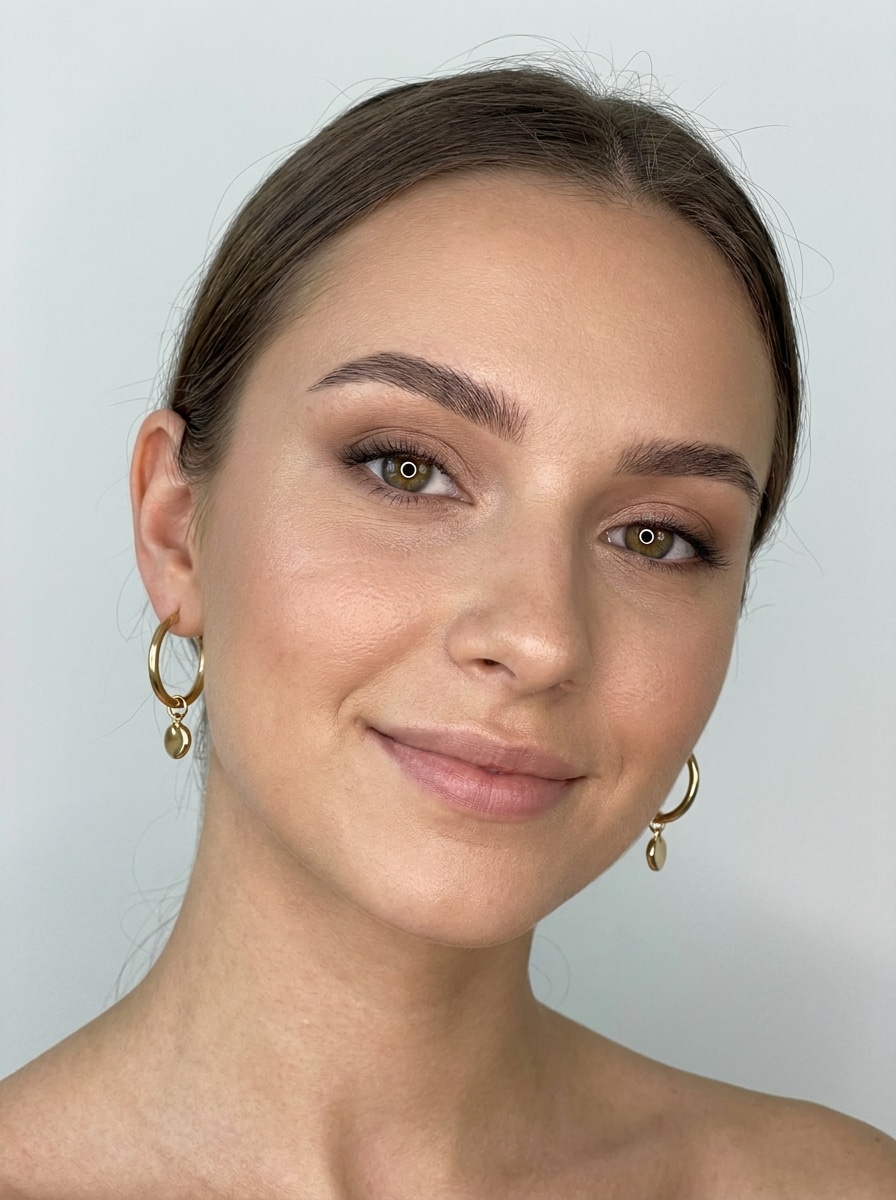
Soft Glam Selfie Bearbeiten
Verwenden Sie das hochgeladene Bild als Motiv und verbessern Sie es zu einem weichen Glam-Selfie mit trendigen Ohrringe. Beibehalten Sie schmeichelhafte Beleuchtung im Ringlicht-Stil, modernen Schönheitslack, realistische Hautstruktur, subtilen Glanz, klaren Hintergrund und natürliche Ohrringplatzierung für ein sozialbereites, aber glaubwürdiges Ergebnis.
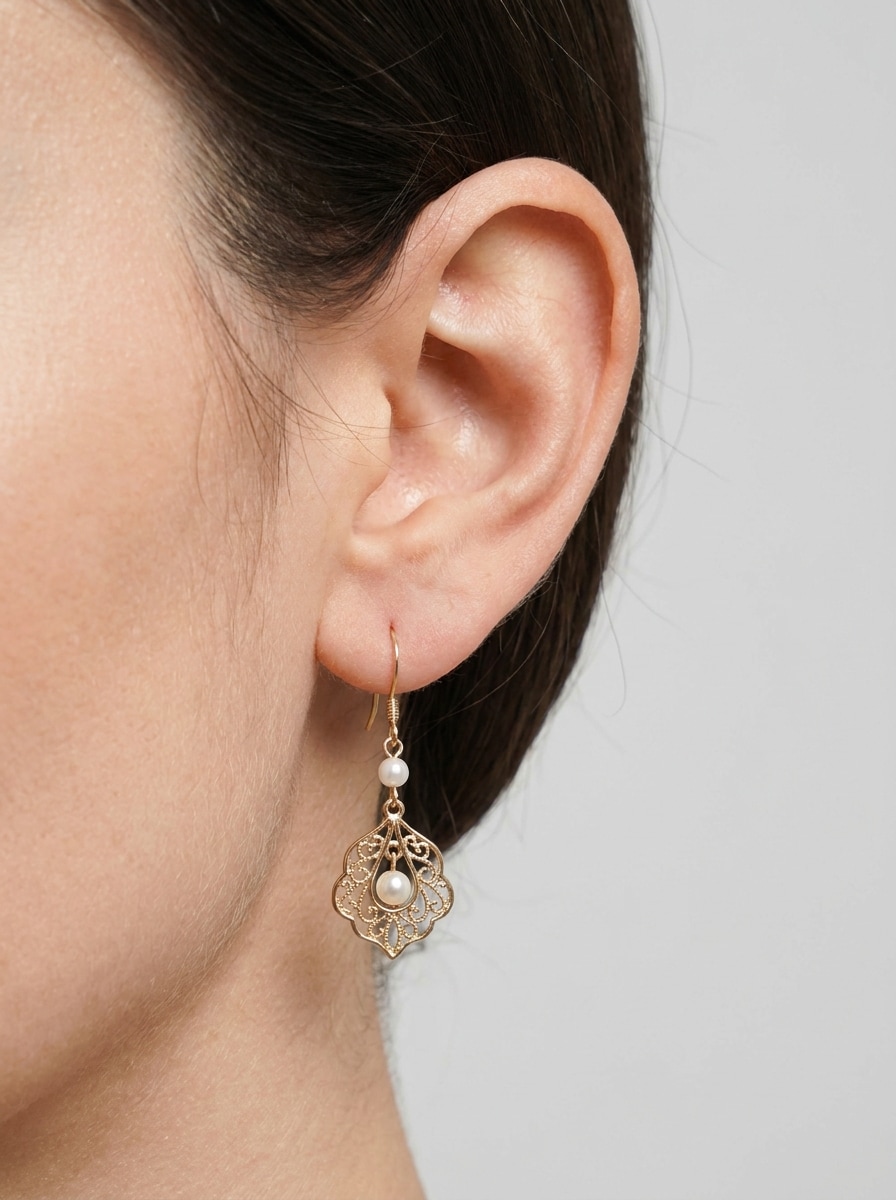
Seitenprofil-Ohrfokus
Verwenden Sie das hochgeladene Bild als Motiv und verwandeln Sie es in ein fotorealistisches Seitenprofilporträt, das auf das Ohr fokussiert ist, damit die Form und Größe des Ohrrings leicht bewertet werden können. Beibehalten Sie genaue Maßstäbe, weiche Studio-Schatten, sauberen Hintergrund, sichtbare Konturen und klare Schmuckdetails.
Warum Media.io fürVirtuelle Anprobe an Ohrringe
Laden Sie Ihr Selfie für geführte Bearbeitungen hoch
Fügen Sie Ohrringe zu Ihrem eigenen Porträt, indem Sie ein JPG-, PNG-oder JPEG-Bild hochladen. Das Referenzfoto hilft Media.io, Schmuck natürlicher zu platzieren, um einen realistischenOhrring virtual AnprobierenErgebnis.
Realistische Platzierung und Details
Mit fortschrittlichen Bild-zu-Bild-Modellen hilft Media.io dabei, eine glaubwürdige Ohrringplatzierung, Beleuchtung und Metallstruktur zu erzeugen, sodass Vorschauen auf Nahaufnahmen, Beauty-Aufnahmen und Produktmodells poliert aussehen.
Hohe Auflösung und Flexible Verhältnisse
Erstellen Sie KI-Ohrringvorschauen in 1K-, 2K-oder 4K-Qualität und wählen Sie aus Seitenverhältnissen wie 3:4, 4:3, 1:1 oder 9:16. Das macht es einfach, Bilder für Social-Posts, E-Commerce oder Styling-Boards vorzubereiten.
Vergleichen Sie mehrere Looks schneller
Generieren Sie 1 bis 4 Bilder in einer Gruppe, damit Sie hoops, Perlen, Brautdesigns und Statement-Ohrringe in einem workflow testen können. Es ist eine praktische Möglichkeit, virtuelle Ohrringe zu erkunden, um Ideen vor dem Kauf, dem Posten oder der Präsentation von Optionen auszuprobieren.
Wie man KI-Ohrringe Online erstellt
1
2
3
1
Öffnen Media.io AI Ohrringe Tool
gehe zuKI Bild-zu-Bild-GeneratorUnd öffnen Sie das AI-Ohrringe-Tool unter AI-> AI Image Generator. Dieses Online-Tool läuft in Ihrem browser, sodass Sie auf dem desktop oder Mobilgerät starten können, ohne zusätzliche software zu installieren.
2
Laden Sie ein Foto hoch und beschreiben Sie den Stil
Laden Sie ein klares selfie hoch und geben Sie dann eine detaillierte Eingabeaufforderung wie: "Verwenden Sie mein Porträt und fügen Sie elegante Perlenohrringe mit weicher Studiobeleuchtung, natürlicher Platzierung und realistischen Reflexionen hinzu." Passen Sie das Seitenverhältnis, die Auflösung oder die Stileinstellungen für den gewünschten look an.
3
Generieren, verfeinern & herunterladen
Klicken Sie auf Generieren, um eine Vorschau Ihrer Ohrringbearbeitung anzuzeigen Verfeinern Sie bei Bedarf die Eingabeaufforderung, um verschiedene Reifen, Perlen oder Statement-Stile zu testen, und laden Sie dann Ihr Lieblingsergebnis in hoher Auflösung zum Teilen, Einkaufen oder kreativen Arbeiten herunter.
Freischalten Sie das Potenzial des virtuellen Ohrrings
Sehen Sie, wie die Schöpfer diese Ohrringe für Inhalte, marketing und persönliche Projekte verwenden, und passen Sie dann jede Idee an das brief an.
Vorschau auf Schmuck bevor du kaufst
Laden Sie ein selfie hoch und testen Sie verschiedene Größen, Tropfen und finishes vor der Bestellung. Das machtVirtuelle Anprobe an OhrringeNützlich, um zu prüfen, ob minimalistische Reifen, Perlen oder mutige Statement-Stücke zu Ihrer Gesichtsform und Ihrem persönlichen Stil passen.
Erstellen Sie schnellere E-Commerce-Mockups
Erstellen Sie polierte Modellbilder für Produktseiten, Anzeigen oder Vergleichsgitter, ohne ein vollständiges Fotoshooting für jede Variante zu arrangieren. Teams können KI-Ohrringbearbeitungen verwenden, um mehrere Stile klar zu präsentieren und die kreative Produktion zu beschleunigen.
Social-und Styling-Inhalte erstellen
Influencer, Stylisten und Beauty-Schöpfer können earring virtual Trial on workflows verwenden, um Vorher-und-Nachher-Demos, Brautinspiration oder Trendposts mit realistischer Beleuchtung und Schmuckdetails zu erstellen, die in Nahaufnahmen stark aussehen.
Was Nutzer über Media.io sagen
Maya R.
Beauty Content Ersteller
"Großartig zum Testen von Ohrringstilen auf selfies"Ich habe Media.io verwendet, um eine Vorschau von hoops, Perlen und Edelsteintropfen auf meinem eigenen Porträt zu erhalten. Die Platzierung sah natürlich aus und es sparte mir Zeit bei der Planung sozialer Inhalte rund um Schmucklooks.
Elena S.
Zukünftige Braut
"Hilfreich für Braut styling Ideen"Ich wollte vor dem Einkaufen Kristallohrringe mit meinem Make-up und meiner Frisur sehen. Die Ergebnisse waren sauber und realistisch genug, um mehrere Optionen schnell zu vergleichen.
Jordan T.
E-Commerce Designer
"Nützlich für Produktvorschauen und mockups"Der Batch-Workflow erleichterte die Erstellung mehrerer Schmuckmockups aus einem Porträt. Es ist ein praktisches Werkzeug, wenn Sie visuals im Katalogstil benötigen, ohne dieselbe Aufnahme zu wiederholen.
Priya K.
Modestylist
"Schnelle Möglichkeit, kühne und subtile looks zu vergleichen"Mir gefällt, wie schnell ich zwischen zurückhaltenden goldenen Ohrringe und dramatischeren Stilen wechseln kann. Es hilft Kunden, Optionen vor Veranstaltungen oder Fotosessionen zu visualisieren.
Entdecken Sie die beliebtesten KI-Video- und Bildeffekte
1. Was ist ein AI-Ohrringe-Tool und wie funktioniert es?
Ein KI-Ohrringe-Tool verwendet Bild-zu-Bild-Generierung, um ein Porträt zu bearbeiten und realistische Ohrringe zu dem hochgeladenen Foto hinzuzufügen. In Media.io laden Sie ein JPG-, PNG-oder JPEG-Selfie hoch, beschreiben Sie den gewünschten Ohrringlook und das system verwendet fortgeschrittene Modelle wie Nano Banana Pro und Nano Banana 2, um die Vorschau zu generieren.
2. Kann ich Ohrringe virtuell mit meinem eigenen Foto anprobieren?
Media.io unterstützt das Upload von Selfies, sodass Sie verschiedene Schmucklooks auf Ihrem eigenen Gesicht anzeigen können. Dies macht es nützlich für einen virtuellen Ohrringprobe-Workflow, wenn Sie Reifen, Perlentropfen, Brautdesigns oder Statement-Ohrringe testen möchten, bevor Sie kaufen oder posten.
3. Gibt es einen kostenlosen AI-Ohrringe-Generator oder eine Probeoption?
Kostenlose Benutzer können verfügbare kostenlose credits verwenden, um das tool auszuprobieren. Für mehr Generationen, höhere Volumennutzung oder wasserzeichenfreie downloads können Sie Pläne auf der Preisseite überprüfen. Kostenlose Nutzer können kostenlose credits nutzen. Für mehr Nutzung können Benutzer einen plan auf der Preisseite abonnieren. Upgrade auf einen kostenpflichtigen plan auf derPreisseiteFür weitere credits und Wasserzeichen-kostenlose hochauflösende downloads.
4. Wie realistisch werden die Ohrringe auf meinem Gesicht aussehen?
Die Ergebnisse können sehr realistisch aussehen, wenn Sie ein klares Porträt mit sichtbaren Ohren hochladen. Media.io unterstützt die geführte Bildbearbeitung mit fortschrittlichen Modellen und ermöglicht es Ihnen, Eingaben, Seitenverhältnis und Auflösung zu verfeinern, sodass Sie eine natürlichere Platzierung, Beleuchtung und Schmucktextur für KI-Ohrringe-Vorschauen erstellen können.
5. Kann ich verschiedene Ohrringstile in einem Bild vergleichen?
Sie können Media.io auffordern, Vergleichslayout mit mehreren Stilen zu erstellen oder mehrere Versionen in einem workflow zu erstellen. Die Batch-Generation unterstützt 1 bis 4 Bilder, was hilfreich ist, wenn Sie einen schnellen virtuellen Ohrring versuchen möchten, den Vergleich zwischen Reifen, Perlen, Nieten und Hängeln zu vergleichen.
6. Funktioniert das AI-Ohrringe-Tool auf Telefon und desktop?
Media.io ist webbasiert und funktioniert in einem browser auf Windows-, Mac-, iOS-und Android-Geräten. Das bedeutet, dass Sie eine KI-Ohrringe oder eine virtuelle Ohrringe-Testsitzung sowohl auf Ihrem Telefon als auch auf Ihrem desktop ausführen können, ohne separate software zu installieren. Media.io ist ein webbasiertes tool, das auf jedem Gerät mit einem browser (Windows, Mac, iOS, Android) funktioniert.