Gemini-Formeln zum Kopieren und Einfügen
Greifen Sie auf kuratierte, bewährte Gemini-1980er-Foto-Prompts zu, die für Googles komplexe Bildbearbeitungsanweisungen optimiert sind. Kein Ausprobieren nötig – einfach kopieren und einfügen.

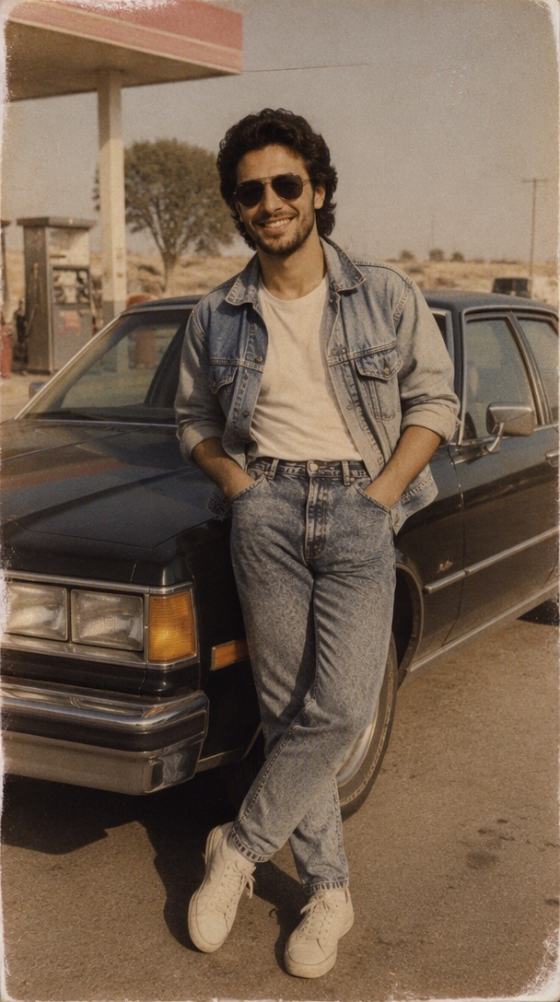
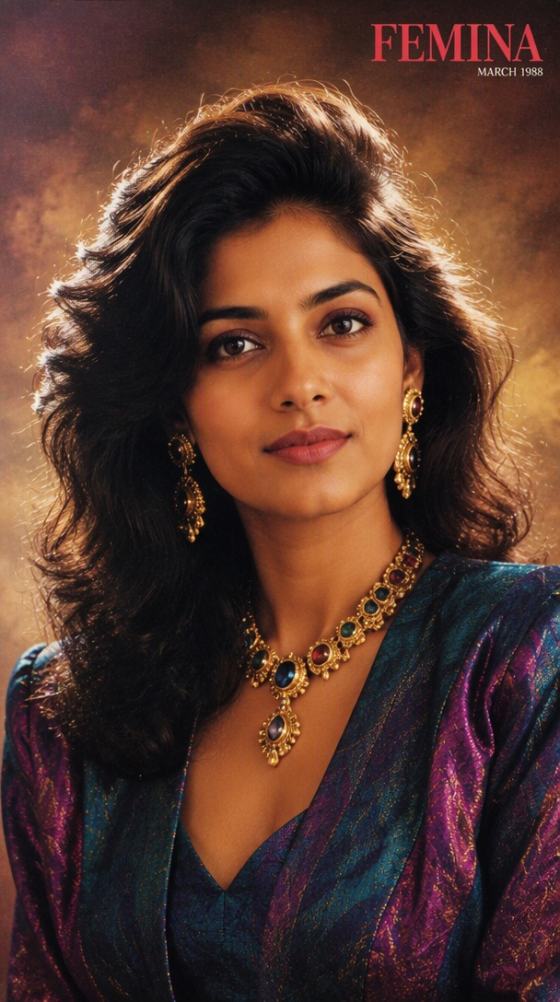

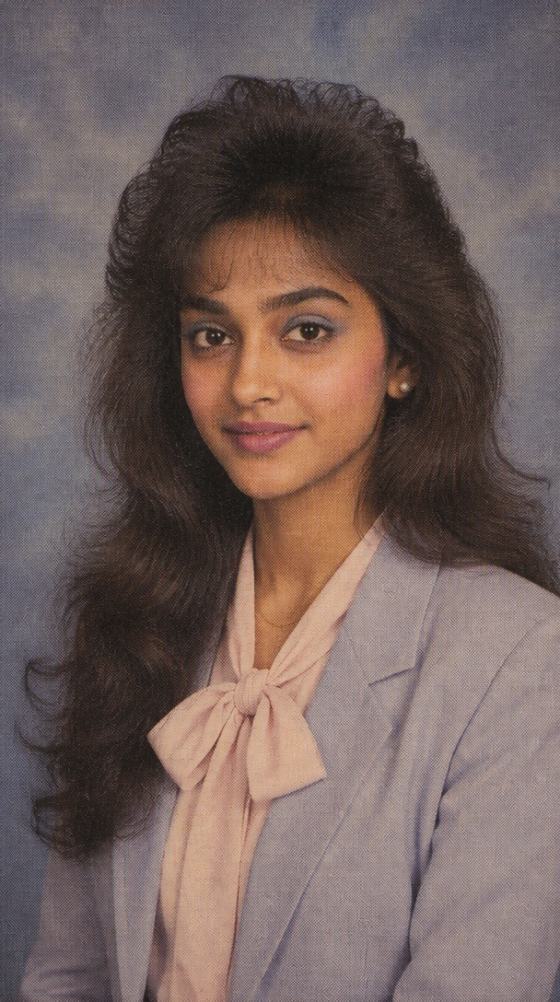
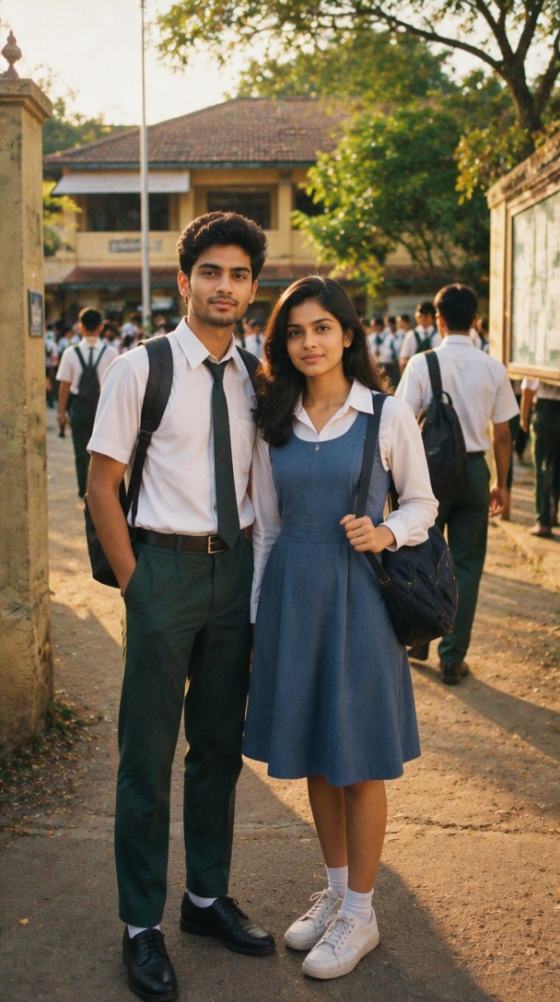
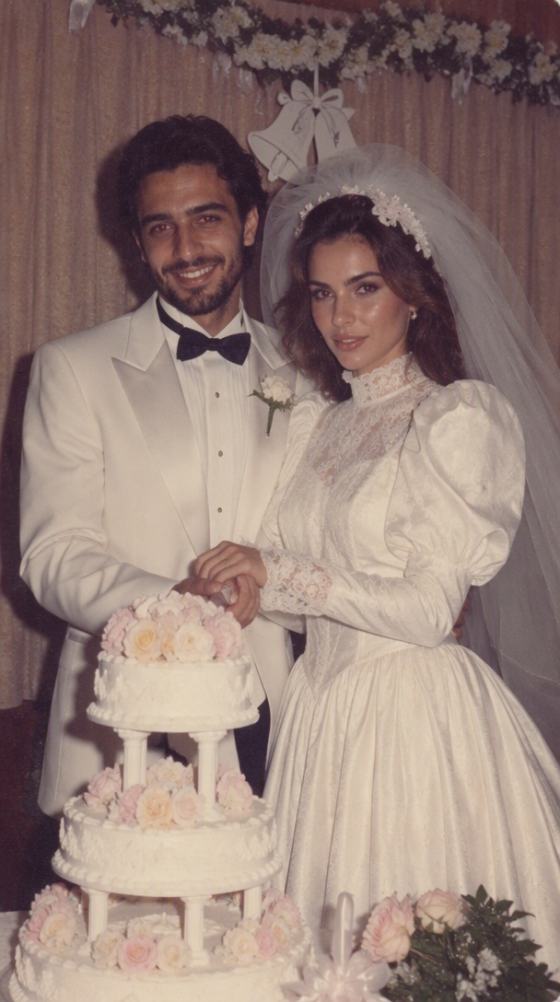

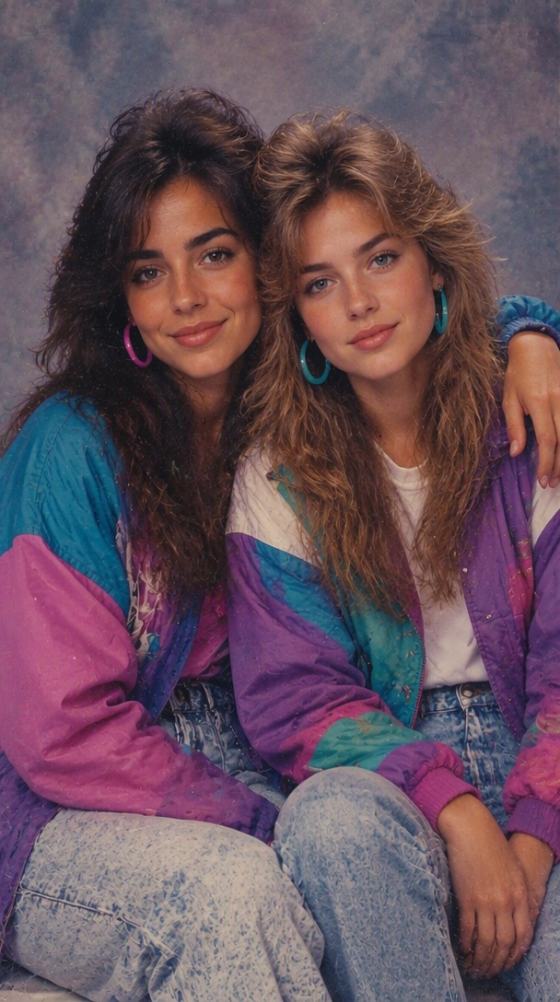
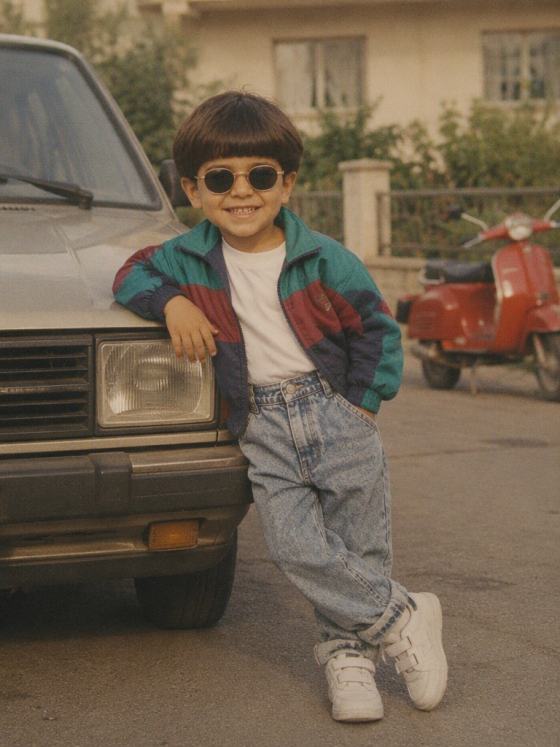
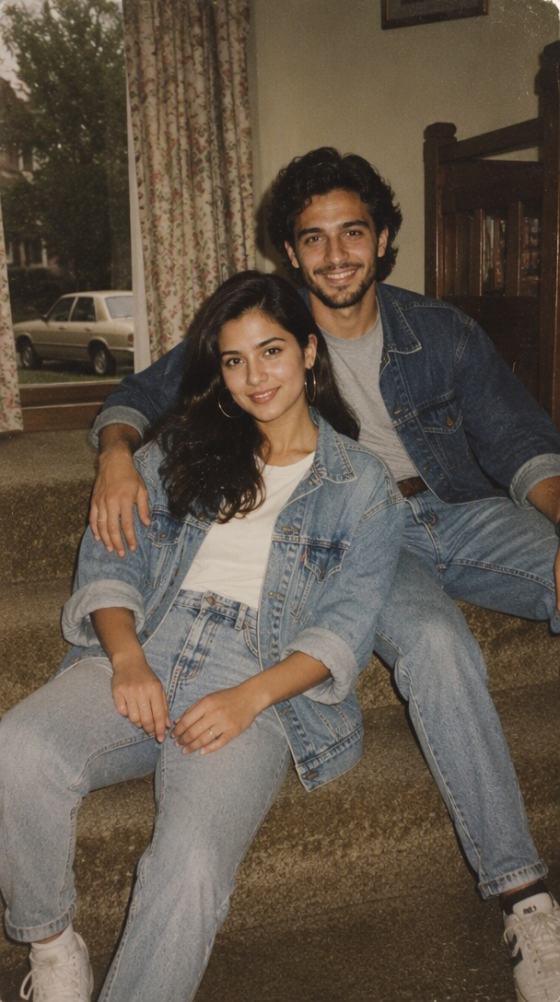
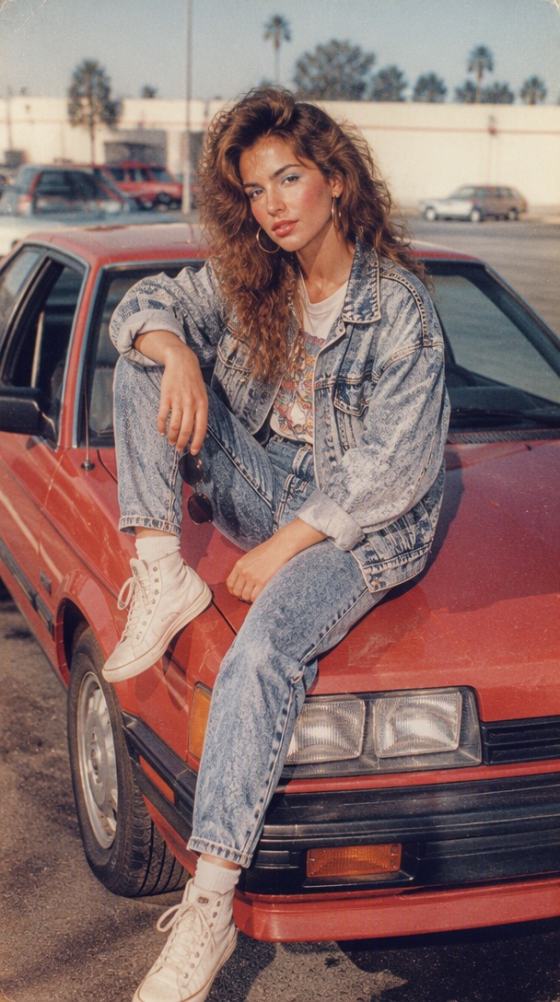
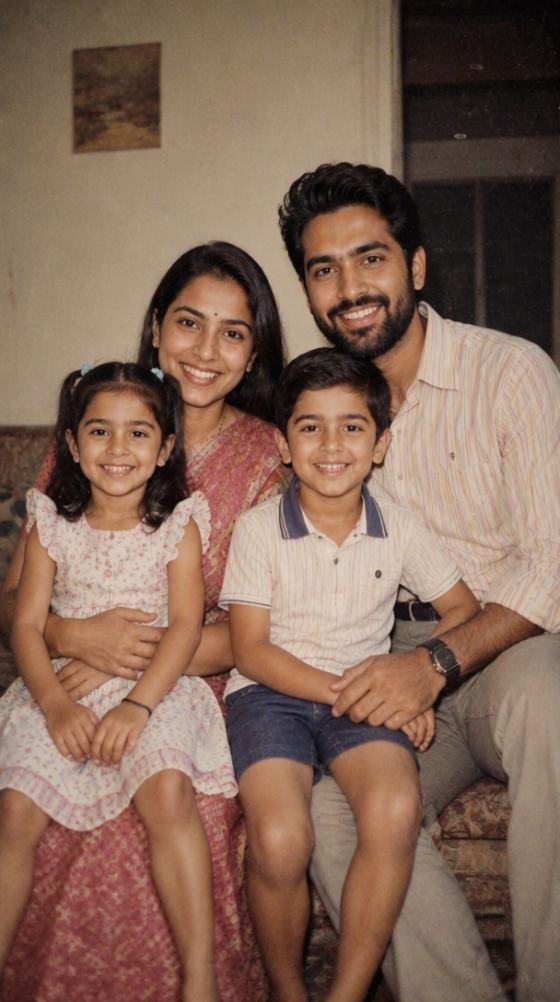
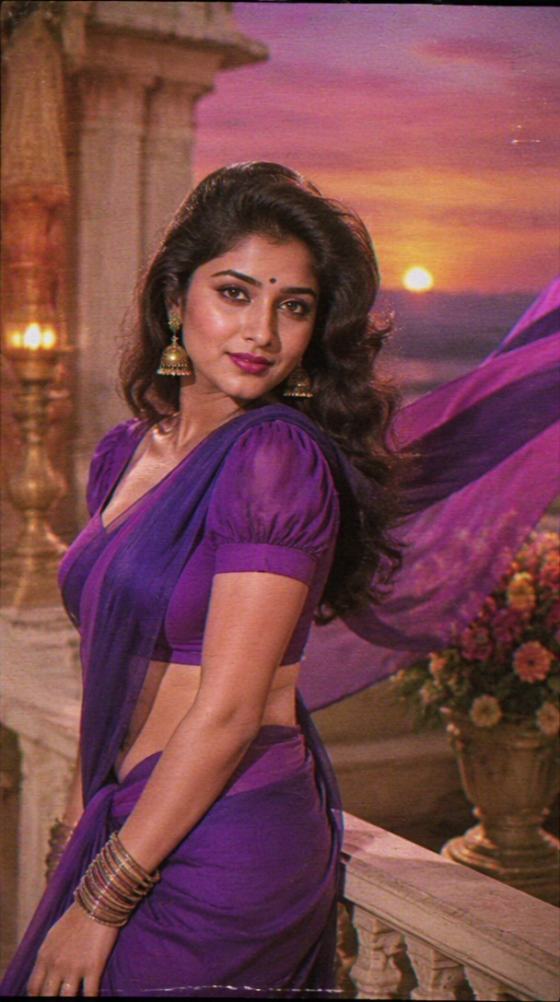

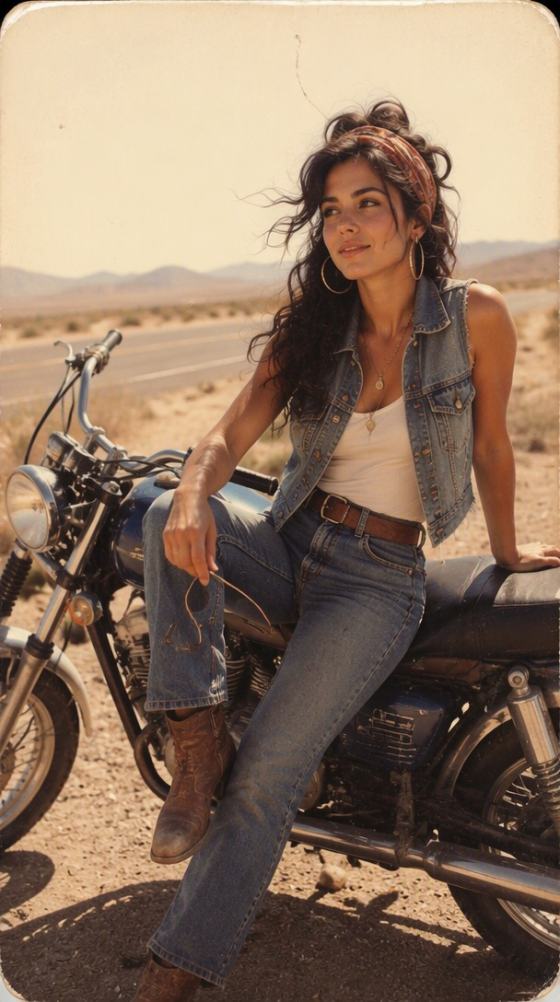
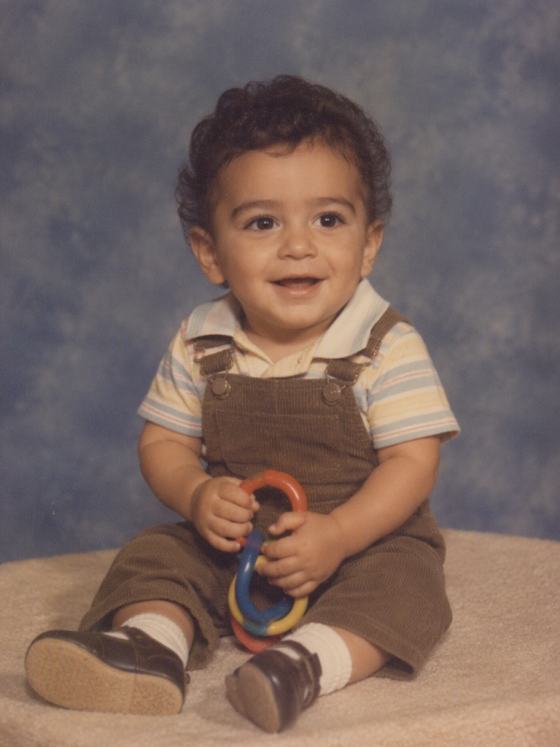
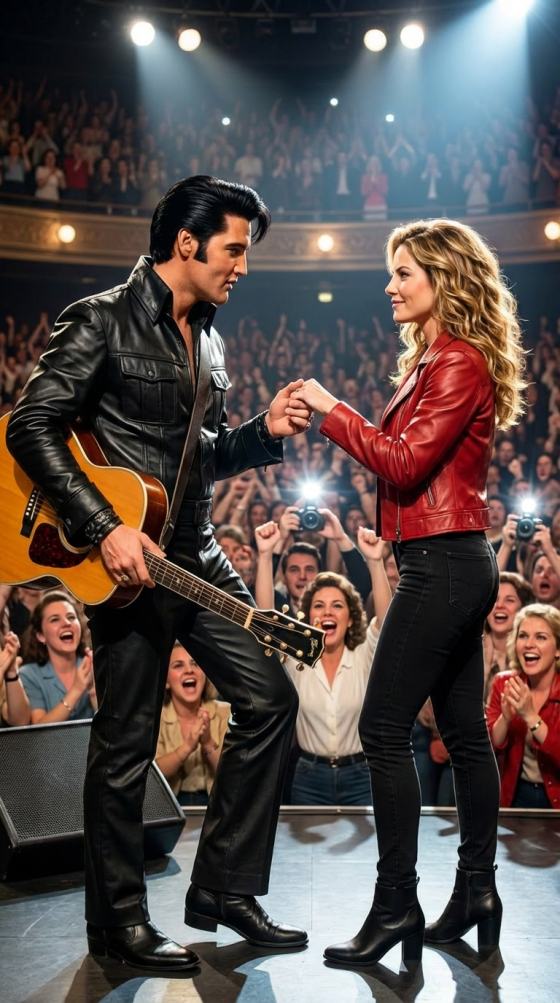

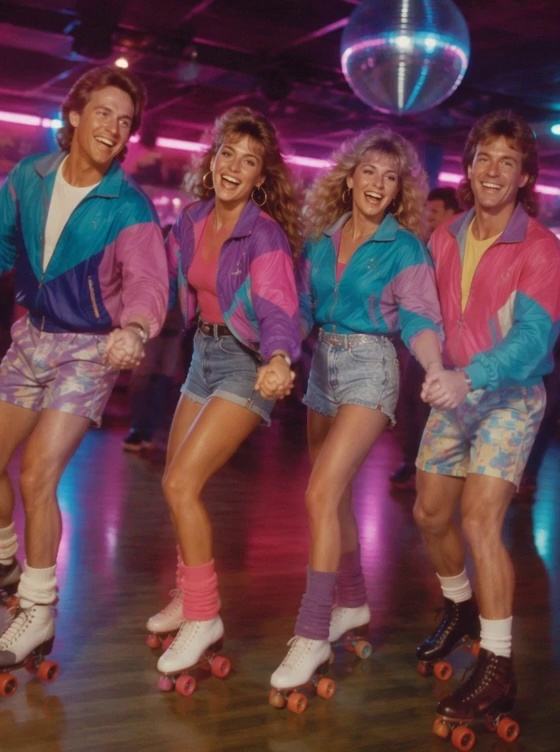
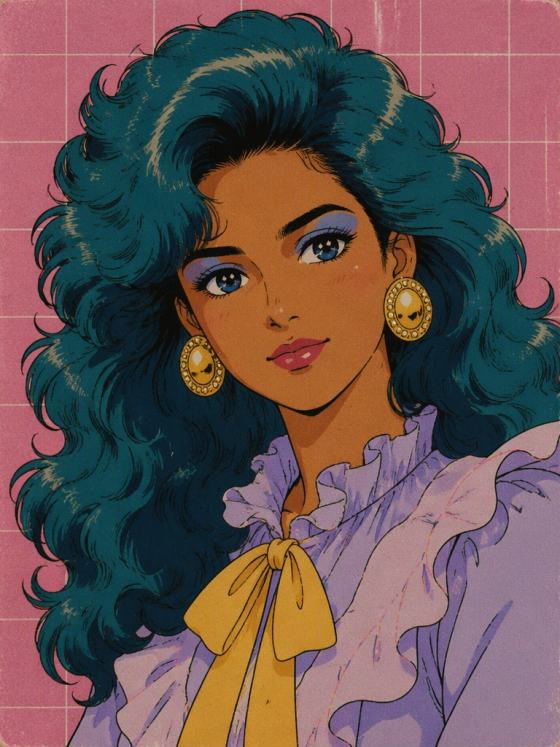
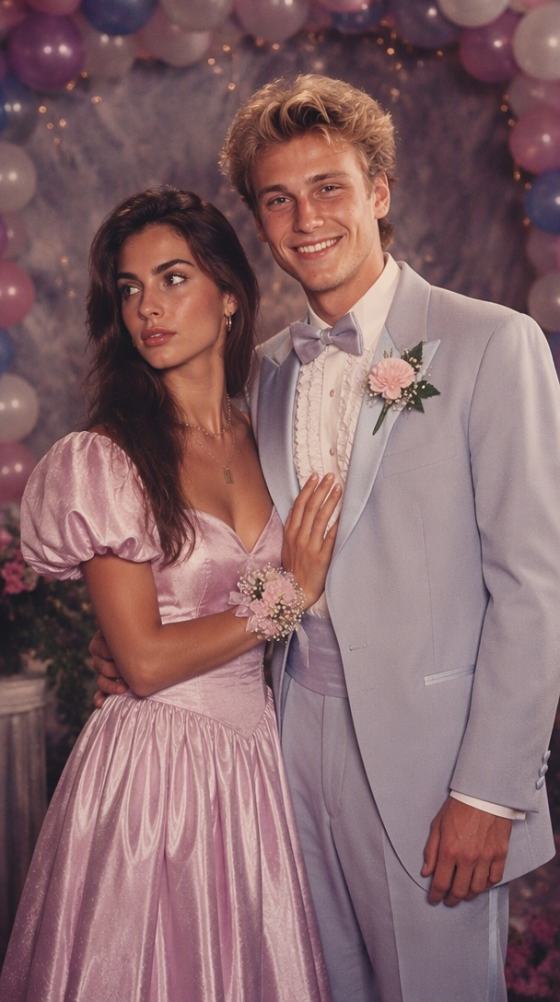
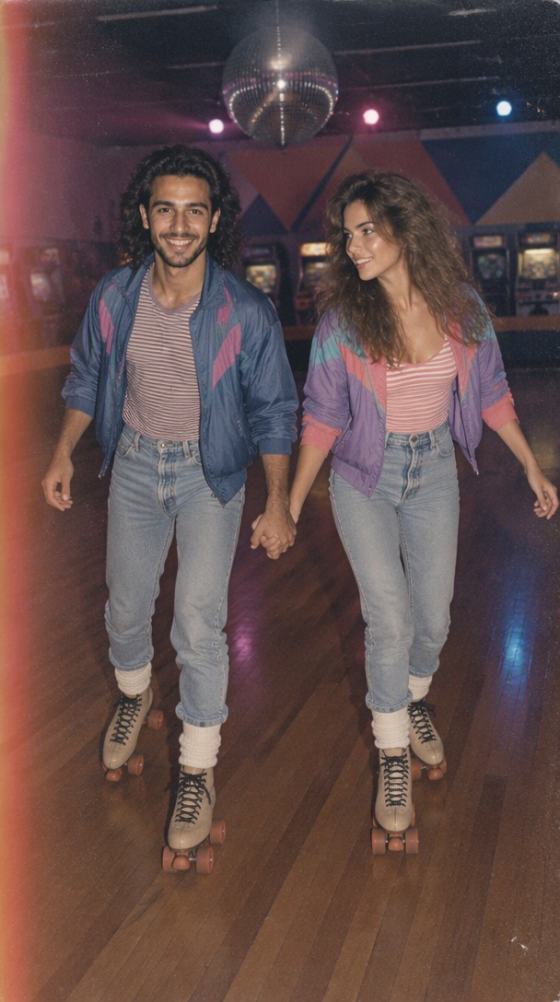
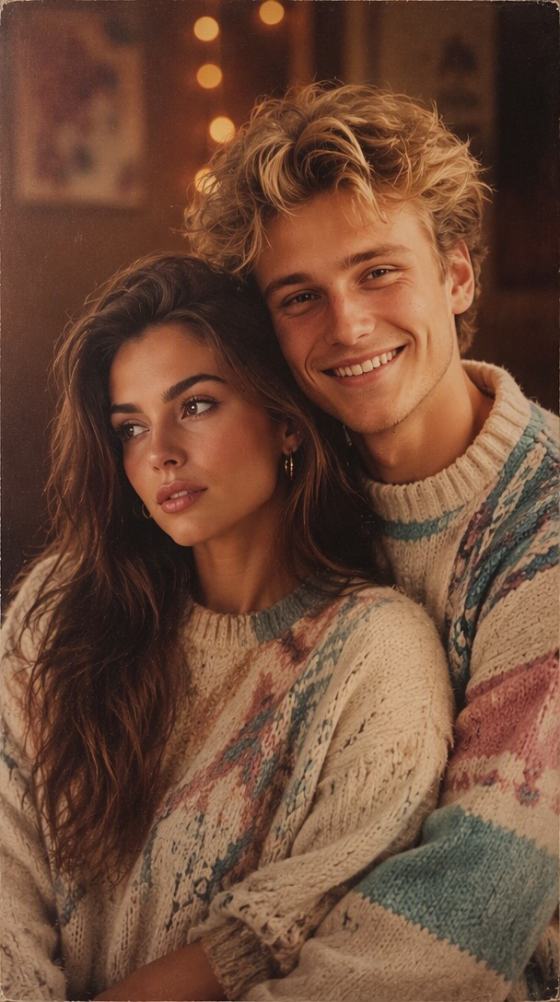
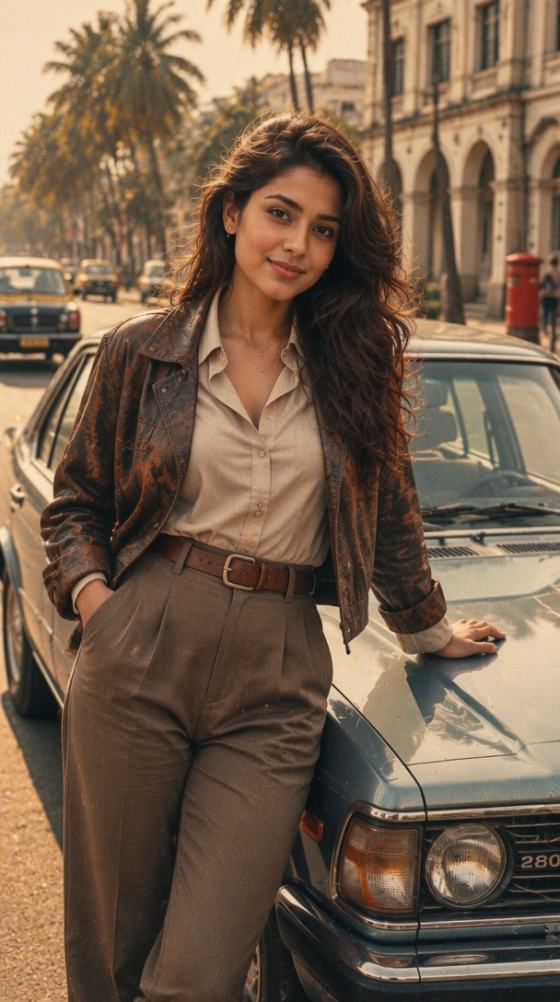
Transformieren Sie Ihre Fotos mit der fortschrittlichen Bildbearbeitung von Google Gemini in Retro-Meisterwerke der 1980er Jahre. Kopieren Sie unsere bewährten Gemini-80er-Foto-Prompts, um Ihre Identität perfekt zu bewahren und gleichzeitig Vintage-Frisuren, Kleidung und Hintergründe zu gestalten – oder erstellen Sie die gesamte Ästhetik sofort online mit dem direkten KI-Generator von Media.io.
Kostenlose Credits bei der Anmeldung.
Greifen Sie auf kuratierte, bewährte Gemini-1980er-Foto-Prompts zu, die für Googles komplexe Bildbearbeitungsanweisungen optimiert sind. Kein Ausprobieren nötig – einfach kopieren und einfügen.
Nutzen Sie Anweisungen, die für Geminis Nano-Banana-Referenzfunktionen entwickelt wurden. Ändern Sie Frisuren, Neon-Jacken und Retro-Beleuchtung, während Ihre Gesichtszüge vollständig erhalten bleiben.
Wählen Sie sofort spezialisierte Stile – von Retro-Bollywood-Ästhetik und Neon-Disco-Vibes bis hin zu nostalgischen Highschool-Jahrbuch-Hintergründen und analogen Polaroids.
Überspringen Sie das Schreiben von Prompts komplett mit Media.io. Erstellen Sie atemberaubende Vintage-80er-Trends direkt in unserem Online-Dashboard mit einem Klick, völlig ohne Wasserzeichen.
Entdecken Sie unsere kuratierte Galerie mit 1980er-Retro-Stilen. Wählen und kopieren Sie einen speziellen 80er-Prompt, der für Google Gemini maßgeschneidert ist, oder bereiten Sie Ihr Selfie für das direkte Filter-Tool von Media.io vor.
Laden Sie Ihr Selfie zusammen mit unserer identitätsbewahrenden Prompt-Formel bei Gemini hoch, oder laden Sie Ihr Bild einfach direkt in das Retro-Tool von Media.io hoch, um manuelles Prompting zu umgehen.
Nutzen Sie Chat-Anpassungen in Gemini, um Details wie Körnung und Frisurenvolumen zu optimieren, oder laden Sie Ihr makelloses, wasserzeichenfreies 1980er-Foto sofort von Media.io herunter.

Vintage-Content-Creator

„Mein exaktes Gesicht mit perfektem 80er-Volumen!" Ich hatte Probleme, mein Gesicht mit anderen Prompts in Gemini konsistent zu halten. Mit den hier bereitgestellten identitätsbewahrenden Formeln hat Googles Bildeditor meine Gesichtszüge perfekt beibehalten und gleichzeitig unglaubliche Lederjacken und authentische Vintage-Jahrbuch-Hintergründe hinzugefügt.

Retro-Bollywood-Enthusiastin
„Makellose Bollywood-Kinoästhetik der 1980er Jahre." Ich habe die klassische Bollywood-Prompt-Formel für Gemini kopiert, und die Ergebnisse waren wunderschön. Als Geminis Server langsam wurden, wechselte ich zum direkten 80er-Foto-Editor von Media.io und erstellte das exakte warme Color-Grading in Sekunden nach, ohne irgendwelche Prompts eintippen zu müssen.

Social-Medien-Strategin
„Super einfache plattformspezifische Prompts." Das sind echte Bild-zu-Bild-Prompts, die speziell für Geminis Bearbeitungslogik optimiert sind. Statt seltsam verzerrter KI-Gesichter behielt mein Porträt seine echte Struktur bei und passte perfekt zum Retro-Highschool-Jahrbuch-Look.

Digitale Hobbyistin
„Eine fantastische Alternative zum manuellen Prompting." Gemini ist großartig, aber wenn man keine Lust hat, sich mit KI-Anweisungen oder Textbeschränkungen herumzuschlagen, sind die direkten Retro-Filter von Media.io unglaublich einfach und erzeugen sofort wasserzeichenfreie 80er-Aufnahmen.
Beim Gemini-80er-Foto-Prompt-Trend lädt man ein persönliches Porträt oder Selfie bei Google Gemini hoch (das fortschrittliche Bild-zu-Bild-Bearbeitungstechnologie verwendet) und gibt spezifische Textanweisungen ein. Der Prompt weist Gemini an, Ihre Kleidung, Frisur und den Hintergrund in Vintage-Stile der 1980er Jahre zu ändern – wie Jahrbuchporträts, Disco-Looks oder klassische Bollywood-Designs – und dabei Ihre Gesichtsstruktur, Ihren Ausdruck und Ihre Identität beizubehalten.
Für die besten Ergebnisse verwenden Sie eine Bild-zu-Bild-Struktur. Laden Sie Ihr Bild hoch und verwenden Sie einen Prompt wie: „Behalte die Gesichtsidentität, den Ausdruck und die Merkmale der Person auf diesem Foto exakt bei. Bearbeite das Bild so, dass es wie ein Porträt aus den 1980er Jahren aussieht. Ändere die Frisur zu voluminösen 80er-Wellen, ersetze die Kleidung durch eine klassische 80er-Jeansjacke und ändere den Hintergrund zu einem weichen, warm beleuchteten Retro-Fotostudio-Hintergrund mit authentischem analogem Filmkorn."
Google Gemini unterstützt lokale Bearbeitung, Referenzbilder und tiefgreifende konversationelle Anpassungen (unter Nutzung von Modellen wie der Nano-Banana-Serie). Wenn Sie Ihr Selfie hochladen und Gemini ausdrücklich auffordern, „die Identität und Gesichtszüge der Person beizubehalten", fungiert es als strukturierte Referenz. Es modifiziert die sekundären Attribute wie Outfits, Haarvolumen, Retro-Film-Grading und Hintergrundelemente, während die zentralen Gesichtsmerkmale unberührt bleiben.
Sie können unsere Prompts anpassen, um eine breite Palette ikonischer 1980er-Looks zu erzeugen. Beliebte Optionen sind das Highschool-Jahrbuchporträt, neonbeleuchtete Disco-Looks, Vintage-Straßenmode, peinliche Familienalbum-Fotos und klassische Retro-Bollywood-Star-Ästhetik. Tauschen Sie einfach die Beschreibungen von Kleidung, Frisur und Kamerabeleuchtung in der Prompt-Vorlage aus, um sie an Ihr gewünschtes Thema anzupassen.
Nein, Media.io ist eine unabhängige kreative KI-Suite und steht in keiner offiziellen Verbindung zu Google Gemini. Wir bieten zwar optimierte Prompt-Formeln, die Sie kopieren und direkt in Google Gemini verwenden können, aber Media.io verfügt auch über einen eigenen Online-80er-KI-Porträtgenerator. Dies ist eine großartige Alternative, wenn Sie komplexe Text-Prompts komplett umgehen und hochwertige, wasserzeichenfreie 1980er-Fotos sofort mit nur einem Klick erstellen möchten.
 4,7 (162.357 Stimmen)