







KI-Gesichtstausch
Quellbild hochladen
Ein Bild mit klar erkennbaren Gesichtern hochladen
Klicken oder ziehen, um hochzuladen, oder wählen Sie aus Meine HistorieKlicken Sie zum HochladenMeine Historie
Keine Ideen? Erstellen Sie zuerst ein Bild. >
Laden Sie jpg-, jpeg- oder png-Bilder bis zu 50 MB hoch, mit einer Mindestbreite/-höhe von 300 px.
Gesicht hochladen
Laden Sie das Gesicht hoch, das Sie einsetzen möchten
youtube thumbnail face swap

Instant YouTube Thumbnail Face Swap with AI

Create compelling and humorous YouTube thumbnails in seconds using Media.io's AI Face Swap tool. Simply upload your images to replace faces seamlessly and generate realistic thumbnail visuals. Whether you are promoting a vlog, tutorial, or review, this tool makes your thumbnails stand out. Save time, increase engagement, and convert more views effortlessly.

Try Face Swap for Free
Free to TryNo InstallationRealistic AISecure & Private
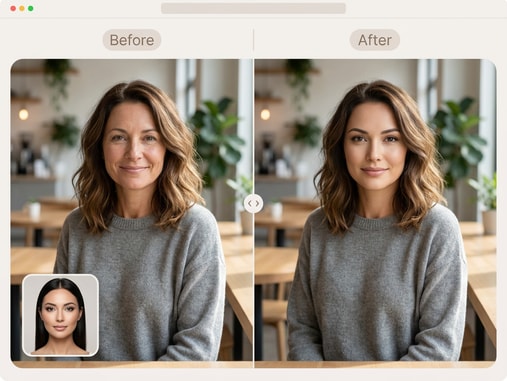
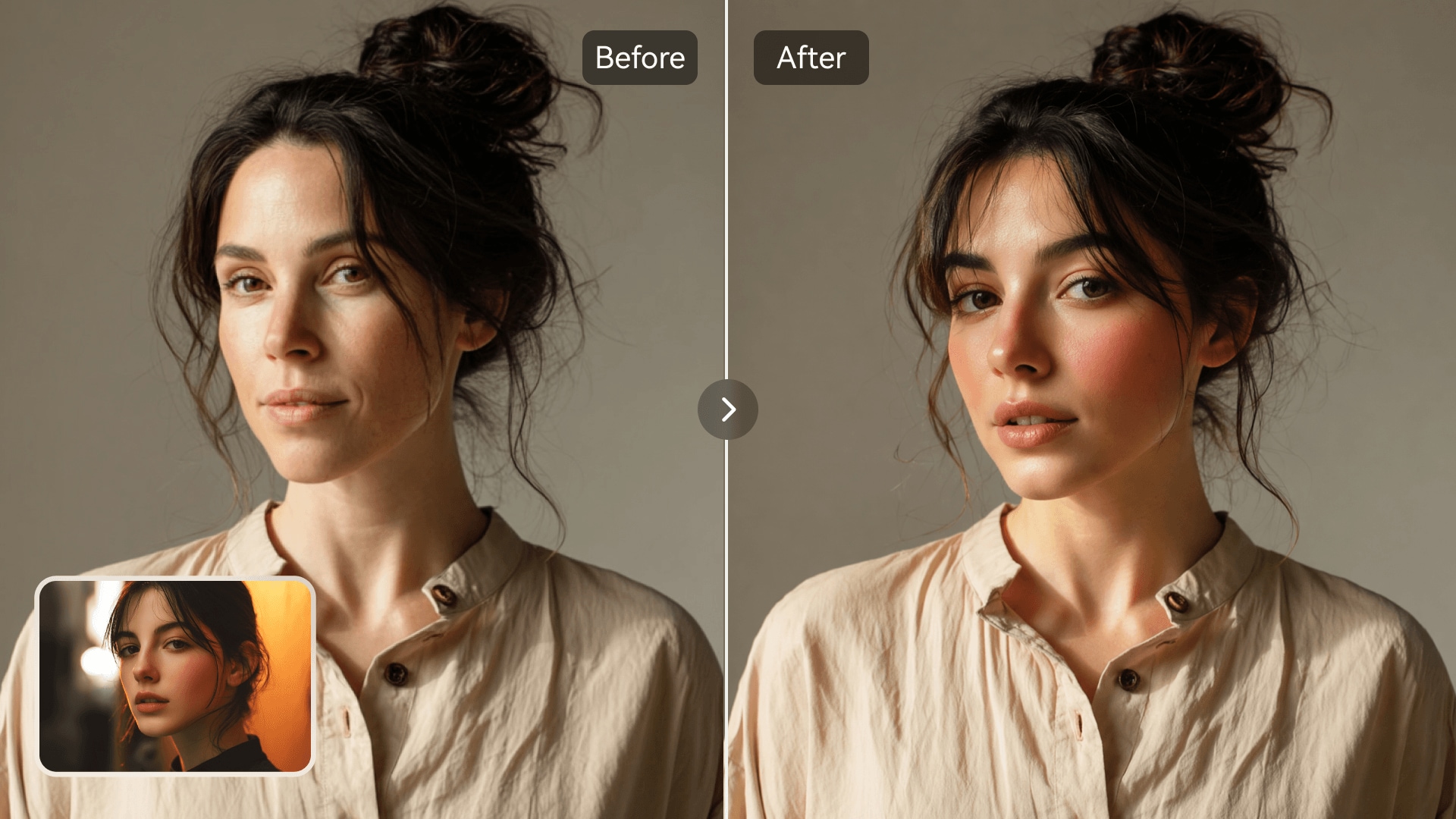
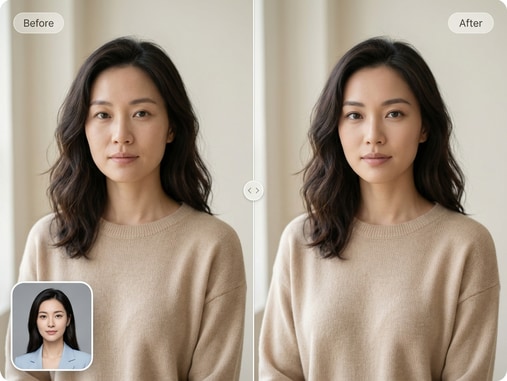
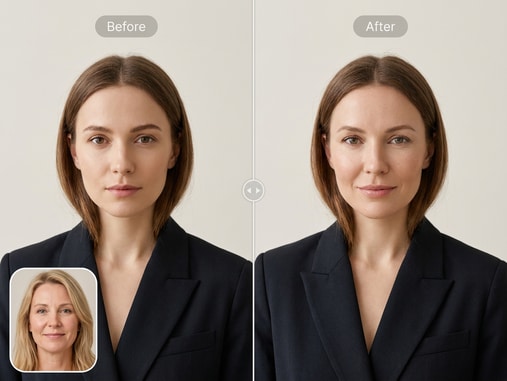
YouTube thumbnail face swap before and after comparison
Creator adjusting face swap for a funny YouTube thumbnail

Boost Video Clicks Instantly

Custom thumbnails play a major role in attracting viewers. With Media.io's face swap feature, you can create entertaining and unique images that make your video stand out in crowded feeds. Use authentic facial blending that captures attention and invites clicks. Turn your creative ideas into engaging visuals for better video performance.

AI That Understands Faces

Media.io uses advanced AI recognition to deliver natural-looking swaps. Each image preserves lighting, angles, and color tones for enhanced realism. The result appears organic and perfectly aligned, ensuring every thumbnail looks professionally made. Let AI handle the heavy lifting while you focus on content creation.

Simple for Any Creator

No editing experience is required to use this tool. Upload your chosen images, position the face area, and watch as AI performs the transformation. The intuitive interface means even beginners can create ready-to-post thumbnails quickly. Media.io brings pro-level results to all skill levels.

Smart, Fast, and Secure

Every upload is processed safely and deleted automatically after use. Get quick, high-quality results without worrying about privacy. Your data stays protected while you enjoy fast rendering and accurate results. Create with confidence knowing your work remains confidential.

Remove Watermarks from Your AI Face Swaps

Create face-swapped images with zero branding using Media.io's Face Swap No Watermark feature. Get clean, ready-to-share visuals instantly.

Comparison showing watermark-free AI face swap result

How to Make a YouTube Thumbnail Face Swap Online

01

Upload Your Images

Choose the face image and target thumbnail background you want to work with. You can upload from your device or drag-and-drop for quick setup.

02

AI Swaps Faces Instantly

Let Media.io's AI process both images, automatically aligning and swapping faces while preserving expressions, lighting, and skin tone for natural results.

03

Download and Use on YouTube

Preview your thumbnail, make small adjustments, then export the final version in high quality. Use it directly on YouTube to grab more viewer attention.

Why Creators Love Media.io Face Swap for Thumbnails

user
Jordan L.

Vlog Creator

starstarstarstarstar

"Perfect for Eye-Catching Thumbnails" I've used Media.io to switch faces for my YouTube thumbnails, and the result looks incredibly real. It took just a few seconds, saving me tons of editing time. My videos now get noticeably more clicks. It's the easiest way I've found to make my thumbnails stand out.

user
Maria S.

DIY Channel Owner

starstarstarstarstar

"Amazing Quality and Speed" This AI face swap works flawlessly for creating personalized thumbnails. The facial alignment is accurate, and it looks natural on every test video I've uploaded. I appreciate how quick and privacy-friendly the process is. Overall, a must-have for any content maker.

user
Kevin T.

Gaming Streamer

starstarstarstarstar

"Next-Level Tool for Streamers" I use it to create funny before-and-after reaction thumbnails for my gaming highlights. The AI swaps faces seamlessly, making every thumbnail unique and fun. Viewers definitely notice the creativity. I highly recommend Media.io to all content producers.

user
Elena W.

Marketing Designer

starstarstarstarstar

"Ideal for Campaign Visuals" Even for marketing mockups, this tool does wonders. I can switch faces on product display photos to match brand imagery effortlessly. It saves me from complicated Photoshop work, and I still get realistic results every time. Highly efficient for creative professionals.

user
Sam R.

Lifestyle Blogger

starstarstarstarstar

"Easy and Effective for Social Media" Media.io's face swap tool gave me everything I needed to produce stylish thumbnails without learning design software. The automatic blending is incredibly realistic and smooth. My engagement went up after switching to these eye-catching visuals. Totally worth trying!

Recent user feedback shows over 94% satisfaction for creators seeking quick thumbnail editing tools.

YouTube Thumbnail Face Swap FAQ

1. What Is a YouTube Thumbnail Face Swap?
faqfaq

A YouTube thumbnail face swap replaces one person's face with another in a video thumbnail. Creators use it to make thumbnails more entertaining or expressive. Media.io's AI automates the process for realistic results. It helps increase click-through rates by adding a creative visual twist.

Yes, Media.io offers free face swap previews and downloads for small projects. Some premium features like batch processing may require an upgrade. You can experiment with your ideas before any payment. It's a great option for creators who want professional results without cost.

No design skills are necessary. Media.io's interface is user-friendly and guided by AI, making the swap process automatic. It aligns faces, adjusts tones, and completes the edit on its own. You just upload and wait a few seconds to see perfect results.

Yes, Media.io uses advanced AI modeling to match lighting, textures, and facial features accurately. The output maintains natural proportions and lifelike tones. Your thumbnails will look genuinely expressive and consistent. It's ideal for both fun and professional use cases.

Absolutely. You can upload group photos or multi-face images, and Media.io will identify individual faces precisely. You can select which faces to swap for tailored effects. This makes it great for collaborative YouTube projects or team-based content.

Yes, Media.io respects user privacy and deletes uploaded images automatically after processing. No personal data or files are stored. You can create thumbnails with peace of mind knowing your files stay confidential. Security and privacy are top priorities.

Yes, Media.io allows you to export your swapped thumbnails in high resolution suitable for YouTube upload. The downloaded images retain clarity and accurate colors. You can use them directly for your channel banners or video covers. This ensures professional visual quality every time.

Media.io combines AI precision with speed and usability. It provides realistic results without manual editing tools or expert intervention. You get instant transformations and secure storage. It's a complete solution for creators who need quick, high-quality thumbnail generation.

Media.io Online AI Tools Quality Rating:
vote4.7 (162,357 Votes)