As criações são armazenadas por apenas 7 dias. Os recursos criados após o upgrade para um plano de assinatura serão armazenados permanentemente.
Desbloqueie seu potencial criativo e experimente a magia da IA de mídia hoje!
Criador de Emotes para Twitch Personalizado e Legível em Segundos
Crie emotes personalizados para Twitch a partir de prompts de texto em um fluxo de trabalho rápido e baseado no navegador. O Media.io ajuda streamers a criar reações no estilo chibi, anime, pixel e mascote com fundo transparente e boa legibilidade em tamanhos pequenos, seja você precisar de um criador de emotes para twitch, um gerador de emotes para twitch, ou uma ferramenta de emotes para twitch para criar emotes do twitch online.
Digite sua ideia -> A IA cria. Gratuito para experimentar.
Confira esses exemplos de direções e ajuste os detalhes do prompt para obter resultados mais precisos com o Criador de Emotes para Twitch do Media.io e aprenda como fazer emotes para twitch com resultados mais consistentes.
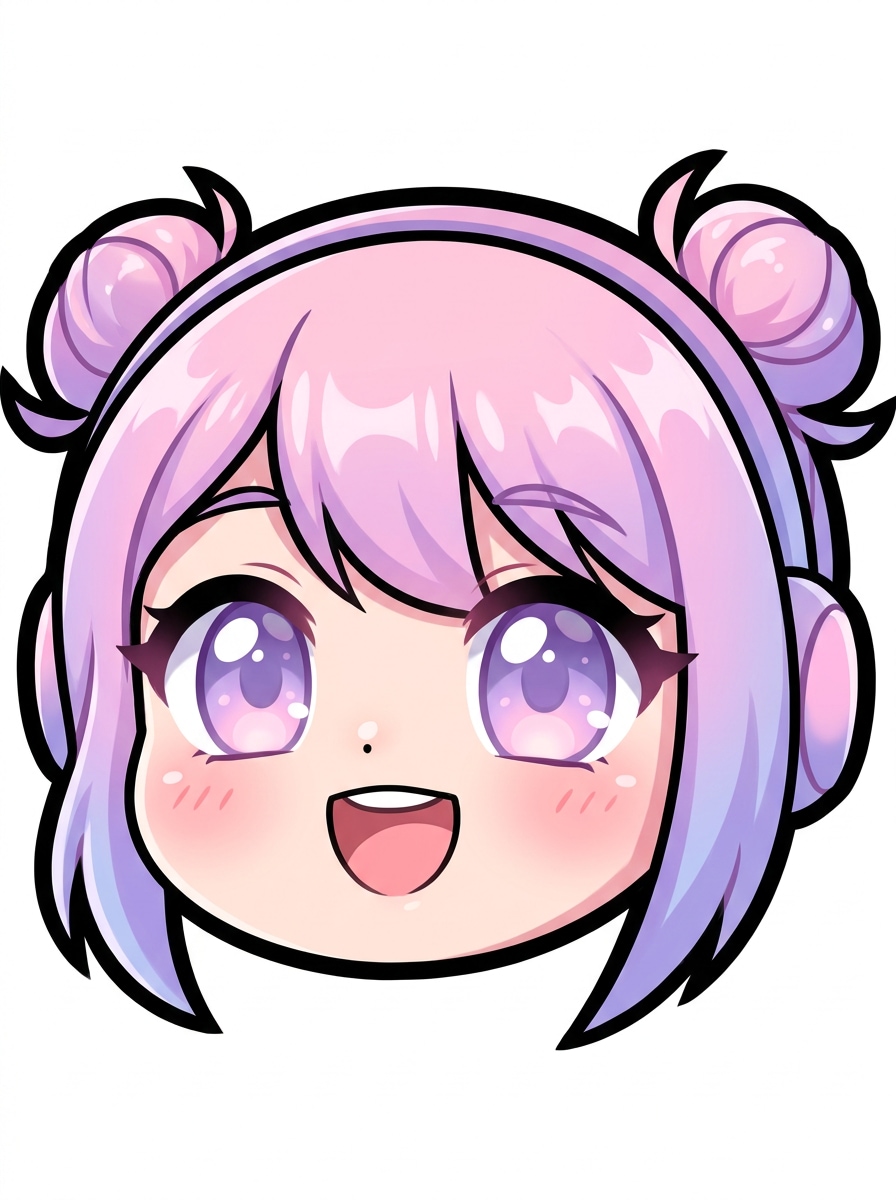
Rosto Chibi Kawaii
Crie um emote para Twitch com um rosto chibi fofo de streamer, apenas close-up, olhos grandes e brilhantes, nariz pequeno, sorriso aberto e alegre, blush suave, paleta em rosa pastel e lavanda, contorno preto nítido, fundo transparente limpo, sombreamento suave, alto contraste, altamente legível em tamanhos muito pequenos de ícone.
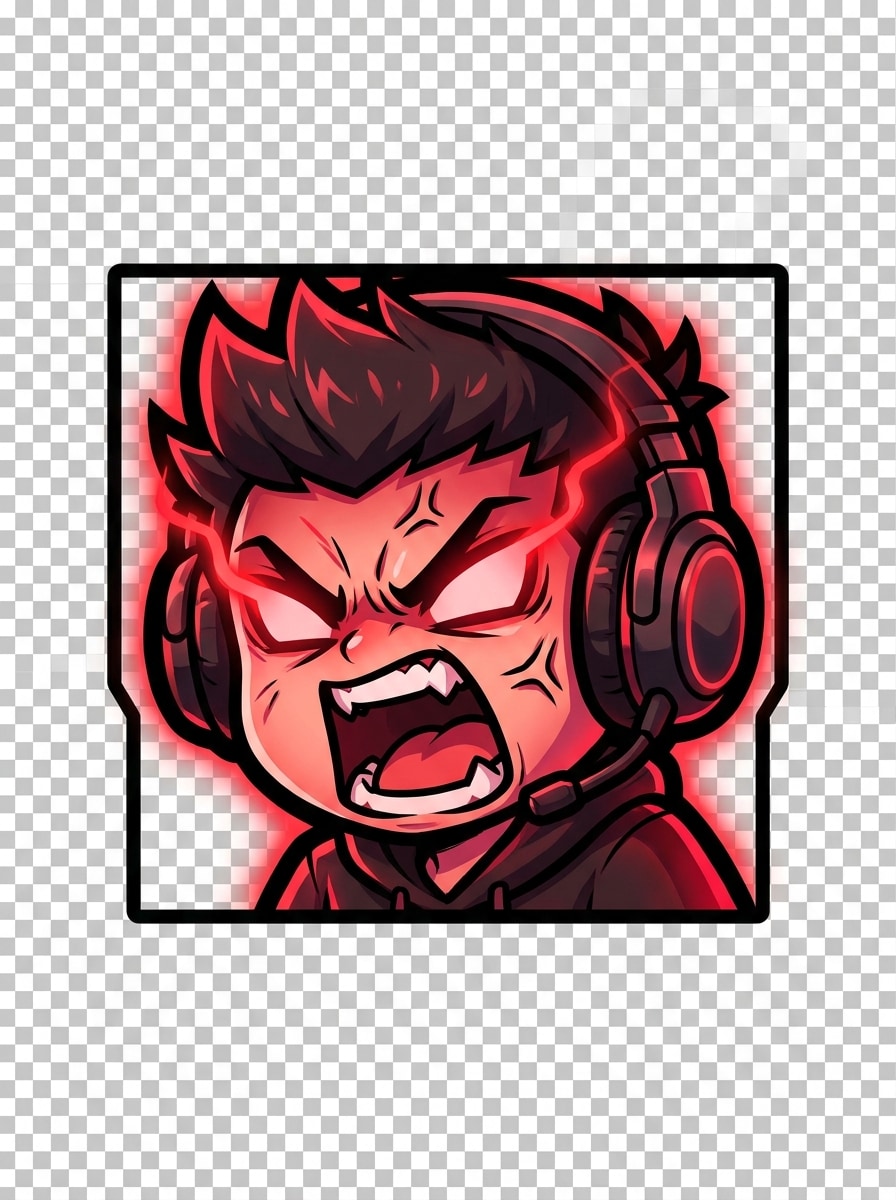
Chibi Gamer Furioso
Gere um emote para Twitch de alta energia com um chibi gamer furioso usando headset, boca gritando, sobrancelhas franzidas, detalhes com brilho vermelho, linhas de expressão marcantes, composição centralizada compacta, contorno grosso, fundo transparente, cores carmesim saturadas e carvão, contraste dramático, otimizado para clareza em exibições pequenas.
Reação Anime Suave
Crie um emote para Twitch inspirado em anime com um rosto feliz e corado, olhos brilhantes, brilhos sutis, sombreamento cel suave, tons de pêssego e azul-céu, arte de linha precisa, enquadramento em close-up centralizado, fundo transparente, silhueta limpa, brilho suave e boa legibilidade em 112x112 pixels e menores.
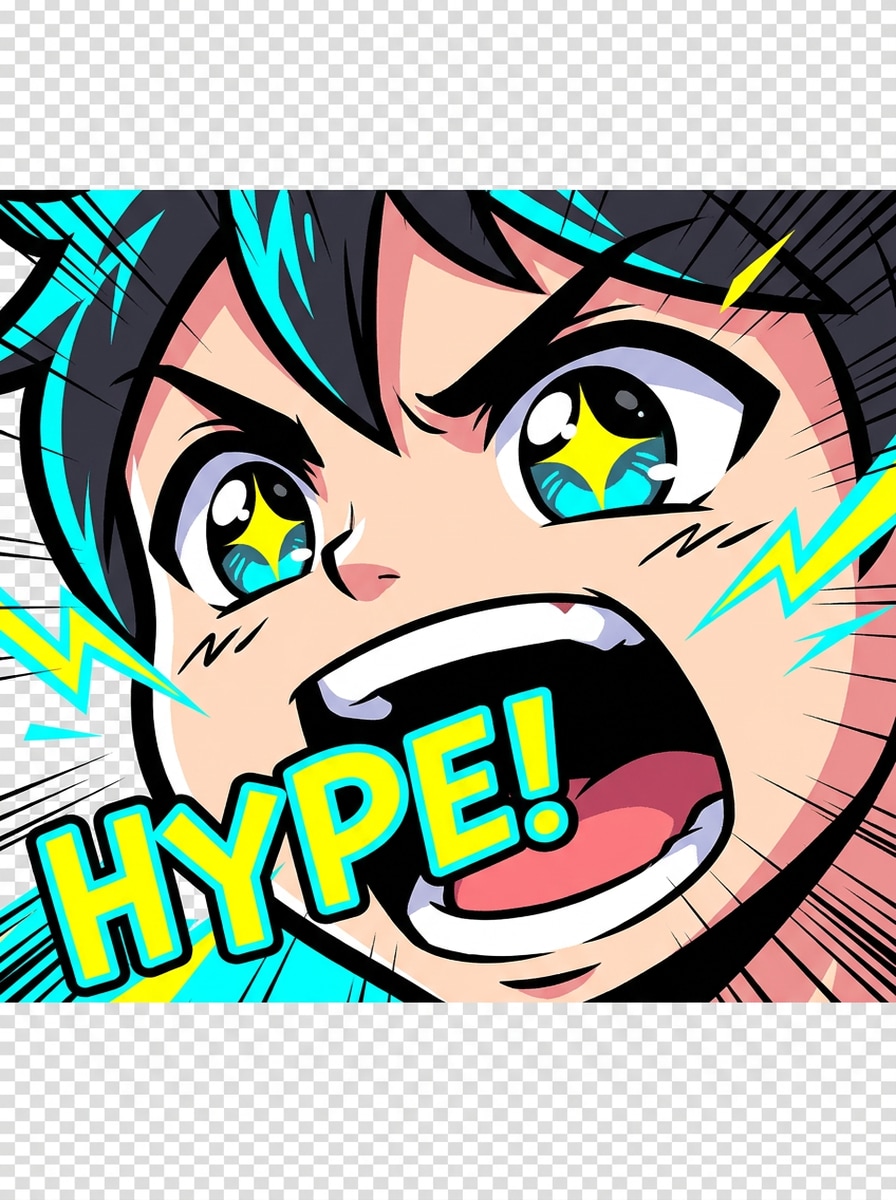
Grito de Hype Anime
Crie um emote para Twitch mostrando um rosto anime animado gritando com hype, boca bem aberta, olhos enérgicos, linhas de movimento, destaques em ciano vibrante e amarelo, linhas de contorno marcantes, fundo transparente, blocos de cores expressivos, composição em close-up apertado, emoção expressiva e excelente legibilidade em tamanho pequeno de ícone.
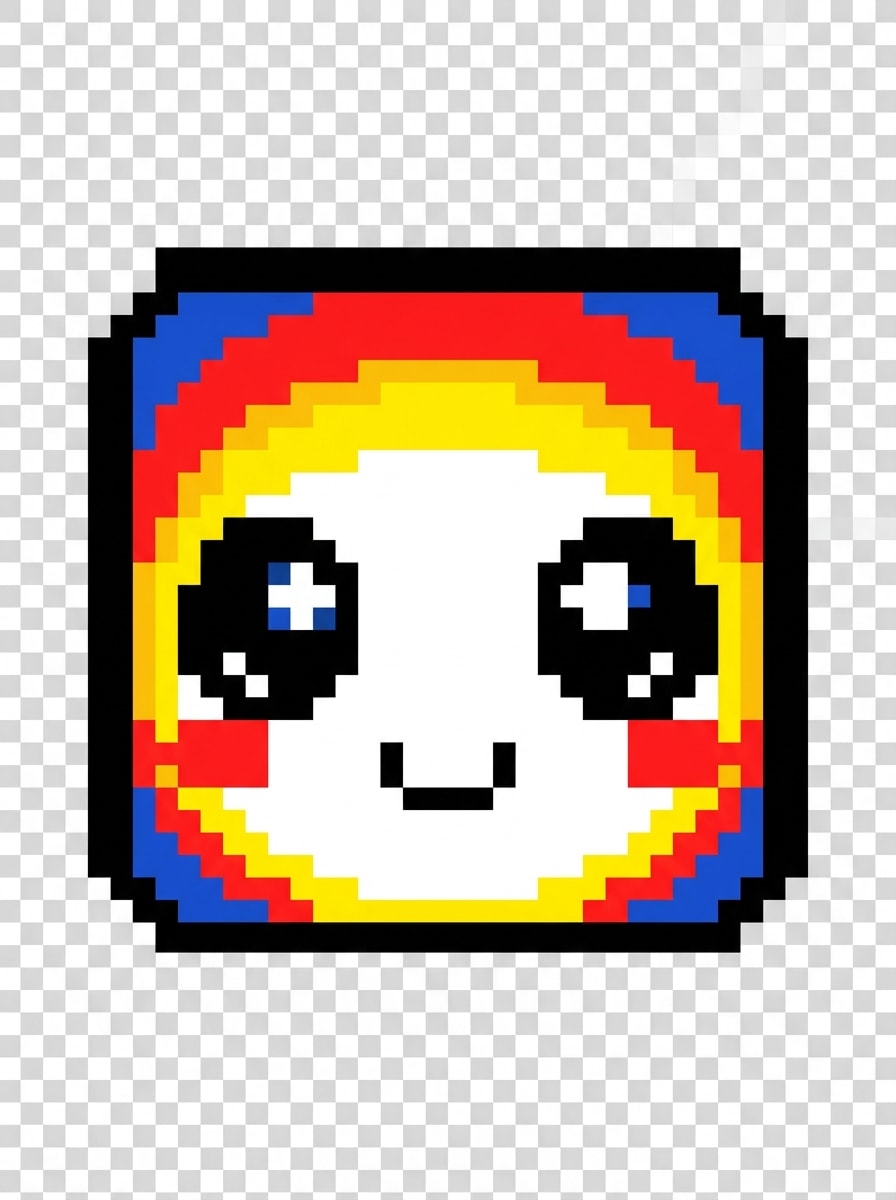
Emote Pixel Retrô
Gere um emote para Twitch em pixel art retrô com um rosto alegre, composição quadrada 1:1, paleta de cores limitada em 8 bits, alto contraste, traços simplificados, sorriso pequeno, olhos expressivos em pixel, fundo transparente, bordas de sprite limpas, clima de fliperama nostálgico e boa visibilidade mesmo em tamanhos miniaturas.
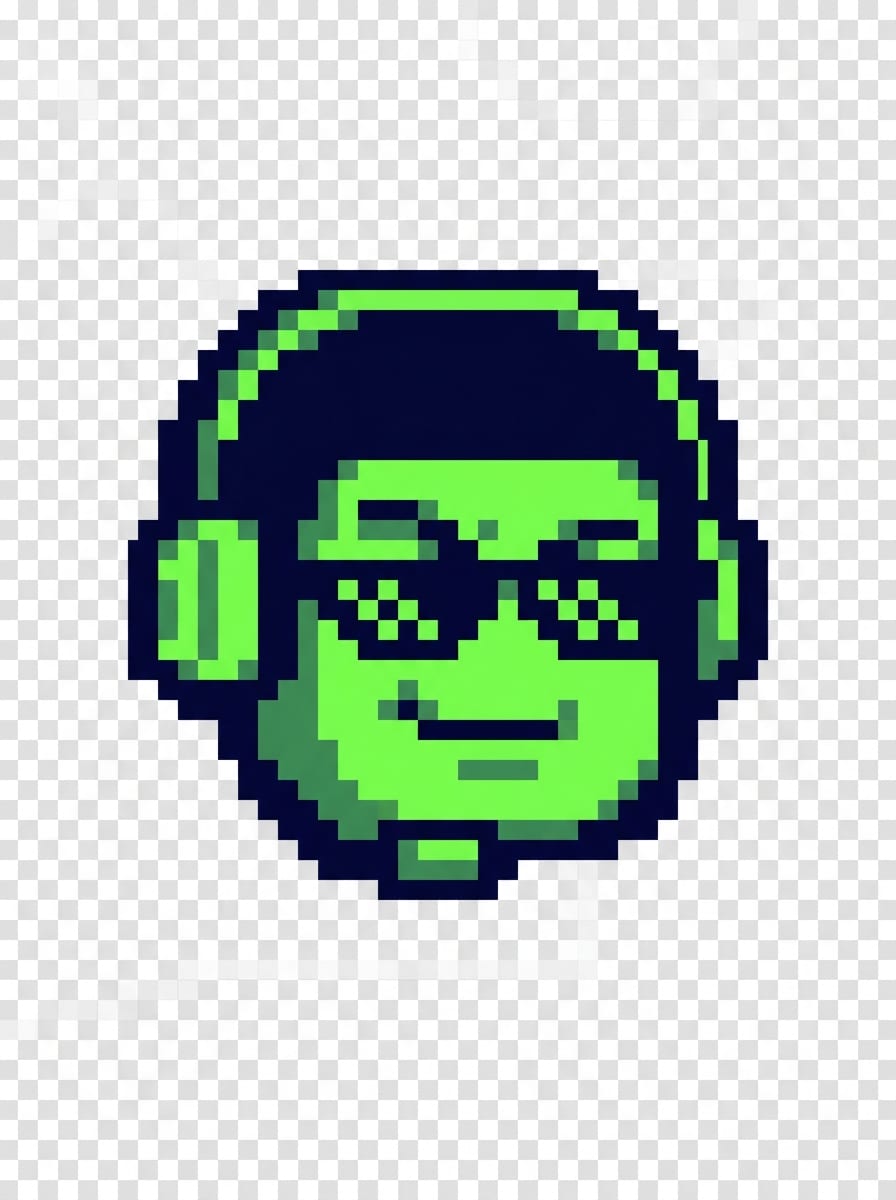
Mascote Gamer 8-Bit
Crie um emote para Twitch de mascote gamer 8-bit com óculos escuros, sorriso malicioso, enquadramento compacto apenas da cabeça, paleta em azul-marinho escuro e verde neon, sombreamento em pixel, silhueta forte, fundo transparente, clima competitivo e divertido, detalhes mínimos e legibilidade retrô nítida para reações no chat e uso como emblema.
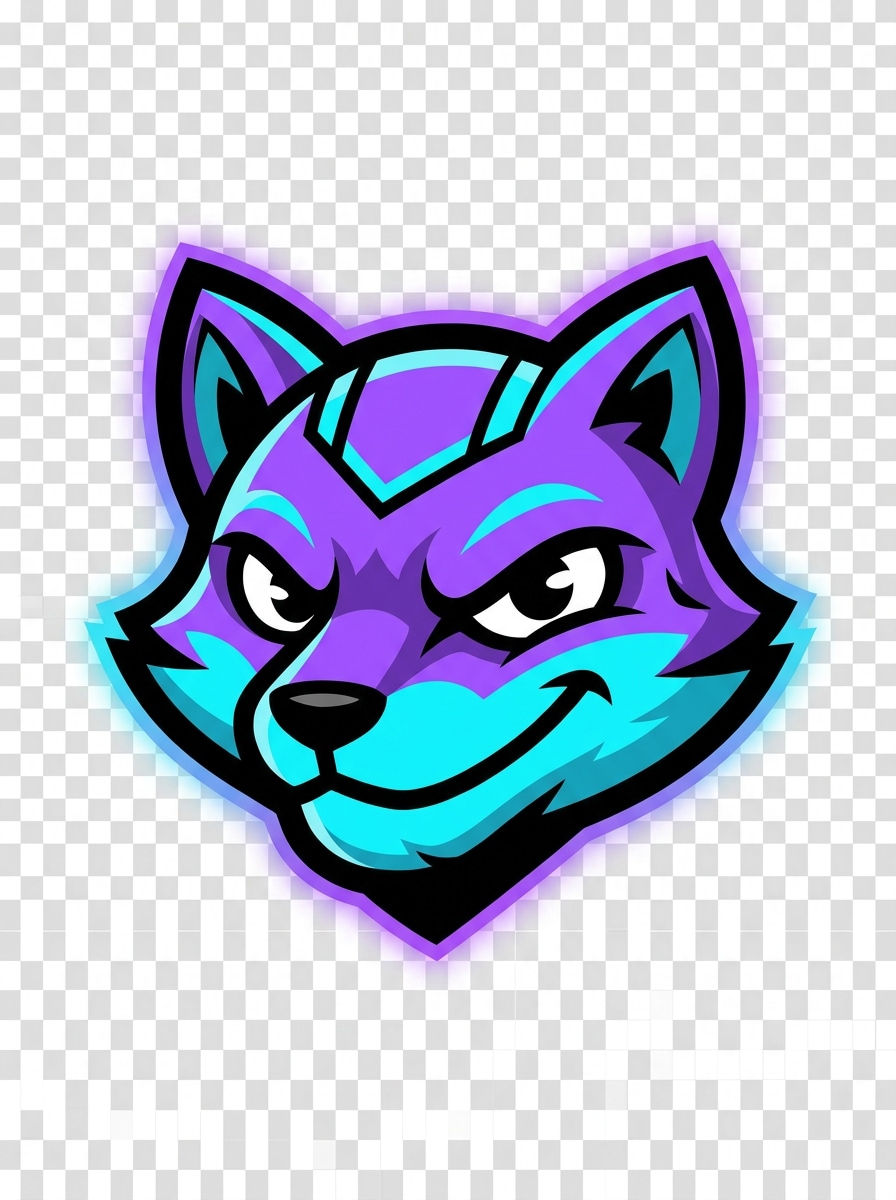
Cabeça de Mascote Streamer
Gere um emote para Twitch de cabeça de mascote com as cores do canal em roxo, ciano e preto, contorno externo marcante, formas simplificadas, olhos expressivos e confiantes, recorte centralizado, fundo transparente, acabamento vetorial polido, brilho sutil, clima de marca de streamer e alta clareza para uso repetido no chat.
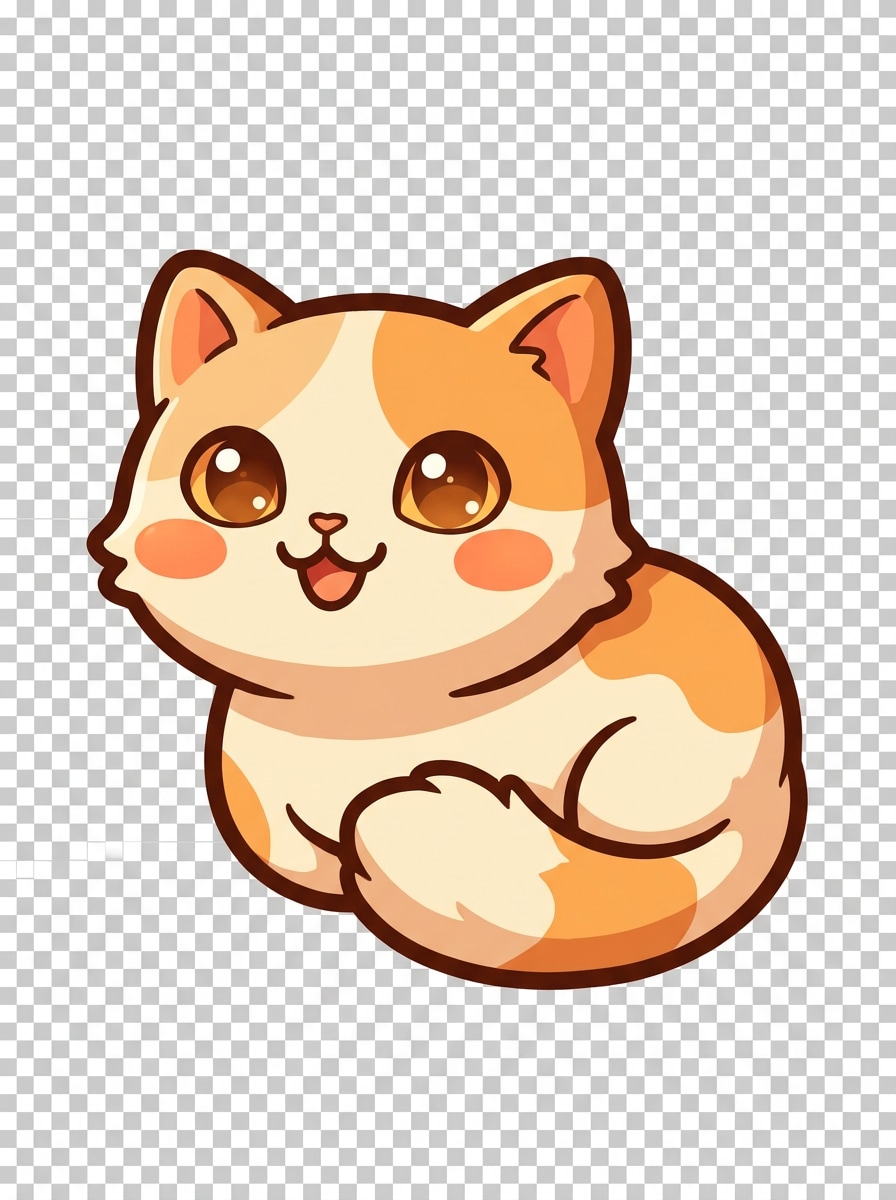
Emote de Mascote Animal
Crie um emote para Twitch de mascote de gato fofo com olhos grandes e expressivos, orelhas triangulares pequenas, bochechas arredondadas, sorriso divertido, tons suaves de creme e laranja, contorno grosso, sombreamento simples, fundo transparente, clima aconchegante e amigável, composição compacta e excelente reconhecimento quando reduzido para o chat.
Emote de Reação de Gargalhada
Crie um emote para Twitch engraçado de risada com lágrimas, boca bem aberta, olhos fechados de tanto rir, bochechas exageradas, lágrimas azuis brilhantes, contorno preto forte, fundo transparente, paleta quente de alto contraste, close-up focado em reação, vibração de comédia energética e boa legibilidade facial em dimensões minúsculas de emote.
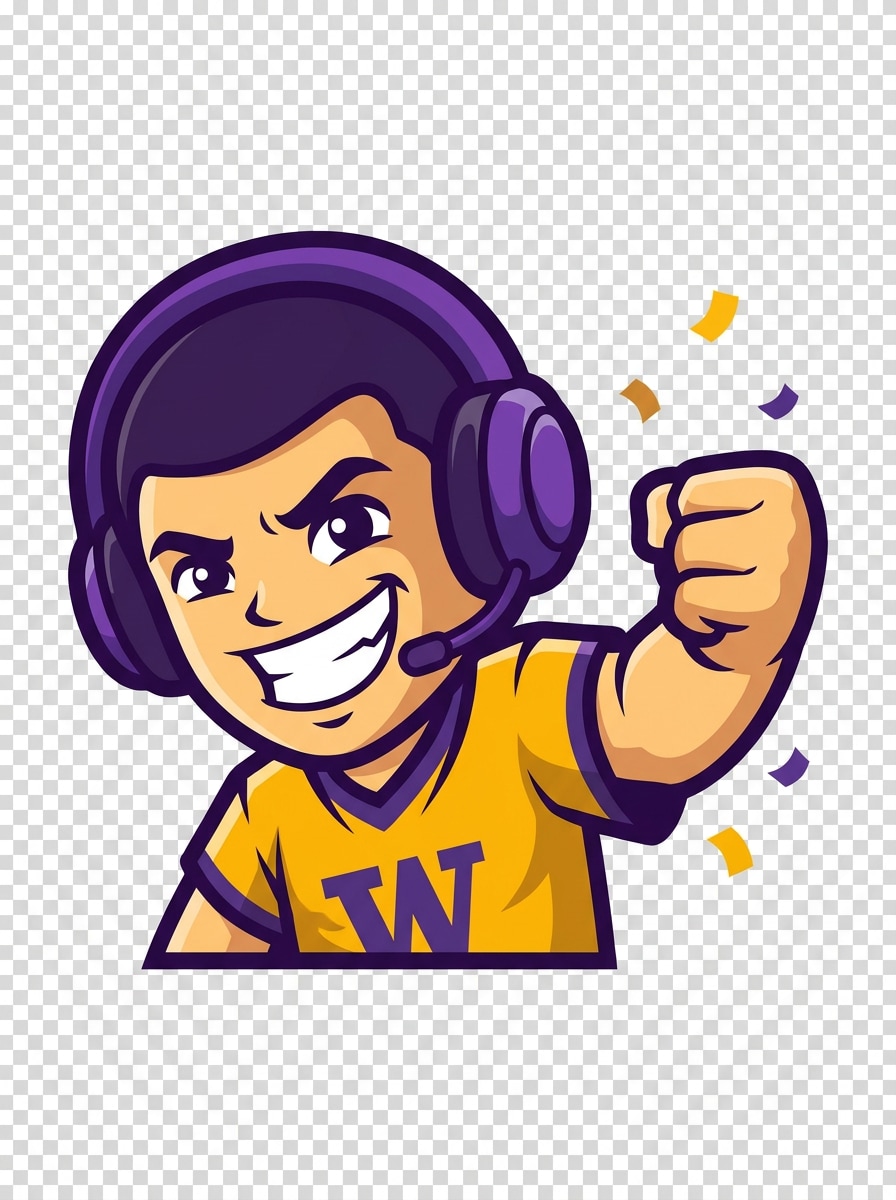
Emote de Vitória GG
Gere um emote para Twitch com tema de vitória, sorriso comemorativo, punho erguido, pequenos detalhes de confete, estilo vetorial limpo, paleta em dourado e roxo brilhantes, fundo transparente, contorno grosso, pose dinâmica simples, clima triunfante de jogo e clareza de nível de ícone forte para reações de vitória, GG e hype.
Por que Usar o Media.io para Emotes do Twitch
Desenvolva Conceitos Visuais com Menos Recomeços
Prompts curtos não precisam permanecer como ideias brutas. O Media.io ajuda a transformá-los em visuais finalizados do criador de emotes para twitch, tornando os conceitos iniciais mais fáceis de revisar, refinar e adaptar para miniaturas, painéis de humor ou apresentações rápidas.
Combine Rapidamente o Estilo Chibi, Anime, Pixel ou Mascote
A exploração criativa parece mais rápida com o Media.io porque você pode comparar múltiplas direções visuais a partir de uma ideia, tornando esse criador de emotes para twitch útil para escolher entre estilos anime, pixel, mascote ou chibi sem desacelerar seu fluxo de trabalho.
Baixe Recursos em Alta Resolução para um Acabamento Limpo
Algumas artes de emotes também são reutilizadas em painéis de stream, promoções ou apresentações, portanto o Media.io ajuda a gerar visuais mais nítidos de até 4K. Isso dá aos resultados do seu criador de emotes para twitch mais flexibilidade além de uma pequena prévia, mantendo o design confiável para uso prático.
Gere Conceitos de Emotes Online em Qualquer Dispositivo
Alguns conceitos visuais do criador de emotes para twitch são rascunhados em movimento e finalizados depois na mesa. O Media.io mantém esse processo online, para que você possa retornar ao mesmo fluxo de trabalho sem instalações ou configurações extras.
Como Fazer Emotes para Twitch Online
1
2
3
1
Abra o Gerador de Imagens com IA do Media.io
Acesse o Gerador de Imagem por Texto com IA e abra o Gerador de Imagens com IA em IA -> Texto para Imagem. Essa ferramenta online funciona no seu navegador, tornando-a um ponto de partida simples se você está aprendendo como fazer emotes para twitch ou quer uma solução rápida ferramenta de emotes para twitch sem instalar aplicativos de design.
2
Insira um Prompt
Digite um prompt detalhado como "rosto chibi fofo de gamer, sorriso alegre, contorno marcante, aparência de fundo transparente, roxo pastel e ciano, legível em tamanho pequeno." Ajuste as configurações de estilo ou proporção para combinar com o tipo de arte de reação do Twitch que você deseja e explore rapidamente diferentes visuais de emote.
3
Gere, Refine e Baixe
Clique em Gerar. Ajuste o prompt se necessário para melhorar a expressão, o contraste de cor ou o estilo de mascote, depois baixe o resultado em alta resolução e prepare-o para o upload no Twitch. É um fluxo de trabalho prático para quem pergunta como fazer um emote para twitch com IA.
Desbloqueie o Potencial do Criador de Emotes para Twitch
Veja como criadores usam o Criador de Emotes para Twitch do Media.io para conteúdo, marketing e projetos pessoais, e adapte cada ideia ao seu briefing.
Monte um Pacote Completo de Reações para o Seu Canal
Crie expressões combinadas de risada, raiva, hype, amor e GG que pareçam consistentes em toda a identidade visual do seu stream. O Media.io ajuda novos criadores a construir um conjunto de reações reconhecível em vez de depender de ícones genéricos, oferecendo aos espectadores emotes personalizados que eles vão querer usar repetidamente no chat.
Transforme Sua Persona de Stream em um Mascote
Use prompts para criar um rosto marcante, personagem gamer ou conjunto de ícones inspirado em animal de estimação que reflita suas cores e o clima da comunidade. O Media.io é especialmente útil se você quer arte personalizada, mas não tem tempo para ilustração manual complexa ou edição de templates enquanto cria emotes do Twitch para o seu canal.
Prototipe Ideias de Emotes Antes do Upload Final no Twitch
Teste rapidamente múltiplas direções visuais, desde pixel art até expressões anime, e mantenha os conceitos mais fortes para exportação e upload final. O Media.io oferece suporte a um fluxo de trabalho prático para criadores que comparam estilos e descobrem como criar emotes do twitch que se destacam em pequenos espaços de chat.
O Que os Criadores Dizem
Jordan M.
Streamer Variado
"Maneira rápida de criar reações personalizadas" Usei como criador de emotes para twitch na renovação do meu canal e obtive conceitos sólidos em minutos. Os resultados chibi e mascote eram muito mais legíveis em tamanho pequeno do que eu esperava.
Alyssa R.
Criadora VTuber
"Ótimo para pacotes no estilo anime" Eu queria um criador de emotes para twitch rápido para reações de hype, blush e risada. O Media.io facilitou testar prompts anime e obter uma aparência consistente antes de finalizar meu pacote.
Chris T.
Gerente de Comunidade de Games
"Útil para brainstorming de emotes com identidade visual" Usamos para criar emotes do twitch em torno do mascote da nossa comunidade. Economizou muito tempo de conceituação e nos deu várias direções utilizáveis para arte do canal e reações no chat.
Nina P.
Streamer Indie
"Simples no desktop e no celular" Eu estava procurando um criador de emotes para Twitch que pudesse usar sem software de design. O fluxo de trabalho no navegador era fácil, e eu conseguia experimentar pelo celular antes de finalizar no meu notebook.
Explore os efeitos de vídeo e imagem de IA mais quentes
Perguntas Frequentes sobre o Criador de Emotes para Twitch
1. O que é um criador de emotes para Twitch com IA?
Um criador de emotes para Twitch com IA é uma ferramenta que gera arte de emote personalizada a partir do seu prompt de texto. Com o Media.io, você pode descrever a expressão, estilo, cores e clima desejados — como chibi, anime, pixel ou mascote — e transformar essa ideia em conceitos de imagem que você pode refinar para uso no Twitch.
2. Este criador de emotes para Twitch é gratuito?
Sim, o Media.io oferece créditos gratuitos para que você possa experimentar a ferramenta e gerar conceitos de emotes sem pagar antecipadamente. Se precisar de mais gerações ou quiser downloads em alta resolução sem marca d'água, você pode verificar a página de preços para os planos disponíveis.
3. Como faço um emote para Twitch a partir de texto?
Abra a ferramenta de texto para imagem do Media.io e digite um prompt claro descrevendo a expressão, estilo, paleta de cores e composição simples do emote. Se você está explorando como fazer um emote para twitch, experimente um prompt como "rosto chibi fofo de gamer, grito animado, contorno marcante, paleta roxa e ciano, legível em tamanho pequeno," depois gere, refine e baixe o resultado.
4. Qual tamanho e formato de arquivo o Twitch exige para emotes?
Os emotes do Twitch geralmente são preparados como imagens quadradas, e os criadores costumam exportá-los em PNG para que o fundo possa permanecer transparente. O Media.io ajuda você a gerar a arte primeiro; após o download, você pode redimensionar e preparar a imagem para atender aos requisitos de upload mais recentes do Twitch em relação a dimensões e tamanho de arquivo antes de publicar.
5. Posso criar emotes para Twitch com fundo transparente online?
Sim, você pode criar arte de emotes para Twitch online com o Media.io em um fluxo de trabalho baseado no navegador e criar prompts adequados para estilização com fundo transparente. Muitos criadores o utilizam para criar personagens ou rostos limpos e isolados primeiro, e depois finalizam versões PNG transparentes para upload no Twitch e identidade visual do canal.
6. Posso usar este criador de emotes para Twitch no celular ou desktop?
O Media.io é baseado na web, portanto funciona em dispositivos com navegador, incluindo Windows, Mac, iOS e Android. Isso facilita testar ideias no celular e depois continuar no desktop, seja você aprendendo como fazer emotes para Twitch ou refinando um conjunto final para o seu stream.
Além do Criador de Emotes para Twitch com IA Online