As criações são armazenadas por apenas 7 dias. Os recursos criados após o upgrade para um plano de assinatura serão armazenados permanentemente.
Desbloqueie seu potencial criativo e experimente a magia da IA de mídia hoje!
Gerador de criador de Graffiti para texto de arte de rua de IA ousada e murais
Transforme palavras em arte de graffiti vívida com o Media.ioGerador de Criador de graffiti. Crie nomes, logotipos, pôsteres e conceitos de murais em looks de bolha, vômito, neon ou estilo selvagem. Esta ferramenta baseada em navegador funciona como umTexto do criador de graffitigeradorPara criação de imagens rápida e de alta qualidade em desktop ou móvel.
Digite sua ideia-> IA projeta-a. Livre para tentar.
Revise essas instruções de exemplo e, em seguida, adapte os detalhes do prompt para obter resultados mais fortes com este gerador de criadores de graffiti Media.io.
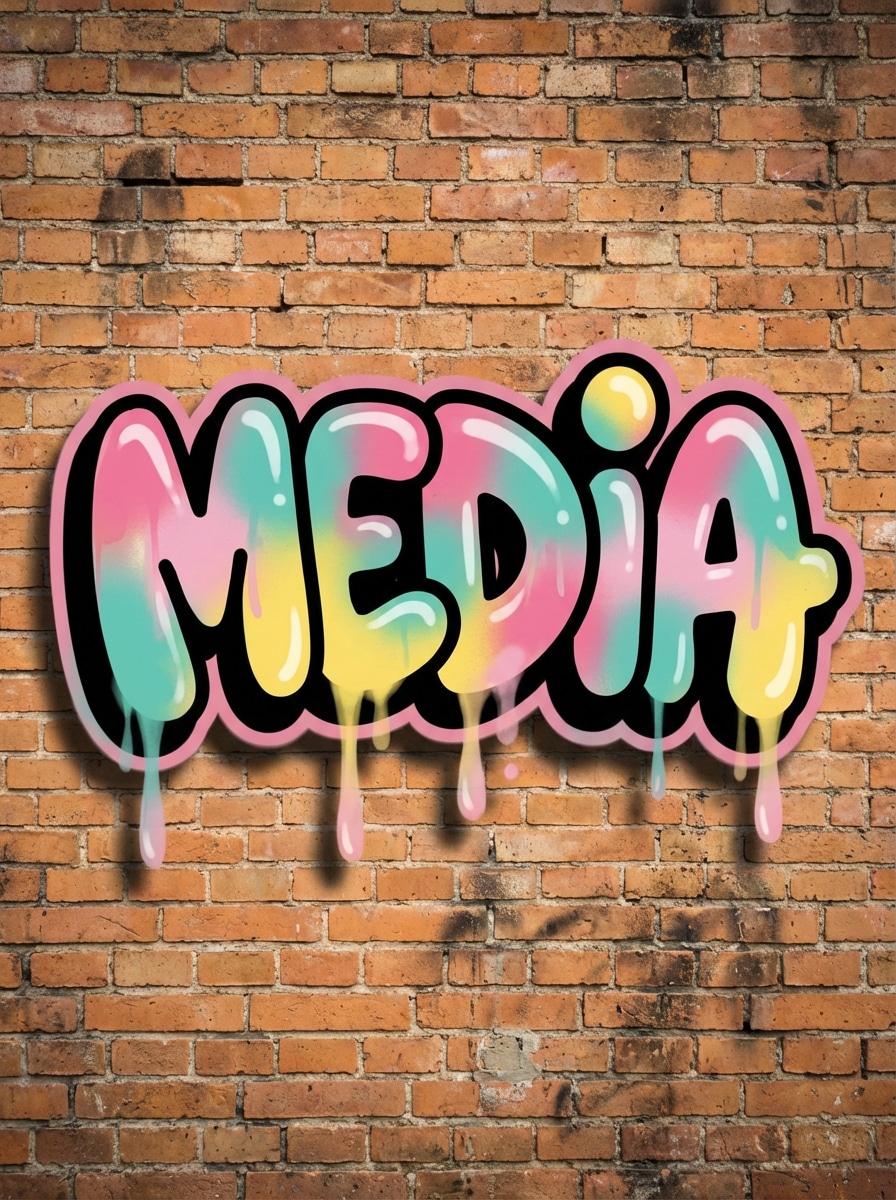
Bolha letra etiqueta
Crie letras de graffiti de bolha legíveis para a palavra "mídia" com formas arredondadas, contornos pretos grossos, preenchimentos de pintura em spray rosa brilhante, azul e amarelo, gotejamentos sutis, sombras de parede macias e um fundo de tijolo gritoso. Mantenha a composição centrada, lúdica, de alto contraste e polida como um mural limpo de arte de rua.
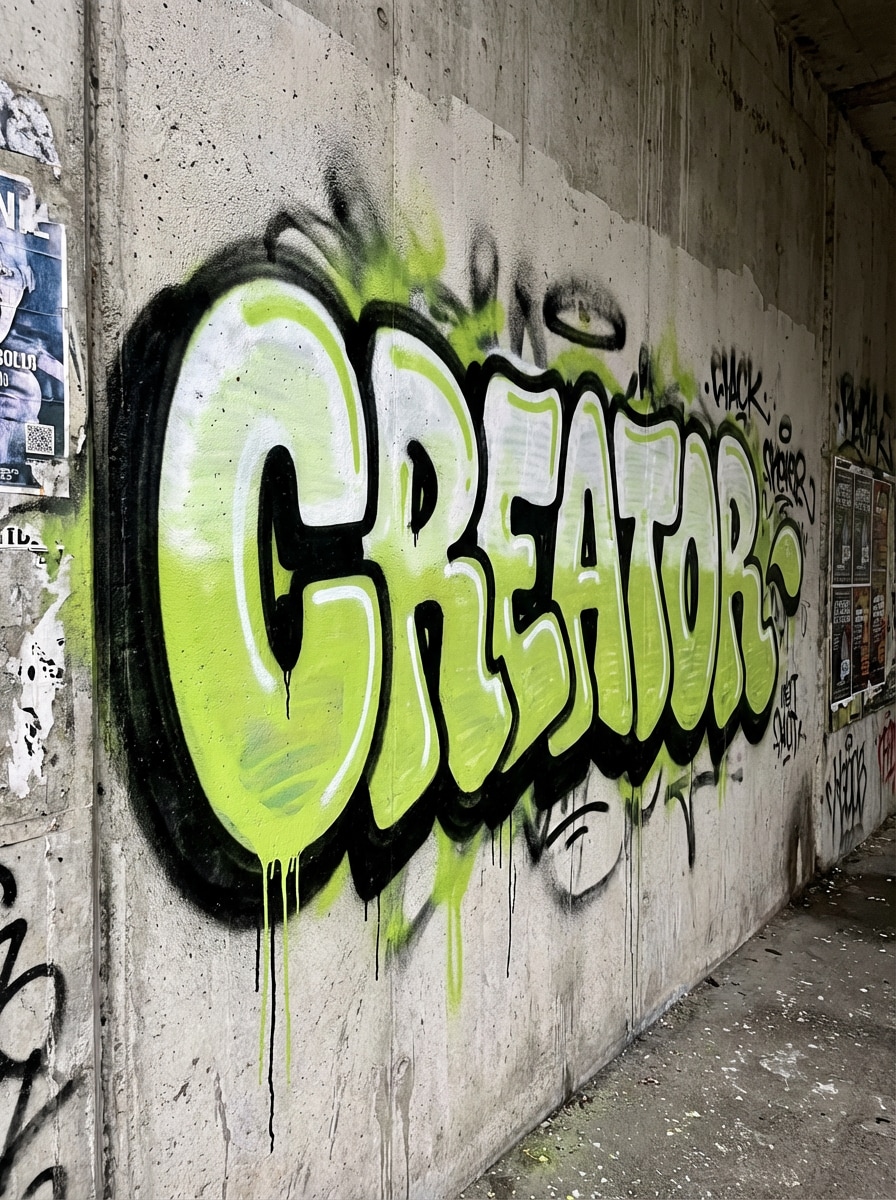
Estilo de vômito
Gere uma peça de grafiti vomitar ortografia "Criador" em letras infladas e de fluxo rápido com um preenchimento de dois tons branco e cal, contorno escuro ousado, spray energético overspray, gotejamento de tinta e textura de concreto áspero. Use uma composição ligeiramente angular, um clima urbano e detalhes nítidos, mantendo o texto legível e autêntico.
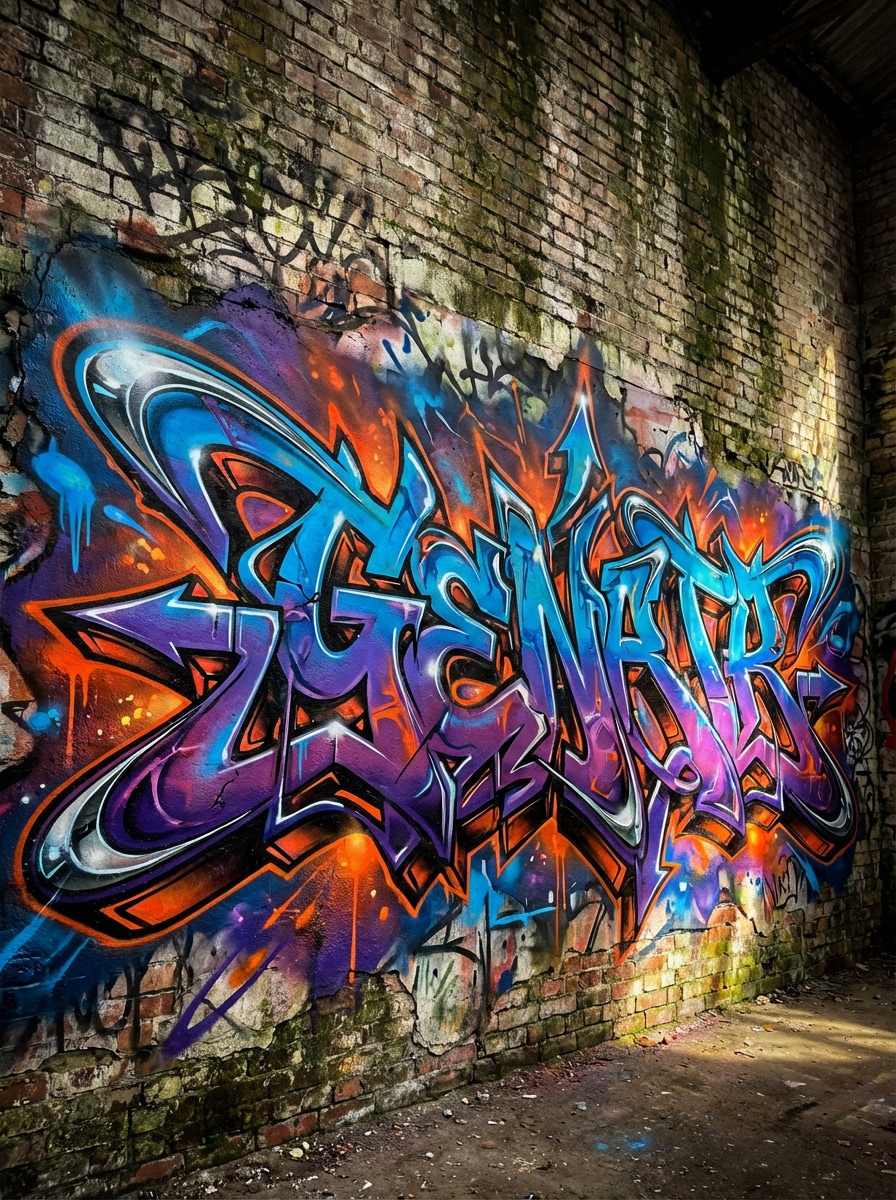
Graffiti de estilo selvagem
Projete graffiti intrincado de estilo selvagem para a palavra "gerador" com letras entrelaçadas, setas, extensões afiadas, profundidade em camadas, acentos de pintura em spray azul elétrico, roxo e laranja, destaques cromados sutis e um pano de fundo de parede desgastado. Torne-o dinâmico, denso e expressivo, com iluminação dramática e detalhes premium em nível de mural.
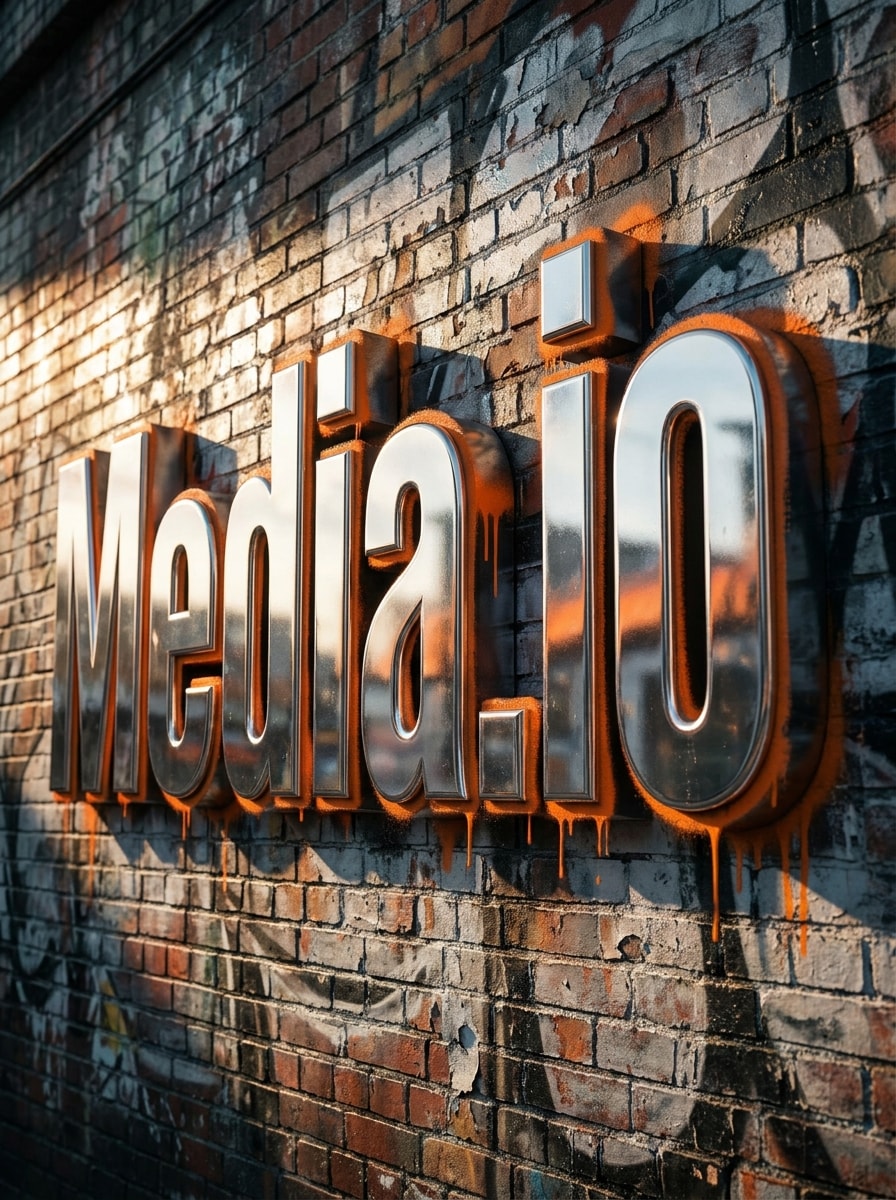
Blockbuster 3D
Crie texto graffiti de sucesso em 3D ousado dizendo "Media.io" com letras de bloco grosso, sombras extrudadas profundas, superfícies cromadas prateadas, bordas laranja de pintura em spray e textura realista de parede de tijolo. Use iluminação lateral cinematográfica, uma forte composição central, reflexos nítidos e um poderoso clima de arte de rua adequado para cartazes ou conceitos de marca.
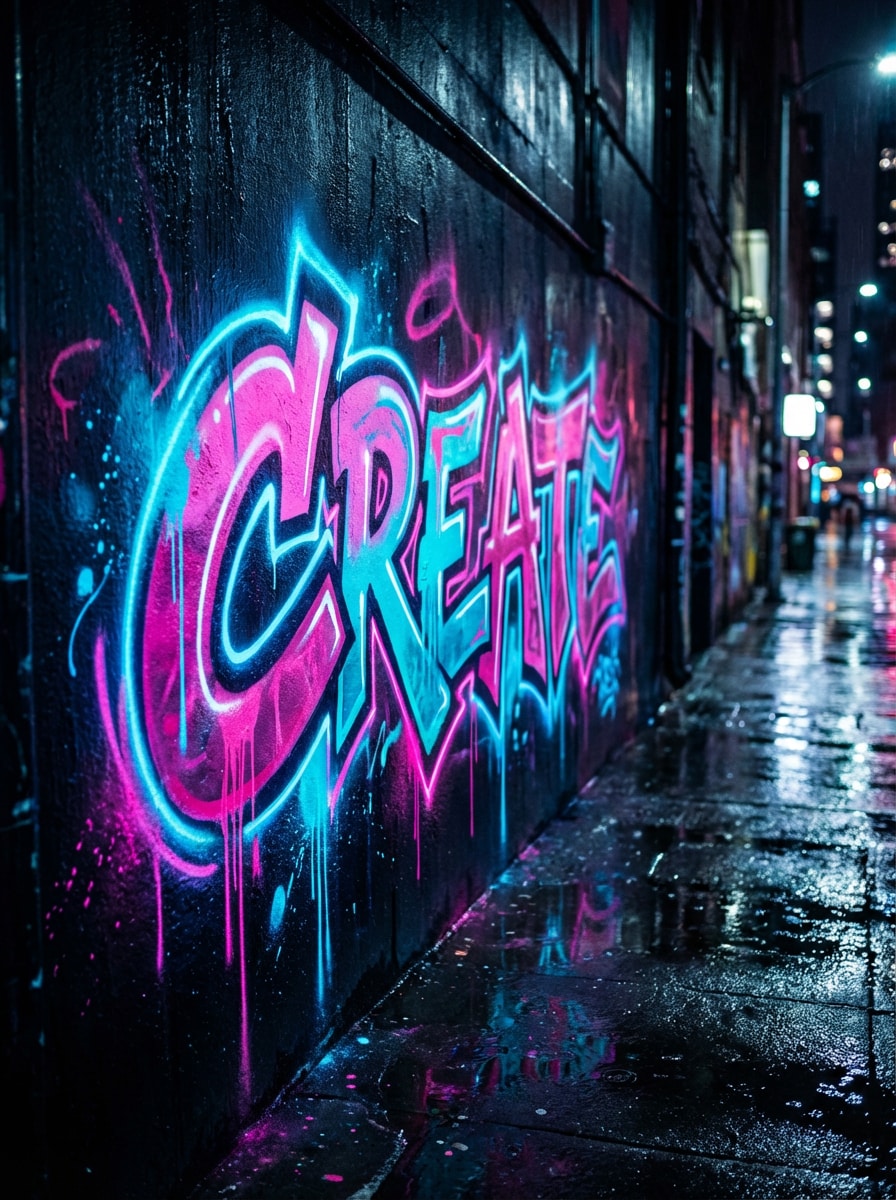
Parede de Graffiti de Neon
Gere letras de graffiti de neon para a palavra "criar" com efeitos de tinta rosa e ciano brilhantes, destaques de borda luminosos, reflexos de beco molhado, textura de spray em camadas e uma parede urbana escura à noite. Mantenha o design legível, futurista e humorístico, com contraste vibrante e detalhes polidos para visuais sociais altamente clicáveis.
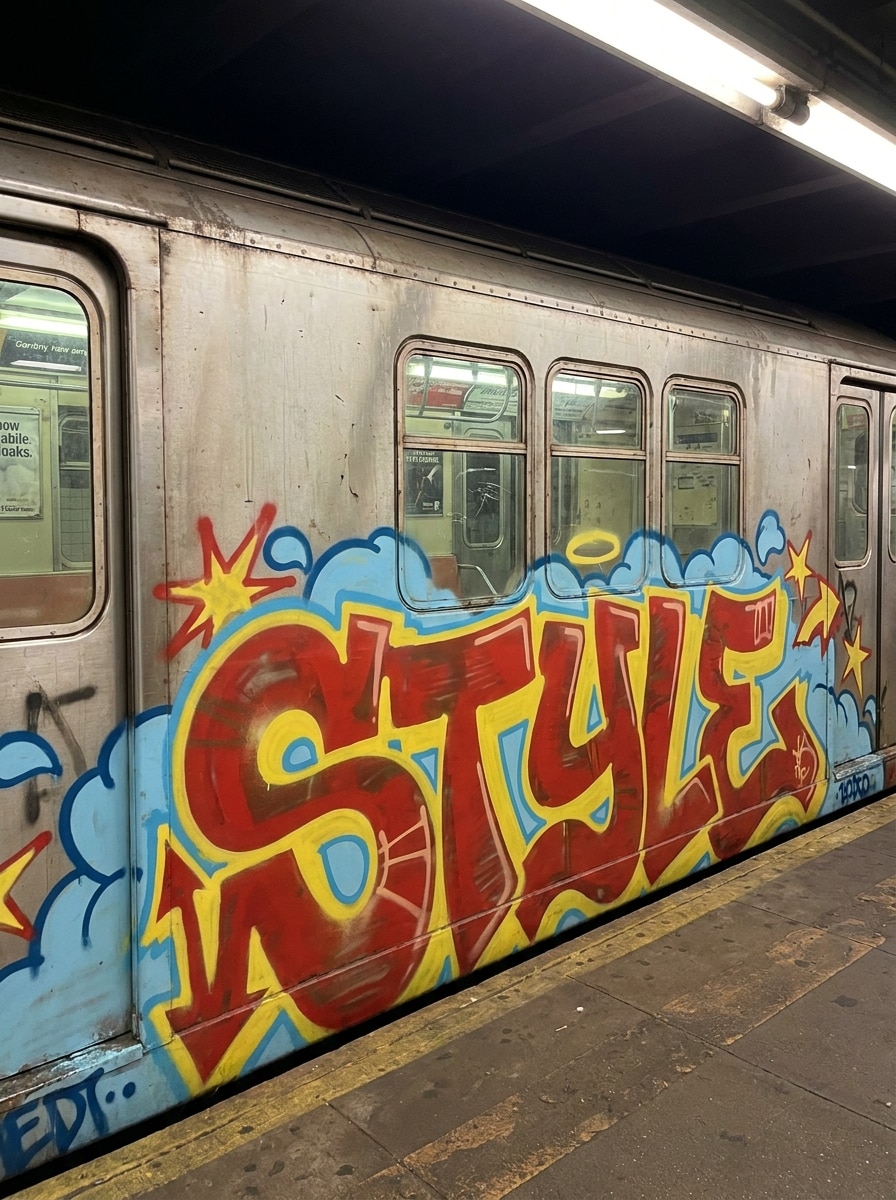
Retro Metro Graffiti
Crie uma peça de graffiti de metrô antiga com a palavra "estilo" com preenchimentos ousados, nuvens, estrelas, setas e uma influência clássica do hip-hop dos anos 1980. Use tons de aerossol vermelho, amarelo e azul-céu, textura de tinta autêntica, composição equilibrada e uma energia urbana nostálgica que parece pintado à mão, mas renderizado de forma limpa.
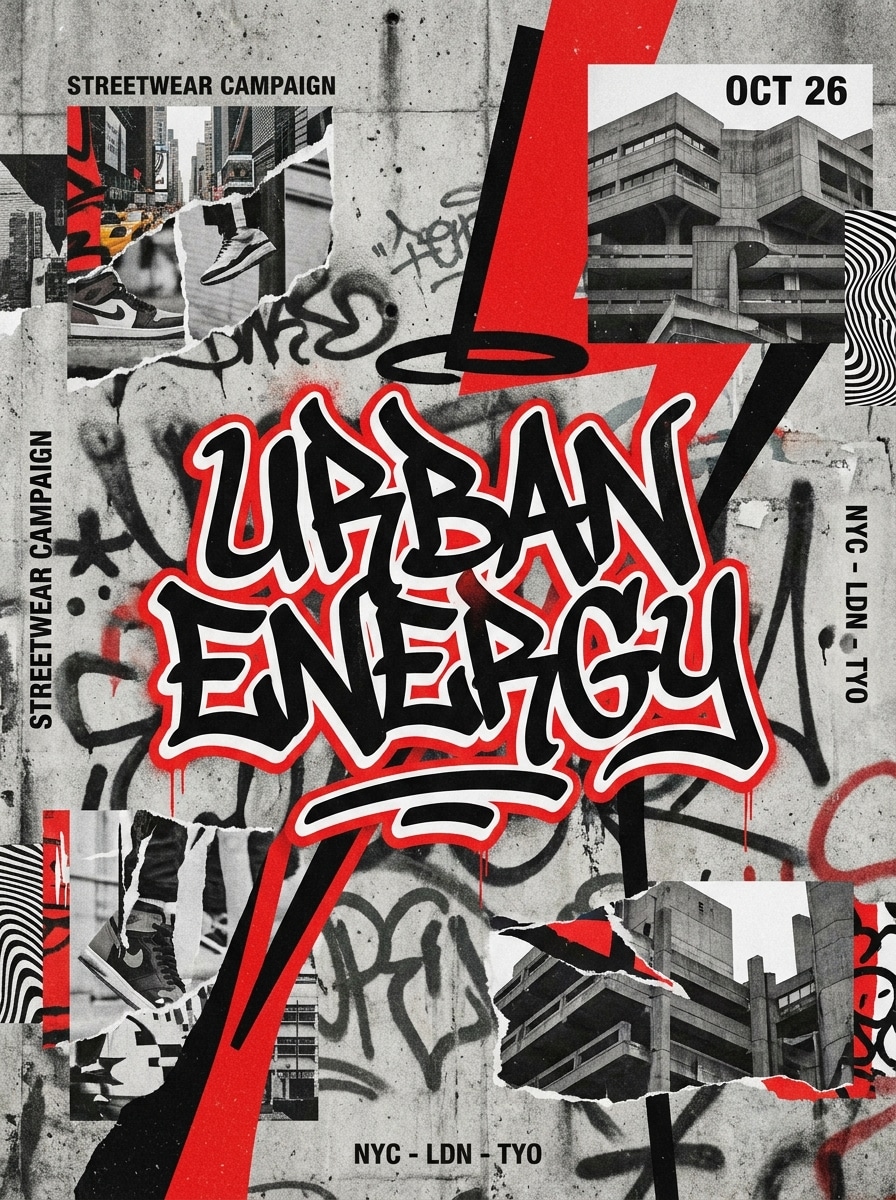
Design de Poster Graffiti
Projete um pôster inspirado em streetwear com a frase "Urban Energy" em letras graffiti elegantes, texturas spray em camadas, elementos de colagem de papel rasgado, contraste preto e vermelho ousado e um layout editorial. Adicione textura de parede, forte hierarquia focal e um clima moderno de arte de rua adequado para campanhas, folhetos de eventos ou postagens sociais.
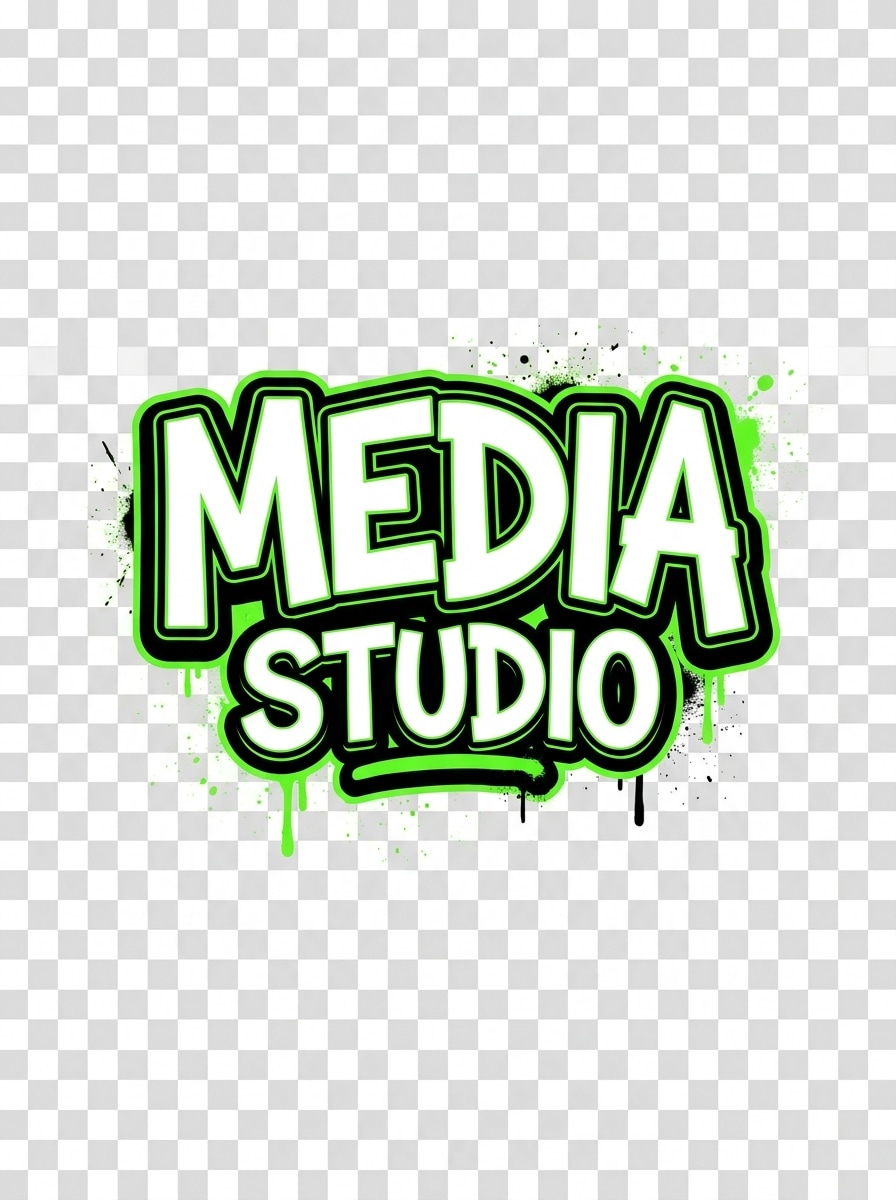
Conceito de logotipo de Graffiti
Crie um conceito de logotipo de graffiti para a marca "Media Studio" com letras legíveis limpas, controle de contorno em negrito, paleta limitada de preto, branco e verde elétrico, respingos de tinta sutis e composição pronta para fundo transparente. Mantenha o design nítido, equilibrado e versátil, misturando atitude de street-art com clareza amigável à marca.
Mural de personagem + texto
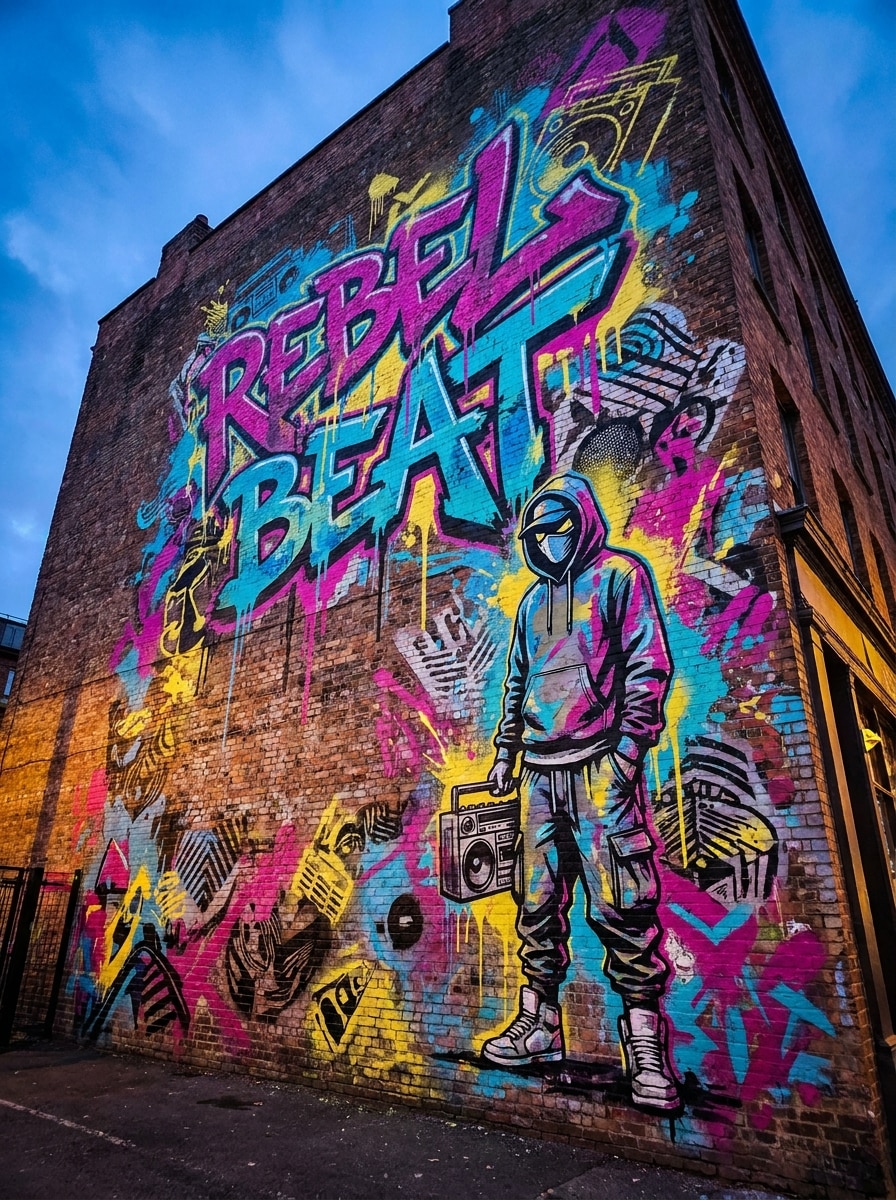
Gere um grande mural de parede da cidade com a frase graffiti "Rebel Beat", um personagem de streetwear estilizado, texturas de stencil em camadas, respingos de tinta coloridos e realismo cinematográfico. Use acentos vivos de magenta, ciano e amarelo, iluminação de parede dramática e uma composição ousada que parece imersiva, expressiva e pronta para a apresentação do conceito.
Stencil Street Art
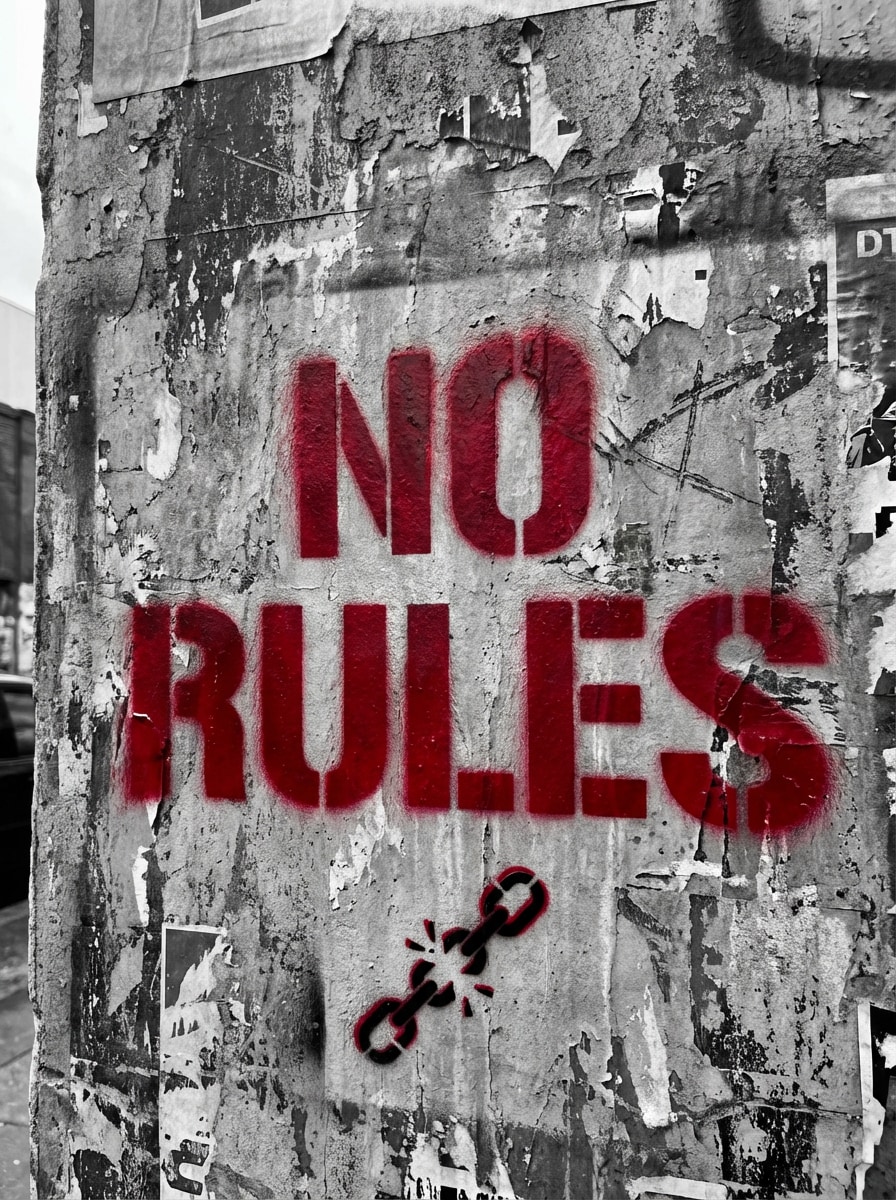
Transforme a frase "sem regras" em arte de graffiti estilo stencil com uma base monocromática, textura de parede angustiada, tinta em spray com sotaque vermelho, bordas de recorte nítidas e um clima político impressionante de arte de rua. Mantenha a composição mínima, mas impactante, com realismo corajoso, espaço negativo equilibrado e clareza visual pronta para o pôster.
Por que usar Media.io para criação de Graffiti de IA
Vários modelos de IA para melhores estilos de Graffiti
Crie graffiti de texto em imagem com modelos avançados, incluindo Nano Banana Pro, Nano Banana 2, Seedream 5.0 Lite e muito mais. Media.io dá-lhe mais flexibilidade para letras de bolha, murais, conceitos de logotipo, cenas de arte de rua estilizadas e até mesmo um estilo gerador de graffiti de bolha.
Downloads de alta resolução até 4K
Gere arte de graffiti em resolução 1K, 2K ou 4K para postagens sociais, conceitos de pôsteres, maquetes de branding e apresentações de murais. A saída de maior qualidade ajuda suas letras, texturas, gradientes de cores e efeitos 3D a permanecerem nítidos ao explorar um conceito de criador de letras de graffiti 3D.
Relações de aspecto flexíveis para todas as plataformas
Escolha entre Auto, 1:1, 9:16, 16:9, 4:3, 3:4, 3:2 e 2:3 para caber em postagens do Instagram, papéis de parede móveis, pôsteres, slides de apresentação ou maquetes de murais largos sem corte estranho.
Fluxo de trabalho de Prompt-to-Art amigável para iniciantes
Digite uma ideia simples em inglês, escolha Configurações e gere resultados polidos em minutos. Se você precisa de umCriador de cartas de graffiti, um mural visual ou um conceito de logotipo, o Media.io torna o fluxo de trabalho fácil de iniciar e refinar.
Como fazer arte de Graffiti Online
1
2
3
1
Open Media.io Graffiti Creator Gerador
ir paraAI Texto para Imagem GeradorE abra o Gerador do Criador de Graffiti em AI-> Texto para Imagem. Esta ferramenta on-line é executada no seu navegador, para que você possa criar visuais de street-art no Windows, Mac, iOS ou Android sem instalar software.
2
Digite um Prompt ou escolha o seu estilo
Digite um prompt detalhado, por exemplo: "Bolha legível graffiti letras mídia de ortografia, pintura spray rosa brilhante e azul, contorno preto, parede de tijolo, gotejamento sutil, alto contraste." Em seguida, escolha a proporção e a resolução que se encaixam no seu objetivo de design.
3
Gerar, Refinar e Baixar
Clique em Gerar. Ajuste a redação se você quiser um visual mais limpo do logotipo, uma peça mais complexa em estilo selvagem ou uma profundidade 3D mais forte. Quando o resultado estiver certo, baixe sua imagem de graffiti de alta resolução para compartilhar, quadros de conceitos ou projetos criativos.
Desbloqueie o potencial do Graffiti Letter Creator
Veja como os criadores usam este gerador de criadores de graffiti do Media.io para conteúdo, marketing e projetos pessoais e, em seguida, adapte cada ideia para se ajustar ao resumo.
Criar arte de nome para perfis sociais
Transforme um apelido, etiqueta de jogador ou pseudônimo de artista em graffiti em negrito para avatares, cabeçalhos e postagens. Media.io funciona bem como umgraffiti letters makerQuando você quer ideias rápidas em bolhas, vômito, neon ou estilos inspirados em murais.
Construa logotipos de Streetwear e conceitos de pôsteres
Use letras de graffiti de IA para simular marcas de marcas, folhetos de eventos, artes de álbuns e cartazes de campanhas. Se você precisa de um criador de graffiti para texto legível, mas expressivo, o Media.io permite que você explore prompts de estilo de logotipo limpo, variações de texto do criador de graffiti ou composições urbanas mais em camadas.
Desenvolva maquetes de murais Wildstyle e 3D
Experimente com letras avançadas antes de passar para ilustração ou design de parede. Desde um conceito wildstyle de graffiti generator até um visual 3d de graffiti letters generator, o Media.io ajuda os criadores a visualizar rapidamente formas complexas, paletas de cores e composições prontas para a parede.
O que os usuários dizem
Jalen Brooks
Proprietário da marca Streetwear
"Concepção rápida de logotipo"Eu precisava de marcas de palavras estilo graffiti para as gotas de roupas, e o Media.io me deu conceitos fortes em minutos. É muito mais flexível do que uma ferramenta básica de fonte de texto porque posso descrever textura, cor e humor da parede também.
Mia Torres
Criador de conteúdo
"Ótimo para visuais sociais"As saídas de neon e bolha são atraentes e fáceis de gerar no meu telefone. Usei-o como um gerador de grafiti de bolhas para gráficos de histórias, e os resultados pareciam polidos o suficiente para serem postados imediatamente.
André Kim
Designer Freelance
"Útil para ideação mural"Eu teste direções de mural aqui antes de construir apresentações de clientes. A capacidade de trocar prompts de letras legíveis para wildstyle mais denso o torna uma ferramenta prática de brainstorming, especialmente quando preciso de várias direções visuais rapidamente.
Sofia Bennett
Designer de Promoções de Música
"Boa qualidade e fluxo de trabalho fácil"Eu fiz cartazes e tratamentos de títulos sem precisar de software complicado. O fluxo de trabalho baseado em prompts é simples, e os downloads de resolução mais alta são úteis quando preciso de ativos mais nítidos para maquetes promocionais.
Explore os efeitos de vídeo e imagem de IA mais quentes
Perguntas frequentes sobre Graffiti Creator Gerator
1. O que é um gerador de criadores de graffiti?
Um gerador de criadores de graffiti é uma ferramenta que transforma prompts de texto em imagens estilo graffiti. No Media.io, você pode descrever letras, cores, texturas de parede e humor e, em seguida, gerar visuais originais para nomes, pôsteres, logotipos ou conceitos de murais em vez de confiar apenas em fontes predefinidas.
2. Posso transformar texto em arte de graffiti com IA?
Media.io permite que você digite um prompt em Inglês e gerar graffiti de IA a partir dele. Você pode criar texto de bolha legível, estilos de vomito, cenas de estilo mural ou resultados mais avançados, como um visual de gerador de estilo selvagem de graffiti, um conceito de gerador de graffiti de letras de bolha ou até mesmo uma composição inspirada no gerador de calligraffiti.
3. Este gerador de graffiti é livre para usar?
Sim, os usuários gratuitos podem experimentar o Media.io com créditos gratuitos. Para mais gerações ou benefícios adicionais, você pode verificar a página de preços. As saídas gratuitas podem incluir uma marca d'água, enquanto os assinantes pagos podem baixar imagens de alta resolução sem marca d'água. Se você está procurando uma opção gratuita para testar ideias, os créditos gratuitos são um ponto de partida útil. Os usuários gratuitos podem usar créditos gratuitos. Para mais uso, os usuários podem assinar um plano na página de preços. Atualizar para um plano pago noPágina de preçosPara mais créditos e marcas d'água-downloads de alta resolução livres.
4. Como faço para escrever um bom prompt para graffiti texto para imagem?
Comece com a palavra ou frase exata que você deseja e, em seguida, adicione o estilo de letras, paleta de cores, fundo e humor. Por exemplo: "mídia de palavras em letras bolhas brilhantes, contorno preto, tinta spray rosa e azul, parede de tijolo, gotejamentos sutis, alto contraste." Você também pode orientar o Media.io para um resultado de texto do criador de grafiti com detalhes de letras em wildstyle, bolha ou 3D.
5. Posso fazer nomes de graffiti, logotipos ou conceitos de mural?
O Media.io pode gerar nomes de graffiti, marcas de palavras de estilo de marca, tratamentos de pôsteres e conceitos de grandes murais a partir de prompts. Ele pode funcionar como um criador de letras de grafiti, um criador de escrita de grafiti, um criador de letras de grafiti ou uma ferramenta conceitual para logotipos e arte de parede, dependendo de como você descreve a saída.
6. Que qualidade de imagem e formatos de download estão disponíveis?
O Media.io suporta a geração de imagens 1K, 2K e 4K, para que você possa escolher uma resolução mais alta para pôsteres, maquetes de branding e visuais detalhados de street art. Isso também ajuda ao testar um criador de letras de graffiti 3d ou direção do gerador de letras de graffiti 3d com letras mais nítidas e detalhes de textura. Os usuários gratuitos podem ter marcas d'água.
Além do gerador de criadores de grafiti on-line alimentado por IA