As criações são armazenadas por apenas 7 dias. Os recursos criados após o upgrade para um plano de assinatura serão armazenados permanentemente.
Desbloqueie seu potencial criativo e experimente a magia da IA de mídia hoje!
Gerador de texto de fogo para logotipos de queima em negrito e arte de título
Crie artes de palavras incríveis, letras estilo logotipo e gráficos de título dramáticos com esteGerador de Texto fiery. Transforme prompts em designs de chama de alto contraste para miniaturas, pôsteres, banners e postagens sociais mais rápido do que um clássicoGerador de texto de incêndioou baseado em modelo fixoflame text maker.
Digite sua ideia-> IA projeta-a. Livre para tentar.
Revise essas instruções de exemplo e, em seguida, adapte os detalhes do prompt para obter resultados mais fortes com este gerador de texto de fogo Media.io.
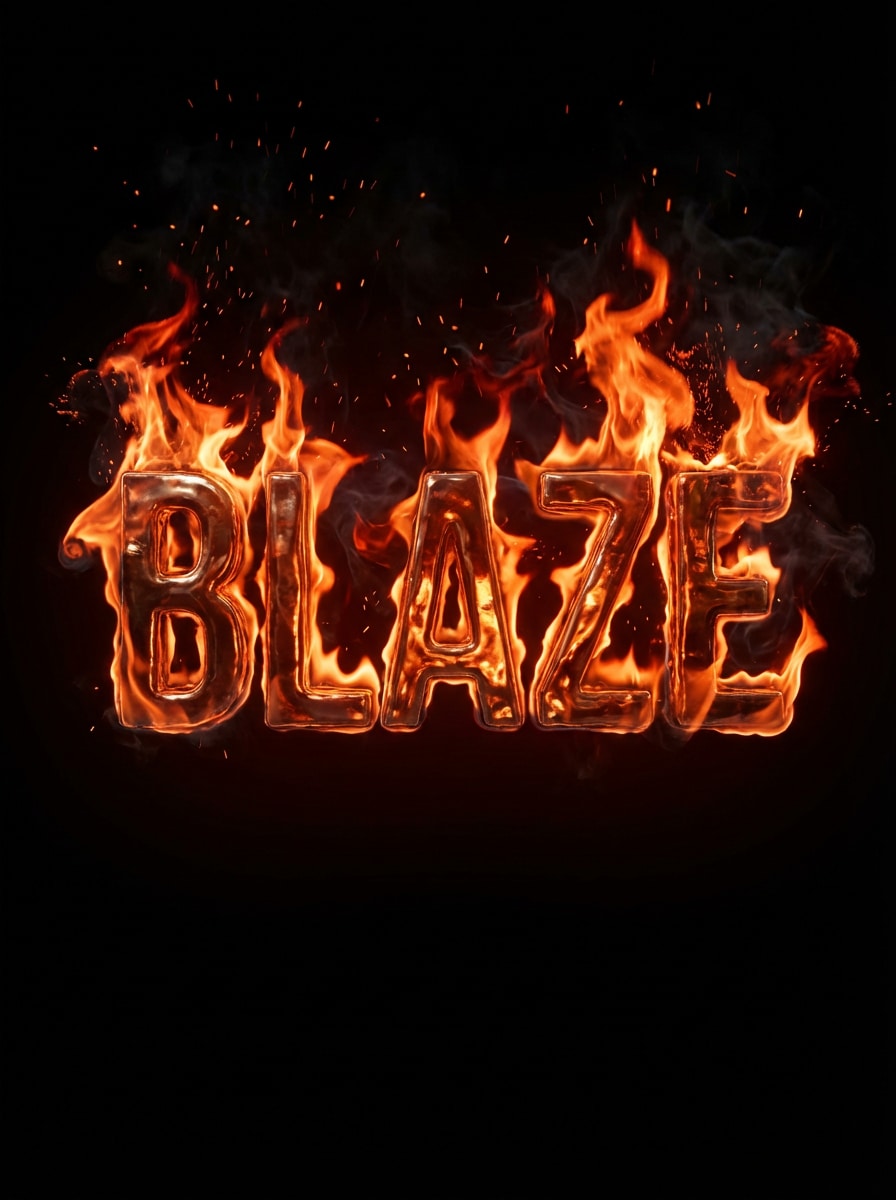
Texto realista de chama laranja
Crie a palavra BLAZE em letras maiúsculas grossas envoltas em chamas laranja e vermelhas realistas, com faíscas de brilho brilhantes, sutis trilhos de fumaça, reflexos de calor brilhantes, um fundo preto profundo, alto contraste cinematográfico, tipografia nítida e legível e um visual dramático de logotipo queimado com detalhes premium.
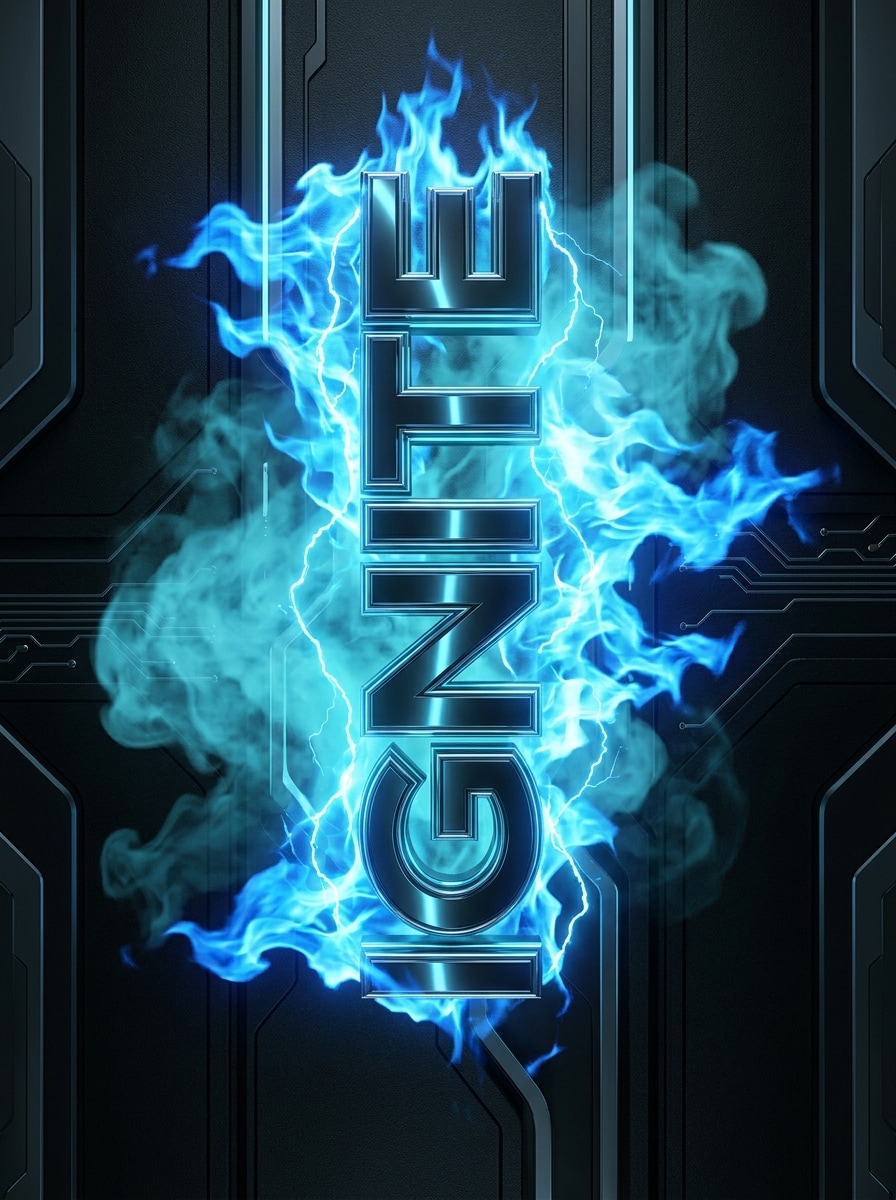
Tipografia de chama azul
Gere a palavra IGNITE em texto futurista em letras maiúsculas cercado por chamas azuis vívidas, brilho elétrico fresco, fumaça ciana suave, destaques metálicos afiados, um fundo de carvão escuro, clima elegante de ficção científica, bordas limpas, forte legibilidade e iluminação polida de qualidade de pôster que parece quente, mas moderno.
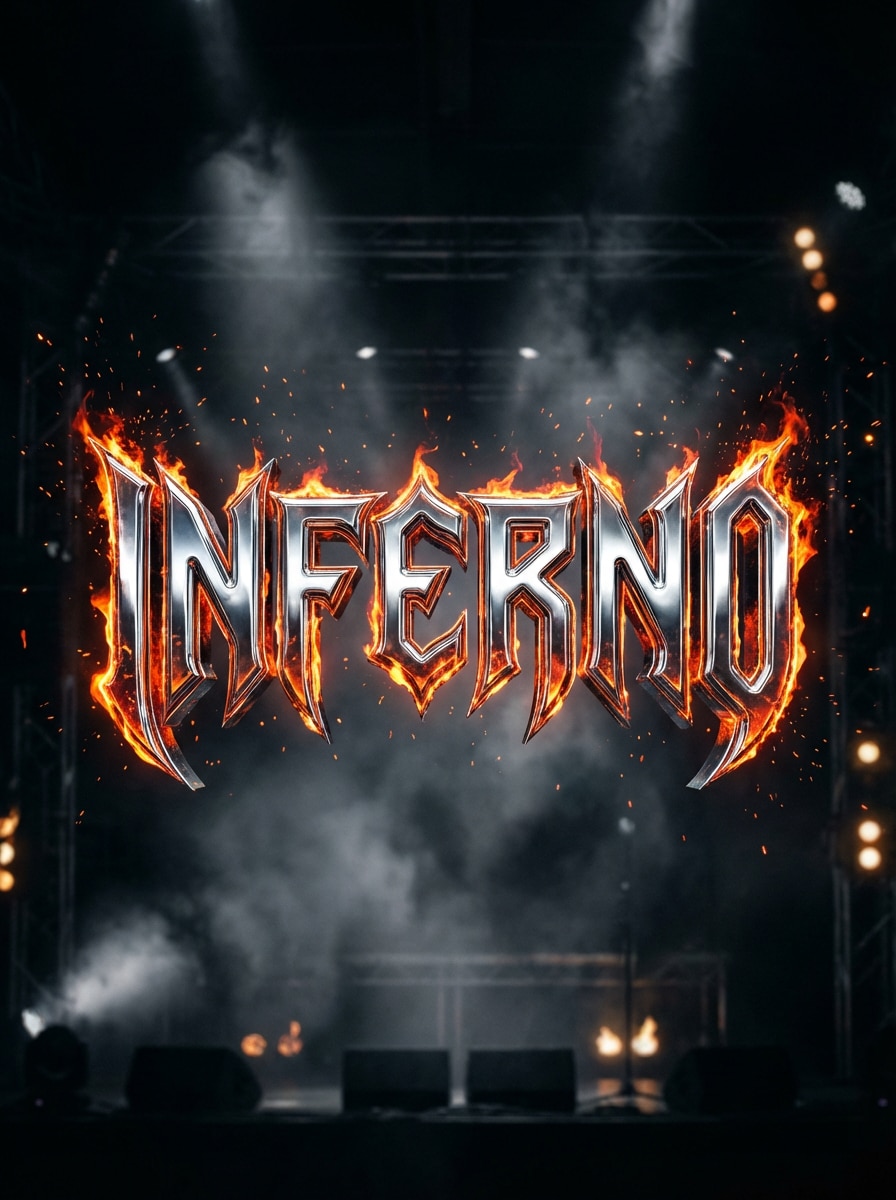
Logotipo de fogo de Metal pesado
Desenhe a palavra INFERNO em letras agressivas de metal pesado com textura cromada, bordas irregulares, chamas intensas surgindo de cada letra, faíscas, neblina de fumaça, fundo escuro semelhante ao palco, destaques dramáticos, contraste grisalho e energia de capa de álbum de alto detalhe, mantendo o texto em negrito e legível.
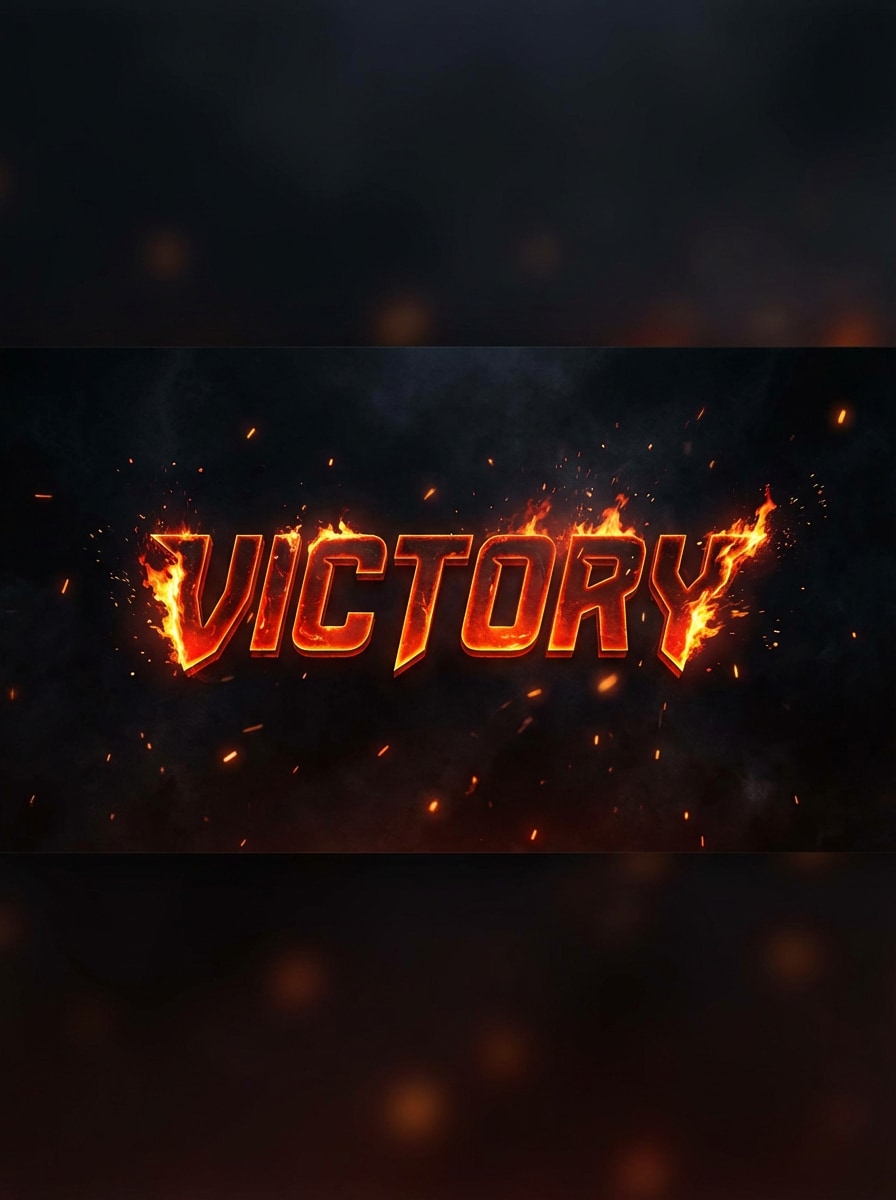
Texto de fogo de Banner de jogos
Crie a vitória do título em letras ousadas em estilo esports com fogo ardente ao longo das bordas, brasas flutuantes, atmosfera fumaçada, brilho vermelho-laranja, fundo preto, composição centrada dinâmica, legibilidade pronta para miniaturas e iluminação cinematográfica que parece intensa, competitiva e construída para banners de jogos.
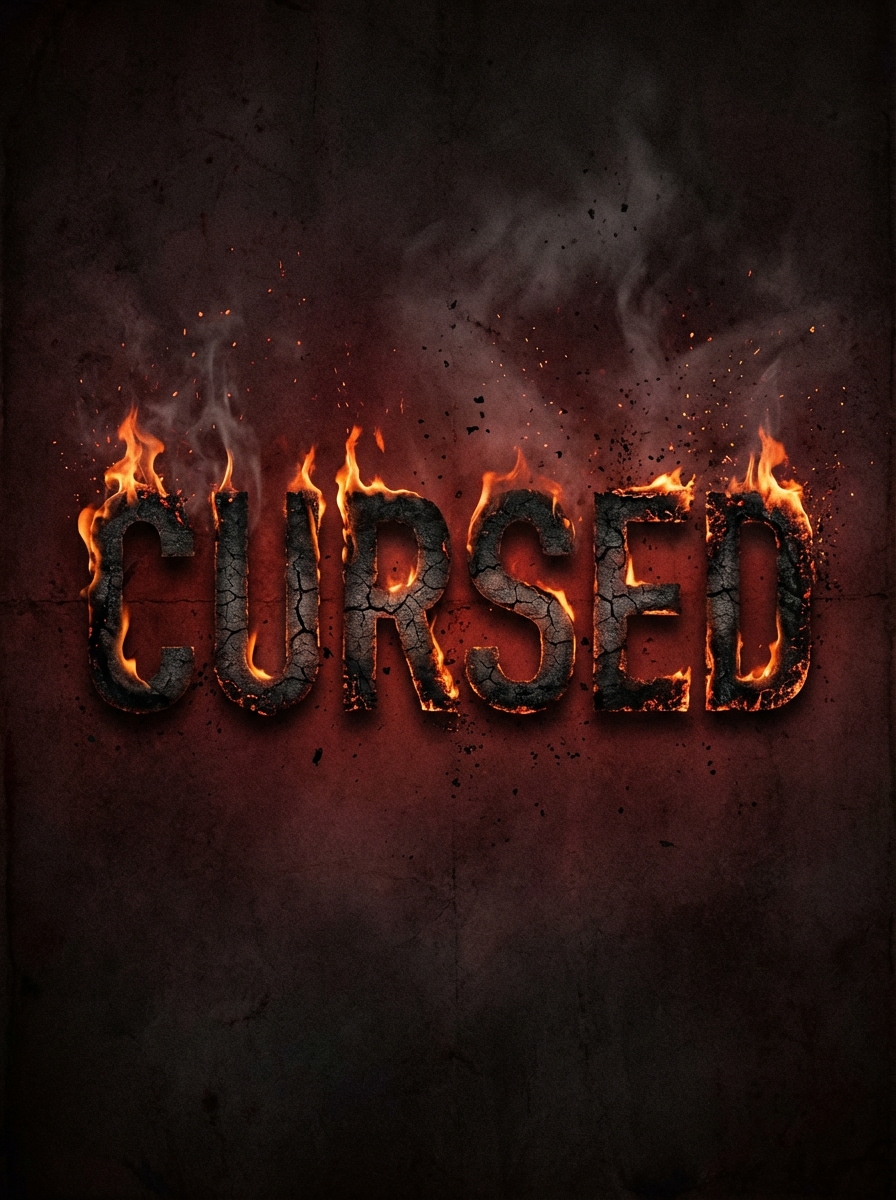
Horror Flame Título
Gere o título amaldiçoado em tipografia de terror angustiado com bordas queimadas, letras com ponta de chama, partículas de cinzas, fumaça à deriva, uma paleta vermelha e preta escura, humor assustador do pôster, textura áspera, sombras mal-humoradas e forte contraste cinematográfico que faz o título queimado parecer sinistro e memorável.
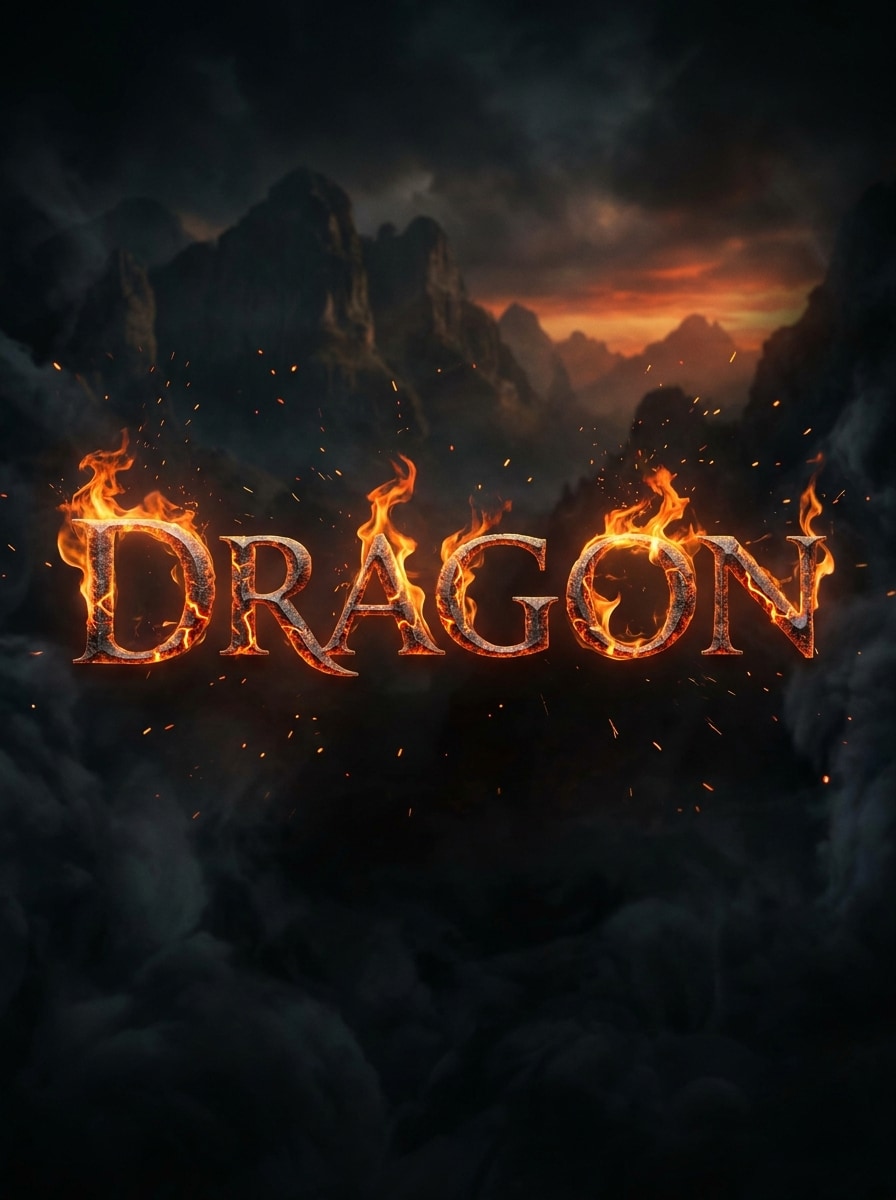
Texto de fogo de dragão
Crie a palavra dragão em letras serifes de fantasia épica forjadas a partir de metal fundido, rachaduras de lava brilhantes, chamas laranja enroladas, faíscas, sombras esfumaçadas e um pano de fundo cinematográfico escuro, com textura rica, calor mágico, composição heróica e qualidade de pôster de fantasia premium que permanece clara e legível.
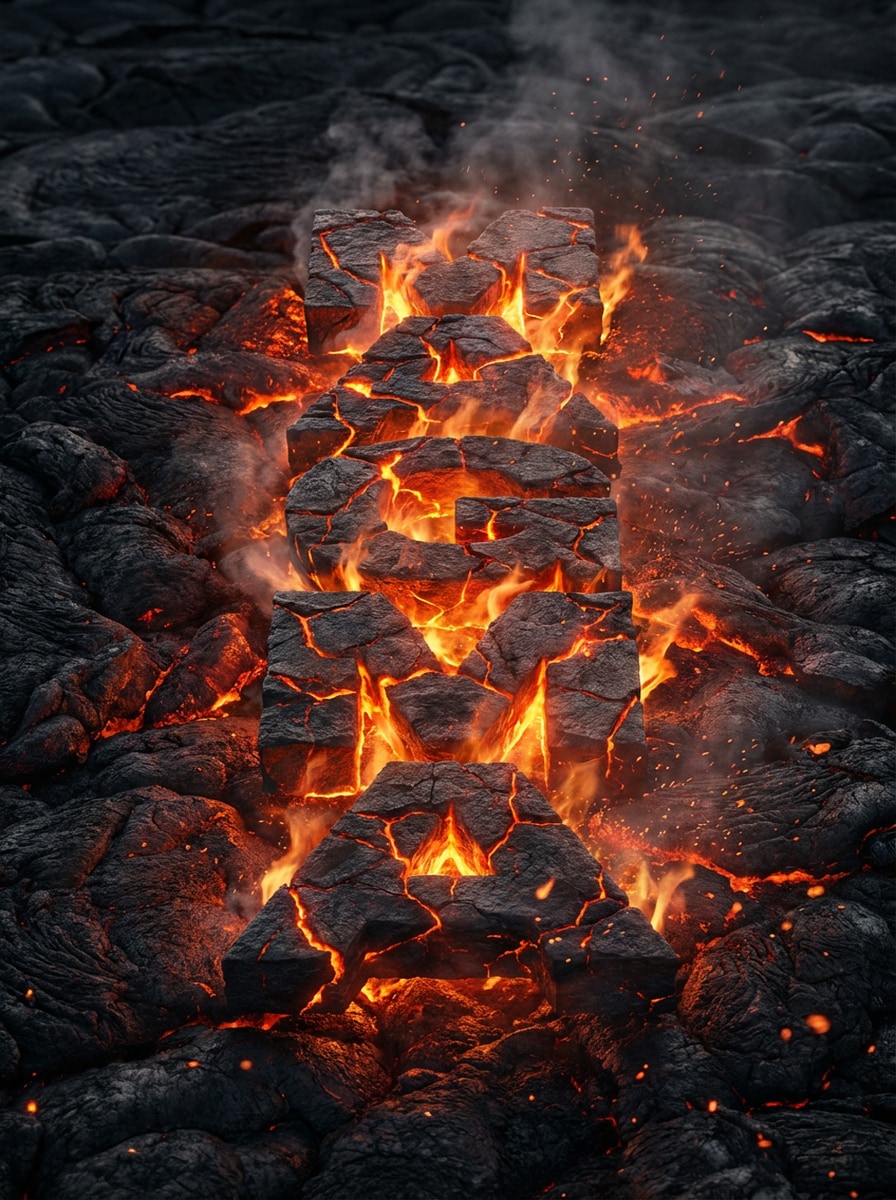
Letras de Lava derretida
Gere a palavra magma em letras em negrito feitas de rochas vulcânicas rachadas, fissuras de magma brilhantes, chamas sutis, poeira de bronze, fumaça suave e um fundo de campo de lava preto, com textura de calor realista, destaques laranja ardente e iluminação ultra-detalhada para um dramático efeito de texto fundido.
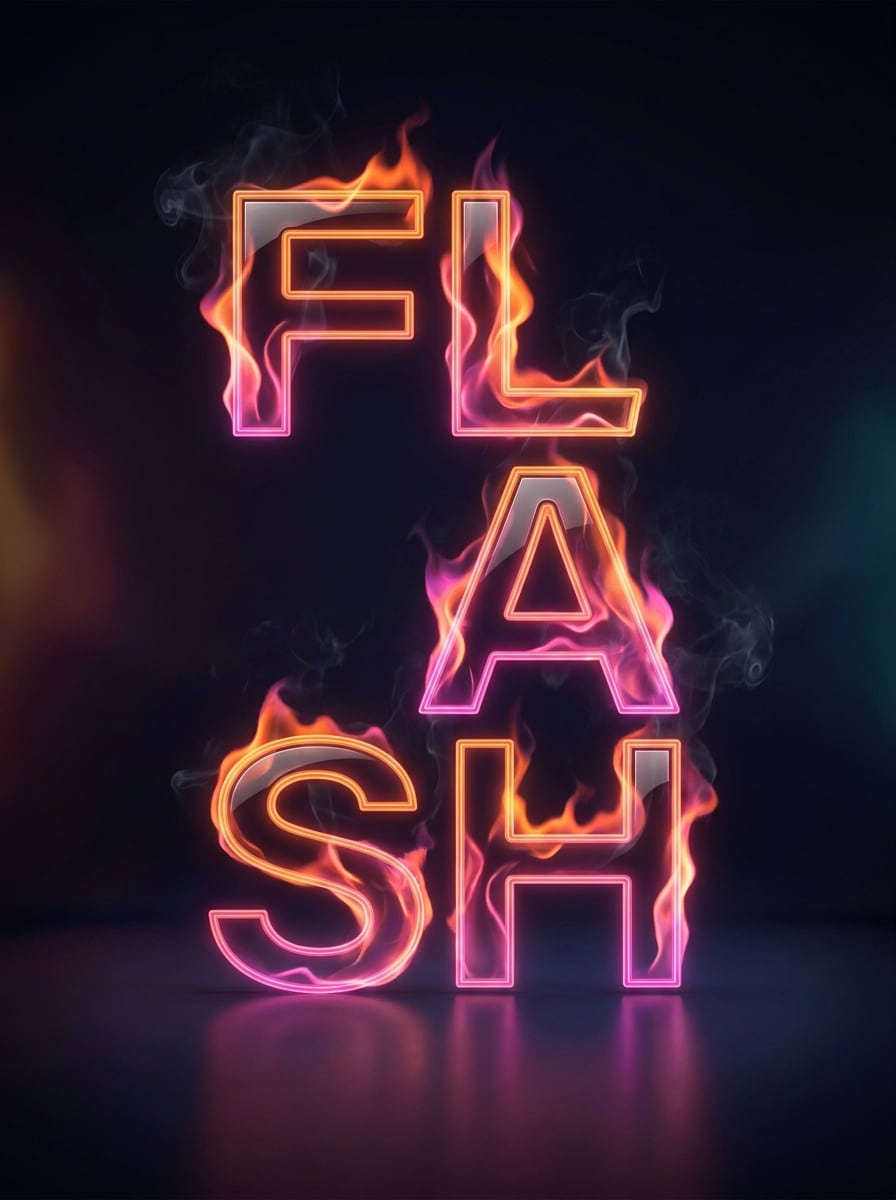
Texto de chama de Neon
Projete a palavra FLASH em uma tipografia moderna e limpa com brilho de chama laranja e rosa neon, fumaça mínima, destaques brilhantes, um fundo de estúdio escuro, espaçamento equilibrado, composição elegante do pôster, contraste vívido e um visual moderno de mídia social que mistura energia de fogo com design contemporâneo polido.
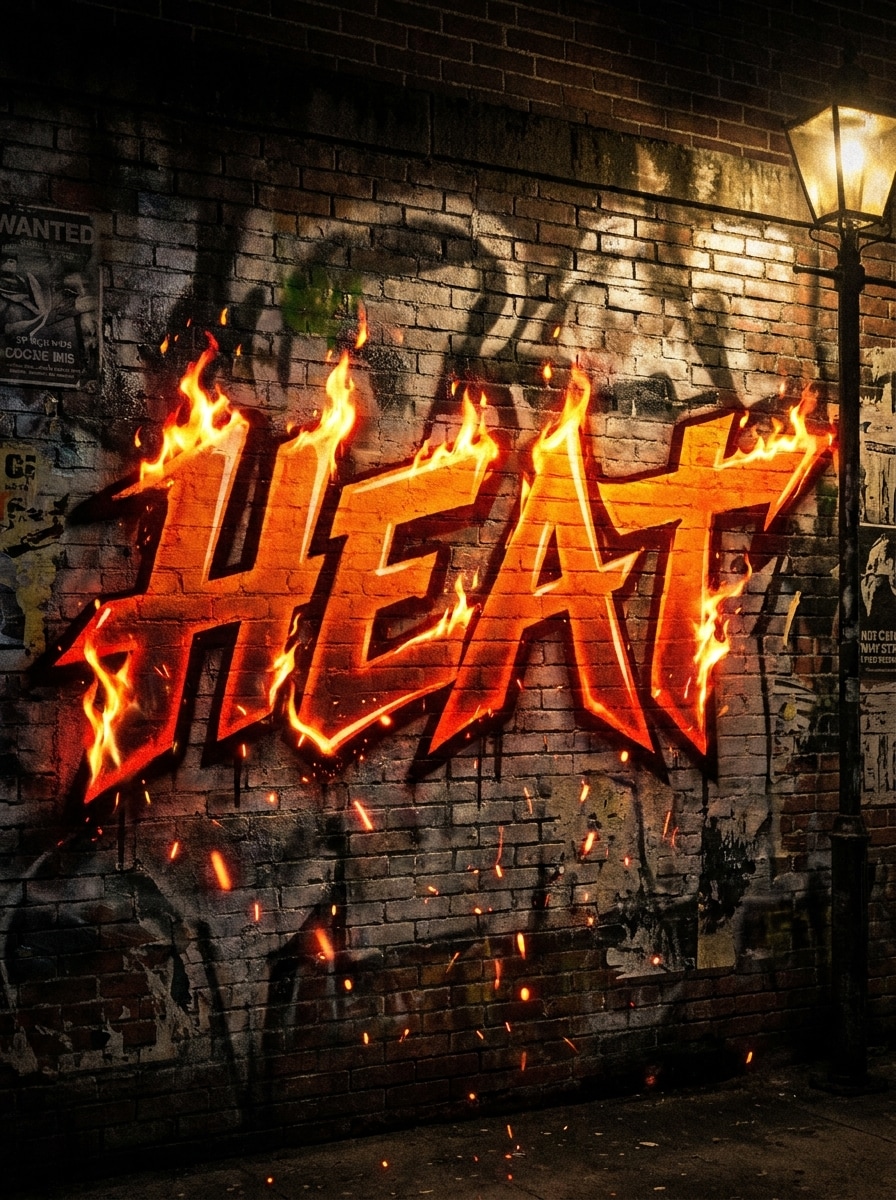
rua Graffiti fogo palavra arte
Crie a palavra calor em letras estilo graffiti com bordas chamas, textura de pintura em spray, sujeira de parede, faíscas de bronze, atmosfera noturna urbana, sombras grisosas, vermelhos e laranjas saturadas, composição de arte de rua ousada e legibilidade nítida que parece rebelde, enérgica e ideal para gráficos promocionais agitados.
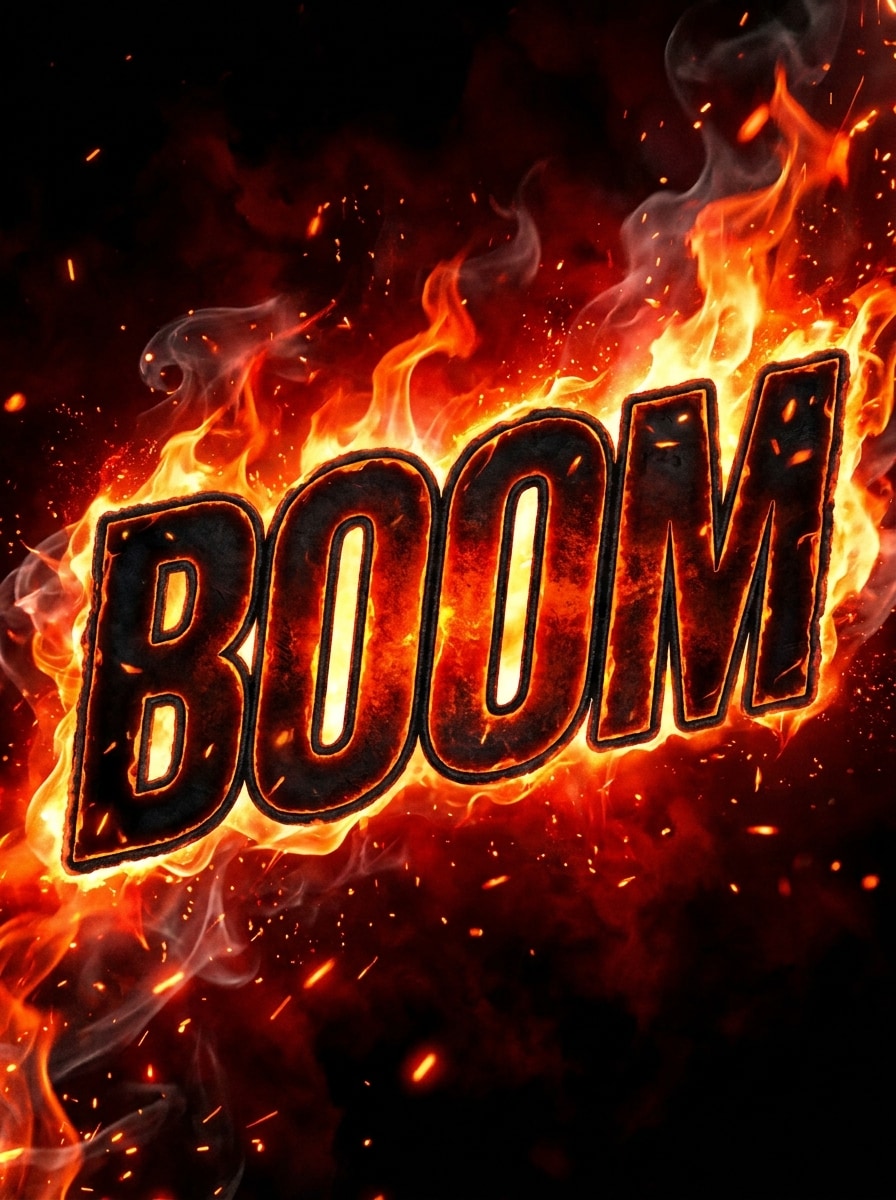
YouTube Thumbnail Fire Title
Gere a palavra BOOM em letras em negrito oversized com efeitos de fogo ardente, brasas brilhantes, fundo preto esfumaçado, forte separação de contorno, extrema legibilidade, composição estilo criador, intensos destaques laranja-vermelho e estética de miniatura de alto contraste projetada para chamar a atenção instantaneamente em plataformas de vídeo.
Por que usar o Media.io para um gerador de texto de fogo
Tipografia de incêndio de Prompt-to-Image
Vá além da edição de modelos e crie uma arte original de burning word a partir de prompts de texto. O Media.io ajuda você a criar títulos, pôsteres e miniaturas em estilo de logotipo com mais liberdade do que um fluxo de trabalho típico do flame text maker, fire text maker ou flame text logo maker fixo.
Alta resolução e taxas flexíveis
Exporte suas letras de fogo em 1K, 2K ou 4K e escolha proporções como 1:1, 16:9, 9:16, 4:3 ou 3:4. Isso facilita o design para banners, miniaturas, pôsteres, layouts de mídia social ou até mesmo um look de logotipo flamingtext polido.
Múltiplos estilos de chama em uma ferramenta
Mude de fogo laranja realista para chamas azuis, lava derretida, títulos de terror ou efeitos prontos para jogos. Com modelos como Nano Banana Pro e Nano Banana 2, o Media.io pode criar rapidamente novas variações para um gerador de texto em queima, gerador de texto em chama ou estilo gerador de efeitos de texto em fogo.
Funciona Online em todos os dispositivos
Media.io é executado no seu navegador no Windows, Mac, iOS e Android. Quer você precise de um gerador rápido de efeitos de texto de fogo para conteúdo móvel, trabalho de design de desktop ou um conceito de texto em chamas do criador de logotipos, você pode criar e baixar sem instalar software.
Como fazer texto de fogo on-line
1
2
3
1
Abrir Media.io Fiery Text Generator
ir paraAI Texto para Imagem GeradorE abra o gerador de texto Fiery em AI-> Texto para Imagem. Esta ferramenta on-line é executada no seu navegador, para que você possa criar arte de título em chamas no desktop ou móvel sem instalar software extra.
2
Digite um Prompt
Digite um prompt detalhado, como "Crie a palavra BLAZE em letras realistas de chama laranja com brasas, fumaça e um fundo preto." Ajuste o estilo, o modelo, a relação de aspecto e a resolução para combinar com o layout do seu pôster, banner ou miniatura.
3
Gerar, Refinar e Baixar
Clique em Gerar. Ajuste a redação se necessário para alterar o humor da fonte, a paleta de cores ou a intensidade da chama. Em seguida, baixe sua imagem de texto de alta resolução para postagens sociais, logotipos, vídeos ou gráficos promocionais.
Veja como os criadores usam este gerador de texto Fiery do Media.io para conteúdo, marketing e projetos pessoais e, em seguida, adapte cada ideia para se ajustar ao resumo.
Projetar miniaturas que parem a rolagem
Os criadores podem usar o Media.io como uma solução visual de estilo gerador de texto de fogo animado para arte de miniatura de alta energia. Mesmo que as saídas sejam imagens em vez de arquivos GIF em movimento, o tratamento dramático da chama cria a mesma aparência rica em movimento que as pessoas esperam de conteúdo de jogos, reação e desafio, incluindo pesquisas por um gerador de texto fire GIF ou um gerador de texto fire GIF.
Construa cartazes e títulos de eventos com o calor
Faça gráficos de concerto ousados, títulos de terror e cartazes promocionais com um estilo modernoGerador de texto de queimaFluxo de trabalho. Em vez de confiar em um modelo de logotipo flamingtext fixo, você pode solicitar letras de metal, lava, gótico, neon ou fantasy fire que se encaixem melhor na sua marca, incluindo estilos que as pessoas podem descrever como um gerador de gif flaming text, gerador de gif flaming text ou gif flaming text generator.
Crie logotipos sociais e arte de letras de fogo rapidamente
Use o Media.io como um gerador flexível de letras de fogo para nomes curtos, slogans e manchetes de banners. Media.io funciona bem para usuários que procuram umGerador de texto flame, fire text maker ou logo maker flaming text experience, especialmente quando eles querem saídas personalizadas para rolos, histórias, branding de canais ou um visual de gerador de gif de texto queimado.
O que os usuários dizem sobre esta ferramenta de texto Fire
Marco T.
Criador do YouTube
"Ótimo para miniaturas"Eu precisava de títulos de queima ousada para miniaturas de jogos, e isso funcionou mais rápido do que os geradores antigos. As instruções me deram muito mais controle sobre o visual final.
Alina R.
Designer de cartazes
"Mais flexível do que sites de modelos"Eu o usei para fazer gráficos de terror e títulos de concertos. Parece mais criativo do que um fabricante de logotipos de texto em chamas padrão porque posso descrever o humor, a textura e o estilo de chama que eu quero.
Jared P.
Gerente de Equipe de Esports
"Forte legibilidade"O texto do fogo permaneceu legível mesmo com efeitos intensos. Isso importa muito para banners e postagens sociais onde o título tem que aparecer instantaneamente.
Nina C.
Freelancer de mídia Social
"Fácil no celular"Testei no meu telefone e laptop e ambos funcionaram perfeitamente. É um fluxo de trabalho de navegador simples para criar arte dramática de palavras em estilo flame sem aplicativos extras.
Explore os efeitos de vídeo e imagem de IA mais quentes
1. Como faço um texto de fogo a partir de um prompt?
Abra a ferramenta de texto para imagem do Media.io e, em seguida, descreva a palavra, o humor da fonte, a cor da chama, o fundo e o estilo que você deseja. Por exemplo, peça letras maiúsculas em negrito com chamas laranja, fumaça e brasas em preto. O Media.io gera imagens de texto originais em estilo fire a partir do seu prompt, o que é útil se você quiser mais liberdade do que um gerador de texto fire padrão, fire text maker ou fire letter generator.
2. Este gerador de texto de fogo é livre para usar?
Os usuários gratuitos podem experimentar a ferramenta com créditos gratuitos. Se você precisa de mais gerações ou deseja downloads de alta resolução sem marca d'água, você pode verificar a página da Media.io.Página de preçospara os planos disponíveis.
3. Posso criar um PNG transparente com texto de fogo?
O Media.io pode gerar imagens de texto no estilo fire que são adequadas para fluxos de trabalho de sobreposição, e a redação prompt pode ajudá-lo a criar texto isolado com um fundo limpo para uma edição mais fácil. Se você precisar de uma aparência transparente de texto flame, descreva letras autônomas claramente no seu prompt e refinar o resultado para o fluxo de trabalho de design.
4. Que qualidade de imagem ou resolução posso exportar?
O Media.io suporta saída 1K, 2K e 4K, para que você possa criar imagens de alta qualidade para miniaturas, pôsteres, banners e gráficos sociais. Os usuários gratuitos podem ter marcas d'água.
5. Posso usá-lo no celular e no desktop?
O Media.io é baseado na web e funciona em um navegador no Windows, Mac, iOS e Android. Isso significa que você pode criar um conceito visual estilo gif do fire text generator, título de pôster ou logotipo de texto em chamas a partir de desktops e dispositivos móveis sem instalar software.
6. Quão rápido a IA gera imagens de texto queimadas?
A geração de imagens é projetada para ser rápida, e a Media.io oferece modelos como o Nano Banana 2 para fluxos de trabalho criativos mais rápidos e o Nano Banana Pro para a qualidade de geração de imagens de próxima geração. A velocidade exata pode variar de acordo com a complexidade do prompt, o modelo selecionado e as configurações de saída.
Além do gerador de texto Online Fiery alimentado por IA