As criações são armazenadas por apenas 7 dias. Os recursos criados após o upgrade para um plano de assinatura serão armazenados permanentemente.
Desbloqueie seu potencial criativo e experimente a magia da IA de mídia hoje!
Gerador de Emoji personalizado para Designs rápidos e originais prontos para adesivos
Crie imagens originais em estilo emoji a partir de texto com esteGerador de emoji personalizado. Transforme ideias em emojis 3D brilhantes, kawaii, planos ou inspirados em avatar para aplicativos de bate-papo e conteúdo. É ótimo para Discord, Slack, Telegram e até mesmoCriador de emoji whatsappFluxos de trabalho com resultados quadrados e amigáveis com adesivos.
Digite sua ideia-> IA projeta-a. Livre para tentar.
Revise essas instruções de exemplo e, em seguida, adapte os detalhes do prompt para obter resultados mais fortes com este gerador de Emoji personalizado.
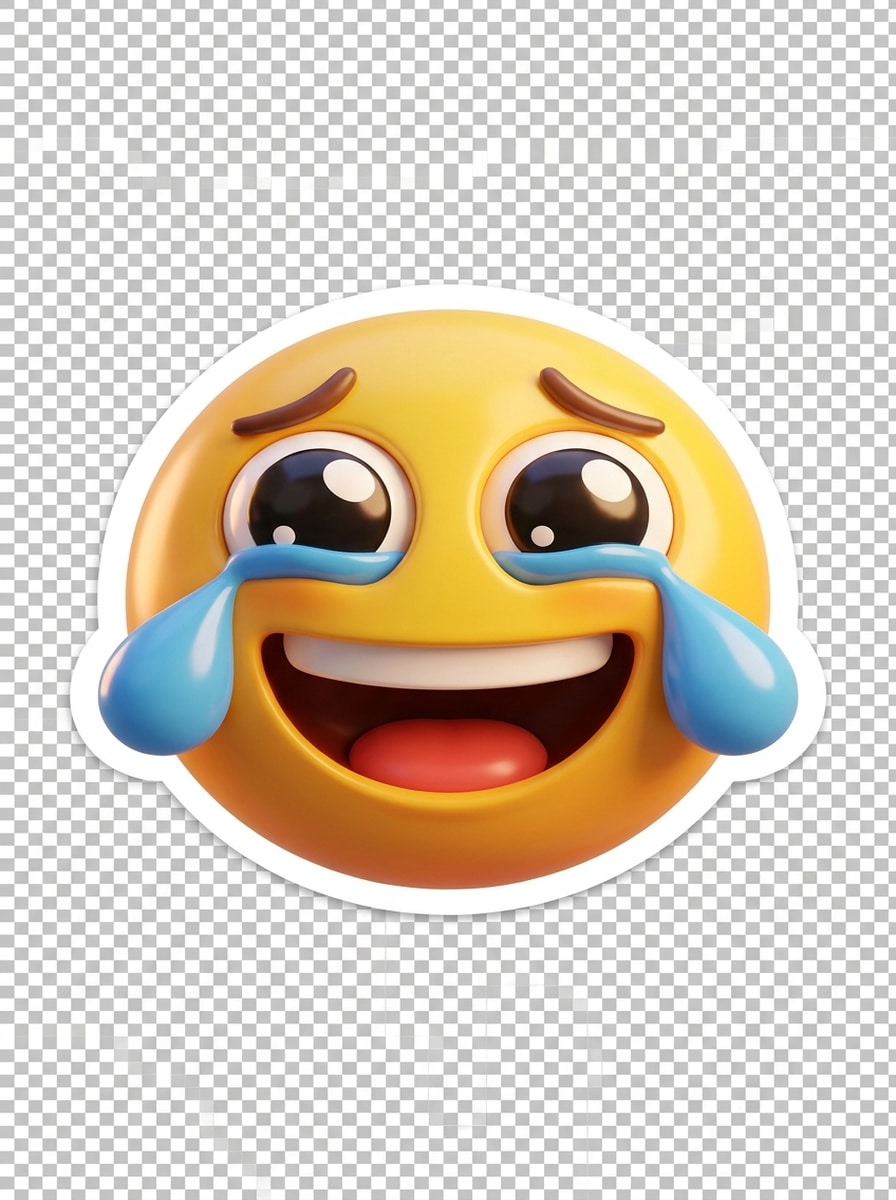
Reação 3D brilhante
Crie um emoji de reação de riso com lágrimas de alegria, rosto redondo amarelo brilhante, olhos expressivos oversized, sorriso aberto, textura plástica 3D brilhante, destaques suaves, iluminação de estúdio suave, composição centrada, humor alegre e vívido, bordas limpas, fundo transparente, acabamento premium de qualidade de adesivo.
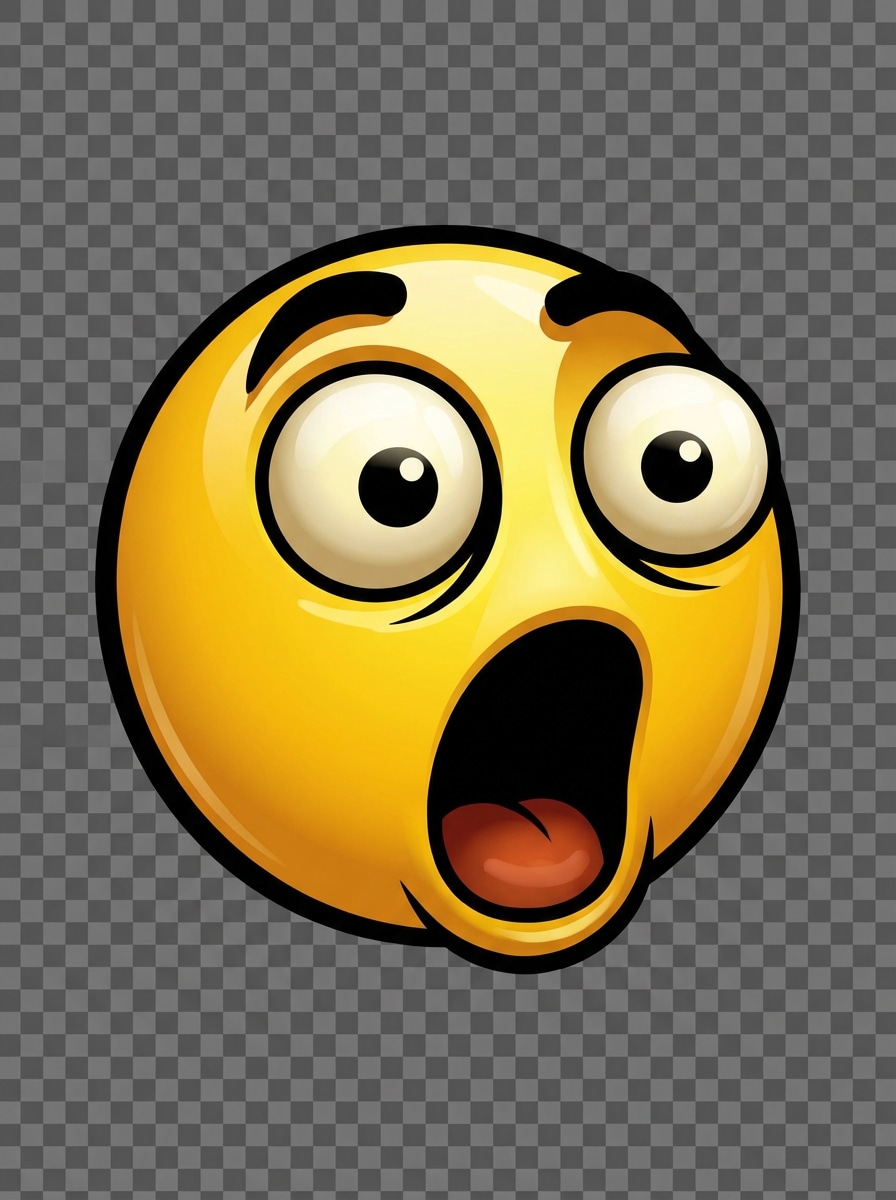
Meme Shock Face
Gere um emoji de reação chocada com olhos enormes, sobrancelhas levantadas, boca aberta, linhas de contorno ousadas, paleta de cores amarelas brilhantes, ilustração digital polida, iluminação frontal dramática, molduras centradas, alto contraste, energia meme lúdica, silhueta nítida, fundo transparente, legível em pequenos tamanhos de bate-papo.
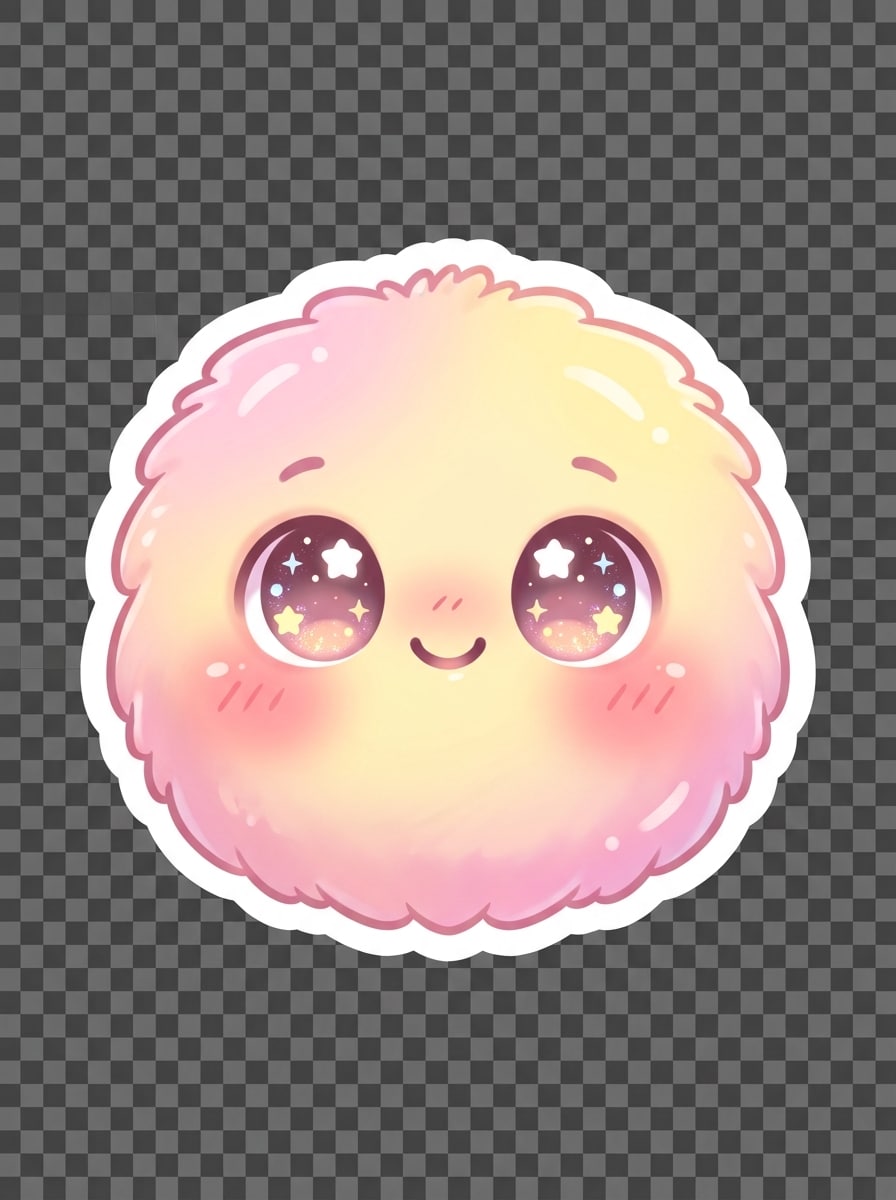
Pastel Kawaii Emoji
Projete um emoji corado bonito com olhos brilhantes, sorriso minúsculo, bochechas rosadas, tons rosa pastel e amarelo manteiga, sombreamento gradiente suave, estético fofo de adesivo kawaii, destaques delicados, composição centrada, humor saudável doce, formas arredondadas suaves, fundo transparente, acabamento social polido pronto.
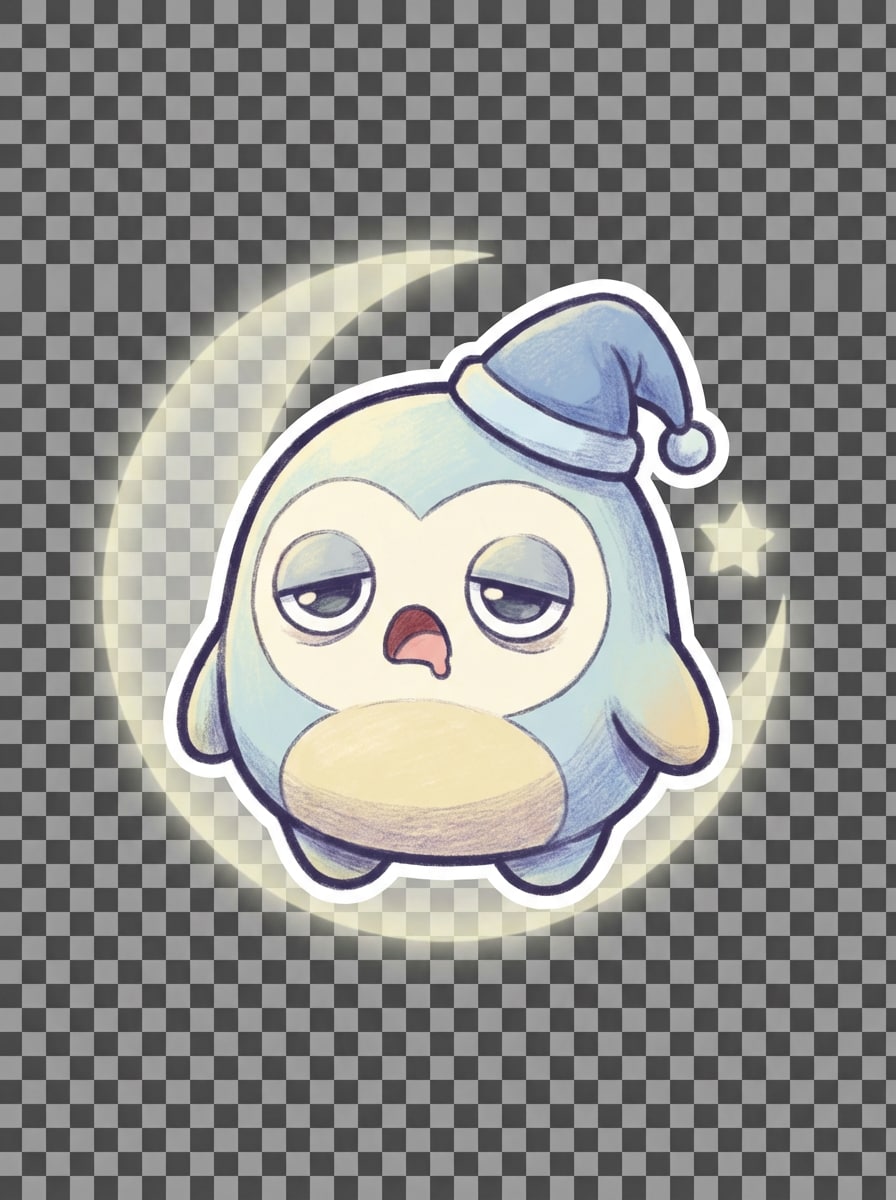
Emoji de humor de Chibi
Crie um emoji sonolento chibi com olhos caídos, pequeno bocejo, pequeno boné de noite azul, sombra pastel suave, proporções de rosto arredondadas, contorno limpo, paleta de cores suave à luz da lua, humor calmo e aconchegante, composição de adesivo central, textura sutil, fundo transparente, expressão clara projetada para aplicativos de mensagens.
Emoji vetor plano
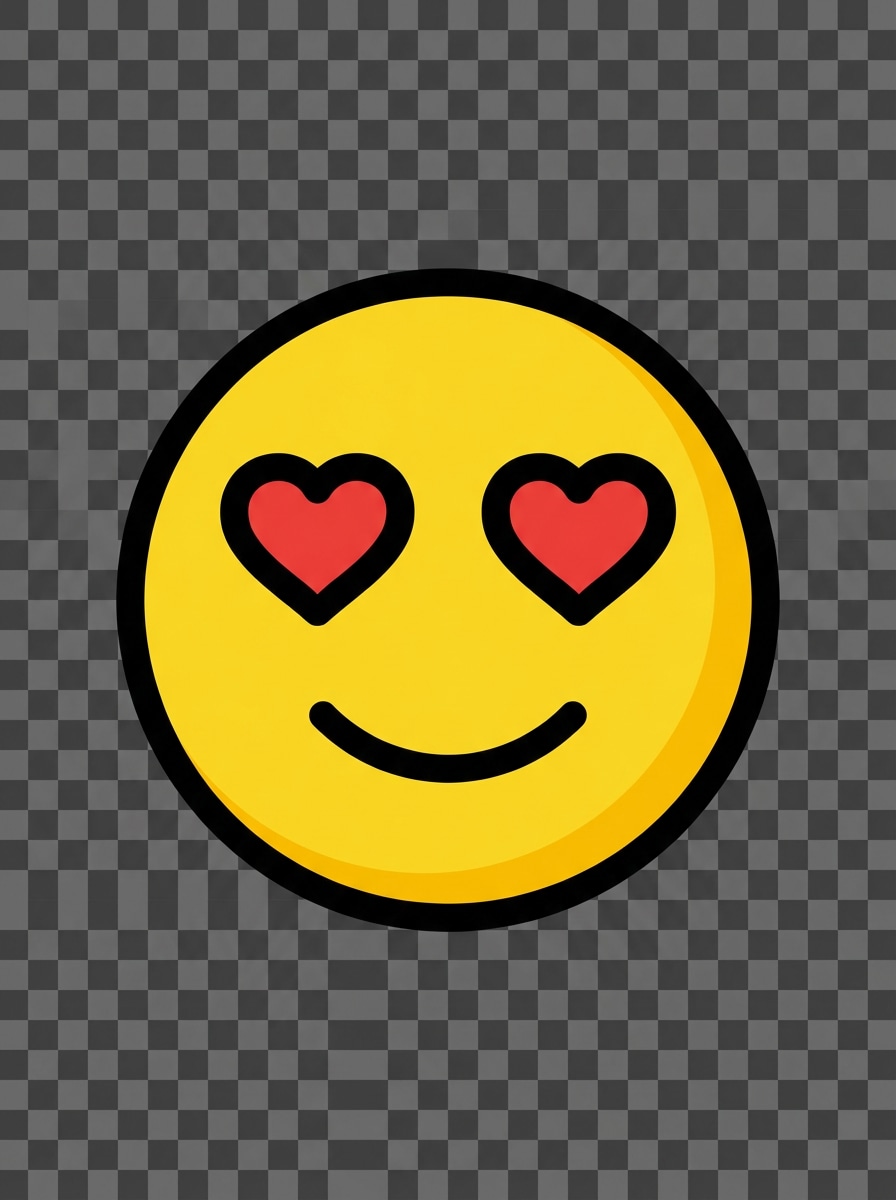
Gere um emoji coração-olhos em um estilo vetorial plano, formas geométricas simples, linhas limpas e ousadas, rosto amarelo sólido, olhos coração vermelho, boca mínima, simetria equilibrada, composição centrada, visão moderna e amigável para aplicativos, fundo transparente, bordas afiadas, design altamente legível para adesivos digitais.
Emoji de ícone Monoline
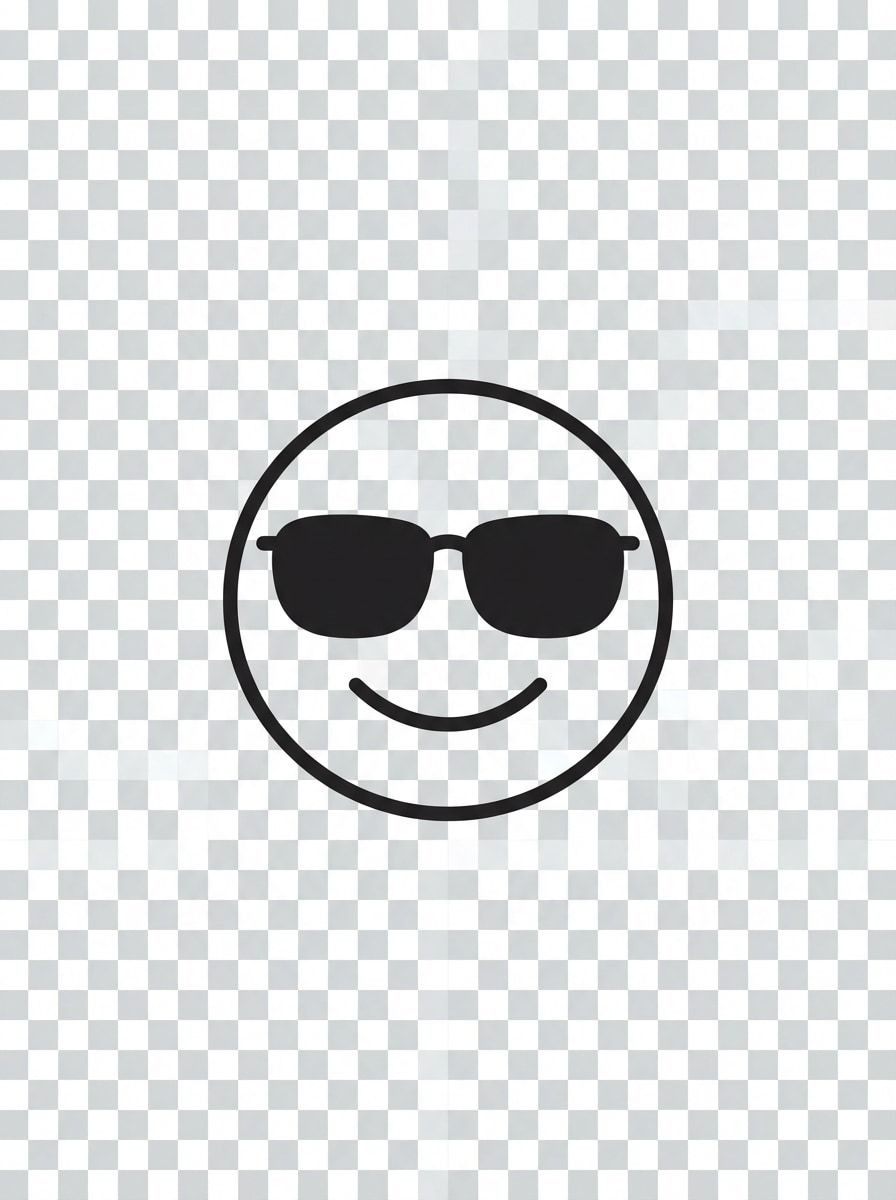
Crie um emoji legal de óculos de sol em estilo de ícone monoline, geometria simplificada, contornos finos e limpos, rosto circular equilibrado, tons escuros, sorriso sutil, paleta mínima, layout centrado, espaço negativo suave, fundo transparente, estética elegante e moderna de interface, otimizado para clareza de tamanho pequeno.
Emoji inspirado em Avatar
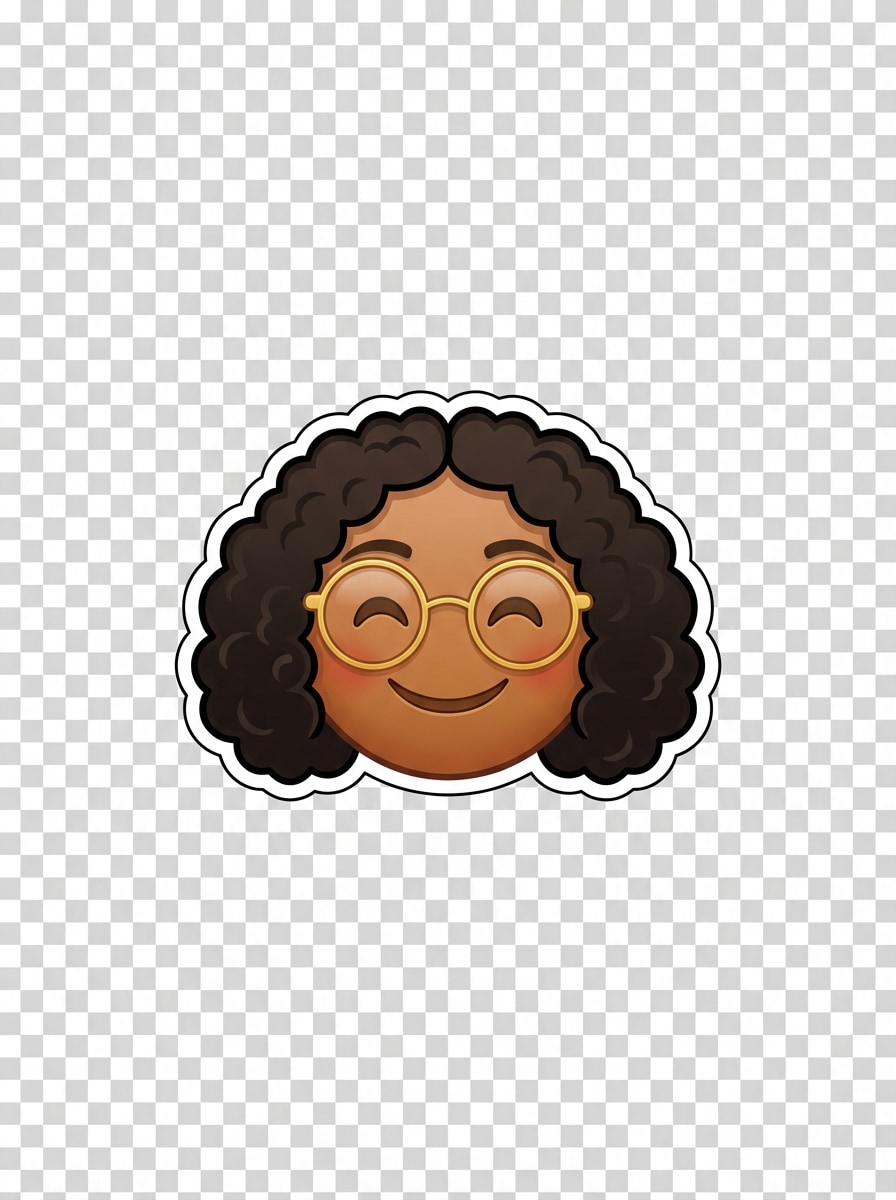
Gere um emoji personalizado inspirado em um avatar, rosto sorridente com cabelo cacheado e óculos redondos, proporções semelhantes a emoji, expressão amigável, estilo de adesivo digital polido, tons de pele quentes, destaques suaves, composição centrada, contorno limpo, fundo transparente, charmoso design orientado pela identidade para bate-papos e perfis.
Comunidade dentro-Emoji de piada
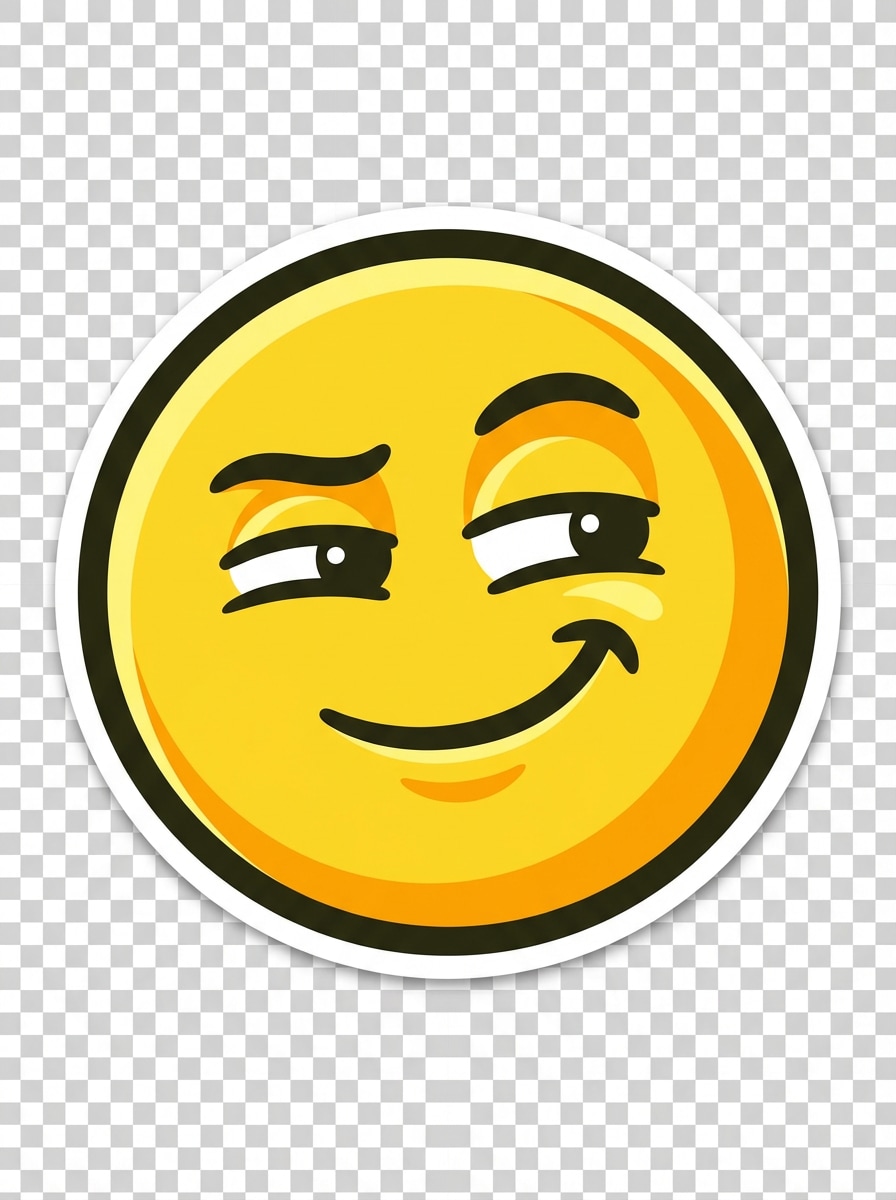
Crie um emoji personalizado complacente para um bate-papo comunitário, olho lateral brincalhão, sorriso atrevido, silhueta ousada, características faciais compactas, sombreamento nítido, paleta amarela brilhante, composição centrada, humor bem-humorado, fundo transparente, bordas afiadas de adesivos, projetados para permanecer legíveis em fluxos de trabalho de emoji inspirados em discórdia e espelho.
Emoji de adesivo transparente
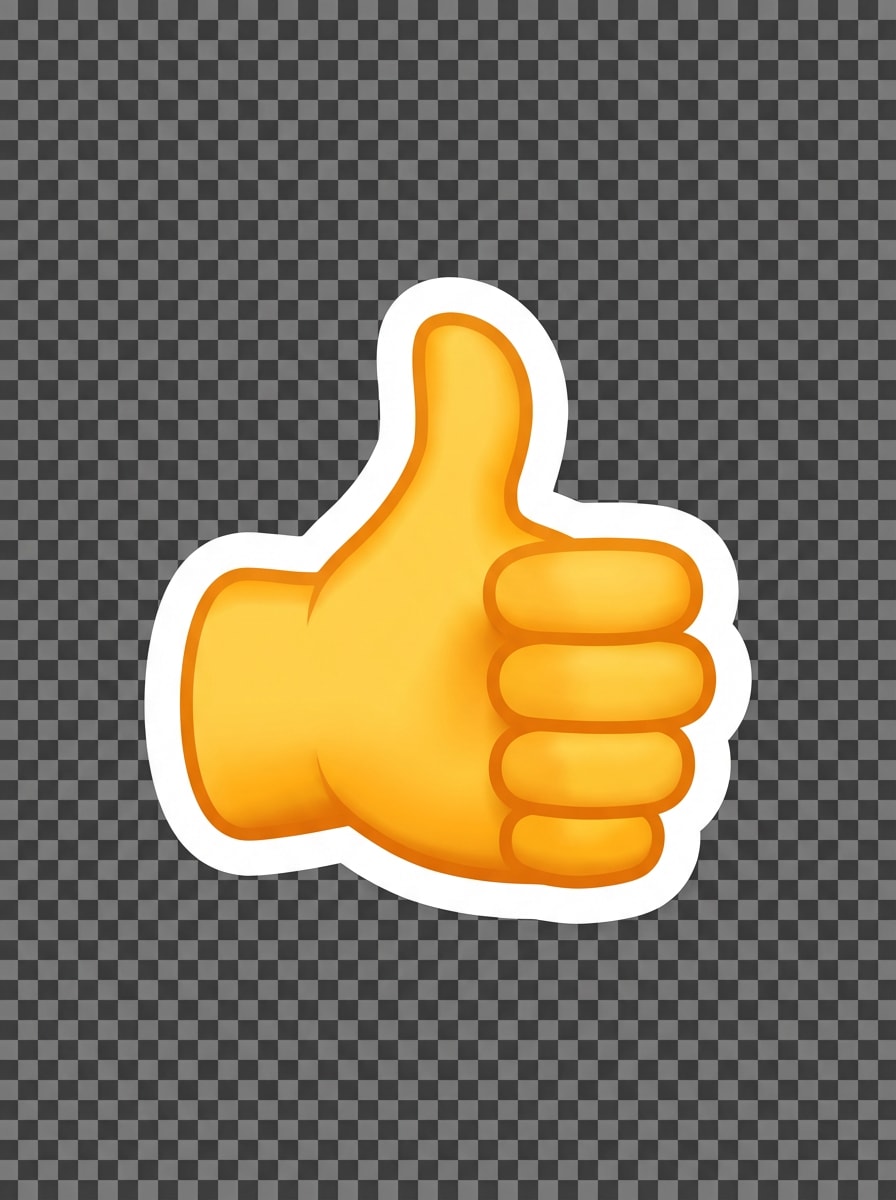
Projete um emoji polegar para cima com um contorno de adesivo branco ousado, cores de alto contraste, composição centrada, gesto limpo da mão, sombreamento digital suave, humor otimista amigável, bordas nítidas, fundo transparente, forma legível simples, acabamento polido pronto para aplicativos ideal para adesivos de mensagem reutilizáveis.
Emoji do pacote de plataforma
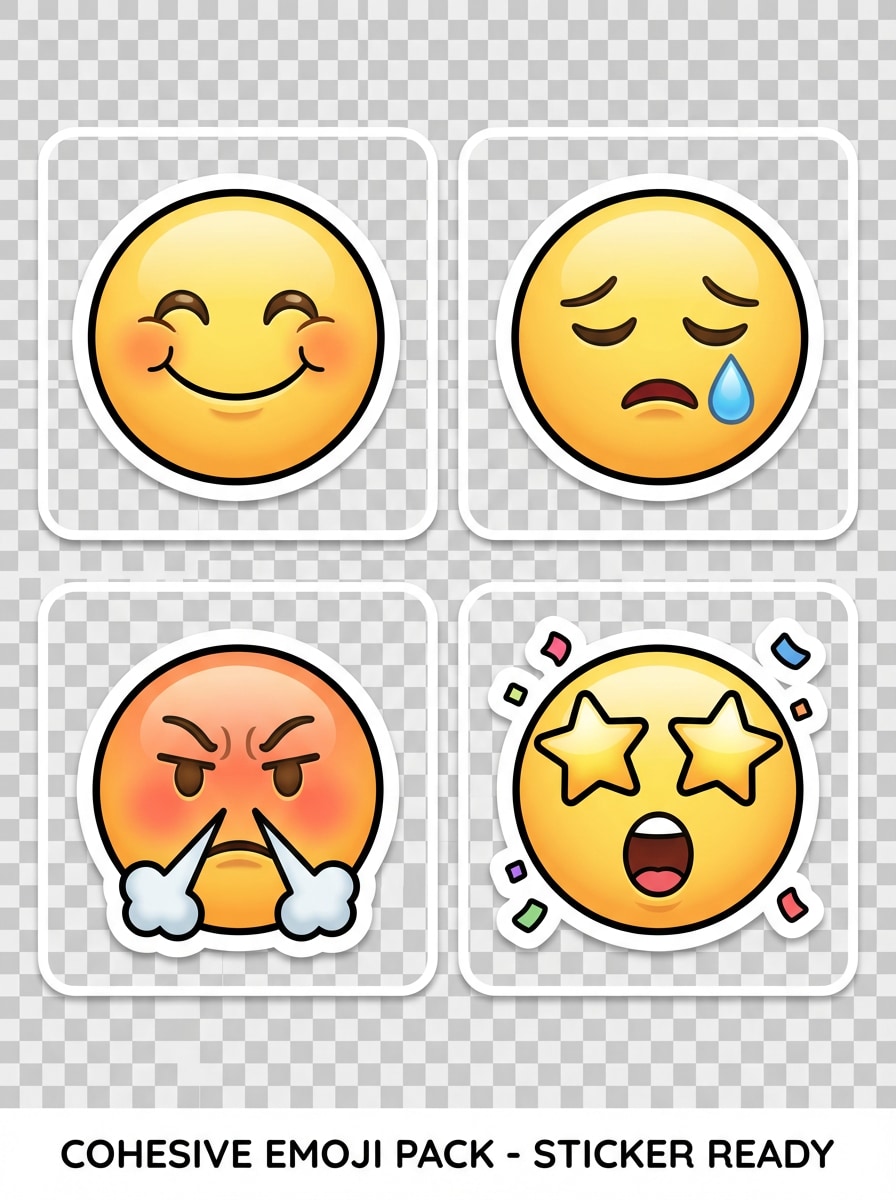
Gere um pacote de emoji coeso com quatro expressões: feliz, triste, zangado e excitado; Estilo combinado, proporções equilibradas, paleta amarela consistente, sombreamento suave, composição quadrada centrada, fundo transparente, acabamento pronto para adesivos, contornos limpos, layout organizado adequado para compartilhamento em Discord, Slack, Telegram e WhatsApp.
Por que usar o Media.io para criação de emojis personalizados
Crie imagens de Emoji a partir de Prompts de texto simples
Transforme ideias curtas em gráficos originais em estilo emoji sem confiar em modelos pré-construídos. Media.io funciona como um rápido criador de emoji personalizado de IA para reações, pacotes de adesivos e comunidades de criadores.
Múltiplos estilos para qualquer Look de Emoji
Escolha entre 3D brilhante, kawaii, vetor plano e muito mais. O Media.io suporta diversos estilos e prompts otimizados em inglês, facilitando a criação de emojis prontos para chat que combinem com sua marca, humor ou plataforma.
Alta resolução com relações de aspecto flexíveis
Gere em resolução 1K, 2K ou 4K com opções de saída amigáveis ao quadrado, como 1:1. Isso torna o Media.io útil para pacotes de emoji, adesivos, gráficos de perfil e ativos que você pode redimensionar para Discord, Slack ou WhatsApp.
Executa on-line em celular e Desktop
O Media.io é baseado na web, então você pode criar emojis no seu navegador no Windows, Mac, iPhone, iPad ou Android. É conveniente para edições rápidas, testes rápidos e ideias de adesivos de construção onde quer que você trabalhe.
Como usar o gerador de Emoji personalizado
1
2
3
1
Abrir Media.io Custom Emoji Gerador
ir paraAI Texto para Imagem GeradorE abra o gerador de Emoji personalizado em AI-> Texto para Imagem. Esta ferramenta on-line é executada no seu navegador, para que você possa começar a criar gráficos em estilo emoji no desktop ou móvel sem instalar software extra.
2
Digite um Prompt
Digite um prompt detalhado, como "Um emoji brilhante 3D rindo com lágrimas, rosto amarelo brilhante, fundo transparente, estilo de adesivo centrado." Ajuste o estilo e as configurações para se ajustar a um emoji de reação, design inspirado em avatar ou um pacote limpo para aplicativos de mensagens.
3
Gerar, Refinar e Baixar
Clique em Gerar. Ajuste o seu prompt, se necessário, para melhorar o humor, as cores ou a legibilidade em tamanho pequeno. Em seguida, baixe sua imagem emoji de alta resolução para plataformas de bate-papo, coleções de adesivos, postagens sociais ou uso da comunidade de marca.
Desbloqueie o potencial do criador de Emoji Whatsapp
Veja como os criadores usam este gerador de Emoji personalizado para conteúdo, marketing e projetos pessoais e, em seguida, adapte cada ideia para se ajustar ao resumo.
Crie Emojis de marca para comunidades
Crie reações personalizadas para Discord, Slack, Telegram ou comunidades de fãs com um estilo visual consistente. É uma maneira prática de fazer emojis de piada interna, reações de moderador e pacotes de marca que parecem mais originais do que ícones de modelo genéricos.
Design de adesivos de reação rápida para mensagens
Transforme humores como risos, chocados, orgulhosos ou animados em imagens prontas para adesivos para bate-papos diários. Se você deseja um fluxo de trabalho no estilo whatsapp do emoji maker, o Media.io ajuda você a gerar visuais quadrados e expressivos que você pode adaptar para mensagens e compartilhamento.
Criar Emojis personalizados em estilo Avatar
Faça retratos em estilo emoji com base em sua vibração, penteado, óculos ou expressão de assinatura. Isso é útil para streamers, criadores e equipes que querem um pacote personalizado em vez de um conjunto de ícones genéricos ou um simplesEspelho emoji makerOlha.
O que os usuários dizem
Mia R.
Gerente da Comunidade Discord
"Ótimo para reações personalizadas do servidor"Usei o Media.io para fazer um conjunto completo de reações para o nosso servidor Discord. Os prompts eram fáceis de refinar, e os resultados pareciam muito mais originais do que as ferramentas de emoji de modelo.
Jordan P.
Criador de conteúdo
"Fluxo de trabalho rápido para ideias de adesivos"Eu queria gráficos expressivos de emoji para conteúdo curto e respostas de bate-papo. Os estilos 3D brilhantes e kawaii foram especialmente úteis, e a geração de vários humores levou apenas alguns ajustes rápidos.
Alicia T.
Proprietário de pequena empresa
"Útil para bate-papo de marca"Criamos gráficos personalizados em estilo emoji para nosso bate-papo de equipe e comunidade de clientes. Gostei de poder testar diferentes looks rapidamente e baixar imagens de alta resolução para reutilização.
Ethan C.
Designer de aplicativos móveis
"Útil tanto no telefone quanto no desktop"Testei os prompts no celular e terminei os downloads finais no desktop. O fluxo de trabalho baseado em navegador era conveniente, e as saídas square-friendly funcionaram bem para aplicativos e conceitos de mensagens.
Explore os efeitos de vídeo e imagem de IA mais quentes
1. Posso criar meus próprios emojis personalizados com IA?
Media.io permite que você crie seus próprios emojis personalizados com IA, transformando prompts de texto em imagens originais em estilo emoji. Você pode gerar diferentes looks, como designs 3D, kawaii, planos ou prontos para adesivos para comunidades, aplicativos de bate-papo e conteúdo social.
2. Como faço um emoji personalizado a partir do texto?
Abra a ferramenta de texto para imagem do Media.io, digite um prompt descritivo, escolha configurações como relação de aspecto ou estilo e gere sua imagem. Para melhores resultados, use prompts claros em inglês que descrevam a expressão, paleta de cores, composição e acabamento de emoji desejado.
3. Este gerador de emoji personalizado é livre para usar?
Media.io oferece créditos gratuitos para uso novo e casual. Se você precisa de mais gerações ou deseja benefícios adicionais, você pode verificar a página de preços. Os usuários gratuitos podem ver marcas d'água, enquanto os assinantes pagos podem baixar imagens de alta resolução sem marcas d'água. Os usuários gratuitos podem usar créditos gratuitos. Para mais uso, os usuários podem assinar um plano na página de preços. Atualizar para um plano pago noPágina de preçosPara mais créditos e marcas d'água-downloads de alta resolução livres.
4. Posso baixar imagens de emoji com um fundo transparente?
Você pode criar prompts para imagens emoji estilo adesivo com estética de fundo transparente, como composições centradas e bordas limpas. O suporte de fundo transparente é um fluxo de trabalho comum para o uso de emojis e adesivos personalizados, especialmente ao projetar ativos para plataformas de bate-papo.
5. Qual tamanho e resolução são melhores para emojis Discord, Slack ou WhatsApp?
As imagens quadradas geralmente funcionam melhor para o design de emoji, então 1:1 é uma proporção inicial prática. O Media.io suporta saída 1K, 2K e 4K, o que é útil quando você deseja um arquivo mestre de alta qualidade que pode posteriormente ser redimensionado para atender aos requisitos específicos do Discord, Slack ou WhatsApp. Os usuários gratuitos podem ter marcas d'água.
6. Posso usar este criador de emoji no celular e no desktop?
O Media.io é baseado na web e funciona em qualquer dispositivo com um navegador, incluindo Windows, Mac, iOS e Android. Isso significa que você pode usar este criador de emoji em desktop ou móvel sem instalar um software separado. Media.io é uma ferramenta baseada na web que funciona em qualquer dispositivo com um navegador (Windows, Mac, iOS, Android).
Além do gerador de Emoji personalizado on-line alimentado por IA