
AI TikTok Story Video Generator for Hook-Driven Story Shorts
Build scroll-stopping storytime videos from narration drafts, Reddit-style posts, lesson scenarios, or short fiction. Media.io's AI TikTok Story Video Generator helps creators shape an editable story outline, guide characters and scenes, review storyboard images, and generate vertical videos with voiceover and music based on the script.
Create TikTok Story Videos That Feel Written, Paced, and Watchable
Give your script enough structure, style, and scene direction to hold attention past the first swipe.
Shape a Hook That Survives the First Swipe
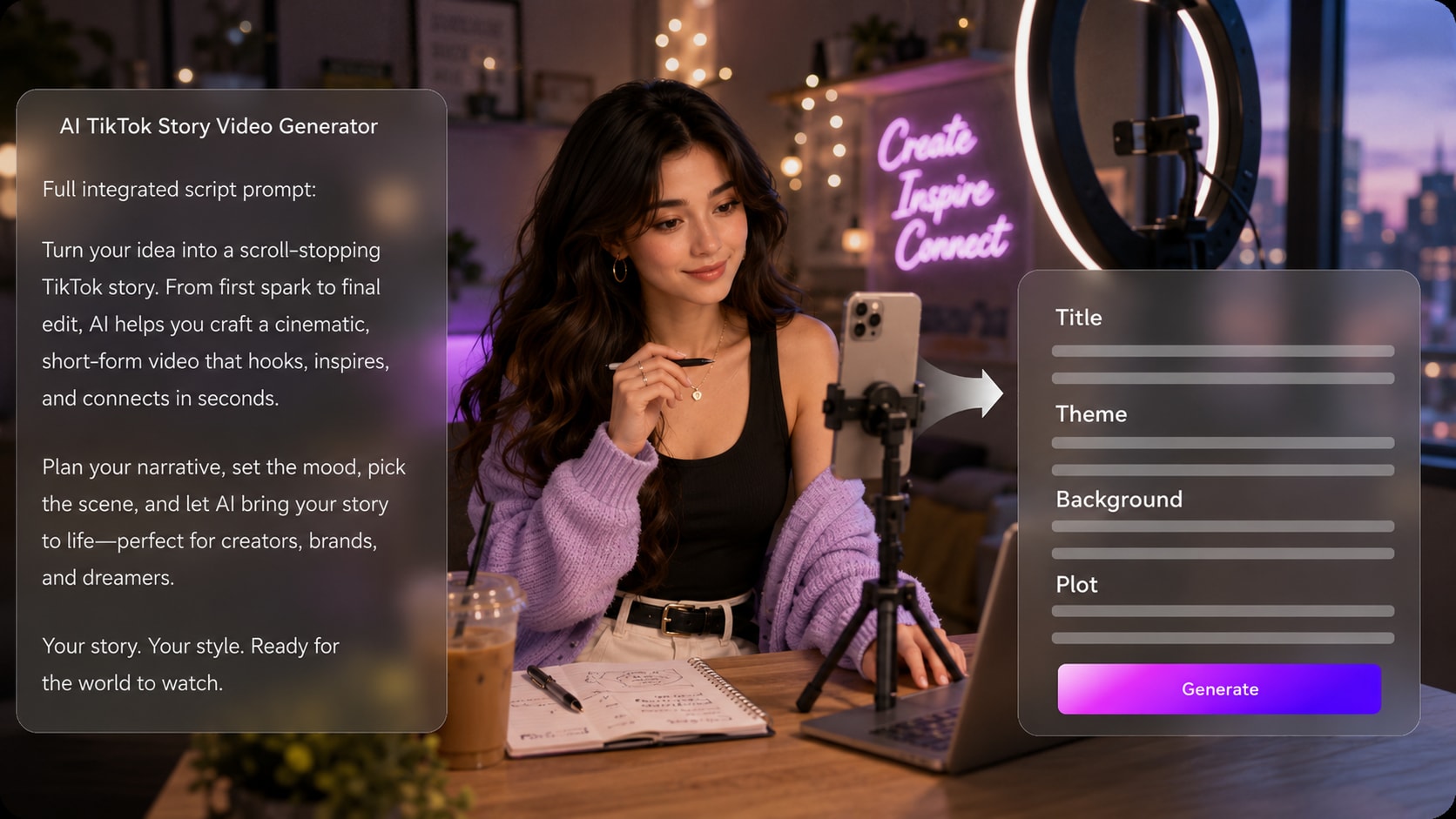
Start from a detailed narration draft and let Media.io extract a story outline with title, theme, setting, plot, and characters. Your TikTok story video maker workflow stays focused on the hook, conflict, and payoff instead of producing unrelated clips.
- Script-Led Outline - Review the story structure before generating scenes
- Short-Form Focus - Keep the setup, twist, and ending easy to follow
- Scene Direction - Prepare the setting and plot beats with clearer context
- Creator Control - Edit the outline fields before moving into visuals
Keep Characters Recognizable Across the Story
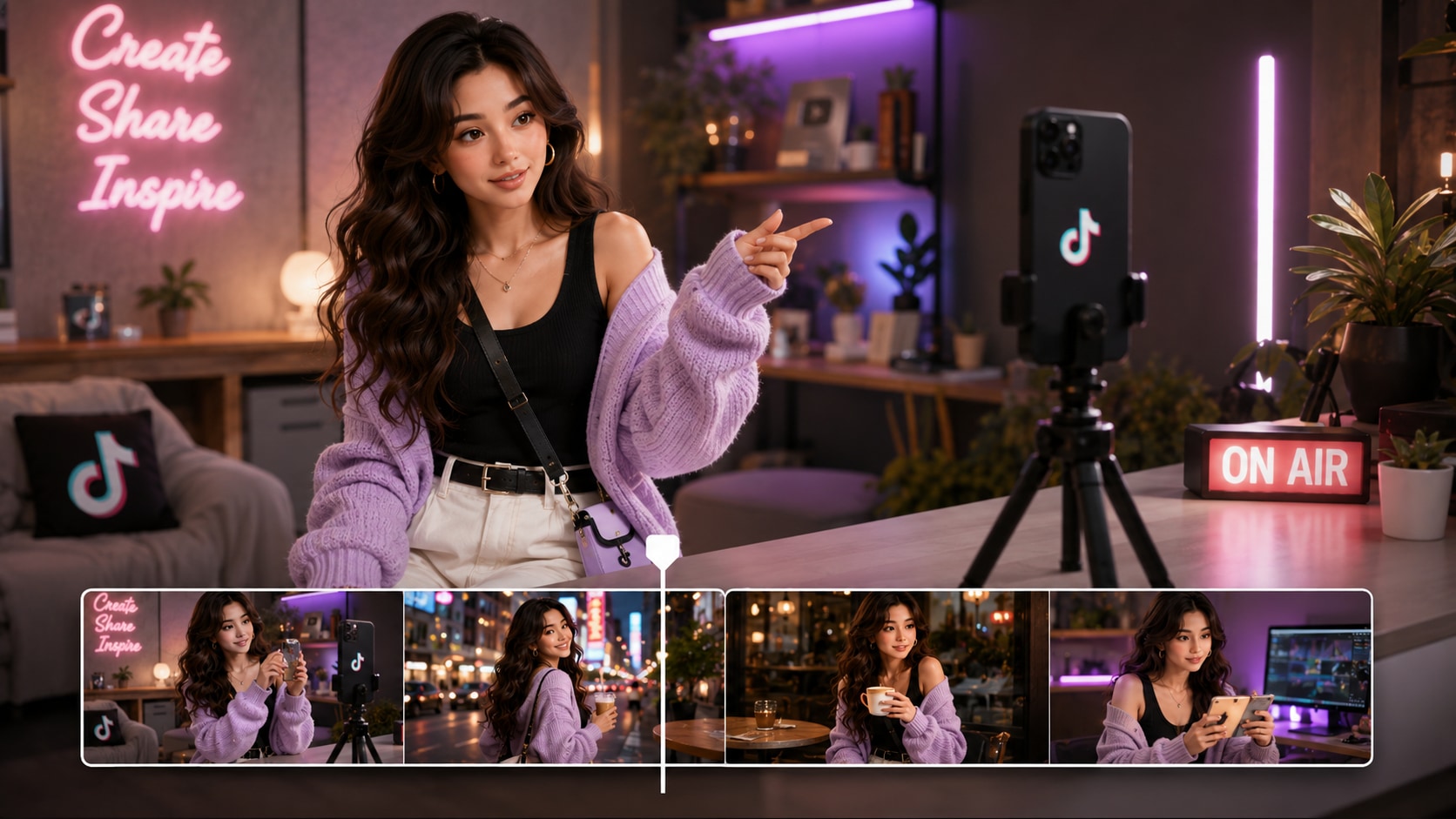
Guide the cast with text descriptions, sketches, or real photos so viewers can tell who is speaking, reacting, or changing the story. Media.io can extract character features and create visual guidance that makes recurring roles easier to recognize.
- Text Characters - Describe age, clothing, mood, and role in the plot
- Photo Guidance - Use real photos when a personalized look matters
- Sketch Input - Turn rough character ideas into clearer visual direction
- Recurring Cast - Help viewers follow relationships across scenes
Direct Review Storyboard Images Before the Final Video
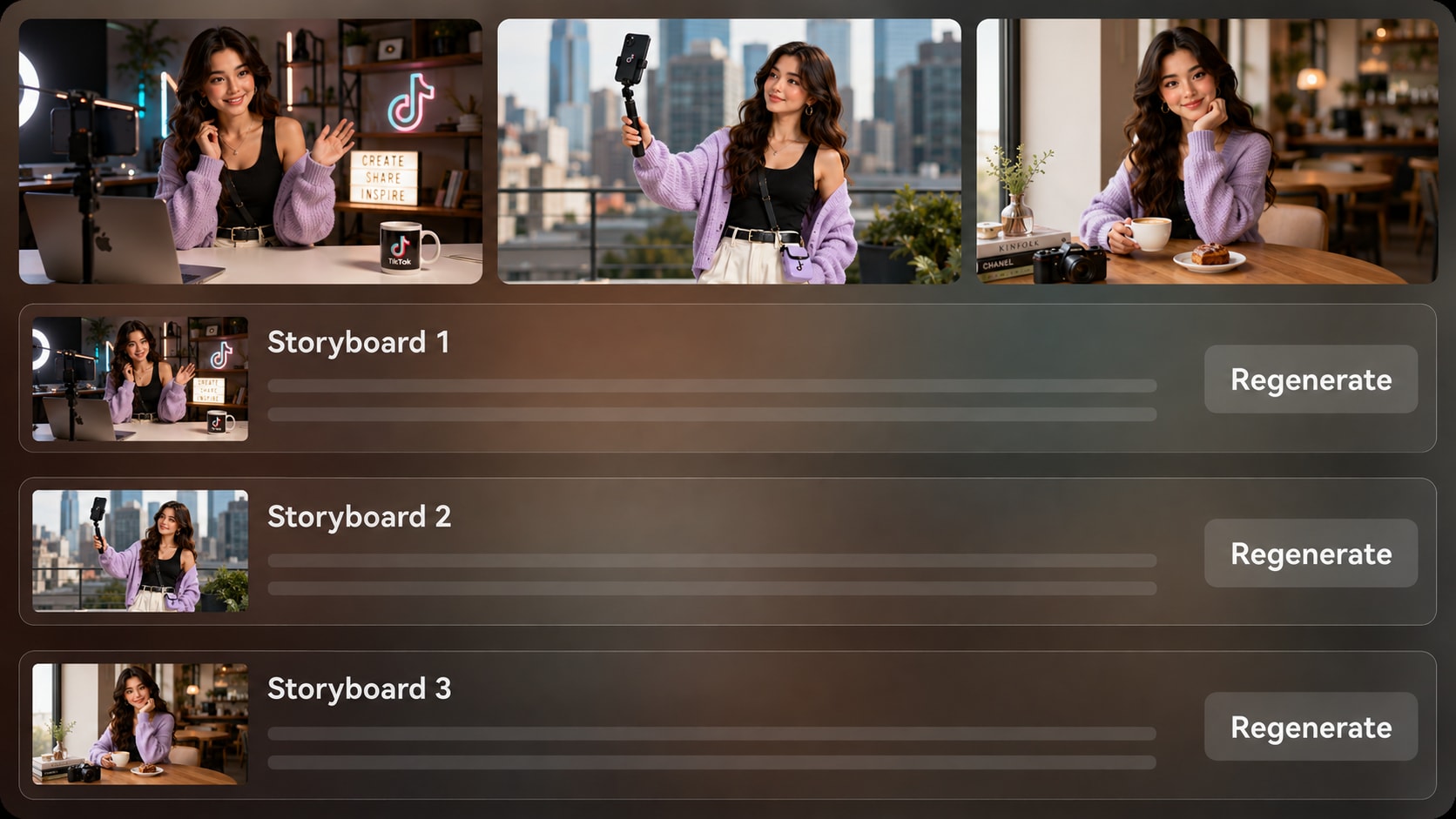
Check the generated storyboard images after the outline so the visual order matches your script. If one shot feels off, use Regenerate on that specific storyboard image rather than accepting a weak moment in the final story short.
- Scene Preview - See the visual flow before final generation
- Shot Regenerate - Refresh an unsatisfying storyboard image when needed
- Pacing Check - Spot missing reactions, reveals, or transitions early
- Less Guesswork - Reduce surprises before creating the full video
Publish Story Shorts with Script-Based Audio
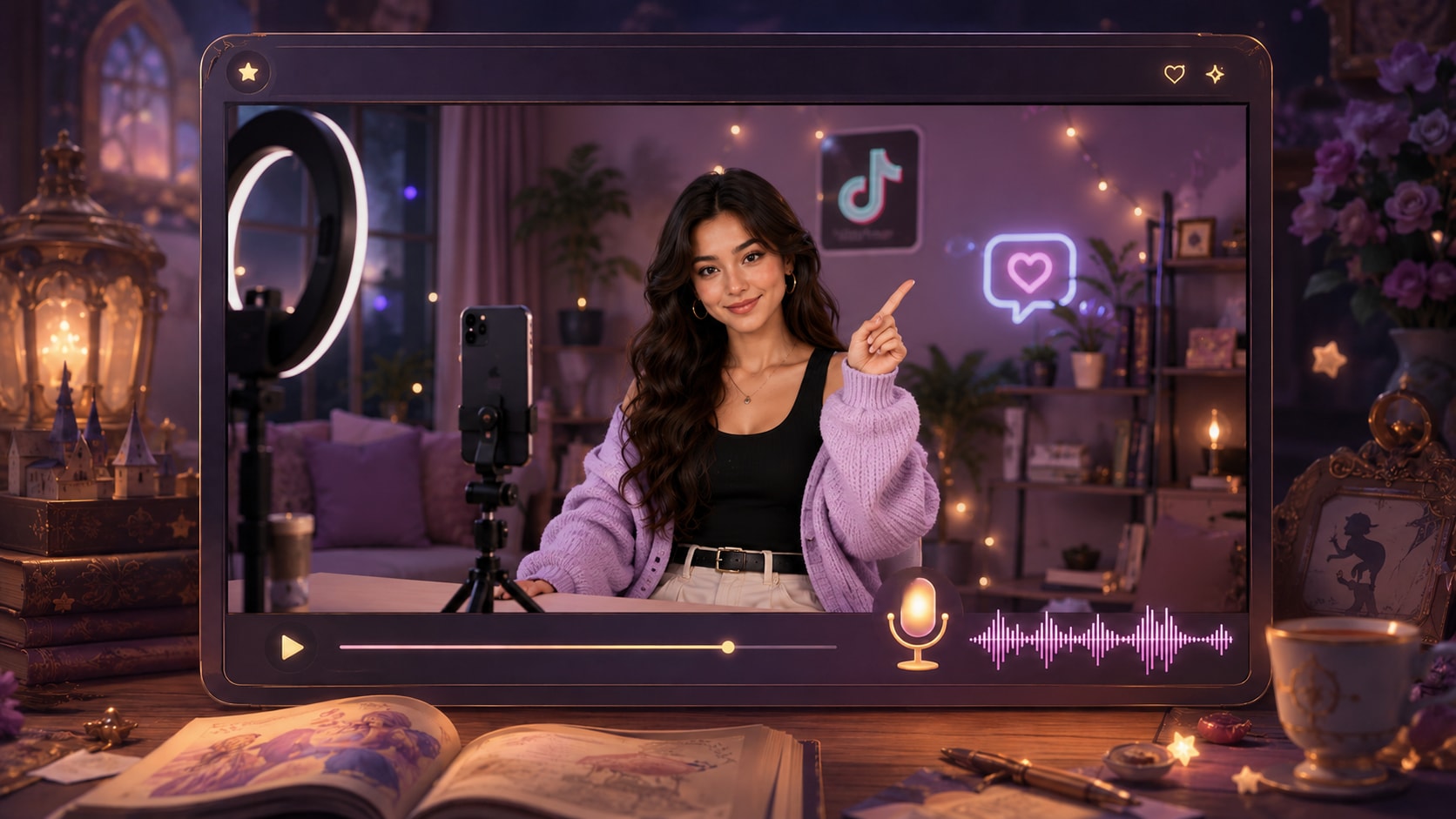
Create a faceless story video generator workflow where narration and music can be generated from the script's tone. Choose format and visual direction during setup, then review the finished video and polish it with Media.io tools when needed.
- Voiceover Flow - Let the script guide the narration style
- Music Mood - Match tension, comedy, mystery, or emotion to the story
- Format Setup - Prepare 9:16, 1:1, or 16:9 depending on the channel
- Final Polish - Use Media.io tools to refine the result after generation
Create a TikTok Story Video from a Script
Use a structured story input so the generated video has enough context to follow your plot.

Paste the Script
Provide a detailed script or structured story input with the hook, characters, setting, scene beats, and ending. Review and edit the extracted outline fields, including title, theme, setting / background, story plot, and characters, then choose an aspect ratio such as 9:16, 1:1, or 16:9 during setup.

Guide the Storyboard
Prepare the visual direction with available format, style, and scene choices. Add clear character guidance from text, sketches, or photos when needed, then review the generated storyboard images to see whether the story flow matches your script.

Generate and Polish
Generate the final story video with voiceover and music based on the script. If a storyboard image does not fit, regenerate that specific shot before final generation, then review the video and use Media.io tools such as Enhance Video Quality when extra polish is needed.
Compare Why Choose Media.io as Your AI TikTok Story Video Generator
See how a script-led story workflow compares with generic short-clip generation.
Create Story Shorts for Every TikTok-Led Audience

TikTok Story Creators
Turn storytime scripts, confessions, twists, and mini dramas into vertical videos built for fast scrolling feeds.

Faceless Channel Owners
Create narration-led story shorts without filming yourself, while still guiding scenes, characters, and mood.

YouTube Shorts Creators
Adapt the same story script into short-form videos that can support serialized channels and repeatable formats.

Educators
Convert classroom scenarios, history anecdotes, moral lessons, or explainer scripts into clearer visual stories.
View More AI Story Video Examples
Explore how different scripts can become TikTok-ready story videos, from Reddit-style narration to education and brand storytelling.
Loved by TikTok Story Creators
Creators use the workflow to keep scripts, scenes, and audio moving in the same direction.


"The outline step helps me catch weak story beats before I generate the video, which saves a lot of rewriting later."

"I can start with a narration draft and get a visual story that actually follows the order of my script."

"Storyboard review is the part I use most. It lets me spot scenes that need a better visual before exporting."

"It is useful for testing short brand stories because the script, mood, and character guidance stay connected."

"My lesson stories are easier to explain when I can turn them into narrated scenes instead of plain slides."

"I use it to preview short scene ideas and see whether the pacing works before developing a bigger concept."
FAQs on AI TikTok Story Video Generator
What Is an AI TikTok Story Video Generator?
An AI TikTok story video generator helps turn a detailed script or structured story input into a short-form video with scenes, characters, narration, and music. Media.io is designed for creators who want TikTok-style story shorts that follow a clear narrative rather than disconnected visual clips.
What Should I Paste into a TikTok Story Video Generator?
Use a detailed narration draft, Reddit-style story, fictional script, lesson scenario, or brand story with a hook, setting, characters, key actions, and ending. The more structure you provide, the better the outline and scenes can reflect your intended story.
Can the Script Guide the Voiceover and Music?
Yes. The final generated video can include voiceover and music based on the script, so the audio can follow the mood of a confession, mystery, lesson, comedy beat, or emotional reveal. Review the final video to make sure the timing supports the story.
How Do I Write a Better Script for TikTok Story Shorts?
Start with a strong first sentence, introduce the conflict quickly, keep each scene focused on one action, and end with a clear reveal or takeaway. Include visual details such as locations, expressions, objects, and transitions so the generator has more useful context.
How Can I Avoid Generic AI Story Videos on TikTok?
Avoid one-line prompts and vague scene descriptions. Provide a structured script, define the characters, describe the visual mood, review the extracted outline, and check the storyboard images before generating the final video.
Can I Use My Own Characters or Photos in a TikTok Story Video?
Media.io can use real photos, sketches, or text descriptions to create character guidance and help make people or roles more recognizable. It should be treated as clear visual guidance, not a guarantee of perfect clear character guidance across every frame.
Can I Make Vertical Videos for TikTok, Reels, and Shorts?
Yes. During setup, you can prepare the video direction with available format choices such as 9:16 for vertical platforms, as well as other ratios when needed. Always review the final result for framing, pacing, captions, and platform fit before publishing.
Can I review the storyboard After It Is Generated?
You can review and edit the extracted outline before the storyboard is generated. The storyboard images themselves are not manually editable, but if a specific storyboard image is unsatisfying, you can click Regenerate to create that shot again.
Why Use Media.io Instead of a Generic AI Video Generator for TikTok Stories?
Media.io is useful for TikTok stories because it starts with detailed story input, extracts an editable outline, supports character guidance, shows storyboard images for review, and can generate voiceover and music based on the script. That makes it better suited to narrative shorts than a tool focused only on standalone clips.
Explore More AI Story Video Workflows
Build beyond TikTok story shorts with adjacent AI Script to Video generators for scripts, Reddit narration, horror scenes, kids stories, brand storytelling, and broader story video creation.















Create TikTok Story Shorts
From Scripts Worth Watching
Paste a detailed story, guide the outline and visuals, then generate a short-form video ready for review, polish, and publishing.
 4.8 (281 Votes)