
Create with an AI Romance Story Generator Built for Cinematic Love Stories
Write the meet-cute, confession, breakup, or reunion scene first, then use Media.io's AI Romance Story Generator to shape it into a cinematic story video. Paste detailed scripts, review the extracted outline, guide the couple's look, and create scenes with narration, music, and mood that fit romance-first storytelling.
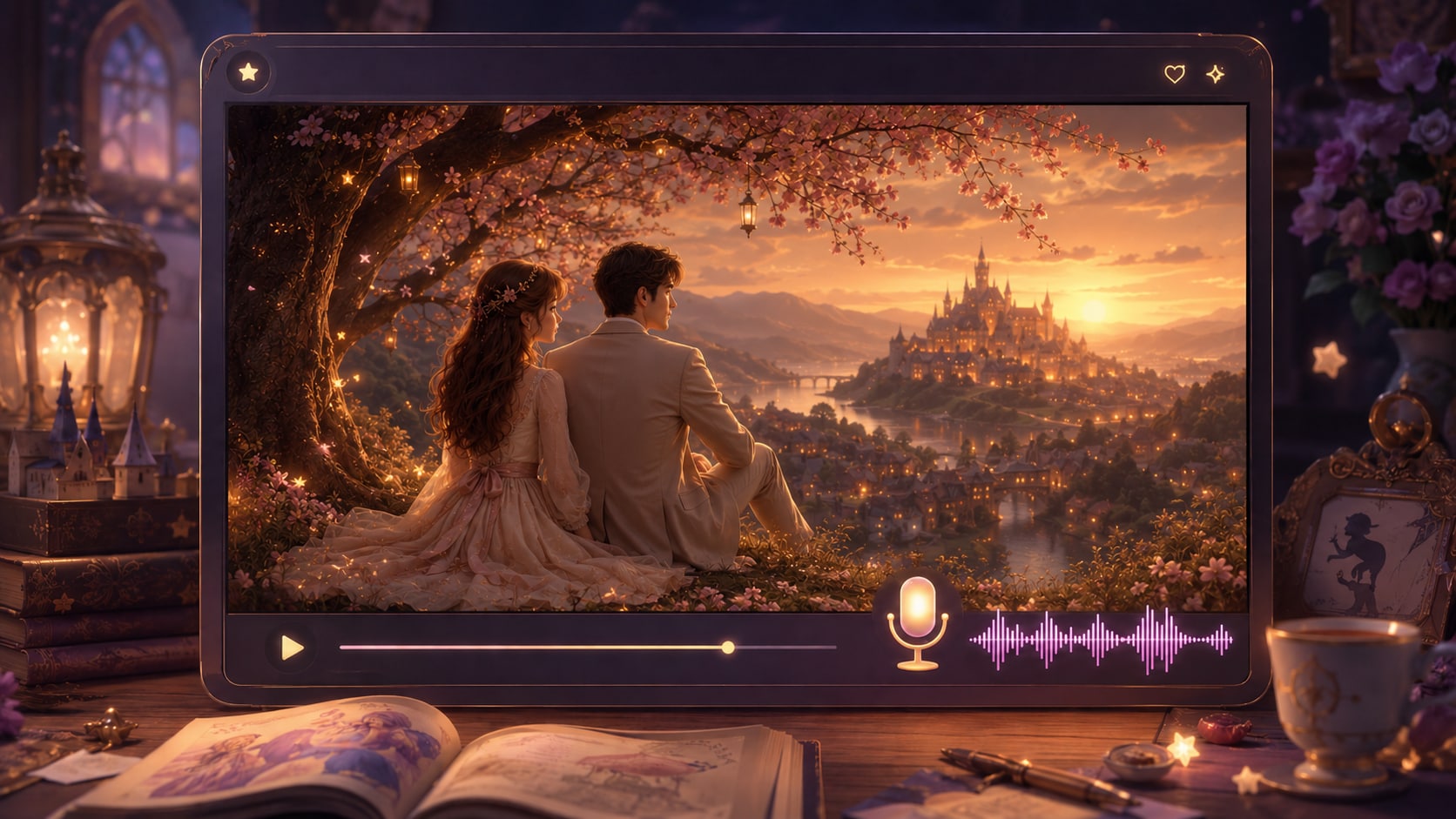
Shape Love Stories That Feel Written, Directed, and Ready to Watch
Media.io helps romance creators move from scripted emotion to visual scenes without losing the relationship arc.
Turn Relationship Beats into Watchable Scenes
Start with the moments that matter: the awkward first meeting, the almost-confession, the fight, the letter, the final choice. It also fits AI story video maker workflows when the audience expects topic-specific scenes.
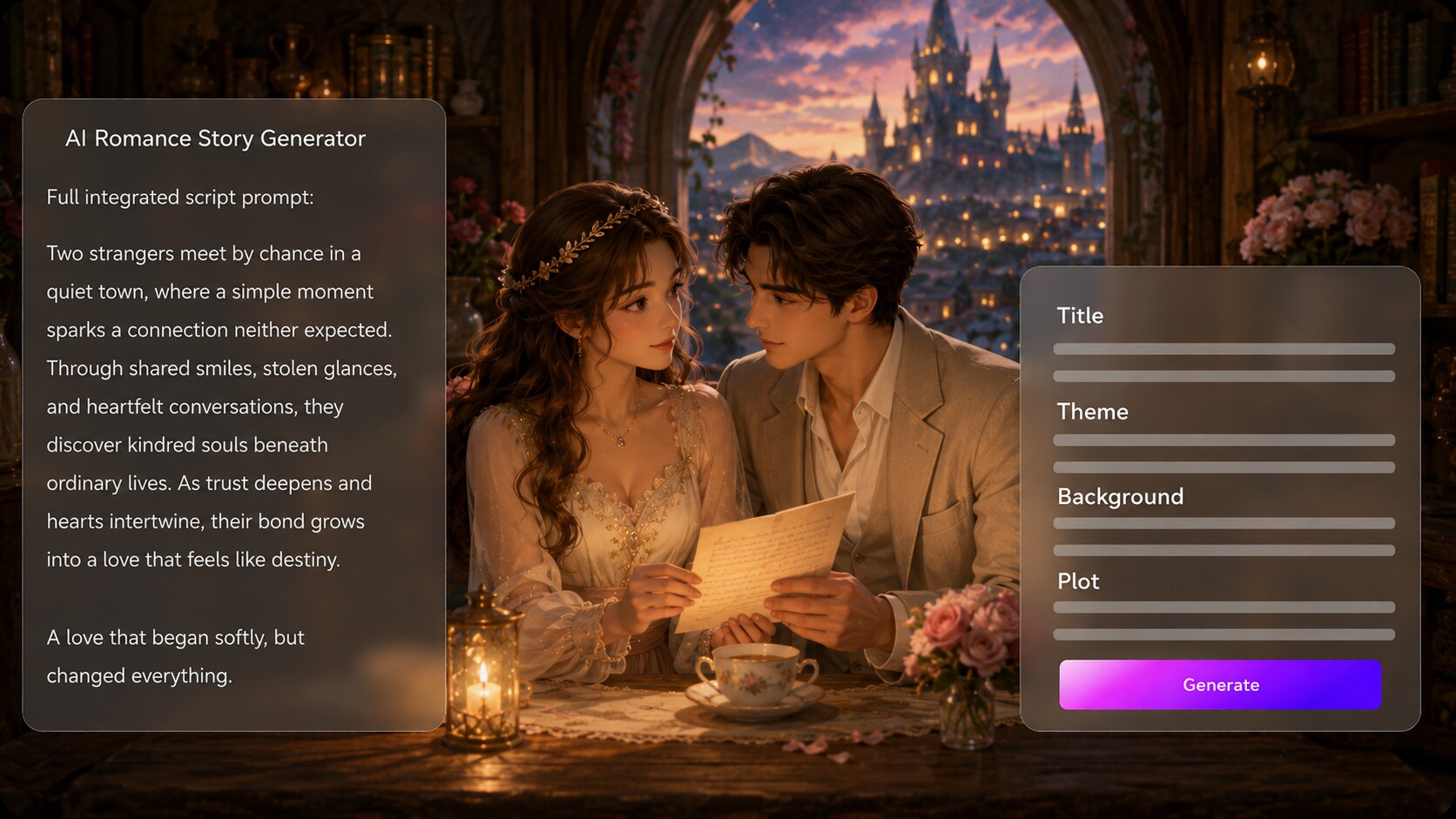
- Editable Outline - Review the title, theme, setting, plot, and cast before generation
- Script-Led Scenes - Use dialogue, narration, and emotional beats as the creative backbone
- Romance Structure - Keep slow-burn tension, heartbreak, and reunion moments in order
- Creator Fit - Adapt novel chapters, short scripts, or scene drafts for video
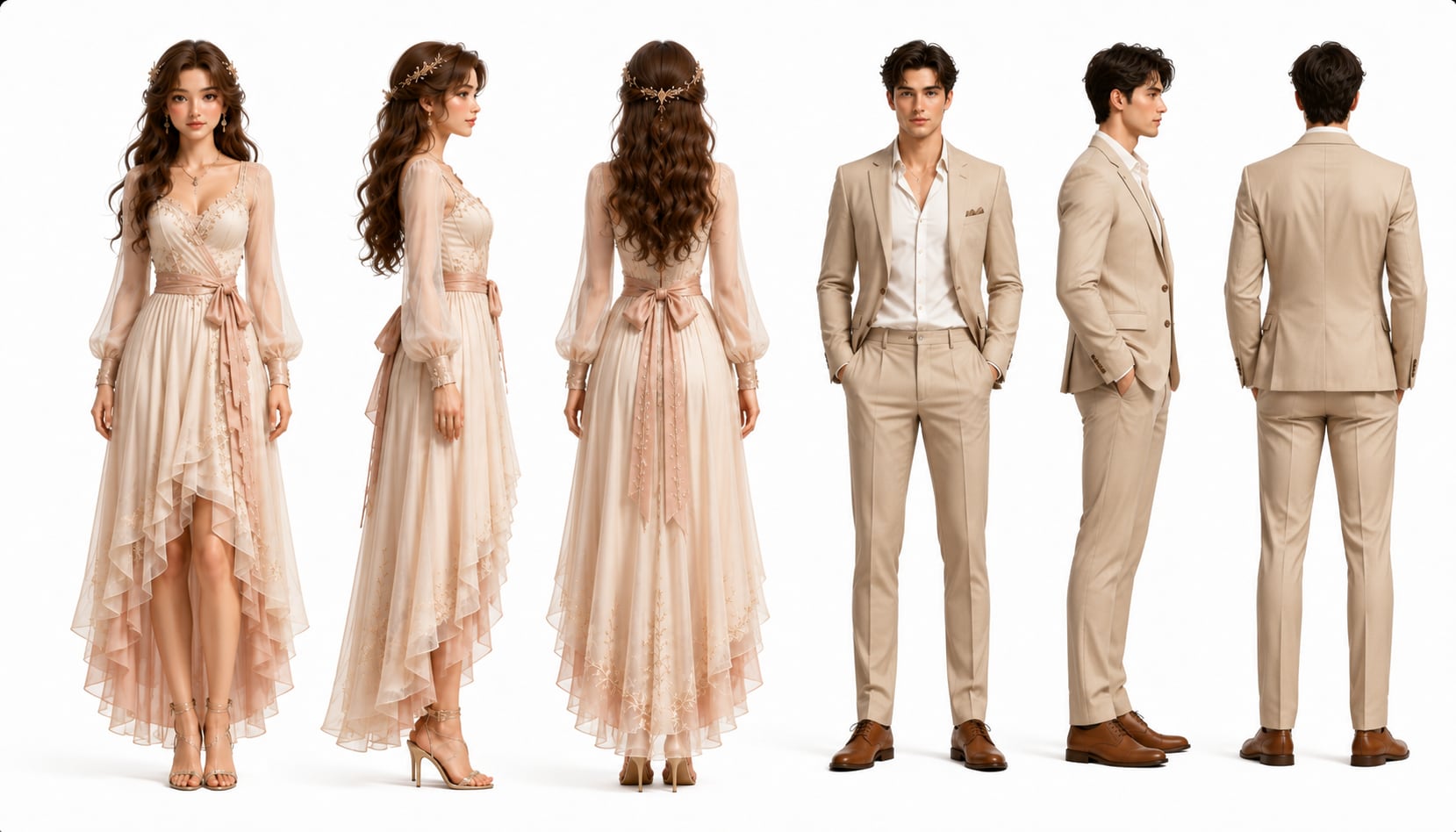
Guide a Couple the Audience Can Recognize
Shape the lovers before the camera rolls. Use real photos, sketches, or text descriptions to give Media.io clear character guidance, then choose visual direction that fits the story's era, location, and mood. Use it for script to video generator ideas without adding another editing step.
- Character Guidance - Create recognizable lovers from photos, sketches, or text prompts
- Visual Mood - Aim for modern city nights, period romance, coastal dates, or quiet interiors
- Relationship Contrast - Define age, styling, expressions, and personality cues
- Scene Coherence - Keep the couple's look clearer across the romantic sequence
Direct Check the Chemistry Before You Generate
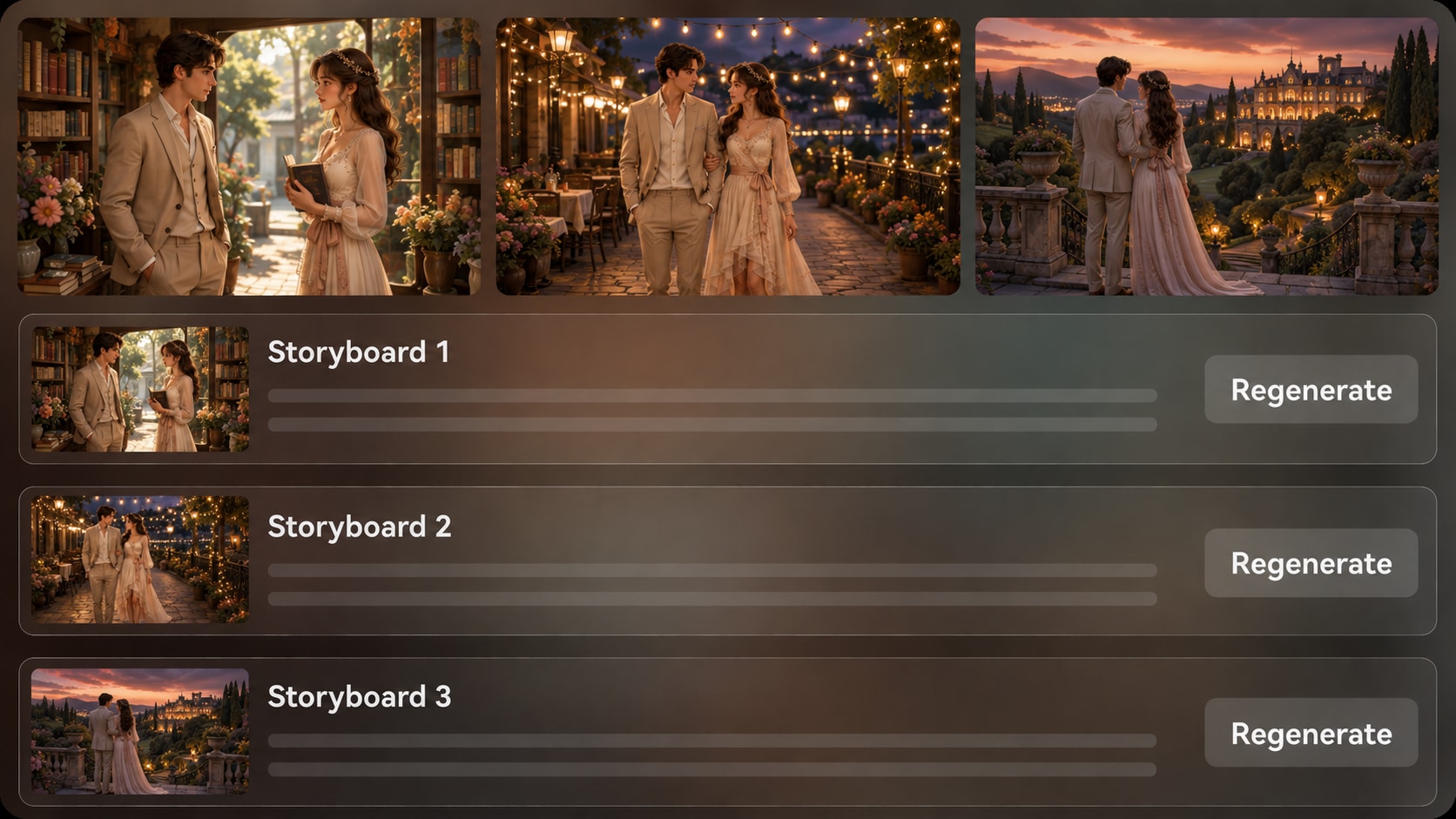
Review generated storyboard images to see whether the glance, distance, setting, and emotional turn match the script.
- Storyboard Preview - Inspect scene images before committing to the final video
- Shot Regeneration - Recreate an unsatisfying storyboard image when the mood is wrong
- Pacing Review - Catch rushed confessions or unclear transitions early
- Visual Continuity - Keep locations, gestures, and emotional beats easier to follow
Match the Voice, Music, and Platform Mood
Create a love story video maker workflow that respects the script's emotional sound.
- Script-Based Audio - Generate voiceover and music that follow the written scene
- Social Framing - Prepare romance shorts for vertical, square, or widescreen viewing
- Post-Generation Polish - Review the result and refine with Media.io tools when needed
- Audience Fit - Support creators, educators, marketers, and indie filmmakers
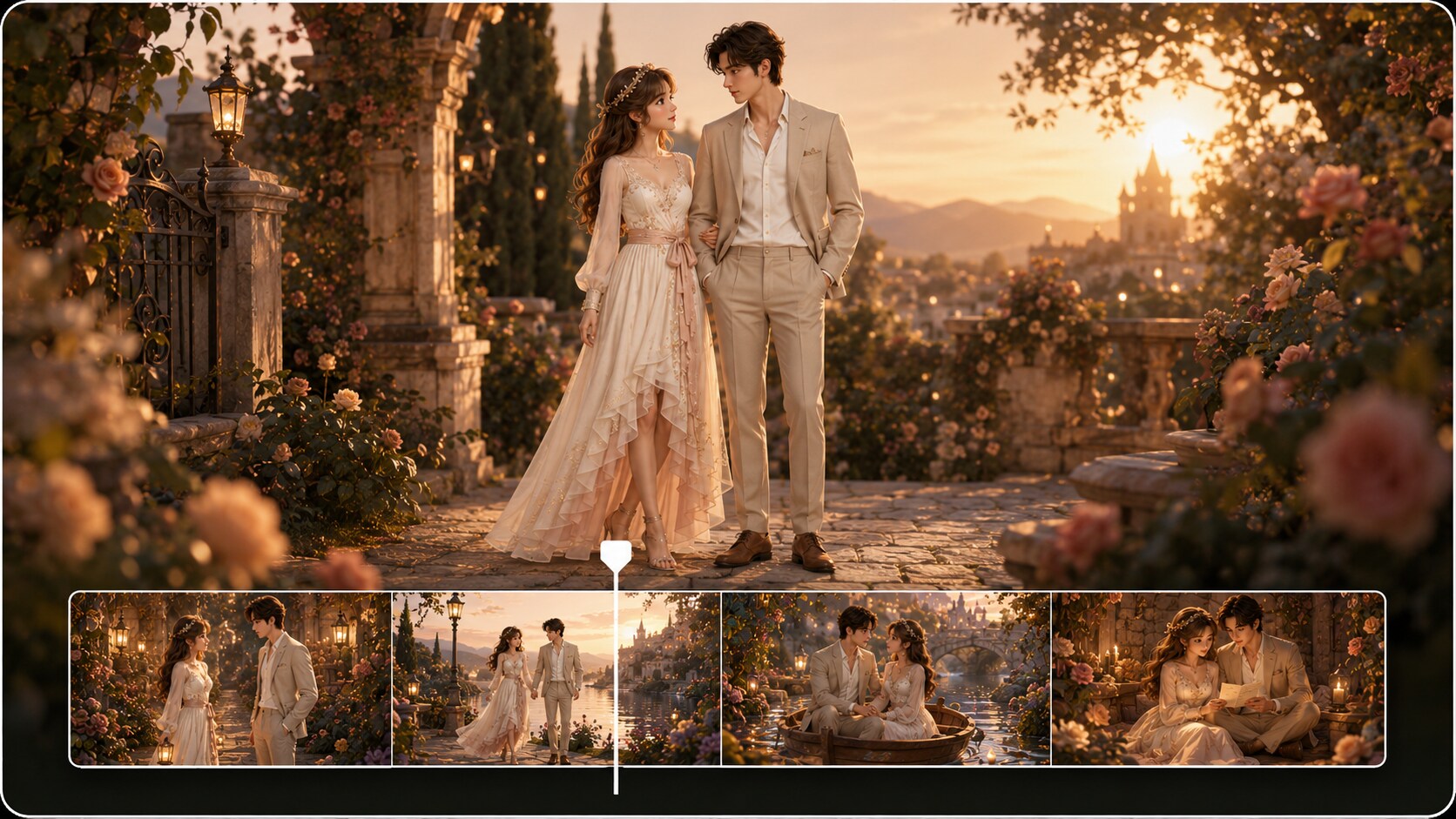
Create a Romance Story Video from a Detailed Script
Use a script-first workflow so the emotional arc guides the video instead of random visuals.

Write the Script
Provide a detailed romance script or structured story input with dialogue, setting, character notes, and key emotional beats. Review and edit the extracted outline fields, including title, theme, setting or background, story plot, and characters, then choose an aspect ratio such as 9:16, 1:1, or 16:9 during setup.

Guide the Cast
Prepare the couple and supporting characters with real photos, sketches, or text descriptions. Choose the format, style, and visual direction that match your romance, whether it is a city meet-cute, period confession, long-distance montage, or bittersweet reunion.

Generate and Polish
Review the generated storyboard images before creating the final video. If a specific storyboard image misses the mood, regenerate that shot, then generate the video with script-based voiceover and music. Review the result and polish it with Media.io tools such as Enhance Video Quality when needed.
Why Choose This AI Romance Story Generator over a Generic Video Tool
Romance videos need chemistry, pacing, and character clarity, not just attractive scenes stitched together.
Create Romance Videos for the Audiences That Actually Watch Them

YouTube Storytellers
Turn serialized love stories, narrated chapters, and relationship arcs into video episodes with clearer visual flow.

TikTok Creators
Create vertical romance scenes built around hooks, confession moments, dramatic choices, and quick emotional payoffs.

Romance Authors
Adapt a chapter, couple backstory, or book teaser into a cinematic preview for readers and launch pages.

Indie Filmmakers
Visualize couple dynamics, scene mood, and emotional pacing before shooting or pitching a romantic short.
See How Story Scripts into Story Videos
Explore fixed sample categories and imagine how romance scripts can use the same script-to-video workflow for stronger emotional storytelling.
Loved by Romance Story Creators
Creators like having a script-first workflow that keeps relationship beats visible before the final video.


"The outline step helped me keep the breakup and reunion in the right order before I generated the video."

"I could turn a short confession scene into a vertical video without filming actors or building every shot myself."

"Using character descriptions and scene notes made my book teaser feel closer to the couple I had written."

"The storyboard images were useful for checking the mood of a romantic short before sharing the pitch."

"My students understood emotional arc faster when they saw a scripted relationship scene visualized."

"It gave me a practical way to turn proposal notes into a soft, narrated story video for social posts."
FAQs on AI Romance Story Generator
What Is an AI Romance Story Generator?
An AI romance story generator helps turn written love stories, dialogue scenes, or relationship arcs into video content. Media.io works best when you provide a detailed script or structured story input so the outline, characters, scenes, voiceover, and music can follow your story more closely.
Can I Use a Romance Novel Chapter or Dialogue Scene as Input?
Yes. You can paste a detailed chapter excerpt, scene draft, dialogue exchange, or structured plot summary. For better results, include the setting, character descriptions, relationship conflict, turning point, and desired emotional ending.
How Do Voiceover and Music Work for Romance Story Videos?
The final generated video can include voiceover and music based on the script. Write narration cues, tone notes, and emotional beats into your input so the generated audio direction better matches a tender, dramatic, nostalgic, or bittersweet romance scene.
How Should I Write a Better Script for a Romantic Video?
Write in scenes instead of vague summaries. Include who is present, where they are, what changes emotionally, key dialogue, visual details, and the exact moment the relationship shifts, such as a confession, rejection, apology, or reunion.
What Mistakes Should I Avoid in AI Romance Story Videos?
Avoid one-line prompts, unclear character relationships, too many locations, and generic mood words without scene detail. Romance works better when the script gives the tool specific gestures, pauses, conflict, atmosphere, and emotional consequences.
Can I Make the Couple Look Like Specific Characters or People?
You can guide character appearance with real photos, sketches, or text descriptions, which helps create more recognizable characters. Avoid expecting perfect clear character guidance; review the generated scenes and use clear character notes for better visual direction.
Can I Make Romance Videos for TikTok, YouTube Shorts, or Book Promos?
Yes. During setup, you can choose a format such as vertical, square, or widescreen depending on where the video will be used. This makes the workflow useful for TikTok romance clips, YouTube Shorts, author teasers, classroom examples, and pitch materials.
Can I review the storyboard If a Romance Scene Looks Wrong?
You can edit the extracted outline before storyboard generation. The storyboard images themselves are not manually edited, but if a specific storyboard image does not match the mood or scene, you can click Regenerate to create that shot again.
Why Use Media.io for Romance Story Videos Instead of a Generic AI Video Generator?
Media.io is built around a script-to-story workflow that helps preserve romance structure. It extracts an editable outline, supports character guidance, generates storyboard images for review, lets you regenerate weak shots, and creates final video with voiceover and music based on the script.
Explore More Script-to-Video Ideas for Story Creators
Romance is only one storytelling lane. Try adjacent AI Script to Video generators for scary shorts, kids stories, anime-style scenes, trailers, educational videos, and broader story formats.















Write the Scene
Then Let the Romance Play Out
Start with a detailed love story script and create a cinematic video with outline control, character guidance, storyboard review, and script-based audio.
 4.8 (286 Votes)