
AI Brand Story Video Generator for Founder-Led Trust
Shape founder notes, mission copy, product purpose, or customer impact scripts into campaign-ready story videos. Media.io's AI Brand Story Video Generator helps marketers build a clear narrative arc, guide visual identity, review storyboard images, and create videos with voiceover and music based on the script.
Build Brand Stories That Feel Strategic, Not Random
Use a script-first workflow to keep your message, visuals, and emotional arc aligned with the brand.
Shape a Brand Arc People Can Follow
Start with the reason your brand exists, then let the workflow organize it into a clear beginning, tension, and payoff.
- Founder Origin - Frame the moment that started the mission
- Customer Problem - Show the real need behind the product
- Brand Promise - Connect values to a concrete audience benefit
- Editable Outline - Review the narrative before visuals begin
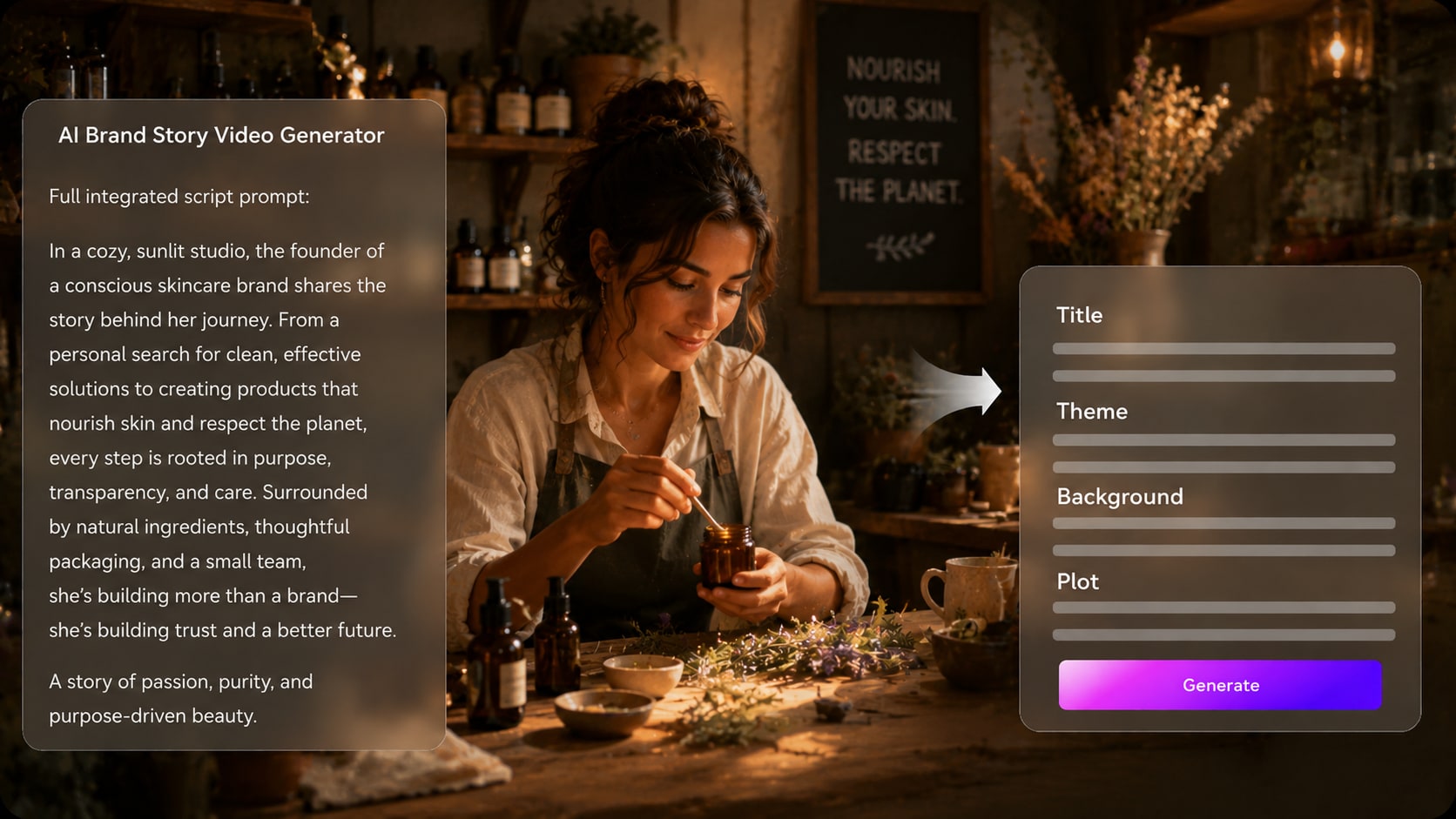
Turn Campaign Copy into Visual Scenes
Use your launch brief, homepage message, or product narrative as the foundation for a brand story video generator workflow. Use it for founder story video ideas without adding another editing step.
- Campaign Briefs - Adapt marketing copy into video-ready moments
- Visual Direction - Match the mood to premium, friendly, bold, or educational positioning
- Scene Logic - Move from problem to belief to product purpose
- Format Choices - Prepare for vertical, square, or widescreen placements
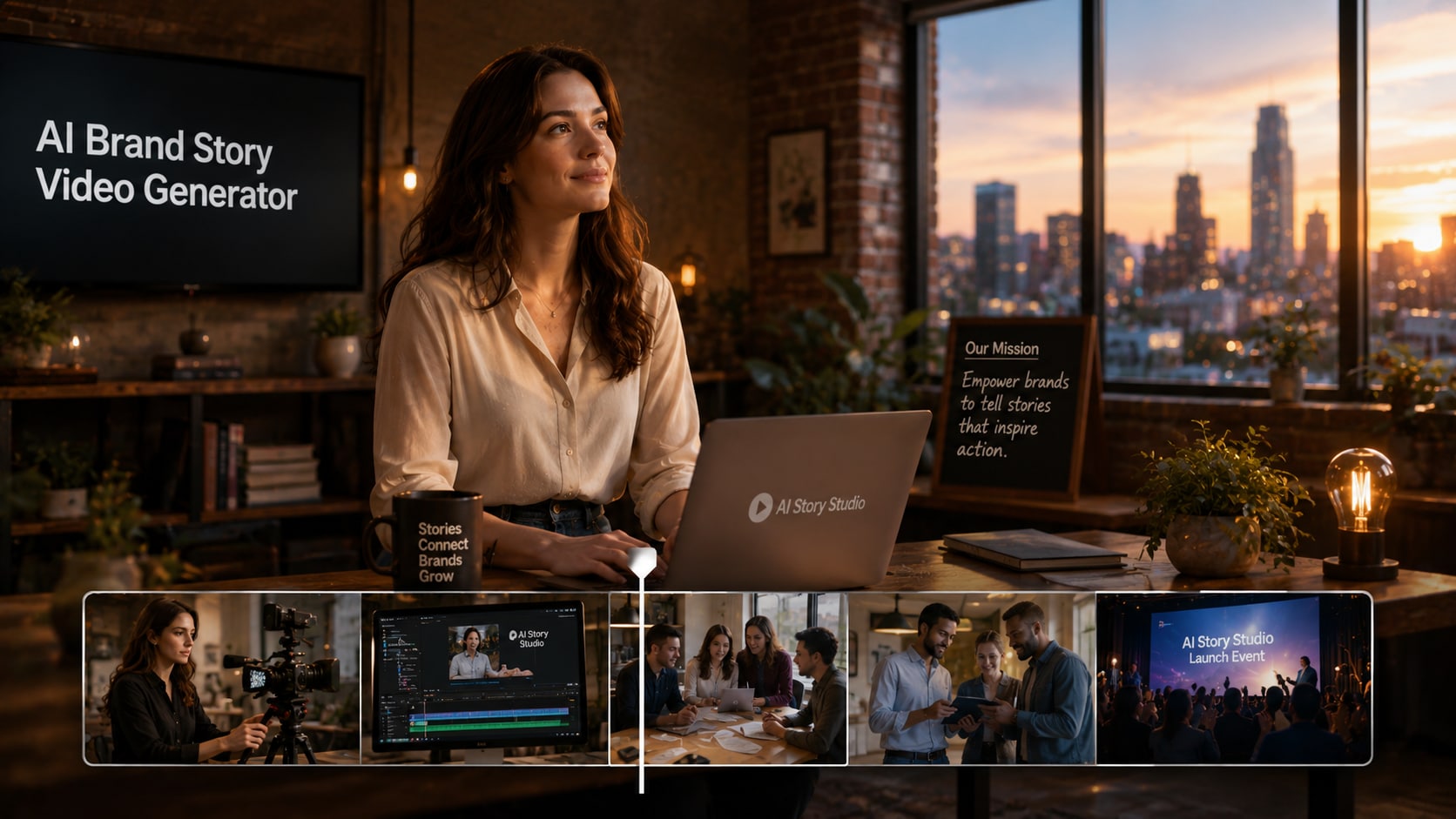
Keep Founders, Customers, and Brand Faces Recognizable
Guide the people in your story with real photos, sketches, or text descriptions.
- Founder Presence - Use a photo or text brief for clearer visual guidance
- Customer Characters - Represent audience personas with intentional details
- Team Stories - Keep roles and relationships easy to understand
- Brand Fit - Align wardrobe, setting, and tone with your identity

Polish Review the Brand Moment Before You Publish
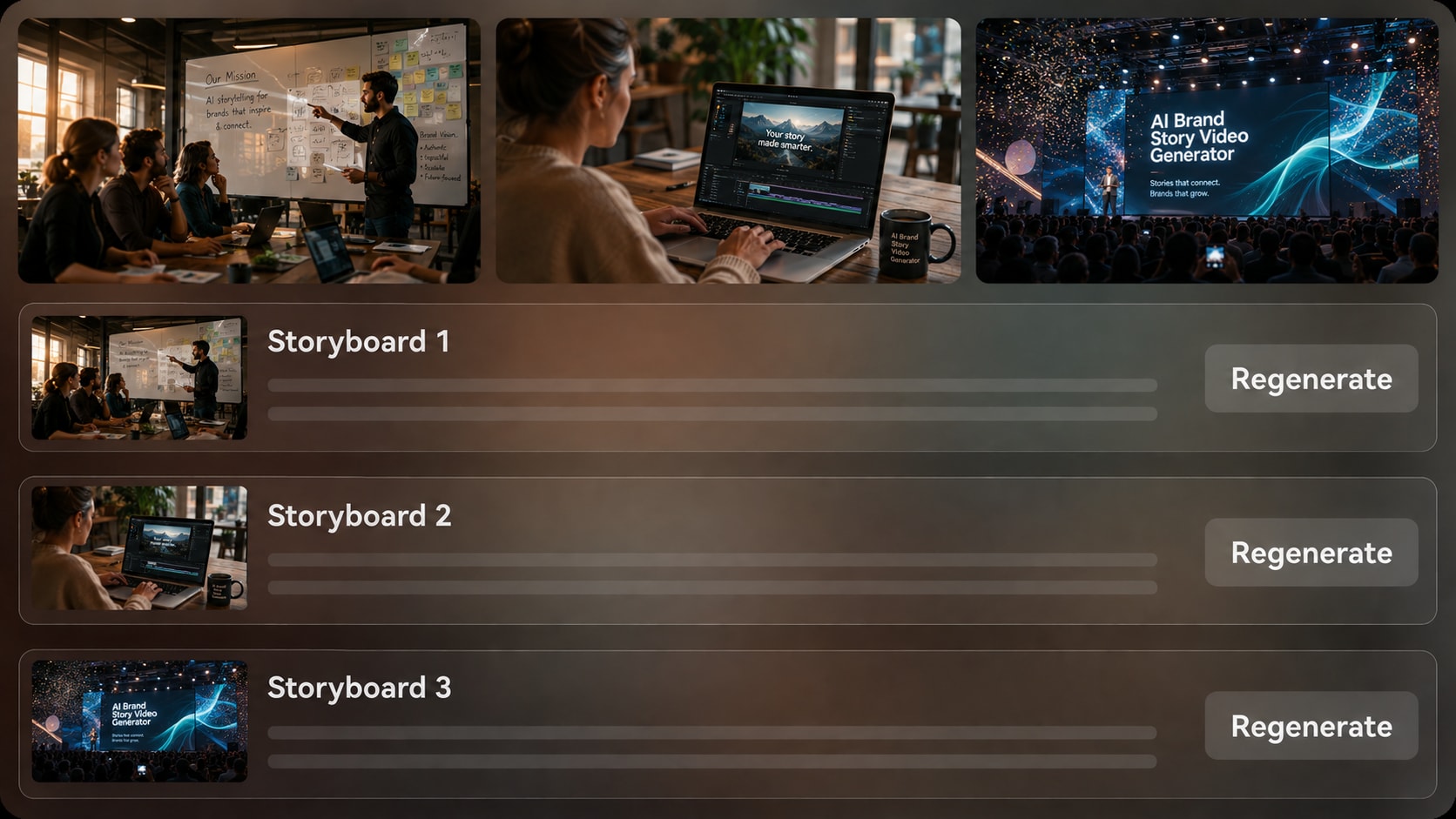
Generate storyboard images after the outline and inspect the major beats before the final video.
- Storyboard Preview - Check whether the story feels credible
- Specific Image Regeneration - Refresh a visual that feels off-brand
- Script-Based Audio - Let narration and music follow the message
- Post-Generation Polish - Review and improve the final asset
Create a Brand Story Video from Script to Campaign Asset
Use a realistic script-based workflow that protects your message before the video is generated.

Paste Your Script
Provide a detailed script or structured story input, such as founder notes, mission copy, campaign messaging, or a customer impact narrative. Review and edit the extracted outline fields, including title, theme, setting / background, story plot, and characters, then choose an aspect ratio such as 9:16, 1:1, or 16:9 during setup.

Guide the Scenes
Prepare the video direction with available format, style, and visual choices. Add character guidance from real photos, sketches, or text descriptions when founders, customers, educators, or spokesperson-style figures should feel more recognizable in the story.

Generate and Polish
Generate storyboard images and review the brand beats before creating the final video. If a specific storyboard image feels off-message, regenerate that image, then generate the video with script-based voiceover and music and polish the result with Media.io tools such as Enhance Video Quality when needed.
Compare Media.io AI Brand Story Video Generator with Generic Video Tools
Brand storytelling needs more than quick clips; it needs message structure, visual intent, and review control.
Create Brand Stories for the Teams That Need Trust Fast

Marketing Teams
Turn positioning, launch briefs, and campaign scripts into story-led videos for social, paid, and landing page use.

Founders
Explain the origin, mission, and product purpose behind your company with a narrative that feels human and focused.

YouTube Creators
Build channel intros, sponsor explainers, and creator brand stories from scripts that already match your voice.

TikTok Creators
Create short brand narratives that introduce a mission, product, or customer transformation without feeling like a flat ad.
Explore More AI Script to Video Examples
Explore how script-led video generation can support brand campaigns alongside other creator story formats.
Loved by Brand Story Creators
Creators and marketers use the workflow to keep brand videos clear, structured, and easier to review.


"The outline step helped me separate our origin, mission, and product promise before generating visuals. It made the story feel much less scattered."

"I liked being able to start from real campaign copy instead of a one-line prompt. The storyboard preview made client review easier."

"I used it for a channel brand story and could keep the tone close to my script. The voiceover and music followed the message well."

"It turned a product launch narrative into scenes that explained the problem, value, and customer outcome in a more watchable way."

"The ability to regenerate a storyboard image saved time when a scene did not fit the client's brand mood."

"I used it to demonstrate brand storytelling structure in class. Students could see how a script becomes scenes and pacing."
FAQs on AI Brand Story Video Generator
What Is an AI Brand Story Video Generator?
An AI brand story video generator helps turn detailed brand scripts, founder notes, mission copy, or customer impact narratives into structured video scenes. Media.io supports outline extraction, visual direction, storyboard image generation, and script-based voiceover and music.
What Should I Paste into Media.io for a Better Brand Story Video?
Use a detailed script or structured input, not just a slogan. Include your audience, the problem, the founding insight, brand values, product purpose, customer outcome, preferred tone, and any important founder or customer characters.
Can the Script Guide the Voiceover and Music in a Brand Story Video?
Yes. The final generated video can include voiceover and music based on the script, so your narration tone and emotional pacing should be written clearly in the input.
How Do I Write a Strong Script for an AI Brand Story Video?
Write it like a short narrative: define the customer problem, show why the brand exists, explain the mission, introduce the product or service naturally, and end with the change the audience can expect.
What Mistakes Should I Avoid in a Brand Story Video?
Avoid writing a feature list with no emotional arc, adding too many messages, using vague brand values, or skipping the customer perspective. A stronger script gives the AI clearer scenes, tone, and narrative purpose.
Can I Use Founder Photos or Brand Character Descriptions?
Yes. Media.io can use real photos, sketches, or text descriptions for character feature extraction and generation. This helps create recognizable characters or clearer character guidance, but it should not be treated as a perfect character lock.
Where Can I Publish an AI Brand Story Video?
You can prepare brand story videos for landing pages, YouTube, TikTok, Reels, pitch decks, launch campaigns, internal onboarding, and classroom examples. Choose the format and aspect ratio that fit the channel during setup.
Can I review the storyboard If a Brand Scene Looks Wrong?
You can review and edit the extracted outline before storyboard generation. The storyboard images themselves are not manually editable, but if a specific storyboard image is unsatisfying, you can regenerate that image before creating the final video.
Why Use Media.io Instead of a Generic AI Video Generator for Brand Stories?
Media.io is useful for brand stories because it works from detailed scripts, extracts an editable story outline, supports recognizable character guidance, generates storyboard images for review, and creates final videos with script-based voiceover and music.
Explore More AI Story Video Generators for Brand Storytelling
Want to create beyond brand story videos? Explore more Media.io AI Story Video Generators for product stories, marketing campaigns, faceless narration, realistic scenes, animated explainers, customer-style stories, educational videos, and other script-to-video workflows built for different brand messages, audiences, and publishing channels.















Turn Your Brand Message
Into a Story People Remember
Start with a detailed script, guide the visuals, review the storyboard images, and create a brand story video ready for your next campaign.
 4.8 (281 Votes)