
AI 3D Story Video Generator for Cinematic Animated Storytelling
Plan a 3D animated short from a real script, not a vague prompt. Media.io's AI 3d Story Video Generator helps creators shape story outlines, guide character looks, preview storyboard images, and generate cinematic videos with script-based voiceover and music for YouTube, TikTok, lessons, pitches, and social campaigns.
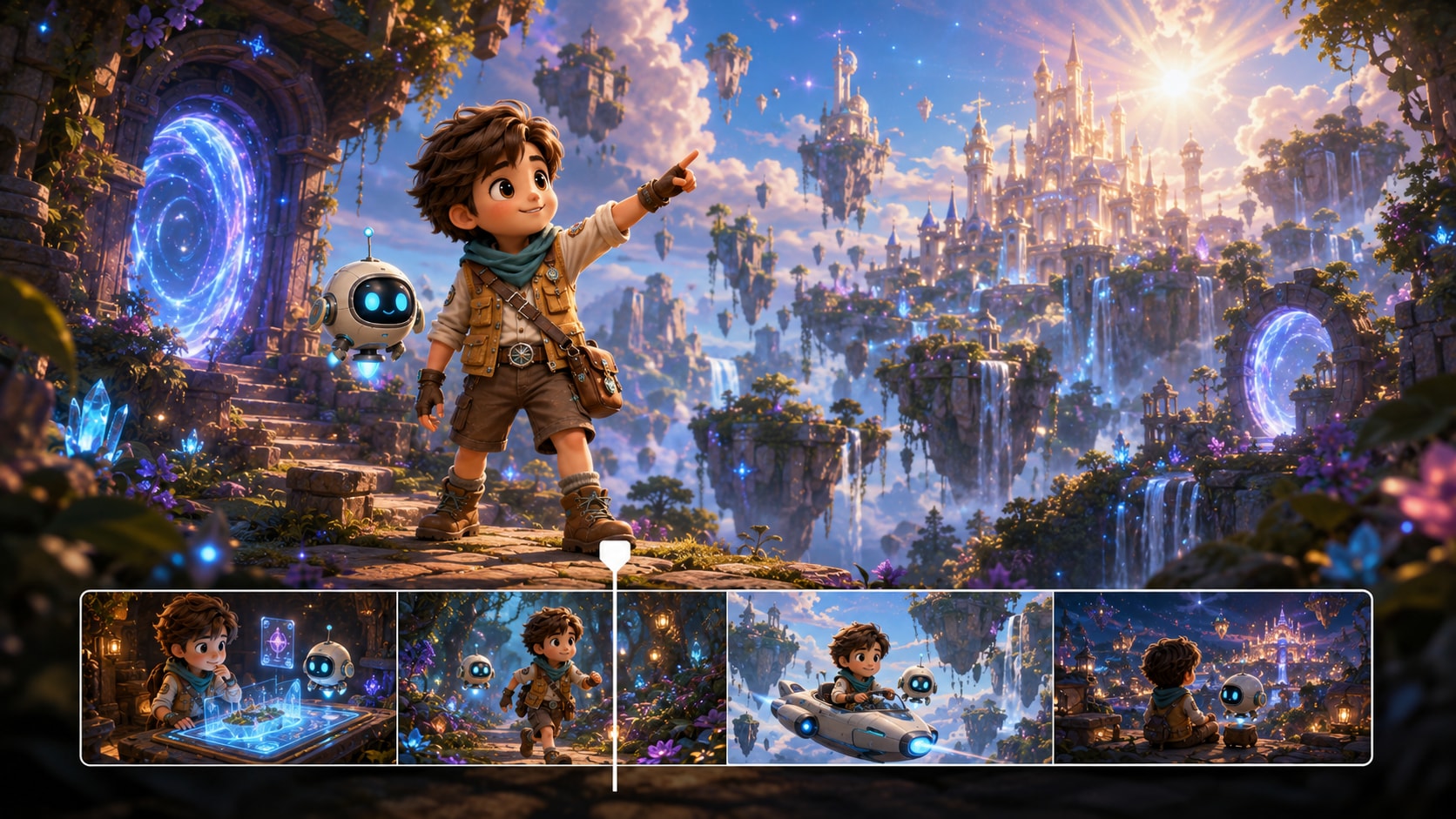
Build 3D Story Videos with Plot, Characters, and Scene Flow
Start with the story you already wrote, then guide the animated world viewers will actually watch.
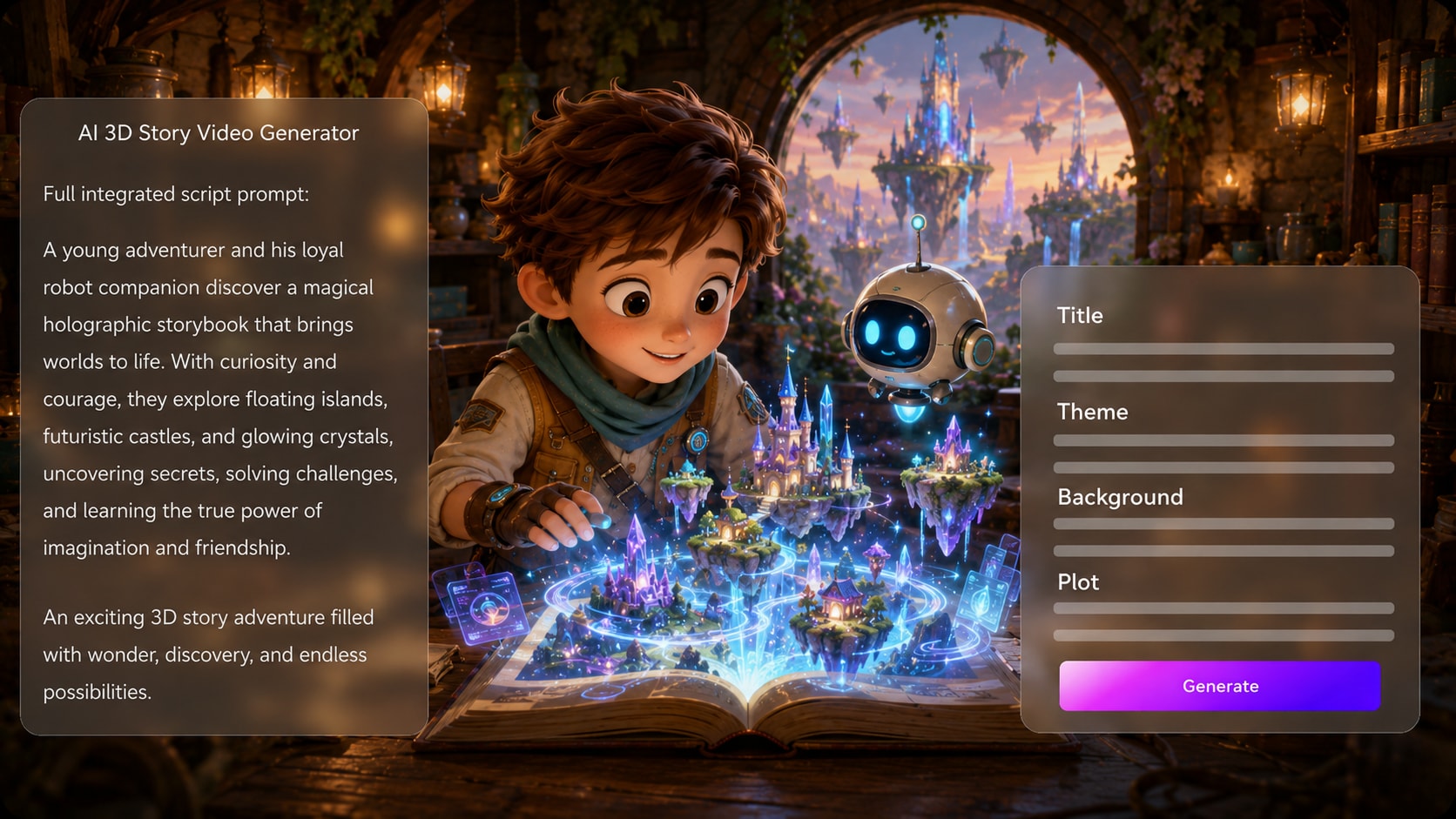
Turn a Script into a 3D Story Path
Start with a detailed script, narration draft, or scene list and let Media.io extract an editable outline with title, theme, setting, plot, and characters. This gives your 3D story video maker workflow a real narrative spine before visuals are generated.
- Editable Outline - Review title, theme, setting, plot, and character details
- Script-Led Scenes - Use richer scene descriptions for stronger visual direction
- Clear Story Arc - Keep setup, conflict, and resolution visible
- Creator Control - Adjust the outline before moving into generation
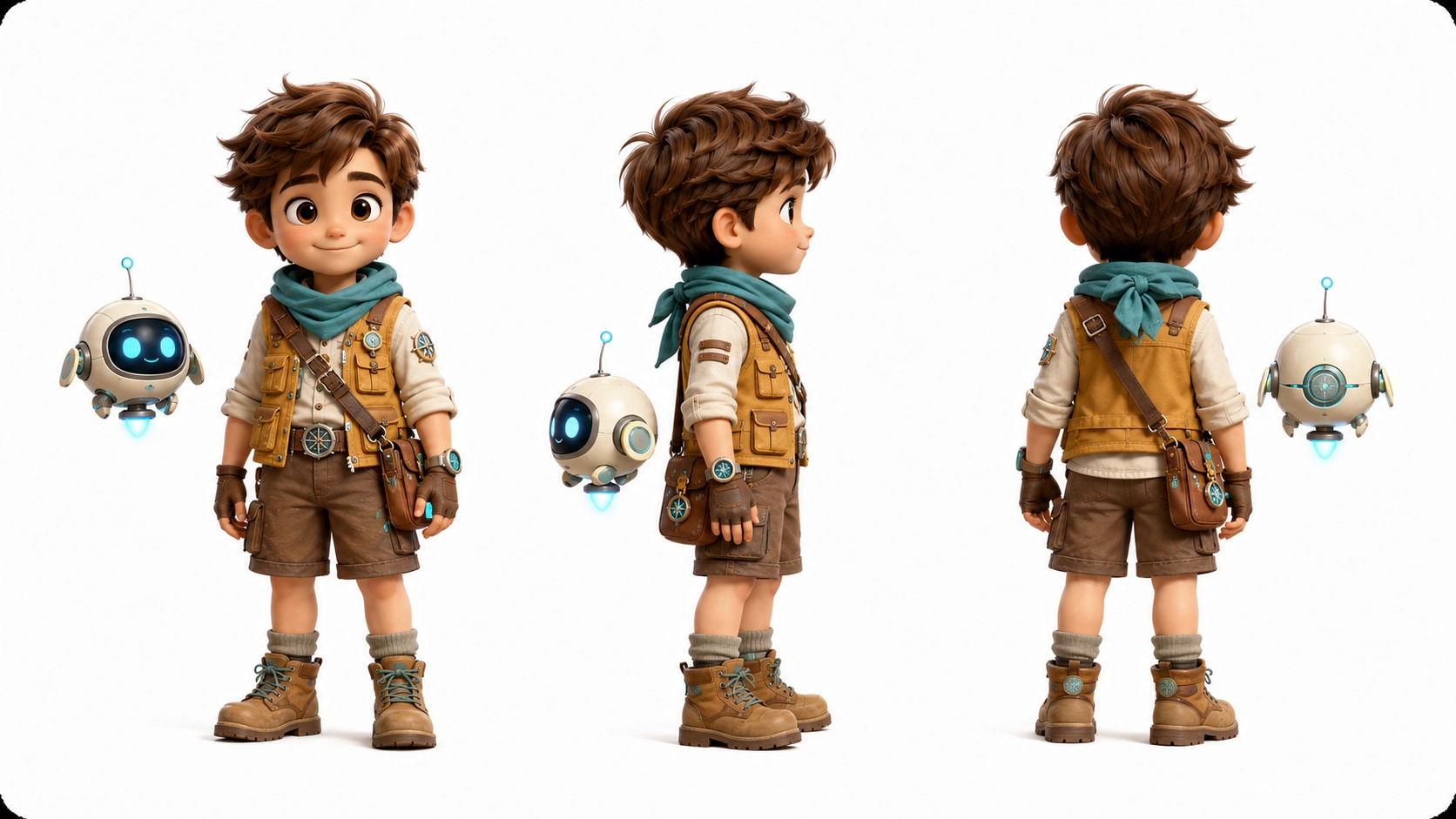
Shape Characters Viewers Can Recognize
Guide the cast with text descriptions, sketches, or real photos so heroes, teachers, mascots, narrators, or fantasy figures have clearer visual direction. Use it for cartoon story video maker ideas without adding another editing step.
- Photo Guidance - Use real images when a character should feel personal
- Sketch Support - Turn rough character ideas into clearer references
- Text Characters - Describe age, costume, attitude, and role
- Recurring Cast - Help viewers follow who matters in the story
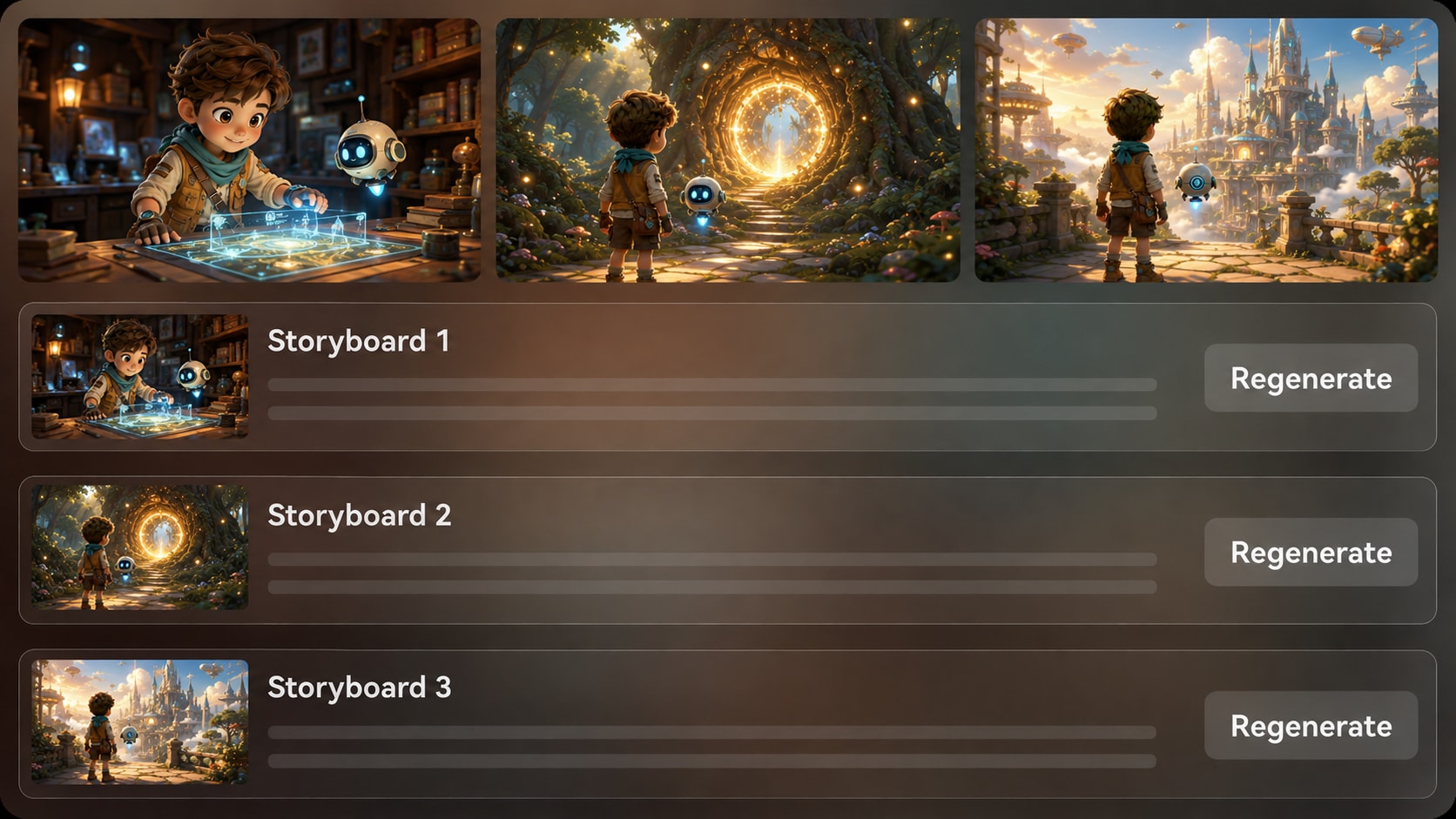
Direct Preview the 3D World Before the Final Cut
Generate storyboard images after the outline and scan the story beat by beat. If a shot feels off, regenerate that storyboard image and check the pacing before the final video is created, reducing the risk of random-looking 3D animation.
- Storyboard Images - Review the main scenes before final generation
- Shot Regeneration - Refresh a weak visual without rebuilding the whole idea
- Pacing Check - Spot slow openings or unclear reveals earlier
- Visual Continuity - Keep locations, mood, and character presence easier to follow
Publish 3D Stories Where Your Audience Watches
Choose a format direction during setup, then generate a video that can include voiceover and music based on the script. After creation, review the result and polish it with Media.io tools for Shorts, TikTok, lessons, pitches, or brand storytelling.
- Format Direction - Prepare vertical, square, or widescreen storytelling
- Script-Based Audio - Let narration tone and music follow the written story
- Post-Generation Polish - Refine the final video when needed
- Channel Fit - Create for social feeds, classrooms, campaigns, or presentations
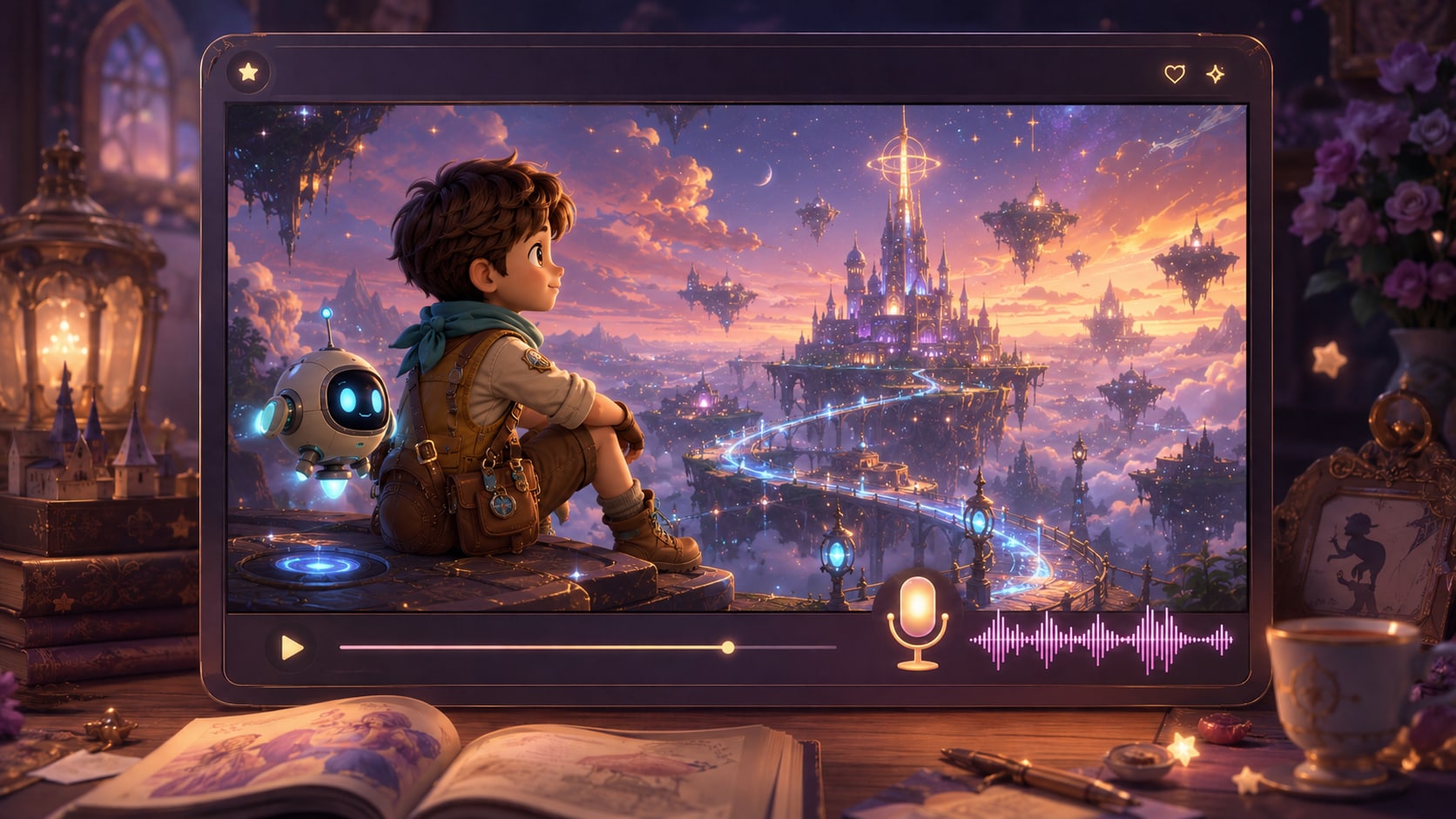
Create a 3D Story Video from Script to Final Review
Use a clear script, guide the visual direction, then review the generated scenes before sharing.

Prepare the Script
Paste a detailed script or structured story input, then review and edit the extracted outline fields, including title, theme, setting, story plot, and characters. During setup, choose a direction such as 9:16, 1:1, or 16:9 so the 3D story fits its destination.

Guide the Visuals
Add character guidance with text, sketches, or real photos when useful, then select available style and visual choices that match the story world. Media.io generates storyboard images from the outline so you can review the main scene flow before final generation.

Generate and Polish
Generate the final story video with voiceover and music based on the script. If a specific storyboard image is unsatisfying before generation, regenerate that shot; after the video is created, review it and polish the result with Media.io tools such as Enhance Video Quality when needed.
Compare an AI 3D Story Video Generator with Generic Text-to-Video Tools
A stronger 3D story workflow starts with script structure, character guidance, storyboard review, and final polish instead of relying on a one-line prompt.
Create 3D Story Videos for Every Storytelling Channel

YouTube Creators
Build 3D animated story episodes, explainers, and shorts from detailed scripts with clearer pacing and character presence.

TikTok Creators
Create quick 3D story videos with strong openings, vertical framing, and script-based narration for short-form feeds.

Educators
Explain lessons, moral stories, historical moments, or classroom scenarios with 3D scenes that students can follow.

Indie Filmmakers
Visualize short film concepts, pitch scenes, and character moments before committing to heavier production work.
Get Inspired from Other Story Video Examples
Explore story formats that can inspire your next animated script, from social shorts to educational scenes.
Loved by 3D Story Creators
Creators like having a script-first workflow that keeps plot, characters, and visuals easier to manage.


"The outline step helped me catch weak scenes before generating my 3D story short. It feels much more organized than prompt-only tools."

"I can write the hook, build the scene list, and check the storyboard images before I commit to a vertical story video."

"My lesson stories are easier for students to follow when I can define the setting, characters, and narration before video generation."

"I used it to test a short film idea visually. The storyboard preview made it easier to explain the tone to collaborators."

"The workflow is useful for turning campaign scripts into animated customer stories without starting from a blank timeline."

"I like that my character descriptions matter. The generated references gave the story a clearer visual direction."
FAQs on AI 3d Story Video Generator
What Is an AI 3D Story Video Generator?
An AI 3D story video generator helps turn a detailed written story, narration draft, or scene outline into a 3D animated video. Media.io works best when your input includes plot beats, setting details, character descriptions, and tone.
Can I Start with a Script Instead of a One-Line Prompt?
Yes. A detailed script or structured story input is the best starting point because Media.io can extract an editable outline with the title, theme, setting, plot, and characters before generating storyboard images and video.
Can the Generated 3D Story Include Voiceover and Music?
Yes. The final generated video can include voiceover and music based on the script, so the narration, mood, and pacing are guided by the story you provide.
How Should I Write a Better Script for a 3D Animated Story Video?
Write in clear scenes. Include who appears, where each scene happens, what changes emotionally, and what the viewer should understand by the end. Add visual details such as environment, action, mood, and camera-like framing when important.
What Mistakes Should I Avoid When Making 3D Story Videos?
Avoid vague prompts, too many characters in a short story, unclear settings, and plot jumps without transitions. A strong 3D story video usually needs a focused conflict, recognizable cast, and a clear beginning, middle, and ending.
Can I Control Characters in My 3D Story Video?
You can guide characters with text descriptions, sketches, or real photos, and Media.io can generate character references from that input. This helps create recognizable characters, but you should avoid expecting guaranteed clear character guidance across every frame.
Can I Make 3D Story Videos for YouTube Shorts or TikTok?
Yes. During setup, you can choose a format direction such as vertical, square, or widescreen depending on where the story will be published. This makes the workflow useful for YouTube Shorts, TikTok, Reels, lessons, and presentations.
Can I review the storyboard After It Is Generated?
You can review and edit the extracted story outline before storyboard generation. The generated storyboard images themselves are not manually editable, but if a specific storyboard image is unsatisfying, you can click Regenerate to create that shot again.
Why Use Media.io for 3D Story Videos Instead of a Generic AI Video Generator?
Media.io is built around a story workflow: script input, editable outline, character guidance, storyboard image review, generated video with script-based audio, and post-generation polish. That makes it better suited for coherent 3D storytelling than a simple prompt-to-clip tool.
Explore More Script-to-Video Story Generators
If your next project needs a different storytelling style, explore adjacent Media.io generators for horror, kids, brand, educational, and other script-led video workflows.















Create Your 3D Story
From a Script Today
Start with a detailed story draft, guide the characters and scenes, then generate a 3D animated video you can review, polish, and share.
 4.8 (281 Votes)