As criações são armazenadas por apenas 7 dias. Os recursos criados após o upgrade para um plano de assinatura serão armazenados permanentemente.
Desbloqueie seu potencial criativo e experimente a magia da IA de mídia hoje!
Crie um Efeito de Foto de Jornal Antigo com Estilo Realista de Papel AI
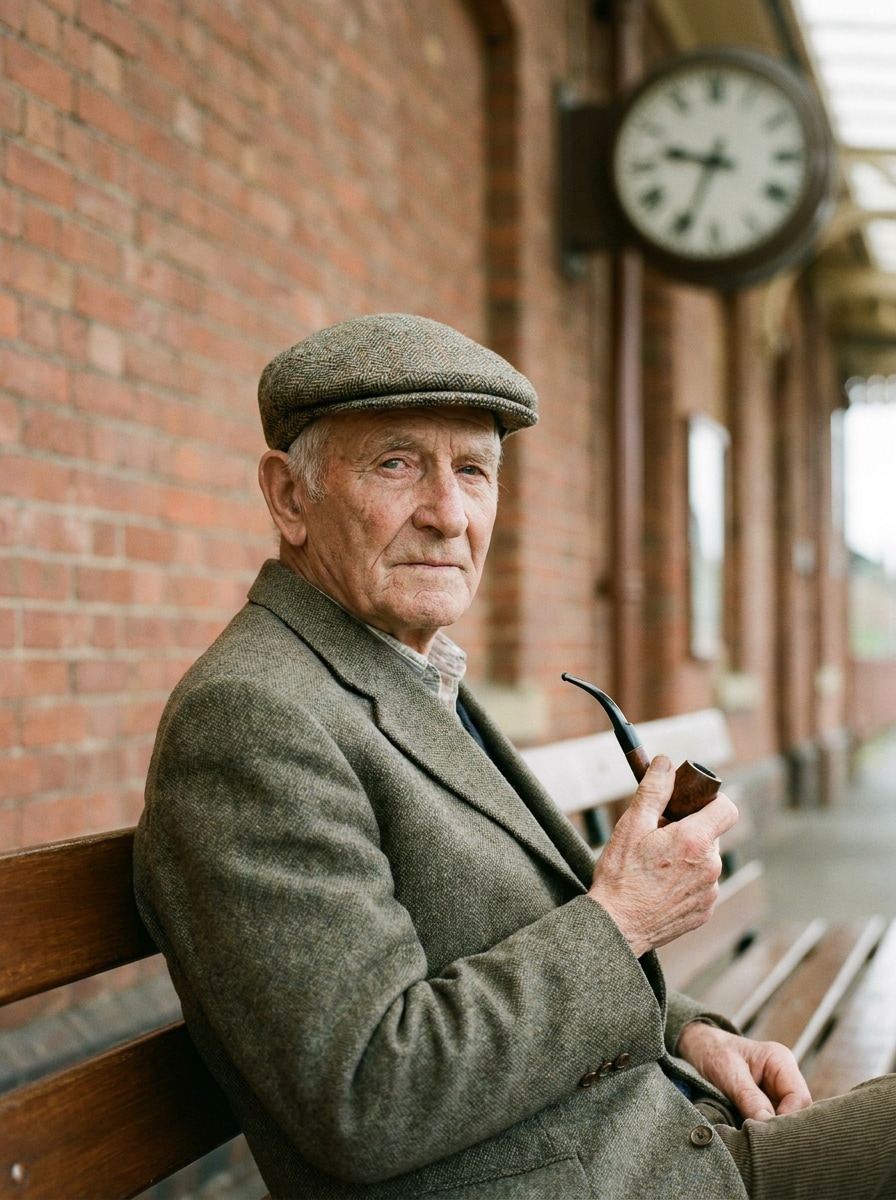
Envie qualquer retrato ou foto para criar um efeito de foto de jornal antigo com pontos de semitom, textura de papel envelhecido, tons sépia ou monocromáticos e layouts editoriais vintage. O Media.io facilita o uso de um filtro de foto de jornal, aplicar um filtro de jornal AI, ou até mesmo transformar foto em jornal arte em segundos.
Digite sua ideia -> A IA cria para você. Teste grátis.
Veja exemplos abaixo e personalize os detalhes do prompt para obter melhores resultados com este efeito de foto de jornal antigo no Media.io.
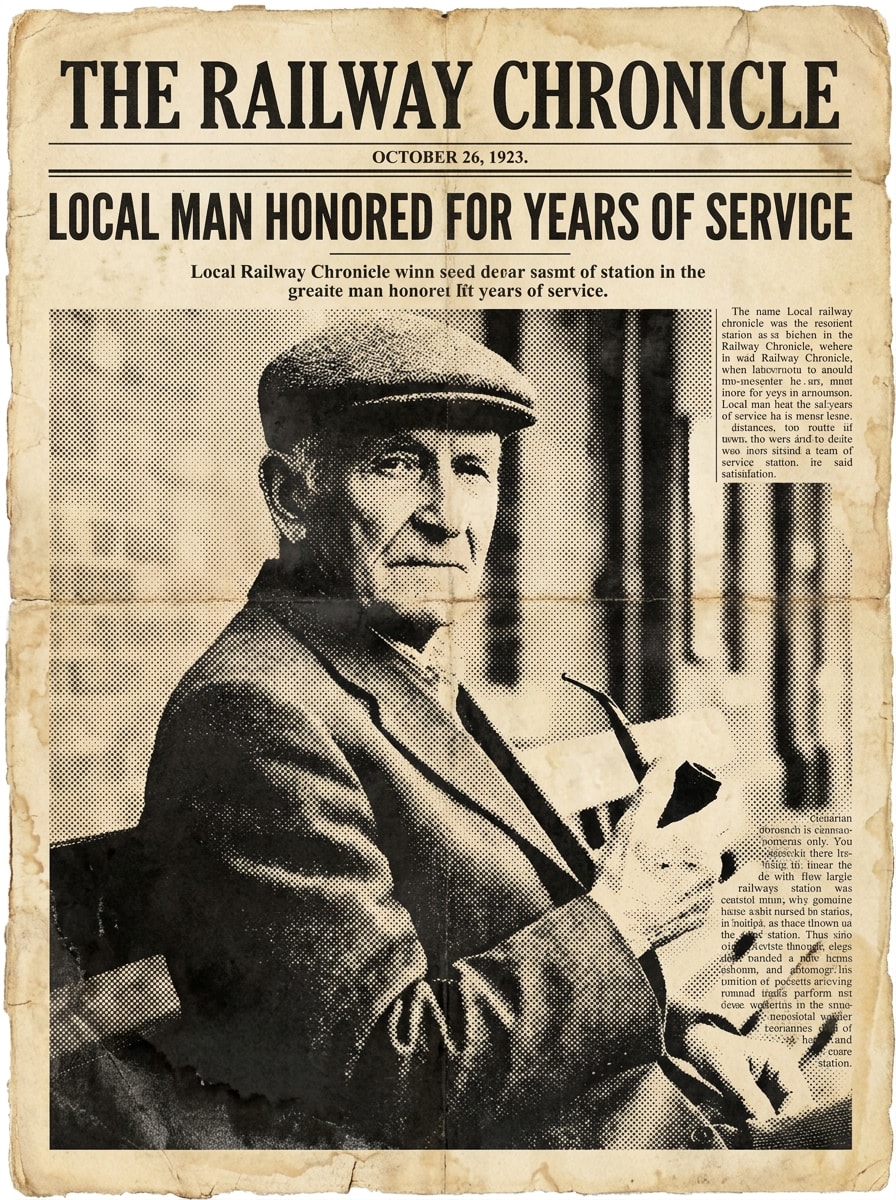
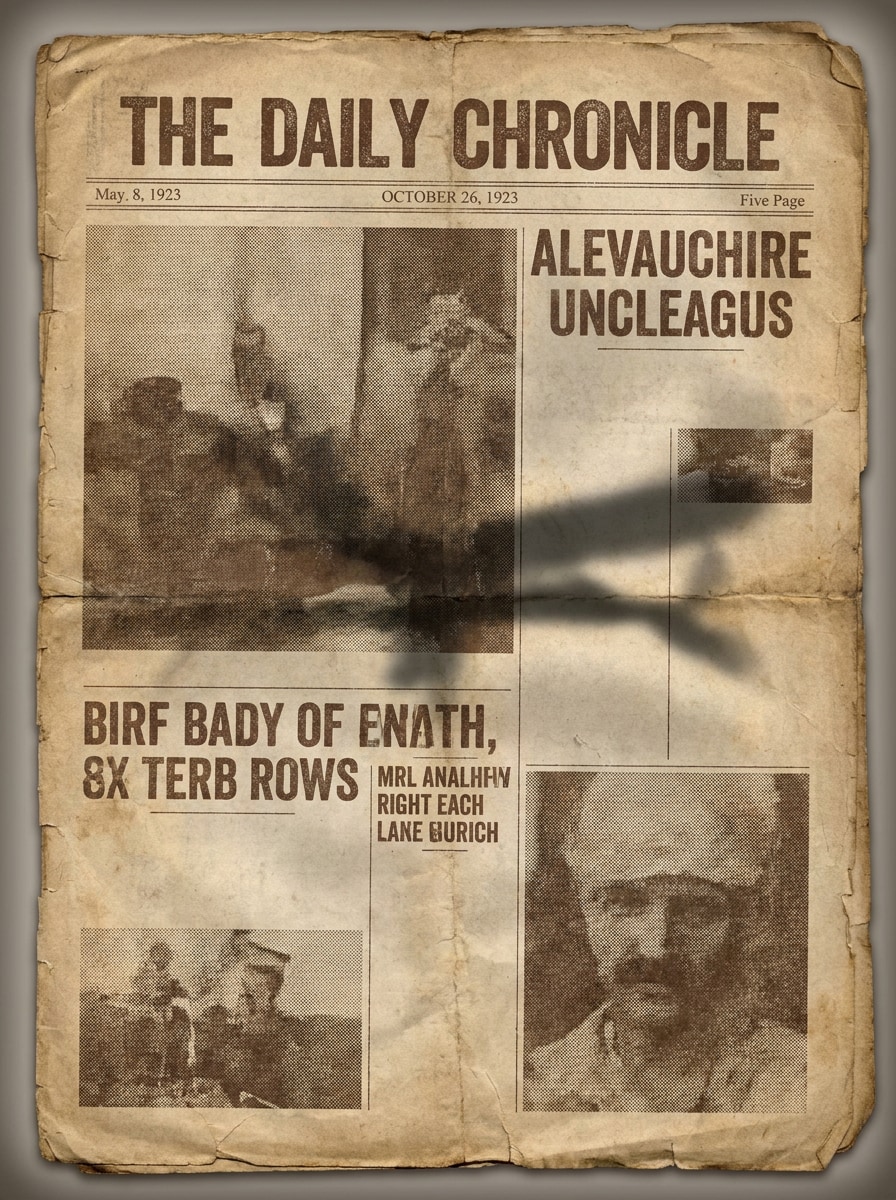
Retrato da Primeira Página Vintage
Use a imagem enviada como assunto principal e transforme-a em um retrato de primeira página de jornal estilo anos 1920 com uma manchete em serifas ousadas, sombreamento monocromático em semitom, linhas de dobra visíveis, suavidade da tinta, textura de papel amarelado, composição editorial equilibrada e atmosfera autêntica de imprensa vintage.
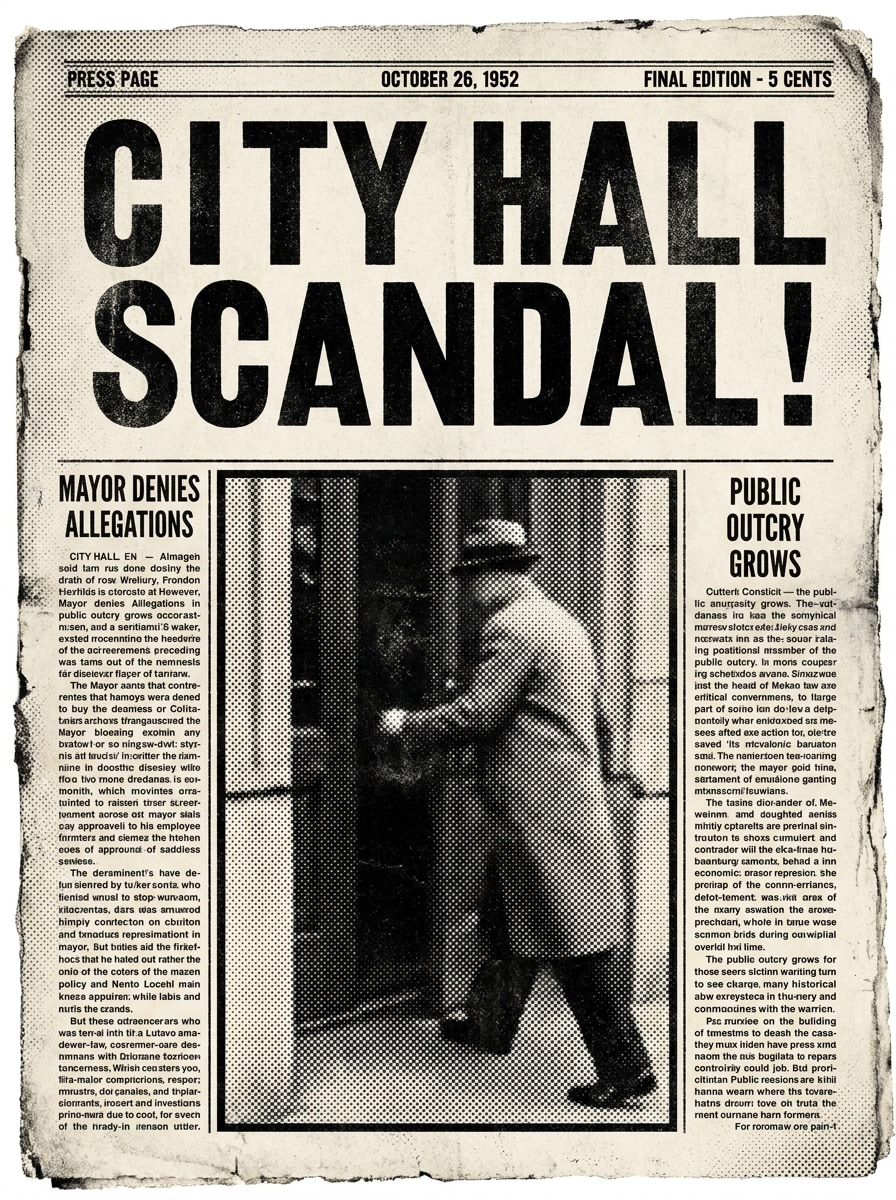
Capa de Notícia Urgente
Use a foto enviada como destaque e estilize-a como uma capa dramática de notícia urgente de jornal com tinta preta de alto contraste, espaço de manchete ampliado, pontos de semitom densos, bordas desgastadas, granulação realista de papel, estrutura de coluna ousada e sensação de redação vintage urgente.
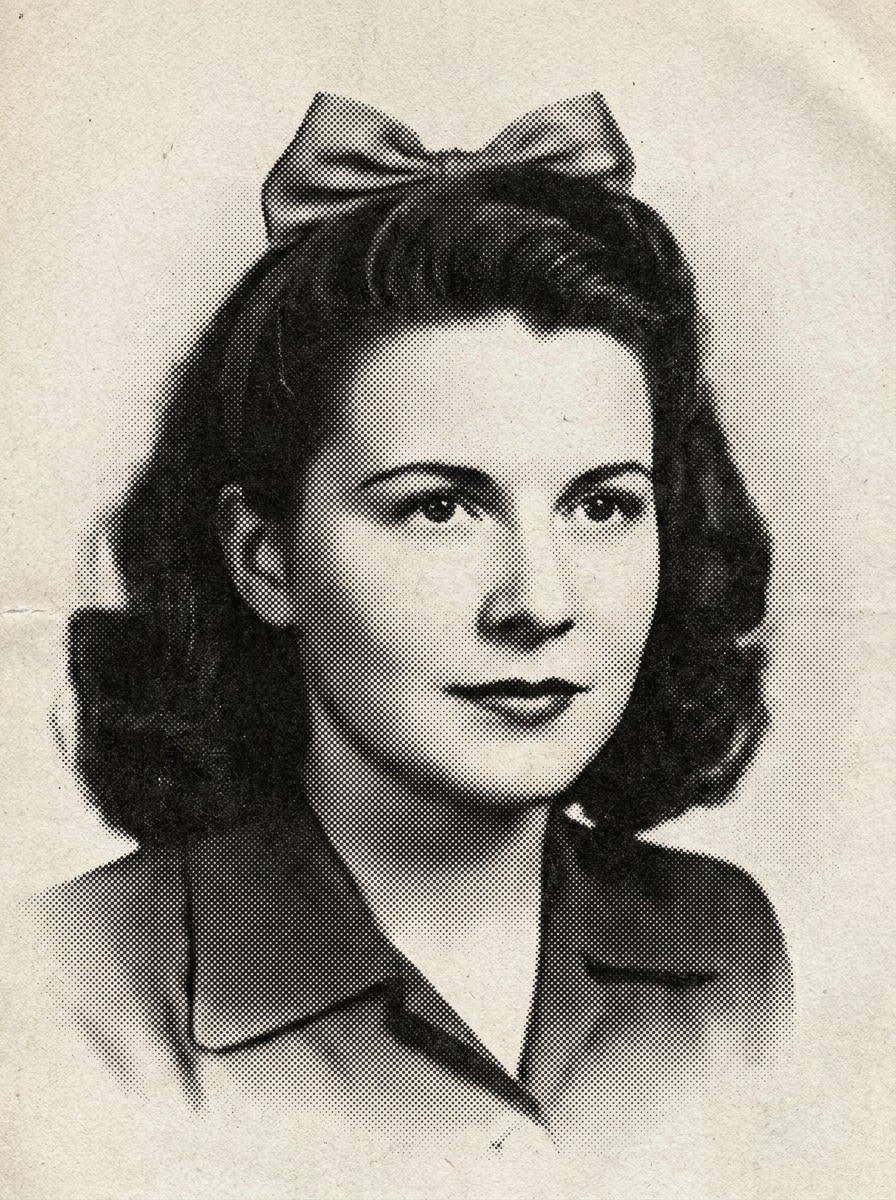
Semitom Preto e Branco
Utilize a imagem enviada como referência e aplique um tratamento clássico de impressão de jornal em preto e branco com pontos de impressão visíveis, textura de papel fosco, contraste médio a forte, dispersão de tinta suavizada, transições em tons de cinza sutis e estilo limpo de reprodutibilidade retro de jornal.
Jornal em Sépia
Use a foto enviada como assunto e converta-a em impressão de jornal vintage em sépia com tinta marrom desbotada, papel amarelado, triagem fina de semitom, cantos desgastados, marcas de dobra suaves, contraste suave e atmosfera nostálgica de arquivo de jornal.
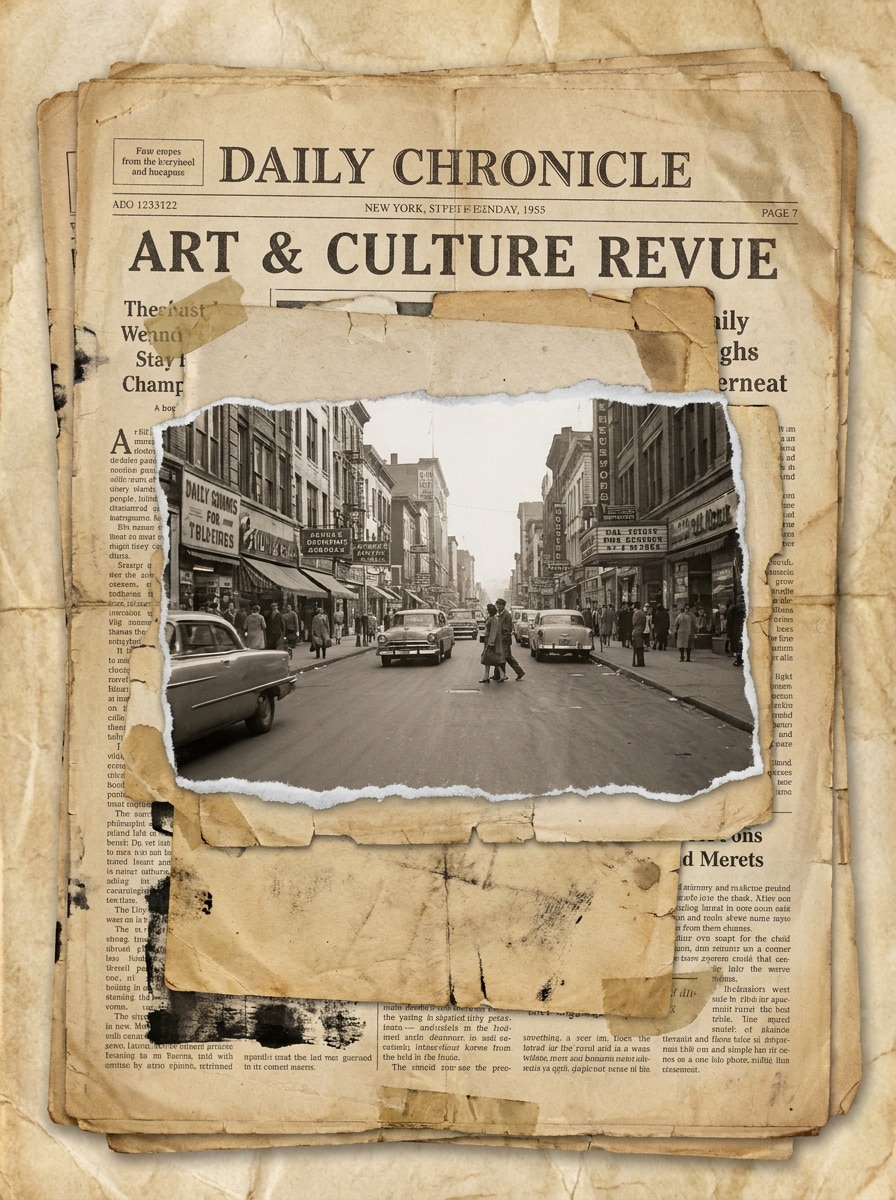
Editorial Papel Rasgado
Use a imagem enviada como destaque e transforme-a em uma colagem editorial de jornal com camadas de papel rasgado, texturas de recorte monocromáticas, fragmentos de manchete em serifas, tons bege envelhecidos, bordas desgastadas, composição em camadas e um visual artístico retro unindo revista e jornal.
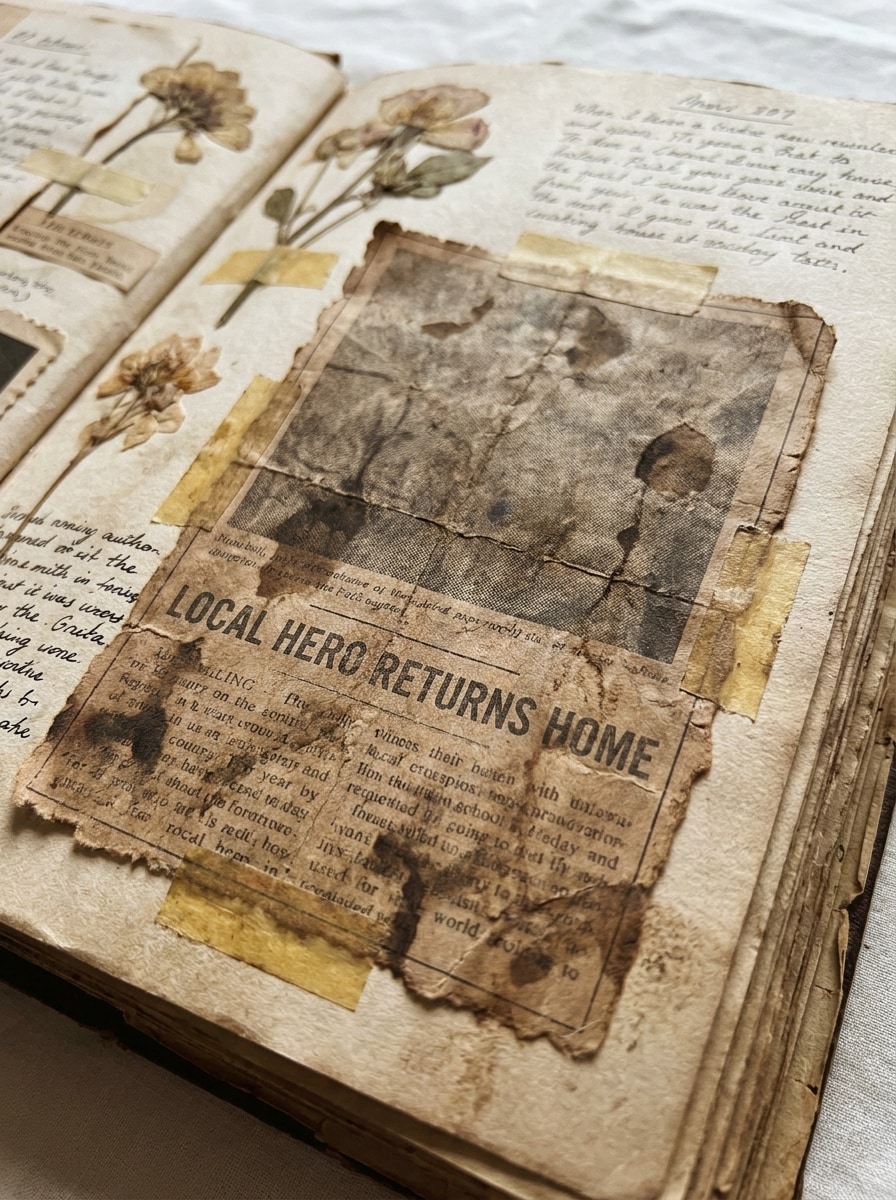
Recorte de Notícia Scrapbook
Use a foto enviada como base e estilize-a como um recorte de jornal antigo salvo em um scrapbook, com moldura recortada do artigo, tinta desbotada, bordas recortadas rústicas, manchas de papel, dobras suaves, tons monocromáticos apagados e sensação sentimental de arquivo artesanal.
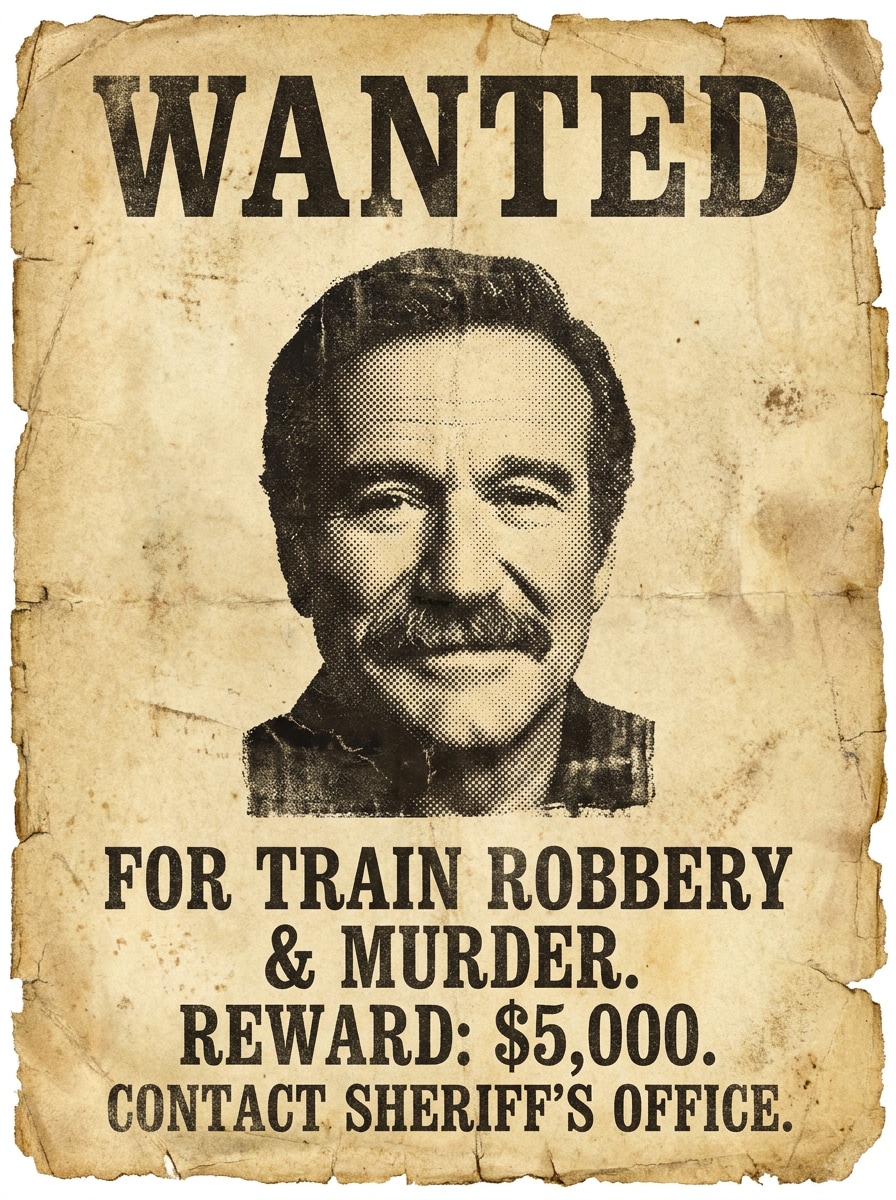
Cartaz de Procurado Jornal Vintage
Use o retrato enviado como assunto principal e transforme-o em um cartaz de procurado de jornal vintage com textura de papel áspero, título em serifas ousado, renderização em semitom de tinta preta, bordas arrepiadas, estilo típico de impressão do velho oeste, contraste forte e desgaste de arquivo histórico.
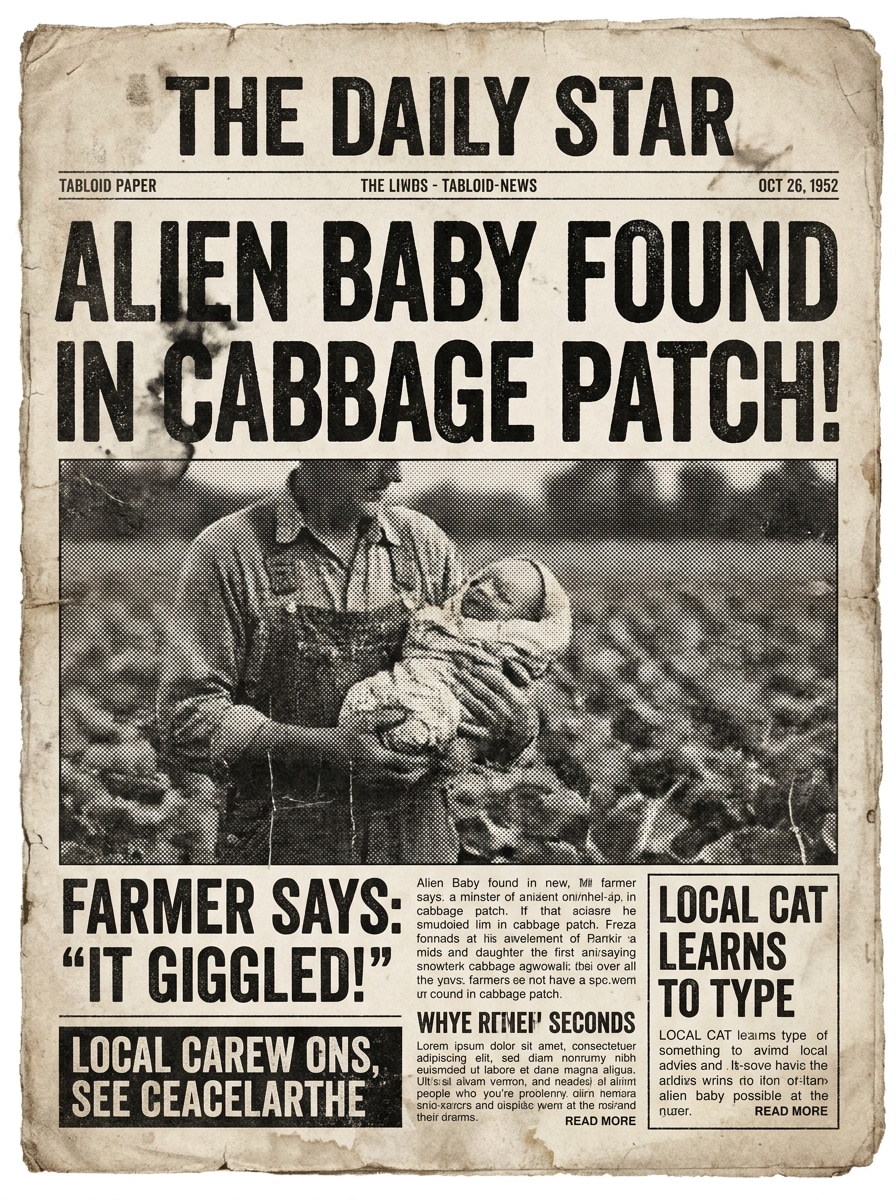
Estilo Satírico de Tabloide
Use a imagem enviada como tema principal e estilize-a como uma página de tablóide vintage divertida com espaço de manchete exagerado, impressão preto-e-branco rústica, granulação ruidosa de papel, textura dramática de semitom, blocos de layout ousados e atmosfera editorial retro humorística.
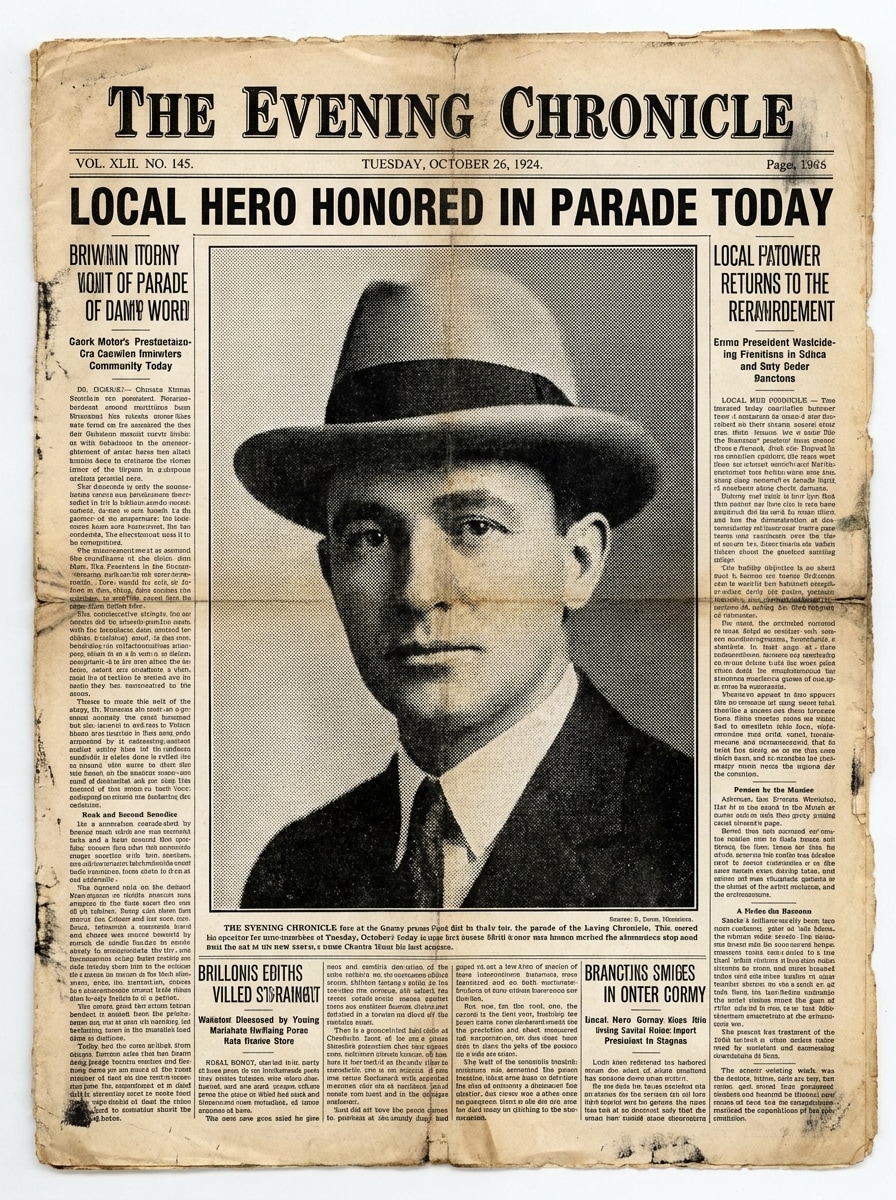
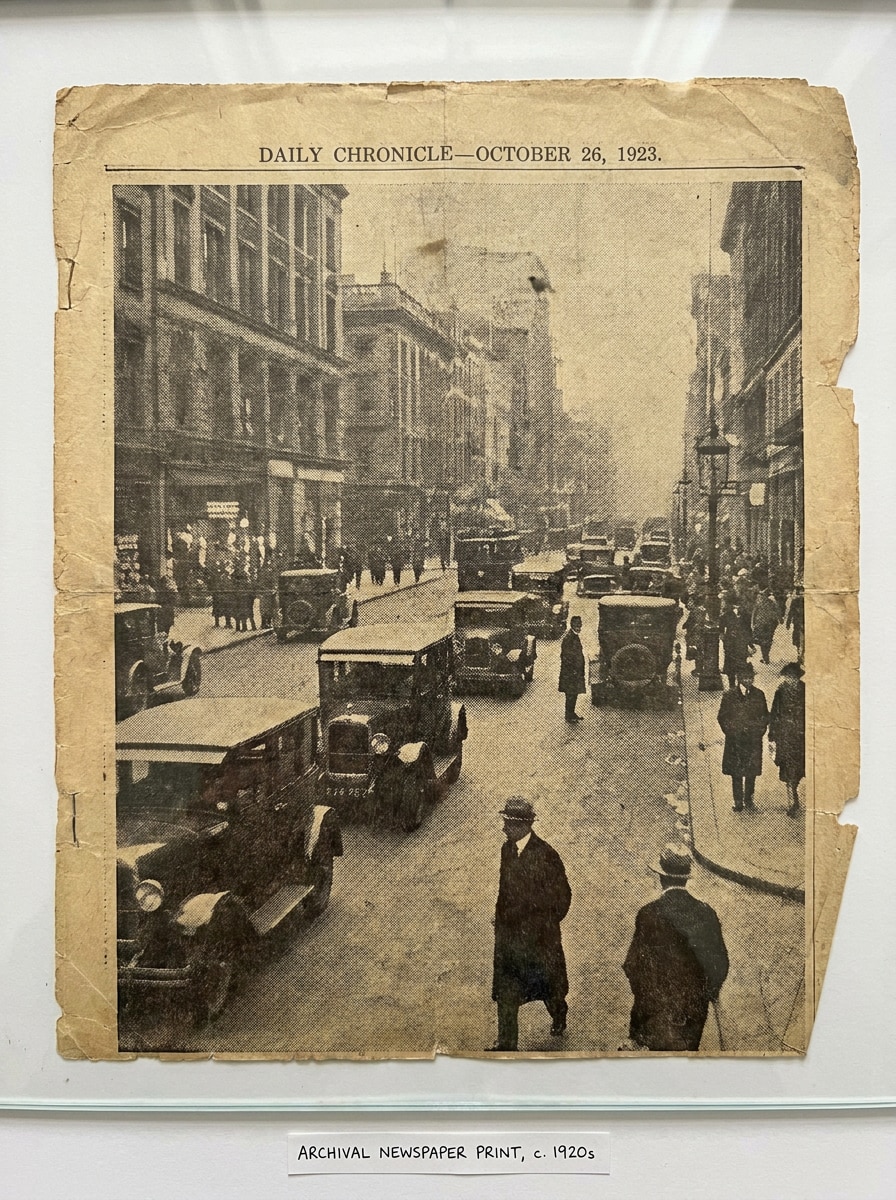
Impressão Arquivada dos Anos 1920
Utilize a foto enviada como referência e faça com que pareça uma impressão de arquivo preservada dos anos 1920 com fading monocromático suave, densidade de tinta irregular, envelhecimento do papel celulose, rasgos sutis, dobras finas, contraste apagado e imperfeições realistas de imprensa histórica.
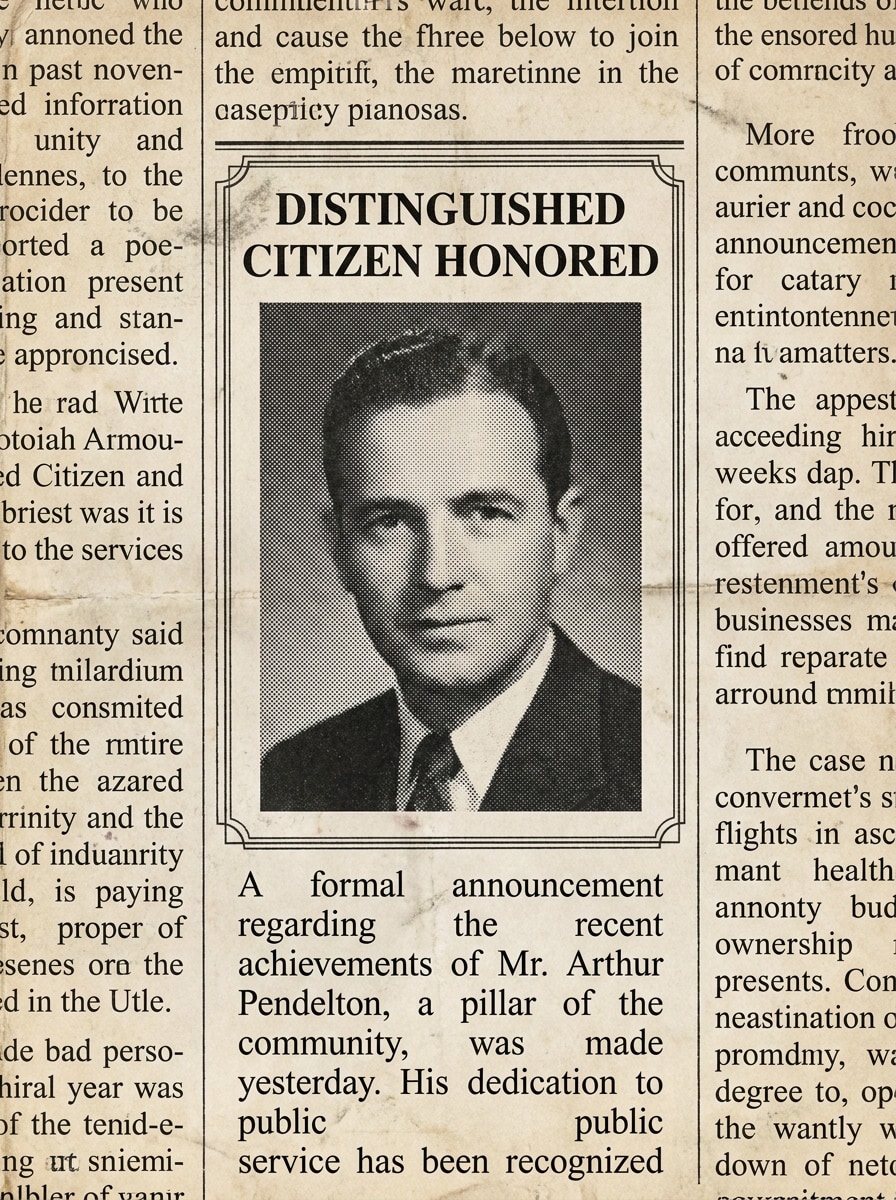
Layout de Anúncio
Use o retrato enviado como imagem principal e coloque em um layout formal de anúncio de jornal vintage com colunas de texto estreitas, impressão em semitom em escala de cinza, papel levemente envelhecido, espaço em branco equilibrado, tipografia em serifas e aparência refinada de publicação histórica.
Por que usar Media.io para efeito de foto de jornal antigo
Resultados Baseados em Referência Que Ainda Se Parecem com Você
Para edições baseadas em upload, o Media.io mantém o assunto da referência visualmente consistente enquanto altera o estilo final de efeito de foto de jornal antigo, facilitando a personalização de retratos e fotos para editar e usar com confiança.
Explore Diferentes Visual Sem Perder o Foco
Quando o estilo faz parte da decisão, o Media.io ajuda você a comparar múltiplas direções com o mesmo efeito de foto de jornal antigo, tornando a seleção criativa mais eficiente.
Crie Imagens de Alta Resolução para Uso Real
Quando o efeito de foto de jornal antigo precisa ser usado em publicação real, o Media.io oferece saída com nitidez de até 4K, mantendo a imagem clara em apresentações, fundos e ativos reutilizados.
Edição Rápida no Navegador, Desktop ou Celular
Trocar de dispositivo não deveria atrasar a produção. Com o Media.io, você pode criar, ajustar e baixar o efeito de foto de jornal antigo direto no navegador, facilitando manter o ritmo ao alternar telas.
Como Criar uma Imagem Estilo Jornal Online
Transforme suas ideias em visuais incríveis em três passos simples e continue aprimorando o resultado se desejar levar ainda mais longe.
Passo 1
Envie Sua Imagem de Referência
Comece enviando um retrato, selfie ou foto JPG, PNG ou JPEG clara que deseja estilizar. Imagens nítidas com fundos simples costumam dar a transformação vintage de jornal mais convincente.
Passo 2
Descreva a Mudança e Defina Opções
Digite um prompt descrevendo o efeito desejado, como pontos de semitom, papel amarelado, tons sépia, marcas de dobra ou layout de primeira página. Escolha o modelo e ajuste proporção, quantidade de imagens ou configurações de qualidade se necessário.
Passo 3
Gere, Baixe e Continue Aperfeiçoando
Gere várias variações, compare os resultados e baixe a versão que mais gostar. Você pode continuar refinando o prompt para conseguir textura de impressão mais forte, manchetes mais limpas ou um acabamento de jornal retrô mais dramático.
Desbloqueie o Potencial do Filtro de Foto de Jornal
Veja como criadores usam este efeito de foto de jornal antigo para conteúdo, marketing e projetos pessoais e adapte cada ideia conforme seu objetivo.
Transforme Retratos em Capas Editorias Retro
Dê às selfies, fotos de perfil ou retratos de criadores um toque dramático vintage com masthead, sombreamento em semitom e textura de papel envelhecida. No Media.io, esse filtro de foto de jornal é perfeito para posts sociais, banners de perfil e branding pessoal que precisam de personalidade instantânea.
Crie Recortes de Scrapbook e Álbum de Memórias
Transforme fotos de família, viagens ou eventos em recortes nostálgicos de aparência arquivada. Media.io ajuda a transformar fotos em lembranças estilo jornal para diários, álbuns, convites temáticos e colagens digitais artesanais com aspecto de impressão desgastada.
Desenhe Manchetes Engraçadas e Antes-e-Depois Virais
Utilize um tablóide retro ou filtro de primeira página de jornal para criar memes, posts de anúncio ou gráficos dramáticos de revelação. Media.io adiciona tratamento estilizado de impressão de jornal que traz humor e contraste visual, especialmente para um rápido antes-e-depois usando um efeito por upload.
O que os Usuários Dizem Sobre Esta Ferramenta de Efeito de Jornal
Lena Brooks
Criadora de Conteúdo
"Ótima textura de impressão vintage" Queria que meu retrato parecesse de um arquivo de imprensa antigo, e o resultado trouxe pontos de semitom e desgaste do papel bem convincentes. Foi muito mais personalizável que um filtro básico.
Marco Ellis
Designer de Mídias Sociais
"Fácil para conceitos rápidos de primeira página" Usei para criar uma capa de jornal falsa para evento. Enviar a imagem original e refinar o prompt foi simples, e o fluxo no navegador me poupou de abrir software pesado de edição.
Tara Nguyen
Hobbyista de Scrapbook
"Perfeito para projetos nostálgicos de colagem" O estilo de recorte scrapbook foi meu favorito. Adicionou tinta desbotada, cor de papel velho e bordas ásperas de forma a transformar fotos de família em lembranças, não só edições preto-e-branco.
Dev Patel
Assistente de Marketing
"Boa qualidade e compatível com celular" Testei no celular com uma foto do telefone e consegui efeito de jornal rapidamente. O resultado foi suficientemente limpo para um mockup de campanha, gerar variações ajudou a escolher o melhor layout.
Explore os efeitos de vídeo e imagem de IA mais quentes
Perguntas Frequentes sobre Efeito de Foto de Jornal Antigo
1. Como transformar uma foto em efeito de jornal antigo online?
Faça upload da sua imagem no Media.io, descreva o visual desejado, como pontos de semitom, papel envelhecido, tinta em escala de cinza, tons sépia ou layout vintage de primeira página. Media.io utiliza sua foto como referência para estilização, permitindo gerar efeito de foto de jornal antigo realista direto no navegador sem instalar nada.
2. Posso criar efeito de foto de jornal vintage gratuitamente?
Usuários gratuitos podem testar o efeito com créditos disponíveis. Se precisar de mais variações ou exportação em alta resolução, veja a página de preços do Media.io. Os resultados grátis podem incluir marca d'água, enquanto planos pagos têm mais créditos e downloads sem marca d'água.
3. O que faz uma foto parecer impressão de jornal real?
Aspectos convincentes de impressão jornalística combinam: pontos de semitom visíveis, contraste limitado estilo tinta, bordas suavizadas da impressão, textura de papel envelhecido ou off-white, marcas de dobra e estrutura editorial de página. Com o Media.io, você pode pedir esses elementos além de só efeito preto-e-branco básico.
4. Posso escolher preto-e-branco ou sépia no filtro de jornal?
Sim. No Media.io, você pode pedir estilo monocromático ou sépia no prompt ao usar filtro de jornal AI. Isso facilita testar visual clássico preto-e-branco, tom mais quente de arquivo ou tratamento vintage desgastado conforme o clima desejado.
5. O efeito jornal antigo funciona com fotos de celular?
Media.io é baseado na web, então você pode enviar fotos do celular pelo navegador e aplicar o efeito ali mesmo. Imagens nítidas bem iluminadas costumam dar melhores resultados, seja selfie, retrato ou foto casual.
6. Quanto tempo leva para gerar imagem estilo jornal?
Normalmente leva pouco tempo para enviar sua imagem de referência, inserir o prompt e gerar resultados no Media.io. A velocidade varia conforme as configurações, mas o fluxo é feito para experimentação rápida e testes de várias variações vintage de jornal em pouco tempo.
Além do Efeito de Foto de Jornal Antigo Online Baseado em IA