

Nano Banana 2.1 AI Image Generator & Editor
Create sharper, more consistent AI images with Google’s latest Nano Banana 2.1. Building on Nano Banana 2, it delivers improved mask control, stronger subject consistency, support for up to 14 reference images, and high-quality output up to 4K—directly on Media.io.
Precise Editing · Stronger Consistency · Multi-Reference Creation · Up to 4K
Explore Nano Banana 2.1 in Action
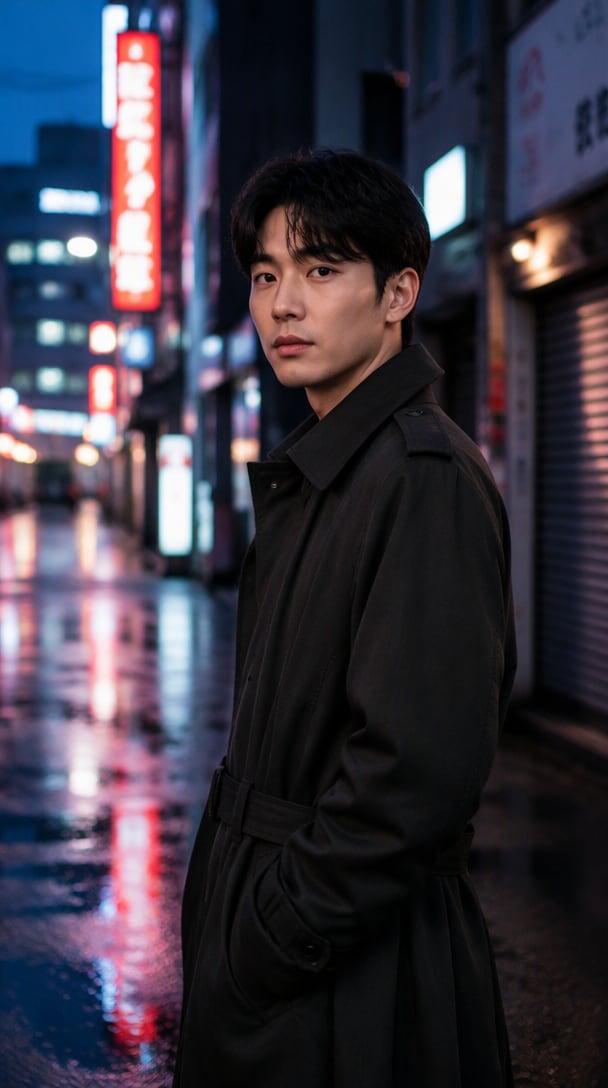
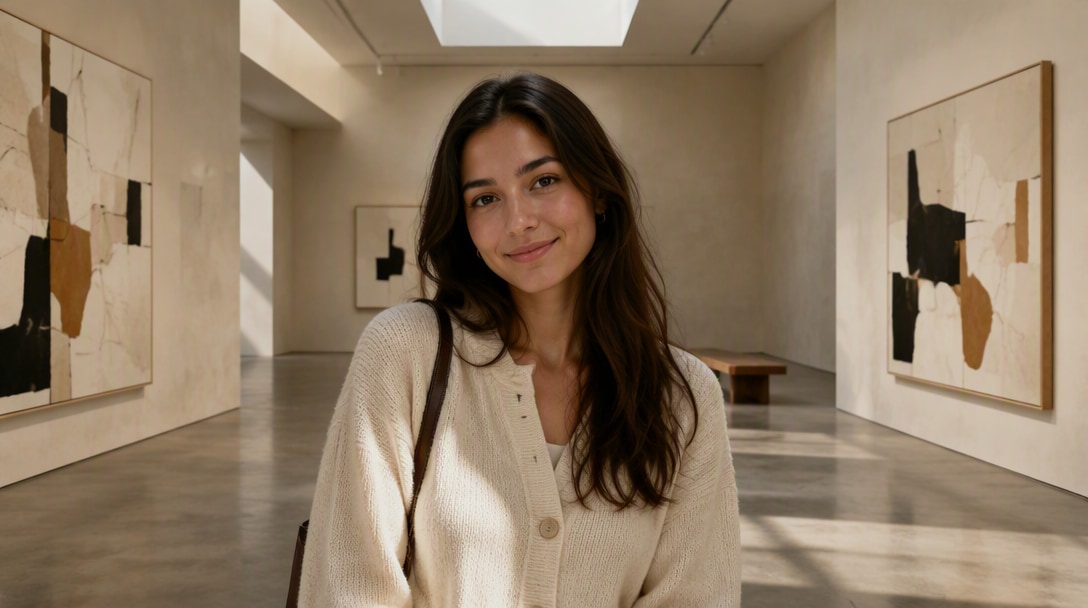
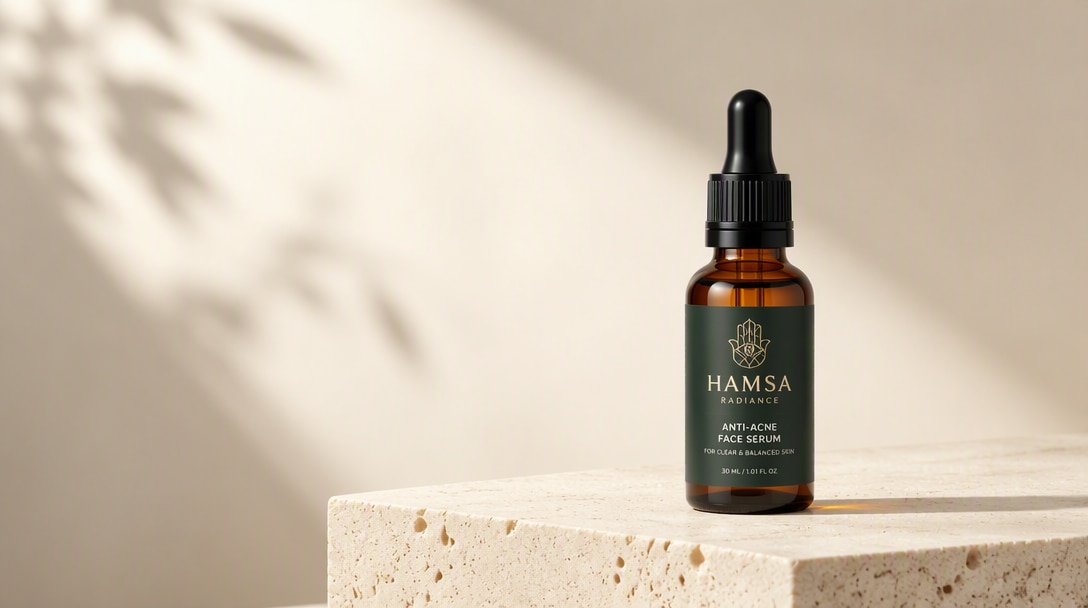
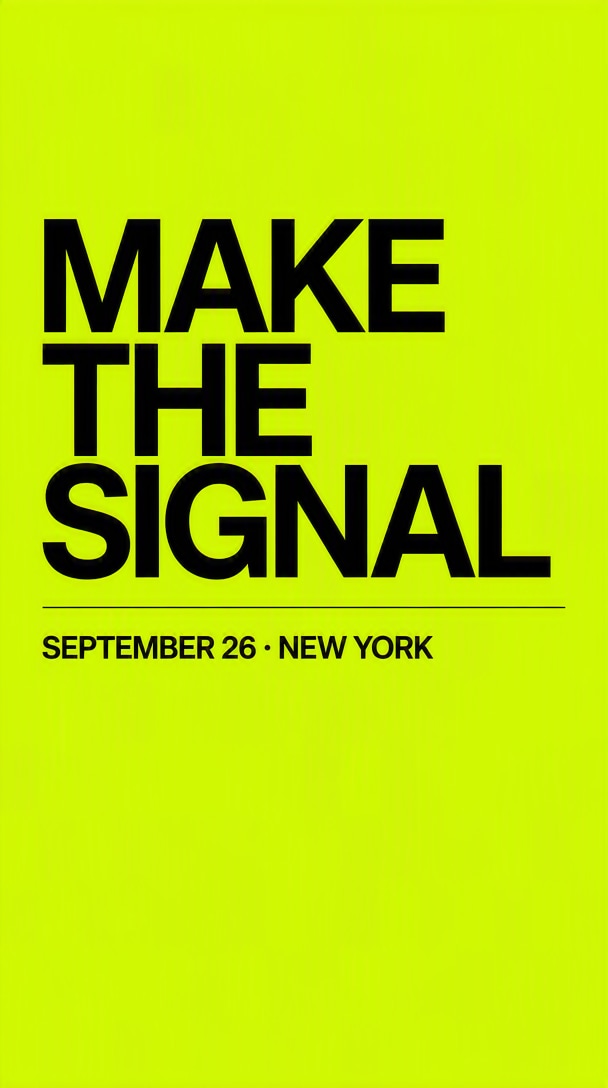
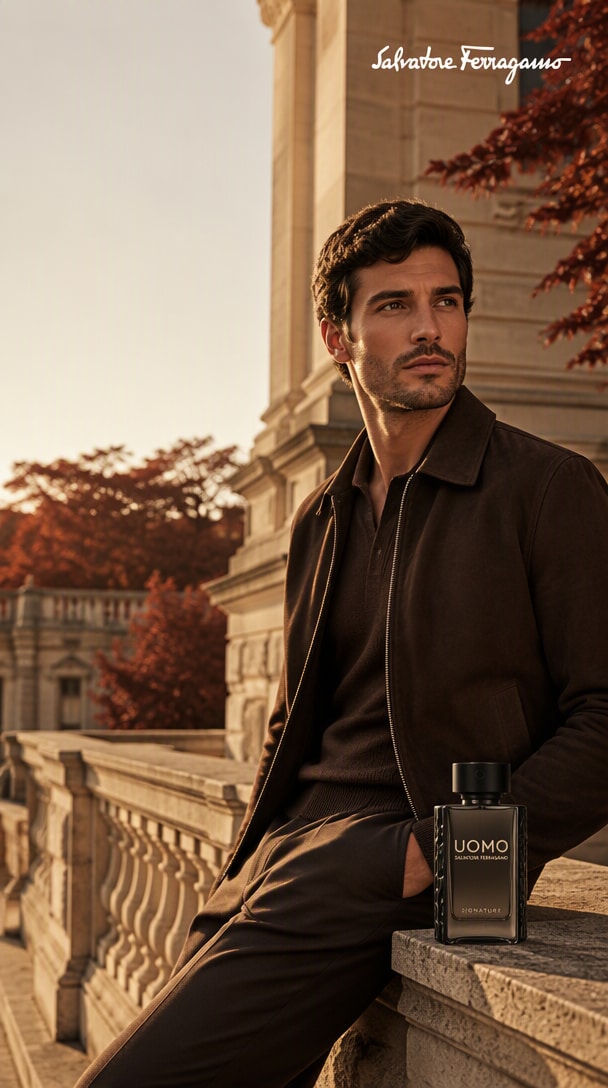
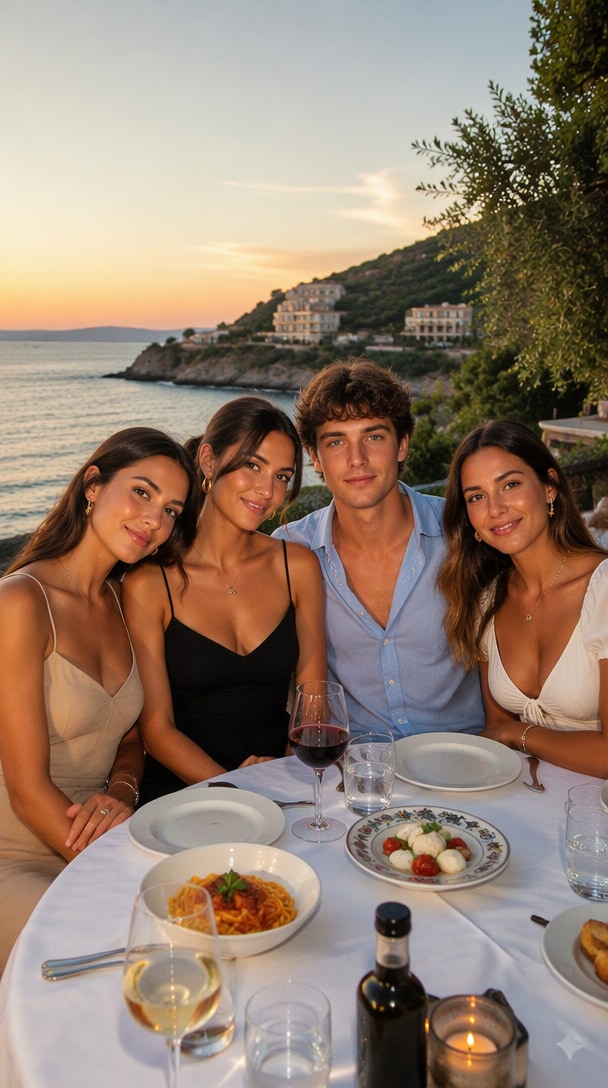
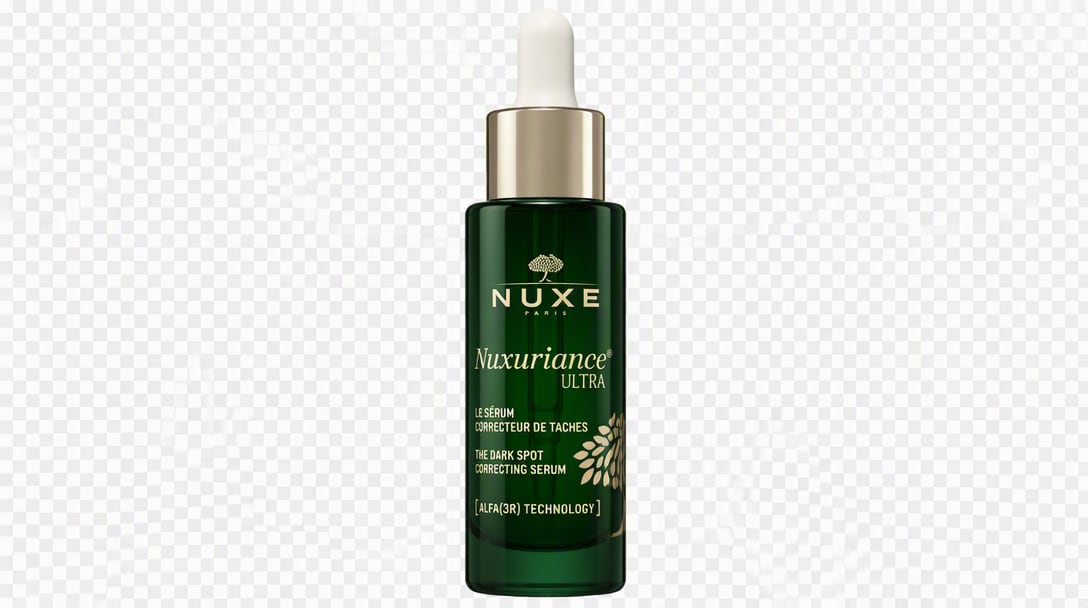
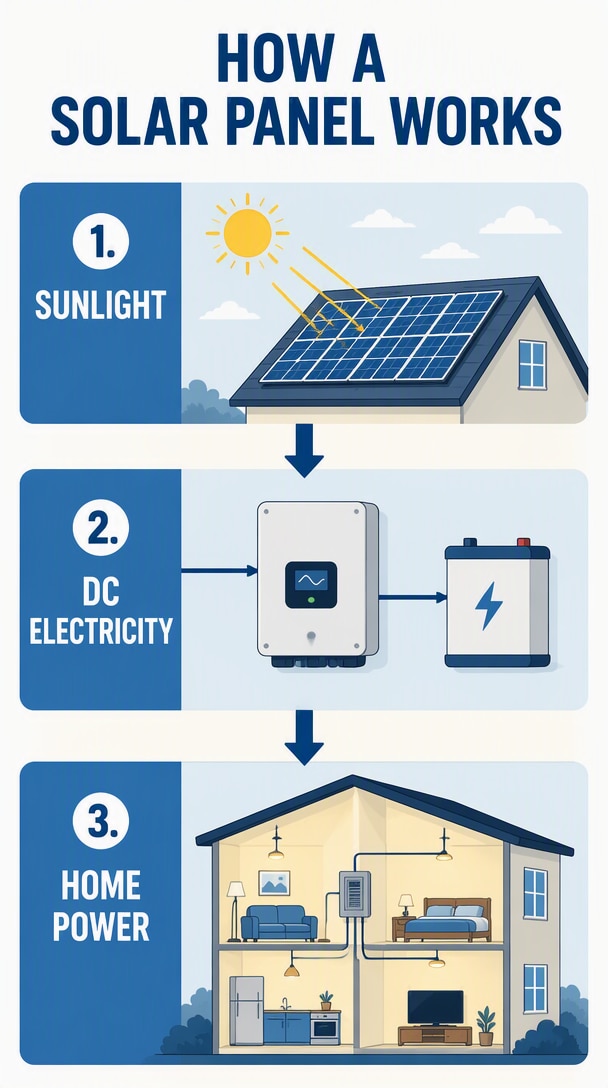
See how it handles precise edits, consistent subjects, multi-reference creation, polished layouts, and high-quality 4K visuals. Hover over any demo to copy the prompt and try it yourself.
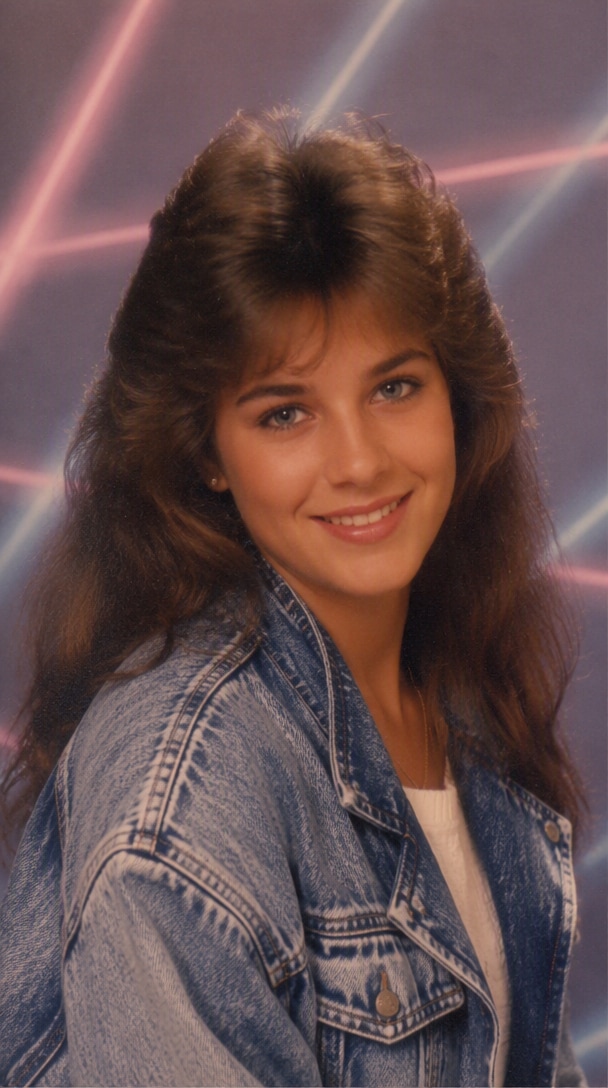
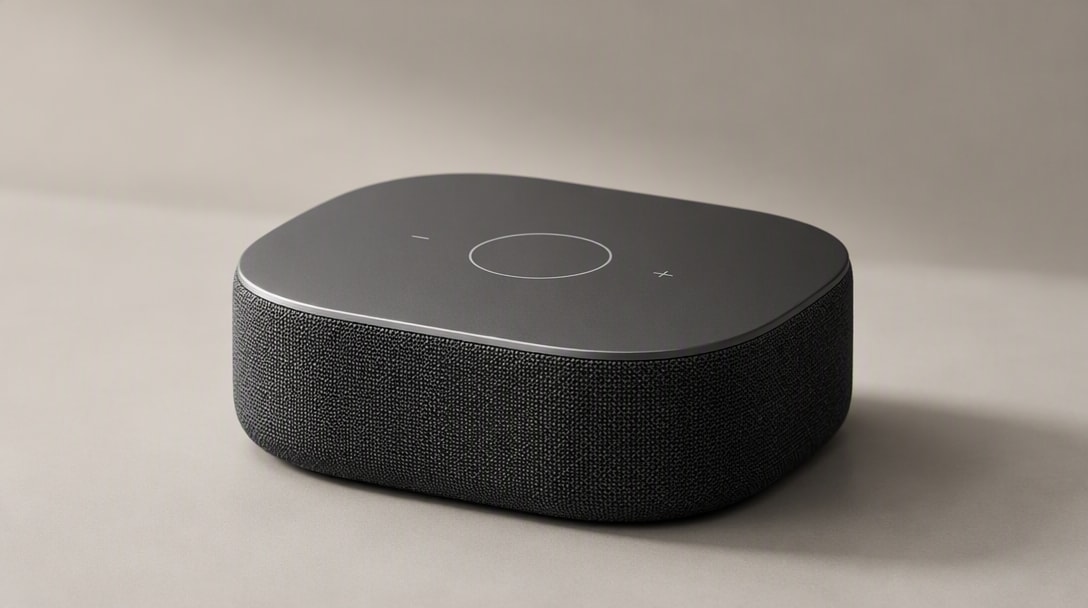
What Makes Nano Banana 2.1 Better?
Precise Local Editing
Change only what you want. Nano Banana 2.1 handles targeted edits more precisely while keeping the rest of your image intact.
Stronger Subject Consistency
Keep the same person, character, or product recognizable across different scenes, poses, outfits, and image variations.
Up to 14 Reference Images
Combine more visual references in one generation to guide characters, products, styles, objects, and compositions with greater control.
Better Text & Visual Layouts
Create cleaner posters, ads, infographics, and social graphics with improved text rendering, composition, and visual hierarchy.
High-Quality Output up to 4K
Generate sharper, more polished visuals at up to 4K for product images, marketing creatives, portraits, and professional design work.
5 Ways to Create with Nano Banana 2.1 on Media.io
Use Nano Banana 2.1 when you need consistent subjects, precise edits, richer reference control, or polished visual design. Start with a photo, product, character, or multiple references and build from there.
Keep the Same Person Across New Scenes
Turn one portrait into a series of new looks, outfits, poses, and environments while keeping the person recognizable. Ideal for creator visuals, character series, fashion concepts, and branded portraits.
Explore Character Consistency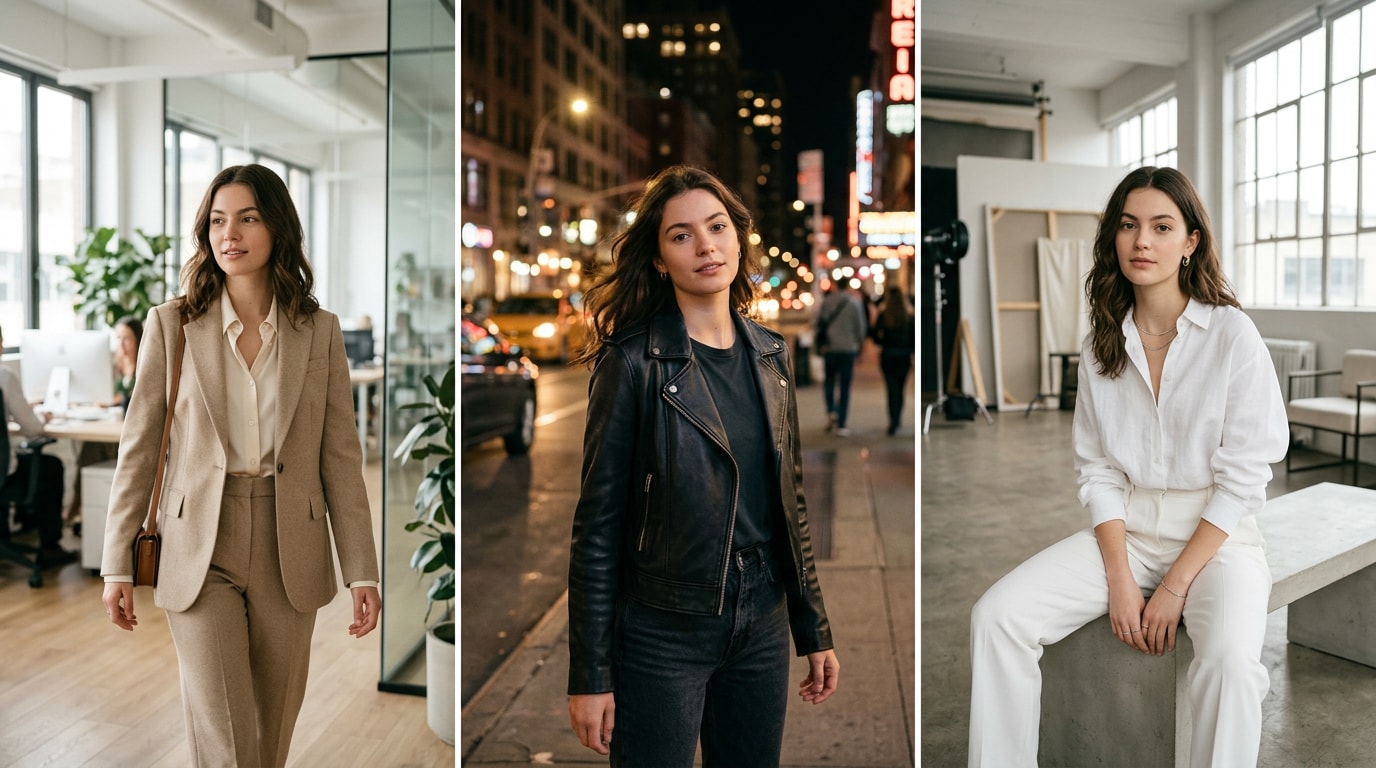
One person → multiple scenes → consistent identity.
Place the Same Product in New Campaign Scenes
Keep key product details consistent while changing backgrounds, lighting, surfaces, angles, and campaign styling for ecommerce, ads, launches, and seasonal creatives.
Explore Product Visuals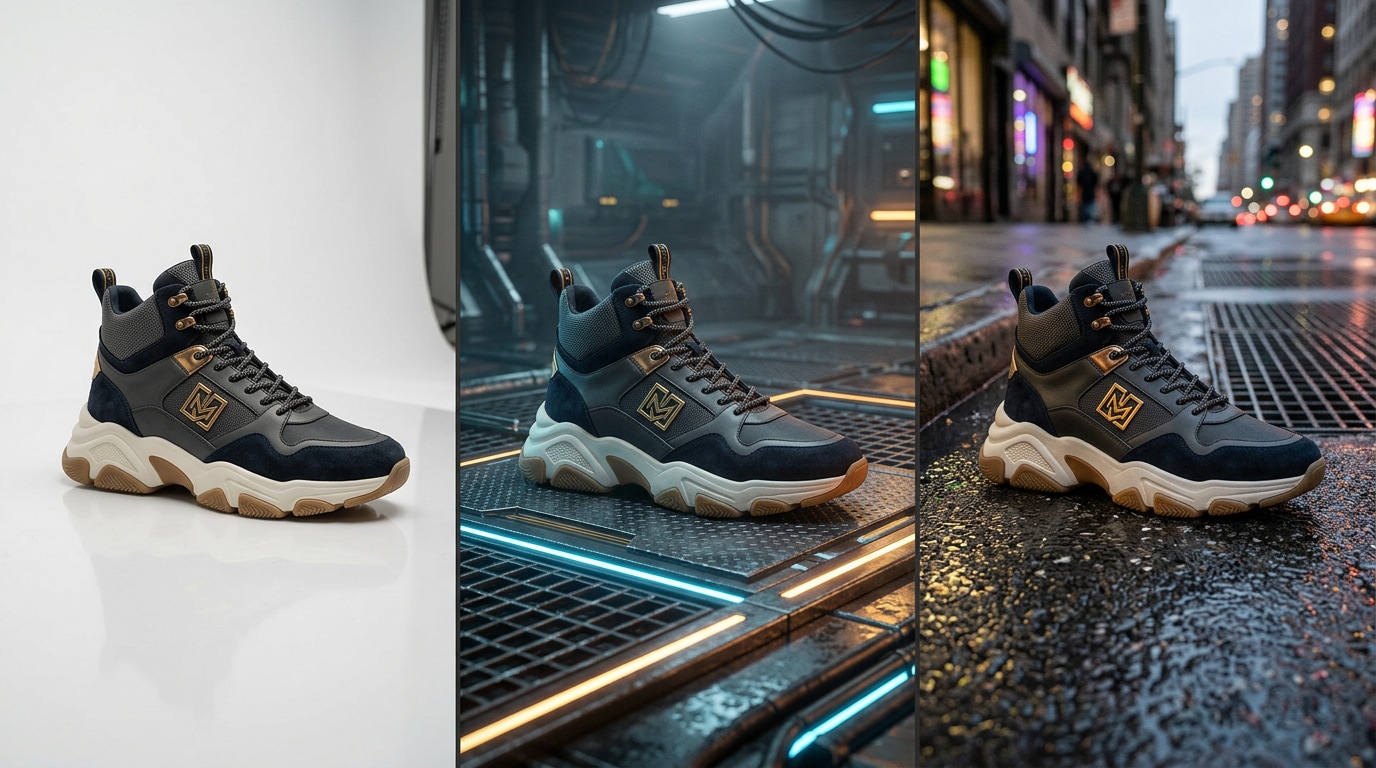
One product → multiple campaign scenes → consistent details.
Change One Part Without Reworking the Whole Image
Replace a background, update an outfit, remove an object, or refine a selected area while keeping the rest of the image stable and visually consistent.
Explore Precise Editing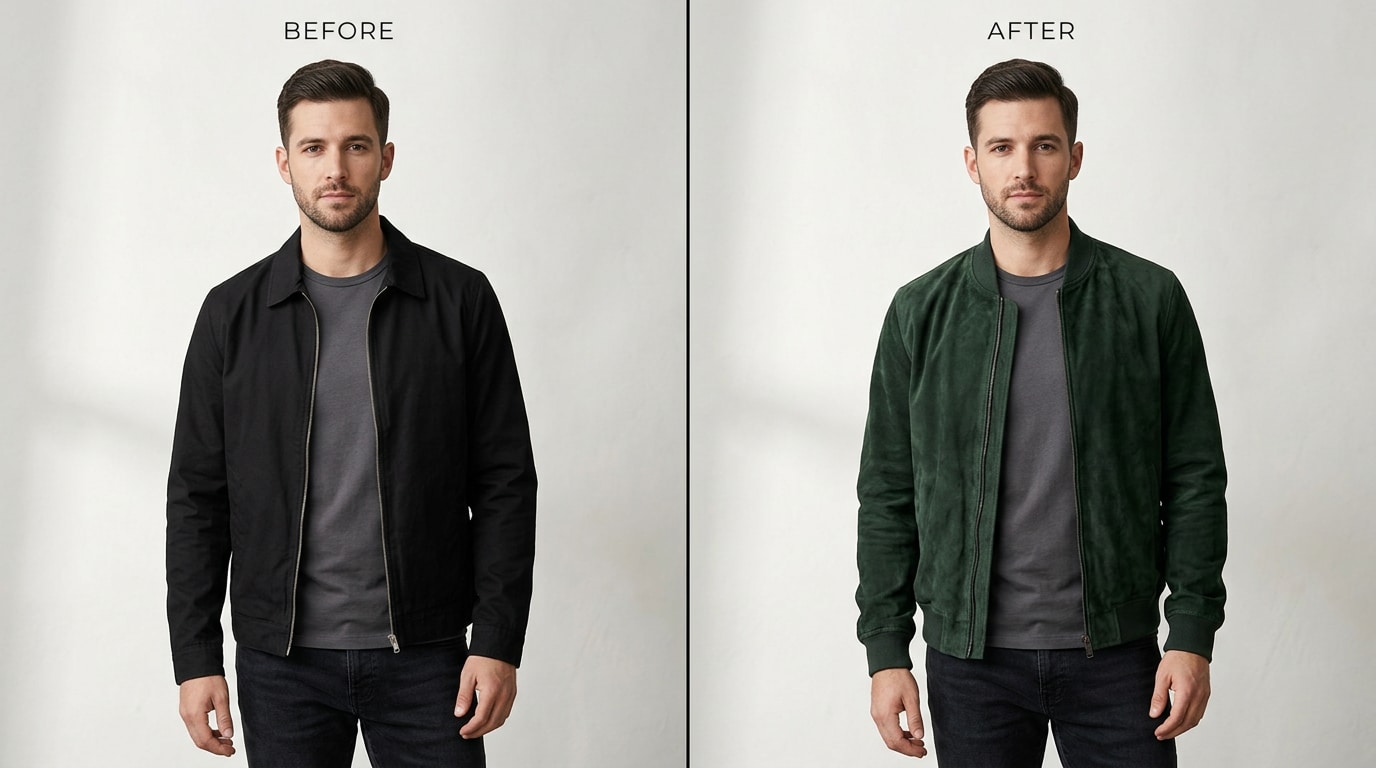
Original image → targeted edit → protected details preserved.
Combine Multiple References into One New Image
Bring together people, products, objects, styles, and visual references in one generation. Nano Banana 2.1 supports up to 14 reference images for more controlled compositions.
Explore Multi-Reference Creation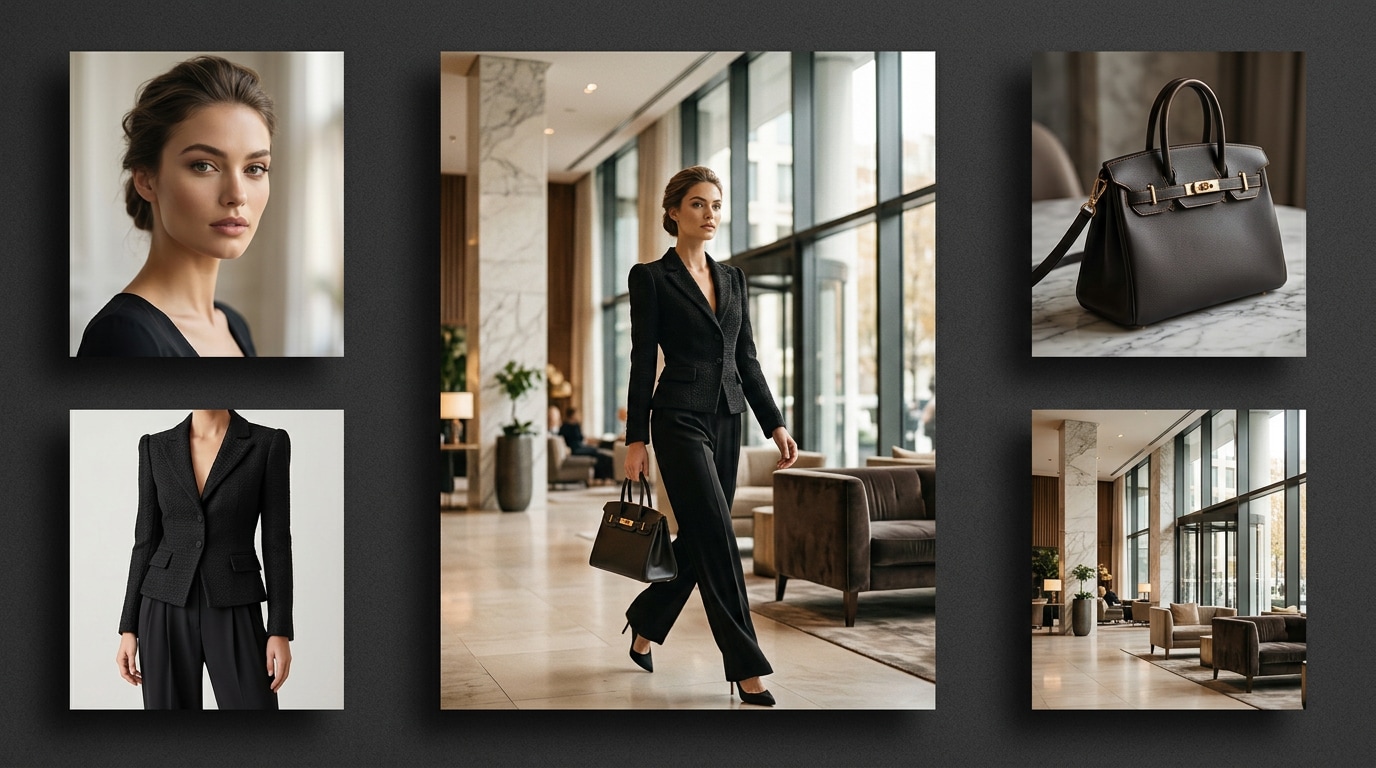
Multiple references → one controlled composition.
Create Posters, Ads & Infographics with Cleaner Layouts
Build text-rich posters, promotional graphics, infographics, social creatives, and branded layouts with stronger composition and improved text rendering.
Explore Visual Design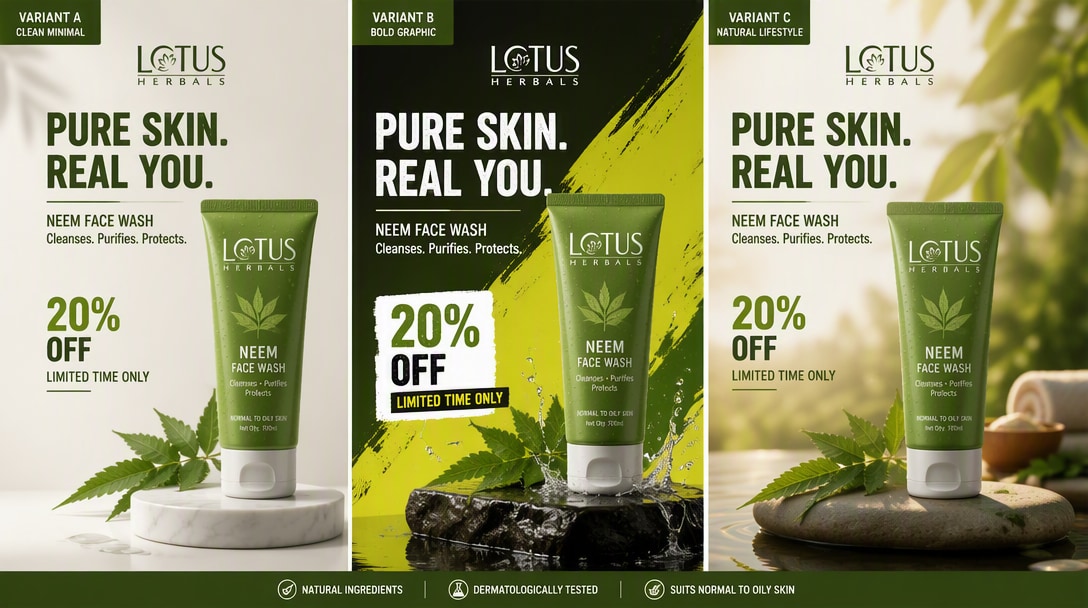
Prompt or reference → polished layout → campaign-ready visual.
How to Generate and Edit Images with Nano Banana 2.1 AI
Step 1: Enter Your Prompt or Upload
Type a text prompt to generate from scratch, or upload an image you want to enhance or edit using the Nano Banana 2.1 AI model.
Step 2: Generate and Edit with AI
Let the Nano Banana 2.1 model generate your visuals. Iterate with conversational prompts or add reference images for multi-image fusion and better control.
Step 3: Download Your High-Res Result
Preview your AI-generated masterpiece and export it in up to 4K resolution. Download your image directly to your device, ready for marketing or social media.
Nano Banana 2.1 vs Nano Banana Pro vs GPT Image 2.5: Which Should You Use?
Compare reference support, consistency, editing, output quality, and design capabilities across three leading AI image models.
| Feature | Nano Banana 2.1 Best Balance | Nano Banana Pro Professional | GPT Image 2.5 Creative Editing |
|---|---|---|---|
| Best For | Fast, high-quality creation & editing | Pro-grade design & complex workflows | Precise creative editing & iteration |
| Reference Images | Up to 14 | Up to 14 | Up to 16 |
| Character Consistency | Up to 4 characters | Up to 5 characters | Strong; no fixed limit published |
| Object Consistency | Up to 10 objects | Strong | Strong |
| Mask / Local Editing | Improved | Advanced | Strong |
| Text Rendering | Improved | Strong | Strong |
| Infographics & Layout | Improved | Strong | Strong |
| Max Resolution | Up to 4K | Up to 4K | Flexible sizes & quality |
| Search Grounding | Web + Image Search | Google Search | Not documented for image API |
| Transparent Background | Not a core documented feature | Not a core documented feature | Supported |
| Positioning | Best balance of speed, quality & control | Highest-end Google image workflow | Flexible generation & editing workflow |
Capabilities reflect official model documentation. Available features on Media.io may vary by integration.
Join 500,000+ Users Creating Stunning Visuals with Nano Banana 2.1

Digital Marketer

“Finally, accurate text rendering for marketing!” I used to spend hours fixing garbled AI text in Photoshop. With Nano Banana 2.1, I generated a full ad campaign infographic with flawless typography in minutes.

Content Creator
“Character consistency is a game-changer.” I need my brand mascot to look identical across different posts. The Nano Banana 2.1 AI image generator preserves the same subject perfectly through multiple conversational edits.

Art Director
“Multi-image fusion saved my project.” Combining 14 different reference images into one cohesive design used to be impossible. Media.io's Nano Banana 2.1 image editor handled the fusion beautifully and naturally.

Graphic Designer
“4K wide panoramas in seconds.” Clients constantly ask for ultra-high-res assets. The Nano Banana 2.1 4K output and wide panoramic generation on Media.io give me print-ready quality without any upscaling artifacts.
FAQs About Nano Banana 2.1 Image Generator
1. What is the Nano Banana 2.1 Image Generator?
Nano Banana 2.1 is Google's latest high-efficiency AI image generation and conversational editing model. On Media.io, it allows you to generate high-quality images from text, edit uploaded photos conversationally, and output up to 4K resolution with improved text rendering and character consistency.
2. Can I use Nano Banana 2.1 for text-to-image generation?
Yes! The Nano Banana 2.1 AI image generator fully supports text-to-image generation. Simply enter your prompt, and the model will create stunning visuals with strong prompt adherence, natural-looking images, and even accurate text inside the graphics.
3. How does Nano Banana 2.1 compare to Nano Banana 2?
Nano Banana 2.1 offers significant upgrades over Nano Banana 2, including better visual quality, enhanced multi-turn character consistency, improved text rendering for infographics, wide/panoramic generation, and support for multi-image fusion with up to 14 reference images.
4. Can I use reference images with Nano Banana 2.1?
Absolutely. Nano Banana 2.1 supports image-to-image workflows and multi-image fusion. You can upload up to 14 reference images to guide the generation process, ensuring your product shots, portraits, or designs match your exact vision.
5. Does Nano Banana 2.1 support 4K image output?
Yes, the Nano Banana 2.1 model on Media.io supports 1K, 2K, and 4K output resolutions. It also features wide and panoramic generation capabilities, making it perfect for high-resolution posters, product photography, and professional marketing materials.
Explore Top AI Models on Media.io


 4.7 (162,357 Votes)