As criações são armazenadas por apenas 7 dias. Os recursos criados após o upgrade para um plano de assinatura serão armazenados permanentemente.
Desbloqueie seu potencial criativo e experimente a magia da IA de mídia hoje!
Costura de Fotos Online Grátis - Una Fotos em Segundos
Use o Media.io para unir fotos online gratuitamente. Combine fotos de viagem, panoramas, capturas de tela, imagens de comparação ou fotos de produtos em uma imagem costurada e limpa com apenas alguns cliques. É uma forma simples de criar visuais mais largos, mais altos e mais sofisticados sem edição complicada.
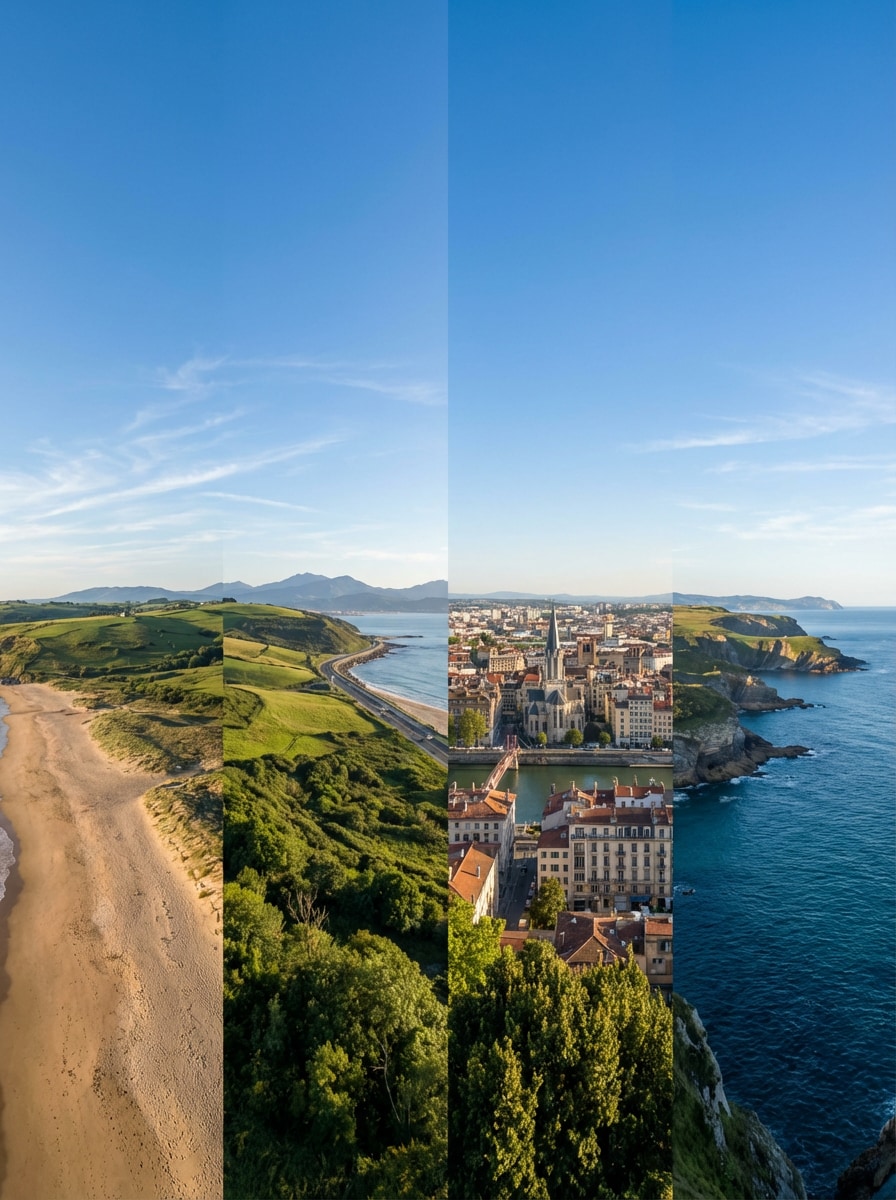
Use as imagens enviadas como tema e una-as em um amplo panorama de viagem com mesclagem suave do céu, continuidade natural da iluminação, alinhamento limpo do horizonte e transições realistas nas bordas, preservando detalhes nítidos em toda a cena.
União de Produtos Lado a Lado
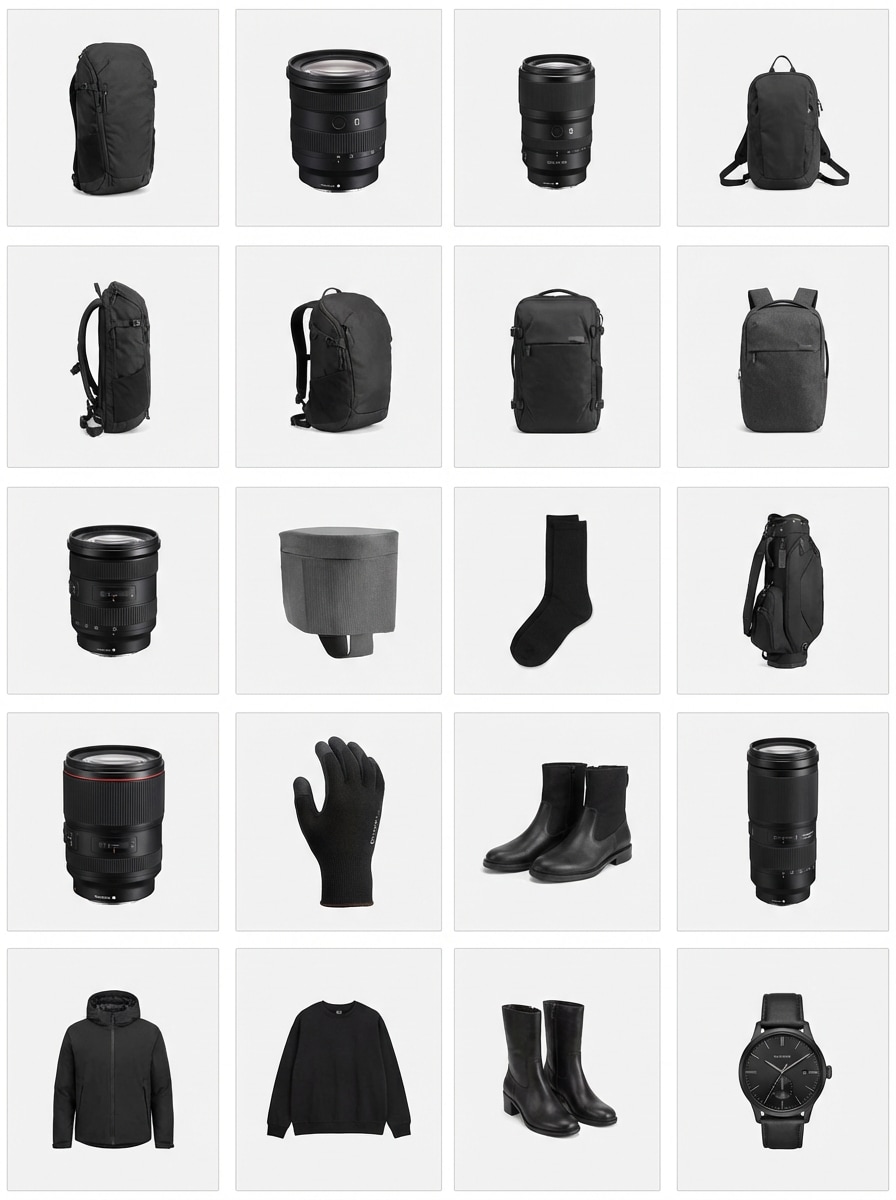
Use as fotos enviadas como tema e combine-as em uma imagem costurada lado a lado, limpa e organizada, com espaçamento uniforme, iluminação consistente, detalhes nítidos do produto e um layout adequado para listagens, promoções ou comparações.
Costura de Capturas de Tela Vertical
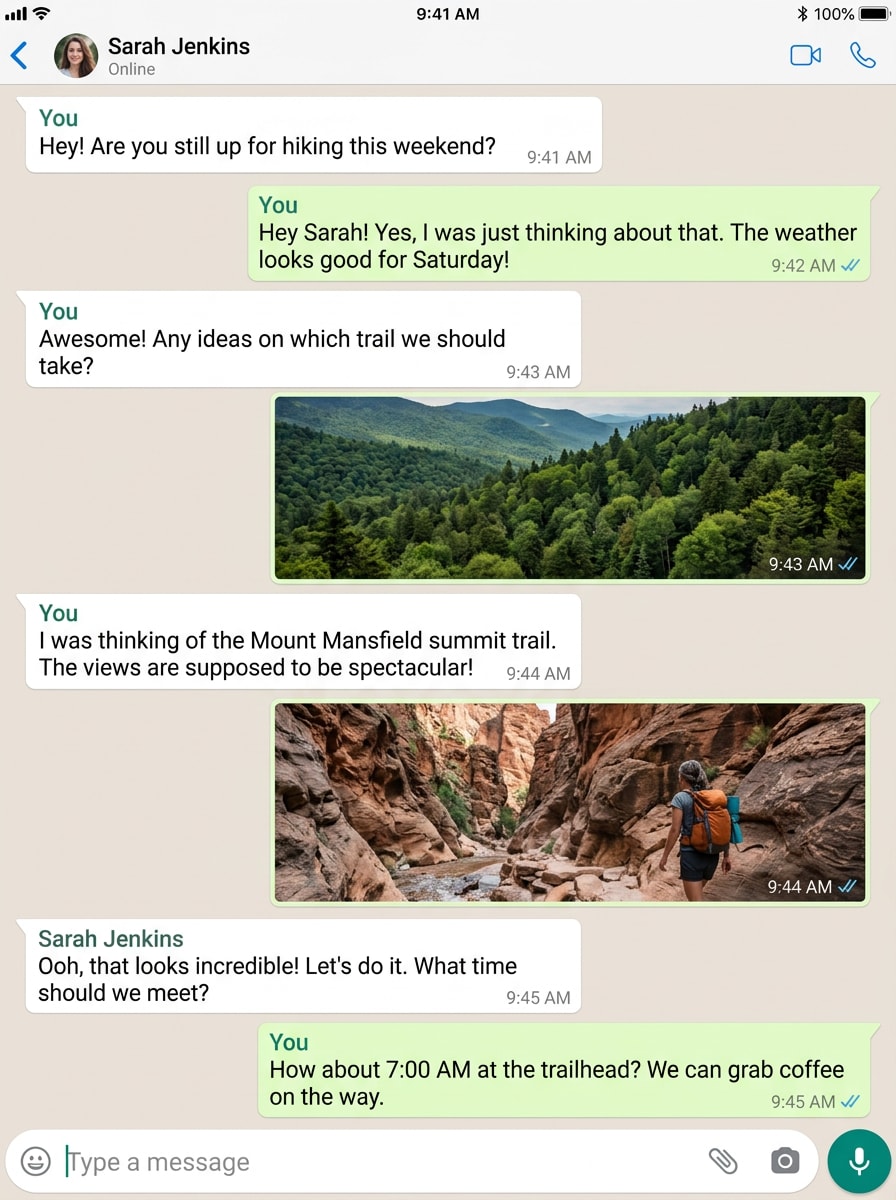
Use as capturas de tela enviadas como tema e una-as em uma longa imagem vertical com texto legível, alinhamento preciso, transições suaves e um layout contínuo e sofisticado que é fácil de visualizar e compartilhar.
Mesclagem de Panorama do Horizonte Urbano
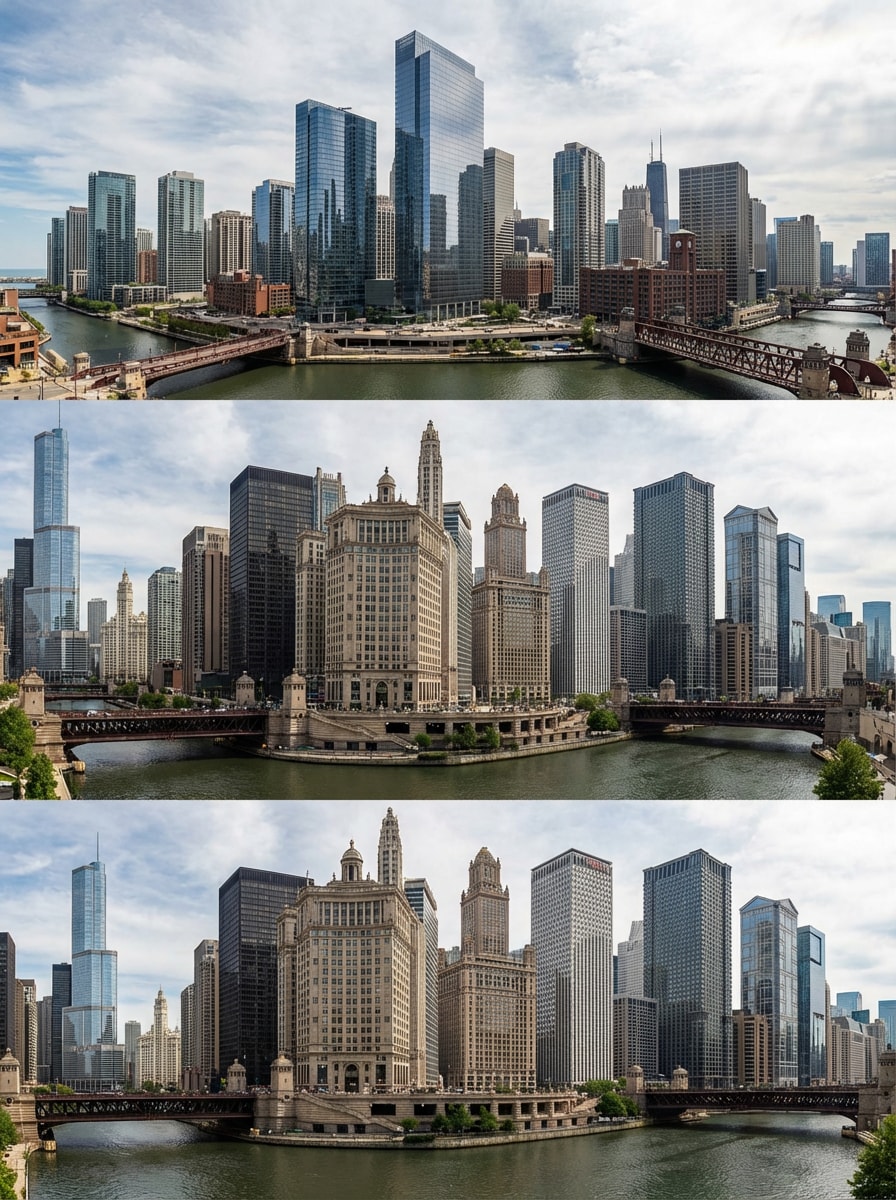
Use as fotos da cidade enviadas como tema e mescle-as em uma imagem panorâmica do horizonte com perspectiva corrigida, linhas arquitetônicas limpas, contraste natural e continuidade perfeita da cena de ponta a ponta.
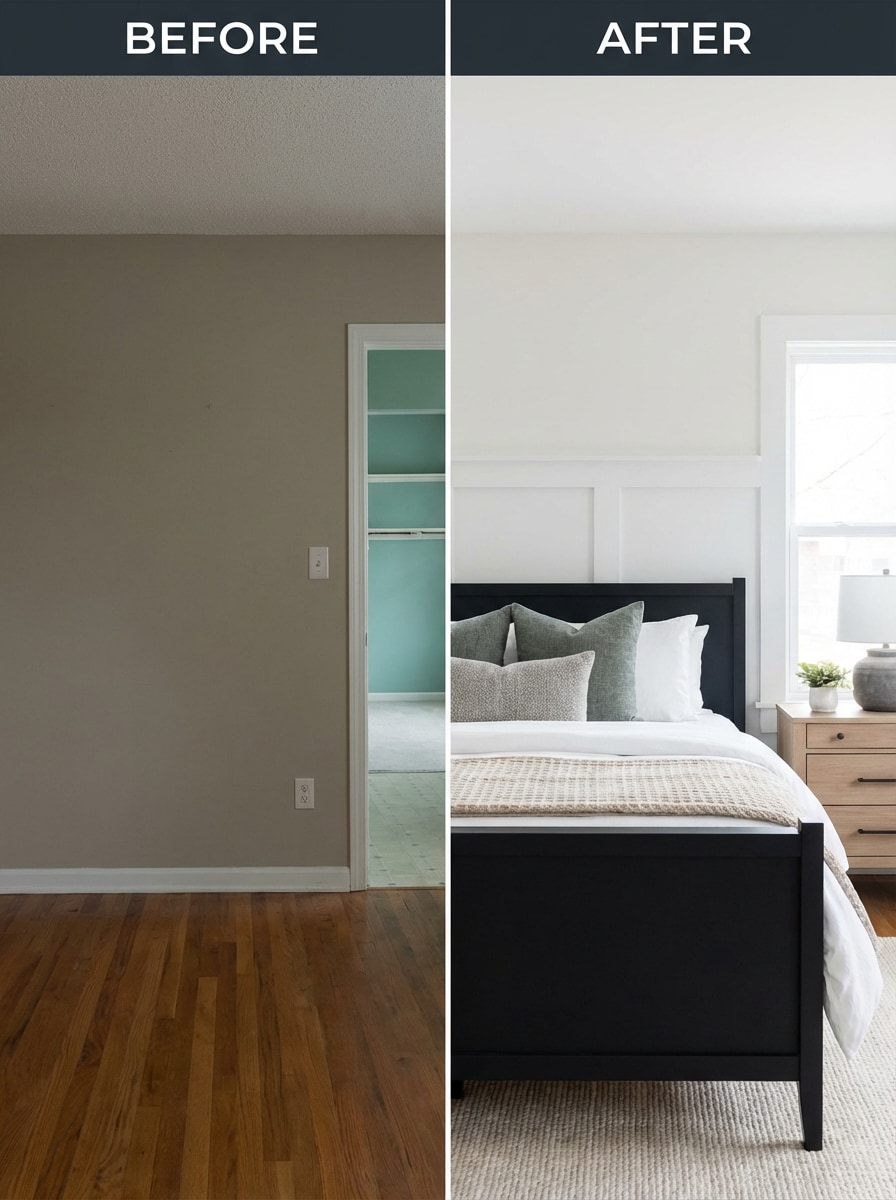
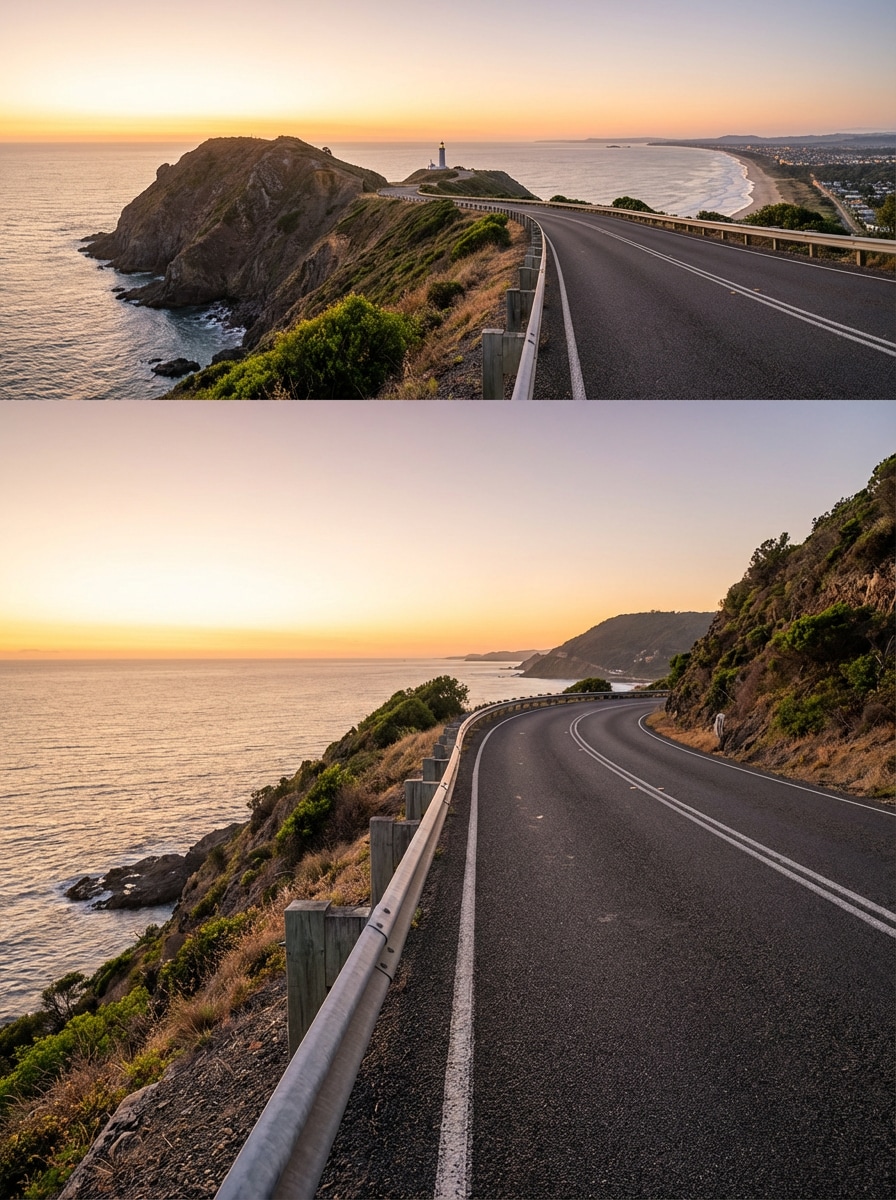
Costura de Antes e Depois
Use as imagens enviadas como tema e una-as em um layout costurado de antes e depois, com escala equilibrada, enquadramento alinhado e separação visual limpa para publicações em redes sociais, atualizações de design ou gráficos de comparação.
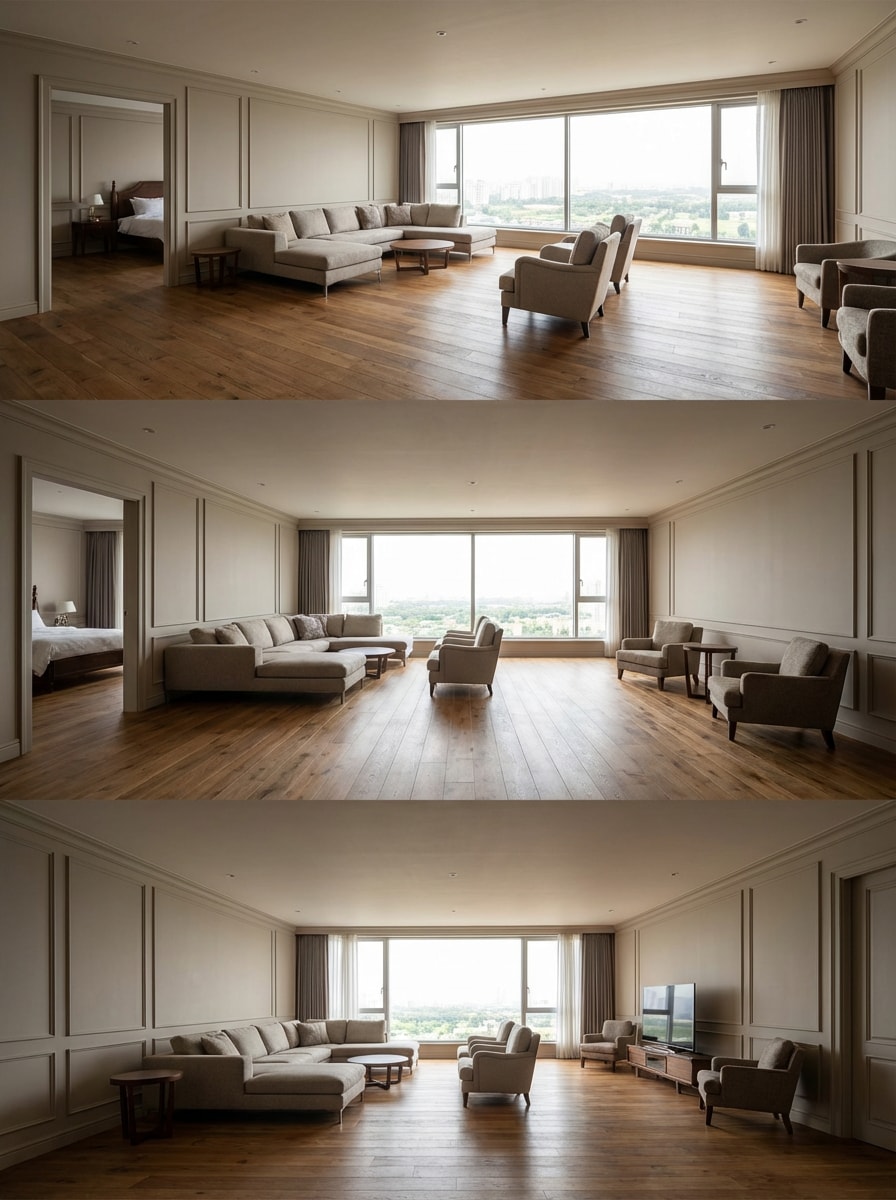
Costura de Vista Ampla do Ambiente
Use as fotos de interiores enviadas como tema e una-as em uma imagem ampla e espaçosa do ambiente, com transições suaves nas paredes, linhas alinhadas, exposição equilibrada e uma composição final natural e imersiva.
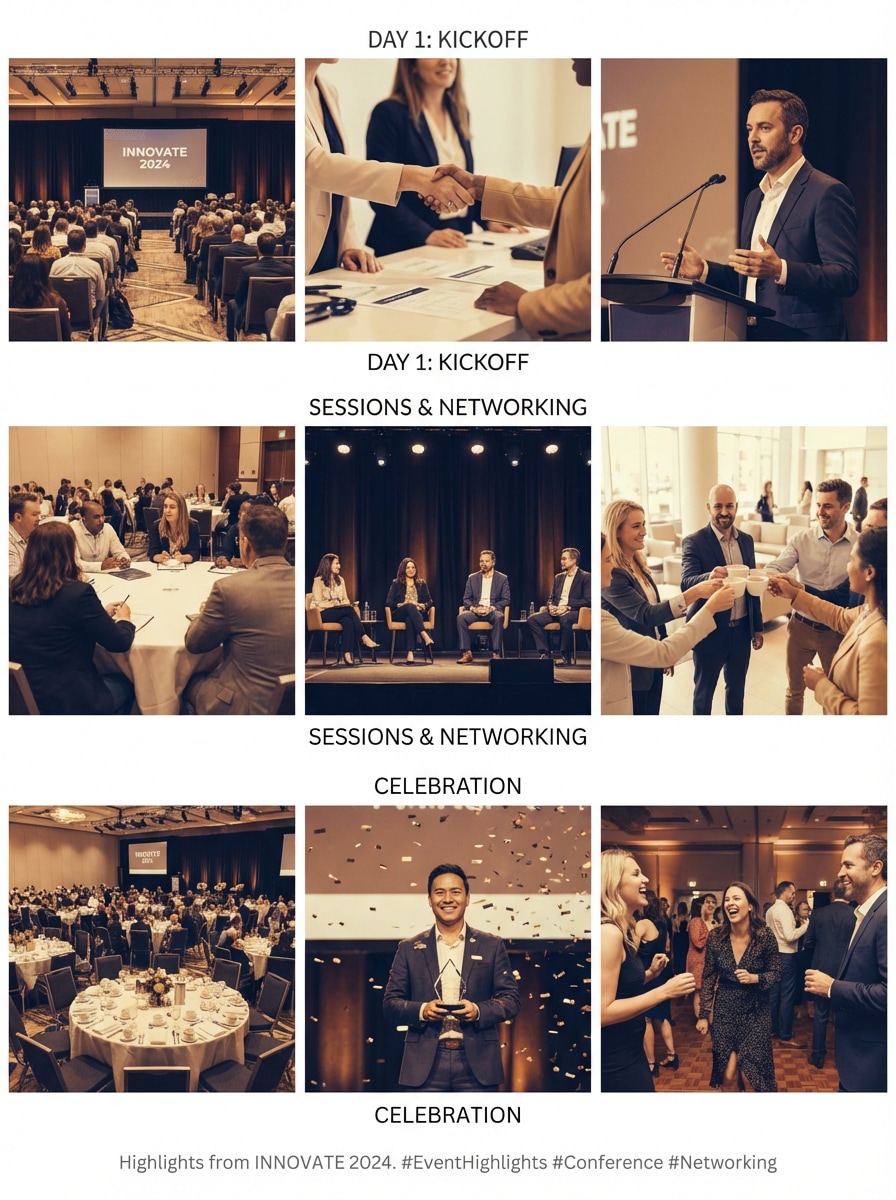
Mesclagem de Destaques de Eventos
Use as fotos do evento enviadas como tema e combine-as em uma imagem costurada de destaques, com tons coesos, espaçamento organizado e um layout limpo e narrativo que parece sofisticado e pronto para as redes sociais.
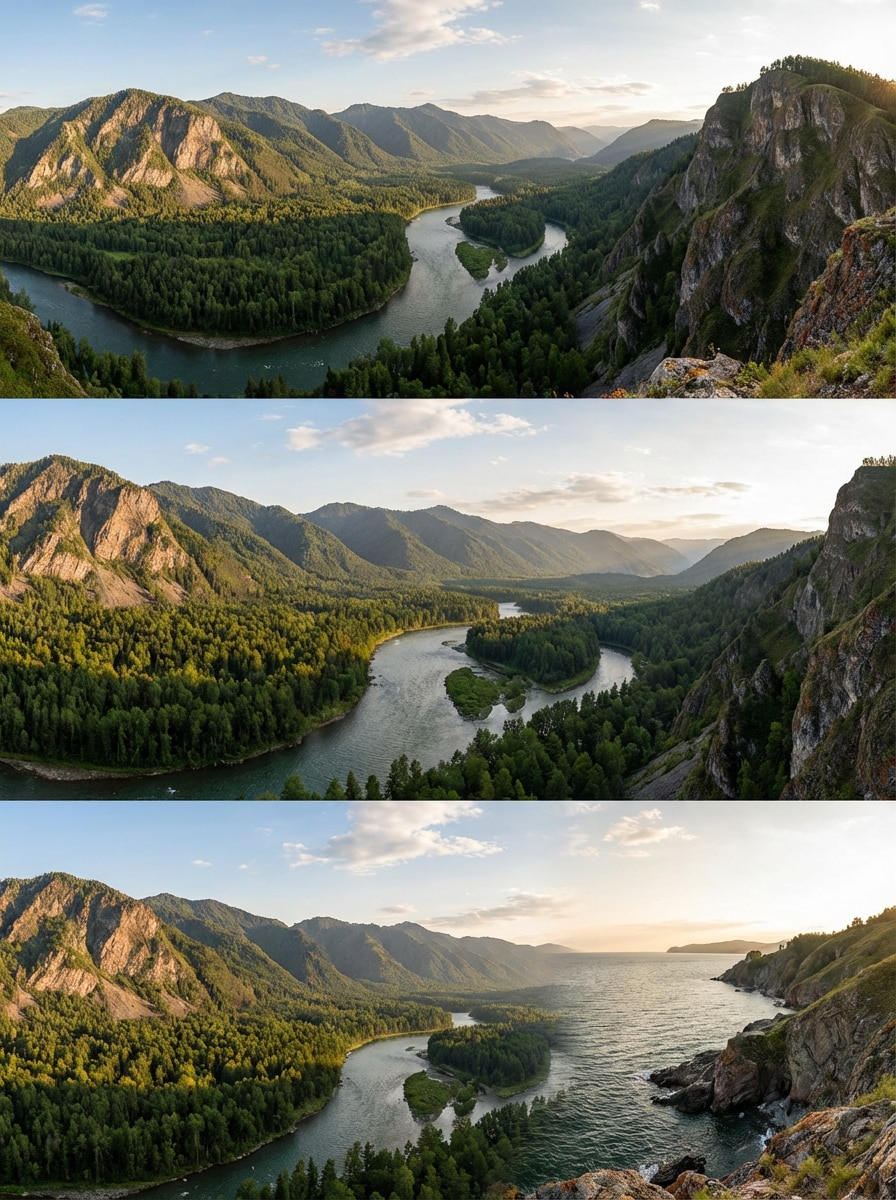
Costura de Panorama Natural
Use as fotos da natureza enviadas como tema e crie um panorama perfeito com textura realista, luz consistente, mesclagem suave de sobreposições e uma composição ampla e limpa que preserva a beleza da cena original.
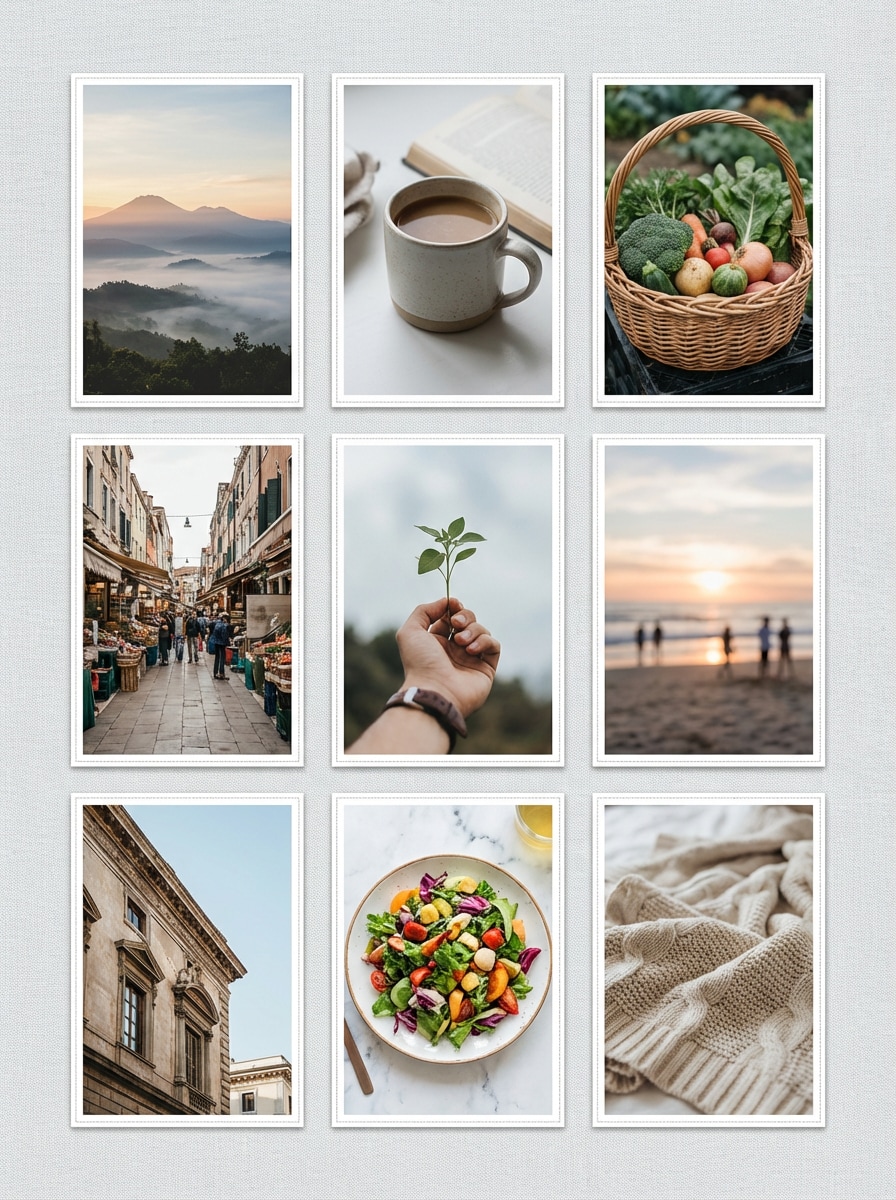
Layout de União de Fotos para Redes Sociais
Use as imagens enviadas como tema e mescle-as em um layout costurado e organizado, com espaçamento cuidadoso, equilíbrio visual, harmonia de cores suave e uma composição final limpa adequada para stories, publicações ou resumos.
Costura de Imagem Longa
Use as imagens enviadas como tema e una-as em uma longa imagem combinada com detalhes nítidos, alinhamento preciso, transições perfeitas e um resultado final de alta qualidade pronto para salvar, compartilhar ou apresentar.
Por que os Usuários Adoram Ferramentas Gratuitas de Costura de Fotos
Transforme Fotos Separadas em uma Imagem Maior
Una várias fotos para criar panoramas, imagens longas e histórias visuais mais organizadas com apenas alguns cliques.
É uma forma prática de fazer com que fotos dispersas pareçam mais completas e fáceis de compartilhar.
Crie Panoramas a partir de Fotos de Viagem e Paisagens
Combine fotos sobrepostas de viagens ou paisagens em um panorama mais amplo que captura mais da vista.
Isso ajuda você a transformar fotos comuns em visuais mais imersivos e memoráveis.
Ótimo para Comparações, Capturas de Tela e Vistas de Produtos
Una imagens lado a lado ou verticalmente para edições de antes e depois, capturas de tela longas, visualizações detalhadas de produtos ou atualizações visuais.
Uma imagem combinada geralmente é mais limpa e fácil de ler do que vários arquivos separados.
Fluxo de Trabalho Online Rápido Sem Edição Pesada
O Media.io ajuda você a criar imagens costuradas e limpas diretamente no seu navegador.
Você obtém um resultado mais sofisticado sem usar softwares complexos de design ou panorama para desktop.
Como Unir Fotos Online
01
Passo 1 – Abra a Ferramenta Gratuita de Costura de Fotos
Acesse o Media.io no seu navegador e abra a ferramenta de costura de fotos.
Nenhum software complicado ou experiência em edição é necessária para começar.
02
Passo 2 – Envie e Organize Suas Fotos
Envie as imagens que deseja combinar e organize-as horizontalmente, verticalmente ou em sequência para costura no estilo panorama.
Fotos de viagem, capturas de tela, fotos de produtos e comparações funcionam muito bem.
03
Passo 3 – Gere e Baixe a Costura Final
Clique em Gerar para unir suas imagens em um resultado combinado e limpo.
Baixe a imagem final para compartilhamento, apresentações, listagens ou narrativas visuais.
O que os Usuários Dizem sobre a Ferramenta Gratuita de Costura de Fotos do Media.io
Olivia
Blogueira de Viagens
"Perfeito para panoramas" Usei para unir algumas fotos de montanhas em uma ampla foto de viagem. O resultado ficou muito melhor do que publicar imagens separadas.
Ryan
Vendedor Online
"Ótimo para comparações" Combino fotos de produtos e detalhes em uma imagem limpa para listagens. Economiza tempo e parece mais profissional.
Sophia
Criadora Estudante
"Super fácil de usar" Uni capturas de tela e fotos de eventos em um longo visual para um projeto. O layout ficou limpo e fácil de compartilhar.
Explore os efeitos de vídeo e imagem de IA mais quentes
Perguntas Frequentes sobre Costura de Fotos Grátis
1. O que é uma ferramenta gratuita de costura de fotos?
A costura de fotos grátis Uma ferramenta ajuda você a combinar várias imagens em uma foto maior. Você pode usá-la para criar panoramas, unir imagens lado a lado, costurar capturas de tela verticalmente ou mesclar vários visuais em uma imagem final mais limpa.
2. Posso unir fotos online gratuitamente?
Sim. O Media.io permite que você una fotos online gratuitamente, facilitando a combinação de fotos de viagem, capturas de tela, imagens de produtos ou comparações em uma imagem combinada sem ferramentas avançadas de edição.
3. Posso criar um panorama a partir de várias fotos?
Com certeza. Uma ferramenta de costura de fotos é uma forma prática de transformar fotos sobrepostas de paisagens ou cidades em um panorama mais amplo. Ela ajuda você a capturar mais da vista completa em uma única imagem.
4. Posso unir imagens verticalmente ou lado a lado?
Sim. Você pode usar fluxos de trabalho gratuitos de costura de fotos para uniões horizontais e verticais. Isso o torna útil para panoramas, capturas de tela longas, imagens de antes e depois, comparações de produtos e visuais de resumo.
5. Que tipos de fotos funcionam melhor para costura?
Fotos com enquadramento relacionado, iluminação semelhante e conteúdo sobreposto ou complementar geralmente funcionam melhor. Paisagens de viagem, capturas de tela, fotos de ambientes e imagens de produtos são exemplos comuns.