Selecione / @ personagem, descreva a cena que você deseja gerar.
0/2000
9:16
1K
1
Modo Ilimitado do Banana Pro
Criações
Hub de Ideias
Como funciona
Todos
Recursos populares
Ver tudo
História de Frutas com IA
Ver tudo
Vídeo de História com IA
Ver tudo
Vídeos Virais Hoje
Ver tudo
Vídeos de Produto com IA
Ver tudo
Personagem AI
Ver tudo
Tendências de Dança
Ver tudo
GPT Image 2
Ver tudo
Seedance 2.0
Ver tudo
Correspondência de Celebridade por IA
Ver tudo
Dicas de Poses para Casais
Ver tudo
Prompts de Poses de Garota AI Estética
Ver tudo
Sugestões de Pose de Garoto Elegante com IA
Ver tudo
Lista de geração
As criações são armazenadas por apenas 7 dias. Os recursos criados após o upgrade para um plano de assinatura serão armazenados permanentemente.
Desbloqueie seu potencial criativo e experimente a magia da IA de mídia hoje!
Filtro de Cartão Esportivo com IA para Fotos de Cards Personalizados Rápido
Transforme sua foto em um cartão esportivo estilo colecionável com molduras marcantes, efeitos de folha metálica e layouts de nível profissional. O Media.io ajuda você a criar um filtro de cartão esportivo com IA a partir de qualquer retrato, seja você quem deseja um filtro de cartão de atleta, um filtro de cartão de basquete, ou um filtro de cartão de futebol americano sofisticado para compartilhar ou imprimir.
Digite sua ideia -> A IA cria o design. Gratuito para experimentar.
Revise estes exemplos de direcionamentos e personalize os detalhes do prompt para obter resultados mais eficazes com o filtro de foto de cartão esportivo do Media.io.
Cartão de Beisebol Vintage
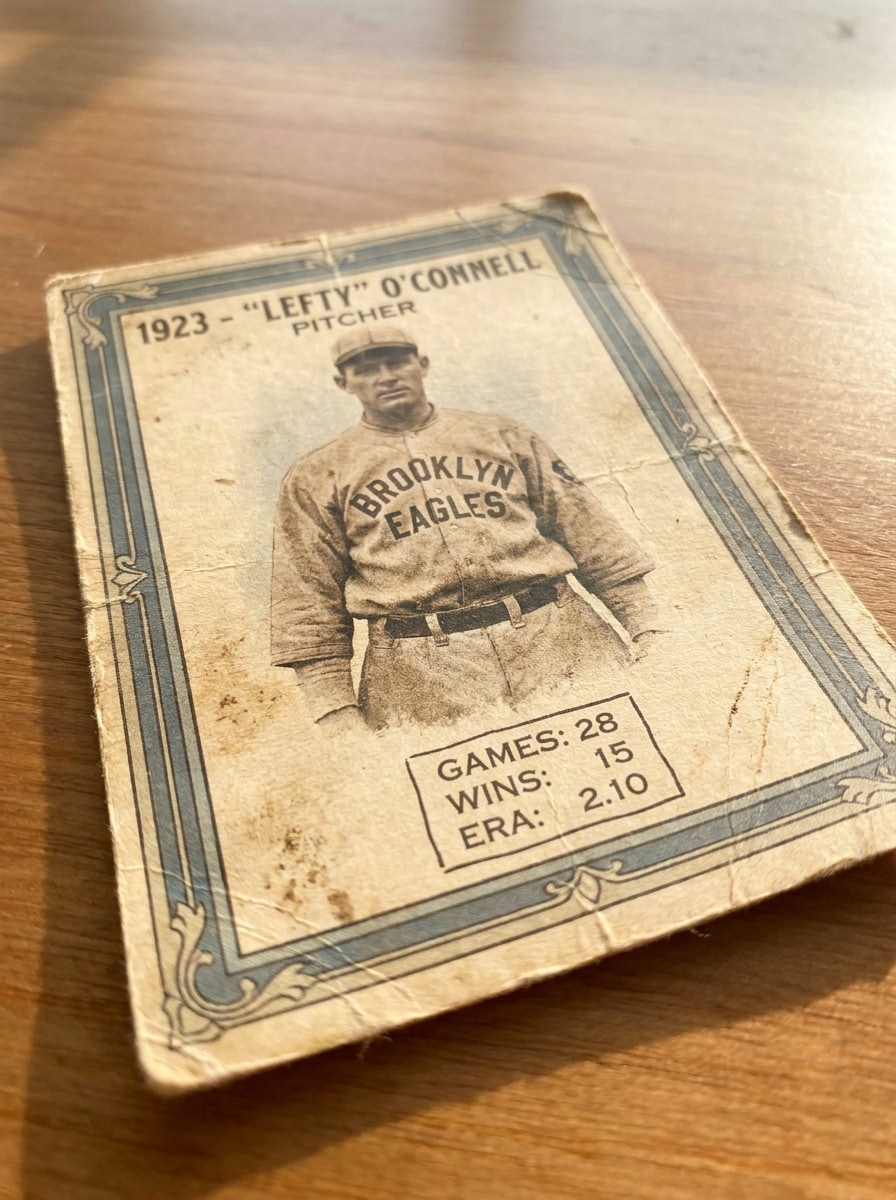
Use a imagem enviada como retrato do jogador e transforme-a em um cartão colecionável de beisebol vintage com textura de papel envelhecido, borda creme, tons sépia suaves, placa de nome serifada clássica, desgaste de impressão sutil, área simples de emblema do time e composição nostálgica de cartão colecionável com detalhe realista de papel cartão.
Cartão Rookie dos Anos 90
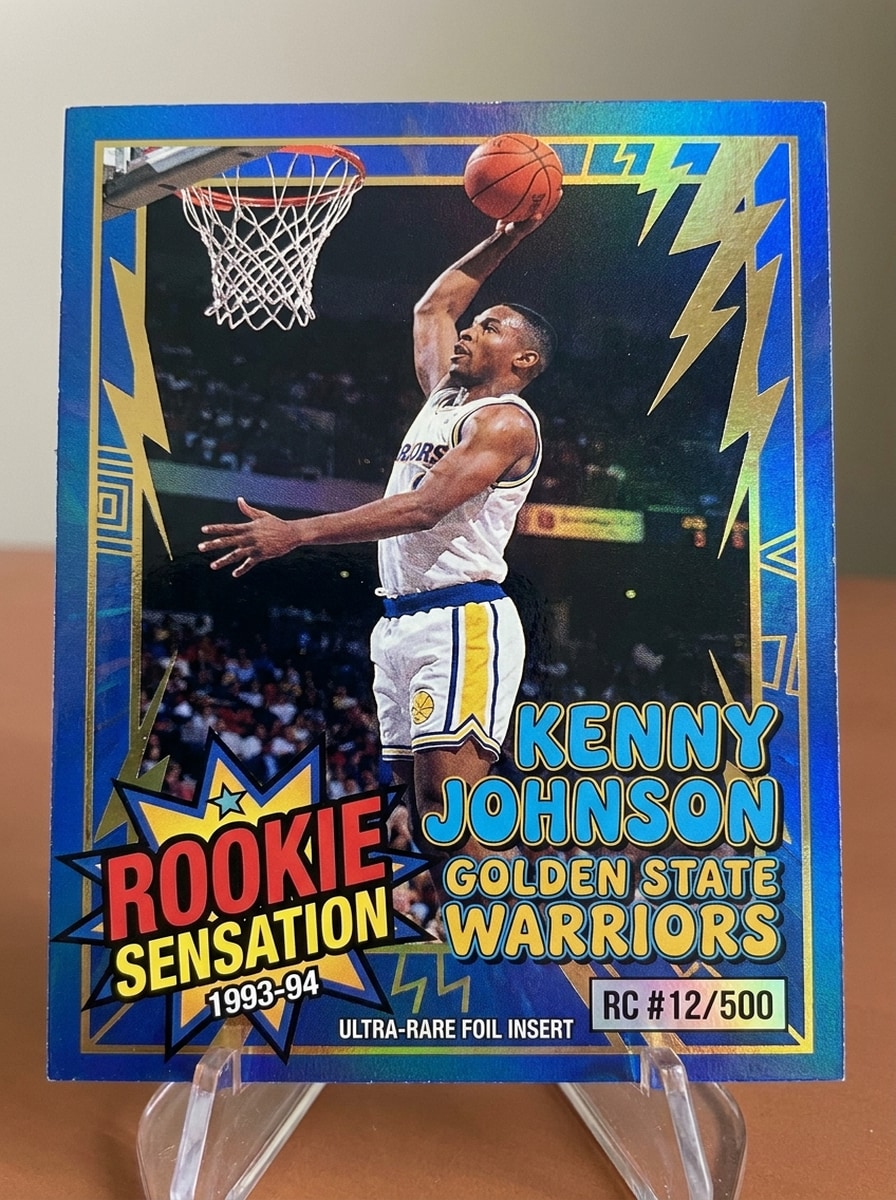
Use a imagem enviada como sujeito e transforme-a em um cartão esportivo rookie dos anos 1990 com bordas nas cores vibrantes do time, emblema de rookie em negrito, recorte de foto de ação, destaques inspirados em folha metálica, numeração colecionável, layout energético, textura de laminado brilhante e estilo nostálgico de card colecionável com detalhes nítidos.
Estilo Chrome Prizm
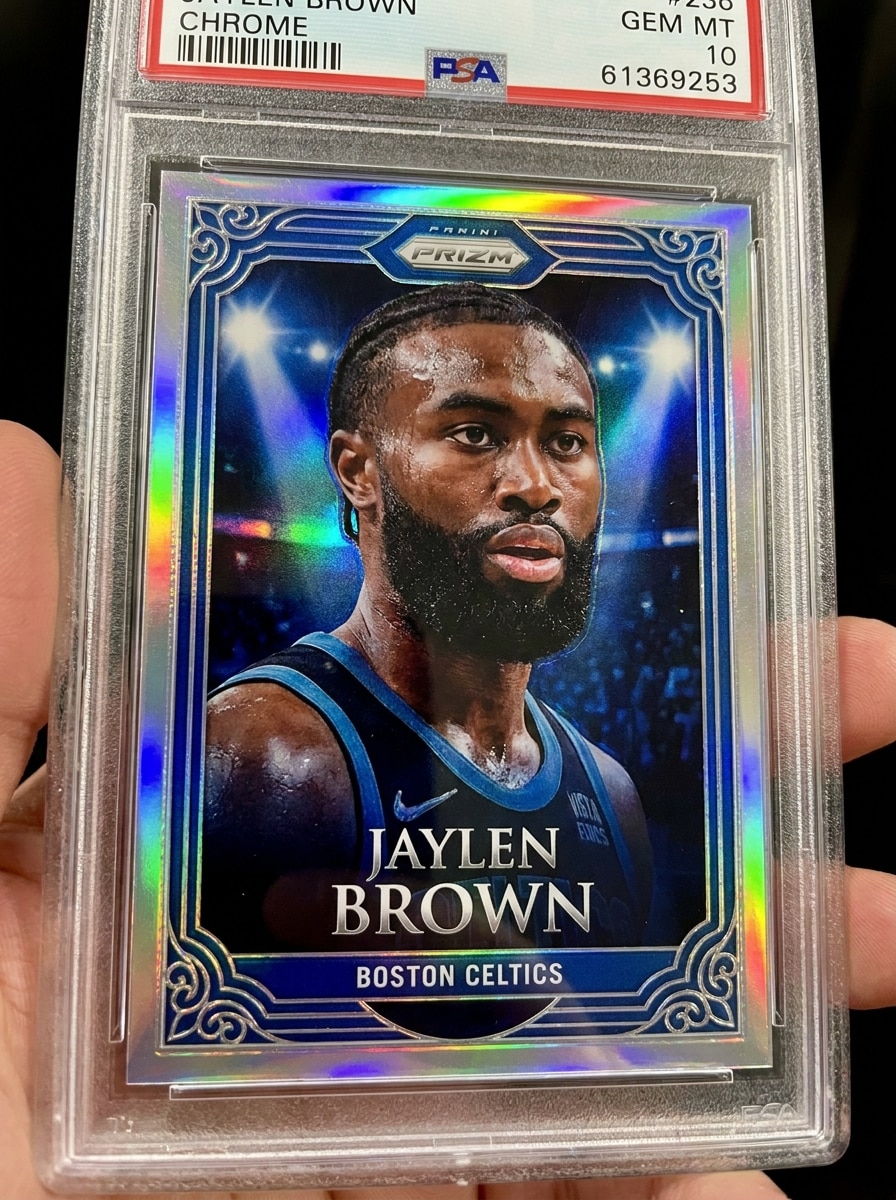
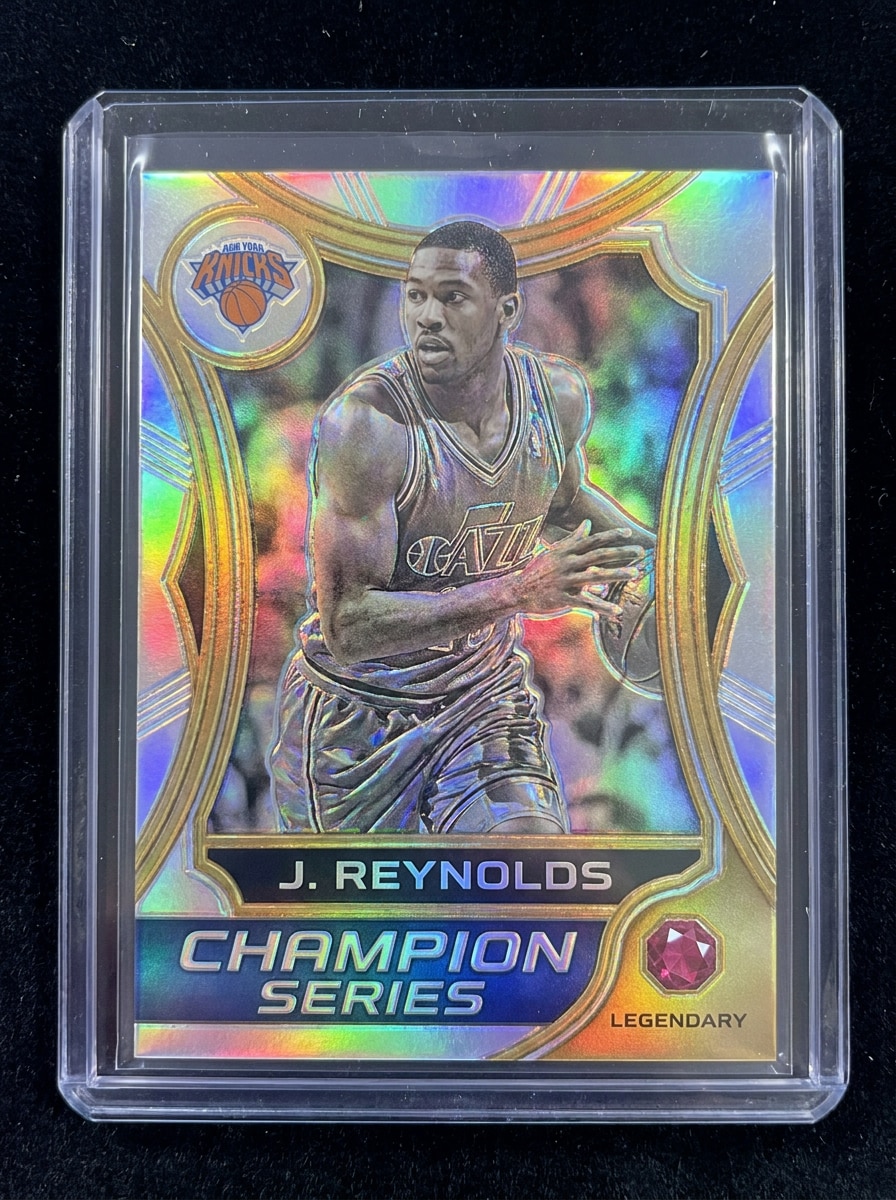
Use a imagem enviada como retrato do jogador e aplique um efeito moderno de cartão esportivo premium com superfícies de cromo reflexivo, iluminação holográfica prizm, linhas de borda metálica, contraste nítido, paleta de prata fria e cores do time, acabamento brilhante e apresentação de cartão colecionável de elite.
Cartão de Folha Holográfica
Use a imagem enviada como sujeito principal e transforme-a em um cartão colecionável de folha holográfica com reflexos arco-íris, destaques em relevo, textura de laminado brilhante, emblema de raridade, moldura nítida do cartão, tipografia esportiva premium e um acabamento colecionável elegante que brilha sob uma luz dramática.
Cartão de Jogador Personalizado
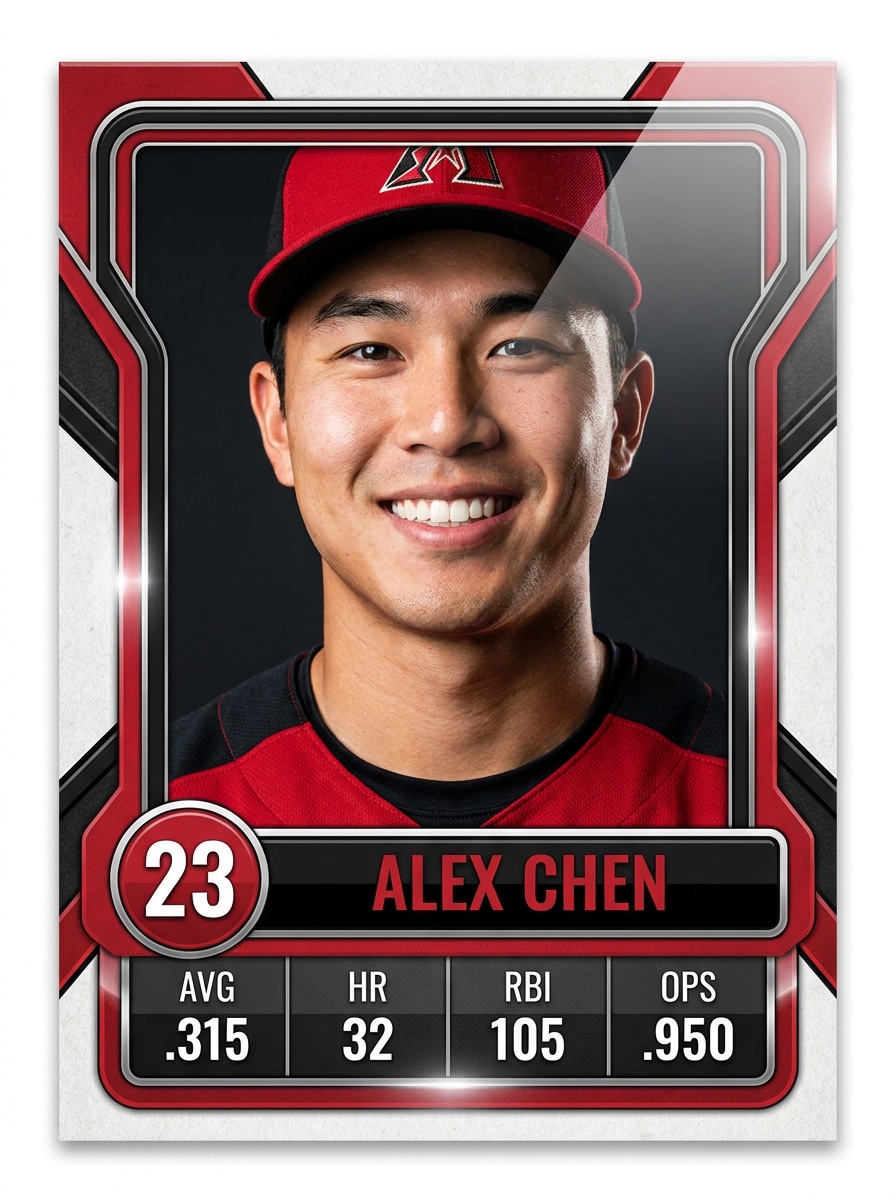
Use a imagem enviada para criar um cartão colecionável de jogador personalizado com área de nome editável, moldura nas cores do time, etiqueta com número da camisa, tag de posição, caixa de estatísticas, recorte de retrato polido, textura de impressão premium e um layout moderno e limpo para um resultado de foto de cartão esportivo personalizado destacado.
Cartão de Time Juvenil
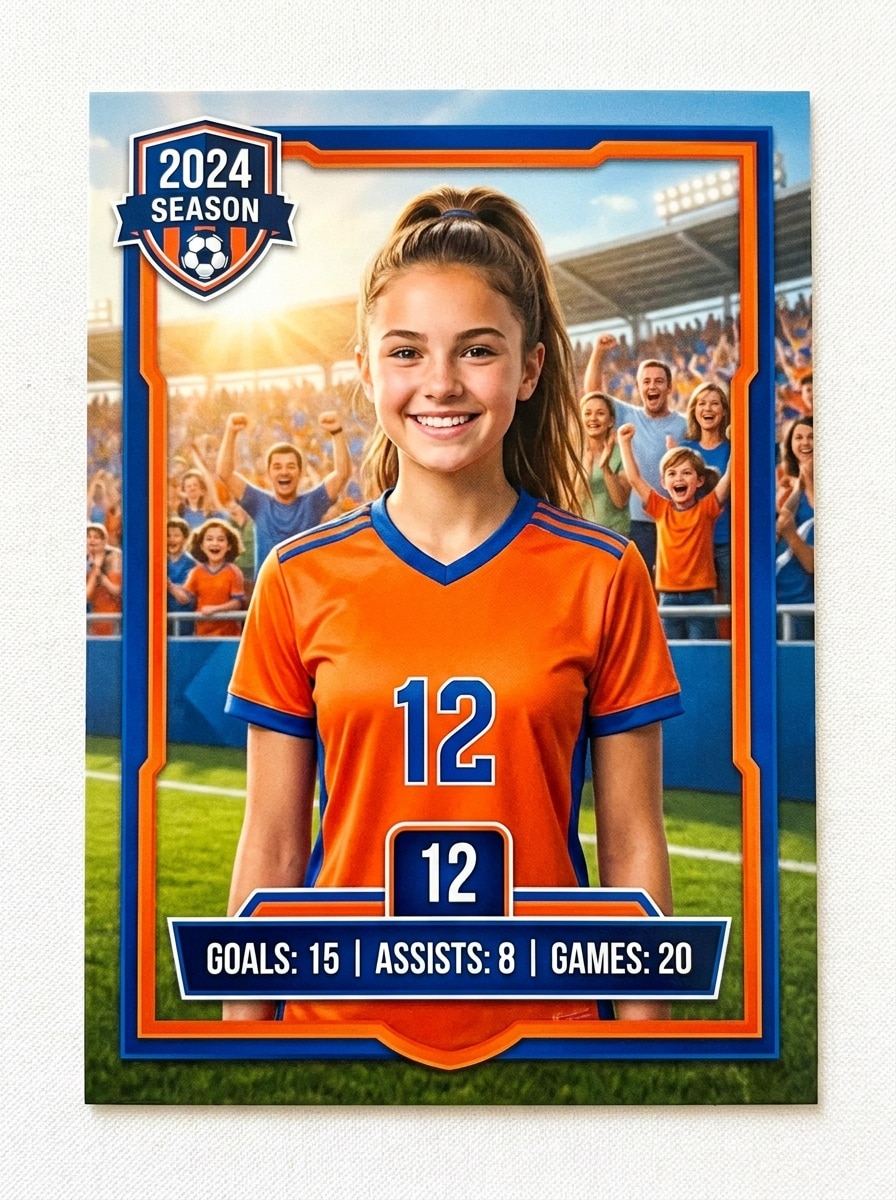
Use a imagem enviada como foto do jogador e crie um cartão colecionável esportivo juvenil com enquadramento amigável em estilo profissional, cores vibrantes do time, emblema da temporada, nome e número personalizáveis, recorte de retrato limpo, cenário inspirado no estádio e uma sensação colecionável alegre e cheia de energia.
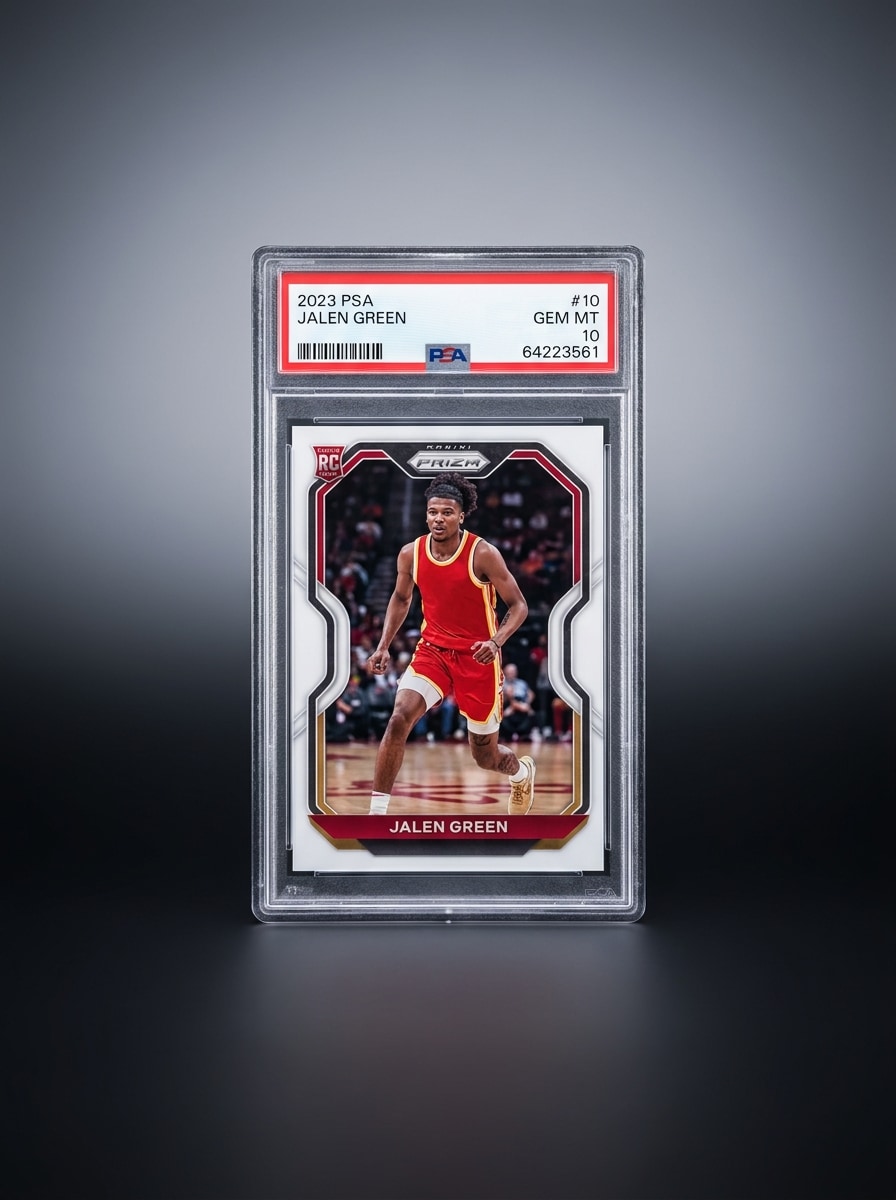
Mockup de Placa PSA
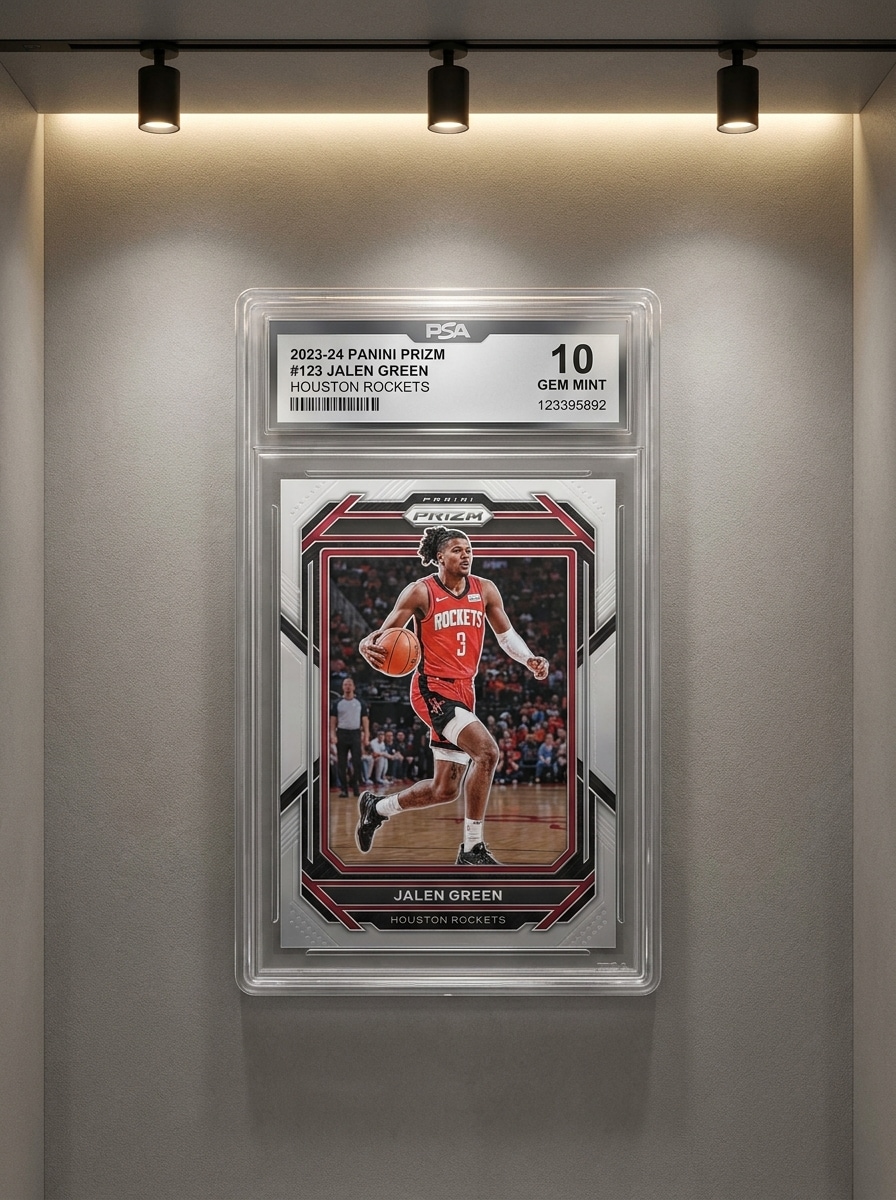
Use a imagem enviada para criar um design de cartão esportivo premium e, em seguida, coloque-o dentro de uma exibição realista de placa graduada com reflexos de plástico transparente, área de etiqueta, apresentação de colecionador selada, sombra sutil, bordas nítidas e iluminação luxuosa de vitrine para um mockup pronto para exibição.
Foto de Cartão para Listagem em Leilão
Use a imagem enviada como sujeito do cartão e transforme-a em um visual de listagem de cartão esportivo premium com composição centralizada, bordas nítidas do cartão, brilho realista, gradiente de fundo sutil, enquadramento no estilo colecionável, sombras limpas e apresentação pronta para marketplace que destaca o design do cartão.
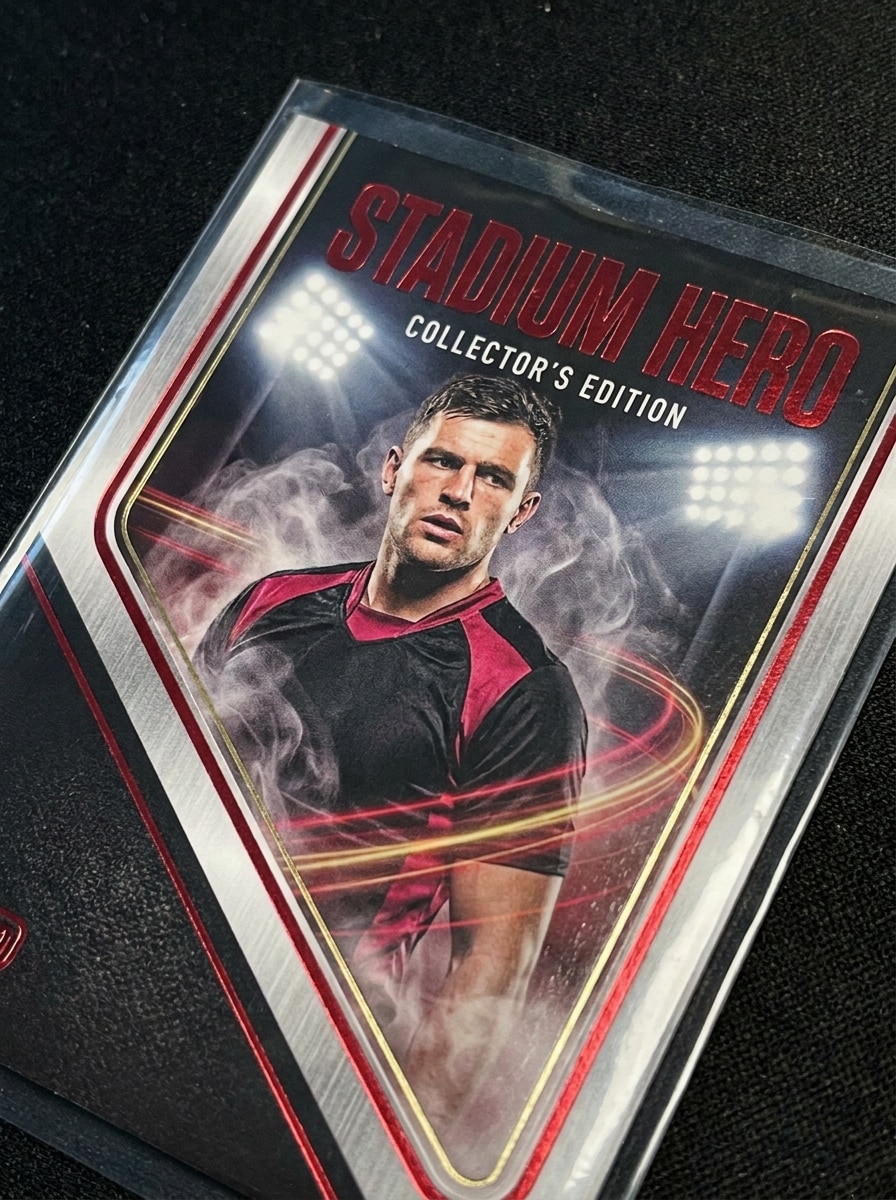
Cartão Herói do Estádio
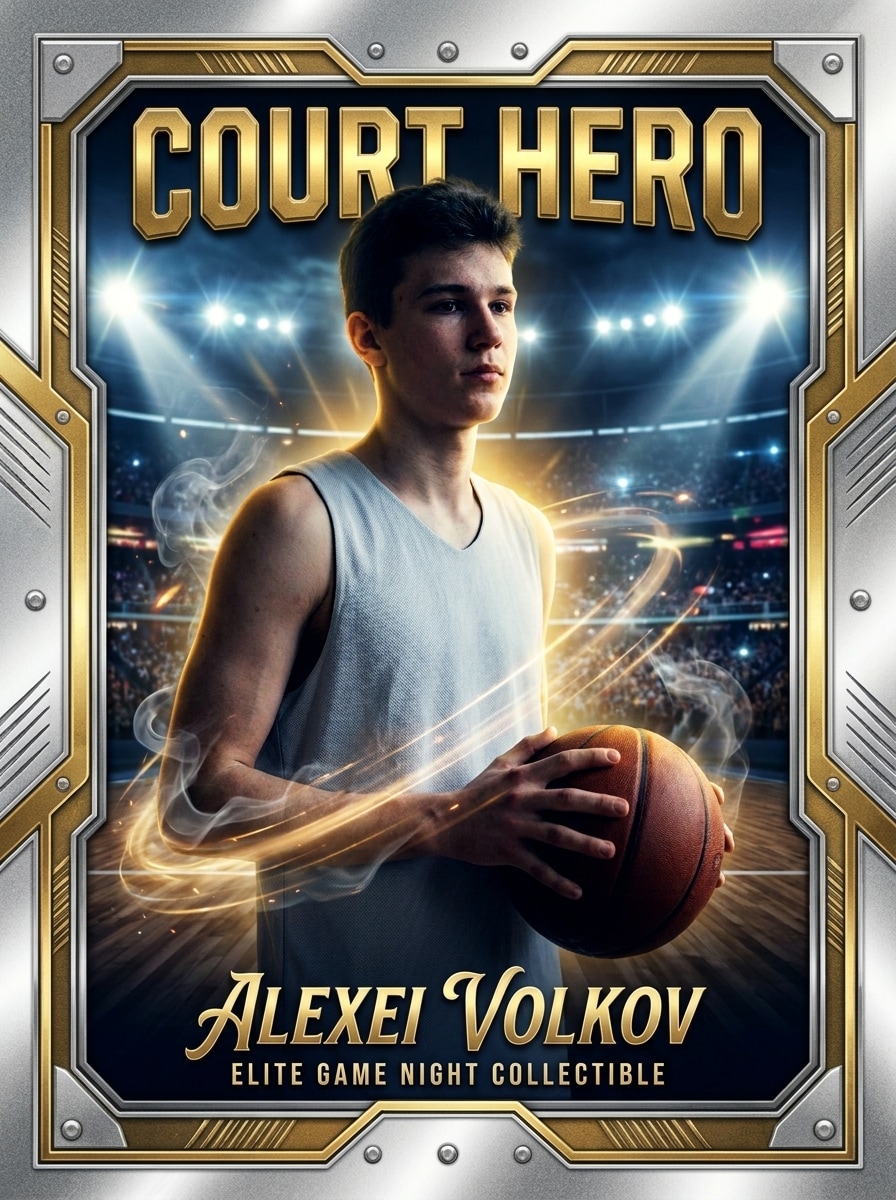
Use a imagem enviada como sujeito atleta e transforme-a em um cartão colecionável herói cinemático com luzes de estádio, brilho dramático, energia de movimento, acentos de fumaça, detalhes de borda metálica, texto de título em negrito, contraste profundo e uma atmosfera colecionável de noite de jogo de elite.
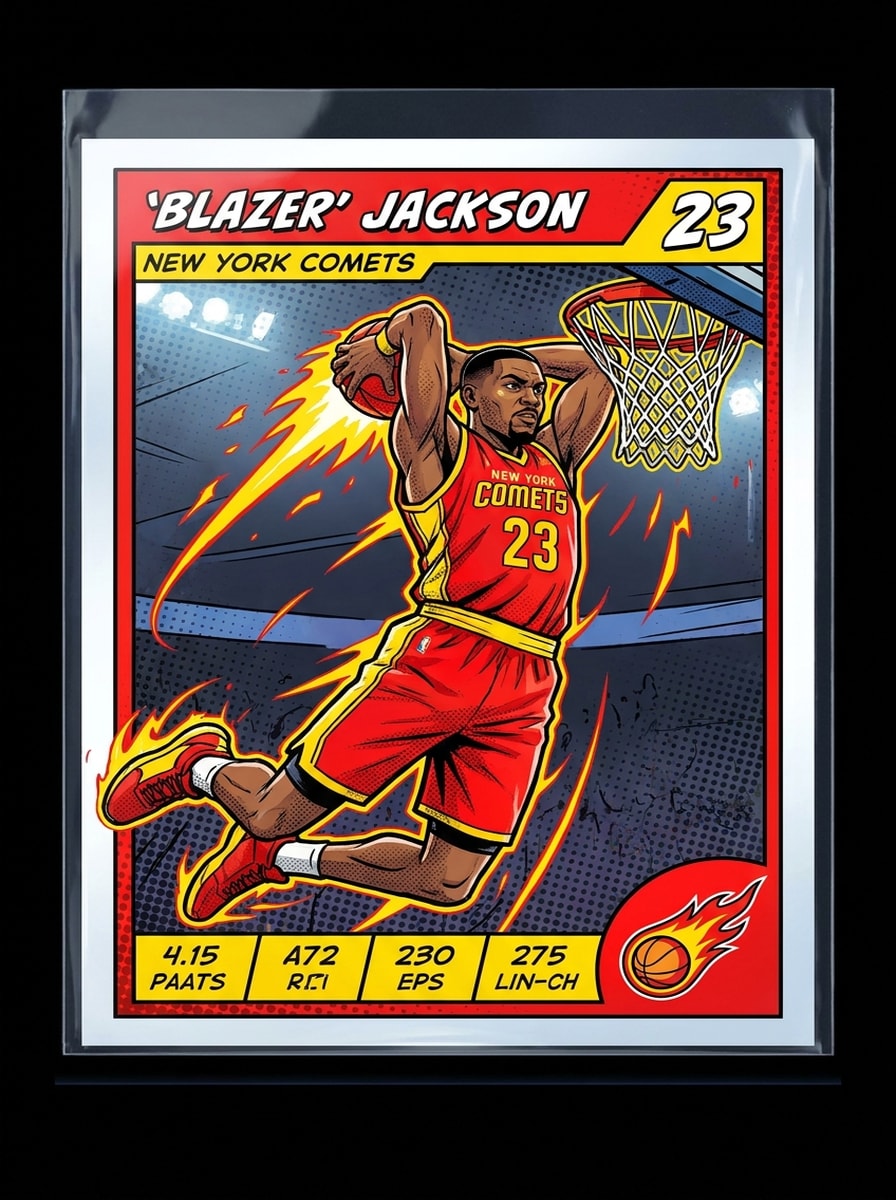
Cartão Esportivo em Estilo Quadrinhos
Use a imagem enviada como referência de personagem e converta-a em um cartão esportivo estilo quadrinhos com sombreamento ilustrado, textura de meio-tom, contornos em negrito, enquadramento de ação dinâmico, gráficos vibrantes nas cores do time, design de borda colecionável e um acabamento pop-art divertido de alto contraste.
Por que Usar o Media.io para Efeitos de Foto de Cartão Esportivo
Personalize os Resultados em Torno de um Sujeito de Referência
A partir de uma selfie, retrato de time ou foto de ação, o Media.io usa sua imagem enviada como referência para que o rosto, a pose e a identidade geral permaneçam reconhecíveis enquanto você a transforma em um efeito de cartão no estilo colecionável.
Recrie um Sujeito em Múltiplos Estilos
Para projetos que vão além de uma pequena pré-visualização, o Media.io ajuda a produzir resultados mais nítidos no estilo de cartão esportivo de até 4K, para que a imagem permaneça mais confiável para trabalhos práticos de design, compartilhamento e apresentação.
Exporte Visuais de Cartão Adequados para Redes Sociais e Impressão
Se um conceito precisa cobrir mais de uma necessidade de publicação, o Media.io ajuda a ajustar o resultado para diferentes layouts, para que os assets finais sejam mais adequados ao formato e prontos para uso.
Mantenha os Visuais Finais Nítidos para Projetos Reais
Se o filtro de cartão esportivo final for reutilizado além de uma pequena pré-visualização, o Media.io ajuda a entregar resultados mais nítidos de até 4K para que a imagem permaneça mais confiável no trabalho prático de design e apresentação.
Como Usar o Filtro de Cartão Esportivo com IA
Transforme suas palavras em visuais impressionantes em três etapas simples e continue refinando o resultado se quiser ir mais longe.
Passo 1
Envie Sua Imagem de Referência
Comece com um retrato nítido, foto de time ou foto de atleta nos formatos JPG, PNG ou JPEG. Uma imagem clara com detalhes faciais visíveis e cores de roupa proporciona ao efeito do cartão uma estrutura melhor e uma aparência colecionável mais convincente.
Passo 2
Descreva a Mudança e Defina as Opções
Insira o estilo de cartão desejado, como beisebol vintage, rookie cromado, folha holográfica ou mockup de placa. Em seguida, escolha seu modelo e ajuste a proporção, resolução e quantidade de imagens para combinar com postagens nas redes sociais, impressões ou gráficos de vitrine.
Passo 3
Gere, Baixe e Continue Melhorando
Crie várias variações, compare os layouts e baixe seu resultado favorito. Se necessário, refine o prompt, experimente um estilo de moldura diferente, gere novamente com novas configurações ou continue editando até que o design do cartão pareça completo.
Desbloqueie o Potencial do Filtro de Cartão de Atleta
Veja como os criadores usam este filtro de cartão esportivo com IA para conteúdo, marketing e projetos pessoais e adapte cada ideia para atender ao briefing.
Crie Lembranças Personalizadas para Times
Transforme retratos de jogadores em gráficos estilo colecionável para ligas juvenis, times escolares, presentes de aniversário ou distribuições de fim de temporada. O Media.io facilita a criação de visuais de jogadores personalizados que parecem mais emocionantes do que uma foto padrão.
Crie Edições Esportivas Prontas para as Redes Sociais
Crie imagens de perfil marcantes, miniaturas para reels e gráficos para postagens de fãs com bordas cromadas, layouts de cartão rookie ou efeitos holográficos. Com o Media.io, uma edição polida no estilo de cartão pode tornar os destaques de atletas mais compartilháveis em contas pessoais e de times.
Crie Visuais Promocionais Inspirados em Colecionáveis
Use mockups de cartões para eventos esportivos, programas de treinamento, prévias de merchandise ou branding de criadores. Se você quer um destaque foto de cartão esportivo personalizado para anúncios ou promoções, o Media.io dá ao formato de card de troca personalidade instantânea e valor percebido.
O Que os Usuários Dizem
Jordan M.
Treinador de Basquete Juvenil
"Ótimo para cards colecionáveis de time" Usei para transformar fotos de jogadores em gráficos de cartão para o time, e os resultados pareceram muito mais polidos do que aplicativos básicos de templates. Os estilos cromado e de cartão rookie foram especialmente bons para postagens nas redes sociais.
Alyssa R.
Criadora de Conteúdo Esportivo
"Efeito antes e depois rápido" O fluxo de trabalho é fácil: enviar, descrever o visual e gerar. Fiz algumas edições no estilo colecionável para o Instagram e adorei a rapidez com que pude testar diferentes bordas, efeitos de folha e fundos de estádio.
Marcus T.
Pai e Voluntário do Time
"Lembrança divertida para as crianças" Criamos imagens de cartões personalizados para o time do nosso filho e imprimimos alguns como presentes. As imagens ficaram nítidas e foi simples alternar entre estilos retrô e modernos sem precisar criar tudo do zero.
Devon C.
Designer e Fã de Futebol Americano
"Útil para mockups de cartões personalizados" Eu queria um efeito limpo de card colecionável a partir de um retrato, não um scanner ou ferramenta de avaliação de cartões, e isso atendeu bem a essa necessidade. O mockup de placa e as opções holográficas deram às minhas edições uma sensação premium de colecionador.
Explore os efeitos de vídeo e imagem de IA mais quentes
Perguntas Frequentes sobre o Filtro de Cartão Esportivo com IA
1. O que é um filtro de cartão esportivo com IA?
Um filtro de cartão esportivo com IA é um efeito de imagem para imagem que transforma uma foto enviada em um visual no estilo de card colecionável. No Media.io, esta ferramenta é projetada para estilização criativa, como visuais vintage, cromado, holográfico e estilo cartão rookie, em vez de avaliação, classificação ou identificação de cartões.
2. Como transformo uma foto em um cartão esportivo com IA?
Envie uma foto clara em JPG, PNG ou JPEG para o Media.io, depois descreva o visual de cartão desejado, como retrô, folha metálica, estilo placa ou premium moderno. Em seguida, escolha suas opções de imagem, gere variações e baixe o design que mais gostar.
3. O filtro de cartão esportivo com IA é gratuito?
Sim, usuários gratuitos podem experimentar o Media.io com créditos gratuitos. Se você precisar de mais gerações ou quiser downloads em alta resolução sem marca d'água, pode verificar a página de preços para os planos disponíveis.
4. Posso personalizar o nome do jogador, as cores e o estilo do cartão?
Sim, o Media.io funciona bem para visuais personalizados no estilo de cartão porque você pode guiar o resultado com seu prompt e foto de referência enviada. Isso o torna útil para ajustar o visual geral, a direção de cores do time e o estilo de layout para um retrato de atleta, um conceito de filtro de cartão de basquete ou um design de filtro de cartão de futebol americano.
5. A imagem do cartão esportivo terá alta resolução para impressão ou compartilhamento?
O Media.io suporta opções de resolução 1K, 2K e 4K, o que ajuda quando você quer resultados mais nítidos para compartilhar online ou preparar um gráfico de cartão pronto para impressão. Você também pode escolher proporções que combinem melhor com cartões em retrato, postagens nas redes sociais ou mockups de exibição. Usuários gratuitos podem ter marcas d'água.
6. Funciona no iPhone, Android e desktop?
O Media.io é baseado na web, então você pode usá-lo em um navegador no iPhone, telefones Android, tablets, PCs com Windows ou computadores Mac sem precisar de uma configuração separada apenas para desktop.