Selecione / @ personagem, descreva a cena que você deseja gerar.
0/2000
9:16
1K
1
Modo Ilimitado do Banana Pro
Criações
Hub de Ideias
Como funciona
Todos
Recursos populares
Ver tudo
Desafio Criativo de Halloween
Ver tudo
História de Frutas com IA
Ver tudo
Vídeo de História com IA
Ver tudo
Vídeos Virais Hoje
Ver tudo
Vídeos de Produto com IA
Ver tudo
Personagem AI
Ver tudo
Tendências de Dança
Ver tudo
GPT Image 2
Ver tudo
Seedance 2.0
Ver tudo
Correspondência de Celebridade por IA
Ver tudo
Dicas de Poses para Casais
Ver tudo
Prompts de Poses de Garota AI Estética
Ver tudo
Sugestões de Pose de Garoto Elegante com IA
Ver tudo
Lista de geração
As criações são armazenadas por apenas 7 dias. Os recursos criados após o upgrade para um plano de assinatura serão armazenados permanentemente.
Desbloqueie seu potencial criativo e experimente a magia da IA de mídia hoje!
Gerador de maquiagem AI
Experimente visual de maquiagem realista em seu retrato online com IA. Envie uma selfie e transforme-a em estilos de beleza clean girl, soft glam, noiva, Douyin ou editorial em segundos, mantendo a textura da pele polida e crível para postagens sociais, inspiração de beleza ou rápidas experiências virtuais.
Digite sua ideia-> IA projeta-a. Livre para tentar.
Explore nossa coleção selecionada de estilos de gerador de maquiagem ai.
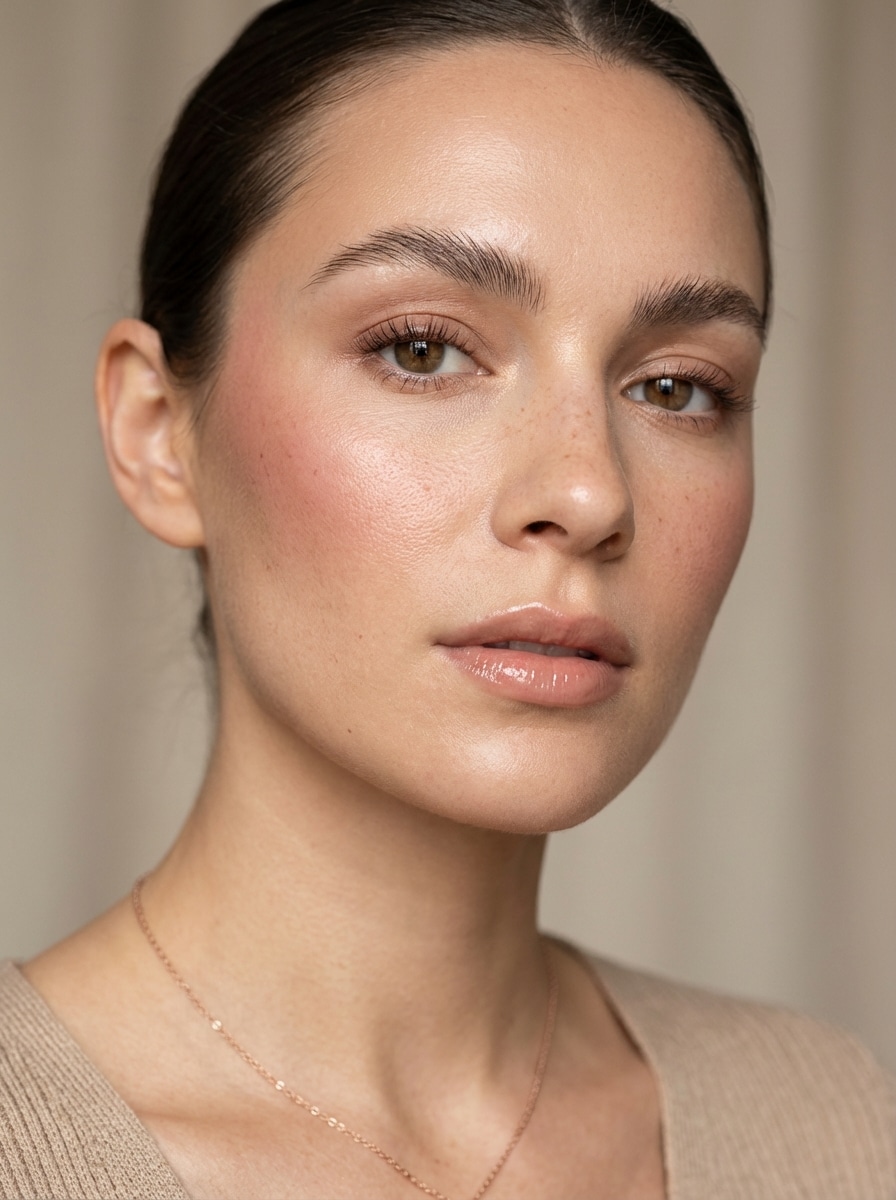
Maquiagem de menina limpa
Use a imagem carregada como assunto e transforme-a em um visual de maquiagem de menina limpa com pele orvalhada, sobrancelhas suavemente cuidadas, blush creme sutil, rímel marrom claro, um brilho natural, luz do dia suave, retoque mínimo, textura de pele realista e um acabamento editorial de beleza de luxo polido.
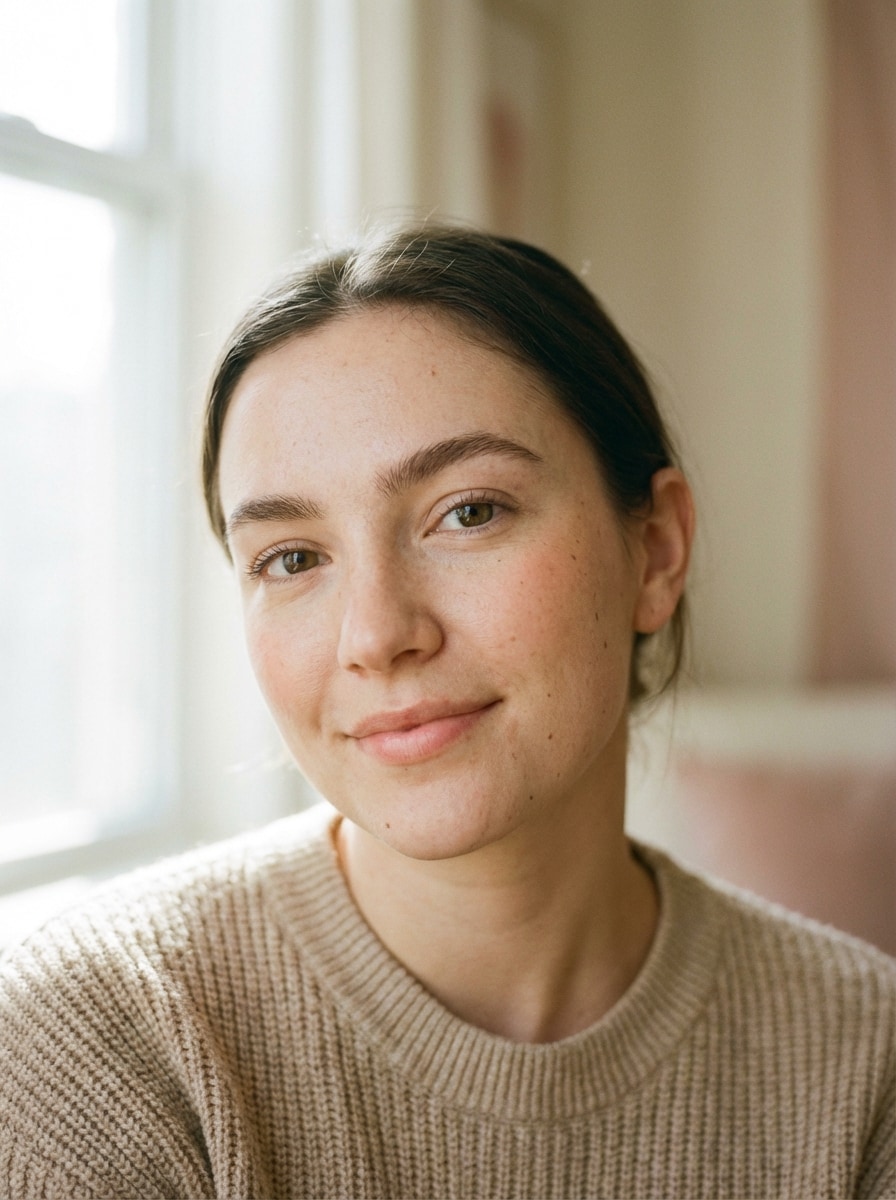
Maquiagem sem maquiagem
Use a imagem carregada como assunto e aplique um visual de maquiagem natural com cobertura pura da pele, sobrancelhas suavemente definidas, corretivo leve, blush pêssego delicado, máscara mal-lá, bálsamo labial natural, iluminação suave durante o dia, textura autêntica da pele e uma estética de retrato fresca, discreta e realista.
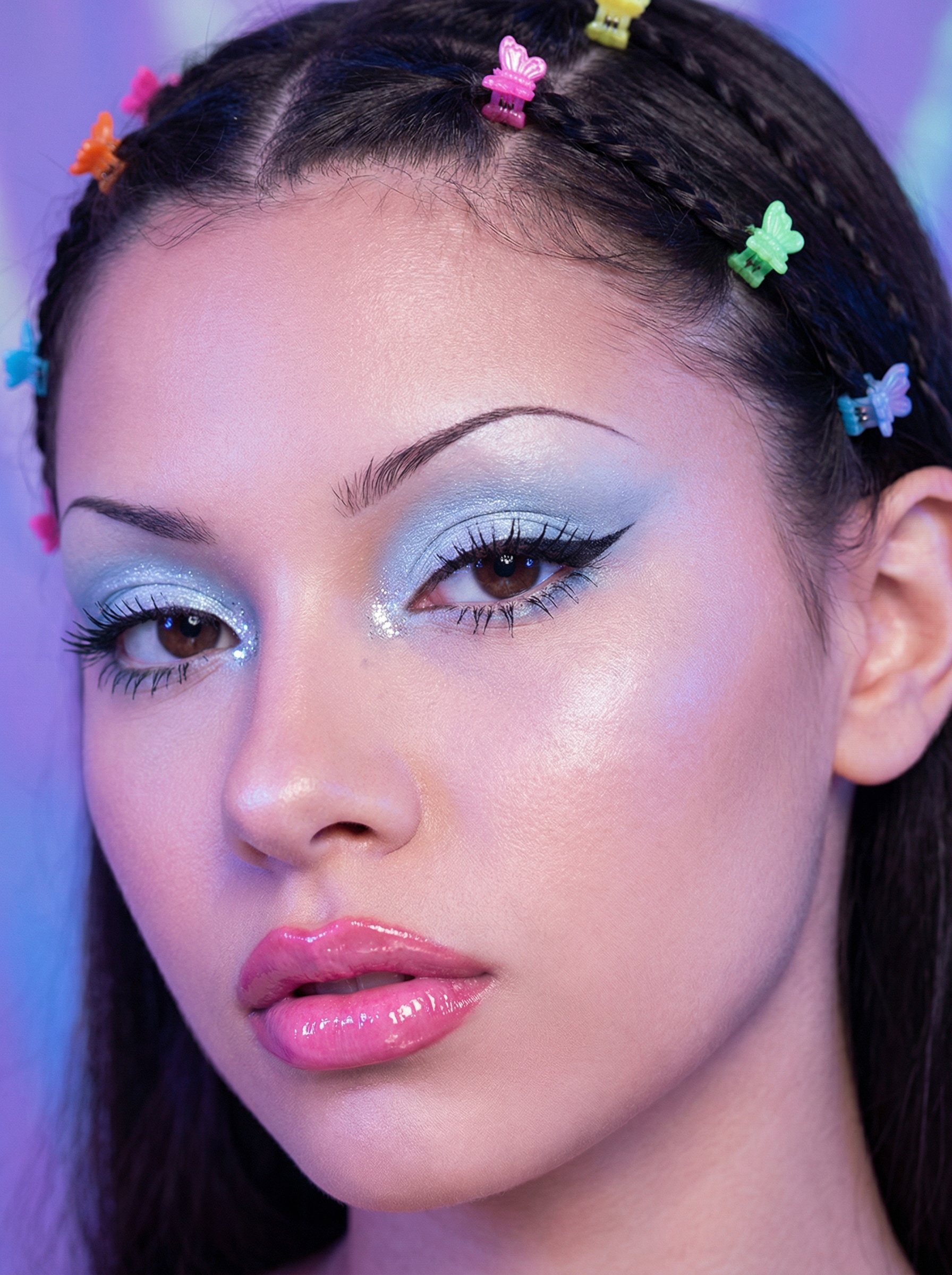
Y2K Retro Cyber Glam
Use a imagem carregada como assunto e aplique um look de maquiagem Y2K na moda com sombra azul fosca, destaques brilhantes pesados, clipes de cabelo borboleta, lábios rosa-doce brilhantes, sobrancelhas finas arqueadas e um brilho retro-digital suave com textura editorial de beleza realista dos anos 2000.
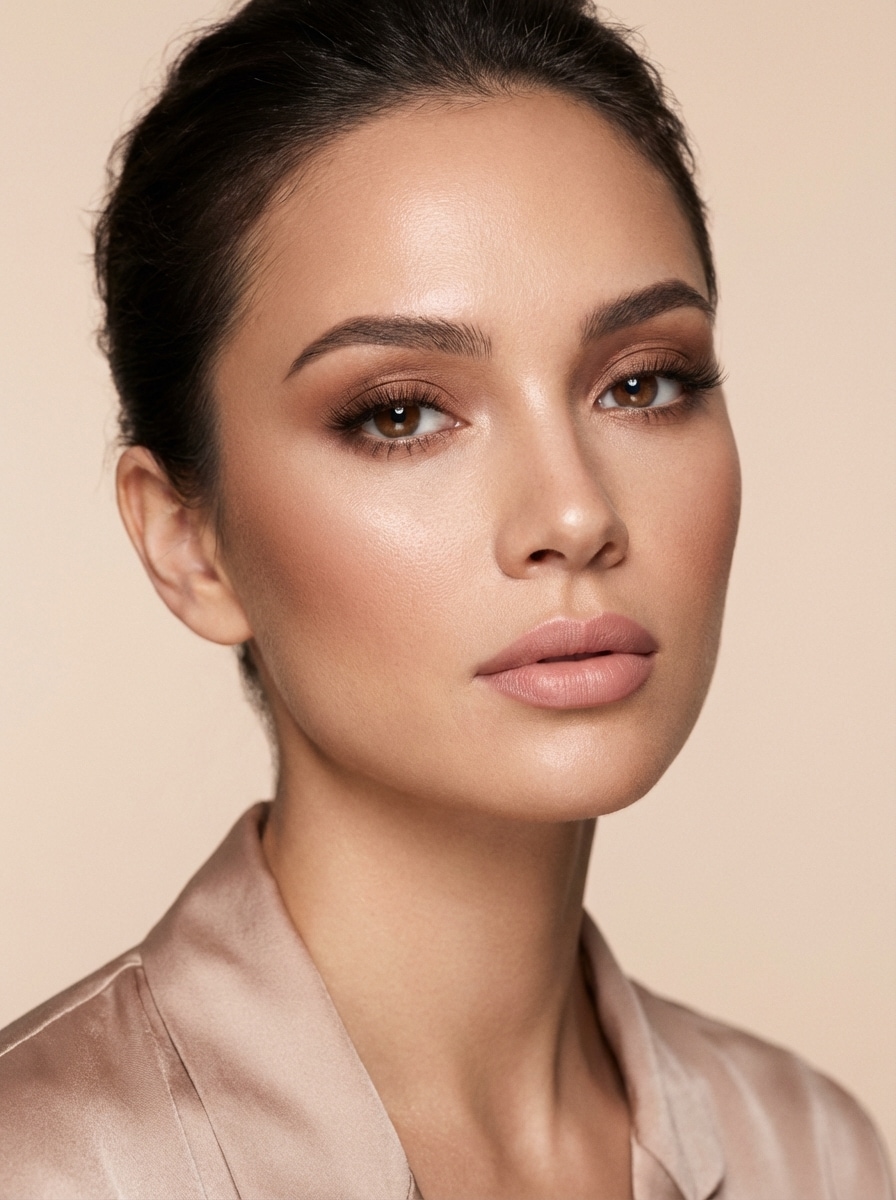
Glam suave
Use a imagem carregada como assunto e crie um visual de maquiagem suave e glamour com pele de cetim suave, sombra marrom quente misturada, cílios suaves, bochechas suavemente contornadas, destaque luminoso, batom rosa natural, iluminação de estúdio lisonjeira, estilo elegante de campanha de beleza e textura facial realista.
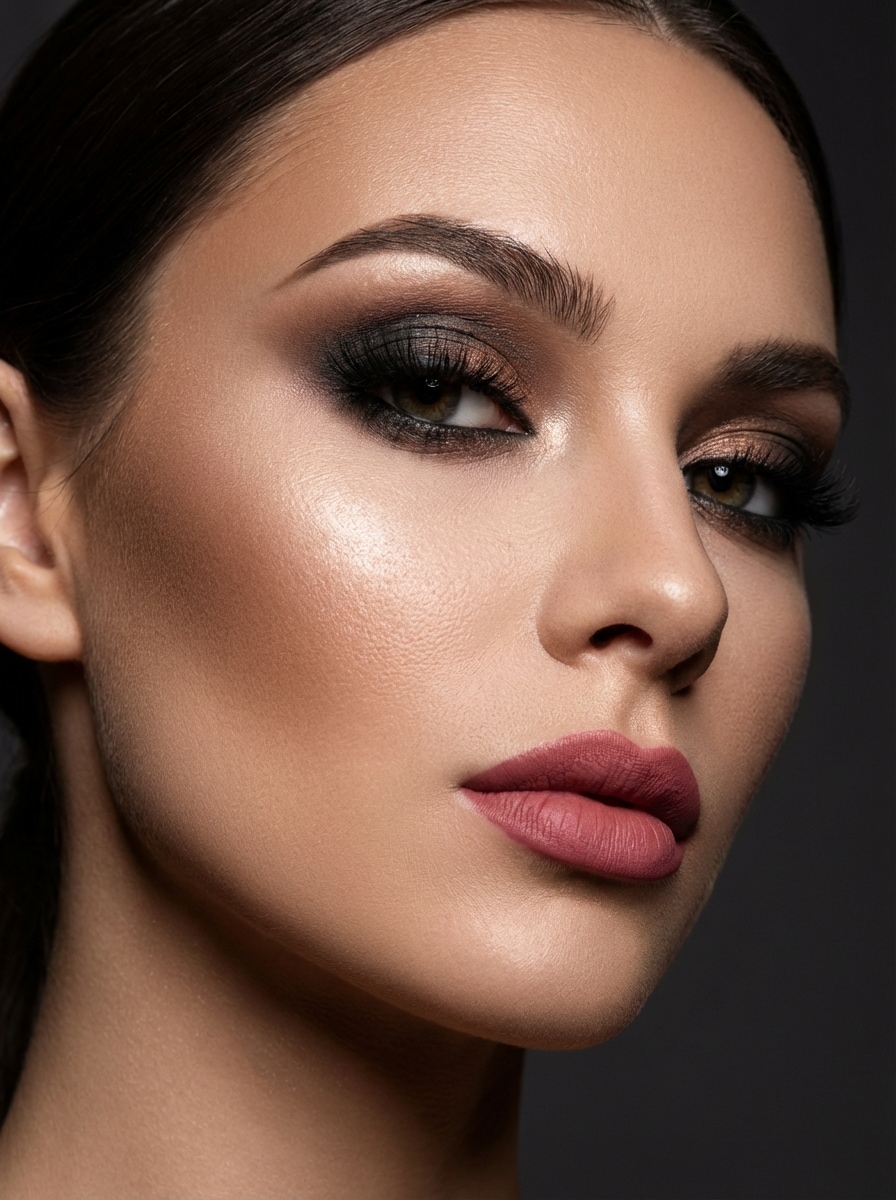
Glam da noite cheia
Use a imagem carregada como assunto e transforme-a em um glamour noturno dramático com contorno esculpido, iluminador radiante, sombra fumaçada, cílios ousados, sobrancelhas nítidamente definidas, batom rosa fosco, iluminação de estúdio rica, clima editorial luxuoso e fotografia de beleza nítida de alto detalhe.
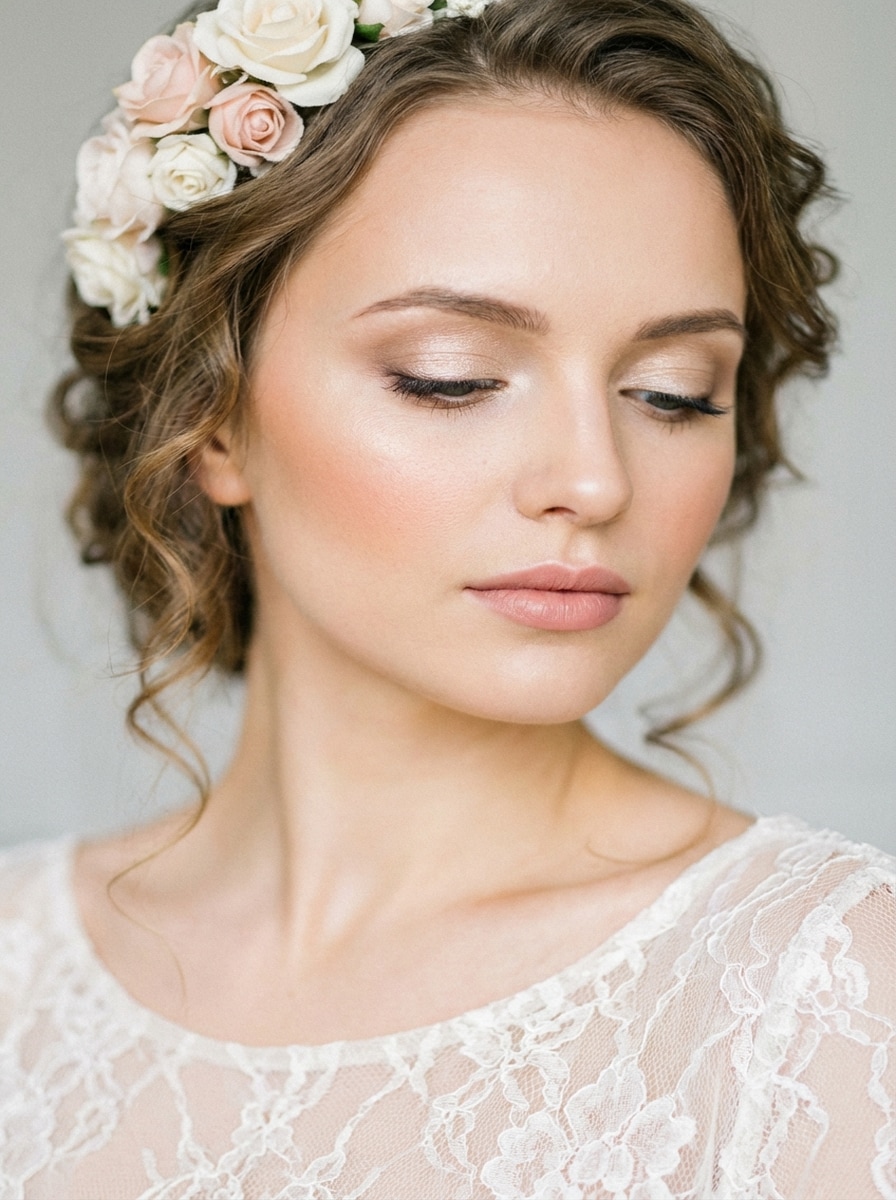
Maquiagem de noiva
Use a imagem carregada como assunto e aplique maquiagem de noiva elegante com pele luminosa macia, sombra de olhos brilhante champanhe, forro refinado, cílios longos, blush pêssego, contorno suave, lábios naturais rosados, iluminação romântica de foco suave, estilo de beleza de casamento atemporal e um acabamento natural gracioso.
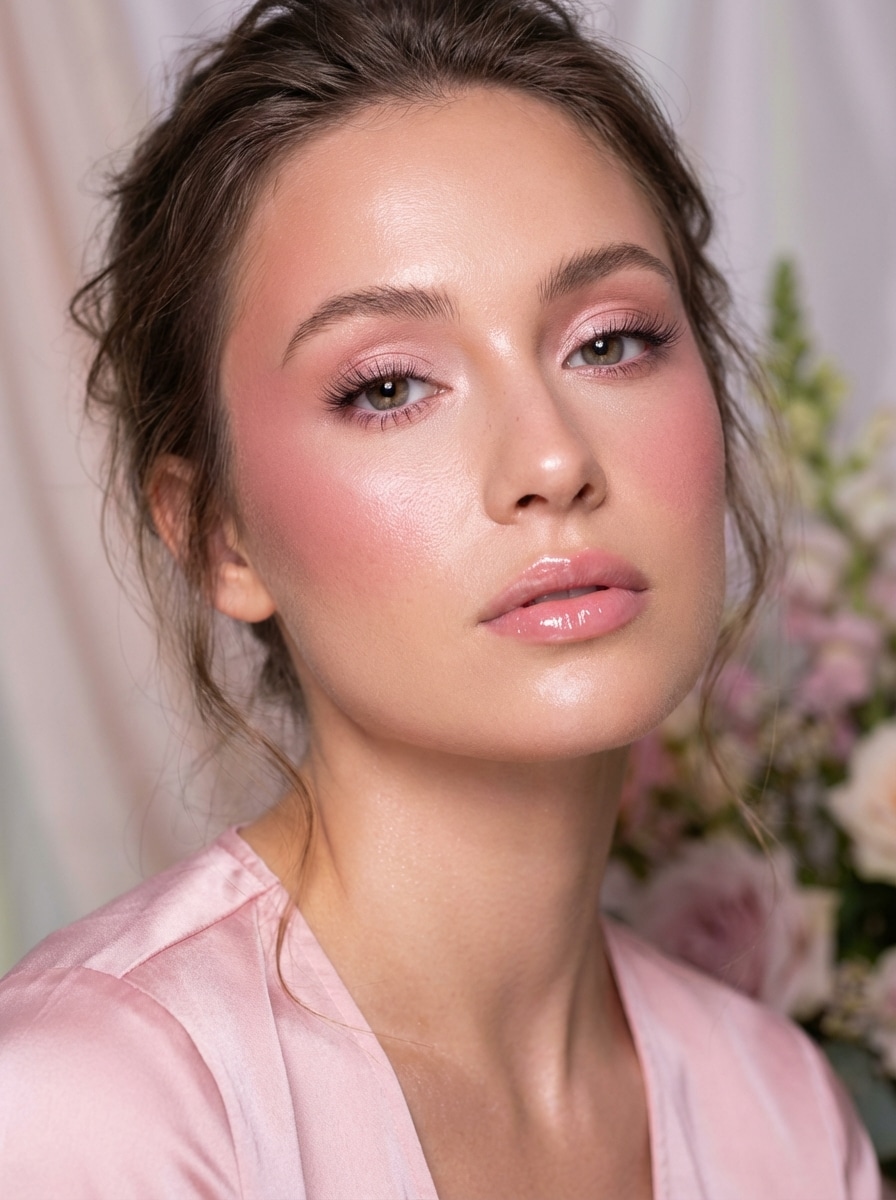
Glam romântico rosa
Use a imagem carregada como assunto e crie um estilo de maquiagem rosa romântico com blush rosa, sombra rosa suave, cílios fluttering, pele radiante, lábios rosa brilhantes, iluminação difusa lisonjeira, composição editorial feminina e textura refinada que ainda parece crível e vestível.
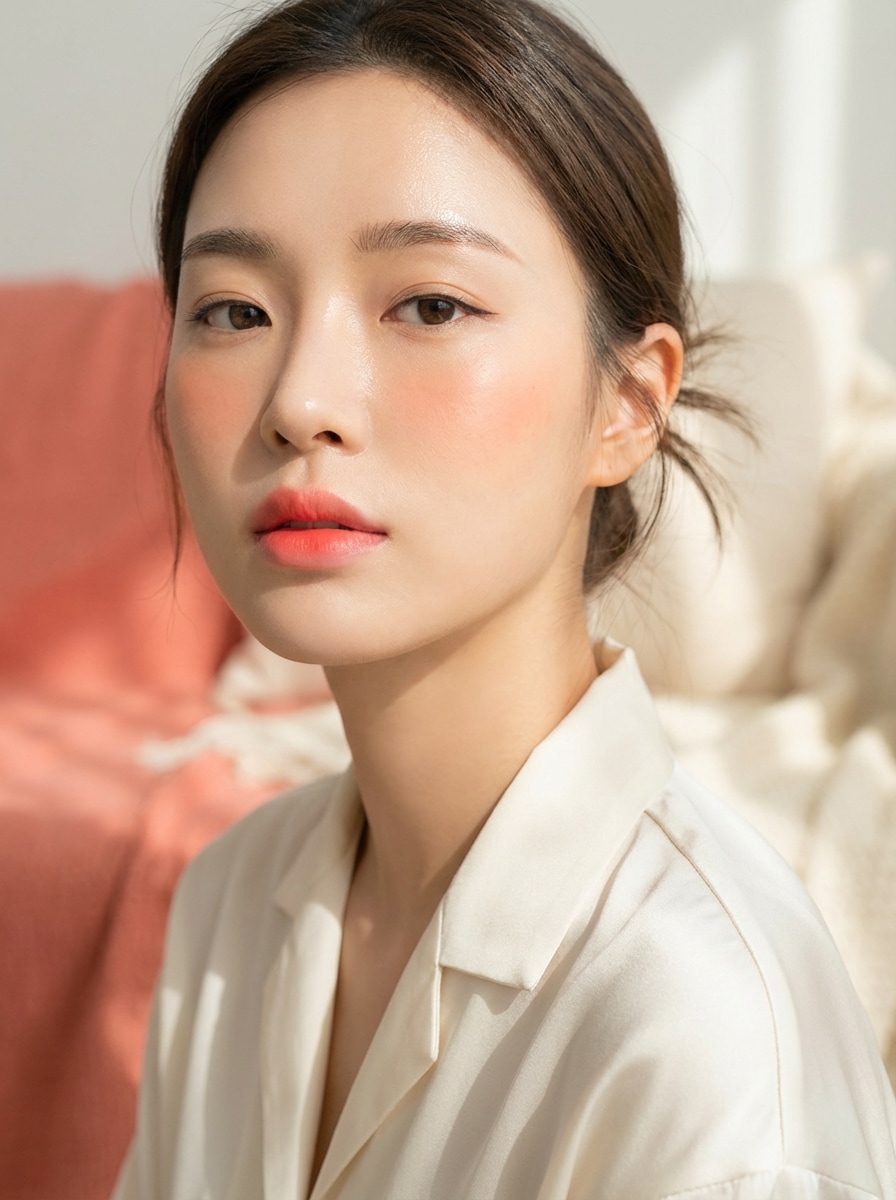
K-Beauty Dewy Makeup
Use a imagem carregada como assunto e transforme-a em um visual de maquiagem orvalhada K-beauty com pele de vidro, sobrancelhas retas, delineador sutil, blush coral suave, lábios gradientes, brilho fresco e jovem, estilo mínimo, iluminação brilhante e limpa, e fotografia de beleza de close-up realista.
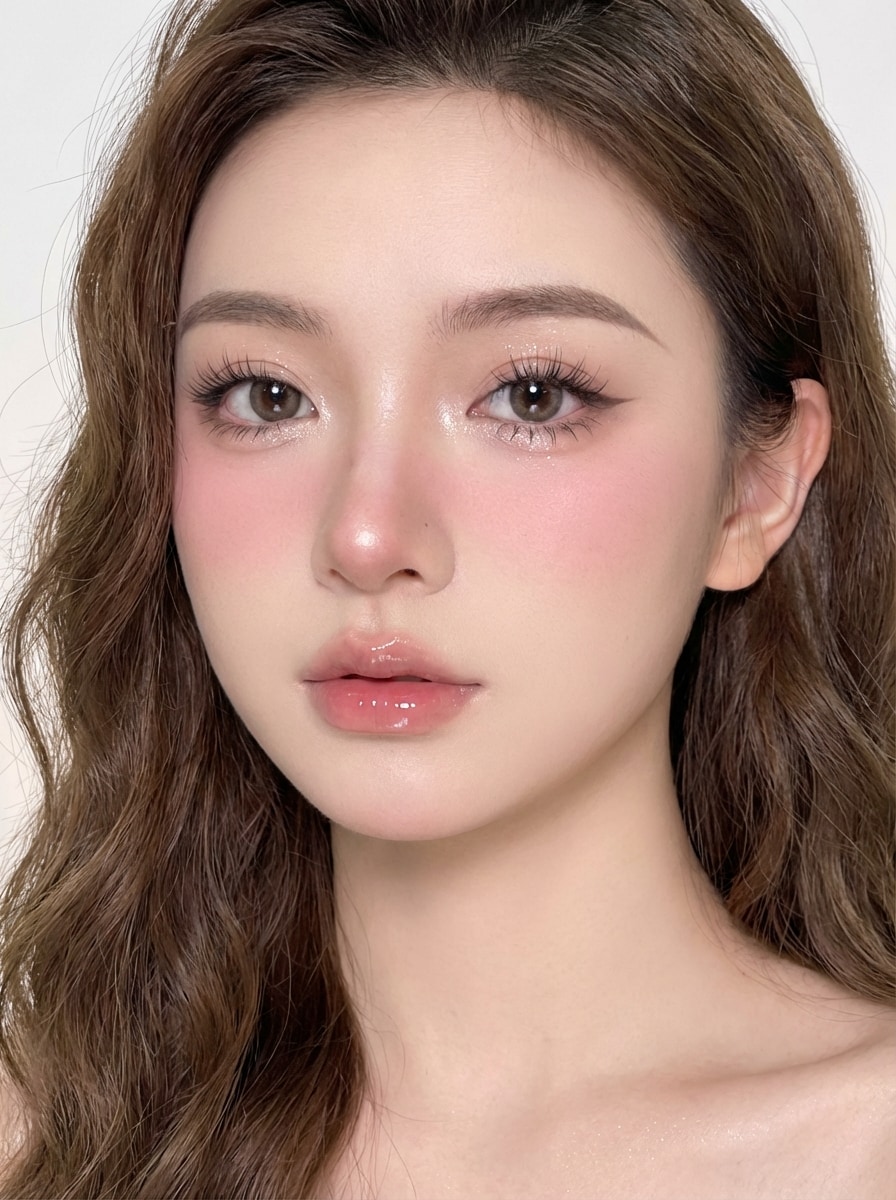
Douyin Maquiagem
Use a imagem carregada como assunto e crie um visual de maquiagem inspirado em Douyin com pele de porcelana, destaque brilhante sob os olhos, forro suave com asas, cílios de boneca, blush nas bochechas e nariz, lábios com gradiente brilhante, iluminação polida brilhante e estilo de beleza social de alto detalhe.
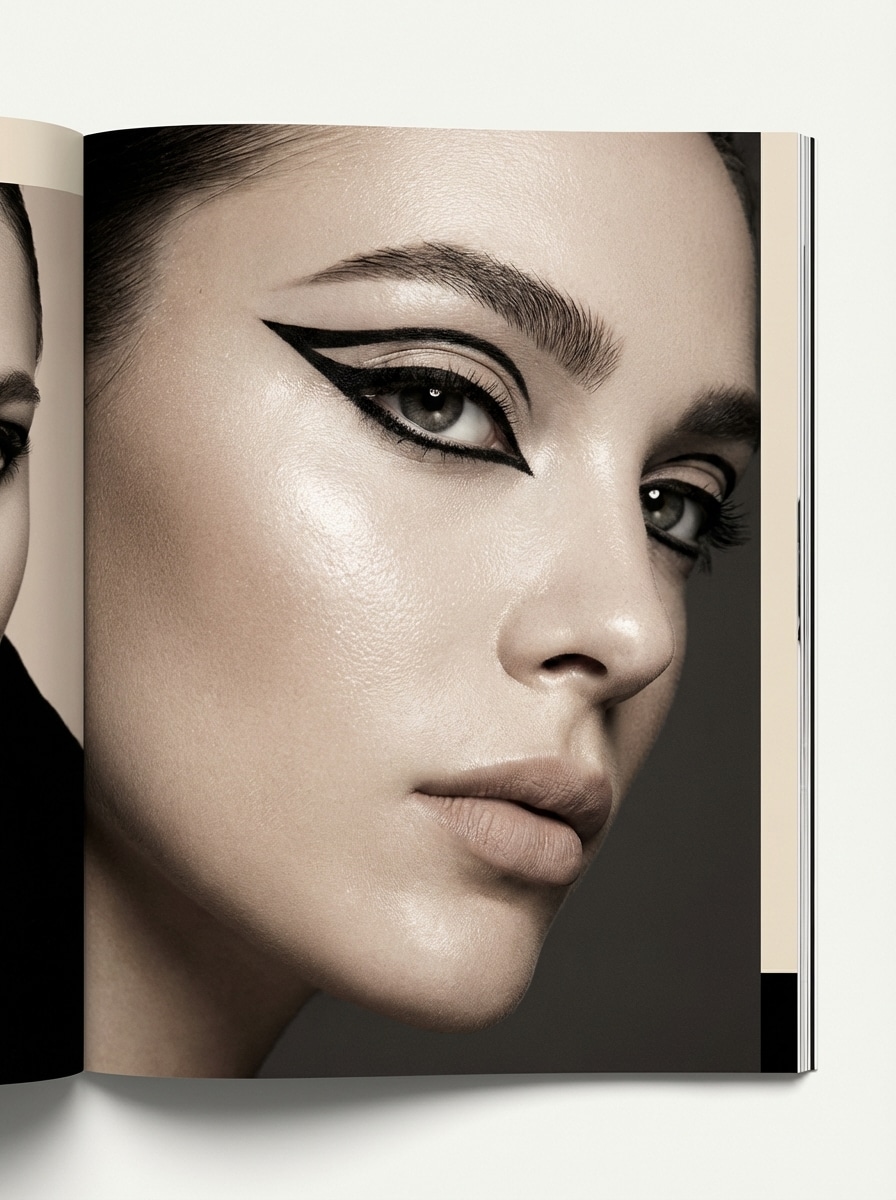
Eyeliner gráfico Editorial
Use a imagem enviada como assunto e transforme-a em um visual de maquiagem editorial com delineador gráfico nítido, pele luminosa, sobrancelhas esculpidas, lábios neutros, iluminação estilo revista, um clima de moda, contraste nítido e detalhes de alta resolução que enfatizam a área dos olhos sem perder o realismo.
Por que usar Media.io para visual de maquiagem de IA
Carregue uma Selfie e transforme-a rapidamente
Transforme um retrato ou selfie em um visual de maquiagem natural, uma edição glamour suave ou um conceito de beleza ousado diretamente no seu navegador. A ferramenta funciona online em desktops e dispositivos móveis, para que você possa testar estilos rapidamente sem instalar software.
Imagens de beleza de alta resolução
Crie visuais de maquiagem em saída 1K, 2K ou 4K, com proporções flexíveis, incluindo 1:1, 9:16, 16:9 e muito mais. Isso facilita a preparação de imagens de beleza polidas para fotos de perfil, conteúdo social ou referências criativas.
Créditos diários grátis para testar Looks
Os usuários gratuitos recebem 3 créditos por dia, o que é útil para experimentar várias variações de maquiagem, como maquiagem sem maquiagem, glamour de noiva ou estilos inspirados em Douyin antes de decidir se devem se inscrever para mais gerações.
Fluxo de trabalho on-line consciente de privacidade
As imagens carregadas são automaticamente excluídas dos servidores do Media.io após 7 dias para ajudar a proteger sua privacidade. Se você precisar de exportações limpas, os assinantes pagos podem baixar imagens de alta resolução sem marca d'água.
Como usar o gerador de maquiagem AI
1
2
3
1
Abrir Media.io AI Gerador de Maquiagem
Vá para media.io/ai e abra o gerador de maquiagem AI em AI-> Imagem para Imagem. Esta ferramenta on-line é executada no seu navegador, para que você possa experimentar visual de maquiagem virtual no Windows, Mac, iPhone, Android ou qualquer dispositivo com um navegador.
2
Carregue sua foto e descreva o Look
Faça o Upload de um retrato ou selfie claro e, em seguida, insira um prompt detalhado, como "Use a imagem carregada como assunto e aplique um visual de maquiagem natural com pele orvalhada, blush pêssego suave, sobrancelhas escovadas, rímel leve e lábios brilhantes naturais". Ajuste as suas configurações de estilo e imagem preferidas.
3
Gerar, Refinar & Baixar
Clique em Gerar para criar o seu resultado de maquiagem AI. Se necessário, ajuste o prompt e experimente outra variação para um estilo de beleza mais limpo, mais suave ou mais glamouroso. Baixe sua imagem quando estiver pronta, com downloads de alta resolução sem marca d'água disponíveis para assinantes pagos.
Desbloqueie o potencial do gerador de maquiagem AI
Descubra como criadores e profissionais estão usando nossas ferramentas de beleza baseadas em IA para transformar seus fluxos de trabalho criativos e dar vida a ideias únicas.
Virtual Beauty Test-On
Teste diferenteMaquiagem natural parece or Maquiagem glamEstilos antes do seu próximo grande evento ou casamento. É a maneira perfeita de visualizar a beleza da noiva ou os looks noturnos sem um único golpe de pincel.
Transformação de estilo Viral
Fique no topo das tendências comoMaquiagem Y2KOu estética de beleza Douyin. Gere imagens editoriais de alta qualidade para Instagram, TikTok ou Pinterest que pareçam profissionais e prontas para revistas.
Edição profissional de fotos
Eleva suas selfies com umAI makeover. Melhore a textura da pele, refinar as cores dos lábios e adicionar maquiagem sofisticada dos olhos a qualquer retrato, mantendo a sua identidade facial natural.
O que os usuários dizem
Mia Carter
Criador de conteúdo de beleza
"Visualizações de maquiagem de aparência Natural"Eu queria um gerador de maquiagem de IA que não fizesse meu rosto parecer plástico. Media.io me deu variações clean girl e soft glam que ainda se pareciam comigo, o que é perfeito para planejar conteúdo de beleza.
Sophie Nguyen
Influenciador de estilo de vida
"Ótimo para testes de tendências"Eu o usei para comparar Douyin, K-beauty e looks inspirados em noivas de uma selfie. O fluxo de trabalho pareceu rápido, e os prompts de exemplo facilitaram a obtenção de um estilo de maquiagem polido sem adivinhar.
Ava Thompson
A futura noiva
"Útil para inspiração noiva"Enviei um retrato e testei várias ideias de maquiagem de casamento antes da minha consulta de teste. Isso me ajudou a restringir os looks suaves e luminosos que realmente gostei, em vez de salvar fotos aleatórias de inspiração.
Lena Brooks
Gerente de mídia Social
"Fácil edição de beleza baseada em navegador"Ser capaz de fazer tudo online foi uma grande vantagem. Eu poderia criar rapidamente retratos de estilo de beleza para maquetes de campanha no meu laptop sem baixar software extra.
Explore os efeitos de vídeo e imagem de IA mais quentes
Perguntas frequentes sobre o gerador de maquiagem AI
1. Como posso obter um visual de maquiagem natural com IA?
para alcançar umVisual de maquiagem natural, carregue uma selfie de alta qualidade no Media.io e use prompts como "maquiagem sem maquiagem", "pele orvalhada" ou "estética de garota limpa". Nossa IA foi projetada para preservar a textura original da sua pele, ao mesmo tempo em que adiciona melhorias sutis, como tons transparentes e cílios macios para um acabamento realista.
2. Posso experimentar estilos de tendência como Y2K ou maquiagem Douyin?
Sim, sim! Media.ioai makeoverFerramenta suporta uma ampla gama de estéticas. Basta inserir palavras-chave específicas como "Maquiagem Y2KCom blue shimmer "ou" soft glam makeup "na caixa de prompt. Você pode experimentar com várias cores, níveis de brilho e estilos de delineador para combinar com qualquer tendência de beleza atual.
3. O gerador de maquiagem AI funciona em todos os tons de pele?
Com certeza. nossoMaquiagem aiOs modelos são treinados em diversos conjuntos de dados para garantir que os filtros de beleza e os efeitos de maquiagem se misturem naturalmente em todos os tons de pele e formatos de rosto. A IA ajusta de forma inteligente a transparência do pigmento para manter uma aparência crível para cada usuário.
4. Minha foto é mantida privada durante a transformação da IA?
A privacidade é nossa prioridade. O Media.io usa um fluxo de trabalho on-line criptografado, e todos os retratos carregados são automaticamente excluídos de nossos servidores após 24 horas. Suas fotos são usadas apenas para gerar oai maquiagem olharVocê pediu.
5. Minha selfie carregada permanecerá privada?
As imagens carregadas são automaticamente excluídas dos servidores do Media.io após 7 dias para ajudar a proteger a privacidade do usuário.
6. Posso baixar imagens de maquiagem de alta resolução sem uma marca d'água?
Media.io suporta geração de imagens 1K, 2K e 4K. Os usuários gratuitos podem ver marcas d'água, enquanto os assinantes pagos podem baixar imagens de alta resolução sem marcas d'água.
Além do gerador de maquiagem on-line alimentado por IA