Build a Real Tropical Beach Scene
Turn a simple portrait into white sand, turquoise water, palm-lined shores, or a clean editorial beach. Prompt the time of day and horizon details so the new environment matches your subject naturally.
Turn one portrait into a tropical beach aesthetic with a romantic fashion-editorial look. Create a burgundy gown beach photoshoot, a strapless flowy maroon dress, a golden-hour shoreline portrait, or a high-angle beach pose while keeping your face recognizable.
Upload a clear portrait, choose a beach aesthetic prompt, and generate your tropical photoshoot.
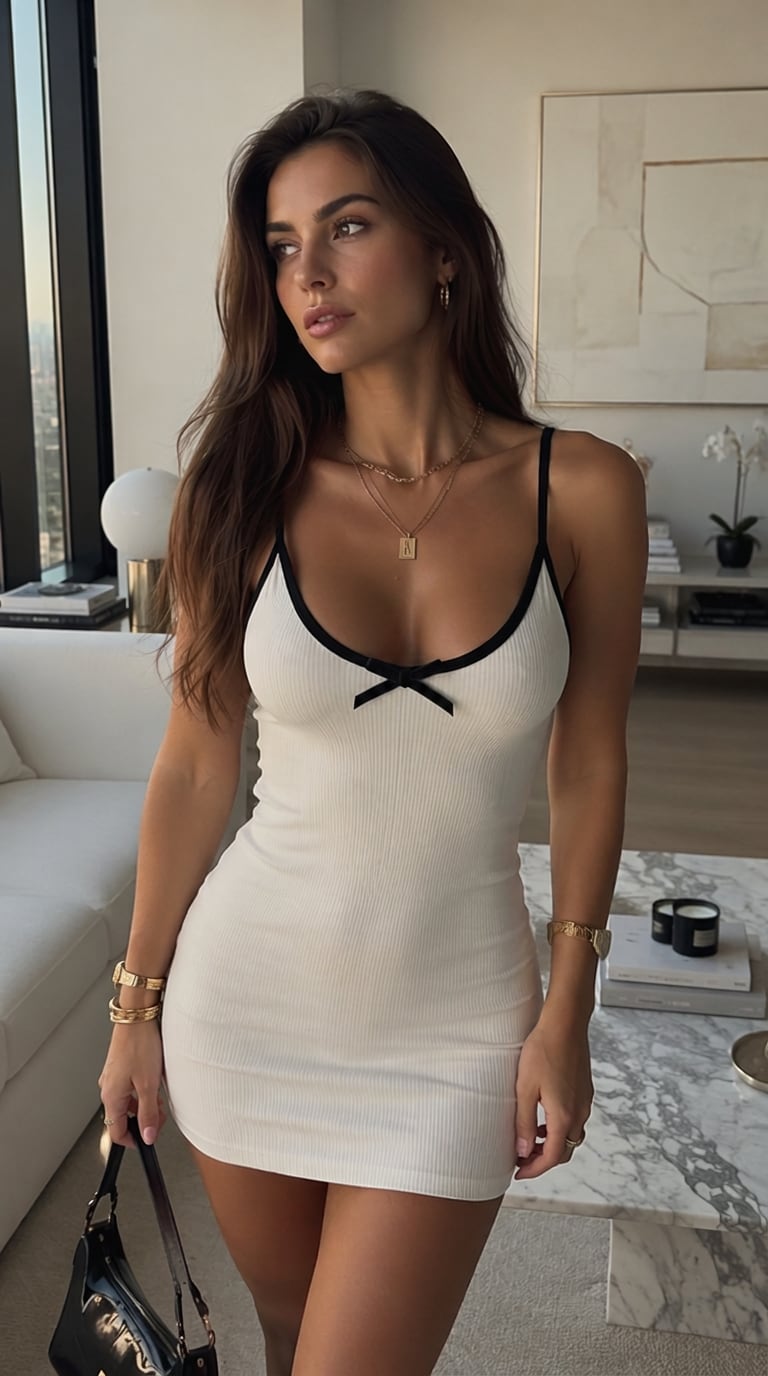
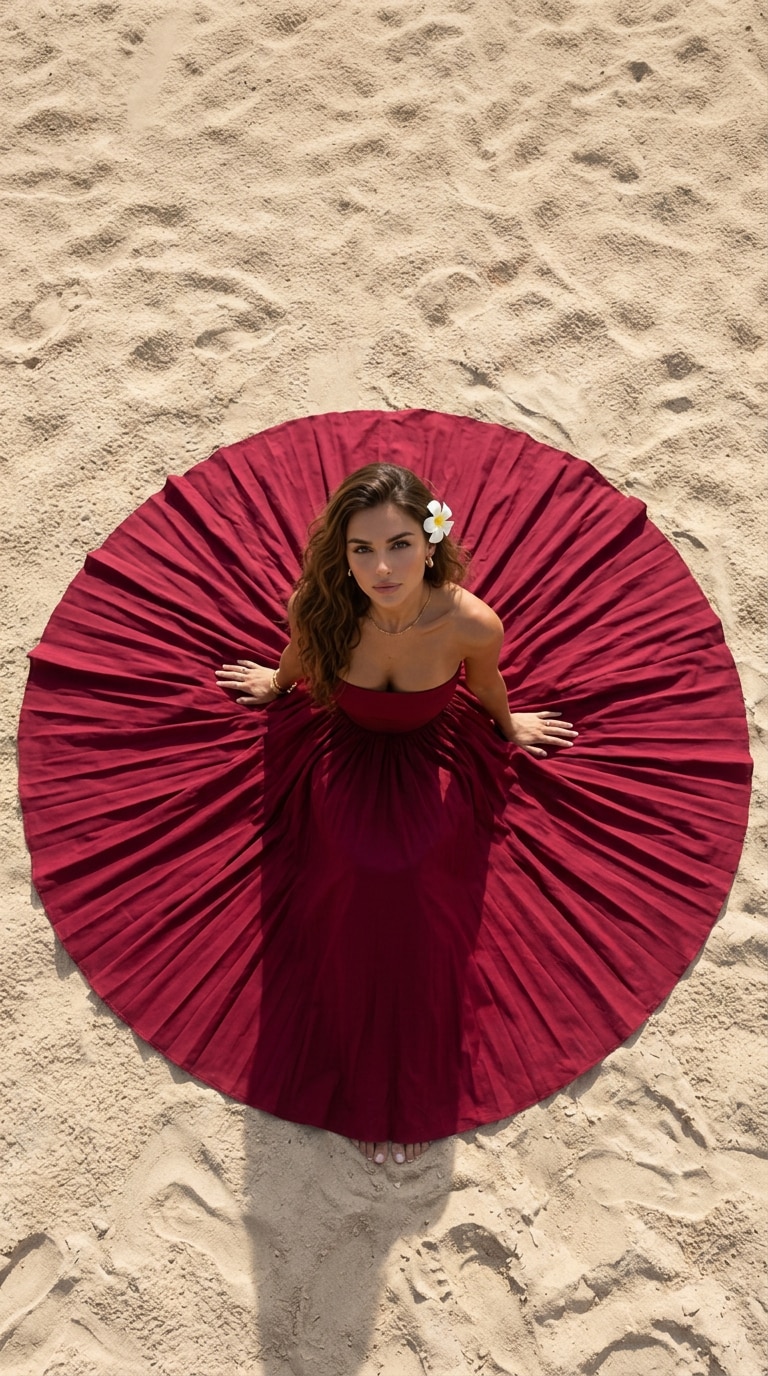
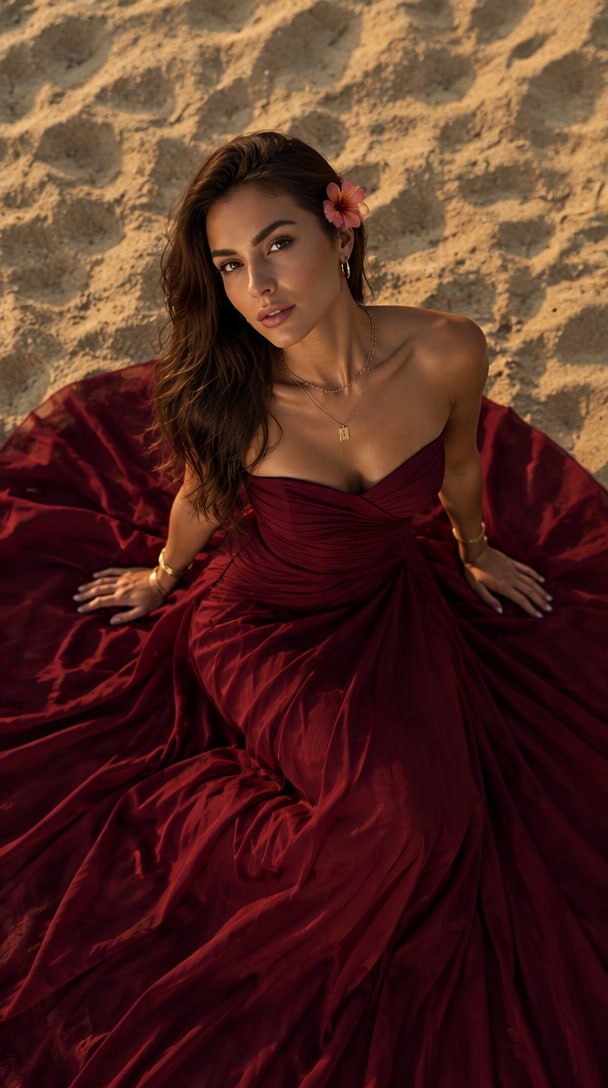
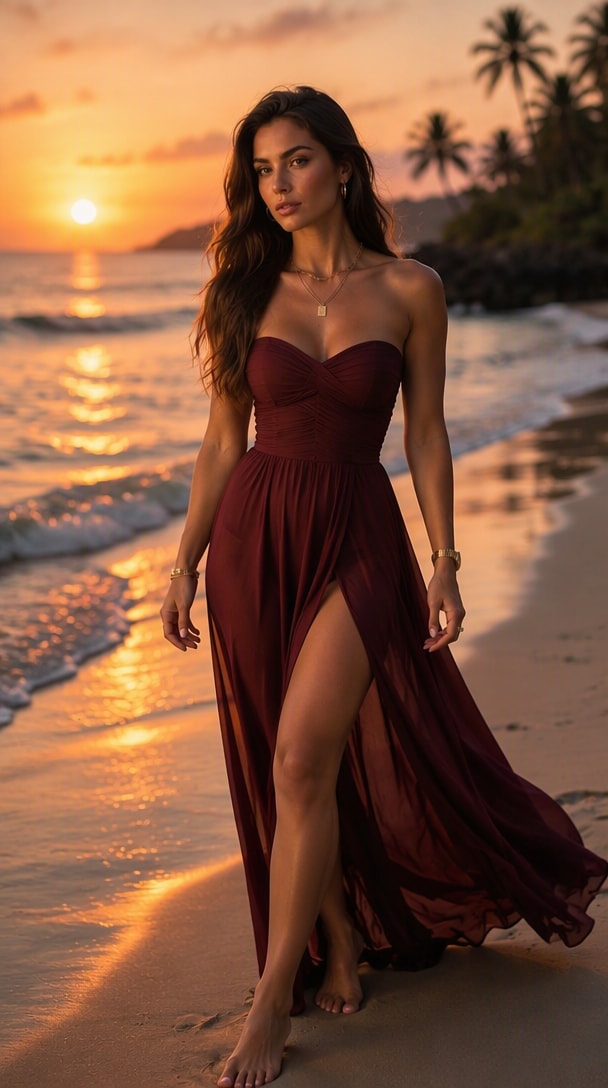
One photo → multiple tropical beach aesthetic styles
A strong tropical beach aesthetic combines more than a beach background. Media.io lets you control the gown color, fabric movement, pose, camera angle, sunlight, sand, ocean, and tropical mood—so one everyday portrait can become a polished beach photoshoot without arranging a real location or wardrobe.
Turn a simple portrait into white sand, turquoise water, palm-lined shores, or a clean editorial beach. Prompt the time of day and horizon details so the new environment matches your subject naturally.
Create a burgundy gown beach photoshoot with a strapless neckline, wide flowing skirt, satin or chiffon texture, and realistic folds. Rich wine and maroon tones stand out against warm sand and blue water.
Ask for a high-angle sitting pose, full-body shoreline portrait, over-the-shoulder look, or walking shot. Keep hands, feet, gown placement, and camera perspective explicit for a more believable result.
Use warm sunset light, soft side lighting, realistic shadows, ocean reflections, and natural skin texture to move from a generic AI edit toward a cinematic tropical beach photo.
Choose a well-lit portrait or full-body photo with a visible face and clean body outline. A clear source makes it easier to preserve your identity while changing the outfit, pose, and beach environment.
Describe the tropical setting, burgundy or maroon gown, pose, camera angle, lighting, fabric behavior, and mood. Start with one of the ready-to-use prompts below and customize the details you want.
Generate the image, then check face consistency, hands, dress folds, shadows, horizon, and foot-to-sand contact. Refine one detail at a time until the beach photoshoot looks natural.
Sit on warm sand in a dramatic wine-red gown with the skirt spread around you. Use a high-angle composition, subtle gold jewelry, soft waves, and warm sunlight for an editorial portrait.
Create a full-body shoreline shot with a strapless flowy maroon dress moving naturally in the sea breeze. Add realistic fabric motion, turquoise water, white sand, and a clean tropical horizon.
Use sunset backlight, palm silhouettes, warm ocean reflections, loose beach waves, and an elegant red or burgundy dress for a romantic social-ready tropical beach aesthetic.

Lifestyle Creator
“The Gown Looks Cinematic.” I turned a normal portrait into a burgundy gown beach photoshoot and could control the skirt shape, sunlight, and sand without losing the overall look of my face.

Fashion Content Creator
“Easy Beach Editorial Look.” Specifying a strapless maroon dress and golden-hour lighting gave me a much more intentional fashion image than a generic beach background.

Social Media Creator
“The Pose Feels Polished.” The high-angle sitting prompt helped me get a clean composition with the gown spread around the subject instead of a random AI pose.
It is a prompt that directs an AI image editor to create the visual language of a tropical beach photoshoot: warm sand, ocean or turquoise water, tropical vegetation, natural sunlight, relaxed or romantic styling, and a clear photography mood. You can also specify clothing, pose, camera angle, time of day, and composition.
Upload a clear photo and describe a full-length burgundy, wine-red, or maroon gown, including the neckline and fabric. Then specify the beach setting, pose, light, and camera angle. For a dramatic result, ask for a wide flowing skirt or train, realistic folds, natural contact with the sand, and warm golden-hour light.
Describe the exact maroon shade, strapless neckline, dress length, fabric, and how the skirt should move. Add the subject pose, beach environment, wind direction, lighting, and framing. Terms such as flowing chiffon, satin sheen, wide skirt, sea breeze, full-body portrait, and realistic fabric folds help define the look.
Golden hour is useful for warm romantic portraits because it adds soft orange light, longer shadows, and glowing reflections. Bright tropical daylight works better for vivid turquoise water and white sand. For a moodier fashion editorial, use sunset, overcast coastal light, or soft twilight and state how the light should fall on the face and dress.
Start with a sharp, well-lit source photo and explicitly tell the model to preserve facial identity, skin tone, hairstyle, and natural proportions. Avoid changing too many variables at once. If the face drifts, keep the same beach scene and outfit but simplify the pose or camera angle, then regenerate.
 4.7 (162,357 Votes)