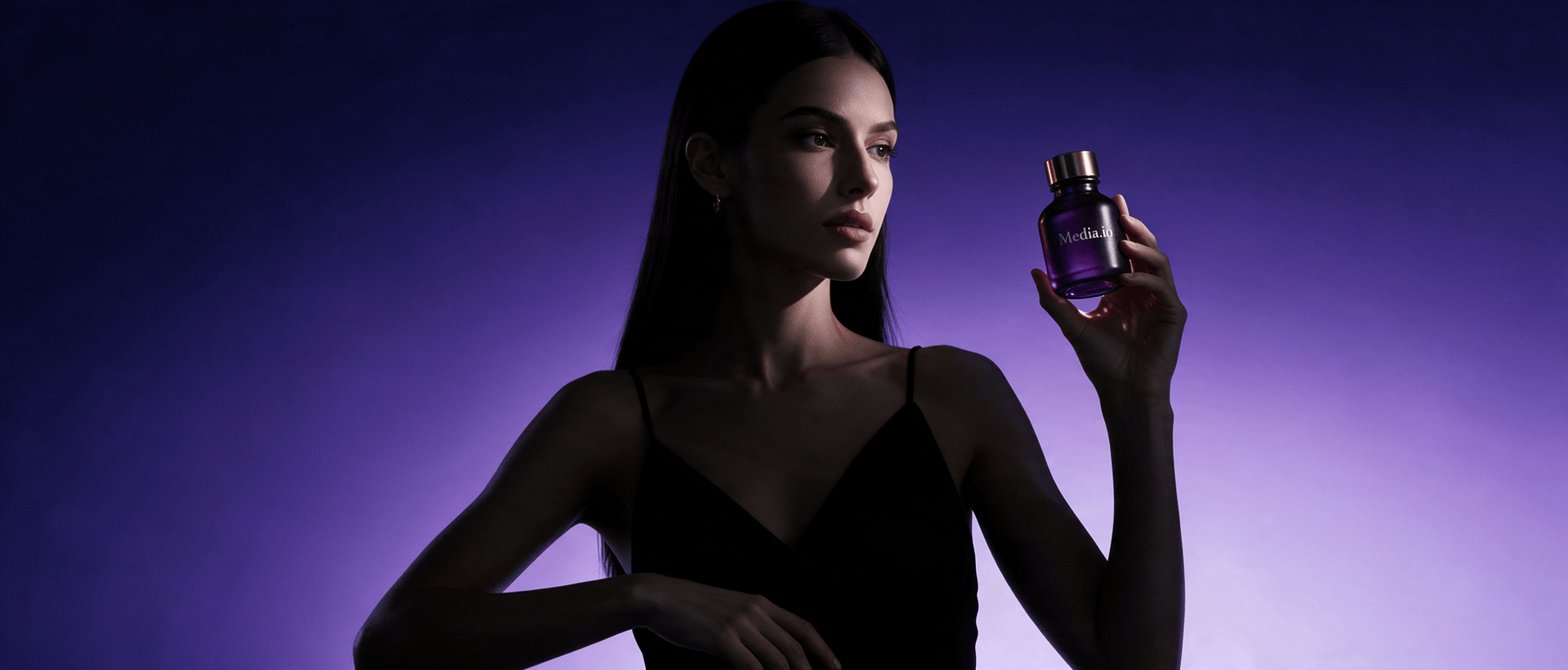
AI Clothes Filter Effect
Change outfits in a photo without changing who you are. Media.io's AI Clothes Filter Effect helps you preview fashion styles, create TikTok-ready transformations, and generate realistic outfit edits online with no manual retouching.
Upload a photo, describe the outfit, and generate your new look online.
Change Clothes Online Without Manual Editing
Use the AI clothes changer online free to replace casual wear, suits, dresses, uniforms, streetwear, cosplay, seasonal outfits, or creative costumes. The AI studies the subject's pose, lighting, and body proportions to generate a more natural clothing replacement.
Why Use Media.io AI Clothes Changer?
Explore new looks, build social-ready transformations, and preserve the original person—all in one streamlined browser workflow.
Try More Outfit Styles
Switch between business wear, wedding looks, sportswear, luxury fashion, vintage clothing, and themed costumes—without changing clothes or reshooting.
01Create TikTok Filter Effects
Recreate viral outfit-change trends, generate before-and-after frames, and prepare transformation visuals for TikTok, Reels, Shorts, and social posts.
02Preview Fashion Before Buying
Explore colors, cuts, and styling directions before shopping, planning a photo shoot, or choosing the right outfit for an event.
03Keep the Person Recognizable
Focus the edit on clothing while helping preserve the face, hairstyle, pose, body proportions, lighting direction, and overall photographic feel.
04AI Clothes Filter Tutorial: Change an Outfit in 3 Steps
No AI clothes changer app or advanced editing software is required.
Upload a Clear Photo
Choose a portrait or full-body photo with visible clothing, a clear pose, and balanced lighting. Avoid heavy blur or large objects covering the outfit.
Describe the New Outfit
Enter a prompt such as black leather jacket, elegant evening dress, Korean streetwear, formal suit, fantasy armor, or summer beach outfit.
Generate and Download
Generate several variations, compare garment fit and facial consistency, then download the best result for social media, planning, or creative projects.
Popular AI Clothes Filter Effect Scenarios
Social Media Transformations
Create outfit transitions, TikTok challenges, Instagram posts, profile images, carousel covers, and before-and-after fashion content.
Virtual Outfit Preview
Compare colors, silhouettes, formalwear, travel outfits, wedding looks, and everyday combinations before making a purchase or styling decision.
Characters and Creative Concepts
Generate cosplay clothing, fantasy costumes, anime-inspired outfits, historical fashion, gaming characters, or visual references for creative projects.
What Users Say About the AI Outfit Changer
Perfect Outfit Testing. I can compare several fashion directions before buying anything. The generated clothes follow my pose much better than a basic overlay filter.
Great for Viral Videos. I generated multiple outfit-change frames for a TikTok transition in minutes and did not need to learn a complicated editing app.
Fast Character Concepts. It is useful for costume references and mood boards. I can test several creative outfits before spending time on a detailed illustration.
FAQs About AI Clothes Filter Effect
What is an AI clothes filter effect?
An AI clothes filter effect uses generative AI to replace or redesign clothing in a photo. It analyzes the subject's body, pose, lighting, and existing outfit, then creates new garments that fit the scene. Unlike a simple sticker or overlay, the result can include fabric texture, folds, shadows, and a more natural relationship with the body.
Can I use the AI clothes filter effect free online?
Yes. Media.io lets you try the AI clothes filter effect free online with available credits. Upload a suitable photo, describe the clothing you want, and generate a result in your browser. Advanced models, larger exports, or additional generations may use more credits depending on the selected settings.
Do I need to install an AI clothes changer app?
No. Media.io works as an AI clothes changer online free from a modern browser, so you do not need to install desktop software or a mobile app. This makes it easier to generate outfit edits from a laptop, tablet, or supported mobile browser.
How does Media.io compare with Vidnoz AI Clothes Changer or PxBee AI Clothes Changer?
Vidnoz AI Clothes Changer and PxBee AI Clothes Changer are alternative tools users may compare when searching for clothing replacement. Media.io focuses on a broader browser-based creative workflow, including prompt-guided image transformation and access to related AI image and video tools. Output quality can vary by source photo, prompt clarity, model choice, and the complexity of the outfit.
How can I get better AI outfit changer effect results?
Use a sharp photo with clearly visible clothing and a natural pose. Describe the garment type, color, material, fit, season, and style. For example: tailored black velvet suit, slim fit, subtle satin lapels, realistic fabric folds, studio lighting. Avoid asking for too many unrelated changes in one prompt, and generate several versions when the outfit is complex.