














AI Face Swap
Upload Source Image
Upload an image with clear faces
Click or drag to upload, or choose from My HistoryClick To UploadMy History
No ideas? Generate an image first >
Upload jpg, jpeg, png images up to 50 MB, with a minimum width/height of 300 px.
Upload Face
Upload the face you want to swap in
Sample Image

Remaker AI Alternative: Create AI Photos, Face Swaps & More Online

Looking for Remaker AI? Media.io gives you an all-in-one AI image generator for creating AI photos, realistic face swaps, enhanced portraits, and social-ready visuals online. Explore Remaker AI face swap photo and video alternatives, improve image quality, and generate creative artwork without installing an app or unofficial APK.

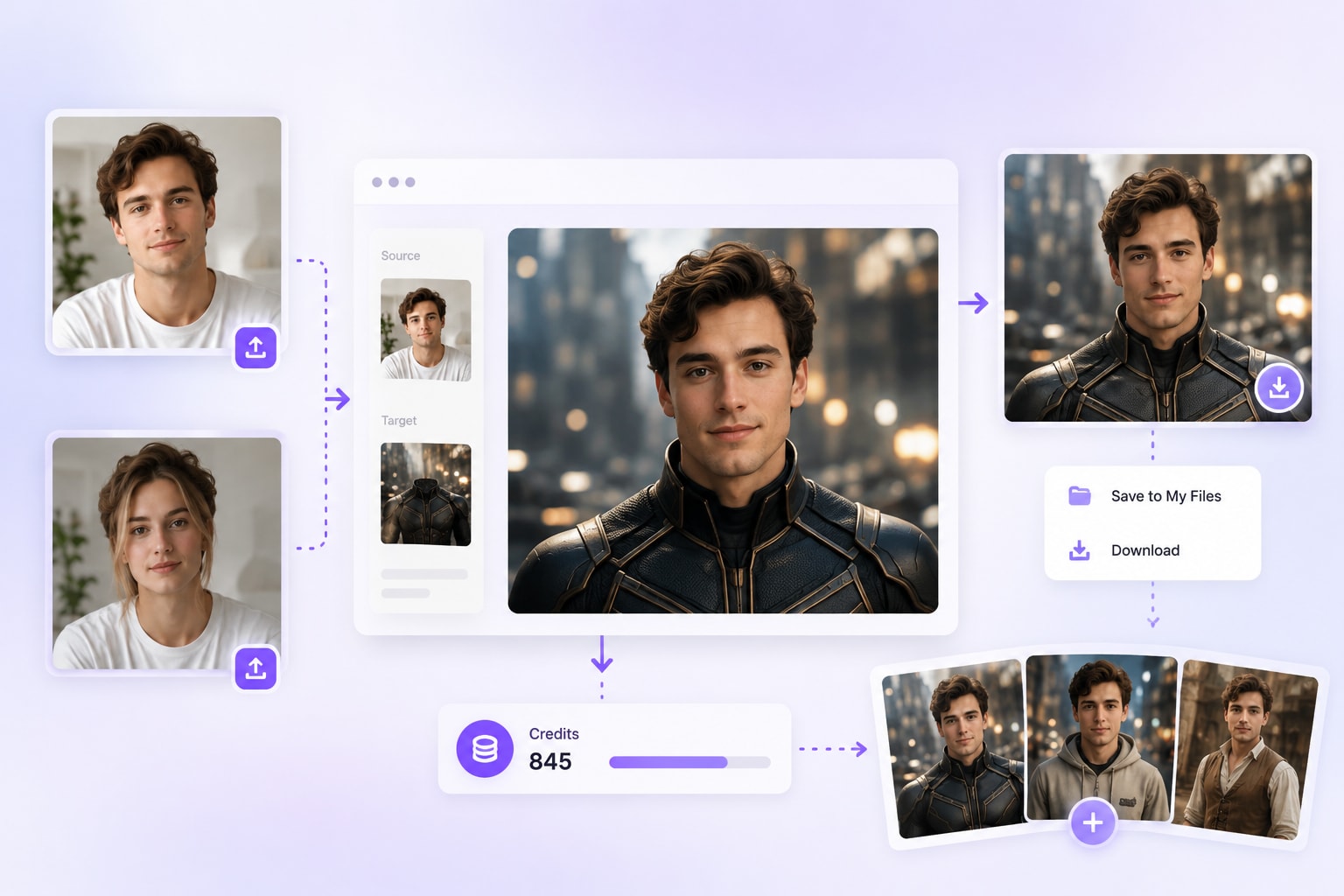
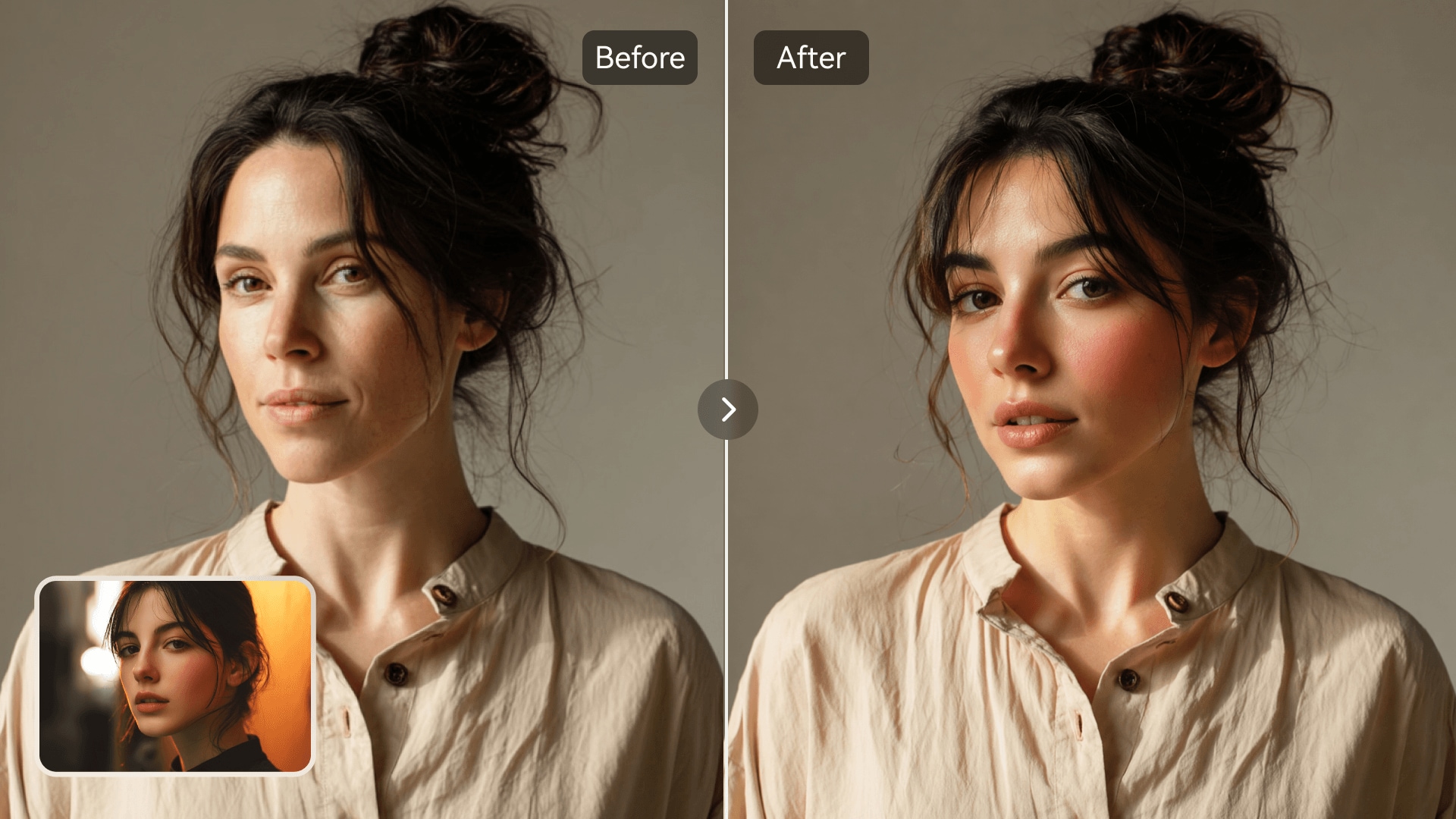
Upload Your Image

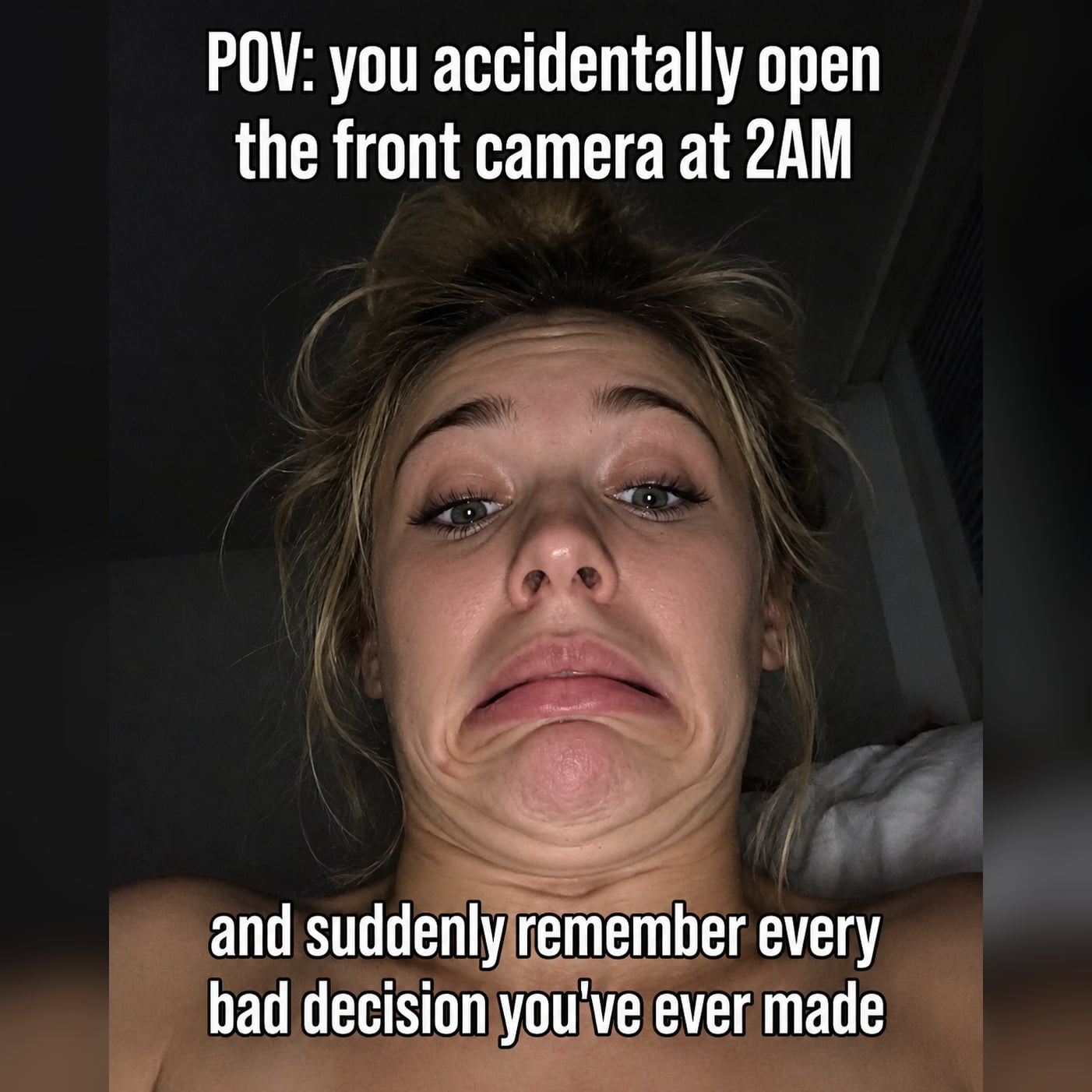
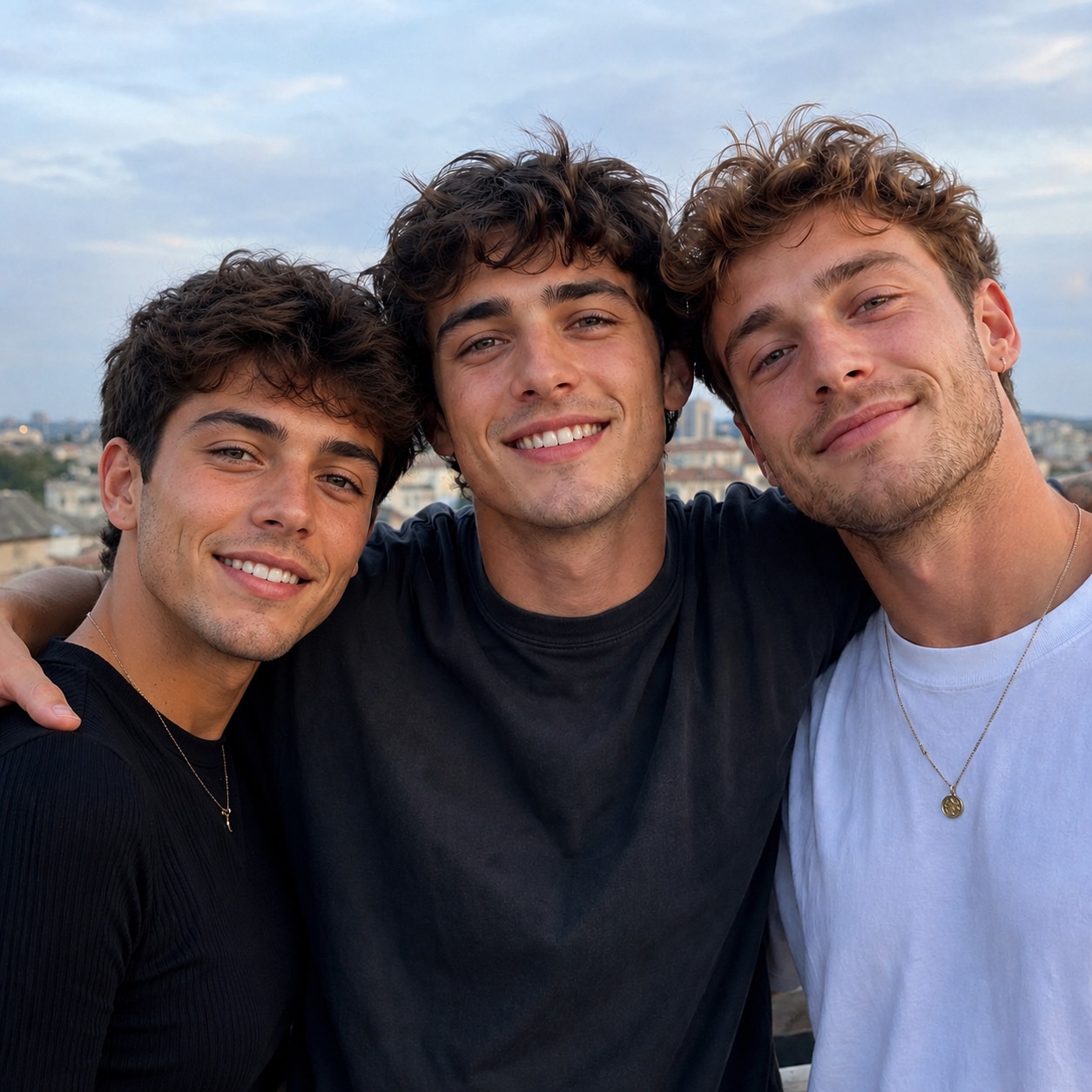
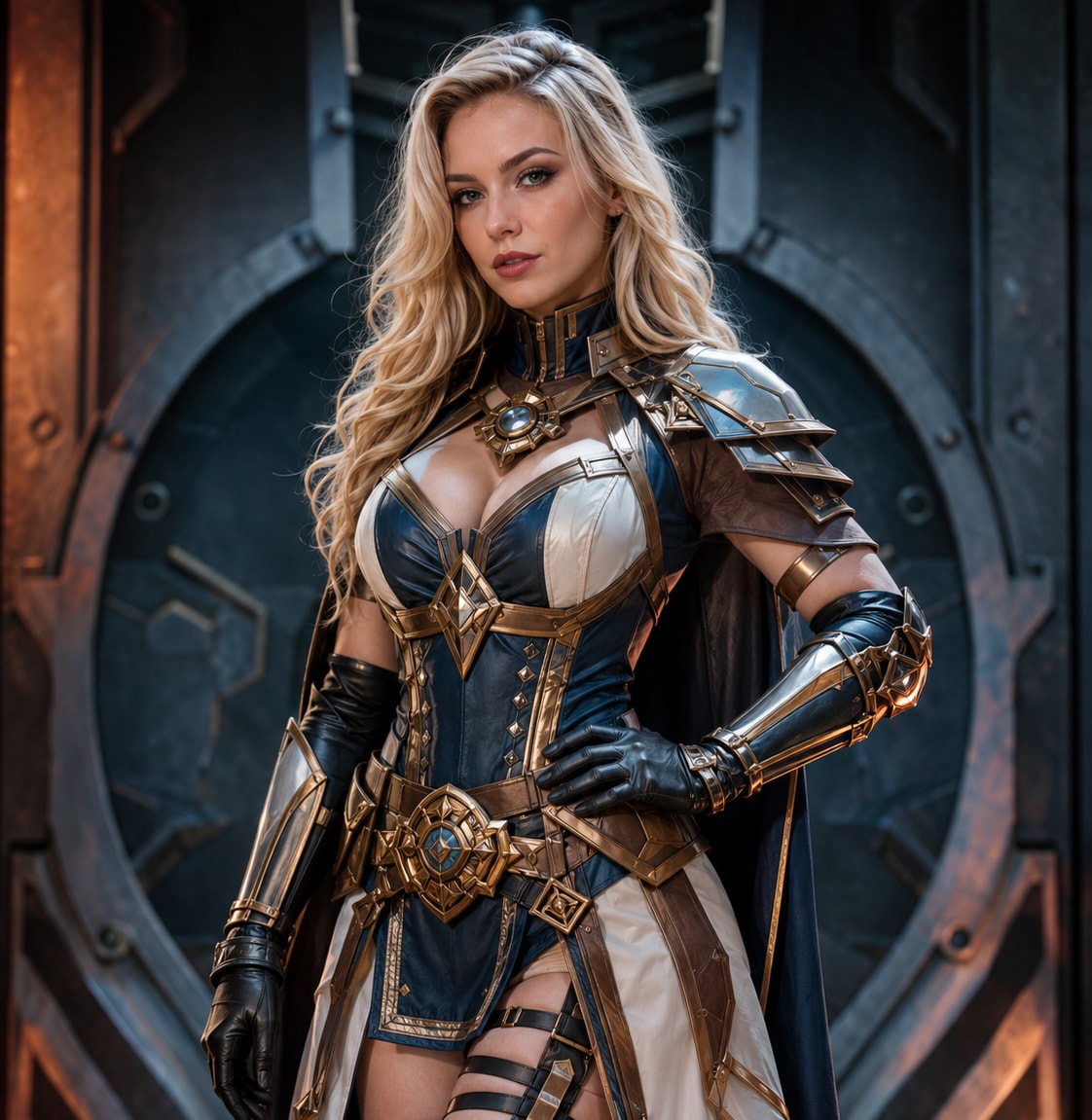
Original face sample
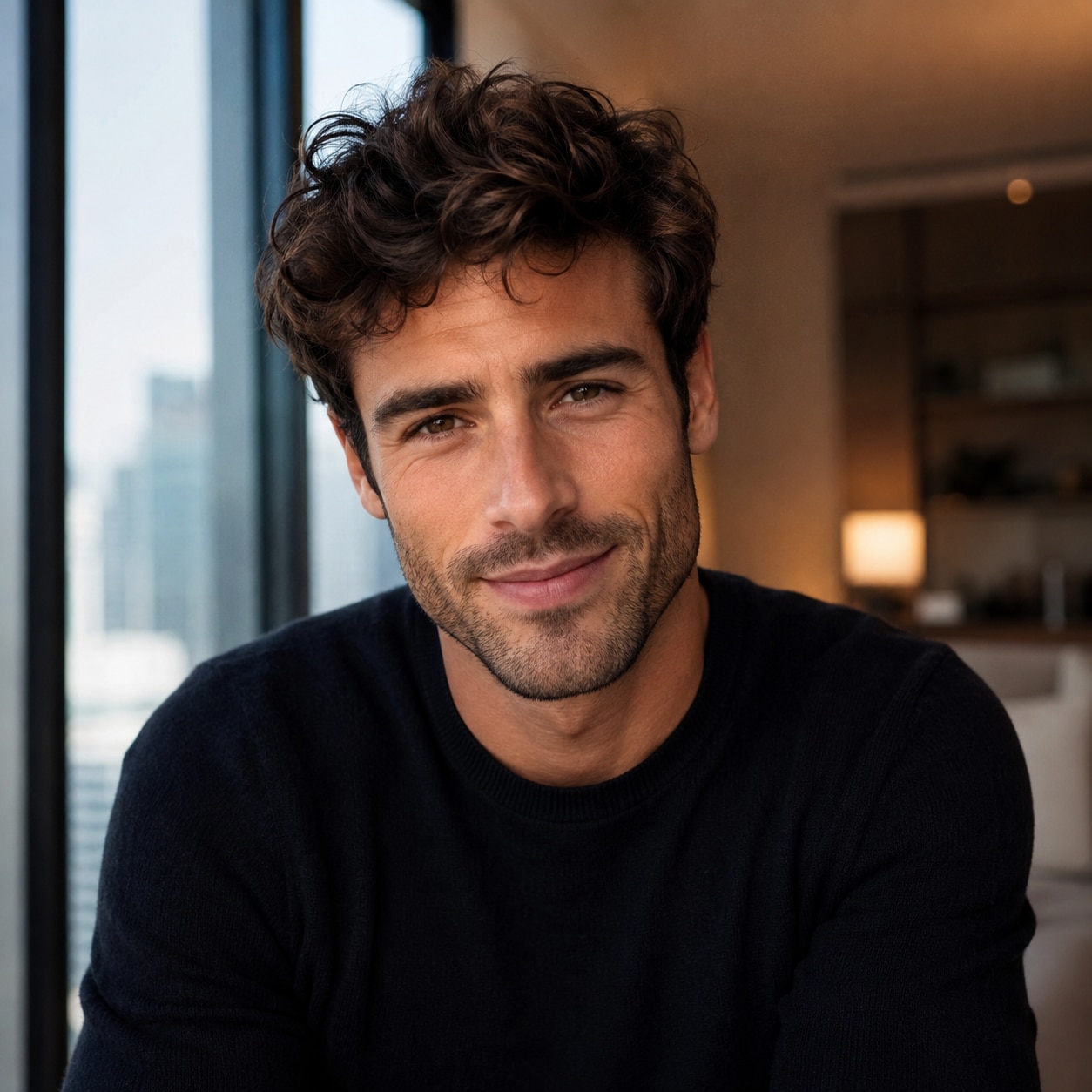
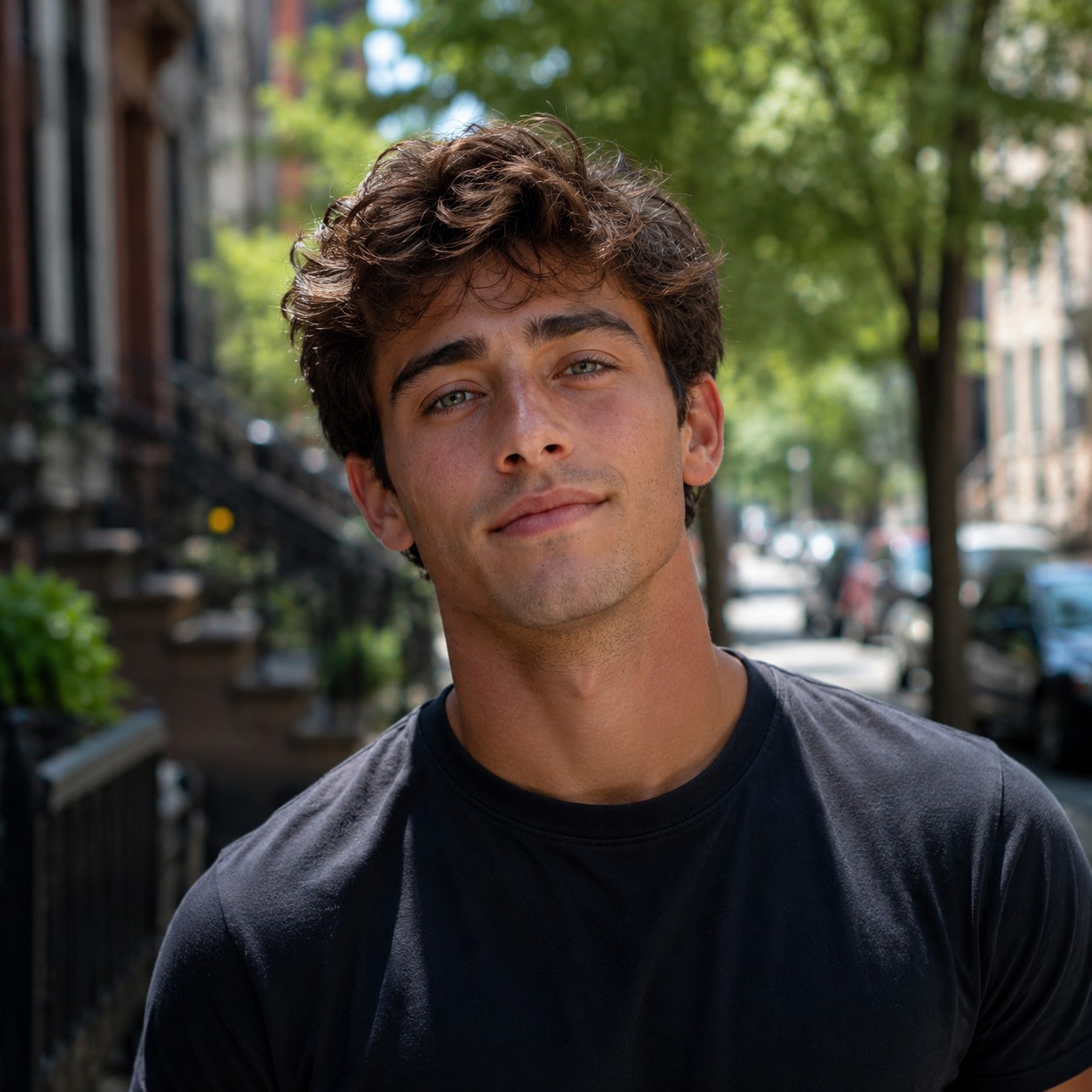
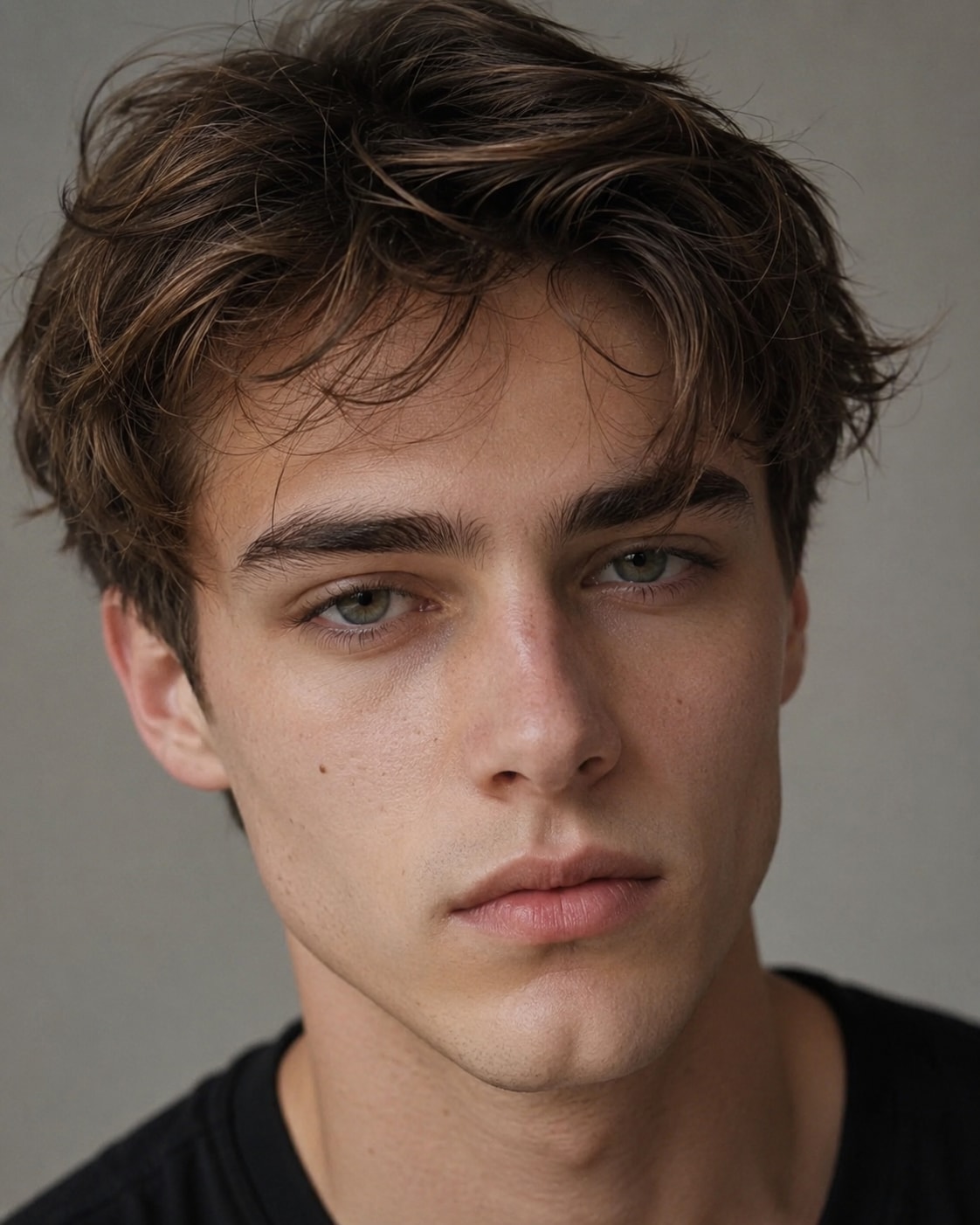
Target face sample
AI Processing

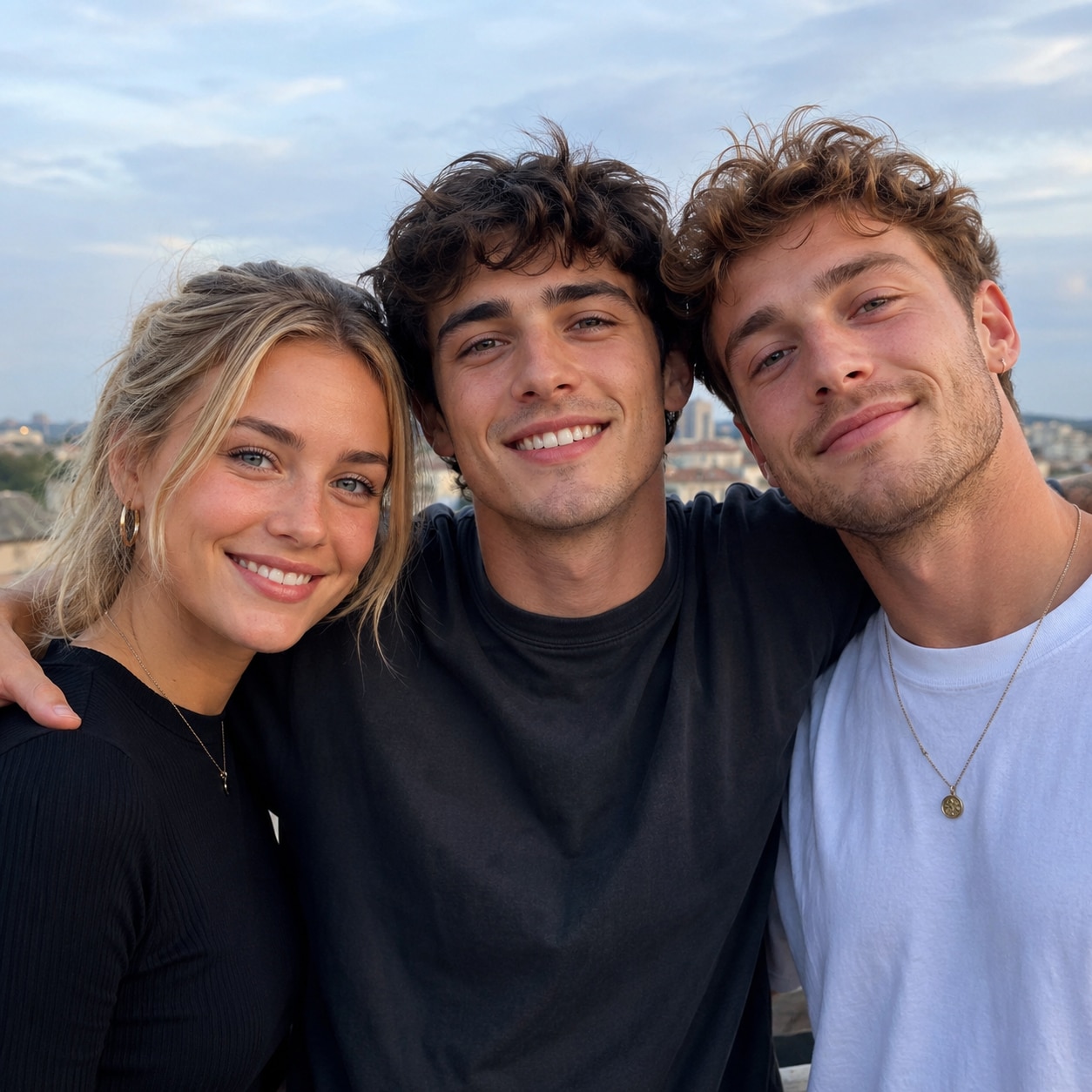
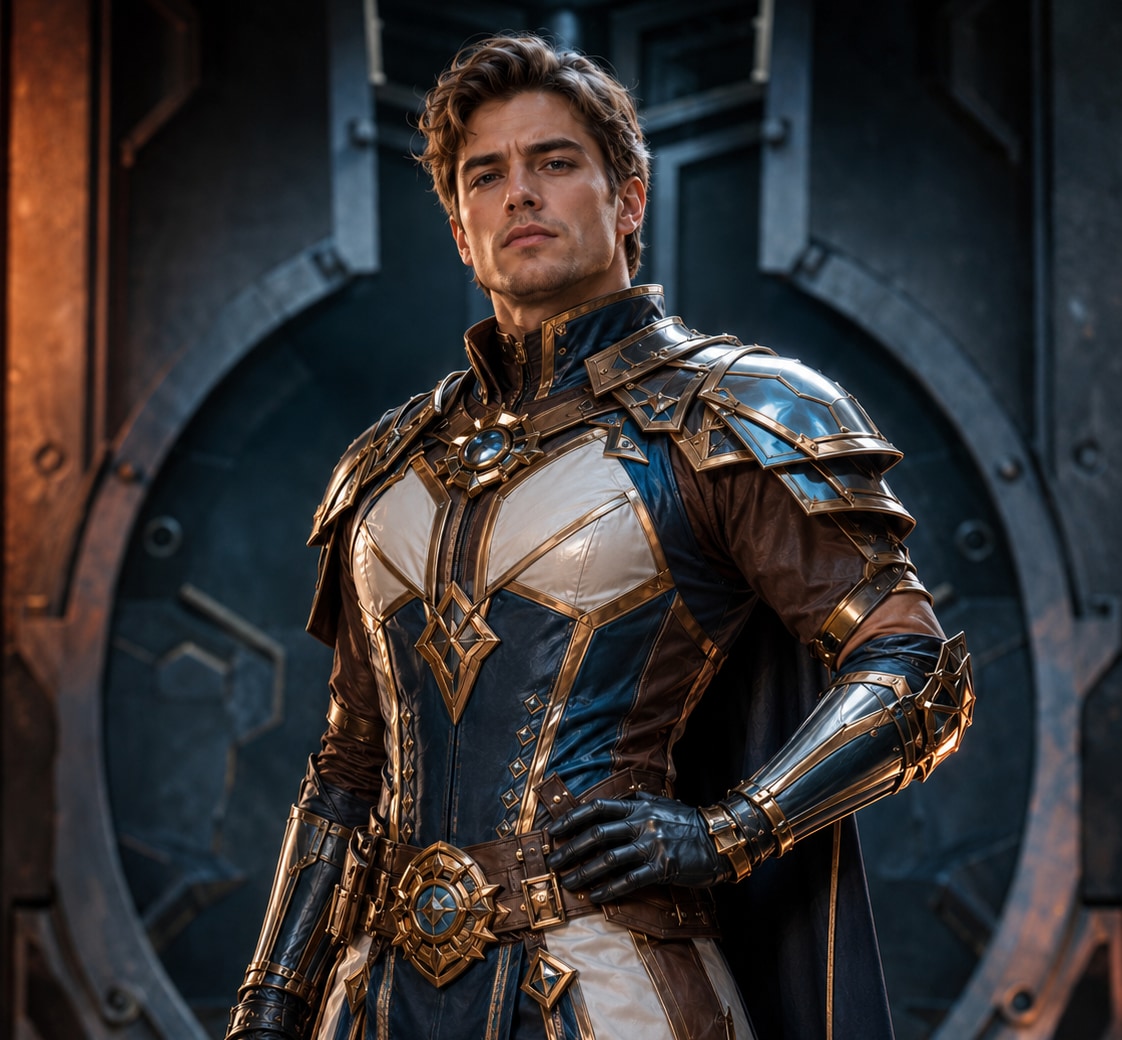
Media.io AI Result

AI face swap result preview

Upload Your Image

Original face sample
Target face sample
AI Processing

Media.io AI Result

AI face swap result preview

Upload Your Image

Original face sample
Target face sample
AI Processing

Media.io AI Result

AI face swap result preview

Upload Your Image

Original face sample
Target face sample
AI Processing

Media.io AI Result

AI face swap result preview
Try Media.io AI Image Generator
AI Image Generation Smart Face Detection Photo & Video Face Swap AI Enhancement Tools

Why Choose Media.io Instead of Remaker AI

AI Photos from Text or Images

Create realistic portraits, anime characters, product visuals, fantasy art, and social media images from text prompts or reference photos in one browser-based workspace.

Remaker AI Face Swap Alternative

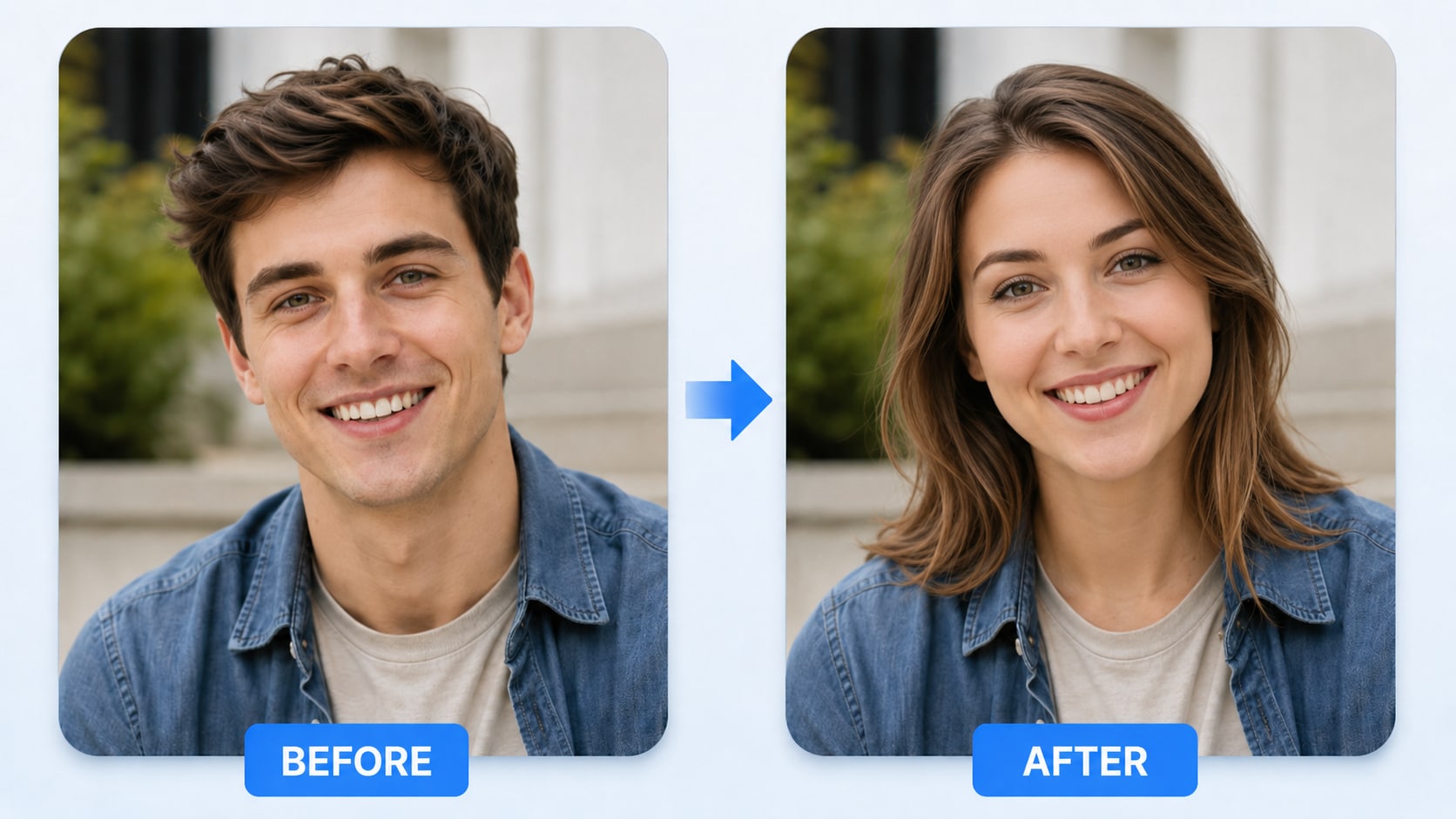
Use Media.io for Remaker AI face swap photo and video workflows. AI detects facial details, aligns expressions, and blends the replacement with the original lighting and angle.

Free Credits and Browser Access

Start with available free credits and create directly in your browser. No Remaker AI app, desktop editor, or unofficial APK installation is required.

AI Image Enhancer and More

Enhance blurry photos, upscale low-resolution images, remove backgrounds, apply AI effects, and continue into image-to-video creation without switching platforms.

Create More Than Face Swaps with Media.io AI

Media.io expands beyond a single Remaker AI face swap workflow. Use one platform to generate AI photos, swap faces in images or videos, enhance low-quality pictures, remove backgrounds, and create social or marketing visuals from simple prompts.

Generate AI Photos from Text or Reference Images

Describe your idea or upload a reference image, then use Media.io AI Image Generator to create portraits, avatars, product images, fantasy scenes, and campaign visuals. Customize style, lighting, composition, and aspect ratio without advanced prompt engineering.

  • Create AI images from text prompts or reference photos.
  • Generate realistic, anime, cinematic, product, or fantasy styles.
  • Produce multiple concepts quickly for social, marketing, or personal use.
Try AI Image Generator

Create Remaker AI Face Swap Photo Alternatives

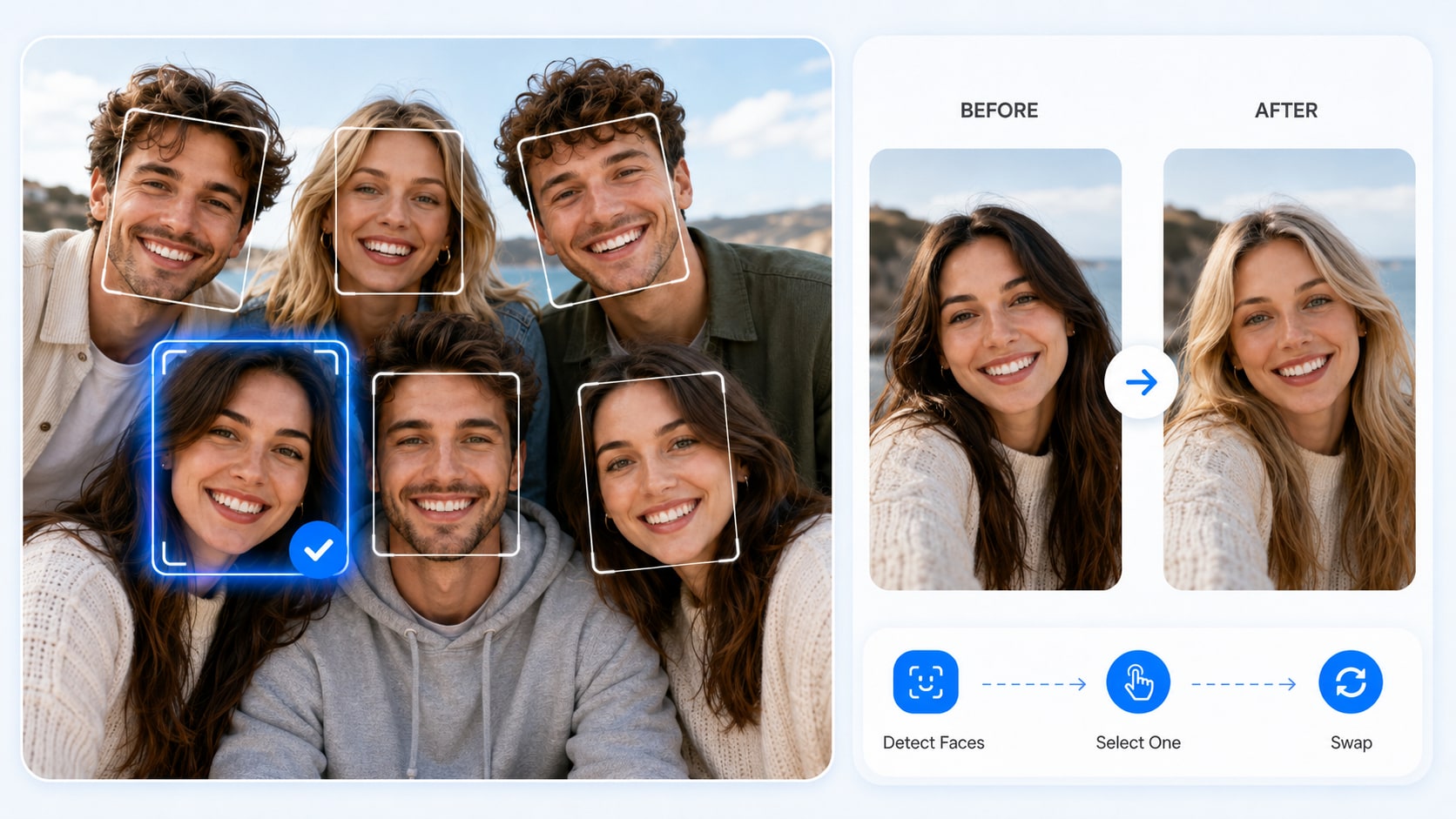
Looking for a Remaker AI face swap photo alternative? Media.io automatically detects faces and lets you choose the exact person to replace. Use it for portraits, group photos, memes, fan edits, and creative social content.

  • Select the correct face in portraits or multi-person photos.
  • Blend the replacement with the original expression, lighting, and angle.
  • Create profile pictures, memes, group edits, and themed character photos.
Try AI Image Generator
ai dress changer cloth changer ai

Create Remaker AI Face Swap Video Alternatives

Turn short clips into realistic Remaker AI face swap video alternatives. Media.io tracks facial motion and expressions across frames, helping creators produce social videos, fan edits, memes, and lightweight promotional content online.

  • Use short, clearly framed clips for more consistent results.
  • Create face swap videos for TikTok, Reels, Shorts, or campaigns.
  • Keep facial motion, lighting, and expressions more visually consistent.
Try AI Image Generator
ai photo dress changer ai outfit generator

Enhance and Continue Editing Your AI Photos

After generating or swapping a face, continue with Media.io AI enhancer, background remover, object remover, image extender, AI effects, and image-to-video tools. Everything stays inside one connected creative workflow.

  • Sharpen blurry photos and upscale low-resolution images.
  • Remove or replace backgrounds and unwanted objects.
  • Reuse finished results in AI effects, image-to-video, and other projects.
Enhance AI Photos
AI clothes swap virtual clothes changer

How to Use Media.io as a Remaker AI Alternative

01

Step 1 — Choose an AI Tool

Open Media.io and select AI Image Generator, Photo Face Swap, Video Face Swap, or AI Image Enhancer based on what you want to create.

02

Step 2 — Add Your Prompt or Media

Enter a text prompt, upload a reference image, or add the target media and replacement face. Clear, well-lit inputs usually produce more consistent results.

03

Step 3 — Generate, Refine, and Download

Click Generate, compare the results, and refine your prompt or input if needed. Download the finished image or video, or continue editing with other Media.io AI tools.

Creators Use Media.io Beyond Remaker AI

user
@ethan_brooks

Content Creator & Social Media Blogger

star star star star star

"Everything I need is in one place!" I use Media.io to generate AI portraits, create face swaps, and enhance images without moving between different websites. The browser workflow is fast, and the results are ready for my content calendar with very little manual editing.

user
@david_chen

Social Media User & Meme Creator

star star star star star

"Great for quick face swaps." I tested the Remaker AI face swap photo workflow against Media.io and liked how quickly I could choose a face, generate a clean result, and continue editing the image in the same workspace.

user
@elena_rodrig

Portrait Photographer & Visual Creator

star star star star star

"Strong AI photo quality." I generate themed portraits, avatars, and concept images for campaigns. Media.io gives me more than face swapping, so I can create, enhance, and reuse the same image across multiple projects.

user
@mark_tom

Tech Blogger

star star star star star

"Simple enough for daily use." I use the AI image generator, enhancer, and face swap tools for daily content. The interface is beginner-friendly, and I do not need to install a separate Remaker AI app or desktop editor.

user
@John_dubois

Style Enthusiast

star star star star star

"Fun, safe, and super easy to use." I use Media.io to create AI portraits, enhance images, and test face swaps for social posts. The tools work in my browser and keep the creative process simple from first upload to final download.

FAQs About Remaker AI and Media.io

1. What is Remaker AI?
faq

Remaker AI is an online AI content creation platform known for tools such as face swapping, AI photo generation, and image enhancement. Media.io provides a browser-based alternative with AI image generation, photo and video face swap, image enhancement, background editing, and more in one workspace.

Remaker AI may provide limited free credits for selected tools. Media.io also offers free credits for supported AI features, so new users can test image generation, face swap, and enhancement workflows before choosing a paid plan. Current credit amounts and limits may vary.

Yes. Media.io supports realistic photo face swapping and can detect multiple faces in group images. Select the person you want to replace, upload a clear reference face, and generate the result online.

Yes. Upload a short target video and a clear replacement face. Clips with visible faces, balanced lighting, and limited motion blur generally produce more consistent face swap video results.

Yes. Media.io includes AI image enhancement tools for sharpening blurry photos, improving facial details, upscaling low-resolution images, and restoring older pictures. Availability and export limits depend on the selected tool and plan.

No. Media.io works directly in modern browsers on Windows, Mac, Android, iPhone, and tablets. You do not need to install a Remaker AI app or download unofficial premium-unlocked APK files.

Yes. Use Media.io AI Image Generator to create realistic portraits, anime artwork, product photos, fantasy images, and social visuals from text prompts or reference images. You can then enhance or animate the generated image.

No. Media.io also includes AI image generation, image enhancement, background removal, object removal, image expansion, AI effects, and image-to-video tools. Face swap is one part of a broader AI creative workflow.

Media.io Online AI Tools Quality Rating:
vote 4.7 (162,357 Votes)