
진정한 캐릭터 및 스타일 일관성
사용하세요 참조 이미지를 활용하면 얼굴, 의상, 소품, 장면 스타일을 동영상 내내 더 일관되게 유지할 수 있습니다. 원하는 이미지와 가까운 결과를 만들 수 있는 가장 쉬운 방법입니다.
 Seedance 2.5
참조 입력을 활용하면 캐릭터, 스타일, 장면의 일관성이 강화된 시네마틱 AI 동영상을 만들 수 있습니다. Seedance 2.0, Kling 3.0 Omni, Kling O1 기반으로, Media.io는 이미지, 동영상, 오디오를 업로드해 모션, 스토리텔링, 시각적 방향을 프롬프트만 활용하는 생성보다 훨씬 더 세밀하게 제어할 수 있습니다.
회원가입 시 무료 크레딧 제공.
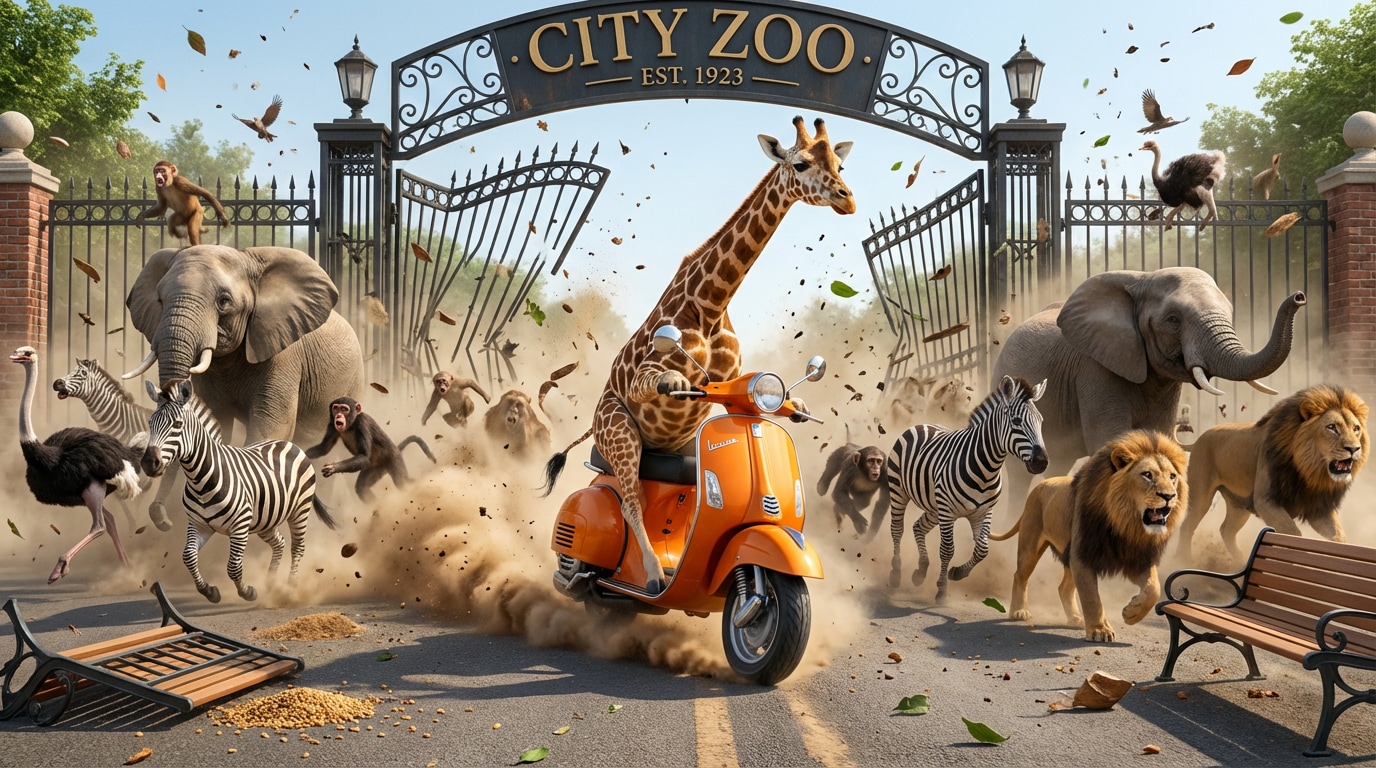


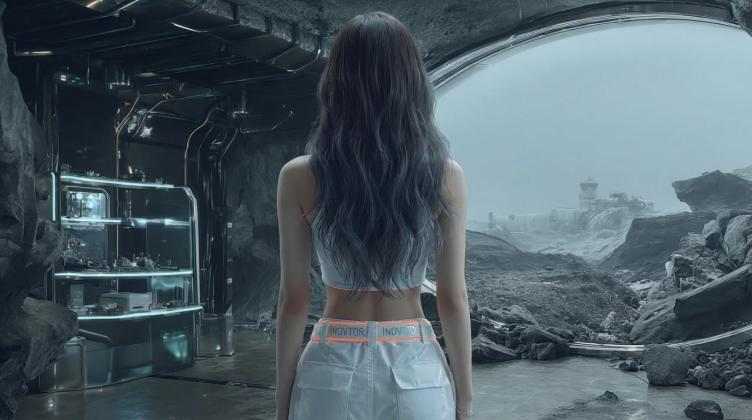
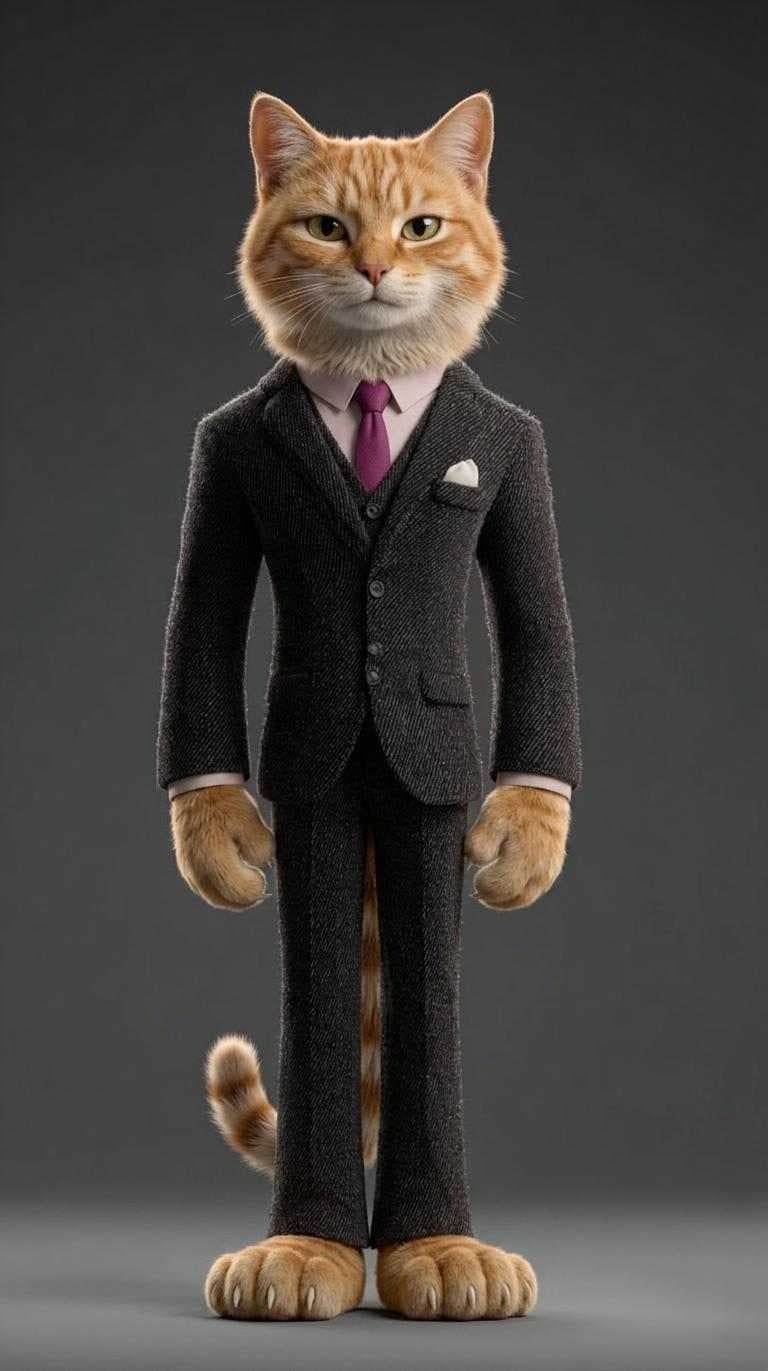
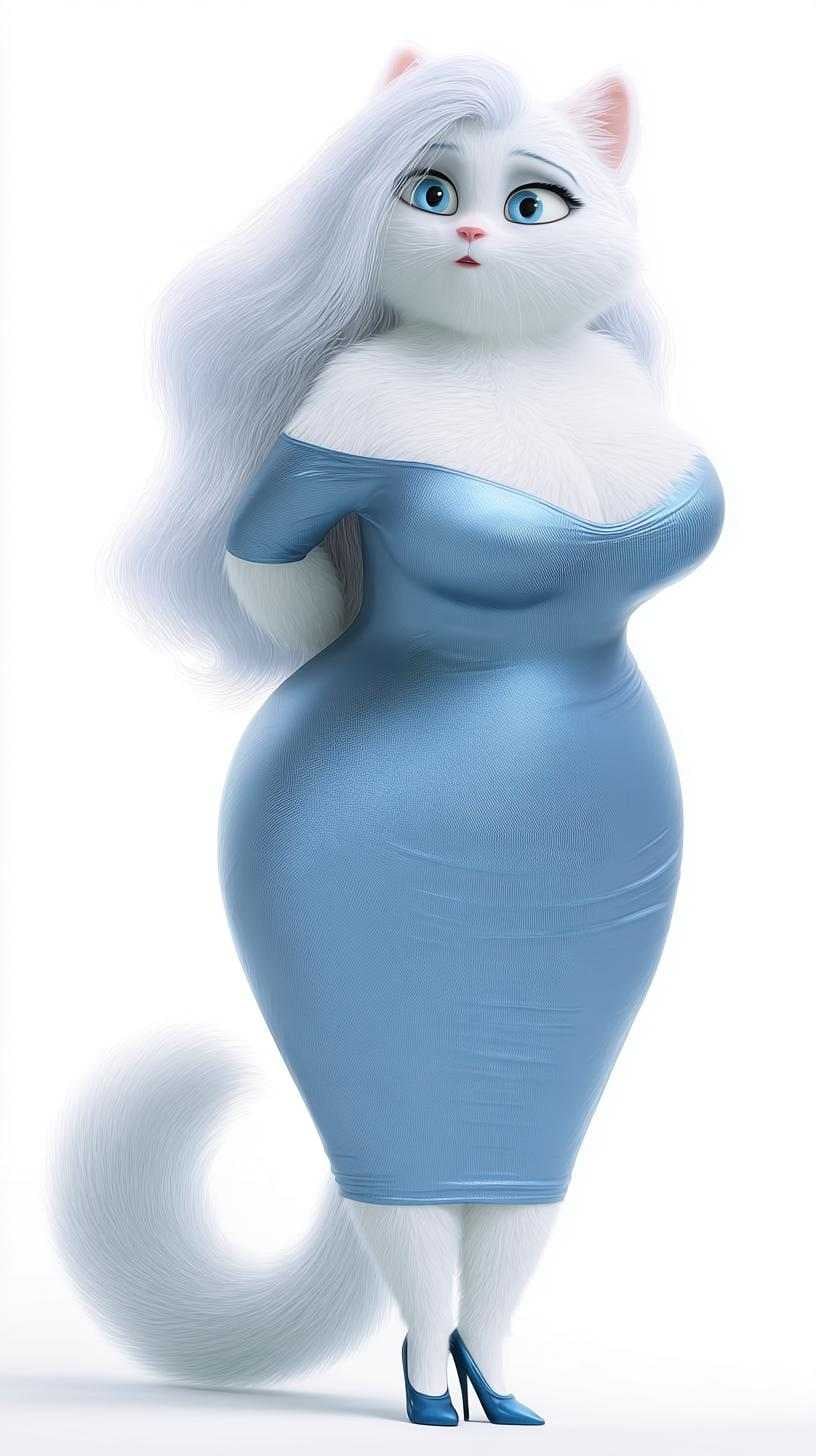

사용하세요 참조 이미지를 활용하면 얼굴, 의상, 소품, 장면 스타일을 동영상 내내 더 일관되게 유지할 수 있습니다. 원하는 이미지와 가까운 결과를 만들 수 있는 가장 쉬운 방법입니다.
Seedance 2.0을 통해 최대 9개의 JPG/PNG 이미지, 1개의 MP4/MOV 동영상(2~14초), 1개의 오디오 파일(2~14초)을 업로드하여 스타일, 모션, 스토리텔링을 한 번에 연출할 수 있습니다.
선택하세요 Seedance 2.0멀티모달 시네마틱 스토리텔링에는, 또는 Kling 3.0 Omni와 Kling O1을 사용해 현실적인 모션, 선명한 결과물, 고급 AI 동영상 생성이 가능합니다.
참조와 프롬프트를 결합하여 카메라 모션, 분위기, 캐릭터 디자인, 제품 스타일링, 장면 구성을 손쉽게 제어할 수 있습니다. 별도의 고급 편집 또는 애니메이션 기술 없이도 가능.
결과를 정의할 파일을 추가하세요. Seedance 2.0을 이용하면 최대 9개의 이미지, 1개 짧은 동영상, 1개 오디오 파일을 업로드해 스타일, 주제, 스토리 방향을 지정할 수 있습니다.
원하는 모션, 분위기, 카메라 동작을 설명하세요. 그런 다음 Seedance 2.0, Kling 3.0 Omni, Kling O1을 멀티모달 스토리텔링 또는 사실적인 모션 필요에 따라 선택하세요.
Media.io는 참조를 활용해 일관성 있고 제어된 AI 동영상을 만듭니다. 결과 미리보고, 다운로드해 스토리텔링, 제품 영상, SNS 게시물, 창의적 프로젝트에 사용할 수 있습니다.

숏폼 영상 제작자

“이제 내 캐릭터가 일관성을 유지해요.”참조 이미지를 활용해 얼굴, 의상, 분위기를 샷마다 동일하게 유지할 수 있었습니다. 프롬프트만 사용한 동영상 툴보다 내 컨셉과 가까운 결과가 나왔어요.
크리에이티브 마케터
“Seedance 2.0 덕분에 제품 스토리텔링이 혁신됐어요.”이미지 참조, 모션 클립, 오디오를 업로드해 전체 광고 컨셉을 구성할 수 있었습니다. 제작 과정에서 수 시간의 반복 작업이 절약됐어요.
캐릭터 아티스트
“스타일과 캐릭터 아이덴티티를 유지하는 가장 좋은 방법!”여러 이미지를 활용해 포즈, 의상, 시각 톤을 제어합니다. 스토리 중심 클립을 생성할 때 자신감이 훨씬 높아져요.
브랜드 디자이너
“Kling은 깔끔한 모션을, Seedance는 제어력을 제공해요.”프로젝트에 맞는 모델을 선택할 수 있어서 만족합니다. Media.io는 복잡한 컨셉도 쉽게 진행할 수 있게 해줍니다.
참조 기반 동영상 AI는 이미지, 동영상, 오디오를 업로드해 동영상 생성 방식을 제어할 수 있습니다. 이 방법은 더 일관성 있는 AI 영상을 만들 수 있으며, 캐릭터, 스타일, 제품, 시각적 방향을 프롬프트 기반 워크플로보다 신뢰성 있게 유지합니다.
Seedance 2.0은 최대 9개의 JPG/PNG 이미지, 1개의 MP4/MOV 동영상(2~14초), 1개의 오디오 파일(2~14초)오디오 단독 업로드는 지원하지 않으므로 워크플로 일부로 시각적 참조가 필요합니다.
Seedance 2.0는 이미지, 동영상, 오디오 참조를 함께 사용할 수 있어 멀티모달 스토리텔링에 이상적입니다. Kling 3.0 Omni와 Kling O1는 깨끗한 모션과 현실적인 영상, 강력한 시각 참조 기반의 세련된 생성에 더 적합합니다.
네. 이것이 참조 기반 동영상 워크플로를 사용하는 주된 이유 중 하나입니다. 여러 참조 이미지를 업로드하면 얼굴 아이덴티티, 의상 디테일, 장면 스타일링, 제품 일관성을 동영상 내내 유지할 수 있습니다.
네—프롬프트는 여전히 중요합니다. 참조는 누구, 무엇이 영상에 등장할지 제어하고, 프롬프트는 장면이 어떻게 움직이고, 느낌을 전달하며, 전개되는지를 정의합니다. 둘을 결합하면 최적의 결과를 얻을 수 있습니다.


