작업물은 7일 동안만 저장됩니다. 멤버십 플랜으로 업그레이드한 후 생성된 에셋은 영구적으로 저장됩니다.
창의적 잠재력을 풀고 미디어 AI의 마법을 즉시 경험하십시오!
사진으로 AI 스티커 만들기|내 사진을 투명 PNG 스티커로 변환
셀카, 반려동물 사진, 캐릭터, 로고 또는 제품 사진을 업로드해 나만의 AI 스티커를 만들어 보세요. AI가 사진 속 피사체와 배경을 자동으로 구분하고 깔끔한 흰색 칼선 스타일 테두리를 적용해, 배경이 투명한 PNG 스티커 이미지로 변환합니다. 가입 후 제공되는 무료 크레딧으로 온라인에서 간편하게 체험할 수 있습니다.
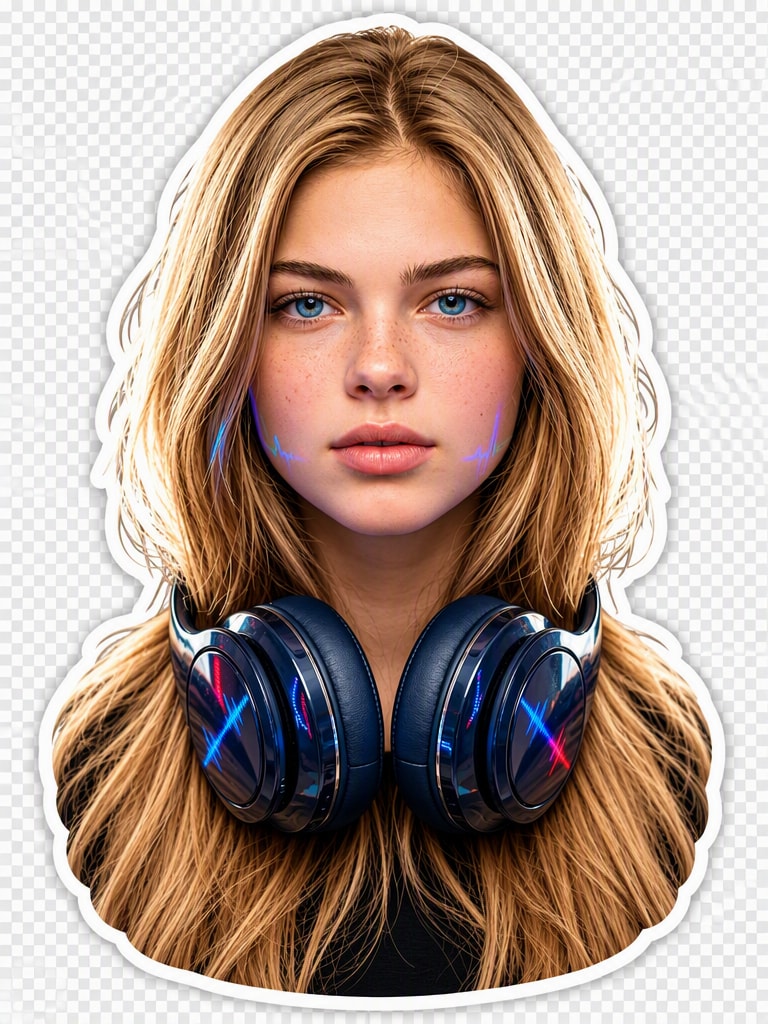
업로드한 사진의 주요 피사체를 깔끔하고 세련된 다이컷 스타일 스티커로 변환합니다. 얼굴 특징, 표정, 체형, 색상, 의상, 패턴 등 원본 사진에서 알아볼 수 있는 주요 특징을 자연스럽게 유지합니다. 원본 배경은 완전히 제거하고 머리카락, 털, 작은 장식처럼 섬세한 부분까지 최대한 자연스럽게 분리합니다. 피사체 전체를 따라 굵고 균일한 흰색 스티커 테두리를 추가하고, 입체감을 위해 은은한 그림자를 적용합니다. 원본의 특징은 유지하면서 색감을 선명하고 균형 있게 보정하고, 살짝 일러스트 느낌이 나는 고품질 스티커 스타일로 완성합니다. 피사체가 잘리지 않도록 중앙에 배치하고 실제 투명 배경이 적용된 고해상도 PNG로 출력합니다. 별도의 장면, 프레임, 텍스트, 워터마크 또는 체커보드 배경은 추가하지 않습니다.
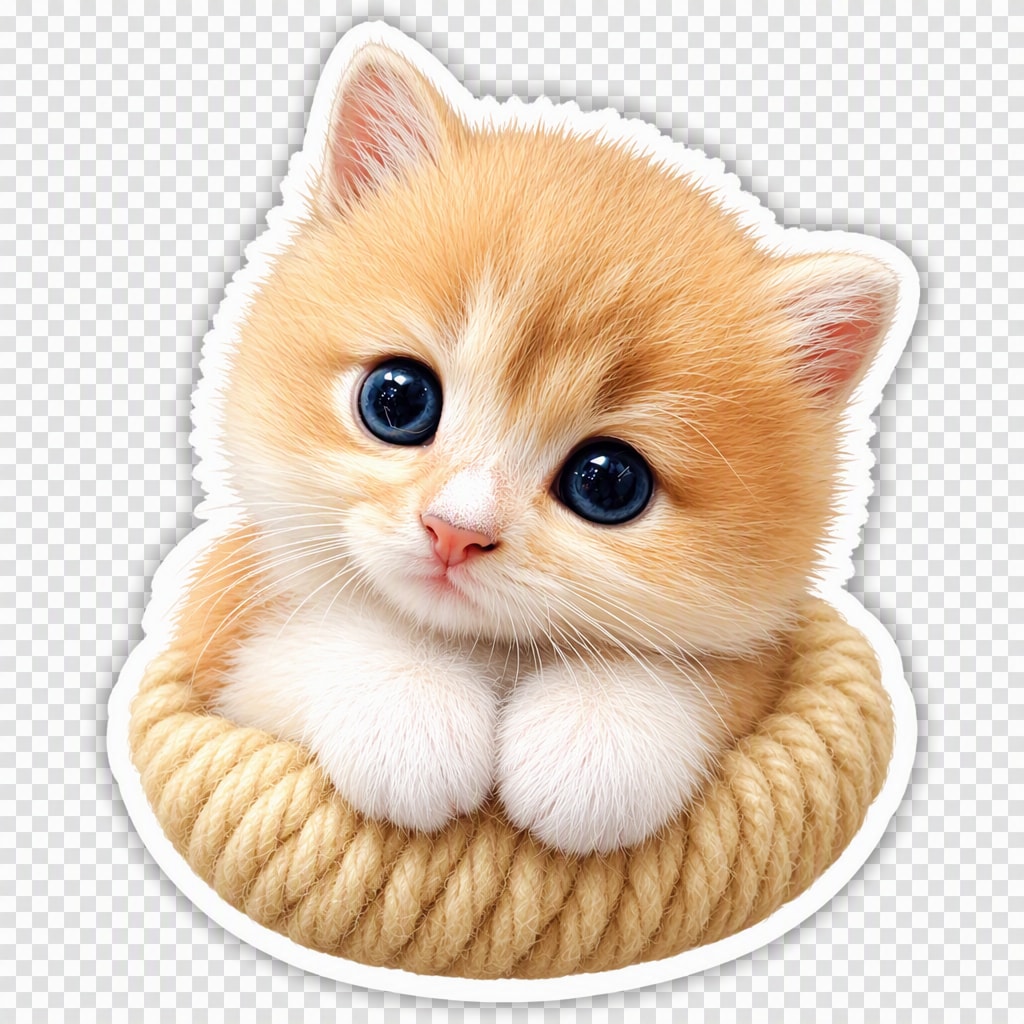
반려동물 스티커
업로드한 반려동물 사진을 귀엽고 완성도 높은 스티커로 변환합니다. 품종, 얼굴, 표정, 포즈, 털 색상과 무늬, 목줄 등 반려동물만의 특징을 자연스럽게 유지합니다. 원본 배경은 완전히 제거하고 귀, 수염, 발, 털처럼 세밀한 부분도 최대한 자연스럽게 살립니다. 원래 모습을 과도하게 바꾸지 않으면서 밝고 균형 잡힌 색감과 부드러운 음영을 적용해 일러스트 느낌을 더합니다. 피사체 주변에는 굵고 균일한 흰색 칼선 스타일 테두리와 은은한 그림자를 추가합니다. 반려동물이 잘리지 않도록 중앙에 배치하고 실제 투명 배경이 적용된 고해상도 PNG로 출력합니다. 체커보드 무늬, 배경, 텍스트, 워터마크, 사람 또는 불필요한 소품은 추가하지 않습니다.
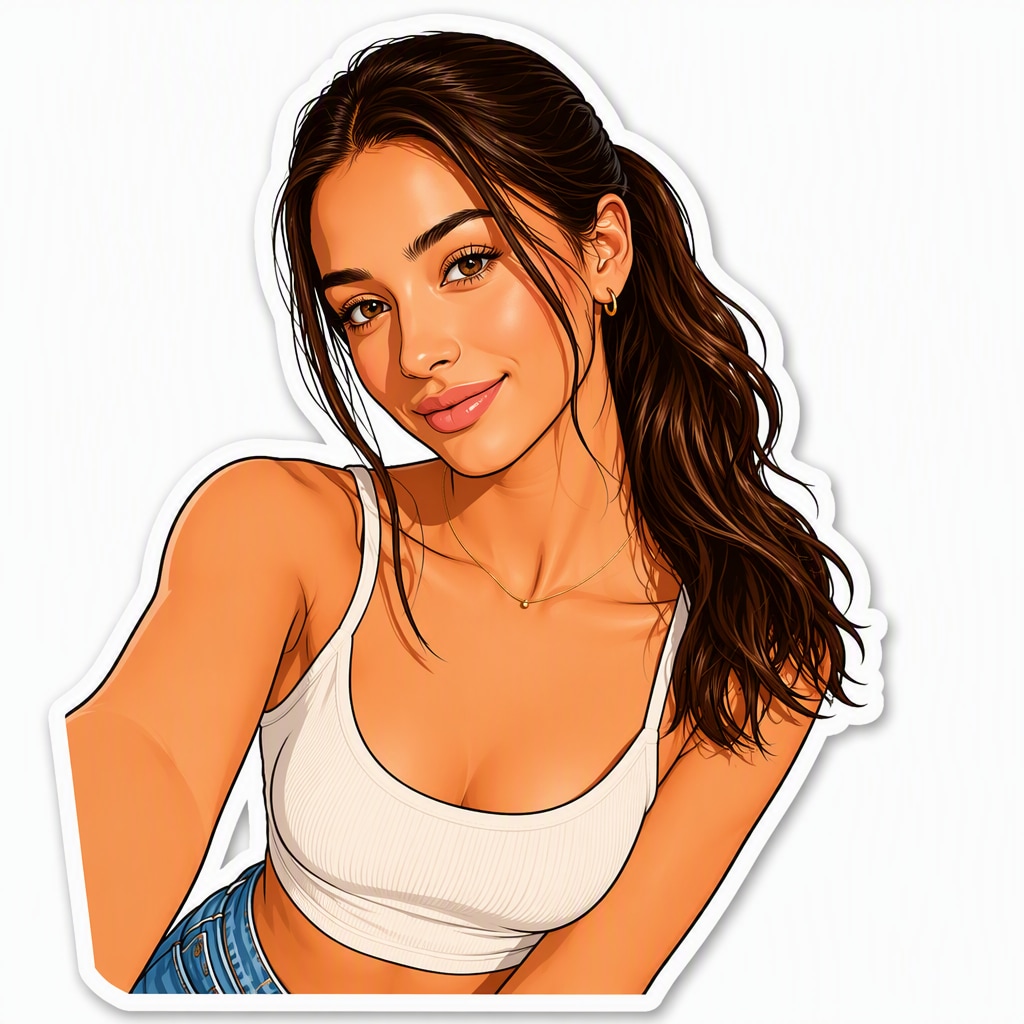
카툰 스티커
업로드한 셀카 속 인물을 세련된 카툰 캐릭터 스티커로 변환합니다. 얼굴 특징, 표정, 헤어스타일, 피부톤, 의상과 액세서리 등 인물을 알아볼 수 있는 주요 특징은 유지합니다. 깔끔한 드로잉 라인과 단순화된 형태, 선명한 색상과 부드러운 음영을 적용하되 과장된 치비 비율이 아닌 자연스러운 인체 비율을 유지합니다. 원본 배경은 완전히 제거하고 캐릭터 전체를 따라 두껍고 매끄러운 흰색 칼선 스타일 테두리와 은은한 그림자를 추가합니다. 피사체가 잘리지 않도록 중앙에 배치하고 실제 투명 알파 배경이 적용된 고해상도 PNG로 출력합니다. 체커보드 이미지, 단색 배경, 텍스트, 워터마크 또는 스티커 목업은 추가하지 않습니다.
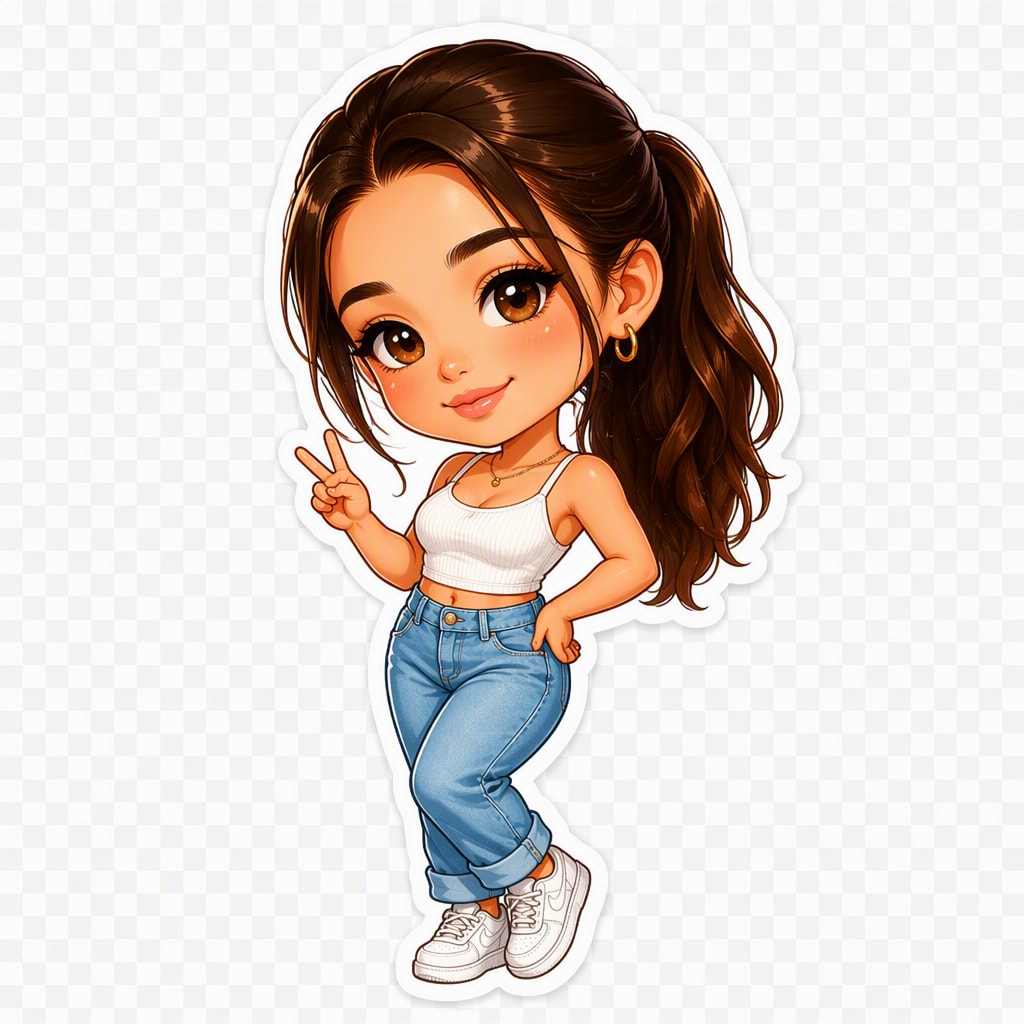
치비 스티커
업로드한 사진 속 인물을 귀여운 전신 치비 캐릭터 스티커로 변환합니다. 얼굴 특징, 헤어스타일, 피부톤, 표정, 의상 색상과 대표 액세서리 등 원본 인물을 알아볼 수 있는 요소는 유지합니다. 머리는 크고 몸은 작게 표현하는 치비 특유의 비율과 둥근 형태, 생동감 있는 포즈를 적용하고 선명한 카툰 라인과 밝은 색상, 부드러운 셀 셰이딩으로 완성합니다. 원본 배경은 완전히 제거하고 캐릭터 전체를 따라 굵은 흰색 칼선 스타일 테두리를 추가합니다. 캐릭터가 잘리지 않도록 중앙에 배치하고 실제 투명 알파 배경이 적용된 고해상도 PNG로 출력합니다. 체커보드 무늬, 별도 장면, 텍스트, 워터마크, 추가 캐릭터 또는 관련 없는 소품은 넣지 않습니다.
오브젝트 스티커
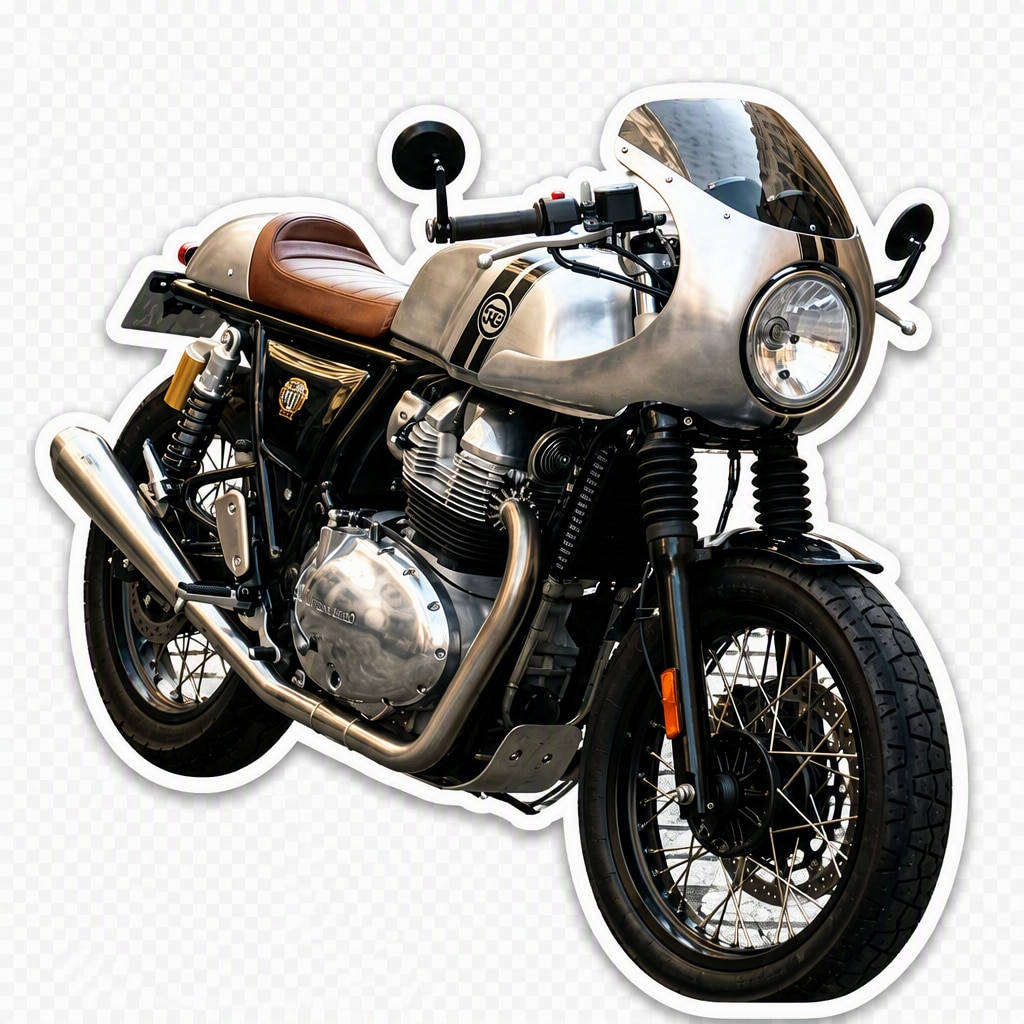
업로드한 사진 속 주요 사물이나 제품을 깔끔한 다이컷 스타일 스티커로 변환합니다. 원본의 형태, 원근감, 색상, 재질, 패턴과 주요 디자인 디테일을 최대한 유지합니다. 주변 배경은 완전히 제거하고 제품의 가장자리를 매끄럽고 정교하게 분리합니다. 실제 제품의 모습을 유지하면서 색감만 자연스럽게 보정하고, 피사체 주변에는 굵고 균일한 흰색 스티커 테두리와 은은한 그림자를 적용합니다. 제품이 잘리지 않도록 중앙에 배치하고 실제 투명 알파 배경이 적용된 고해상도 PNG로 출력합니다. 체커보드 무늬, 스튜디오 배경, 스티커 시트, 텍스트, 워터마크, 손 또는 장식용 소품은 추가하지 않습니다.
Media.io로 사진 스티커를 만들면 좋은 이유
AI가 피사체와 배경을 자동으로 분리
복잡하게 직접 누끼를 따거나 윤곽선을 다듬을 필요가 없습니다. 사진으로 스티커 만들기 기능이 사람, 반려동물, 제품 등 사진 속 주요 피사체를 자동으로 인식하고 배경에서 깔끔하게 분리합니다.
스티커 느낌을 살리는 깔끔한 테두리
사진을 실제 스티커처럼 보이게 만드는 흰색 칼선 스타일 테두리를 적용해 보세요. 테두리의 두께와 색상을 조절해 인물, 반려동물, 제품 등 다양한 사진에 어울리는 나만의 스티커를 만들 수 있습니다.
배경 없는 투명 PNG로 저장
배경이 제거된 투명 PNG 스티커로 저장할 수 있어 다른 사진이나 디자인 위에 바로 활용하기 좋습니다. 디지털 스티커, SNS 콘텐츠, 메신저 이미지 또는 스티커 인쇄용 디자인 등 다양한 용도로 사용할 수 있습니다.
온라인에서 간편하게 AI 스티커 만들기
별도의 프로그램을 설치하지 않고 브라우저에서 바로 사진을 업로드해 AI 스티커를 만들 수 있습니다. 가입 시 제공되는 무료 크레딧으로 기능을 체험하고 완성된 결과물을 저장해 보세요.
사진으로 스티커 만드는 법|간단한 3단계
01
1단계: 사진 업로드
스티커로 만들고 싶은 셀카, 반려동물, 캐릭터, 로고 또는 제품 사진을 업로드하세요. AI 사진 스티커 만들기 기능은 JPG, PNG, WebP 이미지 형식을 지원합니다.
02
2단계: 배경 제거 및 스티커 테두리 적용
AI가 사진 속 주요 피사체를 자동으로 인식해 배경에서 분리하고, 피사체 주변에 깔끔한 스티커 테두리를 적용합니다. 원하는 스타일에 맞게 테두리를 조절해 보세요.
03
3단계: 투명 PNG로 저장
완성된 AI 스티커를 미리 확인한 뒤 배경이 투명한 PNG 이미지로 저장하세요. SNS 콘텐츠, 메신저, 디지털 디자인 또는 스티커 제작용 이미지로 다양하게 활용할 수 있습니다.
사진 한 장으로 나만의 AI 스티커를 간편하게 만들어 보세요
@lucas_m
반려동물 애호가
"골든 리트리버 사진으로 귀여운 반려동물 스티커를 만들었어요!" 강아지 사진의 털과 표정을 자연스럽게 살리면서 배경만 깔끔하게 제거해 줘서 마음에 들었습니다. 직접 누끼를 따지 않아도 스티커처럼 깔끔한 테두리까지 만들어져 편리했어요.
@sarah_designs
디지털 플래너 크리에이터
"디지털 플래너에 바로 넣기 좋은 투명 PNG 스티커예요." 사진 속 피사체를 깔끔하게 분리하고 스티커 테두리까지 자동으로 만들어 줘서 작업 시간이 많이 줄었습니다. 배경이 투명한 PNG라 다른 디자인 위에 바로 배치하기에도 편리했습니다.
@jason_dev
커뮤니티 매니저
"셀카 사진을 스티커로 바꾸는 과정이 정말 간단해요." 팀원들의 프로필 사진으로 캐릭터 느낌의 스티커를 만들었는데 얼굴 특징을 자연스럽게 유지하면서 배경을 깔끔하게 제거해 줬습니다. 메신저나 커뮤니티에서 사용할 스티커 이미지를 만들 때도 편리했어요.
@brand_booster
소규모 사업주
"제품 사진으로 브랜드 스티커를 만들 때 유용해요." 제품 사진과 로고 이미지를 업로드해 깔끔한 흰색 테두리가 적용된 스티커 이미지로 만들 수 있었습니다. 복잡한 디자인 작업 없이 제품의 특징을 살린 투명 PNG 이미지를 빠르게 만들 수 있어 활용하기 좋았습니다.
사진으로 AI 스티커 만들기 FAQ
1. 사진으로 스티커는 어떻게 만드나요?
사진을 업로드하면 AI가 주요 피사체를 자동으로 인식해 배경을 제거하고 스티커 스타일의 테두리를 적용합니다. 셀카, 반려동물, 캐릭터 또는 제품 사진을 선택한 뒤 원하는 스티커 스타일을 적용하고, 완성된 이미지를 투명 PNG로 저장하면 됩니다.
2. 내 사진이나 반려동물 사진으로도 스티커를 만들 수 있나요?
네. 셀카나 인물 사진은 물론 강아지, 고양이 등 반려동물 사진도 스티커로 만들 수 있습니다. AI가 얼굴, 헤어스타일, 털, 표정 등 피사체의 주요 특징을 인식해 배경을 분리하므로, 사진의 특징을 살린 인물 스티커나 반려동물 스티커를 만들기 좋습니다.
3. 사진을 치비 캐릭터나 카툰 스티커로 만들 수도 있나요?
네. 원본 사진의 얼굴 특징, 헤어스타일, 의상 등을 참고해 카툰 스타일이나 머리가 크고 몸이 작은 치비 캐릭터 스타일의 AI 스티커로 변환할 수 있습니다. 실제 사진 느낌을 유지한 스티커부터 캐릭터 느낌이 강한 스티커까지 원하는 스타일에 맞게 선택할 수 있습니다.
4. 배경 없는 투명 PNG 스티커로 저장할 수 있나요?
네. AI가 사진 속 배경을 제거한 뒤 피사체만 남긴 투명 PNG 스티커로 저장할 수 있습니다. 배경이 투명하기 때문에 다른 이미지 위에 붙이거나 SNS 콘텐츠, 디지털 플래너, 메신저용 스티커 이미지 및 인쇄용 디자인 등에 활용하기 편리합니다.
5. 사진으로 AI 스티커 만들기를 무료로 이용할 수 있나요?
Media.io에서는 가입 후 제공되는 무료 크레딧을 사용해 사진으로 AI 스티커 만들기 기능을 체험할 수 있습니다. 별도의 프로그램을 설치하지 않고 브라우저에서 사진을 업로드해 스티커를 생성할 수 있습니다.