
AI Betrayal Drama Video Generator: Turn Betrayal Scripts into Revenge Videos
Revenge stories work best when the payoff stays tied to the betrayal that started it. AI Betrayal Drama Video Generator turns grudges, hidden truth, and comeback scenes into connected videos from a script or story draft. It keeps the payback arc clear from the break to the reversal.
Stunning Features of an AI Revenge Drama Video Maker
Media.io keeps betrayal beats, comeback pressure, optional subtitles, and agent mode in one revenge workflow, with exports up to 2 minutes in 4K.
Turn Revenge Scripts into Focused Conflict Scenes
Start by turning the script into a payback map, with betrayal, comeback, and the final reversal placed in sequence.
- Break betrayal, comeback, and payback beats into a clear outline
- Keep the reversal readable without losing the original hurt
- Preserve the tension so the payoff lands later in the story
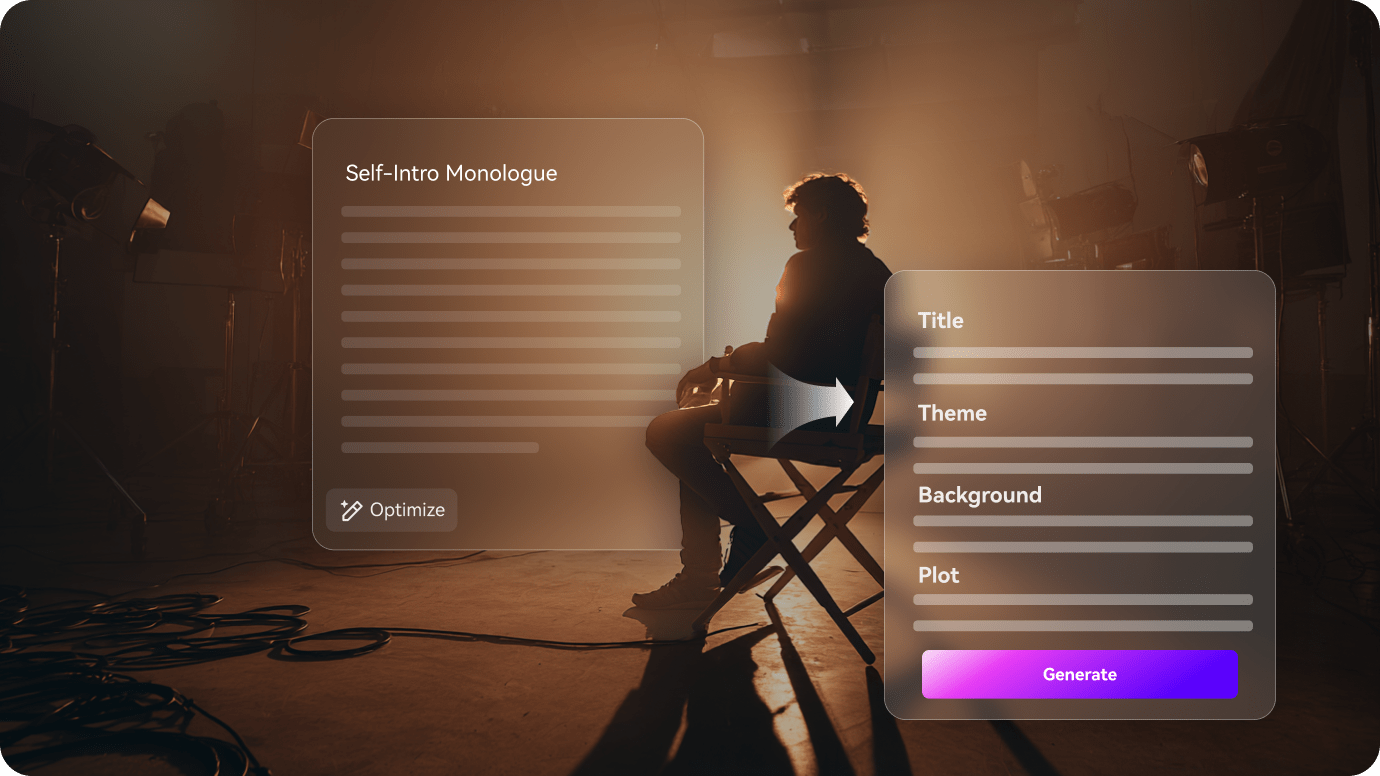
Keep Betrayal Characters Consistent Across Scenes
Revenge stories depend on who hurt whom and who is still in the room. The cast map keeps those roles steady as the story moves toward the payoff.
- Hold the betrayed lead, rival, ex, and family role steady across scenes
- Make the target of the comeback easy to track in each beat
- Keep the cast readable as the story moves toward the reveal

Shape the Payback Beat Before Export
Before export, review the reveal and the final reversal so the payoff feels earned rather than sudden.
- Review the timing of the reveal before the final cut goes out
- Tighten any scene that feels too vague or too rushed
- Export a revenge story with a sharper final payoff

How to Create a Revenge Drama Video in 3 Steps
Start with the script, then keep the cast, betrayal beats, and payoff timing aligned before export.

Paste the revenge script
Start with a betrayal scene, a comeback outline, or a payback draft and map the conflict clearly.

Set the conflict cast
Keep the betrayed lead, rival, ex, or family member easy to follow as the story moves forward.

Review the final cut
Polish the timing, sharpen the reveal, and export a revenge drama video that lands the payoff.
Revenge Drama Video Ideas You Can Create
These story ideas lean into betrayal, payback, and comeback without collapsing into one phrase.
Betrayal Payback
A story that starts with a broken promise and ends with a clear reversal.
Revenge
Comeback Arc
A character rebuilds control after being pushed aside.
Revenge
Hidden Truth Reveal
The story shifts once the real reason behind the betrayal comes out.
Revenge
Public Humiliation
A dramatic scene where the room finally sees what was hidden.
Revenge
Quiet Revenge
A calmer story where the payoff comes through planning rather than shouting.
Revenge
Second Chance Return
A person comes back stronger and changes the balance in the room.
Revenge
How Different Revenge Story Creators Use AI Script to Video
From revenge-drama creators and faceless YouTubers to screenwriters, novelists, and channel teams, see how AI script to video can move payback ideas into finished videos.


"I can move from script to video without losing the original story shape."

"It helps me organize narration, characters, and scene order in one workflow."

"I can show tone and pacing clearly before I commit to the final version."

"A written chapter becomes a visual preview that is much easier to share."

"I can review the outline and keep the video structure readable."

"It turns campaign scripts into a more visual workflow for the team."
FAQs on Revenge Drama
These answers cover betrayal scripts, payback pacing, and the scene review steps that matter in revenge stories.
What Is an AI Revenge Drama Generator?
It is a script-to-video workflow for turning betrayal, payback, and comeback stories into connected scenes.
Can I Start from a Revenge Script?
Yes. A betrayal outline, comeback story, or revenge drama script is a good fit for the workflow.
Can I Keep the Same Characters Across Scenes?
Yes. The workflow is built to keep the lead, rival, and supporting roles readable across scenes.
What Revenge Story Ideas Work Best?
Betrayal payback, hidden truth reveals, public humiliation, quiet revenge, and comeback arcs usually work well.
Can I Use It for Short-Form Video?
Yes. The story can be shaped for short clips, recap content, or episodic revenge drama.
Does It Help with Story Flow?
Yes. You can review the outline and keep the revenge beats in order before export.
Can I Keep the Tone Intense?
Yes. The workflow can preserve the conflict, pacing, and reveal structure across the video.
Explore Script-to-Video Ideas and Use Cases
These topics branch into betrayal, payback, and comeback without collapsing into one phrase.

Turn Your Revenge Script into an AI Video In One Workflow
Paste your revenge script, betrayal draft, or comeback outline. Media.io helps structure the scenes, set up characters, preview the storyboard, and generate a watchable payback video from your written idea. You can also switch on background music and subtitles, or use agent mode for a one-step run. Exports can go up to 2 minutes in 4K.