
AI Contract Marriage Drama Generator: Turn Contract Marriage Stories into Videos
Romance stories work best when the arrangement and the chemistry stay visible from the first scene. AI Contract Marriage Drama Generator turns contract marriage tension, private meetings, and emotional turns into connected videos from a script or story draft. It keeps the relationship arc readable as the story moves from agreement to real feeling.
Turn Contract Marriage Scripts into a Clear Arrangement Outline
When a contract marriage story needs structure instead of generic romance, this setup keeps the emotional turn clear from draft to final export.
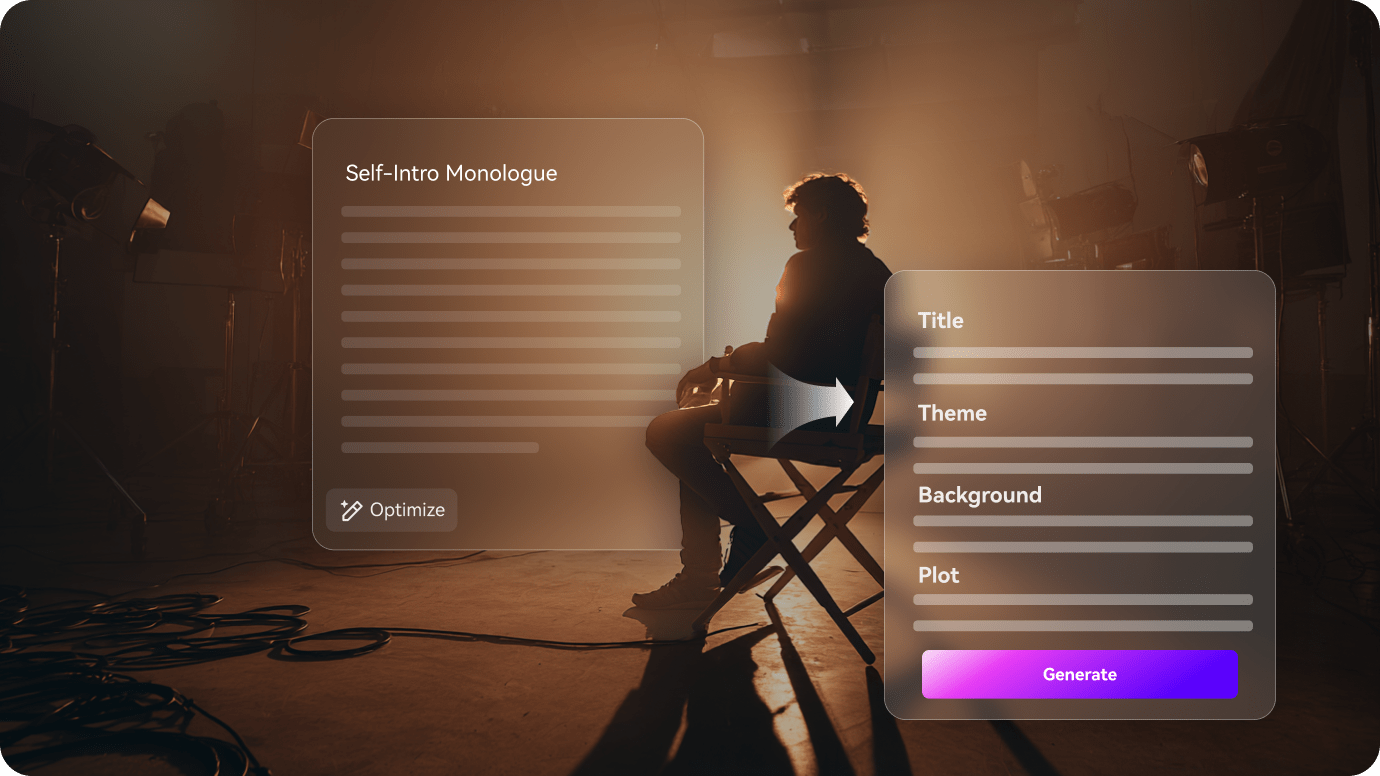
Map the Agreement Before the Chemistry Changes
The first pass turns the script into a pressure map, so the arrangement, family leverage, and private chemistry stay in the right order.
- Show the contract, the private boundaries, and the first crack in the arrangement
- Keep the family pressure and public cover story visible in every scene
- Turn the setup into a readable path from obligation to real feeling
Keep the Couple Visible While the Cover Story Holds
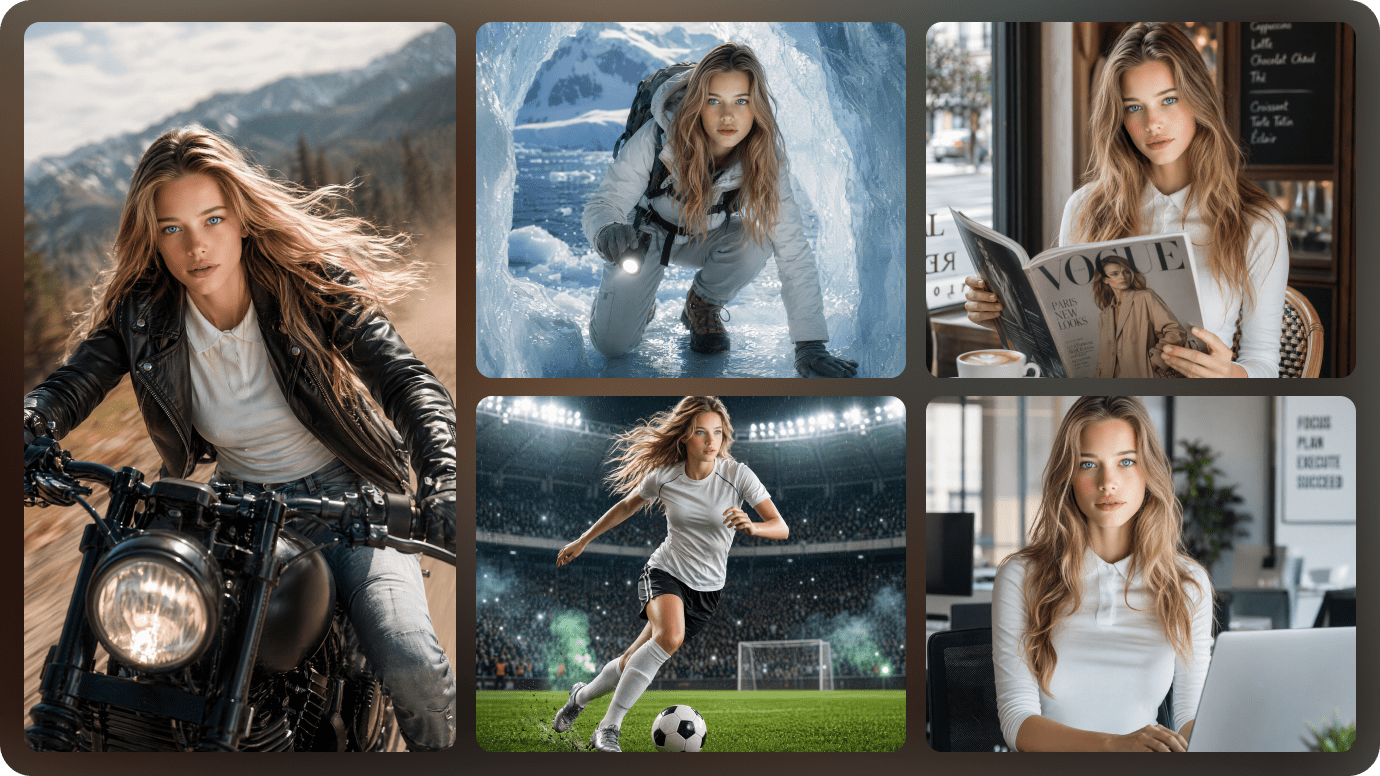
Public scenes need the same couple roles and cover story to stay readable while the agreement still has to look real.
- Hold the leads steady through public appearances and private tension
- Make the agreement believable even when the relationship starts changing
- Keep the emotional shift easy to follow from shot to shot
Polish the Family Pressure Beat Before Export
Before export, the outline gives you a place to sharpen the family pressure or the private confession without flattening the turn.
- Slow down any rushed confession or apology before the final cut goes out
- Tighten the decision point so the payoff feels earned rather than generic
- Export a contract marriage video that still feels specific to the setup
How to Create a Contract Marriage Video in 3 Steps
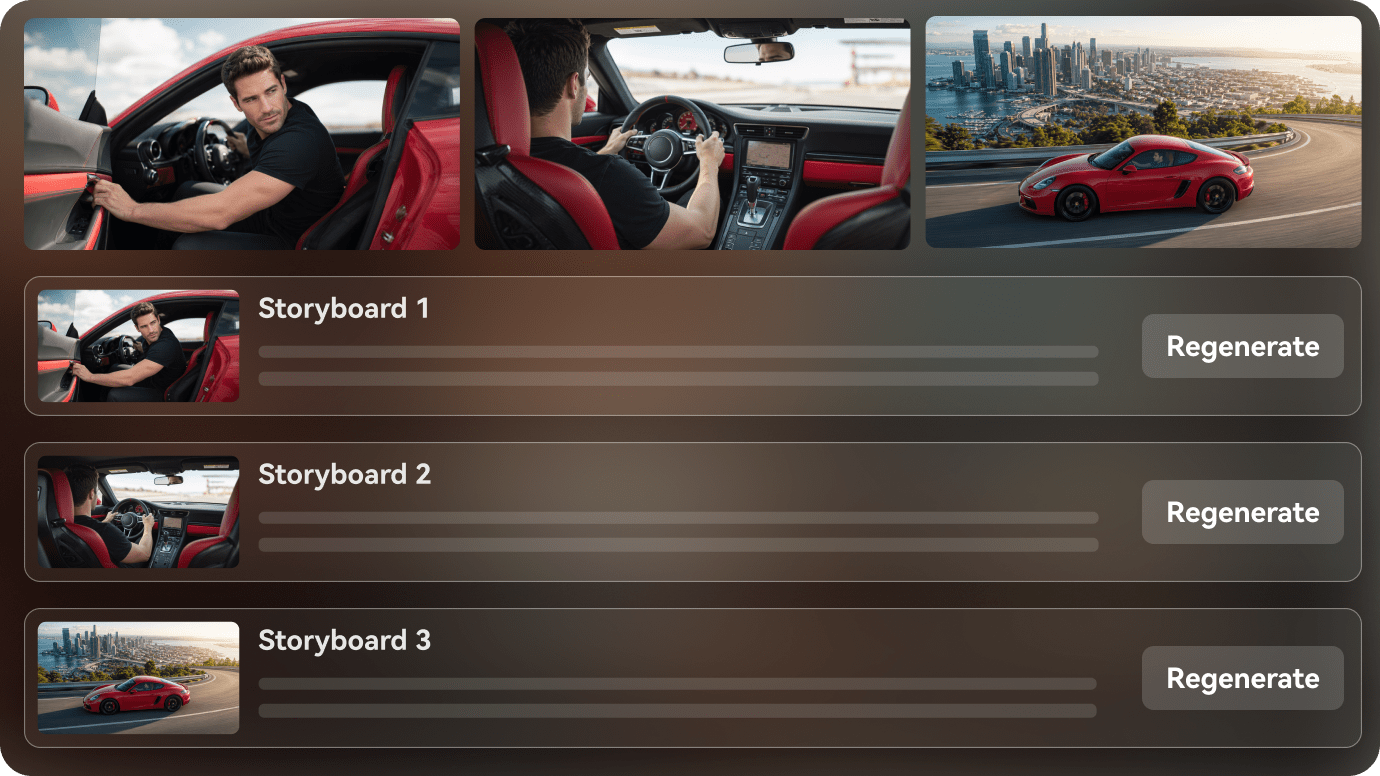
Start with the agreement, then keep the cover story, family pressure, and scene order aligned before export.

Paste the romance script
Start with a contract marriage scene, a forbidden love chapter, or a reunion outline and turn it into a clean scene map.

Shape the couple and turns
Keep the leads, their secret, and the emotional beats easy to follow as the story moves from scene to scene.

Review the final cut
Adjust the reveal, tighten the chemistry, and export the romance video with a clearer emotional arc.
Contract Marriage Video Ideas You Can Create
These story ideas center on a paper agreement that slowly starts to look like real attachment instead of generic chemistry.
Paper Arrangement
A contract starts as a practical choice and slowly turns into real chemistry.
Romance
Family Pressure
Relatives keep pushing the couple toward a path neither side fully expected.
Romance
Private Boundary
A quiet scene where rules begin to blur once the leads are alone.
Romance
Public Cover
A scene built around appearances, rumors, and keeping the agreement believable.
Romance
Unexpected Attachment
The relationship gets harder to fake as the story keeps moving.
Romance
Final Choice
The last beat decides whether the arrangement stays a contract or becomes love.
Romance
How Different Contract Marriage Creators Use AI Script to Video
From contract-marriage writers and faceless love-story channels to screenwriters, novelists, and editorial teams, see how AI script to video can turn a paper agreement into a readable scene arc.


"I can turn an arrangement script into a visual draft faster and keep the tension around the agreement clear."

"It helps me organize the agreement, the private meetings, and the family pressure in one workflow."

"I can show the shift from contract to chemistry without rebuilding the whole scene list."

"I can turn a chapter into a quick contract-marriage preview and keep the emotional turn readable."

"I can paste long text, review the outline, and shape a video that keeps the arrangement believable."

"It turns contract-marriage scripts into visual videos that are easier to share with a team."
FAQs on Contract Marriage
These answers cover the agreement, the family pressure, and the emotional shift that matter in contract marriage stories.
What Is an AI Contract Marriage Drama Generator?
It turns contract marriage scripts into connected romance videos with the arrangement, the chemistry, and the emotional turn kept in sequence.
Can I Start from a Contract Marriage Script?
Yes. A contract marriage outline or fake marriage draft is a strong fit for the workflow.
Can the Same Couple Stay Consistent Across Scenes?
Yes. The workflow is designed to keep the leads recognizable as the story moves from agreement to real feeling.
What Contract Marriage Stories Work Best?
Stories with family pressure, private tension, and a slow turn from arrangement to affection usually work best.
Can I Use It for Short-Form Video?
Yes. It can be shaped for short romance clips, recap formats, or episodic love-story cuts.
Does It Help with Dialogue-Heavy Scenes?
Yes. The outline stage helps keep arguments, soft moments, and reveal beats in order.
What If a Scene Needs Editing?
You can review the scene flow and revise the weak beat before export.
Explore Script-to-Video Ideas and Use Cases
These topics branch into other agreement-led romance angles instead of repeating the same contract setup twice.

Turn Your Contract Marriage Script into an AI Video In One Workflow
Paste your contract marriage script, story draft, or outline. Media.io helps structure the agreement, set up characters, preview the storyboard, and generate a watchable romance video from your written idea. You can also switch on background music and subtitles, or use agent mode for a one-step run. Exports can go up to 2 minutes in 4K.