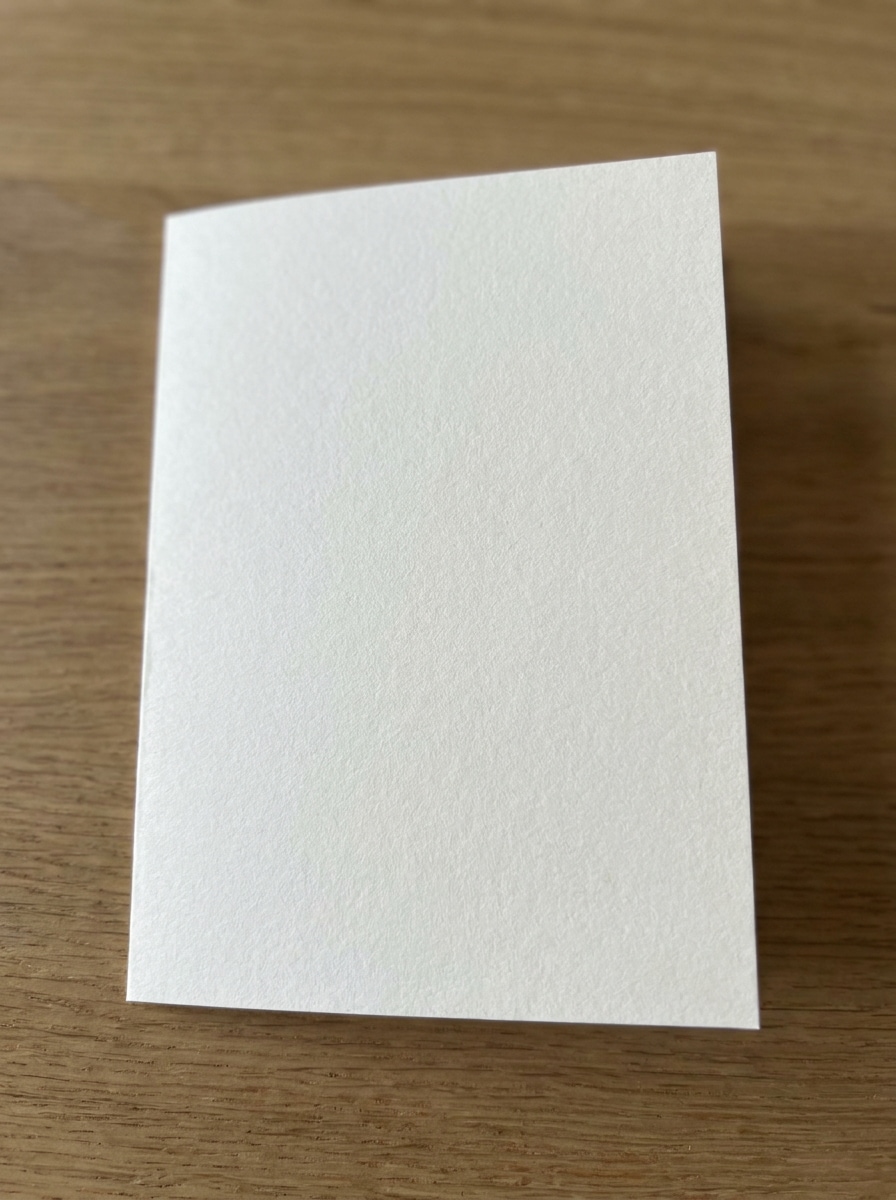
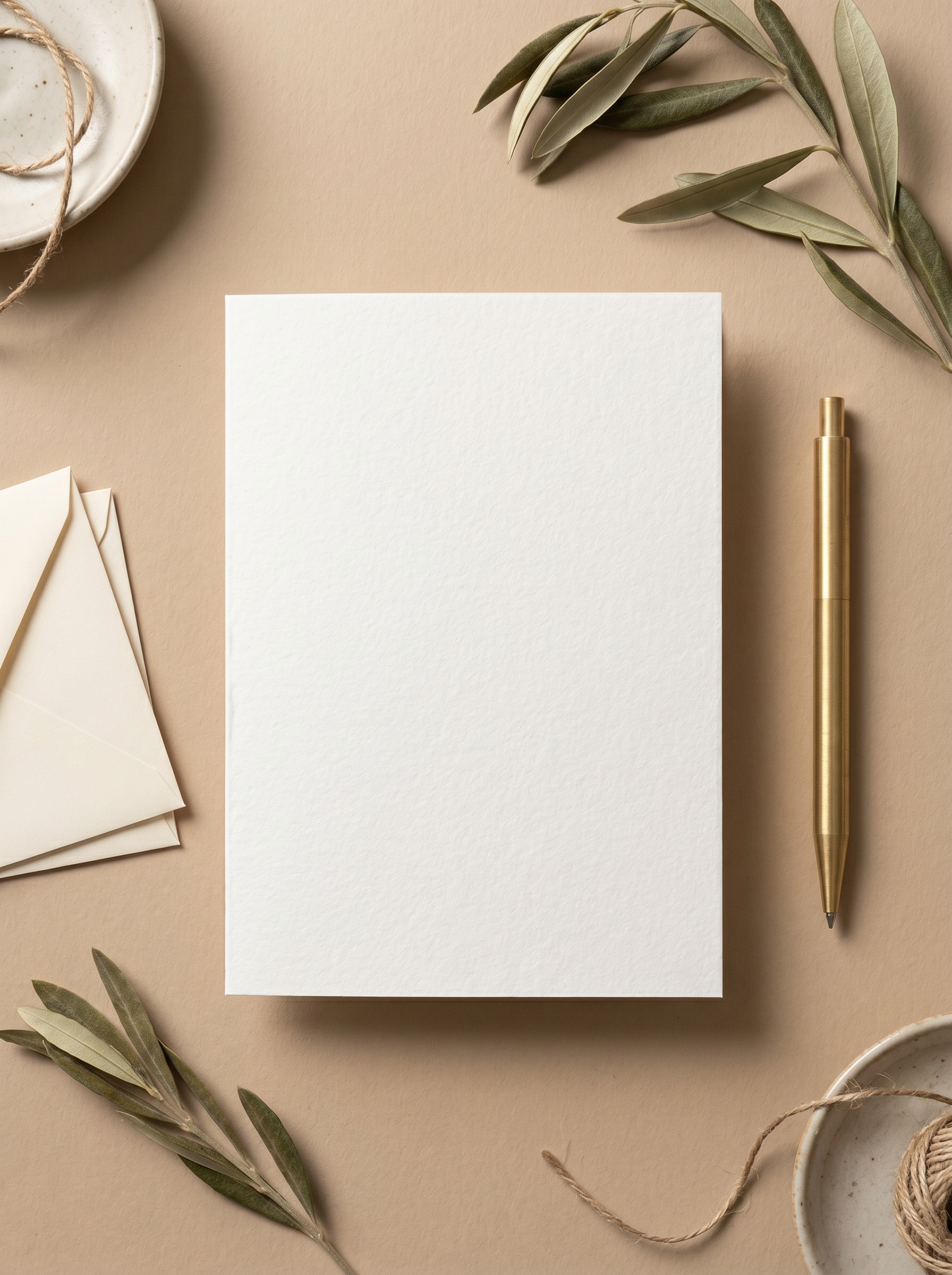
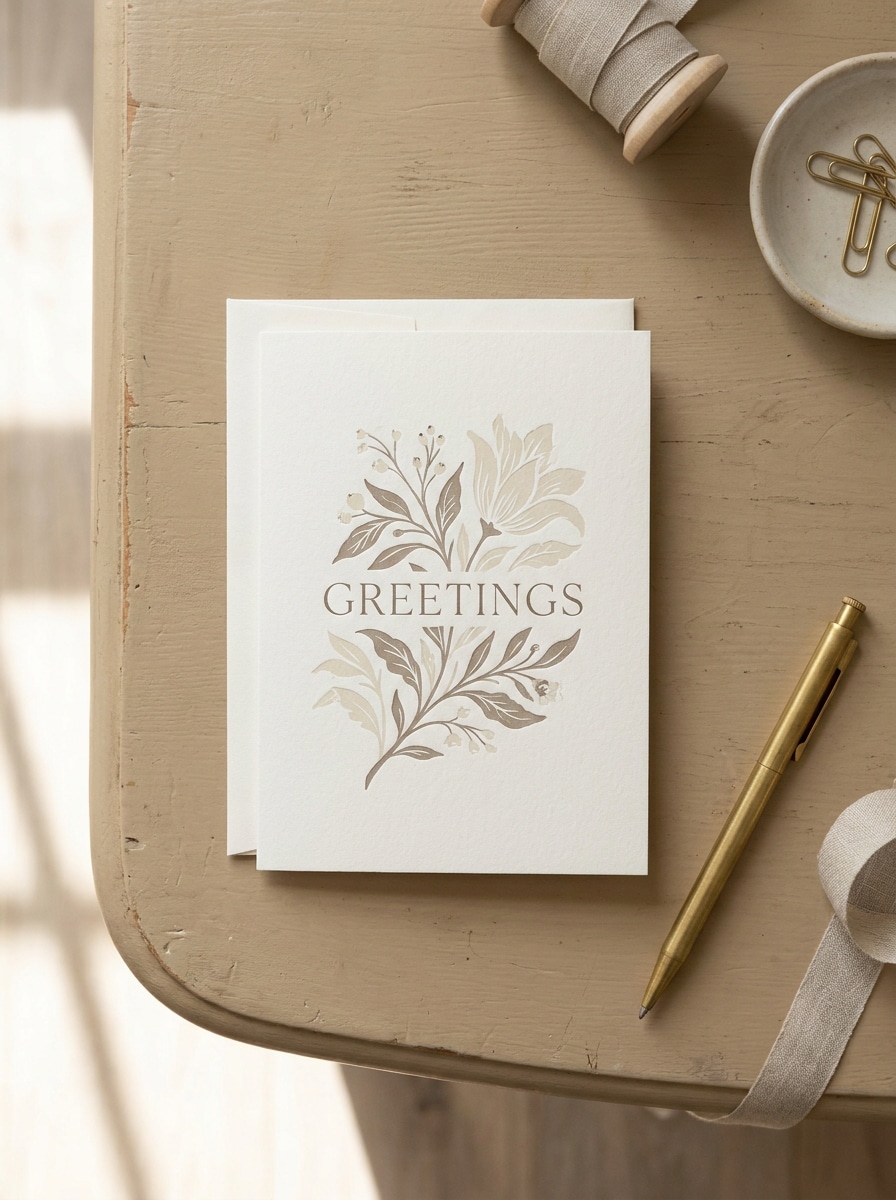
ニュートラルデスクフラットレイ
アップロードした画像をグリーティングカードのデザインとして使用し、温かみのあるベージュのデスク上でリアルな真上からのフラットレイモックアップに変換してください。折りたたんだカードを中央に配置し、柔らかな自然な影、さりげない文房具のアクセント、洗練された紙の質感、落ち着いたニュートラルトーン、プレミアムミニマリストなプレゼンテーションのためのクリーンな編集照明を加えてください。
 Nano Banana Pro
 創造力を解き放ち、Media AIの魔法をすぐに体験しよう!














カードのアートワークをリアルな折りたたみ、開いた状態、または封筒のモックアップシーンにオンラインで変換できます。Media.ioはグリーティングカードモックアップを無料で柔軟なレイアウト、洗練された照明、ポートフォリオ・ショップ・SNS投稿向けの高速エクスポートで作成できます。
アイデアを入力 → AIがデザインします。無料でお試しいただけます。
以下のサンプル指示を参考にして、この無料モックアップグリーティングカードツール(Media.io)でより良い結果を得るためにプロンプトの詳細をカスタマイズしてください。
アップロードした画像をグリーティングカードのデザインとして使用し、温かみのあるベージュのデスク上でリアルな真上からのフラットレイモックアップに変換してください。折りたたんだカードを中央に配置し、柔らかな自然な影、さりげない文房具のアクセント、洗練された紙の質感、落ち着いたニュートラルトーン、プレミアムミニマリストなプレゼンテーションのためのクリーンな編集照明を加えてください。
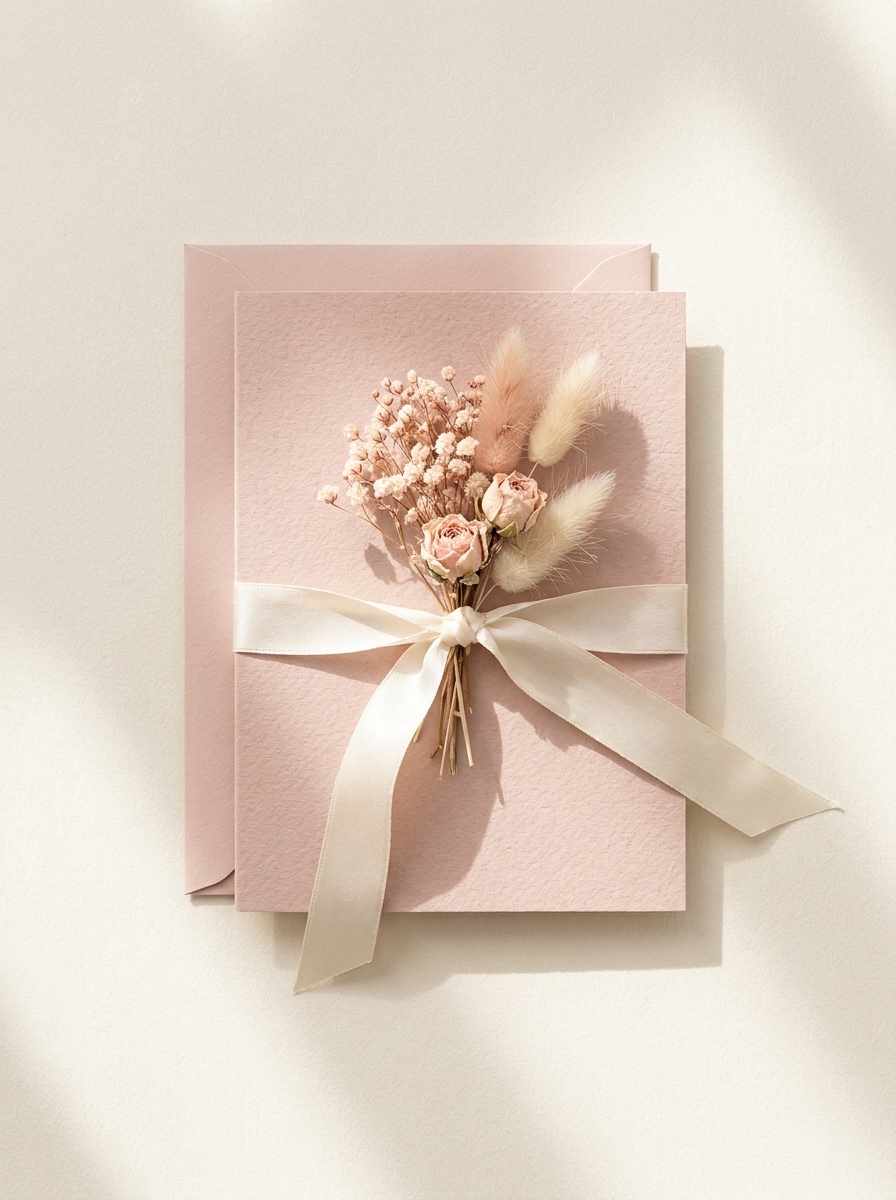
アップロードした画像をカードのメインアートワークとして使用し、合わせた封筒、シルクリボン、ドライフラワーを添えたスタイリッシュなフラットレイシーンに配置してください。パステルカラー、繊細な影、リアルな紙の質感、エレガントな文房具フォトグラフィーで上から見た構図を保ち、無料モックアップグリーティングカードショーケースに適した仕上がりにしてください。
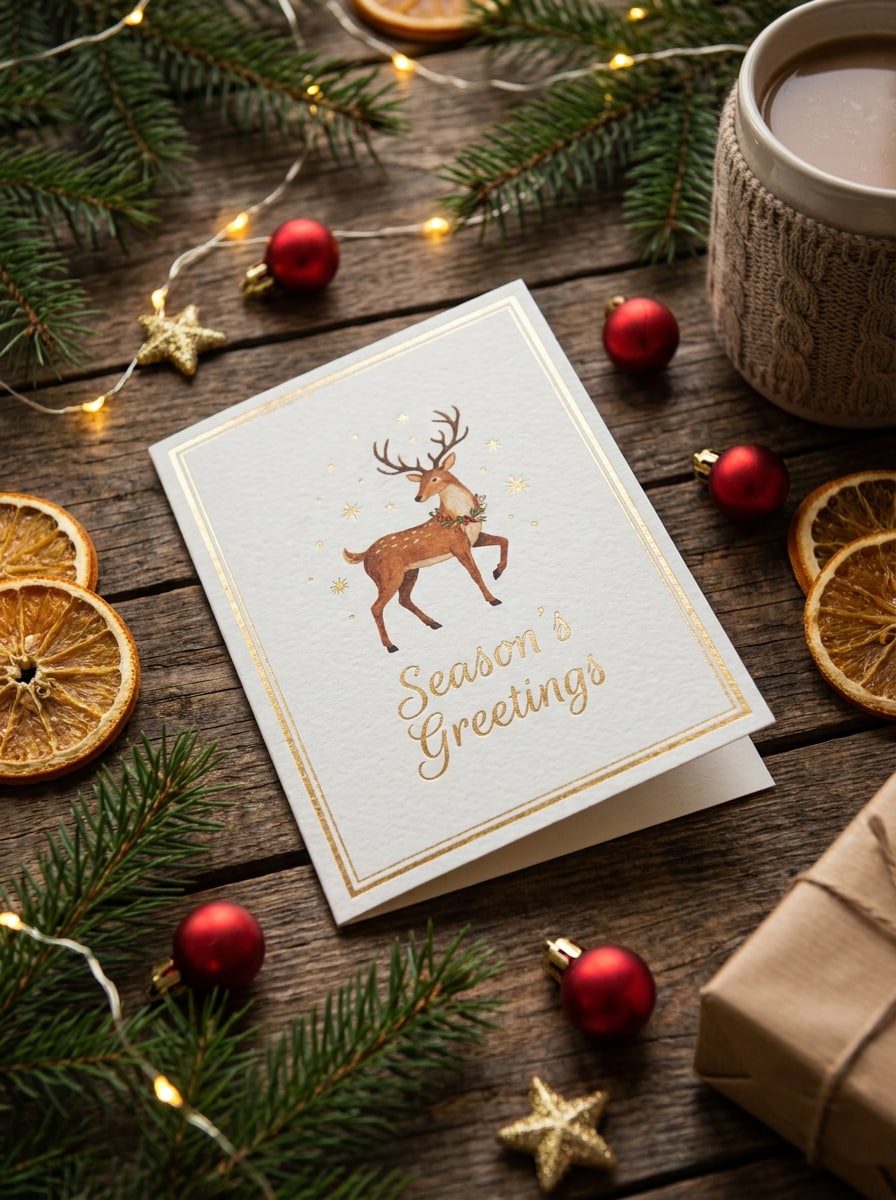
アップロードした画像をカードのデザインとして使用し、温かみのある木製テーブルの上でフェスティブなホリデーモックアップに変換してください。松の枝、小さなオーナメント、温かみのあるボケライト、柔らかな季節感のある影、リアルな厚紙の質感を加えながら、カードを明確でエレガントな印刷プレビューやギフトビジュアルに仕上げてください。
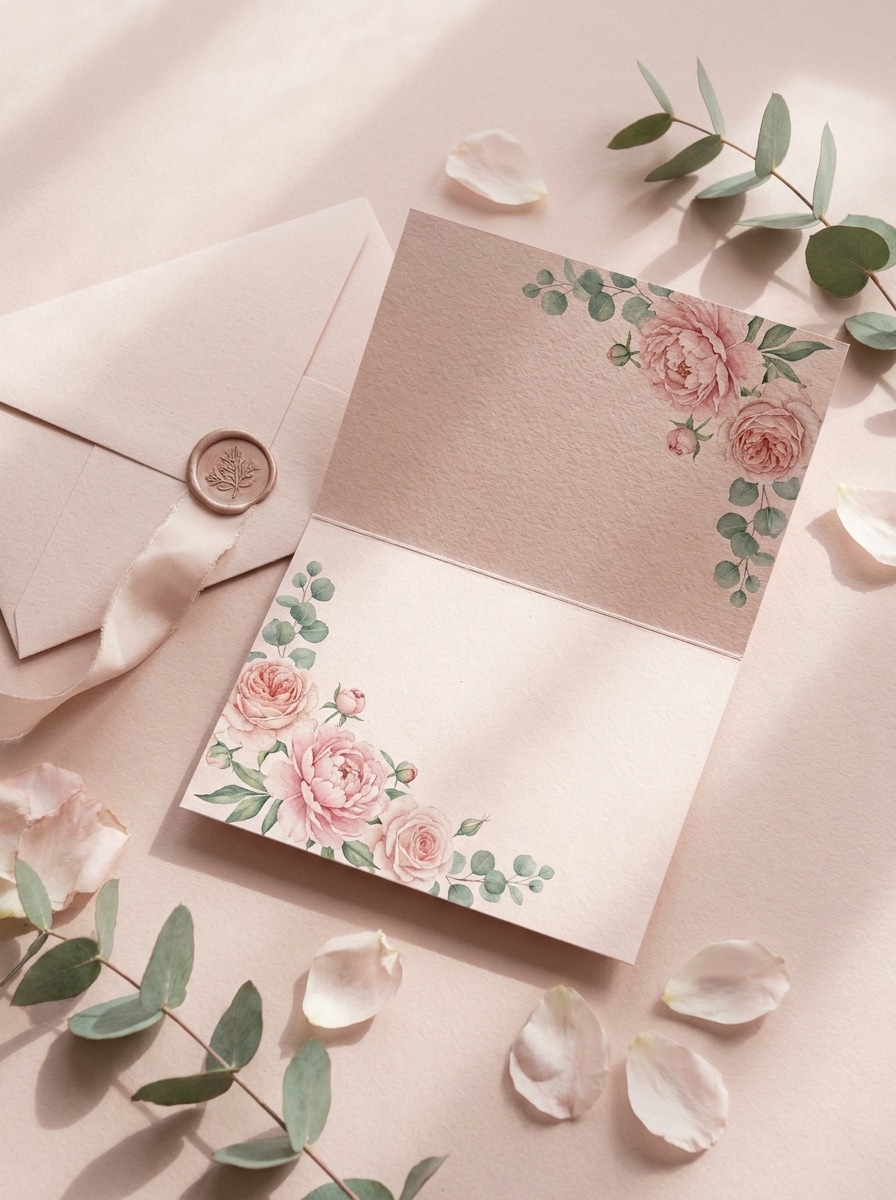
アップロードした画像をメインのカードアートとして使用し、ブラッシュピンクのトーン、フローラルアクセント、コーディネートされた封筒でロマンチックなモックアップシーンを作成してください。柔らかな方向性のある光、優しい影、リアルなマットの厚紙、エレガントで温かみがありシェアしやすい編集構成を表現してください。
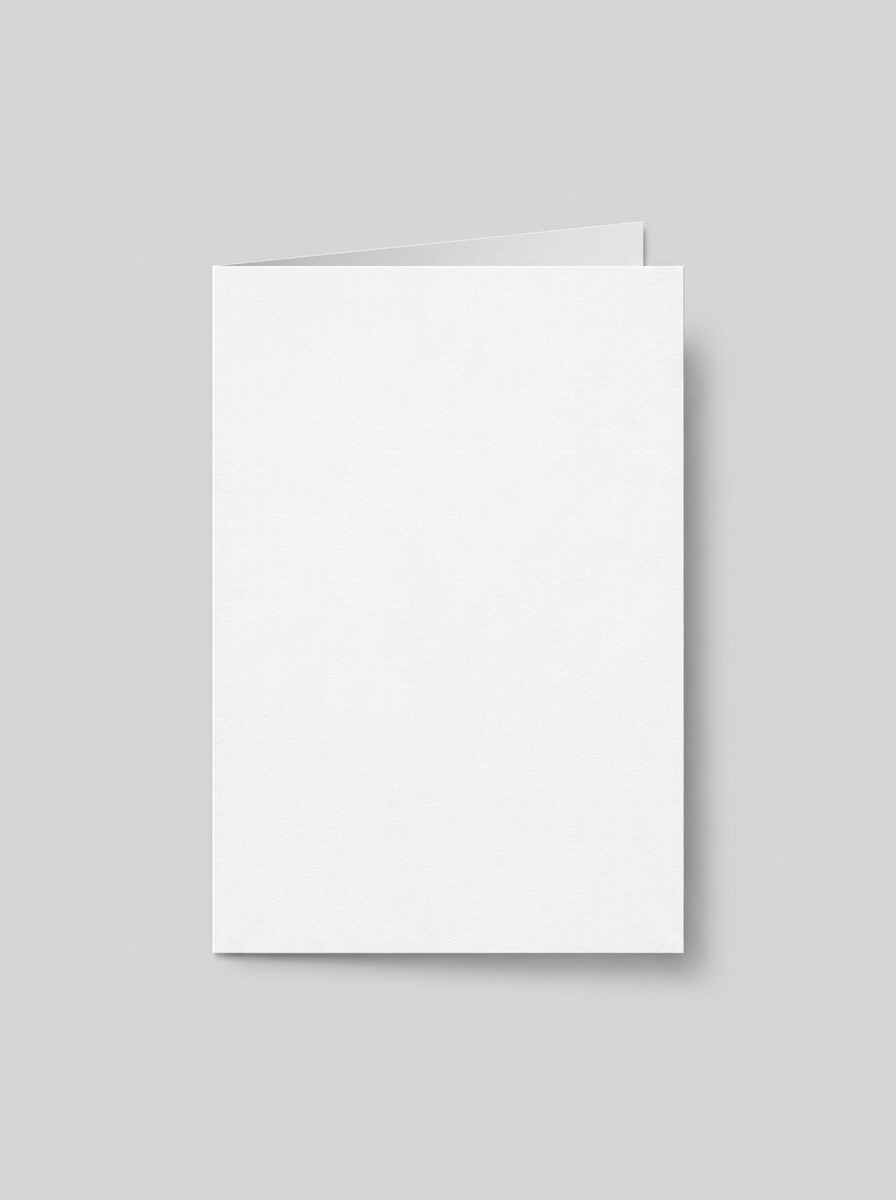
アップロードした画像をカードの表面として使用し、正面から見たクリーンな折りたたみカードモックアップに変換してください。背景はソフトグレー、照明はバランスよくプロフェッショナルに、シャープなエッジ、わずかな接触影、リアルな印刷テクスチャ、シンプルなeコマース対応の商品プレゼンテーションを維持してください。
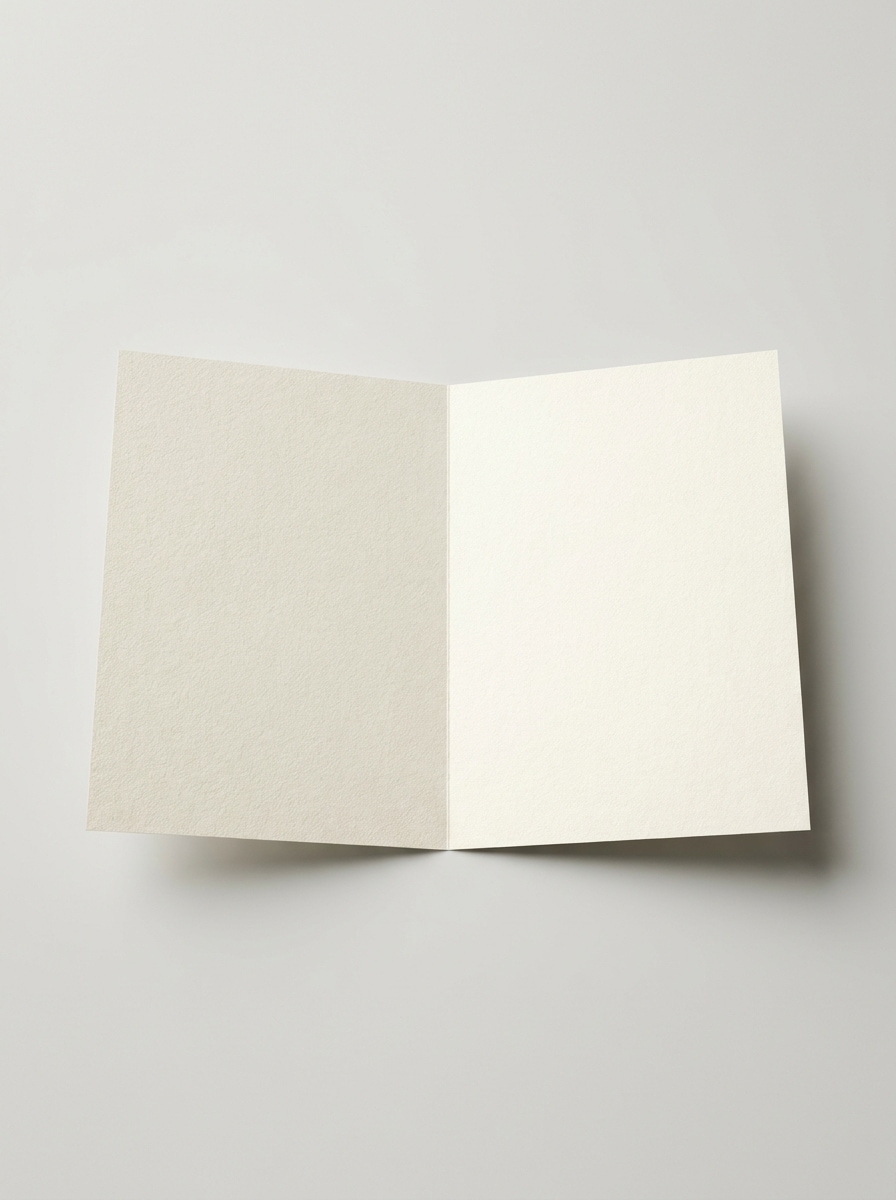
アップロードした画像をグリーティングカードのデザインとして使用し、内側のスプレッドを表示した開いたカードのモックアップとして提示してください。プレミアムな紙の質感、クリーンなニュートラルな背景、バランスの取れた照明、目に見える折り目の詳細、内側のアートワークとメッセージの配置を確認できるリアルな印刷プレビューレイアウトを重視してください。
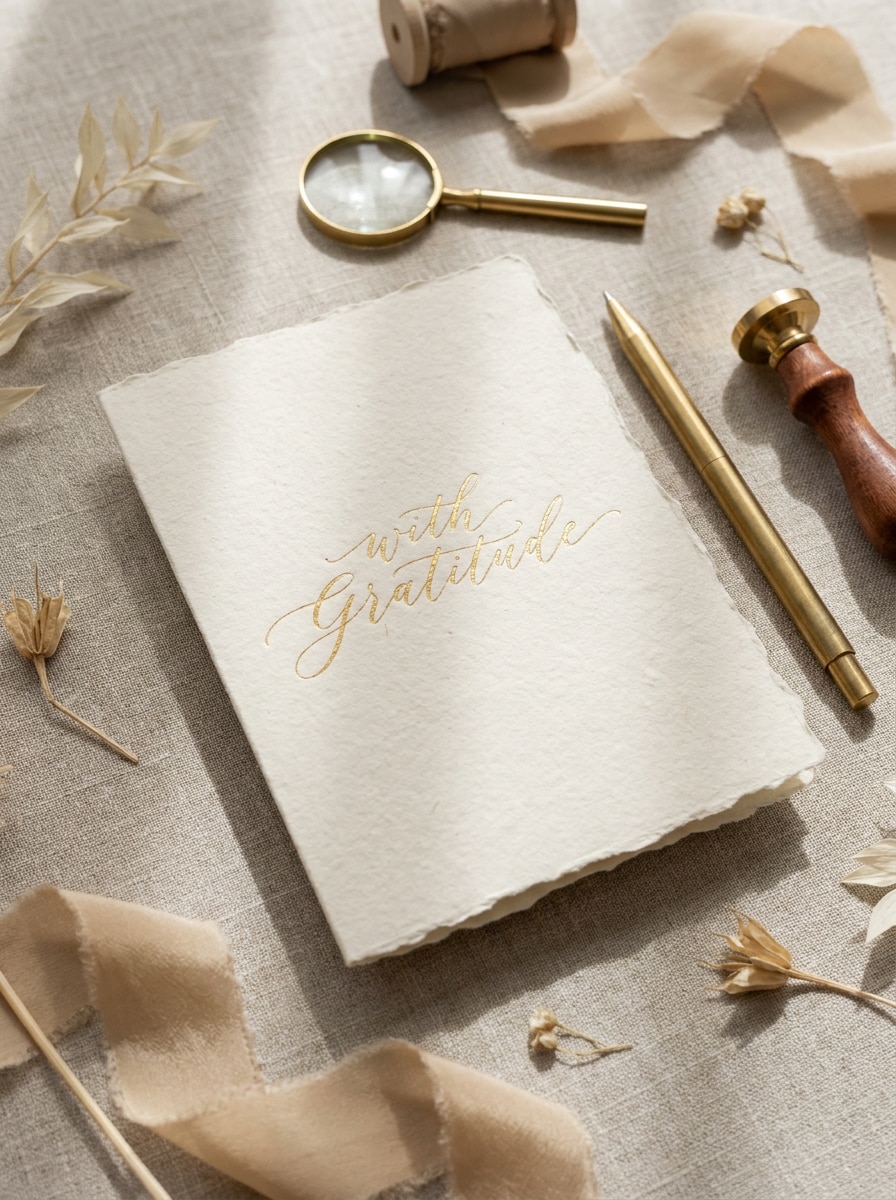
アップロードした画像をメインデザインとして使用し、deckledペーパーのアクセント、ゴールドトーンのプロップ、洗練されたニュートラルパレットでプレミアムステーショナリーモックアップに変換してください。ウェディング、ブティック、ラグジュアリーブランディングのプレゼンテーション向けに、リアルな影、触感のある紙の質感、エレガントな構成、上質な編集照明を加えてください。
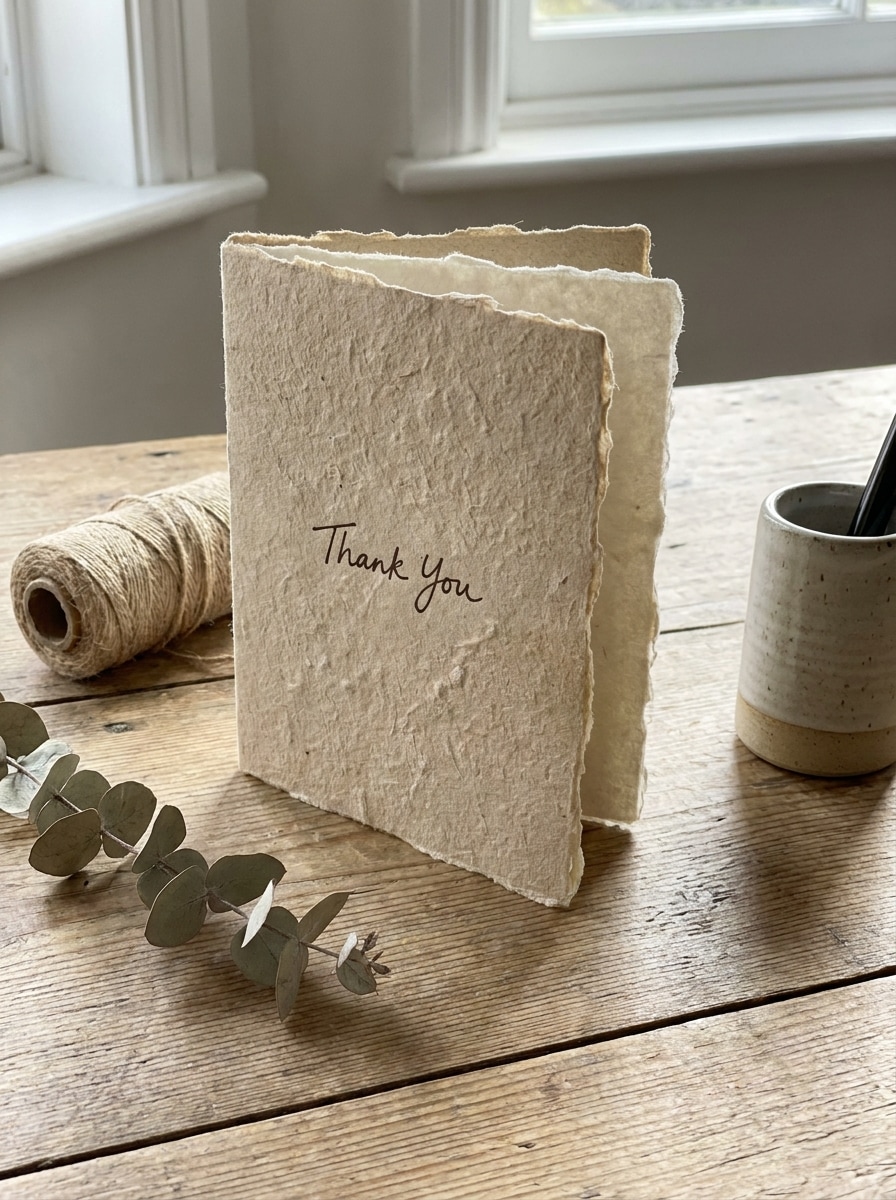
アップロードした画像をカードのアートワークとして使用し、手作りの紙テクスチャ、繊細なファイバーの質感、温かな自然光を持つアルチザナルモックアップにリスタイルしてください。シーンはミニマルでも触感があり、柔らかなアースカラー、優しい影、本物らしくプレミアムな手作り文房具の雰囲気を維持してください。
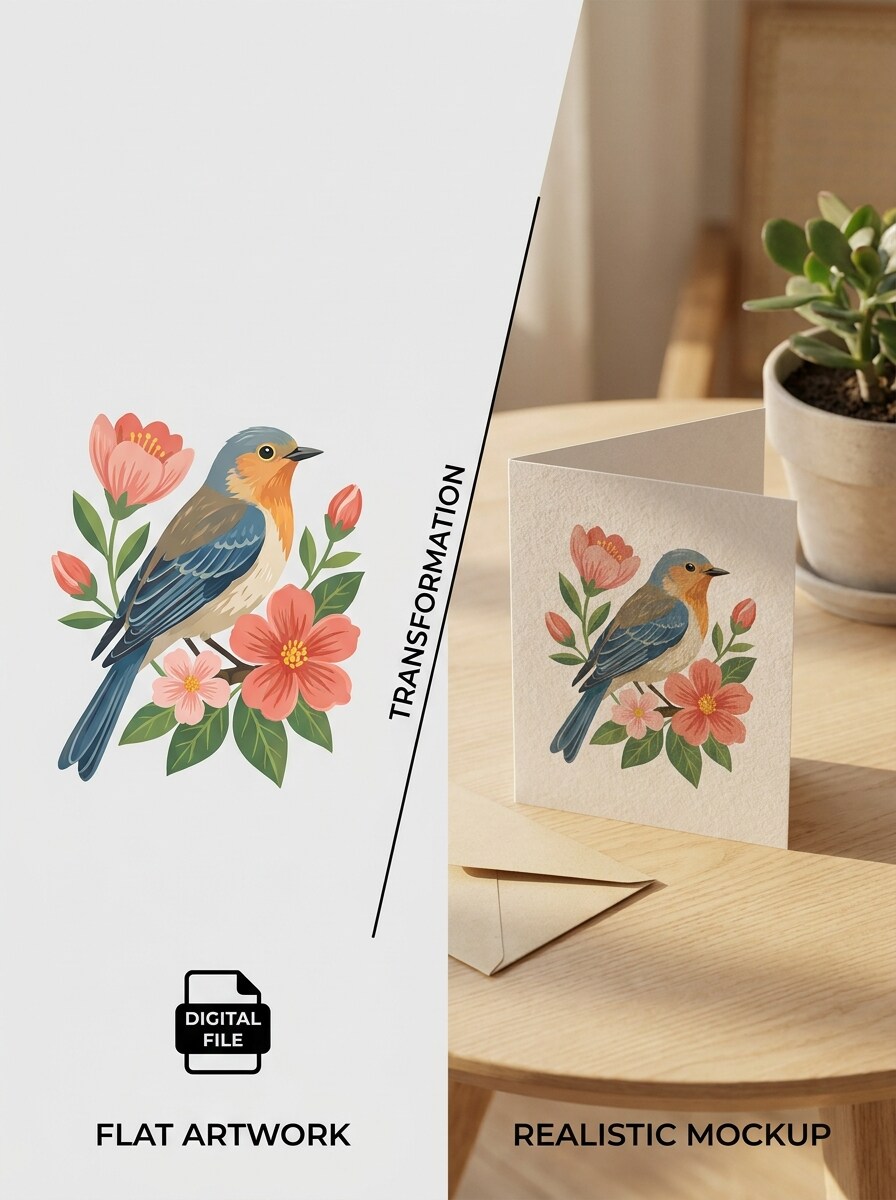
アップロードした画像をオリジナルのカードアートワークとして使用し、フラットデザインとリアルな印刷モックアップ結果を視覚的に比較するSNS対応のトランスフォーメーションシーンを作成してください。クリーンなスプリット構成、強いコントラスト、洗練された照明、シャープな紙の詳細、ポートフォリオやSNSシェアに最適なダイナミックなプレゼンテーションを使用してください。
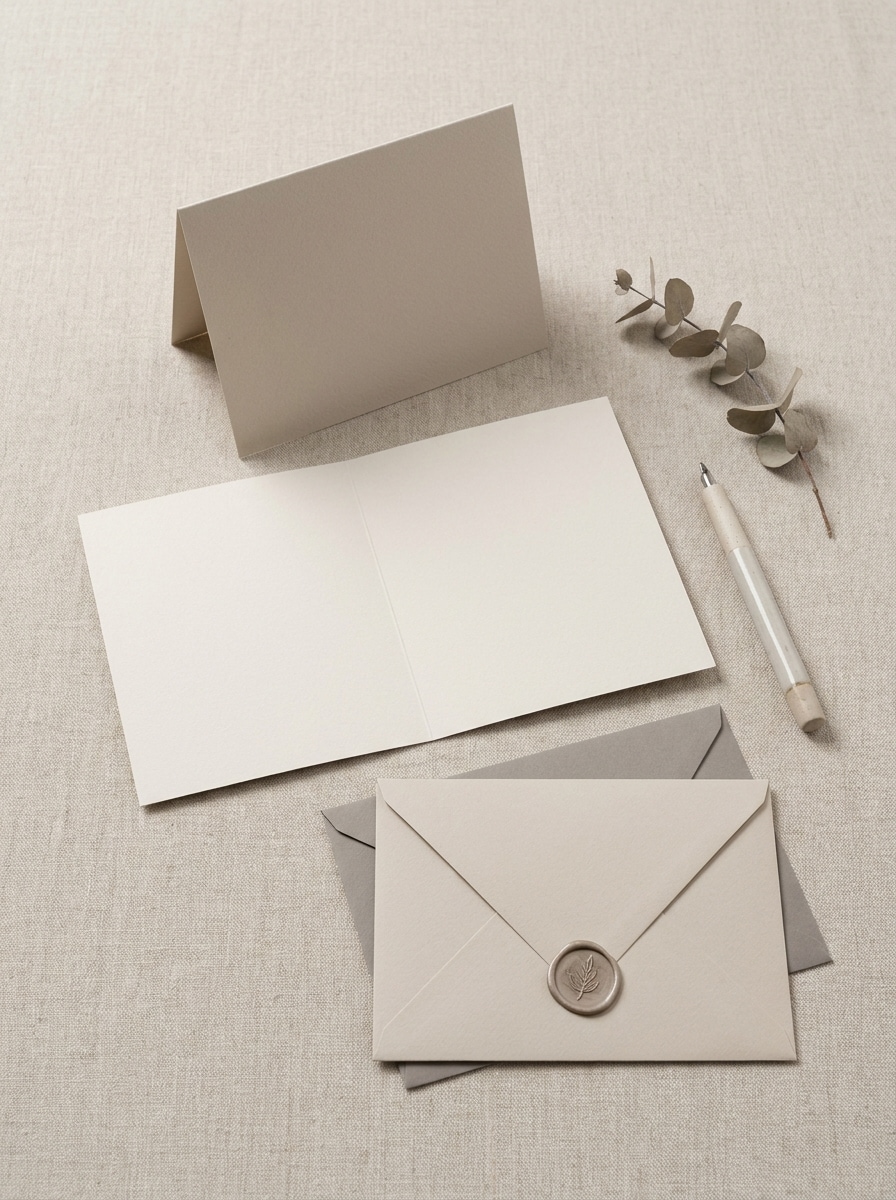
アップロードした画像をカードのデザインとして使用し、折りたたみ、開いた状態、封筒ビューを含むコーディネートされたモックアップセットを生成してください。リアルな影、プレミアムな紙の質感、バランスの取れた照明、ショップ・プレゼンテーション・クライアントレビュー向けの洗練されたカタログ風レイアウトでアングル全体のスタイルを統一してください。
デザインソフトウェアで毎回シーンを再構築する代わりに、Media.ioはアップロードした1つのアートワークを折りたたみカードプレビュー、内側スプレッド、封筒セットに変換できるため、クライアントや購入者が完成品の仕上がりをすぐに確認できます。
1つのアイデアには複数の見た目が必要になることがよくあります。Media.ioは同じグリーティングカードモックアップを異なるスタイルで再解釈し、各バージョンがターゲットの用途により適合するようにします。
1つのビジュアルアイデアが1つのレイアウトだけに留まることはほとんどありません。Media.ioは同じグリーティングカードモックアップのコンセプトを投稿、カバー、モックアップ、デッキに適応させ、各バージョンが無理やりフィットするのではなく、そのフォーマットに合わせて作られたように感じられるよう支援します。
プレゼンテーション対応の品質が必要な場合、Media.ioは無料グリーティングカードモックアップを最大4K出力で作成できるため、最終画像をプレゼント、トリミング、または再利用する際にアートワークの詳細がより鮮明に保たれます。
3つの簡単なステップで言葉をスタンニングなビジュアルに変換し、さらに改良したい場合は結果の調整を続けることができます。

グリーティングカードのデザイン、印刷アートワーク、またはカードカバーの鮮明なJPG、PNG、またはJPEGをアップロードしてください。読みやすい詳細を持つしっかりとトリミングされたソース画像は、Media.ioがリアルな折りたたみ、開いた状態、または封筒モックアップ結果を生成するための強い基盤となります。

フラットレイ、折りたたみグリーティングカードモックアップ、封筒セットなど、モックアップシーンを詳しく説明するプロンプトを入力してください。次に、AIモデルを選択し、プレゼンテーションまたはストアレイアウトに合わせてアスペクト比、解像度、画像数を調整してください。

複数のバリエーションを作成し、照明と構成を比較して、最も気に入ったバージョンをダウンロードしてください。グリーティングカード無料モックアップのプロンプトを改良し続けたり、新しいシーンを再生成したり、SNS投稿や商品プレビュー向けに結果を適応させたりすることができます。
クリエイターがMedia.ioでこのグリーティングカード無料モックアップワークフローをコンテンツ、マーケティング、個人プロジェクトにどのように活用しているかを確認し、各アイデアを目的に合わせてアレンジしてください。
フラットファイルだけを送るのではなく、完成したアートワークが物理的なカードとしてどのように見えるかを顧客に示しましょう。Media.ioはフリーランサー、スタジオ、文房具ブランドがデザインをリアルなシーンに変換し、コンセプトをよりプロフェッショナルに提示して承認決定を迅速化するのに役立ちます。
1つのアップロードされたデザインをマーケットプレイス、ブランドサイト、または季節キャンペーン向けの洗練されたストアフロントビジュアルに変換してください。Media.ioは本格的な撮影を手配せずに、手作り・ホリデー・ウェディング・招待状商品をより簡単に販売できるリアルなカードシーンを作成するのに役立ちます。
スタイリッシュなカードプレゼンテーションを使用して、SNSでのローンチ、ビフォーアフター変換、または文房具コレクションをシェアしましょう。リール、カルーセル、ケーススタディでよりプレミアムなグリーティングカード無料モックアップ雰囲気を出したい場合に特にMedia.ioが役立ちます。

Etsyステーショナリーセラー

「ショップビジュアルをすばやく作成できます」カードデザインをアップロードして、数分でリアルな商品スタイルのモックアップを取得しました。折りたたみと封筒のシーンのおかげで、別のモックアップパックを必要とせずにリスティングがはるかに洗練されました。

フリーランスグラフィックデザイナー
「クライアントプレゼンテーションに役立ちます」クライアントにフラットなPDFを見せる代わりに、アートワークをリアルなグリーティングカードシーンに変換できます。印刷結果をすぐにイメージできるため、承認が簡単になります。

ソーシャルコンテンツクリエイター
「モバイルで簡単にモックアップ作成」タブレットでテストし、ワークフローのシンプルさが気に入りました。シーンはクリーンで、プロンプトは調整しやすく、ビフォーアフタースタイルはショートフォームコンテンツに非常に効果的でした。

プリントスタジオコーディネーター
「1回のアップロードで便利な多様性」1つのデザインを使用して、内部レビュー用に複数のカードビューを生成しました。開いた状態、折りたたみ、スタイリッシュなレイアウトを比較できたことで時間を節約でき、モックアッププロセスがはるかに柔軟になりました。
Media.ioは無料クレジットを提供しているため、事前に支払いをせずにグリーティングカードモックアップワークフローをお試しいただけます。より多くの生成、透かしなしの高解像度ダウンロード、または幅広い使用が必要な場合は、料金ページでプランオプションをご確認ください。
Media.ioは画像から画像への作成をサポートしているため、JPG、PNG、またはJPEG形式で自分のカードアートワークをアップロードして、オンラインでリアルなモックアップシーンに変換できます。
はい。Media.ioはアップロードされたデザインから、折りたたんだ正面ビュー、開いた内側スプレッド、封筒とカードのシーン、その他のスタイリッシュな文房具レイアウトなど、複数のプレゼンテーションスタイルを作成できます。
Media.ioはブラウザで動作するため、スマートフォン、タブレット、ラップトップ、デスクトップで使用できます。メインのデザイン環境から離れているときにグリーティングカードモックアップを作成または確認したい場合に便利です。
アップロードには、Media.ioはJPG、PNG、JPEGファイルをサポートしています。これらの形式は、モックアップ生成のソース画像として既存のカードアートワークを取り込むのに適しています。
Media.ioはシェア、プレゼンテーション、またはさらなる編集向けに高品質なグリーティングカードモックアップビジュアルを生成できます。無料ユーザーは利用可能なクレジットでグリーティングカードモックアップを無料で作成できますが、エクスポートされた結果に透かしが含まれる場合があります。
 4.7 (162,357 票)


