画像から画像生成
Nano Banana Pro
画像をアップロード
0 / 9
クリックまたはドラッグでアップロード、または履歴から選択
アイデアがない?まず画像を生成してみよう >
サポートされているアップロード形式: jpg、png、jpeg。
プロンプト
0/2000
1K
自動
1
Banana Pro無制限モード
すべて
画像
動画
音声
生成リスト
生成結果の保存期間は7日間です。期限内に保存してください。
ai_video_generator創造力を解き放ち、Media AIの魔法をすぐに体験しよう!

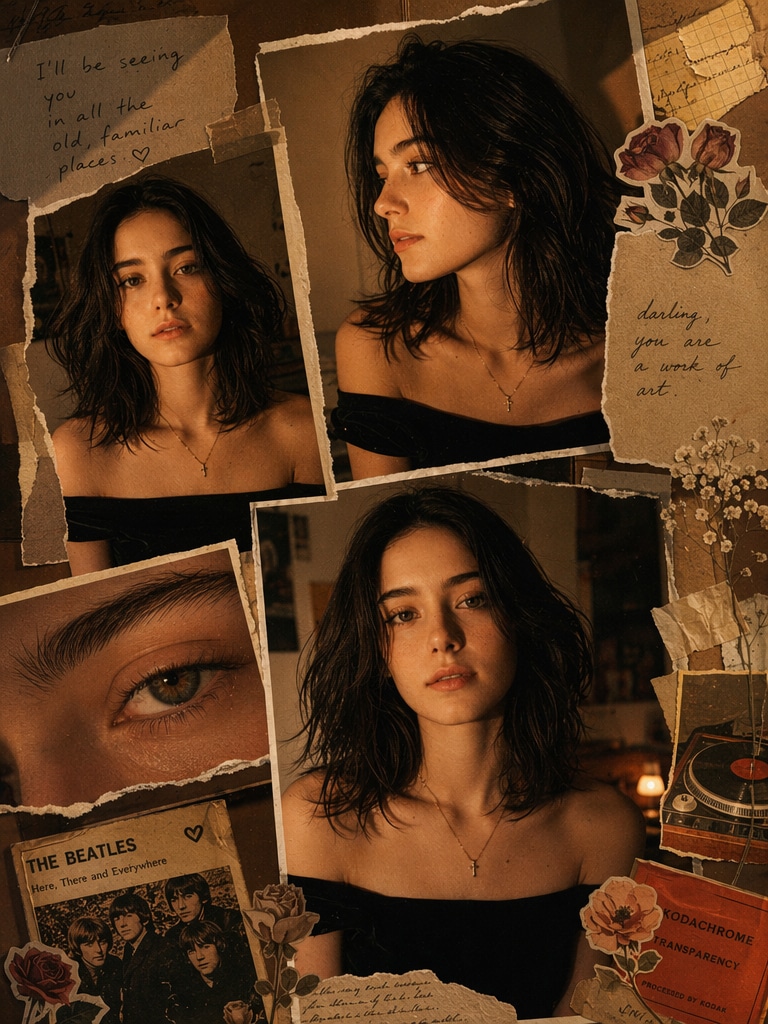
AI Lily Collage Template

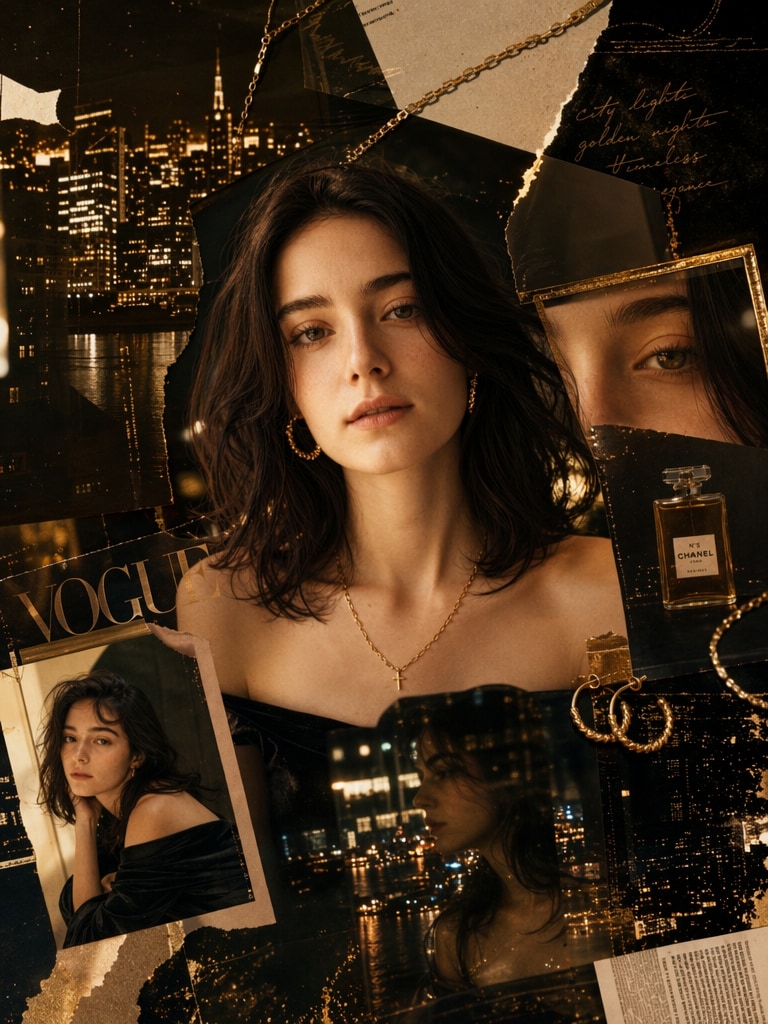
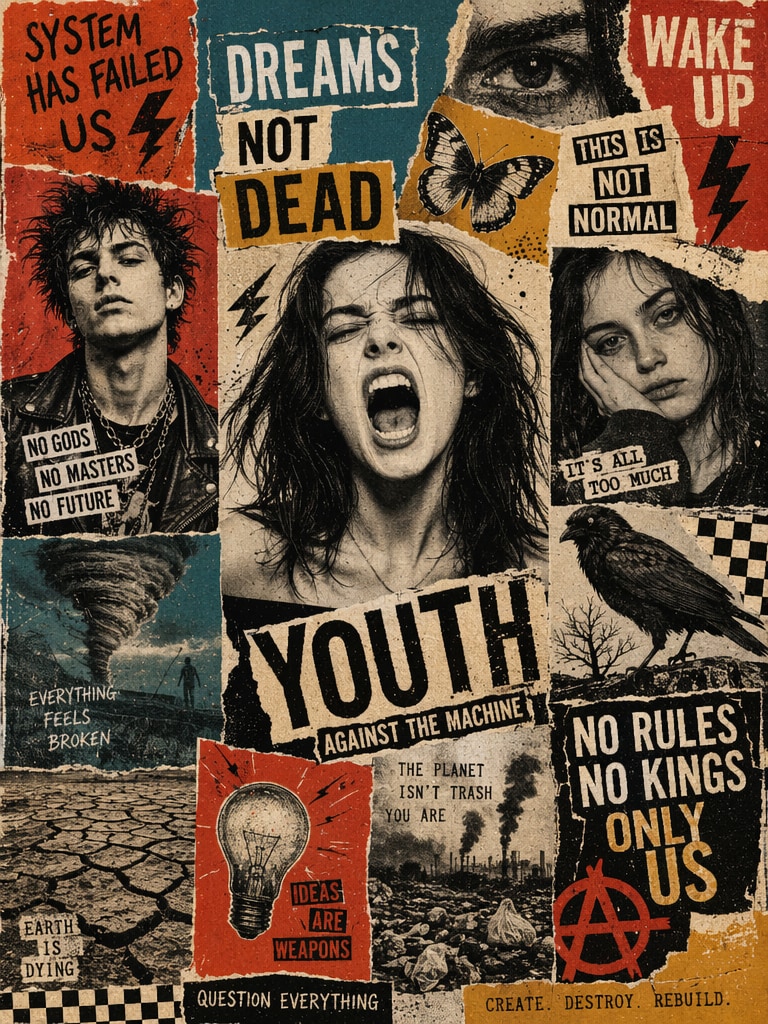
Create trending AI Lily Collage templates online with Media.io. Turn selfies, pet photos, couple pictures, and aesthetic portraits into dreamy floral collages, scrapbook layouts, vintage frames, and share-ready ChatGPT Lily Collage images in seconds.

Create Your AI Lily Collage Free

Upload a photo and download a dreamy AI Lily Collage in seconds.

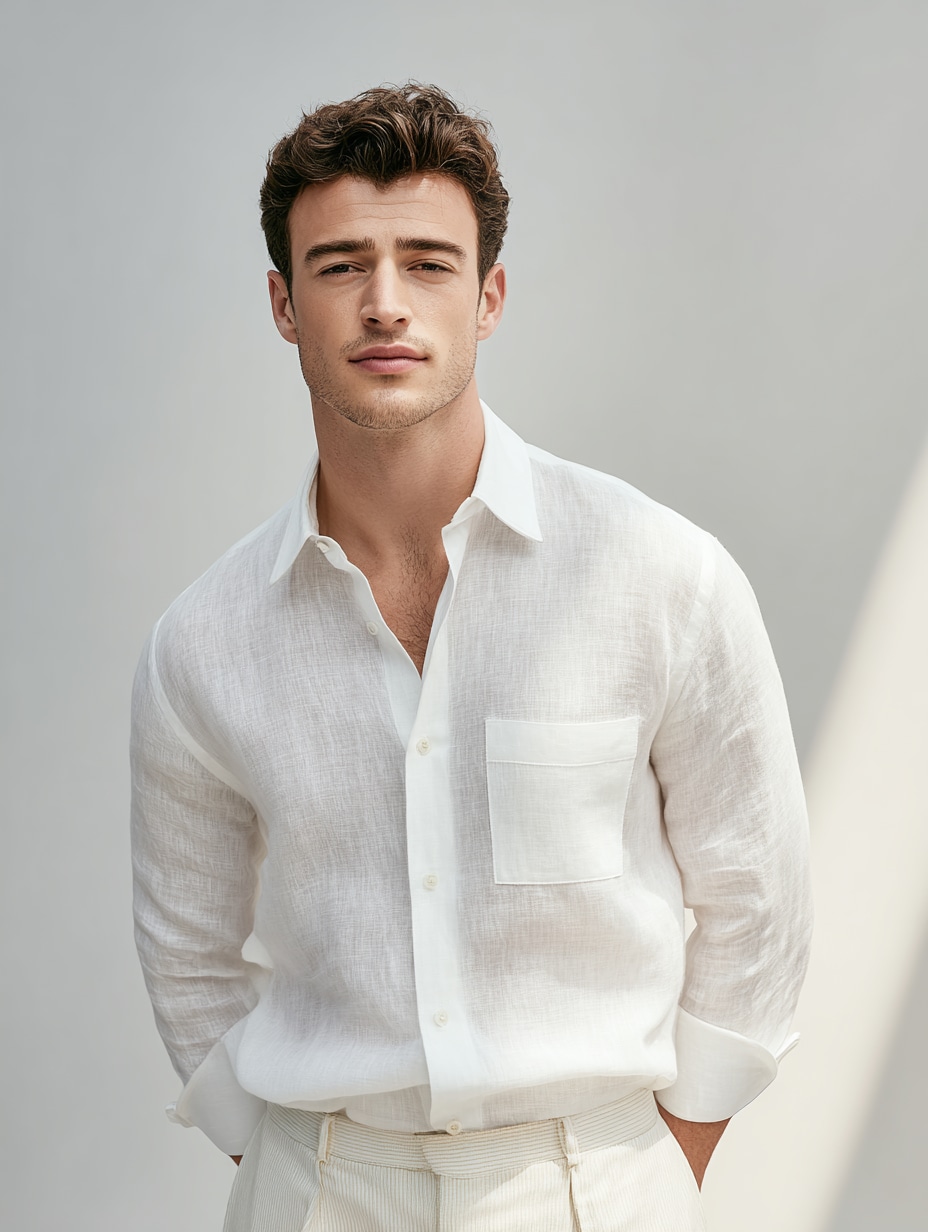
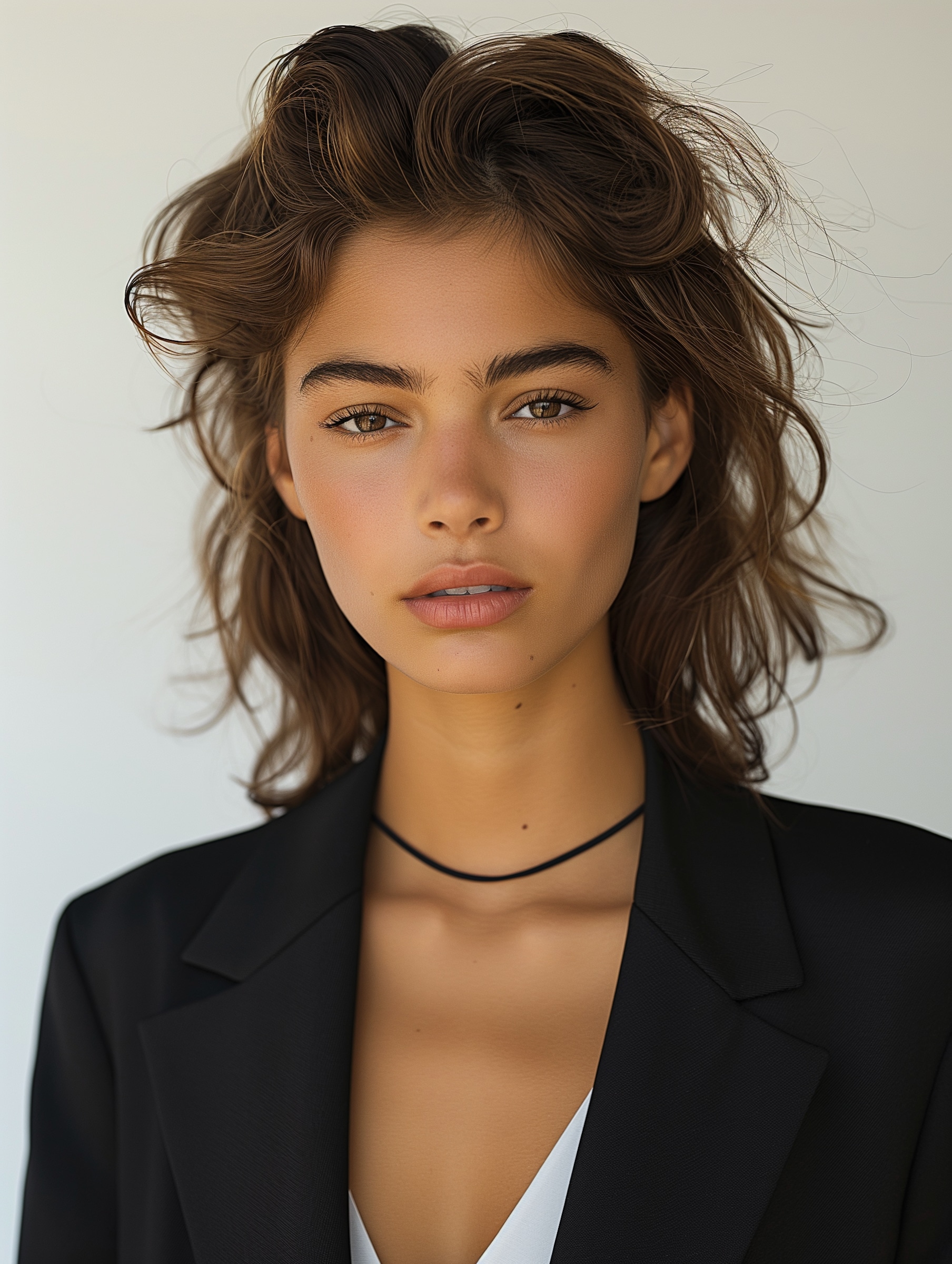
Portrait before AI Lily Collage template edit Before
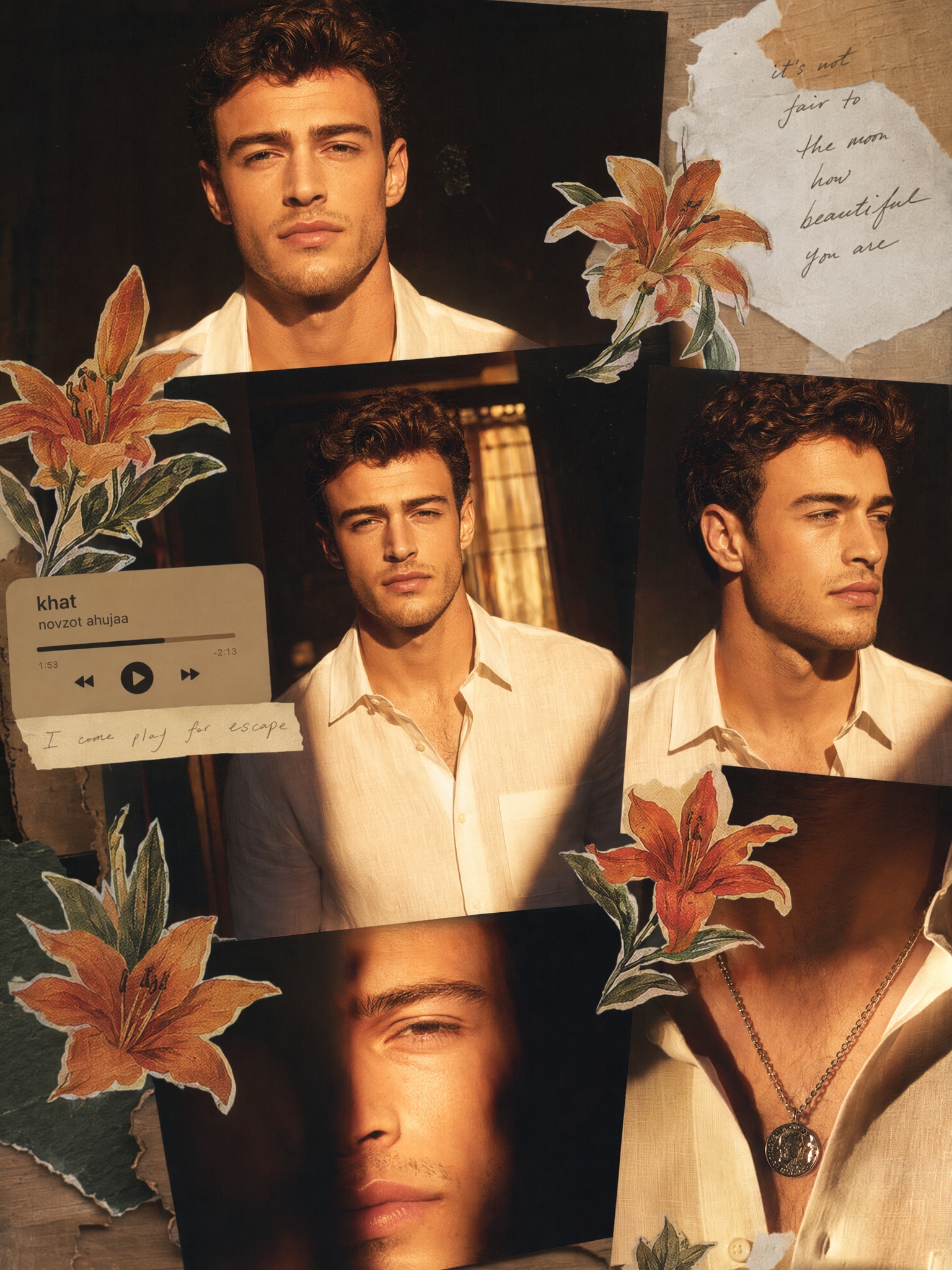
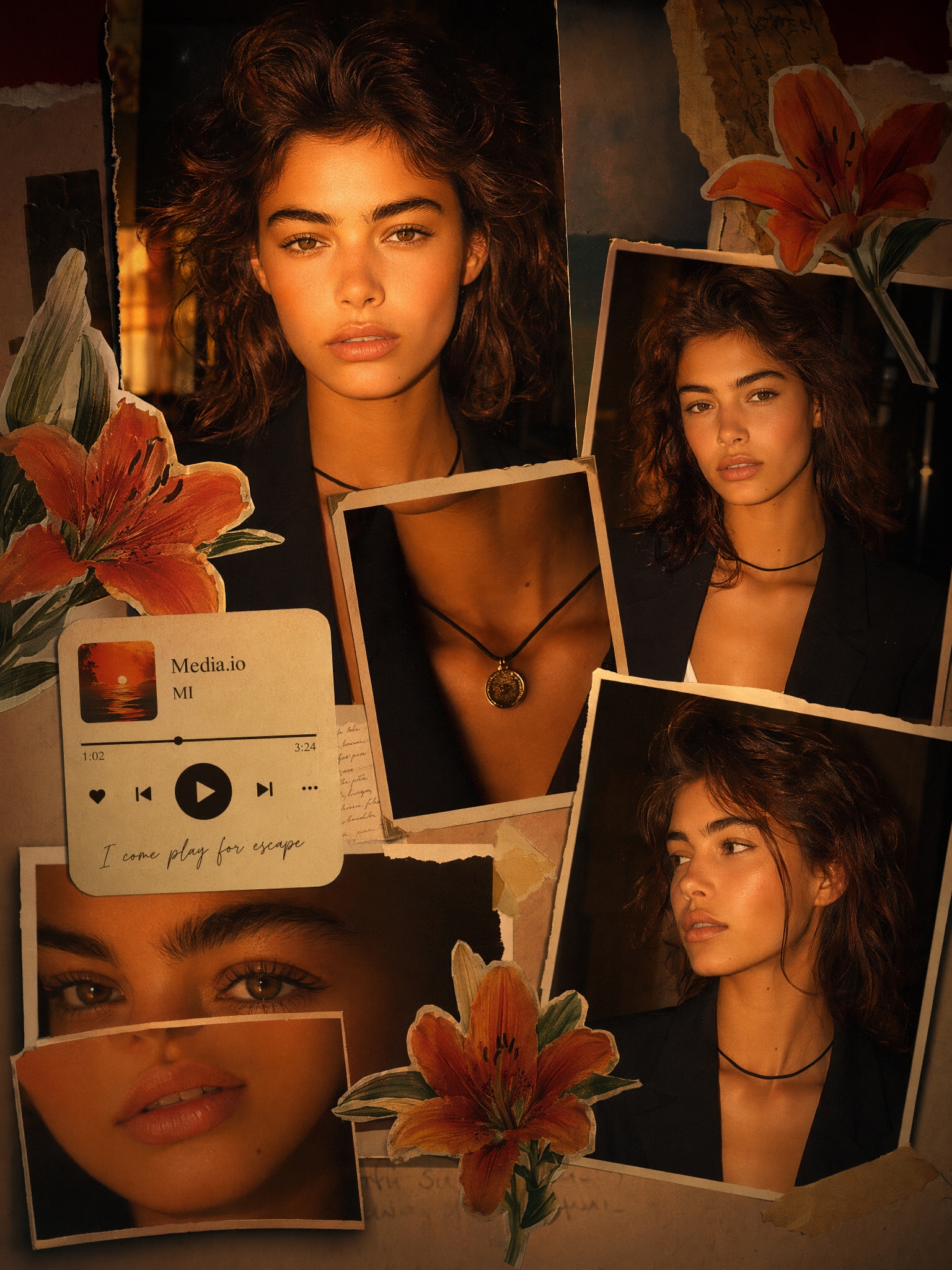
Dreamy floral AI Lily Collage photo edit AI Lily Collage
Selfie before ChatGPT Lily Collage edit Before
ChatGPT Lily Collage with floral scrapbook layers Lily Collage

10 AI Lily Collage Templates and Prompt Ideas

Dreamy floral AI Lily Collage prompt example

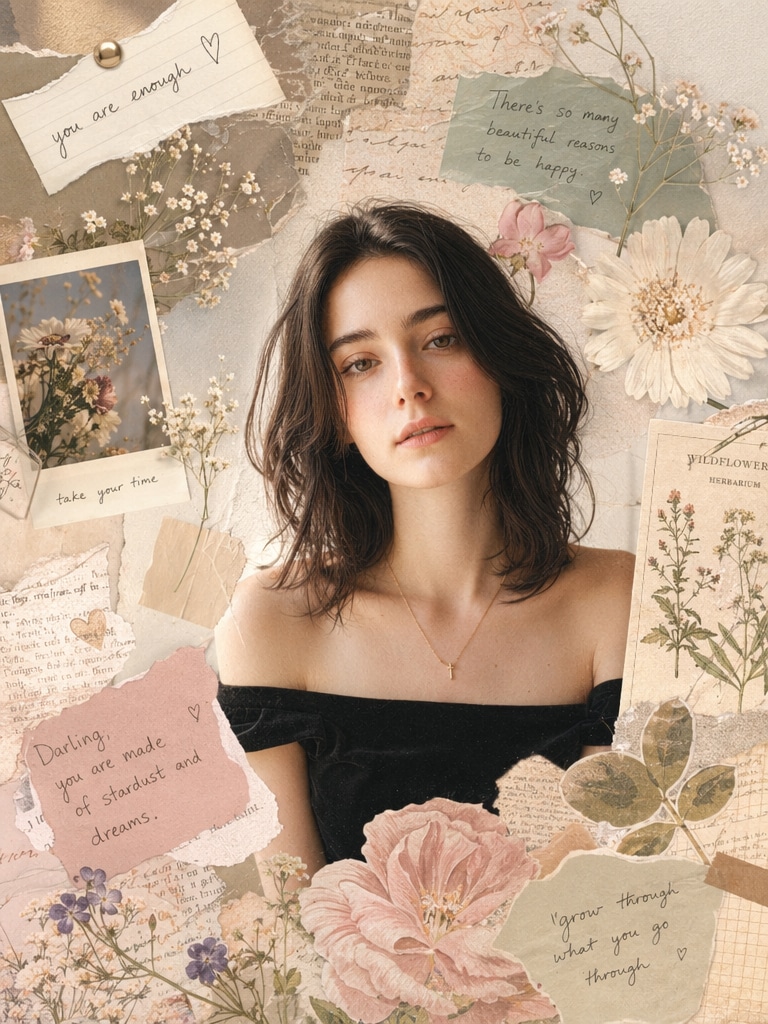
Dreamy Floral Lily Collage

Create a soft pastel AI Lily Collage based on the uploaded image. Add lily flowers, delicate floral overlays, vintage scrapbook paper, layered photo frames, warm film grain, soft pink lighting, and dreamy Pinterest-style composition while keeping the face structure natural.

Vintage AI Lily Collage photo edit

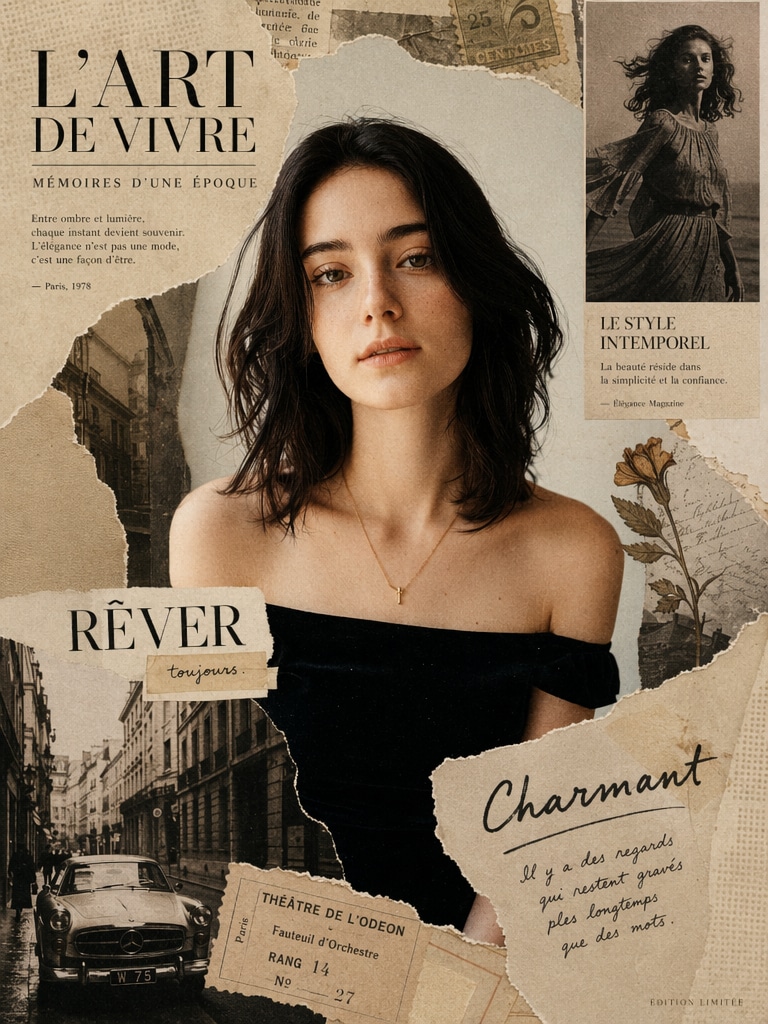
Vintage Lily Magazine Collage

Create a vintage magazine AI Lily Collage with the uploaded person as the main subject. Use lily petals, torn editorial cutouts, sepia tones, handwritten notes, film textures, and elegant fashion-layout spacing for a polished social media image.

TikTok AI Lily Collage photo edit prompt

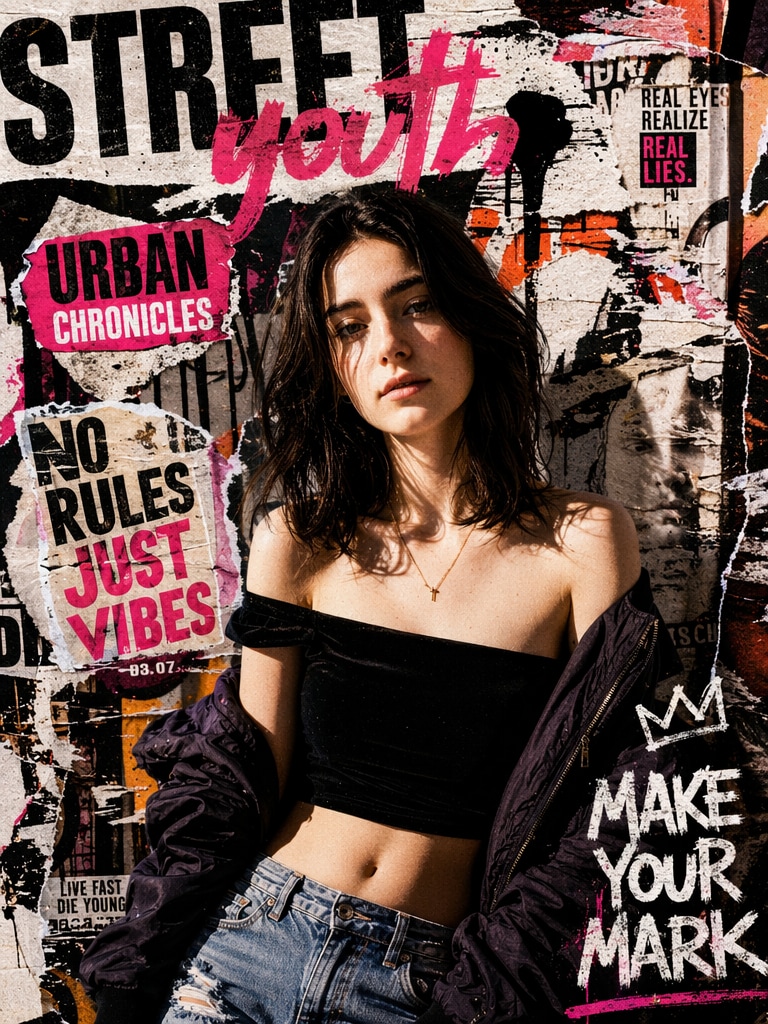
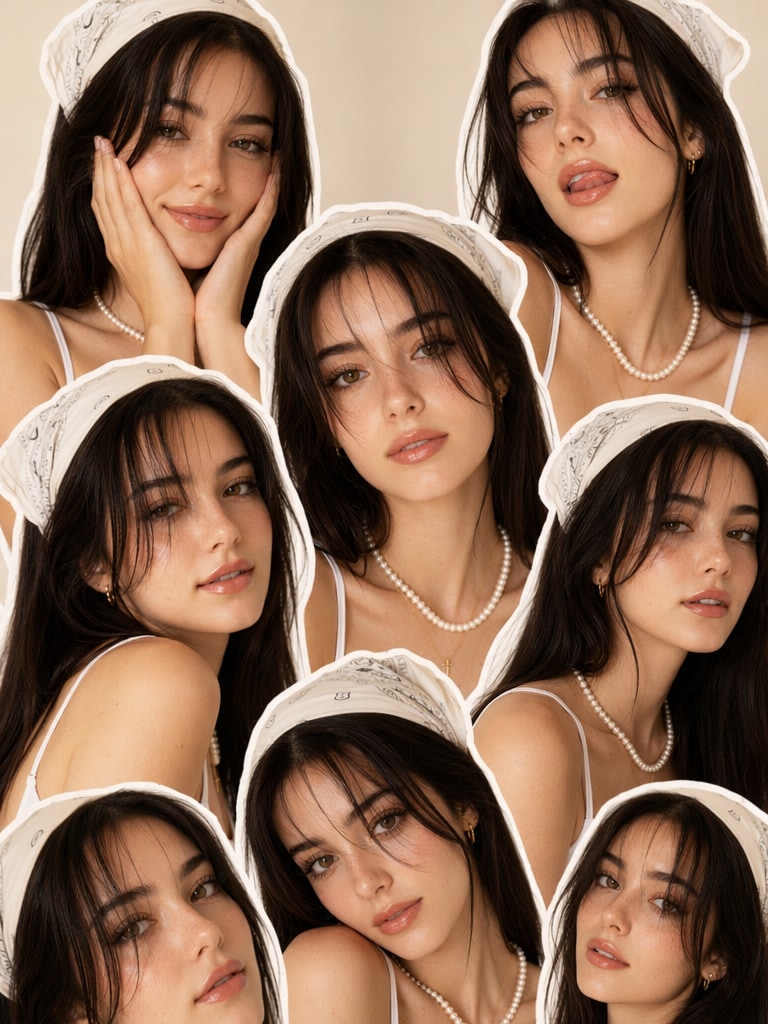
TikTok Lily Collage Edit

Turn the uploaded selfie into a TikTok-style AI Lily Collage with repeated portrait cutouts, blooming lilies, pastel stickers, glossy highlights, soft shadows, and a viral scrapbook aesthetic for reels, profile photos, and story posts.

Soft pastel ChatGPT Lily Collage prompt example

Soft Pastel Lily Collage

Generate a soft pastel ChatGPT Lily Collage with lily flowers, pearl-like highlights, clean white space, dreamy bokeh, layered frames, delicate tape details, and a gentle romantic color palette suitable for Instagram and Pinterest.

Y2K AI Lily Collage sticker prompt

Y2K Lily Sticker Collage

Create a Y2K AI Lily Collage using the uploaded portrait. Add sticker-like cutouts, glitter accents, lily flower graphics, glossy lips, clean beauty lighting, magazine snippets, chrome details, and a playful social avatar layout.

Romantic AI Lily Collage photo prompt

Romantic Couple Lily Collage

Turn a couple photo into a romantic AI Lily Collage with soft lily petals, warm sunset tones, overlapping instant-photo frames, handwritten love-note textures, subtle film grain, and a cinematic scrapbook mood.

Soft scrapbook AI Lily Collage prompt

Soft Scrapbook Lily Collage

Create a soft scrapbook AI Lily Collage with pastel paper layers, pressed lily flowers, cozy sunlight, handwritten captions, gentle shadows, washi-tape corners, and a warm memory-board style.

Floral overlay AI Lily Collage photo prompt

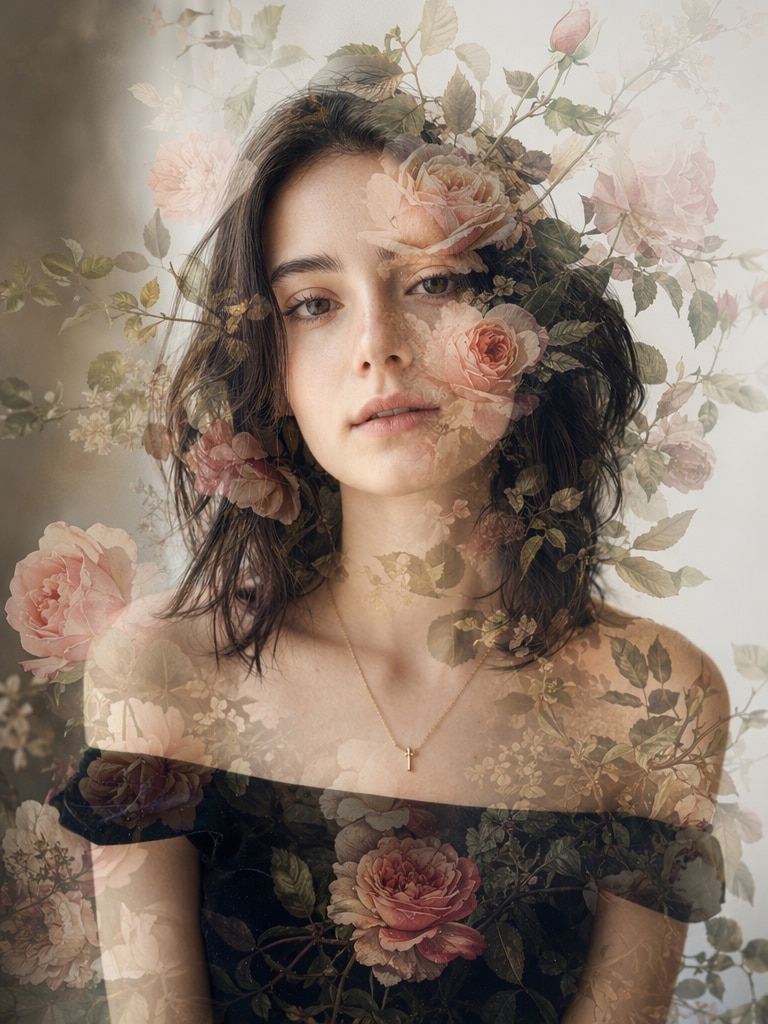
Floral Overlay Lily Collage

Create a floral overlay AI Lily Collage where white lilies and green leaves blend naturally with the uploaded portrait. Use double exposure, smooth gradients, soft lighting, and an artistic editorial finish.

Profile picture ChatGPT Lily Collage prompt

Profile Picture Lily Collage

Create an AI Lily Collage profile picture from the uploaded selfie. Keep the face recognizable, add lily petals, soft blush tones, minimal paper frames, subtle sparkles, and a clean centered composition for social avatars.

Photo booth AI Lily Collage prompt

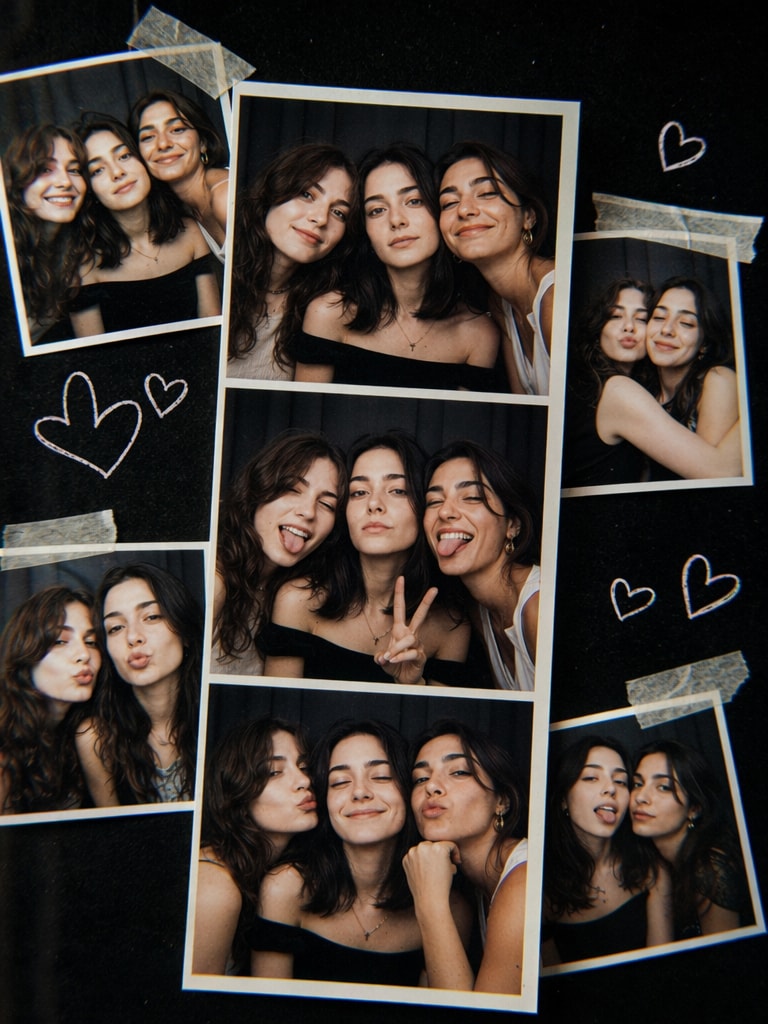
Photo Booth Lily Collage

Create a photo booth AI Lily Collage with multiple snapshots of friends, lily stickers, taped glossy prints, doodled hearts, retro flash lighting, dark background contrast, and a fun nostalgic collage layout.

Why Use Media.io for AI Lily Collage Templates?

Instant AI Lily Collage Generation

Media.io helps creators turn a normal portrait into a polished AI Lily Collage without Photoshop skills.

Upload your image, choose an AI Lily Collage template, and generate dreamy floral layers, scrapbook textures, soft lighting, and social-ready style.

ChatGPT Lily Collage Prompt Control

Use ChatGPT Lily Collage prompt ideas for floral scrapbook, Y2K beauty, romantic couple edits, vintage frames, or profile-picture styles.

This makes it easy to guide the final look while keeping every AI Lily Collage personal and unique.

Social Media Ready Lily Collages

AI Lily Collage template styles are ideal for TikTok posts, Instagram stories, profile photos, Pinterest boards, and short-form visual content.

Media.io helps you create high-impact images with floral details, layered composition, and clean aesthetic balance.

Beginner-Friendly AI Collage Editing

You do not need design experience to make an AI Lily Collage free online.

Media.io keeps the workflow simple, so casual users, creators, bloggers, and students can create polished AI collage visuals quickly.

How to Create an AI Lily Collage Free Online

01

Step 1 – Upload Your Photo

Choose a clear selfie, couple photo, pet picture, lifestyle portrait, or profile image as your base photo.

A sharp image helps the AI preserve the subject while adding lily flowers, collage layers, textures, lighting, and artistic elements.

02

Step 2 – Paste a AI Lily Collage Template

Select a ready-made AI Lily Collage template or paste a ChatGPT Lily Collage prompt for floral scrapbook, Y2K sticker, vintage magazine, or soft pastel effects.

For better image-to-image results, add “based on the uploaded image, keep face structure consistent” to your prompt.

03

Step 3 – Generate and Download Your AI Lily Collage

Generate your AI Lily Collage, preview the result, and refine the style if needed.

Download the final image for TikTok, Instagram, profile photos, mood boards, wallpapers, or creative portfolios.

Core Use Cases of AI Lily Collage Template

TikTok and Instagram Trends

Create aesthetic AI Lily Collage posts inspired by TikTok trends, with floral cutouts, dreamy lighting, scrapbook layers, and share-ready composition.

Personal Photo Enhancement

Turn selfies, couple pictures, pet photos, and portraits into artistic visuals using scrapbook textures, lily overlays, soft pastels, and vintage-style frames.

Profile and Creator Branding

Use ChatGPT Lily Collage ideas for profile pictures, creator branding, birthday edits, lifestyle posts, and polished visual storytelling.

What Users Say About AI Lily Collage Templates

user
Emma

TikTok Creator

star star star star star

“Super aesthetic results” I recreated the viral TikTok AI Lily Collage trend in less than a minute. The floral effects looked surprisingly professional.

user
Jason

College Student

star star star star star

“Easy and fast” I used Media.io to make a ChatGPT Lily Collage for my Instagram highlights. The AI handled everything automatically.

user
Sophia

Lifestyle Blogger

star star star star star

“Perfect scrapbook vibe” The collage textures and dreamy tones felt exactly like the Pinterest aesthetic I wanted. Really easy to customize.

Frequently Asked Questions about AI Lily Collage Template

1. What is an AI Lily Collage?

AI Lily Collage is an AI-generated photo collage style featuring lily flowers, floral overlays, dreamy textures, scrapbook aesthetics, and artistic layouts inspired by TikTok and ChatGPT image trends. It turns ordinary selfies, portraits, couple photos, or pet pictures into soft, layered, share-ready visuals.

2. How do I create an AI Lily Collage free online?

To create an AI Lily Collage free online, upload a clear image to Media.io, choose an AI Lily Collage template or paste a ChatGPT Lily Collage prompt, then generate the result. You can refine the image by adding details such as “soft pastel lighting,” “lily flower overlays,” “vintage scrapbook texture,” or “keep face structure consistent.”

3. What is the best ChatGPT Lily Collage prompt for Instagram?

The best ChatGPT Lily Collage prompt for Instagram depends on the style you want. Soft pastel lily prompts work well for portraits, Y2K sticker prompts fit playful profile pictures, vintage magazine prompts create editorial looks, and romantic lily prompts are ideal for couple photos. Always include subject, flowers, textures, lighting, and color palette.

4. Can I use an AI Lily Collage template for fashion edits?

Yes. AI Lily Collage templates work well for fashion, beauty, lifestyle, and creator-branding visuals. You can blend clothing details with lily petals, magazine cutouts, soft paper textures, elegant lighting, and editorial layouts to create stylish posts for TikTok, Instagram, Pinterest, or product storytelling.

5. How can I make my AI Lily Collage download look better?

Start with a bright, clear image and use a detailed prompt. Mention the subject, collage type, lily flowers, colors, lighting, background, texture, and final use. Phrases like “dreamy floral overlay,” “layered scrapbook paper,” “soft pastel glow,” “vintage film grain,” and “social media profile picture” can make the AI Lily Collage result more polished.