Curated Lexica Prompt Library
Browse a massive collection of lexica prompt ideas across popular categories including anime characters, photorealistic portraits, fantasy worlds, 3D renders, and cinematic photography.
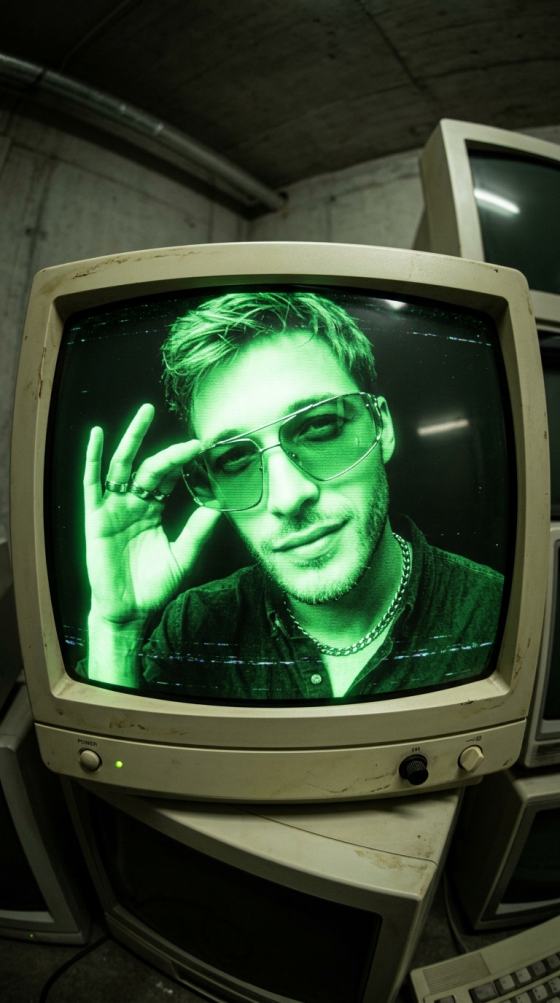
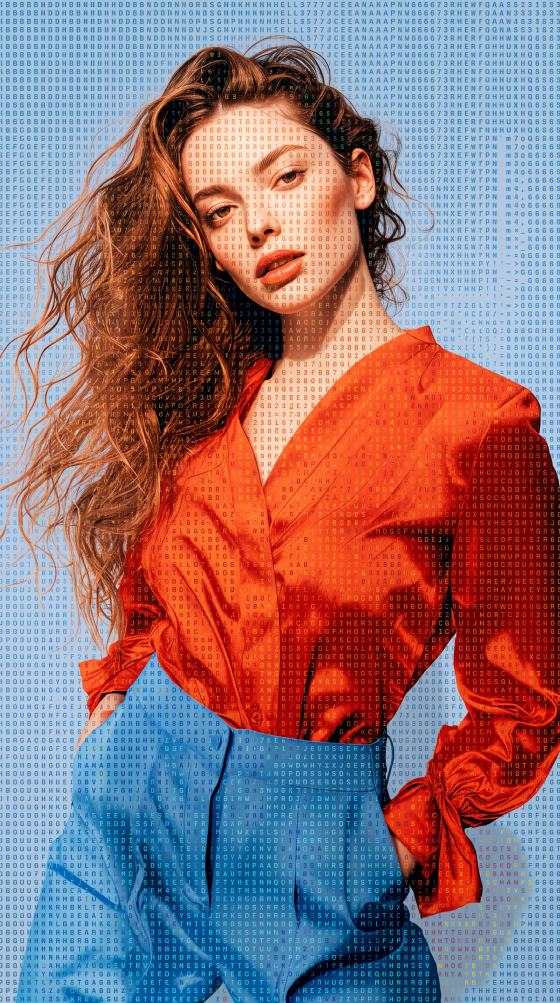

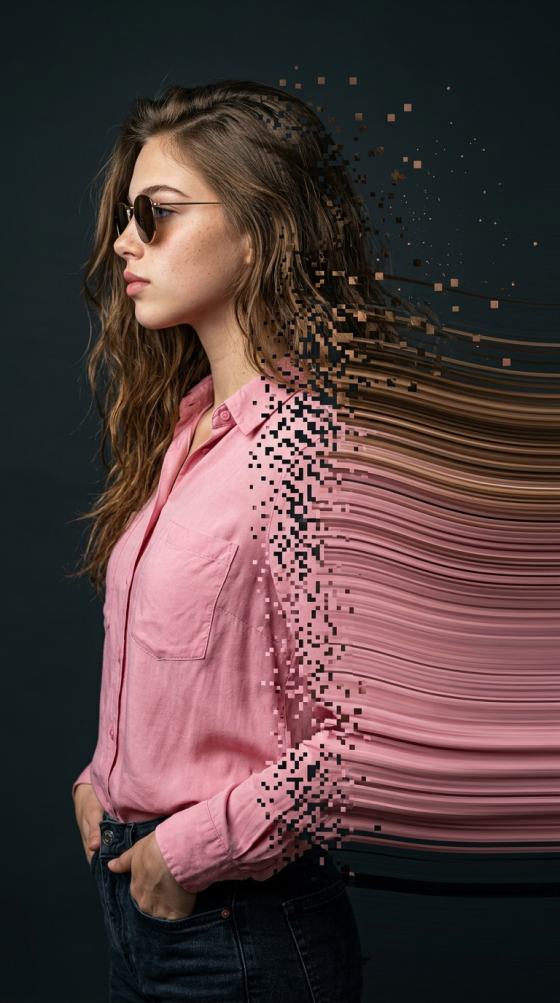
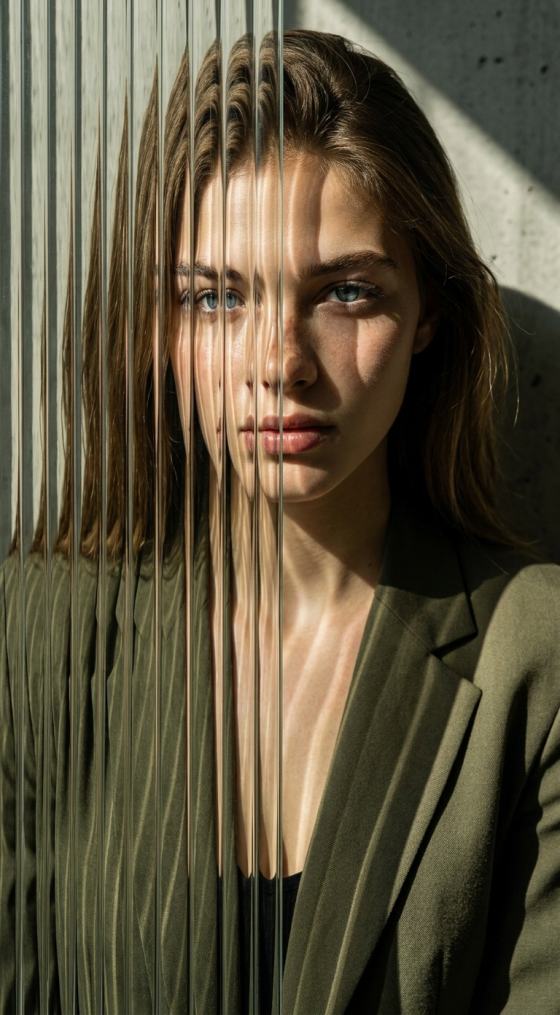

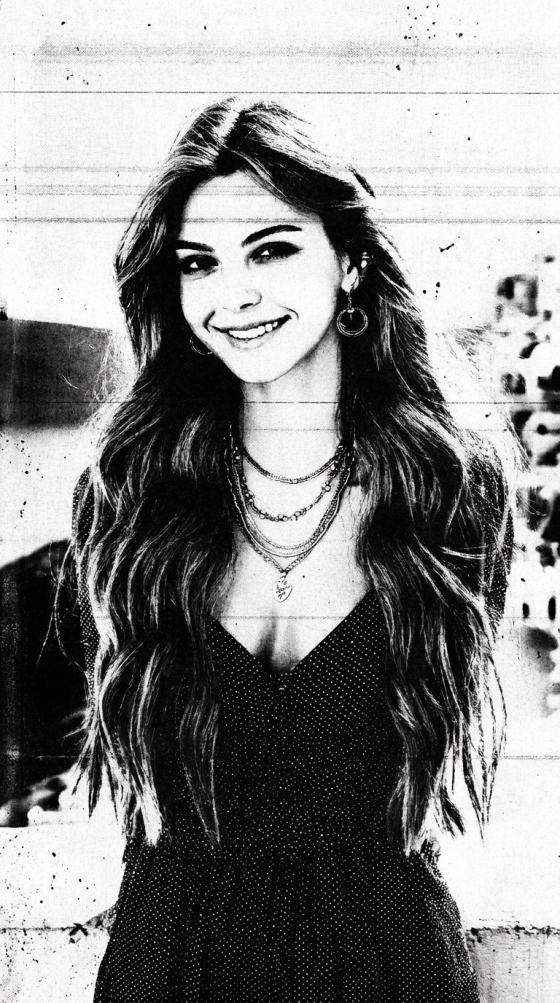
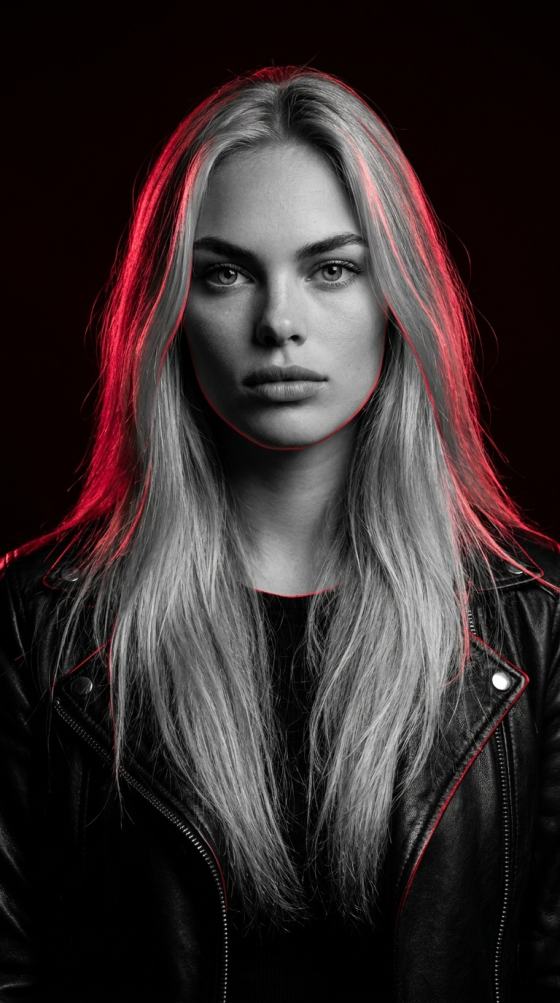

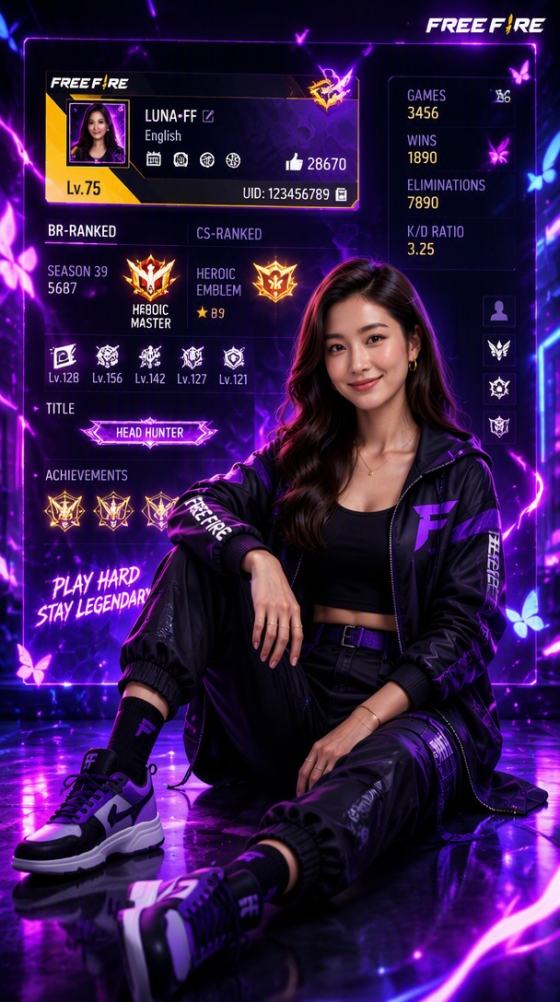
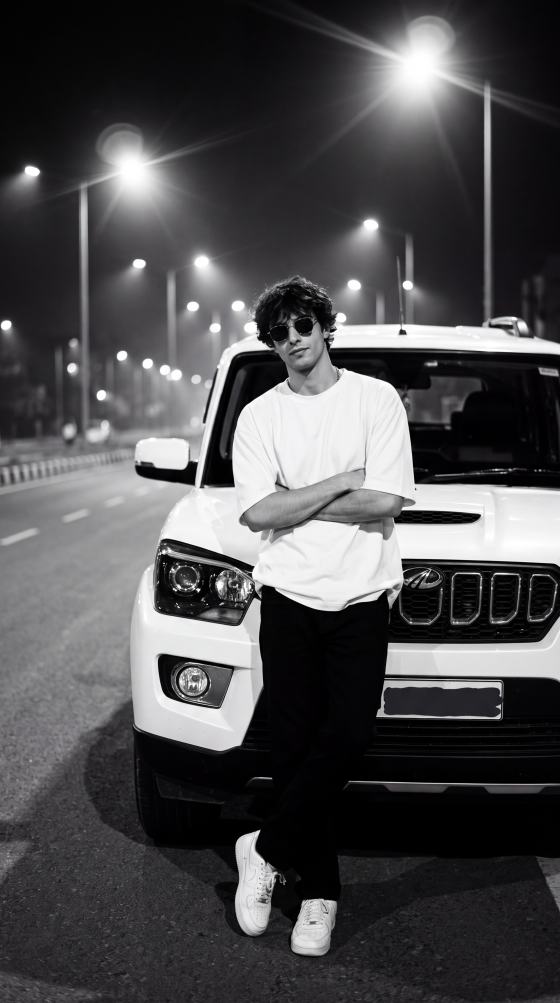
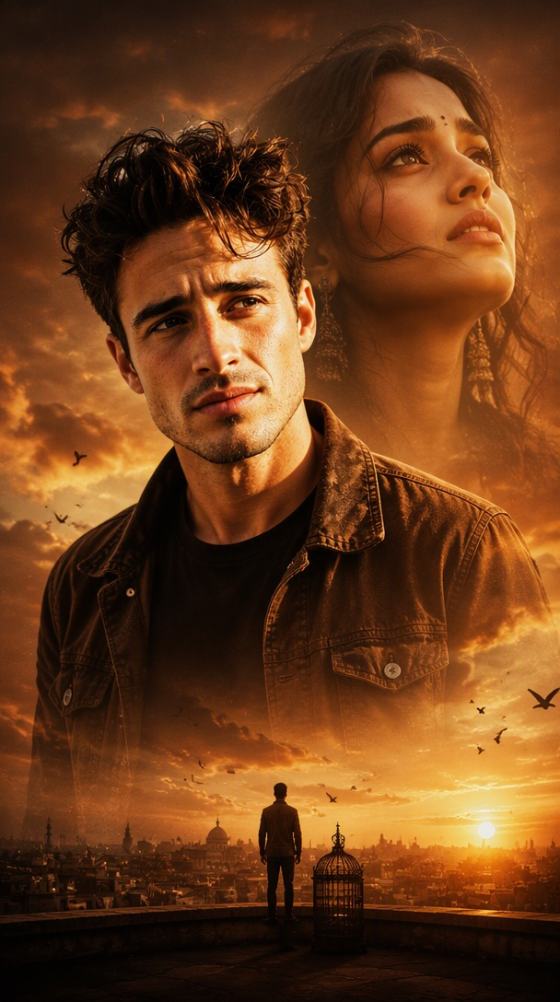

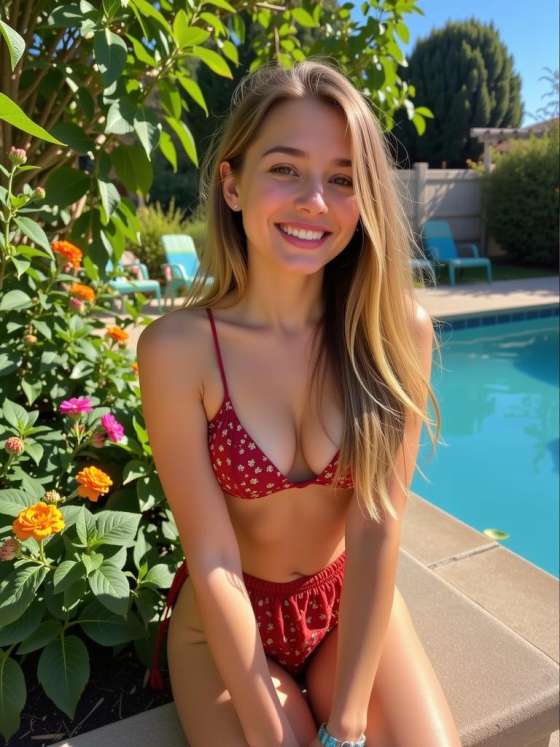
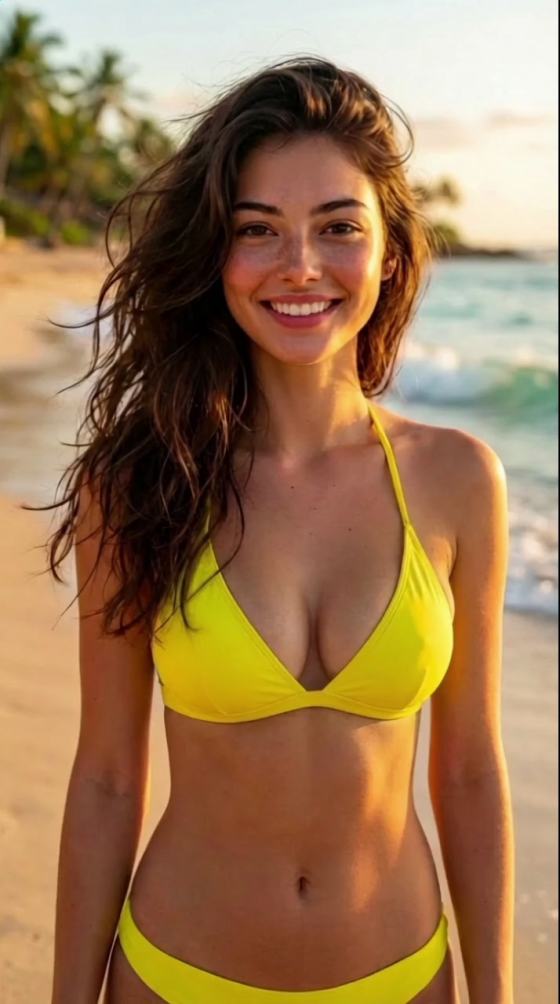
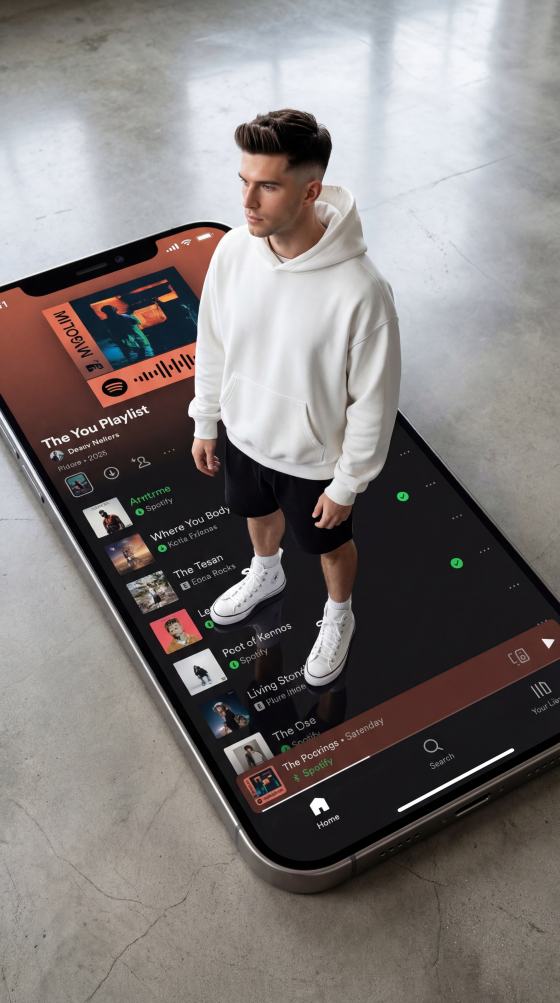
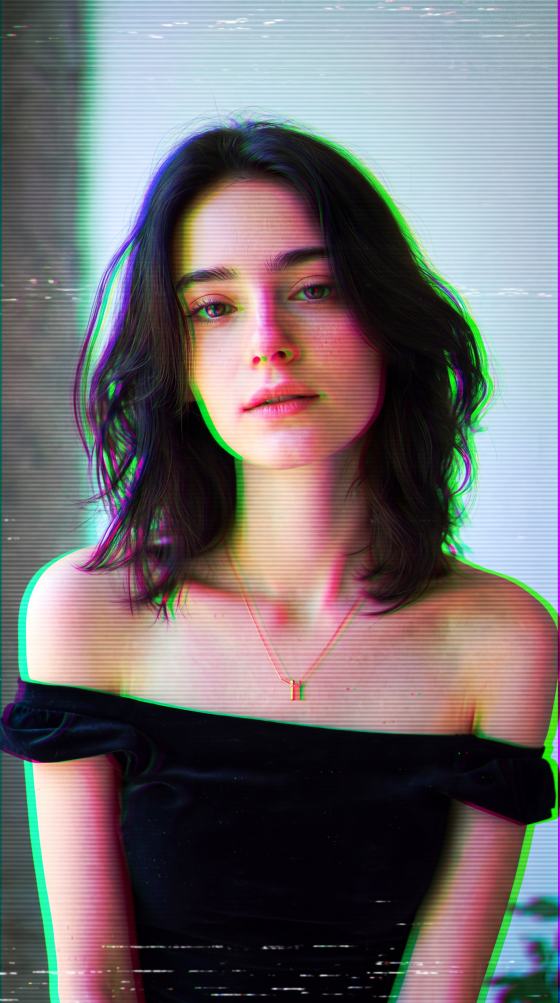

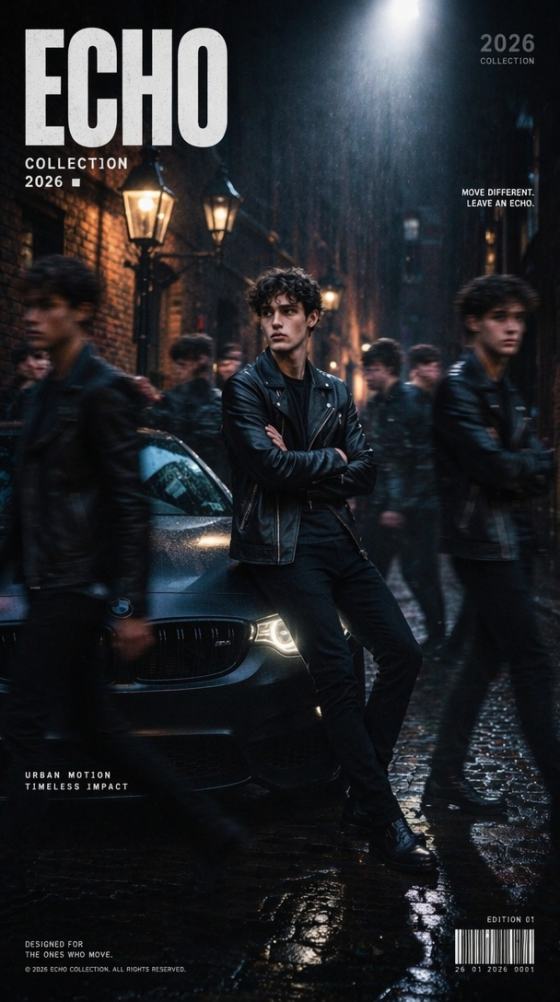
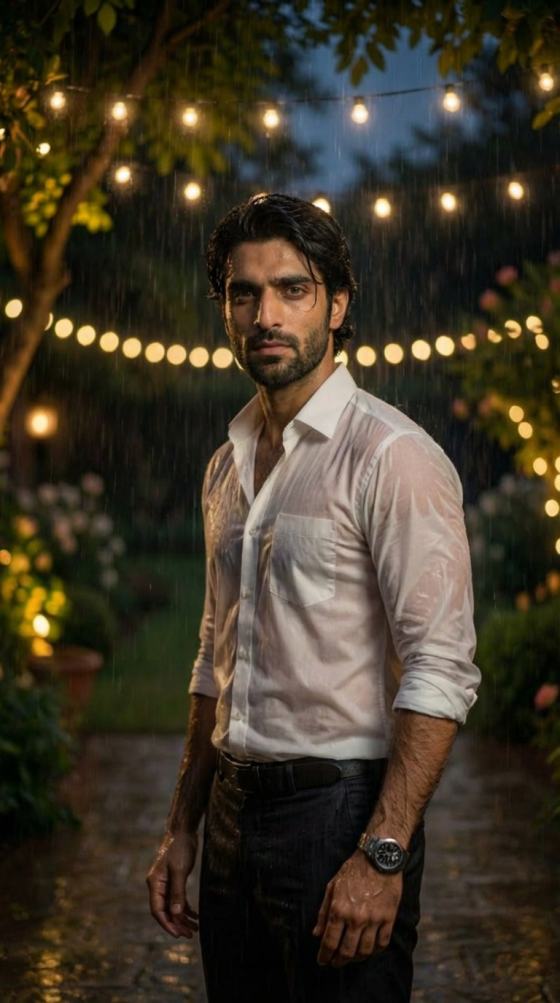
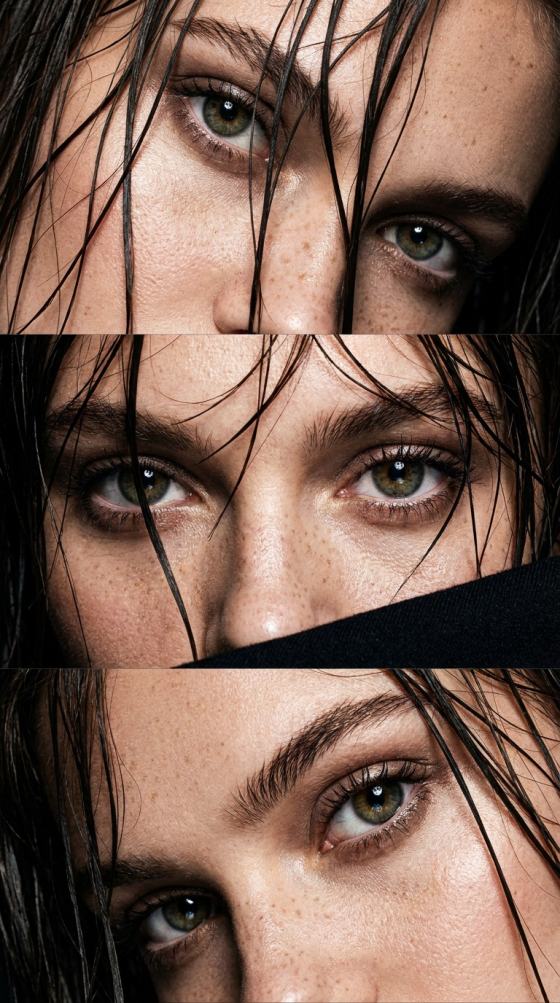
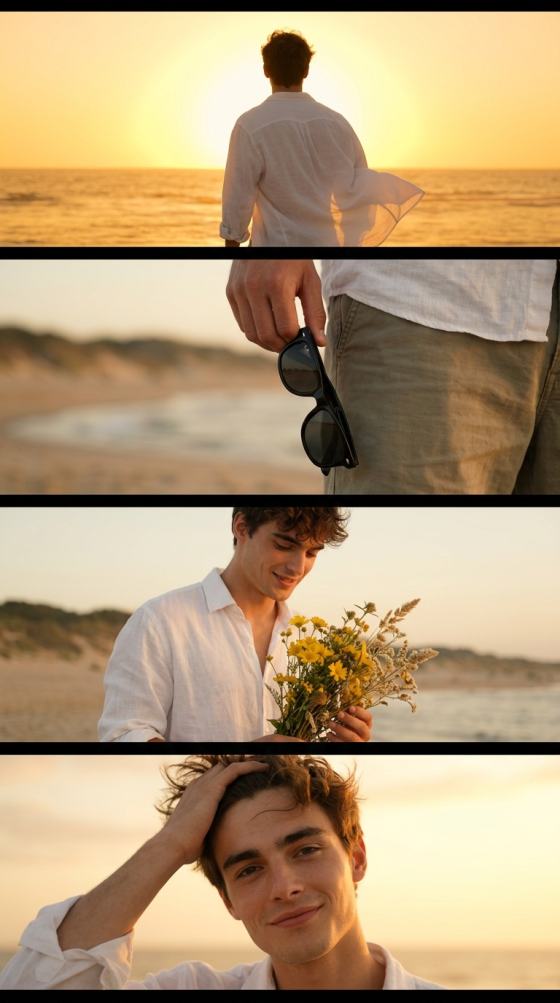

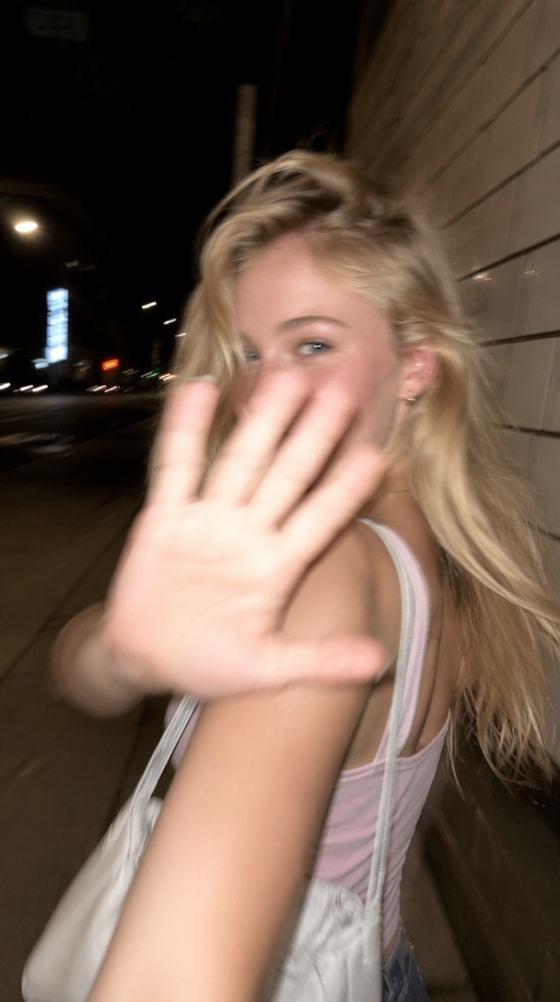
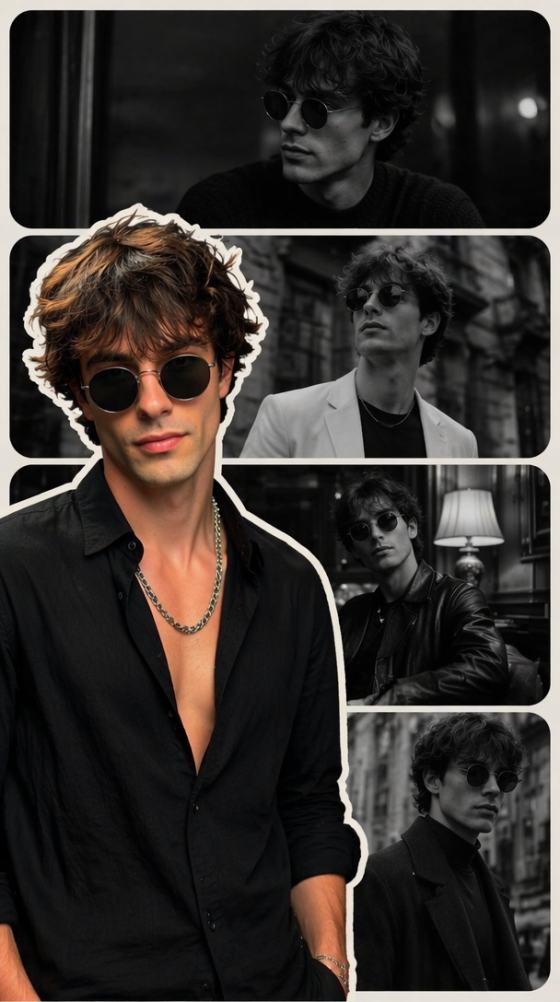
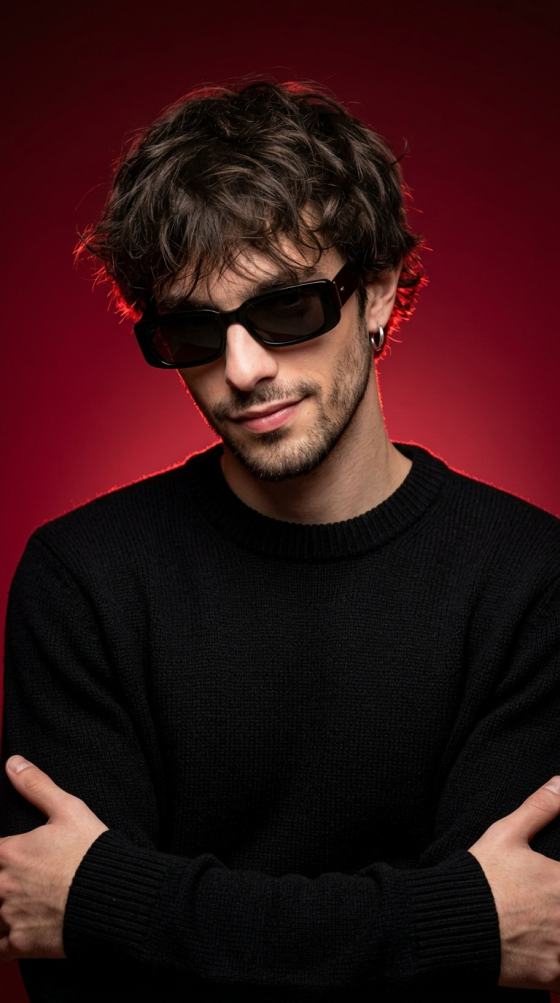
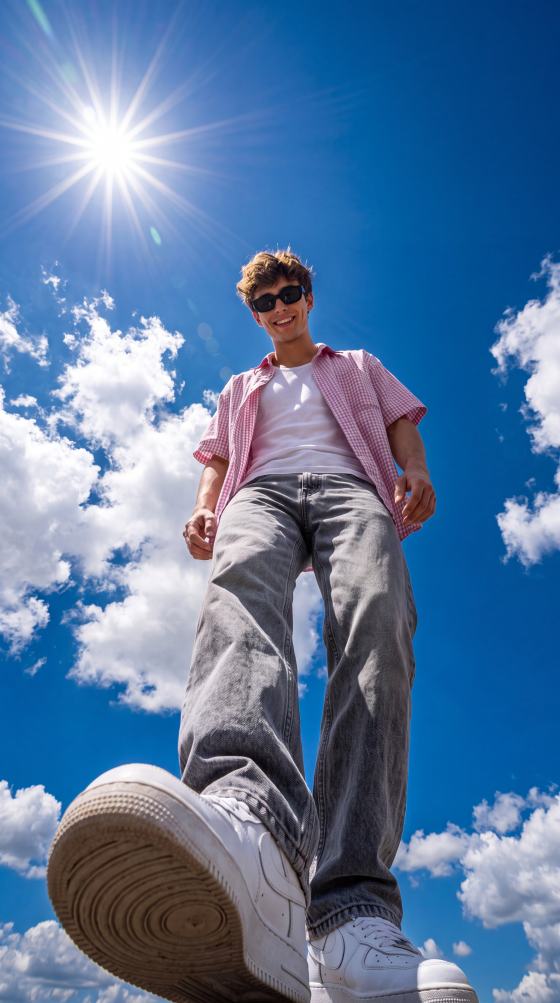
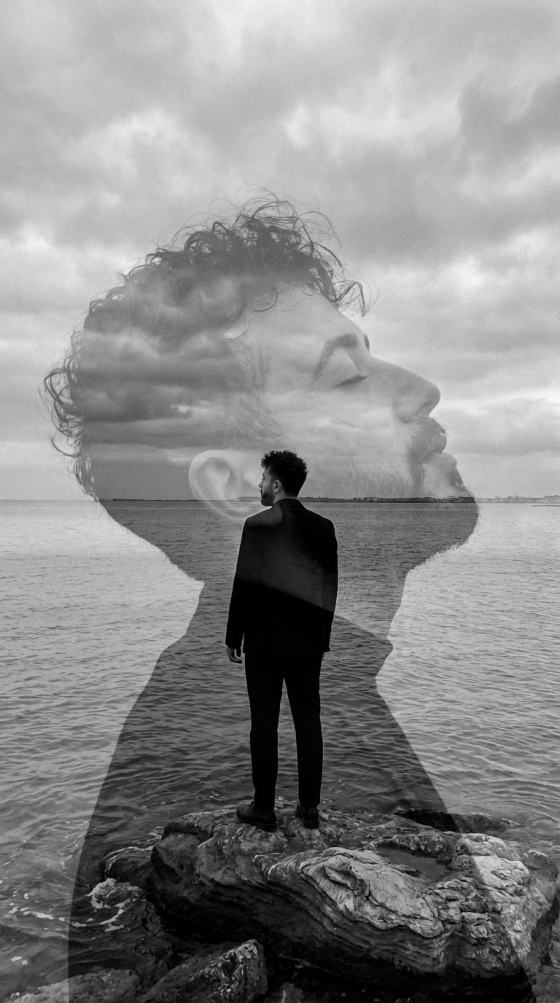
Discover an extensive library of trending Lexica art prompts. Browse highly optimized prompt examples across anime, fantasy, photorealistic portraits, and 3D render styles. Simply copy, customize, and recreate stunning visual masterpieces instantly on Media.io, Stable Diffusion, or Flux.
Free credits on signup.
Browse a massive collection of lexica prompt ideas across popular categories including anime characters, photorealistic portraits, fantasy worlds, 3D renders, and cinematic photography.
Instantly copy your favorite lexica.art prompts and customize the keywords, subjects, or styling elements to effortlessly match your unique artistic vision.
All curated lexica prompt examples are highly compatible and optimized for top-tier generators like Stable Diffusion, Flux, Gemini, ChatGPT, and Media.io.
Paste your adjusted lexica AI prompts directly into Media.io. Experience rapid processing speeds and download pristine, high-resolution, watermark-free art.
Browse our categorized collection of lexica best prompts, ranging from detailed fantasy art and 3D renders to realistic anime and portraits.
Copy your chosen lexica art prompt. Change key details like character attributes, weather, camera angles, or primary colors to personalize the output.
Paste your custom lexica prompt into the Media.io AI Image Generator, click 'Generate', and save your high-resolution, watermark-free masterpiece.

Digital Concept Artist

“My favorite shortcut for prompt reverse-engineering.” I used to spend hours browsing Lexica.art trying to manually write complex styles. Now, copying high-quality lexica portrait prompts and generating them instantly with Media.io has completely accelerated my creative workflow!

Anime & Comic Creator
“Flawless compatibility with top AI models.” I needed specific, stylized character designs. I copied some of the lexica anime prompts here, adapted them, and pasted them straight into Media.io. The rendering quality was incredibly precise and faithful to the original style.

Freelance Photographer
“Stunning cinematic realism!” I love reproducing high-fidelity photography concepts. Using the lexica realistic prompts from this library helped me generate flawless mockups. Media.io rendered the lighting and camera angles perfectly without watermarks.

Indie Game Dev
“Highly inspiring 3D & fantasy resource!” I wanted consistent assets for a game map. I copied several lexica fantasy prompts and lexica 3d prompts, modified the scene subjects, and rendered them cleanly in Media.io. Saved me hours of design draft work.
A lexica art prompt is a structured text description used to generate images on platforms like Lexica.art. They consist of subject descriptions, artistic styles, lighting details, and technical rendering tags. You can copy these prompt formulas and paste them into generators like Media.io to easily recreate similar high-quality aesthetics.
Yes, absolutely! The lexica prompts provided in our library are highly versatile and cross-compatible. You can easily copy and use them in Stable Diffusion, Flux, ChatGPT, Gemini, and especially on Media.io's advanced AI generation tools to replicate stunning visual styles.
To customize any lexica prompt search result, keep the stylistic keywords (such as "cinematic lighting, ultra-detailed, octane render, unreal engine 5, artstation") and replace the main subject. For example, change "cyberpunk warrior" to "steampunk scientist" while keeping the rendering adjectives to maintain the signature artistic vibe.
Our organized lexica prompt library is structured into specific design categories: photorealistic portraits, anime & characters, fantasy art, cinematic photography, and 3D renders. This allows you to quickly locate targeted prompt templates and copy them directly for your niche design goals.
Yes, Media.io offers free credits upon signup. You can instantly copy any of the lexica trending prompts, paste them into our online interface, customize them as needed, and generate your custom art in high quality, completely watermark-free.
 4.7 (162,357 Votes)



