柔軟なAIファミリー写真のアイデア
使用するAIペアレンツを1つのバイラルエフェクト以上の用途に活用しましょう。親子ポートレートを作成したり、別々の家族写真を組み合わせたり、架空の家族の類似性を探求したり、温かい多世代シーンを構築したりできます。
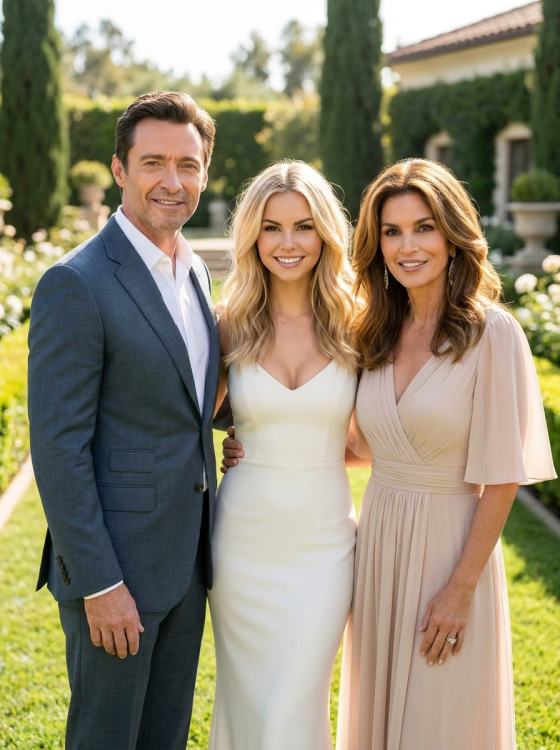
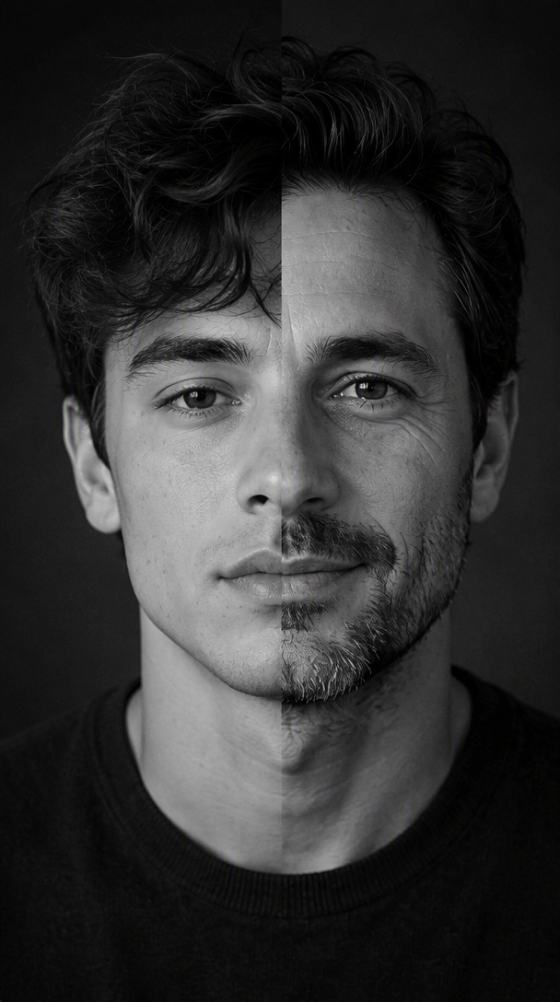
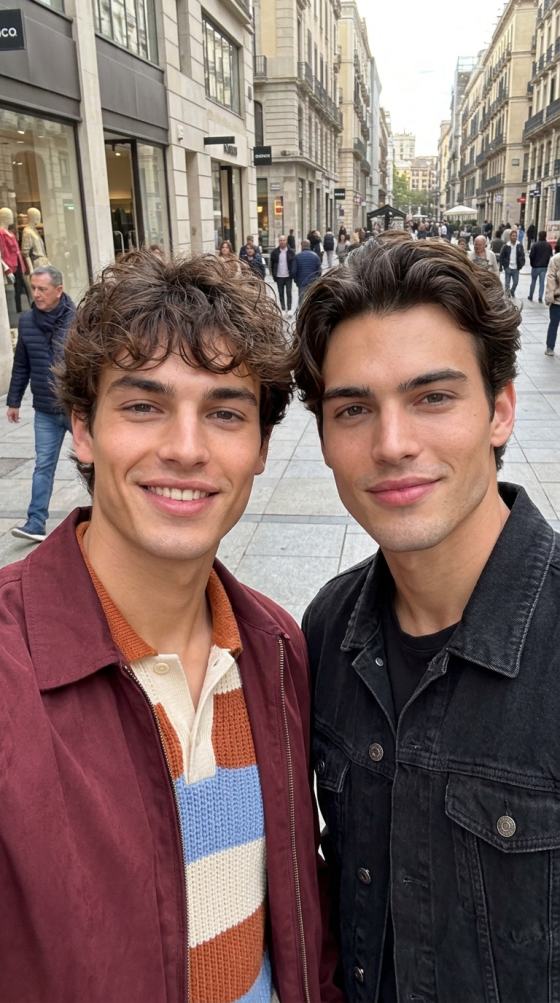
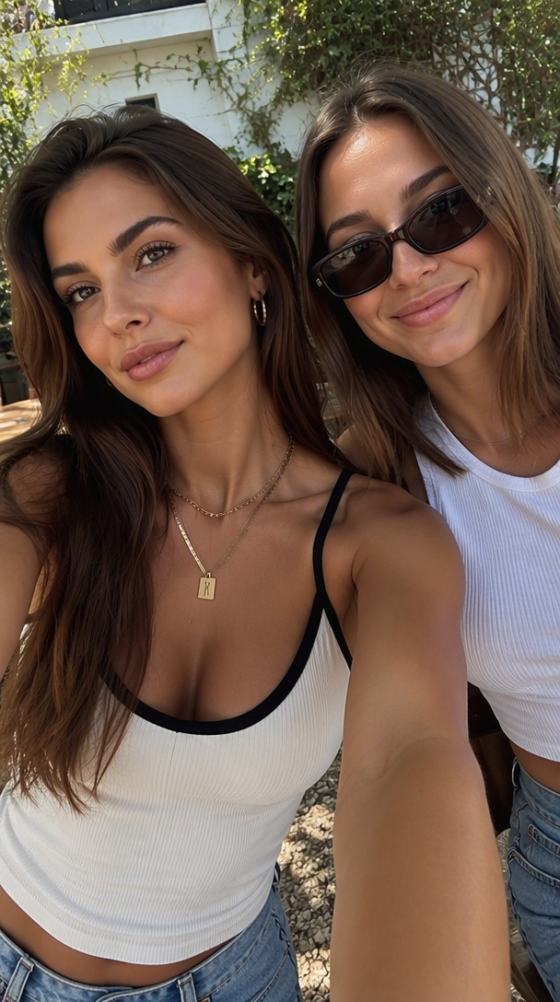
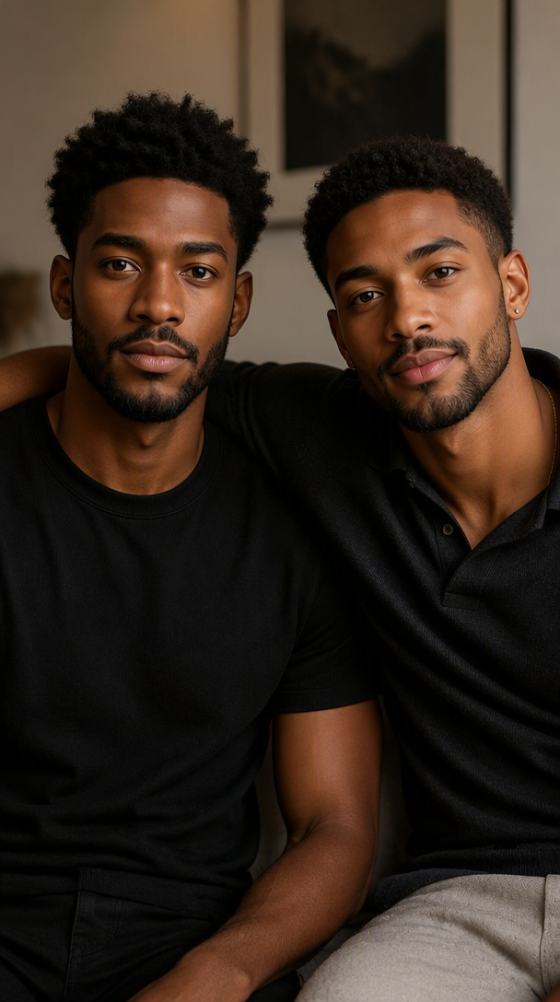
遊び心のあるAIペアレンツ写真をMedia.ioであなたの画像から作成しましょう。信憑性のある親子ポートレートを作成したり、家族の類似性のコンセプトを探求したり、別々の家族写真を1つのまとまりあるAIファミリーシーンに変換したりできます—有名人のマッチングには焦点を当てていません。
登録時に無料クレジット付与。
使用するAIペアレンツを1つのバイラルエフェクト以上の用途に活用しましょう。親子ポートレートを作成したり、別々の家族写真を組み合わせたり、架空の家族の類似性を探求したり、温かい多世代シーンを構築したりできます。
明確なポートレートから始め、背景、ポーズ、衣装、構図を変更しながら、各人物の顔の特徴、肌のトーン、年齢、自然なプロポーションを保持します。
別々のポートレートを一貫したAIファミリー写真に変換するために、照明、カメラアングル、背景、衣装のカラーパレット、体のスケールを統一します。
ファミリーカード、懐かしい親子写真、「私の両親はどんな見た目になるだろう?」という遊び心あるコンセプト、またはSNS対応のファミリー変換を作成しましょう。
想像力豊かなAIペアレンツのコンセプトには明確なポートレートを1枚アップロードするか、よりパーソナルな親子構成には別々の家族写真を使用してください。自然な照明で正面を向いた画像が最も保持しやすいです。
希望するAIペアレンツ写真の種類を選択してください:リアルなファミリーポートレート、母子または父子シーン、架空の親の類似性、若い頃の親の再現、または家族写真の合成。
複数のバージョンを生成し、顔の一貫性、年齢、手、体のスケール、家族の配置を確認してください。必要に応じてプロンプトを調整し、お気に入りをダウンロードしてくださいAIファミリー写真.
一貫した照明、リアルなプロポーション、コーディネートされた衣装、シンプルな自宅またはスタジオの背景で自然な親子ポートレートを作成します。
別々のソース画像にいる人々を1つのAIファミリーポートレートにまとめます。最終的な画像がまとまりを感じられるよう、透視図法、光の方向、色温度、スケールを一致させます。
このページを有名人のマッチングと結びつけずに、「私の両親はどんな見た目になるだろう?」という架空のコンセプトを探求しましょう。共通の顔の特徴、互換性のある年齢、信憑性のある家族写真の構成を使用します。
ファミリーコンテンツクリエイター

「本当に自分のように見えた。」顔保持のラインを使って、普通の自撮りをバースデースタジオポートレートに変えました。髪、フラッシュ、フィルムグレインが変わっても、自分の特徴は失われませんでした。
デジタルクリエイター
「本物のバースデーカバー。」標準的な誕生日写真以上のものが欲しかった。乙女座のプロンプトがケーキ、バーガンディパレット、エディトリアルポーズ、マガジンレイアウトに十分な方向性を与え、完成したカバーコンセプトのように感じられました。
フォトエディター
「簡単なInstagramトレンド投稿。」1枚のポートレートから現代風とバースデー風のカルーセルを作成し、縦向きのクロップはストーリーズやリールのカバーにもうまく使えました。
AIペアレンツAIで生成またはAIで編集された、想像上・再現・別撮りの親の人物と一緒に写る人物を配置したファミリー画像を指します。リアルな親子ポートレート、架空の家族の類似性コンセプト、または家族写真を1つのシーンに合成するために使用できます。このページは有名人の親マッチングではなく、幅広いAIファミリー作成に焦点を当てています。
明確なソースポートレートを使用し、変更しないままにすべき顔の特徴を指定してください。各人物のおおよその年齢、家族の役割、ポーズ、衣装、背景、カメラアングル、照明を定義します。体のスケールをリアルに保ち、一貫した影、肌のテクスチャ、被写界深度、色温度を使用してください。
はい。ワークフローが複数の参照画像をサポートしている場合、別々のポートレートを使用してAIに人々を1つの一貫したファミリーシーンに配置するよう依頼してください。明確な顔と類似した視野角が通常役立ちます。照明、背景、スケール、配置を調和させながら顔の特徴を保持してください。
正確には違います。AIペアレンツはより幅広く、実際の家族写真の合成、架空の親の生成、親子ポートレート、または類似性の実験を含むことができます。Media.ioにはすでに有名人のマッチング専用のAI有名人の親選びページがあるため、このページはより幅広いAIファミリー写真作成に焦点を当てています。
リアルな親子スタジオポートレート、温かい自宅ファミリー写真、若い頃の両親を再現したシーン、3人家族の構成、または遊び心ある架空の親の類似性画像を試してみてください。ストーリーズ用の縦型リビール画像や、ビフォー・アフターの並列投稿を作成することもできます。
 4.7(162,357票)


