Photo-to-Devotional Video
Animate still Radha Krishna images without building every transition manually.
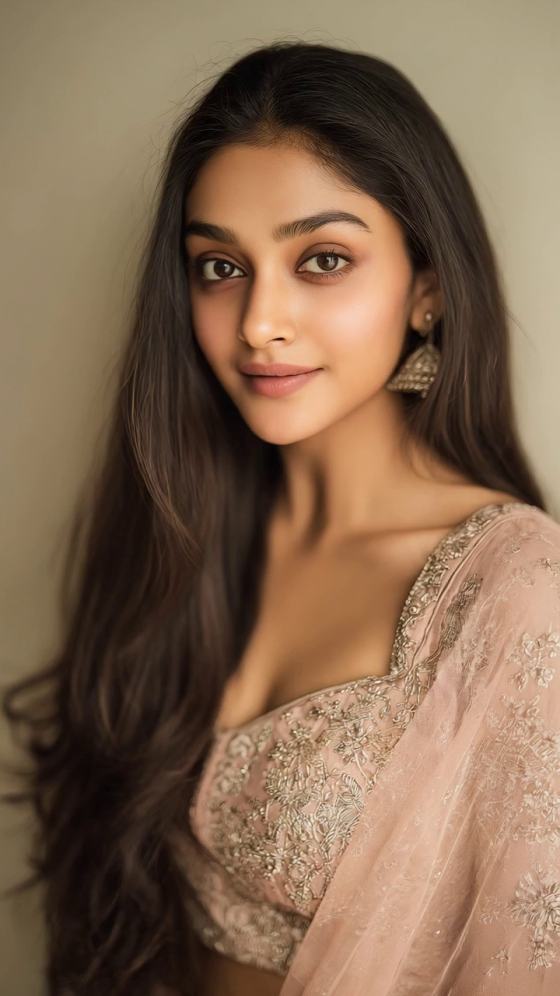
Turn Radha Krishna images into a devotional short video with gentle camera motion, glowing temple light, flower petals, and music-ready pacing. Recreate the Radha Ji CapCut template trend online, then add your preferred Hindi song in the final edit.
Free credits on signup.
Animate still Radha Krishna images without building every transition manually.
Direct the temple light, flower petals, camera motion, and devotional mood.
Create clean visual sequences that are easy to pair with a Radha Krishna song.
Prepare 9:16 edits for Reels, Shorts, status videos, and festival greetings.
Choose clear devotional artwork or portraits in a consistent style.
Copy a prompt below and set the motion, light, petals, camera, and 9:16 framing.
Create the clip, add a licensed devotional track, preview the timing, and export.
Copy a prompt, upload your source image, and customize the subject or setting. Use only photos, audio, and reference materials you have permission to use.
Animate the uploaded Radha Krishna portrait into a serene devotional video. Preserve the original faces and artwork. Add a slow cinematic push-in, warm golden temple light, delicate pink flower petals drifting across the foreground, subtle fabric and jewelry movement, soft glowing particles, peaceful spiritual mood, stable composition, vertical 9:16.
Create a Radha Ji viral edit from the uploaded image. Keep Radha recognizable while a Vrindavan garden gently appears behind her, peacock feathers shimmer, jasmine flowers sway, the camera makes a smooth left-to-right orbit, dreamy pink and blue light, elegant devotional aesthetic, no text, 9:16.
Transform the uploaded Radha Krishna image into a cinematic Janmashtami greeting. Add rows of glowing diyas, marigold petals, temple bells moving slightly, a soft halo behind both figures, slow parallax depth, graceful light rays, reverent and festive atmosphere, identity-preserving animation, vertical video.
Animate a close-up Radha portrait for a Hindi devotional song edit. Begin with closed eyes, then a gentle natural glance toward the camera, subtle smile, soft breeze moving the veil, sparkling jewelry highlights, creamy bokeh, slow zoom out, romantic devotional tone, stable face, 9:16.
Create a Radha Krishna swing scene from the uploaded artwork. Preserve the original visual style. The flower-covered jhula moves gently, petals fall in slow motion, leaves and garments react to a light breeze, sunset gold fills the background, smooth cinematic camera pullback, vertical 9:16.
Generate a blue-hour Vrindavan video from the uploaded photo. Add a distant Yamuna river, glowing lanterns, moonlit mist, subtle peacock feather particles, slow upward camera tilt, calm devotional emotion, realistic depth, no sudden motion, no captions, 9:16 social format.
Turn the image into a beat-ready Radha Krishna montage shot. Start with a macro view of a flute and flowers, rack focus to Radha and Krishna, add a controlled sparkle burst on the beat, then a smooth push-in, rich peacock-blue and gold palette, premium devotional edit, vertical.
Create a flower-rain Radha Rani video. Preserve facial details, pose, clothing, and jewelry. Add hundreds of soft rose petals falling with depth, warm backlight, delicate halo, gradual camera rotation, subtle smile animation, polished festival-poster look, 9:16, no distortions.
Animate the uploaded Krishna and Radha portrait as a vintage devotional painting. Add gentle canvas texture, candle flicker, slow 2.5D parallax between foreground garlands and background temple, restrained gold particles, peaceful bhajan pacing, seamless six-second loop, vertical 9:16.
Create a modern Radha Ji CapCut template-style edit using the uploaded photo: three smooth phases—soft blur reveal, luminous outline pulse, and slow cinematic zoom—while preserving the sacred artwork. Add petals and subtle lens flare, clean transitions, music-ready rhythm, 9:16.
Create a glowing Radha Krishna greeting with flowers, diyas, and a reverent finish.
Turn one favorite image into a short, calm loop for WhatsApp or Instagram.
Build a photo montage with transitions timed for a Hindi bhajan or romantic devotional song.

Devotional content creator
"Beautiful temple-style motion." The soft zoom and falling petals gave my Radha Krishna photos the calm devotional mood I wanted.

Reels creator
"Easy song-ready edit." I generated the visuals first, then matched the cuts to my Hindi song without rebuilding the whole video.

Festival page admin
"Great for vertical posts." The 9:16 composition worked well for both Reels and WhatsApp Status.
It is a devotional short-video format that combines Radha or Radha Krishna photos with smooth transitions, glowing effects, flower petals, and Hindi spiritual or romantic music. Creators commonly use it for Reels, Shorts, WhatsApp Status, Janmashtami greetings, and fan edits.
Upload a clear Radha Krishna image to Media.io AI Image to Video, choose one of the prompts on this page, and generate the motion clip. Add your licensed song and captions afterward, then export in vertical 9:16 for social sharing.
Media.io does not provide an official CapCut template file. It lets you recreate the visual style online by animating your own Radha Krishna images. You can then download the generated video and finish the music or text edit in your preferred editor.
Use a high-resolution portrait or artwork with clear faces, uncluttered details, and enough space around the subjects. Images with consistent lighting and a simple temple, garden, or sky background usually animate more cleanly.
Yes, provided you have permission or a suitable license for the track. Generate the visual clip first, then add the Hindi devotional song in an editor and align cuts or glow effects with the beat.
 4.7 (162,357 Votes)