














AI Image to Prompt Generator:
Turn Any Image Into a Detailed AI Prompt
Upload a photo, artwork, or visual reference and let Media.io analyze its subject, composition, lighting, colors, camera perspective, and style. Get a detailed, copy-ready prompt in seconds for your next AI image creation.
Free credits on signup.
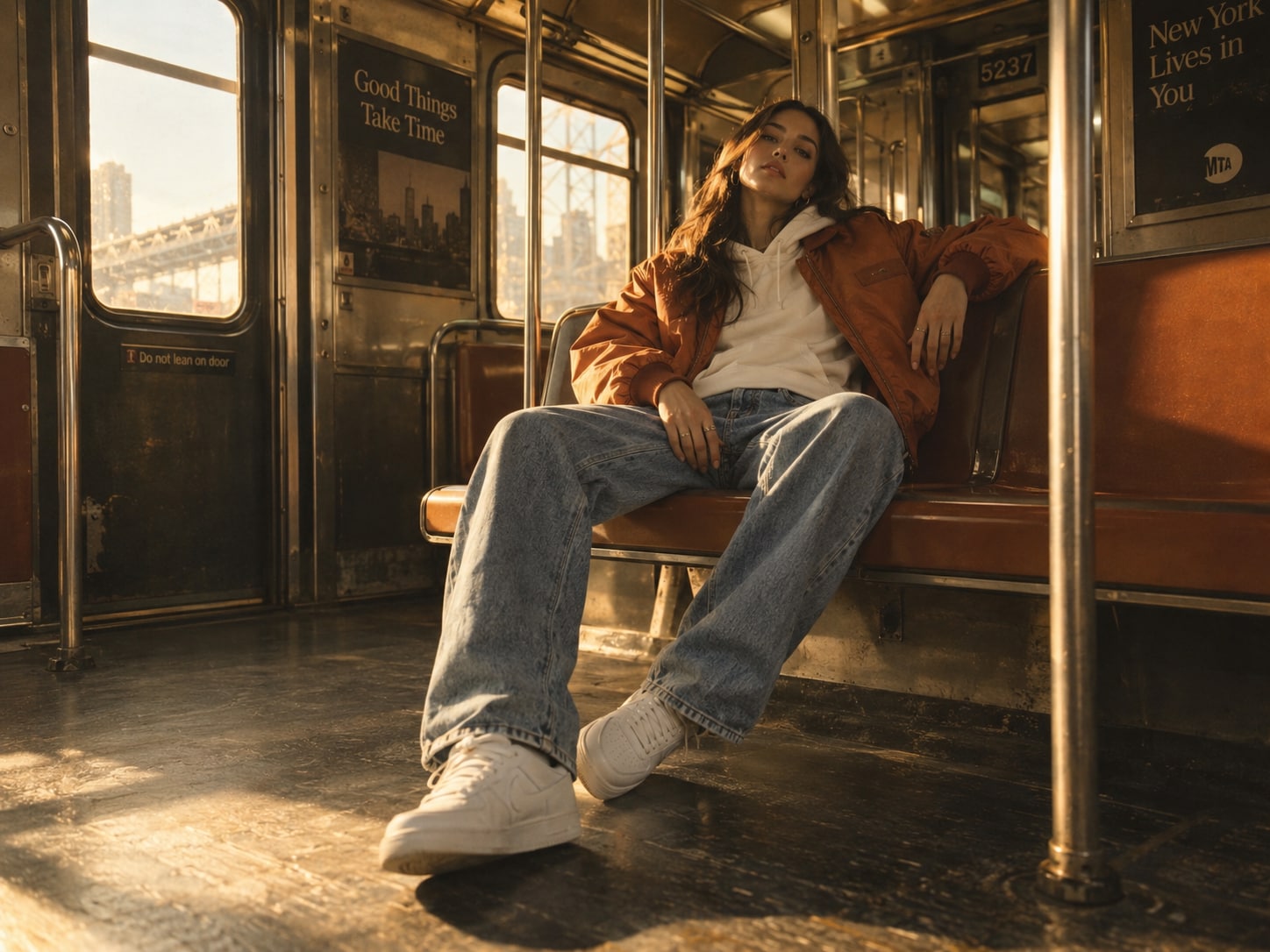
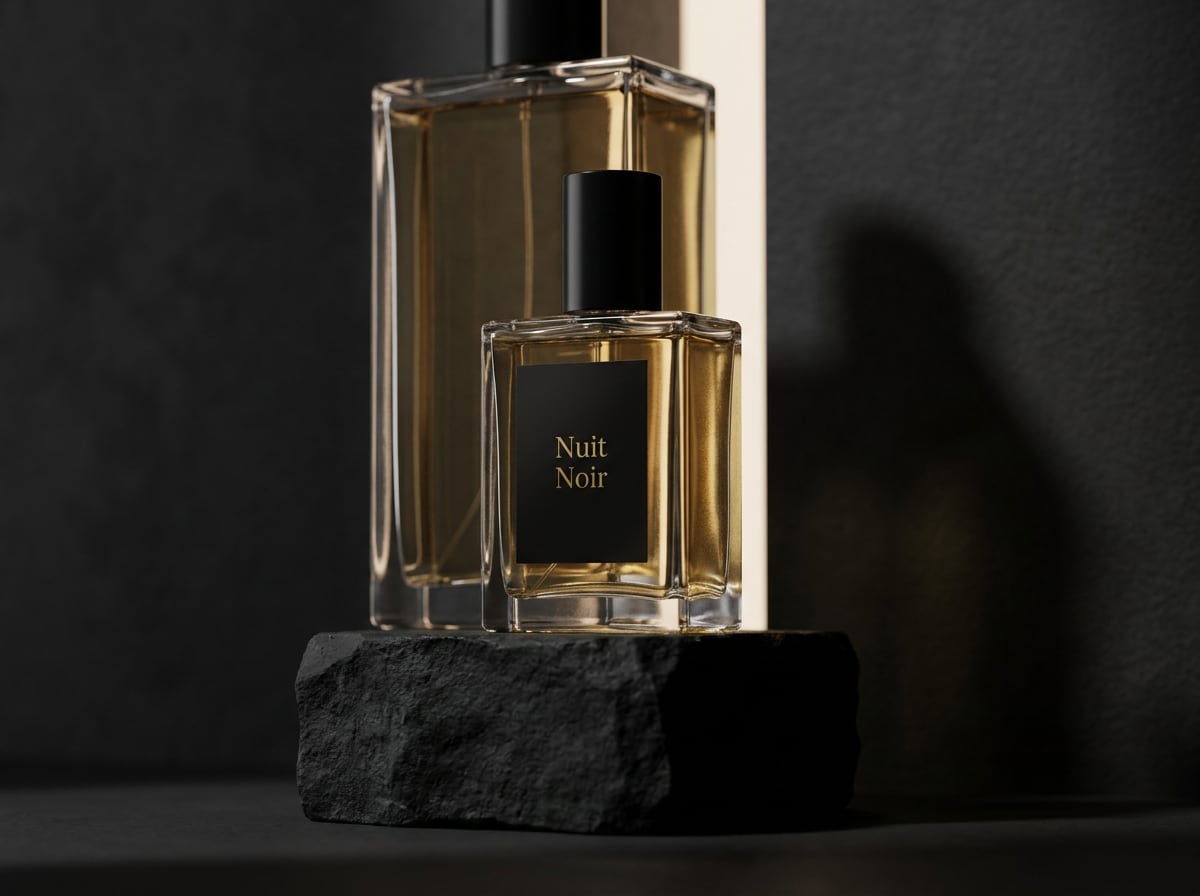
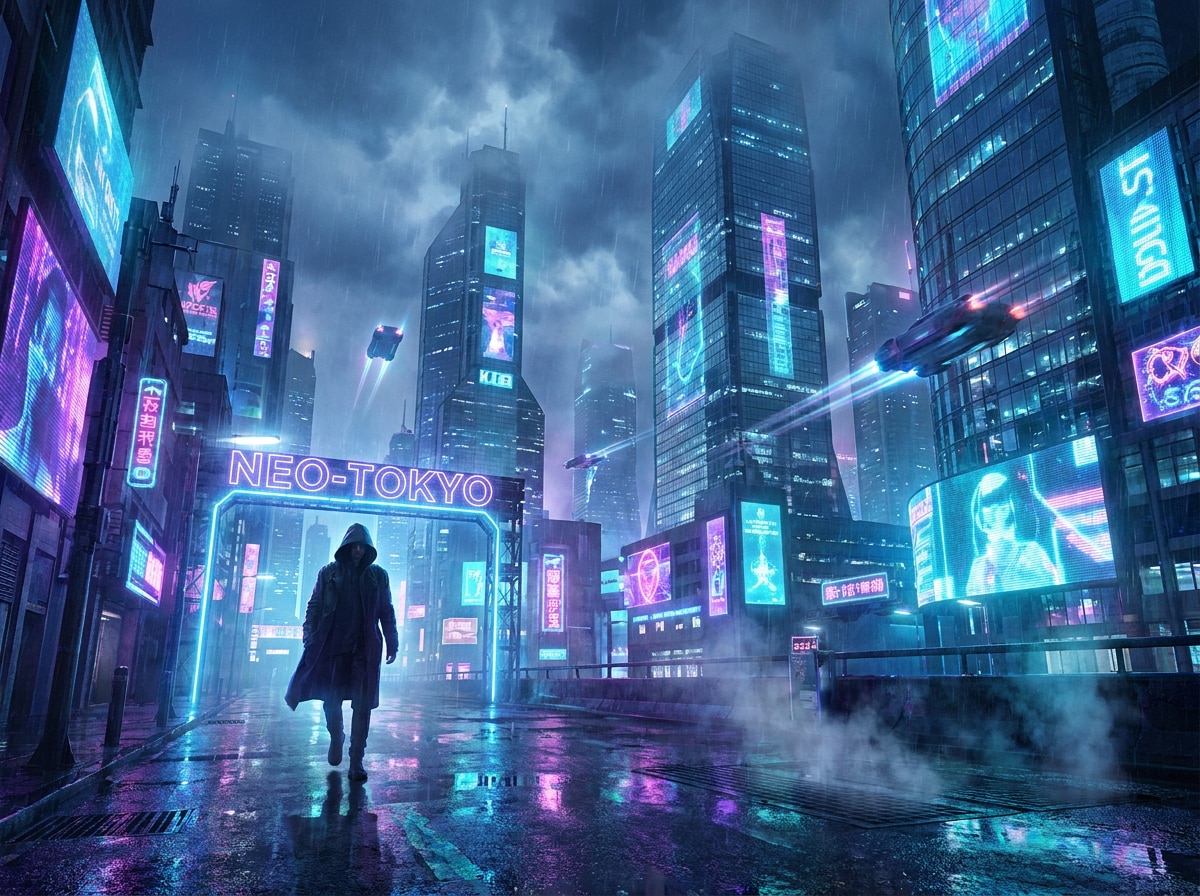
Turn Any Image Into a Prompt
You Can Reuse
Turn Image Subjects into Detailed AI Prompt Descriptions
Upload a portrait, product photo, artwork, or other reference image and let Media.io identify the key visual subject. The AI image prompt generator describes important details such as appearance, clothing, pose, expression, objects, textures, and surroundings, helping you create a richer prompt without writing every detail manually.
Generate Prompt From ImagesRecognize Image Style, Mood, and Atmosphere
Use the prompt generator from image to translate visual style into words. Media.io can describe characteristics such as photorealistic, cinematic, editorial, anime, illustration, vintage, or 3D, while also capturing the overall mood and atmosphere. It is an easy way to turn visual inspiration into reusable AI prompt language.
Generate Prompt From ImagesExtract Composition and Camera Details from Images
Generate a prompt from an image that includes more than just the subject. Media.io analyzes visible composition details such as framing, camera angle, perspective, subject placement, foreground and background relationships, and depth of field, giving your AI image prompt a clearer visual structure.
Generate Prompt From ImagesCapture Lighting and Colors for Better AI Prompts
Convert an image to a prompt while preserving its visual atmosphere. Media.io describes visible lighting conditions, shadows, highlights, dominant colors, color temperature, contrast, and overall tone, making it easier to recreate or remix the look of a reference photo in future AI image generations.
Generate Prompt From ImagesHow to Generate a Prompt From an Image
Step 1: Open Media.io AI Prompt Generator
Upload a JPG, JPEG, or PNG image from your device. You can use a photo, AI artwork, product image, portrait, illustration, or any other visual reference.
Step 2: Let AI Analyze the Image
Media.io examines the visible details in your image, including the subject, environment, composition, lighting, colors, camera perspective, visual style, and mood.
Step 3: Copy Your Generated Prompt
Get a detailed AI image prompt based on the uploaded reference. Copy the result and refine it for your preferred AI image generator or your next creative project.
What Users Say About Media.io Image to Prompt Generator

Content Creator

It captures details I would never think to describe. I uploaded a portrait reference and the image to prompt generator picked up the lighting, camera angle, clothing, mood, and composition surprisingly well. It gives me a much stronger starting point for creating similar AI images.

Social Media Manager
Much faster than writing prompts from scratch. When I find a visual style I like, I can upload the reference and get a detailed prompt in seconds. This prompt generator from image makes it easy to keep the composition and atmosphere while changing the subject for new concepts.

TikTok Creator
Great for turning inspiration into usable AI prompts. I often have reference images for campaign concepts but struggle to describe the exact look. Media.io turns those references into clear AI image prompts that I can quickly edit for products, ads, and social media visuals.
Content Creator
It captures details I would never think to describe. I uploaded a portrait reference and the image to prompt generator picked up the lighting, camera angle, clothing, mood, and composition surprisingly well. It gives me a much stronger starting point for creating similar AI images.
Social Media Manager
Much faster than writing prompts from scratch. When I find a visual style I like, I can upload the reference and get a detailed prompt in seconds. This prompt generator from image makes it easy to keep the composition and atmosphere while changing the subject for new concepts.
TikTok Creator
Great for turning inspiration into usable AI prompts. I often have reference images for campaign concepts but struggle to describe the exact look. Media.io turns those references into clear AI image prompts that I can quickly edit for products, ads, and social media visuals.
Content Creator
It captures details I would never think to describe. I uploaded a portrait reference and the image to prompt generator picked up the lighting, camera angle, clothing, mood, and composition surprisingly well. It gives me a much stronger starting point for creating similar AI images.
Social Media Manager
Much faster than writing prompts from scratch. When I find a visual style I like, I can upload the reference and get a detailed prompt in seconds. This prompt generator from image makes it easy to keep the composition and atmosphere while changing the subject for new concepts.
TikTok Creator
Great for turning inspiration into usable AI prompts. I often have reference images for campaign concepts but struggle to describe the exact look. Media.io turns those references into clear AI image prompts that I can quickly edit for products, ads, and social media visuals.
Discover More Viral AI Video & Image Effects



FAQs About AI Image to Prompt
1. What is an image-to-prompt generator?
An image-to-prompt generator uses AI to analyze a reference image and convert its visible characteristics into a written prompt. It can identify elements such as the subject, environment, composition, lighting, colors, camera perspective, visual style, and mood, so you can reuse the result for AI image creation.
2. How do I generate a prompt from an image?
Upload your image to Media.io's AI Image Prompt Generator and click Generate. AI analyzes the visual details and creates a descriptive prompt that you can copy, edit, and reuse for AI image generation.
3. Can AI generate a prompt from a photo?
Yes. A photo to prompt generator can analyze a photograph and describe details such as the person or object, location, pose, camera perspective, lighting, color palette, and photography style in prompt form.
4. What details can Media.io extract from an image?
Media.io can identify visible elements including subjects, objects, surroundings, composition, colors, lighting, camera perspective, style, and overall mood. The generated description is then organized into an AI-friendly image prompt.
5. Can I convert AI artwork into a prompt?
Yes. You can upload AI artwork, illustrations, digital art, or other visual references and use the prompt generator from image to create descriptive prompt text based on the visible style and composition.
6. What image formats does Media.io support?
Media.io currently supports JPG, JPEG, and PNG images up to 20 MB for the AI Prompt Generator.
7. Is image-to-prompt the same as image captioning?
Not exactly. Image captioning usually summarizes what an image contains. An image-to-prompt generator focuses on translating visual details such as composition, lighting, camera perspective, colors, style, and mood into descriptive text that can be reused for AI image generation.
More From Media.io
 4.7 (162,357 Votes)