
AI Enemies to Lovers Drama Generator: Turn Enemies to Lovers Stories into Videos
Enemies-to-lovers stories work best when the tension shifts scene by scene instead of all at once. AI Enemies to Lovers Drama Generator turns rivalry, forced proximity, and the slow turn toward trust into connected videos from a script or story draft. It keeps the relationship arc clear from clash to chemistry.
Stunning Features of Media.io AI Enemies to Lovers Video Maker
Media.io keeps friction beats, forced teamwork, chemistry shifts, optional background music and subtitles, and agent mode in one enemies-to-lovers workflow, with exports up to 2 minutes in 4K.
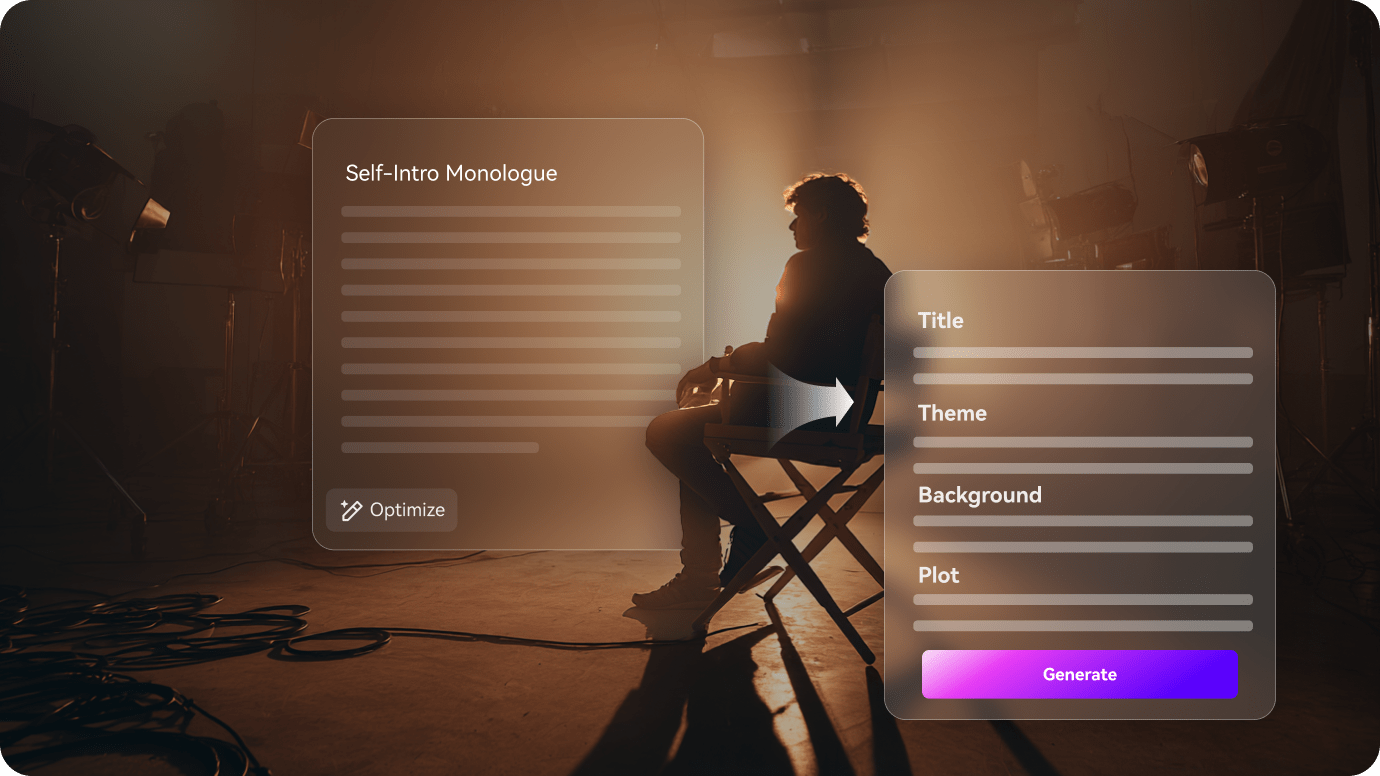
Track the Rivalry Before It Turns Soft
The first pass turns the script into a tension map, so the rivalry and the shift toward trust stay visible.
- Show the friction, the forced teamwork, and the first shift in tone
- Keep the clash visible before the chemistry takes over
- Make the story order trace the change from conflict to interest
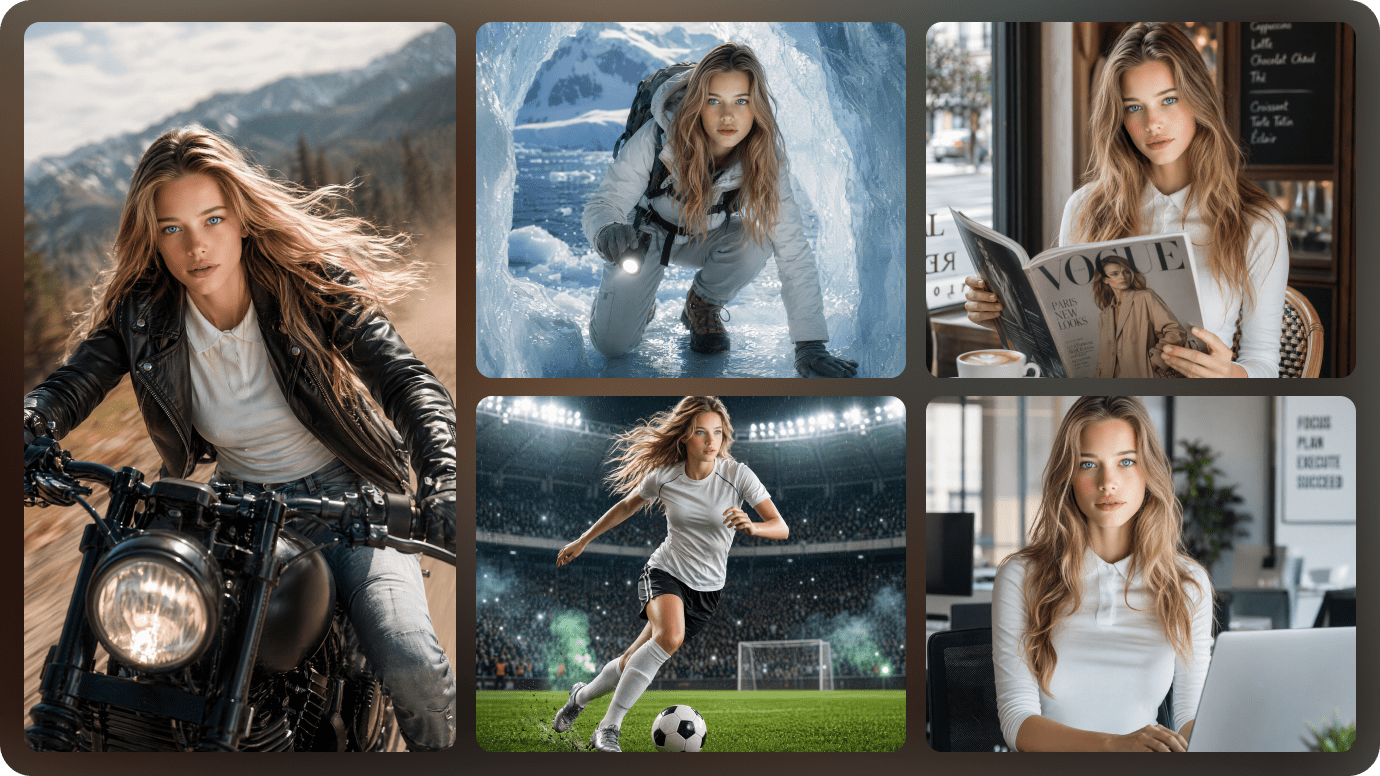
Keep the Friction and Softening Beats in Order
The relationship needs room to move from sharp dialogue into something warmer without losing the rhythm of the conflict.
- Hold the leads, the shared task, and the emotional pivot steady across scenes
- Make the softening beat easy to spot as it grows
- Keep the cast readable while the mood changes
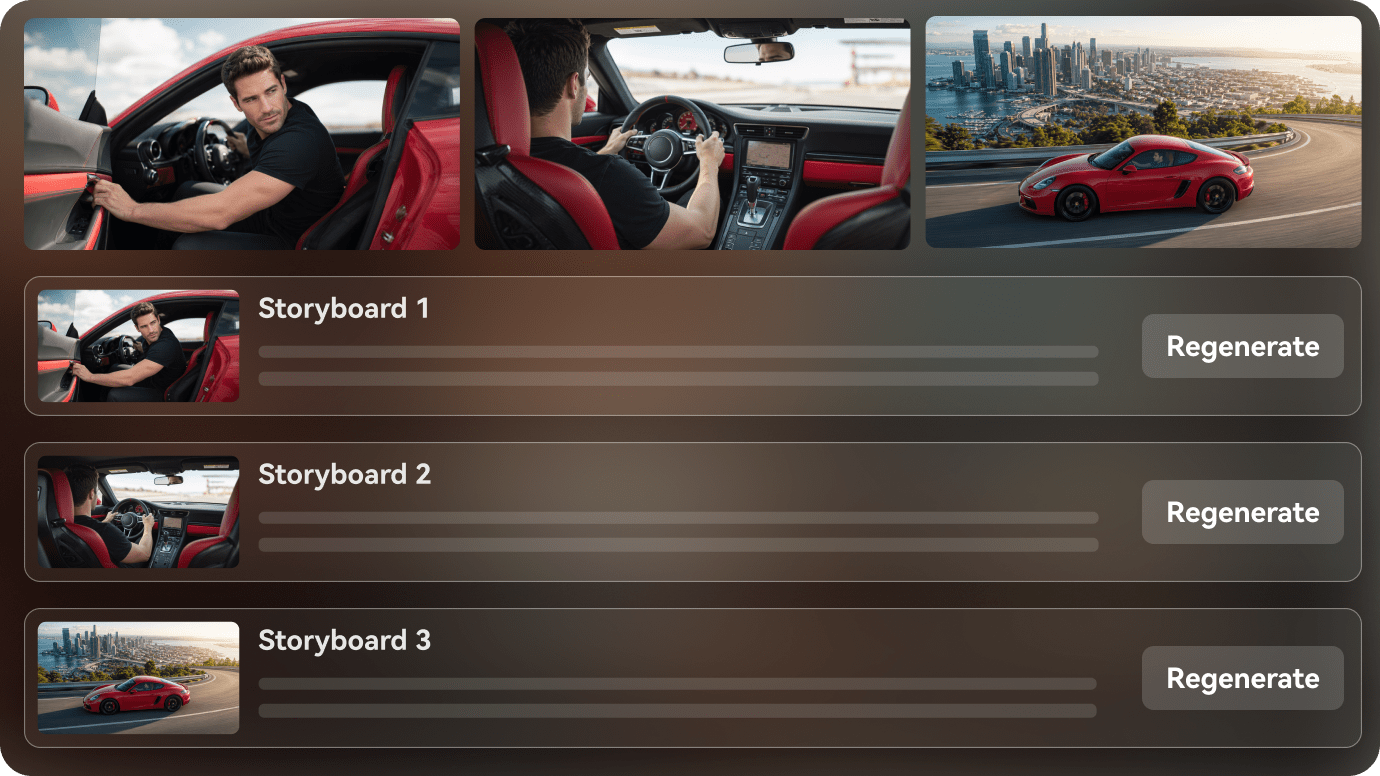
Refine the Shift from Conflict to Chemistry
Before export, the outline gives you a place to sharpen the turn so the chemistry feels earned.
- Slow down the final turn if it feels too sudden
- Let the reveal or apology land before the next beat changes tone
- Export a enemies to lovers video that still feels tied to the rivalry
How to Create an Enemies to Lovers Video in 3 Steps
Start with the rivalry, then keep the friction, softening, and scene order aligned before export.

Paste the romance script
Start with a contract marriage scene, a forbidden love chapter, or a reunion outline and turn it into a clean scene map.

Shape the couple and turns
Keep the leads, their secret, and the emotional beats easy to follow as the story moves from scene to scene.

Review the final cut
Adjust the reveal, tighten the chemistry, and export the romance video with a clearer emotional arc.
Enemies to Lovers Video Ideas You Can Create
These story ideas center on friction, forced teamwork, and the moment rivalry starts looking like chemistry.
Sharp First Meeting
The first scene starts with friction instead of softness.
Romance
Forced Team-up
The leads have to work together before they are ready.
Romance
Small Softening
A brief moment shows the relationship changing under the tension.
Romance
Argument Turn
The argument reveals there is more feeling underneath the conflict.
Romance
Jealous Reveal
One scene makes the hidden interest too obvious to ignore.
Romance
Unexpected Feelings
The final beat turns rivalry into chemistry.
Romance
How Different Enemies to Lovers Creators Use AI Script to Video
From enemies-to-lovers creators and rivalry-story channels to screenwriters, novelists, and editorial teams, see how AI script to video can keep the conflict, the softening, and the chemistry shift in order.


"I can move from a rivalry script to a visual draft faster and keep the tension arc readable."

"It helps me organize the friction, the forced teamwork, and the softening beat in one workflow."

"I can show the shift from conflict to chemistry without making it feel sudden."

"I can turn a chapter into a quick enemies-to-lovers preview and keep the banter readable."

"I can paste long text, review the outline, and shape a video that keeps the rivalry visible."

"It turns enemies-to-lovers scripts into visual videos that are easier to share with a team."
FAQs on Enemies to Lovers
These answers cover the rivalry, the softening beat, and the chemistry shift that matter in enemies-to-lovers stories.
What Is an AI Enemies to Lovers Drama Generator?
It turns enemies-to-lovers scripts into connected romance videos with rivalry, forced proximity, and chemistry shifts kept readable.
Can I Start from an Enemies to Lovers Script?
Yes. A rivalry romance outline or hate-to-love draft is a strong fit for the workflow.
Can the Same Couple Stay Consistent Across Scenes?
Yes. The workflow keeps the leads recognizable as the tension turns into attraction.
What Enemies to Lovers Stories Work Best?
Stories with sharp dialogue, forced teamwork, and a slow emotional turn usually work best.
Can I Use It for Short-Form Video?
Yes. It can be adapted for short clips or serialized relationship videos.
Does It Help with Dialogue-Heavy Scenes?
Yes. It keeps the conflict, softening, and reveal beats in order.
What If a Scene Needs Editing?
You can revise the outline before export if the turn needs more buildup.
Explore Script-to-Video Ideas and Use Cases
These topics branch into other rivalry-to-chemistry angles that keep the conflict readable.

Turn Your Enemies to Lovers Script into an AI Video In One Workflow
Paste your enemies to lovers script, story draft, or outline. Media.io helps structure the rivalry, set up characters, preview the storyboard, and generate a watchable romance video from your written idea. You can also switch on background music and subtitles, or use agent mode for a one-step run. Exports can go up to 2 minutes in 4K.