Creations are stored for only 7 days. Assets created after upgrading to a Membership plan will be stored permanently.
Unlock your creative potential and experience the magic of Media AI right away!
Terapkan Filter Preppy untuk Foto Estetika yang Cerah dan Elegan
Ubah foto apa pun menjadi edit preppy yang ceria dan elegan dengan nada pastel, sorotan glossy, dan detail terinspirasi kolase. Ini filter preppy AI membantu Anda menciptakan tampilan pantai, Y2K, dan gaya hidup bersih dengan cepat dari unggahan Anda sendiri, baik Anda menginginkan filter estetika preppy atau tampilan playful siap media sosial. Alur kerja ini sangat berguna untuk filter preppy old school.
Ketik ide Anda -> AI merancangnya. Gratis untuk dicoba.
Tinjau contoh arahan ini, lalu sesuaikan detail prompt untuk mendapatkan hasil yang lebih baik dengan filter preppy di Media.io.
Cahaya Pink Pastel
Gunakan gambar yang diunggah sebagai subjek dan transformasikan dengan makeover preppy lembut yang menampilkan nada pink pastel, sorotan putih cerah, pencahayaan glossy ramah kulit, kontras lembut, bayangan ringan, tekstur bersih, dan suasana gaya hidup media sosial yang ceria dengan detail elegan.
Prep Pesisir Biru
Gunakan gambar yang diunggah sebagai subjek dan gaya ulang menjadi pemandangan preppy pesisir yang segar dengan aksen biru bayi, putih segar, eksposur ringan, nuansa aqua halus, sinar matahari lembut, tekstur segar, dan suasana beach-club santai yang terasa bersih dan elegan.
Prep Y2K Glossy
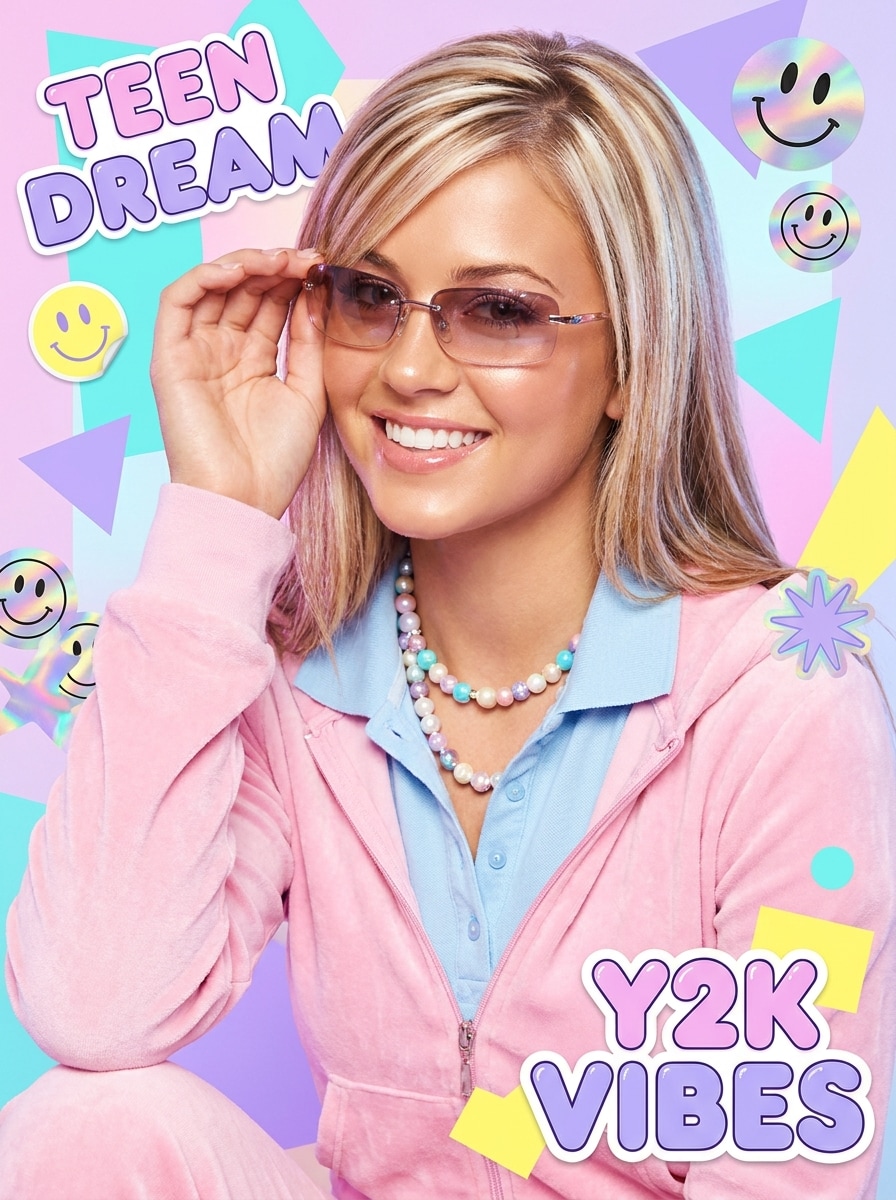
Gunakan gambar yang diunggah sebagai subjek dan berikan tampilan preppy Y2K glossy dengan sorotan bercahaya, tekstur halus, aksen warna pastel, pencahayaan cerah bergaya majalah, energi playful, tepi bersih, dan tampilan editorial remaja yang elegan yang terasa trendi dan menyenangkan.
Pop Pink Terang
Gunakan gambar yang diunggah sebagai subjek dan transformasikan menjadi edit preppy yang berani dengan aksen pink terang, putih cerah, saturasi kuat, kontras bersih, sorotan glossy, keseimbangan tonal halus, dan suasana ceria yang dirancang untuk postingan sosial yang menarik perhatian.
Prep Kolase Stiker
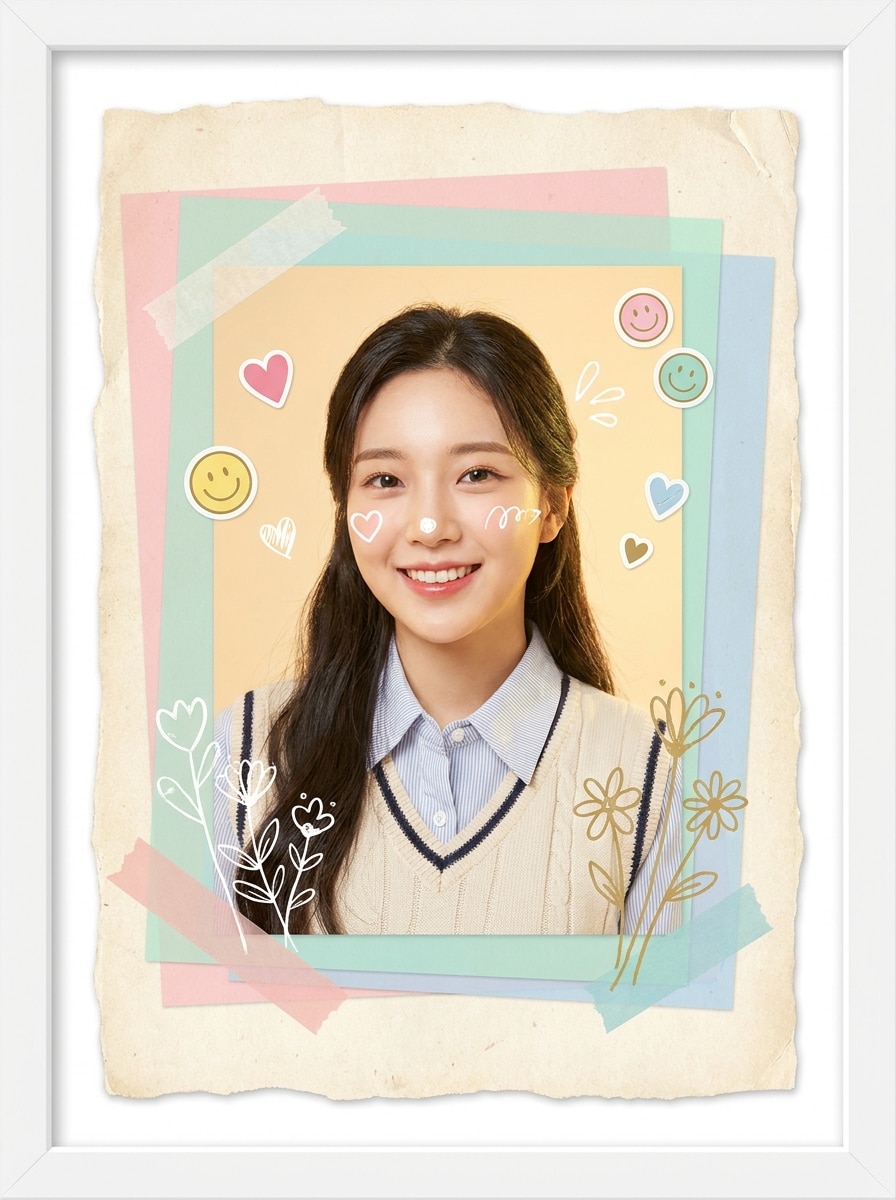
Gunakan gambar yang diunggah sebagai subjek dan ubah menjadi kolase preppy yang playful dengan overlay pastel, stiker hati kecil, ikon smiley, doodle bunga, bingkai putih, tekstur scrapbook, pencahayaan cerah, dan suasana buatan tangan yang lucu tanpa kehilangan detail wajah utama.
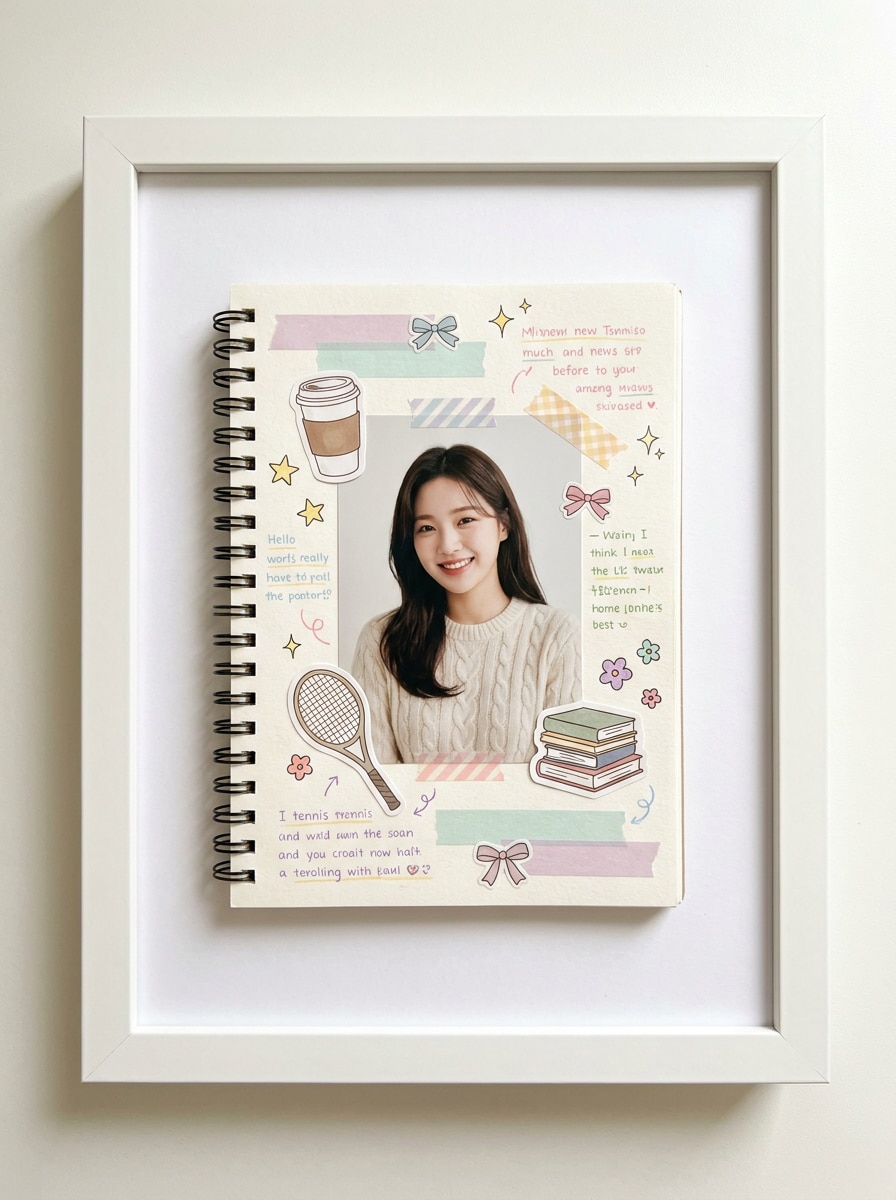
Estetika Buku Catatan
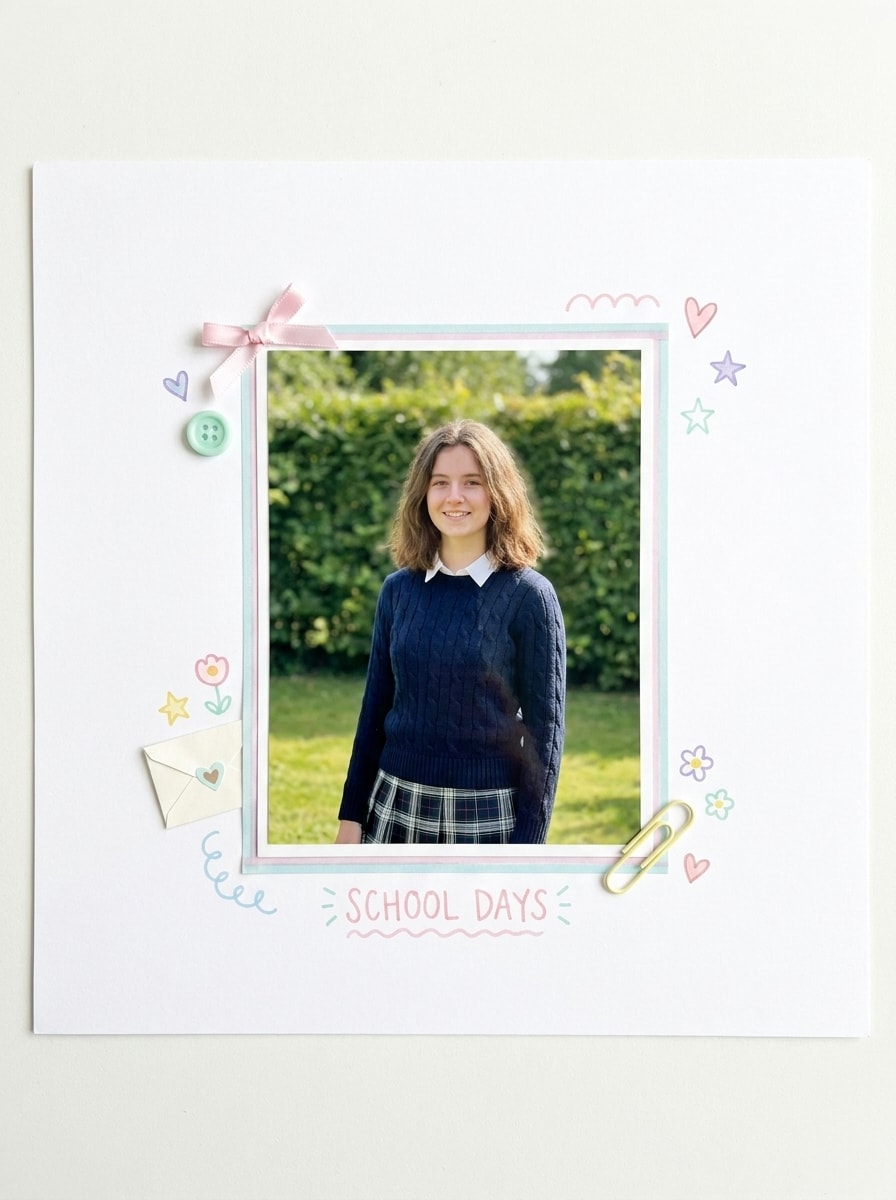
Gunakan gambar yang diunggah sebagai subjek dan gaya seperti halaman scrapbook preppy yang rapi dengan ruang putih, aksesori pastel, doodle sederhana, bingkai rapi, kecerahan lembut, tekstur bersih, dan suasana terorganisir yang terasa lucu, segar, dan terkurasi.
Prep Tersengat Matahari
Gunakan gambar yang diunggah sebagai subjek dan terapkan transformasi preppy cerah dengan nada kulit hangat, sorotan keemasan, eksposur cerah, kontras lembut, keseimbangan warna bersih, tekstur halus, dan suasana gaya hidup musim panas yang santai yang terasa elegan dan mengundang.
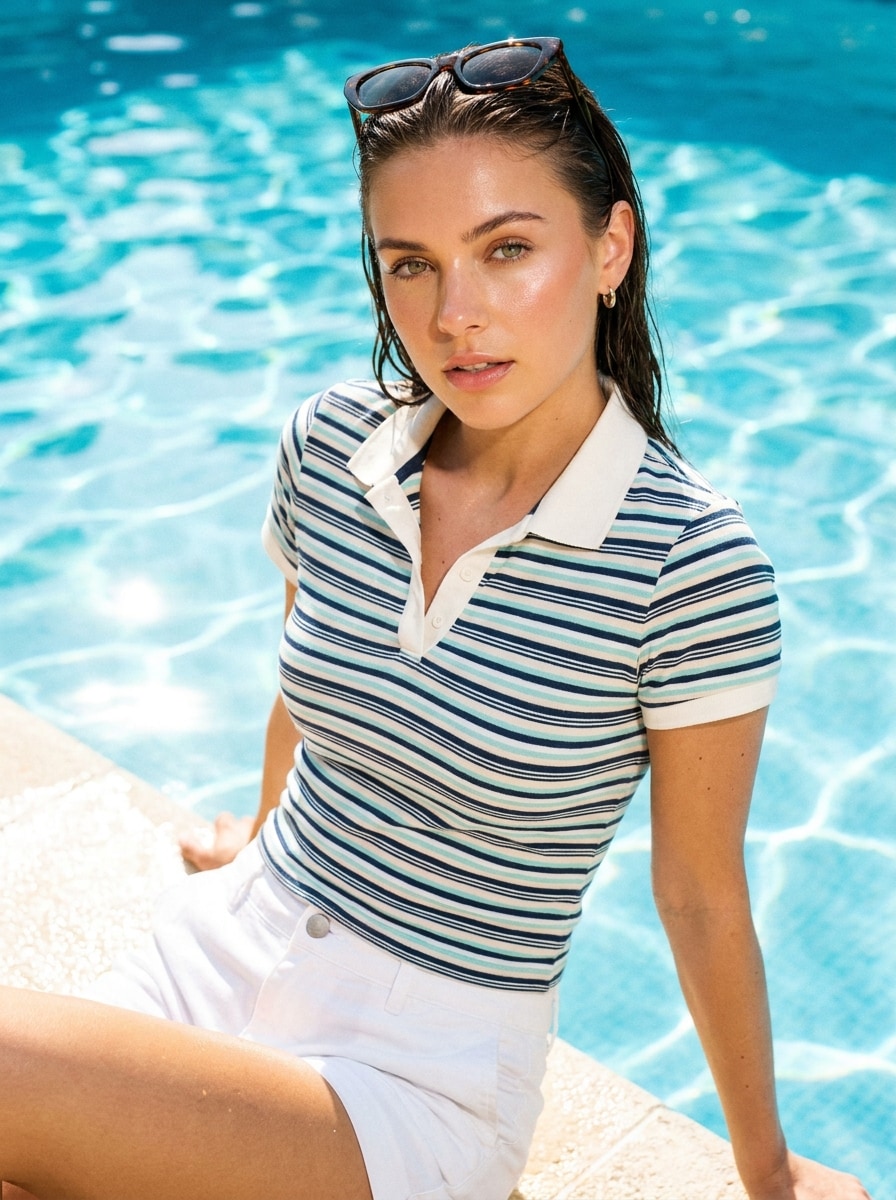
Cerah Tepi Kolam
Gunakan gambar yang diunggah sebagai subjek dan konversi menjadi edit preppy tepi kolam yang cerah dengan nada biru aqua, sorotan segar, saturasi ceria, pencahayaan musim panas yang reflektif, tampilan halus, kontras segar, dan suasana liburan yang penuh energi bersih.
Prep Putih Bersih
Gunakan gambar yang diunggah sebagai subjek dan sempurnakan menjadi tampilan preppy minimal dengan putih cerah, sentuhan pastel seimbang, eksposur halus, kejernihan halus, gloss halus, komposisi rapi, dan suasana editorial sederhana yang terasa segar dan modern.
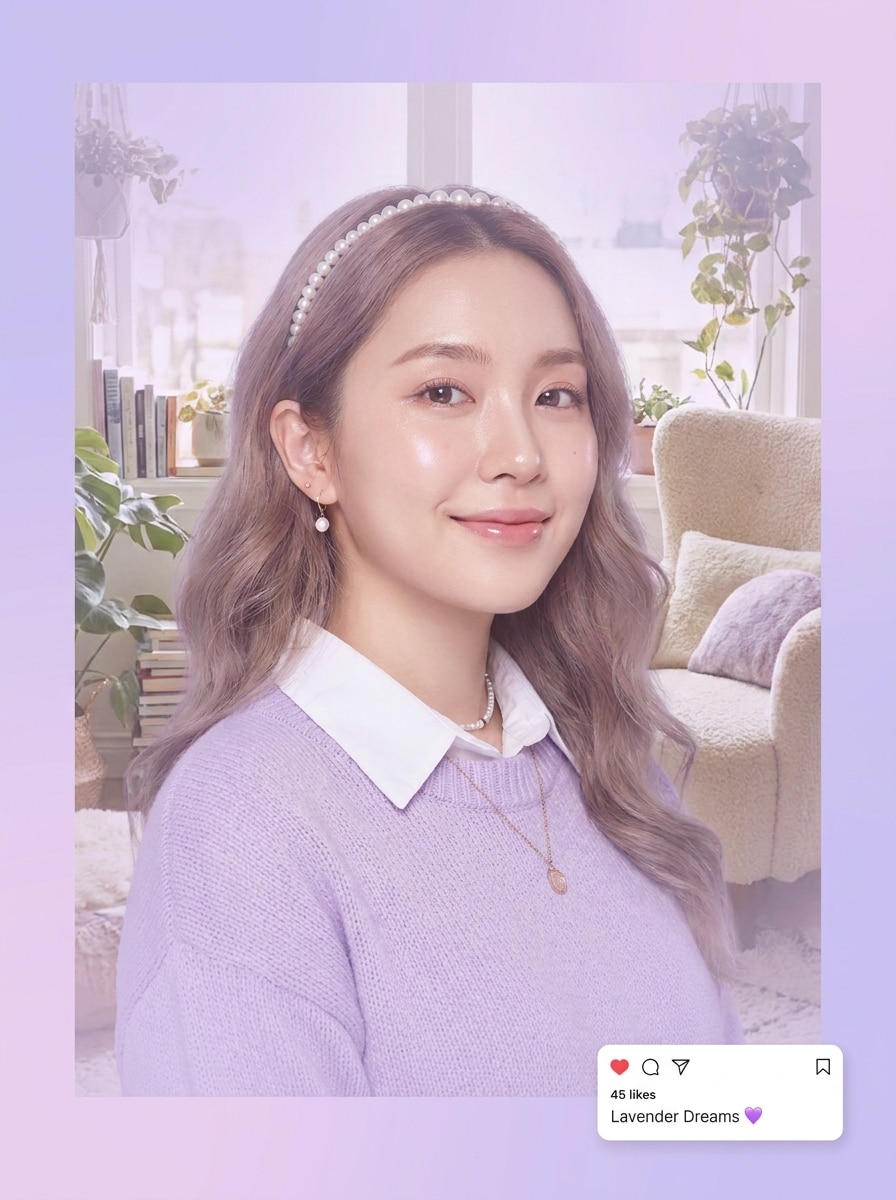
Prep Lavender Lembut
Gunakan gambar yang diunggah sebagai subjek dan berikan nuansa preppy lavender lembut dengan pencahayaan ringan, nada ungu pastel, gradien halus, detail wajah yang tajam, kelembutan glossy, dan suasana modern yang lucu yang terasa ringan, dreamy, dan ramah media sosial.
Mengapa Menggunakan Media.io untuk Makeover Filter Preppy
Pertahankan Subjek yang Mudah Dikenali dalam Gaya Baru
Pekerjaan berbasis referensi membutuhkan lebih dari sekadar pergeseran gaya yang longgar. Media.io membantu menjaga detail identitas utama tetap dapat dikenali sambil mengerjakan ulang tampilan visual filter preppy, sehingga hasilnya terasa personal bukan generik.
Beralih Antara Tampilan Pastel, Y2K, dan Kolase dengan Cepat
Output yang berbeda membutuhkan estetika yang berbeda. Media.io membantu Anda menjelajahi berbagai perlakuan dari konsep visual filter preppy yang sama sehingga visual akhir mendarat pada nada yang tepat lebih cepat.
Sempurnakan Kualitas untuk Edit yang Lebih Tajam dan Lebih Cerah
Ketika visual filter preppy akan digunakan untuk penerbitan nyata, Media.io memberikan output yang lebih tajam hingga 4K, yang membantu gambar tetap jelas di seluruh presentasi, latar belakang, dan aset yang digunakan kembali.
Buat di Browser di Semua Perangkat
Berpindah dari ponsel ke desktop tidak boleh mengganggu alur kerja. Di Media.io, Anda dapat membuat, menyempurnakan, dan mengunduh visual filter preppy langsung di browser, memudahkan untuk menjaga momentum saat Anda berpindah antar layar.
Cara Membuat Edit Foto Preppy Online
Ubah kata-kata Anda menjadi visual yang memukau dalam tiga langkah sederhana, lalu terus sempurnakan hasilnya jika Anda ingin melangkah lebih jauh.
Langkah 1
Unggah Gambar Referensi Anda
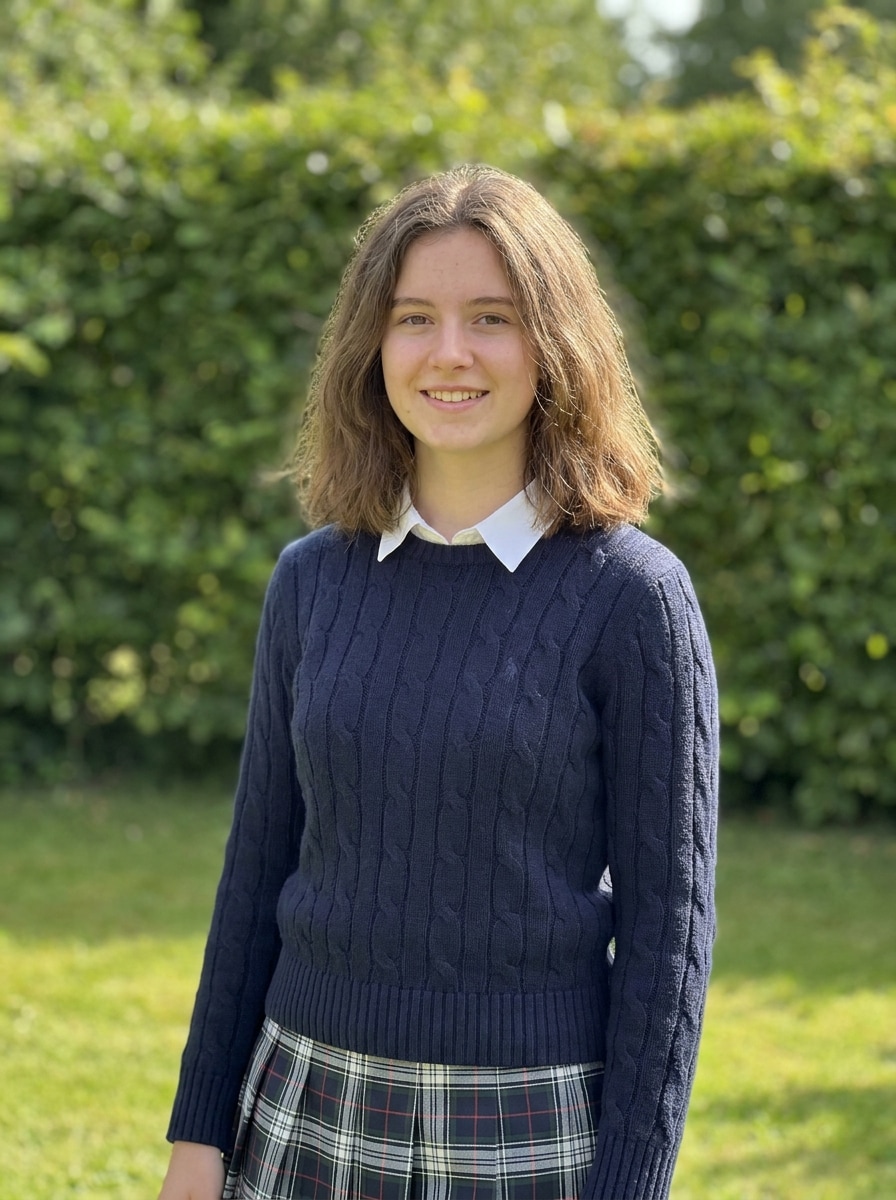
Mulai dengan selfie, potret, foto grup, atau foto gaya hidup yang jelas dalam format JPG, PNG, atau JPEG. Gambar sumber yang bersih membantu alat mempertahankan subjek Anda sambil menerapkan filter preppy transformasi yang cerah dan elegan.
Langkah 2
Deskripsikan Perubahan dan Atur Opsi
Masukkan tampilan yang Anda inginkan, seperti pink pastel, biru pantai, Y2K glossy, doodle kolase, atau filter foto gaya preppy yang bersih. Kemudian pilih model Anda dan sesuaikan rasio aspek, resolusi, atau jumlah variasi gambar.
Langkah 3
Buat, Unduh, dan Terus Tingkatkan
Buat beberapa versi, bandingkan suasana dan perlakuan warna, dan unduh hasil favorit Anda. Jika perlu, sempurnakan prompt, coba arah gaya baru, atau buat lebih banyak variasi hingga edit sesuai dengan estetika siap sosial ideal Anda.
Lihat bagaimana para kreator menggunakan Filter Preppy ini untuk konten, pemasaran, dan proyek pribadi, lalu adaptasi setiap ide agar sesuai dengan brief.
Tingkatkan selfie untuk foto profil dan postingan sosial
Ubah potret sehari-hari menjadi edit glossy dan ceria dengan gradasi warna pastel, putih yang lebih cerah, dan pencahayaan bersih ramah kulit. Media.io membuat ini sangat berguna ketika Anda menginginkan nuansa gaya hidup yang elegan tanpa menumpuk overlay, filter, dan alat retouching secara manual.
Buat visual mood-board dengan pesona kolase
Jika Anda menyukai tata letak scrapbook, stiker, hati, dan doodle tulisan tangan, Media.io dapat mengubah foto sederhana menjadi aset visual playful untuk papan Pinterest, sampul cerita, wallpaper, dan jurnal digital dengan tampilan preppy yang kohesif.
Gaya ulang foto grup untuk tema musim panas dan kampus
Percantik foto liburan, foto teman, atau konten bertema sekolah dengan biru pesisir, kehangatan tersengat matahari, dan tampilan preppy yang bersih. Media.io memberikan pencahayaan campuran atau foto kusam dengan suasana yang lebih ceria dan terkoordinasi dengan nuansa filter foto gaya preppy alami.
Apa yang Dikatakan Pengguna Tentang Filter Preppy Ini
Ava Mitchell
Kreator Gaya Hidup
"Edit lucu tanpa trial and error biasa" Saya menginginkan tampilan Pinterest-style yang cerah dengan nada pastel dan energi kolase, dan ini membawa saya ke sana jauh lebih cepat daripada mengedit dengan tangan. Hasilnya masih terlihat seperti saya, yang sangat penting untuk foto profil dan sampul Reels.
Jordan Lee
Pembuat Konten Mahasiswa
"Bagus untuk tampilan Y2K dan pantai" Saya menggunakannya pada selfie dan foto teman untuk membuat edit pink glossy dan versi biru pesisir. Mudah untuk menguji berbagai nuansa preppy dari satu unggahan, dan perlakuan warna yang lebih cerah terlihat bagus di stories.
Sofia Ramirez
Desainer Hobi Pinterest
"Sempurna untuk visual bergaya scrapbook" Gaya terinspirasi kolase adalah favorit saya. Saya bisa mengubah potret sederhana menjadi gambar mood-board yang playful dengan tampilan bersih dan lucu yang cocok untuk wallpaper, pin, dan jurnal digital.
Mia Carter
Manajer Media Sosial
"Alur kerja browser cepat untuk aset yang elegan" Saya suka bahwa saya bisa mengunggah gambar, menguji beberapa arah gaya, dan mengekspor hasil yang elegan tanpa berganti aplikasi. Ini sangat membantu ketika saya membutuhkan visual estetika yang cerah dengan cepat untuk kampanye sosial.
Filter preppy untuk foto adalah gaya pengeditan yang membuat gambar terlihat lebih cerah, lebih bersih, dan lebih playful, sering menggunakan nada pastel, putih tajam, sorotan glossy, dan gradasi warna gaya hidup yang ceria. Dengan Media.io, Anda dapat mengunggah gambar referensi dan menerapkan efek filter preppy AI untuk menciptakan tampilan pesisir, Y2K, kolase, atau siap sosial yang elegan.
2. Bagaimana cara membuat foto terlihat preppy secara online?
Unggah foto Anda ke Media.io, deskripsikan gaya yang Anda inginkan, dan buat transformasi di browser Anda. Anda bisa meminta edit pastel pink, tampilan biru pantai, overlay bergaya scrapbook, atau tampilan filter potret preppy yang bersih, lalu sesuaikan opsi seperti rasio aspek, resolusi, dan jumlah output.
3. Apakah ada filter preppy AI gratis yang bisa saya gunakan?
Media.io menawarkan kredit gratis untuk generasi baru, sehingga Anda bisa mencoba edit preppy sebelum membayar. Jika Anda membutuhkan lebih banyak penggunaan atau ingin unduhan berkualitas lebih tinggi, Anda dapat memeriksa halaman harga. Pengguna gratis mungkin melihat tanda air, sementara paket berbayar mendukung ekspor resolusi tinggi tanpa tanda air.
4. Bisakah saya menerapkan filter preppy pada selfie dan foto grup?
Media.io mendukung pengeditan gambar referensi untuk potret, selfie, dan foto grup, sehingga Anda bisa menggaya ulang satu orang atau beberapa orang dari unggahan asli. Foto sumber yang jelas membantu Media.io mempertahankan wajah dan komposisi keseluruhan sambil menambahkan suasana preppy yang cerah dan elegan. Karena Media.io berbasis web, ia bekerja di perangkat dengan browser, termasuk Windows, Mac, iPhone, dan Android.
5. Apakah filter foto preppy akan menjaga kualitas gambar saya tetap tinggi?
Media.io dibuat untuk menjaga hasil yang diedit tetap dapat digunakan untuk kebutuhan berbagi dan penerbitan nyata. Anda dapat memilih pengaturan output seperti resolusi 1K, 2K, atau 4K, beserta rasio aspek yang sesuai dengan postingan, stories, wallpaper, dan tata letak lainnya, sehingga gambar yang diedit tetap tajam alih-alih terlihat terkompresi atau teregang. Pengguna gratis mungkin memiliki tanda air.
6. Bisakah saya menggunakan filter preppy di iPhone, Android, dan desktop?
Media.io berbasis web, sehingga Anda dapat menggunakannya di iPhone, Android, Windows, atau Mac selama Anda memiliki browser. Itu memudahkan untuk membuat edit preppy dari ponsel Anda untuk posting cepat atau dari desktop ketika Anda ingin lebih banyak ruang untuk membandingkan variasi.